ToolMage
Sign in

Best 54 File Management AI tools for Productivity

Popular File Management AI tools in Productivity include mega, EaseUS, Tenorshare, Dewatermark.ai, LightPDF, WinXDVD, Leawo, 4DDiG, DVDFab, and Immich, helping you work more efficiently.

PictTools
Free

PictTools

Free online photo editor with a suite of essential image tools including background remover, color changer, and format converter. All tools run in your browser with no sign-up or watermarks.

Image Editing
Visits 6.2KFavorites 20Likes 12
HashCam

HashCam

HashCam is a blockchain-based verification tool that provides tamper-proof authenticity proof for photos, videos, and digital products. By capturing media directly on the device with embedded GPS, metadata, and an immutable blockchain timestamp, it solves the trust deficit in the age of AI-generated content. It offers solutions for mobile (iOS), drone (DJI), and desktop (Mac) workflows, ensuring privacy by design without cloud uploads.

Documentation
Visits 5.5KFavorites 28Likes 29
PO-File
Freemium

PO-File

PO-File is an AI-powered online translation tool specifically designed for PO and POT files, streamlining software localization for developers and localization teams. It ensures accuracy by preserving code variables and context.

Localization
Visits 6.3KFavorites 44Likes 38
RenameClick
Freemium

RenameClick

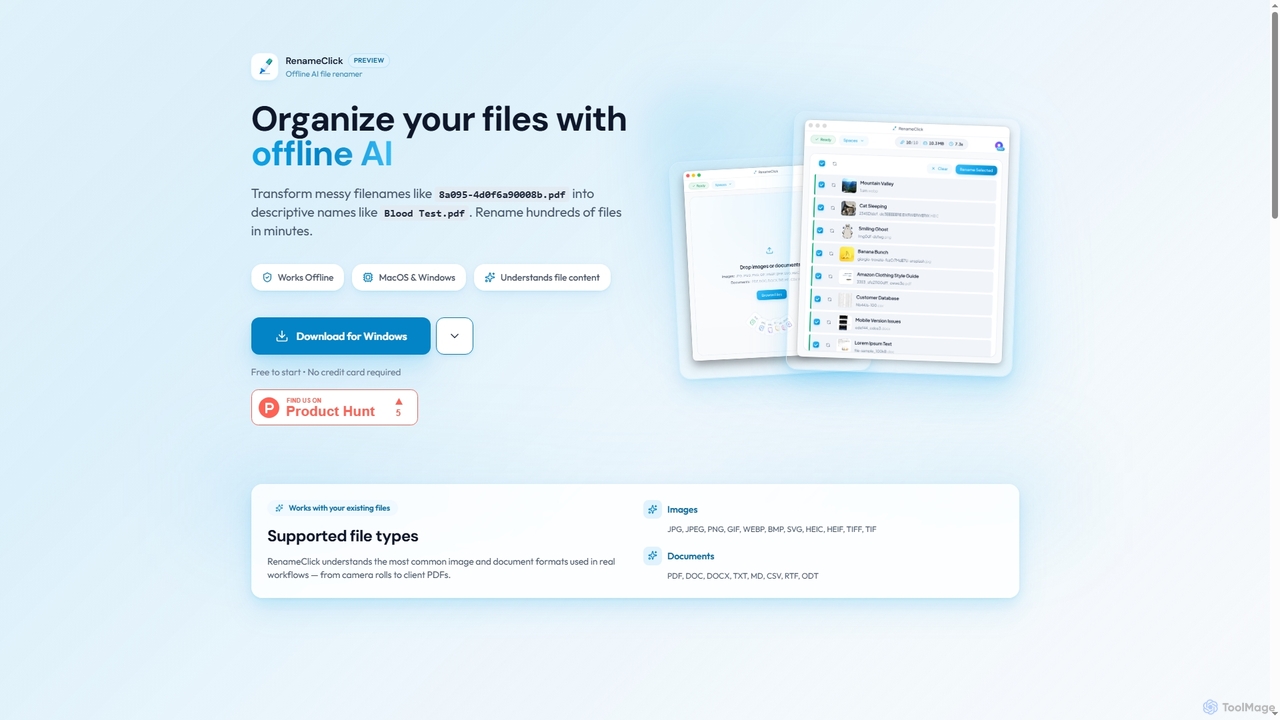
RenameClick is an offline AI file renamer for Mac and Windows that intelligently transforms messy, unorganized filenames into descriptive, clean labels. It leverages local AI to understand file content, enabling efficient batch renaming of hundreds of images and documents while ensuring complete privacy.

Offline Processing
Visits 23.5KFavorites 87Likes 80
Kalycs
Paid

Kalycs

Kalycs is a local-first AI-powered file search and organization tool exclusively for Mac. It helps users quickly find information within their documents, auto-organize downloads, and get instant answers using natural language queries, ensuring privacy by keeping files on-device and leveraging the user's own OpenAI API key for AI features.

Personal Knowledge Base
Visits 5.4KFavorites 84Likes 98
Friday
Paid

Friday

Friday is an AI-powered Mac application designed for intelligent, privacy-first file organization. It scans, classifies, and organizes your digital files locally on your device, transforming chaotic folders into a clean, logical structure automatically.

Desktop Automation
Visits 5.3KFavorites 97Likes 89
Instacut
Free

Instacut

Instacut is a comprehensive, privacy-first suite of AI-powered image editing tools available online for free. It requires no signup and offers features like background removal, image upscaling, photo restoration, format conversion, and file compression, ensuring user data is never stored.

Graphics
Visits 9.1KFavorites 106Likes 101
MemoriesForever
Freemium

MemoriesForever

MemoriesForever is an AI-powered digital photo library designed for lifetime preservation. It automatically organizes photos by person using face recognition, offers secure sharing, and uses professional-grade archival storage as a cost-effective and secure alternative to general cloud services.

Family
Visits 5.9KFavorites 141Likes 143
Imghippo
Free

Imghippo

Imghippo is a free, all-in-one image utility suite offering unlimited image hosting, URL generation, and a variety of powerful editing tools. It allows users to upload, share, compress, convert, and optimize images without quality loss. Its AI-powered background removal feature and user-friendly interface make it ideal for content creators, marketers, and developers.

Api
Visits 80.5KFavorites 145Likes 130
Poly

Poly

Poly is an intelligent cloud file browser designed for the generative age. It leverages multimodal AI to help you store, browse, search, and share your digital creations with unprecedented ease. Search by natural language, enjoy hyper-fast previews, and collaborate in real-time.

Search
Visits 71.2KFavorites 129Likes 150
WinXDVD
Paid

WinXDVD

WinXDVD is a comprehensive software suite featuring the AI-powered Winxvideo AI for video/image enhancement, conversion, and editing, alongside the renowned WinX DVD Ripper for fast digital backups. It leverages GPU acceleration to upscale videos to 4K, stabilize shaky footage, and rip DVDs with exceptional speed and quality, making it an all-in-one solution for modern media management.

File Management
Visits 1.6MFavorites 103Likes 111
Sparkle
Paid

Sparkle

Sparkle is an AI-powered Mac application that automatically organizes your files. It intelligently creates custom folder structures for your Desktop, Downloads, and cloud drives, sorting files into relevant categories. With built-in duplicate detection and a privacy-first approach, Sparkle eliminates digital clutter and saves you hours of manual organization.

Personal Assistant
Visits 22.6KFavorites 120Likes 96
Playbook
Freemium

Playbook

Playbook is an AI-powered visual cloud storage and digital asset management (DAM) platform designed for creatives, teams, and enterprises. It replaces traditional file storage with a dynamic, searchable workspace for images, videos, and design files. Featuring GPT-4 powered search, seamless collaboration tools, one-click publishing for portfolios, and integrated mini-apps for quick edits, Playbook streamlines the entire creative workflow from storage to delivery.

Asset Management
Visits 602.5KFavorites 154Likes 137
Folderr
Freemium

Folderr

Folderr is an AI-powered platform that automates file management and document organization. It intelligently sorts, tags, and categorizes your files from various sources, enabling instant semantic search and streamlined workflows. Transform your digital clutter into an organized, accessible, and intelligent database.

Workflow Automation
Visits 5.4KFavorites 80Likes 88
Tenorshare
Freemium

Tenorshare

Tenorshare offers a comprehensive suite of software solutions for data recovery, system repair, password unlocking, and device management for iOS, Android, Windows, and Mac. It integrates AI to enhance productivity with tools for PDF editing, content humanizing, and more.

System Repair
Visits 2.5MFavorites 139Likes 136
Ai Photo Sorter
Free

Ai Photo Sorter

A privacy-first, AI-powered web application that helps you efficiently organize local photo collections. Create custom categories, sort images, and detect duplicates securely on your own computer without uploading any data.

Photo Organization
Visits 8KFavorites 119Likes 116
optimusdrive
Freemium

optimusdrive

An AI-powered media processing platform offering a suite of tools for video and image optimization. It specializes in high-quality compression, resolution upscaling to 4K, and advanced facial enhancement to transform your media assets for web and streaming.

Image Enhancement
Visits 5.4KFavorites 100Likes 106
CompressJPG
Free

CompressJPG

A free, secure online image compressor that supports batch processing of up to 1000 files. It handles JPG, PNG, WebP, GIF, and more, performing all compression directly in your browser to ensure 100% privacy. No sign-up is required. Instantly reduce image file sizes while maintaining quality, perfect for web developers, photographers, and social media users.

Web Development
Visits 8.6KFavorites 105Likes 113
Filezen
Freemium

Filezen

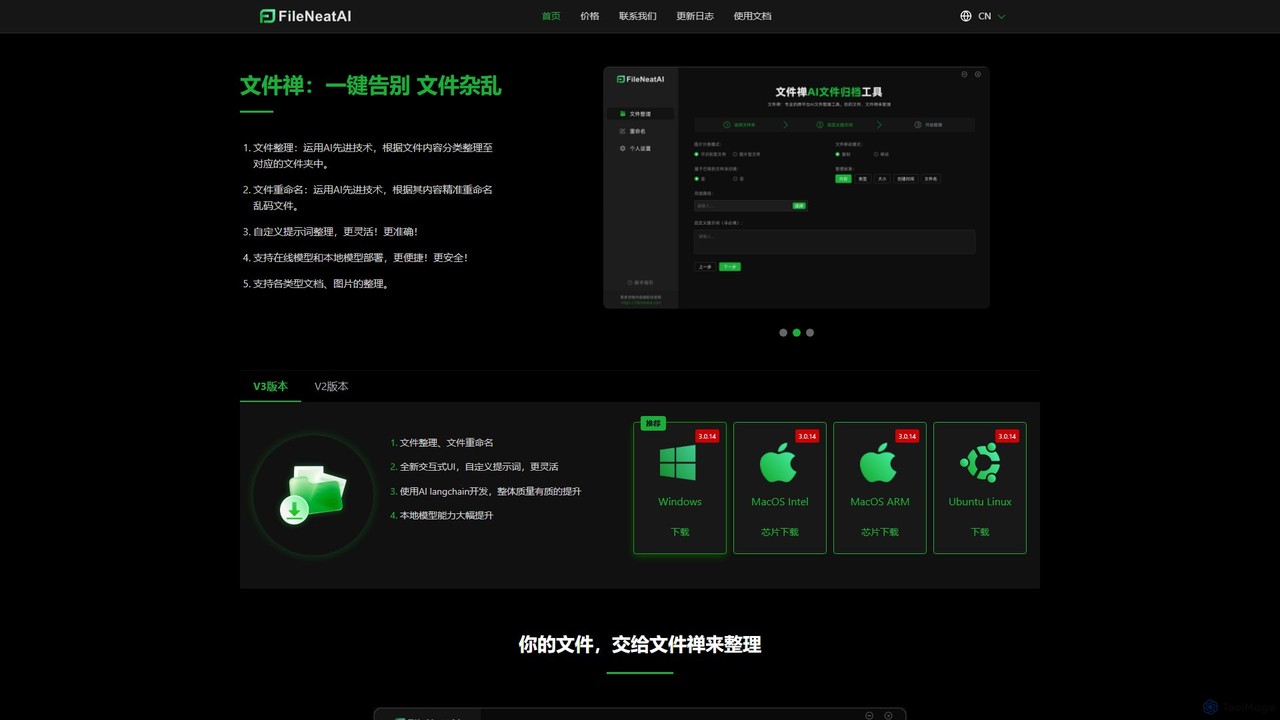
Filezen is an AI-powered desktop application that automatically organizes messy files and renames them based on their content. It supports custom prompts for flexible sorting, works with various document and image types, and offers local model deployment for enhanced privacy.

Organization
Visits 6.9KFavorites 87Likes 106
Riffo
Freemium

Riffo

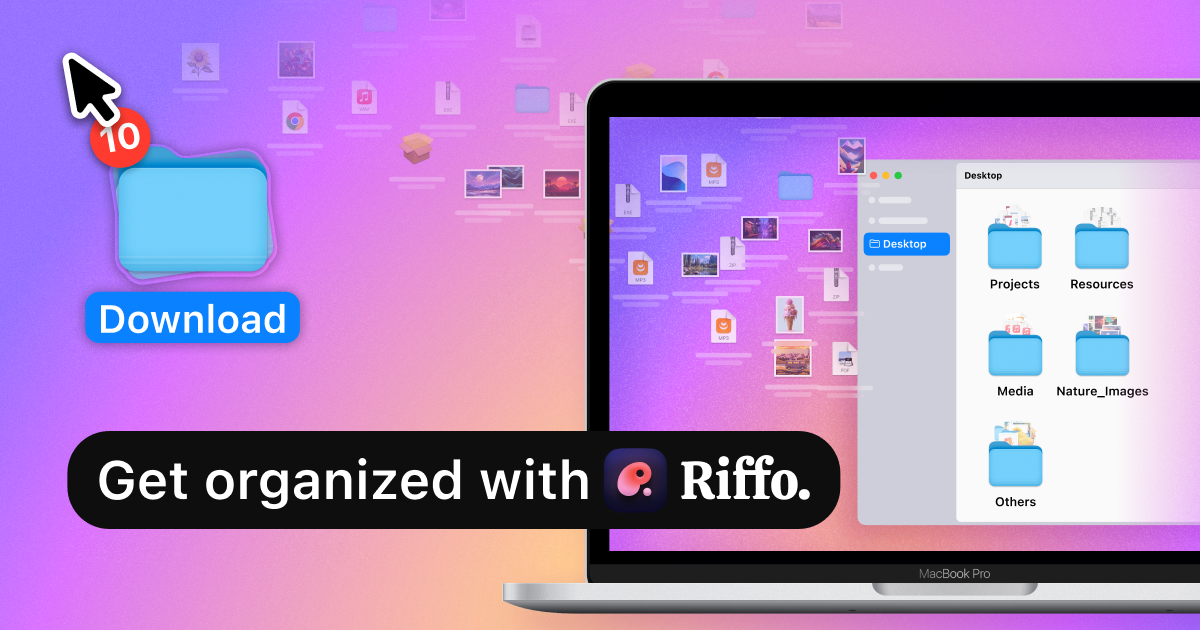
Riffo is an AI-powered file management tool for Mac that automatically renames and organizes your files. It intelligently analyzes file content, including text in images and documents, to generate descriptive names and sort them into relevant subfolders, transforming a cluttered desktop into an organized digital workspace.

Workflow
Visits 11.7KFavorites 145Likes 150
Camp

Camp

Camp is an intelligent screenshot management tool for macOS and iOS. It uses AI to automatically title and tag your screenshots, transforming your cluttered capture folder into a searchable, organized library. It's built for privacy with all data stored locally.

Inspiration
Visits 5.3KFavorites 150Likes 132
OrgaFile
Paid

OrgaFile

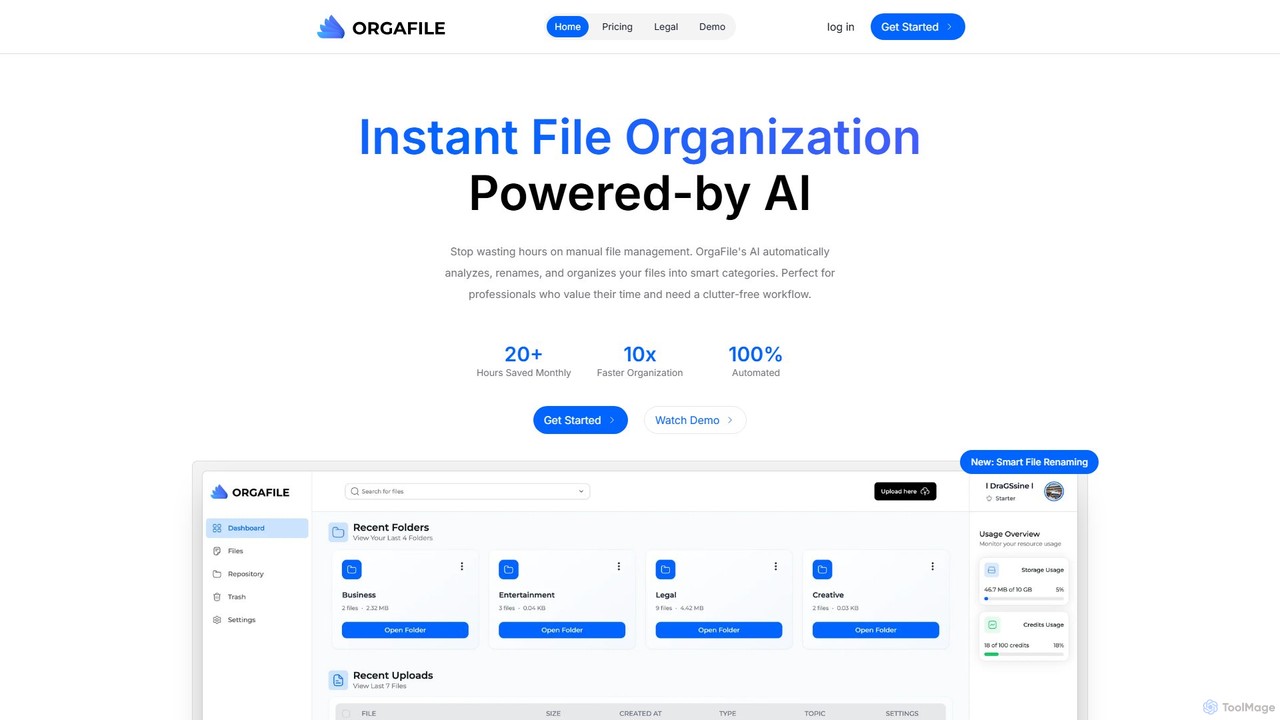
OrgaFile is an AI-powered tool that automatically analyzes, renames, and organizes your files into smart, customizable categories. Designed for professionals and individuals, it saves hours of manual work, enhances productivity with a 10x faster organization process, and ensures your digital workspace remains clutter-free and secure.

Workflow
Visits 5.4KFavorites 131Likes 135
ConvertFiles.ai
Freemium

ConvertFiles.ai

ConvertFiles.ai is an AI-powered online tool for fast, high-quality image file conversion. It supports various formats like PNG, JPEG, WEBP, and HEIC, offering a seamless, user-friendly experience without any software installation. It's ideal for developers, marketers, and individuals.

Api
Visits 8.2KFavorites 133Likes 128
FileFolder
Freemium

FileFolder

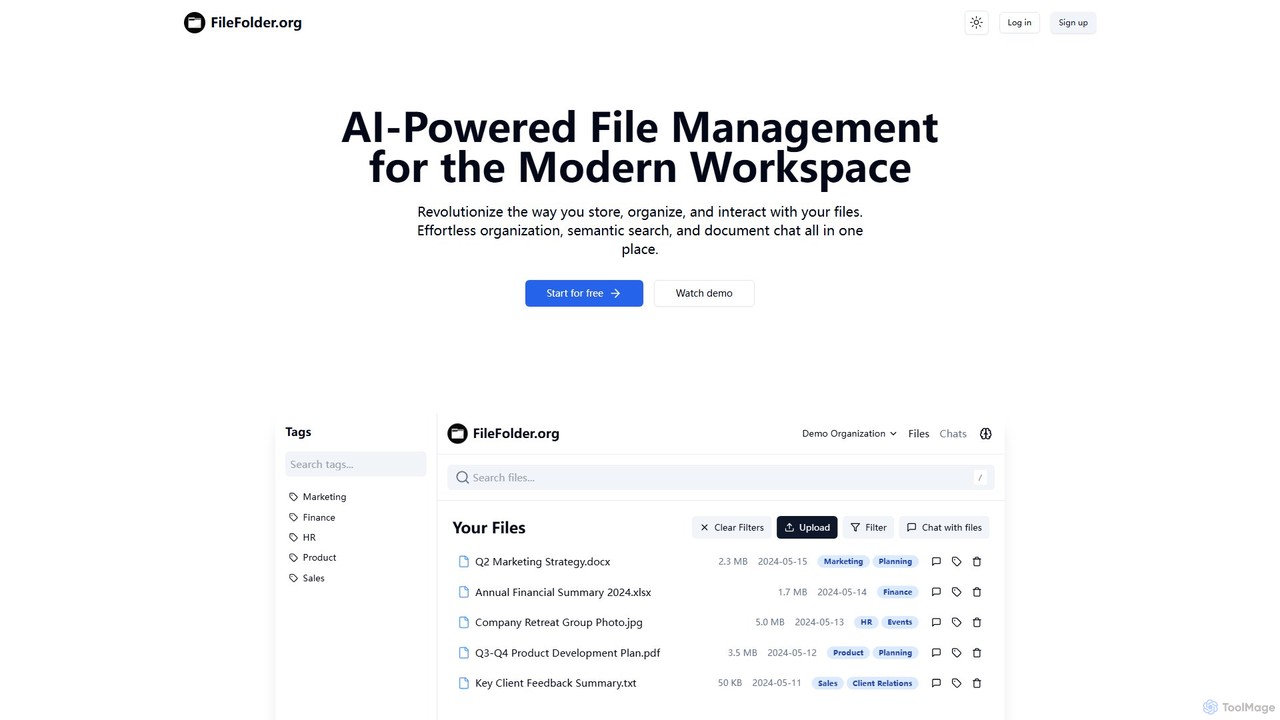
FileFolder is an AI-powered file management platform that intelligently organizes, searches, and automates your digital files. It uses AI to automatically categorize documents, extract key data, and provide powerful semantic search, transforming your cluttered folders into a smart, accessible library.

Document Management
Visits 5.5KFavorites 136Likes 160

About File Management

AI File Management tools are applications that use artificial intelligence to intelligently organize, search, and manage digital files. They go beyond traditional storage by leveraging technologies like natural language processing (NLP) to understand the content and context of documents, images, and videos. This enables users to instantly find information through semantic search, automate tedious organization tasks, and uncover insights hidden within their data. As a core component of modern productivity, these tools transform cluttered digital archives into accessible knowledge bases.

Core Features

  • Semantic Search: Find files based on their meaning and context, not just exact keywords.
  • Automated Tagging & Organization: AI analyzes content to automatically apply relevant tags and sort files into folders.
  • Content Summarization: Instantly generate concise summaries of documents, articles, and reports without opening them.
  • Intelligent Duplicate Detection: Identify and manage duplicate or near-duplicate files, even if they have different names.
  • Smart Workflow Automation: Create rules to automatically process new files, such as renaming or routing them based on content.

Use Cases

These tools are ideal for legal firms managing vast case files, marketing teams organizing creative assets, and research institutions archiving academic papers. Any knowledge worker or organization struggling with information overload can benefit from intelligent file organization and retrieval, making them a foundational productivity tool.

How to Choose

When selecting a tool, consider its search accuracy and speed, the types of files it supports (text, image, video), and its integration capabilities with your existing cloud storage like Google Drive or Dropbox. Also, evaluate its security protocols, data privacy policies, and the intuitiveness of its user interface for your team's needs.

Featured tool rankings

File Management use cases

1

Streamlining Legal Case Document Review

Legal paralegals and attorneys often manage thousands of documents per case. Instead of manually reading each file, they use an AI File Management tool to perform semantic searches like 'find all depositions mentioning the contract breach'. The tool automatically categorizes evidence, flags duplicate documents, and summarizes long reports, significantly reducing review time and ensuring no critical information is missed during discovery.

2

Organizing a Large Creative Asset Library

A marketing team for a global brand deals with thousands of images, videos, and design files. An AI File Management tool uses computer vision to automatically tag assets with objects, colors, and themes (e.g., 'logo', 'product shot', 'lifestyle image'). This allows designers to instantly find the right visual for a campaign instead of browsing through poorly named folders, accelerating content creation and ensuring brand consistency.

3

Building a Centralized Research Knowledge Base

Academic researchers or R&D departments collect hundreds of scientific papers and data sets. An AI tool ingests these PDFs and documents, making the entire library searchable via natural language questions. It can summarize key findings, identify connections between different research topics, and help researchers quickly build upon existing knowledge without needing to re-read entire documents, fostering innovation.

4

Automating Invoice and Receipt Processing

A small business owner is overwhelmed with financial documents. They connect their email and cloud storage to an AI File Management tool. The tool automatically identifies incoming invoices and receipts, extracts key information like vendor name, date, and amount, renames the files to a standard format (e.g., '2024-10-26_Vendor_Invoice.pdf'), and moves them to a designated 'Accounts Payable' folder for easy processing.

5

Managing Personal Digital Archives

A freelance writer or consultant has years of project files, notes, and articles scattered across different drives. They use an AI File Management tool to create a unified, searchable archive. They can ask 'show me all articles I wrote about AI in 2022' or 'find the contract with Client X'. The tool helps them repurpose old content and quickly locate important information without remembering exact file names or locations.

6

Enhancing Enterprise-Wide Information Discovery

In a large corporation, critical information is often siloed in different departments' drives (e.g., SharePoint, Google Drive). An enterprise-grade AI File Management system connects to all these sources. An employee can search for 'technical specifications for Product Z' and instantly get results from engineering's documentation, marketing's brochures, and support's knowledge base, breaking down information silos and improving cross-functional collaboration.

File Management FAQ

What are AI File Management tools?

AI File Management tools are applications that use artificial intelligence to automatically organize, search, and understand the content of your digital files. Unlike traditional file managers that rely on folder structures and names, these tools analyze the actual content (text, images, audio) to enable powerful features like semantic search, automated tagging, and content summarization. They effectively turn a chaotic collection of files into an intelligent, searchable knowledge base.

How do AI File Management tools differ from cloud storage like Google Drive?

Cloud storage services primarily focus on storing, syncing, and sharing files. AI File Management tools are a layer of intelligence built on top of your storage. While Google Drive has basic search, AI tools offer deep, content-aware semantic search and automatic categorization. Many AI File Management tools integrate directly with services like Google Drive or Dropbox to enhance their capabilities, not to replace them. They add the 'how to find and understand' function to the 'where to store' function of cloud storage.

Who should use AI File Management tools?

These tools are highly beneficial for individuals and teams who handle a large volume of digital information. This includes legal professionals managing case files, marketing teams organizing creative assets, researchers archiving papers, and businesses looking to create a central knowledge hub. Any knowledge worker who spends significant time searching for files or manually organizing them can see a substantial productivity boost.

What are the key features to look for in an AI File Management tool?

When choosing a tool, evaluate the following key features:

  • Search Capabilities: Does it support semantic search and natural language queries for intuitive information retrieval?
  • File Compatibility: Can it process a wide range of file types, including PDFs, documents, images, and videos?
  • Integrations: Does it connect seamlessly with your existing cloud storage (e.g., Google Drive, Dropbox) and other productivity apps?
  • Automation: Does it offer customizable rules for automatic tagging, renaming, and sorting to reduce manual work?
  • Security: What measures are in place to protect your data privacy and ensure secure access?
How does AI File Management improve overall productivity?

AI File Management improves productivity by drastically reducing the time spent searching for and organizing information. Instead of remembering file names or folder locations, users can find what they need instantly with simple, conversational queries. Automation handles tedious tasks like tagging and sorting, freeing up users to focus on higher-value work. By making information more accessible and discoverable, it also facilitates better decision-making and knowledge sharing within teams, which are key aspects of overall productivity.