

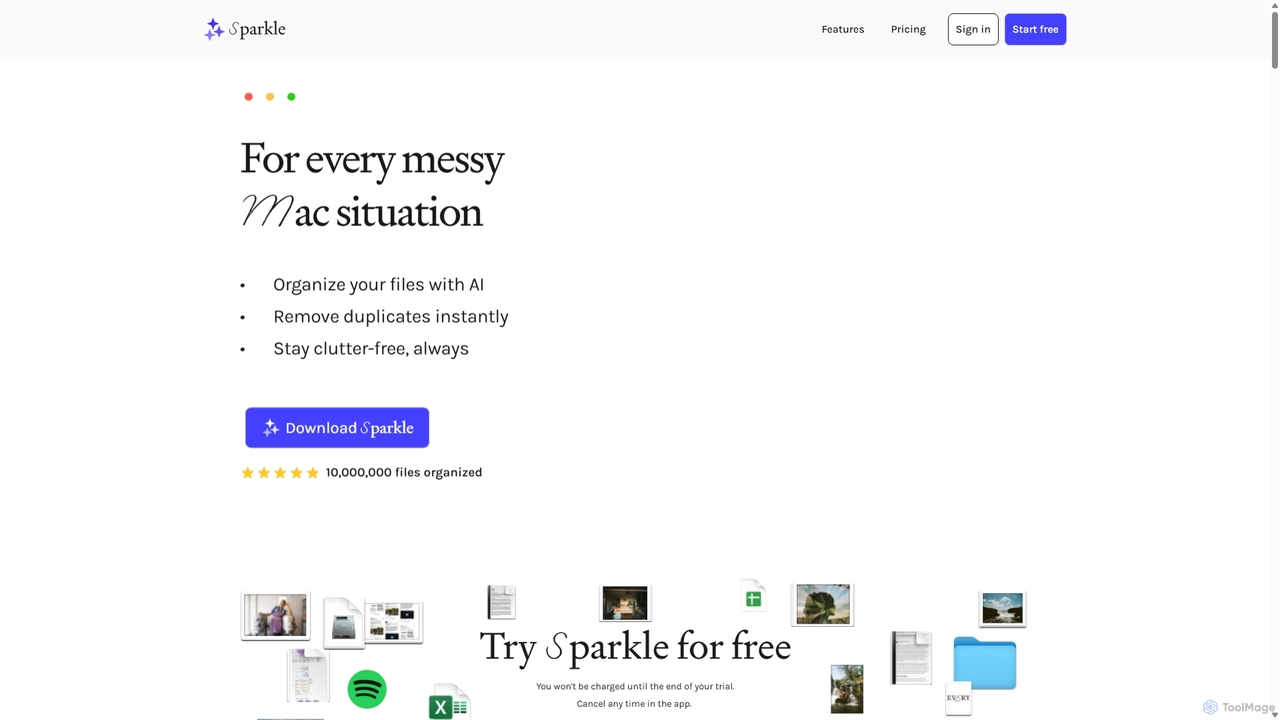
Sparkle Overview
Sparkle is a revolutionary AI-powered application designed exclusively for Mac users to combat digital clutter and reclaim valuable time. It transforms your messy folders—like Desktop, Documents, and the notorious Downloads folder—into a perfectly organized, self-managing system. By leveraging artificial intelligence, Sparkle analyzes your files and creates a customized, intuitive folder structure tailored to your specific needs, eliminating the tedious task of manual sorting forever.
Say goodbye to digging through chaotic folders. Sparkle not only organizes your existing files but also continuously monitors your designated folders to sort new files as they arrive. It's a 'set it and forget it' solution that works silently in the background, ensuring your digital workspace remains pristine. The tool is also compatible with major cloud storage services like Google Drive, Dropbox, and Box, as well as external hard drives, bringing intelligent organization to all your files, no matter where they are stored.
How to use Sparkle
Getting started with Sparkle is simple and intuitive:
- Download and Install: First, download the Sparkle application from the official website and install it on your Mac.
- Select Folders: Launch the app and choose which folders you want Sparkle to manage. You can select standard folders like Desktop, Documents, and Downloads, or add any custom folder, including those from cloud services or external drives.
- Create a Smart Folder: Sparkle will turn your selected folder into a 'Smart Folder'. Instantly, it will create a unique sub-folder structure within it based on an AI analysis of the types of files you have. This structure typically includes an 'AI Library' for automatically sorted files, a 'Manual Library' for files you wish to manage yourself, and a 'Recents' folder for new arrivals before they are sorted.
- Automatic Organization: Sparkle immediately begins organizing all the loose files into the newly created sub-folders. From this point on, any new file saved to that location will be automatically sorted, keeping your system perpetually organized without any manual effort.
Core Features of Sparkle
- AI-Powered Organization: Utilizes AI to analyze filenames and create a logical, customized folder structure for any directory.
- Automatic Sorting: Once set up, Sparkle continuously organizes new and existing files, operating on a 'set it and forget it' principle.
- Built-in Duplicate Detection: Scans your managed folders to find and flag true duplicate files, even if they have different names, helping you free up disk space.
- Cloud & External Drive Support: Seamlessly integrates with Google Drive, Dropbox, Box, iCloud Drive, and external hard drives, unifying your file organization across all storage locations.
- Privacy-First Architecture: Sparkle runs locally on your Mac. It only uses filenames for organization and never reads, opens, or uploads the content of your files. Filename data is deleted from its system every 30 days.
- Customizable Libraries: Creates a smart structure with an 'AI Library' for automated sorting and a 'Manual Library' to give you full control over specific files you don't want the AI to touch.
Use Cases for Sparkle
Sparkle is ideal for a wide range of Mac users:
- Creative Professionals: Designers, writers, and video editors can keep their project files, assets, drafts, and screenshots neatly organized without interrupting their creative flow.
- Business Professionals: Managers and analysts can maintain tidy folders for reports, presentations, spreadsheets, and downloaded research materials, ensuring quick access to important documents.
- Students and Academics: Organize lecture notes, research papers, assignments, and digital textbooks into a coherent structure, making study and research more efficient.
- General Mac Users: Anyone struggling with a cluttered Downloads or Desktop folder can transform the chaos into a perfectly structured and easily navigable file system.
Advantages of Sparkle
Using Sparkle provides significant benefits:
- Time Savings: Eliminates hours of manual file sorting and searching, with users reporting an average saving of 3.5 hours per week.
- Increased Productivity: Find any file in seconds with an intuitive folder system, allowing you to focus on more important tasks.
- Reduced Digital Clutter: Maintain a clean and organized digital environment, which can reduce stress and improve focus.
- Effortless Maintenance: The automated system ensures your files stay organized over the long term with zero ongoing effort.
- Enhanced Security & Privacy: Your files remain on your device, and their contents are never accessed, ensuring your data stays private and secure.
Pricing and Plans
Sparkle offers a 15-day free trial to experience its full capabilities. After the trial, you can choose from several plans:
- Monthly Plan: $10 per month, billed monthly.
- Yearly Plan: $99 per year (equivalent to $8.25/month), saving you $21 annually.
- Lifetime Plan: $179 for a one-time purchase, giving you lifetime access to the Mac app.
- Every Bundle: For $30/month, get full access to Sparkle and the entire suite of Every tools, including Cora, Spiral, and Lex, plus the Every content library.
All paid plans include unlimited file organizations and the ability to cancel anytime directly within the app.
Traffic
Latest traffic
Status
Monthly traffic trend
- 2025-9: 31.2K
- 2026-1: 49.6K
- 2026-2: 32.5K
- 2026-3: 32.8K
- 2026-4: 19.5K
- 2026-5: 17.0K
Geography
Top 5 countries / regions
- 🇺🇸United States47.6%
- 🇮🇳India18.6%
- 🇧🇷Brazil13.0%
- 🇩🇪Germany12.9%
- 🇦🇺Australia7.8%
Traffic sources
| Source type | Percentage |
|---|---|
Direct | 76.5% |
Referral | 22.1% |
Email | 1.4% |
Top keywords
| Keyword | Cost per click |
|---|---|
| is any app which can access my files and reorganize them as per folders | $0.00 |
| makeitsparkle | $0.00 |
| sparkle files mac | $0.00 |
| sparkle mac | $0.00 |
| sparkle macbook | $0.00 |
Sparkle Alternatives
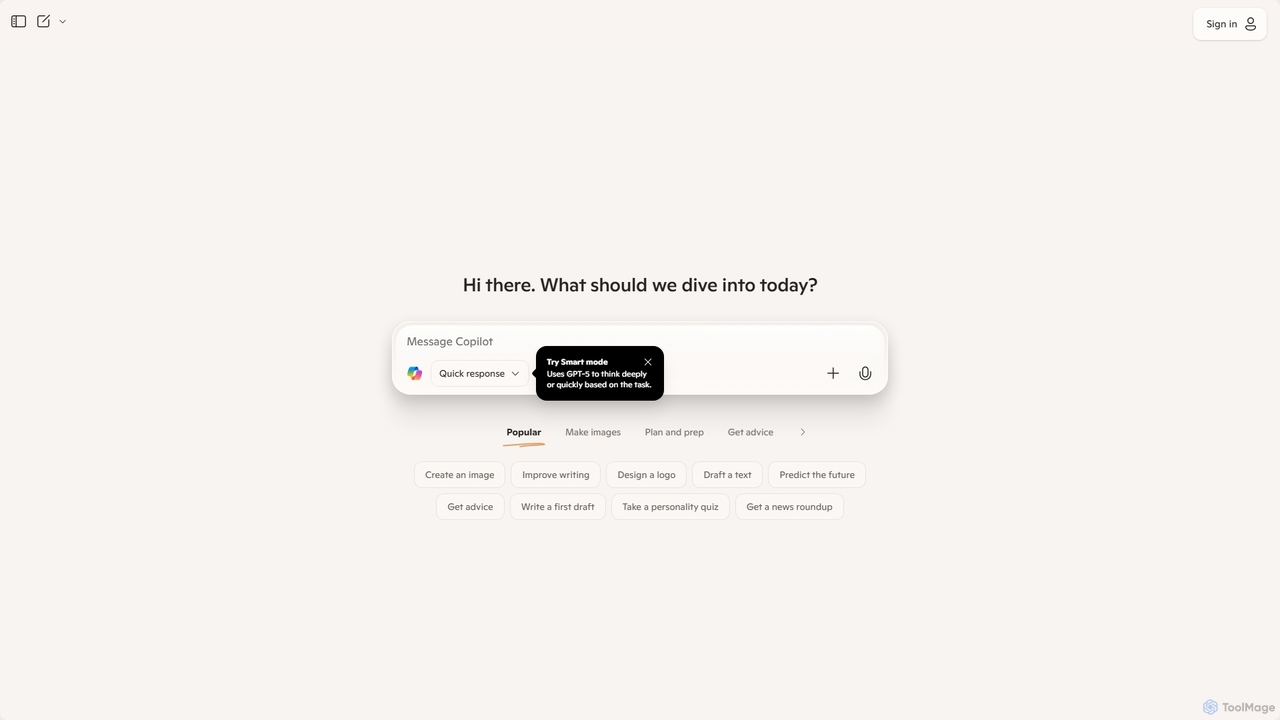
Microsoft Copilot
Microsoft Copilot is your everyday AI companion, enhancing productivity and creativity. It provides intelligent search, content generation, and image creation capabilities by leveraging the latest AI models like GPT-4 and DALL-E 3. Integrated across the Microsoft ecosystem, it assists with writing, coding, planning, and design tasks.
Image Generator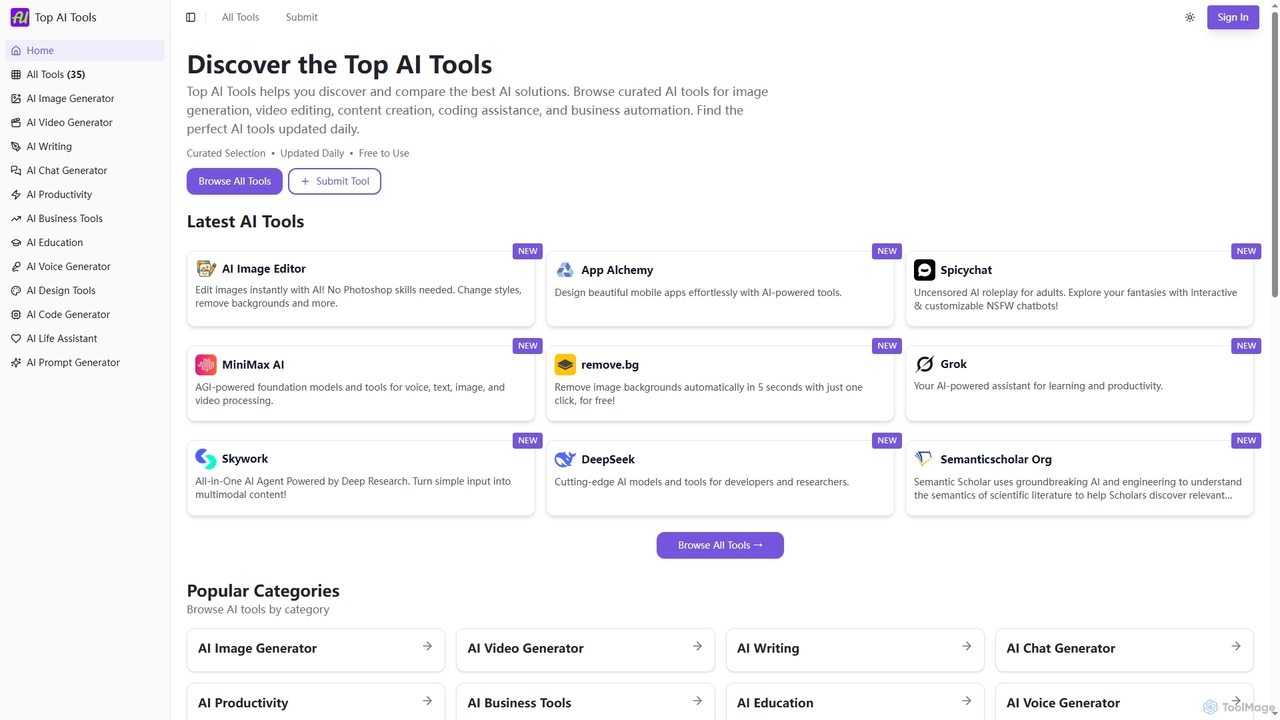
Top AI Tools
Top AI Tools is a comprehensive, free-to-use directory that helps users discover, compare, and explore the best AI-powered software solutions across various categories. It provides curated listings, detailed information on features and pricing, and daily updates to simplify the search for the perfect AI tool for any need.
Discovery
Gearcaliber
Gearcaliber is a comprehensive AI tool discovery platform and directory. It helps users find, compare, and select the best AI tools for various tasks by providing detailed profiles, user reviews, and advanced filtering options, simplifying the process of navigating the complex AI landscape.
Research
2-b.ai
2-b.ai is a browser-based AI To-Do list extension that seamlessly transforms any web context into manageable tasks. It offers AI-powered task creation, breakdown, and an AI chat for workflow organization, integrating with Google Calendar to enhance productivity directly within your browser.
Workflow Automation
Iris
Iris is a seamless AI assistant for macOS, designed to integrate into your workflow. It provides instant access to top AI models like GPT-4o and Claude 3.5, allowing you to chat, capture your screen for context, and get answers without ever leaving your current application. With intuitive gestures and powerful shortcuts, Iris is there when you need it and invisible when you don't.
Coding AssistantSparkle Categories
Sparkle Jobs
Sparkle Embed Widget
Copy this embed code to place the badge on your blog, article, or product site and send readers directly to this ToolMage detail page.

Related AI tools
Microsoft Copilot
Microsoft Copilot is your everyday AI companion, enhancing productivity and creativity. It provides intelligent search, content generation, and image creation capabilities by leveraging the latest AI models like GPT-4 and DALL-E 3. Integrated across the Microsoft ecosystem, it assists with writing, coding, planning, and design tasks.
Image Generator2-b.ai
2-b.ai is a browser-based AI To-Do list extension that seamlessly transforms any web context into manageable tasks. It offers AI-powered task creation, breakdown, and an AI chat for workflow organization, integrating with Google Calendar to enhance productivity directly within your browser.
Workflow AutomationIris
Iris is a seamless AI assistant for macOS, designed to integrate into your workflow. It provides instant access to top AI models like GPT-4o and Claude 3.5, allowing you to chat, capture your screen for context, and get answers without ever leaving your current application. With intuitive gestures and powerful shortcuts, Iris is there when you need it and invisible when you don't.
Coding Assistant
Side Space
Side Space is a powerful AI assistant that integrates seamlessly into your desktop workflow. It operates from a convenient sidebar, providing instant access to AI-powered tools for writing, coding, and general productivity without ever leaving your current application. Enhance your efficiency with contextual actions on selected text and customizable commands.
Code AssistantTop AI Tools
Top AI Tools is a comprehensive, free-to-use directory that helps users discover, compare, and explore the best AI-powered software solutions across various categories. It provides curated listings, detailed information on features and pricing, and daily updates to simplify the search for the perfect AI tool for any need.
DiscoveryGearcaliber
Gearcaliber is a comprehensive AI tool discovery platform and directory. It helps users find, compare, and select the best AI tools for various tasks by providing detailed profiles, user reviews, and advanced filtering options, simplifying the process of navigating the complex AI landscape.
Research
Ai Toolify
ai_toolify is a comprehensive AI tool directory designed to help users discover, compare, and select the best artificial intelligence tools for any task. It features a curated and constantly updated database of AI applications across various categories, from content creation to software development.
Tool Discovery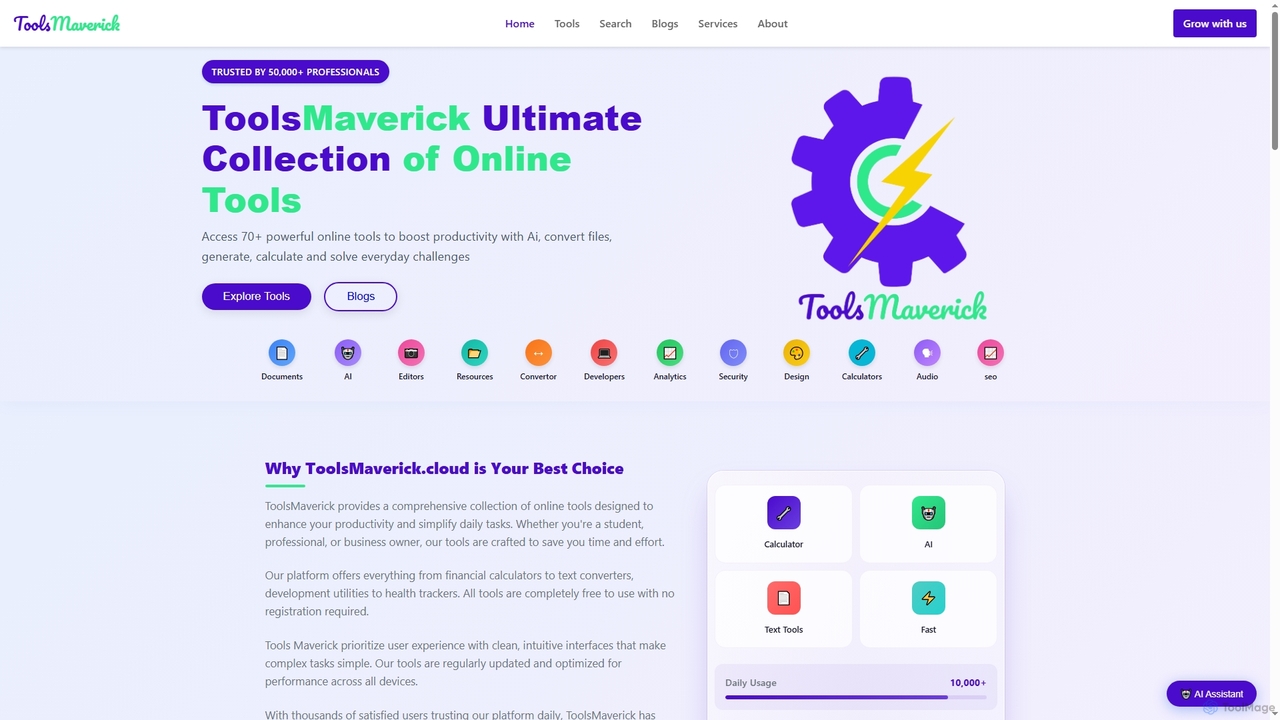
ToolsMaverick
ToolsMaverick is a comprehensive, free online platform offering over 70 diverse utilities, including powerful AI tools, calculators, converters, SEO aids, and development tools. Designed for simplicity, it requires no sign-up, features no ads, and provides immediate access to enhance productivity for professionals, students, and everyday users.
Content Analysis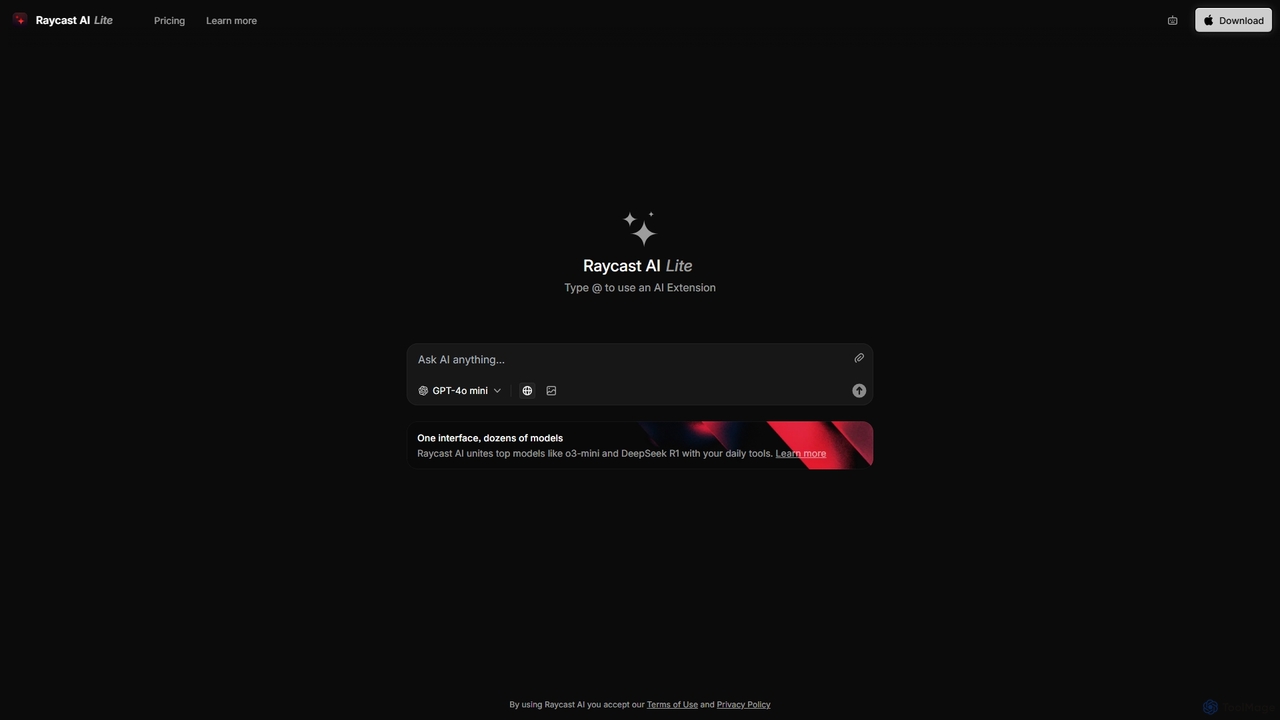
Raycast
Raycast is a blazingly fast, extensible launcher for macOS that supercharges your productivity. It acts as a central command bar to control your tools, with integrated AI, an extensive extension store, and powerful built-in features like window management and clipboard history. It's designed to reduce context switching and keep you in the flow.
Personal Assistant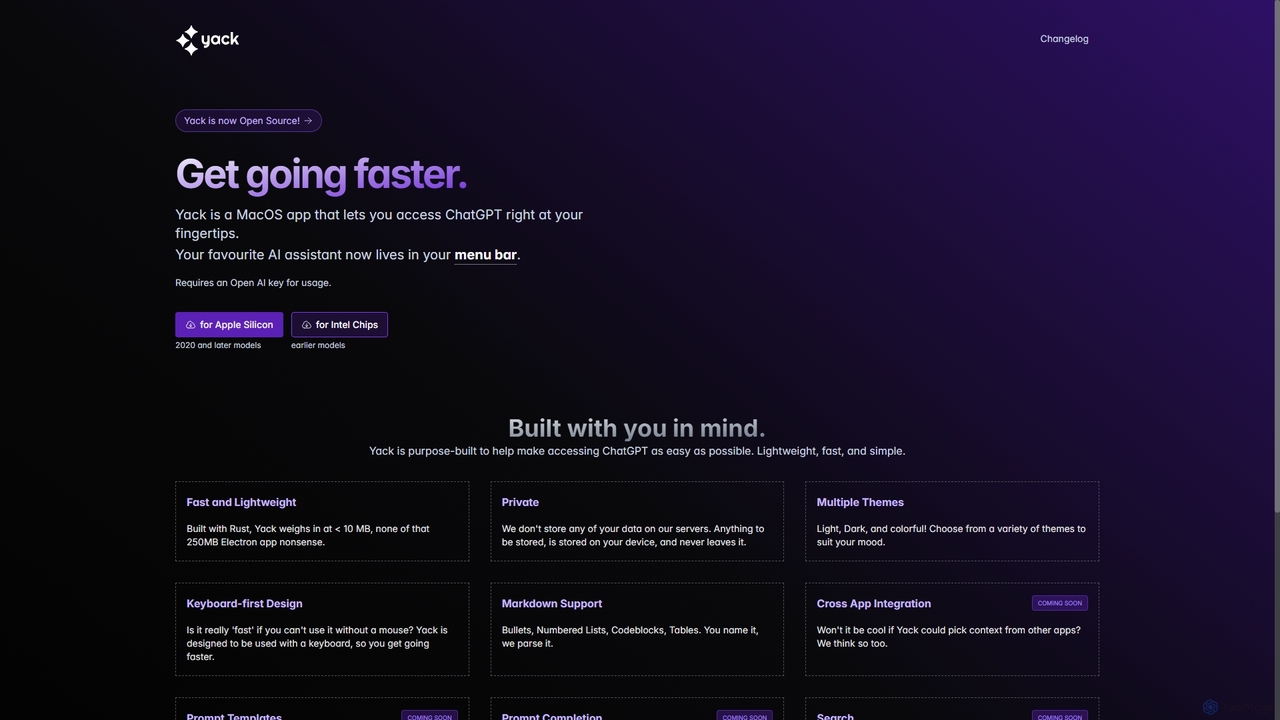
Yack
Yack is a lightweight, fast, and private open-source native macOS application that provides instant access to ChatGPT directly from your menu bar. Built with Rust, it's designed for efficiency with a keyboard-first approach, ensuring you can interact with AI without disrupting your workflow.
Api Client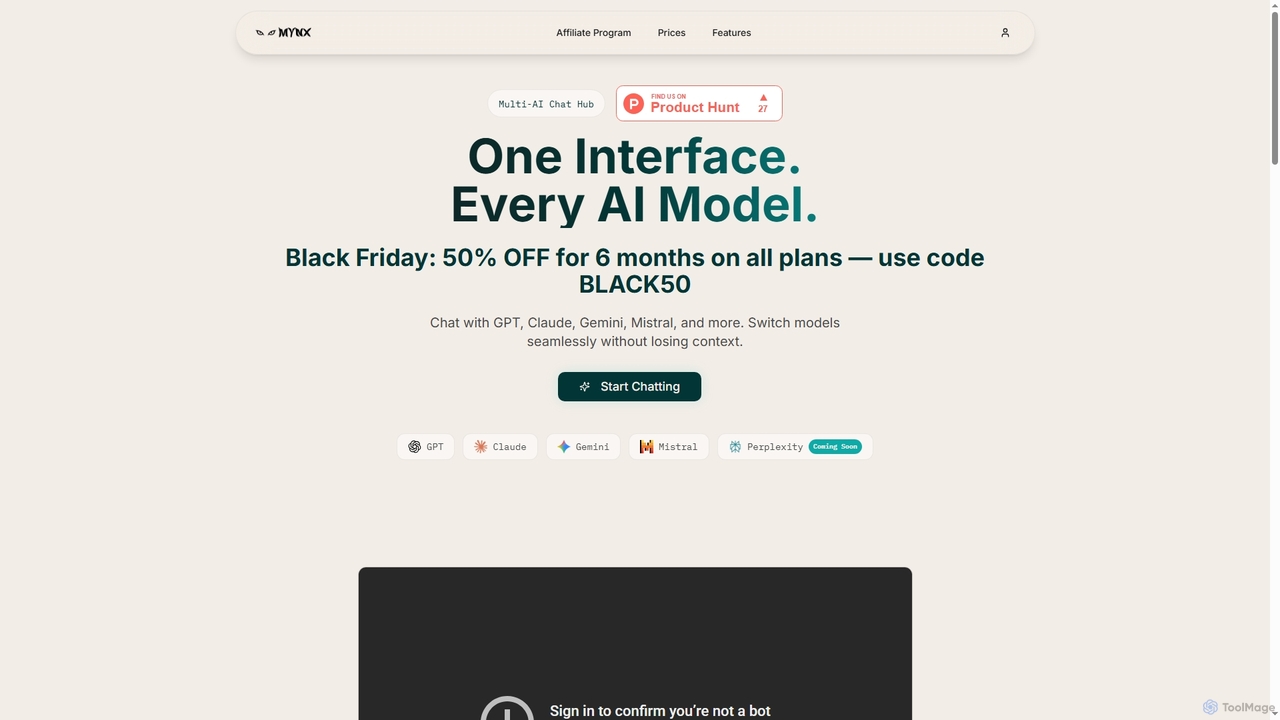
Mynx
Mynx is a multi-AI chat hub that provides a unified interface to access leading AI models like GPT, Claude, Gemini, and Mistral. Switch between models seamlessly in a single conversation without losing context, enhancing productivity and workflow efficiency.
Unified Api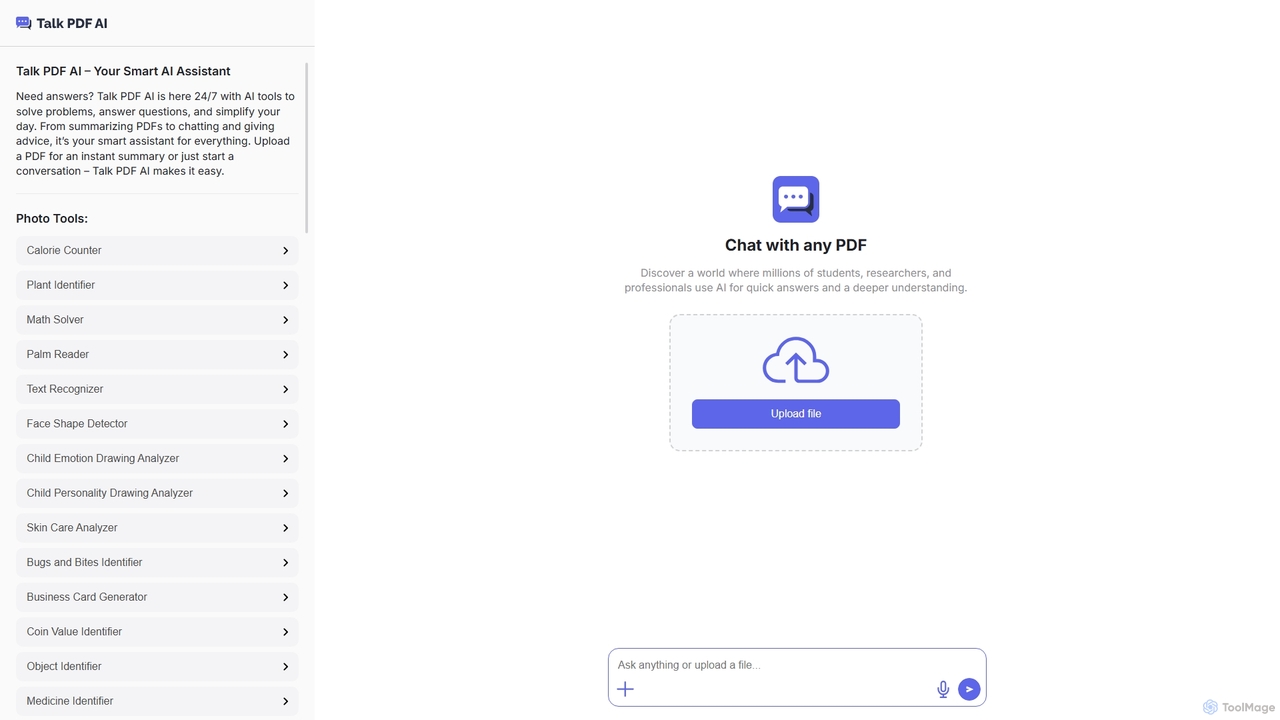
TalkPDF
TalkPDF is an intelligent AI assistant designed to simplify daily tasks by offering a wide array of tools. It excels at interacting with PDFs, providing instant summaries, answering questions, and facilitating conversations. Beyond PDF capabilities, it integrates numerous AI-powered photo, text, and audio tools for diverse needs.
Writing Assistant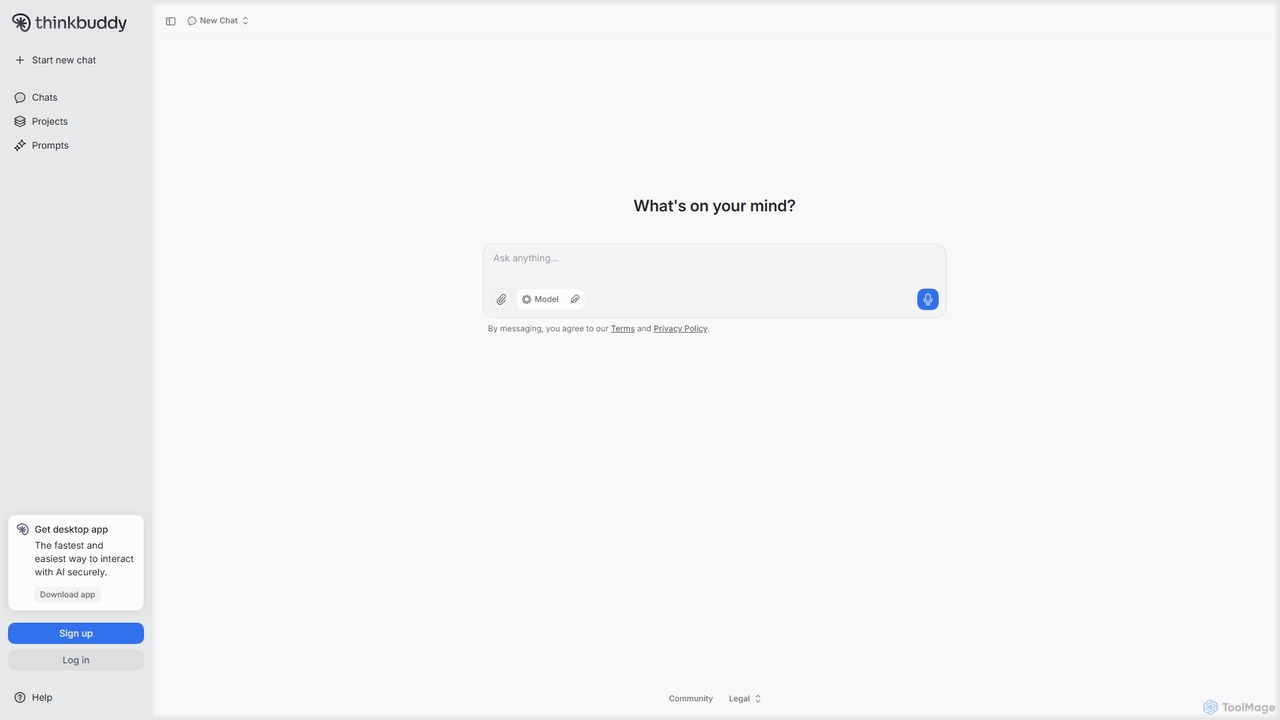
Thinkbuddy
Thinkbuddy is a native desktop AI client designed for fast, secure, and organized interaction with multiple AI models. It acts as a unified workspace, allowing you to switch between models like GPT-4o, Claude 3, and Llama 3, manage conversations in projects, and save prompts in a library for a streamlined workflow.
Code Assistant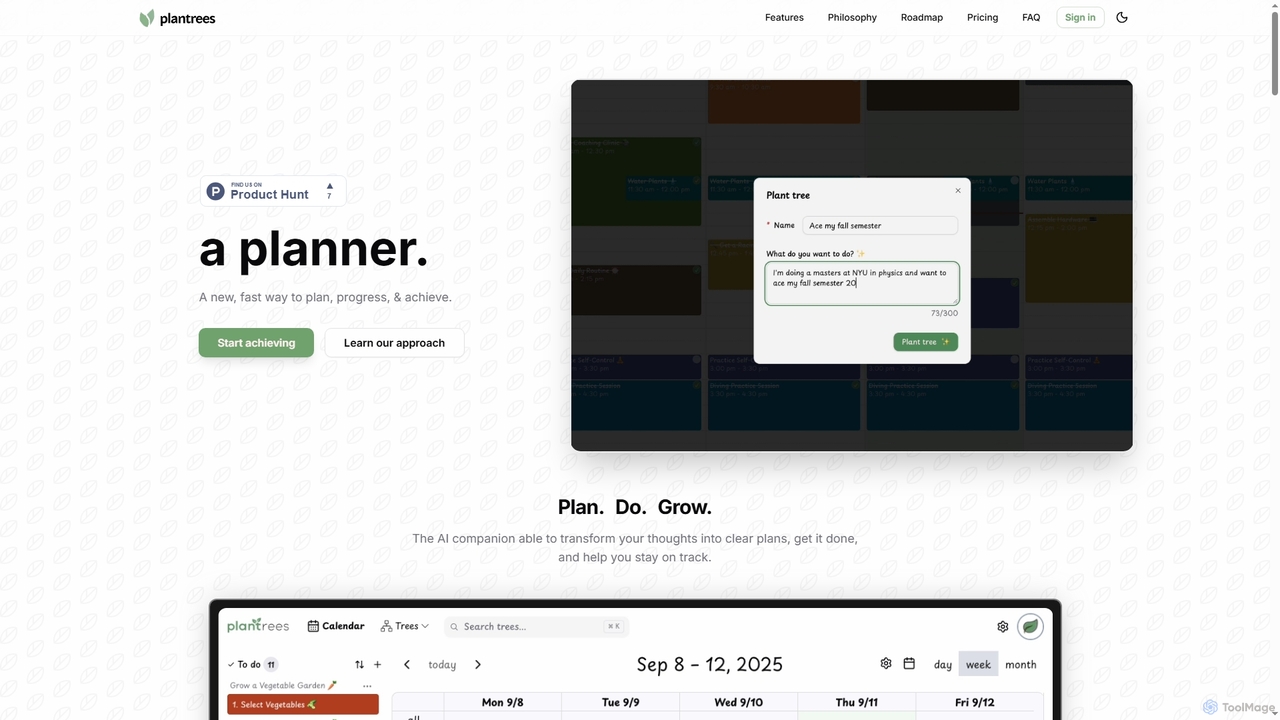
Plantrees
An AI-powered planner that transforms your thoughts and goals into actionable plans using a visual tree structure. It helps you strategize with natural language, manage tasks on a calendar, and track progress with analytics to ensure continuous growth and achievement.
Goal Setting
MindWhisper
MindWhisper is a powerful and intuitive interface for ChatGPT, designed to transform your AI interactions into a structured, personal knowledge base. It acts as your AI second brain, allowing you to organize chats into folders, manage prompts, and build a persistent memory for more context-aware and productive conversations.
Personal Knowledge Base
Sparkle Comments (0)
Sign in to comment.
Sign inNo comments yet.