


Thinkbuddy Overview
Thinkbuddy positions itself as your 'Compass in the AI Universe,' offering a powerful and streamlined native desktop application to interact with a wide array of AI models. It is designed to be the fastest, easiest, and most secure way to leverage the power of artificial intelligence, moving beyond the limitations of browser-based interfaces. By consolidating access to various leading LLMs into a single, organized workspace, Thinkbuddy enhances productivity for developers, writers, marketers, and anyone who relies on AI for their daily tasks.
The core philosophy of Thinkbuddy is to provide a superior user experience through a native application. This approach ensures faster performance, deeper integration with your operating system (like global hotkeys), and a more stable, focused environment free from browser tab clutter. The platform emphasizes security, giving users more control over their data and interactions. With features like project-based organization and a reusable prompt library, Thinkbuddy transforms chaotic AI chats into structured, efficient workflows.
How to use Thinkbuddy
Getting started with Thinkbuddy is a straightforward process designed for maximum efficiency:
- Download and Install: Visit the official Thinkbuddy website and download the desktop application for your operating system (macOS or Windows).
- Create an Account: Sign up for a Thinkbuddy account to sync your projects, prompts, and chat history.
- Connect AI Models: In the settings, you can add your own API keys for various AI providers (like OpenAI, Anthropic, etc.) or use the models provided through Thinkbuddy's plans.
- Start a Chat: Initiate a new conversation. You can easily select which AI model you want to use for that specific chat from a dropdown menu, allowing you to compare responses or use the best model for the task.
- Organize with Projects: Group related chats into 'Projects.' For example, you can create a project for 'Marketing Copy,' 'Software Development,' or 'Research Papers' to keep your work organized.
- Build Your Prompt Library: Save your most effective prompts in the 'Prompts' section. You can categorize them and quickly reuse them in any chat, ensuring consistent and high-quality outputs.
- Use System-Wide Shortcuts: Configure and use global hotkeys to bring up Thinkbuddy from any application, allowing you to quickly ask a question or get assistance without interrupting your flow.
Core Features of Thinkbuddy
- Multi-Model Support: Seamlessly switch between a variety of leading AI models, including OpenAI's GPT series (GPT-4o, GPT-3.5), Anthropic's Claude 3 family (Opus, Sonnet, Haiku), Llama 3, and more.
- Native Desktop Application: Enjoy a faster, more reliable, and integrated experience compared to web apps. Available for both macOS and Windows.
- Project-Based Workflow: Organize your chats into distinct projects to manage different tasks and contexts efficiently, preventing conversation clutter.
- Reusable Prompt Library: Create, save, and manage a personal or team library of high-performing prompts to streamline repetitive tasks and maintain quality.
- Enhanced Security and Privacy: As a desktop client, it offers a more secure environment for your data, with a focus on user privacy.
- Global Access & Shortcuts: Access the AI assistant from anywhere on your desktop with a customizable keyboard shortcut.
- Clean and Intuitive UI: A minimalist, distraction-free interface designed to keep you focused on your work.
Use Cases for Thinkbuddy
Thinkbuddy is a versatile tool suitable for a wide range of professionals:
- Software Developers: Generate boilerplate code, debug complex issues, write documentation, and translate code between languages, comparing outputs from different models to find the optimal solution.
- Content Creators & Writers: Brainstorm ideas, draft articles, overcome writer's block, summarize research, and refine copy for tone and clarity.
- Marketing Managers: Create compelling ad copy, generate social media content calendars, write email marketing campaigns, and perform SEO keyword research.
- Students & Researchers: Summarize academic papers, explain complex concepts, prepare for exams, and get assistance with writing assignments.
- Product Managers: Draft user stories, write product specifications, and generate ideas for new features.
Advantages of Thinkbuddy
The primary advantage of Thinkbuddy is the significant boost in productivity it offers. By centralizing access to multiple AIs, it eliminates the need to constantly switch between browser tabs. The native performance ensures a lag-free experience, while the organizational tools (Projects and Prompts) help build scalable, repeatable AI-powered workflows. This leads to a more efficient, cost-effective, and secure way of working with artificial intelligence.
Pricing and Plans
Thinkbuddy typically operates on a freemium model:
- Free Plan: Offers basic access to a limited set of AI models and a certain number of monthly queries. Ideal for casual users to explore the platform's core features.
- Pro Plan (Paid): Aimed at professionals and power users, this plan usually offers unlimited access to all supported premium models (often requiring users to bring their own API key - BYOK), unlimited projects, a larger prompt library, and priority support. Pricing is typically a monthly or annual subscription.
- Team Plan (Custom): Designed for businesses and teams, this plan includes all Pro features plus collaborative workspaces, shared prompt libraries, centralized billing, and user management controls.
Please visit the official Thinkbuddy website for the most current and detailed pricing information.
Traffic
Latest traffic
Status
Monthly traffic trend
- 2025-9: 29.1K
- 2026-1: 7.1K
- 2026-2: 10.8K
- 2026-3: 4.1K
- 2026-4: 2.2K
- 2026-5: 1.1K
Geography
Top 5 countries / regions
- 🇺🇸United States100.0%
Top keywords
| Keyword | Cost per click |
|---|---|
| ai buddy | $0.39 |
| buddy ai | $2.36 |
| buddypro ai | $0.00 |
| thinkbuddy ai | $0.00 |
| win buddy | $0.00 |
Thinkbuddy Alternatives

Google Gemini
Google Gemini is a powerful, multimodal AI assistant designed to enhance creativity and productivity. It can understand and process text, code, images, and video to help you write, plan, learn, and create. Integrated with Google's ecosystem, it offers features like advanced content generation, deep research, and seamless collaboration within Google apps.
Image Generator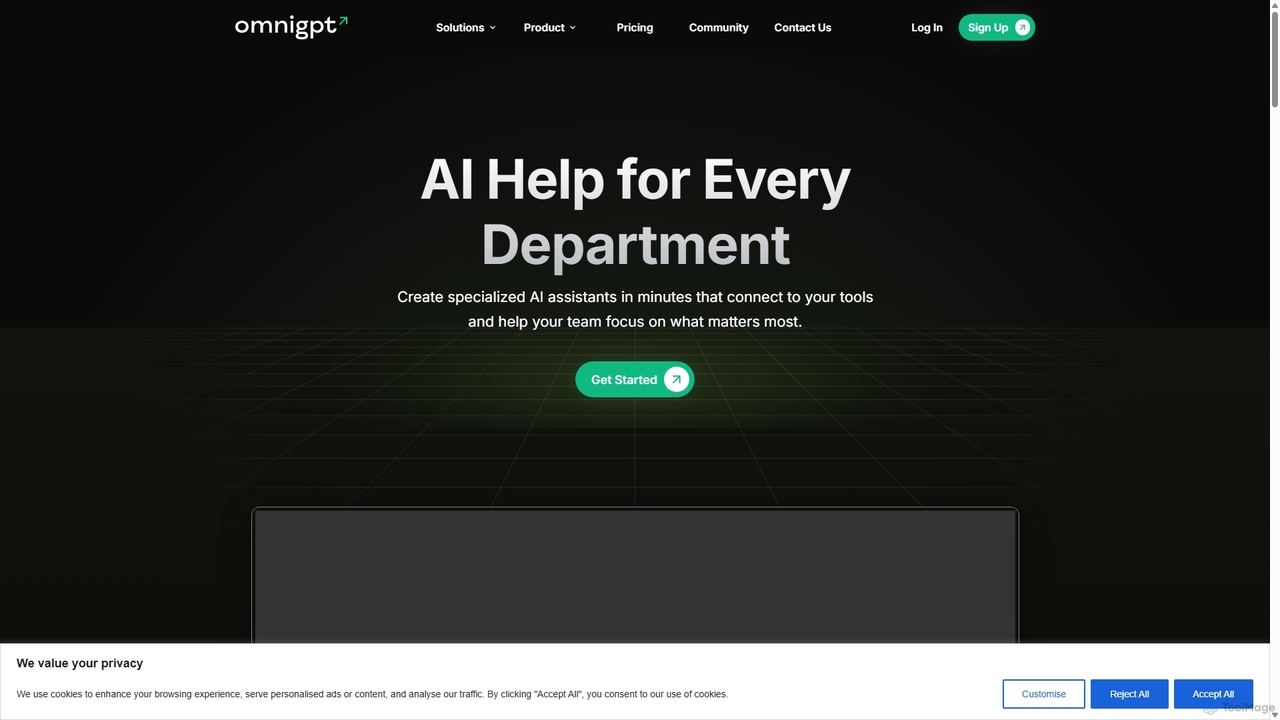
OmniGPT
OmniGPT is an all-in-one AI productivity platform that provides access to multiple leading AI models like GPT-4, Claude 3.5, and Llama 3 through a single subscription. Designed for individuals and teams, it enhances workflows with features such as document analysis, image generation, team collaboration, and seamless integrations with everyday tools like WhatsApp and Slack, offering a cost-effective alternative to multiple AI service subscriptions.
Code Assistant
Side Space
Side Space is a powerful AI assistant that integrates seamlessly into your desktop workflow. It operates from a convenient sidebar, providing instant access to AI-powered tools for writing, coding, and general productivity without ever leaving your current application. Enhance your efficiency with contextual actions on selected text and customizable commands.
Code Assistant
Microsoft Copilot
Microsoft Copilot is your everyday AI companion, enhancing productivity and creativity. It provides intelligent search, content generation, and image creation capabilities by leveraging the latest AI models like GPT-4 and DALL-E 3. Integrated across the Microsoft ecosystem, it assists with writing, coding, planning, and design tasks.
Image Generator
Merlin AI
Merlin is an all-in-one AI assistant, available as a browser extension and app, that integrates top AI models like GPT-4, Claude 3, and Gemini. It allows you to research, write, summarize content, generate images, and code with a single click on any website, streamlining your workflow and boosting productivity without switching tabs.
Chrome ExtensionsThinkbuddy Categories
Thinkbuddy Jobs
Thinkbuddy Embed Widget
Copy this embed code to place the badge on your blog, article, or product site and send readers directly to this ToolMage detail page.

Related AI tools
Microsoft Copilot
Microsoft Copilot is your everyday AI companion, enhancing productivity and creativity. It provides intelligent search, content generation, and image creation capabilities by leveraging the latest AI models like GPT-4 and DALL-E 3. Integrated across the Microsoft ecosystem, it assists with writing, coding, planning, and design tasks.
Image GeneratorMerlin AI
Merlin is an all-in-one AI assistant, available as a browser extension and app, that integrates top AI models like GPT-4, Claude 3, and Gemini. It allows you to research, write, summarize content, generate images, and code with a single click on any website, streamlining your workflow and boosting productivity without switching tabs.
Chrome Extensions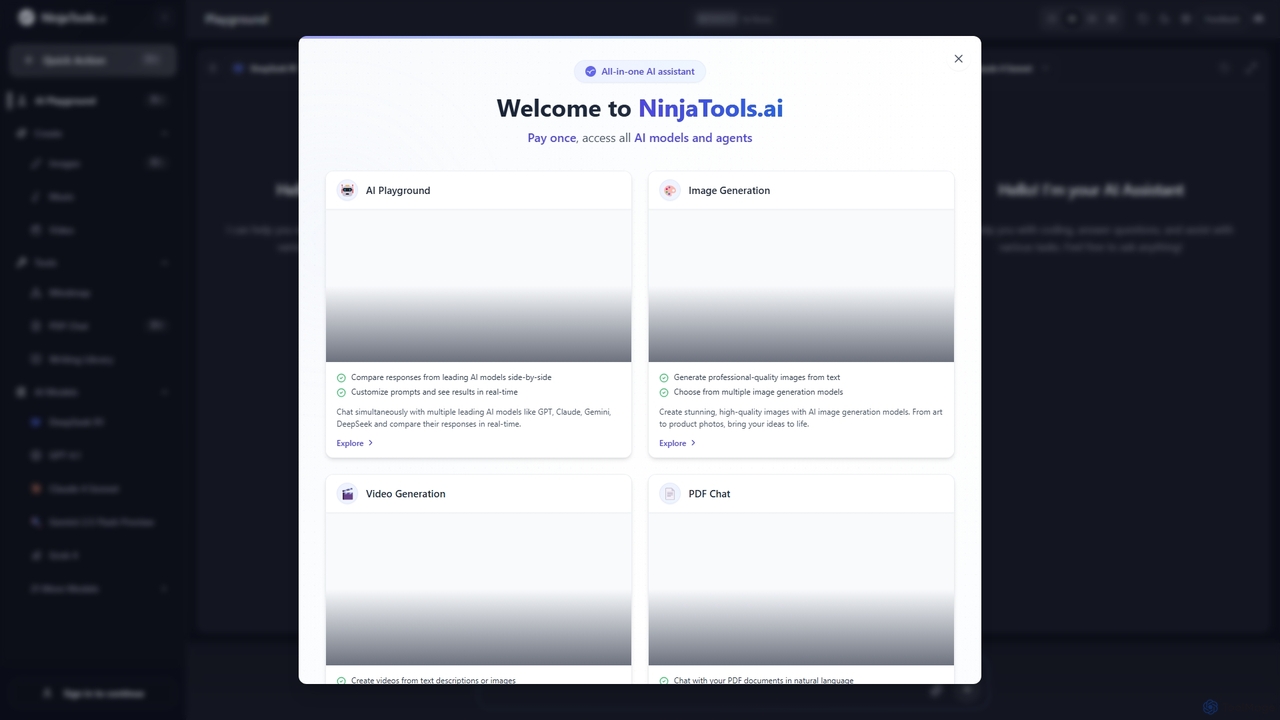
Ninjatools
Ninjatools is an all-in-one AI platform providing unified access to a vast array of leading AI models like GPT, Claude, Gemini, and more. It enables users to generate text, images, videos, and music, chat with PDFs, and compare model responses side-by-side in a single, intuitive interface. It's designed for creators, developers, and marketers seeking efficiency and versatility.
Music Generation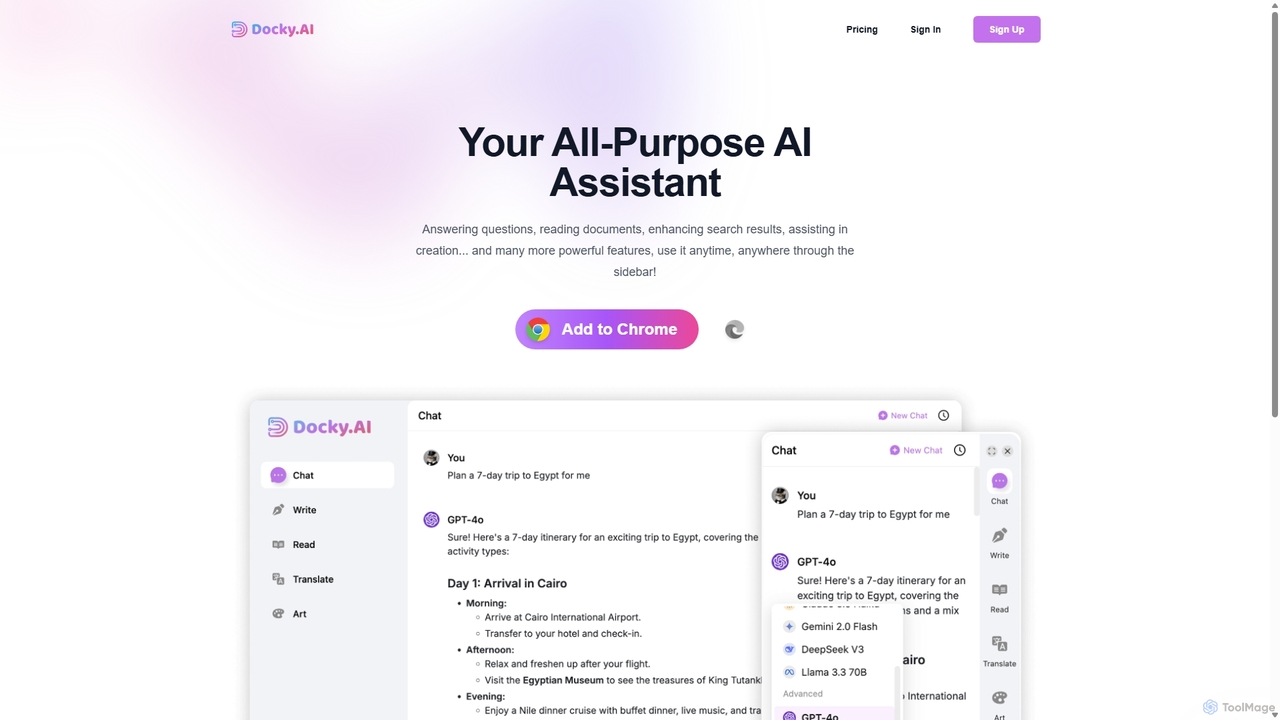
Docky.AI
Docky.AI is a powerful all-in-one AI sidebar for your browser. It integrates leading models like GPT-4, Claude, and DALL-E, allowing you to enhance search results, read documents, assist with writing, and generate content seamlessly on any webpage. Boost your productivity without ever switching tabs.
Search AssistantOmniGPT
OmniGPT is an all-in-one AI productivity platform that provides access to multiple leading AI models like GPT-4, Claude 3.5, and Llama 3 through a single subscription. Designed for individuals and teams, it enhances workflows with features such as document analysis, image generation, team collaboration, and seamless integrations with everyday tools like WhatsApp and Slack, offering a cost-effective alternative to multiple AI service subscriptions.
Code Assistant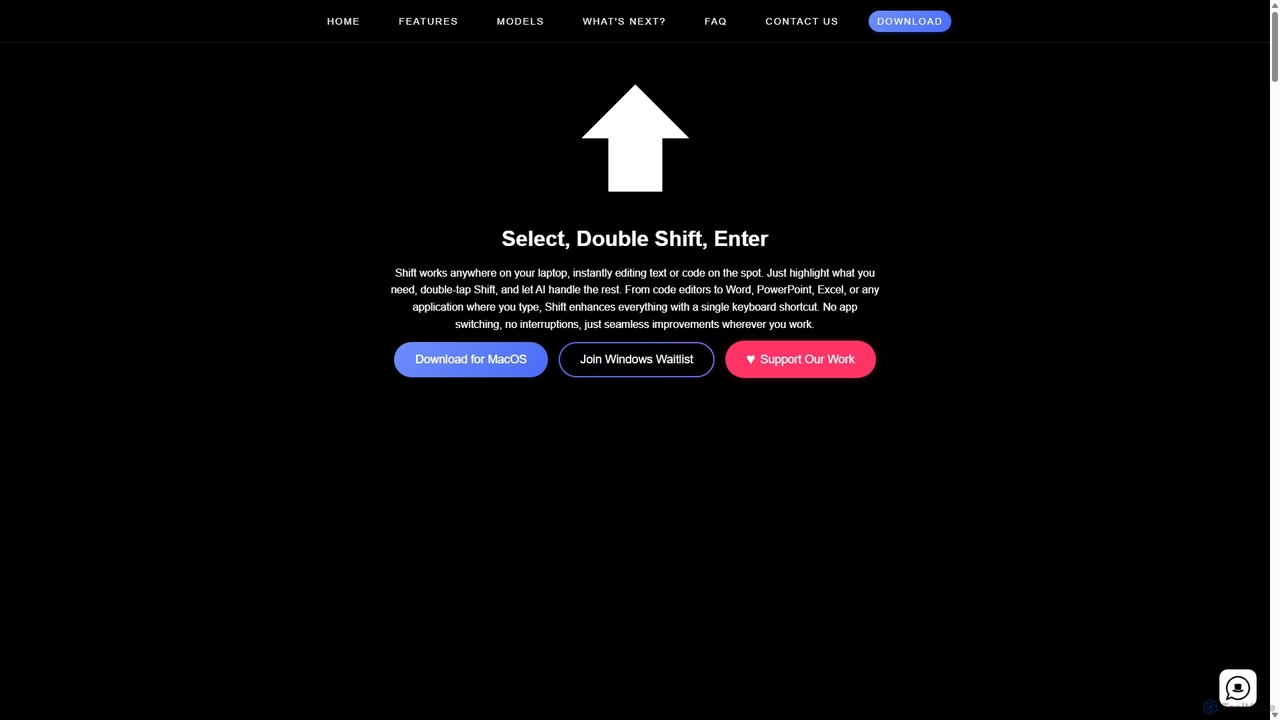
Shift
Shift is a system-wide AI assistant for macOS that enhances your workflow by allowing you to edit text and code anywhere with a simple keyboard shortcut. Just highlight text, double-tap Shift, and let the AI rewrite, debug, translate, or rephrase it instantly within any application.
Code AssistantGoogle Gemini
Google Gemini is a powerful, multimodal AI assistant designed to enhance creativity and productivity. It can understand and process text, code, images, and video to help you write, plan, learn, and create. Integrated with Google's ecosystem, it offers features like advanced content generation, deep research, and seamless collaboration within Google apps.
Image GeneratorSide Space
Side Space is a powerful AI assistant that integrates seamlessly into your desktop workflow. It operates from a convenient sidebar, providing instant access to AI-powered tools for writing, coding, and general productivity without ever leaving your current application. Enhance your efficiency with contextual actions on selected text and customizable commands.
Code Assistant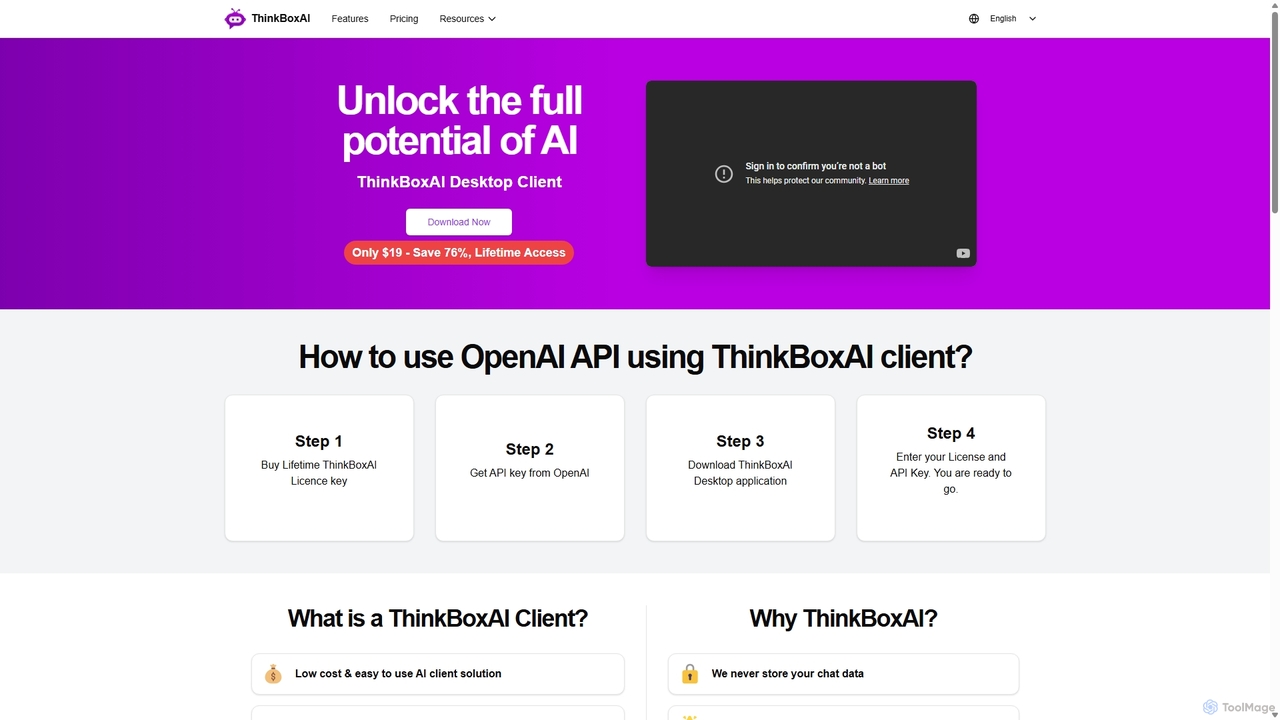
ThinkBoxAI
ThinkBoxAI is a cost-effective, privacy-focused desktop client for AI models like GPT and DALL-E. Use your own API key for a pay-as-you-go experience, avoiding monthly subscriptions. It features advanced customization, a prompt library, and cross-platform support for Windows, macOS, and Linux.
Image Generation
Iris
Iris is a seamless AI assistant for macOS, designed to integrate into your workflow. It provides instant access to top AI models like GPT-4o and Claude 3.5, allowing you to chat, capture your screen for context, and get answers without ever leaving your current application. With intuitive gestures and powerful shortcuts, Iris is there when you need it and invisible when you don't.
Coding Assistant
MindWhisper
MindWhisper is a powerful and intuitive interface for ChatGPT, designed to transform your AI interactions into a structured, personal knowledge base. It acts as your AI second brain, allowing you to organize chats into folders, manage prompts, and build a persistent memory for more context-aware and productive conversations.
Personal Knowledge Base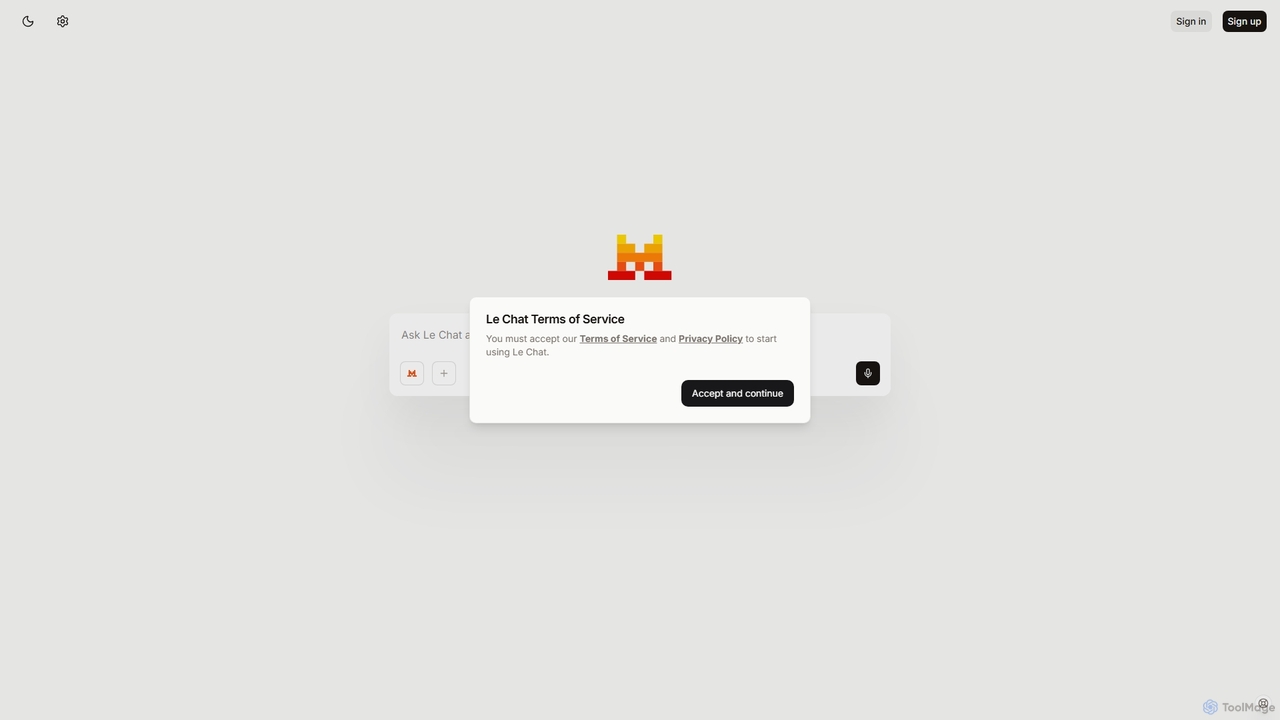
Le Chat
Le Chat is a powerful conversational AI assistant from Mistral AI, providing direct access to their cutting-edge language models. It excels at complex reasoning, code generation, and multilingual tasks. Le Chat offers a streamlined interface for users to brainstorm ideas, create content, and get instant answers, leveraging Mistral's high-performance and efficient AI technology for both personal and professional use.
Code Assistant
Lit.Codes Chat
A privacy-focused AI chat interface offering access to a wide range of advanced GPT models, including GPT-4o. It features end-to-end encrypted chat history and a convenient Chrome extension, making it a secure and versatile tool for developers, writers, and professionals seeking powerful AI assistance without compromising on data security.
Coding Assistant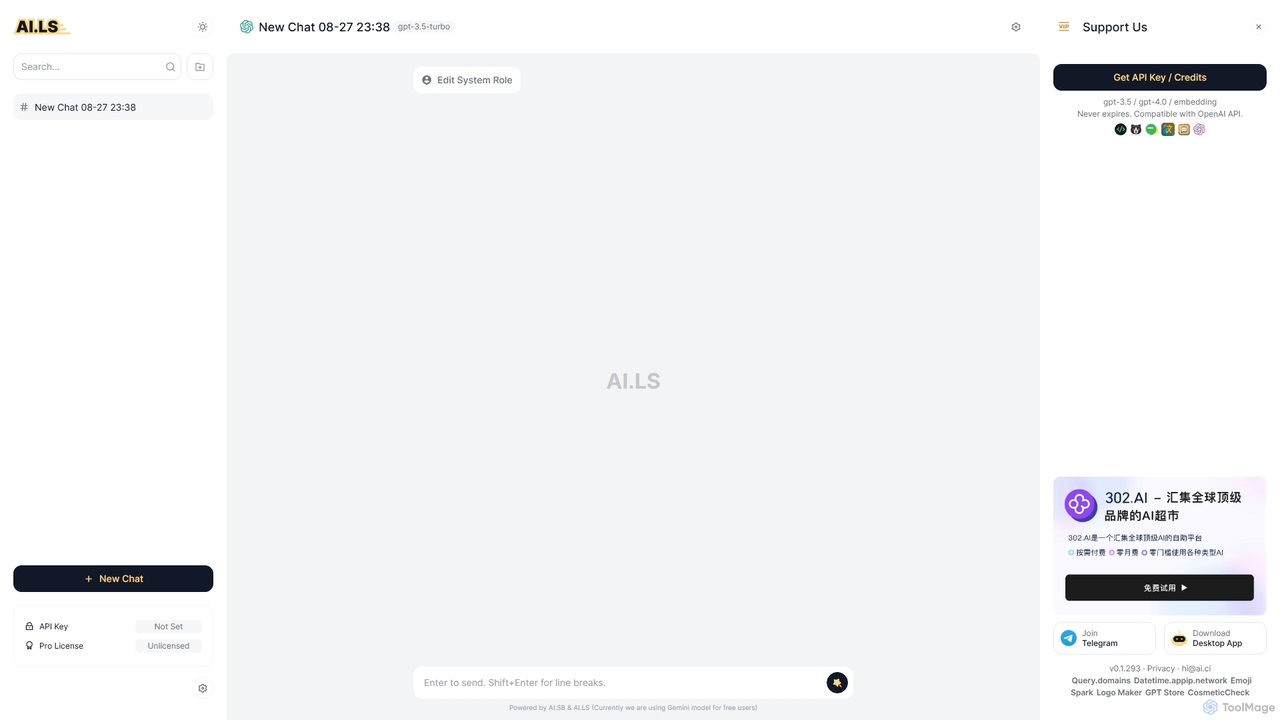
AI.LS
AI.LS is an elegant and powerful web-based user interface for interacting with advanced AI models like ChatGPT and Gemini. It serves as a superior alternative to standard chat interfaces, offering a free tier, advanced customization options, and support for using your own OpenAI API key for greater control and access.
Api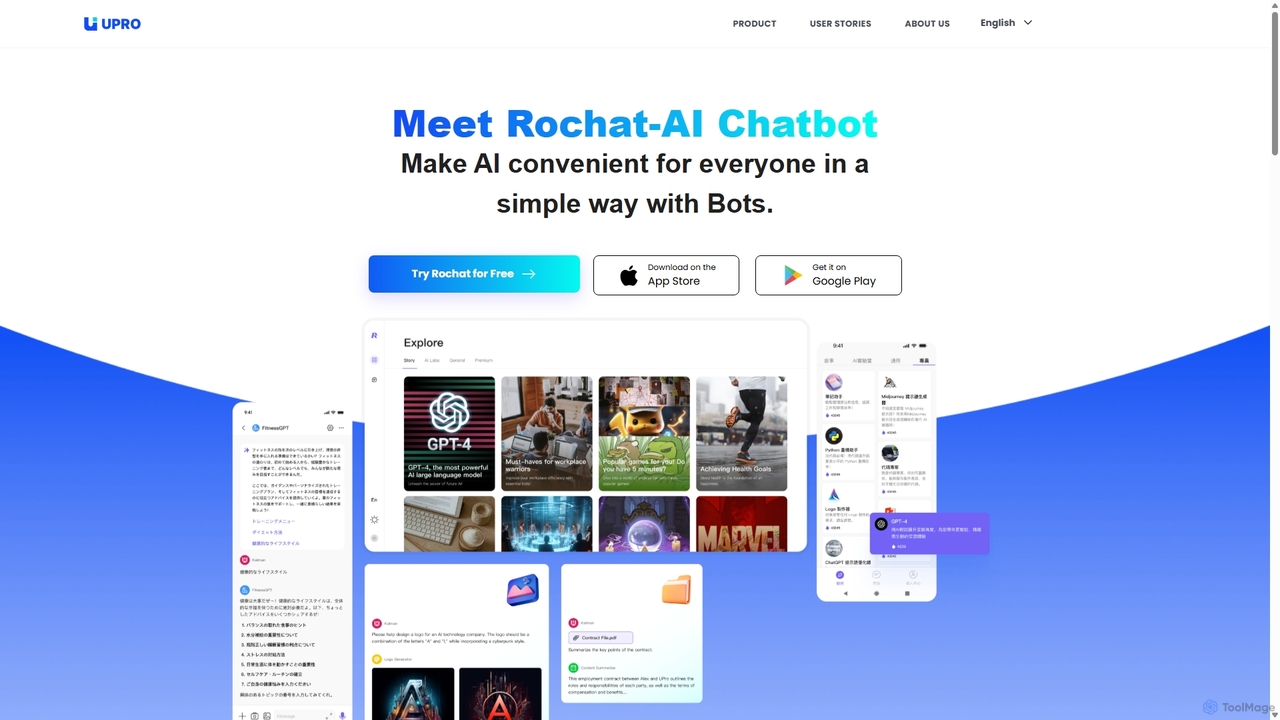
Upro
Upro is an AI platform featuring the Rochat chatbot, designed to make generative AI accessible. It integrates multiple models like GPT-4 and DALL-E for content creation, image generation, and task automation. Its standout feature is a no-code AI bot builder, enabling users to create custom bots for specific needs, enhancing productivity for professionals, students, and creators across web and mobile platforms.
Custom Chatbot
Thinkbuddy Comments (0)
Sign in to comment.
Sign inNo comments yet.