ToolMage
Sign in

Best 372 Writing Assistant for Writing

Popular Writing Assistant in Writing include Google Gemini, doubao, Microsoft Copilot, Quark, Kimi, Qwen, Genspark, Yuanbao, Gauth, and NoteGPT, helping you work more efficiently.

Prolib
Freemium

Prolib

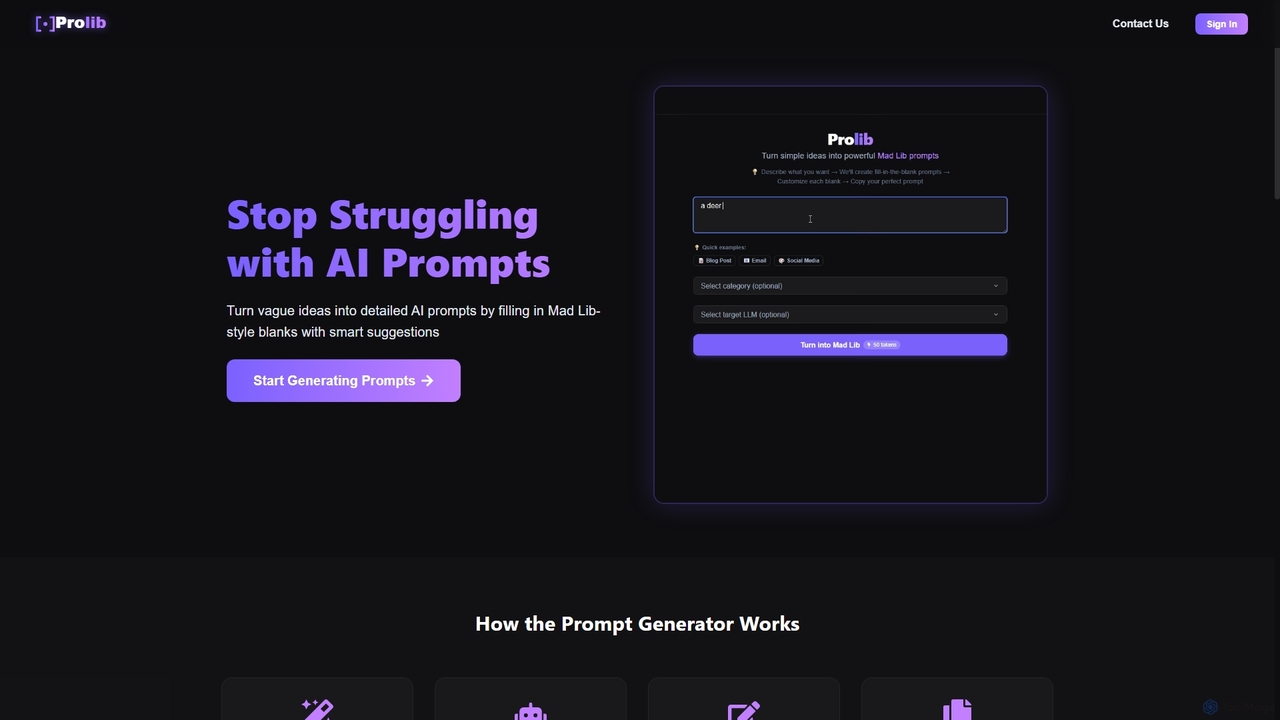
Prolib is an AI prompt generator that transforms simple ideas into detailed, structured prompts for models like ChatGPT, Claude, and Gemini. Using a 'Mad Lib-style' fill-in-the-blanks system with smart suggestions, it helps creators, businesses, and students craft effective prompts quickly and easily.

Content Creation
Visits 6.2KFavorites 156Likes 144
Business AI Prompts
Freemium

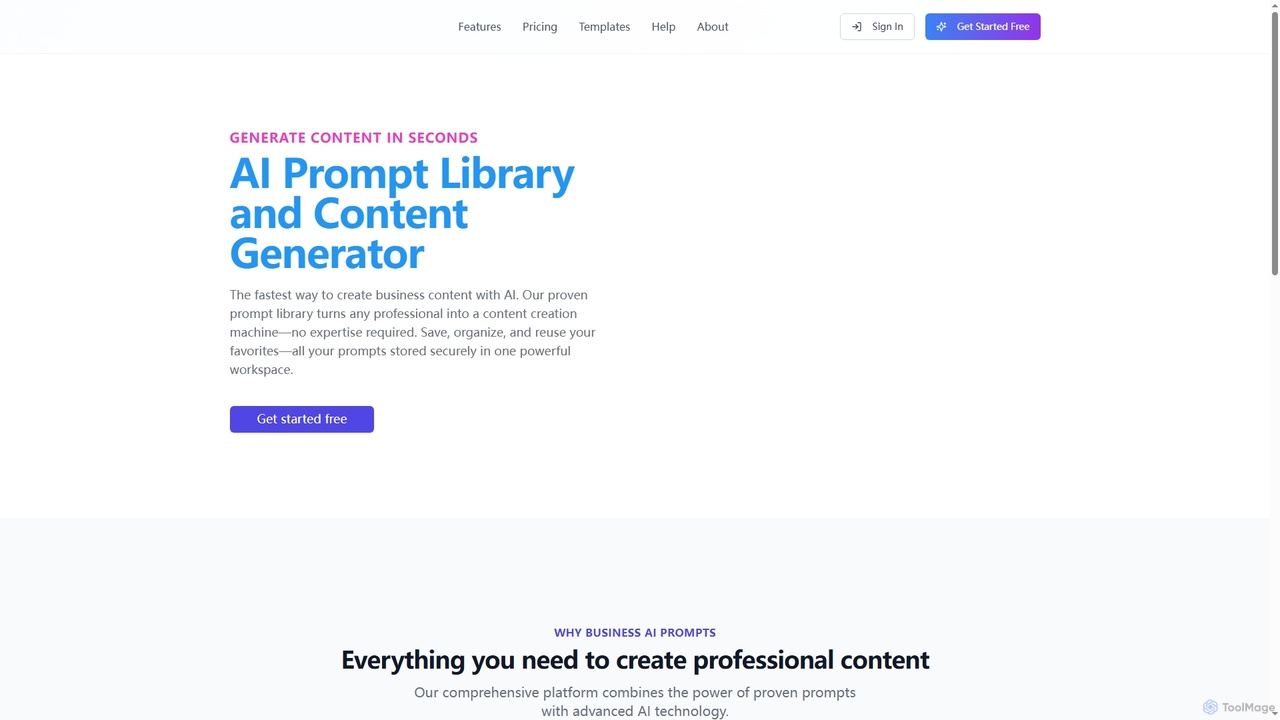
Business AI Prompts

Business AI Prompts is an AI-powered platform offering a vast library of professionally crafted prompts for business needs like marketing, sales, and HR. It enables users to generate high-quality content in seconds, save and organize prompts, and collaborate with teams. The tool features an in-app content generator, a custom prompt builder, and streamlines the entire content creation workflow.

Content Creation
Visits 5.4KFavorites 140Likes 142
Zetanotes
Freemium

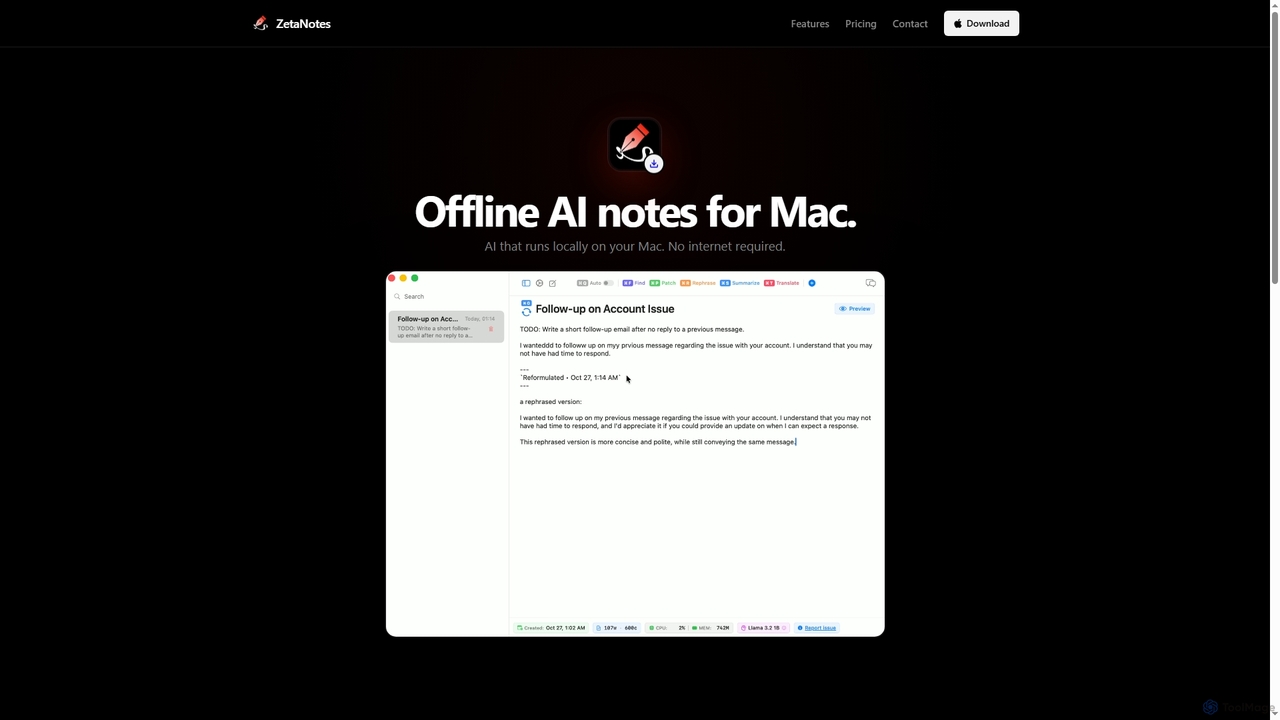
Zetanotes

Zetanotes is a privacy-focused, offline AI note-taking application for Mac. It runs AI models locally on your device, requiring no internet connection for core features, ensuring your data remains private. Optimized for Apple Silicon with Metal GPU acceleration.

Mac
Visits 5.4KFavorites 138Likes 139
Otio
Freemium

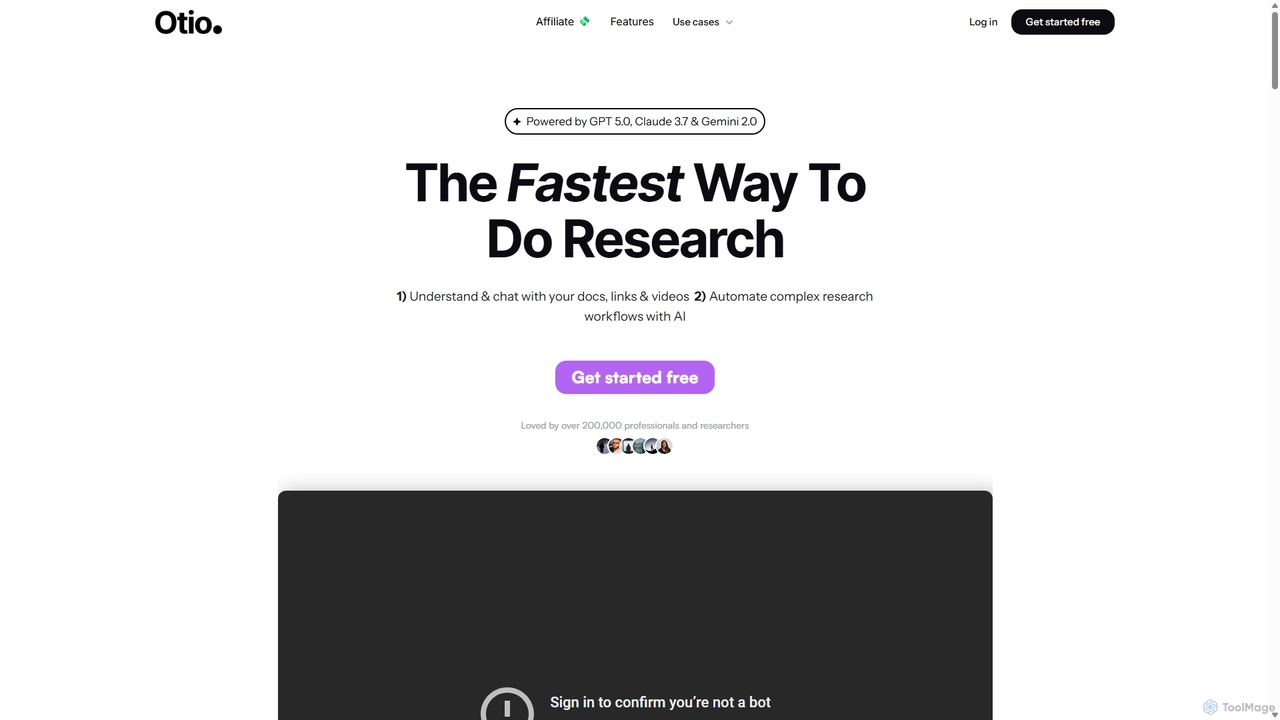
Otio

Otio is an AI-powered research and writing partner that streamlines your workflow. It allows you to understand and chat with documents, links, and videos, automate complex research tasks, and draft reports in an integrated AI editor. It's designed for students, researchers, and professionals to extract insights and produce high-quality written content efficiently.

Workflow
Visits 99.7KFavorites 130Likes 142
PaperPilot
Freemium

PaperPilot

PaperPilot is an AI-powered research assistant designed to streamline the academic workflow for students, researchers, and professionals. It helps users quickly discover, analyze, and understand complex research papers. With features like AI-driven summarization, question-answering with documents, and literature review automation, PaperPilot accelerates the entire research process from discovery to writing, making knowledge management more efficient and insightful.

Academic
Visits 5.5KFavorites 163Likes 132
DeepSeek-v3
Free

DeepSeek-v3

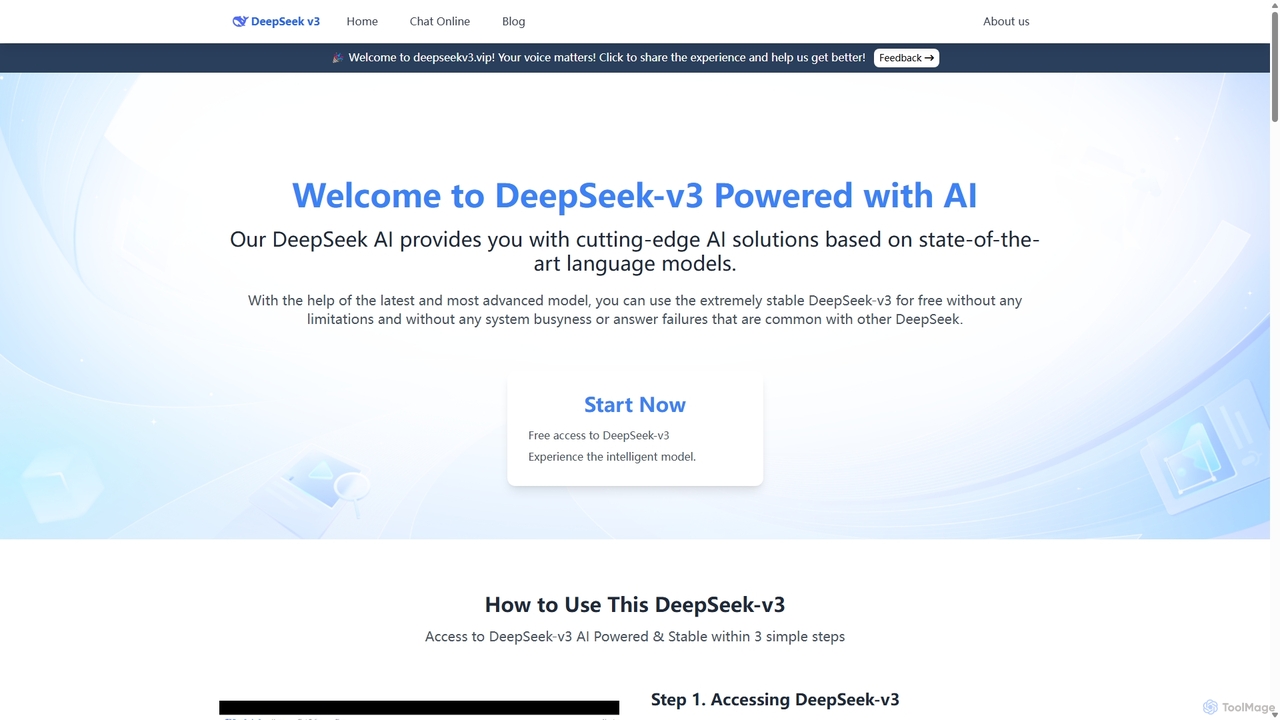
DeepSeek-v3 is a free, no-login web platform providing instant access to the advanced DeepSeek AI model. It prioritizes user privacy by not storing conversations or requiring personal data. The tool offers powerful capabilities in text generation, coding, reasoning, and multilingual communication through a clean, minimalist interface accessible worldwide without restrictions.

Code Assistant
Visits 5.5KFavorites 142Likes 132
Sider
Freemium

Sider

Sider is a powerful AI copilot integrated into your browser sidebar. It brings ChatGPT, GPT-4, Claude 3, and Gemini to any webpage, allowing you to seamlessly summarize content, enhance your writing, explain complex topics, and chat with documents or videos. It streamlines your workflow by eliminating the need to switch between tabs, boosting your overall productivity and creativity.

Learning
Visits 5.3KFavorites 121Likes 125
JobBuddy
Freemium

JobBuddy

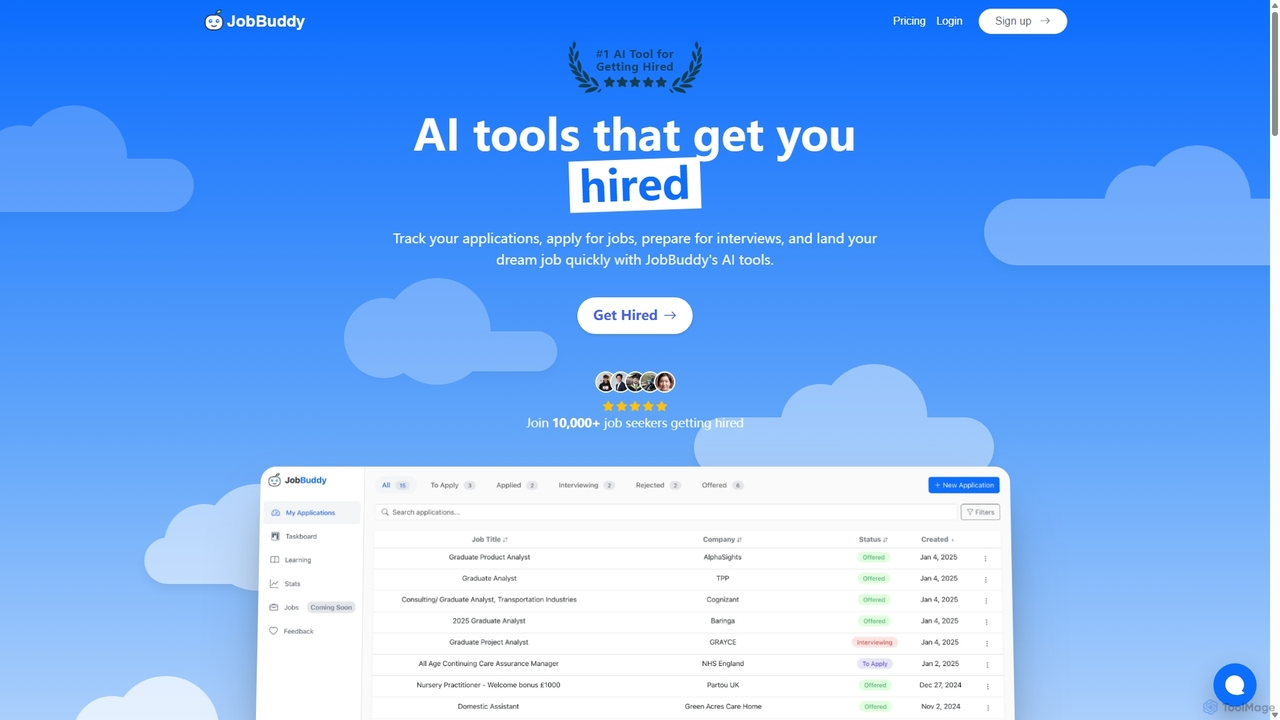
JobBuddy is an AI-powered suite of tools designed to help job seekers land their dream job. It offers a resume builder, cover letter generator, interview preparation, and application tracking to optimize every step of the job search process, from application to offer.

Resume
Visits 21.5KFavorites 130Likes 151
DeepResearcher
Paid

DeepResearcher

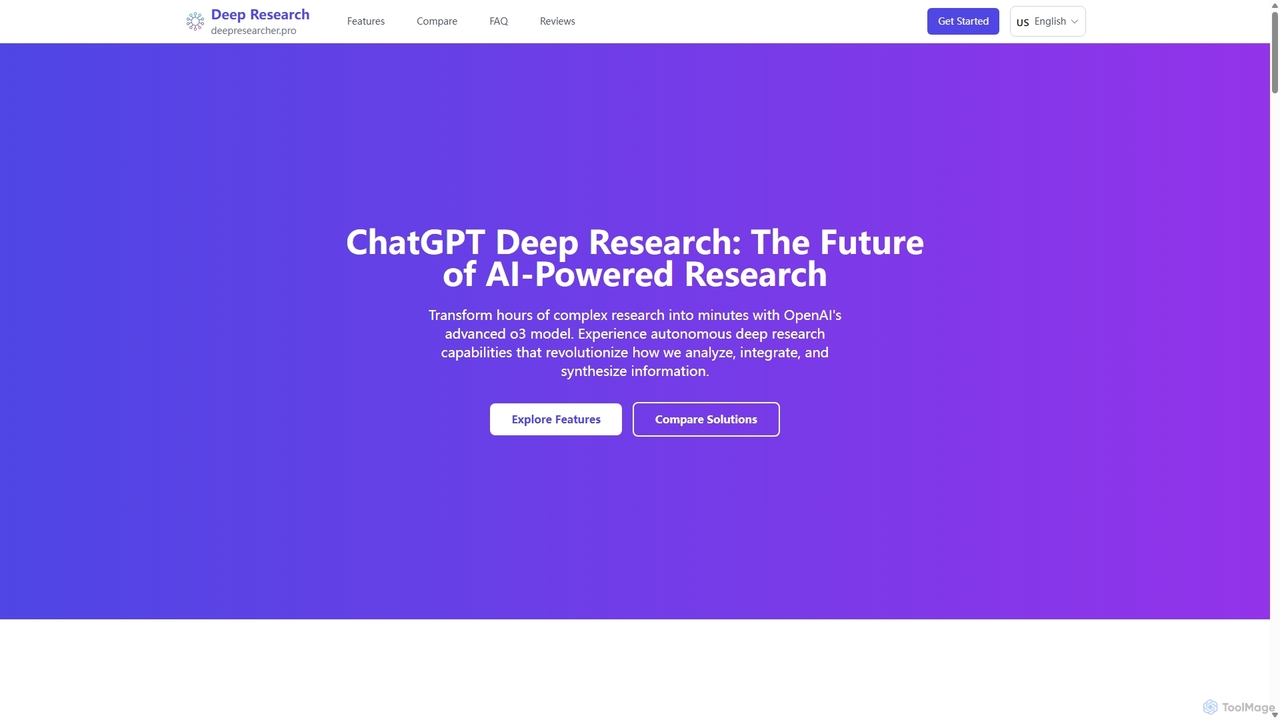
DeepResearcher is an advanced AI-powered research assistant by OpenAI, built on the powerful o3 model. It automates complex research tasks, transforming hours of work into minutes. The tool performs multi-step analysis, integrates diverse data sources like PDFs and web content, and generates comprehensive reports with citations and data visualizations, revolutionizing information synthesis for professionals.

Research
Visits 5.3KFavorites 106Likes 113
Ellie
Freemium

Ellie

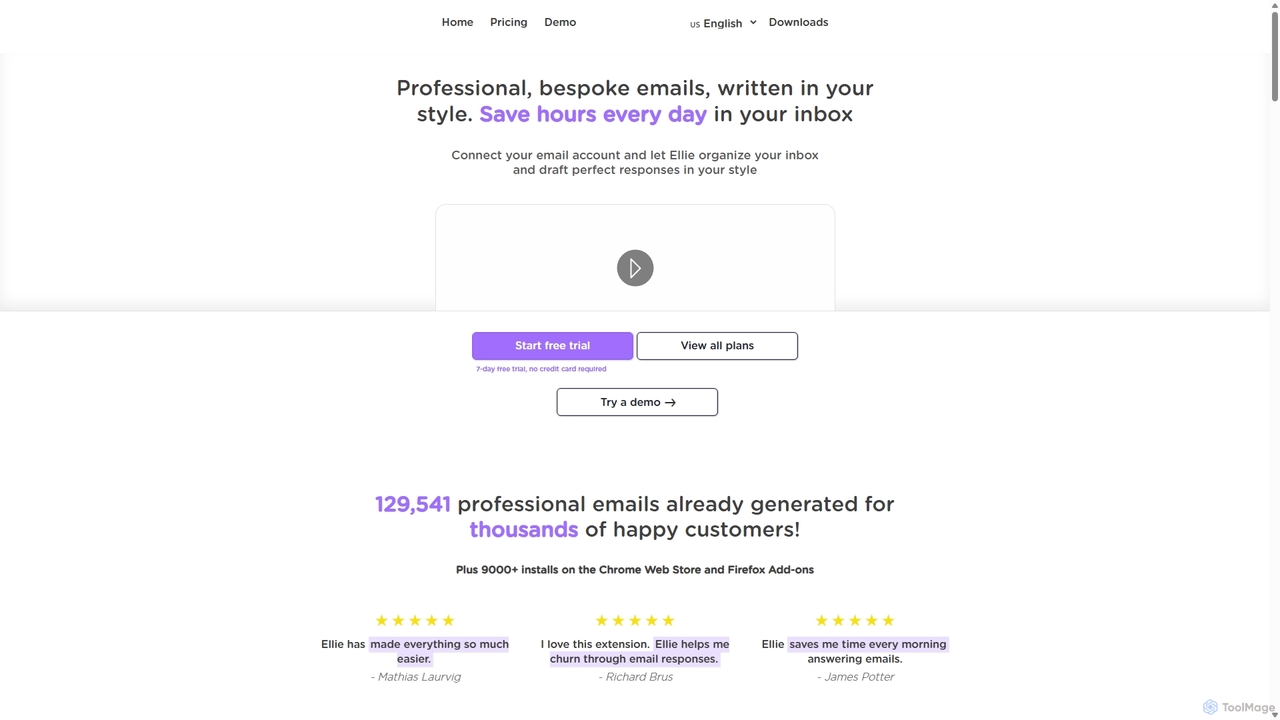
Ellie is an AI email assistant that learns your writing style to draft professional, personalized email replies. It integrates with your inbox via a browser extension, understands context, and supports multiple languages to save you hours every day.

Customer Support
Visits 5.4KFavorites 107Likes 107
Thinkbuddy
Freemium

Thinkbuddy

Thinkbuddy is a native desktop AI client designed for fast, secure, and organized interaction with multiple AI models. It acts as a unified workspace, allowing you to switch between models like GPT-4o, Claude 3, and Llama 3, manage conversations in projects, and save prompts in a library for a streamlined workflow.

Code Assistant
Visits 6.6KFavorites 142Likes 116
ResumeWriting
Freemium

ResumeWriting

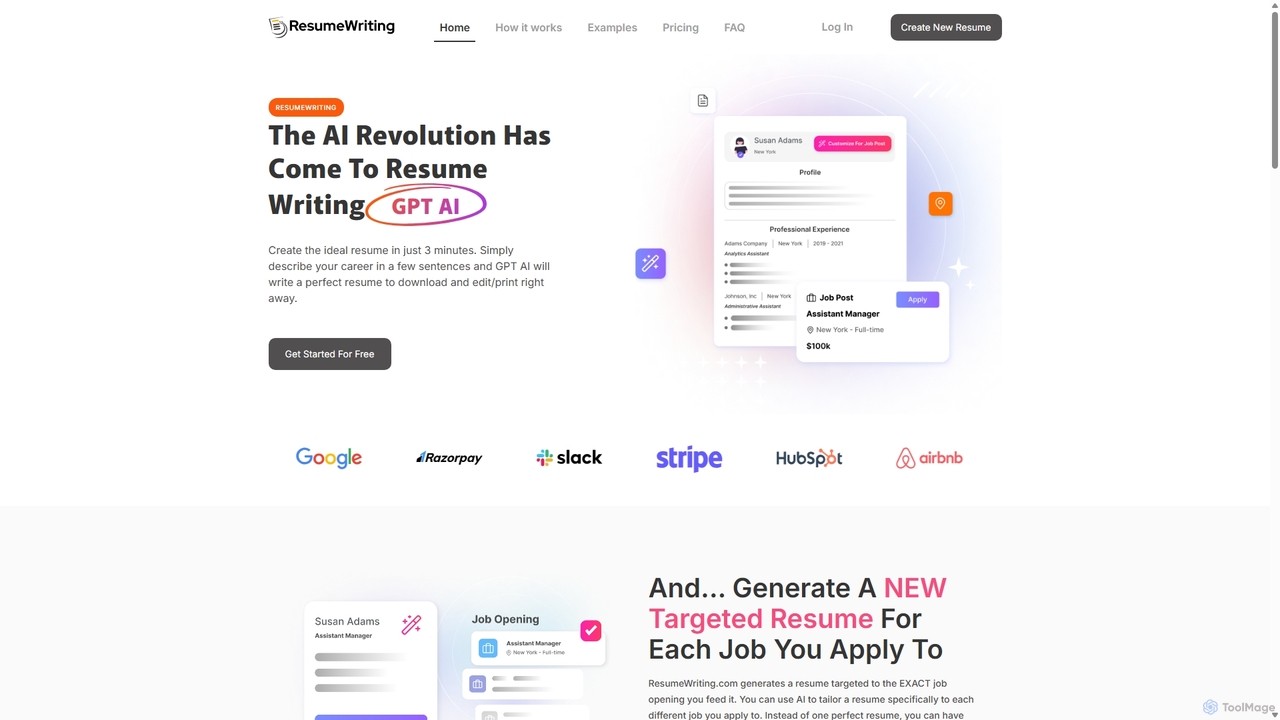
ResumeWriting is an AI-powered tool that generates professional, keyword-optimized resumes in minutes. Simply provide your career details and a job description, and the GPT-based AI will create a tailored resume designed to pass applicant tracking systems and catch the eye of recruiters, helping you land your dream job faster.

Job Search
Visits 5.6KFavorites 120Likes 117
Docky.AI
Freemium

Docky.AI

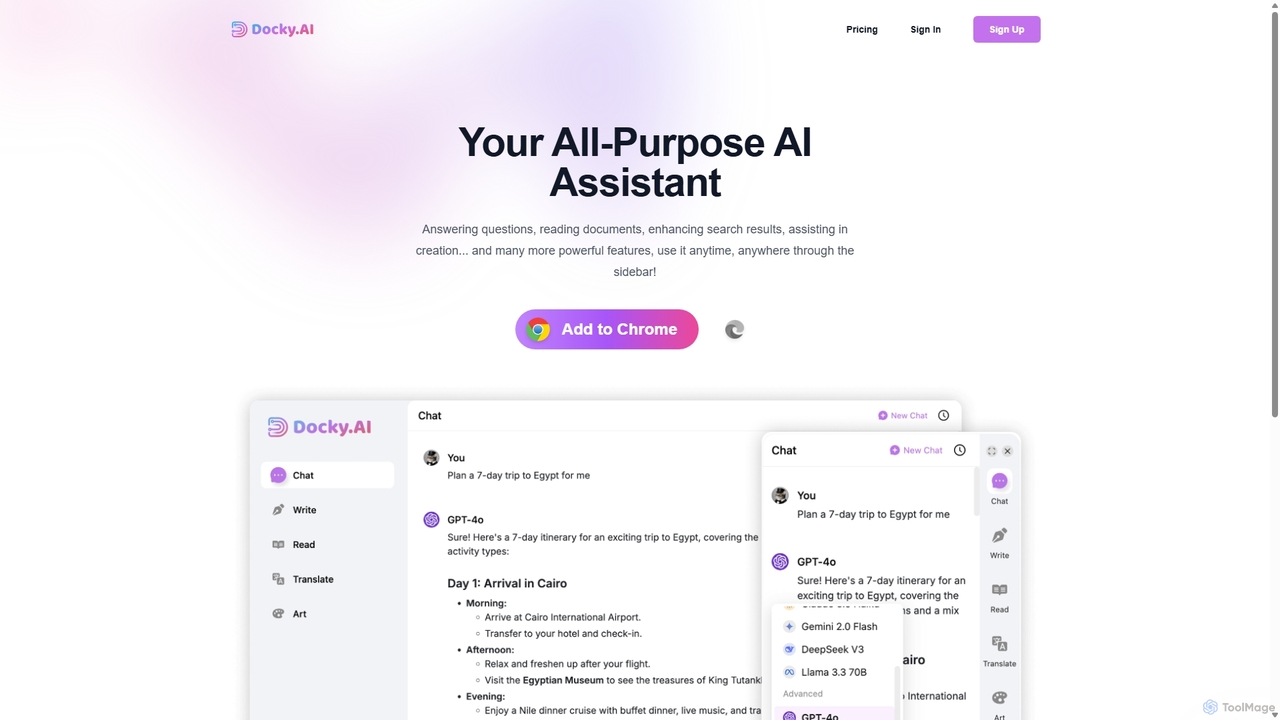
Docky.AI is a powerful all-in-one AI sidebar for your browser. It integrates leading models like GPT-4, Claude, and DALL-E, allowing you to enhance search results, read documents, assist with writing, and generate content seamlessly on any webpage. Boost your productivity without ever switching tabs.

Search Assistant
Visits 5.4KFavorites 150Likes 131
Qwen
Freemium

Qwen

Qwen is a powerful multimodal AI chat assistant from Alibaba Cloud. It excels at natural language conversations, content creation, code generation, data analysis, and even image generation. With integrated web search and document analysis, Qwen provides comprehensive, up-to-date, and accurate answers for a wide range of tasks.

Image Generation
Visits 35.5MFavorites 103Likes 102
Omniverse
Freemium

Omniverse

Omniverse is an all-in-one AI-powered productivity platform designed to centralize your workflow. It integrates a powerful writing assistant, task management, knowledge base, and data analysis into a single, intuitive workspace. Streamline your projects, automate repetitive tasks, and unlock new levels of efficiency by leveraging a unified AI that understands the full context of your work.

All In One
Visits 6KFavorites 139Likes 140
ThinkBoxAI
Paid

ThinkBoxAI

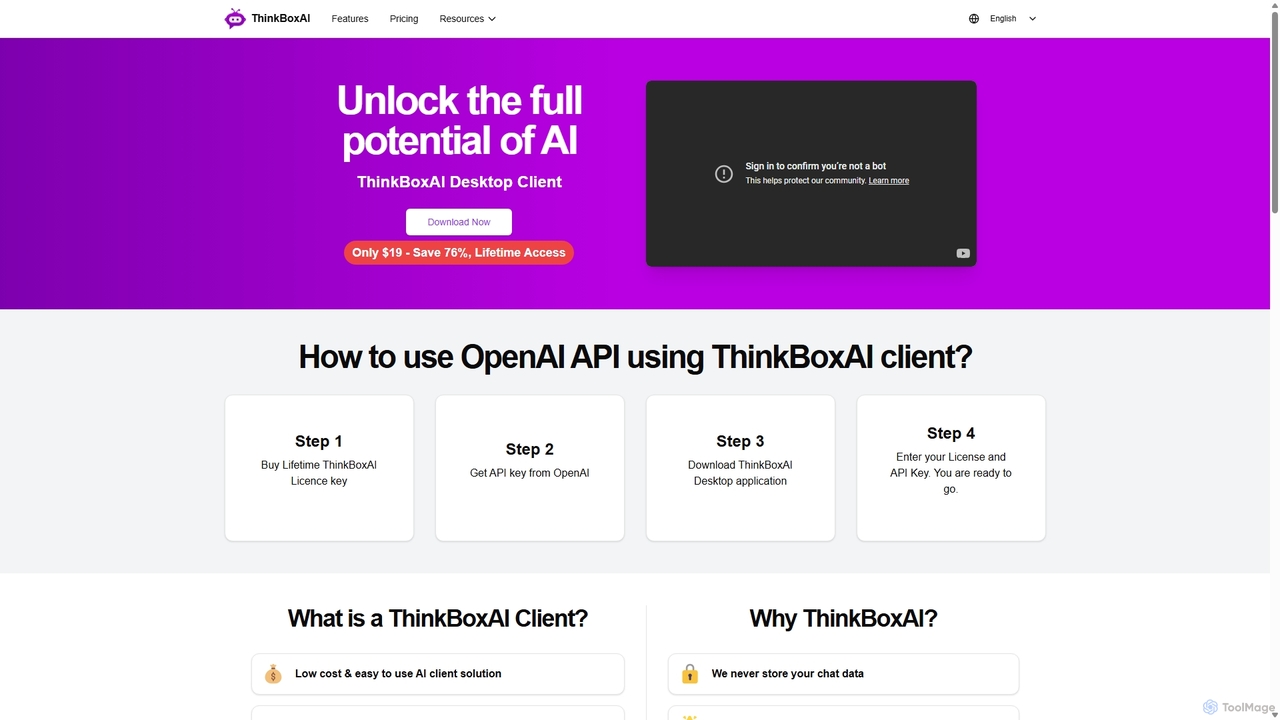
ThinkBoxAI is a cost-effective, privacy-focused desktop client for AI models like GPT and DALL-E. Use your own API key for a pay-as-you-go experience, avoiding monthly subscriptions. It features advanced customization, a prompt library, and cross-platform support for Windows, macOS, and Linux.

Image Generation
Visits 7.9KFavorites 154Likes 142
AI Chat
Freemium

AI Chat

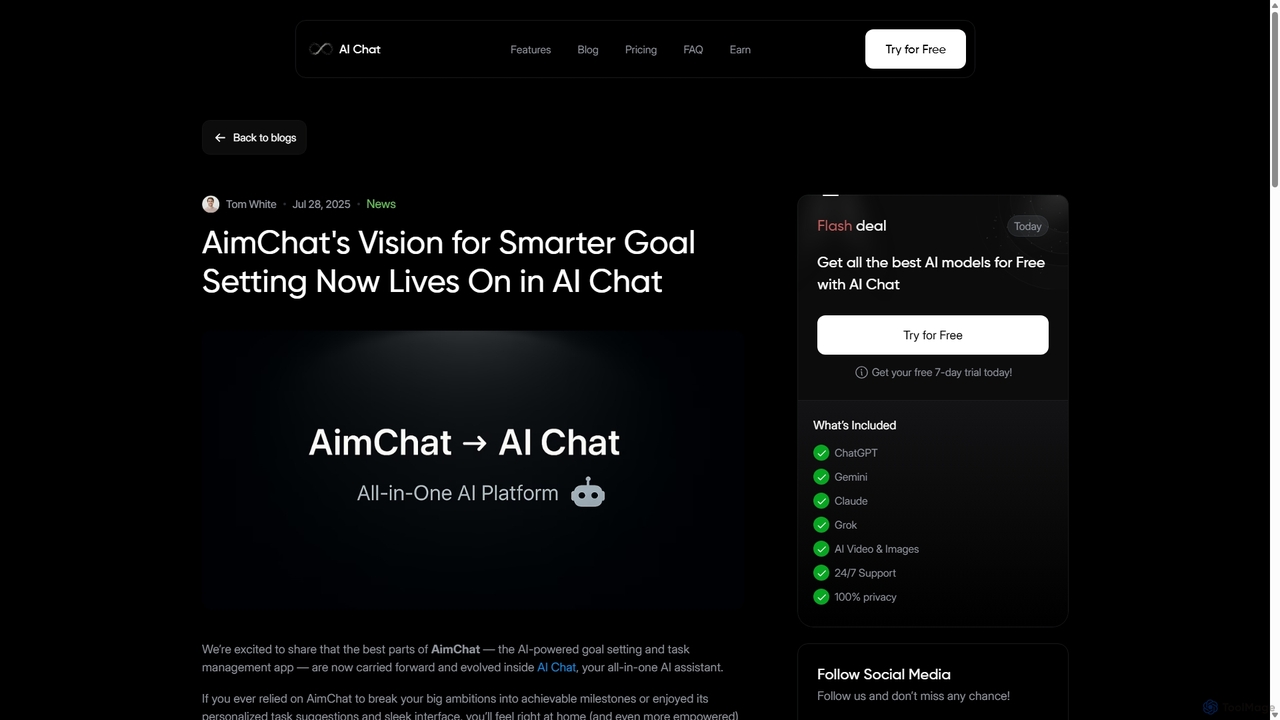
AI Chat is an all-in-one AI assistant that integrates top models like ChatGPT, Claude, and Gemini into a single platform. Evolving from the goal-setting app AimChat, it combines advanced conversational AI with powerful task management, research, and content creation tools to streamline your workflow and help you achieve your ambitions.

Assistant
Visits 5.3KFavorites 150Likes 146
Side Space
Paid

Side Space

Side Space is a powerful AI assistant that integrates seamlessly into your desktop workflow. It operates from a convenient sidebar, providing instant access to AI-powered tools for writing, coding, and general productivity without ever leaving your current application. Enhance your efficiency with contextual actions on selected text and customizable commands.

Code Assistant
Visits 5.2KFavorites 108Likes 88
WebCopilot
Freemium

WebCopilot

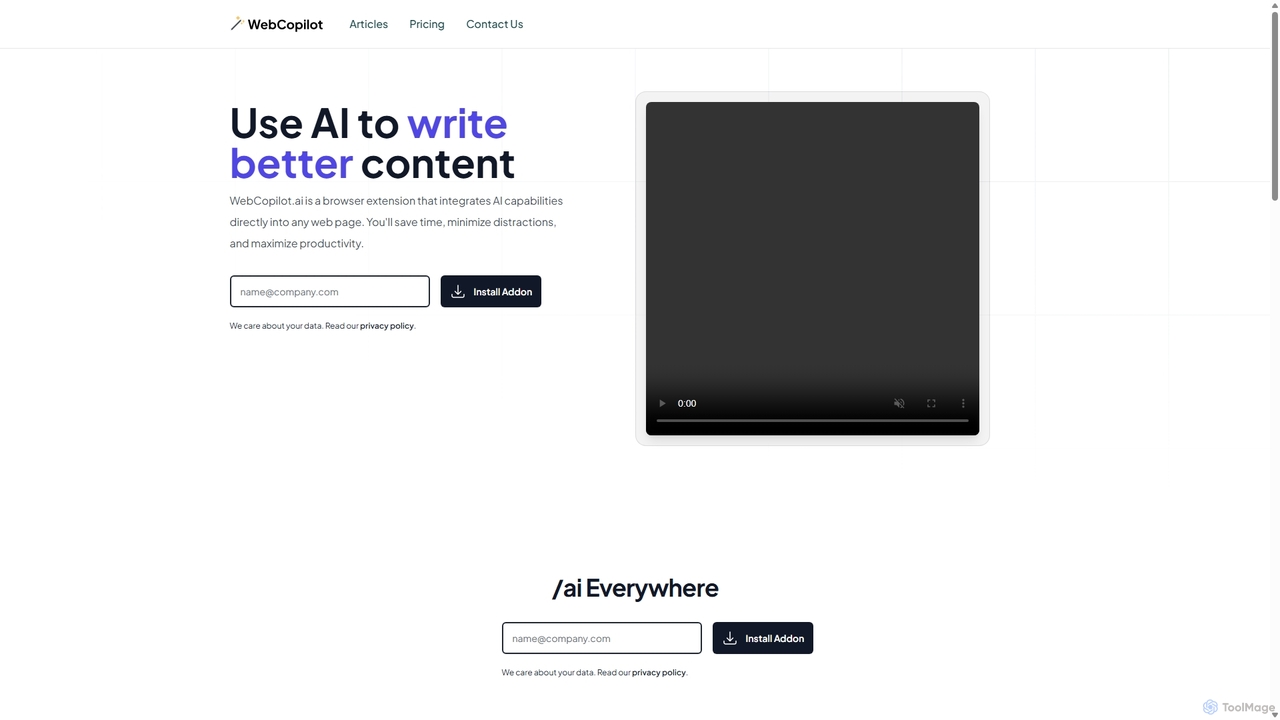
WebCopilot is an AI-powered browser extension that integrates ChatGPT's capabilities into any webpage. Simply type `/ai` in any text field to generate, rewrite, or improve content for emails, social media posts, and more. It streamlines workflows on platforms like Gmail, Twitter, LinkedIn, and even helps create formulas in Google Sheets, boosting productivity and saving time by bringing AI assistance directly to where you work.

Code Assistant
Visits 6.9KFavorites 121Likes 103
AI.LS
Freemium

AI.LS

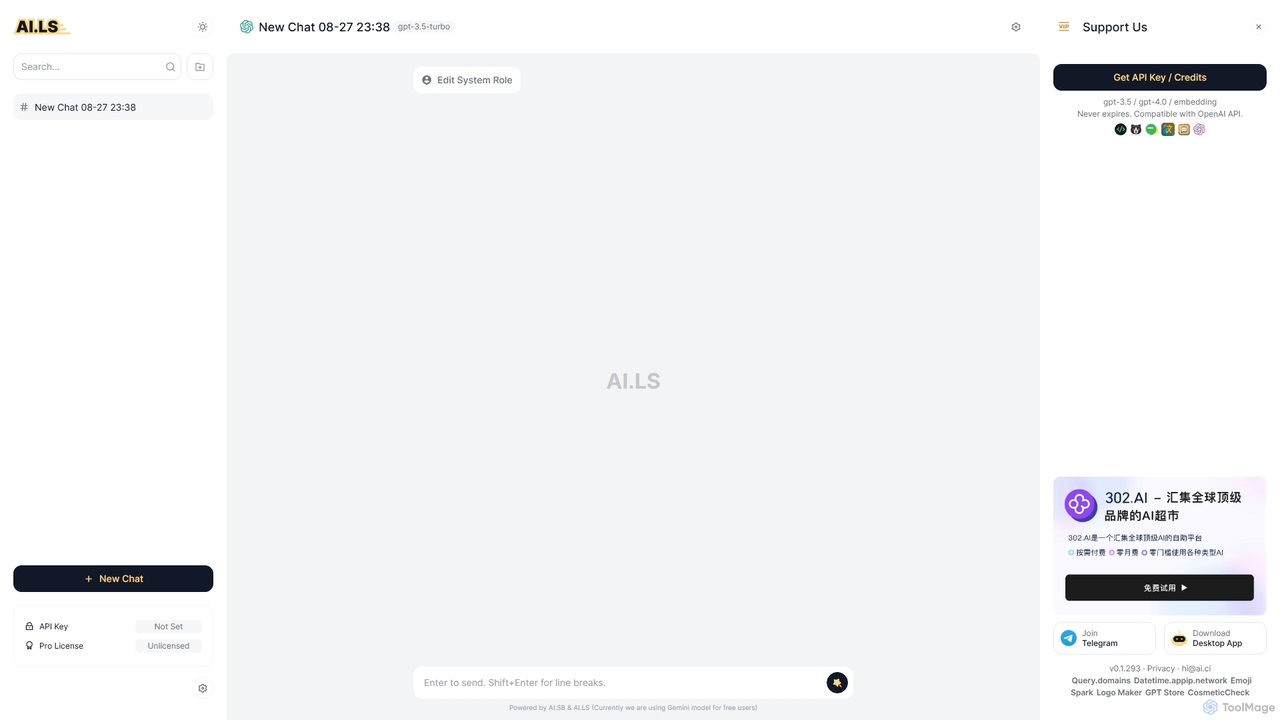
AI.LS is an elegant and powerful web-based user interface for interacting with advanced AI models like ChatGPT and Gemini. It serves as a superior alternative to standard chat interfaces, offering a free tier, advanced customization options, and support for using your own OpenAI API key for greater control and access.

Api
Visits 25.7KFavorites 146Likes 151
Zevbot
Freemium

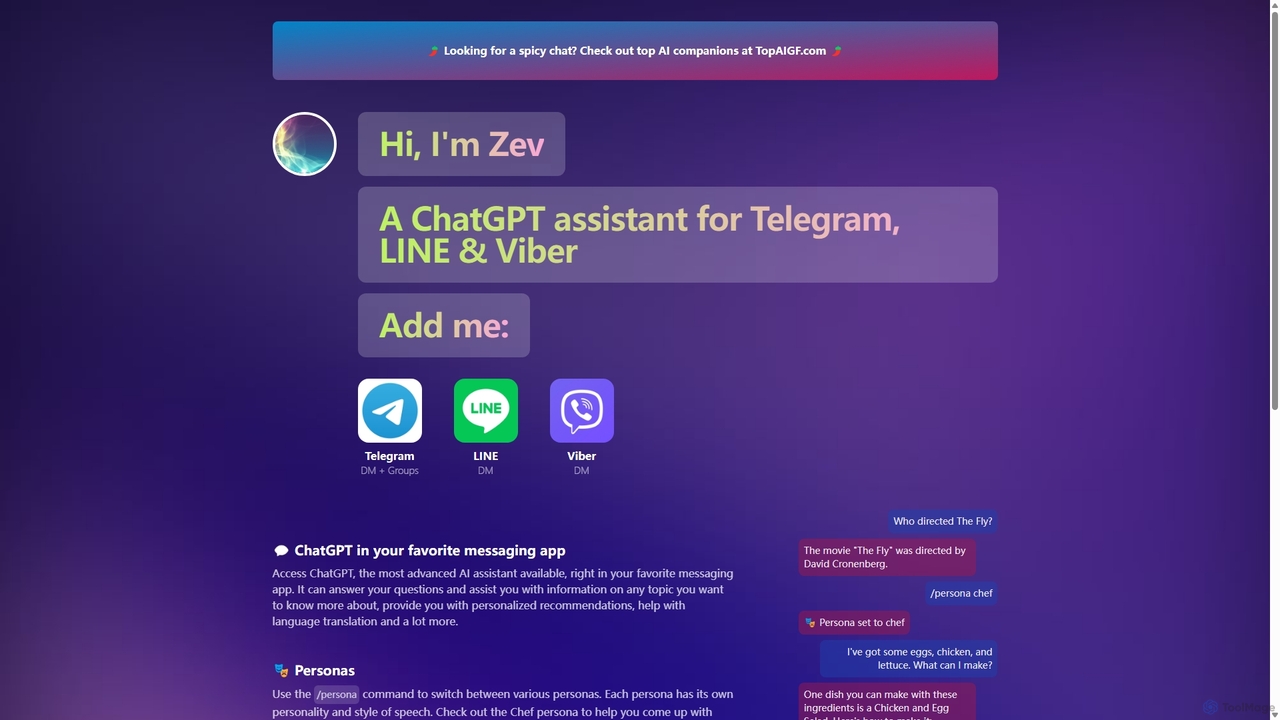
Zevbot

Zevbot integrates the power of ChatGPT into your favorite messaging apps like Telegram, LINE, and Viber. Access an advanced AI assistant for instant answers, creative tasks, and personalized help directly within your chats. Switch between various personas to get tailored responses for any situation.

Learning Assistant
Visits 5.3KFavorites 108Likes 124
Nily AI
Freemium

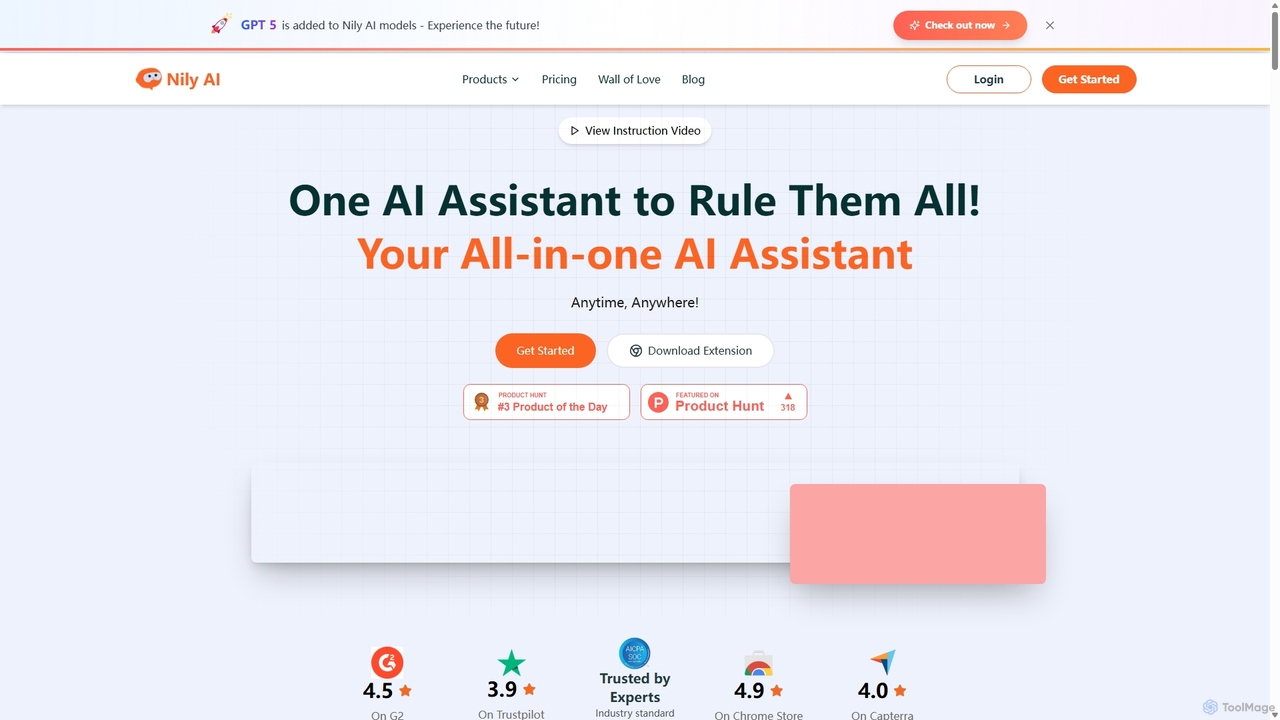
Nily AI

Nily AI is an all-in-one AI assistant designed to boost productivity. It integrates over 20 advanced AI tools into a single platform, accessible via a convenient Chrome sidebar. Key features include LLM comparison, AI writing, image generation, email assistance, and chatting with PDFs or YouTube videos, catering to a wide range of professionals.

Image Generation
Visits 32.2KFavorites 140Likes 122
MindWhisper
Freemium

MindWhisper

MindWhisper is a powerful and intuitive interface for ChatGPT, designed to transform your AI interactions into a structured, personal knowledge base. It acts as your AI second brain, allowing you to organize chats into folders, manage prompts, and build a persistent memory for more context-aware and productive conversations.

Personal Knowledge Base
Visits 5.4KFavorites 139Likes 133
WhisperWizard
Paid

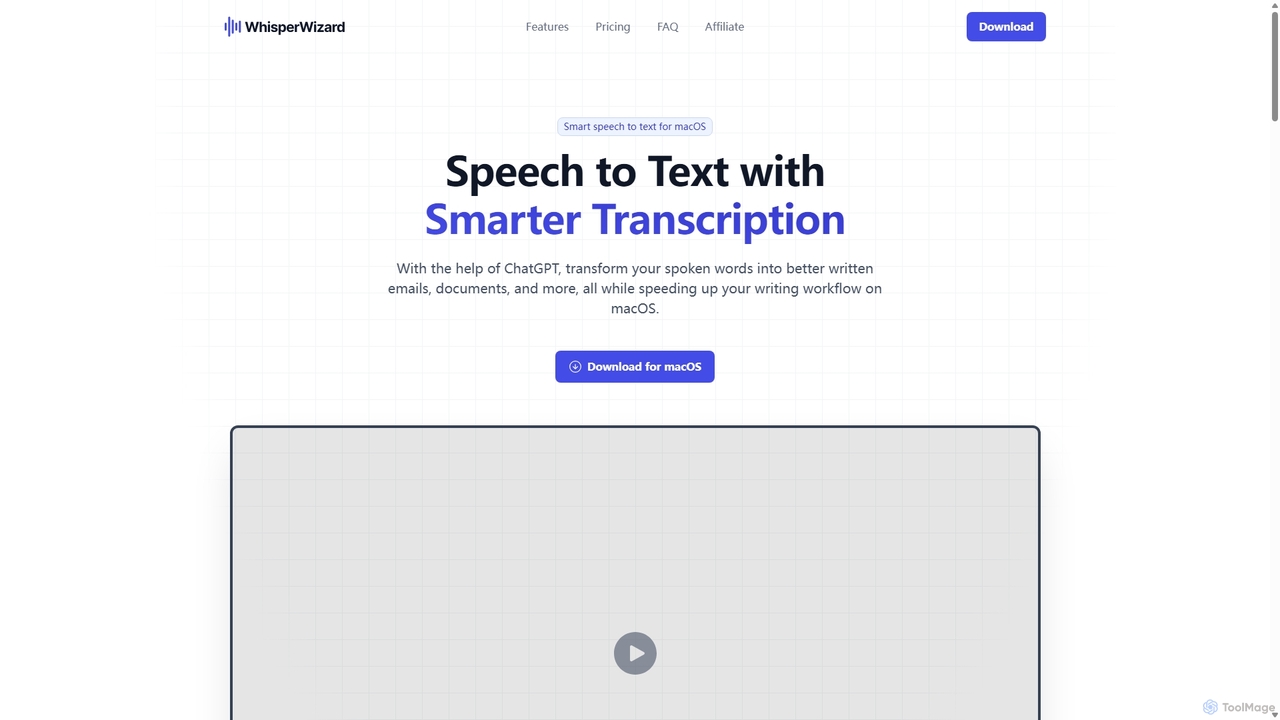
WhisperWizard

WhisperWizard is a powerful macOS application that transforms your speech into text with AI-powered enhancements. Leveraging ChatGPT, it not only transcribes your voice with high accuracy but also refines the output into well-structured emails, documents, and more. Create custom templates and shortcuts to streamline your writing workflow, making it faster and more efficient than ever to capture and perfect your ideas.

Speech To Text
Visits 5.3KFavorites 137Likes 112

About Writing Assistant

Writing Assistants are AI-powered tools designed to enhance the quality, clarity, and style of existing text. They utilize Natural Language Processing (NLP) to analyze sentences, identifying errors in grammar, spelling, punctuation, and syntax. Beyond simple proofreading, these assistants provide suggestions for improving sentence structure, adjusting tone, and increasing readability. This helps users communicate more effectively and professionally in any context, from business emails to academic papers.

Core Features

  • Advanced Grammar & Punctuation Check: Identifies and corrects complex grammatical errors, not just basic typos.
  • Style & Tone Adjustment: Offers suggestions to rephrase sentences to be more formal, confident, friendly, or concise.
  • Clarity & Readability Analysis: Simplifies complex sentences, removes jargon, and improves the overall flow of the text.
  • Sentence Rephrasing & Completion: Provides alternative ways to phrase ideas and helps overcome writer's block.
  • Plagiarism Detection: Scans text against online sources to ensure originality.

Use Cases

Writing Assistants are widely used by professionals for crafting error-free emails and reports, students for proofreading academic essays, and marketers for refining ad copy and social media posts. Non-native speakers also rely on these tools to improve their fluency and sound more natural in their writing.

How to Choose

When selecting a Writing Assistant, consider its integration capabilities (e.g., browser extensions, desktop apps), the range of languages it supports, and the depth of its stylistic suggestions. Also, evaluate the user interface for ease of use and compare pricing models, as some offer free basic checks while others provide advanced team features via subscription.

Featured tool rankings

Writing Assistant use cases

1

Polishing Business Communication

A project manager needs to send a critical project update to stakeholders. They use a Writing Assistant to review their draft. The tool corrects a few subtle grammatical errors, suggests rephrasing a complex sentence for better clarity, and adjusts the tone to be more confident and professional. The final email is clear, concise, and error-free, ensuring the message is received positively and without misunderstanding, strengthening professional credibility.

2

Proofreading Academic Papers

A university student is finalizing their thesis. Before submission, they run the entire document through a Writing Assistant. The tool helps identify inconsistent terminology, flags sentences that are too long and complex, and checks for potential unintentional plagiarism. It also ensures the paper adheres to a formal academic tone. This process significantly improves the paper's quality, allowing the student to submit their work with confidence.

3

Optimizing Marketing & Blog Content

A content marketer drafts a new blog post. Using a Writing Assistant integrated into their editor, they check the text for readability. The assistant suggests breaking up long paragraphs, replacing passive voice with active voice for a more engaging tone, and simplifying industry jargon for a broader audience. This ensures the final content is not only grammatically correct but also optimized for reader engagement and SEO performance.

4

Assisting Non-Native English Speakers

An employee whose first language is not English needs to write a proposal for an international client. They use a Writing Assistant to check for common grammatical mistakes and awkward phrasing. The tool suggests more natural-sounding idioms and sentence structures, helping them convey their ideas clearly and professionally. This boosts their confidence and ensures their writing accurately reflects their expertise, free from language barriers.

5

Maintaining Brand Voice Consistency

A marketing team uses a Writing Assistant with a built-in style guide feature. This ensures that all content produced by different team members—from website copy to press releases—adheres to the company's specific terminology, tone, and formatting rules. The assistant automatically flags non-compliant language and suggests approved alternatives, streamlining the editing process and ensuring a consistent and professional brand identity across all channels.

6

Streamlining Personal Writing Tasks

An individual is drafting a cover letter for a job application. They use a Writing Assistant browser extension to quickly check for typos and grammatical errors. The tool also suggests stronger action verbs to replace weaker ones, making their experience sound more impactful. In just a few minutes, the cover letter is transformed from a simple draft into a polished, professional document that makes a strong first impression on recruiters.

Writing Assistant FAQ

What is an AI Writing Assistant?

An AI Writing Assistant is a software tool that uses artificial intelligence to help users improve their writing in real-time. Unlike tools that generate content from scratch, an assistant focuses on enhancing existing text by correcting grammar, improving style and tone, increasing clarity, and checking for plagiarism. They act as an intelligent proofreader and style coach, accessible directly within your browser or text editor.

How is a Writing Assistant different from an AI Content Generator?

The key difference lies in their primary function. A Writing Assistant enhances and refines text that a human has already written, focusing on correctness, clarity, and style. An AI Content Generator creates new, original text from a user's prompt or keywords. Think of an assistant as an editor, while a generator is an author. You use an assistant to polish your own work, and a generator to create a first draft or new ideas.

What are the key features to look for in a Writing Assistant?

When choosing a Writing Assistant, look for these essential features:

  • Comprehensive Corrections: It should go beyond basic spell-checking to catch complex grammar, punctuation, and syntax errors.
  • Style and Tone Suggestions: The ability to suggest rephrasing for different contexts (e.g., formal, casual, confident) is highly valuable.
  • Integration: Look for seamless integration with your workflow, such as browser extensions, Microsoft Word add-ins, or desktop apps.
  • Multi-language Support: If you write in more than one language, ensure the tool provides robust support for them.
  • Plagiarism Checker: A built-in plagiarism detector is crucial for academic and professional writing.
Who can benefit from using a Writing Assistant?

A wide range of individuals can benefit from a Writing Assistant. Students can use it to proofread essays and avoid plagiarism. Professionals can ensure their emails, reports, and presentations are clear and error-free. Content creators and marketers can refine their copy for better engagement. Non-native speakers can improve their fluency and confidence. Essentially, anyone who writes regularly can use these tools to enhance the quality and impact of their communication.

Do Writing Assistants replace human editors?

Writing Assistants are powerful tools, but they do not fully replace human editors. They excel at identifying objective errors in grammar, spelling, and syntax, and can offer excellent stylistic suggestions based on algorithms. However, a human editor provides nuanced understanding of context, audience, and creative intent that AI may miss. Assistants are best used as a first line of defense to catch errors and improve drafts, while human editors are invaluable for final, high-stakes polishing.