

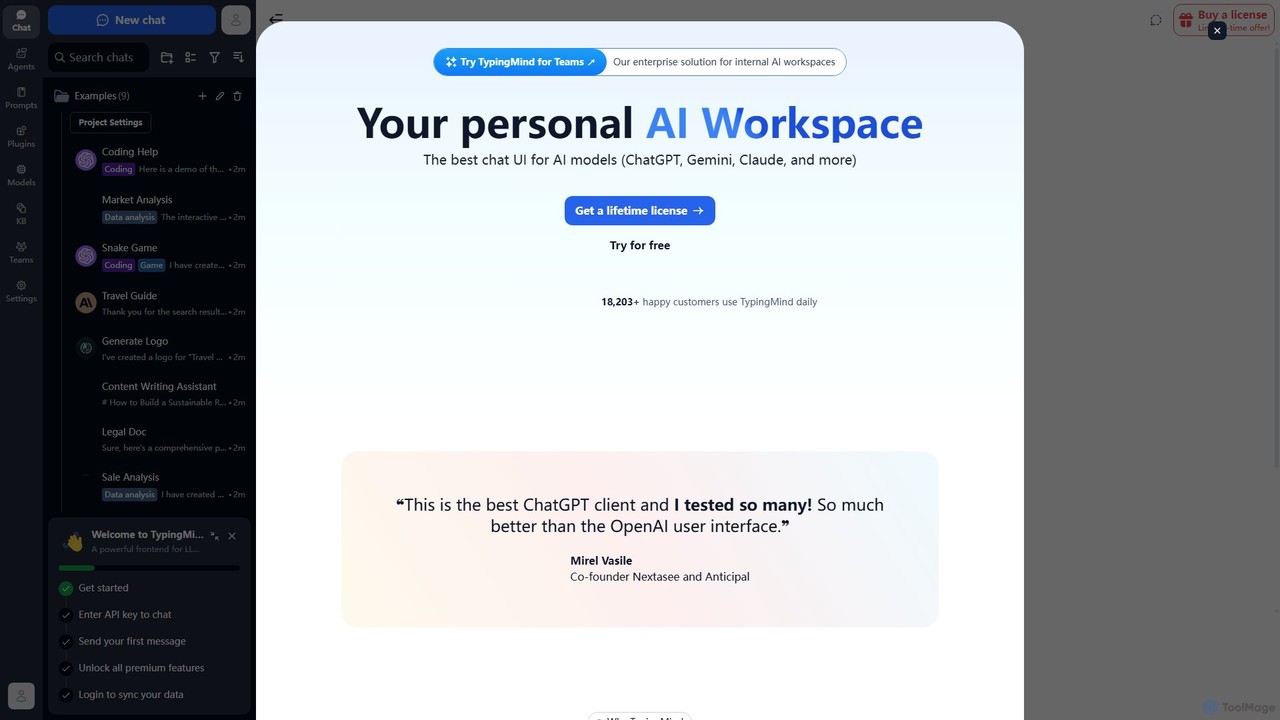
TypingMind Overview
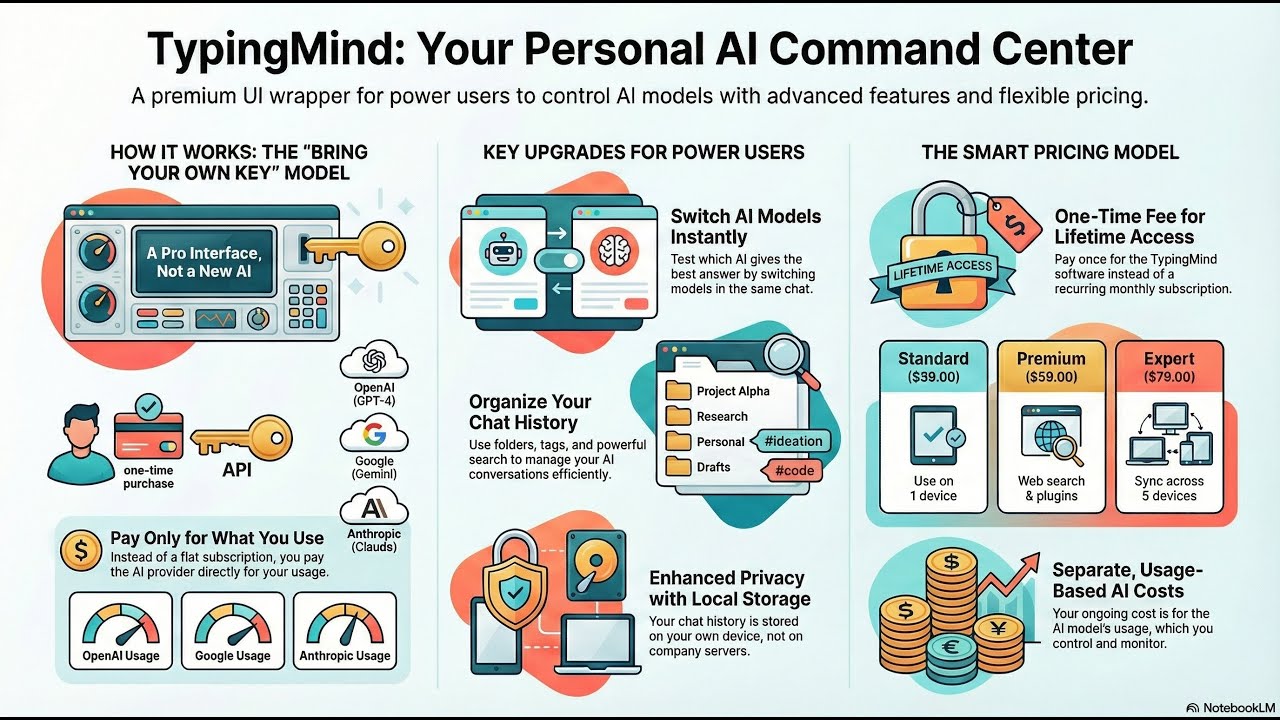
TypingMind is a sophisticated front-end user interface designed to serve as a personal AI workspace. It replaces the standard web interfaces of popular Large Language Models (LLMs) like OpenAI's ChatGPT, Google's Gemini, and Anthropic's Claude, offering a unified, feature-rich, and privacy-focused experience. Instead of a recurring subscription, TypingMind operates on a one-time lifetime license model, where users connect their own API keys from various AI providers. This approach gives users full control over their usage costs and ensures that all conversations and data are stored locally on their device by default, guaranteeing privacy and confidentiality.
The platform is trusted by over 18,000 users, from individual professionals to members of Fortune 500 companies, who leverage its advanced capabilities to streamline their AI interactions. TypingMind is more than just a chat window; it's a complete productivity suite designed to maximize the value of every token spent.
How to use TypingMind
Getting started with TypingMind is a straightforward process designed for efficiency:
- Obtain a License: Visit the TypingMind website to purchase a lifetime license. There is also a free version available to try out the basic features.
- Get Your API Key: You need an API key from an AI model provider you wish to use (e.g., OpenAI, Google AI Studio, Anthropic). TypingMind does not provide the AI models, it provides the interface to access them.
- Connect Your Key: In the TypingMind settings, securely add your API key. The key is encrypted and stored locally on your browser.
- Start Chatting: You can now interact with your chosen AI model through the enhanced TypingMind interface.
- Organize and Customize: Create project folders to organize chats, use tags for easy searching, and explore the vast library of pre-built prompts and AI agents.
- Extend Functionality: Activate plugins like web search, DALL-E 3 image generation, or document analysis to supercharge your AI's capabilities.
- For Teams: Organizations can opt for 'TypingMind for Teams' to create a private, collaborative AI workspace for their members.
Core Features of TypingMind
- Multi-Model Support: Seamlessly switch between various LLMs, including ChatGPT (GPT-3.5, GPT-4), Gemini, Claude, and custom models via endpoints like Azure OpenAI and OpenRouter.
- Advanced Chat Management: Organize conversations with folders, tags, and a powerful search function. Pin important chats, fork conversations, and bulk-delete or archive old ones.
- Custom AI Agent Builder: Create specialized AI agents by training them on your own documents (PDFs, text files). These agents can provide more accurate, context-aware responses based on your proprietary knowledge.
- Extensive Plugin Ecosystem: Enhance AI capabilities with a wide range of plugins, including real-time web search (Google, Perplexity), image generation (DALL-E 3, Stable Diffusion), document creation (PowerPoint, Word), diagramming (Mermaid.js), and integrations with services like Zapier and Slack.
- Rich Media Interaction: Chat directly with your documents, PDFs, and even videos. Utilize multi-language voice input and listen to AI responses with high-quality text-to-speech (TTS) from ElevenLabs or OpenAI.
- Privacy-First Architecture: All your chat history, API keys, and data are stored locally on your device by default. TypingMind does not collect your conversations or use them for training.
- Power-User Tools: Fine-tune model parameters like temperature and max tokens, create complex prompt chains, use an interactive canvas for coding, and track token usage and costs.
- TypingMind for Teams: An enterprise-grade solution for building internal, secure AI workspaces with features like a central admin dashboard, role-based permissions, and shared knowledge bases.
Use Cases for TypingMind
TypingMind is a versatile tool that caters to a wide range of professionals:
- Developers: Use the interactive canvas to write and debug code, integrate with custom endpoints, and use AI agents to assist with complex programming tasks.
- Writers and Content Creators: Draft articles, generate ideas, change the tone of text, and use the prompt library to overcome writer's block. Collaborate with the AI on long-form documents.
- Researchers and Academics: Upload research papers (PDFs) to discuss and summarize their content, use the web search plugin to access real-time information, and organize findings into dedicated project folders.
- Business Professionals: Generate PowerPoint presentations from outlines, analyze market news, create structured Word documents, and build internal knowledge bots for their teams.
- Students: Get help with homework, explain complex topics, and use voice input for a hands-free learning experience.
Advantages of TypingMind
TypingMind offers significant advantages over standard AI chat interfaces:
- Cost-Effective: The one-time purchase model is more economical in the long run compared to multiple monthly subscriptions. You only pay the AI provider for what you use.
- Enhanced Productivity: A unified interface for all models, combined with superior organization tools and powerful features, saves time and streamlines workflows.
- Superior User Experience: A fast, polished, and highly customizable interface with features like dark mode, keyboard shortcuts, and no repetitive logins.
- Unmatched Control: Full control over AI model parameters, the ability to build custom agents, and a flexible plugin system allow for a highly tailored AI experience.
- Guaranteed Privacy and Security: With local data storage and API key encryption, users can confidently work with sensitive information.
Pricing and Plans
TypingMind's primary offering is a one-time purchase for a lifetime license. This is not a monthly subscription. There is a free version with limited features that allows users to test the platform. The paid license unlocks all premium features, including access to all AI models, unlimited chats, the full plugin library, and the AI agent builder. The pricing is tiered based on the number of users/devices. For organizations, 'TypingMind for Teams' is available as a separate, customizable solution for building internal AI workspaces, with its own pricing structure.
Traffic
Latest traffic
Status
Monthly traffic trend
- 2025-9: 308.3K
- 2026-1: 426.0K
- 2026-2: 457.7K
- 2026-3: 539.4K
- 2026-4: 637.9K
- 2026-5: 609.1K
Geography
Top 5 countries / regions
- 🇲🇳Mongolia39.0%
- 🇺🇸United States27.2%
- 🇫🇷France14.4%
- 🇹🇭Thailand9.7%
- 🇩🇪Germany9.6%
Traffic sources
| Source type | Percentage |
|---|---|
Direct | 92.4% |
Referral | 5.7% |
Email | 1.9% |
Top keywords
| Keyword | Cost per click |
|---|---|
| groq api key | $1.26 |
| openrouter | $1.32 |
| typing mind | $5.22 |
| typingmind | $2.85 |
| typingmind oauth gemini | $0.00 |
TypingMind Videos on YouTube
Alex De Gracia | AI + Automation for Business


Data School

The Recruiter Roundtable
The Recruiter Roundtable


A Fading Thought
TypingMind Alternatives
ChatKit
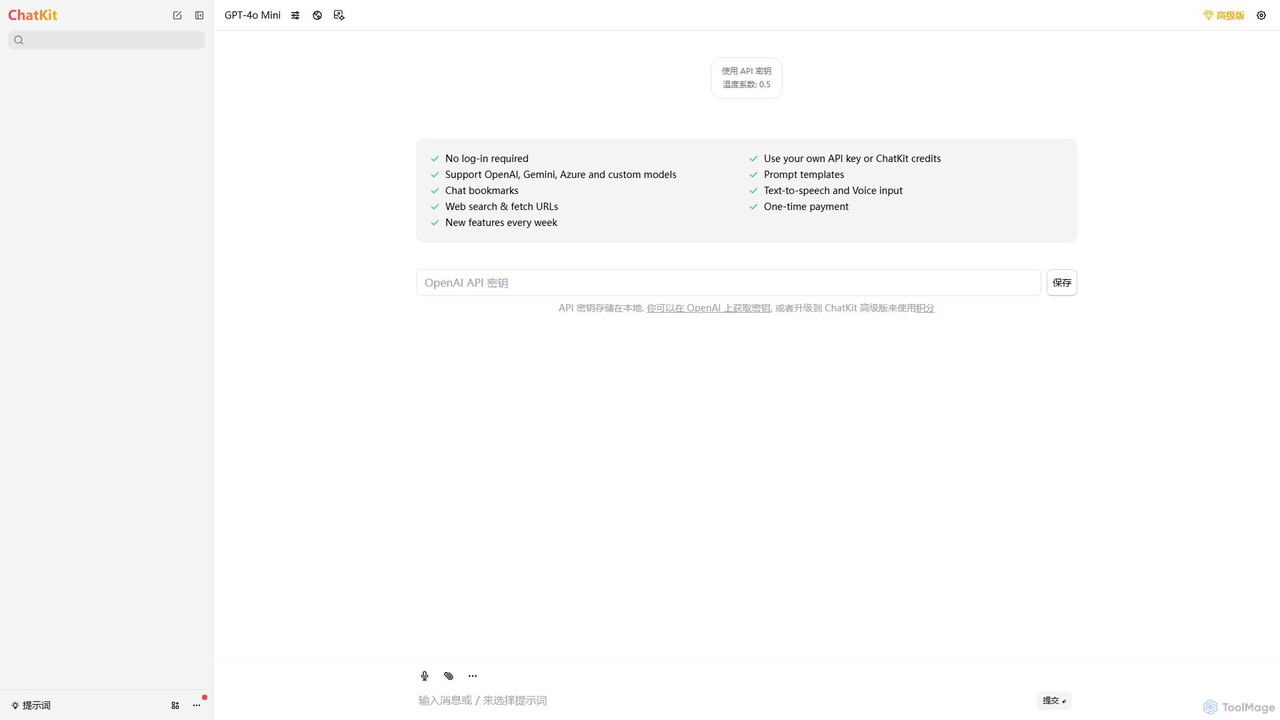
ChatKit is a refined, unified chat interface for top AI models like OpenAI, Gemini, and Azure. It enhances your workflow with features like web search, prompt templates, voice input, and chat bookmarks, all while prioritizing user privacy with local API key storage and no required login.
Api Management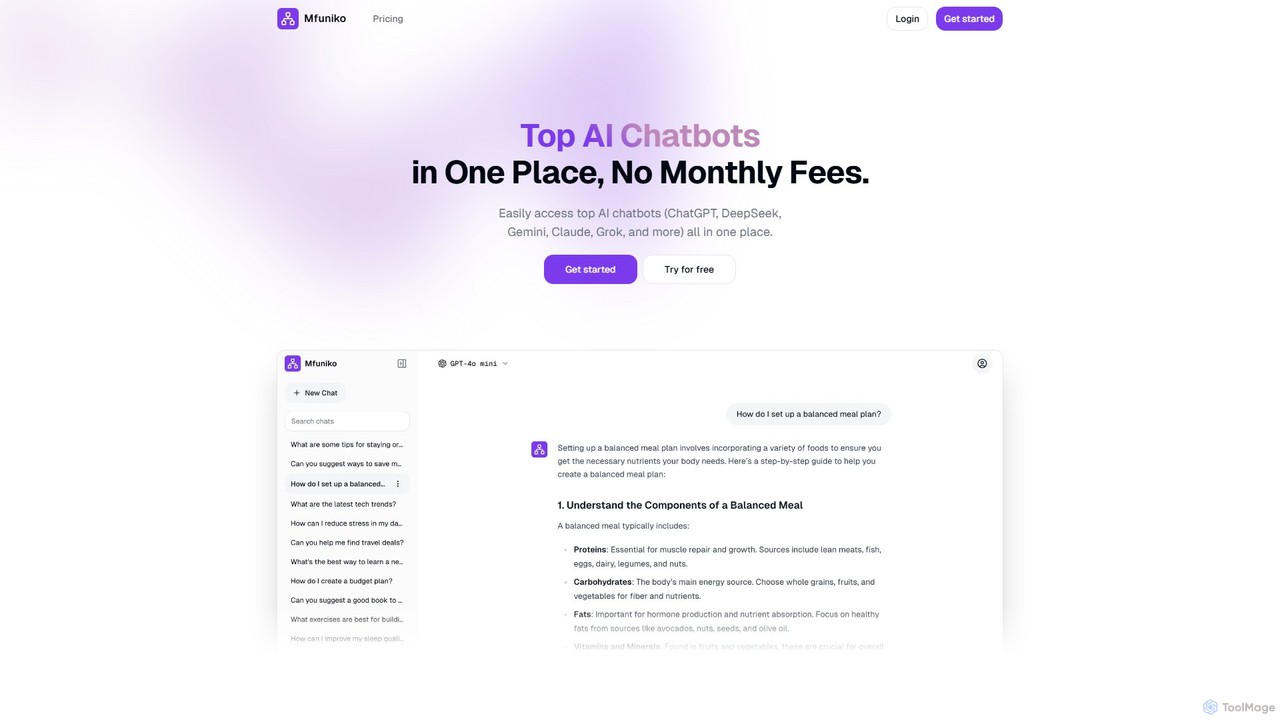
mfuniko
Mfuniko is a unified AI chat interface that allows you to access top AI models like ChatGPT, Gemini, Claude, and Grok in one place. It operates on a 'bring your own API key' model with a one-time payment for lifetime access, eliminating monthly subscription fees. It offers advanced features like file and image chat, chat organization, and text-to-speech to streamline your AI workflow.
Api Management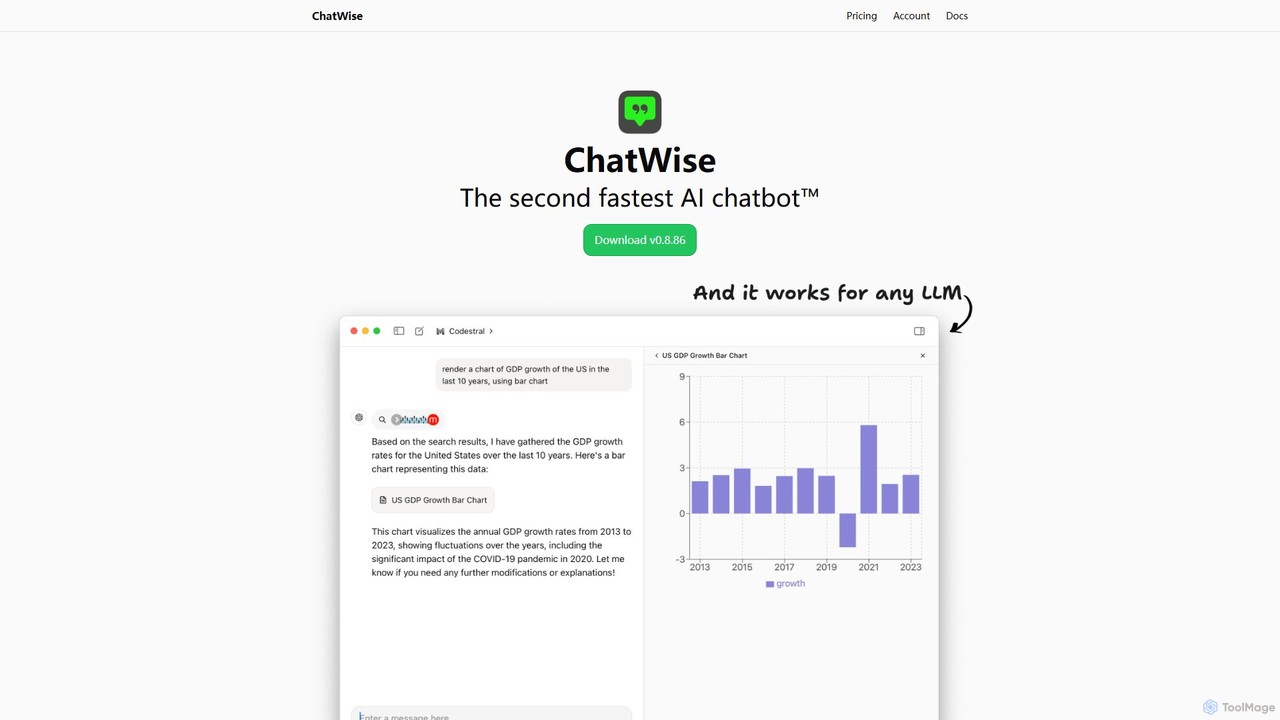
ChatWise
ChatWise is a high-performance, privacy-focused desktop application that provides a unified interface for interacting with various LLMs like ChatGPT, Claude, Gemini, and Llama. It supports multi-modal inputs, web search, and tool integration, storing all your data locally.
Api Management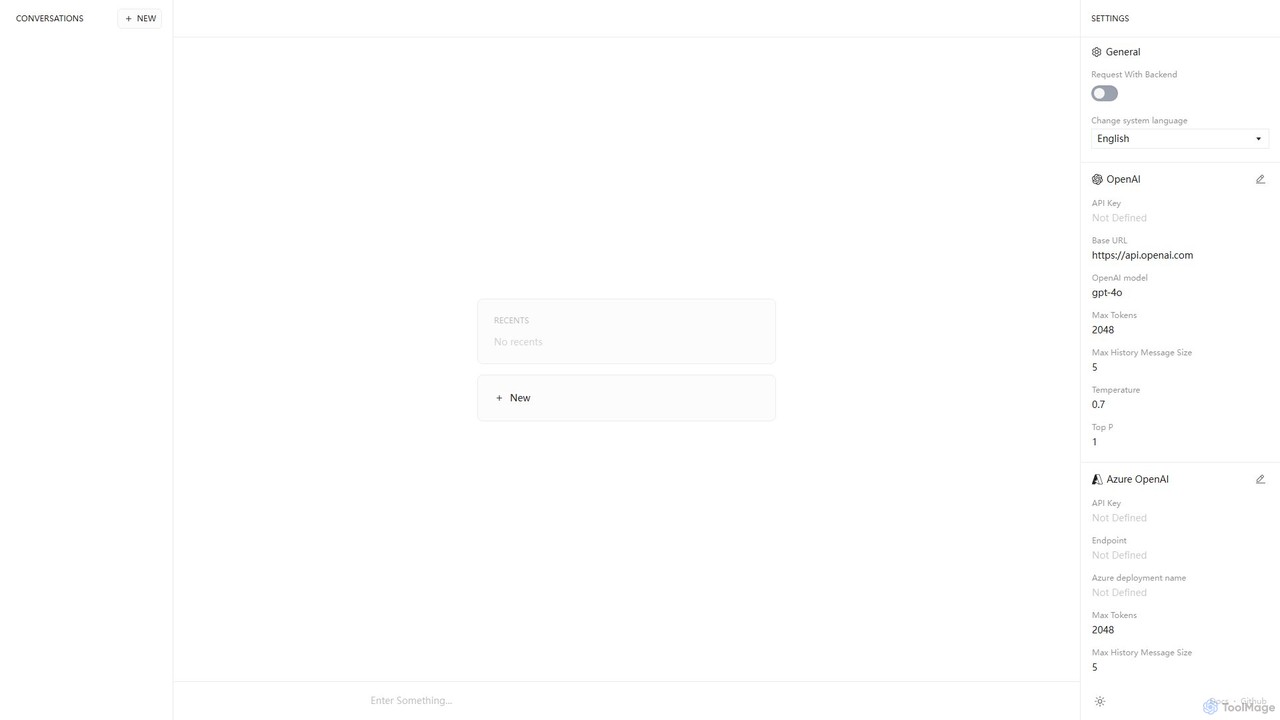
Anse
Anse is a free, open-source, and privacy-focused desktop AI client. It provides a unified interface to interact with various large language models from providers like OpenAI, Google, and Azure. By using your own API keys, you maintain full control over your data and costs, while enjoying advanced features and model customization in a sleek, minimalist application.
Ai Client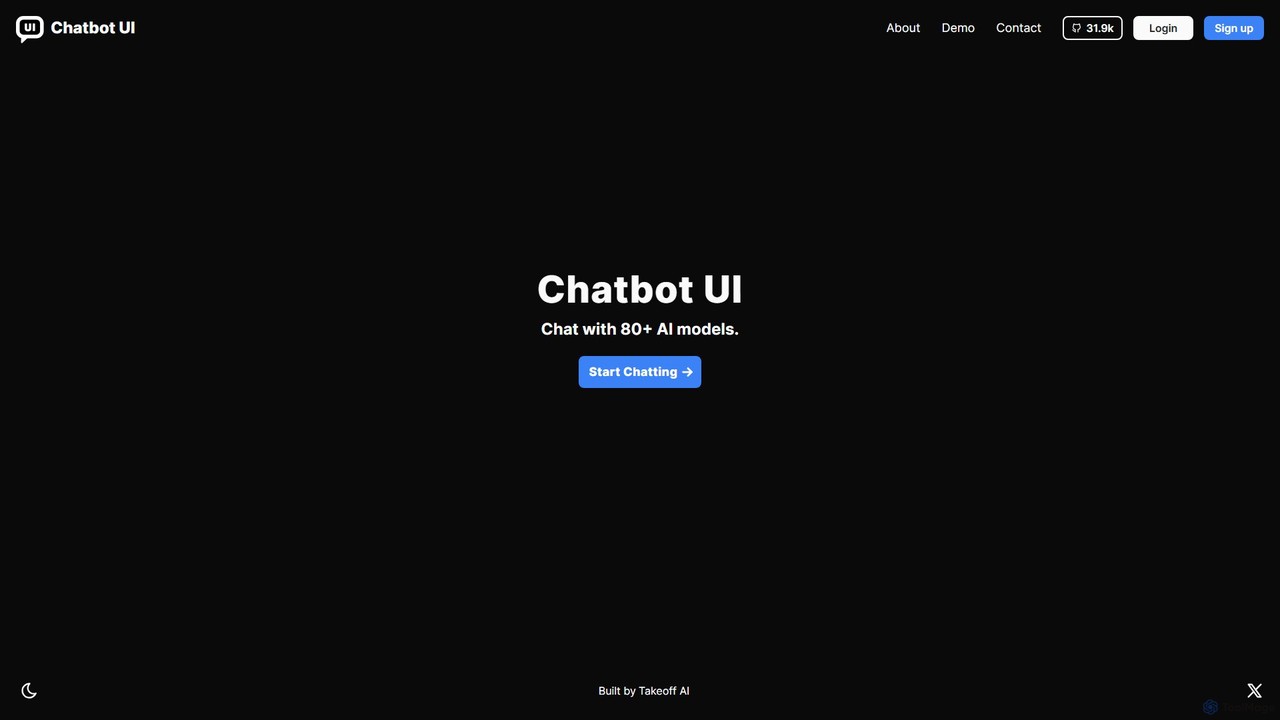
Chatbot UI
Chatbot UI is an open-source chatbot interface that allows you to connect with over 80 AI models, including those from OpenAI, Google, and Anthropic. It offers a self-hostable, customizable alternative to proprietary chat platforms, giving users full control over their data and conversations. Organize chats, create prompts, and seamlessly switch between models in a single, unified workspace.
Api ManagementTypingMind Categories
TypingMind Embed Widget
Copy this embed code to place the badge on your blog, article, or product site and send readers directly to this ToolMage detail page.

Related AI tools
ChatKit
ChatKit is a refined, unified chat interface for top AI models like OpenAI, Gemini, and Azure. It enhances your workflow with features like web search, prompt templates, voice input, and chat bookmarks, all while prioritizing user privacy with local API key storage and no required login.
Api ManagementChatWise
ChatWise is a high-performance, privacy-focused desktop application that provides a unified interface for interacting with various LLMs like ChatGPT, Claude, Gemini, and Llama. It supports multi-modal inputs, web search, and tool integration, storing all your data locally.
Api ManagementAnse
Anse is a free, open-source, and privacy-focused desktop AI client. It provides a unified interface to interact with various large language models from providers like OpenAI, Google, and Azure. By using your own API keys, you maintain full control over your data and costs, while enjoying advanced features and model customization in a sleek, minimalist application.
Ai Client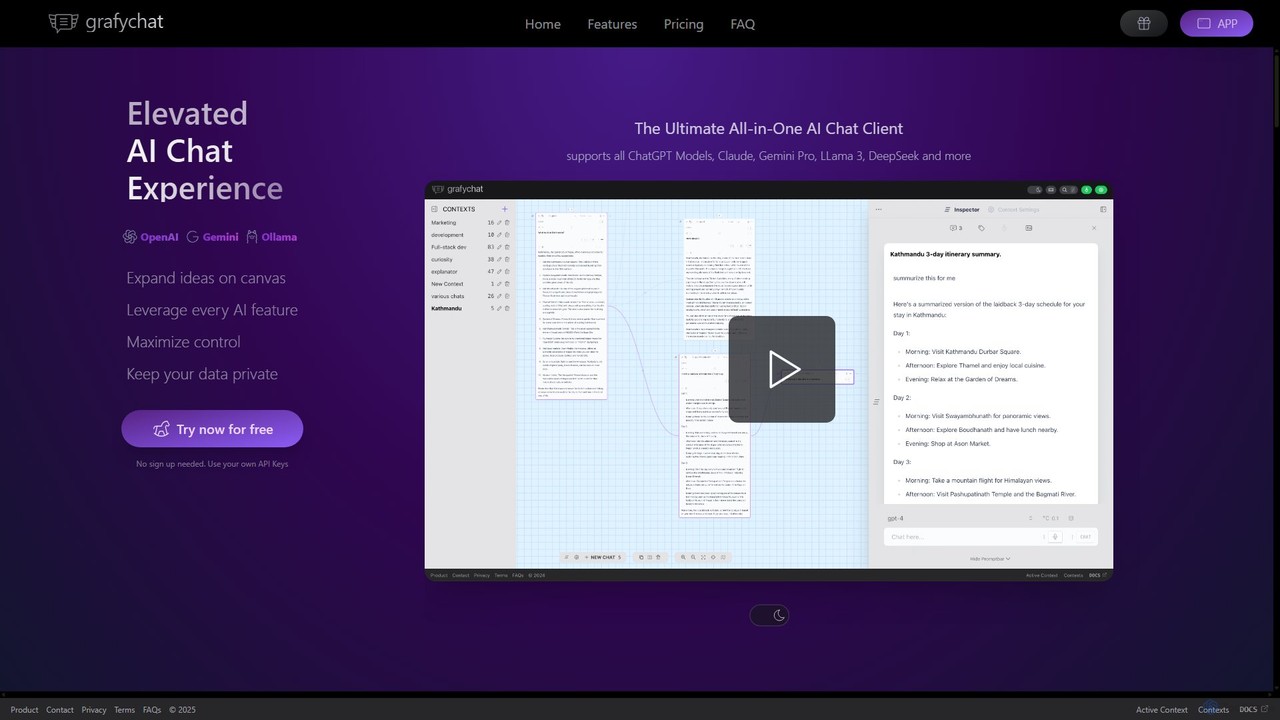
grafychat
grafychat is a privacy-first, all-in-one AI chat client that offers a unique visual canvas interface. It allows users to connect with major AI models like ChatGPT, Gemini, Claude, and Llama 3 using their own API keys, providing a non-linear, organized, and highly customizable chat experience.
Api Management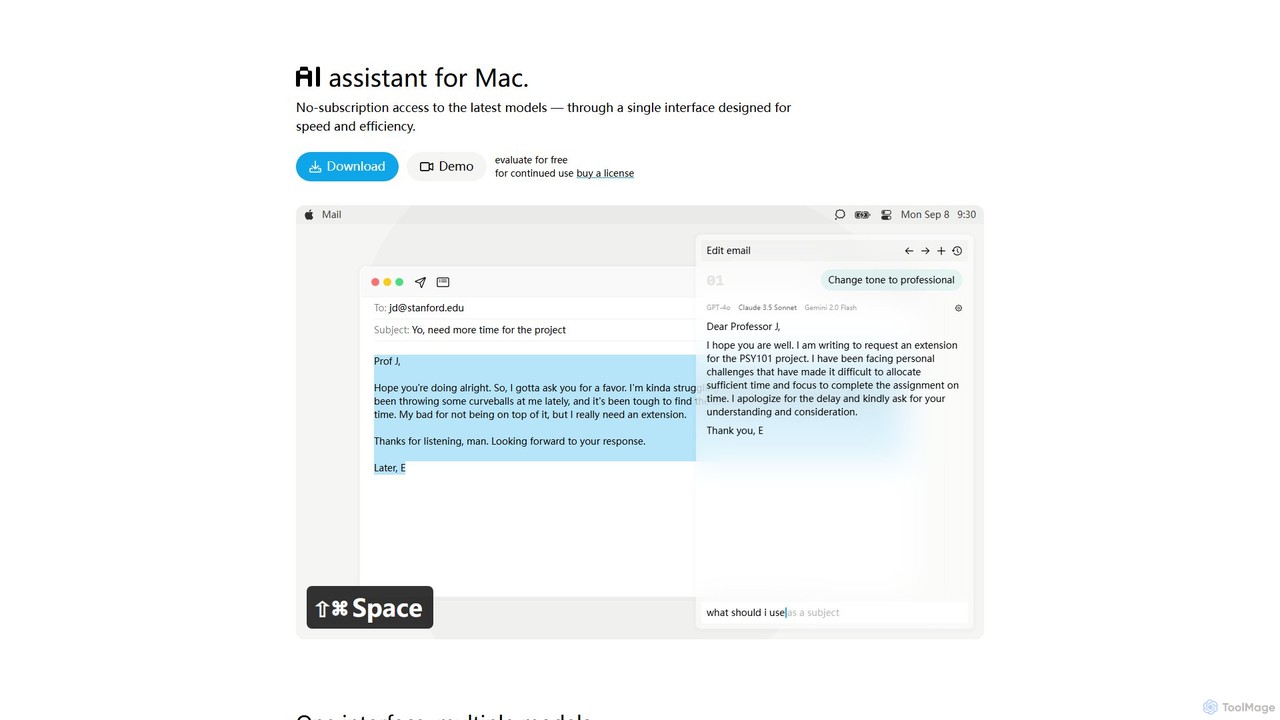
IntelliBar
IntelliBar is a native AI assistant for Mac, providing a unified interface to access the latest large language models like GPT-4o, Claude 3.5, and Gemini, plus local models via Ollama. It focuses on speed, efficiency, and privacy, with a one-time purchase model instead of recurring subscriptions. Compare models, use powerful shortcuts, and keep your data secure on your device.
Api Managementmfuniko
Mfuniko is a unified AI chat interface that allows you to access top AI models like ChatGPT, Gemini, Claude, and Grok in one place. It operates on a 'bring your own API key' model with a one-time payment for lifetime access, eliminating monthly subscription fees. It offers advanced features like file and image chat, chat organization, and text-to-speech to streamline your AI workflow.
Api Management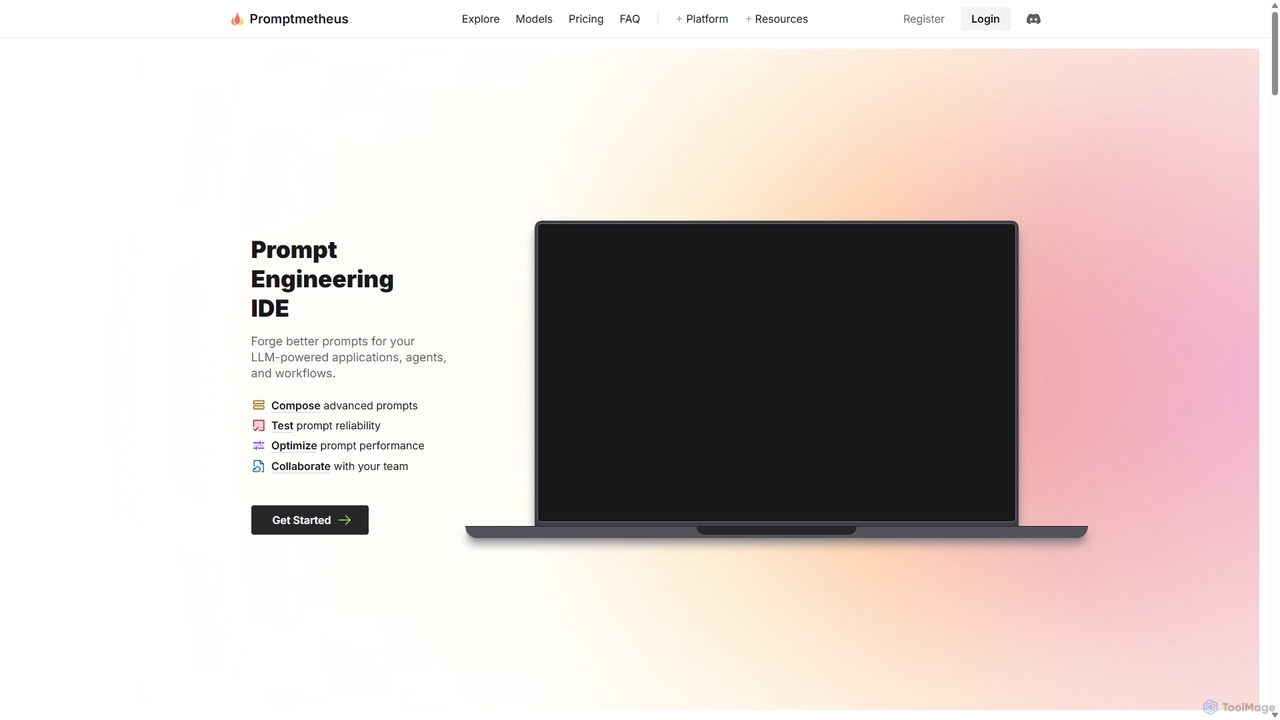
Promptmetheus
Promptmetheus is a professional Prompt Engineering IDE designed for developers and teams to build, test, and optimize high-quality prompts for LLM-powered applications. It supports over 100 LLMs, offers advanced composition tools, reliability testing, performance optimization, and real-time team collaboration, enabling a systematic and efficient approach to prompt design.
Model Management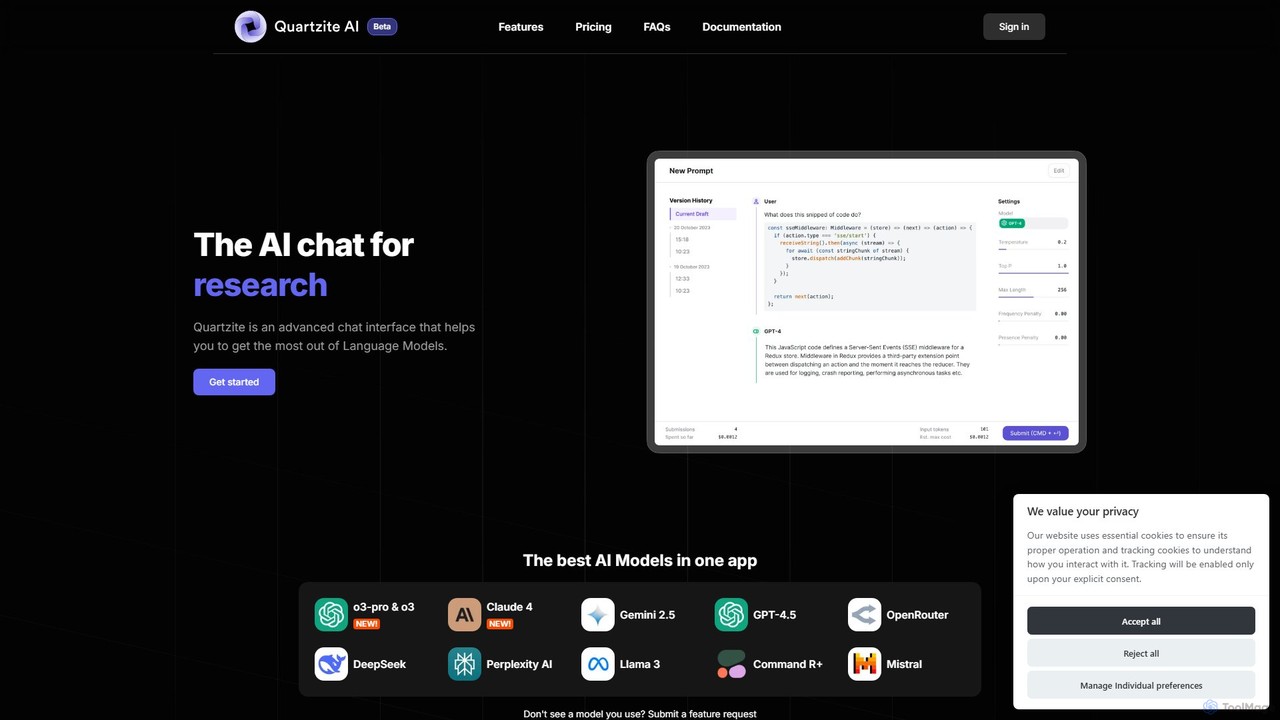
Quartzite
Quartzite is an advanced AI prompt IDE and productivity tool that centralizes access to top LLMs like GPT-4, Claude, and Gemini. It helps users write, optimize, and manage complex prompts with features like a template library, version history, cost preview, and a personal document knowledge base, all while reducing API costs.
Prompt Engineering
Cosmicup
Cosmicup is an all-in-one AI platform offering unlimited access to a wide array of advanced AI models like ChatGPT 5, Claude 4.5, Gemini 2.5, and Grok 4 through a single subscription. It streamlines workflows with features including multi-model interaction, code assistance, document analysis, real-time web search, deep research, and AI image generation, eliminating the need for multiple subscriptions.
Multimodal Ai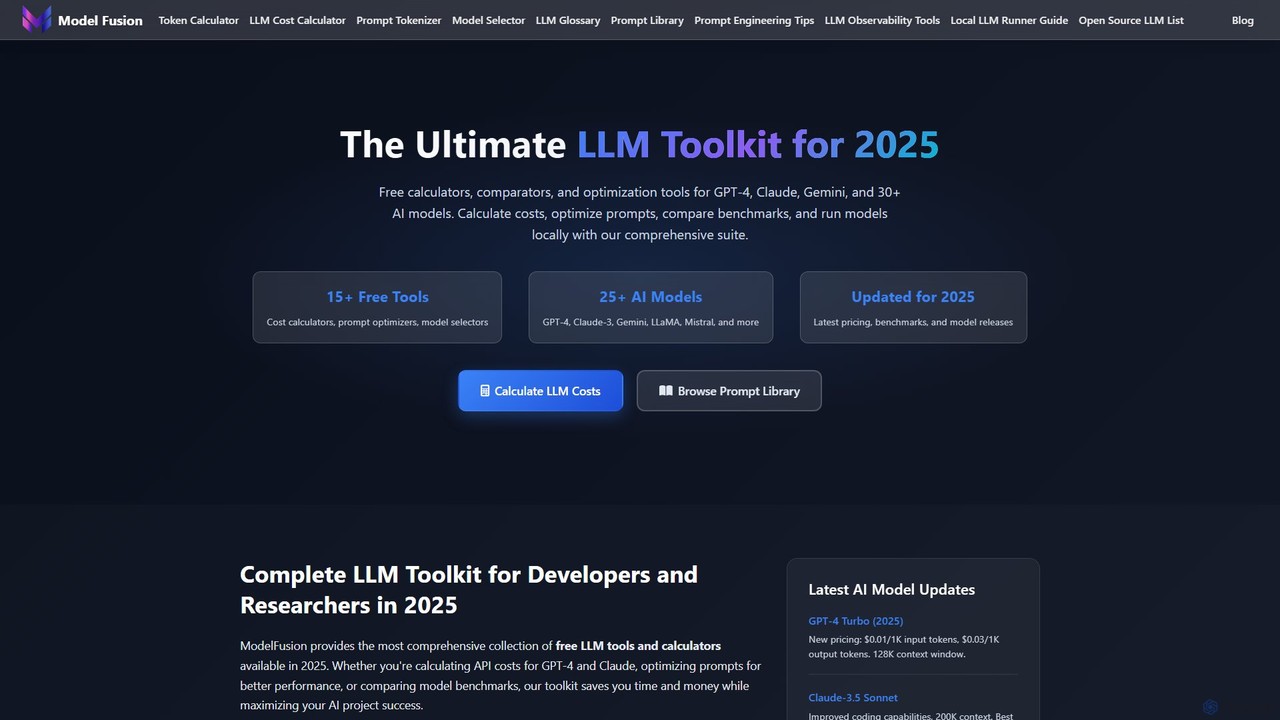
ModelFusion
ModelFusion is an all-in-one LLM toolkit for developers and researchers. It offers a suite of free tools, including a cost calculator, prompt library, and model comparator for over 30 AI models like GPT-4, Claude, and Gemini. It also provides a unified API and local model running guides to streamline AI development and optimize costs.
Api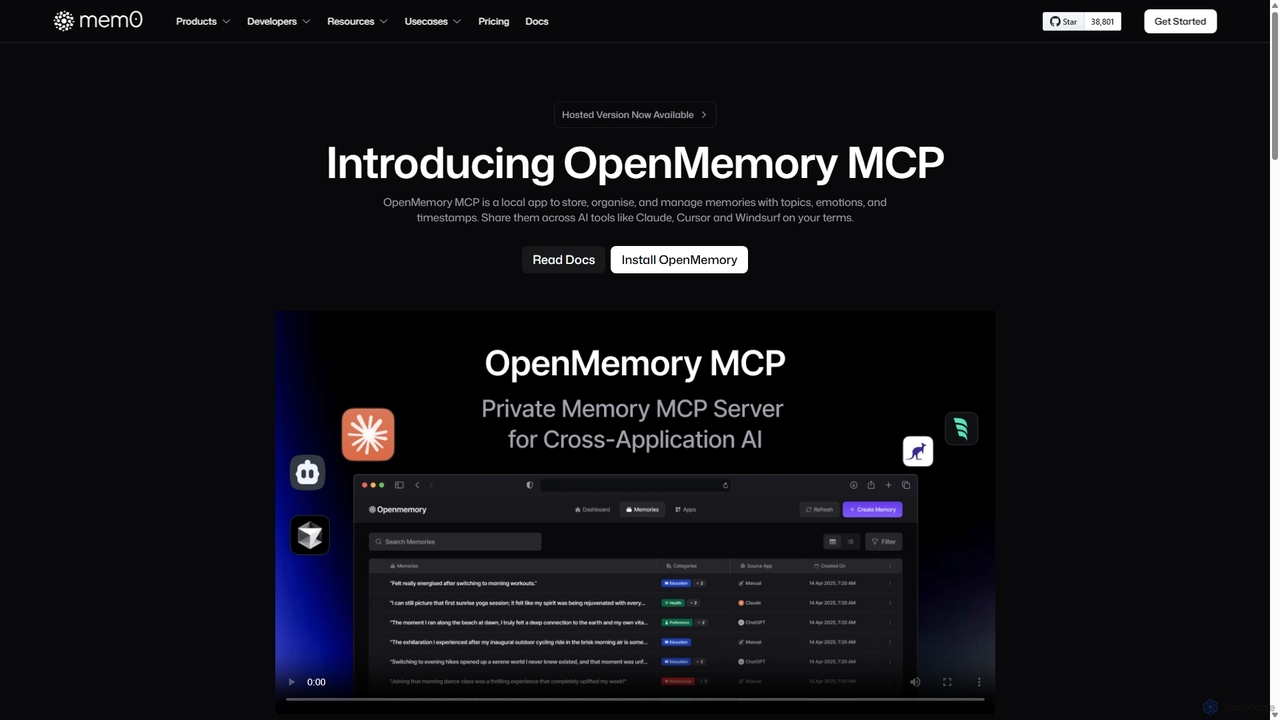
OpenMemory MCP
OpenMemory MCP is a local-first application designed to give your AI tools a persistent, private memory. It allows you to store, organize, and manage context like project details, code snippets, and personal preferences, sharing them securely across different AI applications like Claude and Cursor to enhance personalization and workflow continuity.
Personalization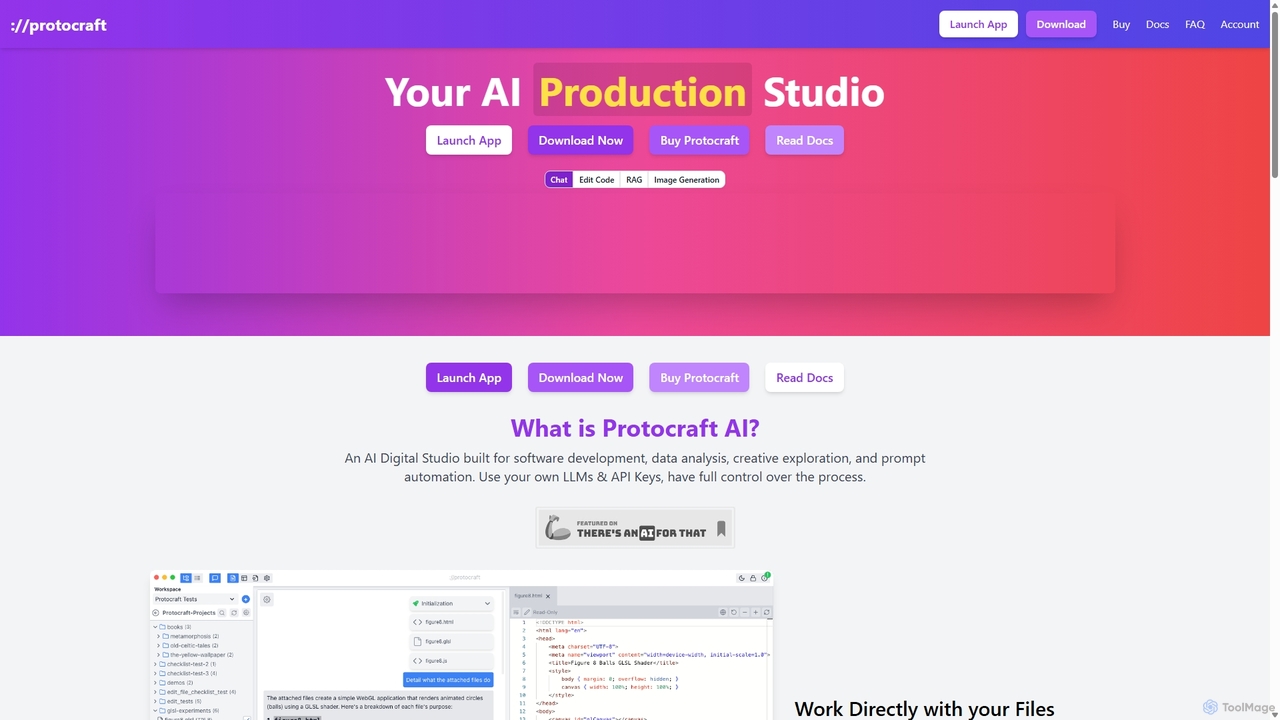
Protocraft AI
Protocraft AI is a versatile AI production studio for software development, data analysis, and creative tasks. It operates on a 'Bring Your Own Key' (BYOK) model, integrating with major LLMs like OpenAI, Anthropic, and Google, as well as local models. Available as both a web and desktop app, it allows users to interact directly with their local files, generate and edit code, create images, and automate prompts, all while maintaining full control over their data and privacy.
Business Intelligence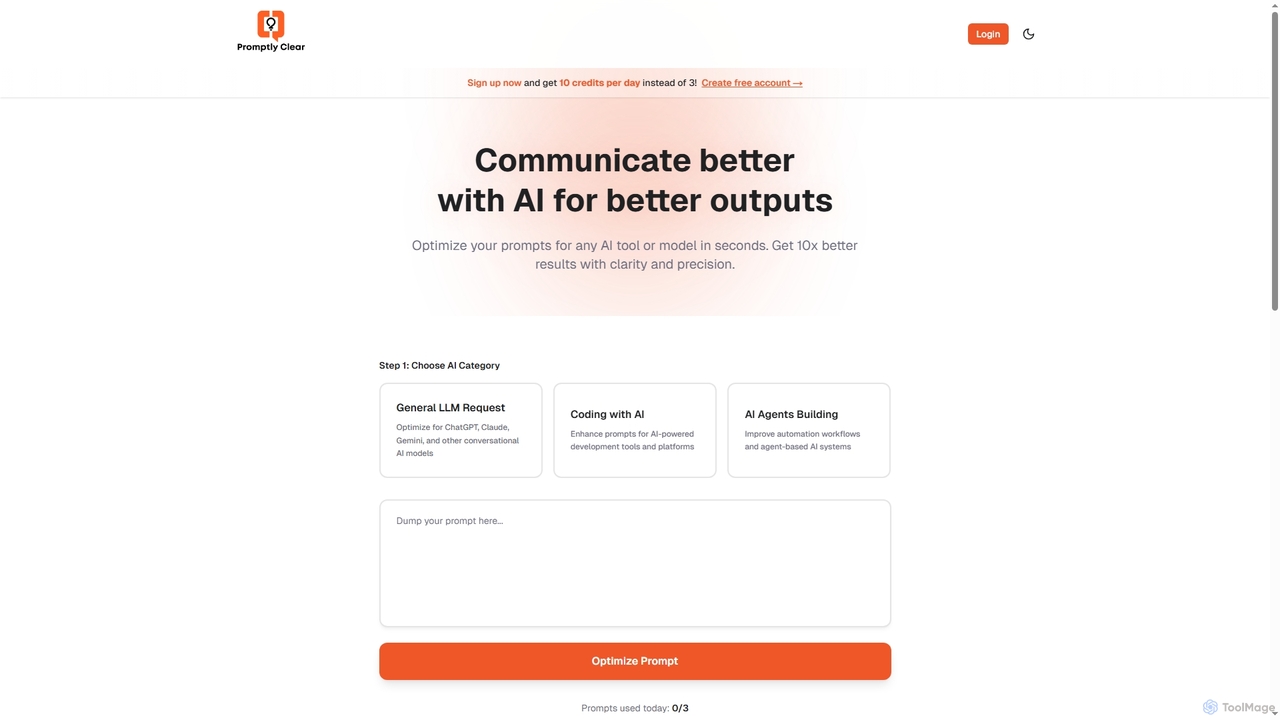
PromptlyClear
PromptlyClear is an AI prompt optimizer designed to refine user inputs for large language models like ChatGPT, Claude, and Gemini. It enhances clarity and precision, enabling users to achieve significantly better and more detailed AI outputs across various applications, from business research to coding.
Research Assistant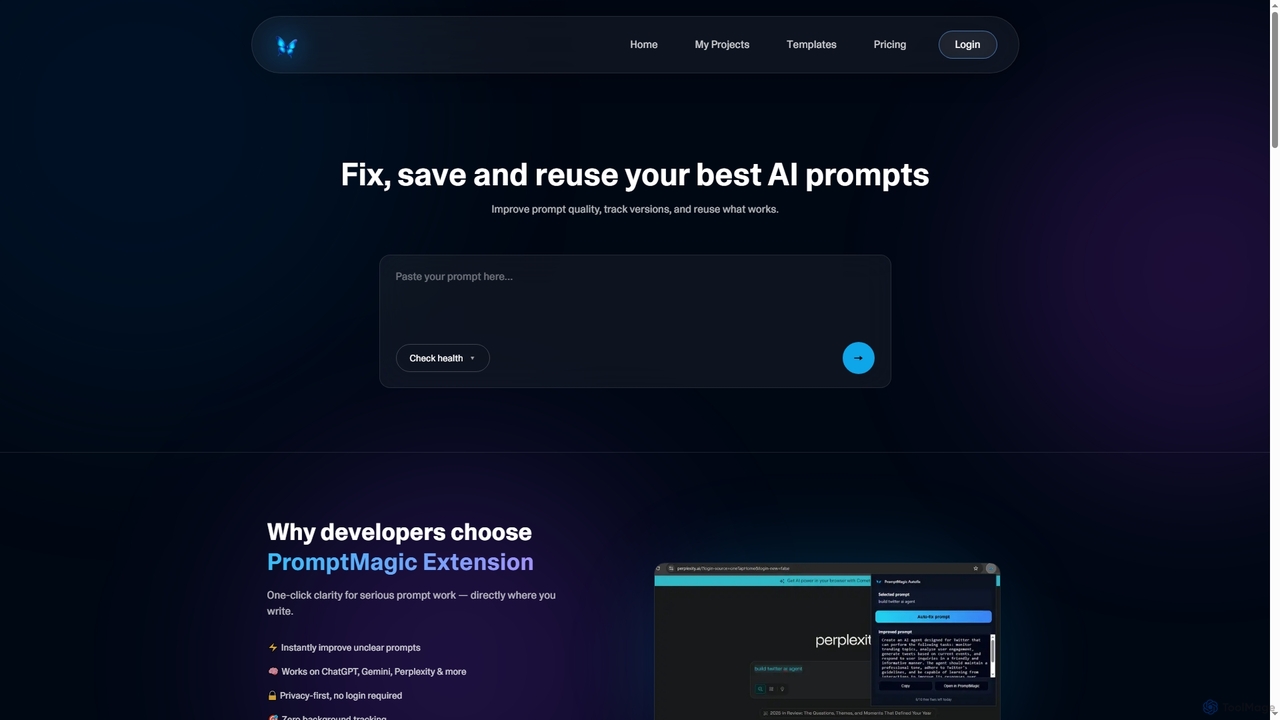
PromptMagic
PromptMagic is an AI tool and Chrome extension designed to help users write, optimize, save, and reuse high-quality AI prompts. It enhances clarity, tracks versions, and makes prompt engineering accessible across various AI models like ChatGPT, Gemini, and Claude.
Ai Development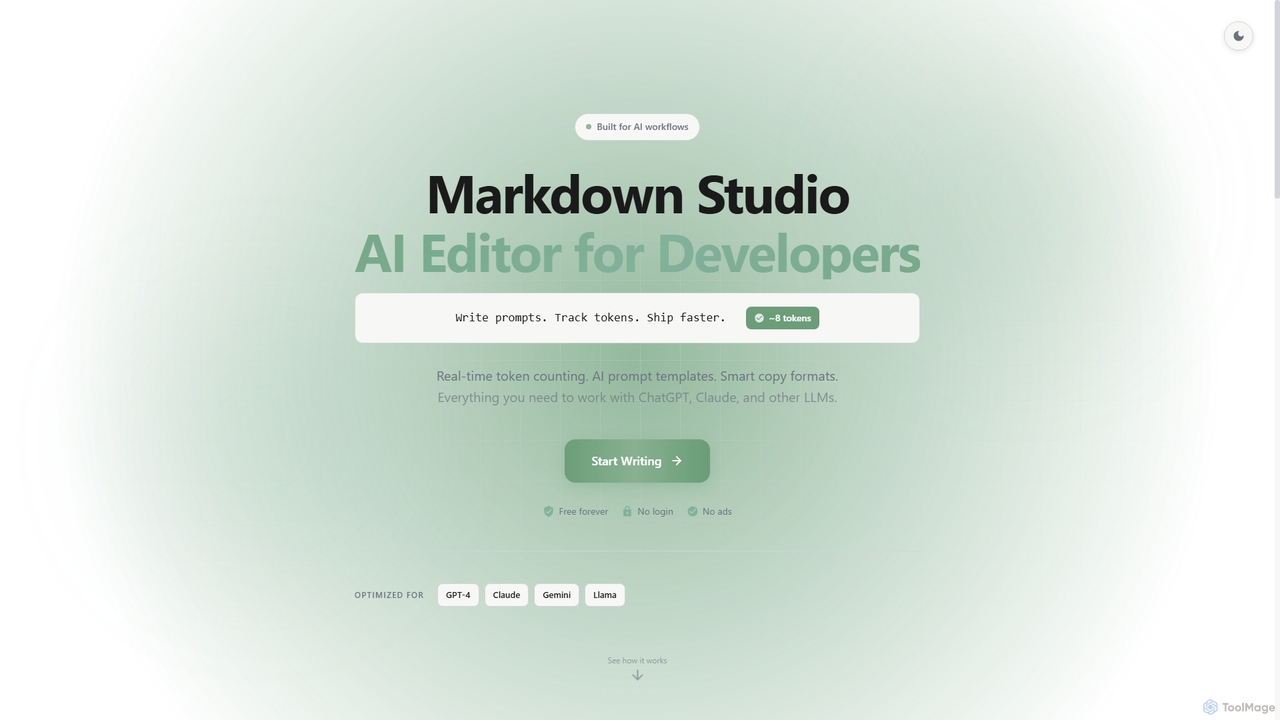
Markdown Studio
Markdown Studio is a free, AI-powered Markdown editor designed for developers and prompt engineers. It streamlines AI workflows with features like real-time token counting for LLMs (GPT-4, Claude, Gemini), AI prompt templates, and smart copy formats, all within a feature-rich, multi-tab editing environment that requires no login.
Text Generation
TypingMind Comments (0)
Sign in to comment.
Sign inNo comments yet.