ToolMage
Sign in

Best 6 Workspace AI tools for Productivity

Popular Workspace AI tools in Productivity include TypingMind, Autonomous, Waveterm, CharmIQ, Aistant, and Noospan, helping you work more efficiently.

Noospan
Freemium

Noospan

Noospan is an AI workspace designed for complex thinking, offering a non-linear, structured environment that overcomes the limitations of traditional chat interfaces. It enables deep exploration of ideas through branching conversations, visual tree views, and integrated knowledge management, powered by advanced AI models like GPT-5 and Gemini. Ideal for researchers, writers, and professionals who need precision and context in their AI interactions.

Coding
Visits 4.1KFavorites 25Likes 27
Aistant

Aistant

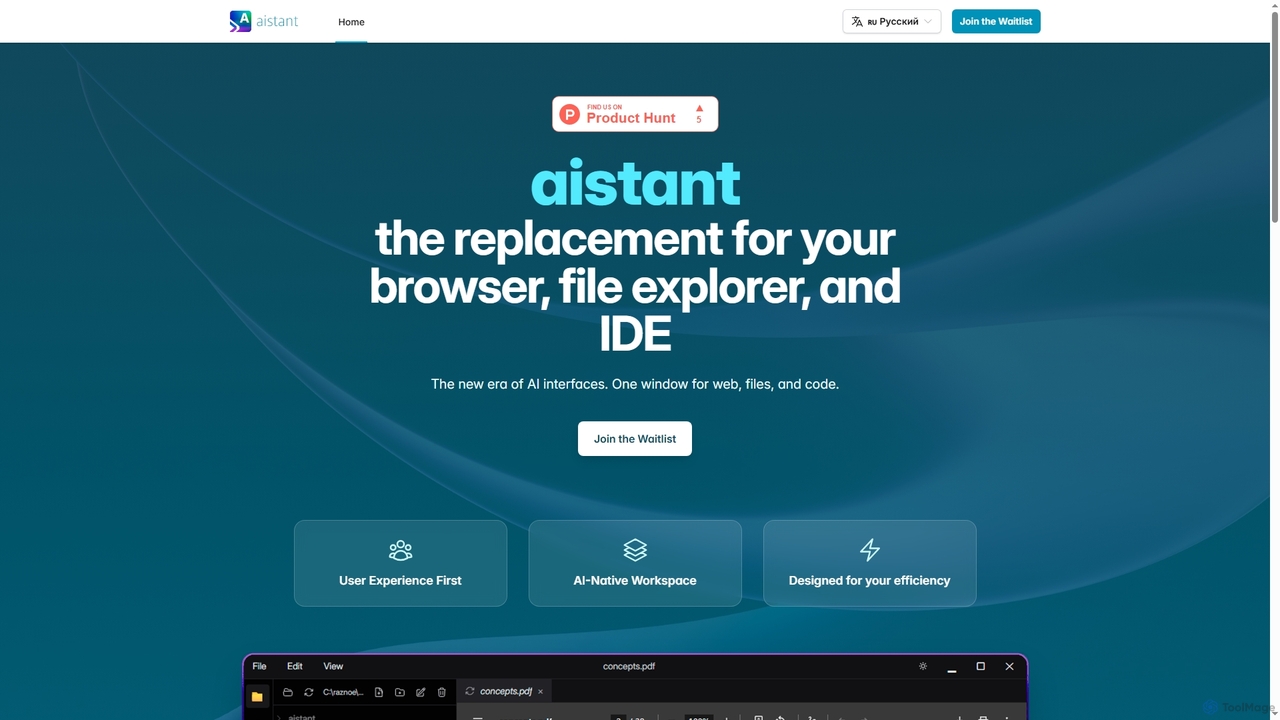
Aistant is an AI-native workspace designed to replace your browser, file explorer, and IDE with a single, unified interface. It offers instant search, visualization, and summarization of web content, local files, and code, all powered by an integrated AI agent-assistant. It emphasizes user efficiency and local data organization.

Ide
Visits 5KFavorites 114Likes 113
Waveterm
Free

Waveterm

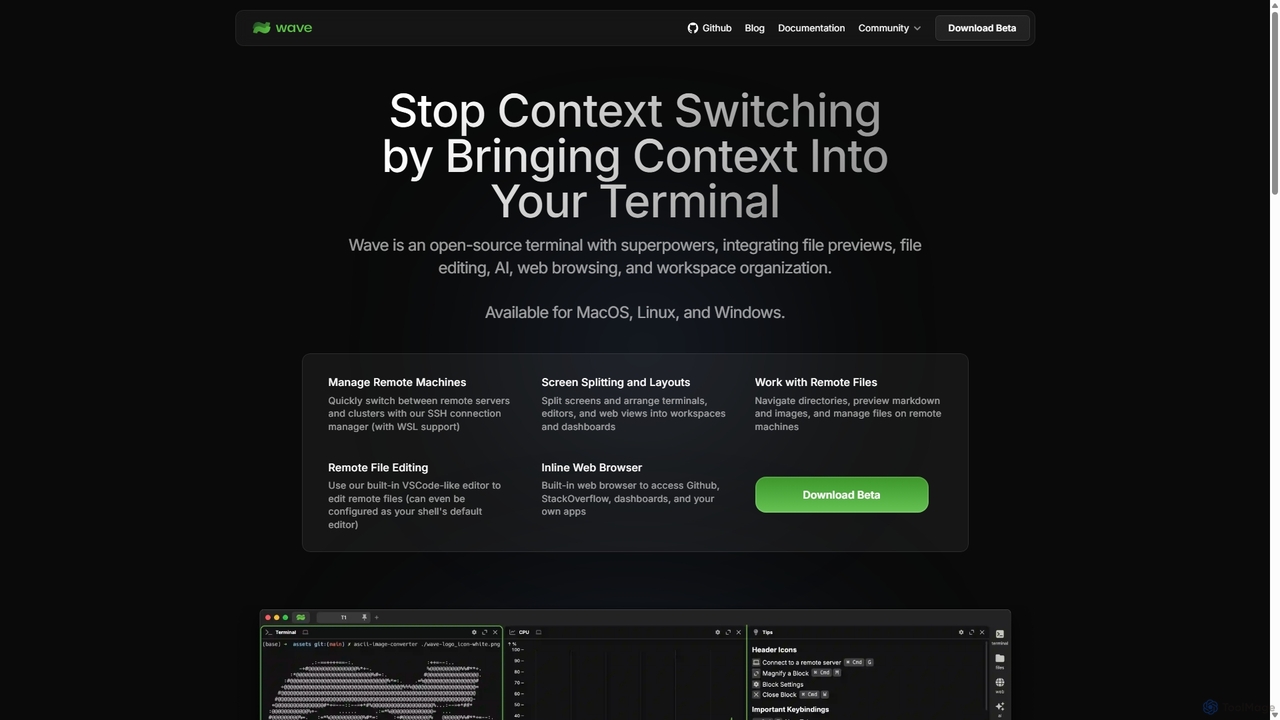
Waveterm is an open-source, modern terminal designed for developers and DevOps engineers. It enhances the command-line experience by integrating AI-powered assistance, a VSCode-like editor, inline file previews, a web browser, and customizable dashboards. This all-in-one workspace reduces context switching and boosts productivity across macOS, Windows, and Linux.

Code Assistant
Visits 134KFavorites 164Likes 164
CharmIQ
Freemium

CharmIQ

CharmIQ is a unified AI workspace designed for strategic thinking and team collaboration. It integrates over 10 industry-leading AI models, allowing users to create custom AI assistants ("Charms") for specialized tasks. Go beyond simple chatbots to analyze documents, brainstorm ideas, and produce high-quality work in a dynamic, collaborative environment.

Collaboration
Visits 7.5KFavorites 129Likes 118
TypingMind
Freemium

TypingMind

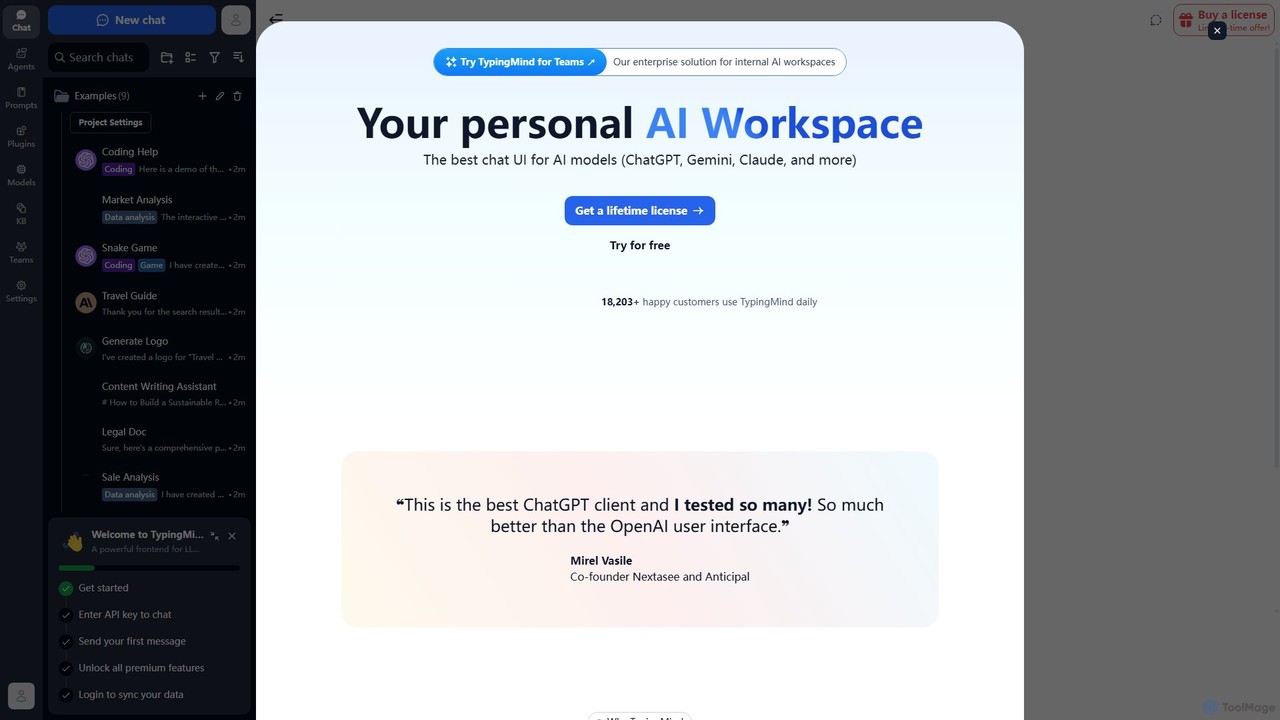
TypingMind is an advanced, privacy-first chat UI for large language models (LLMs) like ChatGPT, Gemini, and Claude. It offers a unified workspace with powerful features, allowing users to bring their own API keys for a one-time fee. Enhance your productivity with custom agents, a rich plugin ecosystem, and advanced chat management tools, all while keeping your data secure on your device.

Api Management
Visits 613.3KFavorites 163Likes 163
Autonomous
Paid

Autonomous

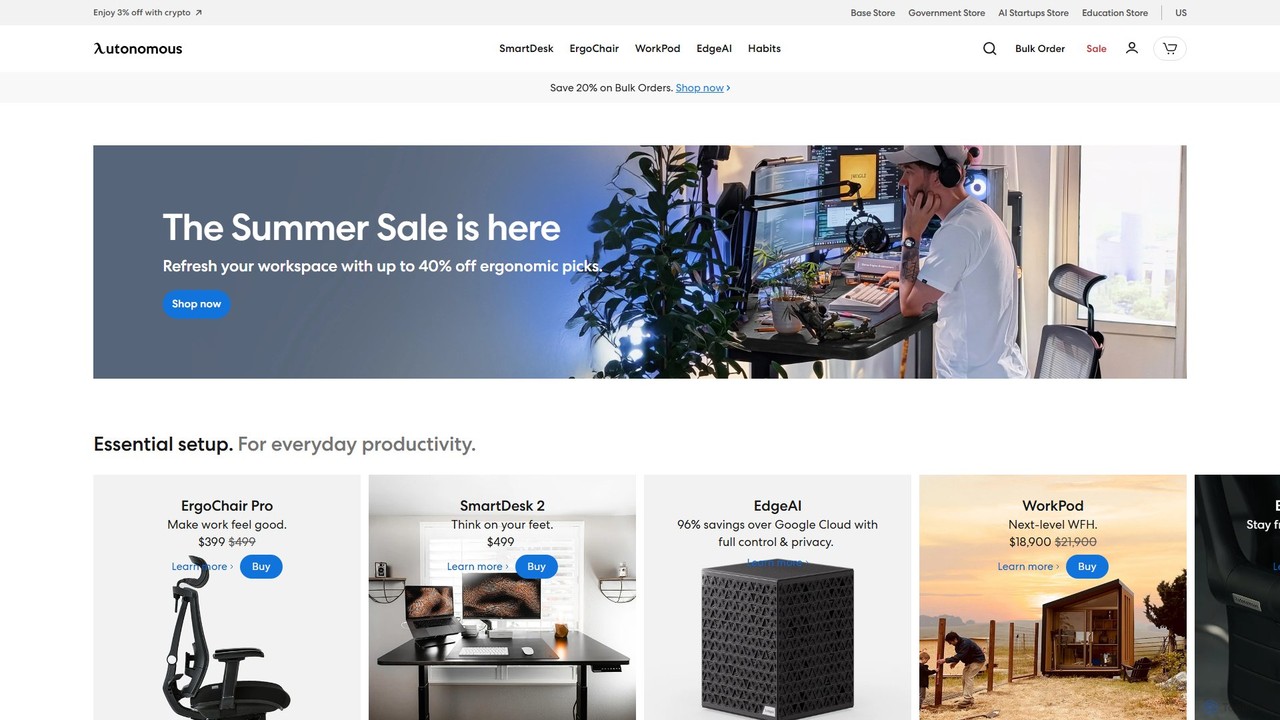
Autonomous provides an integrated ecosystem of AI-powered smart office furniture and software solutions designed to enhance productivity and well-being. It combines ergonomic hardware like standing desks (SmartDesk) and chairs (ErgoChair) with intelligent software and the EdgeAI platform to create optimized, healthy, and efficient work environments for individuals and businesses.

Office Management
Visits 289.6KFavorites 137Likes 107

About Workspace

AI Workspaces are integrated platforms that centralize multiple AI tools and data sources into a single, cohesive environment. They function as command centers for complex, AI-driven workflows, allowing users to chain different AI models and tasks together seamlessly. The primary value of an AI Workspace lies in breaking down silos between disparate AI applications, creating a unified space for creation, automation, and collaboration. This approach significantly enhances productivity by streamlining processes that would otherwise require switching between numerous separate tools.

Core Features

  • Unified Interface: Access and manage various AI models (language, image, code) from a single dashboard.
  • Workflow Automation: Build and automate multi-step processes by connecting different AI tasks in a sequence.
  • Knowledge Base Integration: Connect to internal data sources like Notion, Slack, or Google Drive for context-aware AI responses.
  • Collaborative Environment: Enable teams to share prompts, AI-generated assets, and automated workflows.
  • Agent Creation: Develop autonomous AI agents capable of executing complex tasks independently.

Use Cases

AI Workspaces are ideal for marketing teams automating content creation, development teams streamlining coding and documentation, and business analysts performing data analysis with natural language queries. They serve any role that relies on multiple AI tools for daily tasks, transforming fragmented workflows into efficient, integrated systems.

How to Choose

When selecting an AI Workspace, consider the range of supported AI models, the power and flexibility of its workflow builder, its integration capabilities with your existing software stack, and the platform's security and data privacy policies. Also, evaluate the user interface for ease of use and the level of customization available for building agents.

Featured tool rankings

Workspace use cases

1

Automated Marketing Campaign Creation

A marketing team uses an AI Workspace to orchestrate an entire content campaign. The process begins by connecting the workspace to market research data. The team prompts an AI agent to analyze trends and generate a list of blog post topics. Once a topic is approved, another automated workflow is triggered: a language model drafts the article, an image model creates a relevant header image, and a social media tool generates promotional copy. This centralized approach reduces campaign creation time from days to hours and ensures consistency across all channels.

2

Streamlining Software Development Cycles

A software development team integrates their AI Workspace with their code repository (e.g., GitHub) and project management tool (e.g., Jira). When a new feature ticket is created in Jira, an AI agent automatically creates a new branch in GitHub, drafts boilerplate code based on the ticket's description, and suggests relevant files to modify. As developers write code, another AI provides real-time suggestions and debugging assistance. Upon pull request submission, the workspace agent summarizes the changes, runs preliminary tests, and flags potential issues, accelerating the code review process by over 30%.

3

Centralized Business Intelligence and Reporting

A business analyst connects their company's databases and financial spreadsheets to an AI Workspace. Instead of writing complex SQL queries, they use natural language to ask questions like, "What was our month-over-month revenue growth for Q3 in the European market?" The AI Workspace queries the connected data sources, synthesizes the information, and generates a report complete with charts and key insights. This empowers non-technical users to perform sophisticated data analysis, reducing reliance on the data science team and enabling faster, data-driven decision-making.

4

Personalized Research and Learning Assistant

A university student or academic researcher uses an AI Workspace to manage their studies. They upload lecture notes, research papers, and textbooks into a personal knowledge base. They can then ask the workspace complex questions, such as "Compare the key arguments of Author A and Author B on economic policy." The AI synthesizes information from all uploaded documents to provide a nuanced answer. It can also be used to generate study guides, create flashcards from notes, and draft outlines for essays, acting as a powerful, personalized academic tutor.

5

Automating Customer Support Knowledge Retrieval

A customer support team connects their help desk software (like Zendesk) and internal knowledge base to an AI Workspace. When a support agent receives a complex customer query, instead of manually searching through articles, they type the query into the workspace. The AI instantly scans all connected sources, including past tickets and documentation, to provide a concise answer with links to relevant articles. This reduces average handling time per ticket and improves the consistency and accuracy of responses, leading to higher customer satisfaction.

6

Enterprise AI Agent Orchestration

A large enterprise uses an AI Workspace to build and manage a fleet of autonomous agents for internal processes. For example, an 'Onboarding Agent' is created to handle new employee setup. When HR adds a new employee to the system, this agent automatically provisions accounts in various software, schedules orientation meetings, and sends a welcome package with relevant documents. Another 'Finance Agent' can process expense reports by extracting data from receipts, checking against company policy, and submitting for approval. This orchestration of specialized agents automates complex, cross-departmental workflows, freeing up significant human resources.

Workspace FAQ

What is an AI Workspace?

An AI Workspace is a centralized digital environment that integrates various AI tools, applications, and data sources into a single platform. Unlike individual AI tools that perform specific tasks, a workspace acts as a command center, allowing users to build, automate, and manage complex workflows that chain multiple AI capabilities together. Key features often include access to different AI models, workflow automation builders, and integration with internal knowledge bases to create a cohesive and powerful AI-driven productivity system.

How is an AI Workspace different from a project management tool like Asana or Trello?

The core difference is execution versus organization. Project management tools like Asana or Trello are designed to organize, track, and manage human tasks and project timelines. An AI Workspace, however, is built to execute and automate tasks using AI. For example:

  • In a PM tool, you assign a task: "Write a blog post."
  • In an AI Workspace, you trigger a workflow that uses an AI to actually research, draft, and format the blog post.

In essence, project management tools manage the 'what' and 'who' of work, while AI Workspaces perform the 'how' by directly applying AI capabilities to complete tasks.

Who can benefit from using an AI Workspace?

A wide range of users can benefit from an AI Workspace. This includes:

  • Marketing Teams: To automate content creation, from research and writing to generating images and social media posts.
  • Software Developers: To streamline coding, debugging, documentation generation, and code review processes.
  • Business Analysts: To perform complex data analysis and generate reports using natural language queries instead of code.
  • Researchers and Students: To organize vast amounts of information, synthesize knowledge, and accelerate the writing process.
  • Enterprise Operations: To build and deploy autonomous agents that automate internal processes like HR, finance, and IT support.

Essentially, anyone whose work involves using multiple digital tools and handling complex information flows can significantly improve their efficiency and capabilities.

What are the key features to look for in an AI Workspace?

When choosing an AI Workspace, consider these key features:

  • Model Variety: Does it support a wide range of leading AI models (e.g., GPT-4, Claude 3, Gemini) for different tasks?
  • Workflow Builder: How intuitive and powerful is the tool for creating automated, multi-step workflows? Can it handle conditional logic?
  • Integration Capabilities: Can it easily connect to your existing tools and data sources, such as Google Drive, Slack, Notion, or your own databases?
  • Knowledge Base Functionality: Does it allow you to create a secure, internal knowledge base that the AI can use for context-aware responses?
  • Collaboration Tools: Does it offer features for teams to share workflows, prompts, and AI-generated results?
  • Security and Privacy: What are the platform's policies on data handling, privacy, and security protocols?
Is it difficult to set up and use an AI Workspace?

The difficulty varies by platform, but most modern AI Workspaces are designed with user-friendliness in mind. Many offer no-code or low-code interfaces, allowing non-technical users to build complex workflows using simple drag-and-drop builders. Initial setup might involve connecting your accounts (like Google Drive or Slack), which is typically a straightforward authorization process. While creating highly advanced, custom AI agents might require some technical knowledge, the core functionalities for automating daily tasks are generally accessible to a broad audience. Most platforms also provide extensive documentation and tutorials to guide new users.