ToolMage
Sign in

Best 5 Ide AI tools for Developer Tools

Popular Ide AI tools in Developer Tools include JetBrains Marketplace, Contral, Paradime, Aistant, and Enso, helping you work more efficiently.

Contral
Freemium

Contral

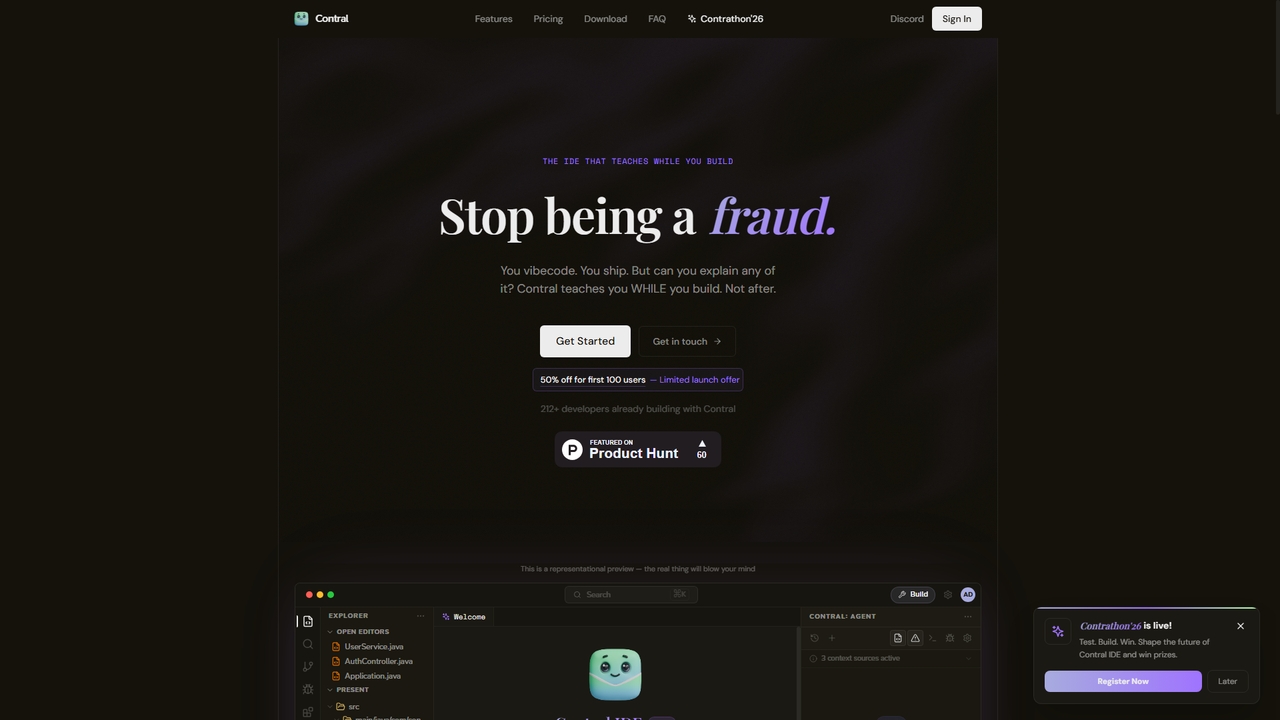
Contral is an intelligent development environment (IDE) designed to teach you programming while you build real projects. It combines a full-powered AI coding agent with a real-time teaching layer that explains every line of code, pattern, and architectural decision as it's written. Unlike standard AI code assistants, Contral focuses on ensuring you understand and can explain the code you ship.

Ide
Visits 35.3KFavorites 21Likes 29
Enso
Freemium

Enso

Enso is an AI-powered development environment designed for developers to parallelize intelligence across multiple AI agents within a single project. It integrates advanced Git control, a robust code editor, and AI-driven code review, offering a seamless workflow with persistent AI sessions for each branch.

Development
Visits 5KFavorites 42Likes 43
Aistant

Aistant

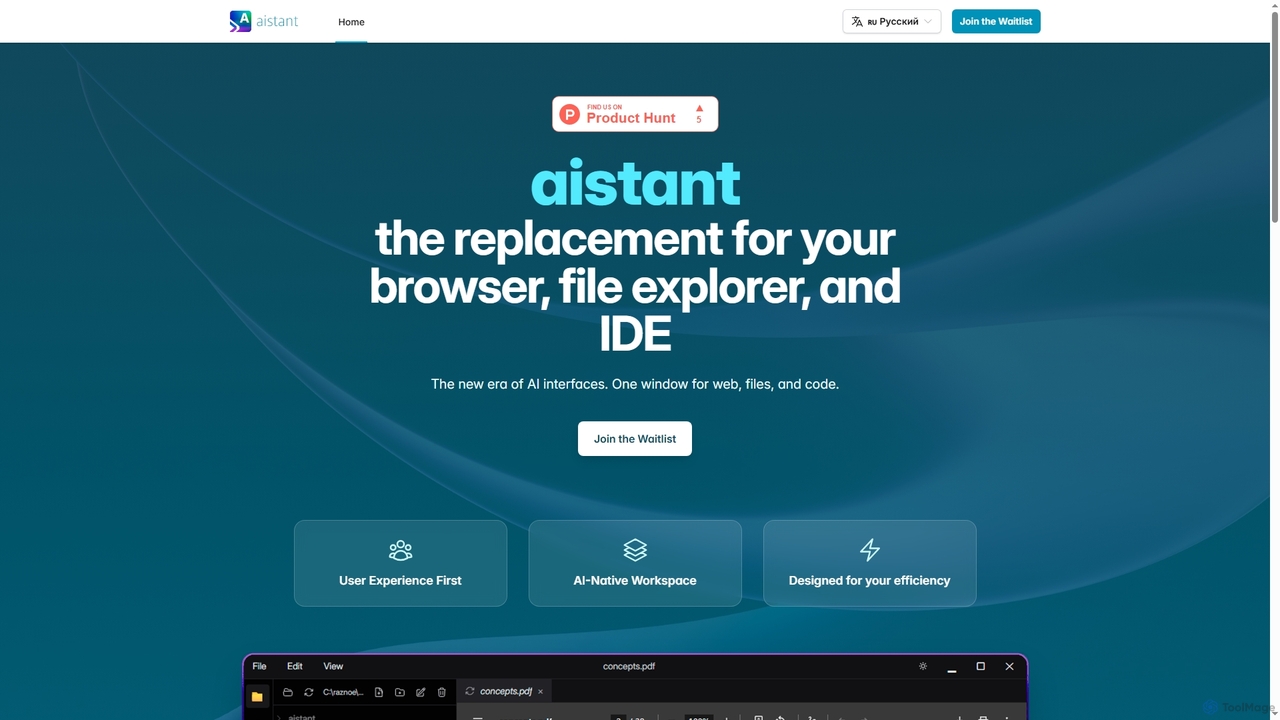
Aistant is an AI-native workspace designed to replace your browser, file explorer, and IDE with a single, unified interface. It offers instant search, visualization, and summarization of web content, local files, and code, all powered by an integrated AI agent-assistant. It emphasizes user efficiency and local data organization.

Ide
Visits 5.9KFavorites 124Likes 125
JetBrains Marketplace
Freemium

JetBrains Marketplace

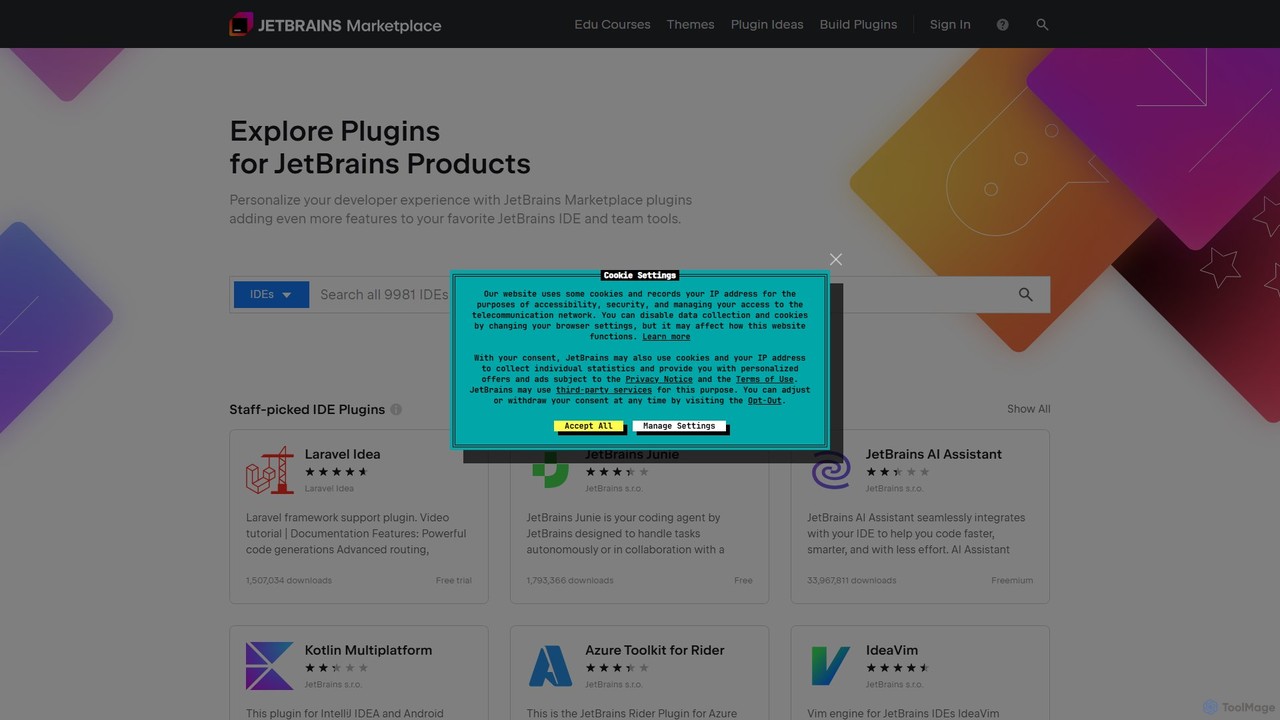
The official hub for plugins and extensions for all JetBrains IDEs. Discover thousands of tools, including AI-powered coding assistants, framework integrations, themes, and more, designed to personalize your development environment and significantly boost productivity.

Ide
Visits 993.2KFavorites 147Likes 132
Paradime
Freemium

Paradime

Paradime is an AI-powered ELT platform for analytics and AI, designed as a superior alternative to dbt Cloud. It integrates an AI-enhanced Code IDE, automated data pipelines (Bolt), and a FinOps cost-saving tool (Radar) into a single, unified platform. This empowers data teams to accelerate development, increase reliability, and significantly reduce data warehouse costs, streamlining the entire analytics engineering workflow.

Analytics
Visits 22.7KFavorites 114Likes 117

About Ide

AI IDEs are advanced Integrated Development Environments that leverage artificial intelligence to significantly accelerate the software development lifecycle. These developer tools go beyond traditional code editors by integrating powerful AI models that provide intelligent code completion, generate entire functions from natural language, and offer proactive debugging assistance. By automating repetitive coding tasks and providing smart suggestions, AI IDEs empower developers to build, test, and refactor software with greater speed and accuracy. They act as a collaborative partner in the coding process, enhancing productivity and improving overall code quality.

Core Features

  • AI Code Generation: Creates entire blocks of code, functions, and classes based on comments or natural language descriptions.
  • Intelligent Autocompletion: Predicts and suggests multi-line code completions that are context-aware, not just based on syntax.
  • AI-Assisted Debugging: Analyzes code to identify bugs, explain errors in plain language, and propose potential fixes.
  • Automated Test Generation: Automatically creates unit tests and test cases based on the existing codebase to improve test coverage.
  • Smart Code Refactoring: Suggests improvements to optimize code for performance, readability, and maintainability.

Use Cases

AI IDEs are used by developers across all domains, from web and mobile app development to data science and machine learning. They are particularly valuable for rapid prototyping, maintaining large and complex legacy codebases, and for helping developers learn new programming languages or frameworks more quickly by providing idiomatic examples and instant feedback.

How to Choose

When selecting an AI IDE, consider its support for your specific programming languages and frameworks. Evaluate the quality and relevance of its code suggestions and its integration capabilities with your existing workflow (e.g., VS Code, JetBrains, Git). Also, review the tool's data privacy and security policies, especially regarding how your code is handled, and compare pricing models to find one that fits your budget and team size.

Ide use cases

1

Accelerating API Endpoint Development

A backend developer is tasked with creating a new set of REST API endpoints for a user management module. Instead of writing all the boilerplate code manually, they use an AI IDE. By writing a simple comment like 'create a POST endpoint to register a new user with email and password validation', the tool generates the complete function, including request parsing, data validation logic, database interaction, and proper HTTP response handling. This reduces development time for a single endpoint from an hour to just a few minutes, allowing the developer to focus on more complex business logic.

2

Automating Unit Test Creation

A software developer has just finished implementing a complex pricing calculation function. To ensure its reliability and achieve high test coverage, they need to write comprehensive unit tests. Using an AI IDE's test generation feature, the tool analyzes the function's code, identifies various execution paths and edge cases (e.g., zero values, negative numbers, large inputs), and automatically generates a suite of unit tests. The developer only needs to review and slightly adjust the generated tests, saving over 80% of the time typically spent on writing tests from scratch.

3

Debugging Complex Logical Errors

A junior developer encounters a cryptic error message, 'NullPointerException', deep within a large Java application and is unsure of the cause. They highlight the problematic code block and ask the AI assistant in their IDE to 'explain this error and suggest a fix'. The AI analyzes the call stack and data flow, explains in simple terms that a specific object was not initialized before being used, and provides a corrected code snippet that includes a null check. This turns a potentially hours-long debugging session into a quick, educational fix.

4

Rapid Prototyping with Natural Language

A product manager wants to demonstrate a new feature concept to stakeholders. They team up with a developer who uses an AI IDE. The product manager describes the desired functionality in plain English, such as 'Create a simple webpage with a header, a form to input a user's name, and a button that shows a greeting message'. The AI IDE translates these instructions into functional HTML, CSS, and JavaScript code in real-time. This allows for instant visualization and iteration, enabling the team to build and refine a working prototype within a single meeting.

5

Refactoring and Documenting Legacy Code

A maintenance team inherits a large, poorly documented legacy codebase. A senior developer uses an AI IDE to tackle the modernization effort. They select a complex, inefficient function and ask the AI to 'refactor this for better performance and readability'. The tool rewrites the function using modern programming idioms and adds comments explaining the logic. It can also generate comprehensive documentation for entire modules, explaining what each function does, its parameters, and what it returns. This significantly reduces the technical debt and makes the codebase easier for new team members to understand and maintain.

6

Learning a New Programming Language

A Python developer is learning Rust for a new project. They often struggle with Rust's unique concepts like ownership and borrowing. By using an AI IDE, they can write Python-like pseudo-code and ask the AI to 'translate this to idiomatic Rust'. The tool not only provides the correct Rust code but also adds comments explaining why a certain approach (like using a borrow checker) is necessary. This interactive learning process, with instant feedback and explanations, is far more effective than passively reading documentation, accelerating their proficiency in the new language.

Ide FAQ

What is an AI IDE?

An AI IDE is an Integrated Development Environment enhanced with artificial intelligence capabilities. Unlike traditional IDEs that offer basic syntax highlighting and autocompletion, AI IDEs act as intelligent coding assistants. They can generate entire blocks of code from natural language, provide context-aware suggestions, automatically create unit tests, and help debug complex errors by explaining them in plain English. Their primary goal is to augment developer productivity and improve code quality.

How do AI IDEs differ from traditional IDEs?

The key difference lies in the level of intelligence and assistance provided. Traditional IDEs understand code syntax, while AI IDEs understand code context and intent. Here are the main distinctions:

  • Code Completion: Traditional IDEs suggest single words or variable names. AI IDEs suggest entire lines or blocks of code based on the surrounding logic.
  • Code Generation: This is largely absent in traditional IDEs. AI IDEs can generate functions, classes, and tests from natural language prompts.
  • Debugging: Traditional IDEs provide debuggers to step through code. AI IDEs can analyze the error and suggest a specific fix in natural language.
  • Interaction: Interaction with traditional IDEs is through code. AI IDEs allow for chat-based interaction, enabling developers to ask questions about their codebase.
How to choose the right AI IDE tool?

Choosing the right AI IDE depends on your specific needs. Consider these factors:

  • Language & Framework Support: Ensure the tool excels with your primary tech stack (e.g., Python, JavaScript, Java, C) and integrates well with your frameworks.
  • Integration: Does it work as a standalone application or as a plugin for your existing IDE (like VS Code or JetBrains)? A plugin is often easier to adopt.
  • Feature Set: Do you need just code completion, or are features like AI-powered debugging, test generation, and code refactoring important to you?
  • Security & Privacy: Check how the tool handles your code. Does it use your code for training? Is it processed locally or in the cloud? This is critical for proprietary codebases.
  • Cost: Compare the pricing models. Many offer free tiers for individuals and paid plans for teams with more advanced features.
Can AI IDEs replace human developers?

No, AI IDEs are not designed to replace developers, but to augment them. They excel at automating repetitive, predictable tasks like writing boilerplate code, generating tests, or finding simple bugs. This frees up human developers to focus on higher-level tasks that require creativity, critical thinking, and architectural design, such as designing complex systems, solving novel problems, and understanding business requirements. AI IDEs are powerful tools that make good developers faster and more effective, but they lack the comprehensive understanding and problem-solving skills of a human expert.

Is the code generated by AI IDEs secure and reliable?

The code generated by leading AI IDEs is generally of high quality but always requires human oversight. Developers are ultimately responsible for the code they commit. While these tools are trained on vast amounts of public code and can produce secure and efficient patterns, they can also occasionally generate code with subtle bugs, inefficiencies, or security vulnerabilities. It is a best practice for developers to treat AI-generated code as a first draft: review it carefully, understand its logic, and test it thoroughly before integrating it into a production environment.