

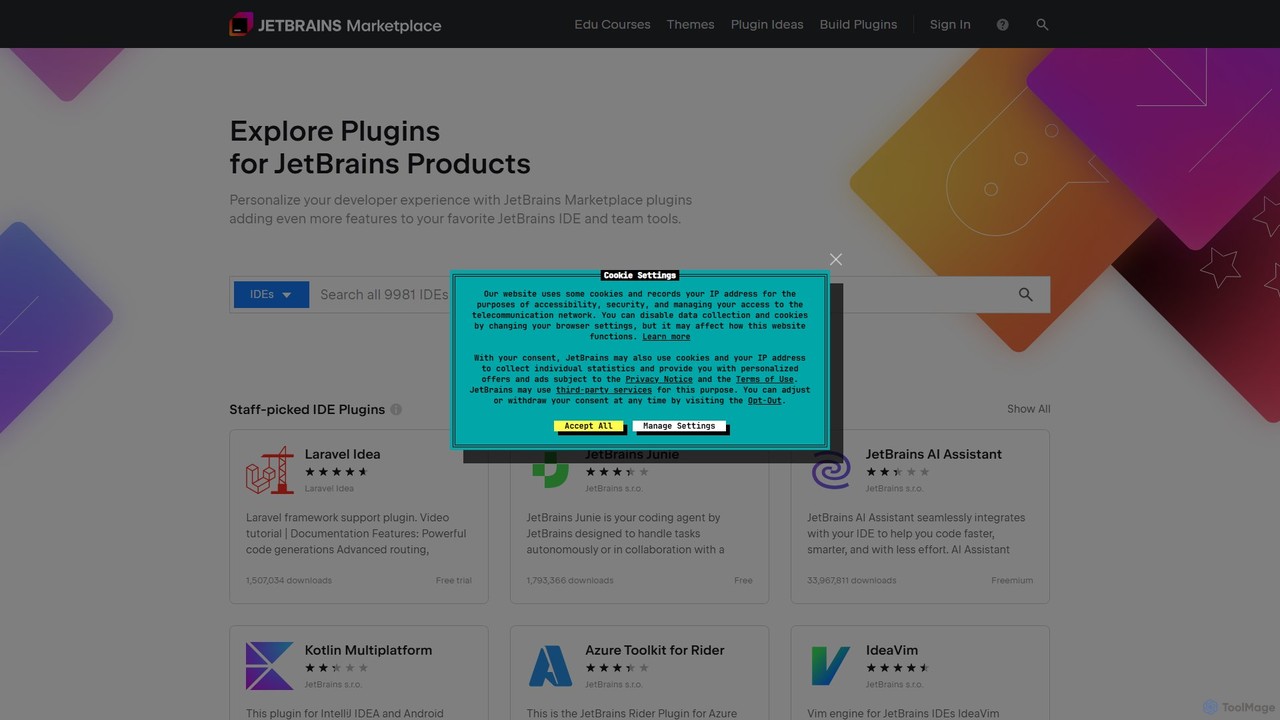
JetBrains Marketplace Overview
JetBrains Marketplace is the central repository and official platform for discovering, installing, and managing plugins for the entire suite of JetBrains Integrated Development Environments (IDEs), such as IntelliJ IDEA, PyCharm, WebStorm, Rider, and more. It serves as a vibrant ecosystem where JetBrains, third-party developers, and the community contribute tools that extend the core functionality of the IDEs, allowing developers to tailor their environment to specific needs, workflows, and technologies.
The marketplace hosts a vast and diverse collection of plugins, ranging from powerful AI coding assistants like JetBrains' own AI Assistant and GitHub Copilot, to specialized support for programming languages and frameworks like Kotlin, Laravel, and Spring. It's the go-to destination for enhancing productivity, automating repetitive tasks, and integrating with a wide array of external tools and services.
How to use JetBrains Marketplace
Using the JetBrains Marketplace is seamlessly integrated into the developer workflow:
- Access from the IDE: The most common way is to access it directly from your JetBrains IDE. Navigate to File > Settings/Preferences > Plugins.
- Browse and Search: The 'Marketplace' tab allows you to browse featured plugins, top-rated tools, or search for specific functionality using keywords (e.g., 'database', 'docker', 'AI'). You can filter by category, price, or sort by downloads and ratings.
- Install Plugins: Once you find a plugin you need, simply click the 'Install' button. The IDE will handle the download and installation process automatically.
- Restart and Activate: Some plugins may require an IDE restart to become active. The IDE will prompt you if this is necessary.
- Manage Plugins: The 'Installed' tab in the same settings window shows all your current plugins, allowing you to update, disable, or uninstall them with a single click.
Core Features of JetBrains Marketplace
- Vast Plugin Library: Access to thousands of plugins covering everything from language support (Kotlin, Dart) and framework integration (JPA Buddy, Laravel Idea) to build tools and version control.
- AI-Powered Coding Assistants: Features cutting-edge AI tools like JetBrains AI Assistant and GitHub Copilot that provide intelligent code completion, code generation, bug fixing, and in-line chat.
- Seamless IDE Integration: Plugins are installed, updated, and managed directly within the IDE, ensuring a smooth and uninterrupted development experience.
- Customization and Themes: A wide selection of UI themes (e.g., Catppuccin, One Dark), color schemes, and tools like IdeaVim to completely personalize the look and feel of your editor.
- Quality and Trust: Plugins are reviewed, and the platform provides transparent metrics like download counts, user ratings, and reviews to help developers choose reliable tools.
- Diverse Pricing Models: Supports a mix of free, freemium, and paid commercial plugins, offering flexibility for both individual developers and enterprise teams.
Use Cases for JetBrains Marketplace
For Individual Developers: A developer can install the Key Promoter X plugin to learn keyboard shortcuts, a custom theme for better visual comfort, and the AI Assistant to accelerate coding tasks like writing unit tests or refactoring legacy code.
For Web Development Teams: A team using PHP can install the Laravel Idea plugin for advanced framework support and the PHP composer.json support plugin to manage dependencies efficiently, standardizing their development environment.
For Cloud-Native Development: Engineers working with cloud services can install the AWS Toolkit or Azure Toolkit to manage, deploy, and debug their applications on AWS or Azure directly from within their IDE, streamlining the DevOps cycle.
For Cross-Platform Mobile Developers: A developer building apps with Kotlin Multiplatform or Flutter can find the official plugins that provide all the necessary tools for coding, debugging, and deploying to both Android and iOS from a single codebase.
Advantages of JetBrains Marketplace
The primary advantage is the immense boost in productivity and efficiency. By extending the IDE's capabilities, developers can automate manual processes, reduce cognitive load with AI assistance, and integrate seamlessly with their entire toolchain. The centralized nature of the marketplace ensures easy discovery and management, while the active community guarantees a constantly evolving library of innovative tools. It transforms a standard IDE into a highly specialized and personalized powerhouse for software development.
Pricing and Plans
Access to the JetBrains Marketplace itself is completely free. The pricing model applies to the individual plugins available on the platform:
- Free: A large number of plugins are offered for free by the community and JetBrains (e.g., IdeaVim, Kotlin, Dart support).
- Freemium: These plugins offer a core set of features for free, with advanced functionality available through a paid subscription or license (e.g., JetBrains AI Assistant).
- Paid (Subscription/Perpetual): Commercial plugins that require a purchase, often providing a free trial period to evaluate the tool (e.g., Laravel Idea, JPA Buddy).
Each plugin's page on the marketplace clearly states its pricing model and terms, which are set by the respective plugin developer.
Traffic
Latest traffic
Status
Monthly traffic trend
- 2025-9: 1.0M
- 2026-1: 1.1M
- 2026-2: 1.0M
- 2026-3: 1.3M
- 2026-4: 1.2M
- 2026-5: 988.0K
Geography
Top 5 countries / regions
- 🇨🇳China44.4%
- 🇺🇸United States23.3%
- 🇩🇪Germany11.1%
- 🇷🇺Russia10.9%
- 🇮🇳India10.4%
Traffic sources
| Source type | Percentage |
|---|---|
Direct | 88.0% |
Referral | 11.4% |
Email | 0.6% |
Top keywords
| Keyword | Cost per click |
|---|---|
| cline | $3.79 |
| github copilot | $1.68 |
| idea plugin | $0.00 |
| jetbrains marketplace | $0.00 |
| kilo code | $2.00 |
JetBrains Marketplace Videos on YouTube

Benny Ra

Qoder

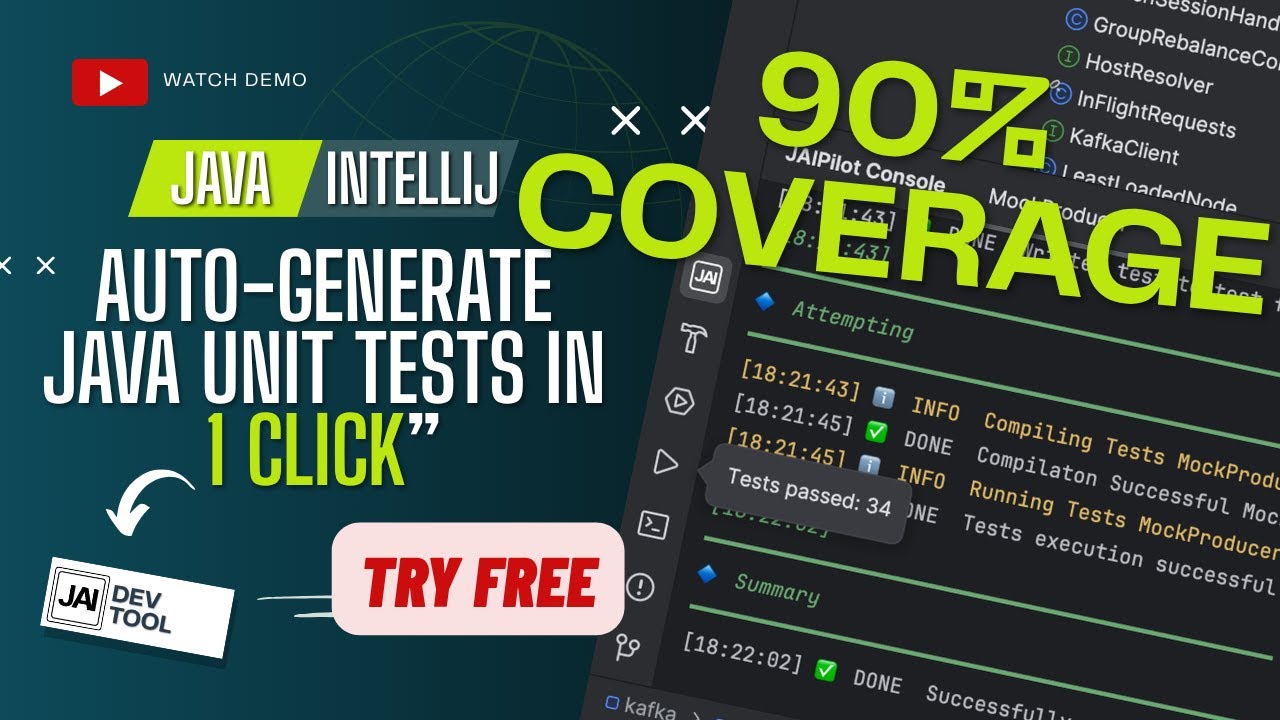
JAIPilot

JetBrains Marketplace Alternatives
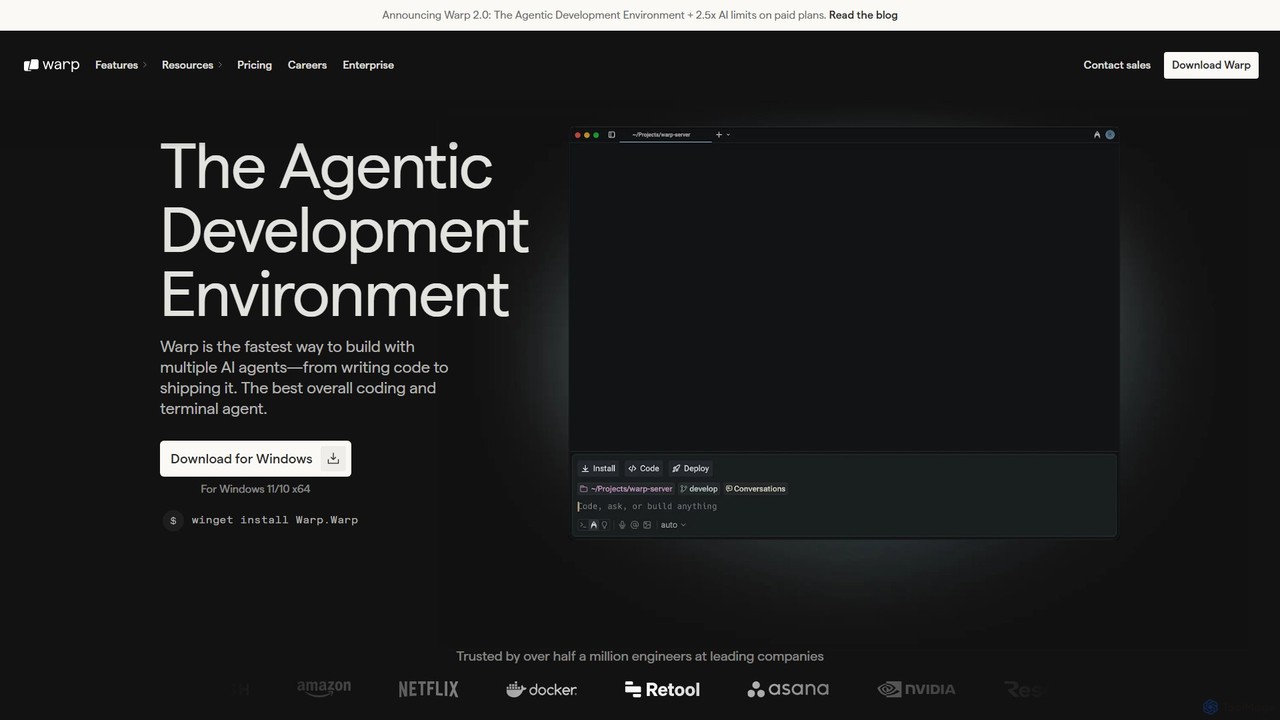
Warp
Warp is an AI-powered, Rust-based terminal reimagined as an Agentic Development Environment (ADE). It enables developers to use natural language to command AI agents for coding, debugging, and deployment. Warp combines a blazingly fast terminal with multi-threaded agent management, allowing you to build, test, and ship software faster by running multiple development tasks in parallel.
Development
AI Code Reviewer
An AI-powered tool that automatically reviews your code to find bugs, suggest improvements, and ensure quality. It acts as an instant second pair of eyes for developers, helping to streamline the development workflow, improve code maintainability, and enforce best practices across teams.
Code Review
JetBrains
JetBrains provides a comprehensive suite of intelligent tools for software developers and teams, including powerful IDEs and an integrated AI Assistant. It enhances productivity with smart code completion, refactoring, and bug detection, streamlining the entire development lifecycle from coding to deployment. It supports a wide range of languages and offers robust team collaboration platforms.
Integrated Development Environment
BLACKBOX.AI
BLACKBOX.AI is an autonomous AI coding agent designed to accelerate software development. It helps developers write code faster, debug efficiently, and can even build full applications from images or text descriptions, integrating seamlessly with popular IDEs like JetBrains.
Code Assistant
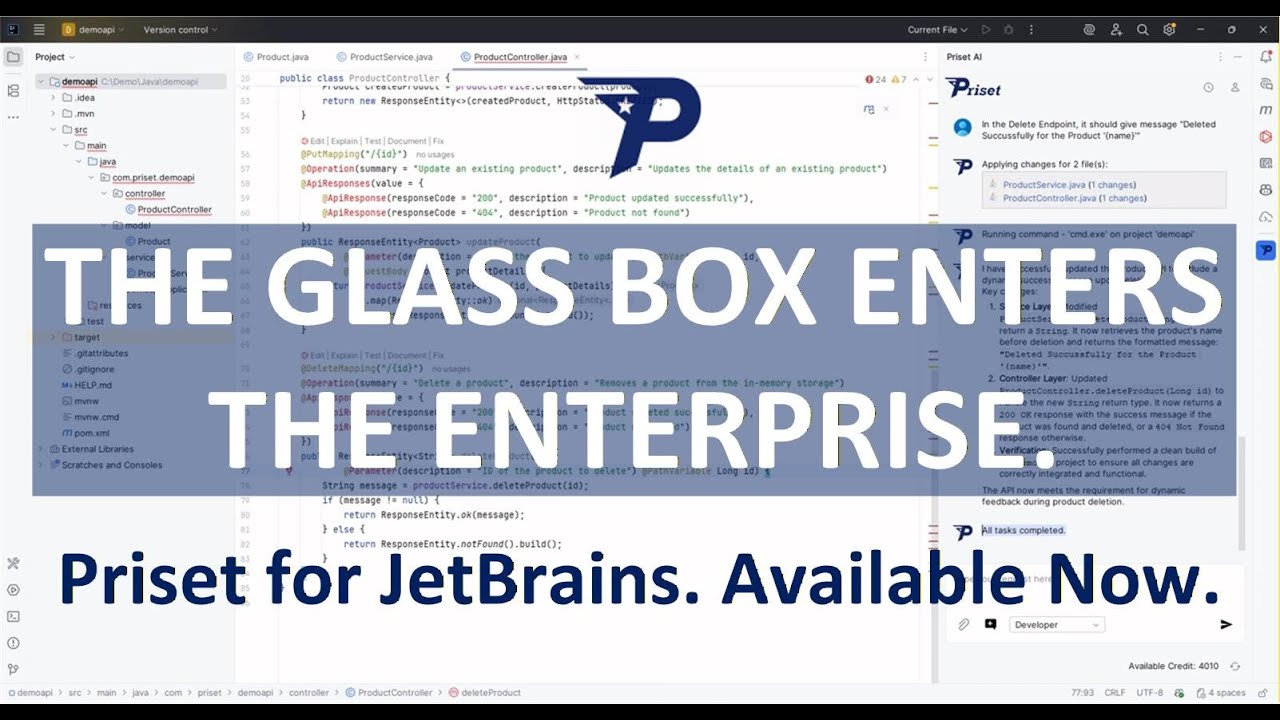
Qoder
Qoder is an agentic AI coding platform designed for real software development. It leverages an enhanced context engine to autonomously plan, code, and test entire projects based on simple prompts, integrating seamlessly into developer workflows via IDE, CLI, or JetBrains plugin.
Code AssistantJetBrains Marketplace Categories
JetBrains Marketplace Embed Widget
Copy this embed code to place the badge on your blog, article, or product site and send readers directly to this ToolMage detail page.

Related AI tools
BLACKBOX.AI
BLACKBOX.AI is an autonomous AI coding agent designed to accelerate software development. It helps developers write code faster, debug efficiently, and can even build full applications from images or text descriptions, integrating seamlessly with popular IDEs like JetBrains.
Code AssistantQoder
Qoder is an agentic AI coding platform designed for real software development. It leverages an enhanced context engine to autonomously plan, code, and test entire projects based on simple prompts, integrating seamlessly into developer workflows via IDE, CLI, or JetBrains plugin.
Code Assistant
codefy.ai
codefy.ai is an AI-first coding toolkit designed for developers. It features over 20 specialized tools, including the innovative Flow Editor, to streamline tasks like code generation, debugging, translation, and optimization. By handling prompt engineering, it allows developers to get accurate results quickly through intuitive, pre-programmed interfaces, significantly boosting productivity and simplifying the development workflow.
Code AssistantWarp
Warp is an AI-powered, Rust-based terminal reimagined as an Agentic Development Environment (ADE). It enables developers to use natural language to command AI agents for coding, debugging, and deployment. Warp combines a blazingly fast terminal with multi-threaded agent management, allowing you to build, test, and ship software faster by running multiple development tasks in parallel.
DevelopmentAI Code Reviewer
An AI-powered tool that automatically reviews your code to find bugs, suggest improvements, and ensure quality. It acts as an instant second pair of eyes for developers, helping to streamline the development workflow, improve code maintainability, and enforce best practices across teams.
Code Review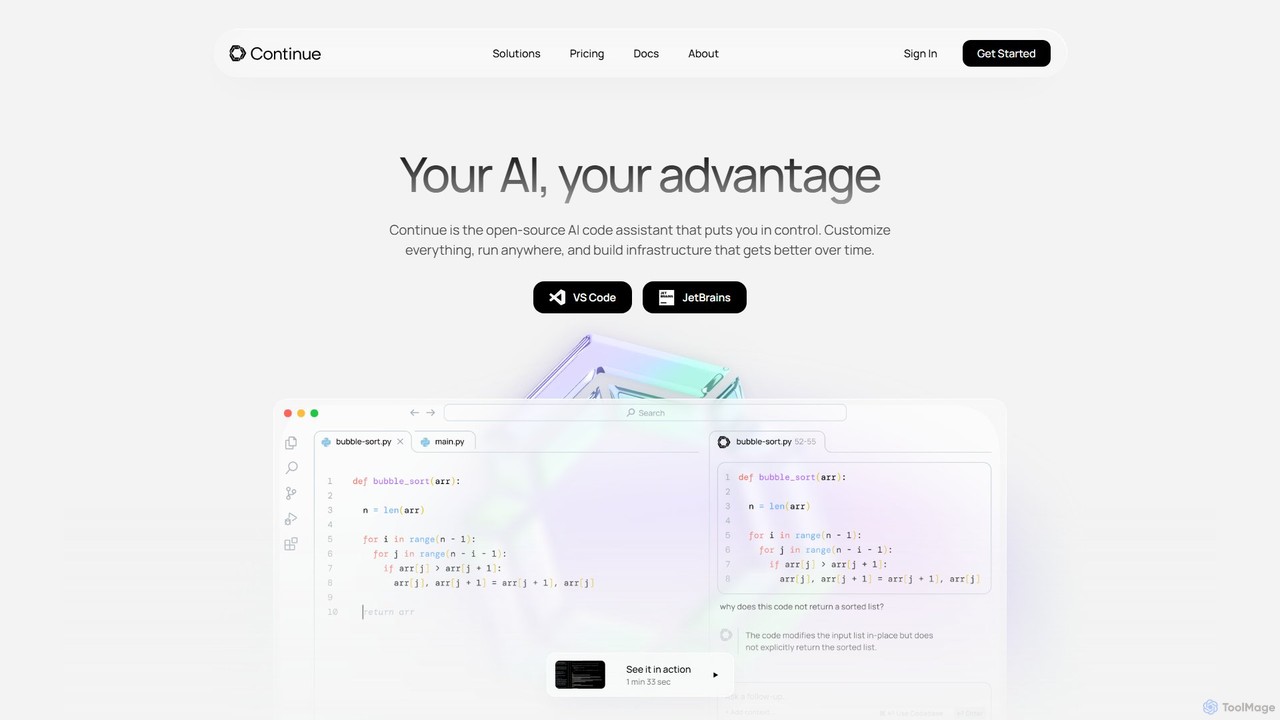
Continue
Continue is an open-source, customizable AI code assistant for VS Code and JetBrains. It enhances developer productivity with intelligent autocompletion, context-aware chat, and in-line refactoring, supporting any LLM, including local and on-premise models for maximum privacy and control.
Code Assistant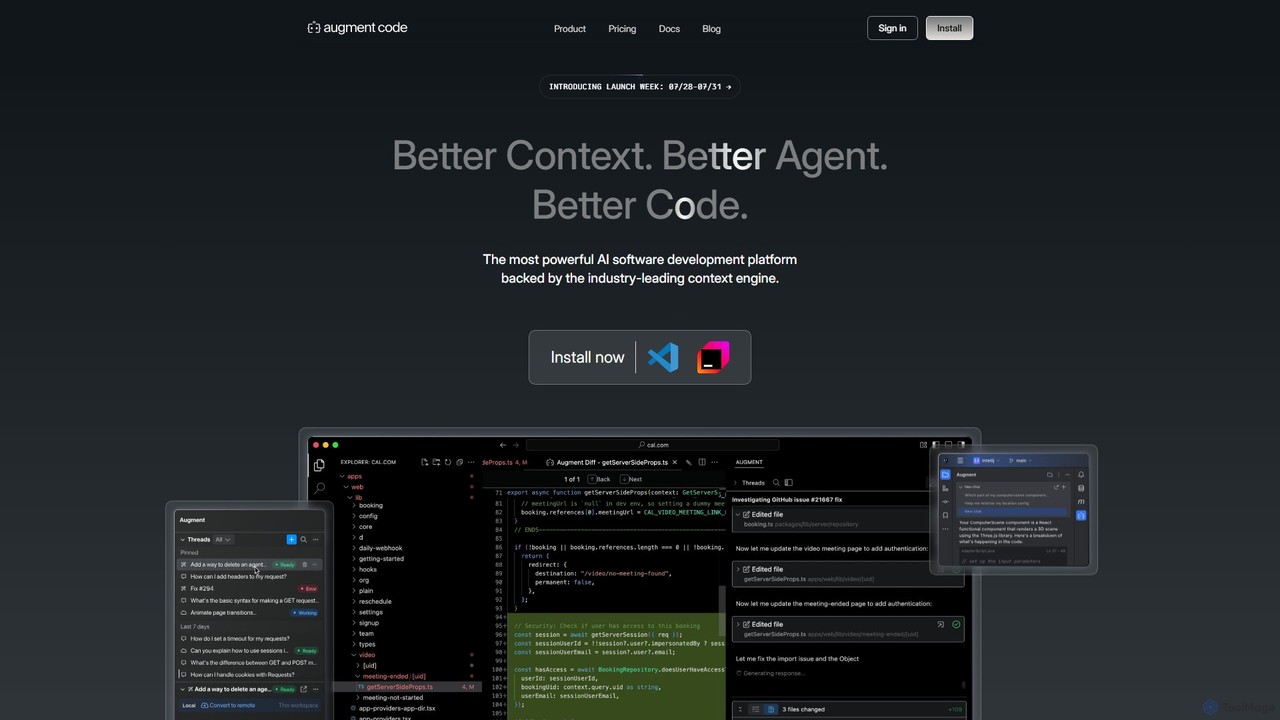
Augment Code
Augment Code is an advanced AI software development platform featuring autonomous agents and a powerful context engine. It integrates into your IDE to help you plan, build, and ship production-ready code faster, with a strong focus on enterprise-grade security and deep codebase understanding.
Code Generation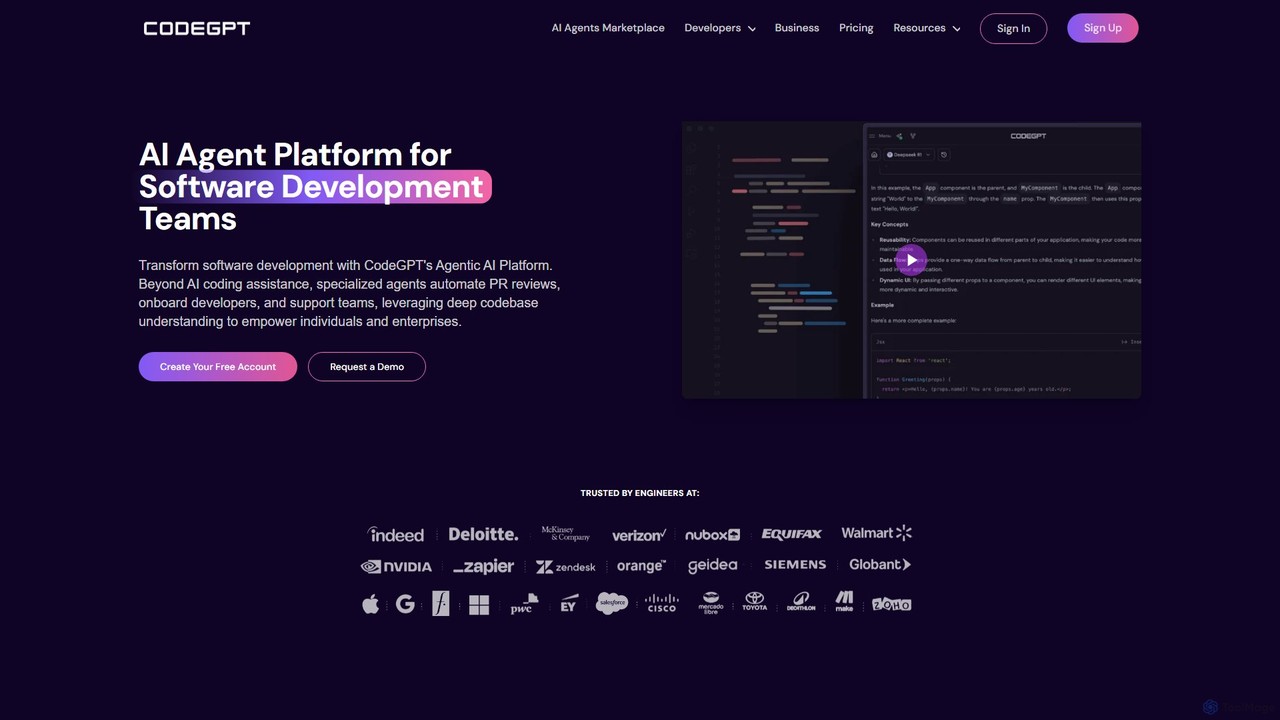
CodeGPT
CodeGPT is an agentic AI platform for software development teams, moving beyond simple code assistance. It offers specialized AI agents that automate PR reviews, onboard developers, and support teams by deeply understanding your entire codebase. It integrates with popular IDEs and supports leading AI models, with a strong focus on enterprise-grade security and flexible deployment options.
Software Development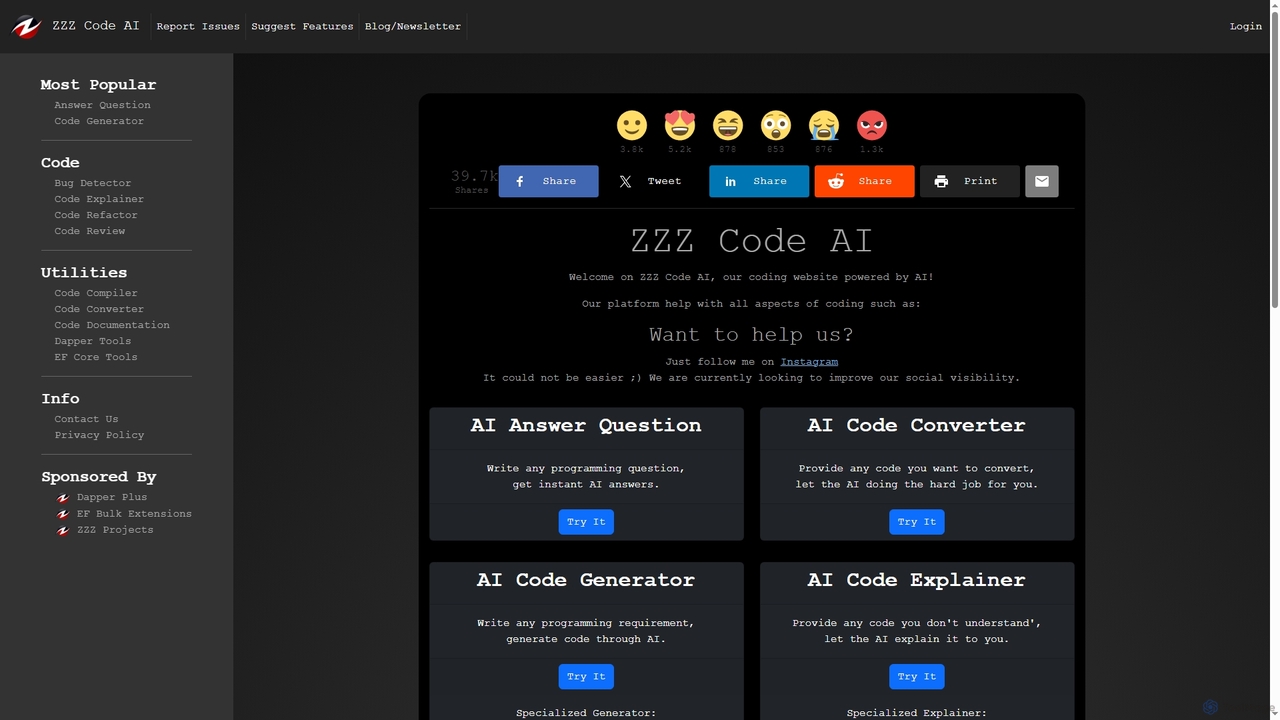
Zzzcode
Zzzcode is a free, AI-powered online platform offering a comprehensive suite of coding tools for developers. It can generate, explain, debug, refactor, review, document, and convert code across numerous programming languages, and provide instant answers to programming questions.
Code Assistant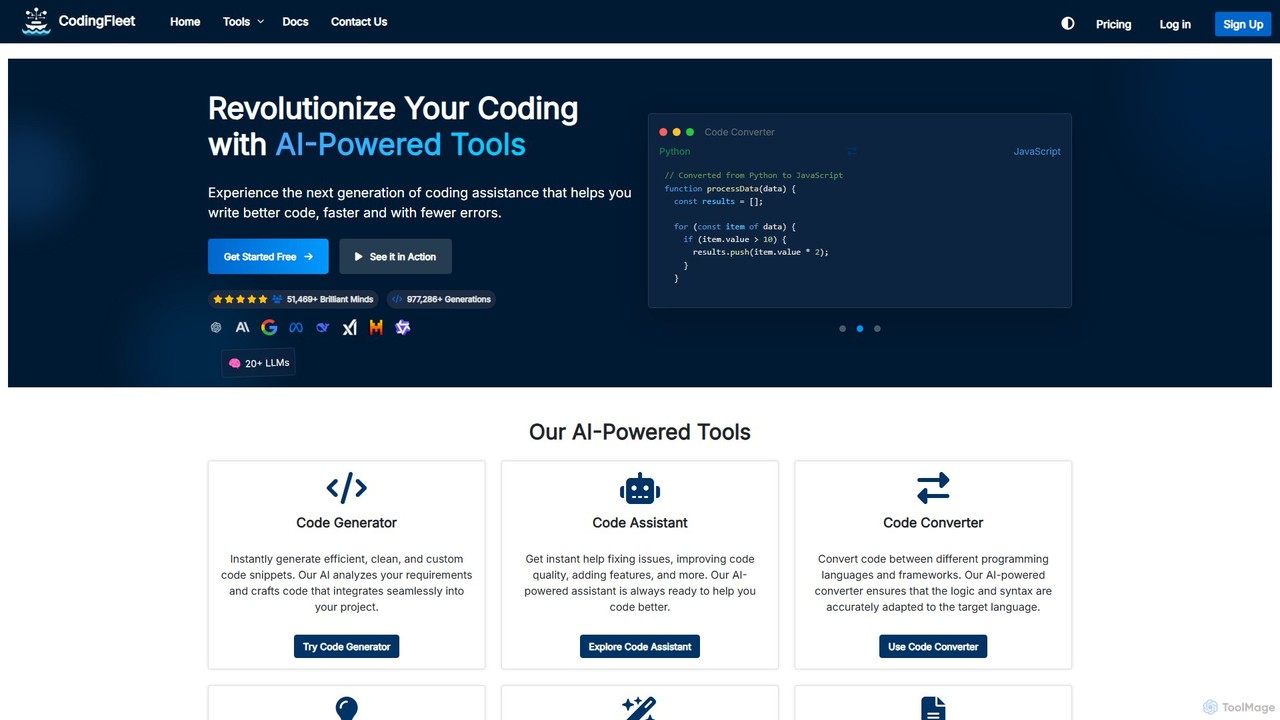
CodingFleet
CodingFleet is a comprehensive AI-powered platform designed to revolutionize the coding workflow for developers. It offers a suite of tools including a code generator, assistant, converter, and explainer, supporting over 90 programming languages. By leveraging advanced AI models, it helps programmers write better, cleaner code faster, automate tedious tasks, and reduce errors, ultimately boosting productivity and fostering innovation.
Code Assistant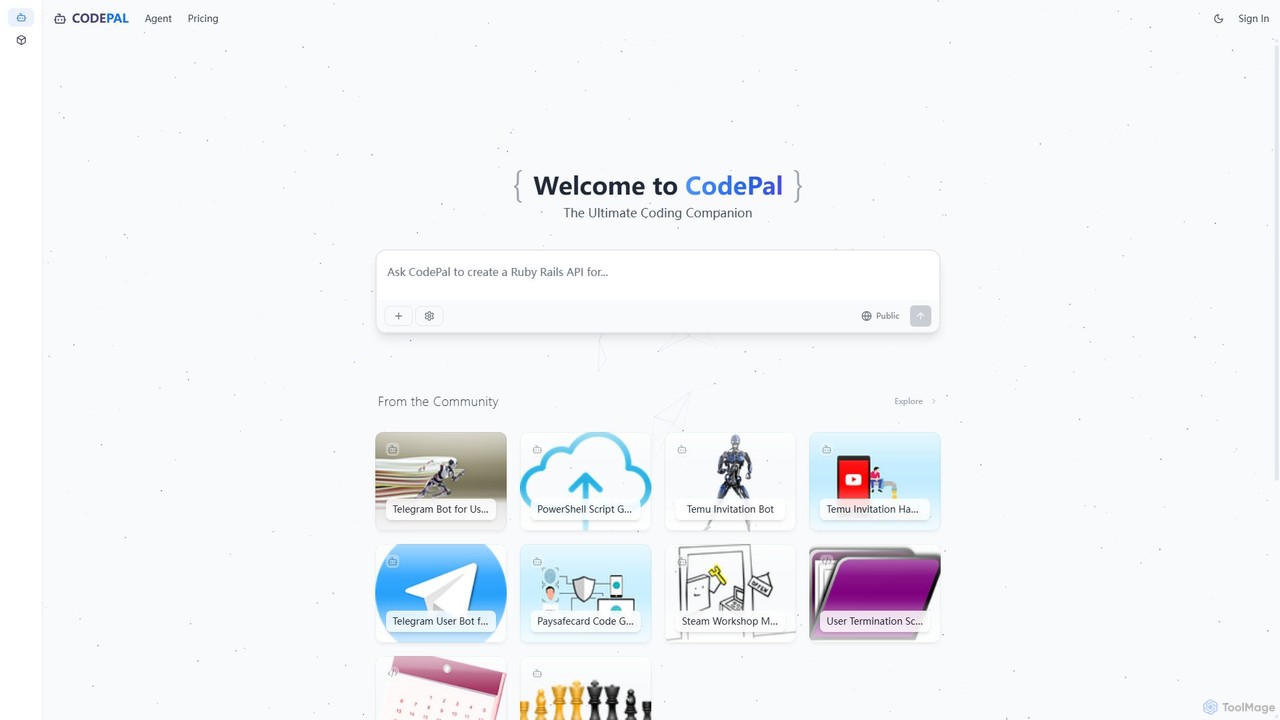
CodePal
A powerful AI coding companion and autonomous engineer that integrates directly into GitHub. Automate code reviews, generate documentation, resolve issues, and write unit tests with simple commands to accelerate your development workflow.
Code Assistant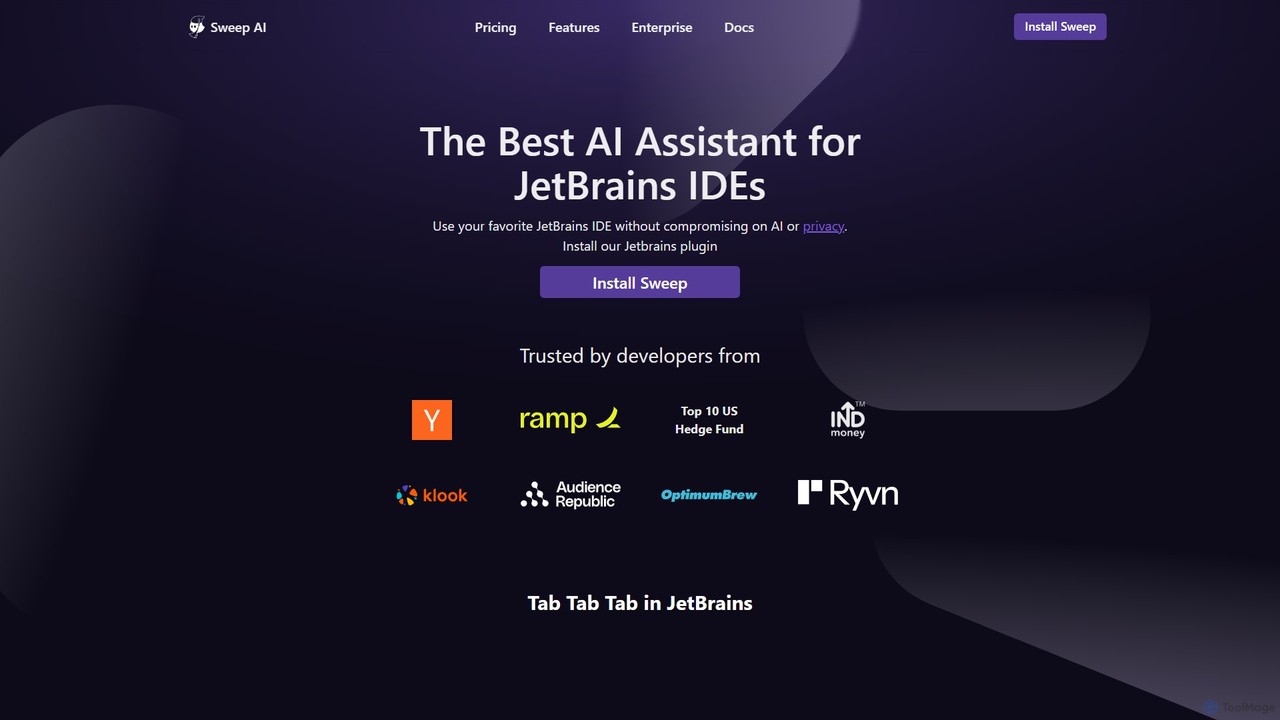
Sweep
Sweep is an AI-powered developer assistant designed as a plugin for JetBrains IDEs. It enhances coding productivity with intelligent 'next-edit' autocomplete and an AI agent that understands your entire codebase to handle complex, multi-file changes, run tests, and fix bugs. Sweep prioritizes privacy with a zero data retention policy and offers on-premise deployment for enterprises.
Code Generation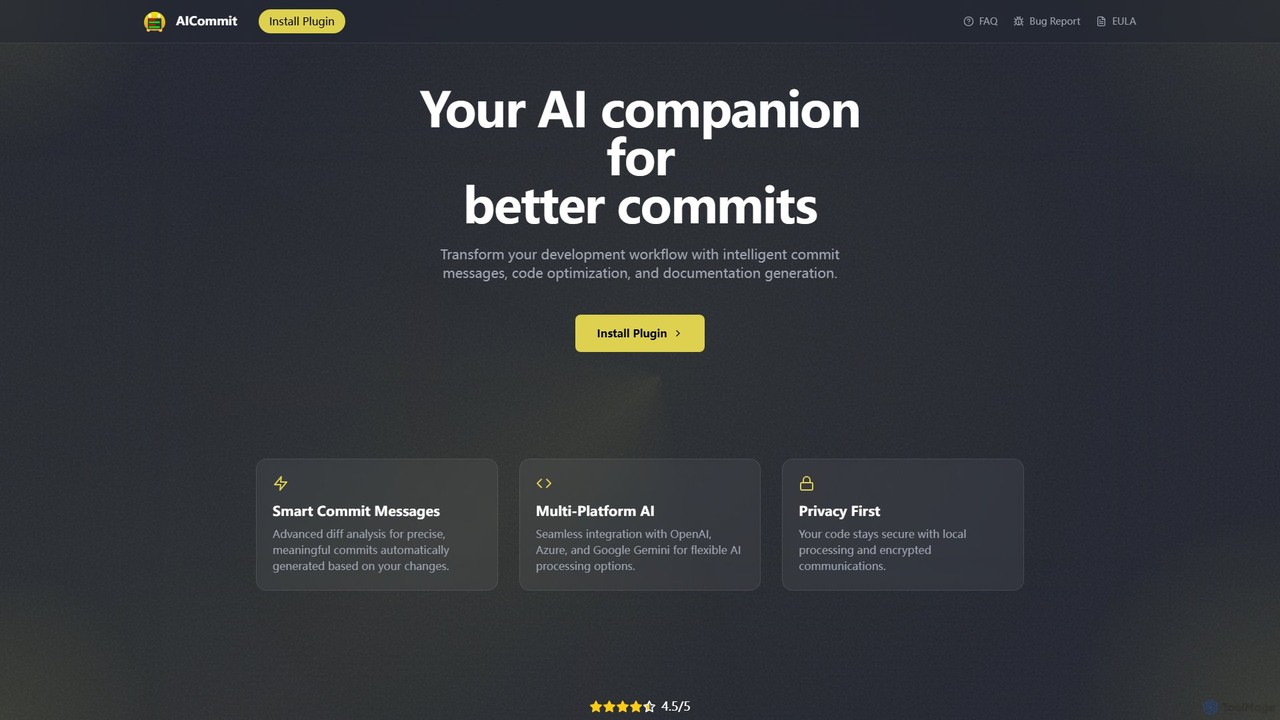
AICommit
AICommit is an intelligent IDE plugin that transforms your development workflow by automatically generating precise and meaningful Git commit messages. It analyzes your code changes and uses AI models from OpenAI, Azure, or Google Gemini to create high-quality commits, saving you time and improving repository clarity.
Version Control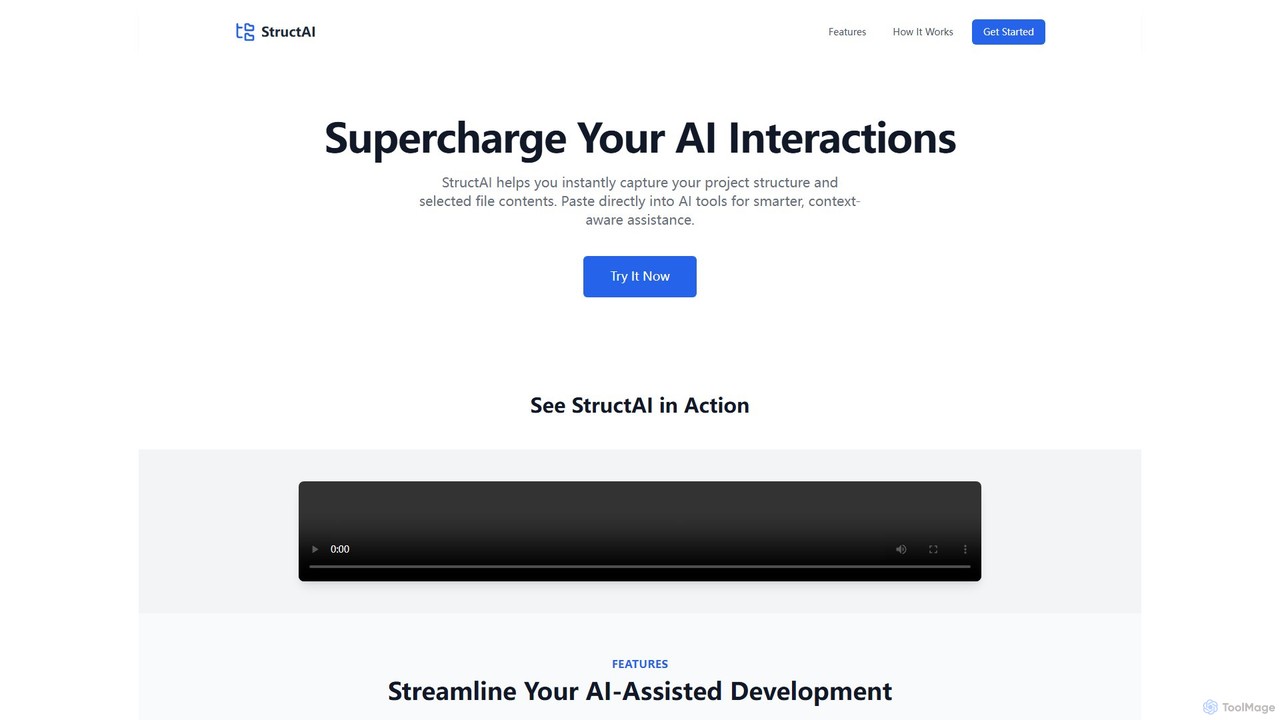
StructAI
StructAI is a developer tool that instantly captures your project's folder structure and selected file contents. It generates a context-rich, AI-ready output that you can paste into any AI assistant (like ChatGPT, Claude) for smarter, more accurate code generation, debugging, and analysis.
Prompt Engineering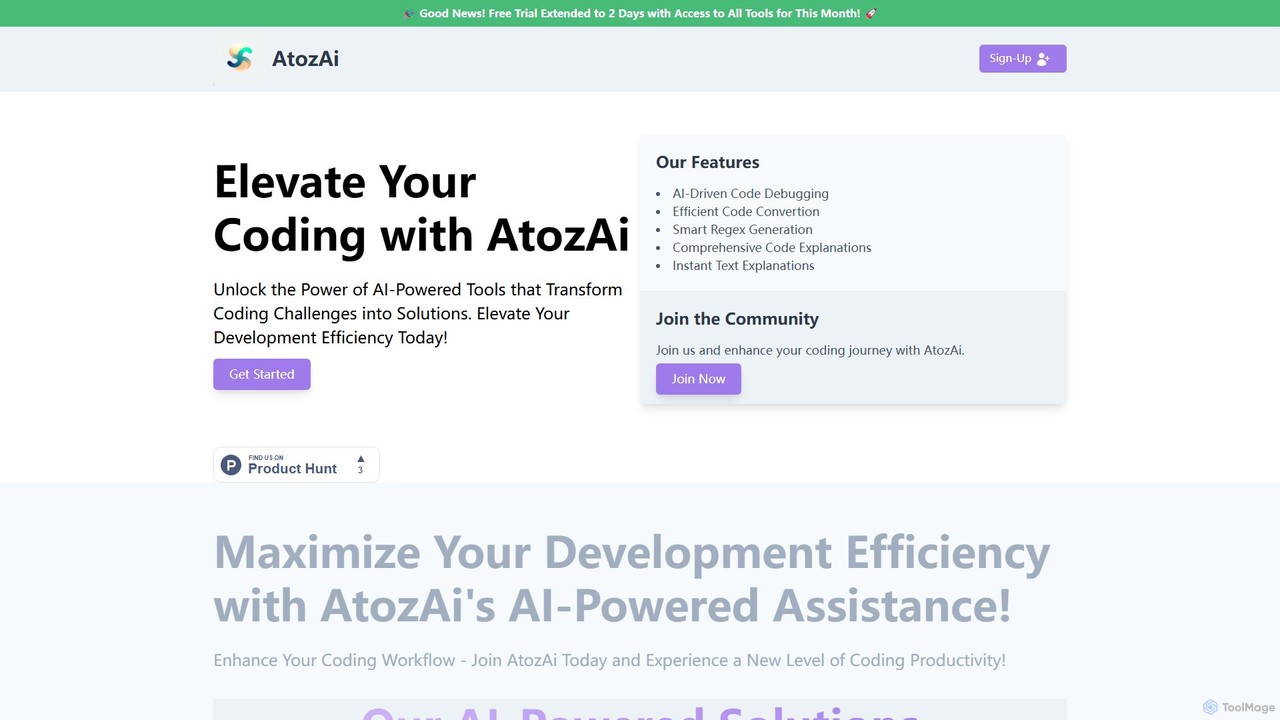
AtozAi
AtozAi is an AI-powered toolkit designed for developers to enhance coding efficiency. It offers a suite of tools including a code debugger, code converter, regex generator, and code/text explainers, transforming complex development challenges into streamlined solutions.
Code Assistant
JetBrains Marketplace Comments (0)
Sign in to comment.
Sign inNo comments yet.