

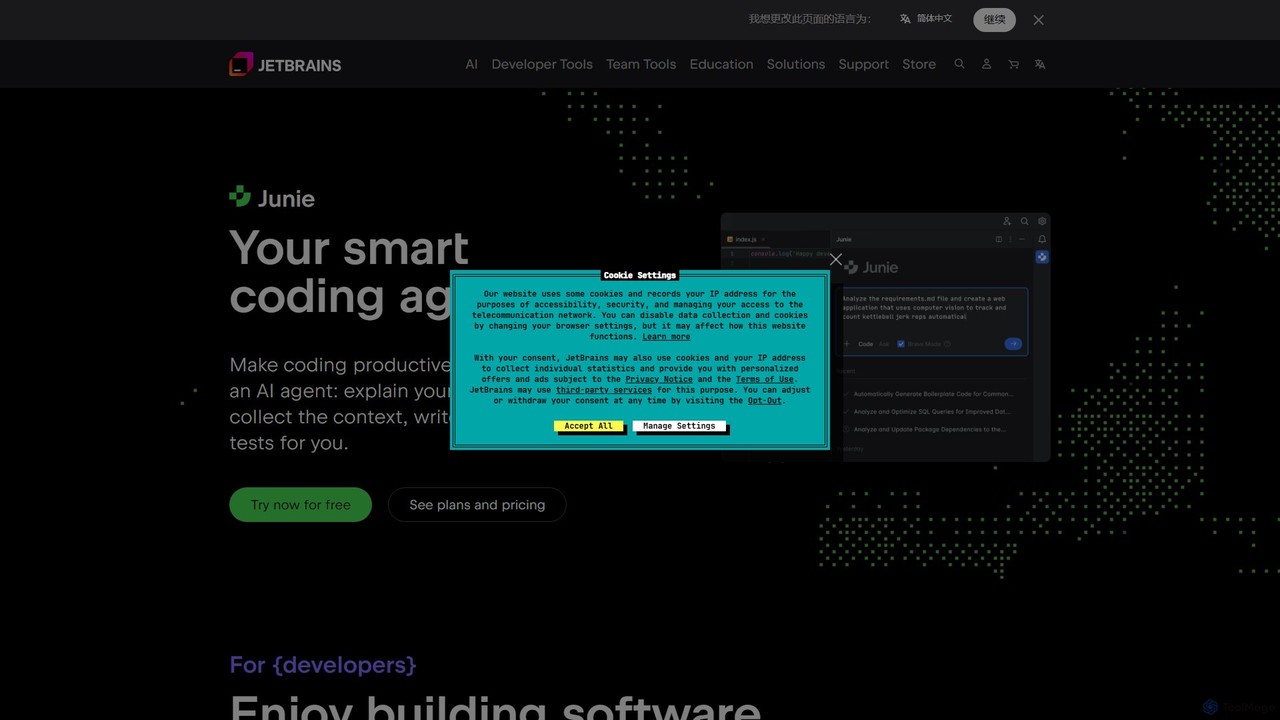
JetBrains Overview
JetBrains is a world-renowned software company that creates essential tools for software developers and teams. Its mission is to make software development a more productive and enjoyable experience. The JetBrains ecosystem is built around a rich suite of Integrated Development Environments (IDEs), powerful team collaboration tools, and cutting-edge AI-powered features, most notably the JetBrains AI Assistant. This assistant integrates seamlessly into the IDEs, providing developers with a smart coding partner that understands project context, generates code, explains complex logic, and helps maintain high code quality.
Trusted by over 11.4 million developers and more than 300,000 organizations, including 90 of the Fortune Global Top 100, JetBrains tools are designed to be ready for use right out of the box. They offer deep code understanding and blazing-fast navigation, turning complex tasks into manageable ones.
How to use JetBrains
Getting started with JetBrains tools, including the AI Assistant, is a straightforward process:
- Select Your IDE: Choose the JetBrains IDE that best suits your programming language and project needs (e.g., IntelliJ IDEA for Java/Kotlin, PyCharm for Python, WebStorm for JavaScript, or Rider for .NET).
- Install the IDE: Download and install the chosen IDE on your machine. Many IDEs offer a free Community Edition for non-commercial use.
- Activate the AI Assistant: Inside the IDE, navigate to the JetBrains Marketplace (Settings/Preferences > Plugins) and install the 'AI Assistant' plugin.
- Log In and Subscribe: Log in with your JetBrains account. The AI Assistant typically requires a separate subscription, which often includes a free trial period to explore its capabilities.
- Leverage AI Features: Start using the AI features directly in your editor. You can open the AI chat window to ask questions, highlight code to request explanations or refactoring, generate unit tests, or write commit messages automatically.
- Integrate Team Tools: For team-based projects, integrate tools like TeamCity for continuous integration, YouTrack for project management, and Qodana for automated code quality checks to create a seamless development pipeline.
Core Features of JetBrains
- Intelligent IDEs: A suite of IDEs tailored for specific languages like Java, Python, C++, C#, JavaScript, and more, offering deep code insight, smart completion, and powerful debugging tools.
- JetBrains AI Assistant: An integrated AI service that provides context-aware smart chat, code generation from natural language, AI-powered refactoring, documentation generation, and bug finding.
- Comprehensive Team Tools: A collection of platforms to enhance team productivity, including TeamCity for CI/CD, YouTrack for agile project management, Qodana for static code analysis, and Space for a complete team environment.
- Multi-language and Cross-platform Support: The tools are technology-agnostic, supporting a vast mix of languages, frameworks, and operating systems to fit any project's needs.
- Grazie Pro: An intelligent writing assistant that provides advanced grammar, spelling, and style checks for code comments, commit messages, and documentation.
- Enterprise-Grade Solutions: Scalable solutions for businesses that include centralized IDE management, enterprise-level support, and proven security and compliance (SOC 2 certified).
Use Cases for JetBrains
JetBrains tools cater to a wide range of users and scenarios:
- Individual Developers: Can significantly speed up their coding process, learn new technologies faster with AI explanations, and write cleaner, bug-free code.
- Software Development Teams: Can establish and maintain high code quality standards using Qodana, streamline their build and deployment processes with TeamCity, and collaborate effectively with YouTrack.
- Large Enterprises: Can empower their entire development organization with a unified and secure toolset, manage licenses and configurations centrally, and foster a culture of innovation and best practices.
- Data Scientists: Can use PyCharm and Datalore for collaborative data analysis, model building, and visualization in an integrated environment.
- Open-Source Contributors & Students: Can benefit from free access to many JetBrains tools, enabling them to learn and contribute to projects with professional-grade software.
Advantages of JetBrains
The key advantages of using the JetBrains ecosystem include:
- Deep Code Integration: Unlike generic AI tools, the JetBrains AI Assistant has a deep understanding of your project's context, resulting in highly accurate and relevant suggestions.
- Unified Developer Experience: Provides a single, cohesive environment for all development activities, from writing and debugging code to testing, deployment, and team collaboration, minimizing context switching.
- Productivity Amplification: Automates mundane tasks, simplifies complex code manipulations, and provides instant answers, freeing up developers to focus on creative problem-solving.
- Enhanced Code Quality: Proactive error detection, AI-driven quality inspections, and consistent style enforcement lead to more robust and maintainable software.
- Flexibility and Customization: The IDEs are highly customizable and extensible with a vast marketplace of plugins, allowing developers to tailor the environment to their exact preferences.
Pricing and Plans
JetBrains operates on a freemium and subscription-based model:
- Free Plans: Many tools, such as IntelliJ IDEA Community Edition and PyCharm Community Edition, are free for students, open-source projects, and non-commercial use.
- Individual Subscriptions: Paid plans are available for individual developers, offering access to Professional editions of the IDEs. The 'All Products Pack' provides access to all JetBrains desktop tools in a single subscription.
- Business & Enterprise Subscriptions: Tailored plans for teams and organizations that include volume discounts, centralized license management, and dedicated support.
- AI Assistant Pricing: The JetBrains AI Assistant is a paid add-on service that requires a separate subscription, available for both individuals and businesses. A free trial is usually offered.
Traffic
Latest traffic
Status
Monthly traffic trend
- 2025-9: 8.3M
- 2026-1: 7.7M
- 2026-2: 7.2M
- 2026-3: 8.0M
- 2026-4: 7.2M
- 2026-5: 6.6M
Geography
Top 5 countries / regions
- 🇨🇳China29.9%
- 🇺🇸United States27.6%
- 🇮🇳India20.0%
- 🇩🇪Germany13.4%
- 🇷🇺Russia9.1%
Traffic sources
| Source type | Percentage |
|---|---|
Direct | 86.1% |
Referral | 11.8% |
Email | 2.1% |
Top keywords
| Keyword | Cost per click |
|---|---|
| idea | $0.80 |
| intellij | $0.67 |
| intellij idea | $0.72 |
| jetbrains | $1.90 |
| pycharm | $0.62 |
JetBrains Videos on YouTube




JetBrains Academy

JetBrains

IntelliJ IDEA, a JetBrains IDE

JetBrains
JetBrains Alternatives
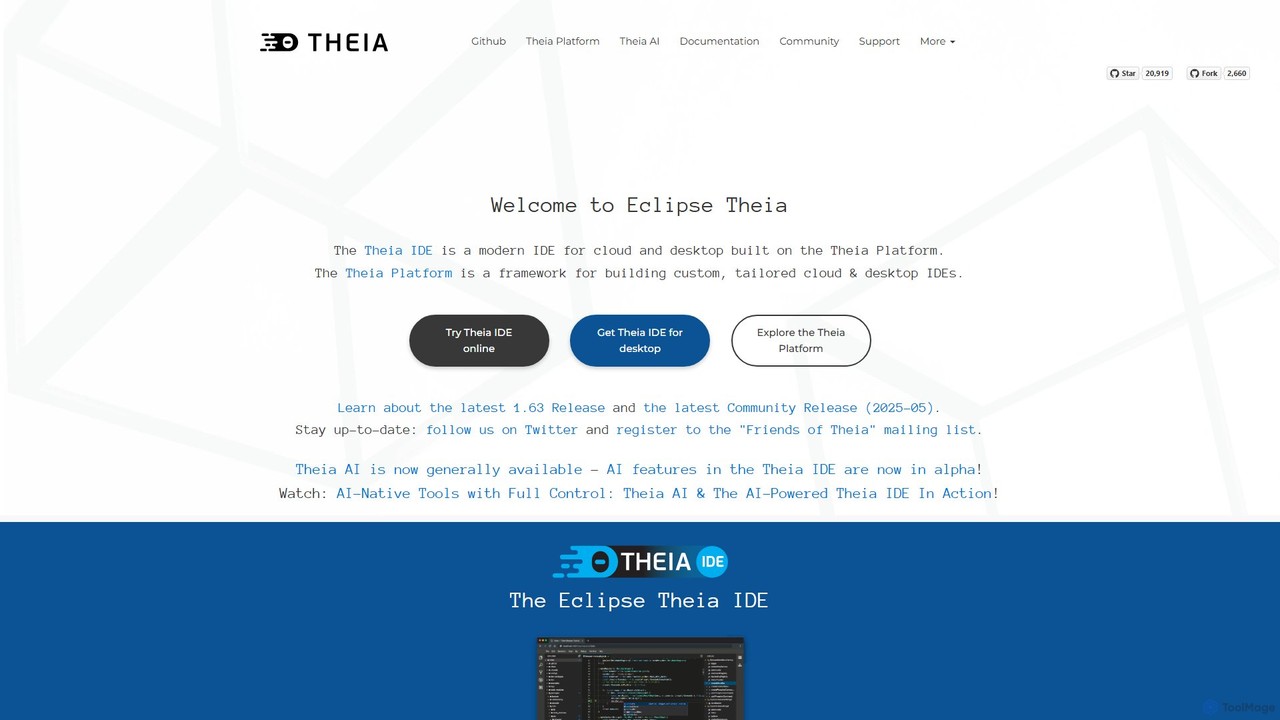
Theia IDE
Theia IDE is a modern, open-source IDE for cloud and desktop environments. It offers a flexible, extensible platform compatible with VS Code extensions and features powerful, privacy-focused AI capabilities. As a vendor-neutral alternative to VS Code, it supports numerous programming languages and allows for deep customization, making it ideal for individual developers and enterprises seeking control over their development tools.
Low Code No Code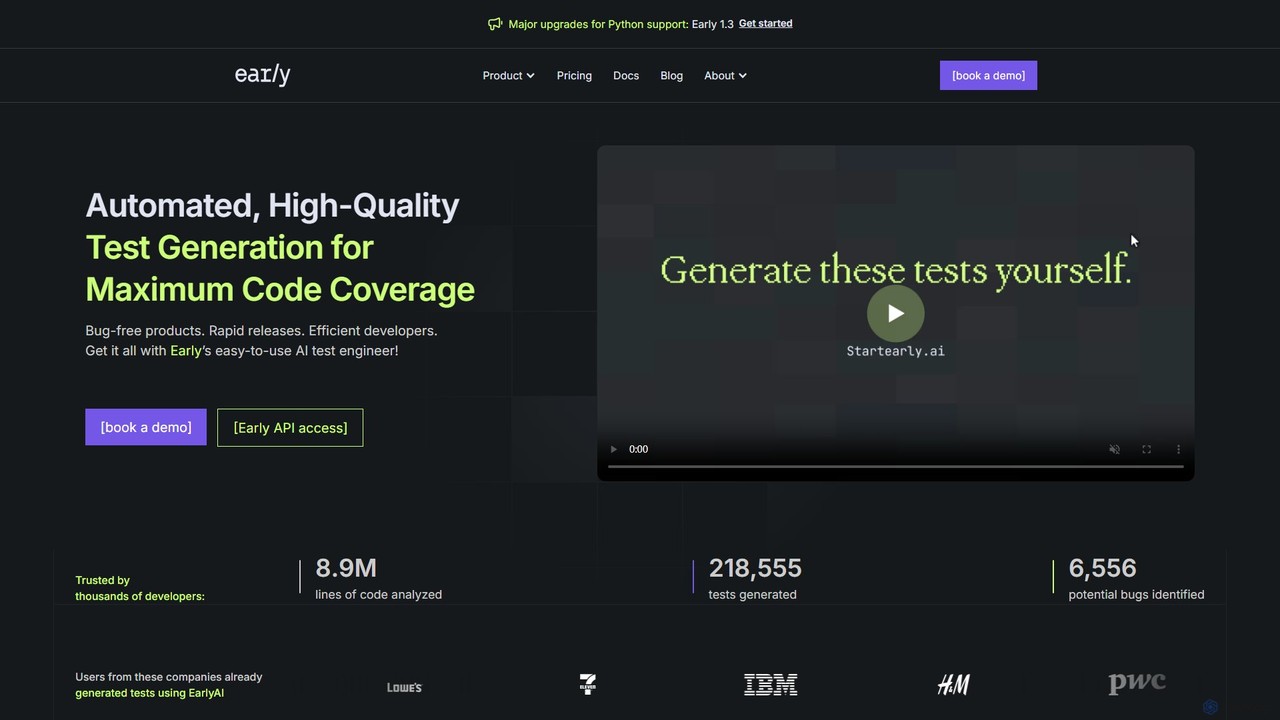
startearly
startearly is an AI-powered test engineering agent that automates the generation of high-quality unit tests directly within your IDE and CI/CD pipeline. It helps developers catch bugs early, increase code coverage, and accelerate development cycles by handling tedious testing tasks.
Code Generation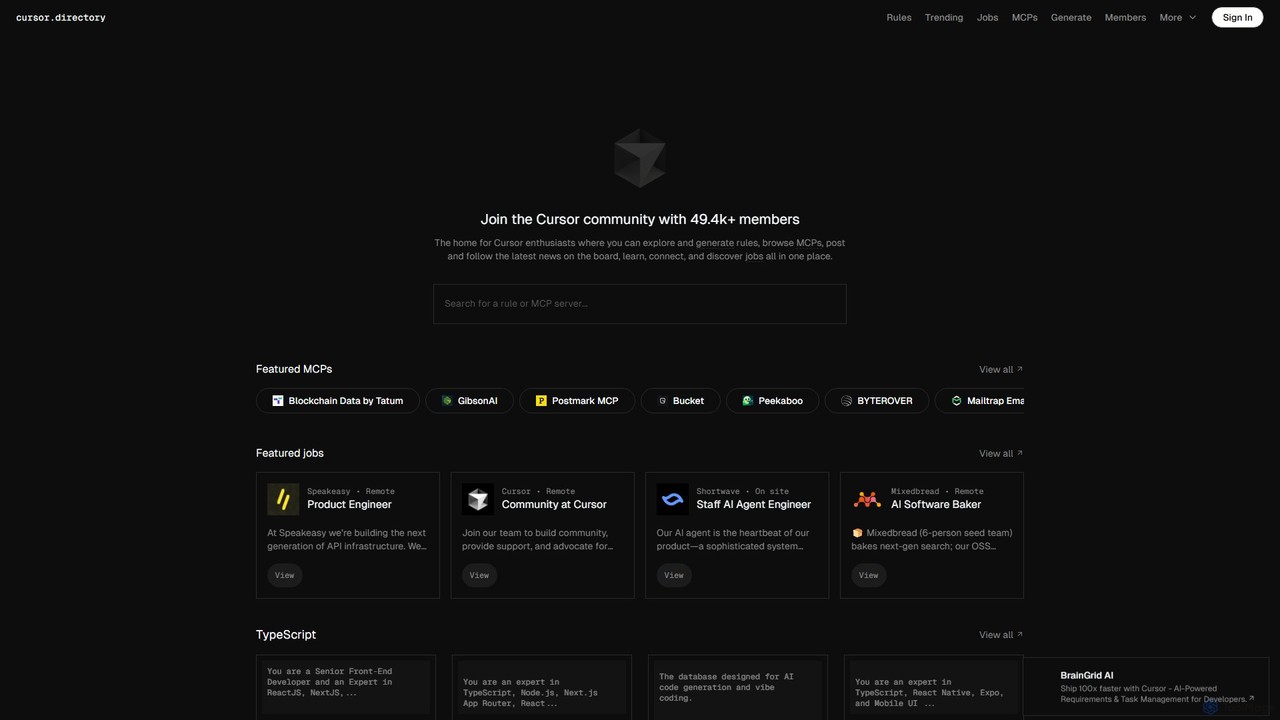
Cursor
Cursor is an AI-first code editor designed for modern software development. Built as a fork of VS Code, it integrates powerful AI capabilities directly into the editing experience, allowing developers to chat with their codebase, generate, edit, and debug code with unprecedented speed and context-awareness.
Code Generation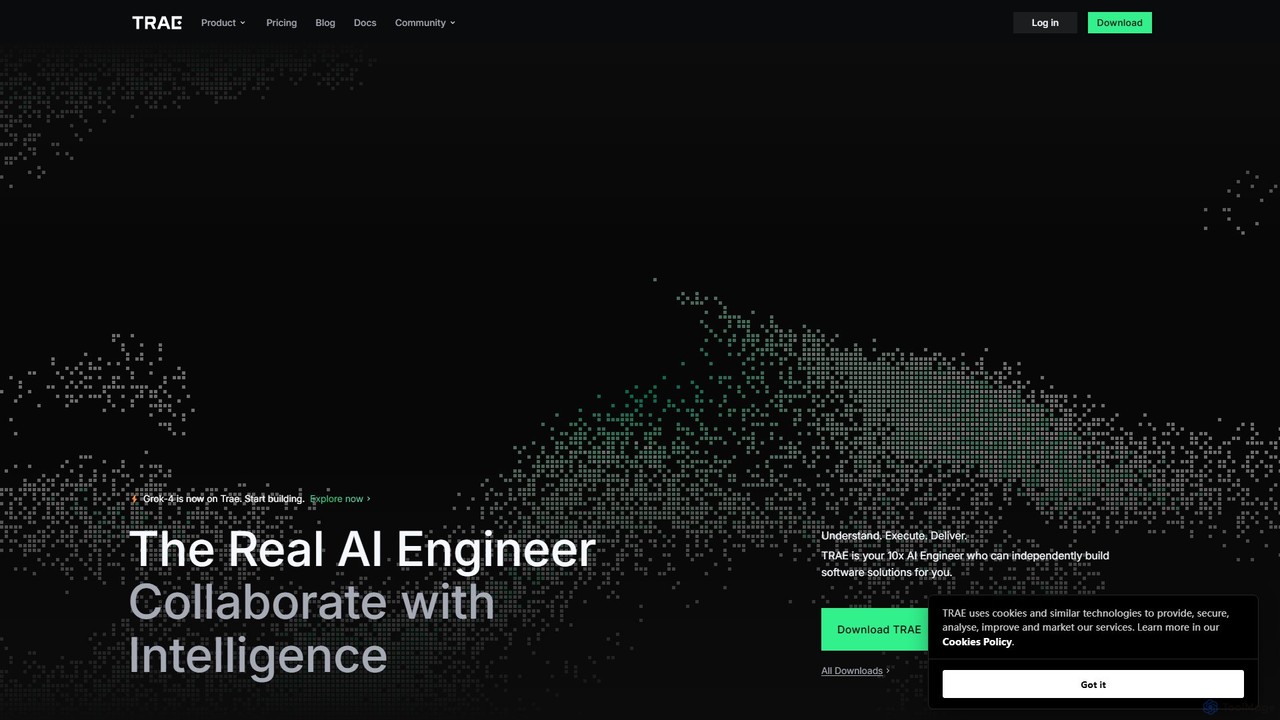
TRAE
TRAE is an AI-powered Integrated Development Environment (IDE) designed to function as a 10x AI Engineer. It automates the entire software development lifecycle, from idea to deployment, by understanding your vision, planning workflows, and executing tasks autonomously. Featuring dual development modes (IDE and SOLO), a customizable agent ecosystem, and deep contextual understanding, TRAE aims to revolutionize human-AI collaboration in coding.
Code Assistant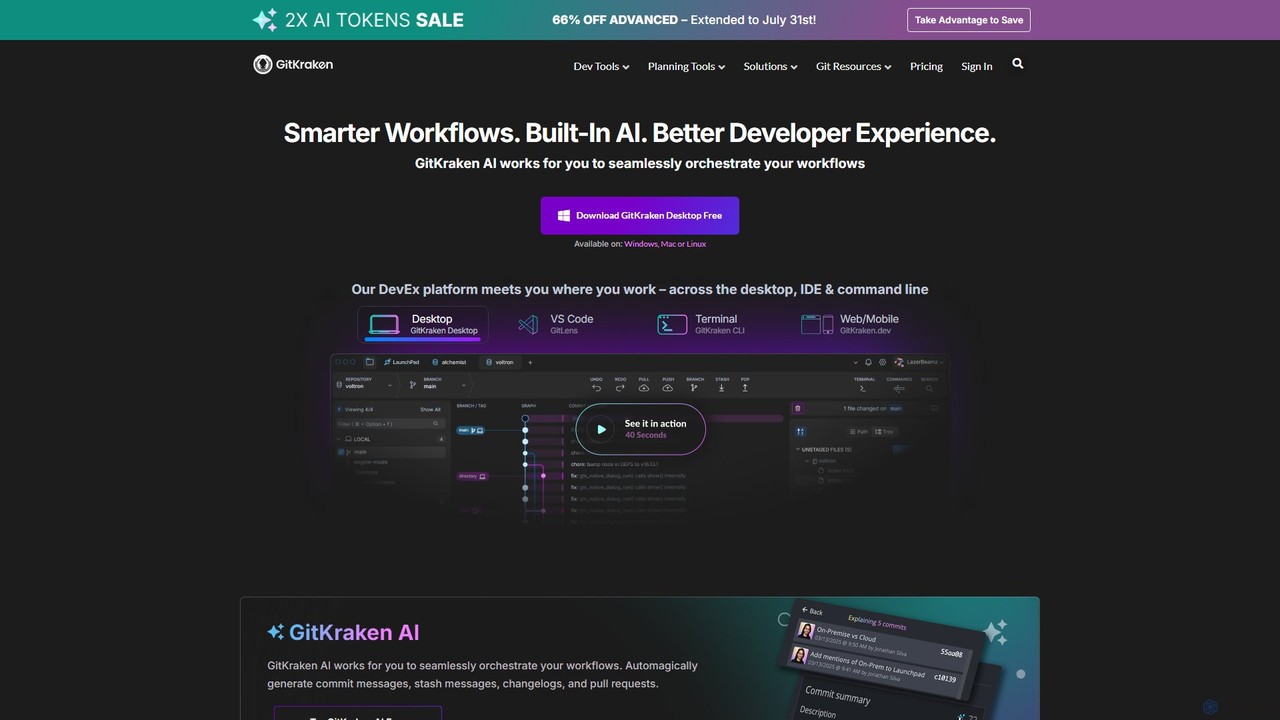
GitKraken
GitKraken is a legendary suite of Git tools designed to enhance the developer experience. Featuring a visual Git GUI, a powerful CLI, and IDE integrations, it leverages built-in AI to automate tasks like generating commit messages and pull requests. It streamlines workflows, improves team collaboration, and provides powerful visualization for complex repositories.
Version ControlJetBrains Categories
JetBrains Embed Widget
Copy this embed code to place the badge on your blog, article, or product site and send readers directly to this ToolMage detail page.

Related AI tools
Cursor
Cursor is an AI-first code editor designed for modern software development. Built as a fork of VS Code, it integrates powerful AI capabilities directly into the editing experience, allowing developers to chat with their codebase, generate, edit, and debug code with unprecedented speed and context-awareness.
Code GenerationTheia IDE
Theia IDE is a modern, open-source IDE for cloud and desktop environments. It offers a flexible, extensible platform compatible with VS Code extensions and features powerful, privacy-focused AI capabilities. As a vendor-neutral alternative to VS Code, it supports numerous programming languages and allows for deep customization, making it ideal for individual developers and enterprises seeking control over their development tools.
Low Code No Code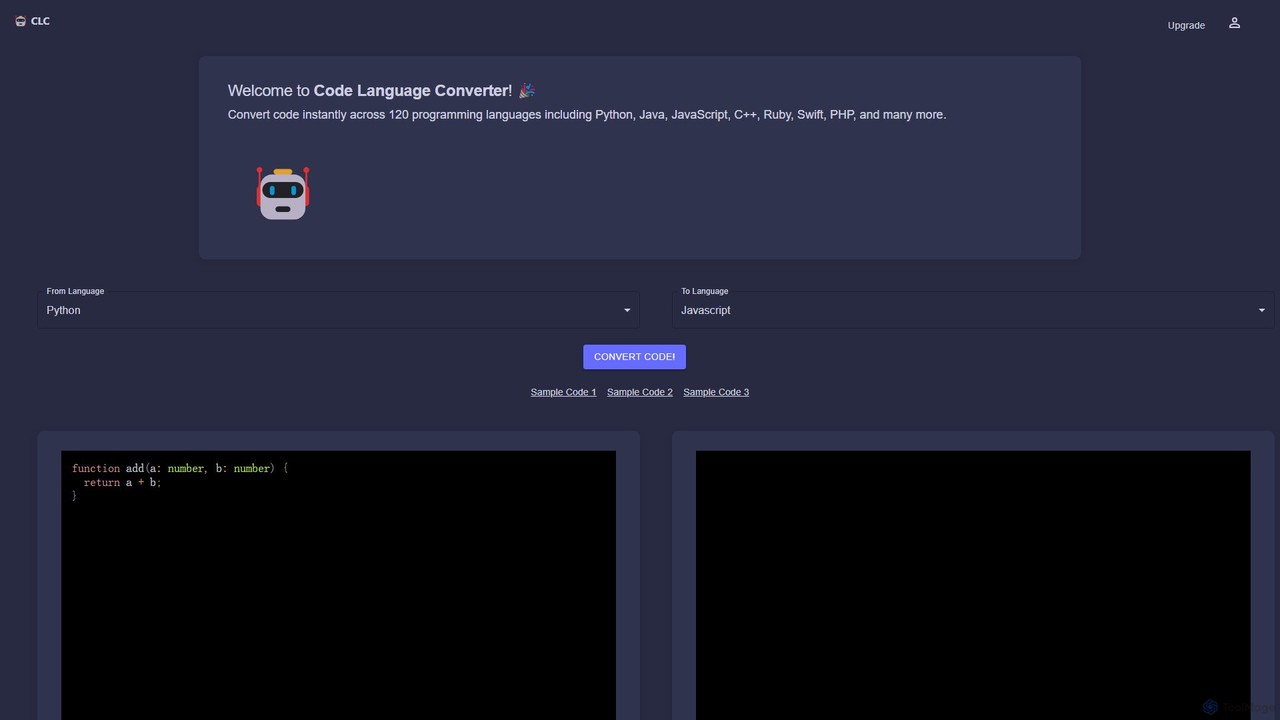
CodeConverter
CodeConverter is an AI-powered online tool that instantly translates code snippets between over 120 programming languages. It helps developers, students, and data scientists migrate codebases, learn new languages, and improve productivity by providing fast, accurate, and secure conversions directly in the browser.
Code Assistantstartearly
startearly is an AI-powered test engineering agent that automates the generation of high-quality unit tests directly within your IDE and CI/CD pipeline. It helps developers catch bugs early, increase code coverage, and accelerate development cycles by handling tedious testing tasks.
Code Generation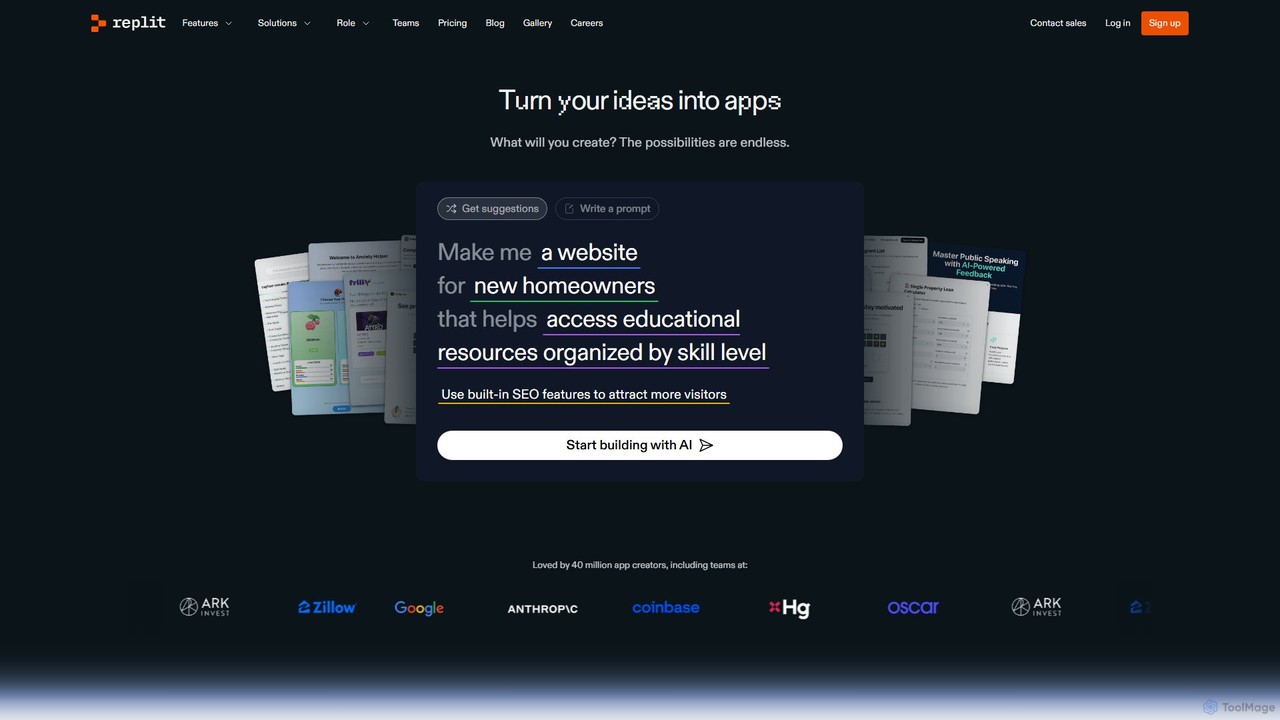
Replit
Replit is an AI-powered, collaborative, in-browser Integrated Development Environment (IDE) that allows users to build, deploy, and host applications, websites, and bots. Featuring the Replit Agent, it turns natural language prompts into functional software, making development faster and more accessible for everyone from beginners to enterprise teams.
Hosting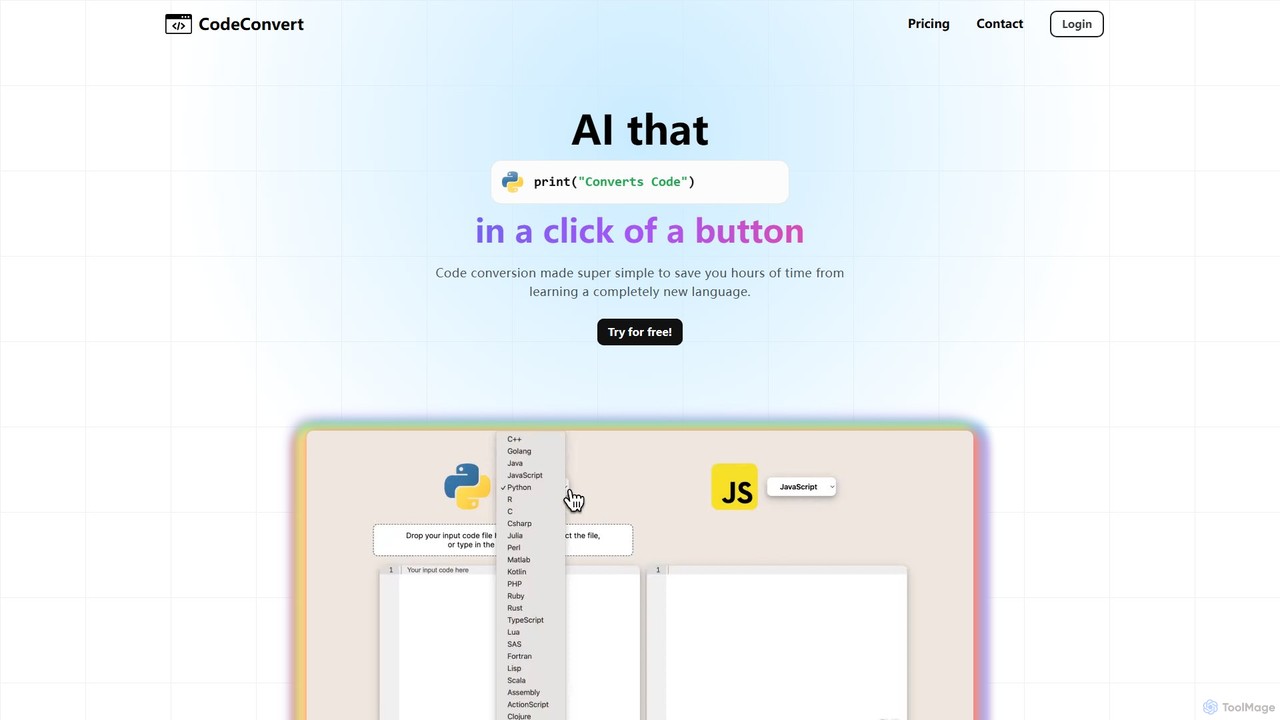
CodeConvert
CodeConvert is an AI-powered tool that instantly translates code snippets between over 50 programming languages. It helps developers save hours of manual rewriting, learn new languages, and migrate projects efficiently. Features include high-accuracy conversion, code generation, and code explanation.
Code Assistant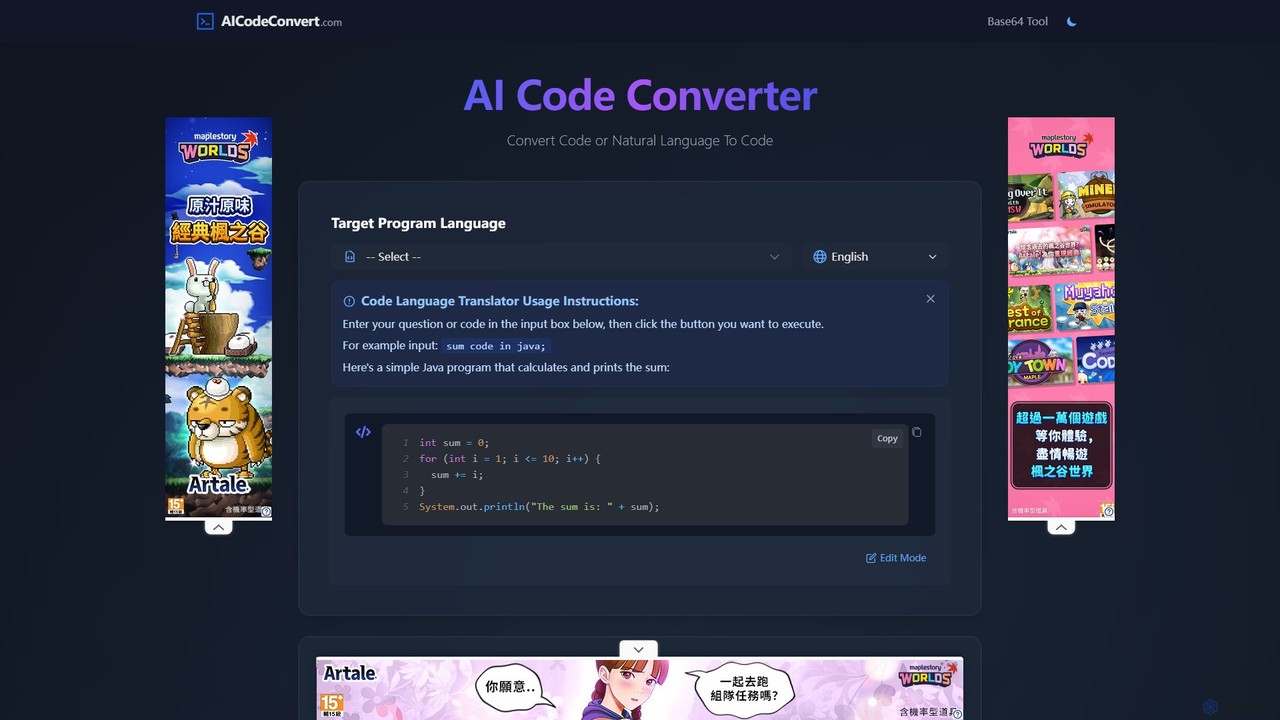
aicodeconvert
aicodeconvert is a comprehensive AI-powered suite for developers, offering free tools for code conversion, generation, optimization, and debugging. It supports over 50 programming languages, allowing users to seamlessly translate code between languages, generate code from natural language prompts, explain complex snippets, and improve code performance. Its intuitive interface makes it an essential tool for modernizing legacy systems, learning new languages, and accelerating the development workflow.
Code Assistant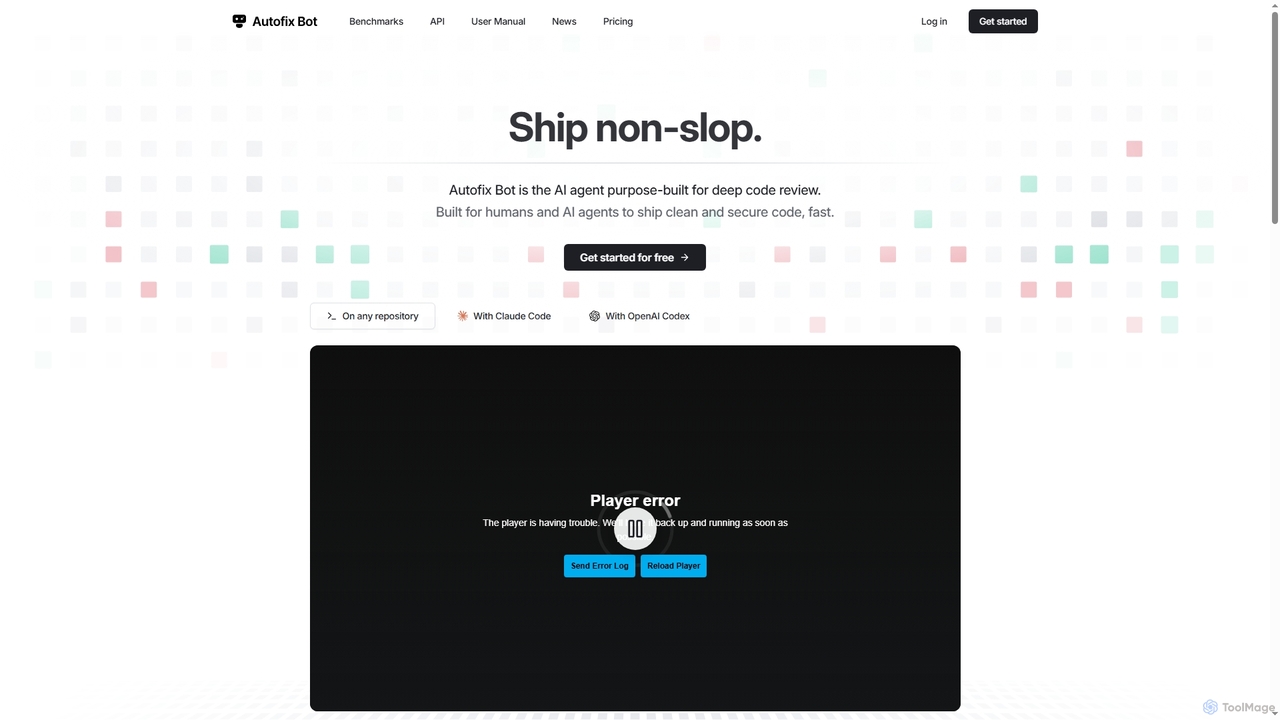
Autofix
Autofix is an AI agent purpose-built for deep code review, identifying security vulnerabilities, hardcoded secrets, and code quality issues. It generates verified patches to help development teams ship clean and secure code faster.
Static Analysis
convertercode
An AI-powered tool for developers that seamlessly converts code from one programming language to another. It supports a wide range of languages, helping to modernize legacy systems, facilitate cross-platform development, and accelerate learning.
Code Assistant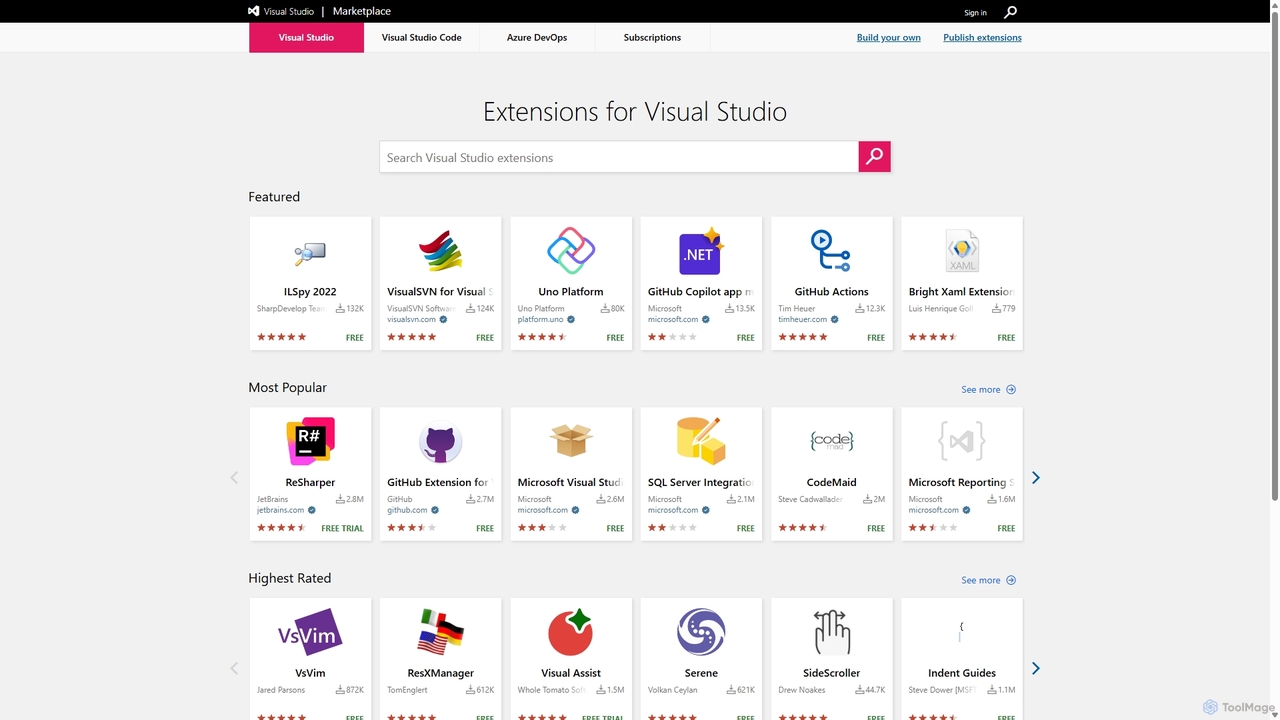
Visual Studio Marketplace
The official marketplace for discovering and installing thousands of extensions for the Visual Studio family of products, including Visual Studio, VS Code, and Azure DevOps. Enhance productivity, add new features, and customize your development environment with tools from Microsoft and the community.
Machine Learning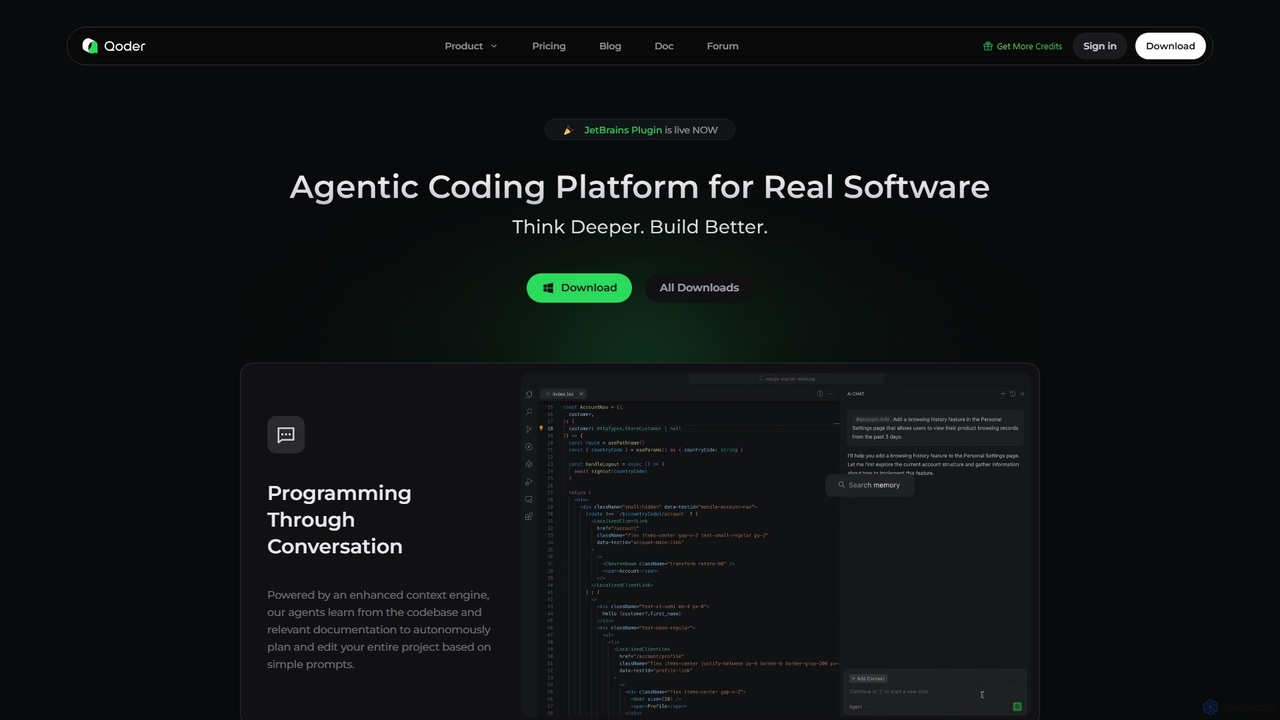
Qoder
Qoder is an agentic AI coding platform designed for real software development. It leverages an enhanced context engine to autonomously plan, code, and test entire projects based on simple prompts, integrating seamlessly into developer workflows via IDE, CLI, or JetBrains plugin.
Code Assistant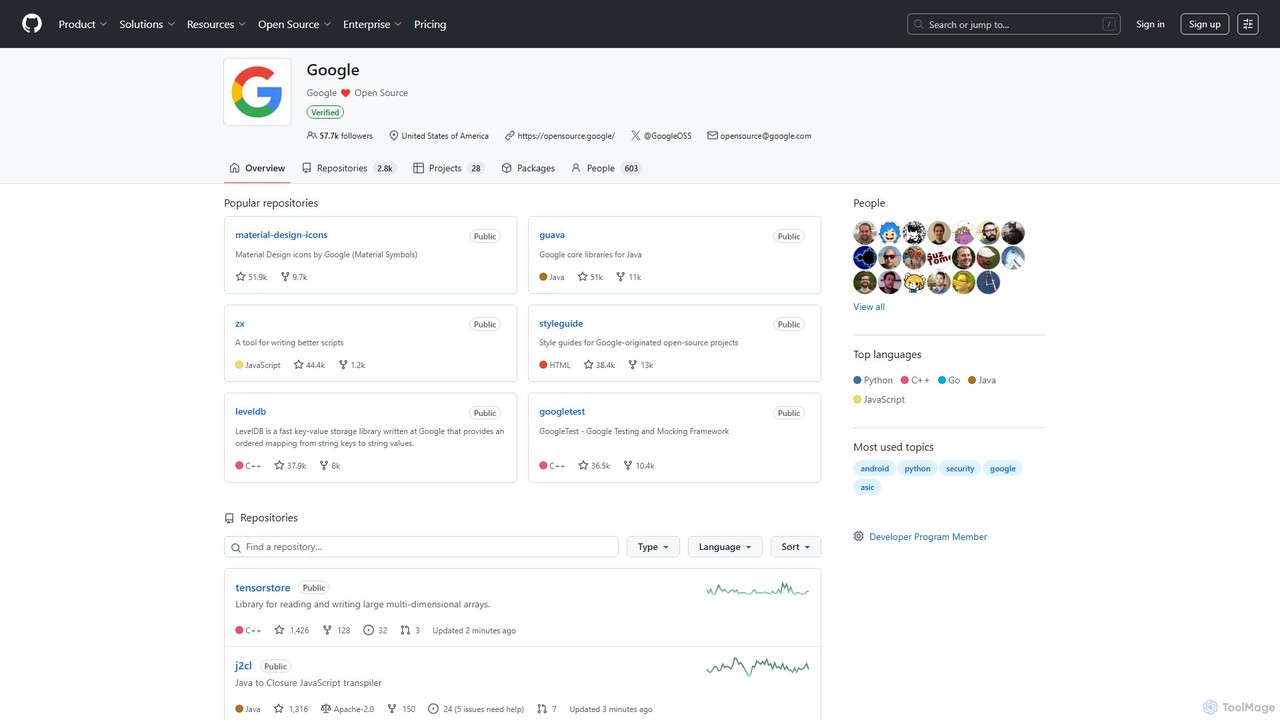
Google · GitHub
The official open-source hub for Google on GitHub. It hosts a vast collection of over 2,700 public repositories, including libraries, developer tools, frameworks, and style guides. A critical resource for developers working with Java, C++, Python, Android, web technologies, and more, offering production-tested code and fostering community collaboration.
Code Libraries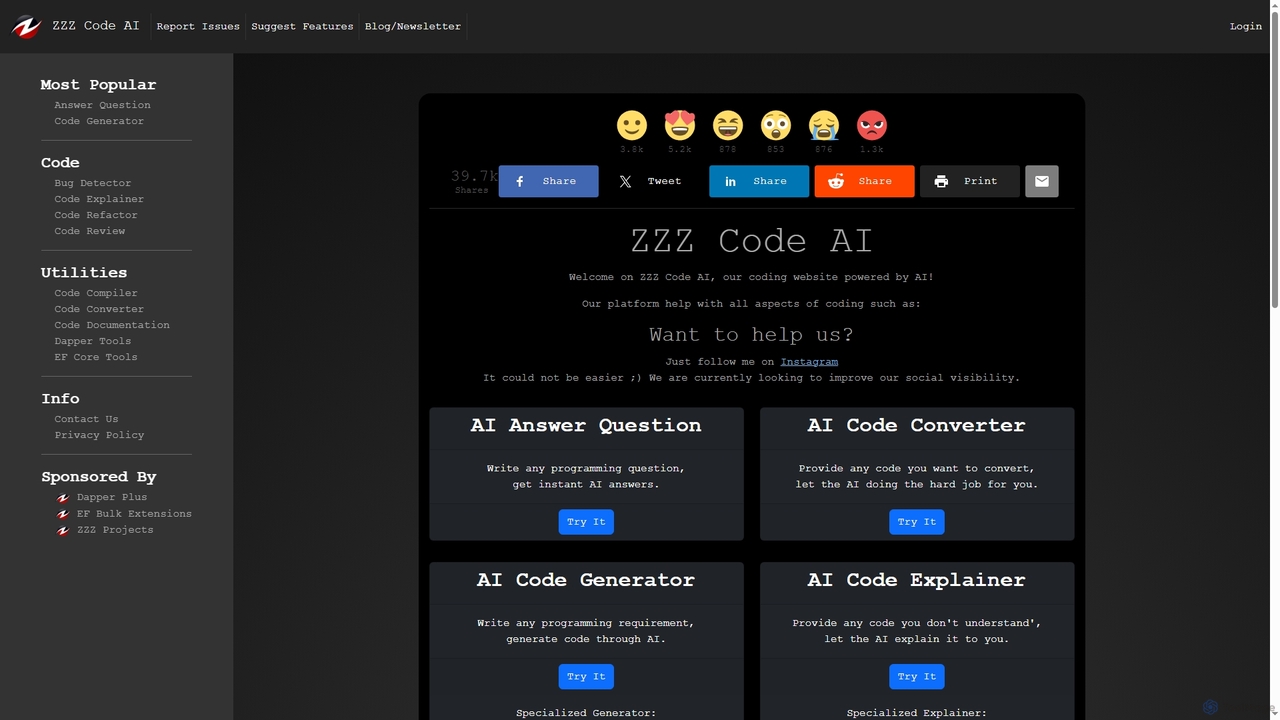
Zzzcode
Zzzcode is a free, AI-powered online platform offering a comprehensive suite of coding tools for developers. It can generate, explain, debug, refactor, review, document, and convert code across numerous programming languages, and provide instant answers to programming questions.
Code Assistant
PseudoEditor
An online pseudocode editor, compiler, and AI-powered converter. Write, test, and debug algorithms, then convert your pseudocode into Python, Java, C++, and JavaScript. Ideal for students, educators, and developers.
Code Assistant
PearAI
PearAI is an intelligent, all-in-one AI code editor designed for developers. It features a unique AI Router that automatically selects the best coding model (like GPT-4o or Claude 3), a coding agent for autonomous development and bug fixing, and a context-aware chat that understands your entire codebase. It aims to streamline the entire development workflow from idea to deployment.
Code Generation
JetBrains Comments (0)
Sign in to comment.
Sign inNo comments yet.