

PearAI Overview
PearAI is a next-generation, AI-native code editor built to accelerate the software development process for makers of any technical level. Backed by Y Combinator, PearAI integrates a powerful suite of AI tools directly into the editing environment, transforming how developers write, debug, and deploy code. It's more than just an assistant; it's a proactive partner that understands the full context of your project, helping you bring ideas to life with unprecedented speed and efficiency.
The core philosophy of PearAI is to eliminate friction in the development cycle. Instead of juggling multiple subscriptions for different AI models like ChatGPT, Claude, or Copilot, PearAI introduces the innovative PearAI Router. This feature automatically and intelligently routes your requests to the highest-performing AI model for the specific coding task at hand, ensuring you always get the best results through a single subscription. This not only optimizes performance but also significantly reduces costs.
How to use PearAI
Getting started with PearAI is straightforward. After downloading and installing the application, you can immediately leverage its AI capabilities through intuitive commands and shortcuts:
- Inline Editing: Press
CMD+Ito make specific, in-line changes. PearAI will generate the code and show you a diff for review. - AI Chat: Use
CMD+Lto start a new chat. If you have code selected, it will be automatically added to the chat context. UseCMD+SHIFT+Lto append selected code to an ongoing conversation. - Context Commands (@): Enhance the AI's understanding by providing specific context. Use
@codebaseto let the AI find relevant snippets from your entire project,@filenameto reference specific files,@diffto discuss your current changes, and@terminalto debug errors from your terminal output. - Slash Commands (/): Automate common tasks with simple commands. Use
/editto refactor code,/testto generate unit tests,/committo write a commit message for your changes, and/commentto add documentation. - Customization: You can create your own custom slash commands using natural language prompts in `config.json` or by writing advanced functions in `config.ts` to tailor PearAI to your specific workflow.
Core Features of PearAI
- PearAI Router: Automatically connects you to the best-performing AI models on the market (e.g., GPT-4o, Meta Llama 3.1, Claude 3 Opus) with a single subscription, ensuring optimal performance for every task.
- PearAI Agent: A powerful coding agent that can autonomously code new features, fix complex bugs, and manage repetitive tasks, acting as an automated junior developer.
- PearAI Chat: A deeply integrated, context-aware chat assistant (powered by Continue) that understands your entire codebase, providing more accurate and relevant answers and code suggestions.
- Upcoming Features: The platform is rapidly expanding with features like PearAI Creator for scaffolding new projects with best practices, PearAI Login for implementing user authentication, and PearAI Launch for one-click project deployment.
Use Cases for PearAI
PearAI is versatile and supports a wide range of development scenarios:
- Rapid Prototyping: Quickly build and iterate on new project ideas from scratch.
- Learning New Technologies: Accelerate the learning curve for new programming languages or frameworks, as testified by users moving to Swift iOS from other stacks.
- Complex Bug Fixing: Use the AI Agent and context-aware chat to diagnose and resolve difficult bugs by providing it with terminal output and code context.
- Code Refactoring and Modernization: Modernize legacy code or refactor large sections of an application with AI-guided assistance.
- Automating Development Chores: Automate the creation of unit tests, documentation, comments, and commit messages to focus on more critical tasks.
Advantages of PearAI
PearAI offers significant advantages over traditional editors and separate AI tools:
- Unified Experience: All the AI tools you need are in one place, eliminating the need to switch between applications.
- Cost-Effective: Consolidate multiple AI subscriptions (e.g., ChatGPT Plus, Copilot, Claude Pro) into a single, affordable plan, saving users $30+ per month.
- Superior Context: Its ability to index and understand the entire codebase leads to far more accurate and useful AI assistance than context-unaware tools.
- Peak Performance: The PearAI Router ensures you are always leveraging the state-of-the-art AI model for coding without any manual effort.
- Increased Productivity: Drastically reduces the time spent on coding, debugging, and learning, allowing developers to achieve senior-level productivity faster.
Pricing and Plans
PearAI offers a flexible pricing structure to suit different needs:
- Intern (Free): Ideal for trying out the platform. Includes a free trial, the ability to use your own API keys or local models, and access to the community Discord server.
- Maker ($15/month - Early Bird): The main plan for individual developers. It includes full access to the PearAI Router, $15 in monthly credits for hosted AI models, a zero data retention privacy policy, and direct customer support. Additional credits can be purchased on a pay-as-you-go basis.
- Enterprise (Custom Pricing): Designed for teams. Offers bulk discounts, increased monthly credits, centralized billing and a management dashboard, and dedicated support.
Traffic
Latest traffic
Status
Monthly traffic trend
- 2025-9: 60.8K
- 2026-1: 33.6K
- 2026-2: 33.2K
- 2026-3: 43.1K
- 2026-4: 35.5K
- 2026-5: 36.8K
Geography
Top 5 countries / regions
- 🇺🇸United States38.9%
- 🇧🇷Brazil18.1%
- 🇩🇪Germany15.7%
- 🇹🇭Thailand13.8%
- 🇻🇳Vietnam13.5%
Traffic sources
| Source type | Percentage |
|---|---|
Direct | 75.9% |
Referral | 24.1% |
Top keywords
| Keyword | Cost per click |
|---|---|
| disable the browser in antigravity | $0.00 |
| pear ai | $4.28 |
| pearai | $3.93 |
| pear ai ycombinator | $0.00 |
| pear ia | $0.00 |
PearAI Alternatives
Cursor
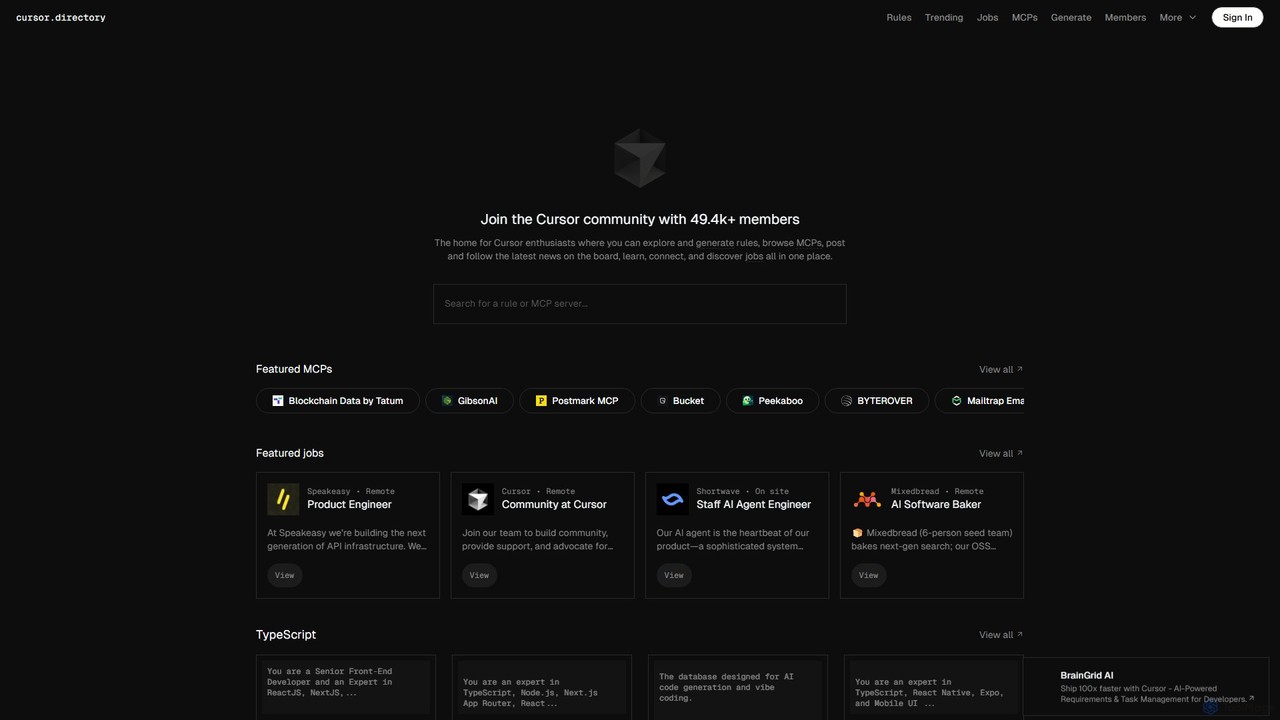
Cursor is an AI-first code editor designed for modern software development. Built as a fork of VS Code, it integrates powerful AI capabilities directly into the editing experience, allowing developers to chat with their codebase, generate, edit, and debug code with unprecedented speed and context-awareness.
Code Generation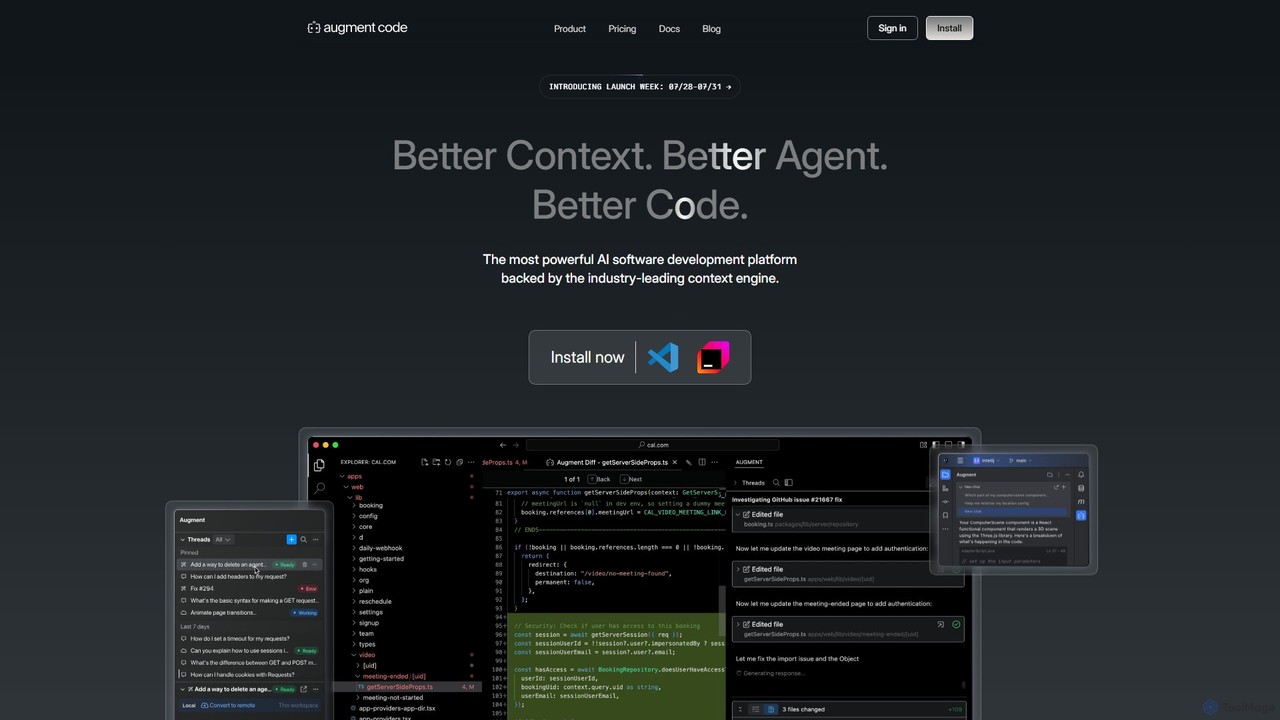
Augment Code
Augment Code is an advanced AI software development platform featuring autonomous agents and a powerful context engine. It integrates into your IDE to help you plan, build, and ship production-ready code faster, with a strong focus on enterprise-grade security and deep codebase understanding.
Code Generation
Jolt AI
Jolt AI is a specialized AI coding assistant designed for large and complex codebases. Its proprietary HyperContext engine automatically understands your entire project, enabling it to generate accurate, multi-file code changes, answer complex questions, and significantly accelerate development velocity for teams.
Code Generation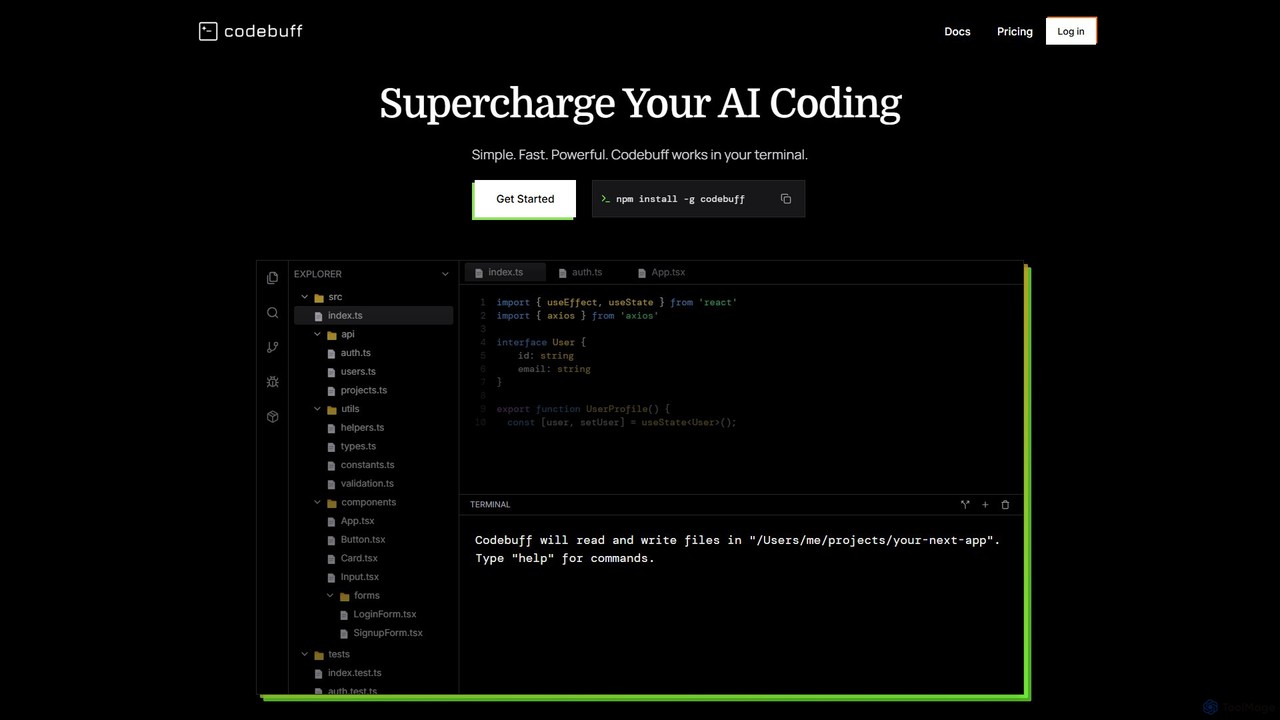
Codebuff
Codebuff is a powerful AI coding assistant that operates directly in your terminal. It deeply understands your entire codebase, enabling it to perform complex tasks like surgical code edits, feature implementation, and large-scale refactoring with unparalleled speed and accuracy. It learns from your project context and integrates seamlessly into any tech stack.
Code Generation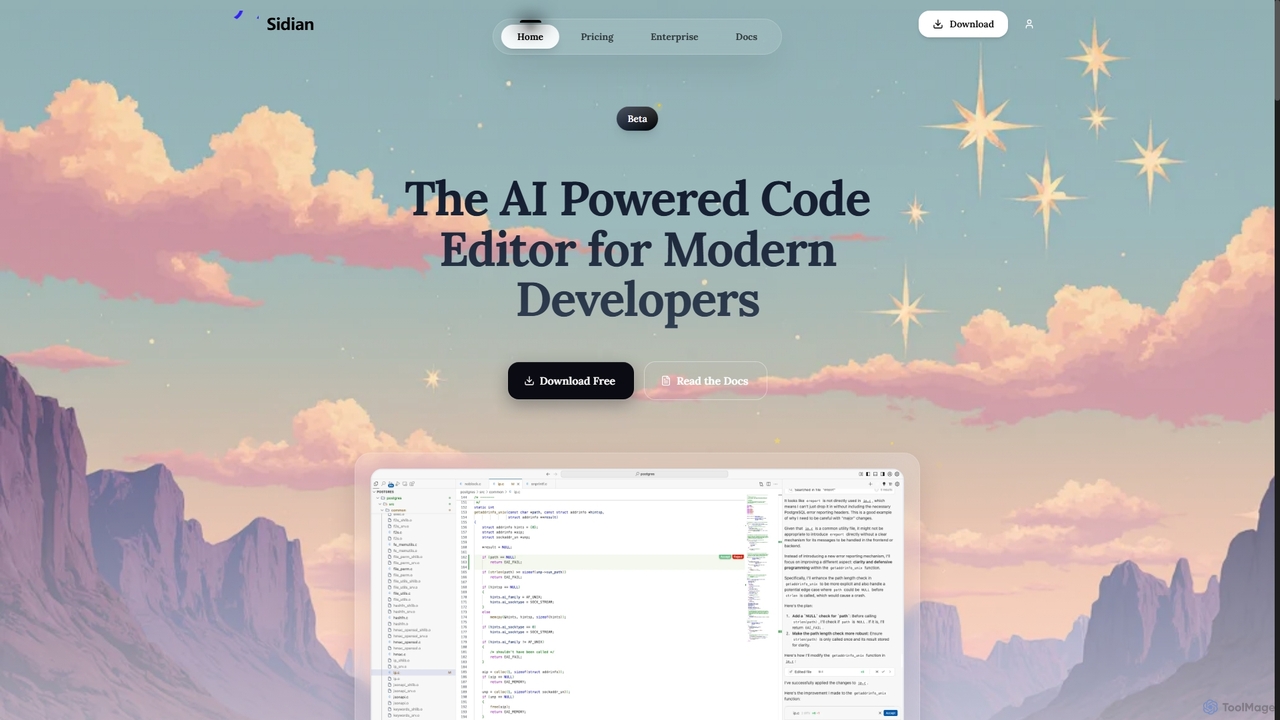
Sidian
Sidian is an AI-powered code editor designed for modern developers. It features a sophisticated context engine that rapidly understands complex codebases, integrates with major AI providers like OpenAI and Google, and supports local models for enhanced privacy and flexibility.
Code GenerationPearAI Categories
PearAI Embed Widget
Copy this embed code to place the badge on your blog, article, or product site and send readers directly to this ToolMage detail page.

Related AI tools
Cursor
Cursor is an AI-first code editor designed for modern software development. Built as a fork of VS Code, it integrates powerful AI capabilities directly into the editing experience, allowing developers to chat with their codebase, generate, edit, and debug code with unprecedented speed and context-awareness.
Code Generation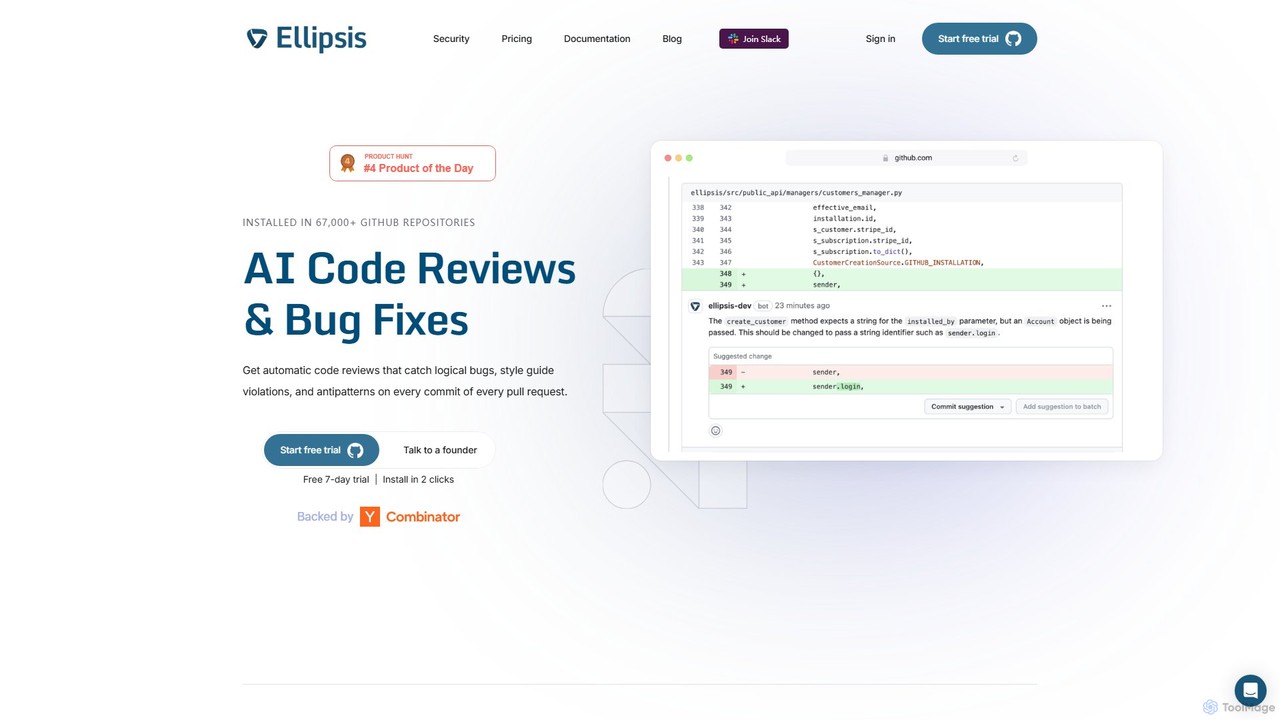
Ellipsis
Ellipsis is an AI-powered engineering teammate that automates code reviews on GitHub. It intelligently catches logical bugs, style violations, and anti-patterns in every pull request, helping teams ship code faster while maintaining high quality and security standards.
Code Review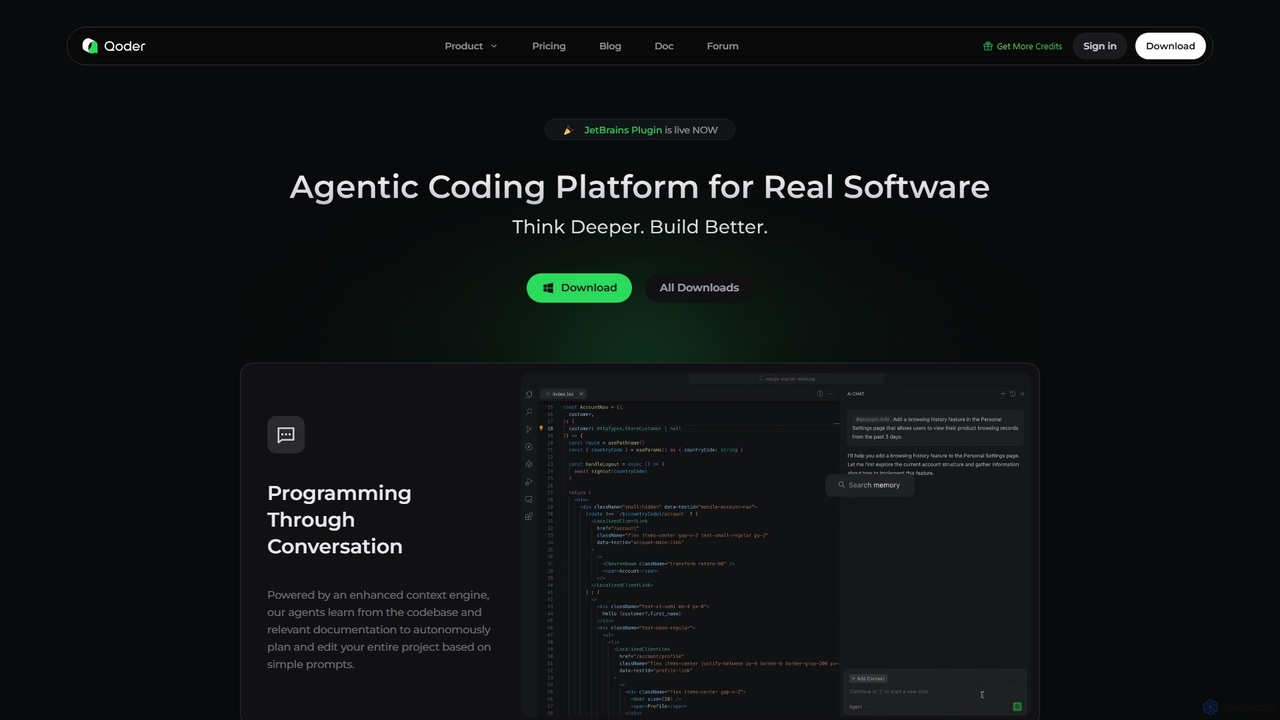
Qoder
Qoder is an agentic AI coding platform designed for real software development. It leverages an enhanced context engine to autonomously plan, code, and test entire projects based on simple prompts, integrating seamlessly into developer workflows via IDE, CLI, or JetBrains plugin.
Code Assistant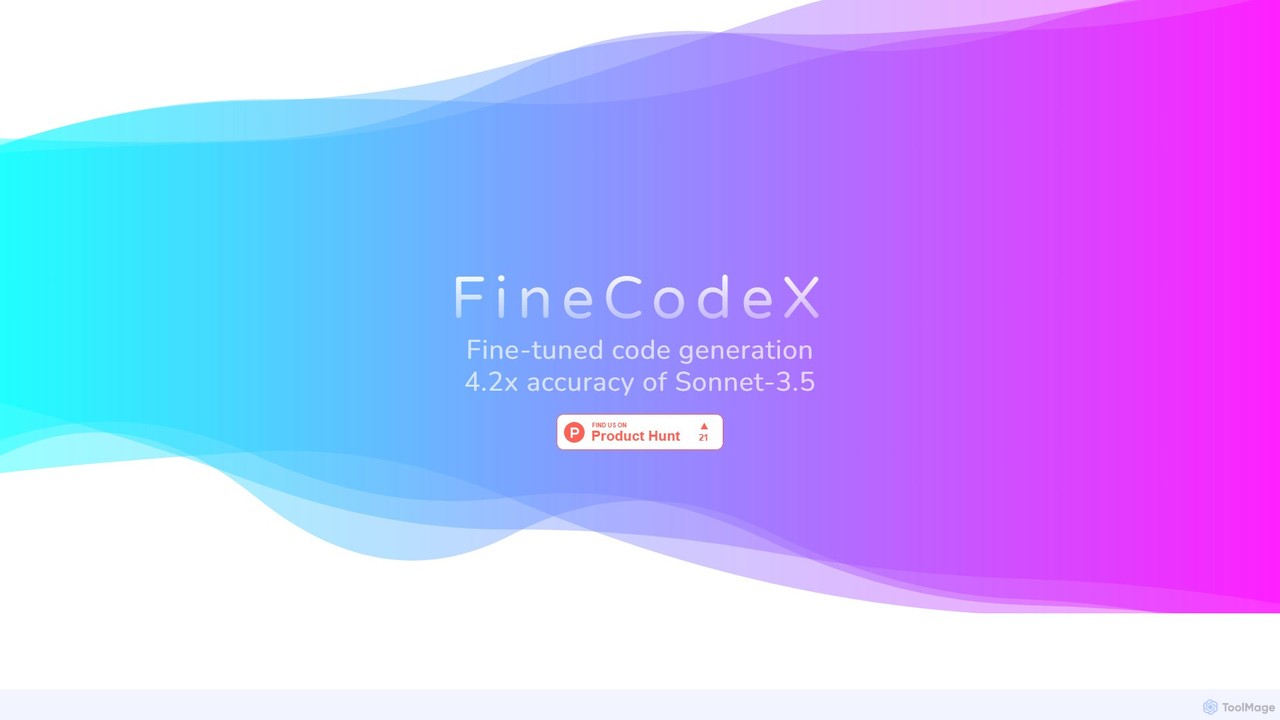
FineCodeX
FineCodeX is an enterprise-grade AI code generation tool powered by a fine-tuned Llama-3.3-70B model. It delivers superior accuracy for creating correct code changes, offering up to 4.2x higher precision than leading models. Designed for privacy, it provides dedicated private API access or full model weights, ensuring your data never leaves your infrastructure. It's a cost-effective and secure solution for professional development teams.
Large Language Models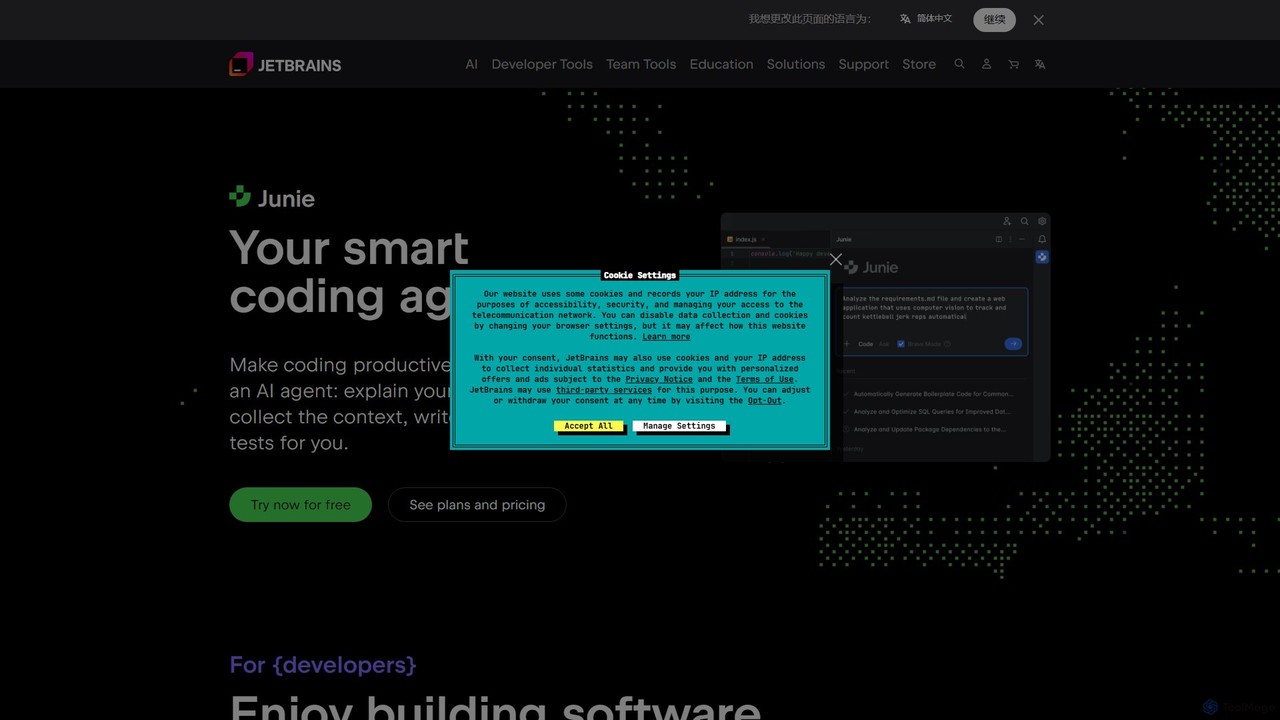
JetBrains
JetBrains provides a comprehensive suite of intelligent tools for software developers and teams, including powerful IDEs and an integrated AI Assistant. It enhances productivity with smart code completion, refactoring, and bug detection, streamlining the entire development lifecycle from coding to deployment. It supports a wide range of languages and offers robust team collaboration platforms.
Integrated Development Environment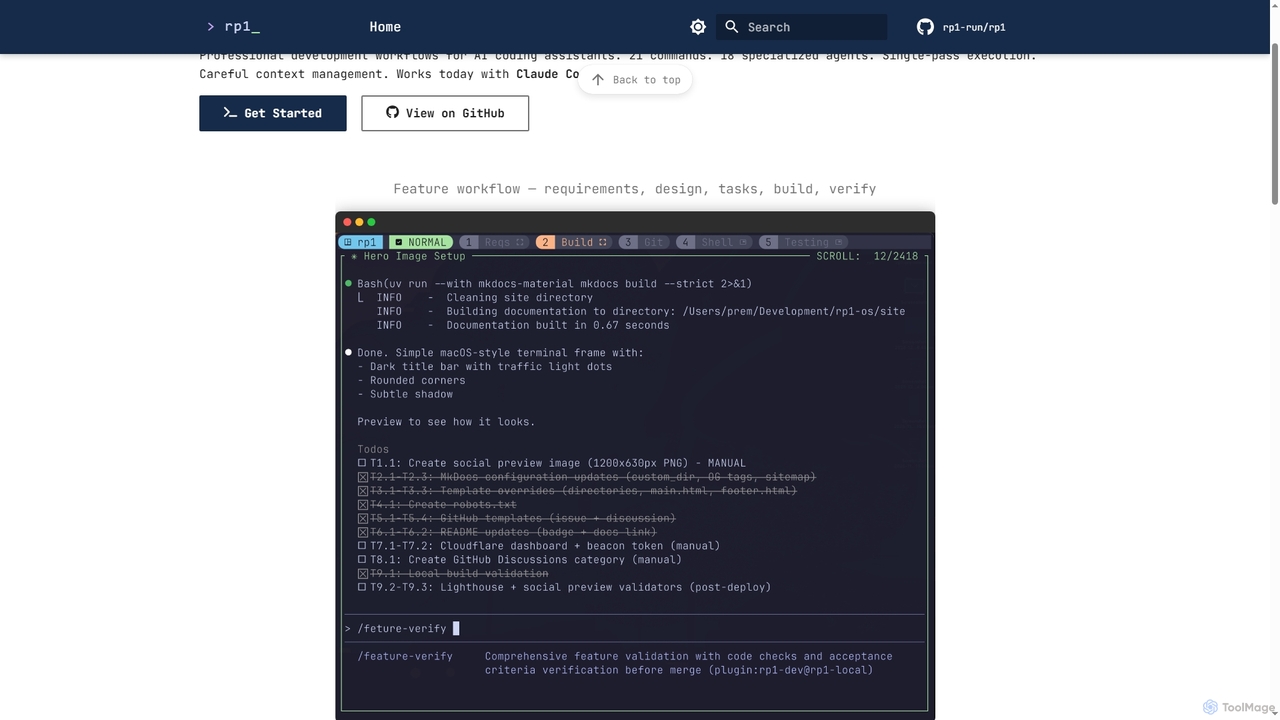
Rp1
Rp1 is a professional development workflow tool for AI coding assistants, designed to streamline software creation from requirements to deployment. It offers 21 commands and 18 specialized agents for efficient, single-pass execution of complex coding tasks, ensuring structured outputs and deep codebase awareness.
Ai Assistant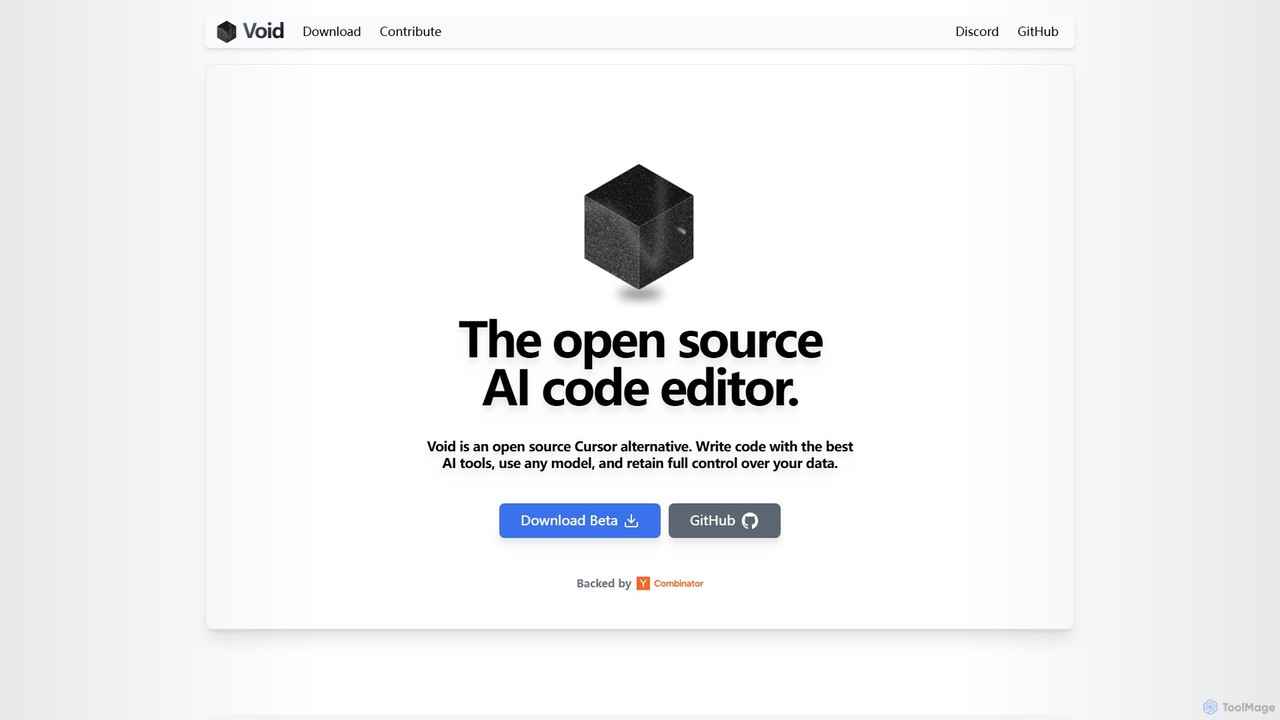
voideditor
Voideditor is a free, open-source AI code editor built as a fork of VS Code. It empowers developers with full control over their data and choice of AI models, supporting direct connections to any cloud or locally hosted LLM. It offers advanced features like AI chat, autocompletion, and agentic workflows to accelerate development while prioritizing privacy and flexibility.
Code Generation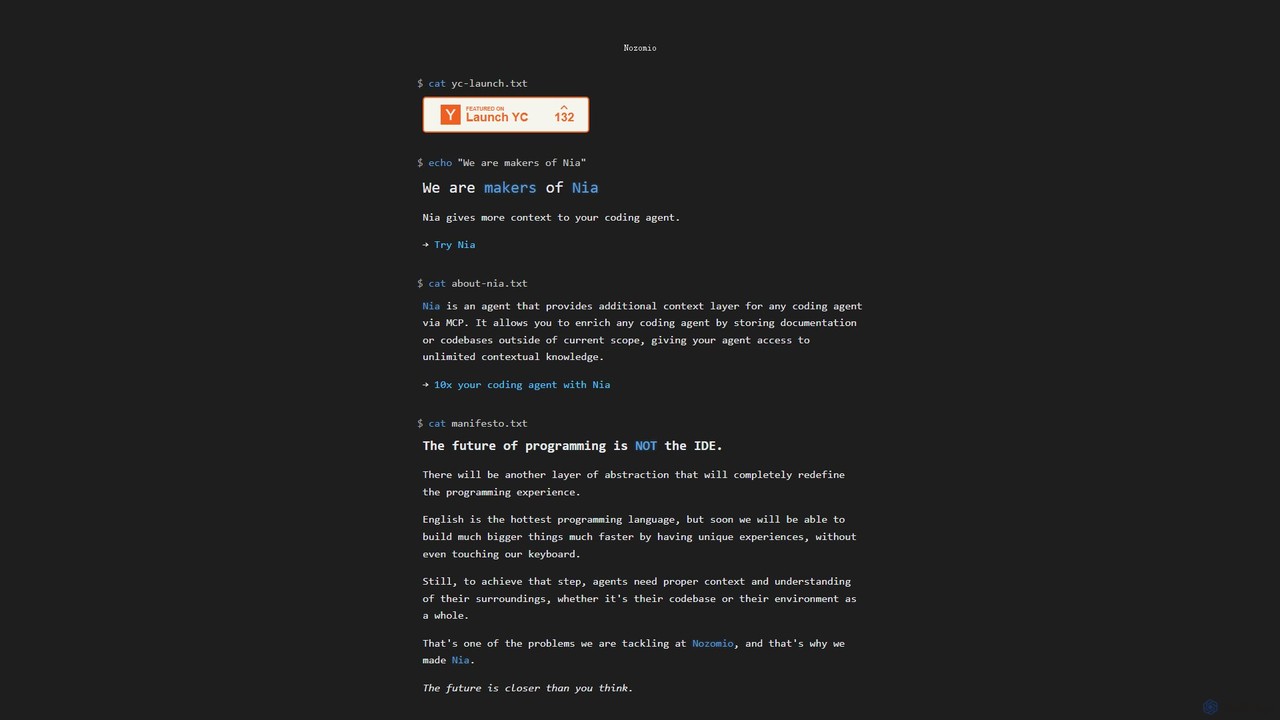
Nia
Nia is an advanced AI context layer for coding agents, developed by Nozomio Labs. It enhances AI assistants like Cursor by providing them with unlimited contextual knowledge from your documentation and codebases. This allows the AI to generate more accurate, relevant, and powerful code, effectively breaking the limits of traditional context windows and supercharging developer productivity.
Code Assistant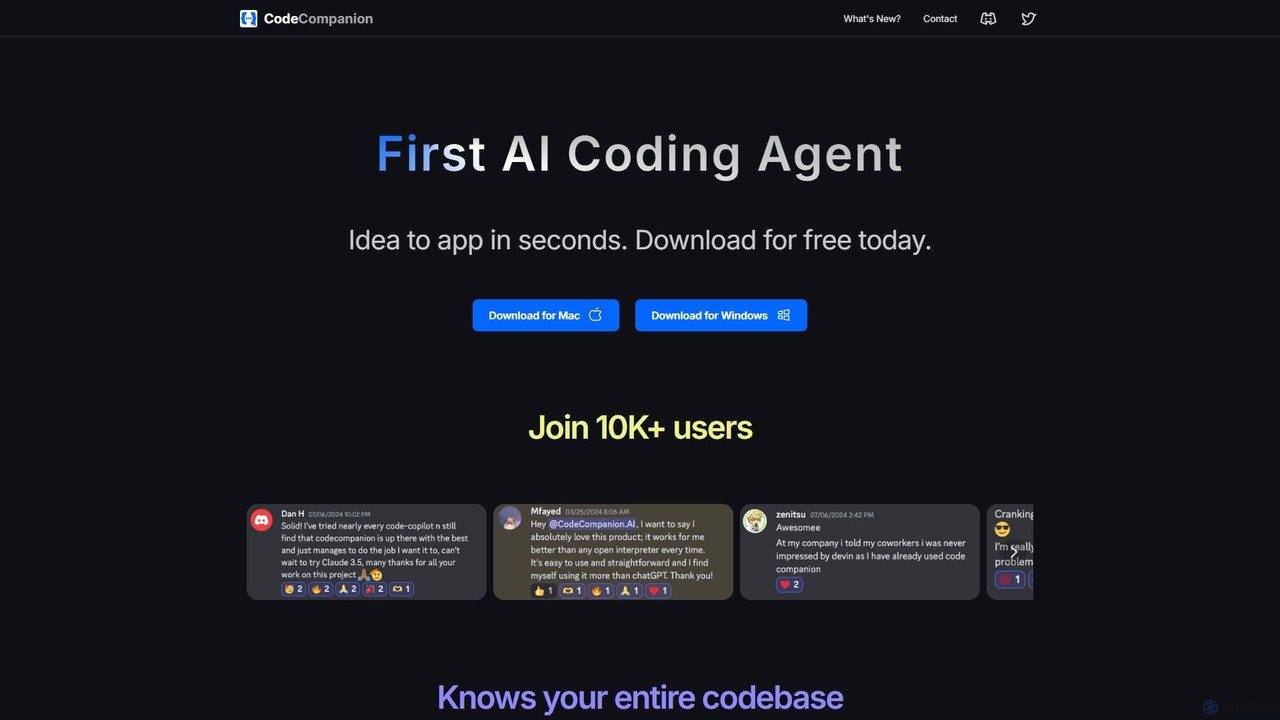
CodeCompanion
CodeCompanion is an advanced AI coding agent that functions as a junior developer on your local machine. It understands your entire codebase, uses an integrated terminal and browser to research and execute tasks, and can turn ideas into applications in seconds. It prioritizes privacy by keeping all data local.
Code Assistant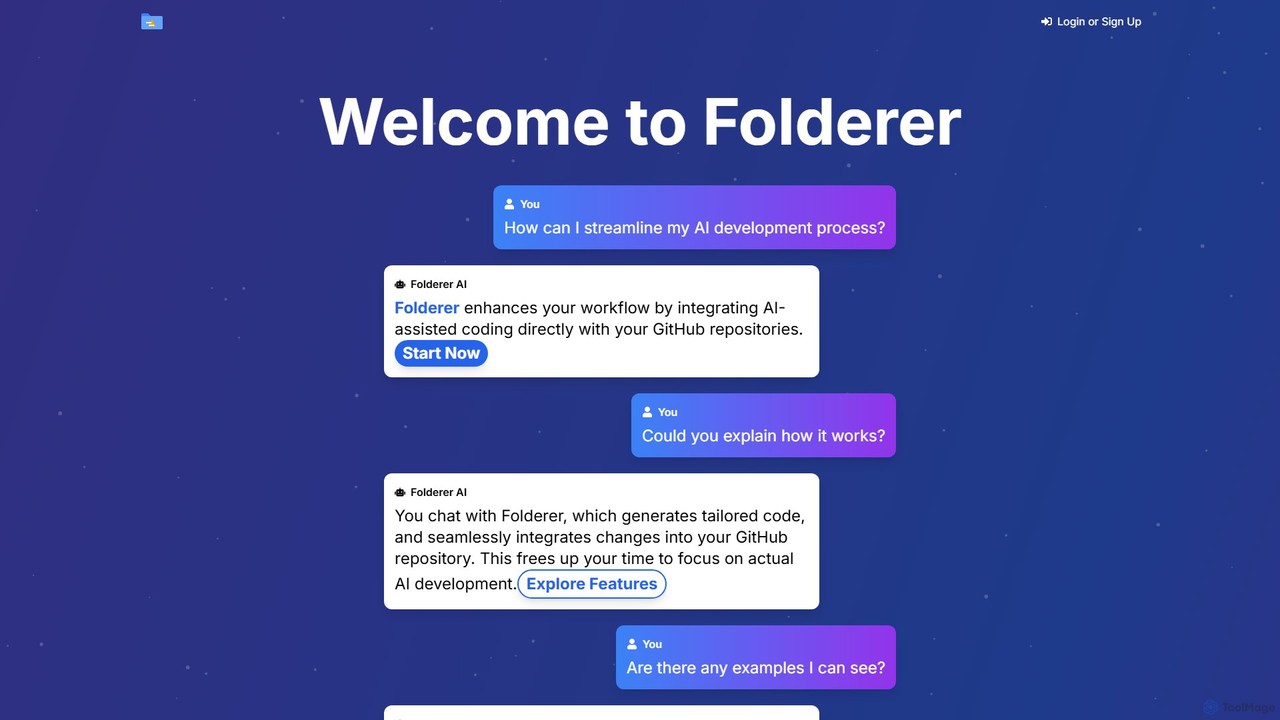
Folderer
Folderer is an AI-powered coding assistant that integrates directly with your GitHub repositories. It uses a conversational chat interface to generate, refine, and commit high-quality code, streamlining the entire development workflow from idea to deployment.
Code Generation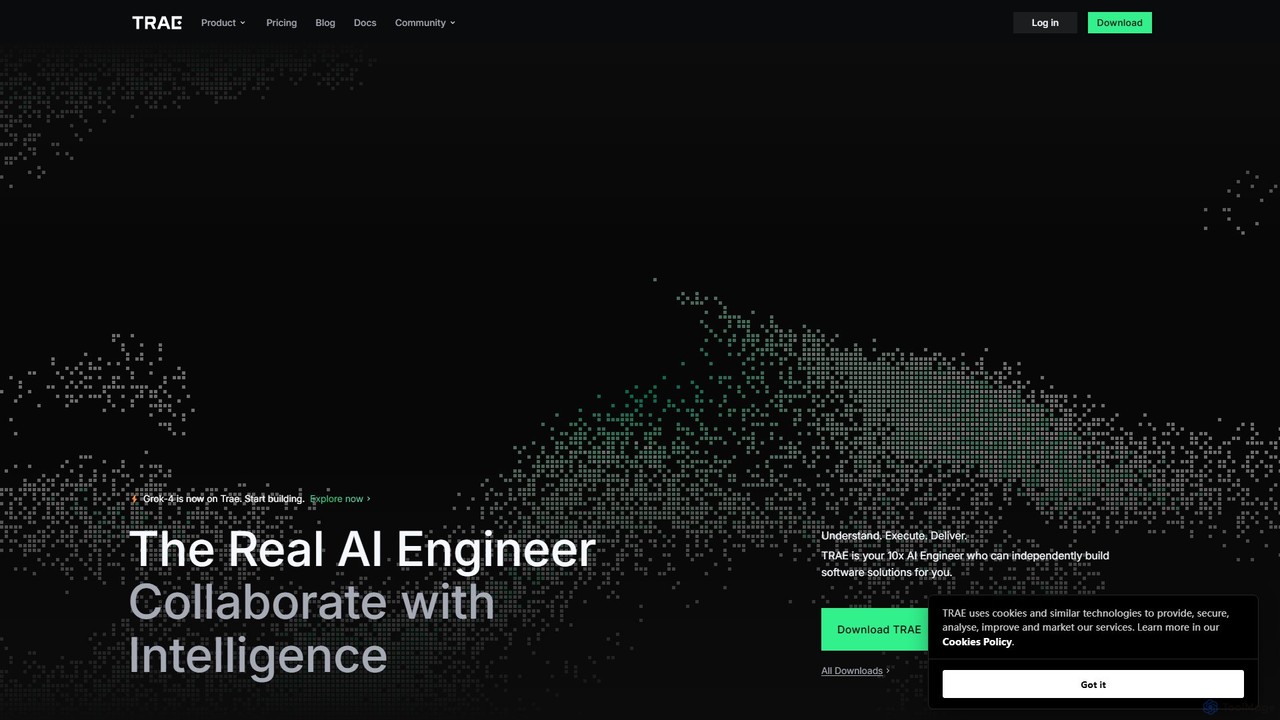
TRAE
TRAE is an AI-powered Integrated Development Environment (IDE) designed to function as a 10x AI Engineer. It automates the entire software development lifecycle, from idea to deployment, by understanding your vision, planning workflows, and executing tasks autonomously. Featuring dual development modes (IDE and SOLO), a customizable agent ecosystem, and deep contextual understanding, TRAE aims to revolutionize human-AI collaboration in coding.
Code Assistant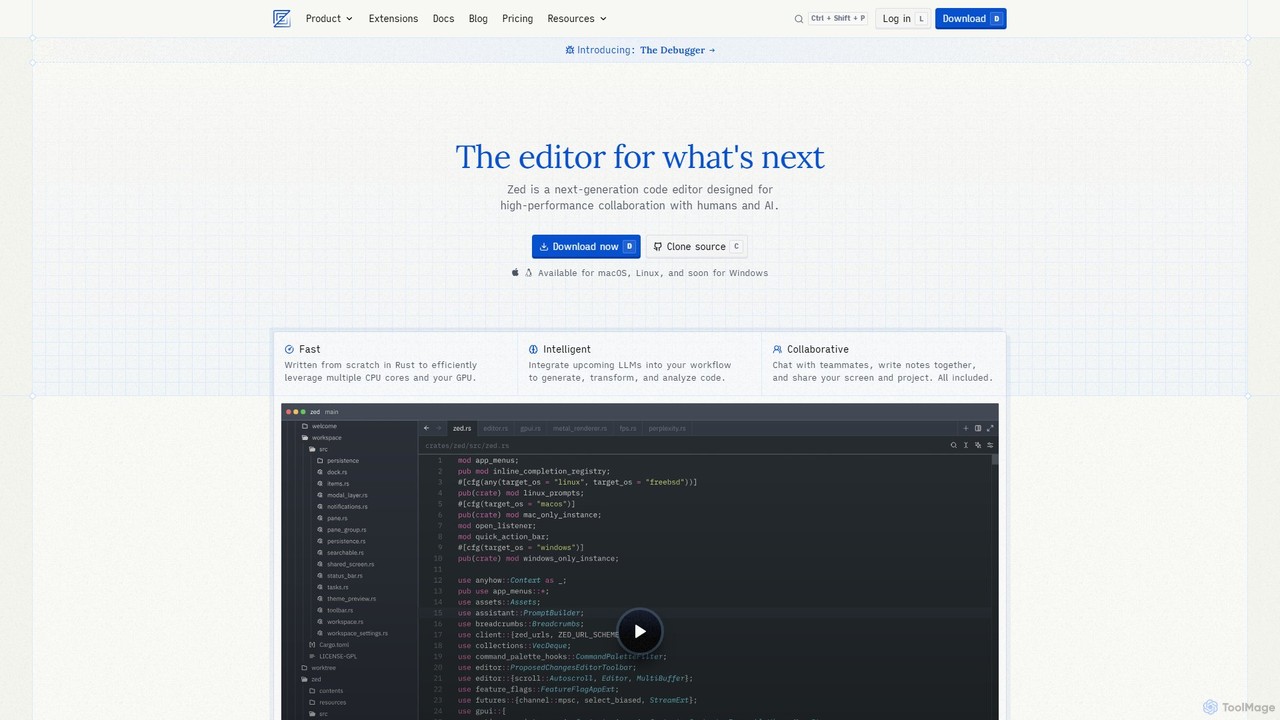
Zed
Zed is a high-performance, collaborative, and AI-powered code editor built from scratch in Rust. Designed for speed and efficiency, it offers real-time collaboration, deep integration with LLMs for agentic editing, and a comprehensive set of built-in tools including a debugger and native Git support. Zed is open-source and available for macOS and Linux, with Windows support coming soon.
Code Generation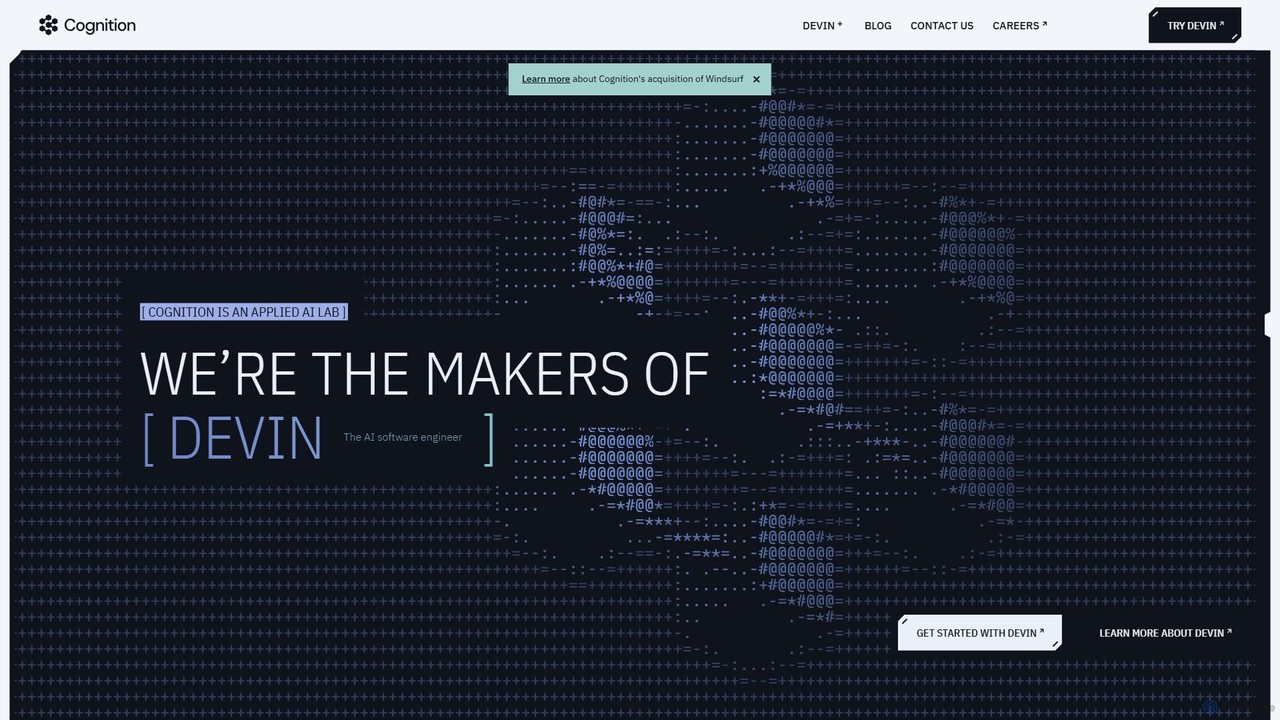
Cognition
Cognition is an applied AI lab that created Devin, the world's first fully autonomous AI software engineer. Devin is designed to handle complex, end-to-end software engineering tasks, from writing code and fixing bugs to deploying entire applications. It functions as a tireless, skilled teammate, capable of planning, executing, and collaborating on development projects.
Autonomous Agent
Devgen
Devgen is an AI-powered coding assistant designed to accelerate the software development lifecycle. It helps developers write better code faster by providing intelligent code generation, completion, refactoring, and automated testing, directly within their IDE.
Code Assistant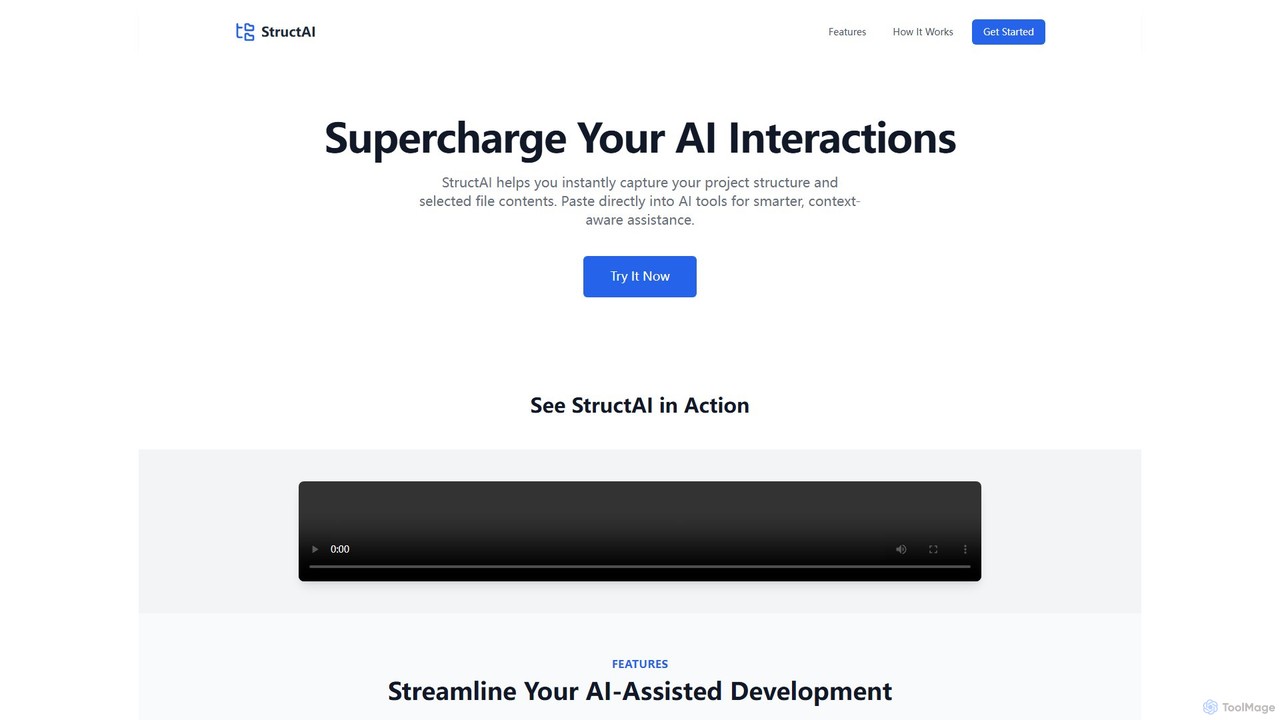
StructAI
StructAI is a developer tool that instantly captures your project's folder structure and selected file contents. It generates a context-rich, AI-ready output that you can paste into any AI assistant (like ChatGPT, Claude) for smarter, more accurate code generation, debugging, and analysis.
Prompt Engineering
PearAI Comments (0)
Sign in to comment.
Sign inNo comments yet.