
voideditor Overview
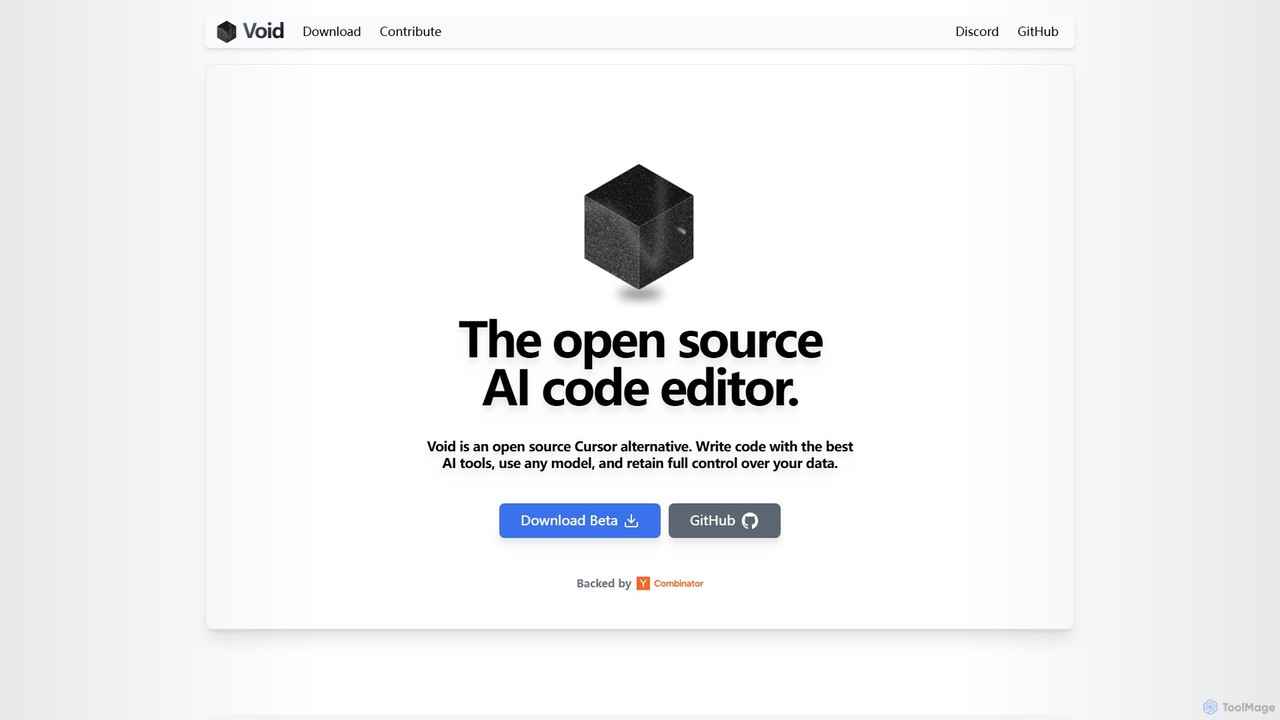
Voideditor, also known as Void, is a revolutionary open-source AI code editor designed for developers who demand power, flexibility, and complete control over their tools and data. As a direct fork of Visual Studio Code (VS Code), it provides a familiar and highly customizable environment, allowing users to seamlessly migrate their existing themes, keybindings, and settings with a single click. Void's core philosophy is to decouple the developer from proprietary backends, offering a privacy-first alternative to other AI coding assistants like Cursor.
The standout feature of Voideditor is its 'Bring Your Own LLM' (BYO-LLM) capability. Unlike services that route your code through their private servers, Void allows you to connect directly to any Large Language Model (LLM) provider. This means you can use cutting-edge frontier models like Gemini 2.5, Claude 3.7, and Grok 3, or opt for complete privacy and cost-efficiency by hosting open-source models like Llama, DeepSeek, or Qwen on your own machine. This direct connection eliminates the middleman, ensuring your code remains private and you never run out of API credits tied to a specific platform.
How to use voideditor
Getting started with Voideditor is straightforward, especially for those familiar with VS Code:
- Download and Install: Visit the official Voideditor website or its GitHub repository to download the Beta version for your operating system.
- Migrate Your Settings: Upon first launch, Voideditor offers a one-click option to import all your settings, extensions, themes, and keybindings from your existing VS Code installation, ensuring a smooth transition.
- Configure Your AI Model: Navigate to the settings to connect your preferred LLM. You can either input API keys for a cloud provider (e.g., OpenAI, Anthropic, Google AI) or specify the endpoint for a locally running LLM.
- Start Coding with AI: Begin writing code as you normally would. Press the 'Tab' key to accept AI-powered autocompletions. Select a block of code and use the 'Quick Edit' feature to refactor or modify it with a prompt.
- Engage with the AI Chat: Open the chat panel to have more complex conversations with the AI. Ask for explanations, generate new code snippets, or debug existing issues.
- Utilize Advanced Modes: For complex tasks, switch to 'Agent Mode'. This gives the AI the ability to read, create, edit, and delete files and folders, as well as access the terminal. For safe code analysis, use 'Gather Mode', a restricted version that can only read and search your codebase.
Core Features of voideditor
- Universal LLM Support: Connect directly to any cloud-based API or self-hosted open-source LLM, giving you ultimate flexibility.
- VS Code Foundation: As a fork of VS Code, it supports the entire ecosystem of extensions, themes, and settings, providing a familiar and powerful editing experience.
- Privacy-First Architecture: Your code and prompts are sent directly to your chosen LLM provider, with no intermediary servers, guaranteeing data privacy.
- Agent Mode: An advanced AI agent that can perform complex, multi-step tasks involving file system operations and terminal commands.
- Gather Mode: A read-only agent mode for safely searching and analyzing your codebase without the risk of unintended modifications.
- Advanced AI Assistance: Features include intelligent autocompletion, inline 'Quick Edit', and AI-powered lint error detection.
- LLM Change Checkpoints: A unique feature that allows you to track, review, and manage changes made by the LLM, acting as a version control system for AI edits.
- Open Source and Community-Driven: The tool is completely free and developed transparently, with an active community on Discord and GitHub.
Use Cases for voideditor
Voideditor is versatile and can be applied in various development scenarios:
- Rapid Application Development: Use Agent Mode to scaffold a new project, create boilerplate code, set up configuration files, and install dependencies automatically.
- Complex Code Refactoring: Refactor legacy codebases, convert code from one language to another, or optimize performance across multiple files by giving high-level instructions to the AI.
- Secure and Private Development: Work on proprietary or sensitive projects by using a locally hosted LLM, ensuring that no part of your source code ever leaves your network.
- Debugging and Troubleshooting: Paste error messages into the chat, ask the AI to analyze stack traces, and use lint error detection to identify and fix bugs more efficiently.
- Learning and Exploration: Generate examples, ask for explanations of complex algorithms, and use the AI as a pair programmer to learn new frameworks or programming languages.
Advantages of voideditor
Voideditor offers significant advantages over other AI coding tools:
- No Vendor Lock-In: You are free to switch between any LLM provider at any time, allowing you to always use the best or most cost-effective model for your needs.
- Complete Data Sovereignty: Your code is your own. By eliminating the middleman, Voideditor ensures maximum privacy and security.
- Cost-Effective: By connecting directly to LLM APIs or using free, self-hosted models, you avoid platform subscription fees and only pay for what you use.
- Zero Learning Curve for VS Code Users: The familiar interface and one-click settings migration make adoption effortless.
- Powerful Agentic Capabilities: The Agent Mode goes beyond simple code generation, enabling true automation of complex development tasks.
Pricing and Plans
Voideditor is a completely free and open-source project. There are no subscription fees, premium tiers, or charges for using the editor itself. Users are only responsible for the costs associated with the LLM APIs they choose to use. If you use a self-hosted open-source model, your AI-powered coding experience can be entirely free of charge.
Traffic
Latest traffic
Status
Monthly traffic trend
- 2025-9: 136.4K
- 2026-1: 121.3K
- 2026-2: 109.5K
- 2026-3: 116.3K
- 2026-4: 118.9K
- 2026-5: 120.8K
Geography
Top 5 countries / regions
- 🇮🇳India34.3%
- 🇺🇸United States26.4%
- 🇧🇷Brazil14.3%
- 🇮🇩Indonesia13.2%
- 🇻🇳Vietnam11.8%
Traffic sources
| Source type | Percentage |
|---|---|
Direct | 67.4% |
Referral | 32.6% |
Top keywords
| Keyword | Cost per click |
|---|---|
| void | $0.42 |
| void ai | $4.85 |
| void editor | $1.58 |
| void editor download | $0.00 |
| void ide | $0.71 |
voideditor Videos on YouTube


WorldofAI


Anthony Marandon

voideditor Alternatives
Sherpa Coder
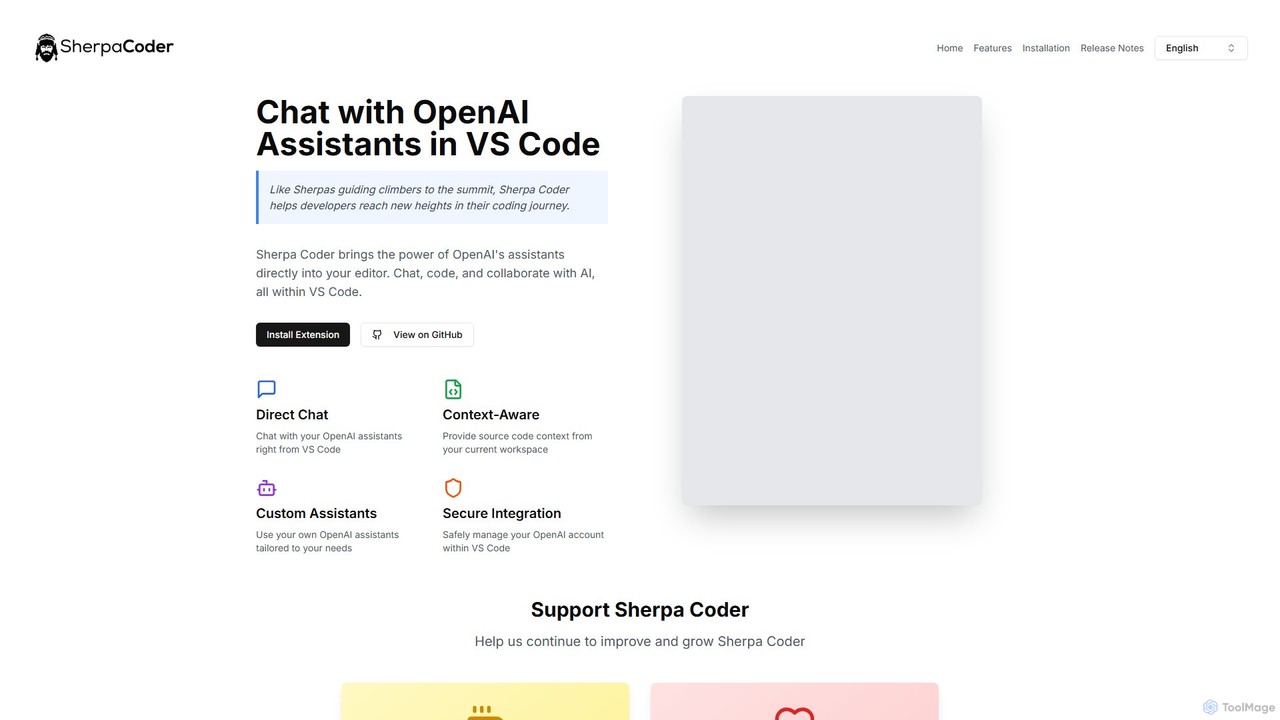
Sherpa Coder is a free VS Code extension that integrates OpenAI Assistants directly into your editor. It enhances developer productivity by enabling context-aware chat, custom AI assistant usage, and seamless collaboration with AI for coding, debugging, and learning, all within the VS Code environment.
Code Generation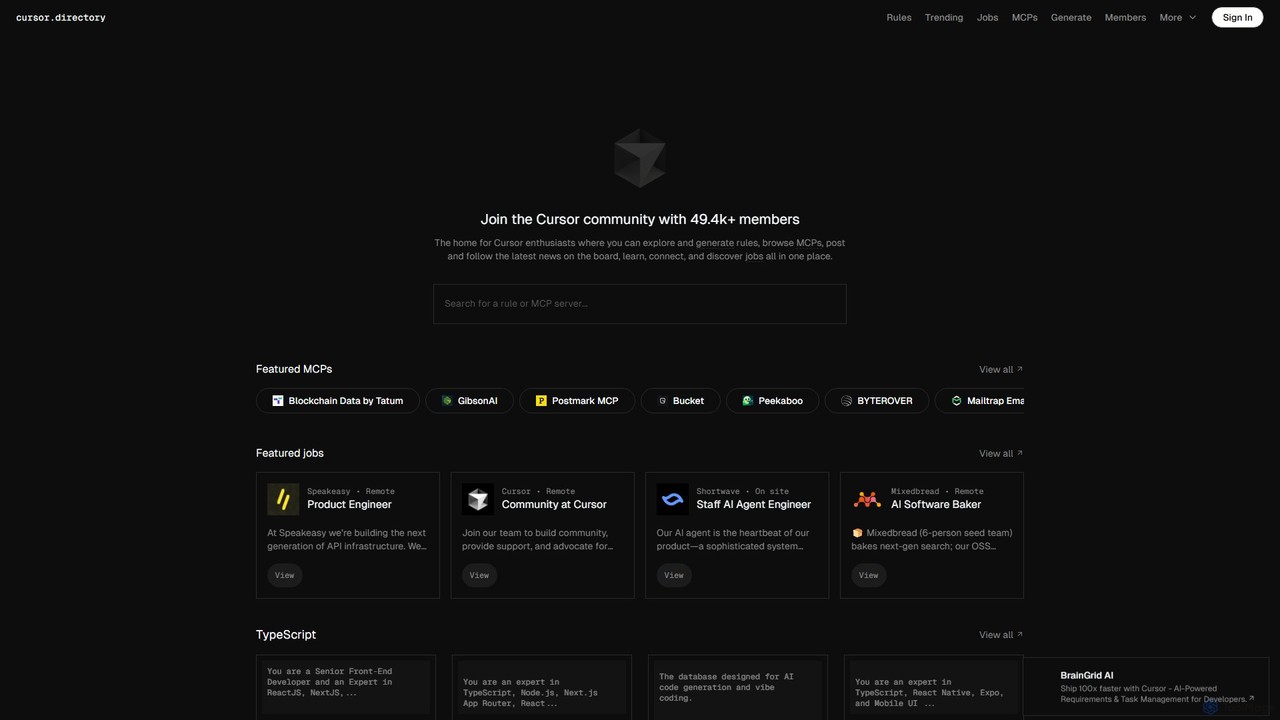
Cursor
Cursor is an AI-first code editor designed for modern software development. Built as a fork of VS Code, it integrates powerful AI capabilities directly into the editing experience, allowing developers to chat with their codebase, generate, edit, and debug code with unprecedented speed and context-awareness.
Code Generation
Safurai
Safurai is an AI-powered IDE extension that acts as a virtual assistant for software developers. It helps with coding, debugging, and refactoring, aiming to streamline the development process and improve code quality directly within your favorite IDE like VS Code and JetBrains.
Code Generation
PearAI
PearAI is an intelligent, all-in-one AI code editor designed for developers. It features a unique AI Router that automatically selects the best coding model (like GPT-4o or Claude 3), a coding agent for autonomous development and bug fixing, and a context-aware chat that understands your entire codebase. It aims to streamline the entire development workflow from idea to deployment.
Code Generation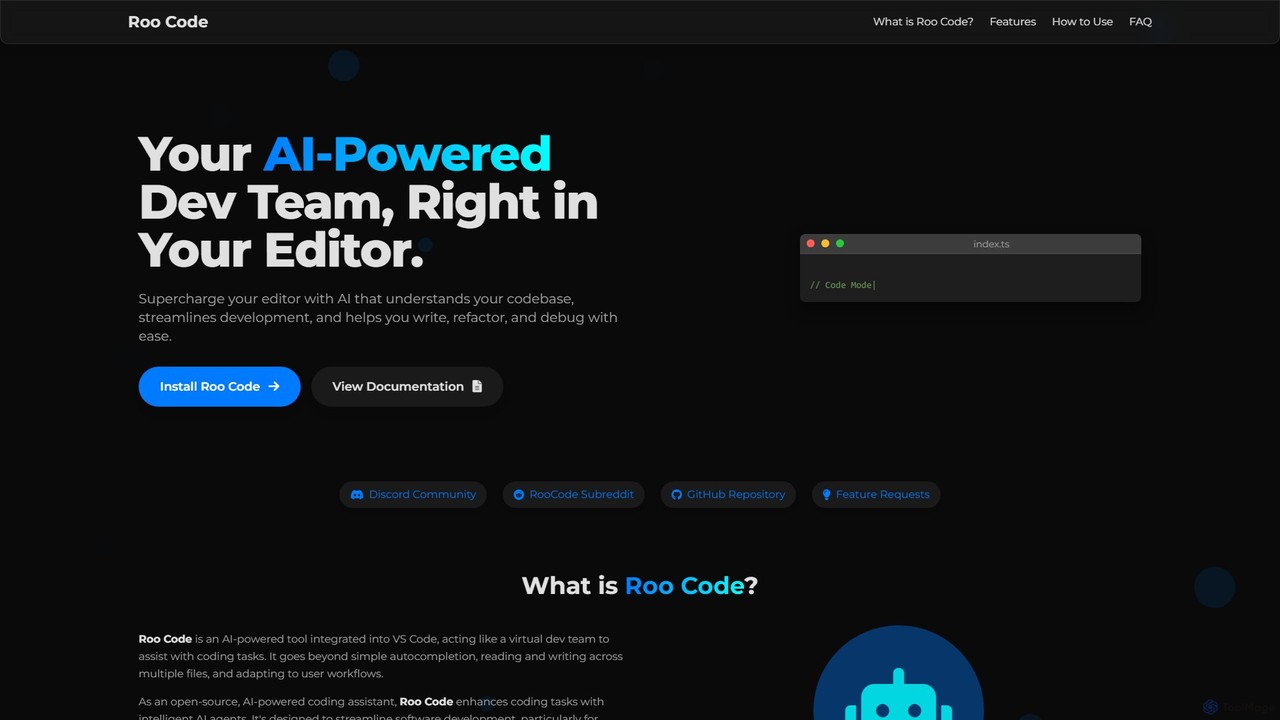
Roo Code
Roo Code is an open-source, AI-powered development assistant integrated directly into VS Code. It acts as a virtual dev team, understanding your entire codebase to help with complex coding, multi-file refactoring, and intelligent debugging, while supporting various AI models.
Debuggingvoideditor Categories
voideditor Embed Widget
Copy this embed code to place the badge on your blog, article, or product site and send readers directly to this ToolMage detail page.

Related AI tools
Cursor
Cursor is an AI-first code editor designed for modern software development. Built as a fork of VS Code, it integrates powerful AI capabilities directly into the editing experience, allowing developers to chat with their codebase, generate, edit, and debug code with unprecedented speed and context-awareness.
Code GenerationSherpa Coder
Sherpa Coder is a free VS Code extension that integrates OpenAI Assistants directly into your editor. It enhances developer productivity by enabling context-aware chat, custom AI assistant usage, and seamless collaboration with AI for coding, debugging, and learning, all within the VS Code environment.
Code GenerationPearAI
PearAI is an intelligent, all-in-one AI code editor designed for developers. It features a unique AI Router that automatically selects the best coding model (like GPT-4o or Claude 3), a coding agent for autonomous development and bug fixing, and a context-aware chat that understands your entire codebase. It aims to streamline the entire development workflow from idea to deployment.
Code GenerationRoo Code
Roo Code is an open-source, AI-powered development assistant integrated directly into VS Code. It acts as a virtual dev team, understanding your entire codebase to help with complex coding, multi-file refactoring, and intelligent debugging, while supporting various AI models.
Debugging
ChatCraft
ChatCraft is a free, open-source web application that serves as an expert AI programming assistant. It allows developers to learn, experiment, and enhance their creativity with code by providing a conversational interface for code generation, debugging, and analysis, all while ensuring privacy by using the user's own API key.
Specialized Chatbots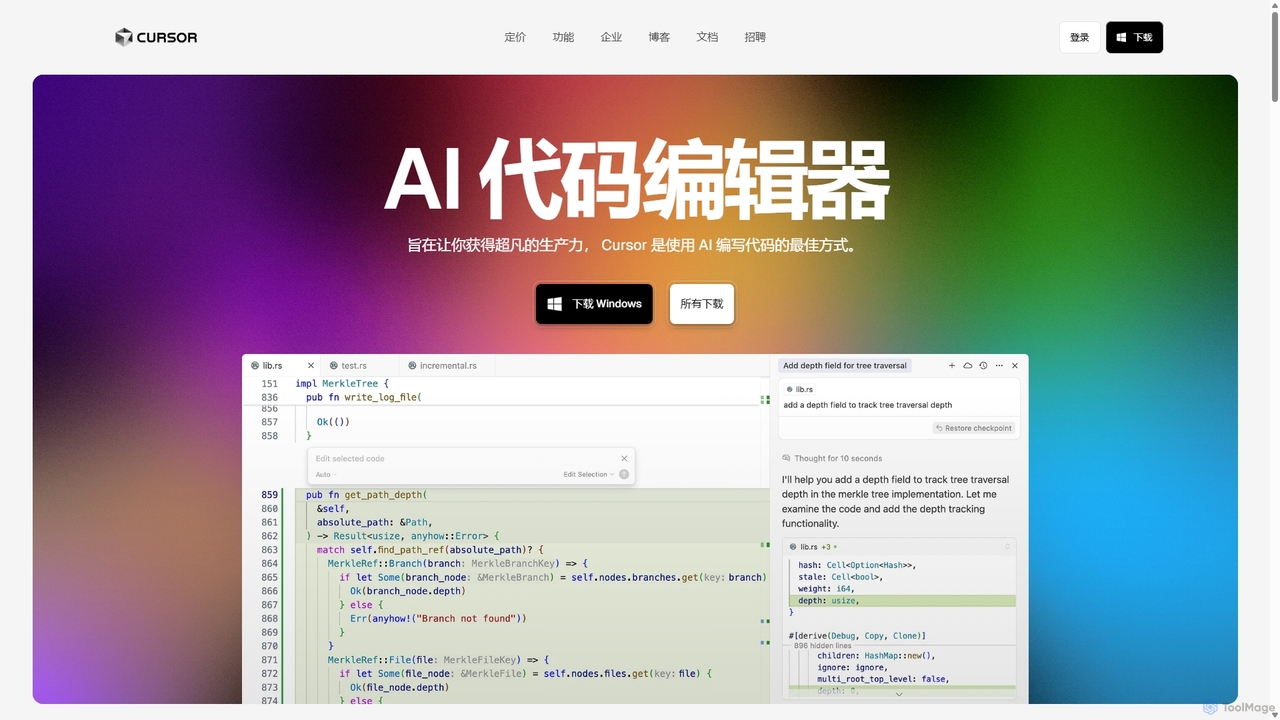
Cursor
Cursor is an AI-first code editor designed for pair-programming with artificial intelligence. Built as a fork of VS Code, it offers a familiar environment supercharged with advanced AI capabilities for code generation, editing, debugging, and codebase comprehension, aiming to significantly boost developer productivity.
Code Assistant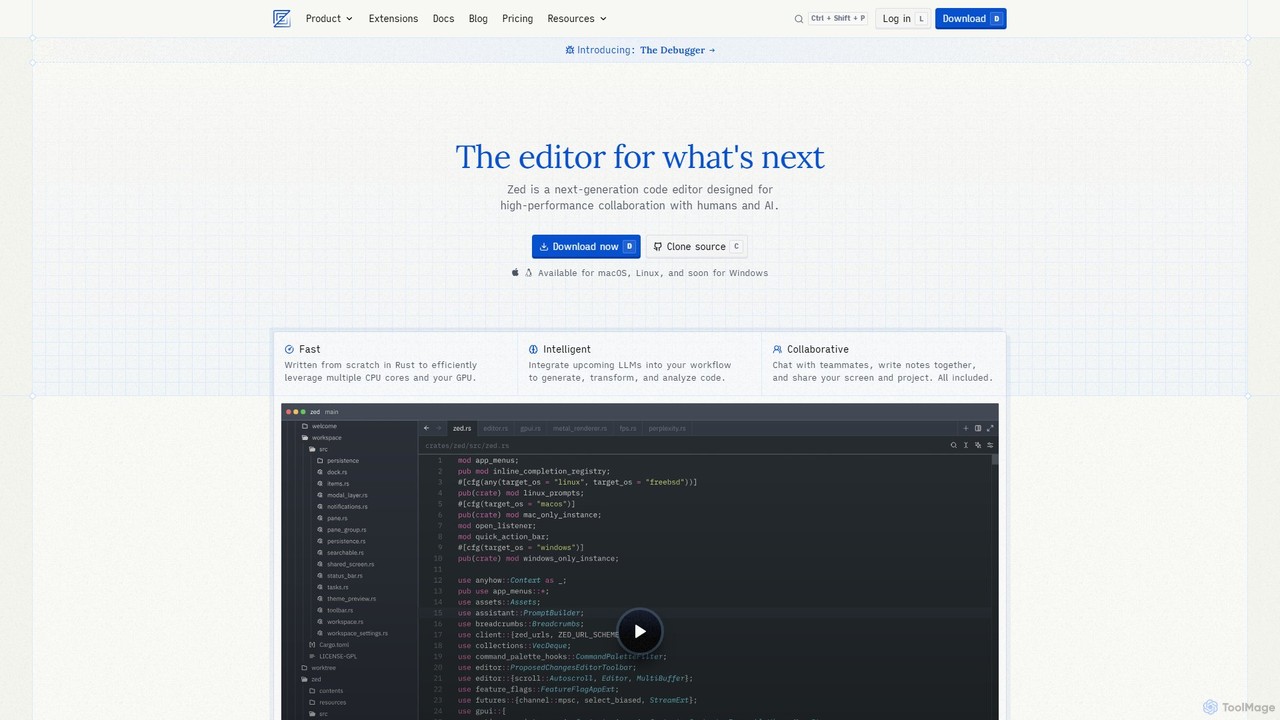
Zed
Zed is a high-performance, collaborative, and AI-powered code editor built from scratch in Rust. Designed for speed and efficiency, it offers real-time collaboration, deep integration with LLMs for agentic editing, and a comprehensive set of built-in tools including a debugger and native Git support. Zed is open-source and available for macOS and Linux, with Windows support coming soon.
Code Generation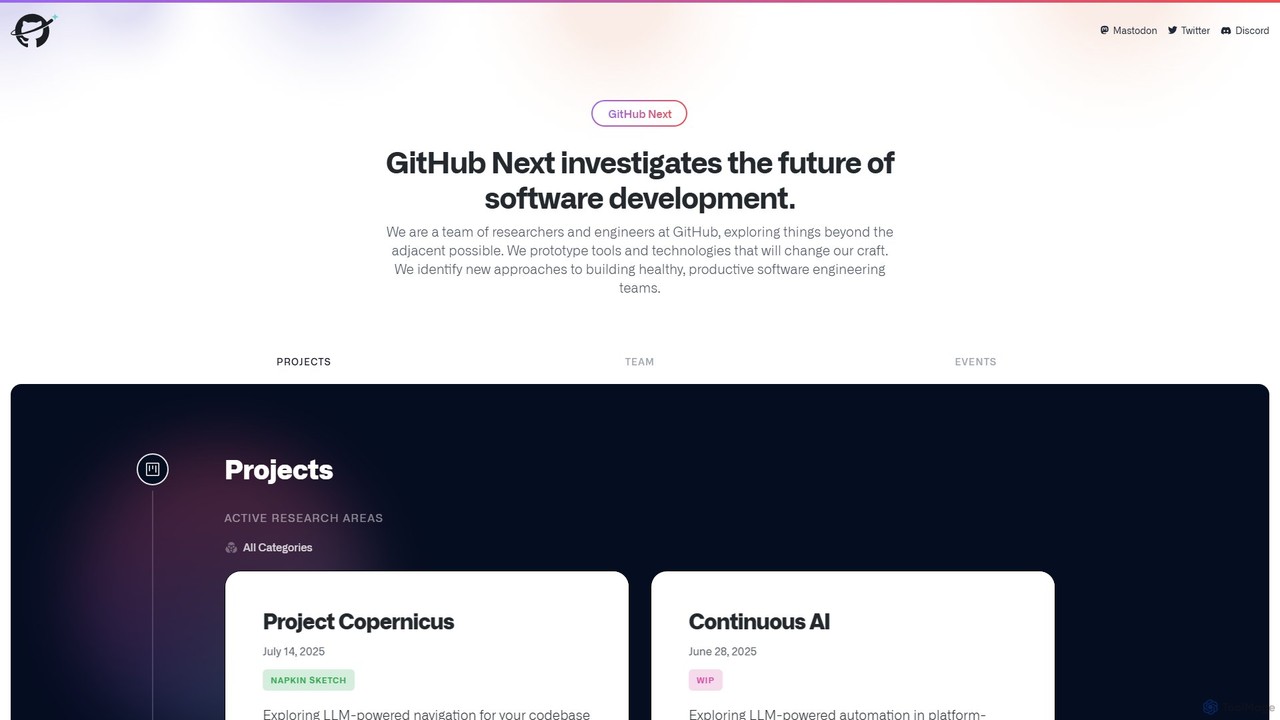
GitHub Next
GitHub Next is GitHub's research and innovation lab, dedicated to exploring the future of software development. It pioneers new tools and technologies, with a strong focus on AI, to enhance developer productivity, collaboration, and overall experience.
Code Assistant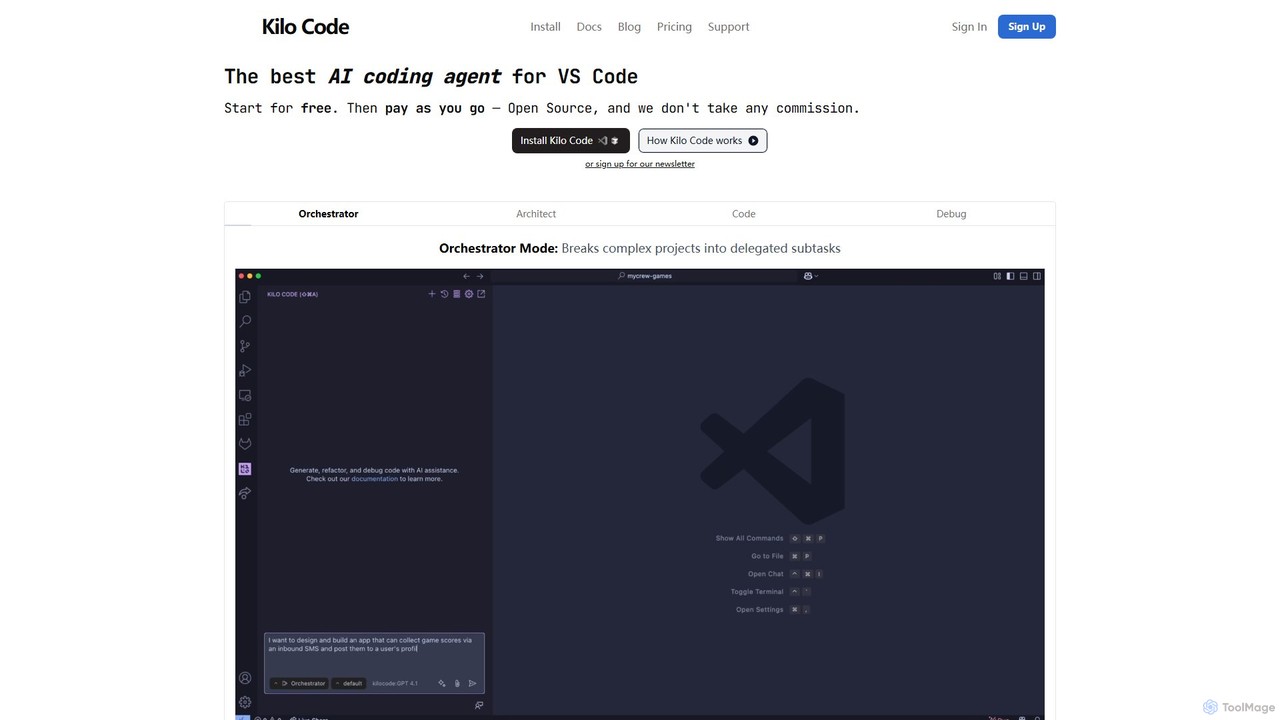
Kilo Code
Kilo Code is a powerful, open-source AI coding agent for VS Code. It features a multi-agent system (Orchestrator, Architect, Code, Debug) to automate complex development tasks, from design to debugging. It's highly customizable, context-aware, and prioritizes user privacy with a "bring your own key" model and no data training.
Code Assistant
Haystack
Haystack is an AI-powered code review platform that transforms complex pull requests into an interactive, visual canvas. It intelligently guides reviewers through code changes, enabling faster comprehension, in-context collaboration, and more efficient merging, supporting a wide range of programming languages.
Code Assistant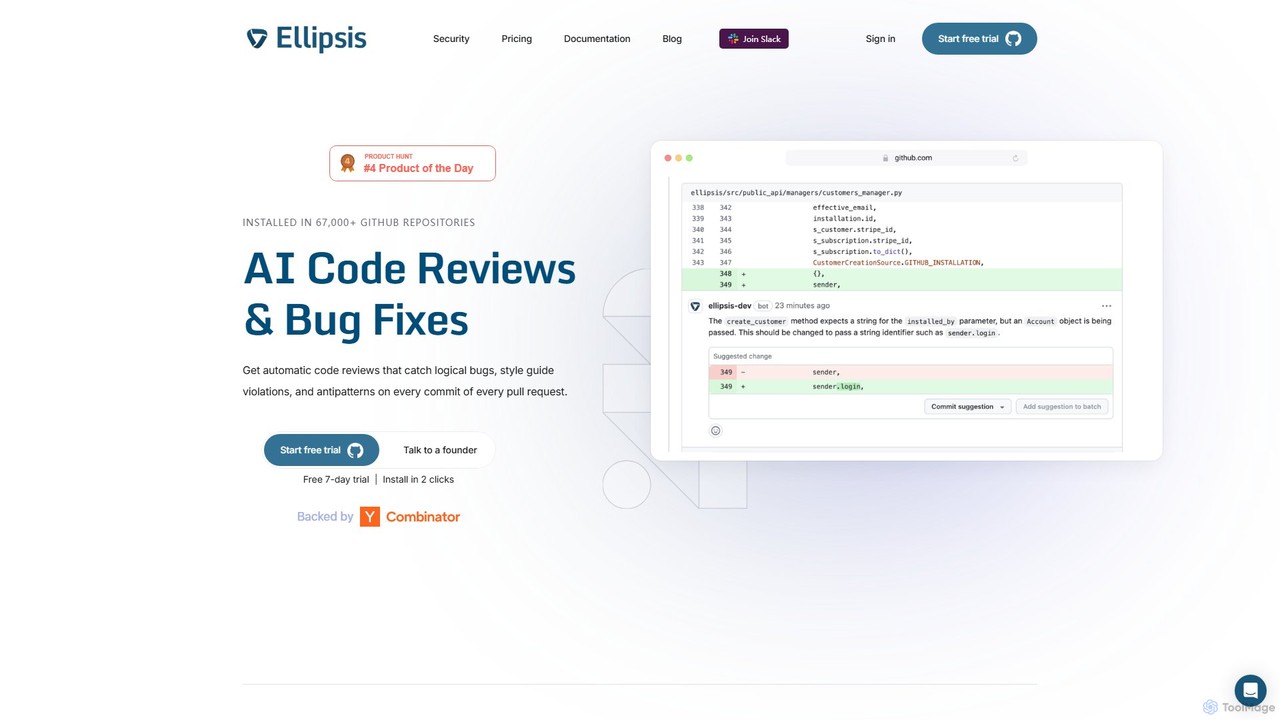
Ellipsis
Ellipsis is an AI-powered engineering teammate that automates code reviews on GitHub. It intelligently catches logical bugs, style violations, and anti-patterns in every pull request, helping teams ship code faster while maintaining high quality and security standards.
Code Review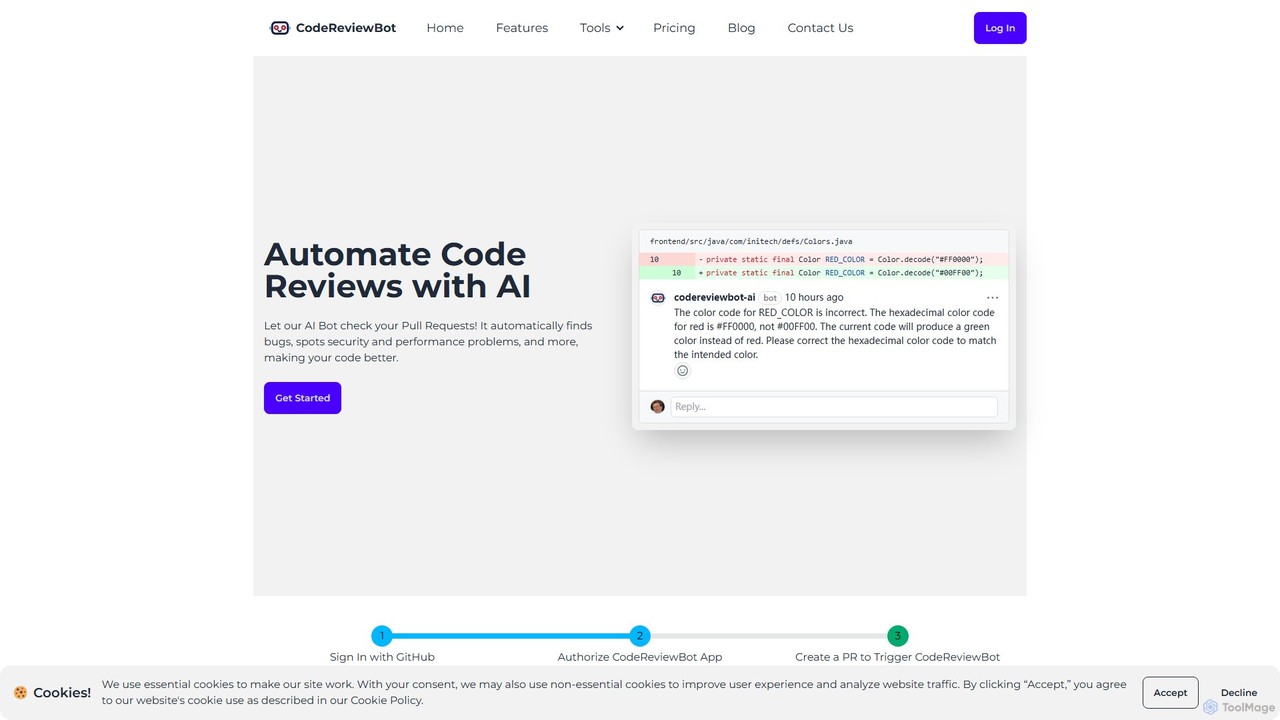
CodeReviewBot
CodeReviewBot is an AI-powered tool that automatically reviews code, providing intelligent suggestions to improve efficiency, reduce errors, and enhance code quality. It seamlessly integrates with GitHub to analyze pull requests, offering detailed, consistent feedback for developers.
Code Assistant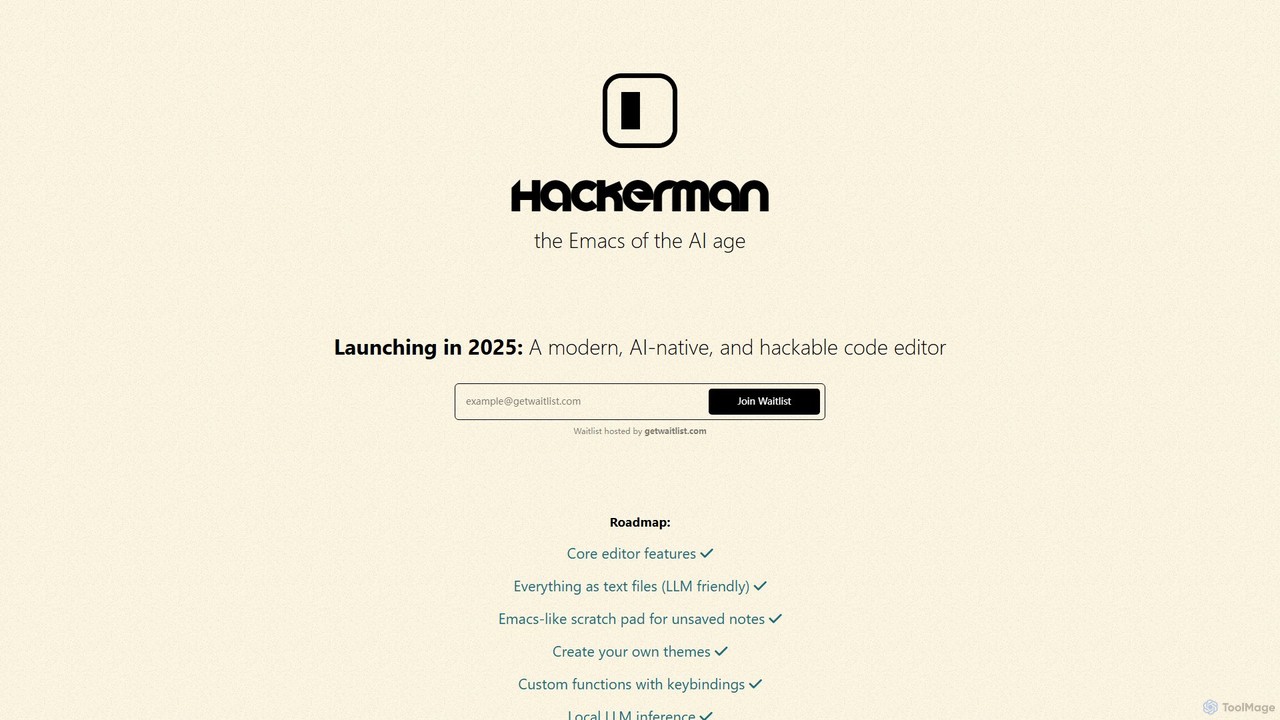
Hackerman
Hackerman is a modern, AI-native, and highly customizable code editor designed for the AI age. Inspired by the legendary Emacs, it offers deep integration with both local and remote LLMs, providing developers with unparalleled control and privacy. Features include mix-and-match LLM support, in-code shell access, and custom function creation, empowering developers to build a truly personalized and powerful coding environment. Launching in 2025.
Code Generation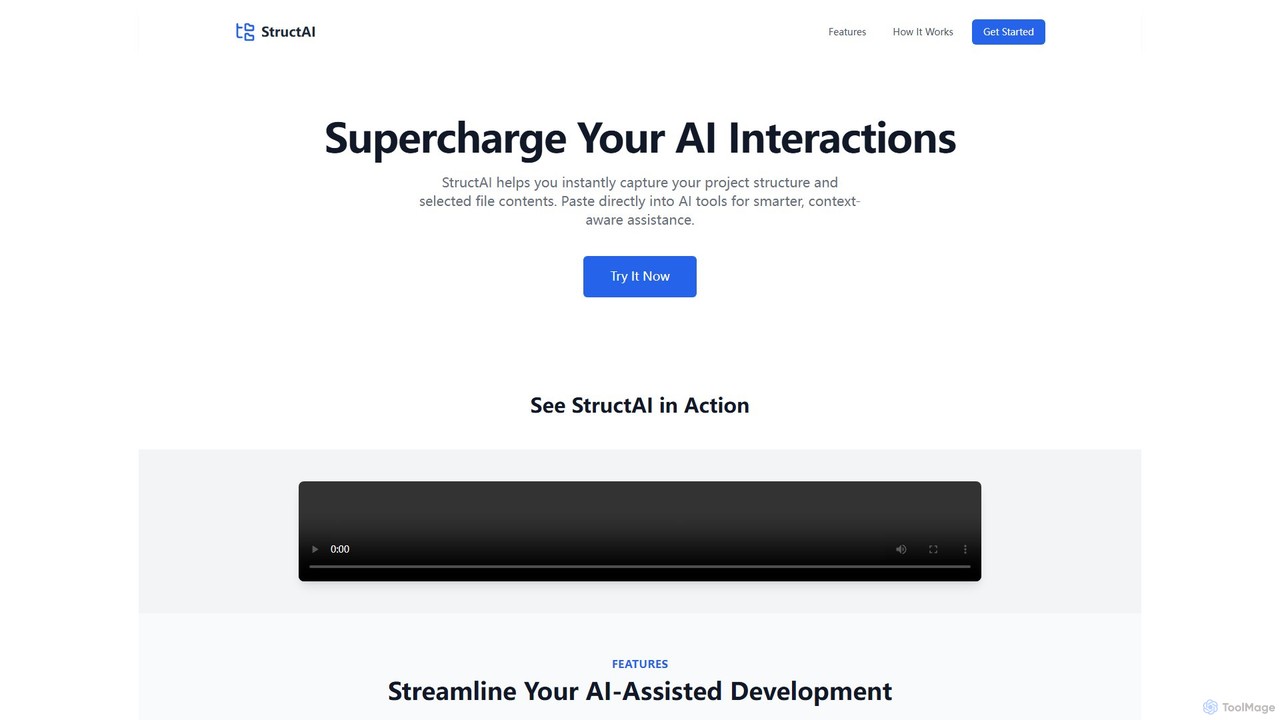
StructAI
StructAI is a developer tool that instantly captures your project's folder structure and selected file contents. It generates a context-rich, AI-ready output that you can paste into any AI assistant (like ChatGPT, Claude) for smarter, more accurate code generation, debugging, and analysis.
Prompt Engineering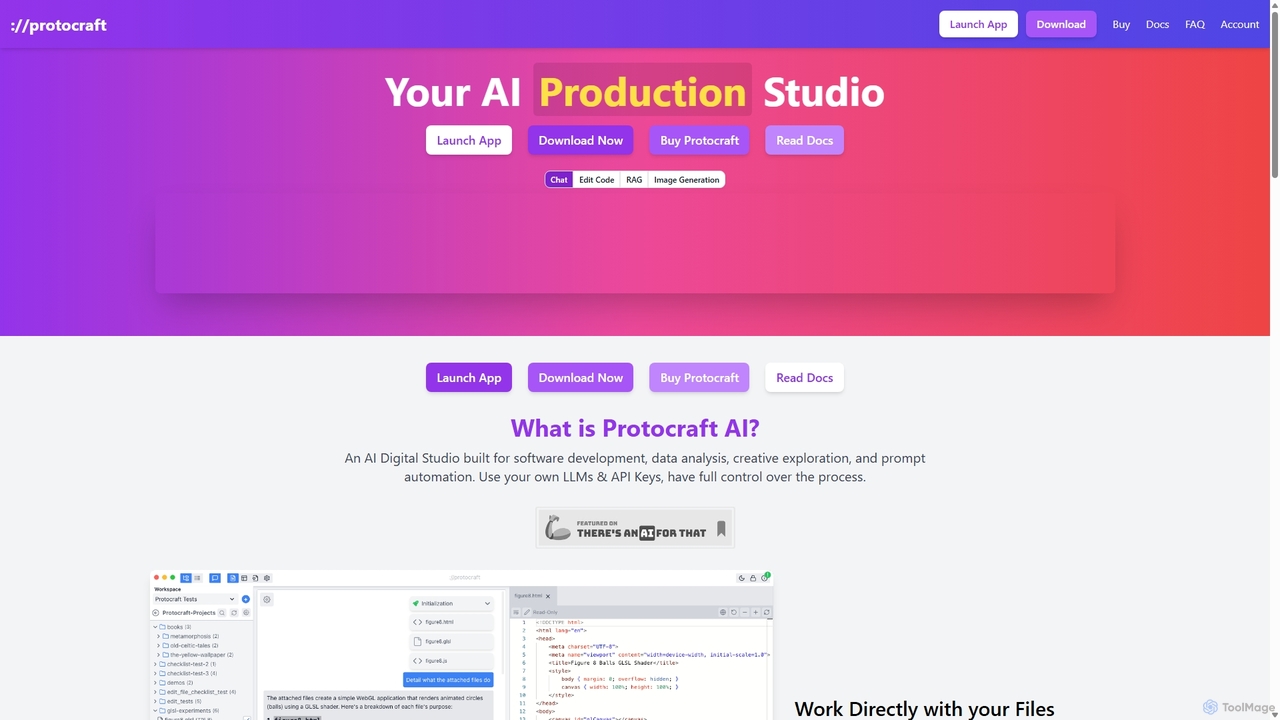
Protocraft AI
Protocraft AI is a versatile AI production studio for software development, data analysis, and creative tasks. It operates on a 'Bring Your Own Key' (BYOK) model, integrating with major LLMs like OpenAI, Anthropic, and Google, as well as local models. Available as both a web and desktop app, it allows users to interact directly with their local files, generate and edit code, create images, and automate prompts, all while maintaining full control over their data and privacy.
Business Intelligence
voideditor Comments (0)
Sign in to comment.
Sign inNo comments yet.