


Safurai Overview
Safurai is an advanced AI code assistant designed to integrate seamlessly into your Integrated Development Environment (IDE), serving as a powerful partner for software developers. It leverages state-of-the-art artificial intelligence to understand code context, provide intelligent suggestions, and automate repetitive tasks. The primary goal of Safurai is to significantly boost developer productivity, reduce the time spent on debugging, and enhance overall code quality. By functioning as an extension for popular IDEs such as Visual Studio Code and the entire JetBrains suite, Safurai ensures that developers don't need to switch contexts or leave their familiar coding environment to access powerful AI capabilities.
How to use Safurai
Using Safurai is straightforward and designed to be intuitive for any developer. First, you need to install the Safurai extension from the marketplace of your preferred IDE (e.g., VS Code Marketplace or JetBrains Marketplace). Once installed, you can interact with the AI assistant in several ways. You can highlight a block of code and use a right-click context menu or keyboard shortcuts to access Safurai's features. For instance, you can ask Safurai to explain the selected code, find potential bugs, suggest refactoring improvements, or generate documentation. You can also open a dedicated Safurai chat panel to ask programming questions, request new code snippets from a natural language prompt, or get help with complex algorithms, all without ever leaving your editor.
Core Features of Safurai
- AI Code Completion & Generation: Generates code snippets, functions, or even entire classes based on natural language descriptions, significantly speeding up the development process.
- Intelligent Code Refactoring: Analyzes your code and suggests improvements for readability, performance, and maintainability. It can automatically apply changes to clean up complex code.
- Advanced Debugging Assistant: Helps identify and fix bugs by analyzing code blocks and providing step-by-step explanations and potential solutions for errors.
- Code Explanation: Breaks down complex code segments or algorithms into simple, easy-to-understand explanations, which is ideal for learning new codebases or for junior developers.
- Automated Documentation & Test Generation: Automatically creates documentation (like docstrings) for your functions and methods. It can also generate unit tests to ensure code reliability and coverage.
- Seamless IDE Integration: Works as a native extension within Visual Studio Code, IntelliJ IDEA, PyCharm, and other JetBrains IDEs, providing a smooth and integrated user experience.
Use Cases for Safurai
Safurai is versatile and benefits a wide range of users. For senior developers, it acts as a productivity multiplier, automating mundane tasks like writing boilerplate code and documentation, allowing them to focus on complex problem-solving. For junior developers and students, it serves as an invaluable learning tool, offering explanations for unfamiliar code and guiding them toward best practices. Development teams use Safurai to maintain a consistent code style and quality across projects. DevOps engineers can use it to quickly write and debug scripts for automation and infrastructure management.
Advantages of Safurai
The main advantage of Safurai is its focus on a streamlined, in-IDE workflow. Unlike other tools that may require switching to a web browser, Safurai keeps everything within the editor, preserving the developer's focus and flow state. It is context-aware, meaning its suggestions are highly relevant to the specific project and code you are working on. This leads to more accurate code generation and more effective debugging. By simplifying complex tasks and providing instant support, Safurai not only boosts efficiency but also reduces developer frustration and burnout.
Pricing and Plans
Safurai operates on a freemium model. It offers a free tier that provides access to core features with certain usage limits, making it accessible for individual developers, students, and small projects. For professional developers and teams requiring more extensive capabilities, higher usage limits, and priority support, there is a Pro plan available through a monthly or annual subscription. The specific details of the pricing and features included in each plan are available on the official Safurai website.
Safurai Alternatives
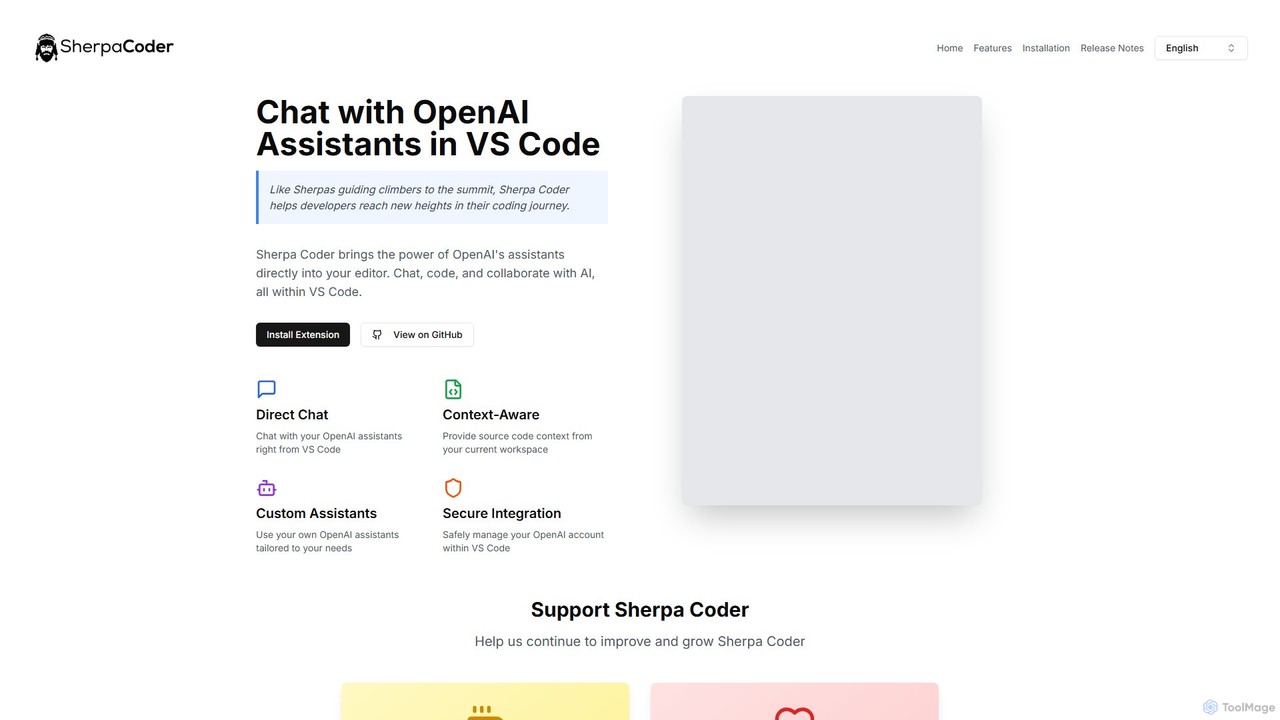
Sherpa Coder
Sherpa Coder is a free VS Code extension that integrates OpenAI Assistants directly into your editor. It enhances developer productivity by enabling context-aware chat, custom AI assistant usage, and seamless collaboration with AI for coding, debugging, and learning, all within the VS Code environment.
Code Generation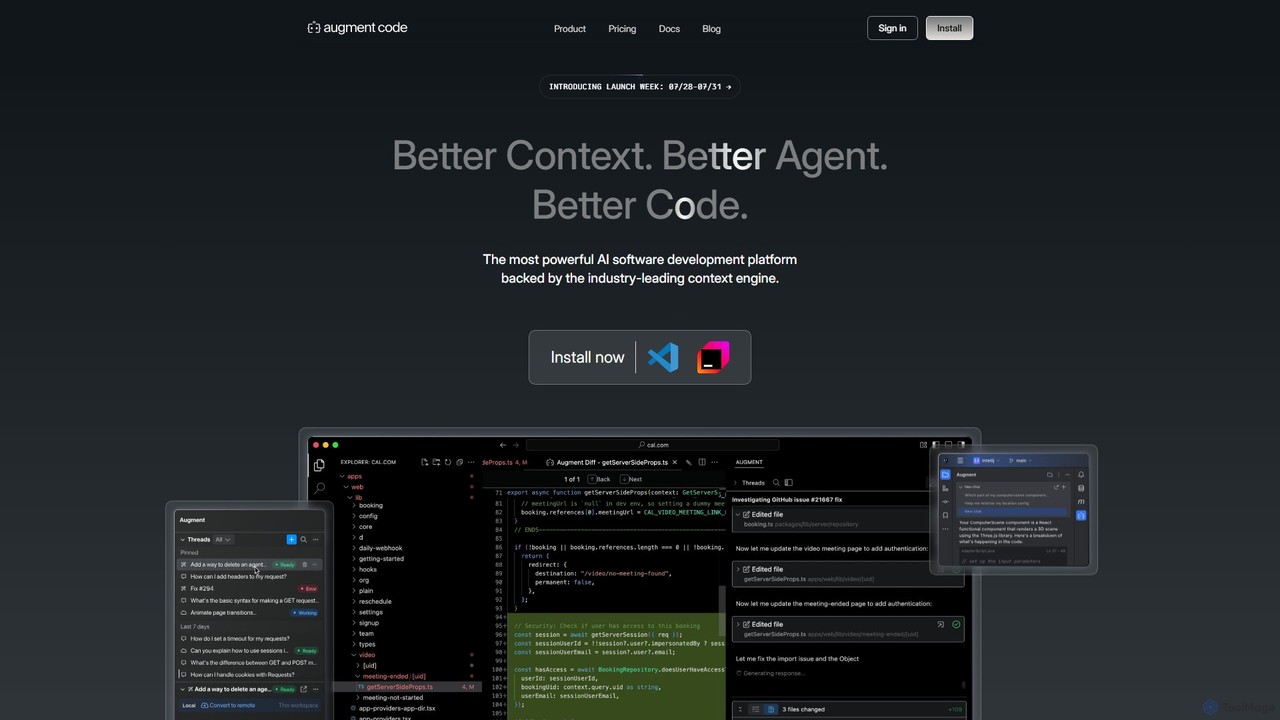
Augment Code
Augment Code is an advanced AI software development platform featuring autonomous agents and a powerful context engine. It integrates into your IDE to help you plan, build, and ship production-ready code faster, with a strong focus on enterprise-grade security and deep codebase understanding.
Code Generation
Amp
Amp is a frontier AI coding agent designed for developers. It operates as a CLI and within IDEs like VS Code, automating complex tasks such as code editing, debugging, and refactoring. Amp leverages the latest AI models to provide autonomous reasoning and execution, enhancing developer productivity through features like subagents, an Oracle for complex analysis, and deep IDE integration.
Code Assistant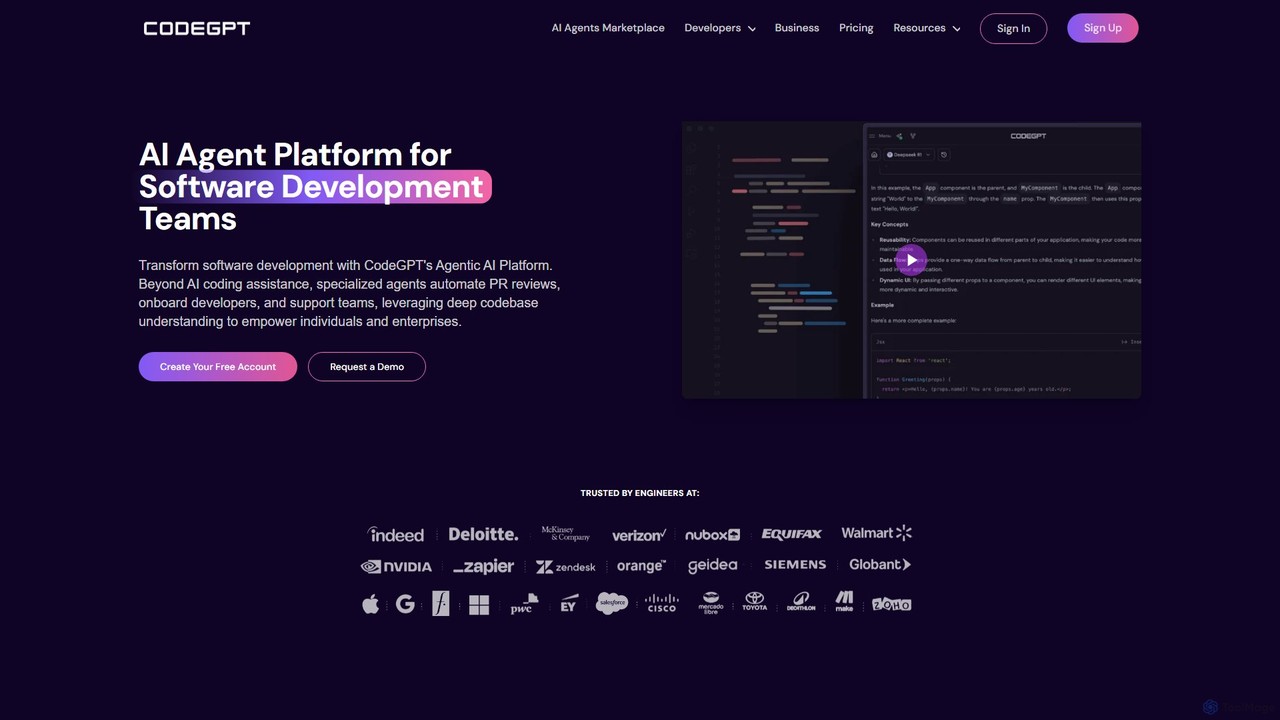
CodeGPT
CodeGPT is an agentic AI platform for software development teams, moving beyond simple code assistance. It offers specialized AI agents that automate PR reviews, onboard developers, and support teams by deeply understanding your entire codebase. It integrates with popular IDEs and supports leading AI models, with a strong focus on enterprise-grade security and flexible deployment options.
Software Development
Lingma
Lingma is an AI-powered coding assistant from Alibaba Cloud, designed to enhance developer productivity. It offers intelligent code generation, real-time completion, code explanation, error diagnosis, and an autonomous programming agent that can handle complex coding tasks across multiple files. It supports over 200 languages and integrates seamlessly with major IDEs.
ProgrammingSafurai Categories
Safurai Embed Widget
Copy this embed code to place the badge on your blog, article, or product site and send readers directly to this ToolMage detail page.

Related AI tools
Augment Code
Augment Code is an advanced AI software development platform featuring autonomous agents and a powerful context engine. It integrates into your IDE to help you plan, build, and ship production-ready code faster, with a strong focus on enterprise-grade security and deep codebase understanding.
Code GenerationAmp
Amp is a frontier AI coding agent designed for developers. It operates as a CLI and within IDEs like VS Code, automating complex tasks such as code editing, debugging, and refactoring. Amp leverages the latest AI models to provide autonomous reasoning and execution, enhancing developer productivity through features like subagents, an Oracle for complex analysis, and deep IDE integration.
Code Assistant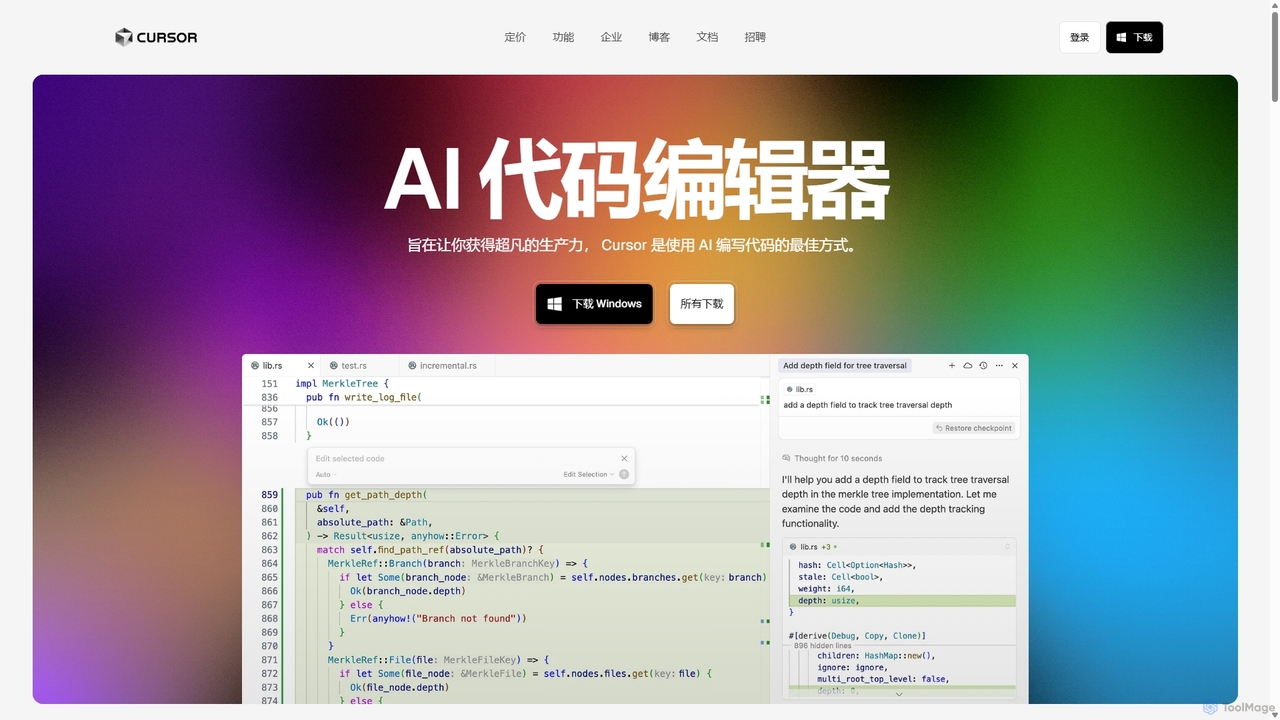
Cursor
Cursor is an AI-first code editor designed for pair-programming with artificial intelligence. Built as a fork of VS Code, it offers a familiar environment supercharged with advanced AI capabilities for code generation, editing, debugging, and codebase comprehension, aiming to significantly boost developer productivity.
Code AssistantSherpa Coder
Sherpa Coder is a free VS Code extension that integrates OpenAI Assistants directly into your editor. It enhances developer productivity by enabling context-aware chat, custom AI assistant usage, and seamless collaboration with AI for coding, debugging, and learning, all within the VS Code environment.
Code GenerationCodeGPT
CodeGPT is an agentic AI platform for software development teams, moving beyond simple code assistance. It offers specialized AI agents that automate PR reviews, onboard developers, and support teams by deeply understanding your entire codebase. It integrates with popular IDEs and supports leading AI models, with a strong focus on enterprise-grade security and flexible deployment options.
Software DevelopmentLingma
Lingma is an AI-powered coding assistant from Alibaba Cloud, designed to enhance developer productivity. It offers intelligent code generation, real-time completion, code explanation, error diagnosis, and an autonomous programming agent that can handle complex coding tasks across multiple files. It supports over 200 languages and integrates seamlessly with major IDEs.
Programming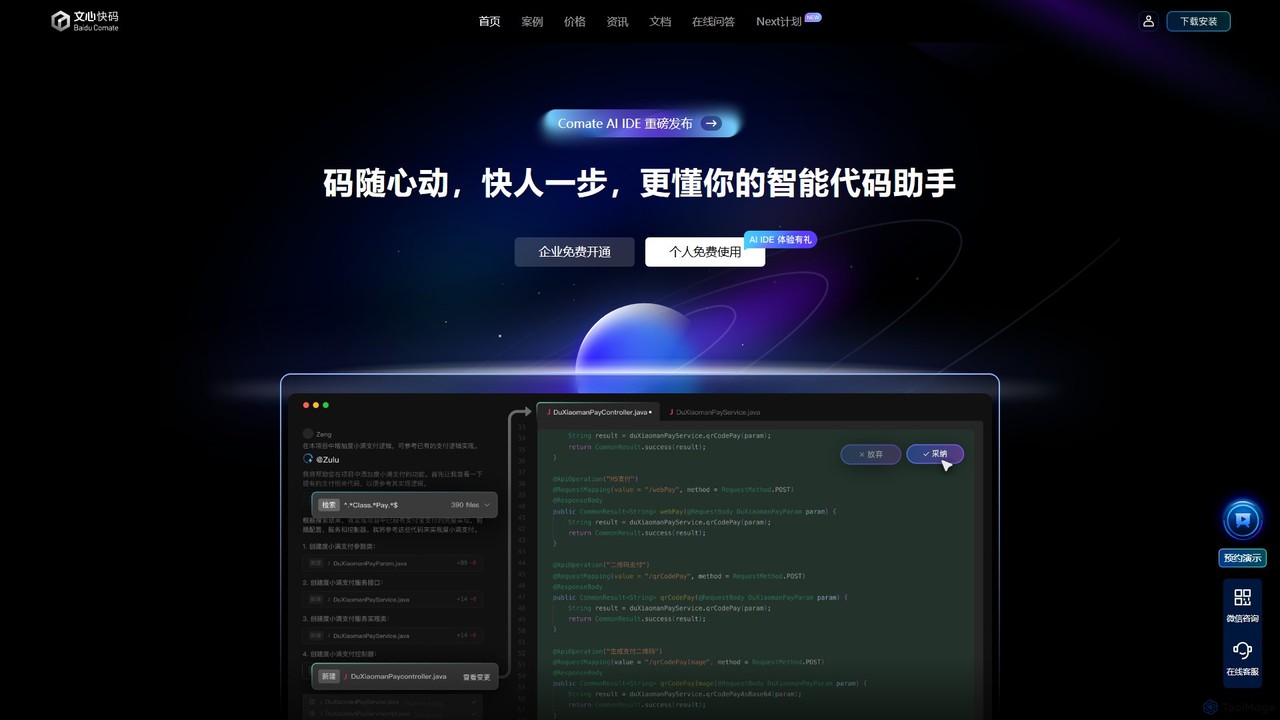
Baidu Comate
Baidu Comate is an intelligent AI code assistant powered by Baidu's Wenxin large language model. It integrates seamlessly into IDEs like VS Code and JetBrains to provide real-time code completion, code generation from natural language, bug fixing, and unit test creation, significantly boosting developer productivity.
Code Generation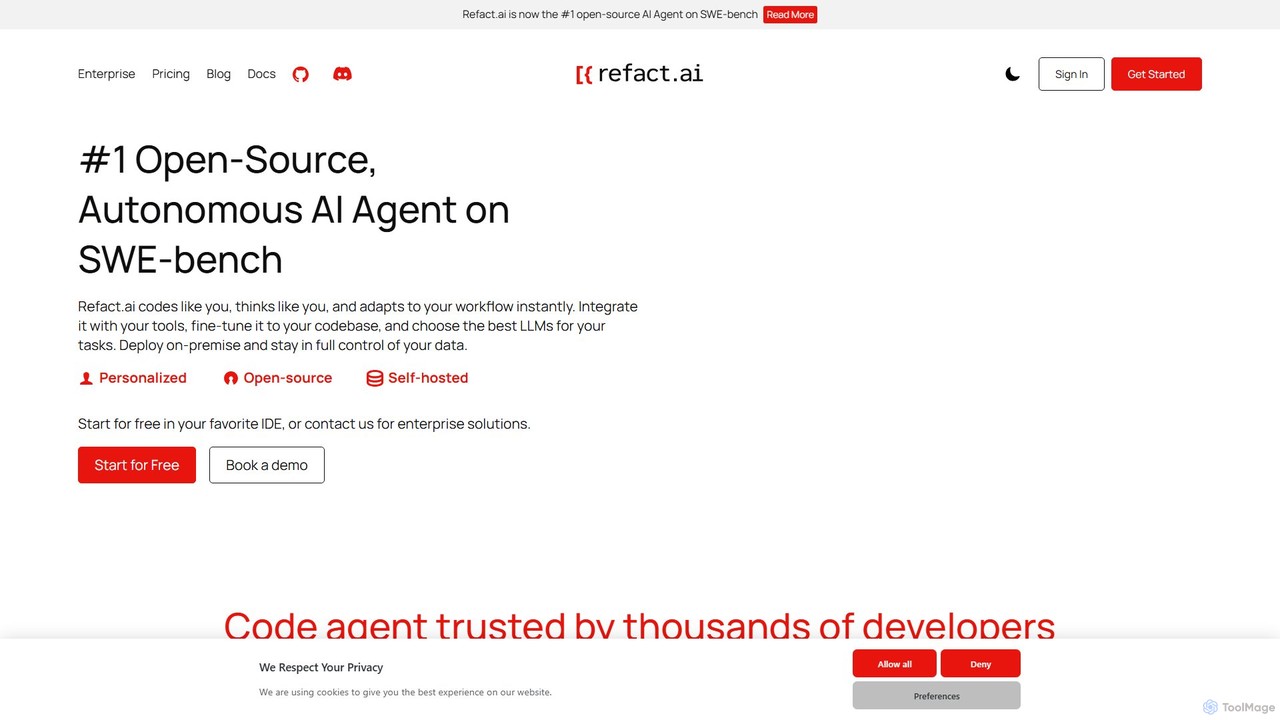
Refact
Refact is an open-source, self-hostable, and autonomous AI coding agent. It integrates into your IDE to act as a digital twin, automating coding tasks, providing context-aware completions and chat, and adapting to your codebase for maximum productivity and data privacy.
Code Assistant
Devgen
Devgen is an AI-powered coding assistant designed to accelerate the software development lifecycle. It helps developers write better code faster by providing intelligent code generation, completion, refactoring, and automated testing, directly within their IDE.
Code Assistant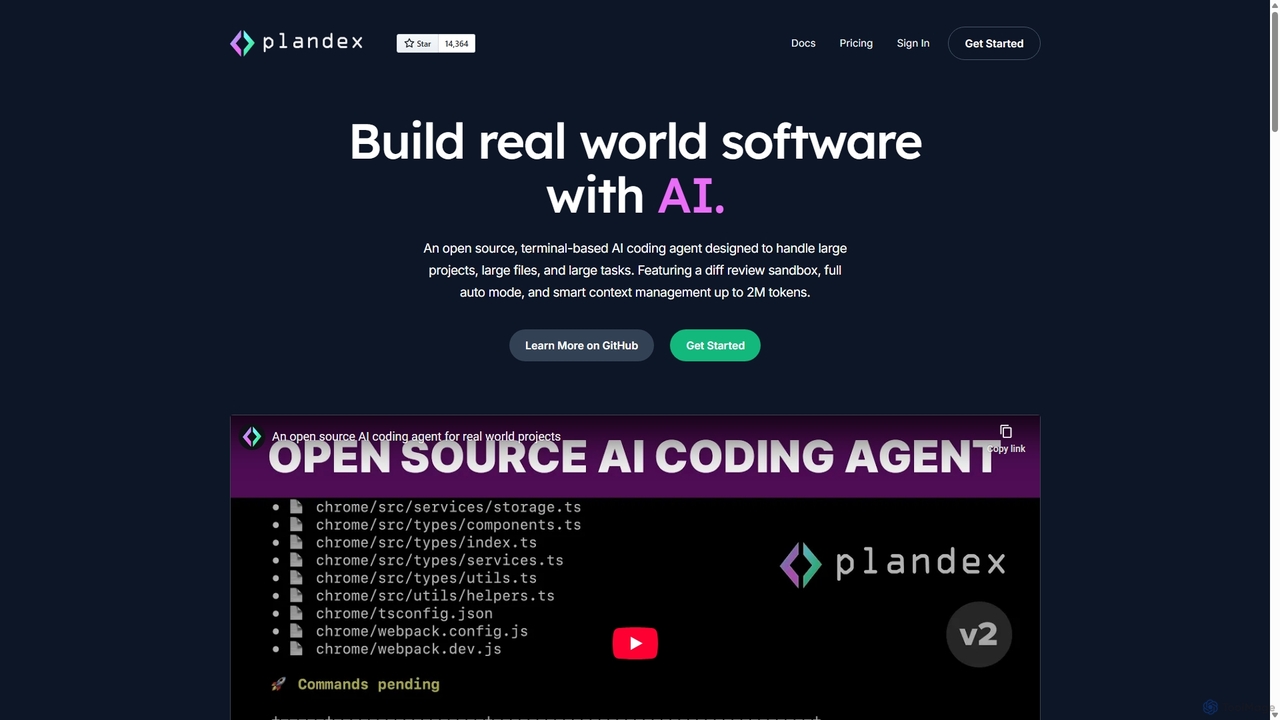
Plandex
Plandex is an open-source, terminal-based AI coding agent designed for complex, large-scale software development tasks. It excels at handling large projects and files with its 2M token context window. Featuring a diff review sandbox, configurable autonomy, and multi-model support, Plandex empowers developers to build, debug, and refactor entire applications with AI assistance, ensuring control and productivity in a dev-friendly workflow.
Code Generation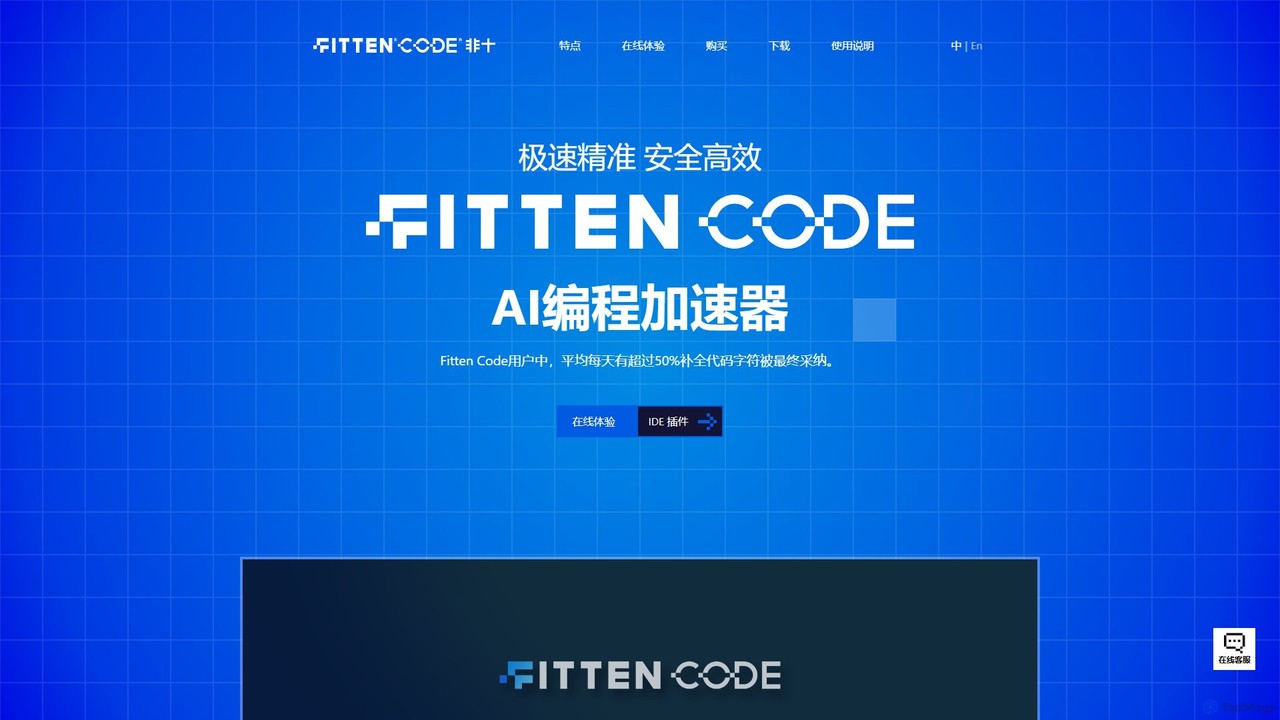
Fitten Code
Fitten Code is a next-generation AI programming assistant designed to accelerate software development. It offers ultra-fast code completion, intelligent Q&A, automated unit test generation, and code optimization. Built by a Tsinghua PhD team, it supports major IDEs and languages, significantly boosting developer productivity while ensuring data privacy.
Code Generation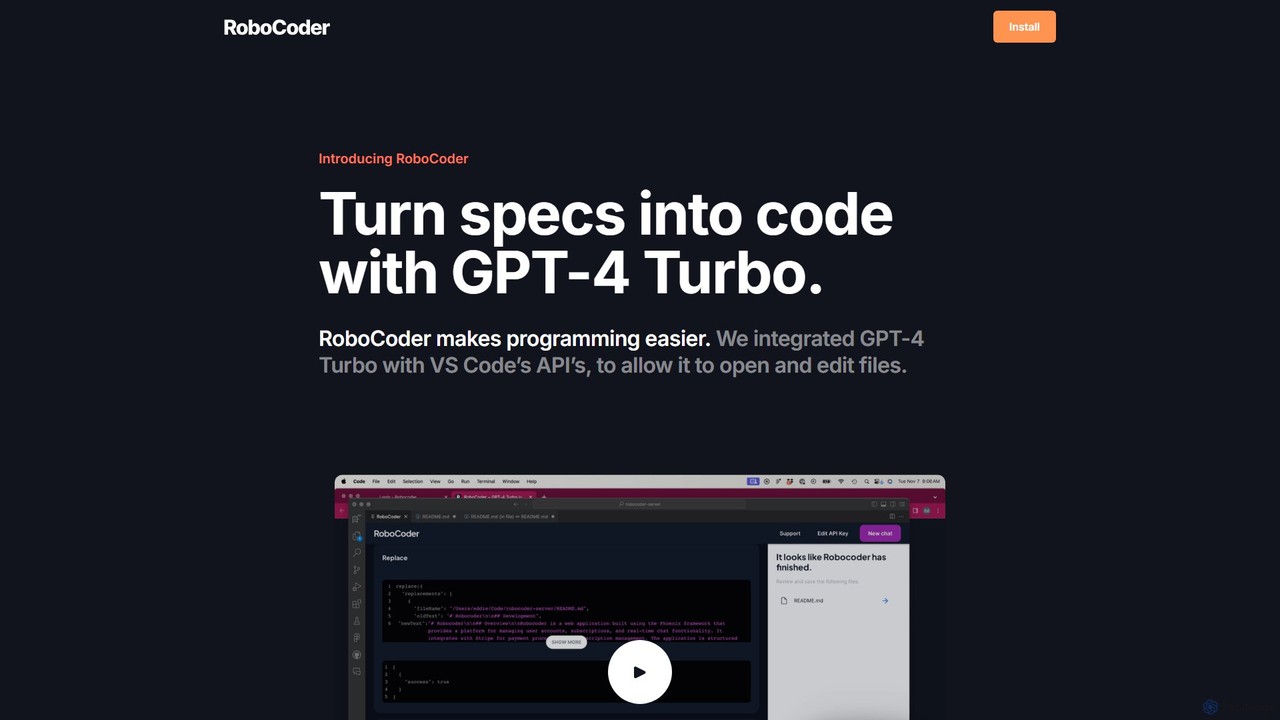
RoboCoder
RoboCoder is an AI-powered coding assistant for Visual Studio Code. Powered by GPT-4 Turbo, it transforms natural language specifications directly into code. It integrates seamlessly into your workflow, allowing the AI to open, read, and edit files in your workspace. This tool accelerates development, automates boilerplate, and helps with refactoring and debugging, acting as your personal AI collaborator right inside your editor.
Code Assistant
codimite
Codimite is an AI-powered coding assistant designed to accelerate the software development lifecycle. It acts as a pair programmer, helping developers write, debug, and optimize code faster with features like intelligent code completion, natural language-to-code generation, and automated bug fixing, integrating directly into your favorite IDE.
Code Generation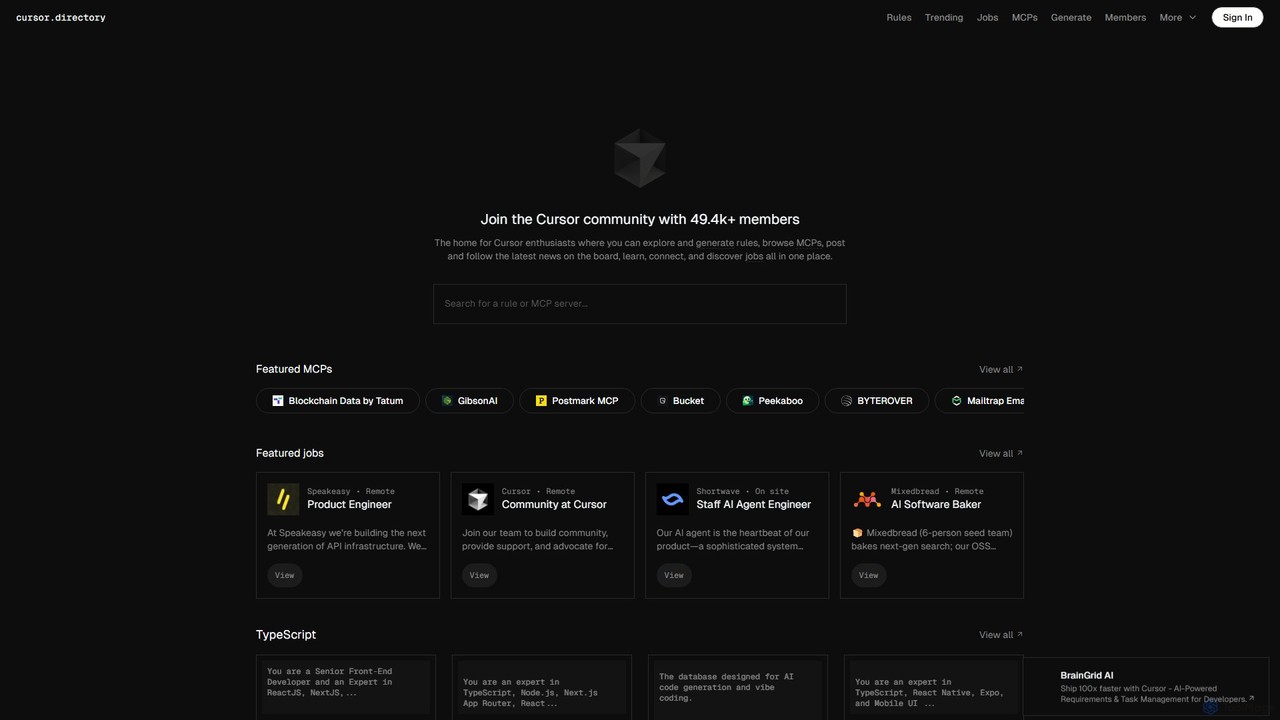
Cursor
Cursor is an AI-first code editor designed for modern software development. Built as a fork of VS Code, it integrates powerful AI capabilities directly into the editing experience, allowing developers to chat with their codebase, generate, edit, and debug code with unprecedented speed and context-awareness.
Code Generation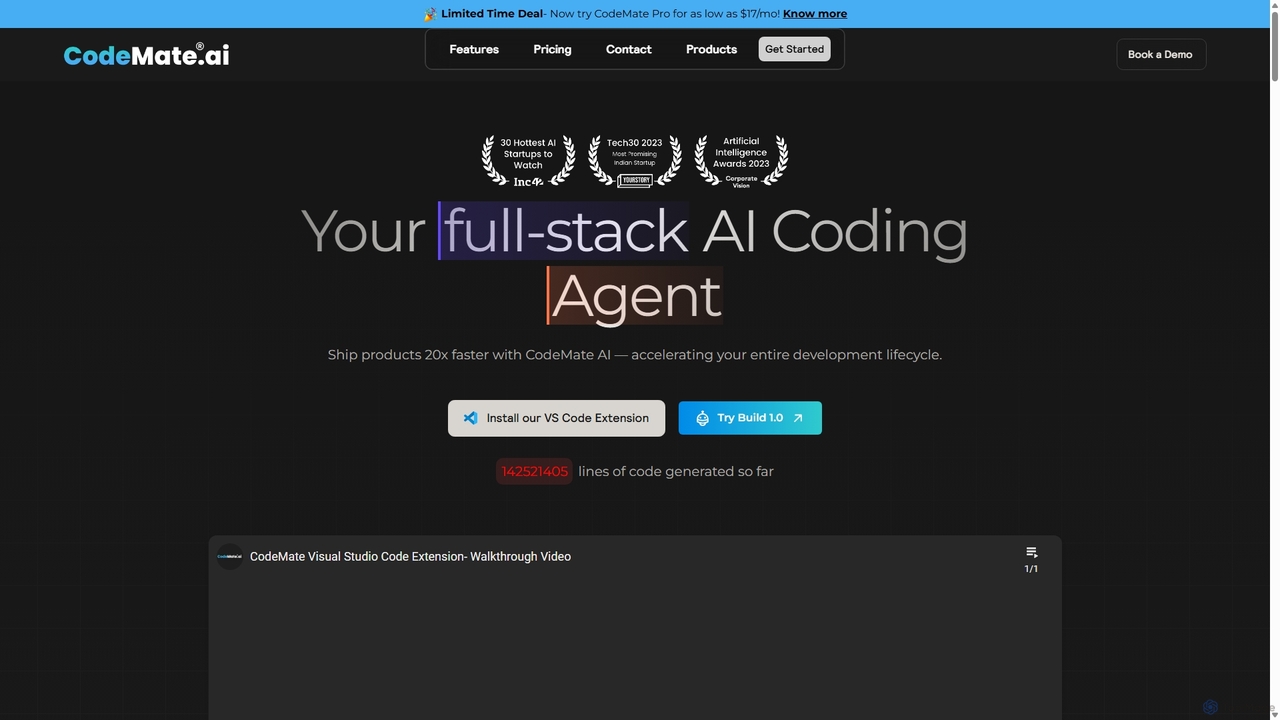
CodeMate
CodeMate is a secure, personalized AI pair programmer designed to enhance developer productivity. It assists with debugging, reviewing, and optimizing code, offering context-aware chat and seamless integration with IDEs like VS Code to help developers build software up to 20x faster.
Code Assistant
Safurai Comments (0)
Sign in to comment.
Sign inNo comments yet.