

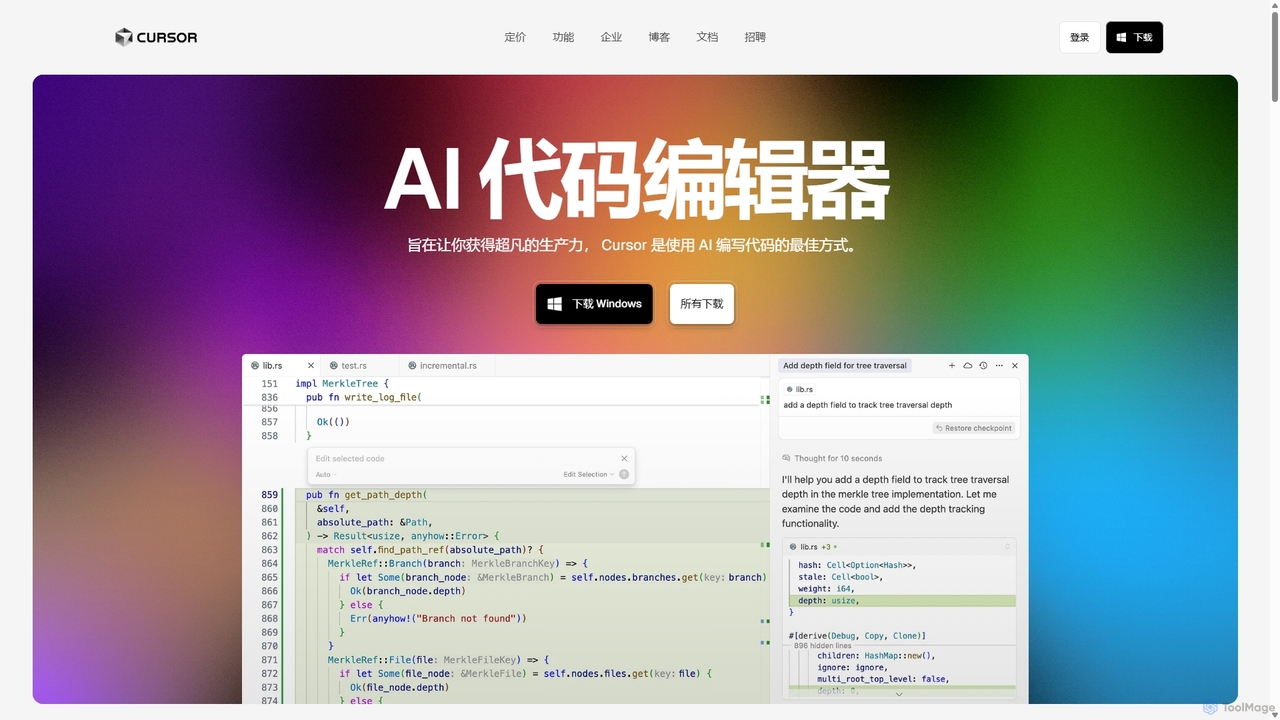
Cursor Overview
Cursor is a revolutionary AI-first code editor engineered to redefine the software development workflow. It's built as a fork of the popular Visual Studio Code, ensuring a familiar and comfortable user experience while integrating powerful AI functionalities at its core. This approach allows developers to seamlessly migrate their existing setups, including extensions, themes, and keybindings, with a single click. Trusted by engineers at leading companies like Samsung, Stripe, and OpenAI, Cursor is designed to make coding faster, smarter, and more intuitive.
The editor's primary goal is to facilitate a deep, collaborative relationship between the developer and AI. Unlike simple autocomplete plugins, Cursor's AI understands the entire context of your codebase. This enables it to provide highly relevant suggestions, answer complex questions about your project, and perform intricate edits based on natural language commands. It's like having an expert pair programmer available 24/7, helping you navigate, build, and refactor code with unprecedented speed.
How to use Cursor
Getting started with Cursor is straightforward:
- Download and Install: Visit the official Cursor website and download the application for your operating system (Windows, macOS, or Linux).
- Migrate from VS Code: Upon first launch, Cursor offers a one-click import option to bring over all your VS Code extensions, settings, themes, and keybindings, ensuring a seamless transition.
- AI-Powered Editing: Use the keyboard shortcut (e.g., Cmd+K on Mac, Ctrl+K on Windows) to open an inline prompt where you can type natural language instructions to generate or modify code blocks.
- Codebase Chat: Open the chat panel (e.g., Cmd+L or Ctrl+L) to ask questions about your entire repository. For example, you can ask "How is user authentication handled?" and Cursor will provide answers with references to specific files.
- Intelligent Autocomplete: As you type, Cursor's "Tab" completion predicts and suggests multi-line code edits based on the surrounding context. Simply press Tab to accept the suggestion.
- Utilize AI Agents: For more complex, multi-step tasks, you can deploy AI Agents. These agents can plan and execute tasks like fixing bugs from a Linear ticket, implementing a new feature described in a GitHub issue, or refactoring an entire module, interacting with your terminal and files as needed.
Core Features of Cursor
- AI-Powered Code Generation & Editing: Write, edit, and refactor code using simple natural language prompts directly within the editor.
- Codebase-Wide Context: The AI has a comprehensive understanding of your entire project, allowing it to provide accurate answers and generate context-aware code.
- Advanced Autocompletion: Goes beyond single-line suggestions to predict and implement multi-line code blocks with a single Tab press.
- AI Agents: Autonomous agents that can understand high-level tasks, create a plan, and execute it by writing code, running commands, and fixing errors.
- Seamless VS Code Integration: A fork of VS Code, allowing for one-click migration of all extensions, themes, and settings.
- Integrated Debugging: Use AI to help identify the root cause of bugs and suggest fixes.
- Privacy-First Design: Features a privacy mode to prevent your code from being stored on remote servers, and is SOC 2 certified for enterprise-grade security.
- Developer Tool Integrations: Connects with tools like GitHub, Slack, and Linear to trigger AI workflows directly from your existing issue trackers and communication channels.
Use Cases for Cursor
Cursor is versatile and enhances productivity across various development scenarios:
- Rapid Feature Development: Quickly scaffold new components, APIs, or functions by describing the requirements in plain English.
- Complex Bug Fixes: Describe a bug and let the AI analyze the codebase, identify the potential cause, and propose a fix.
- Codebase Onboarding: New team members can quickly get up to speed by asking Cursor questions about the architecture, data flow, or specific functions of a large, unfamiliar project.
- Automated Refactoring: Modernize legacy code, improve performance, or enforce coding standards across multiple files with a single command.
- Documentation Generation: Automatically create README files, code comments, and API documentation by having the AI analyze the source code.
- Learning New Technologies: Experiment with new languages or frameworks by asking the AI to generate boilerplate code and explain complex concepts.
Advantages of Cursor
Cursor offers a significant competitive edge over traditional editors and other AI assistants:
- Deep Integration: AI is not an afterthought or a plugin; it is fundamental to the editor's design, leading to a more fluid and powerful experience.
- Superior Contextual Awareness: Its ability to index and understand an entire repository results in more accurate and useful AI assistance compared to tools that only see the current file.
- Massive Productivity Gains: Users and testimonials report that Cursor is at least twice as efficient as alternatives like GitHub Copilot, transforming development into a faster, more creative process.
- Familiar Environment: By being a fork of VS Code, it eliminates the learning curve for millions of developers, making adoption effortless.
- Cutting-Edge AI Models: Utilizes a mix of custom and state-of-the-art AI models (like GPT-4 and beyond) to ensure high-quality, intelligent responses.
Pricing and Plans
Cursor operates on a freemium model:
- Free Plan: Offers a limited number of uses of advanced AI models per month, suitable for individual developers or those wanting to try the tool.
- Pro Plan: A paid subscription ($20/month) that provides a generous monthly allowance for advanced models, priority access to new features, and faster performance.
- Business Plan: Custom pricing for teams and enterprises, offering centralized billing, admin controls, enhanced security features, and the ability to self-host or use private models.
- Student Offer: Verified university students can receive one year of the Pro plan for free, empowering the next generation of developers with top-tier AI tools.
Traffic
Latest traffic
Status
Monthly traffic trend
- 2025-9: 14.7M
- 2026-1: 18.0M
- 2026-2: 17.8M
- 2026-3: 21.8M
- 2026-4: 21.0M
- 2026-5: 20.8M
Geography
Top 5 countries / regions
- 🇺🇸United States37.6%
- 🇨🇳China32.5%
- 🇮🇳India18.4%
- 🇧🇷Brazil6.7%
- 🇰🇷South Korea4.8%
Traffic sources
| Source type | Percentage |
|---|---|
Direct | 89.8% |
Referral | 8.7% |
Email | 1.6% |
Top keywords
| Keyword | Cost per click |
|---|---|
| claude code | $2.93 |
| cursor | $1.90 |
| cursor ai | $2.46 |
| cursor download | $1.39 |
| cursor pricing | $2.09 |
Cursor Videos on YouTube

Cursor

Tech With Tim

Tutorials with Jordan




Tech With Tim

Cursor Alternatives
Codeium
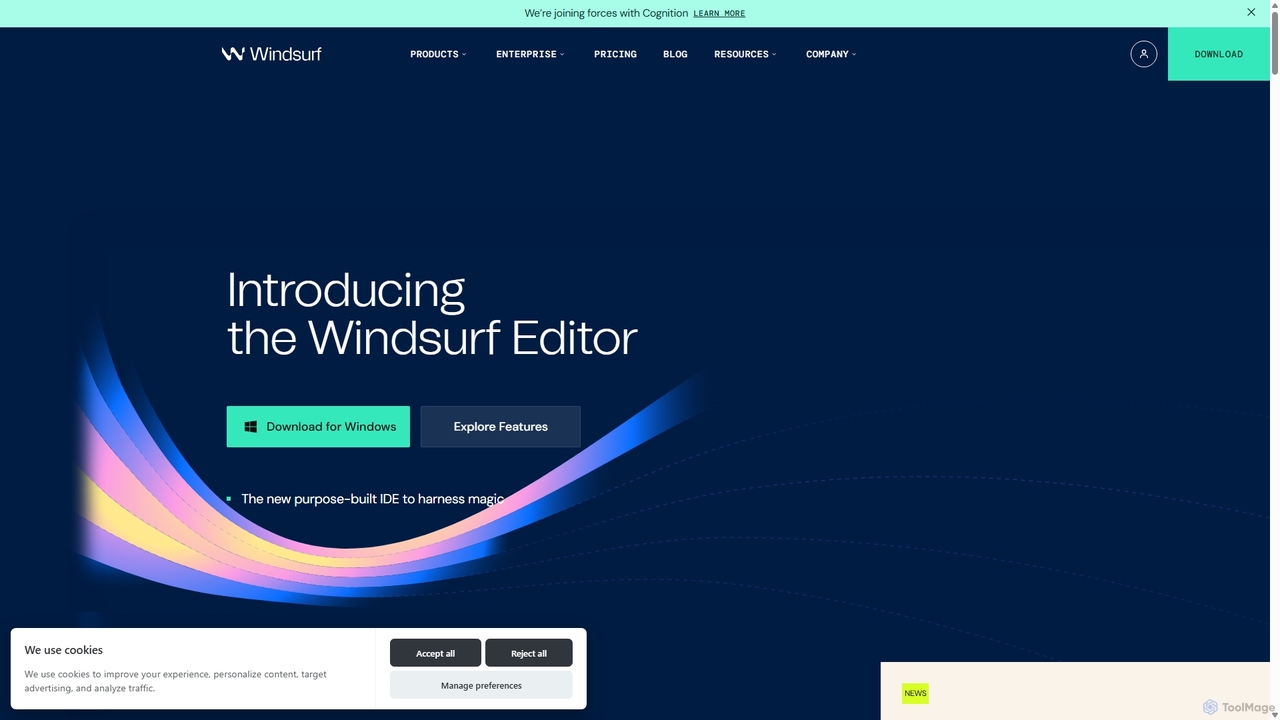
Codeium is an AI-powered code acceleration toolkit that provides free, ultra-fast code completion, in-editor chat, and other intelligent features. It supports over 70 programming languages and integrates seamlessly with more than 40 popular IDEs to help developers code faster and more efficiently.
Code Assistant
Amp
Amp is a frontier AI coding agent designed for developers. It operates as a CLI and within IDEs like VS Code, automating complex tasks such as code editing, debugging, and refactoring. Amp leverages the latest AI models to provide autonomous reasoning and execution, enhancing developer productivity through features like subagents, an Oracle for complex analysis, and deep IDE integration.
Code Assistant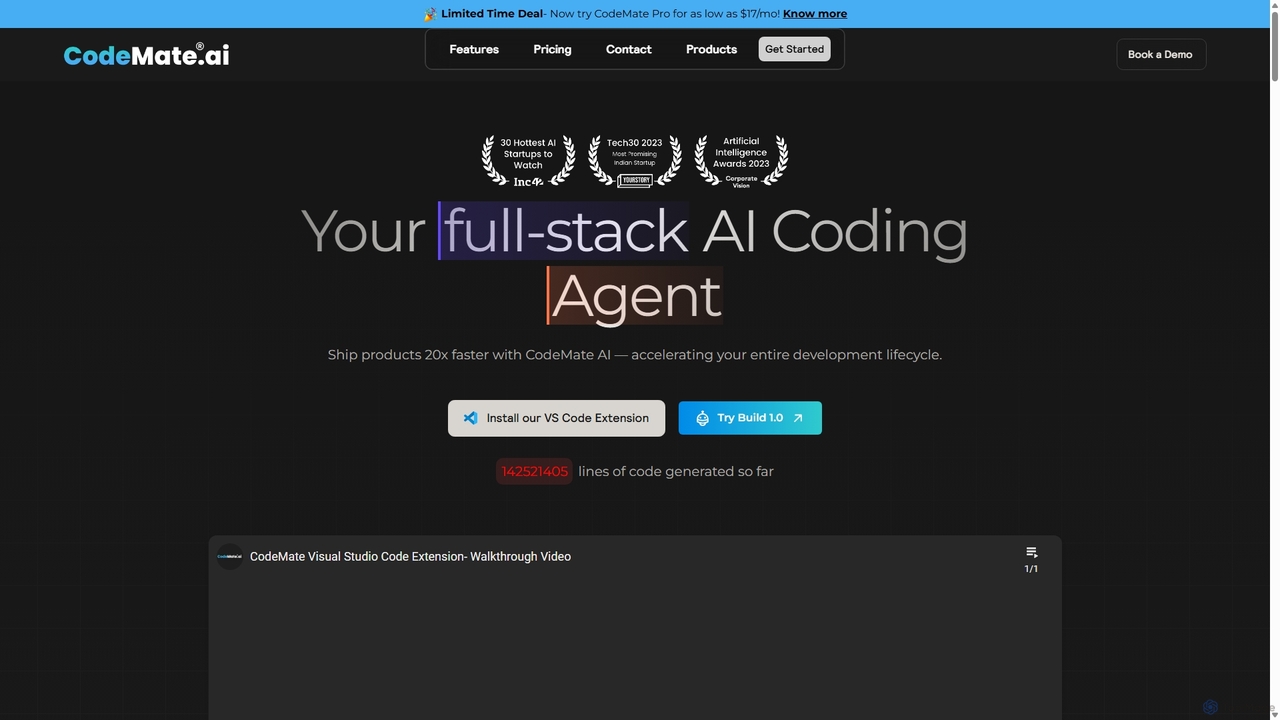
CodeMate
CodeMate is a secure, personalized AI pair programmer designed to enhance developer productivity. It assists with debugging, reviewing, and optimizing code, offering context-aware chat and seamless integration with IDEs like VS Code to help developers build software up to 20x faster.
Code Assistant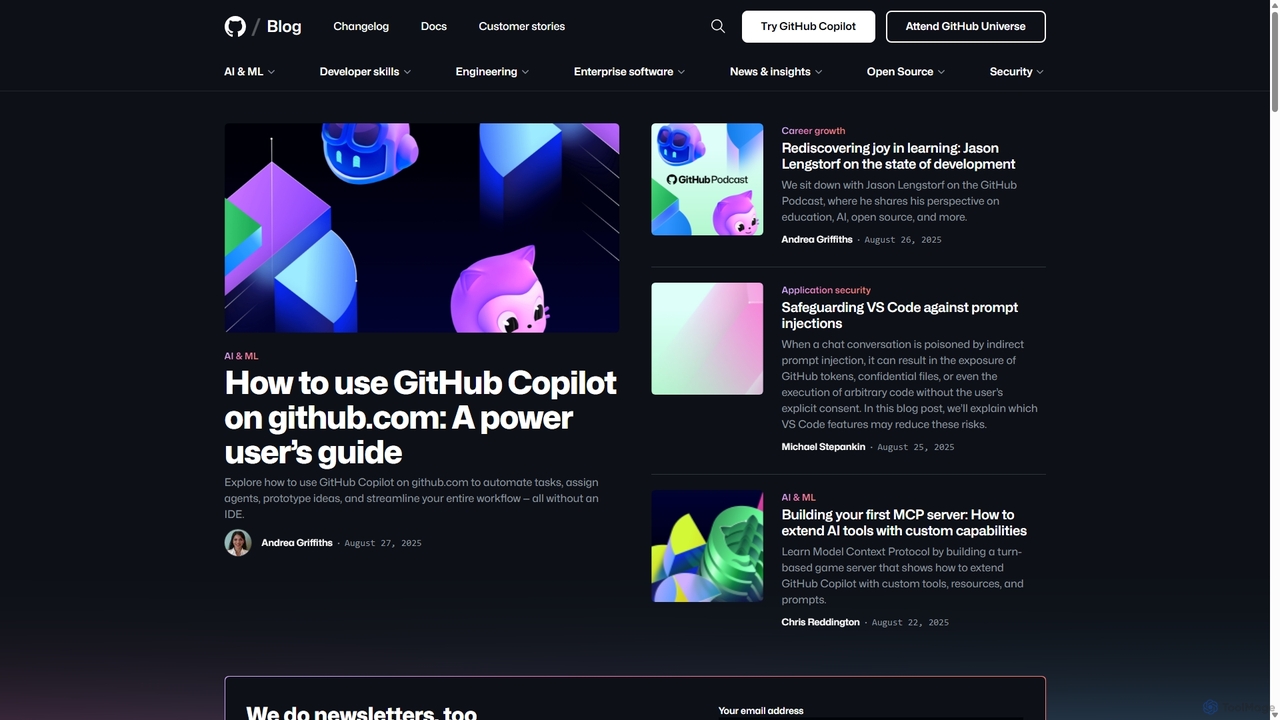
GitHub Copilot
GitHub Copilot is an AI pair programmer that offers intelligent code completions and suggestions directly in your editor. It helps you write code faster, learn new languages, and stay in the flow by turning natural language prompts into coding suggestions across dozens of languages.
Code Generation
Devgen
Devgen is an AI-powered coding assistant designed to accelerate the software development lifecycle. It helps developers write better code faster by providing intelligent code generation, completion, refactoring, and automated testing, directly within their IDE.
Code AssistantCursor Categories
Cursor Jobs
Cursor Embed Widget
Copy this embed code to place the badge on your blog, article, or product site and send readers directly to this ToolMage detail page.

Related AI tools
GitHub Copilot
GitHub Copilot is an AI pair programmer that offers intelligent code completions and suggestions directly in your editor. It helps you write code faster, learn new languages, and stay in the flow by turning natural language prompts into coding suggestions across dozens of languages.
Code GenerationCodeium
Codeium is an AI-powered code acceleration toolkit that provides free, ultra-fast code completion, in-editor chat, and other intelligent features. It supports over 70 programming languages and integrates seamlessly with more than 40 popular IDEs to help developers code faster and more efficiently.
Code AssistantAmp
Amp is a frontier AI coding agent designed for developers. It operates as a CLI and within IDEs like VS Code, automating complex tasks such as code editing, debugging, and refactoring. Amp leverages the latest AI models to provide autonomous reasoning and execution, enhancing developer productivity through features like subagents, an Oracle for complex analysis, and deep IDE integration.
Code AssistantDevgen
Devgen is an AI-powered coding assistant designed to accelerate the software development lifecycle. It helps developers write better code faster by providing intelligent code generation, completion, refactoring, and automated testing, directly within their IDE.
Code AssistantCodeMate
CodeMate is a secure, personalized AI pair programmer designed to enhance developer productivity. It assists with debugging, reviewing, and optimizing code, offering context-aware chat and seamless integration with IDEs like VS Code to help developers build software up to 20x faster.
Code Assistant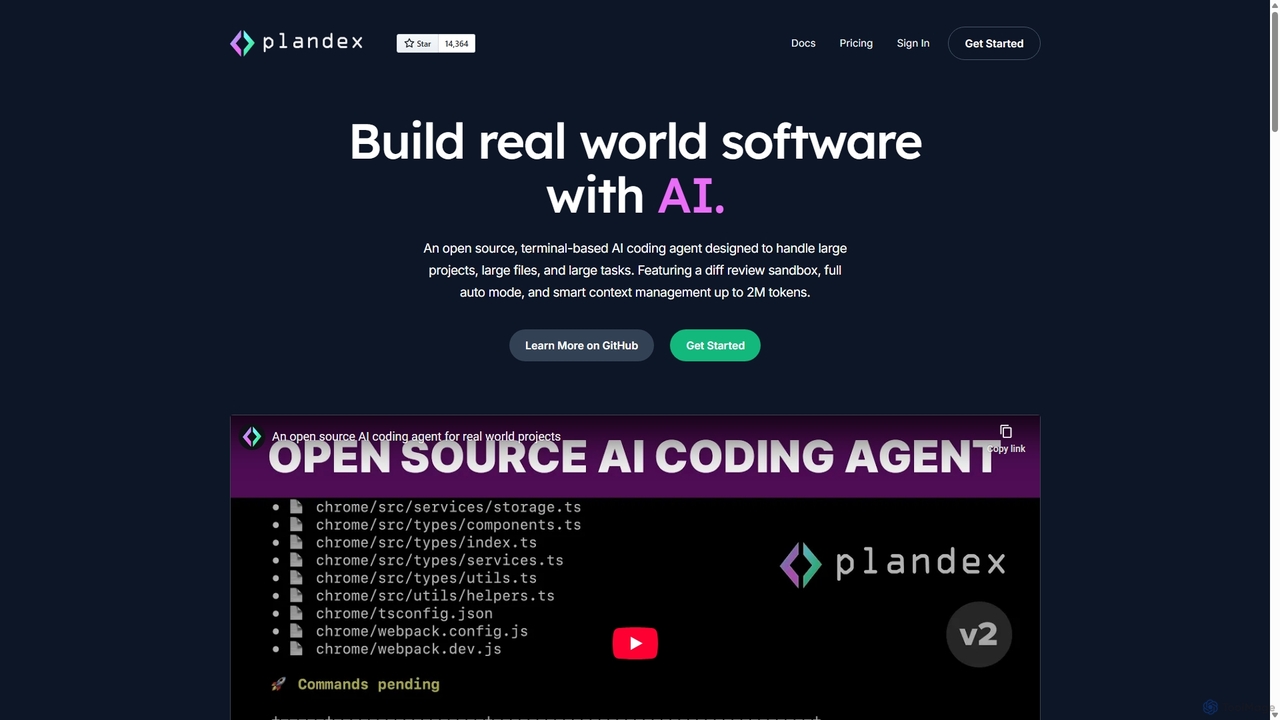
Plandex
Plandex is an open-source, terminal-based AI coding agent designed for complex, large-scale software development tasks. It excels at handling large projects and files with its 2M token context window. Featuring a diff review sandbox, configurable autonomy, and multi-model support, Plandex empowers developers to build, debug, and refactor entire applications with AI assistance, ensuring control and productivity in a dev-friendly workflow.
Code Generation
Safurai
Safurai is an AI-powered IDE extension that acts as a virtual assistant for software developers. It helps with coding, debugging, and refactoring, aiming to streamline the development process and improve code quality directly within your favorite IDE like VS Code and JetBrains.
Code Generation
Codebay
Codebay is an AI-powered development platform designed to accelerate the entire software lifecycle. It acts as an intelligent co-pilot for developers, offering advanced features for code generation, automated review, intelligent debugging, and seamless integration with existing workflows to enhance productivity and code quality.
Code Generation
Buildt
Buildt is an AI-powered code search and understanding tool for developers. It integrates directly into your IDE, allowing you to search your entire codebase using natural language, understand complex code snippets, and generate or modify code on the fly, acting as an intelligent assistant.
Code Generation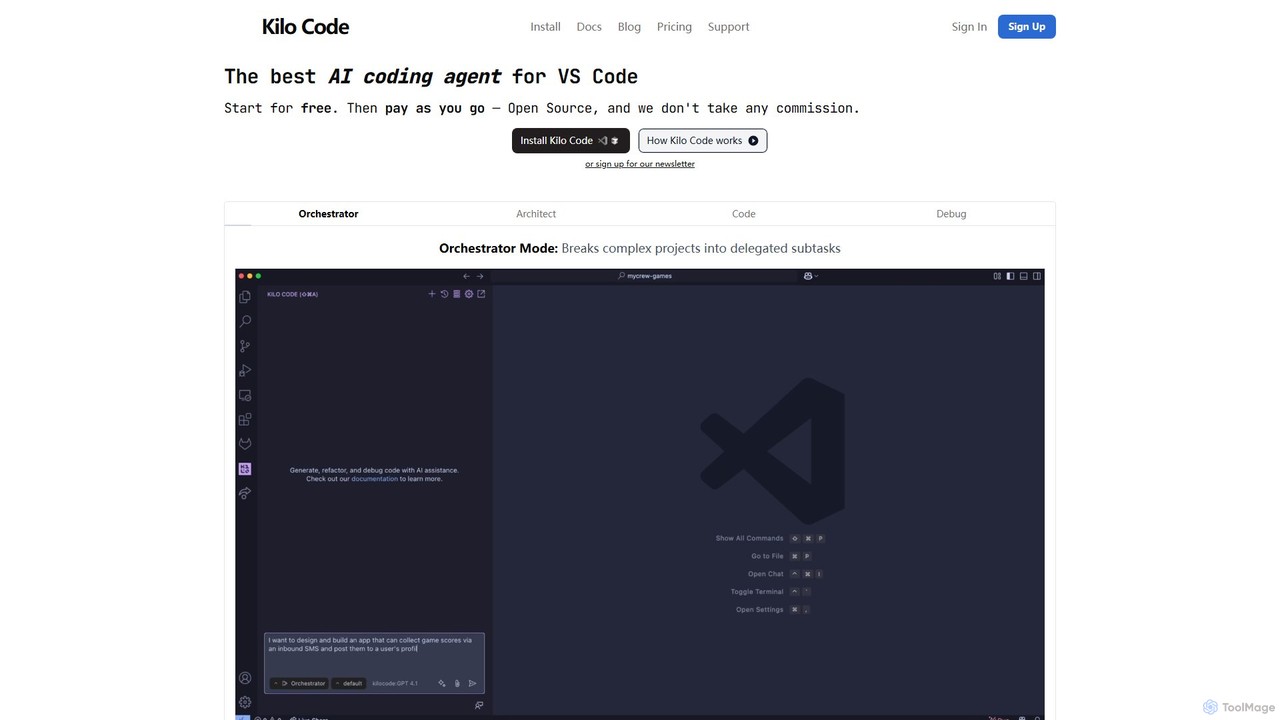
Kilo Code
Kilo Code is a powerful, open-source AI coding agent for VS Code. It features a multi-agent system (Orchestrator, Architect, Code, Debug) to automate complex development tasks, from design to debugging. It's highly customizable, context-aware, and prioritizes user privacy with a "bring your own key" model and no data training.
Code Assistant
codimite
Codimite is an AI-powered coding assistant designed to accelerate the software development lifecycle. It acts as a pair programmer, helping developers write, debug, and optimize code faster with features like intelligent code completion, natural language-to-code generation, and automated bug fixing, integrating directly into your favorite IDE.
Code Generation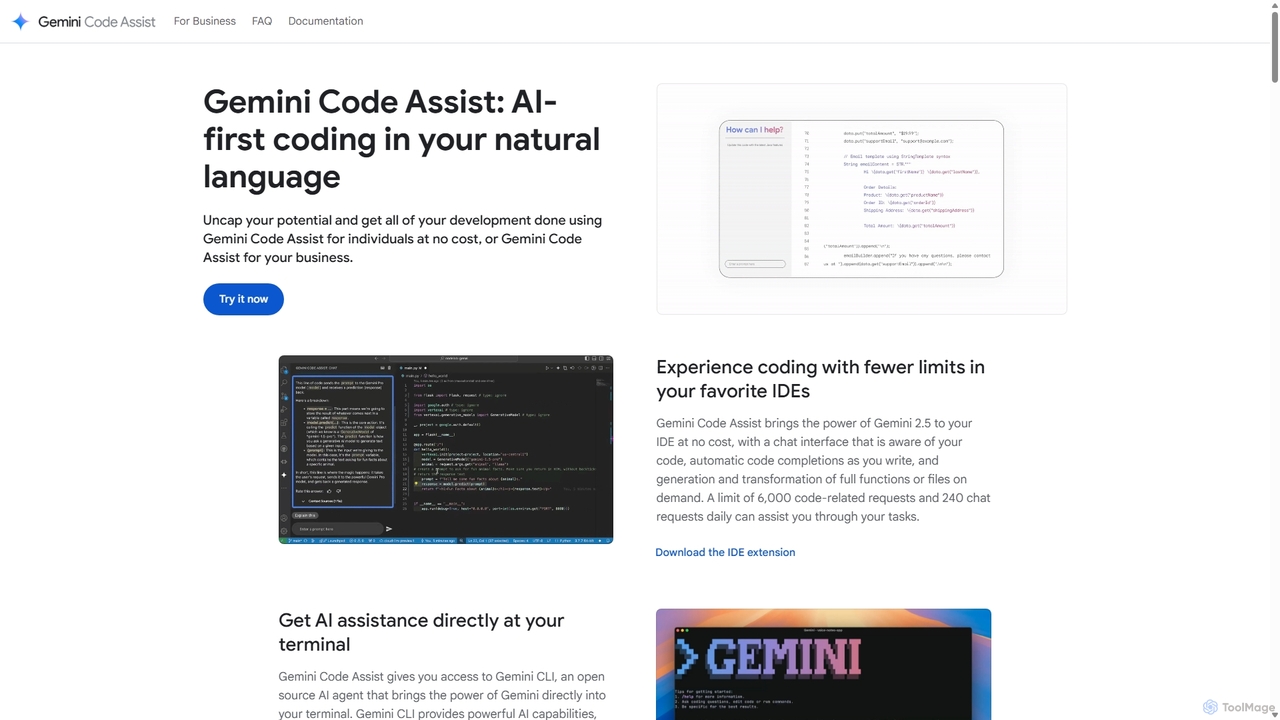
Gemini Code Assist
Gemini Code Assist is an AI-powered coding assistant from Google, powered by the Gemini 2.5 model. It integrates into your favorite IDEs, terminal, and development platforms to accelerate the entire software development lifecycle with features like code completion, generation, natural language chat, and automated code reviews.
Code Assistant
Aider
Aider is an AI-powered pair programmer that operates directly in your terminal. It intelligently maps your entire codebase, providing full project context for complex tasks. Seamlessly integrated with Git, it automates commits and allows you to manage AI-driven changes with familiar tools. Aider supports over 100 programming languages, connects to leading cloud and local LLMs, and even accepts voice and image inputs, making it a versatile and powerful assistant for any developer seeking to accelerate their workflow and improve code quality.
Programming
Rebolt
Rebolt is an AI-powered platform designed to automate the entire software development lifecycle. It helps developer and DevOps teams build, test, and deploy applications faster and more reliably by leveraging AI for CI/CD pipeline optimization, code generation, and intelligent monitoring.
Code Assistant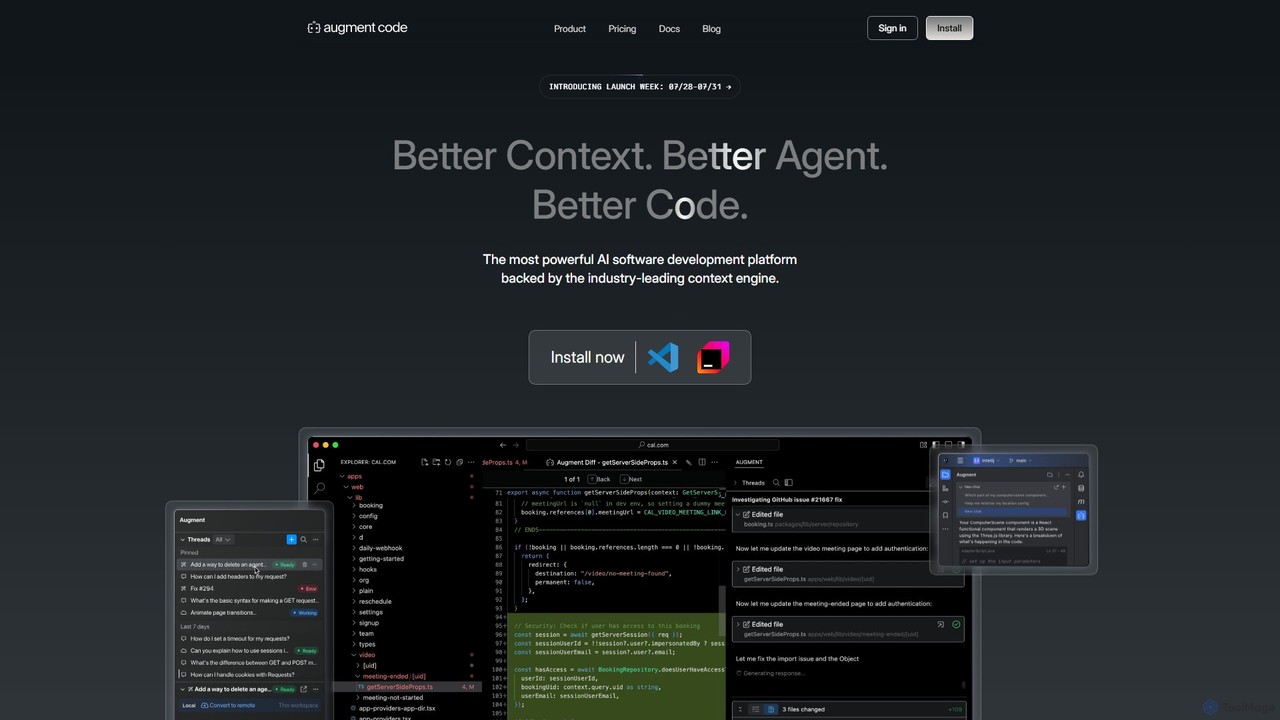
Augment Code
Augment Code is an advanced AI software development platform featuring autonomous agents and a powerful context engine. It integrates into your IDE to help you plan, build, and ship production-ready code faster, with a strong focus on enterprise-grade security and deep codebase understanding.
Code Generation
Cursor Comments (0)
Sign in to comment.
Sign inNo comments yet.