

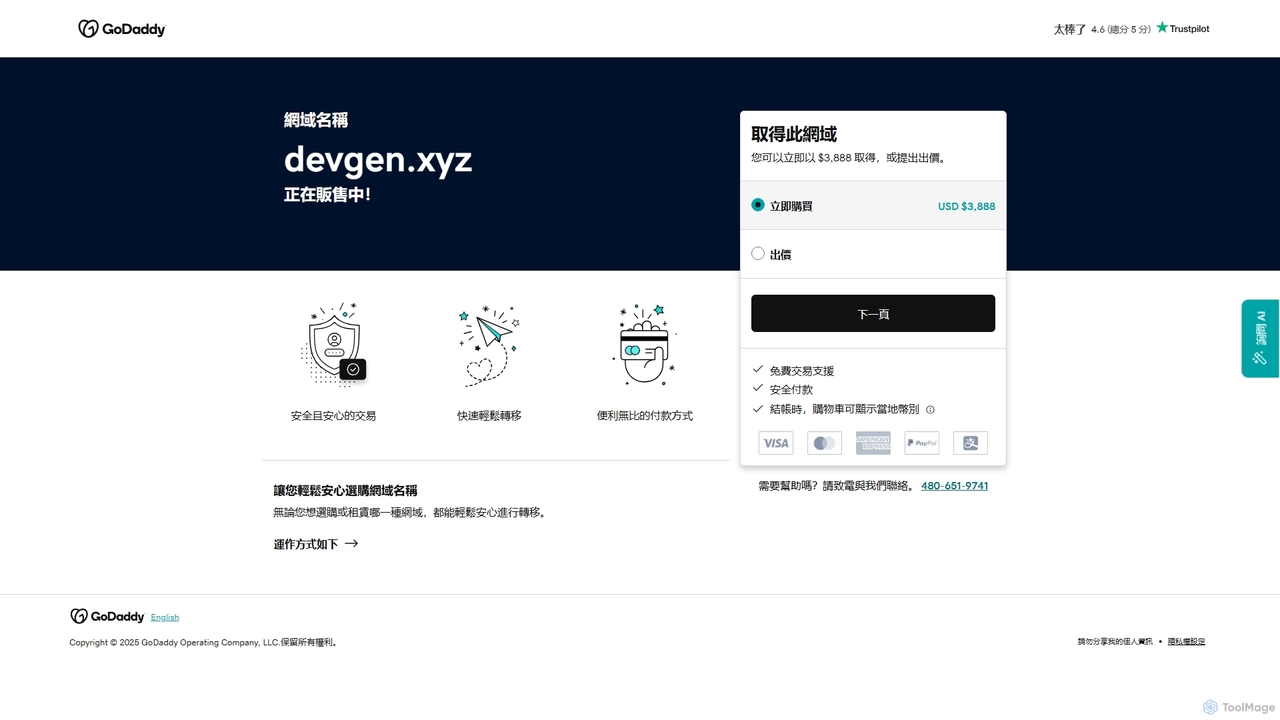
Devgen Overview
Devgen is a state-of-the-art AI-powered tool designed to be the ultimate pair programmer for software developers, engineers, and data scientists. It integrates seamlessly into your development workflow, aiming to significantly boost productivity, improve code quality, and reduce the time spent on repetitive tasks. By leveraging advanced large language models trained on vast codebases, Devgen understands context, suggests relevant code, and helps solve complex programming challenges in real-time.
How to use Devgen
Using Devgen is straightforward and designed for a frictionless experience. First, sign up on the Devgen website and choose a plan that suits your needs. Then, install the Devgen extension for your favorite Integrated Development Environment (IDE), such as VS Code, JetBrains (IntelliJ, PyCharm), or others. Once installed, log in with your credentials. You can start using Devgen immediately by either writing a comment describing the function you need, and Devgen will generate the code, or by starting to type and letting its intelligent autocompletion suggest the rest. For refactoring or documentation, simply highlight a block of code, right-click, and select the desired action from the Devgen context menu.
Core Features of Devgen
- AI Code Generation: Generate complex functions, classes, or boilerplate code from simple natural language prompts. Describe what you want to build, and Devgen writes the code for you.
- Intelligent Code Completion: Goes beyond standard autocompletion by understanding the context of your entire project to suggest whole lines or blocks of code, significantly speeding up the coding process.
- Code Refactoring & Optimization: Automatically analyze your code and suggest improvements for performance, readability, and adherence to best practices. Refactor legacy code with a single click.
- Automated Test Generation: Save hours of manual work by automatically generating unit tests, integration tests, and edge case scenarios for your functions and methods.
- Code Explanation: Highlight any piece of code to get a clear, natural language explanation of what it does, how it works, and potential issues. This is perfect for learning new codebases or complex algorithms.
- Multi-Language Support: Works seamlessly with a wide range of popular programming languages, including Python, JavaScript, TypeScript, Java, Go, C++, and more.
Use Cases for Devgen
Devgen is versatile and can be applied in various scenarios. For rapid prototyping, developers can quickly scaffold an entire application by describing the core features. In enterprise environments, it helps maintain high code quality and consistency across large teams. Data scientists can use it to generate complex data manipulation scripts and visualization code in Python or R. Students and junior developers can leverage the code explanation feature as a learning tool to understand professional-grade code. DevOps engineers can automate the creation of infrastructure-as-code scripts and CI/CD pipeline configurations.
Advantages of Devgen
The primary advantage of Devgen is the massive productivity boost it offers. By automating mundane coding tasks, it allows developers to focus on high-level problem-solving and application logic. It also acts as a quality gatekeeper, reducing bugs and vulnerabilities by suggesting best practices and generating robust tests. Unlike some competitors, Devgen's contextual awareness is fine-tuned to understand your specific project's architecture, leading to more relevant and accurate suggestions. Its seamless IDE integration ensures that it enhances, rather than disrupts, the natural coding workflow.
Pricing and Plans
Devgen offers a flexible pricing structure to cater to individuals and teams of all sizes.
Free Plan: Perfect for students and hobbyists, offering a limited number of code completions and generations per month.
Pro Plan: Aimed at professional developers, this plan includes unlimited code generation, advanced features like whole-project context analysis, and priority support.
Enterprise Plan: Designed for organizations, this plan provides everything in Pro, plus features like on-premise deployment, advanced security controls, centralized billing, and dedicated team support.
Devgen Alternatives
Zencoder
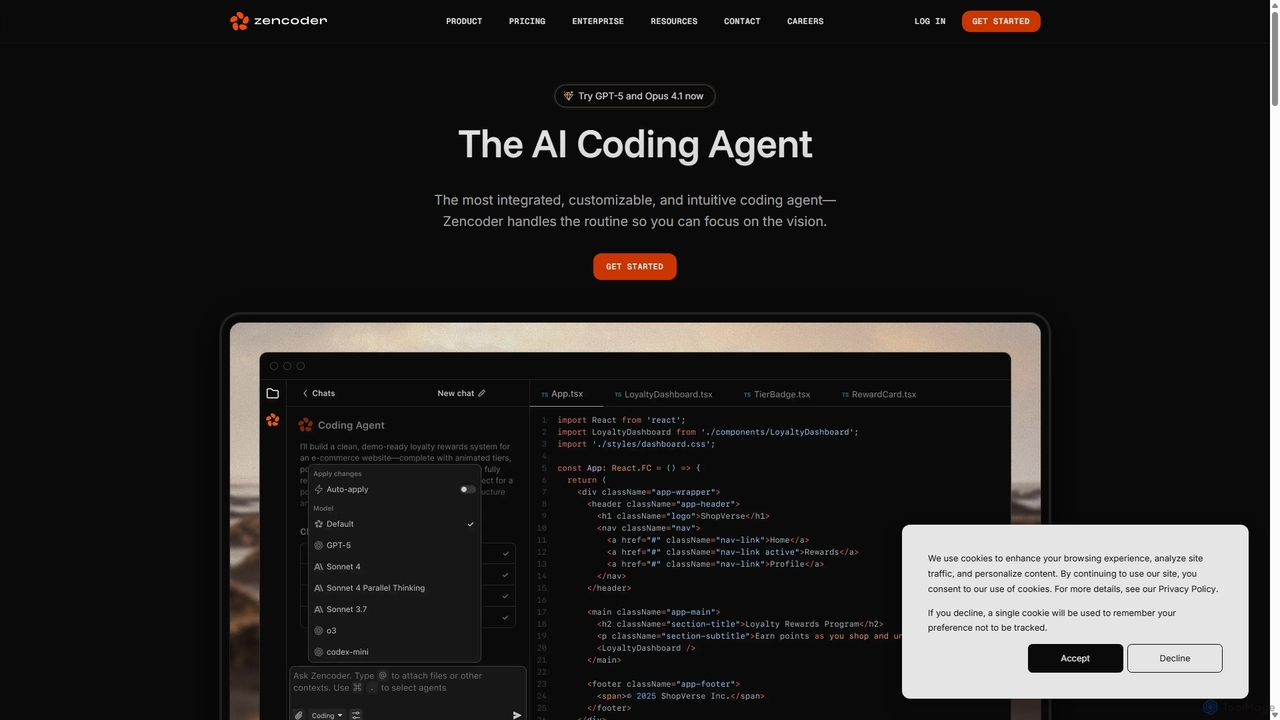
Zencoder is an advanced AI coding agent designed to automate routine development tasks. It deeply integrates into your workflow, understanding your entire codebase to implement features, write tests, fix bugs, and refactor code autonomously. With customizable 'Zen Agents' and seamless integration with VS Code, JetBrains, and over 100 developer tools, Zencoder empowers engineering teams to focus on innovation and ship products faster.
Code Assistant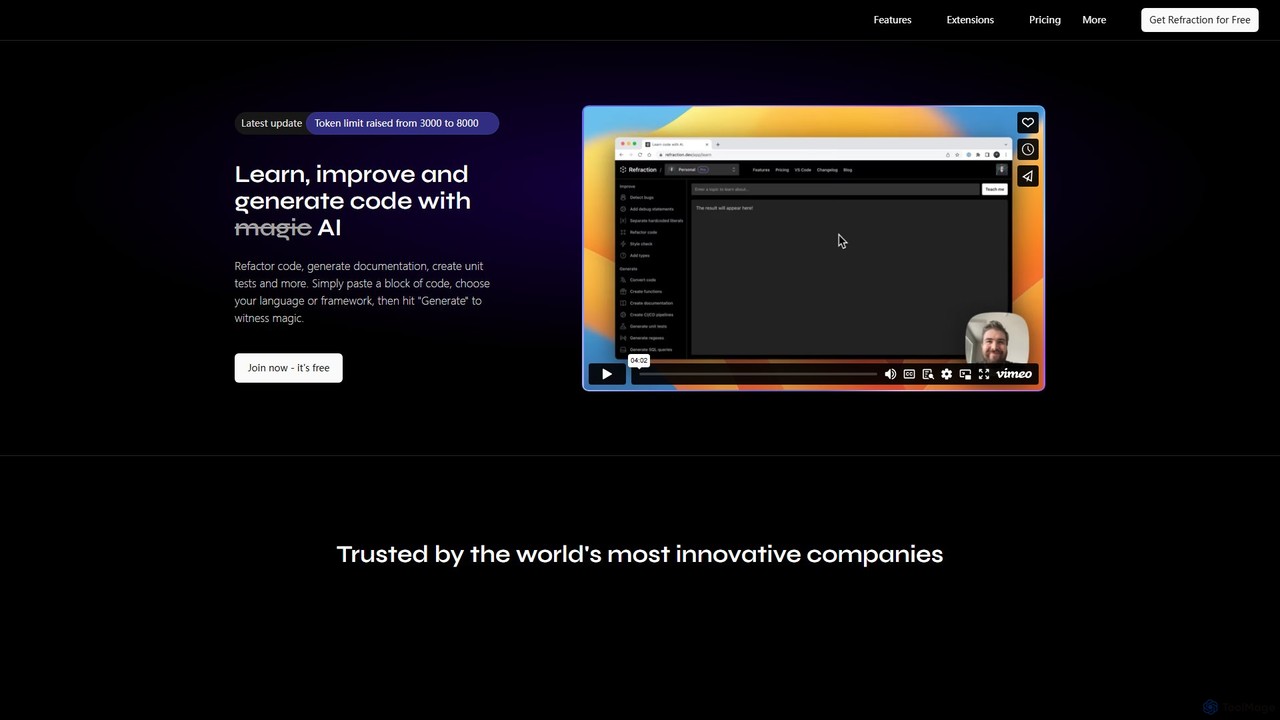
Refraction
Refraction is an AI-powered coding assistant for developers. It automates tedious tasks like generating unit tests, writing documentation, refactoring code, and converting between 56 programming languages. Boost your productivity and focus on building great software.
Code Assistant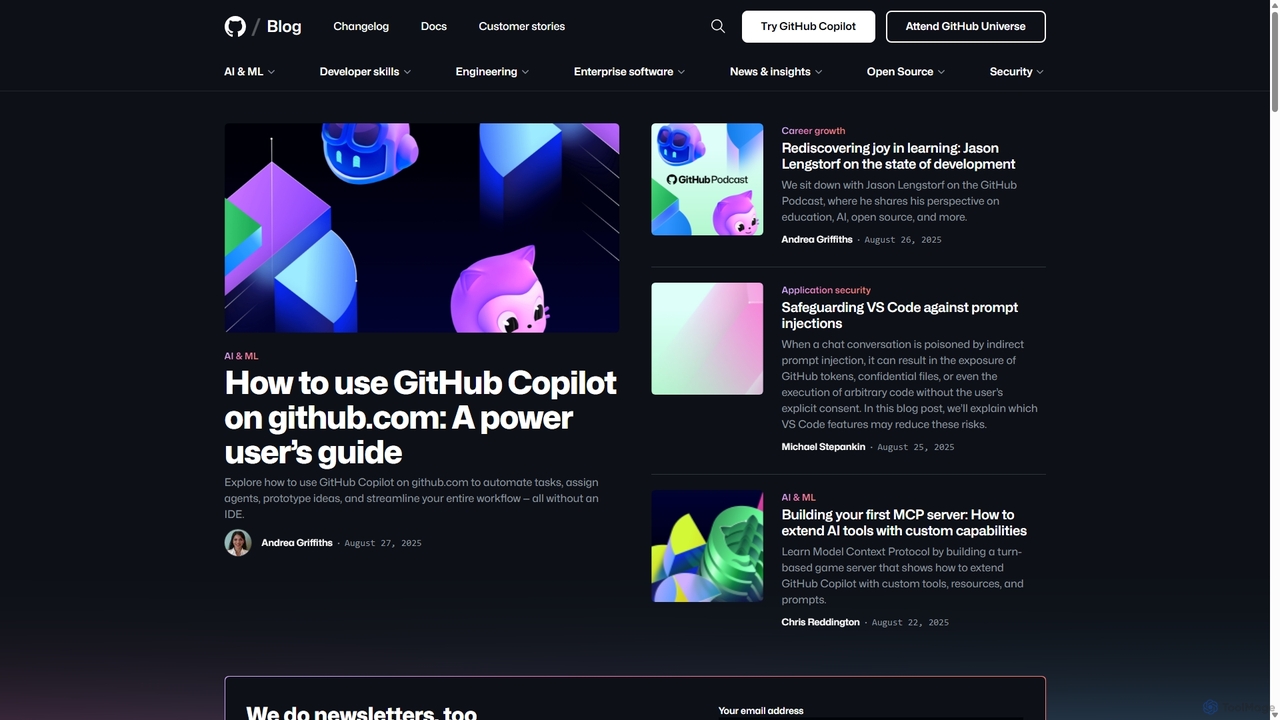
GitHub Copilot
GitHub Copilot is an AI pair programmer that offers intelligent code completions and suggestions directly in your editor. It helps you write code faster, learn new languages, and stay in the flow by turning natural language prompts into coding suggestions across dozens of languages.
Code Generation
Aider
Aider is an AI-powered pair programmer that operates directly in your terminal. It intelligently maps your entire codebase, providing full project context for complex tasks. Seamlessly integrated with Git, it automates commits and allows you to manage AI-driven changes with familiar tools. Aider supports over 100 programming languages, connects to leading cloud and local LLMs, and even accepts voice and image inputs, making it a versatile and powerful assistant for any developer seeking to accelerate their workflow and improve code quality.
Programming
jetcode.app
jetcode.app is an AI-powered coding assistant designed to accelerate software development. It helps developers write, debug, and optimize code faster by providing intelligent code generation, real-time completion, and powerful refactoring tools directly within their IDE.
Code AssistantDevgen Categories
Devgen Jobs
Devgen Embed Widget
Copy this embed code to place the badge on your blog, article, or product site and send readers directly to this ToolMage detail page.

Related AI tools

Codeium
Codeium is an AI-powered code acceleration toolkit that provides free, ultra-fast code completion, in-editor chat, and other intelligent features. It supports over 70 programming languages and integrates seamlessly with more than 40 popular IDEs to help developers code faster and more efficiently.
Code Assistantjetcode.app
jetcode.app is an AI-powered coding assistant designed to accelerate software development. It helps developers write, debug, and optimize code faster by providing intelligent code generation, real-time completion, and powerful refactoring tools directly within their IDE.
Code Assistant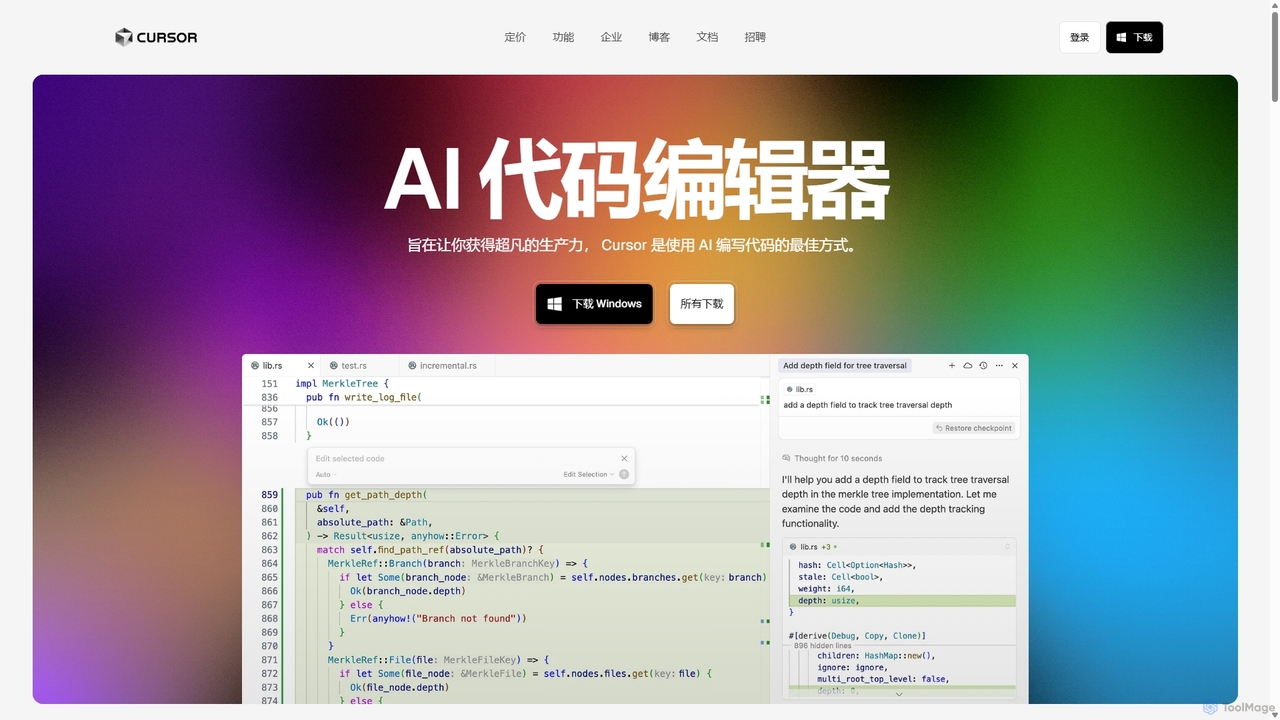
Cursor
Cursor is an AI-first code editor designed for pair-programming with artificial intelligence. Built as a fork of VS Code, it offers a familiar environment supercharged with advanced AI capabilities for code generation, editing, debugging, and codebase comprehension, aiming to significantly boost developer productivity.
Code Assistant
Buildt
Buildt is an AI-powered code search and understanding tool for developers. It integrates directly into your IDE, allowing you to search your entire codebase using natural language, understand complex code snippets, and generate or modify code on the fly, acting as an intelligent assistant.
Code GenerationGitHub Copilot
GitHub Copilot is an AI pair programmer that offers intelligent code completions and suggestions directly in your editor. It helps you write code faster, learn new languages, and stay in the flow by turning natural language prompts into coding suggestions across dozens of languages.
Code Generation
CodeWiz
CodeWiz is an AI-powered coding assistant designed to accelerate software development. It integrates into your IDE to provide intelligent code completion, real-time debugging, code explanation, and automated test generation, helping developers write better code faster and with fewer errors.
Code AssistantAider
Aider is an AI-powered pair programmer that operates directly in your terminal. It intelligently maps your entire codebase, providing full project context for complex tasks. Seamlessly integrated with Git, it automates commits and allows you to manage AI-driven changes with familiar tools. Aider supports over 100 programming languages, connects to leading cloud and local LLMs, and even accepts voice and image inputs, making it a versatile and powerful assistant for any developer seeking to accelerate their workflow and improve code quality.
Programming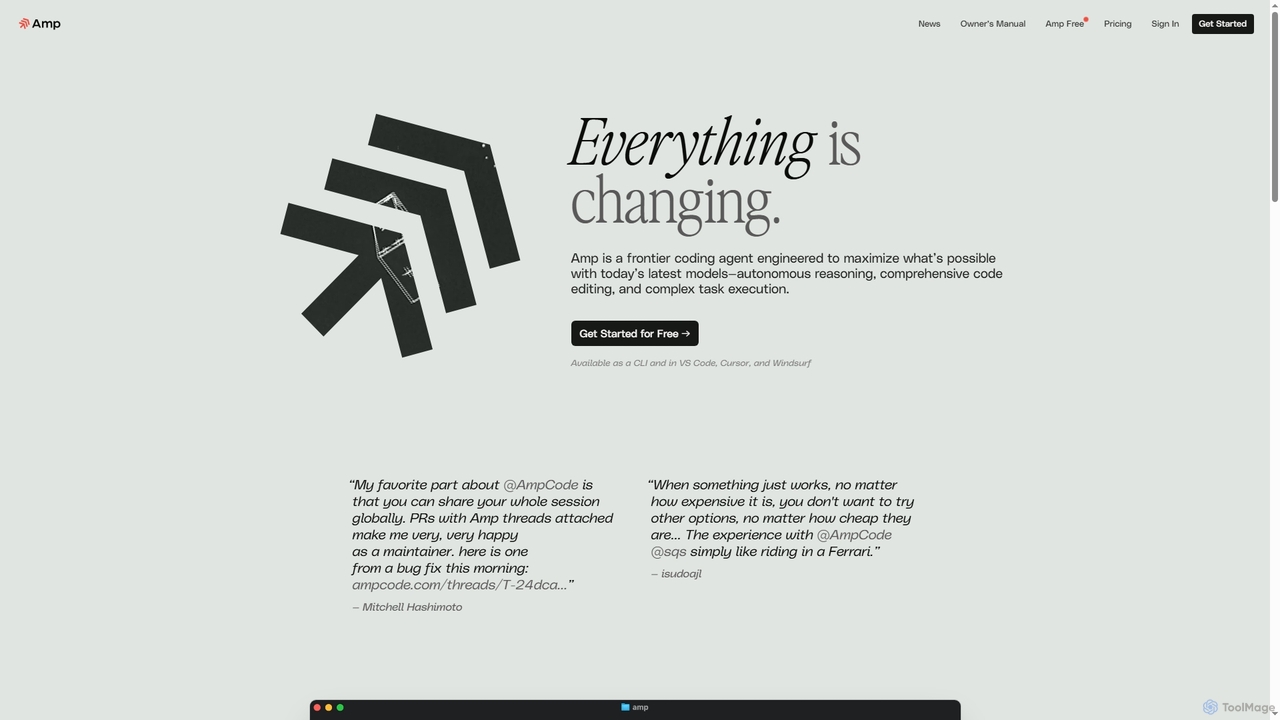
Amp
Amp is a frontier AI coding agent designed for developers. It operates as a CLI and within IDEs like VS Code, automating complex tasks such as code editing, debugging, and refactoring. Amp leverages the latest AI models to provide autonomous reasoning and execution, enhancing developer productivity through features like subagents, an Oracle for complex analysis, and deep IDE integration.
Code Assistant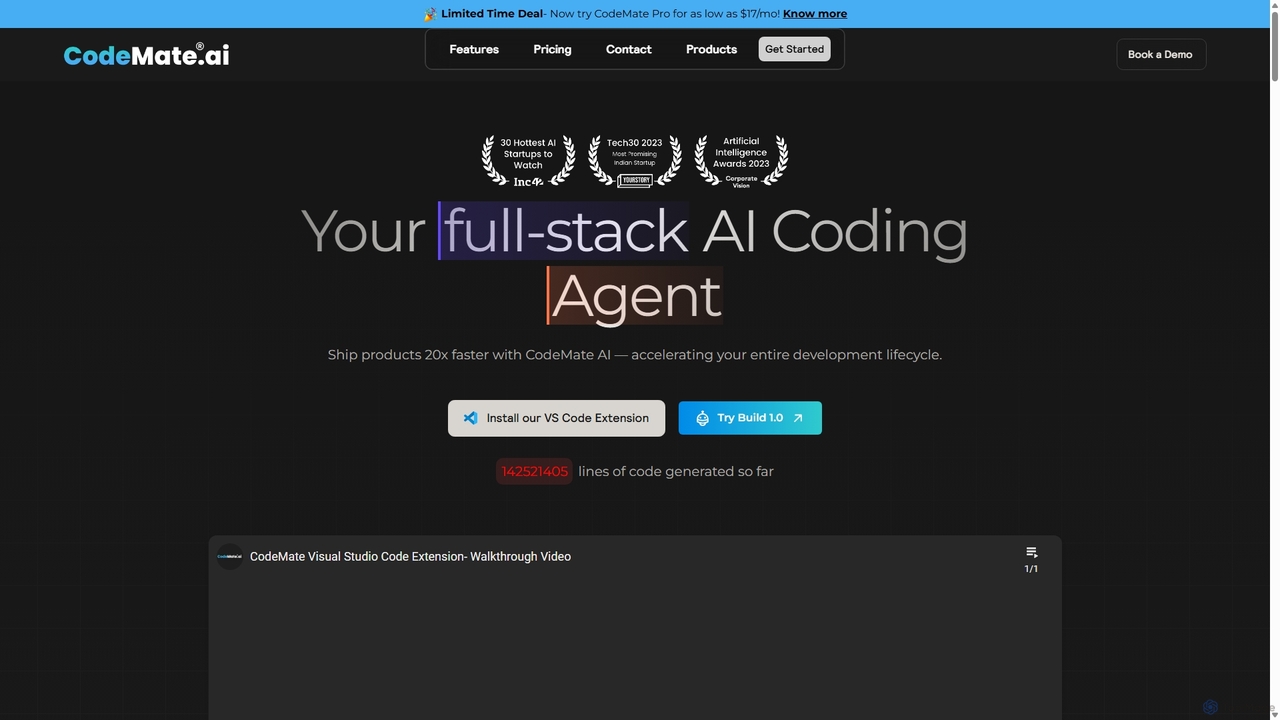
CodeMate
CodeMate is a secure, personalized AI pair programmer designed to enhance developer productivity. It assists with debugging, reviewing, and optimizing code, offering context-aware chat and seamless integration with IDEs like VS Code to help developers build software up to 20x faster.
Code AssistantRefraction
Refraction is an AI-powered coding assistant for developers. It automates tedious tasks like generating unit tests, writing documentation, refactoring code, and converting between 56 programming languages. Boost your productivity and focus on building great software.
Code Assistant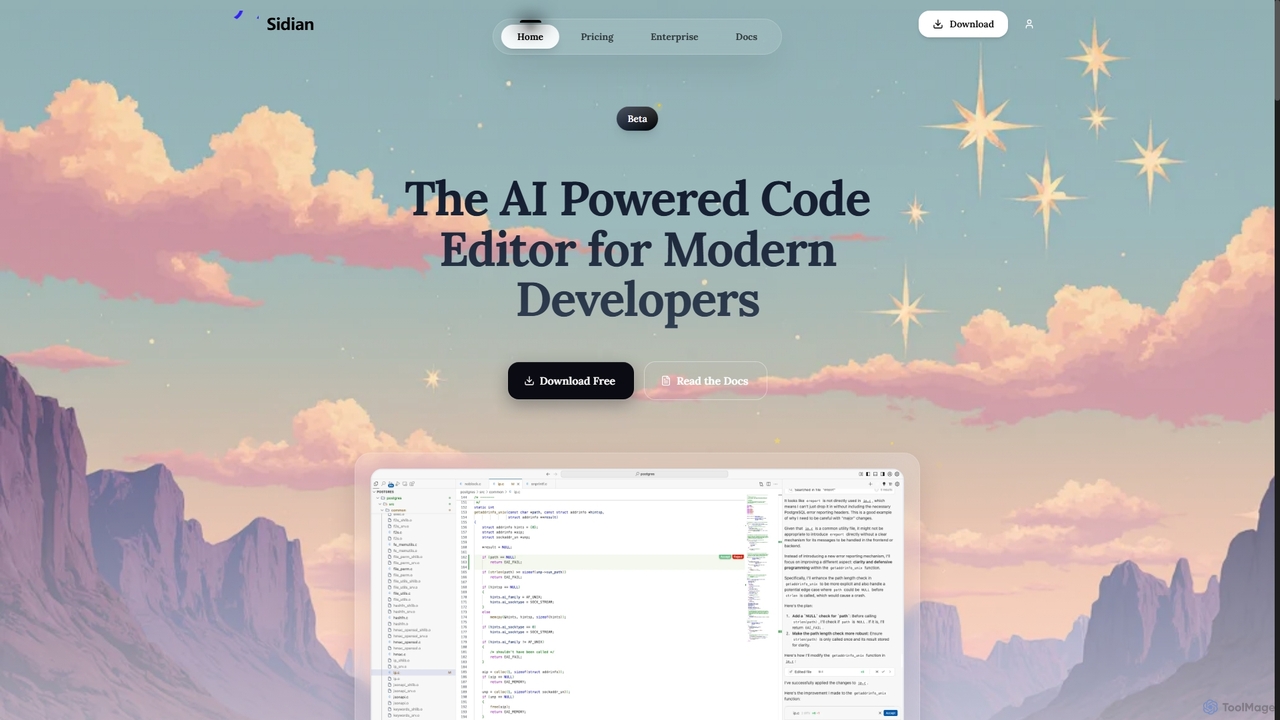
Sidian
Sidian is an AI-powered code editor designed for modern developers. It features a sophisticated context engine that rapidly understands complex codebases, integrates with major AI providers like OpenAI and Google, and supports local models for enhanced privacy and flexibility.
Code Generation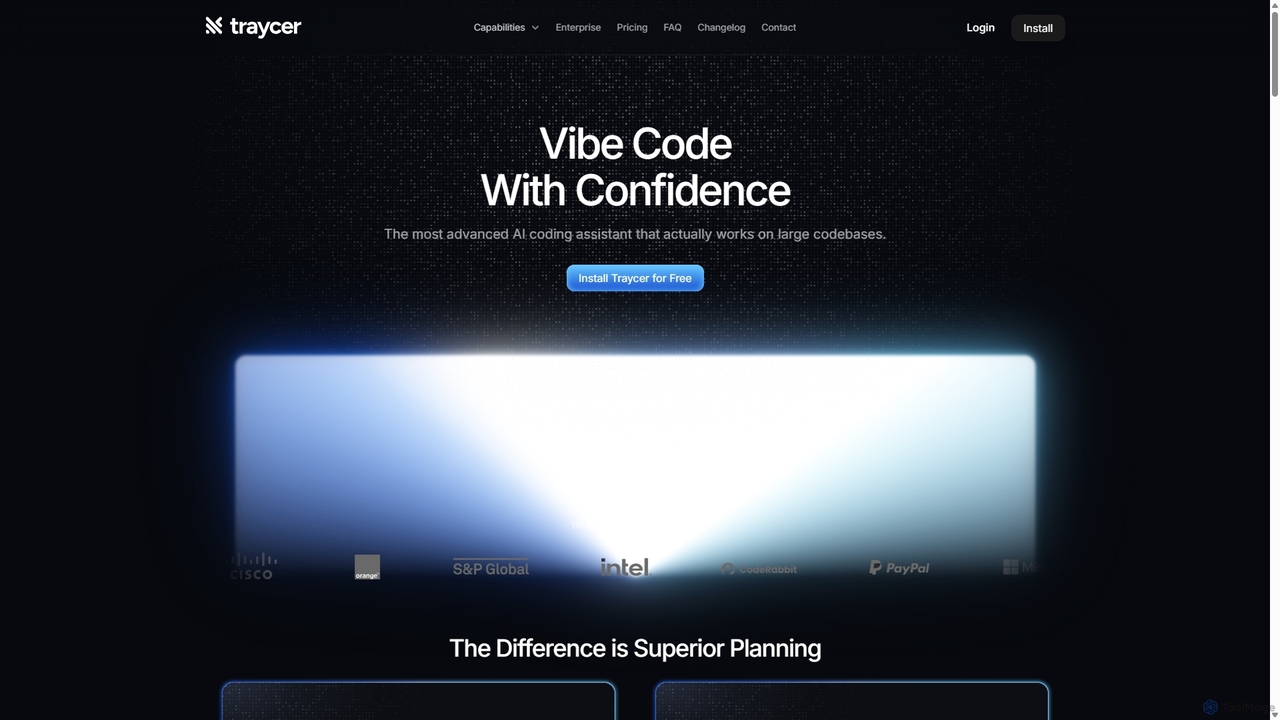
Traycer
Traycer is an advanced AI coding assistant designed for large codebases. It champions a "Plan First, Code Second" approach, generating detailed, actionable plans before writing any code. It integrates with popular AI agents like Copilot and Claude, verifies changes, and offers automated code reviews to streamline development, improve code quality, and significantly boost productivity for individual developers and teams.
Code Review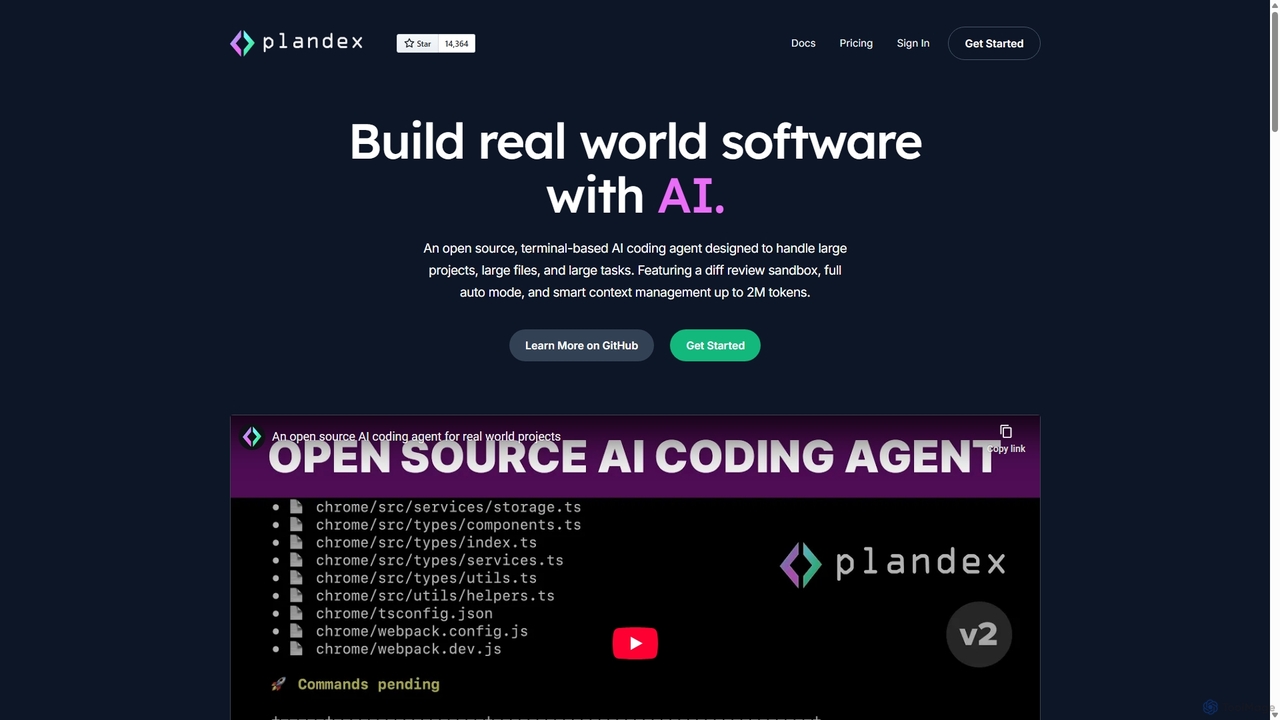
Plandex
Plandex is an open-source, terminal-based AI coding agent designed for complex, large-scale software development tasks. It excels at handling large projects and files with its 2M token context window. Featuring a diff review sandbox, configurable autonomy, and multi-model support, Plandex empowers developers to build, debug, and refactor entire applications with AI assistance, ensuring control and productivity in a dev-friendly workflow.
Code Generation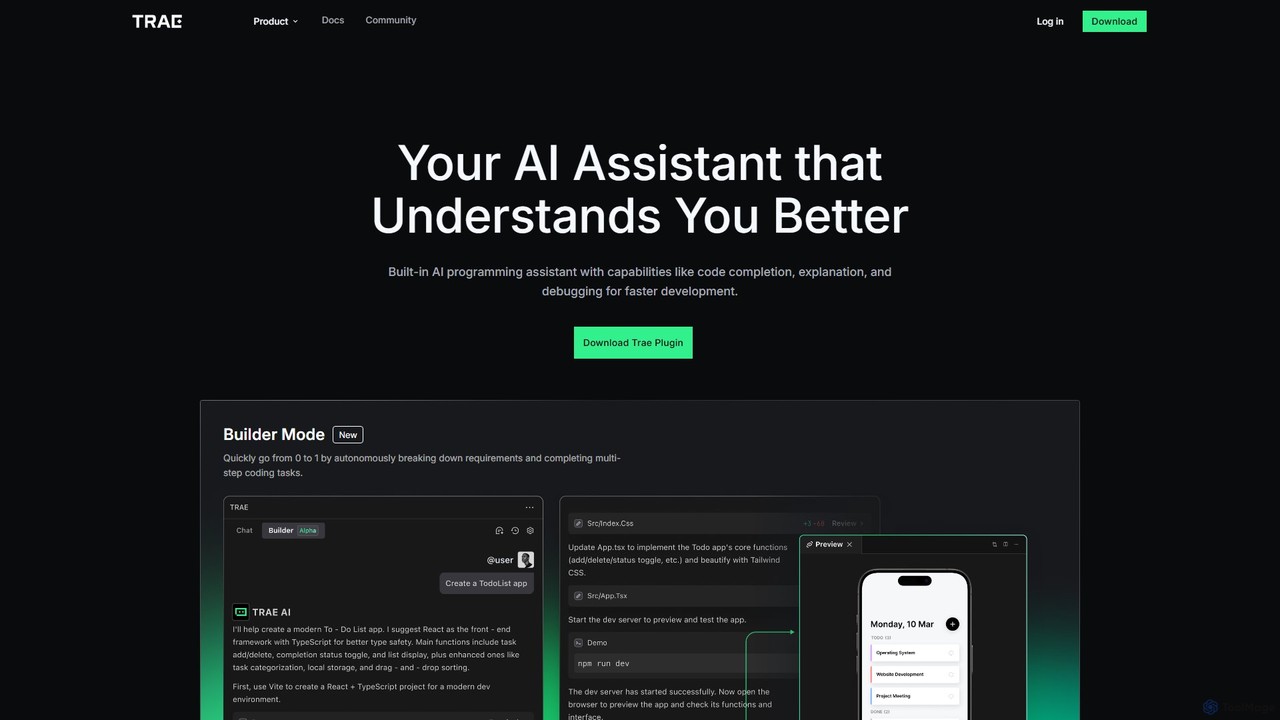
MarsCode Trae
MarsCode Trae is an intelligent AI coding assistant plugin for VSCode and JetBrains IDEs. It enhances developer productivity with features like autonomous task completion, advanced code completion, one-click debugging, unit test generation, and in-depth code explanation, supporting over 100 programming languages.
Code Generation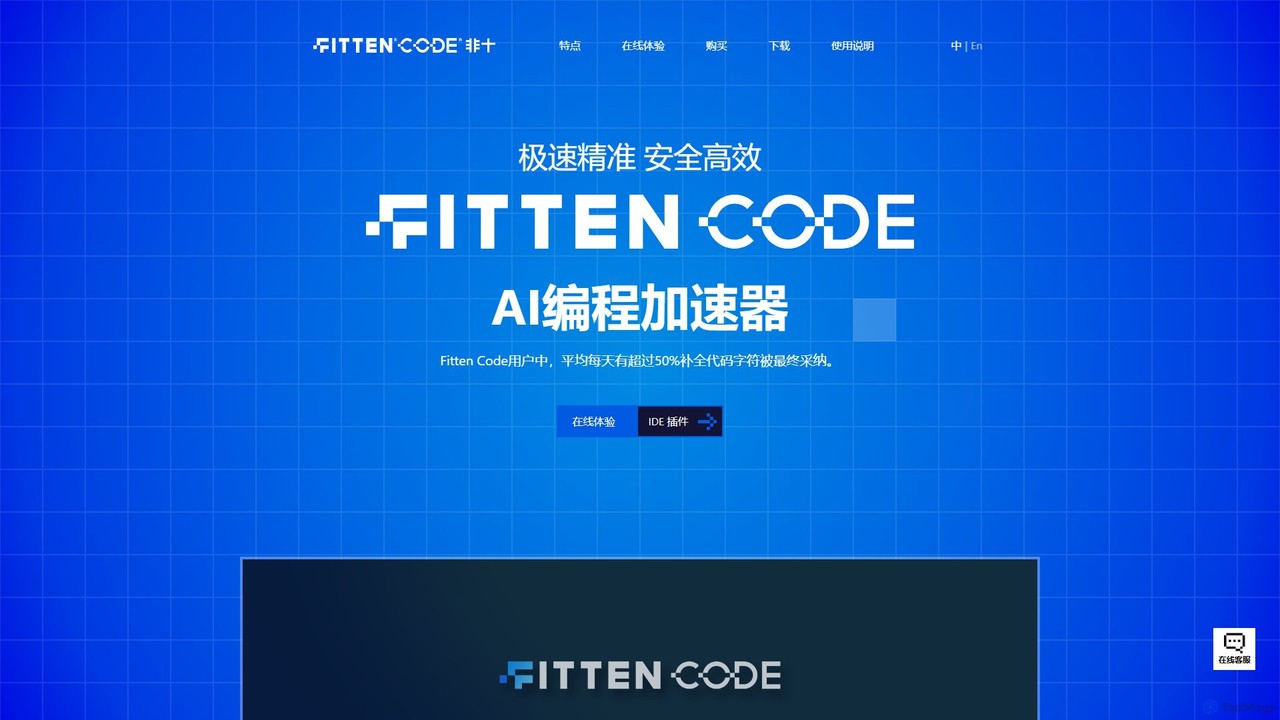
Fitten Code
Fitten Code is a next-generation AI programming assistant designed to accelerate software development. It offers ultra-fast code completion, intelligent Q&A, automated unit test generation, and code optimization. Built by a Tsinghua PhD team, it supports major IDEs and languages, significantly boosting developer productivity while ensuring data privacy.
Code Generation
Devgen Comments (0)
Sign in to comment.
Sign inNo comments yet.