


CodeWiz Overview
CodeWiz is a state-of-the-art AI coding companion built to enhance the productivity and efficiency of software developers. By leveraging advanced large language models trained on a massive corpus of code, CodeWiz acts as an intelligent pair programmer directly within your favorite Integrated Development Environment (IDE). It goes beyond simple autocompletion, offering a comprehensive suite of tools that assist in every phase of the development lifecycle, from writing initial drafts to debugging, optimizing, and testing.
The core mission of CodeWiz is to reduce the cognitive load on developers, allowing them to focus on high-level problem-solving and architectural design rather than getting bogged down in boilerplate code or syntax errors. It understands the context of your project, providing relevant and accurate suggestions that align with your existing coding style and project dependencies. Whether you're a seasoned professional tackling a complex system or a student learning a new programming language, CodeWiz adapts to your needs, making the coding process more intuitive and enjoyable.
How to use CodeWiz
Getting started with CodeWiz is a seamless process designed for immediate productivity:
- Installation: Search for the CodeWiz extension in your IDE's marketplace (e.g., VS Code Marketplace, JetBrains Marketplace) and install it with a single click.
- Account Setup: After installation, you'll be prompted to create a free CodeWiz account or log in using your GitHub, Google, or email credentials.
- Intelligent Code Completion: Simply start typing code or write a comment describing the function you need. CodeWiz will automatically provide multi-line suggestions in real-time. Press 'Tab' to accept the suggestion.
- Contextual Actions: Highlight a block of code and right-click to open the context menu. From there, you can select options like "Explain Code," "Find Bugs," "Refactor & Optimize," or "Generate Unit Tests."
- AI Chat: Open the CodeWiz sidebar to access an interactive chat interface. Ask complex coding questions, request boilerplate for a new component, or paste error messages for instant solutions.
Core Features of CodeWiz
- AI-Powered Code Completion: Generates context-aware code suggestions, from single lines to entire functions, based on natural language comments and surrounding code.
- Code Explanation: Demystifies complex code snippets, algorithms, or regular expressions by providing clear, easy-to-understand explanations in natural language.
- Intelligent Debugging: Automatically identifies potential bugs, logical errors, and security vulnerabilities in your code and suggests concrete fixes.
- Automated Test Generation: Creates comprehensive unit tests (e.g., Jest, PyTest, JUnit) for your functions, ensuring code reliability and improving test coverage.
- Code Refactoring and Optimization: Suggests improvements to enhance code readability, performance, and adherence to best practices.
- Multi-Language Support: Proficient in a wide array of programming languages, including Python, JavaScript, TypeScript, Java, C++, Go, Rust, and more.
- IDE Integration: Seamlessly integrates with popular IDEs like Visual Studio Code, JetBrains suite (IntelliJ, PyCharm), and others for a native workflow.
Use Cases for CodeWiz
CodeWiz is versatile and can be applied in various scenarios:
- Rapid Prototyping: Quickly scaffold new applications and features by generating boilerplate code for APIs, UI components, and database models.
- Learning and Education: Students and developers learning new languages or frameworks can use the explanation feature to understand code examples and concepts faster.
- Legacy Code Maintenance: Understand and refactor old, undocumented codebases with AI-powered explanations and optimization suggestions.
- Test-Driven Development (TDD): Accelerate the TDD process by automatically generating test cases for new and existing functions.
- API Integration: Get instant code snippets for using new libraries or integrating with third-party APIs by simply describing your goal.
Advantages of CodeWiz
CodeWiz offers a significant competitive edge by:
- Boosting Productivity: Drastically reduces the time spent on writing repetitive code, searching for documentation, and debugging.
- Improving Code Quality: Helps write cleaner, more efficient, and less error-prone code by leveraging AI trained on best practices.
- Accelerating Onboarding: New team members can get up to speed with complex projects more quickly using the code explanation feature.
- Fostering Innovation: By automating mundane tasks, it frees up developer time to focus on creative problem-solving and building innovative features.
Pricing and Plans
CodeWiz offers a flexible pricing structure to suit individual developers, teams, and enterprises:
- Free Plan: Ideal for students and hobbyists, offering a limited number of AI code completions and basic features per month.
- Pro Plan: Designed for professional developers, this plan includes unlimited code completions, advanced features like test generation and refactoring, and priority support.
- Team Plan: Built for collaboration, this plan includes all Pro features plus centralized billing, team management dashboards, and the ability to share custom code snippets and context.
Detailed pricing information is available on the official CodeWiz website.
CodeWiz Alternatives
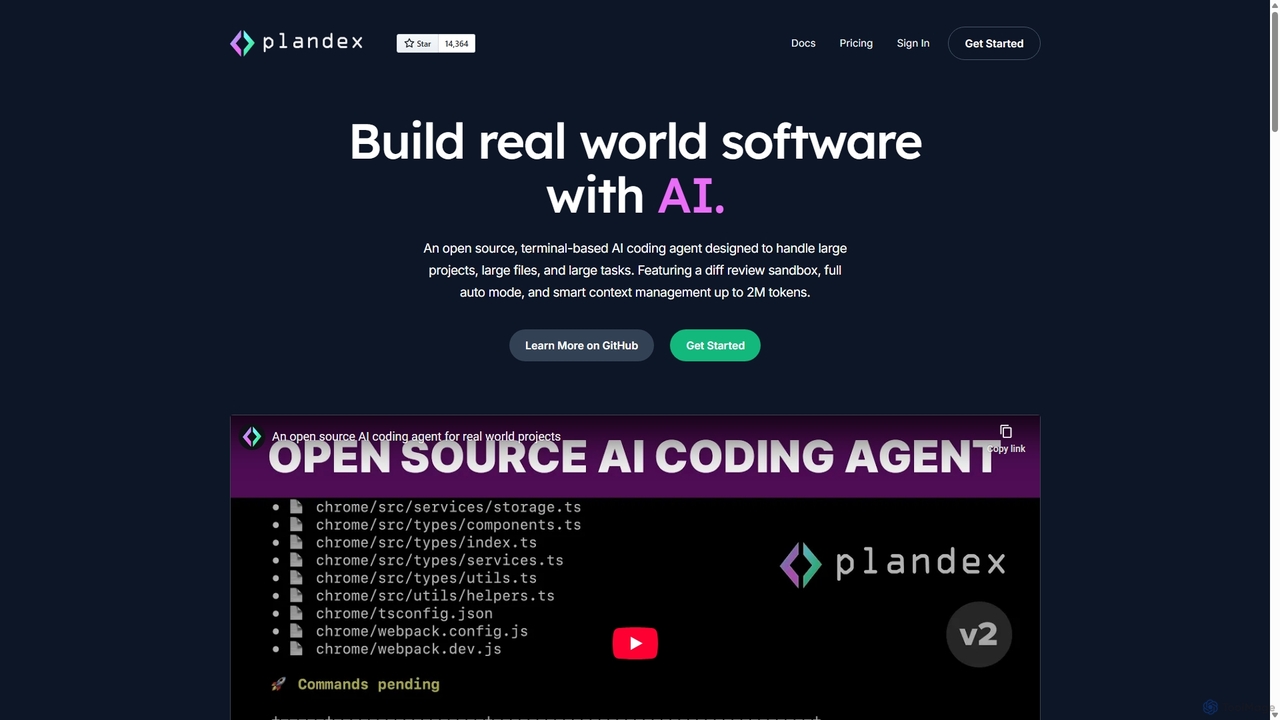
Plandex
Plandex is an open-source, terminal-based AI coding agent designed for complex, large-scale software development tasks. It excels at handling large projects and files with its 2M token context window. Featuring a diff review sandbox, configurable autonomy, and multi-model support, Plandex empowers developers to build, debug, and refactor entire applications with AI assistance, ensuring control and productivity in a dev-friendly workflow.
Code Generation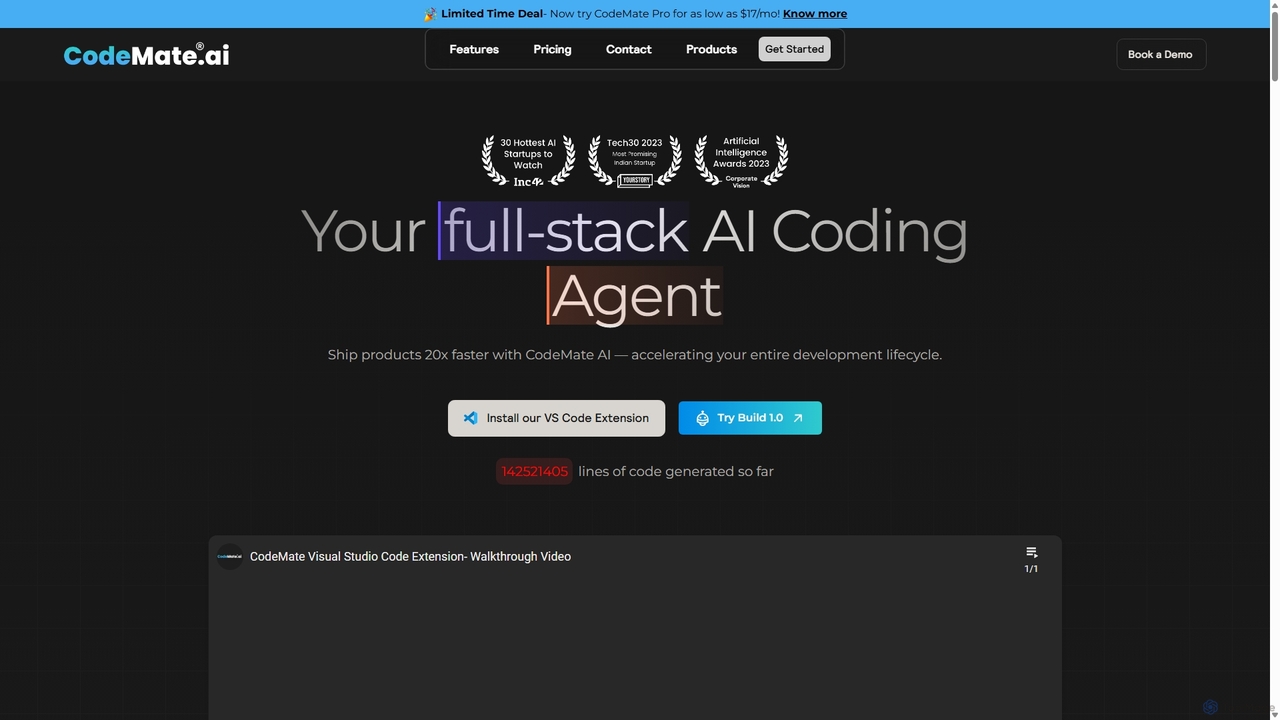
CodeMate
CodeMate is a secure, personalized AI pair programmer designed to enhance developer productivity. It assists with debugging, reviewing, and optimizing code, offering context-aware chat and seamless integration with IDEs like VS Code to help developers build software up to 20x faster.
Code Assistant
Devgen
Devgen is an AI-powered coding assistant designed to accelerate the software development lifecycle. It helps developers write better code faster by providing intelligent code generation, completion, refactoring, and automated testing, directly within their IDE.
Code Assistant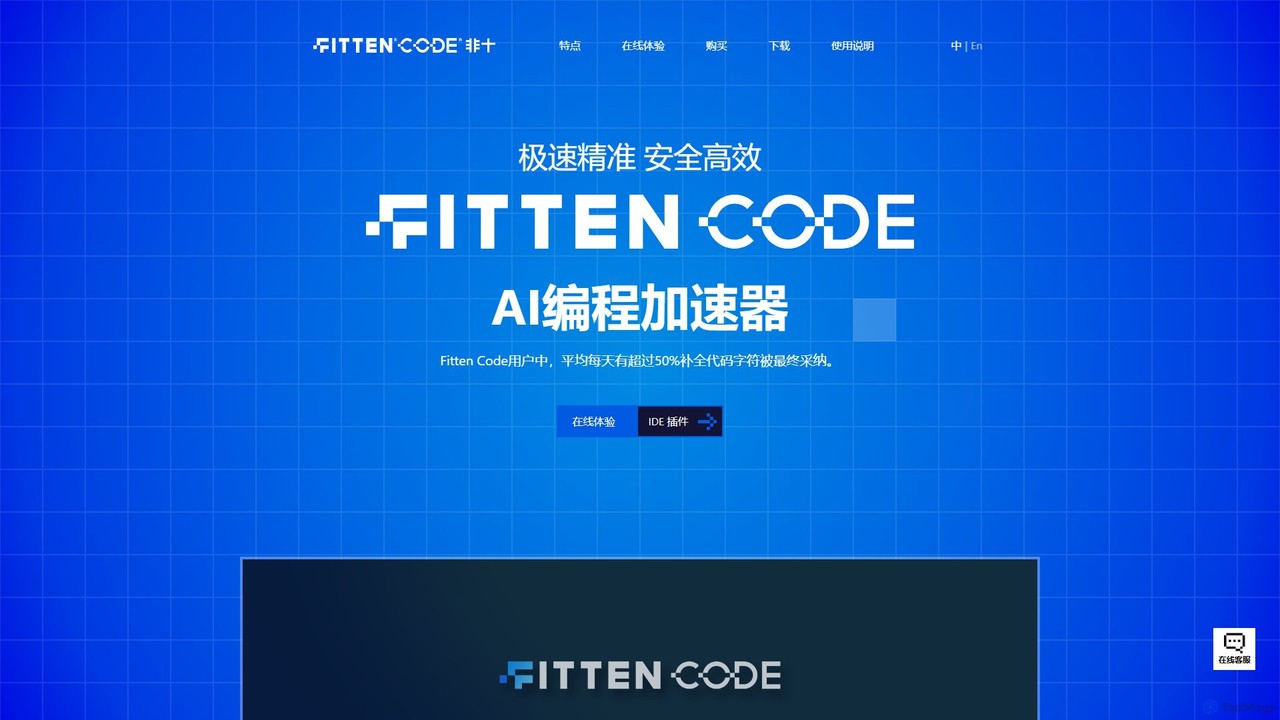
Fitten Code
Fitten Code is a next-generation AI programming assistant designed to accelerate software development. It offers ultra-fast code completion, intelligent Q&A, automated unit test generation, and code optimization. Built by a Tsinghua PhD team, it supports major IDEs and languages, significantly boosting developer productivity while ensuring data privacy.
Code Generation
Buildt
Buildt is an AI-powered code search and understanding tool for developers. It integrates directly into your IDE, allowing you to search your entire codebase using natural language, understand complex code snippets, and generate or modify code on the fly, acting as an intelligent assistant.
Code GenerationCodeWiz Categories
CodeWiz Jobs
CodeWiz Embed Widget
Copy this embed code to place the badge on your blog, article, or product site and send readers directly to this ToolMage detail page.

Related AI tools
Buildt
Buildt is an AI-powered code search and understanding tool for developers. It integrates directly into your IDE, allowing you to search your entire codebase using natural language, understand complex code snippets, and generate or modify code on the fly, acting as an intelligent assistant.
Code GenerationFitten Code
Fitten Code is a next-generation AI programming assistant designed to accelerate software development. It offers ultra-fast code completion, intelligent Q&A, automated unit test generation, and code optimization. Built by a Tsinghua PhD team, it supports major IDEs and languages, significantly boosting developer productivity while ensuring data privacy.
Code GenerationCodeMate
CodeMate is a secure, personalized AI pair programmer designed to enhance developer productivity. It assists with debugging, reviewing, and optimizing code, offering context-aware chat and seamless integration with IDEs like VS Code to help developers build software up to 20x faster.
Code AssistantPlandex
Plandex is an open-source, terminal-based AI coding agent designed for complex, large-scale software development tasks. It excels at handling large projects and files with its 2M token context window. Featuring a diff review sandbox, configurable autonomy, and multi-model support, Plandex empowers developers to build, debug, and refactor entire applications with AI assistance, ensuring control and productivity in a dev-friendly workflow.
Code GenerationDevgen
Devgen is an AI-powered coding assistant designed to accelerate the software development lifecycle. It helps developers write better code faster by providing intelligent code generation, completion, refactoring, and automated testing, directly within their IDE.
Code Assistant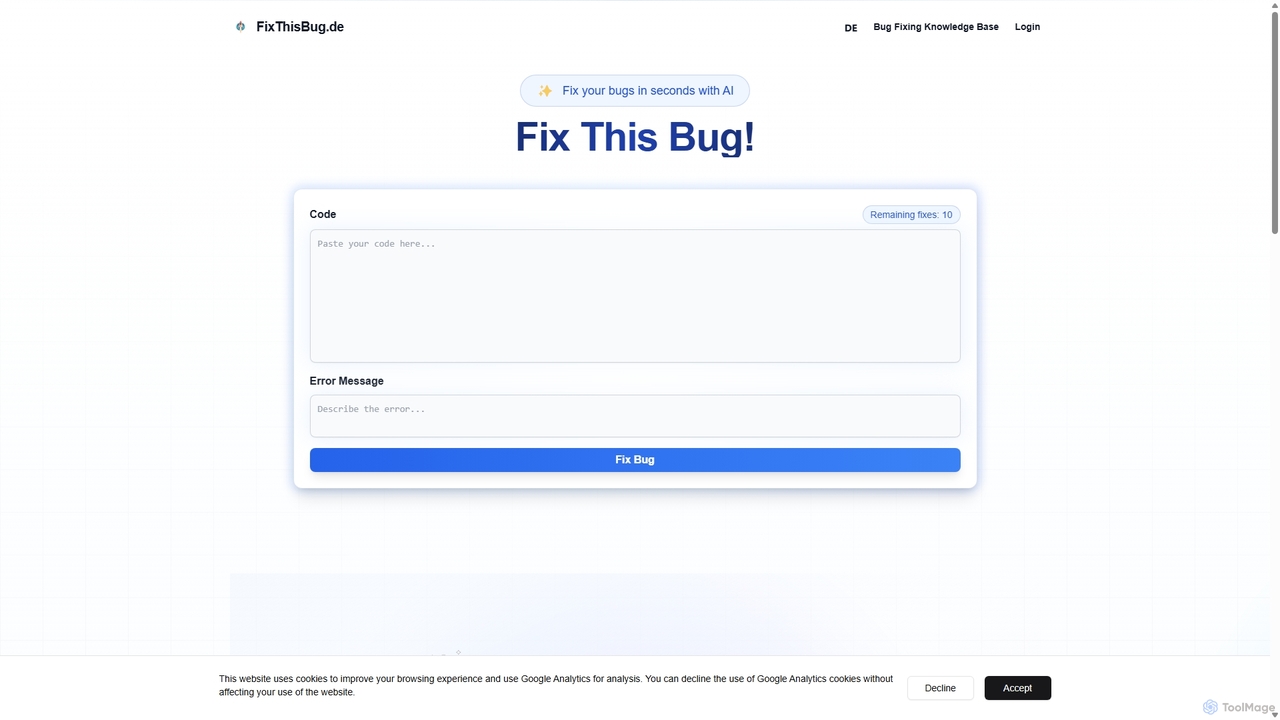
FixThisBug
FixThisBug is an AI-powered debugging assistant for developers. It instantly analyzes your code and error messages to provide accurate fixes and detailed explanations. Supporting all major programming languages, it prioritizes privacy with self-hosted models on German servers, ensuring 100% GDPR compliance. Fix bugs faster and learn as you code.
Code Correction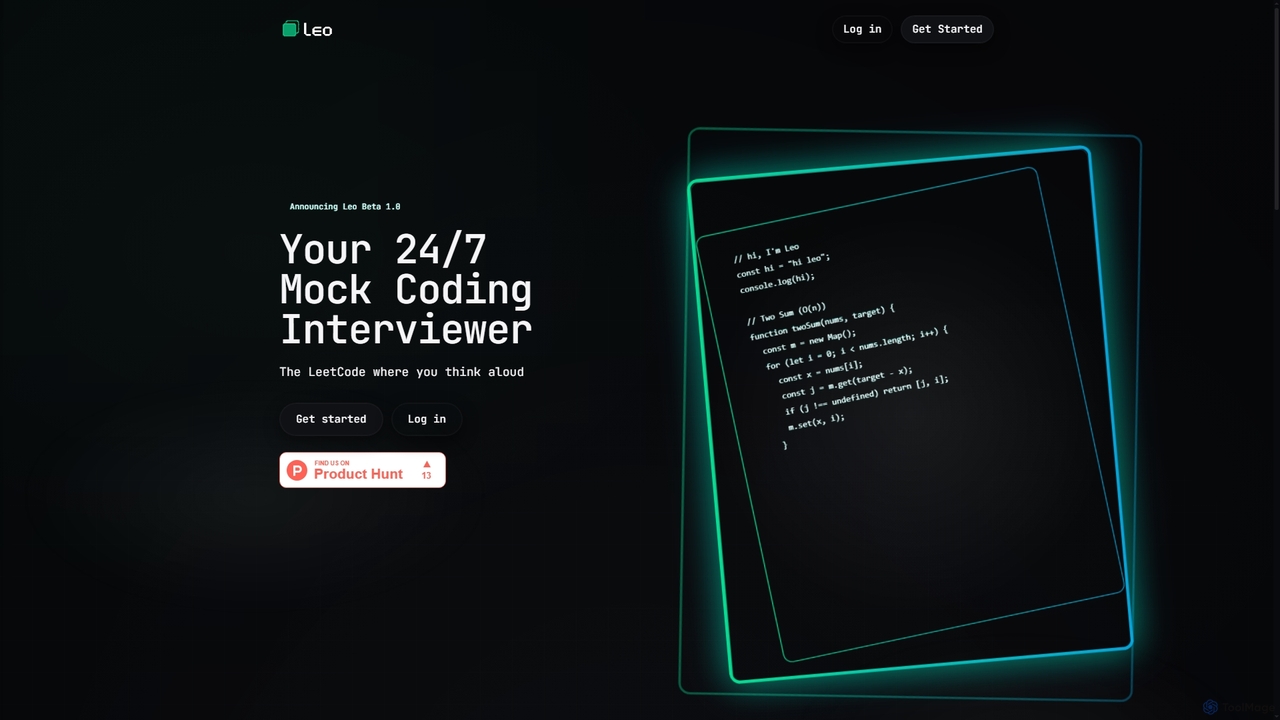
Leo
Leo is an AI-powered 24/7 mock coding interviewer designed to simulate real technical interviews. It provides an interactive platform for engineers to practice coding problems, receive instant feedback, and refine their problem-solving and communication skills in multiple programming languages.
Job Interview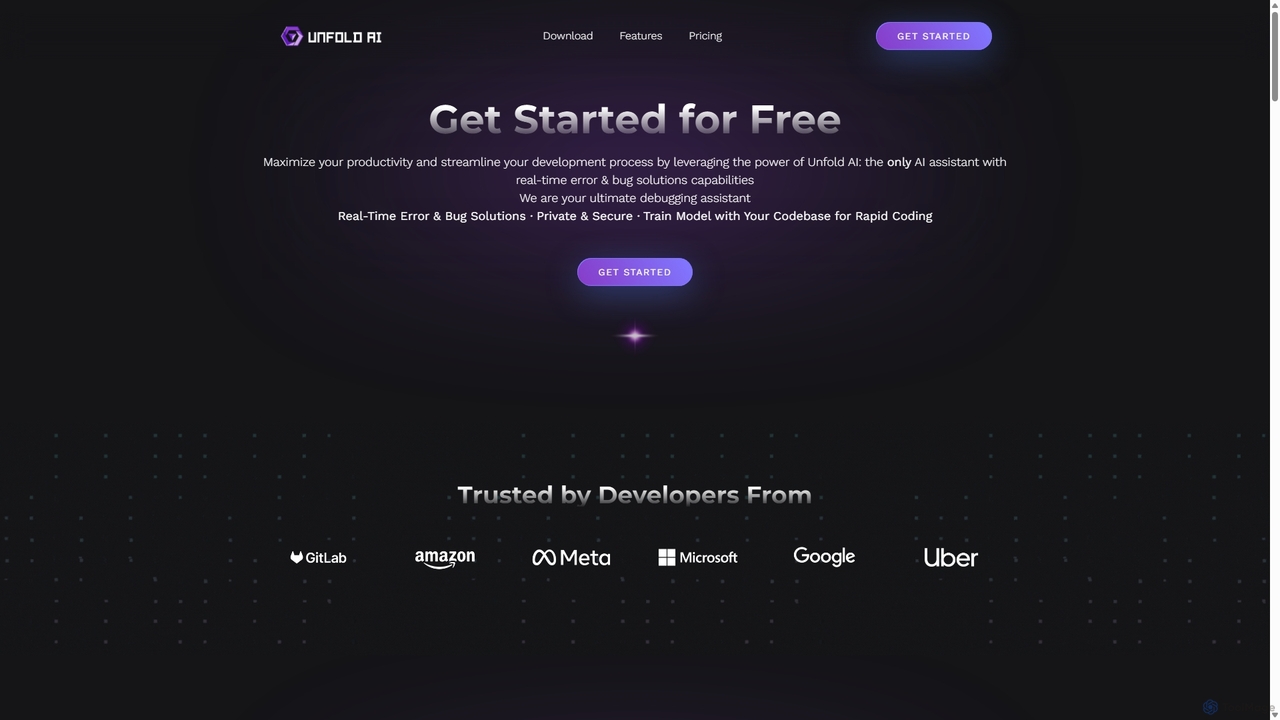
Unfold AI
Unfold AI is an all-in-one AI coding assistant designed for developers. It integrates into your IDE to provide real-time error and bug solutions, generate code from natural language, and complete code snippets. A key feature is its ability to be trained on your private codebase for highly customized and accurate assistance across 20+ programming languages.
Code Assistant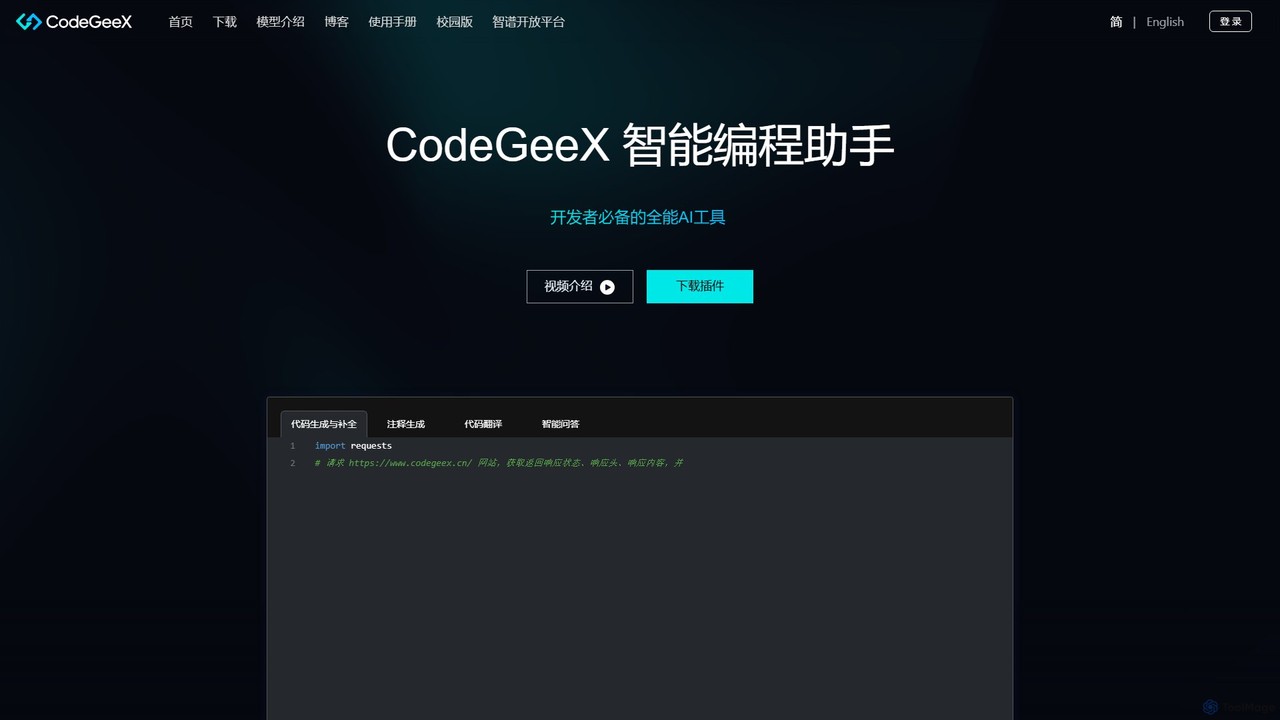
CodeGeeX
CodeGeeX is a powerful, free AI-powered coding assistant designed to boost developer productivity. It offers intelligent code generation and completion, code translation across multiple languages, automatic comment generation, and an interactive Q&A feature, all seamlessly integrated into your favorite IDE.
Code Generation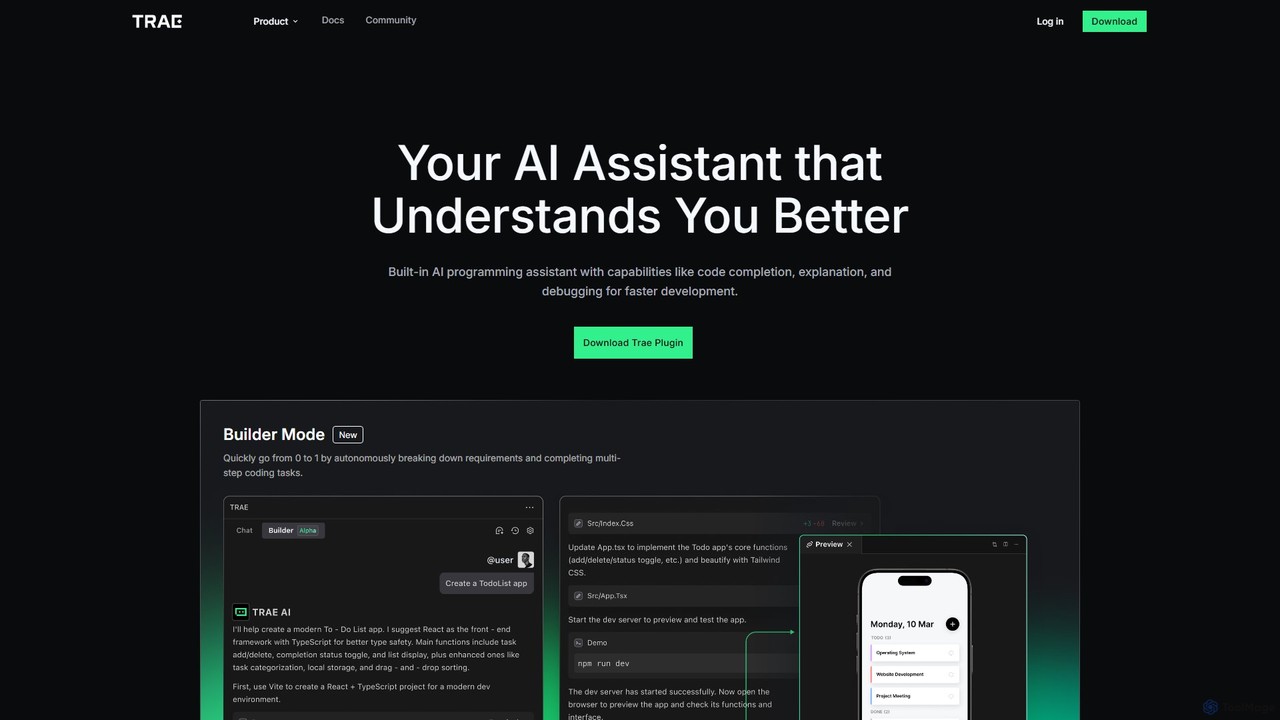
MarsCode Trae
MarsCode Trae is an intelligent AI coding assistant plugin for VSCode and JetBrains IDEs. It enhances developer productivity with features like autonomous task completion, advanced code completion, one-click debugging, unit test generation, and in-depth code explanation, supporting over 100 programming languages.
Code Generation
Aider
Aider is an AI-powered pair programmer that operates directly in your terminal. It intelligently maps your entire codebase, providing full project context for complex tasks. Seamlessly integrated with Git, it automates commits and allows you to manage AI-driven changes with familiar tools. Aider supports over 100 programming languages, connects to leading cloud and local LLMs, and even accepts voice and image inputs, making it a versatile and powerful assistant for any developer seeking to accelerate their workflow and improve code quality.
Programming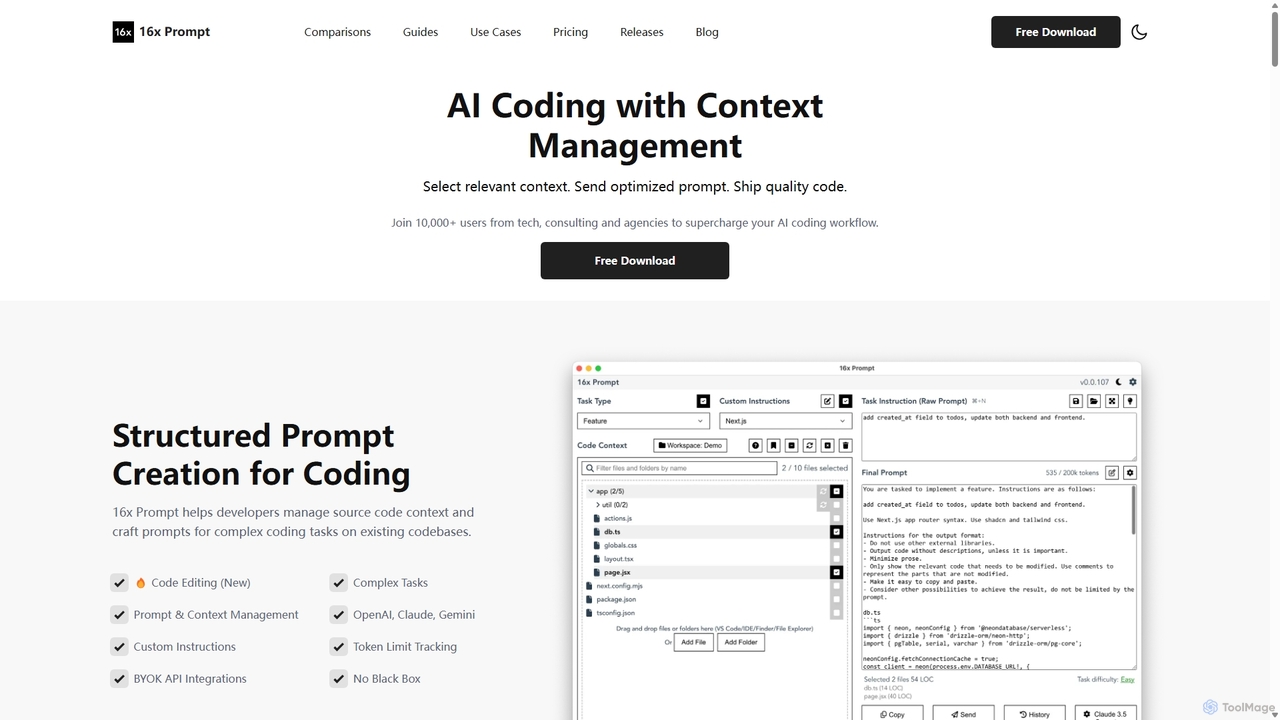
16x Prompt
16x Prompt is a desktop application for developers that enhances AI-assisted coding by enabling advanced context management. It helps you compose complex, context-rich prompts from task instructions and multiple source code files to get superior code generation from any LLM, all while running locally to ensure data privacy and IP protection.
Code Generation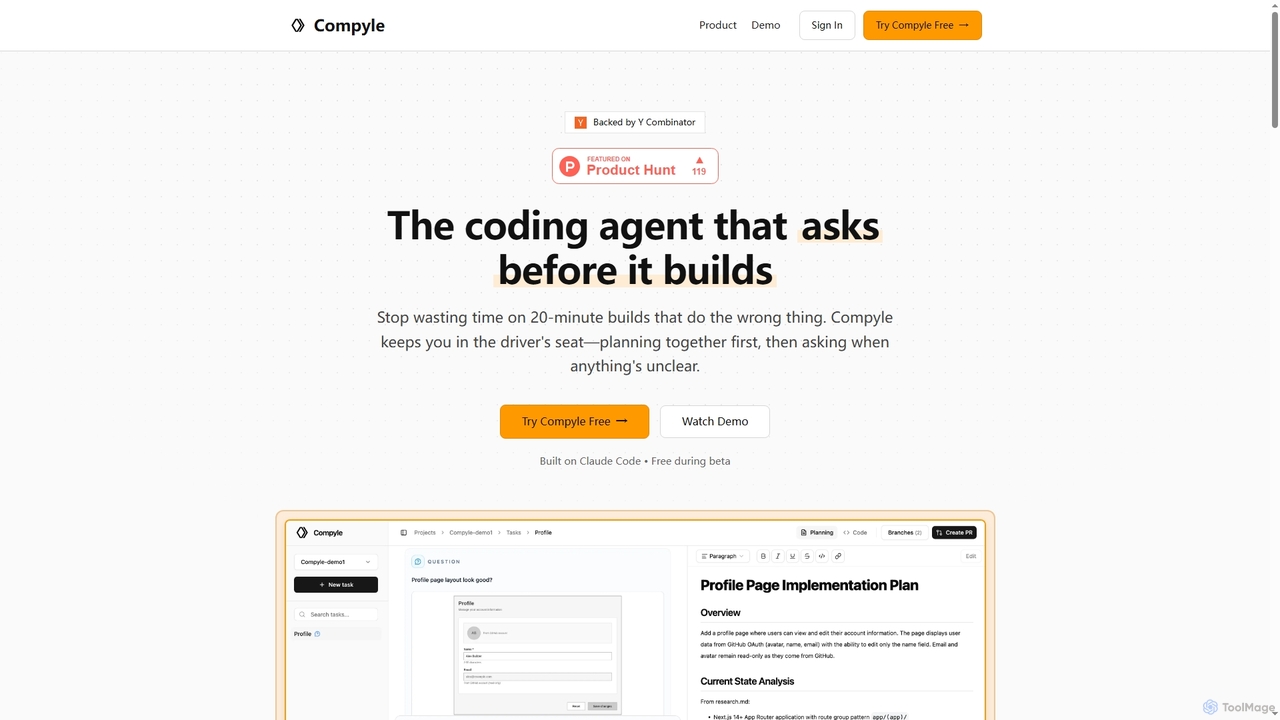
Compyle
Compyle is an interactive AI coding agent that builds software by collaborating with developers. It researches your existing codebase, creates a detailed plan by asking clarifying questions, and implements features without making assumptions, ensuring the final code perfectly matches your intent.
Code Assistant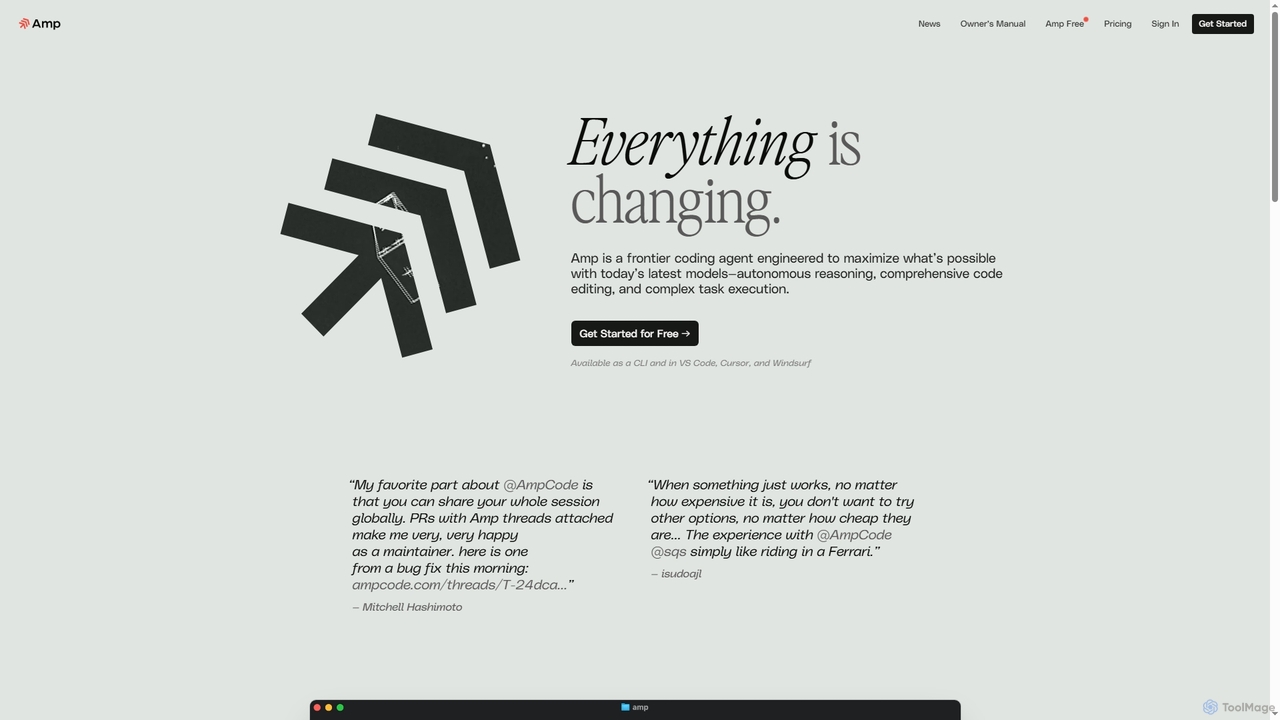
Amp
Amp is a frontier AI coding agent designed for developers. It operates as a CLI and within IDEs like VS Code, automating complex tasks such as code editing, debugging, and refactoring. Amp leverages the latest AI models to provide autonomous reasoning and execution, enhancing developer productivity through features like subagents, an Oracle for complex analysis, and deep IDE integration.
Code Assistant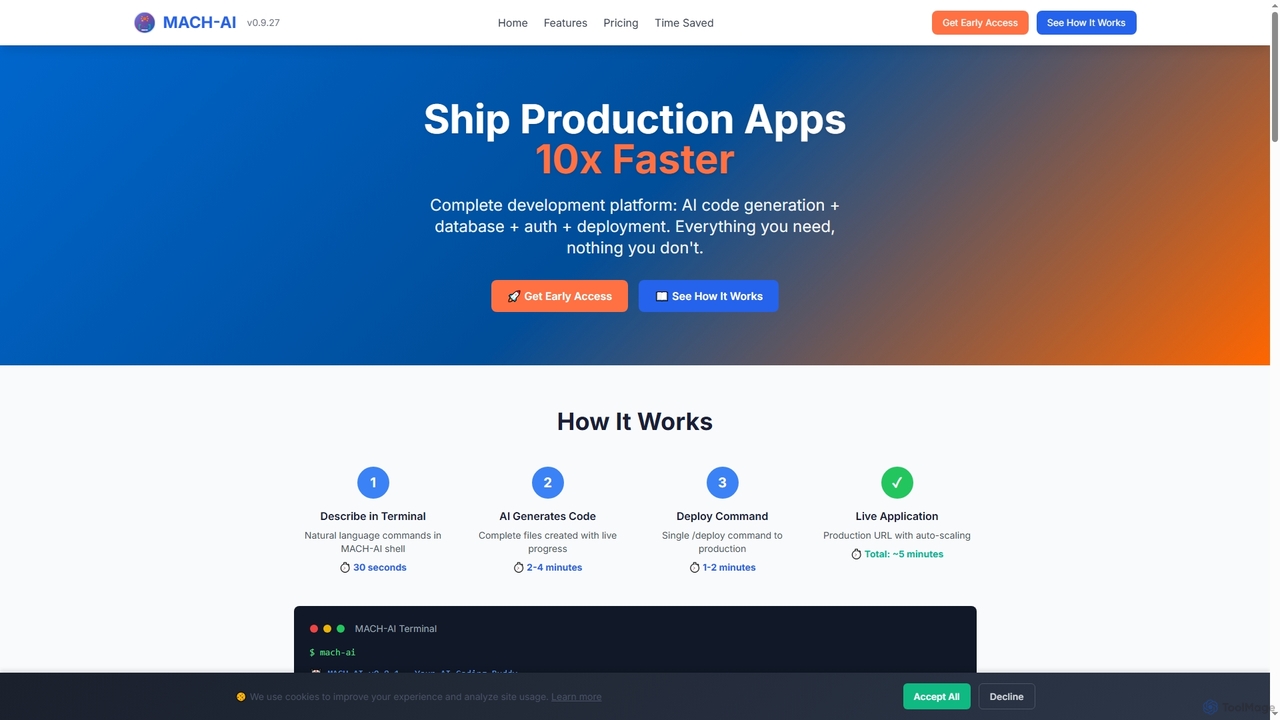
MACH-AI
MACH-AI is an AI coding assistant and complete development platform that transforms concepts into production-ready cloud applications in minutes. It integrates AI code generation, built-in database, authentication, and one-command deployment, enabling developers to build and launch scalable web applications 10x faster across Python, JavaScript, and TypeScript.
Application Deployment
CodeWiz Comments (0)
Sign in to comment.
Sign inNo comments yet.