

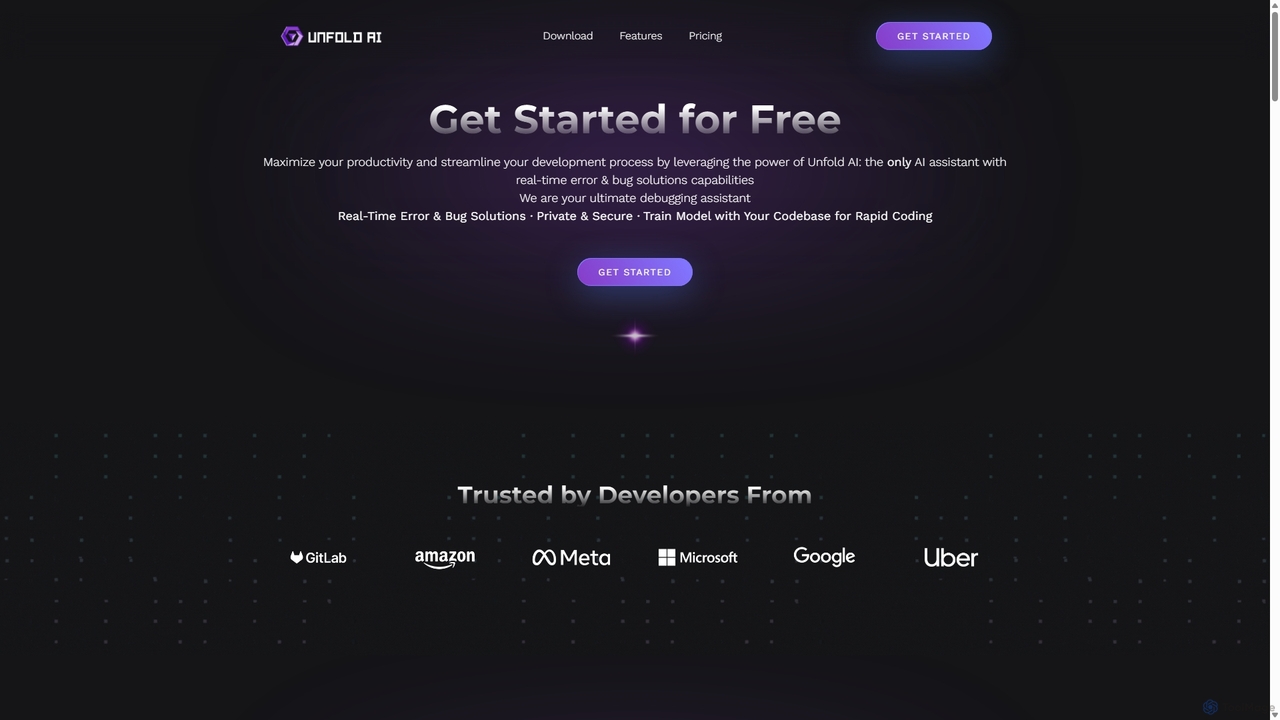
Unfold AI Overview
Unfold AI is a sophisticated, all-in-one AI coding assistant engineered to dramatically enhance developer productivity and streamline the entire development lifecycle. Positioned as a powerful debugging partner, it integrates seamlessly into popular Integrated Development Environments (IDEs) like VS Code. Its core mission is to shift the focus of AI in coding from simple generation to intelligent problem-solving, specializing in real-time error detection and bug resolution. By analyzing code as it's written, Unfold AI instantly identifies issues, from simple syntax errors to complex runtime problems, and provides accurate, actionable solutions, claiming a 99% success rate.
Beyond debugging, Unfold AI is a versatile assistant capable of generating code from natural language prompts, completing code blocks, and understanding the unique context of a project. The Pro version offers a standout feature: the ability to train the AI model on a user's entire private codebase. This creates a hyper-personalized assistant that understands specific architectures, coding styles, and proprietary libraries, delivering solutions that are not just correct but also consistent with the existing project structure. This makes it an invaluable tool for both individual developers and large teams seeking to maintain code quality and accelerate development timelines.
How to use Unfold AI
Getting started with Unfold AI is designed to be simple and intuitive, integrating directly into a developer's existing workflow. Here's a typical usage process:
- Installation: Begin by installing the Unfold AI extension directly from your IDE's marketplace (currently available for VS Code, with support for others like PyCharm, IntelliJ, and Visual Studio coming soon).
- Configuration: For the Free Version, you may need to connect your own OpenAI API key. The Pro Version works out-of-the-box with no external API registration required.
- Automatic Error Detection: Once installed, Unfold AI acts as a terminal monitor. When you run your code and an error occurs, the tool automatically detects it. A button or notification, such as 'Unfold Error Solution', will appear.
- Get Solutions: Click the button, and the extension will analyze the error context, process it with its AI model, and present a detailed explanation and a corrected code snippet directly in the UI Terminal.
- Manual Error Submission: For errors that are not automatically detected or are from external sources, you can manually copy and paste the error message or code block into the Unfold AI interface to receive a solution.
- Code Generation & Completion: Use natural language prompts within your editor to ask Unfold AI to generate functions, classes, or entire scripts. It can also intelligently complete your code as you type, saving significant time.
- Codebase Training (Pro): For Pro users, grant Unfold AI access to your project's codebase. The AI will then analyze your code to provide highly contextual and customized assistance for all subsequent queries and error fixes.
Core Features of Unfold AI
- Real-Time Error & Bug Solutions: Instantly detects and provides fixes for coding errors as they appear in the terminal, minimizing debugging time.
- Code-Specific Trained AI Model: The Pro version can be trained on your entire private codebase, enabling it to provide highly accurate, context-aware, and customized coding assistance.
- Code Generation and Completion: Quickly convert natural language descriptions into executable code and automatically complete code snippets to accelerate development.
- Multi-Language Support: Functions effectively across more than 20 different programming languages, including Python, JavaScript, HTML, Java, and more.
- Seamless IDE Integration: Works as an extension within your favorite IDE, starting with VS Code and expanding to other major platforms.
- Privacy and Security: Ensures your codebase remains private and secure, especially when using the personalized training feature.
- Automatic and Manual Modes: Offers both automated error detection for terminal outputs and a manual submission option for flexible problem-solving.
Use Cases for Unfold AI
Unfold AI is beneficial for a wide range of development scenarios:
- Rapid Prototyping: Developers can use the natural language-to-code feature to quickly scaffold new applications and features.
- Debugging Complex Systems: When working on large or legacy codebases, Unfold AI can quickly identify the root cause of obscure bugs that would otherwise take hours to trace.
- Onboarding New Developers: Junior developers can learn best practices and understand a new codebase faster by receiving instant, context-aware feedback and solutions.
- Learning a New Language: Programmers can get immediate corrections and explanations when experimenting with a new programming language, accelerating their learning curve.
- Maintaining Code Consistency: By training the AI on a team's codebase, it helps enforce consistent coding styles and patterns across all contributions.
Advantages of Unfold AI
Unfold AI distinguishes itself from other AI coding tools with several key advantages:
- Focus on Debugging: While many tools focus on code generation, Unfold AI specializes in solving the most time-consuming part of development: debugging.
- Hyper-Personalization: The ability to train the model on a specific codebase provides a level of customization and accuracy that generic models cannot match.
- Enhanced Productivity: By automating error detection and providing instant solutions, it claims to boost developer productivity by up to 10x.
- High Accuracy: The model is fine-tuned for coding solutions, boasting a 99% success rate in its responses.
- User-Friendly Workflow: Its deep integration into the IDE means developers don't have to switch contexts to get help, keeping them in the flow.
Pricing and Plans
Unfold AI offers a flexible pricing structure to suit different user needs:
- Free Version: Ideal for individuals or those wanting to try the basic features. It includes automatic error detection and manual solutions but requires users to provide their own OpenAI API key.
- Pro Version: Priced at $12.00 per month (discounted from $15.00). This plan offers unlimited use, the powerful codebase training feature, no need for an external OpenAI account, advanced features, and custom themes. It is designed for professional developers and teams.
- Credits Pack: A forthcoming pay-as-you-go option for users with occasional needs. It will provide a set number of tokens without the advanced features of the Pro plan.
Traffic
Latest traffic
Status
Monthly traffic trend
- 2025-9: 2.0K
- 2026-1: 3.0K
- 2026-2: 2.7K
- 2026-3: 2.3K
- 2026-4: 15.5K
- 2026-5: 5.0K
Geography
Top 5 countries / regions
- 🇮🇳India79.2%
- 🇺🇸United States20.9%
Top keywords
| Keyword | Cost per click |
|---|---|
| singlefold ai | $0.00 |
| ufound ai | $0.00 |
| unfold | $0.57 |
| unfoldai ai | $0.00 |
| unfoldingai | $0.00 |
Unfold AI Alternatives

Aider
Aider is an AI-powered pair programmer that operates directly in your terminal. It intelligently maps your entire codebase, providing full project context for complex tasks. Seamlessly integrated with Git, it automates commits and allows you to manage AI-driven changes with familiar tools. Aider supports over 100 programming languages, connects to leading cloud and local LLMs, and even accepts voice and image inputs, making it a versatile and powerful assistant for any developer seeking to accelerate their workflow and improve code quality.
Programming
Codeium
Codeium is an AI-powered code acceleration toolkit that provides free, ultra-fast code completion, in-editor chat, and other intelligent features. It supports over 70 programming languages and integrates seamlessly with more than 40 popular IDEs to help developers code faster and more efficiently.
Code Assistant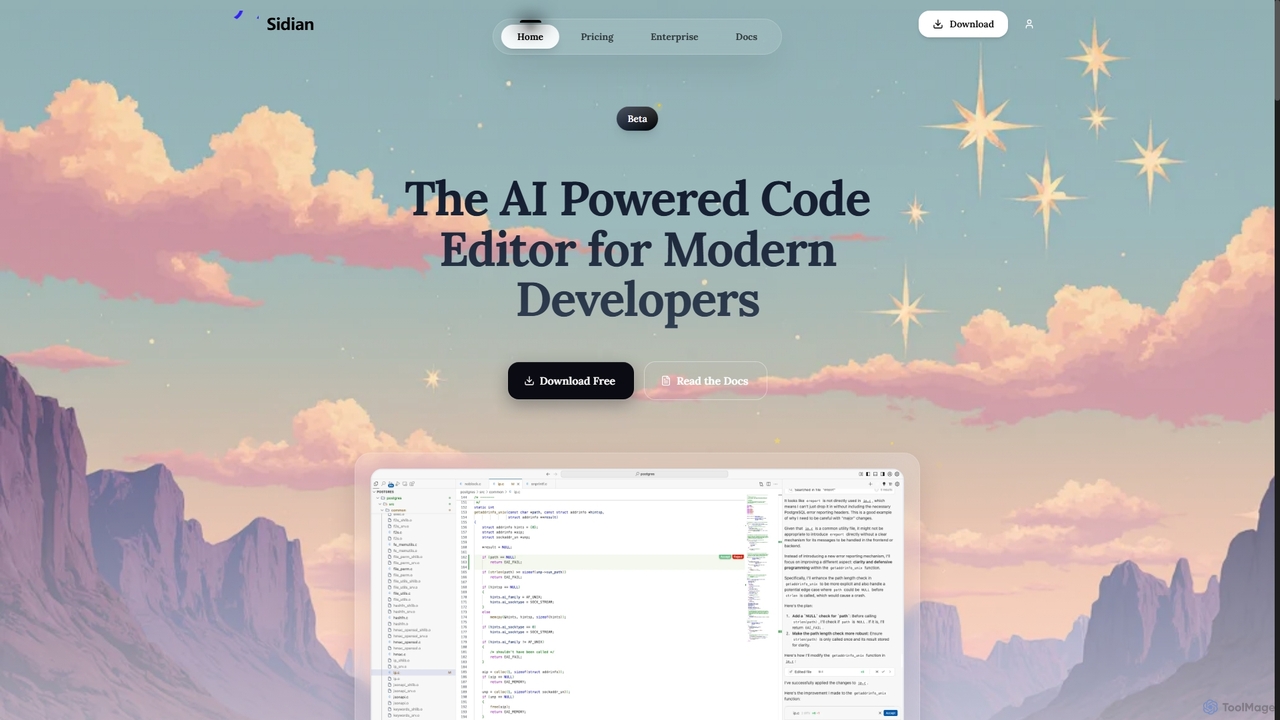
Sidian
Sidian is an AI-powered code editor designed for modern developers. It features a sophisticated context engine that rapidly understands complex codebases, integrates with major AI providers like OpenAI and Google, and supports local models for enhanced privacy and flexibility.
Code Generation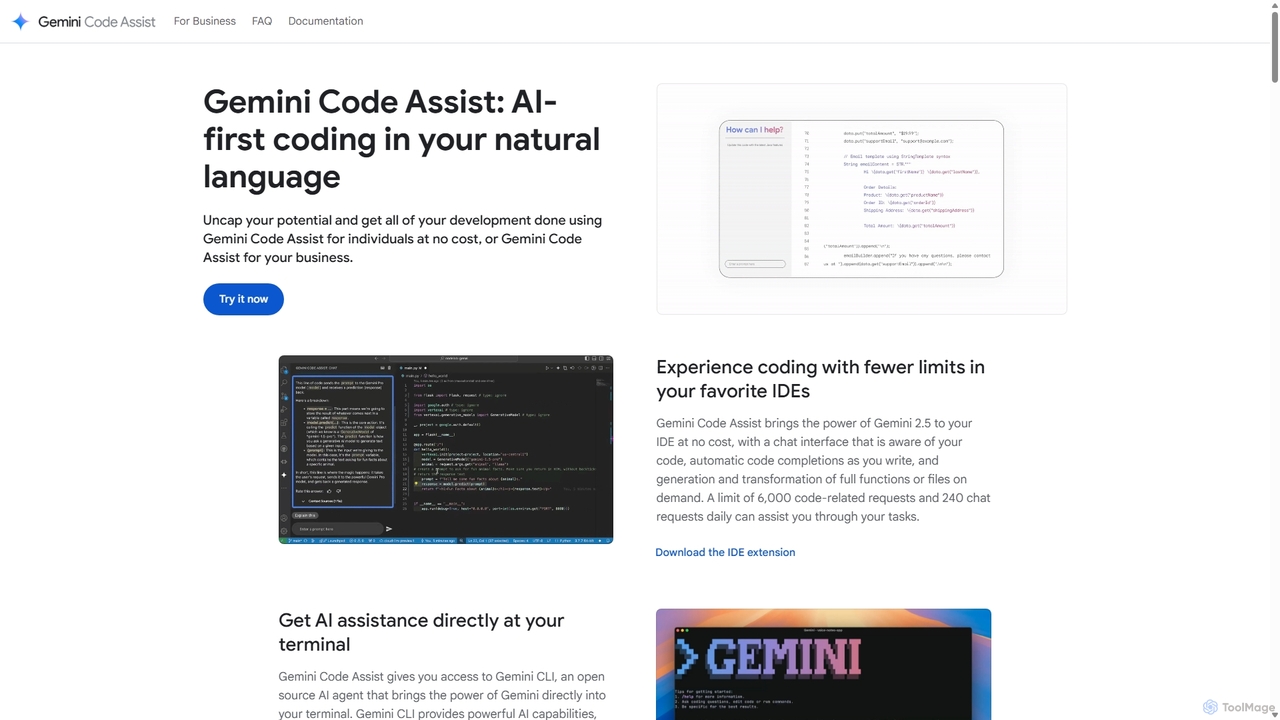
Gemini Code Assist
Gemini Code Assist is an AI-powered coding assistant from Google, powered by the Gemini 2.5 model. It integrates into your favorite IDEs, terminal, and development platforms to accelerate the entire software development lifecycle with features like code completion, generation, natural language chat, and automated code reviews.
Code Assistant
CodeWiz
CodeWiz is an AI-powered coding assistant designed to accelerate software development. It integrates into your IDE to provide intelligent code completion, real-time debugging, code explanation, and automated test generation, helping developers write better code faster and with fewer errors.
Code AssistantUnfold AI Categories
Unfold AI Jobs
Unfold AI Embed Widget
Copy this embed code to place the badge on your blog, article, or product site and send readers directly to this ToolMage detail page.

Related AI tools
Sidian
Sidian is an AI-powered code editor designed for modern developers. It features a sophisticated context engine that rapidly understands complex codebases, integrates with major AI providers like OpenAI and Google, and supports local models for enhanced privacy and flexibility.
Code Generation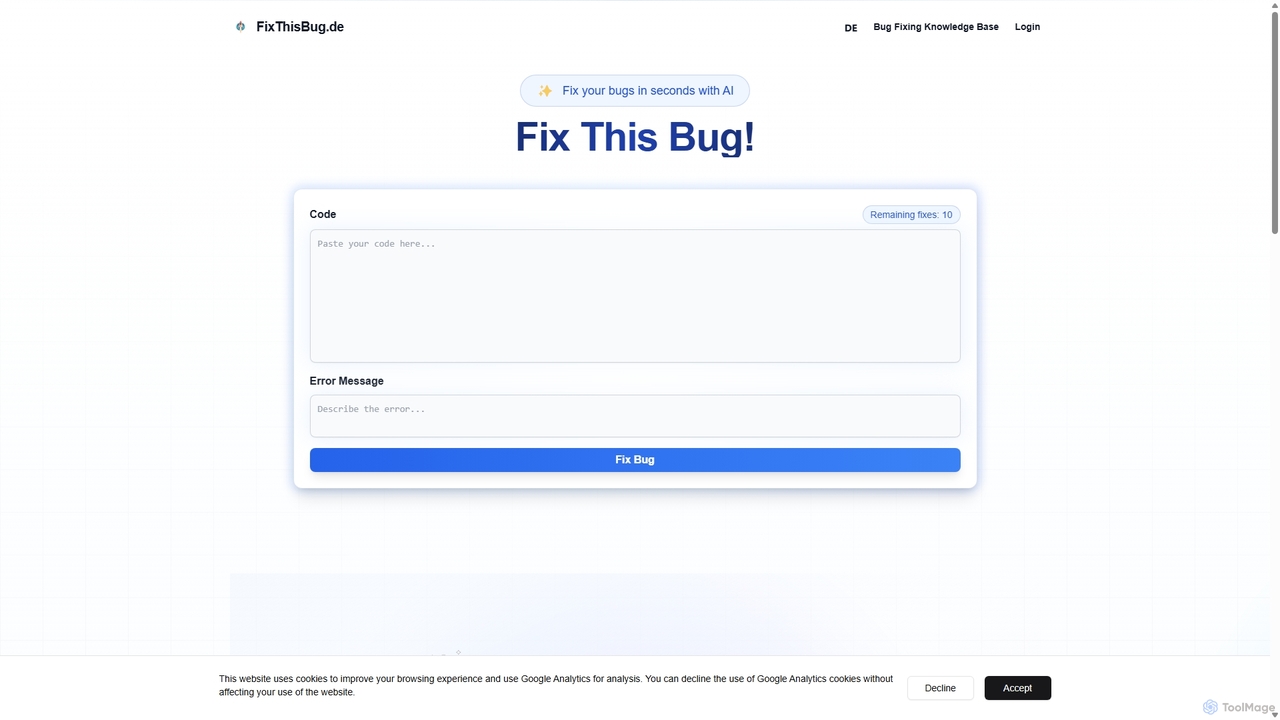
FixThisBug
FixThisBug is an AI-powered debugging assistant for developers. It instantly analyzes your code and error messages to provide accurate fixes and detailed explanations. Supporting all major programming languages, it prioritizes privacy with self-hosted models on German servers, ensuring 100% GDPR compliance. Fix bugs faster and learn as you code.
Code CorrectionCodeium
Codeium is an AI-powered code acceleration toolkit that provides free, ultra-fast code completion, in-editor chat, and other intelligent features. It supports over 70 programming languages and integrates seamlessly with more than 40 popular IDEs to help developers code faster and more efficiently.
Code AssistantAider
Aider is an AI-powered pair programmer that operates directly in your terminal. It intelligently maps your entire codebase, providing full project context for complex tasks. Seamlessly integrated with Git, it automates commits and allows you to manage AI-driven changes with familiar tools. Aider supports over 100 programming languages, connects to leading cloud and local LLMs, and even accepts voice and image inputs, making it a versatile and powerful assistant for any developer seeking to accelerate their workflow and improve code quality.
ProgrammingGemini Code Assist
Gemini Code Assist is an AI-powered coding assistant from Google, powered by the Gemini 2.5 model. It integrates into your favorite IDEs, terminal, and development platforms to accelerate the entire software development lifecycle with features like code completion, generation, natural language chat, and automated code reviews.
Code AssistantCodeWiz
CodeWiz is an AI-powered coding assistant designed to accelerate software development. It integrates into your IDE to provide intelligent code completion, real-time debugging, code explanation, and automated test generation, helping developers write better code faster and with fewer errors.
Code Assistant
Devgen
Devgen is an AI-powered coding assistant designed to accelerate the software development lifecycle. It helps developers write better code faster by providing intelligent code generation, completion, refactoring, and automated testing, directly within their IDE.
Code Assistant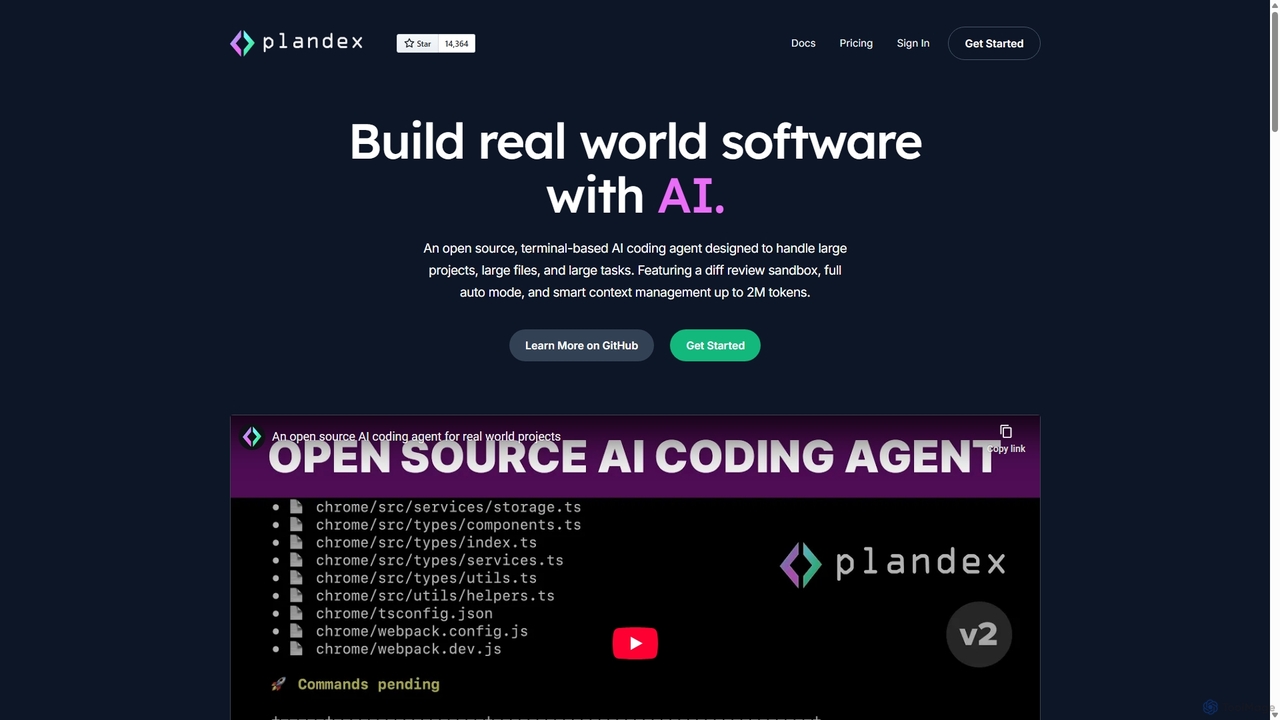
Plandex
Plandex is an open-source, terminal-based AI coding agent designed for complex, large-scale software development tasks. It excels at handling large projects and files with its 2M token context window. Featuring a diff review sandbox, configurable autonomy, and multi-model support, Plandex empowers developers to build, debug, and refactor entire applications with AI assistance, ensuring control and productivity in a dev-friendly workflow.
Code Generation
Buildt
Buildt is an AI-powered code search and understanding tool for developers. It integrates directly into your IDE, allowing you to search your entire codebase using natural language, understand complex code snippets, and generate or modify code on the fly, acting as an intelligent assistant.
Code Generation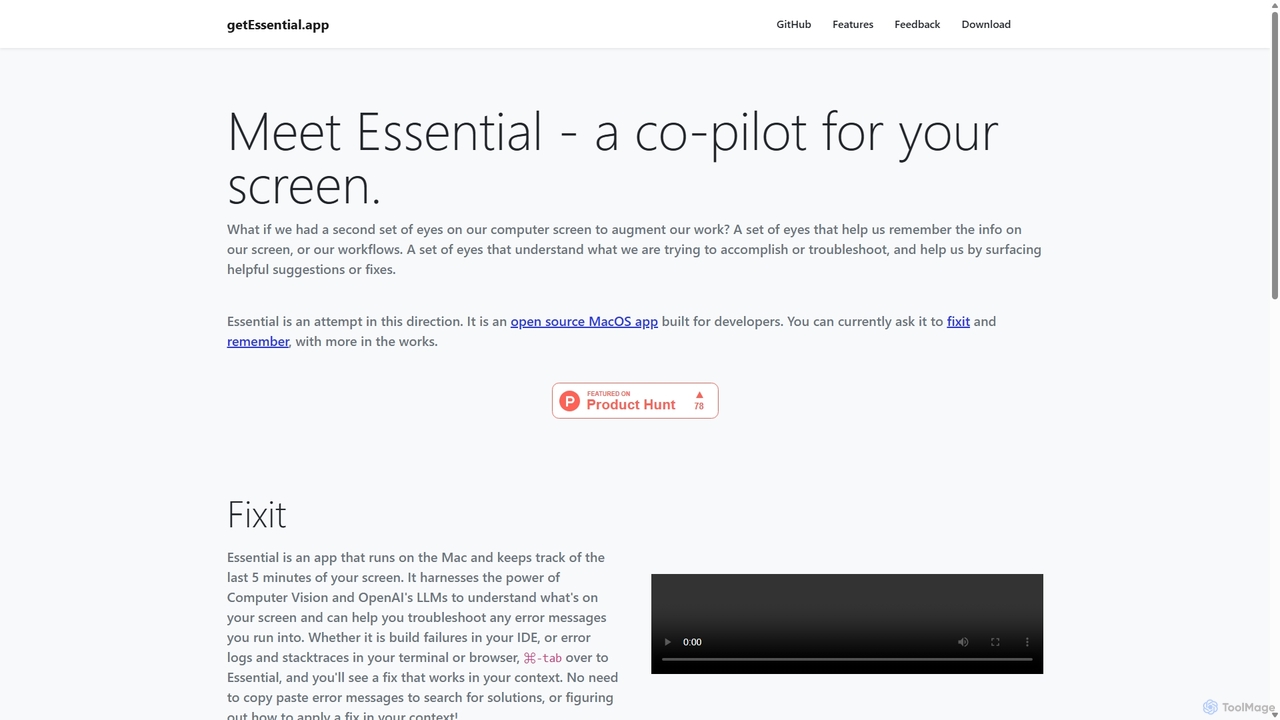
GetEssential
getEssential is an AI-powered Mac application that continuously records your screen to instantly troubleshoot errors. It uses Computer Vision and LLMs to analyze build failures, error logs, and stack traces, providing contextual fixes without manual searching. A productivity booster for developers and IT professionals.
Code Assistant
Amp
Amp is a frontier AI coding agent designed for developers. It operates as a CLI and within IDEs like VS Code, automating complex tasks such as code editing, debugging, and refactoring. Amp leverages the latest AI models to provide autonomous reasoning and execution, enhancing developer productivity through features like subagents, an Oracle for complex analysis, and deep IDE integration.
Code Assistant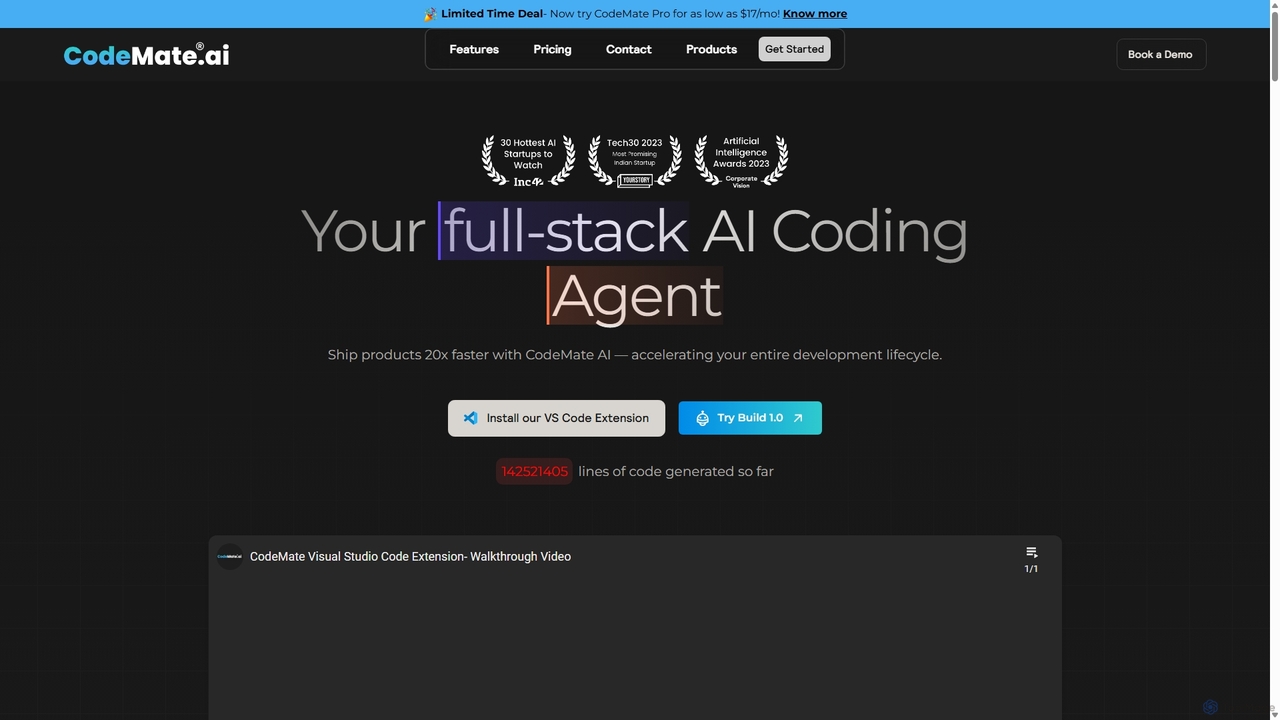
CodeMate
CodeMate is a secure, personalized AI pair programmer designed to enhance developer productivity. It assists with debugging, reviewing, and optimizing code, offering context-aware chat and seamless integration with IDEs like VS Code to help developers build software up to 20x faster.
Code Assistant
Codebay
Codebay is an AI-powered development platform designed to accelerate the entire software lifecycle. It acts as an intelligent co-pilot for developers, offering advanced features for code generation, automated review, intelligent debugging, and seamless integration with existing workflows to enhance productivity and code quality.
Code Generation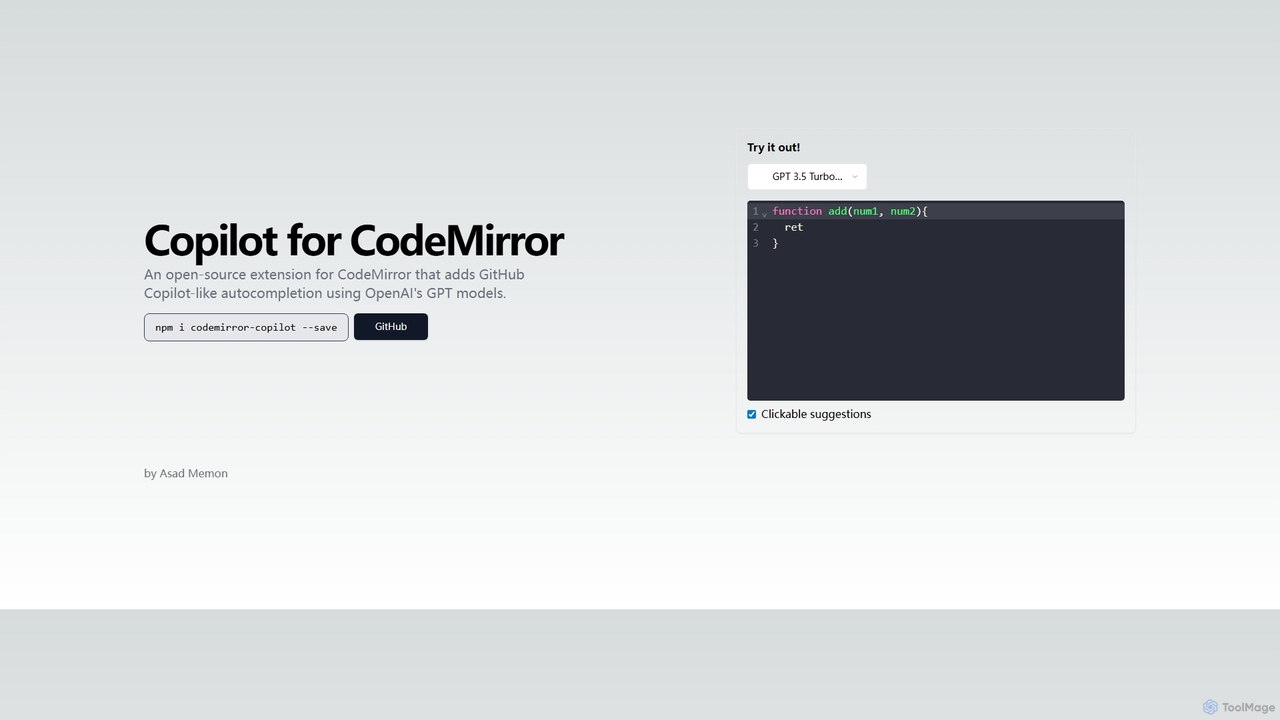
Copilot for CodeMirror
An open-source extension that integrates GitHub Copilot-like AI-powered autocompletion into the CodeMirror editor. Powered by OpenAI's GPT models, it provides intelligent, context-aware code suggestions to accelerate web development and enhance productivity within any application using CodeMirror.
Code Assistant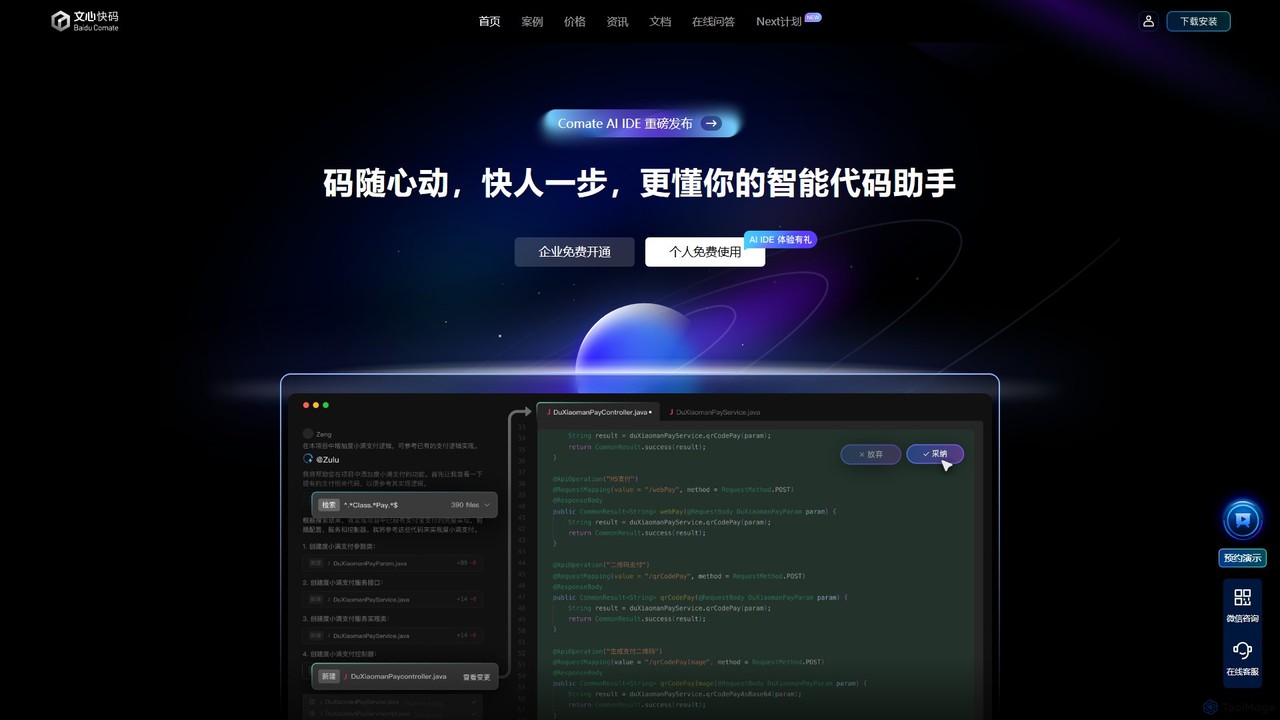
Baidu Comate
Baidu Comate is an intelligent AI code assistant powered by Baidu's Wenxin large language model. It integrates seamlessly into IDEs like VS Code and JetBrains to provide real-time code completion, code generation from natural language, bug fixing, and unit test creation, significantly boosting developer productivity.
Code Generation
Unfold AI Comments (0)
Sign in to comment.
Sign inNo comments yet.