

GetEssential Overview
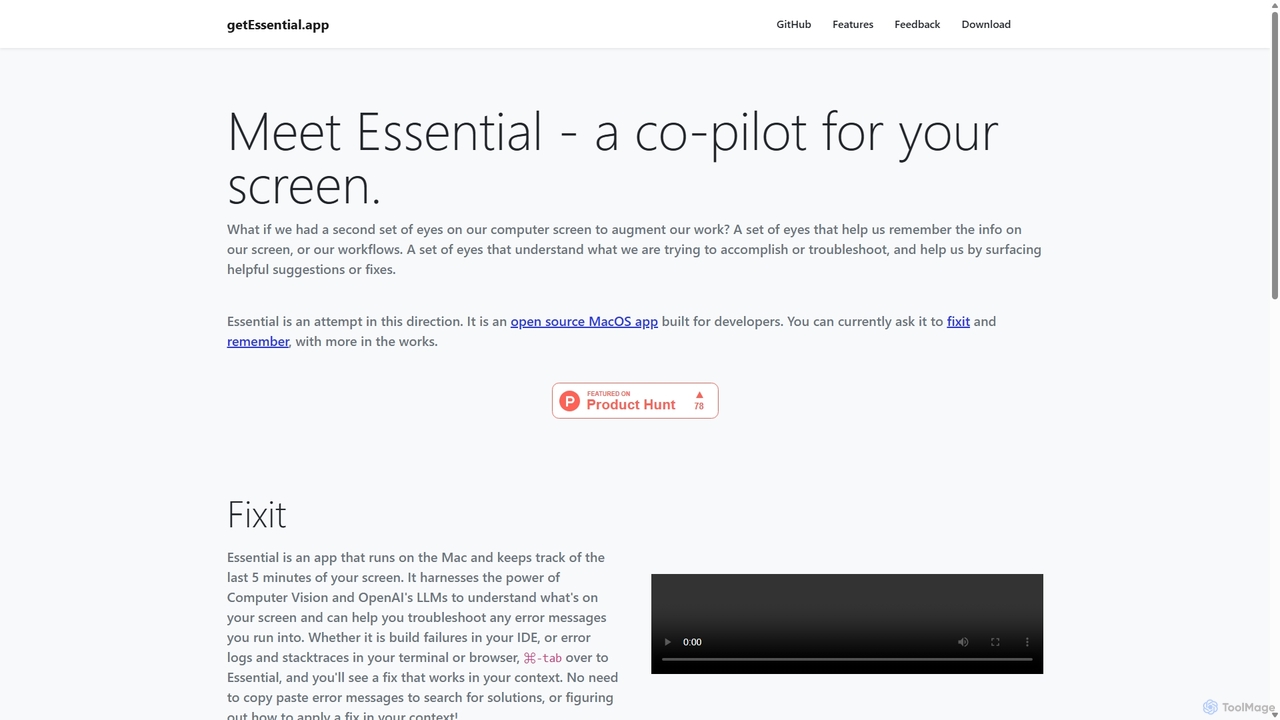
getEssential is a revolutionary AI-powered assistant designed specifically for the Mac ecosystem, aimed at supercharging the productivity of developers, DevOps engineers, and IT professionals. The core concept of the application is to eliminate the tedious and time-consuming process of manually troubleshooting errors. It operates by intelligently keeping track of the last five minutes of your screen activity. When you encounter a perplexing error message, a build failure in your IDE, or a complex stack trace in your terminal, getEssential is ready to assist.
By leveraging a powerful combination of advanced Computer Vision and OpenAI's Large Language Models (LLMs), getEssential can read, understand, and analyze the content directly from your screen. It comprehends the context of the error within your specific environment—be it a code editor, a browser console, or a command-line interface. This deep contextual understanding allows it to provide highly relevant, actionable solutions instantly, saving you from the disruptive cycle of copying, pasting, and searching for answers online.
How to use getEssential
Using getEssential is designed to be a seamless and intuitive part of your workflow. Here’s a typical step-by-step process:
- Installation and Setup: First, download and install the getEssential application on your macOS device. Once installed, launch the app and grant it the necessary permissions to record your screen. It will then run quietly in the background.
- Work as Usual: Continue with your development, testing, or system administration tasks. The app continuously and locally records the most recent screen activity without impacting system performance.
- Encounter an Error: When an error message, a failed build notification, or a stack trace appears on your screen, you don't need to do anything immediately.
- Summon the AI Assistant: Simply use a keyboard shortcut (like ⌘-tab) to switch over to the getEssential application.
- Get an Instant Fix: Upon switching, getEssential will automatically present an analysis of the error it has identified on your screen. It will provide a clear explanation of the problem and suggest one or more potential solutions tailored to your context.
- Apply the Solution: Review the AI-generated fix and apply it to your code or environment to resolve the issue and get back to your work.
Core Features of getEssential
- Continuous Screen Capture: Automatically maintains a rolling buffer of the last five minutes of your screen, ensuring the full context of any error is always captured.
- AI-Powered Contextual Analysis: Utilizes Computer Vision to read on-screen text and LLMs to understand the semantics of error messages, code, and logs in various applications.
- Instant Troubleshooting: Delivers immediate, actionable solutions and explanations for errors, eliminating the need for manual web searches.
- Seamless Workflow Integration: Functions as a background utility that can be accessed with a simple keyboard shortcut, minimizing disruption.
- Broad Application Support: Capable of analyzing errors from a wide range of sources, including IDEs (like VS Code, Xcode), terminals, browsers, and other applications.
- Privacy-First Design: Screen recording and analysis are handled locally to ensure your data and code remain secure and private.
Use Cases for getEssential
getEssential is a versatile tool for any technical professional working on a Mac. Key use cases include:
- Software Development: Instantly debugging compilation errors, runtime exceptions, and failed tests directly within the development environment.
- DevOps and System Administration: Quickly interpreting complex error logs, configuration issues, and stack traces from servers or local terminals.
- Web Development: Troubleshooting JavaScript errors in the browser console or build failures from tools like Webpack or Vite.
- Technical Support: Assisting support engineers in rapidly diagnosing and resolving user-reported software issues.
- Learning and Training: Helping junior developers or students understand common programming errors and learn best practices for fixing them.
Advantages of getEssential
The primary advantage of getEssential is a massive boost in productivity. It drastically reduces the time and cognitive load associated with debugging and troubleshooting. By automating the search for solutions, it allows users to stay focused and maintain their flow state. The context-aware nature of its suggestions leads to more accurate and effective fixes compared to generic solutions found on forums. This streamlined process not only accelerates development cycles but also reduces frustration, making the overall work experience more efficient and enjoyable.
Pricing and Plans
Currently, specific pricing and plan information for getEssential is not publicly listed on the website. It is recommended to visit the official getEssential website or contact their team directly for the most up-to-date details on pricing, trials, and availability.
GetEssential Alternatives
Zencoder
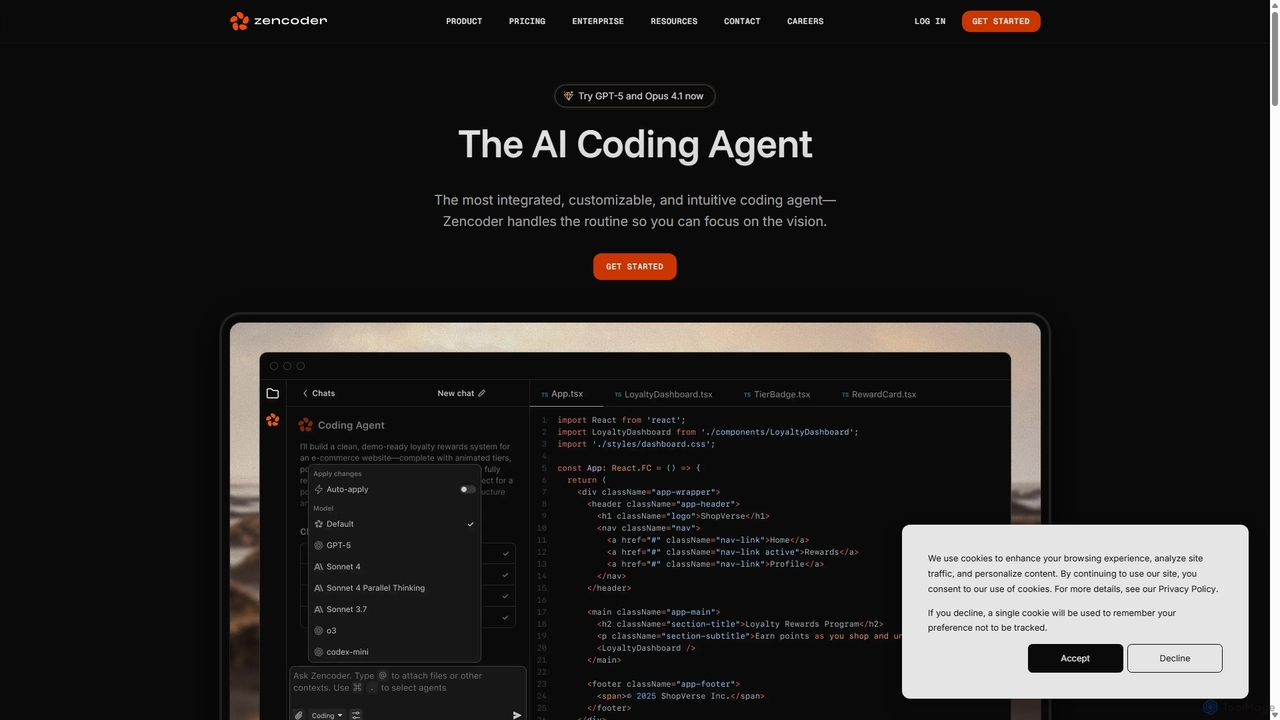
Zencoder is an advanced AI coding agent designed to automate routine development tasks. It deeply integrates into your workflow, understanding your entire codebase to implement features, write tests, fix bugs, and refactor code autonomously. With customizable 'Zen Agents' and seamless integration with VS Code, JetBrains, and over 100 developer tools, Zencoder empowers engineering teams to focus on innovation and ship products faster.
Code Assistant
Rebolt
Rebolt is an AI-powered platform designed to automate the entire software development lifecycle. It helps developer and DevOps teams build, test, and deploy applications faster and more reliably by leveraging AI for CI/CD pipeline optimization, code generation, and intelligent monitoring.
Code Assistant
Neurolint
Neurolint is a free CLI tool that automatically detects and fixes bugs in React & Next.js codebases. It uses a deterministic, rule-based 7-layer architecture, not AI, to provide precise fixes for issues like hydration errors, accessibility problems, and performance bottlenecks, ensuring your code remains valid and production-ready.
Code Assistant
Aider
Aider is an AI-powered pair programmer that operates directly in your terminal. It intelligently maps your entire codebase, providing full project context for complex tasks. Seamlessly integrated with Git, it automates commits and allows you to manage AI-driven changes with familiar tools. Aider supports over 100 programming languages, connects to leading cloud and local LLMs, and even accepts voice and image inputs, making it a versatile and powerful assistant for any developer seeking to accelerate their workflow and improve code quality.
Programming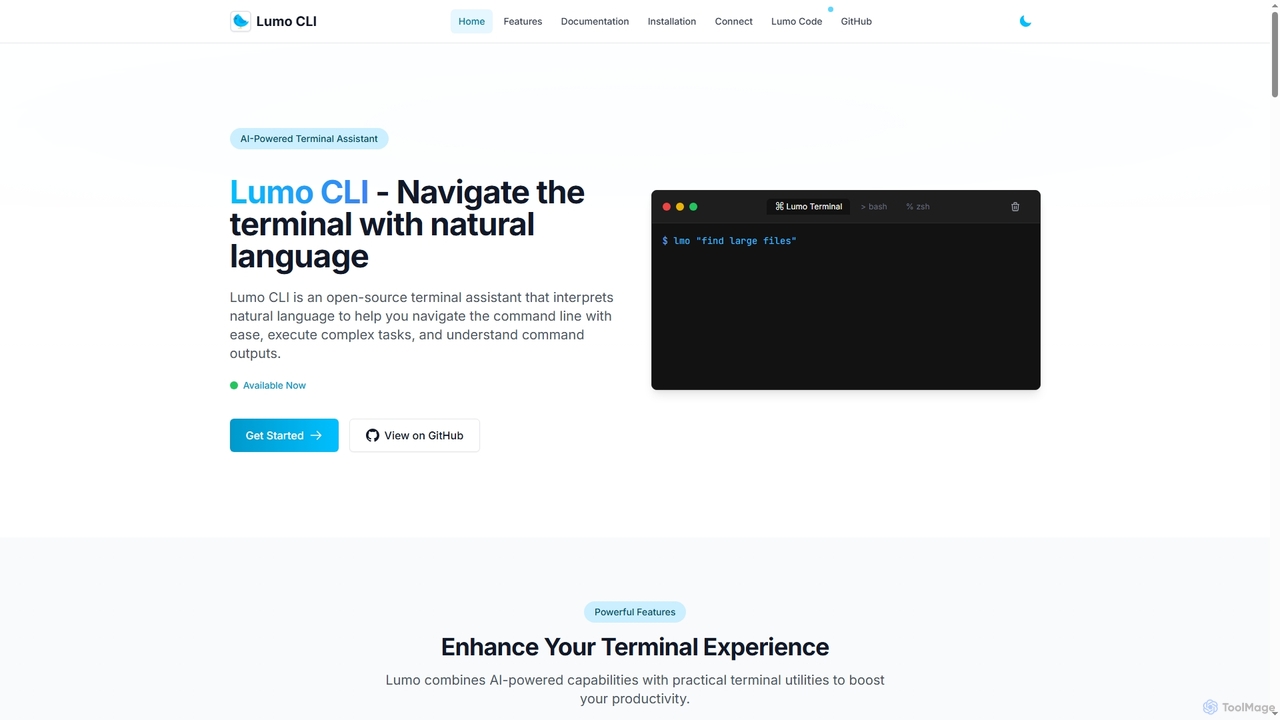
Lumo
Lumo is an open-source, AI-powered terminal assistant that allows users to interact with the command line using natural language. It translates plain English into executable commands, automates complex tasks, monitors system health, and supports multiple AI models including Gemini, OpenAI, and Ollama for local inference.
Code AssistantGetEssential Categories
GetEssential Jobs
GetEssential Embed Widget
Copy this embed code to place the badge on your blog, article, or product site and send readers directly to this ToolMage detail page.

Related AI tools
Visual Studio Marketplace
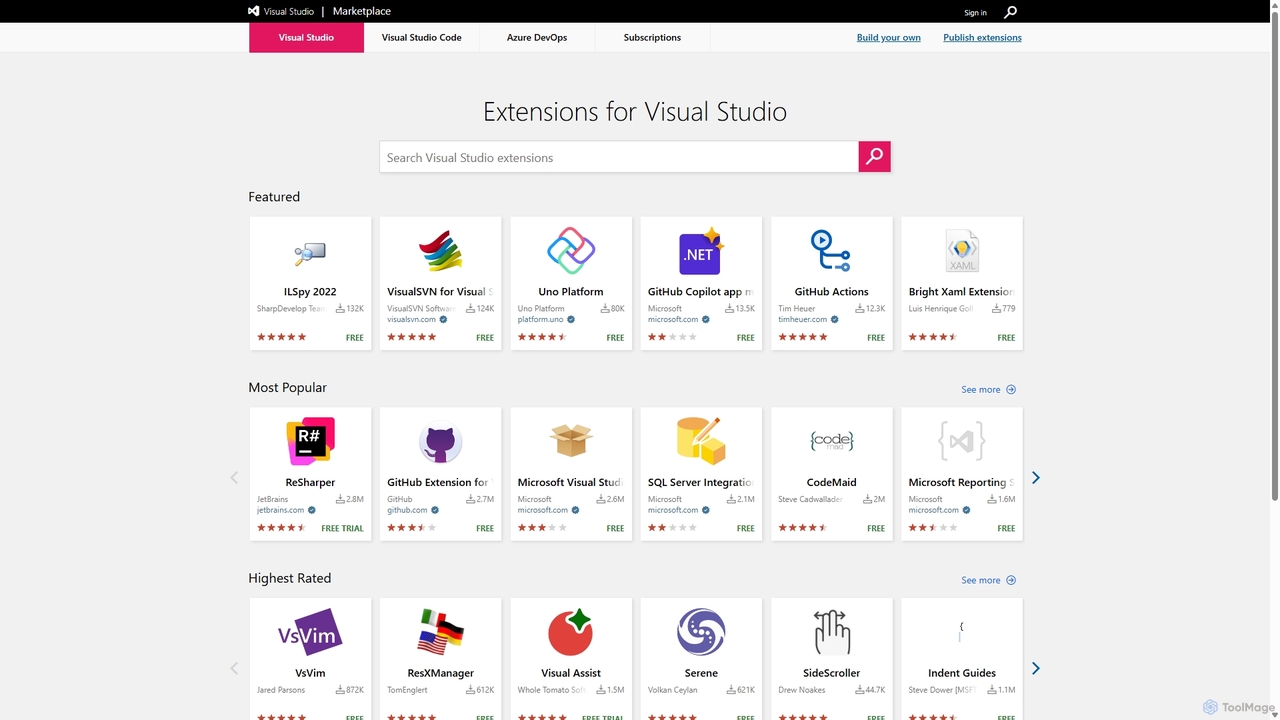
The official marketplace for discovering and installing thousands of extensions for the Visual Studio family of products, including Visual Studio, VS Code, and Azure DevOps. Enhance productivity, add new features, and customize your development environment with tools from Microsoft and the community.
Machine LearningAider
Aider is an AI-powered pair programmer that operates directly in your terminal. It intelligently maps your entire codebase, providing full project context for complex tasks. Seamlessly integrated with Git, it automates commits and allows you to manage AI-driven changes with familiar tools. Aider supports over 100 programming languages, connects to leading cloud and local LLMs, and even accepts voice and image inputs, making it a versatile and powerful assistant for any developer seeking to accelerate their workflow and improve code quality.
Programming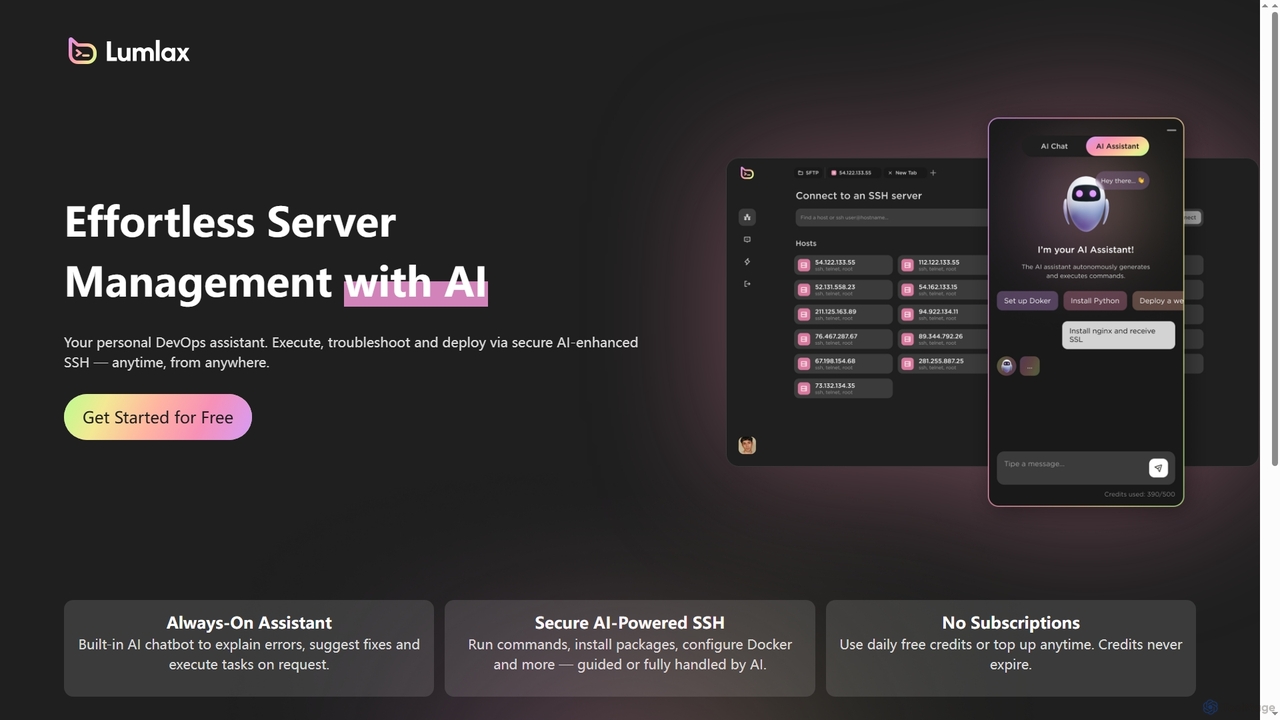
Lumlax
Lumlax is an AI-enhanced SSH application designed for effortless server management. It acts as a personal DevOps assistant, enabling developers to execute commands, troubleshoot issues, and deploy applications securely from anywhere. With its built-in AI chatbot, Lumlax explains errors, suggests fixes, and automates tasks, streamlining operations and boosting productivity.
DevopsLumo
Lumo is an open-source, AI-powered terminal assistant that allows users to interact with the command line using natural language. It translates plain English into executable commands, automates complex tasks, monitors system health, and supports multiple AI models including Gemini, OpenAI, and Ollama for local inference.
Code Assistant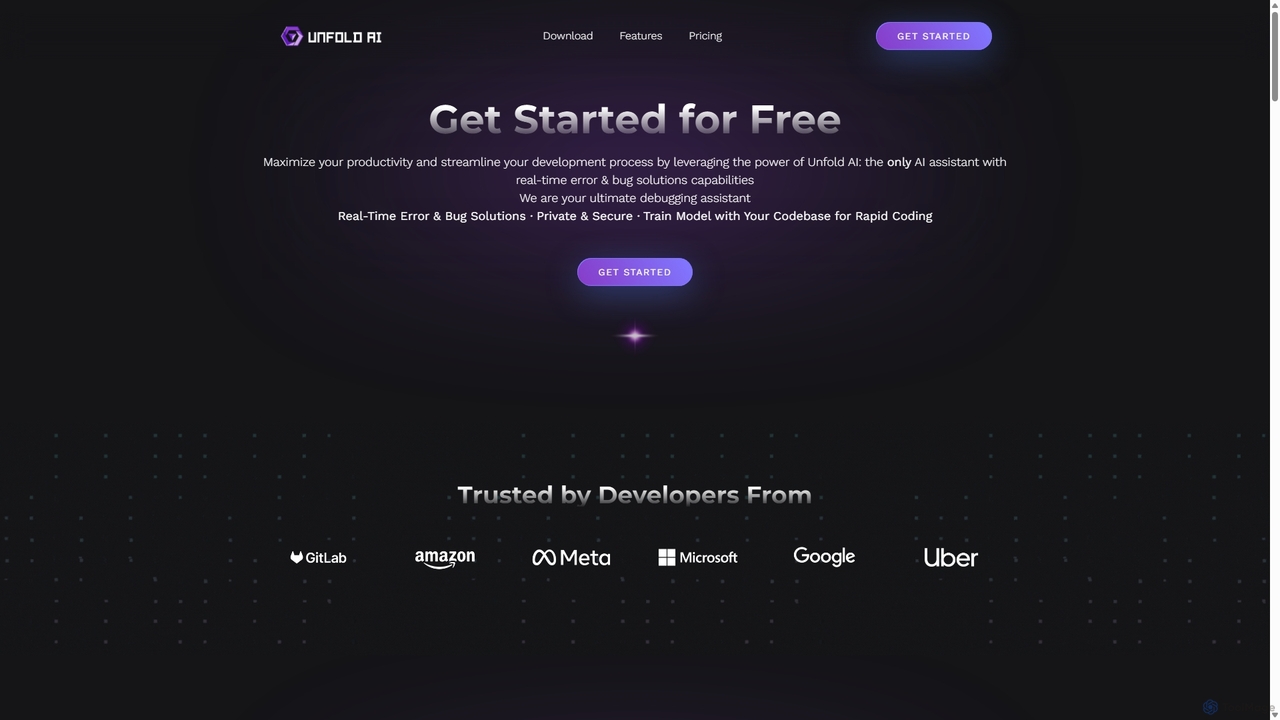
Unfold AI
Unfold AI is an all-in-one AI coding assistant designed for developers. It integrates into your IDE to provide real-time error and bug solutions, generate code from natural language, and complete code snippets. A key feature is its ability to be trained on your private codebase for highly customized and accurate assistance across 20+ programming languages.
Code Assistant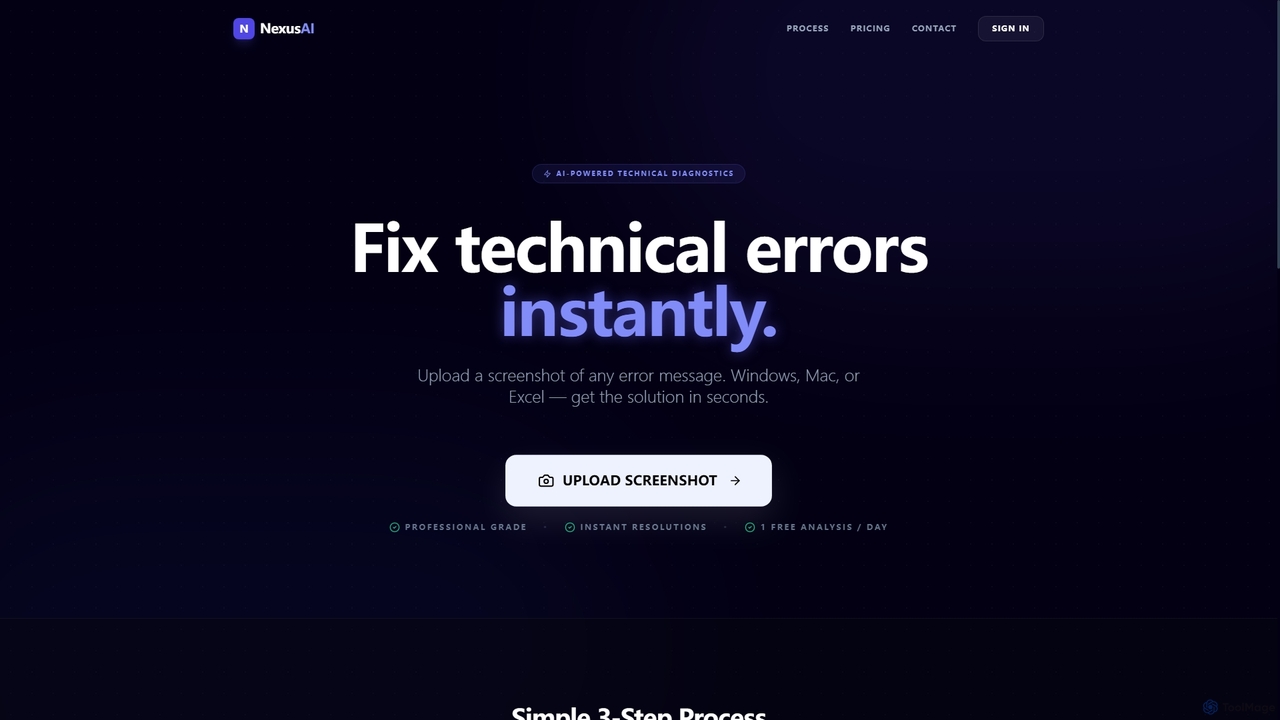
Nexus AI
Nexus AI is an AI-powered diagnostic tool designed to instantly resolve technical errors. Users can upload screenshots of error messages, broken code, or problematic Excel cells from Windows, Mac, or Excel. The platform analyzes the visual data and provides clear, step-by-step instructions or ready-to-use code snippets to fix the issue in seconds, offering both a free starter plan and a professional subscription.
It Support
Branch name generator
An AI-powered tool that integrates with Jira to automatically generate consistent and descriptive Git branch names. It analyzes Jira task data to streamline developer workflows, enforce naming conventions, and improve repository clarity.
Version Control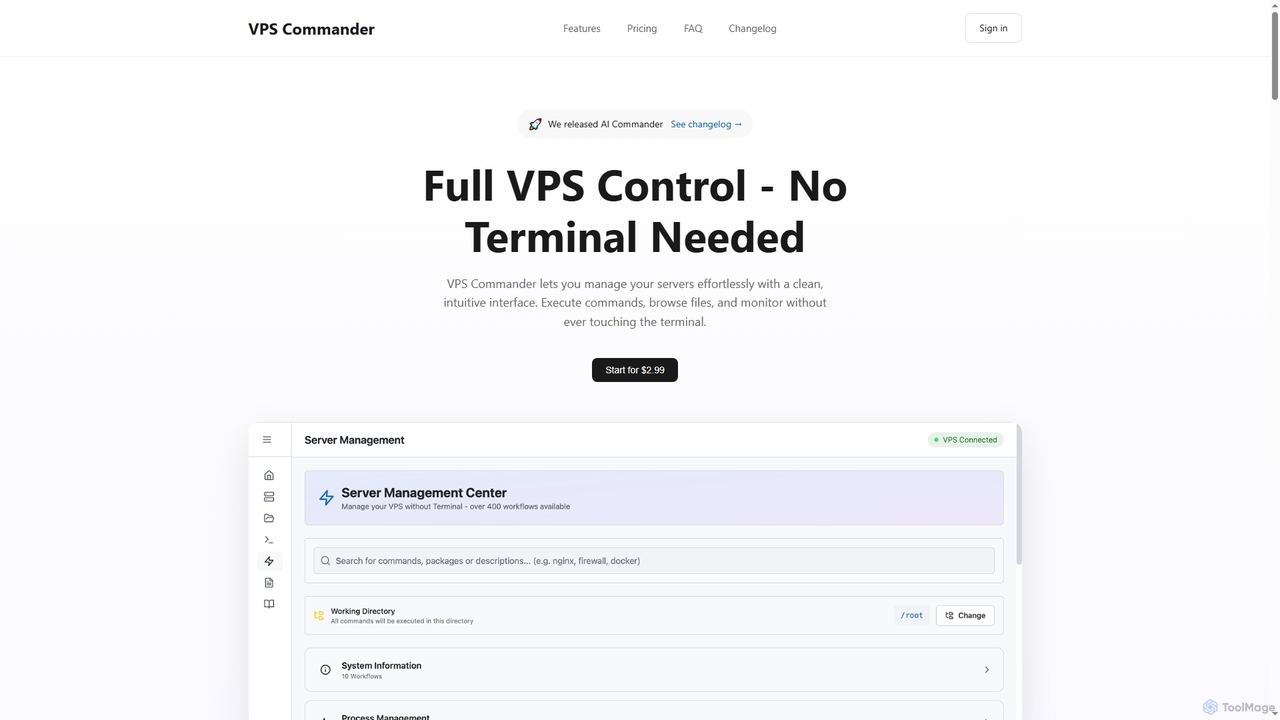
VPS Commander
VPS Commander simplifies complex server management, transforming intricate terminal commands into intuitive clicks. It offers a modern interface for managing workflows, files, and processes, empowering anyone to control their Virtual Private Servers without needing command-line expertise.
Cloud Management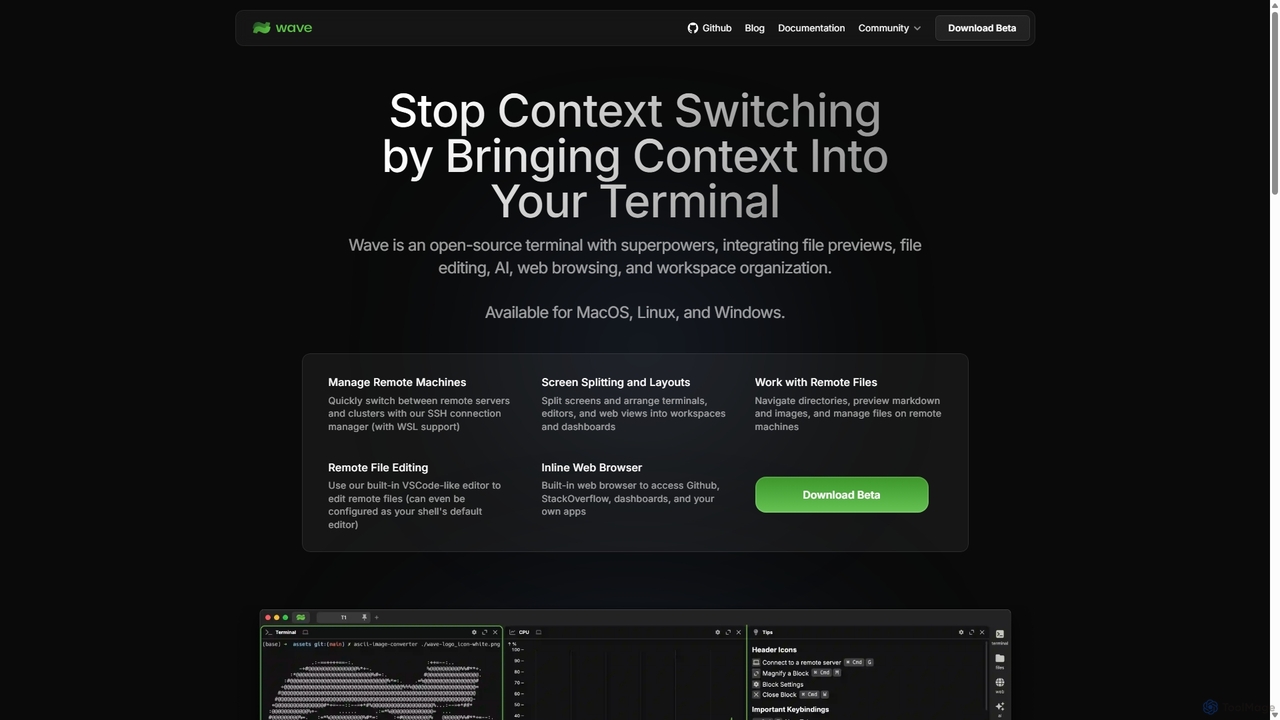
Waveterm
Waveterm is an open-source, modern terminal designed for developers and DevOps engineers. It enhances the command-line experience by integrating AI-powered assistance, a VSCode-like editor, inline file previews, a web browser, and customizable dashboards. This all-in-one workspace reduces context switching and boosts productivity across macOS, Windows, and Linux.
Code Assistant
Devgen
Devgen is an AI-powered coding assistant designed to accelerate the software development lifecycle. It helps developers write better code faster by providing intelligent code generation, completion, refactoring, and automated testing, directly within their IDE.
Code Assistant
Codebay
Codebay is an AI-powered development platform designed to accelerate the entire software lifecycle. It acts as an intelligent co-pilot for developers, offering advanced features for code generation, automated review, intelligent debugging, and seamless integration with existing workflows to enhance productivity and code quality.
Code Generation
Dallecli
A powerful command-line interface (CLI) tool for interacting with OpenAI's DALL-E models. Generate, edit, and manage AI images directly from your terminal, perfect for developers, scripters, and automating creative workflows.
Command Line InterfaceNeurolint
Neurolint is a free CLI tool that automatically detects and fixes bugs in React & Next.js codebases. It uses a deterministic, rule-based 7-layer architecture, not AI, to provide precise fixes for issues like hydration errors, accessibility problems, and performance bottlenecks, ensuring your code remains valid and production-ready.
Code Assistant
FixThisBug
FixThisBug is an AI-powered debugging assistant for developers. It instantly analyzes your code and error messages to provide accurate fixes and detailed explanations. Supporting all major programming languages, it prioritizes privacy with self-hosted models on German servers, ensuring 100% GDPR compliance. Fix bugs faster and learn as you code.
Code Correction
Repodex
Repodex is an AI-powered code intelligence platform that helps developers and teams search, understand, and manage their code repositories. Using natural language, you can find code, get explanations, and generate documentation instantly.
Code Generation
GetEssential Comments (0)
Sign in to comment.
Sign inNo comments yet.