

Nexus AI Overview
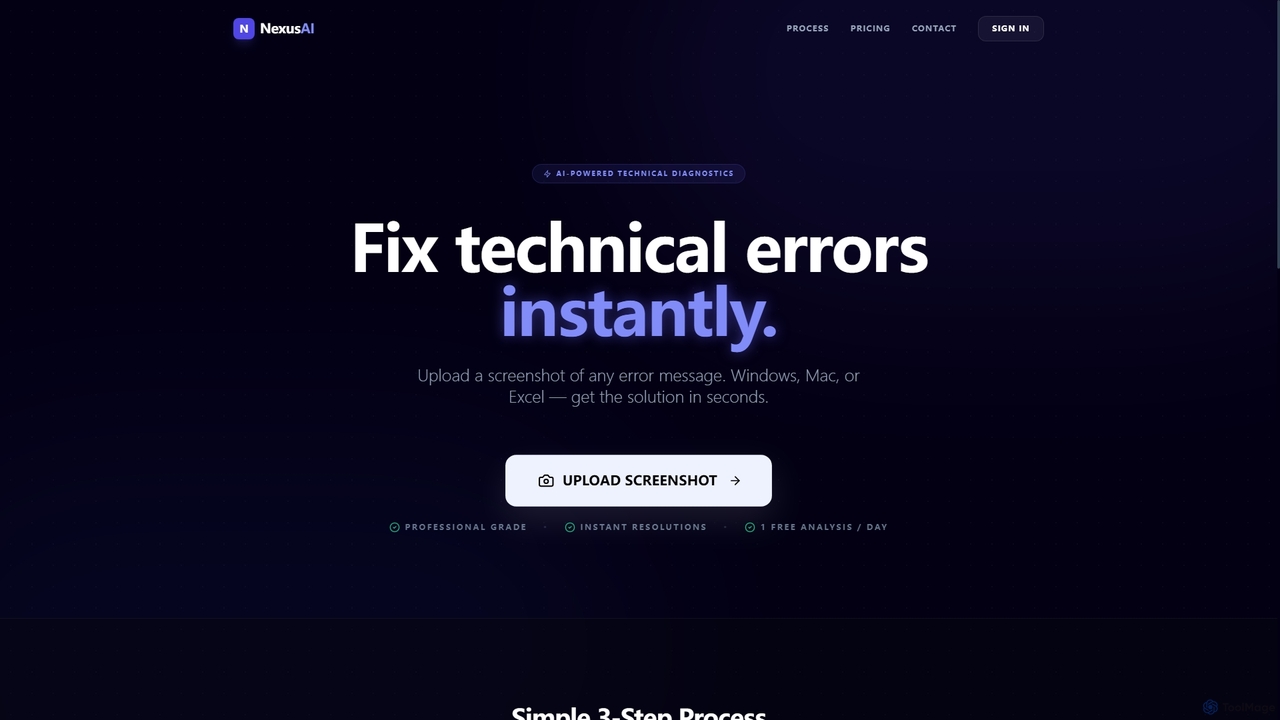
Nexus AI is an innovative enterprise screen intelligence platform leveraging advanced artificial intelligence to provide instant technical diagnostics. It empowers users to quickly identify and resolve a wide array of technical issues by simply uploading a screenshot. Whether it's an obscure error message on Windows or Mac, or a complex formula error in Excel, Nexus AI processes visual data to pinpoint the root cause and deliver actionable solutions.
How to use Nexus AI
Using Nexus AI is a straightforward three-step process designed for efficiency:
- Upload Screenshot: Capture a photo or screenshot of any technical problem you encounter, such as an error message, problematic code snippet, or a troublesome Excel cell.
- Instant Analysis: Nexus AI's powerful engine immediately scans the uploaded visual data. It intelligently processes the image to understand the underlying cause of the issue.
- Get the Solution: Within seconds, you receive a clear, concise solution. This can be in the form of step-by-step instructions to guide you through the fix or ready-to-use code that can be directly applied to resolve the problem.
Core Features of Nexus AI
- AI-Powered Technical Diagnostics: Utilizes advanced AI to analyze visual data from screenshots.
- Instant Resolutions: Provides solutions to technical errors in seconds.
- Cross-Platform Compatibility: Supports error diagnosis for Windows, Mac, and Excel environments.
- Visual Data Analysis: Scans screenshots of error messages, broken code, or Excel cells.
- Clear Step-by-Step Instructions: Offers easy-to-follow guidance for problem resolution.
- Ready-to-Use Code: Delivers direct code snippets to fix programming or scripting issues.
- Professional Grade Accuracy: Ensures reliable and precise solutions.
- Expert Precision Mode (Pro Plan): Enhanced accuracy for complex issues.
- Priority Processing (Pro Plan): Faster analysis and solution delivery for subscribers.
- 24/7 Priority Support (Pro Plan): Dedicated support for professional users.
- Community Support (Starter Plan): Access to community resources for free users.
Use Cases for Nexus AI
Nexus AI is ideal for a variety of scenarios where quick technical troubleshooting is essential:
- Software Development: Developers can quickly debug broken code snippets by uploading screenshots of errors, receiving instant fixes or suggestions.
- IT Support & Helpdesk: Support professionals can rapidly diagnose and provide solutions for common user errors on Windows or Mac, reducing resolution times.
- Data Analysis & Office Work: Users struggling with complex Excel formulas, broken macros, or spreadsheet errors can get immediate help, preventing productivity bottlenecks.
- Personal Computing: Everyday computer users facing generic error messages can find straightforward solutions without needing extensive technical knowledge.
- System Administration: Administrators can use it to quickly troubleshoot system-level errors appearing on screen.
Advantages of Nexus AI
Nexus AI offers several compelling advantages for users seeking efficient technical troubleshooting:
- Speed and Efficiency: Delivers instant solutions in seconds, drastically reducing downtime and increasing productivity.
- Ease of Use: The simple three-step process of uploading a screenshot and receiving a solution requires minimal technical expertise.
- Broad Compatibility: Supports a wide range of platforms and applications, including Windows, Mac, and Excel.
- Accuracy: Leverages AI for professional-grade diagnostics, ensuring reliable and precise error resolutions.
- Cost-Effective: Offers a free tier for casual use and a competitively priced professional plan for unlimited access and advanced features.
- Actionable Solutions: Provides clear, step-by-step instructions or ready-to-use code, making it easy to implement fixes immediately.
Pricing and Plans
Nexus AI offers a transparent pricing structure with both a free and a professional plan:
- Starter Plan: Available for $0 forever, this plan is designed for casual troubleshooting. It includes 1 AI Fix per day, standard processing, and community support.
- Nexus Pro Plan: Priced at $19.99 per month, this plan is recommended for professionals and developers. It offers unlimited AI Fixes, Expert Precision Mode, priority processing, and 24/7 priority support. Users can upgrade to Pro at any time.
Nexus AI FAQ
Nexus AI Alternatives
GetEssential
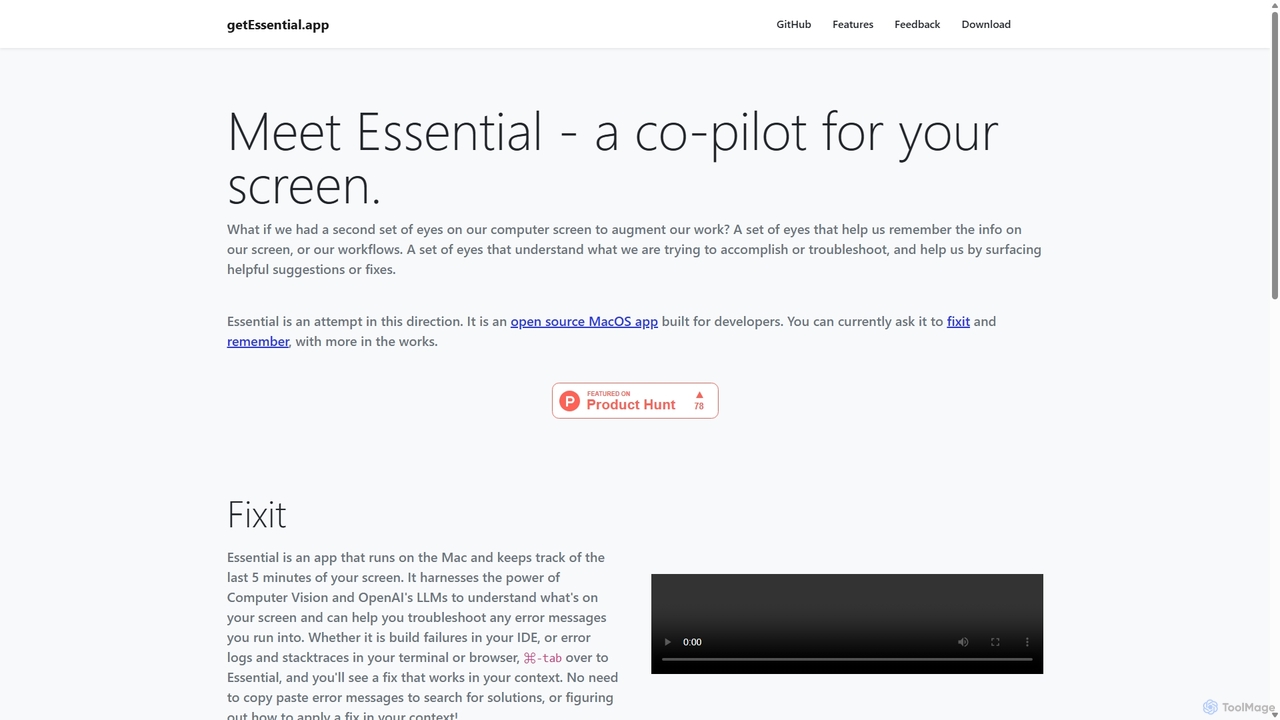
getEssential is an AI-powered Mac application that continuously records your screen to instantly troubleshoot errors. It uses Computer Vision and LLMs to analyze build failures, error logs, and stack traces, providing contextual fixes without manual searching. A productivity booster for developers and IT professionals.
Code Assistant
techxperts.tech
An AI-powered co-pilot for developers and IT professionals, designed to accelerate technical problem-solving. It provides instant diagnostics, intelligent solution generation, and code analysis to resolve complex technical issues efficiently.
Debugging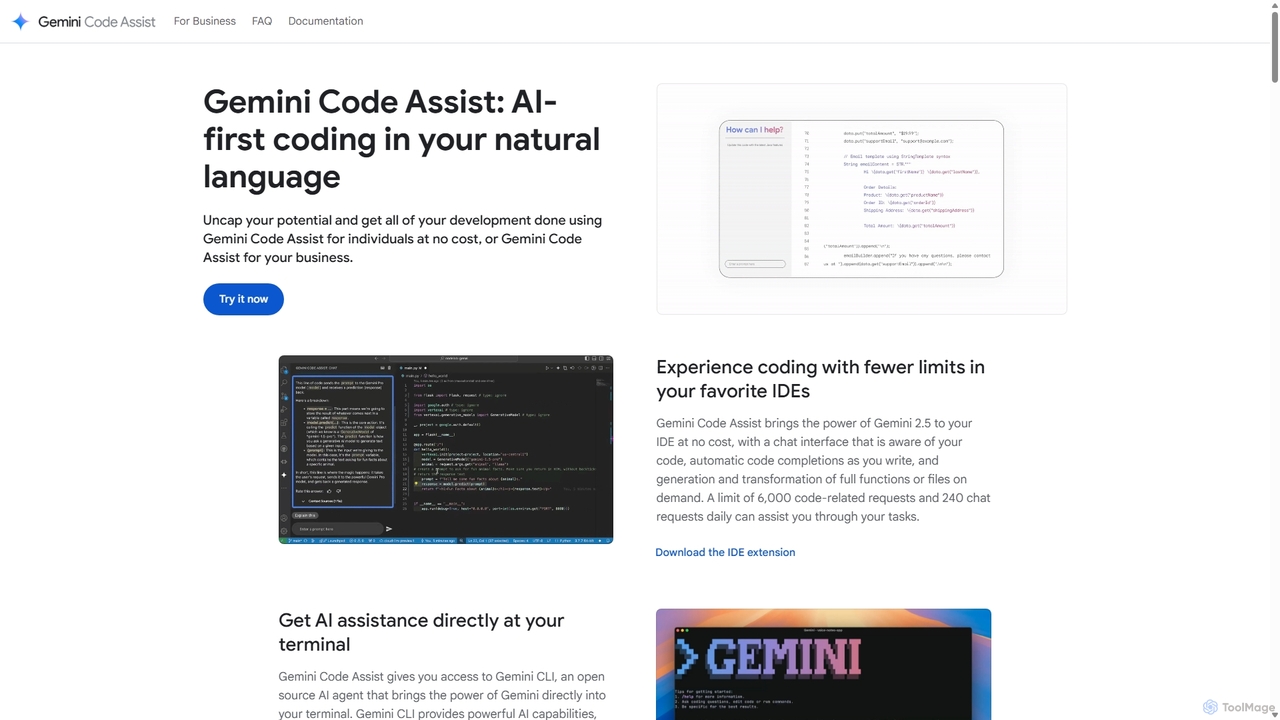
Gemini Code Assist
Gemini Code Assist is an AI-powered coding assistant from Google, powered by the Gemini 2.5 model. It integrates into your favorite IDEs, terminal, and development platforms to accelerate the entire software development lifecycle with features like code completion, generation, natural language chat, and automated code reviews.
Code Assistant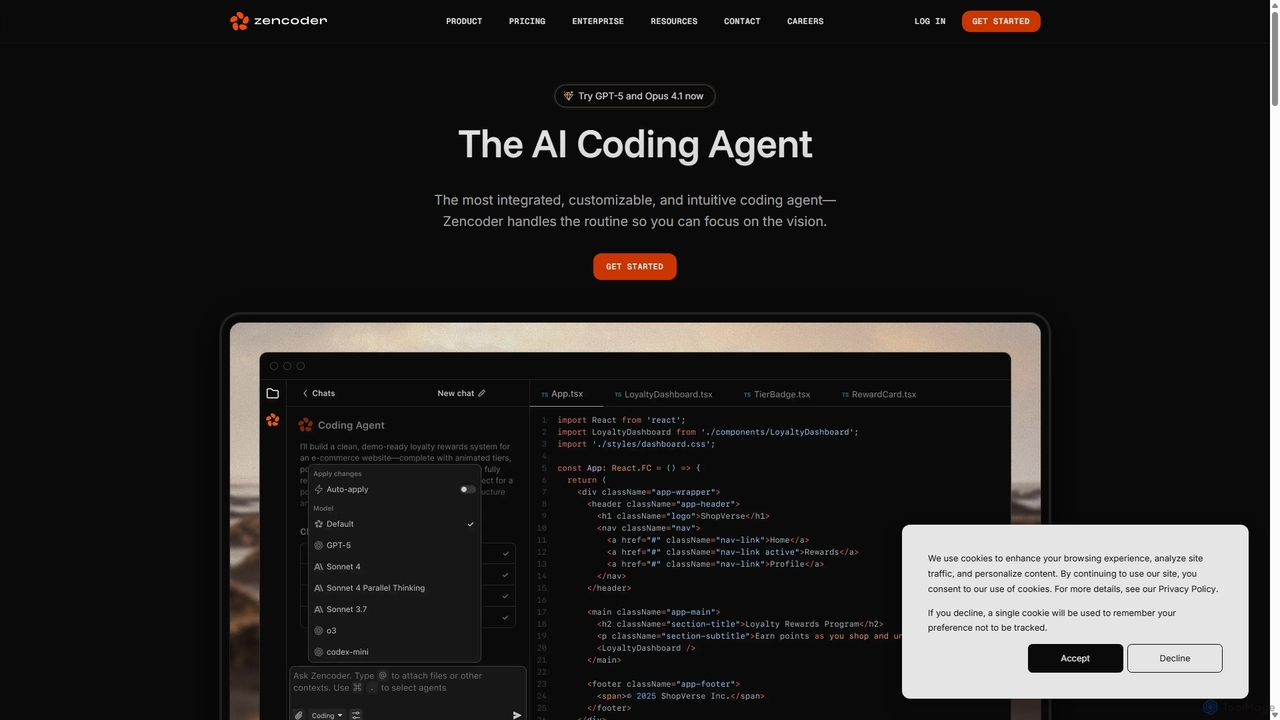
Zencoder
Zencoder is an advanced AI coding agent designed to automate routine development tasks. It deeply integrates into your workflow, understanding your entire codebase to implement features, write tests, fix bugs, and refactor code autonomously. With customizable 'Zen Agents' and seamless integration with VS Code, JetBrains, and over 100 developer tools, Zencoder empowers engineering teams to focus on innovation and ship products faster.
Code Assistant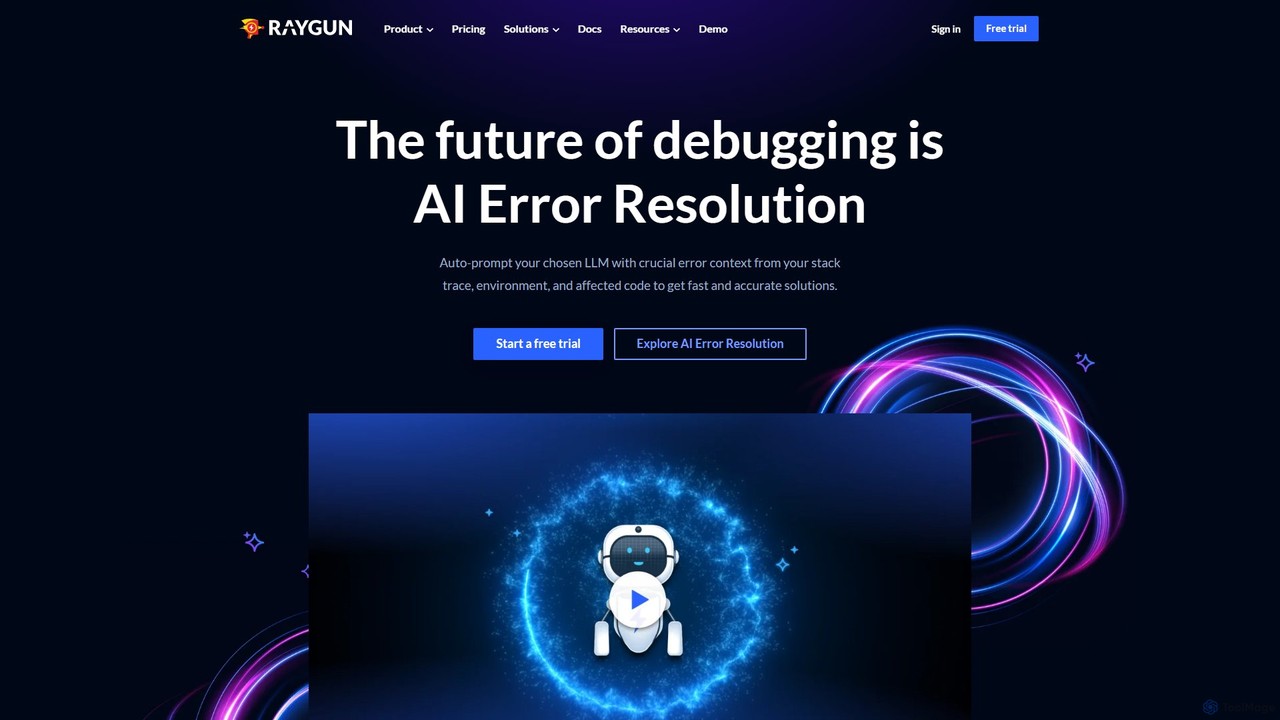
Raygun
Raygun is an advanced application monitoring platform for web and mobile apps, offering AI-powered error resolution, crash reporting, and performance monitoring. It helps development teams proactively detect, diagnose, and resolve issues to deliver flawless software experiences and improve user satisfaction.
Customer SupportNexus AI Categories
Nexus AI Jobs
Nexus AI Embed Widget
Copy this embed code to place the badge on your blog, article, or product site and send readers directly to this ToolMage detail page.

Related AI tools
GetEssential
getEssential is an AI-powered Mac application that continuously records your screen to instantly troubleshoot errors. It uses Computer Vision and LLMs to analyze build failures, error logs, and stack traces, providing contextual fixes without manual searching. A productivity booster for developers and IT professionals.
Code Assistant
Markdownconverters
An AI-optimized tool for converting various file formats (PDF, DOCX, PPTX, etc.) into clean, structured Markdown. It's designed to reduce token usage by up to 70% for LLM applications, RAG systems, and agent workflows, while preserving semantic structure.
Data Preprocessing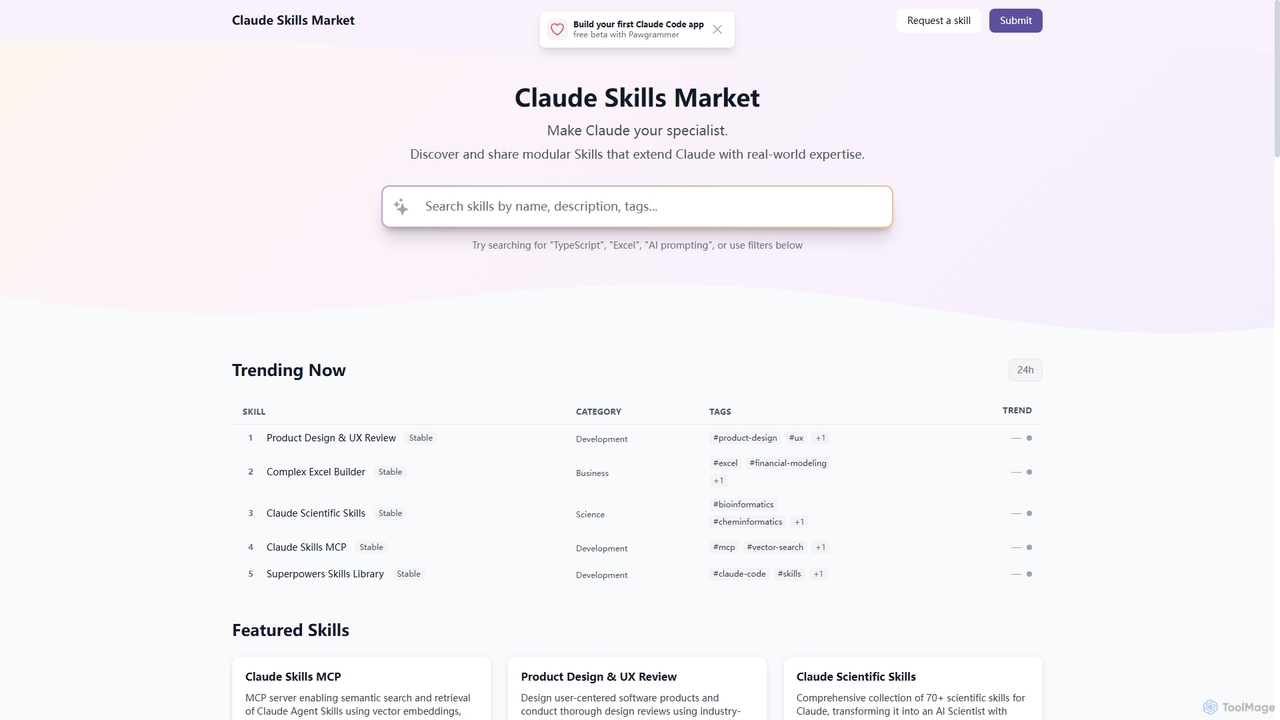
Skills
Skills is a dynamic marketplace designed to extend Claude's capabilities with specialized, real-world expertise. It offers a diverse collection of modular tools, transforming Claude into a specialist across various domains like product design, financial modeling, scientific research, and software development.
Prompt Engineering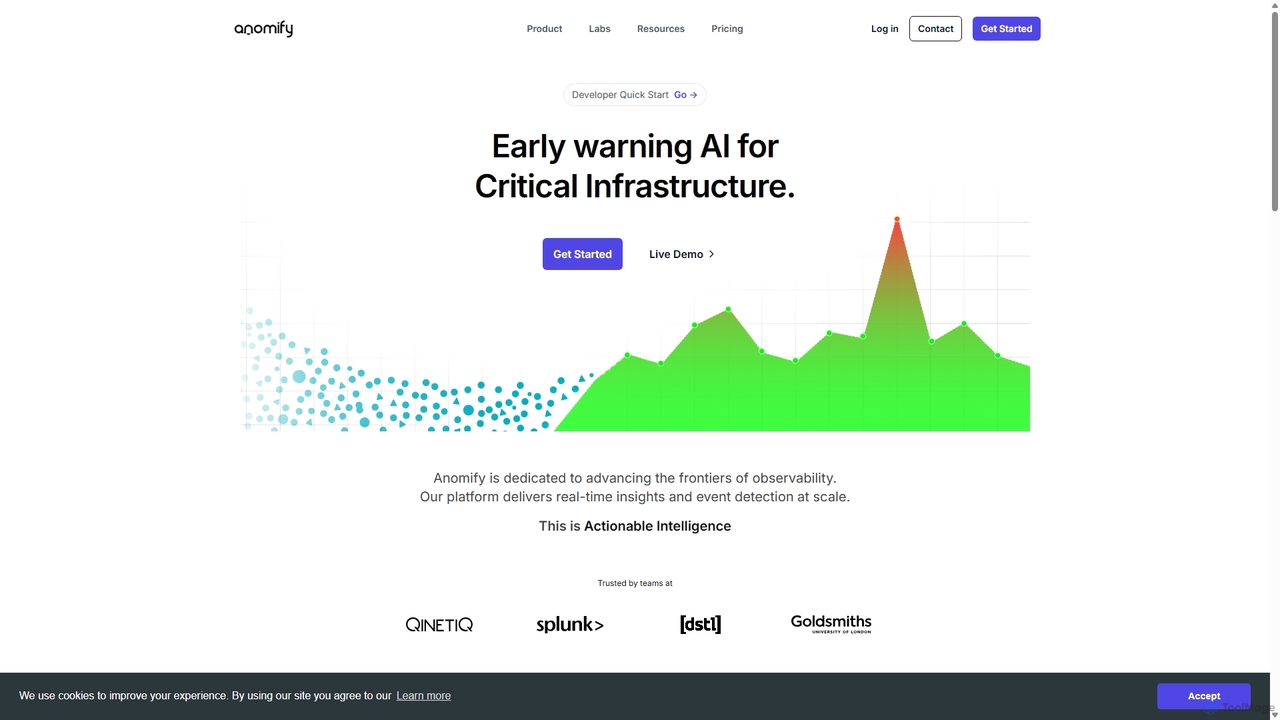
Anomify
Anomify is an AI-powered early warning platform for critical infrastructure, offering real-time anomaly detection and observability at scale. It leverages multi-stage machine learning to analyze time-series data, significantly reduce false positives, and accelerate root cause analysis. Designed for DevOps, SREs, and IT teams, Anomify transforms monitoring from reactive to proactive, ensuring system performance and reliability.
Anomaly Detection
Metoro
Metoro is an AI-powered observability platform designed for Kubernetes. It uses eBPF technology for zero-instrumentation monitoring, enabling autonomous issue detection, root cause analysis, and automated code fixes via pull requests. Operational in under a minute, it offers a comprehensive and cost-effective alternative to traditional monitoring tools.
Observability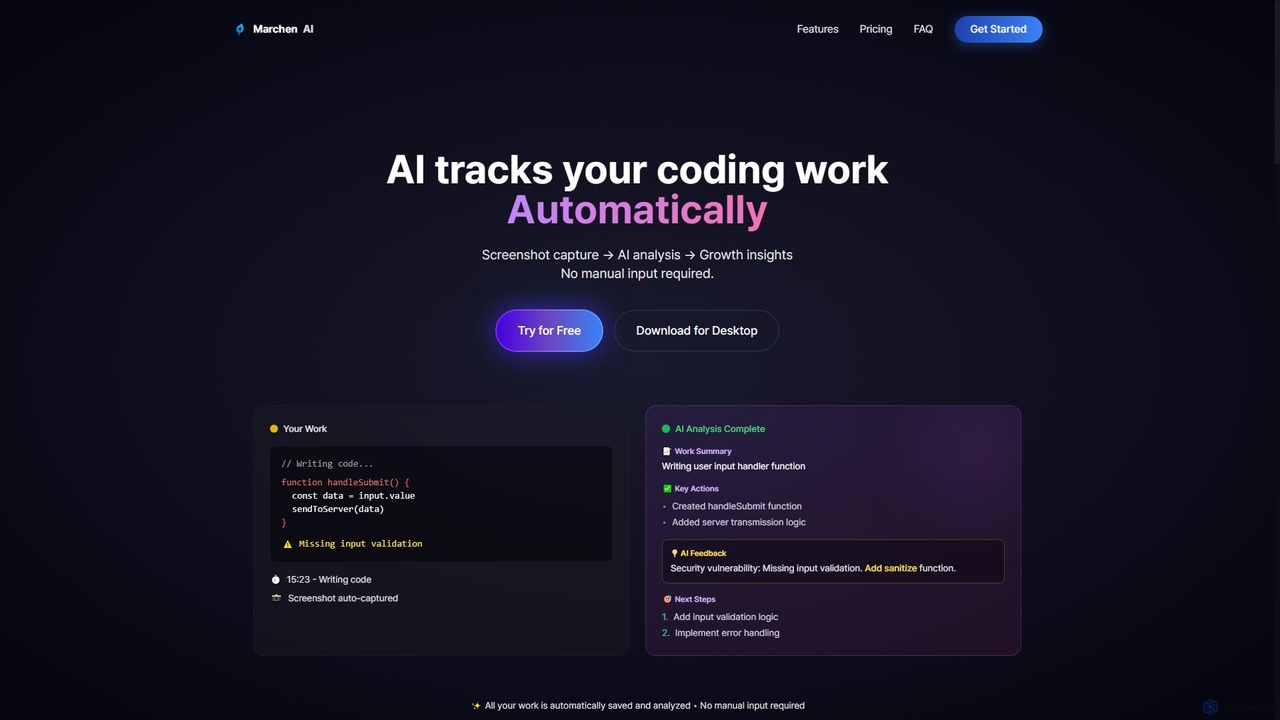
Marchen
Marchen is an AI-powered desktop application that automatically tracks your coding work, captures screenshots, and analyzes your activity to provide real-time growth insights, feedback, and an AI assistant. It helps developers enhance productivity and identify areas for improvement without manual input.
Personal Assistant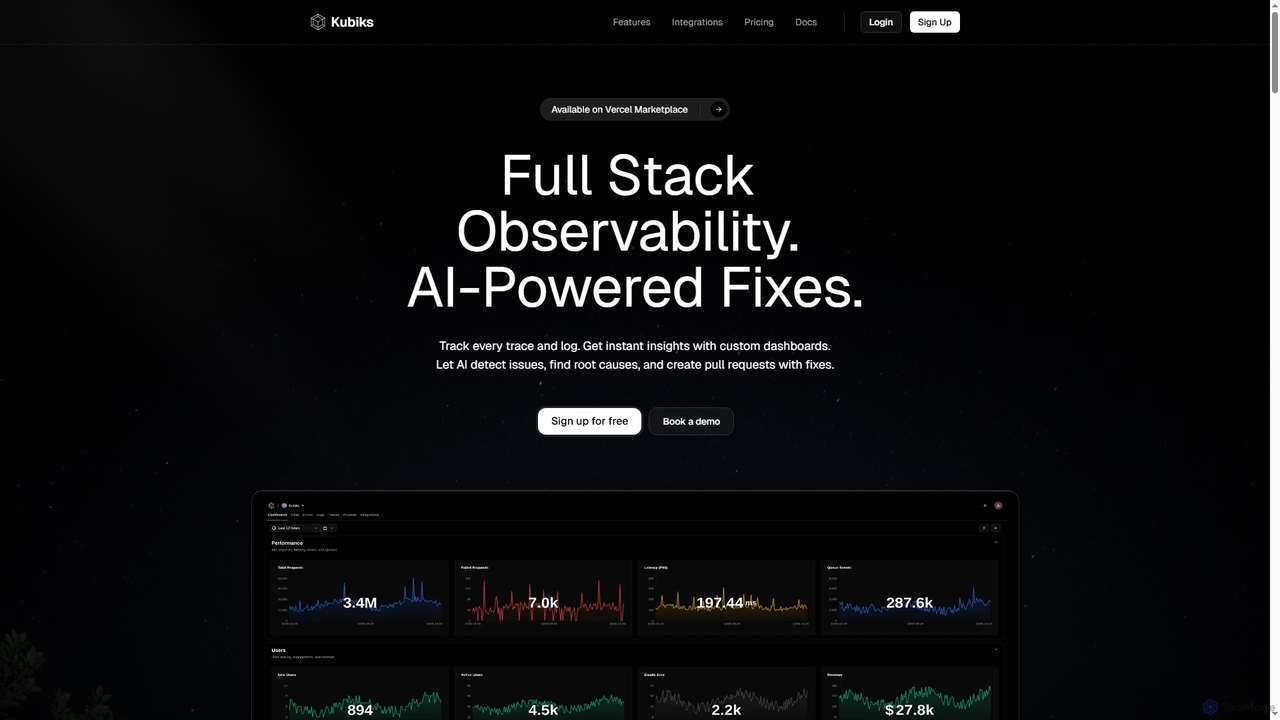
Kubiks
Kubiks is an AI-powered full-stack observability platform providing distributed tracing, logging, and custom dashboards. It automatically detects issues, identifies root causes, and generates pull requests with fixes, helping engineering teams debug faster and proactively resolve problems.
Debugging
Jyek
Jyek is an AI agent platform that understands objectives, creates execution plans, uses tools, and delivers verifiable results for complex, multi-step tasks.
Automation
Microsoft Copilot
Microsoft Copilot is your everyday AI companion, enhancing productivity and creativity. It provides intelligent search, content generation, and image creation capabilities by leveraging the latest AI models like GPT-4 and DALL-E 3. Integrated across the Microsoft ecosystem, it assists with writing, coding, planning, and design tasks.
Image Generator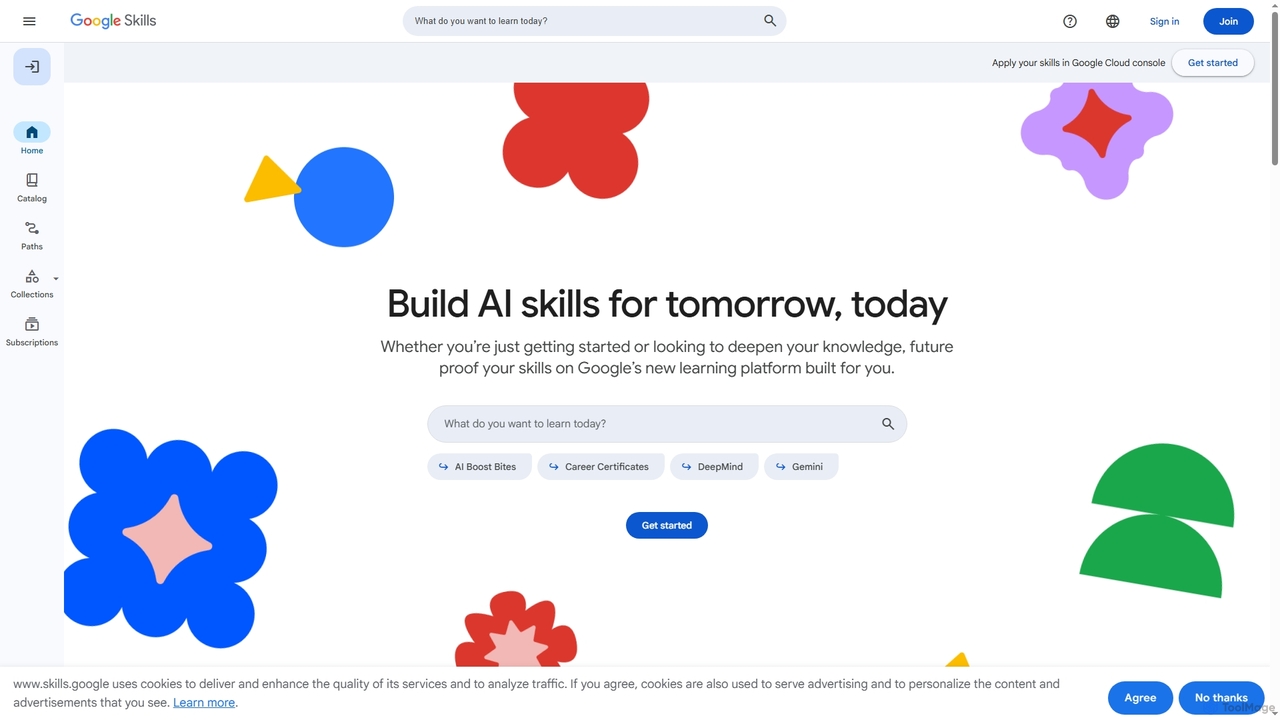
Google Skills
Google Skills is an online learning platform designed to help individuals and teams build and validate in-demand technical skills, particularly in AI and cloud technologies. It offers a range of learning paths, including hands-on labs, courses, skill badges, and industry-recognized certifications from Google experts, enabling users to future-proof their careers and enhance workforce capabilities.
Machine Learning Training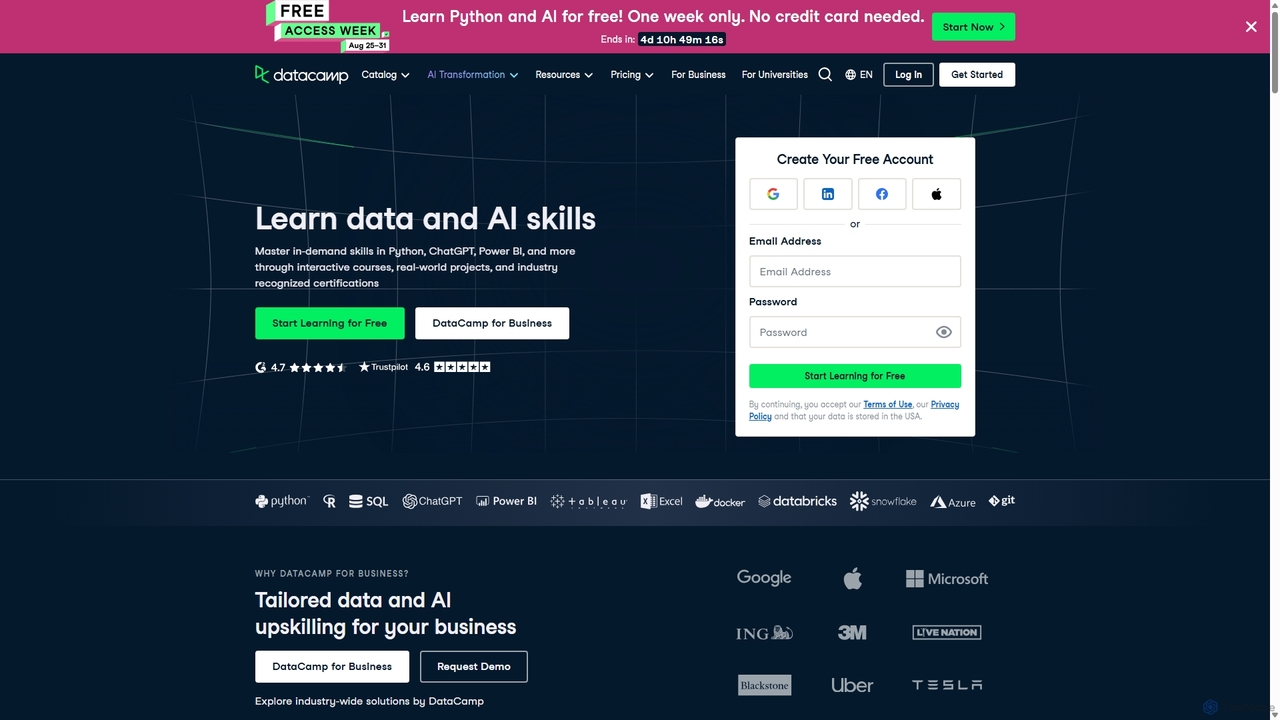
DataCamp
DataCamp is an interactive online learning platform for data science and AI. It offers hands-on courses in Python, R, SQL, Power BI, and more. Through a 'learn-by-doing' approach with in-browser coding, real-world projects, and career tracks, it empowers individuals and businesses to build job-ready data skills, from beginner to expert level.
Data Science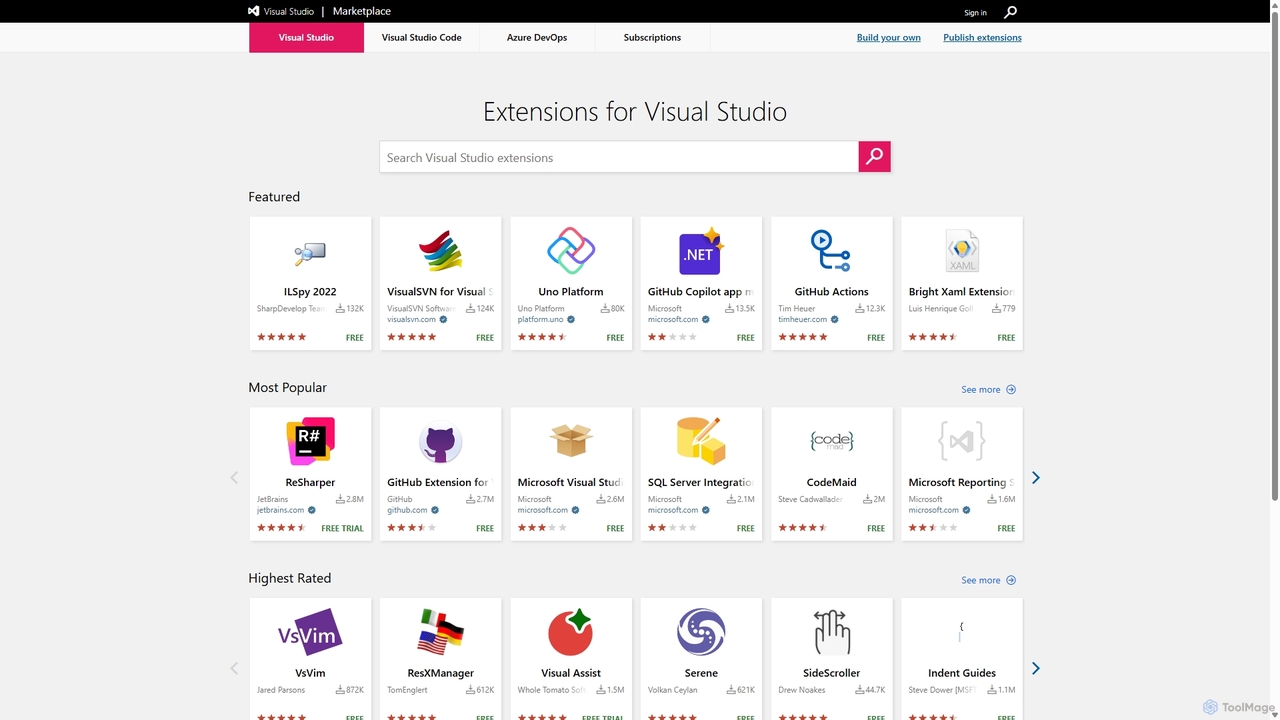
Visual Studio Marketplace
The official marketplace for discovering and installing thousands of extensions for the Visual Studio family of products, including Visual Studio, VS Code, and Azure DevOps. Enhance productivity, add new features, and customize your development environment with tools from Microsoft and the community.
Machine Learning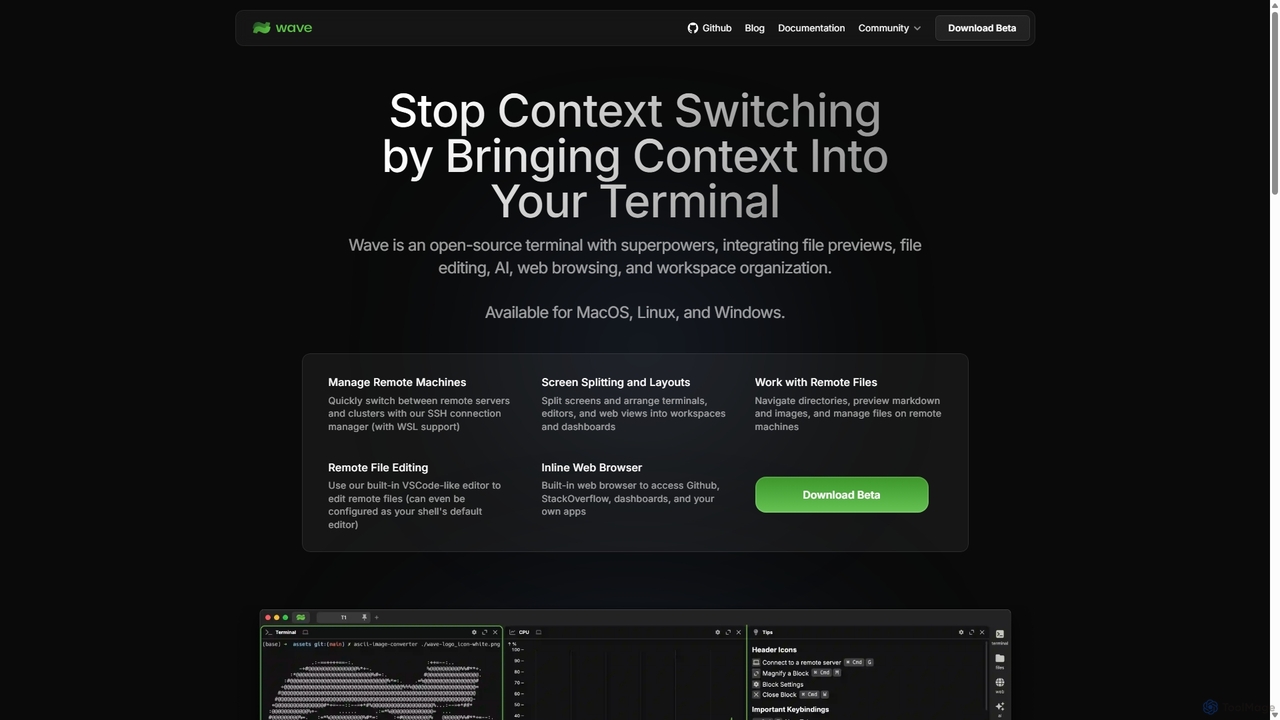
Waveterm
Waveterm is an open-source, modern terminal designed for developers and DevOps engineers. It enhances the command-line experience by integrating AI-powered assistance, a VSCode-like editor, inline file previews, a web browser, and customizable dashboards. This all-in-one workspace reduces context switching and boosts productivity across macOS, Windows, and Linux.
Code AssistantRaygun
Raygun is an advanced application monitoring platform for web and mobile apps, offering AI-powered error resolution, crash reporting, and performance monitoring. It helps development teams proactively detect, diagnose, and resolve issues to deliver flawless software experiences and improve user satisfaction.
Customer Support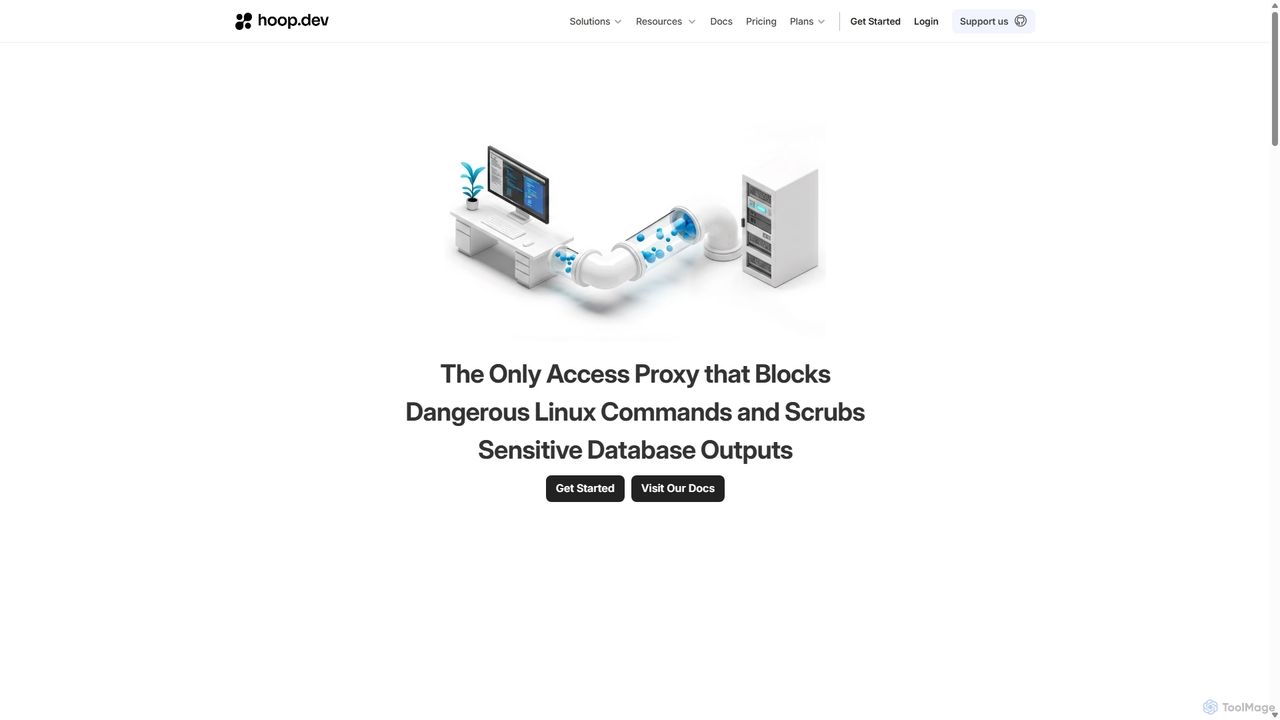
Hoop.dev
Hoop.dev is an AI-powered access gateway providing developers with invisible security and admins with command-line control. It offers secure, auditable access to databases and servers, featuring real-time AI data masking, session recording, and streamlined approval workflows to enhance security without disrupting productivity.
Security
Nexus AI Comments (0)
Sign in to comment.
Sign inNo comments yet.