

Marchen Overview
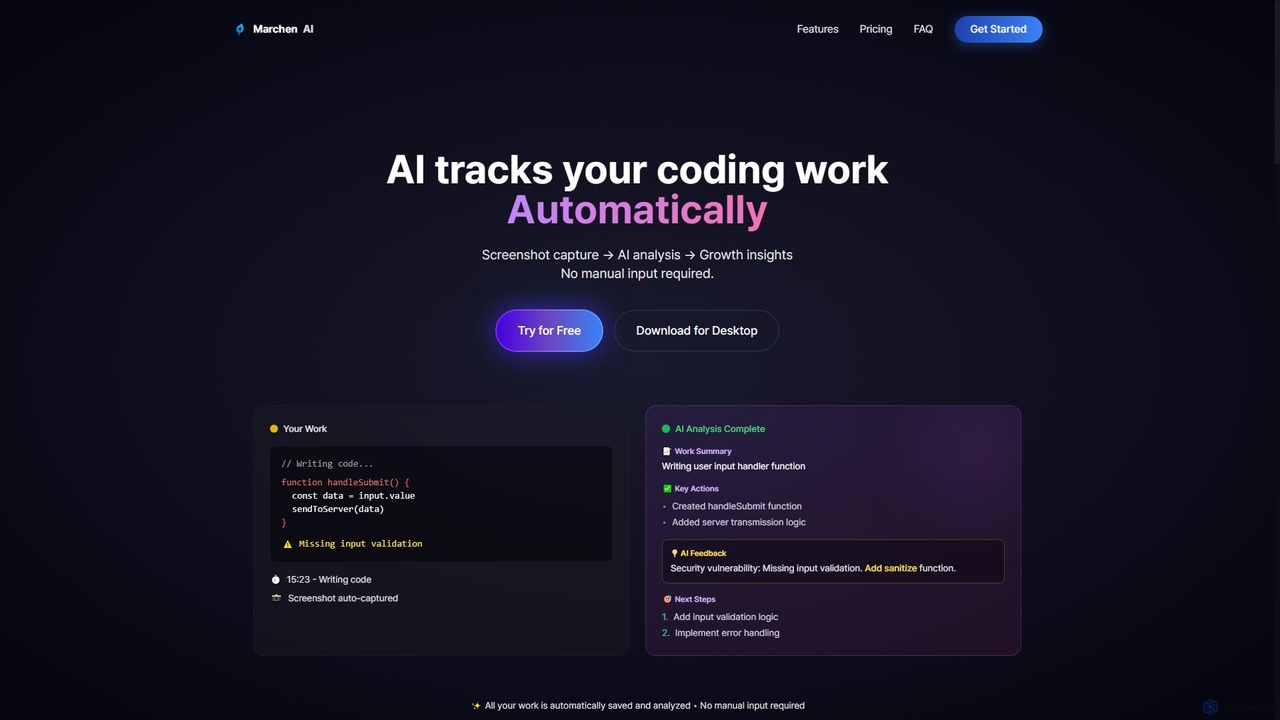
Marchen is an innovative AI tool designed to transform how individuals, especially developers, track and understand their work performance. By running quietly in the background, it automatically captures screenshots of your coding activity, analyzes them using advanced AI, and generates actionable insights. This eliminates the need for manual input, allowing users to focus entirely on their tasks while Marchen provides continuous feedback on work patterns, potential issues like security vulnerabilities, and suggestions for next steps.
How to use Marchen
To use Marchen, simply download the desktop application. Once installed, you can start tracking your work with a single click. Marchen will then automatically capture your activity in real-time. It operates discreetly, periodically taking screenshots which are analyzed by AI and then immediately discarded, with only the AI-generated summaries and insights being stored. Users retain full control and can pause tracking at any time through the application interface.
Core Features of Marchen
- Automatic Work Tracking: Effortlessly monitors coding activity without manual input.
- AI-Powered Screenshot Analysis: Captures and analyzes screenshots to understand work patterns.
- Real-time Growth Insights: Provides immediate feedback and insights into performance and progress.
- Intelligent AI Feedback: Identifies key actions, potential issues (e.g., security vulnerabilities), and suggests next steps.
- Work Summaries: Generates concise summaries of completed tasks.
- AI Assistant: Offers interactive support and guidance.
- Data Security: Encrypts all data in transit (HTTPS/TLS 1.2+) and at rest (AES-256).
- Email Support: Available across all plans.
Use Cases for Marchen
Marchen is ideal for individual developers, programmers, and anyone engaged in intensive computer-based work who wants to gain a deeper understanding of their productivity and work habits. It can be used for personal performance monitoring, identifying bottlenecks in workflow, receiving automated code feedback, learning new skills more effectively by tracking progress, and ensuring best practices are followed. Freelancers can also use it to track billable hours and demonstrate work progress to clients.
Advantages of Marchen
The primary advantage of Marchen is its fully automated, non-intrusive work tracking system, which saves time and effort compared to manual logging. It provides objective, AI-driven insights that can highlight areas for improvement, such as security flaws or inefficient coding practices, that might otherwise go unnoticed. The real-time feedback loop fosters continuous learning and growth. Its transparent data handling and user control over tracking ensure privacy, while the freemium model makes it accessible for individuals to start benefiting immediately.
Pricing and Plans
Marchen offers a flexible pricing structure, including a Free plan and two paid tiers:
- Free Plan: Includes 3 hours of activity tracking per month, 3 AI credits per month, daily feedback & insights, and AI assistant access.
- Pro Plan: Priced at $14.99 per month, offering 160 hours of activity tracking per month, 50 AI credits per month, daily feedback & insights, AI assistant, priority processing, and email support. Enhanced AI (context memory) and a basic dashboard are coming soon.
- All Day Plan: Priced at $39.99 per month, providing 360 hours of activity tracking per month, 100 AI credits per month, daily feedback & insights, AI assistant, priority processing, email support, and priority customer support. Enhanced AI (context memory), a basic dashboard, and an advanced dashboard are coming soon.
All plans include email support and can be canceled anytime. A 14-day refund is available for minimal usage (less than 10% of quota).
Marchen FAQ
Marchen Alternatives
Wellcode CLI
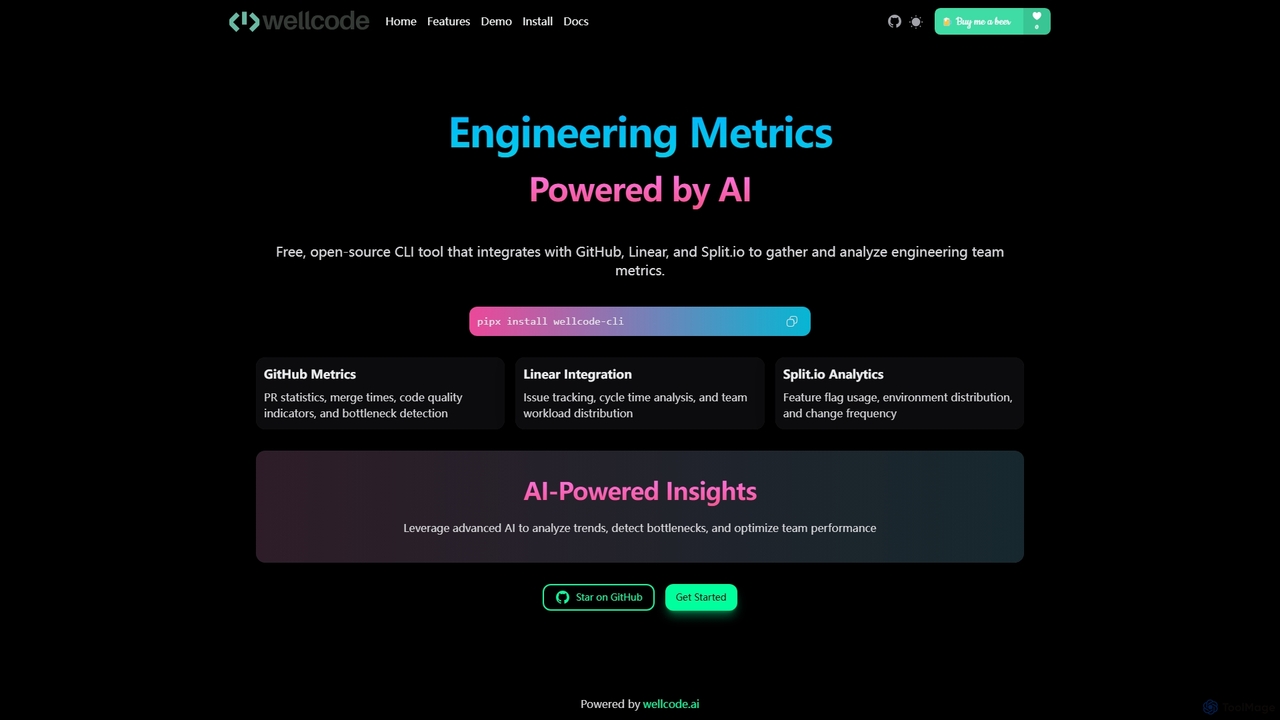
A powerful command-line interface tool that leverages AI to provide comprehensive engineering metrics. It integrates with GitHub, Linear, and Split.io to analyze pull requests, issue tracking, and feature flag usage, offering actionable insights to optimize team performance and development workflows.
Code Analysis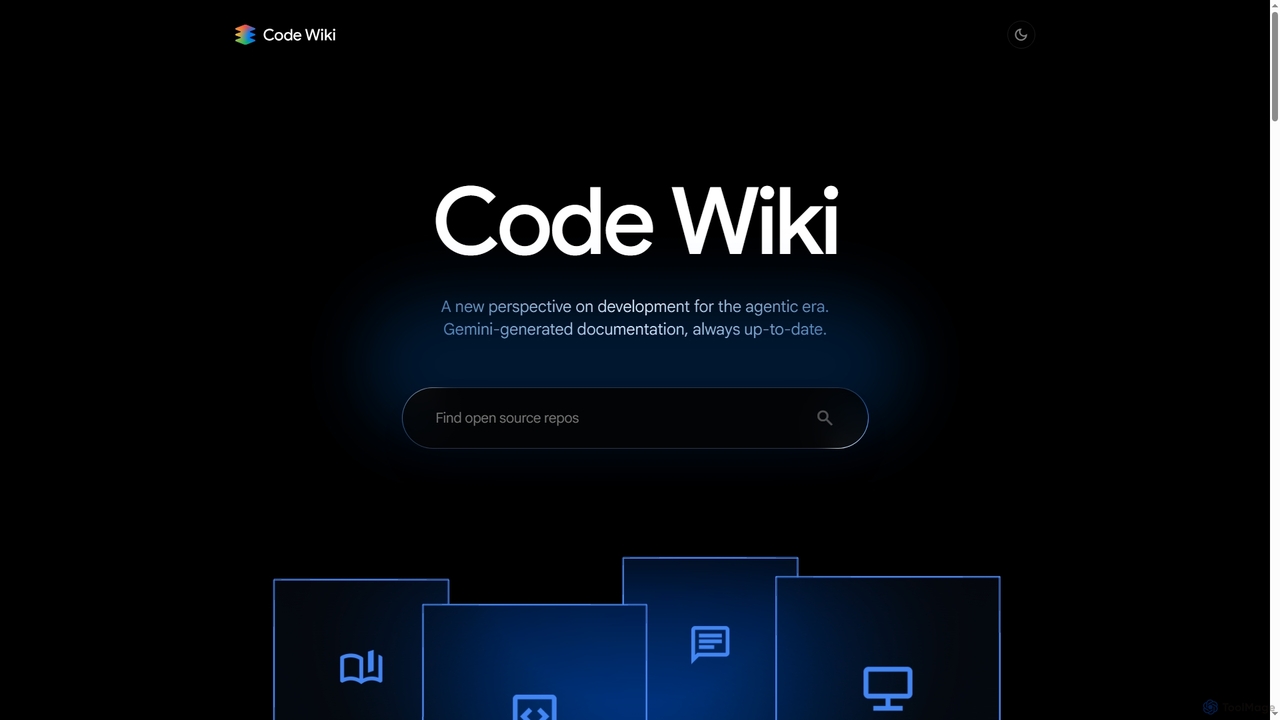
Code Wiki
Code Wiki is an AI-powered documentation hub by Google, built on Gemini models. It automatically analyzes code repositories to generate up-to-date documentation, interactive architectural diagrams, and a conversational chat interface, helping developers understand complex codebases faster.
Code Analysis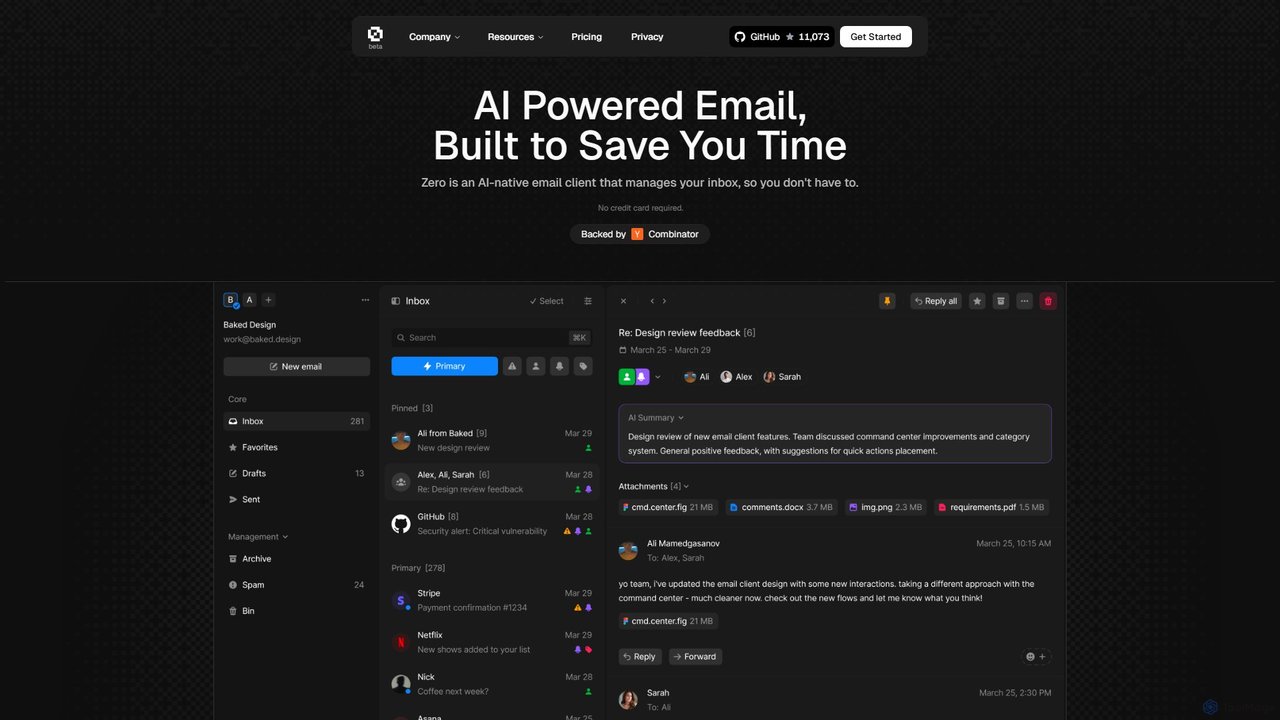
Zero
Zero is an AI-native email client designed to save you time. It automatically manages your inbox by summarizing threads, drafting replies, and extracting action items, allowing you to process emails at lightning speed with a keyboard-first interface.
Personal Assistant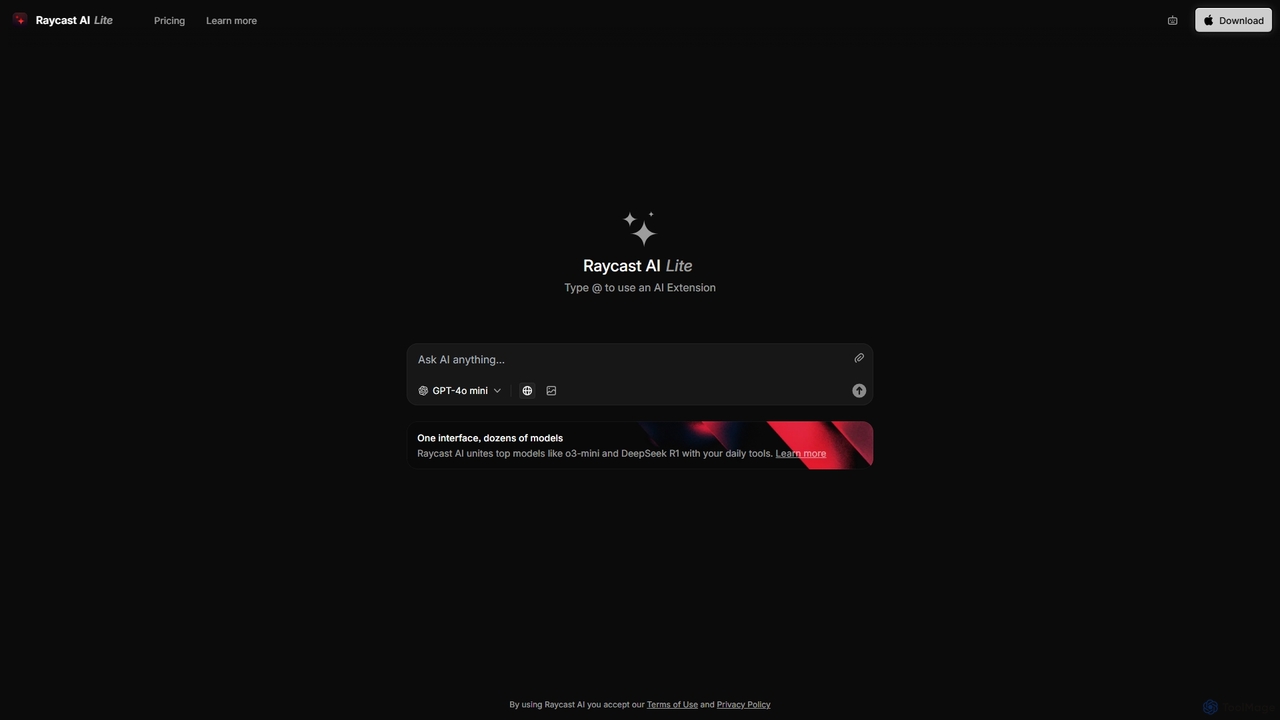
Raycast
Raycast is a blazingly fast, extensible launcher for macOS that supercharges your productivity. It acts as a central command bar to control your tools, with integrated AI, an extensive extension store, and powerful built-in features like window management and clipboard history. It's designed to reduce context switching and keep you in the flow.
Personal Assistant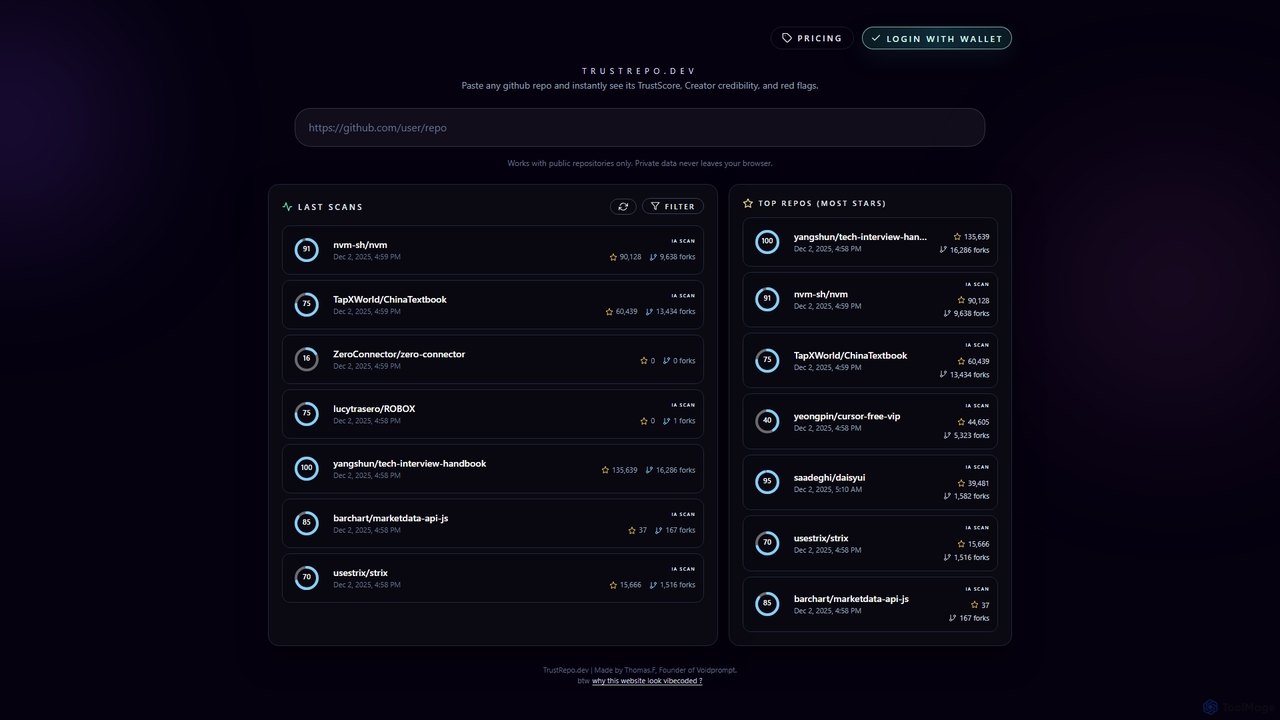
Trustrepo
Trustrepo is an AI-powered tool that analyzes public GitHub repositories to generate a TrustScore. It helps developers and investors assess the safety, legitimacy, and potential risks of open-source projects through algorithmic analysis and in-depth AI code scans.
Code AnalysisMarchen Categories
Marchen Jobs
Marchen Embed Widget
Copy this embed code to place the badge on your blog, article, or product site and send readers directly to this ToolMage detail page.

Related AI tools

Codebay
Codebay is an AI-powered development platform designed to accelerate the entire software lifecycle. It acts as an intelligent co-pilot for developers, offering advanced features for code generation, automated review, intelligent debugging, and seamless integration with existing workflows to enhance productivity and code quality.
Code GenerationWellcode CLI
A powerful command-line interface tool that leverages AI to provide comprehensive engineering metrics. It integrates with GitHub, Linear, and Split.io to analyze pull requests, issue tracking, and feature flag usage, offering actionable insights to optimize team performance and development workflows.
Code Analysis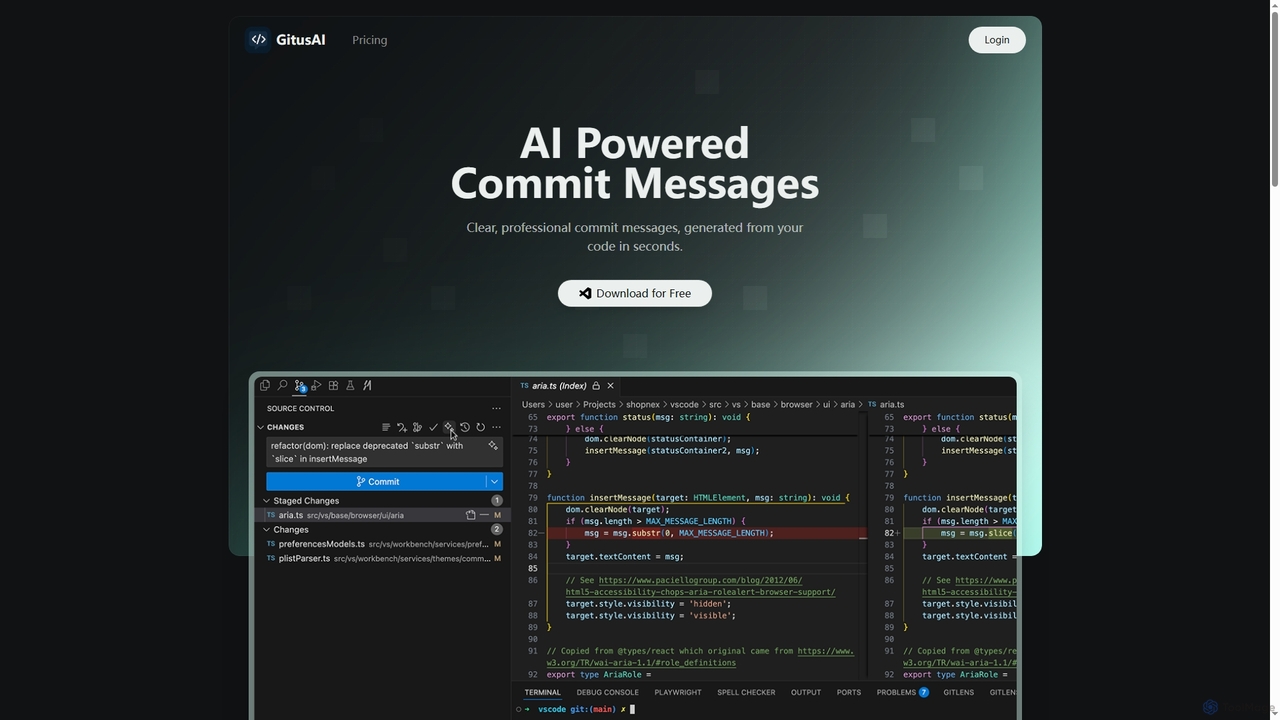
GitusAI
GitusAI is an AI-powered VS Code extension that automates the generation of clear, professional commit messages from your code changes. It helps developers save time, maintain a clean Git history, and ensure consistent commit practices across projects and teams. Ideal for individual developers, freelancers, and large organizations seeking to streamline their development workflow.
Code Generation
Microsoft Copilot
Microsoft Copilot is your everyday AI companion, enhancing productivity and creativity. It provides intelligent search, content generation, and image creation capabilities by leveraging the latest AI models like GPT-4 and DALL-E 3. Integrated across the Microsoft ecosystem, it assists with writing, coding, planning, and design tasks.
Image Generator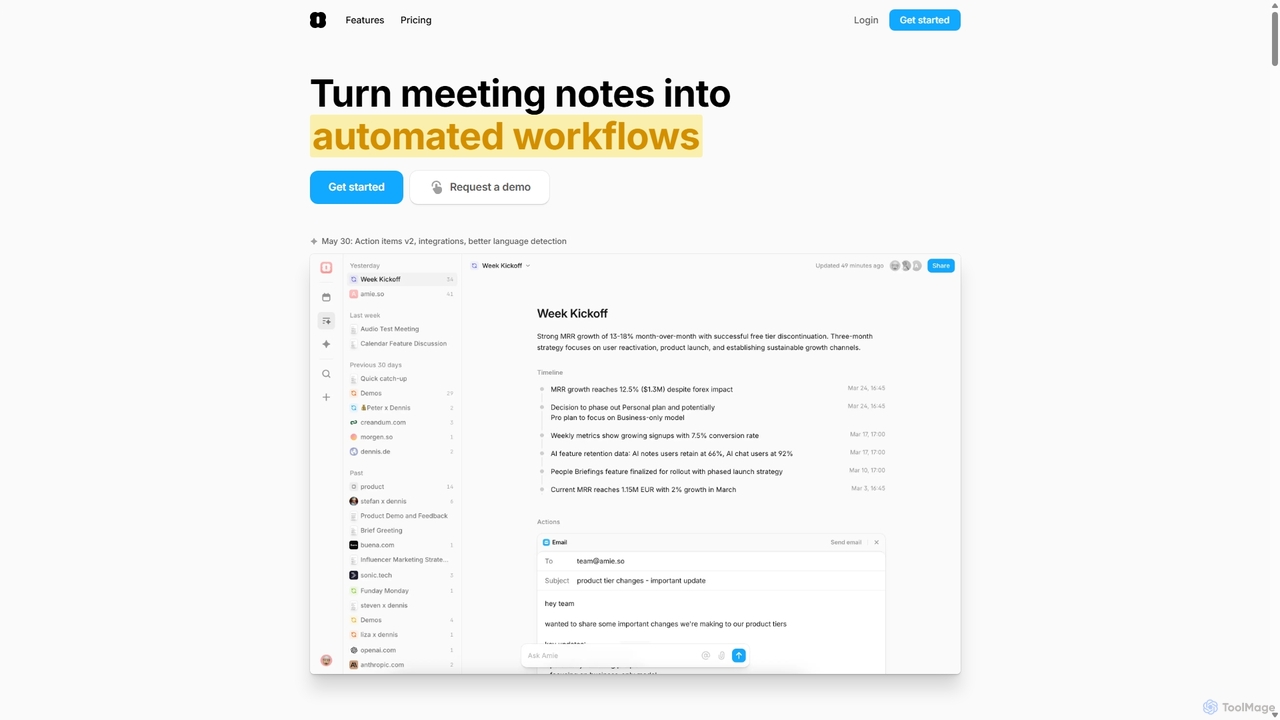
Amie
Amie is an AI-powered productivity suite that transforms meetings into automated workflows. It records, transcribes, and summarizes calls without a bot, generating clear action items. Featuring an integrated AI chat, calendar, and to-do list, Amie automates follow-ups, schedules tasks intelligently, and connects with tools like Notion, Slack, and Hubspot to streamline your workday.
Calendar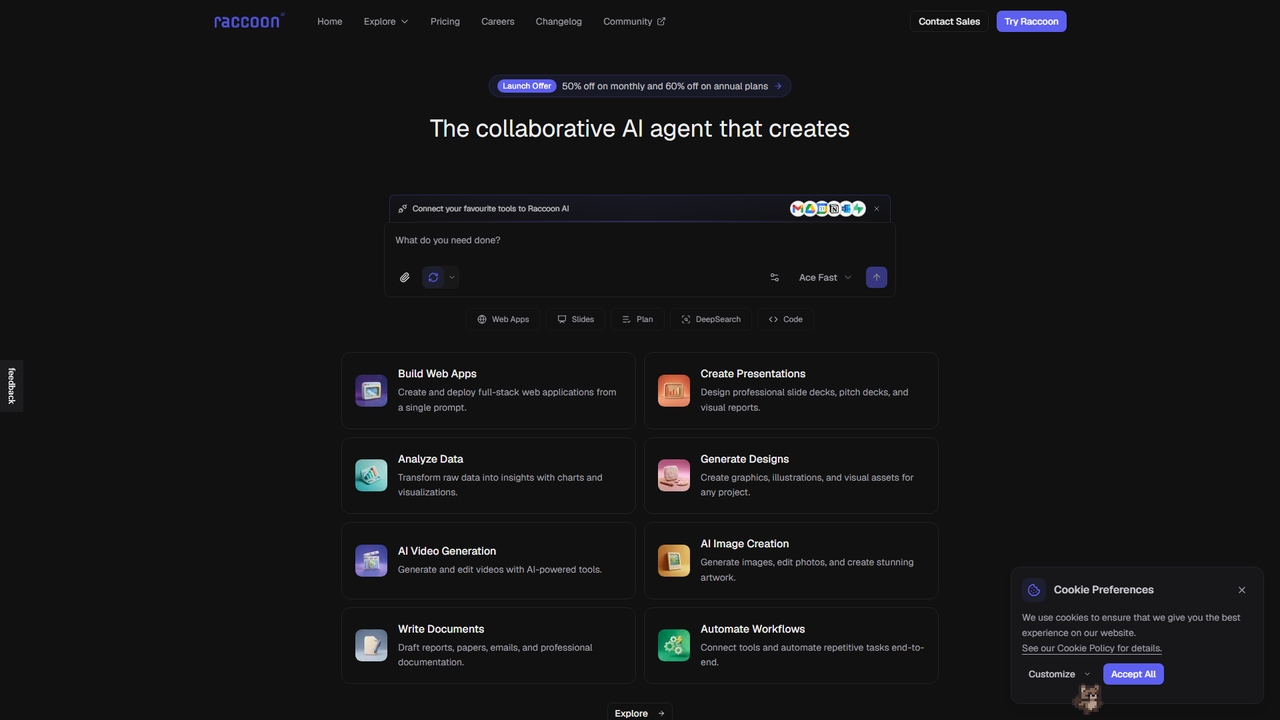
Raccoon AI
Raccoon AI is a collaborative AI workspace that transforms conversations into web applications, presentations, reports, and designs. It integrates with your favorite tools to automate and execute complex creative and technical tasks.
Content Strategy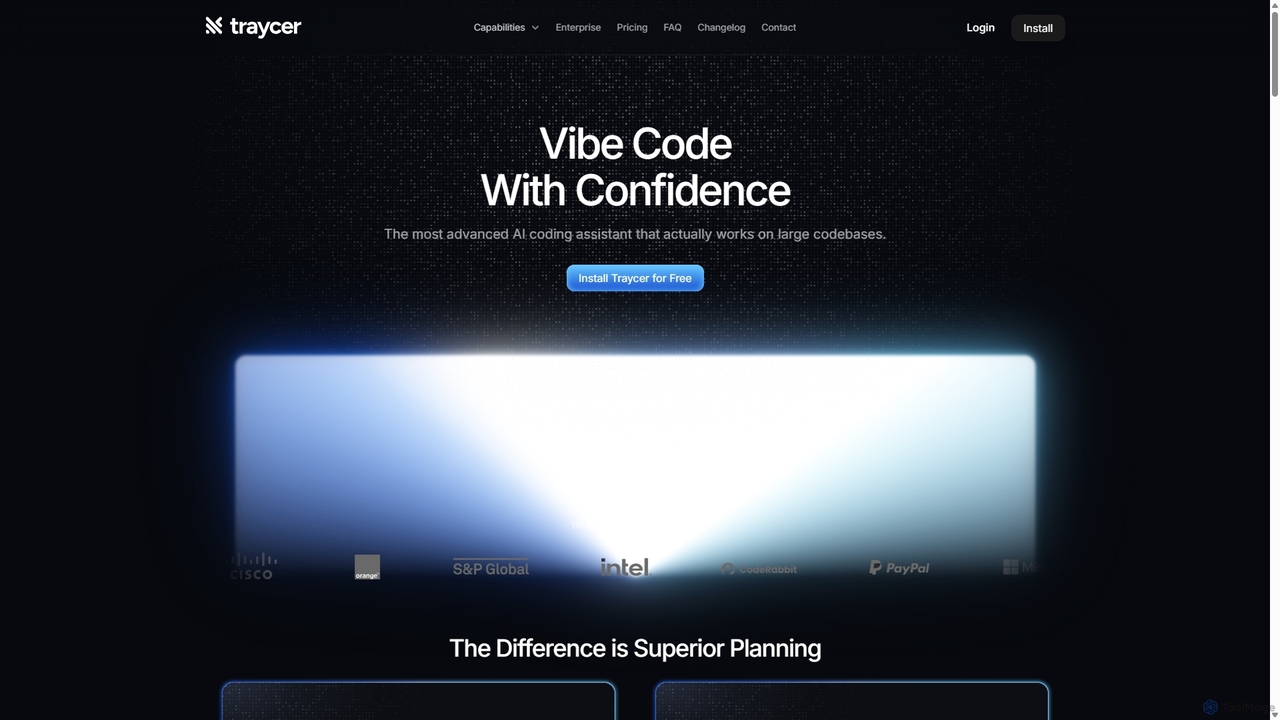
Traycer
Traycer is an advanced AI coding assistant designed for large codebases. It champions a "Plan First, Code Second" approach, generating detailed, actionable plans before writing any code. It integrates with popular AI agents like Copilot and Claude, verifies changes, and offers automated code reviews to streamline development, improve code quality, and significantly boost productivity for individual developers and teams.
Code Review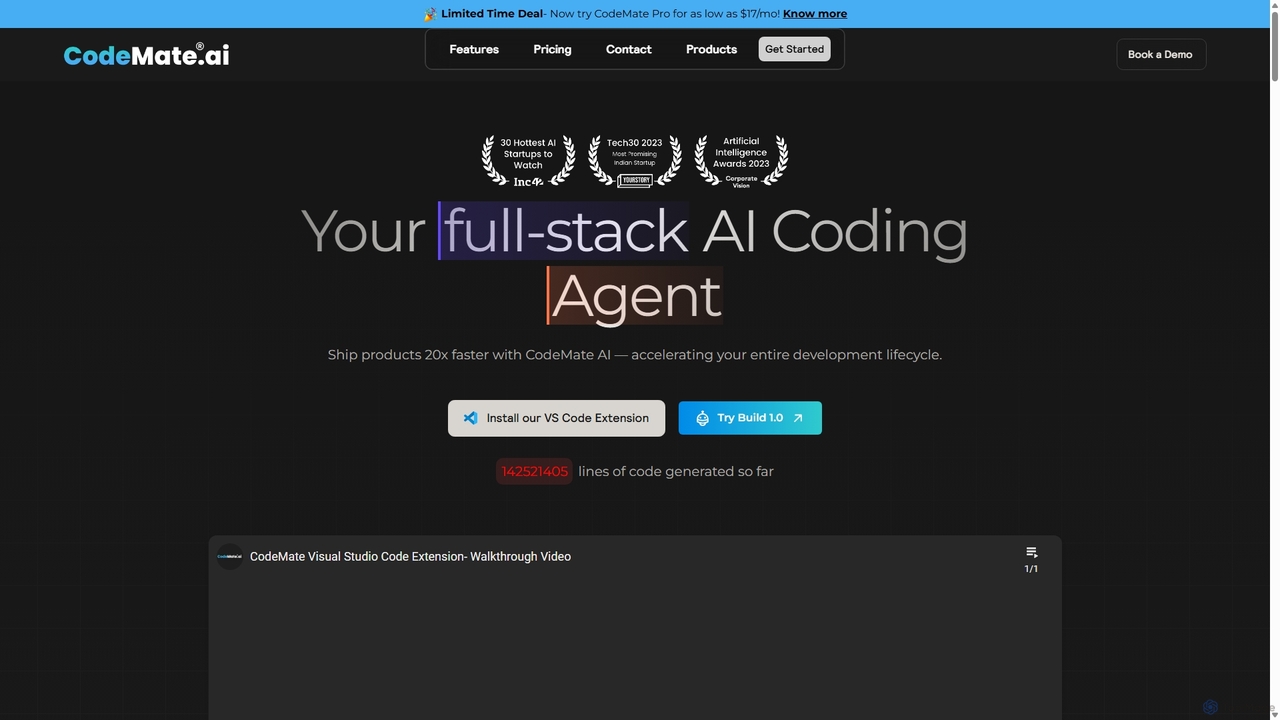
CodeMate
CodeMate is a secure, personalized AI pair programmer designed to enhance developer productivity. It assists with debugging, reviewing, and optimizing code, offering context-aware chat and seamless integration with IDEs like VS Code to help developers build software up to 20x faster.
Code Assistant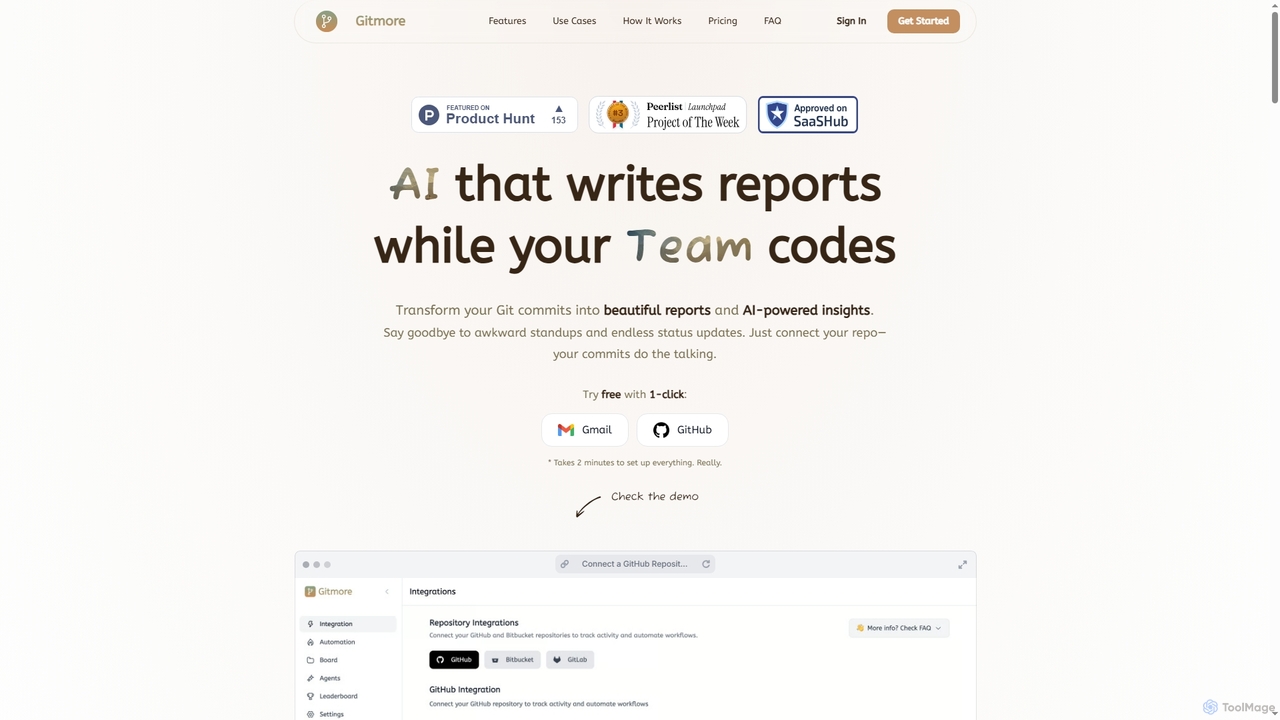
Gitmore
Gitmore is an AI-powered tool that automates technical team reporting and engineering updates. It transforms Git commits into intelligent reports and insights, eliminating manual status updates and standup meetings for development teams using GitHub, GitLab, or Bitbucket.
Productivity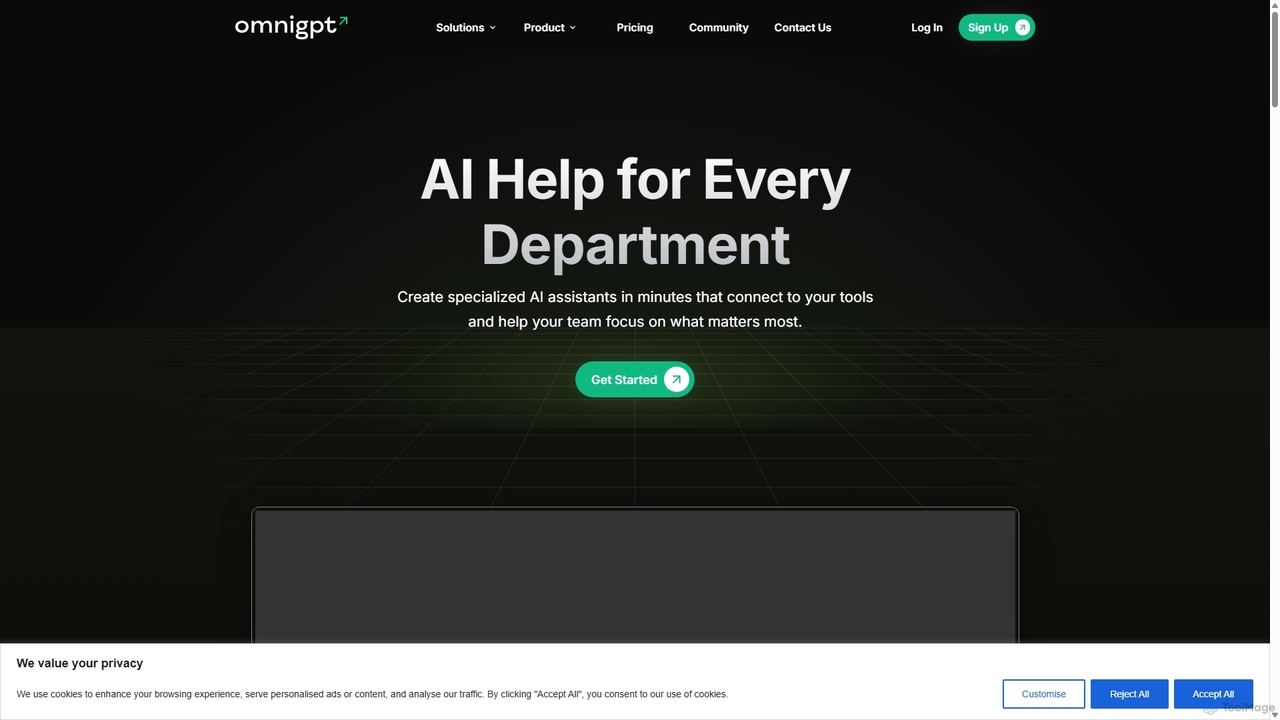
OmniGPT
OmniGPT is an all-in-one AI productivity platform that provides access to multiple leading AI models like GPT-4, Claude 3.5, and Llama 3 through a single subscription. Designed for individuals and teams, it enhances workflows with features such as document analysis, image generation, team collaboration, and seamless integrations with everyday tools like WhatsApp and Slack, offering a cost-effective alternative to multiple AI service subscriptions.
Code Assistant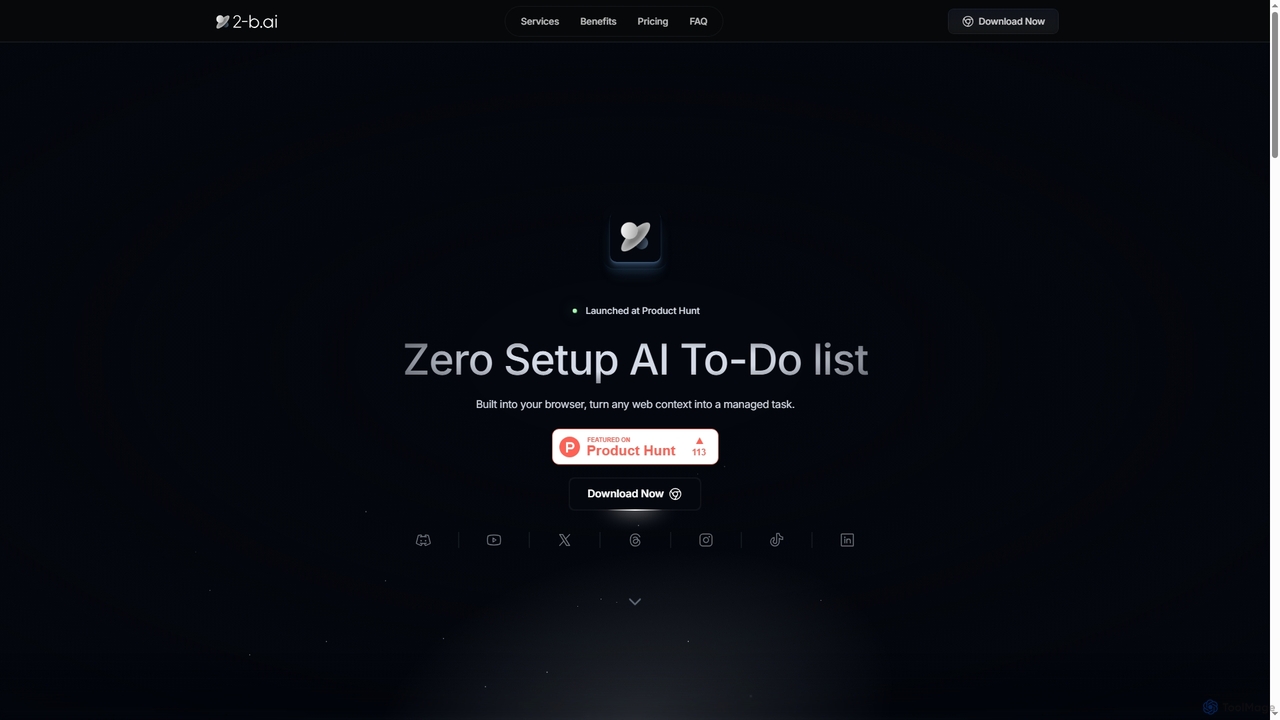
2-b.ai
2-b.ai is a browser-based AI To-Do list extension that seamlessly transforms any web context into manageable tasks. It offers AI-powered task creation, breakdown, and an AI chat for workflow organization, integrating with Google Calendar to enhance productivity directly within your browser.
Workflow Automation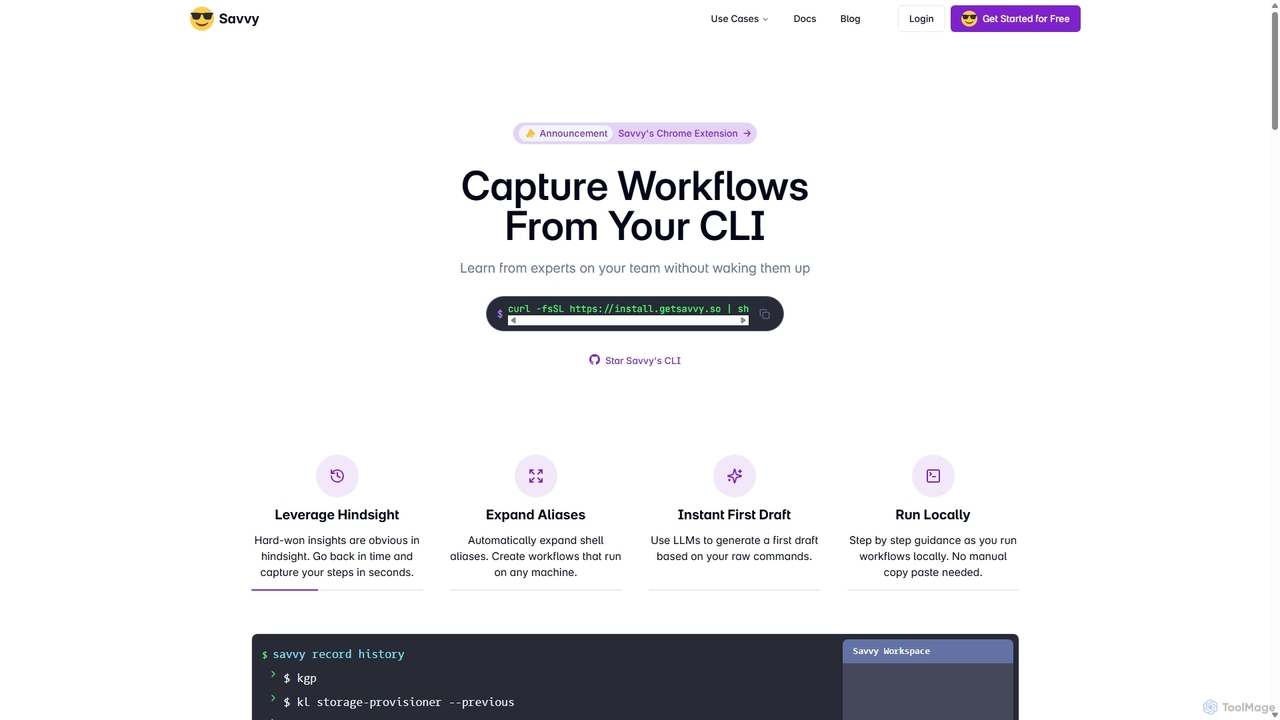
Savvy
Savvy is an AI-powered tool for developers that captures Command Line Interface (CLI) actions to create shareable, step-by-step workflows. It helps teams document tribal knowledge, accelerate new hire onboarding, and resolve incidents faster by turning complex command sequences into easy-to-follow guides. With features like sensitive data redaction and AI-generated documentation, Savvy enhances productivity and collaboration for technical teams.
Command Line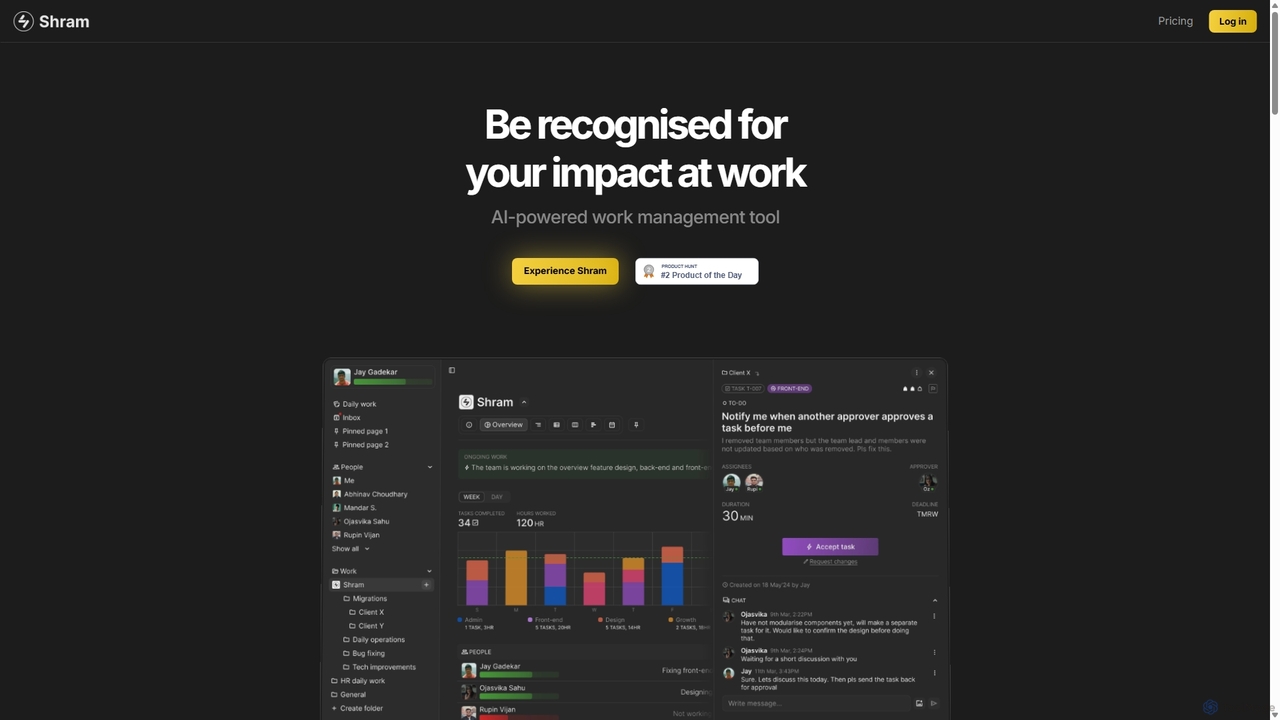
Shram
Shram is a delightful AI-powered work management platform that enhances team productivity through gamification. It intelligently assigns tasks, tracks performance, and provides actionable insights, making work more engaging and joyful for decentralized teams.
Productivity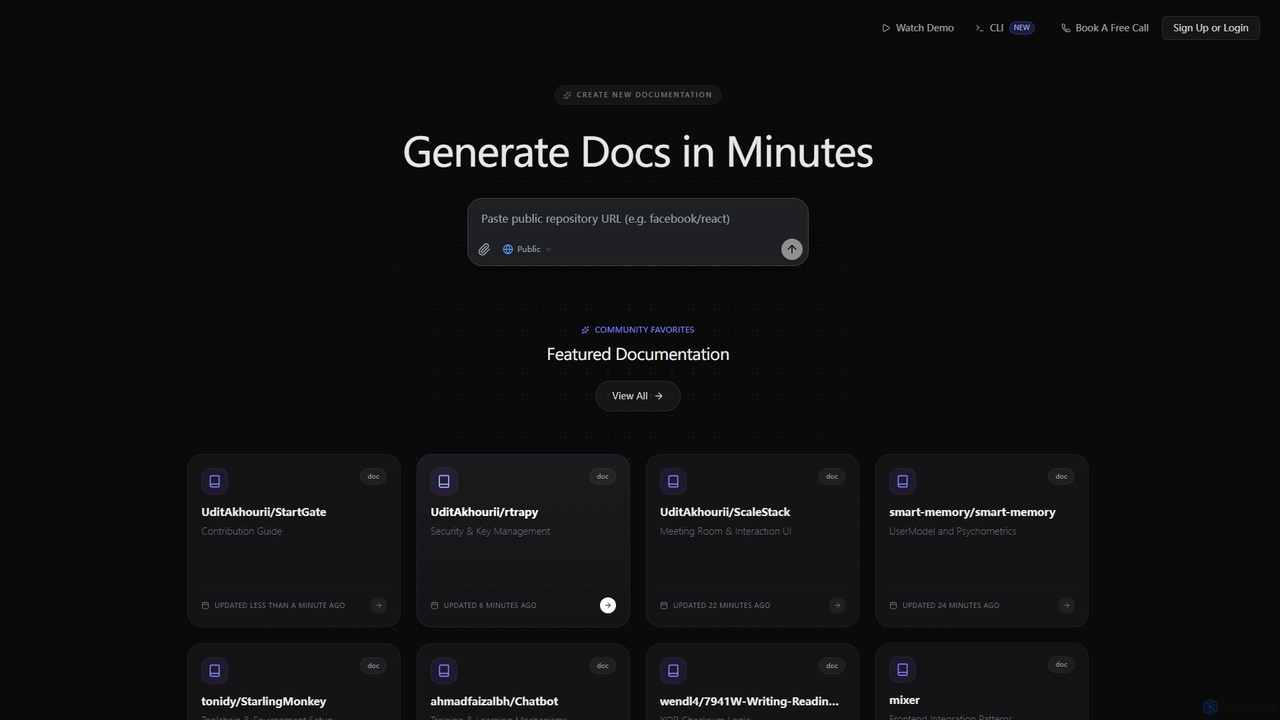
SuperDocs
SuperDocs is an AI-powered platform designed to rapidly generate comprehensive and context-aware documentation. It helps developers, teams, and communities create, manage, and explore technical documentation in minutes, featuring an interactive AI assistant for enhanced user experience.
Api Documentation
BRXCE
BRXCE is an AI-powered task management and workflow automation application that allows users to organize and execute tasks using natural language commands. It integrates with major LLM clients to provide an intuitive, conversational interface for managing personal and team projects, reducing complex clicks and streamlining productivity.
Virtual Assistant
Marchen Comments (0)
Sign in to comment.
Sign inNo comments yet.