ToolMage
Sign in

Best 24 Calendar AI tools for Productivity

Popular Calendar AI tools in Productivity include Reclaim, Morgen, Akiflow, Readdle, OneCal, Routine, FlowSavvy, NotePlan, Amie, and SkedPal, helping you work more efficiently.

OneCal
Freemium

OneCal

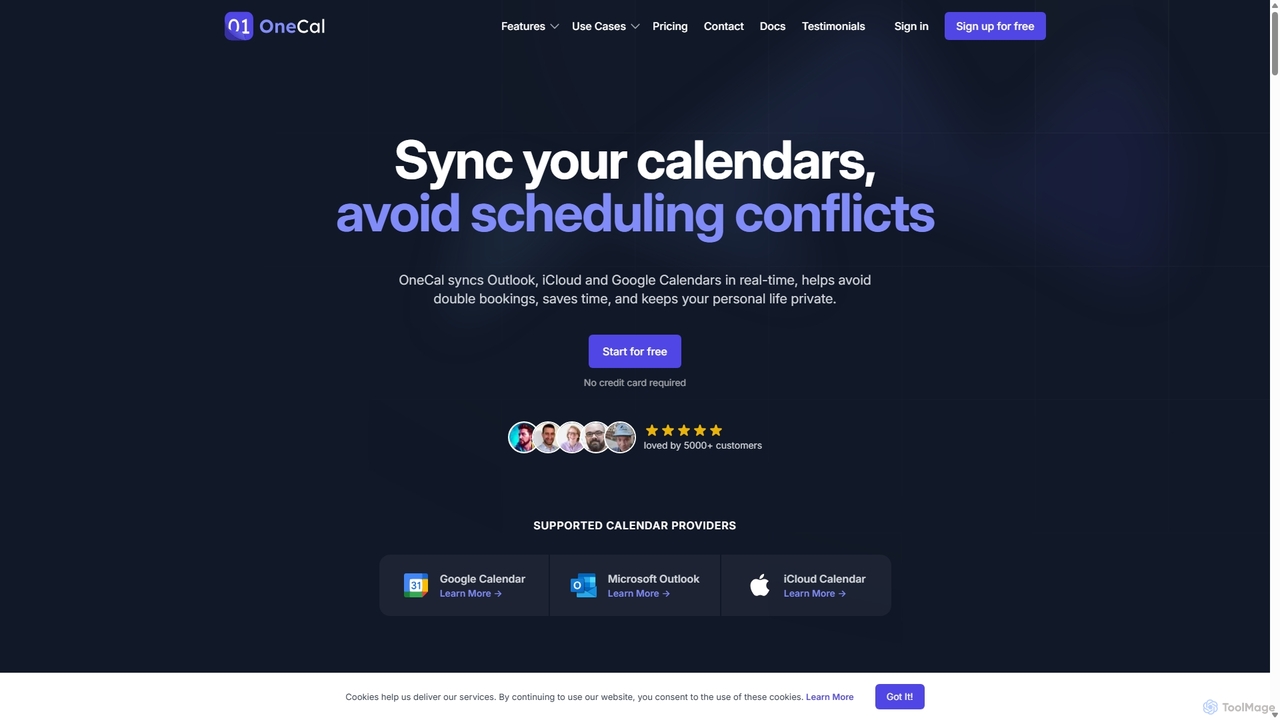
OneCal is a powerful calendar automation tool that syncs Outlook, Google, and iCloud calendars in real-time. It helps professionals and teams avoid double bookings, save time on scheduling, and maintain privacy by consolidating all events into a unified view and providing customizable scheduling links.

Time Management
Visits 101KFavorites 132Likes 140
Amie
Freemium

Amie

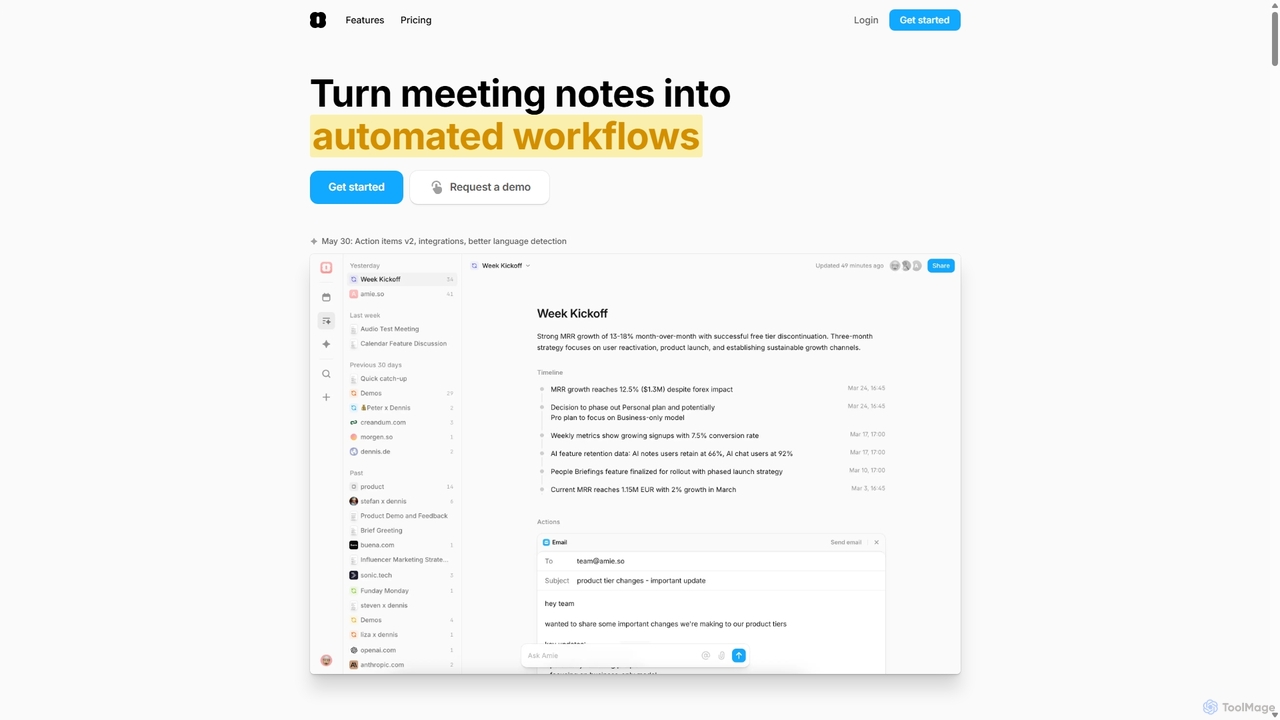
Amie is an AI-powered productivity suite that transforms meetings into automated workflows. It records, transcribes, and summarizes calls without a bot, generating clear action items. Featuring an integrated AI chat, calendar, and to-do list, Amie automates follow-ups, schedules tasks intelligently, and connects with tools like Notion, Slack, and Hubspot to streamline your workday.

Calendar
Visits 80.2KFavorites 123Likes 115
Reclaim.ai
Freemium

Reclaim.ai

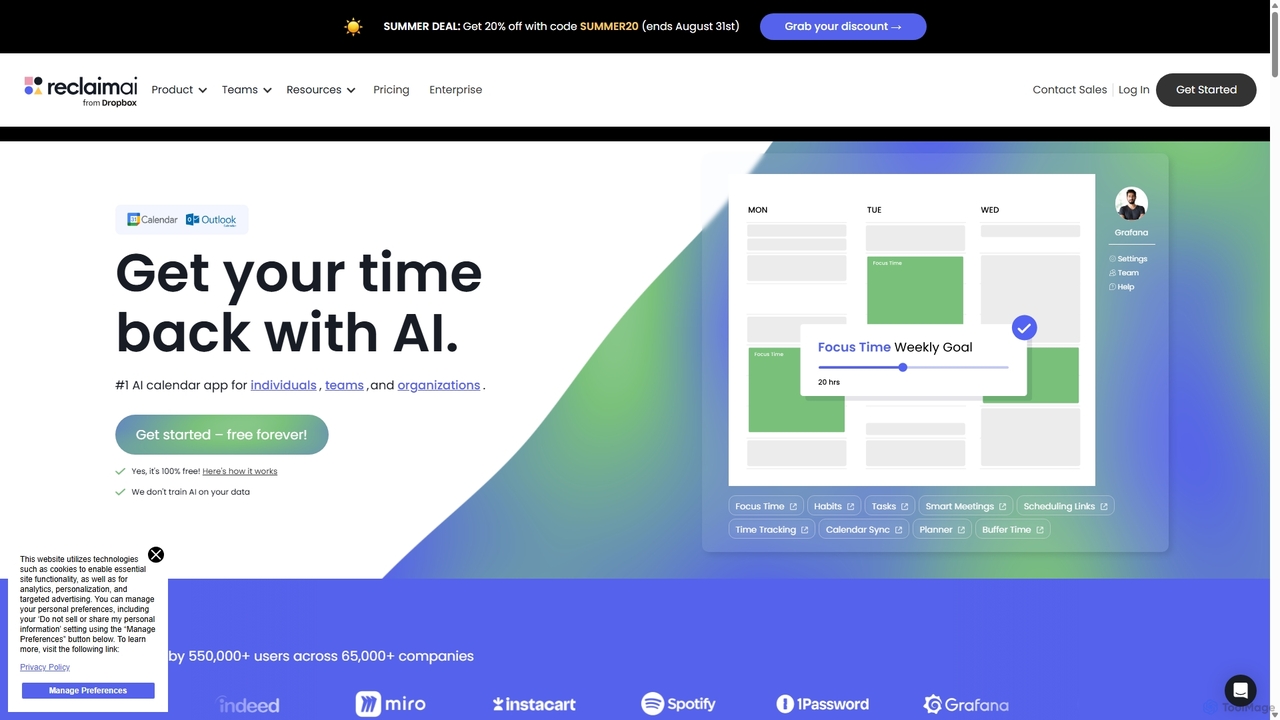
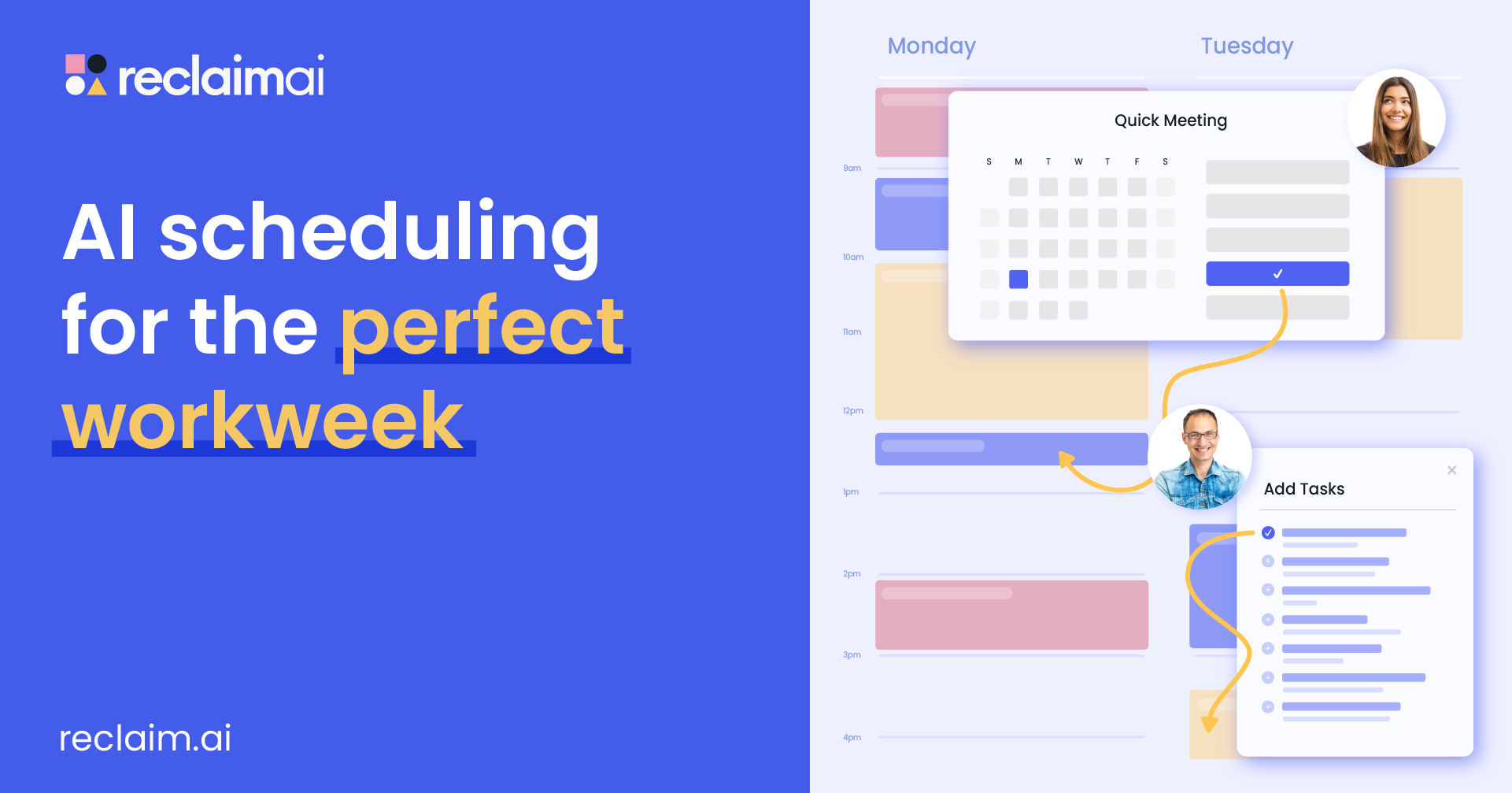
Reclaim.ai is an intelligent AI calendar assistant that automates your schedule for optimal productivity and work-life balance. It intelligently blocks time for tasks, habits, and focus work, finds the best times for meetings, and syncs all your calendars. By defending your time and creating a flexible plan, Reclaim helps you focus on what matters most.

Calendar
Visits 5.7KFavorites 118Likes 125
Vimcal
Freemium

Vimcal

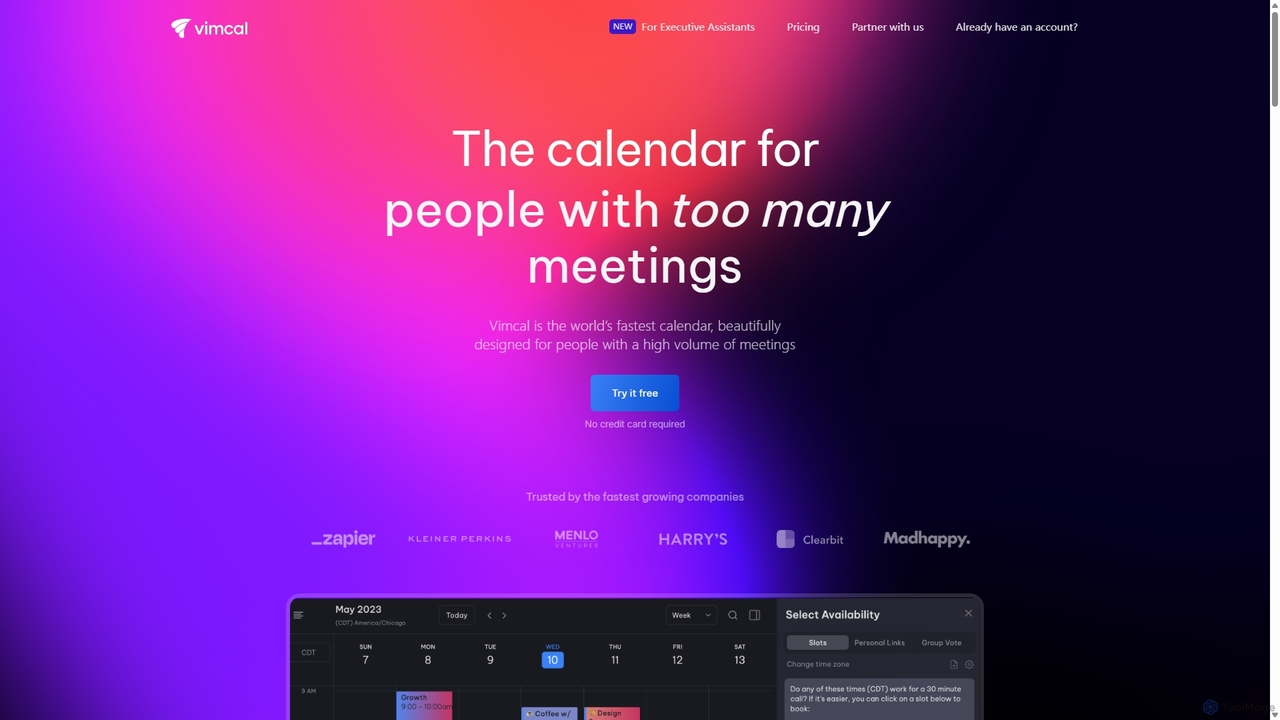
Vimcal is an AI-powered calendar designed for speed and efficiency. Dubbed the "Superhuman for calendar," it helps busy professionals and teams schedule meetings effortlessly. Features include an AI scheduling assistant, GPT-powered dossiers on attendees, and a unified view for all your calendars. It streamlines coordination, eliminates back-and-forth emails, and ensures you're always prepared for your next meeting.

Personal
Visits 44.3KFavorites 100Likes 106
Readdle
Freemium

Readdle

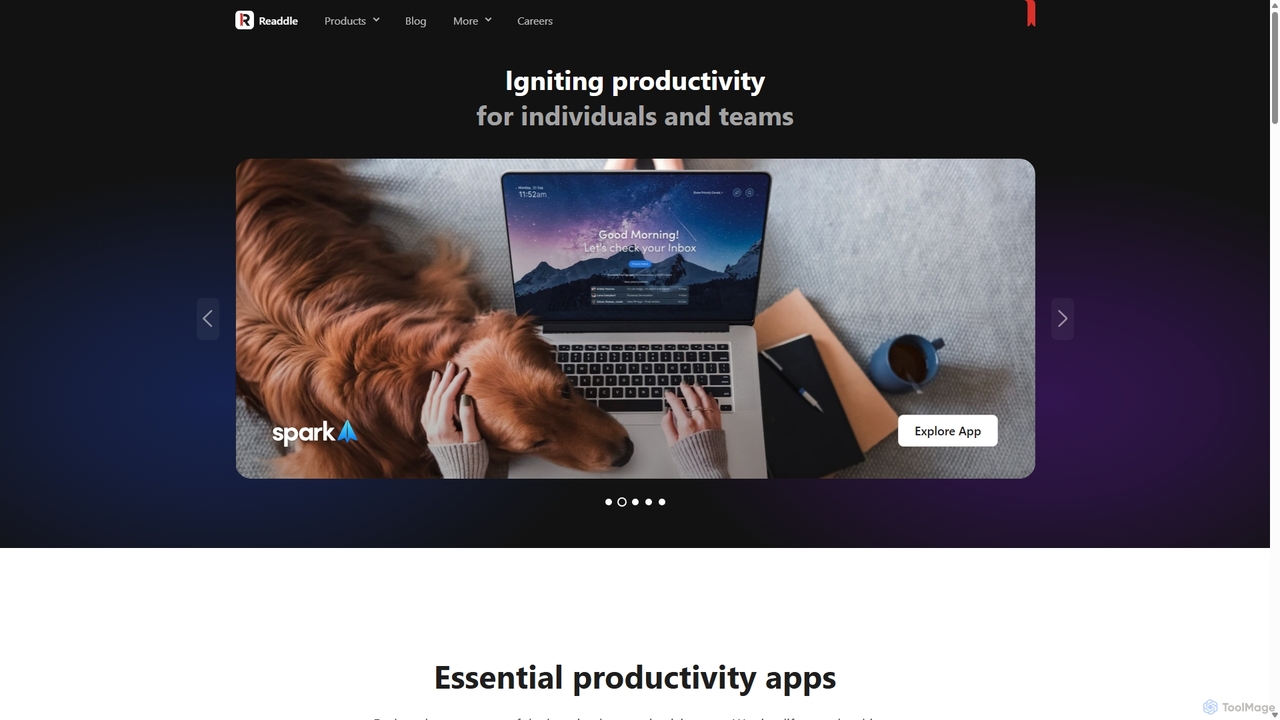
Readdle is a leading developer of a suite of award-winning productivity apps for iPhone, iPad, and Mac. Its ecosystem, including PDF Expert, Spark, Calendars, and Scanner Pro, is designed to streamline workflows, enhance efficiency, and simplify digital life for millions of individuals and teams worldwide. By integrating advanced technology like AI, Readdle's apps provide powerful solutions for document management, email, scheduling, and more.

Workflow Automation
Visits 243.9KFavorites 121Likes 133
Routine
Freemium

Routine

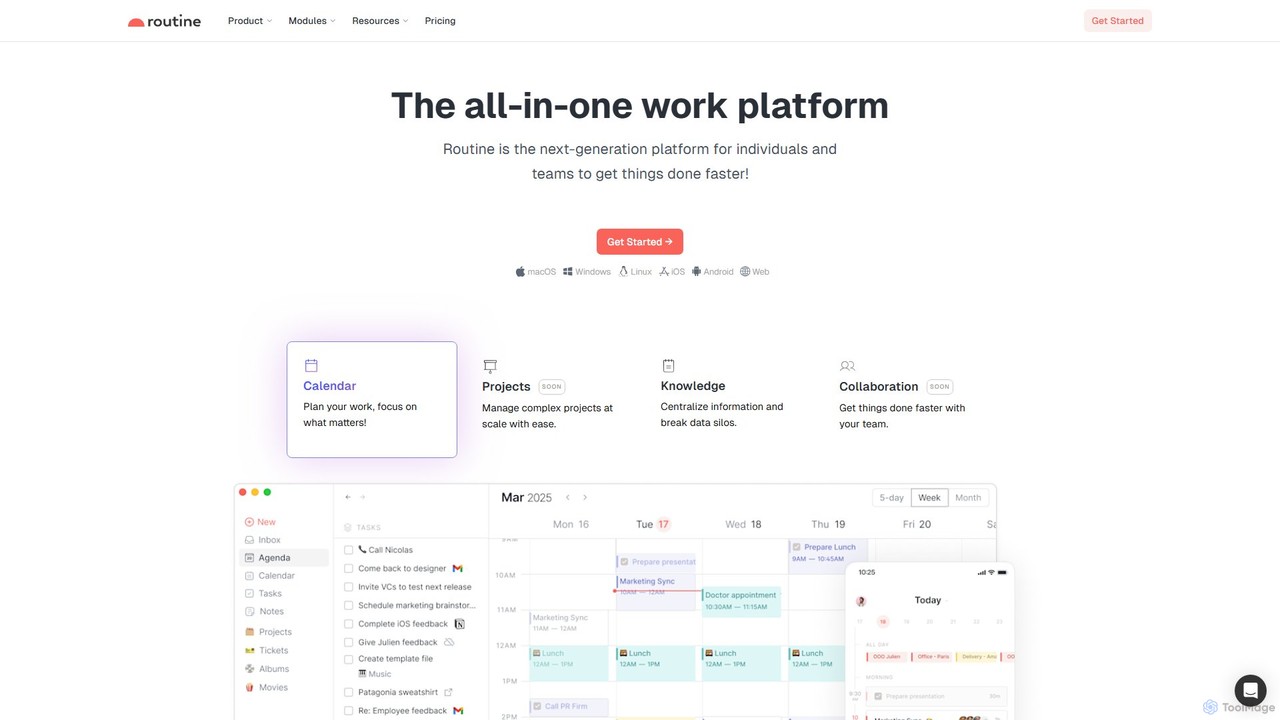
Routine is an all-in-one work platform designed for individuals and teams to enhance productivity. It unifies tasks, calendar, notes, and contacts into a single, streamlined workspace. Featuring natural language input, time blocking, and extensive integrations, Routine helps you organize work, focus on priorities, and get things done faster across all your devices.

All In One
Visits 95.6KFavorites 141Likes 121
Solid Apps
Paid

Solid Apps

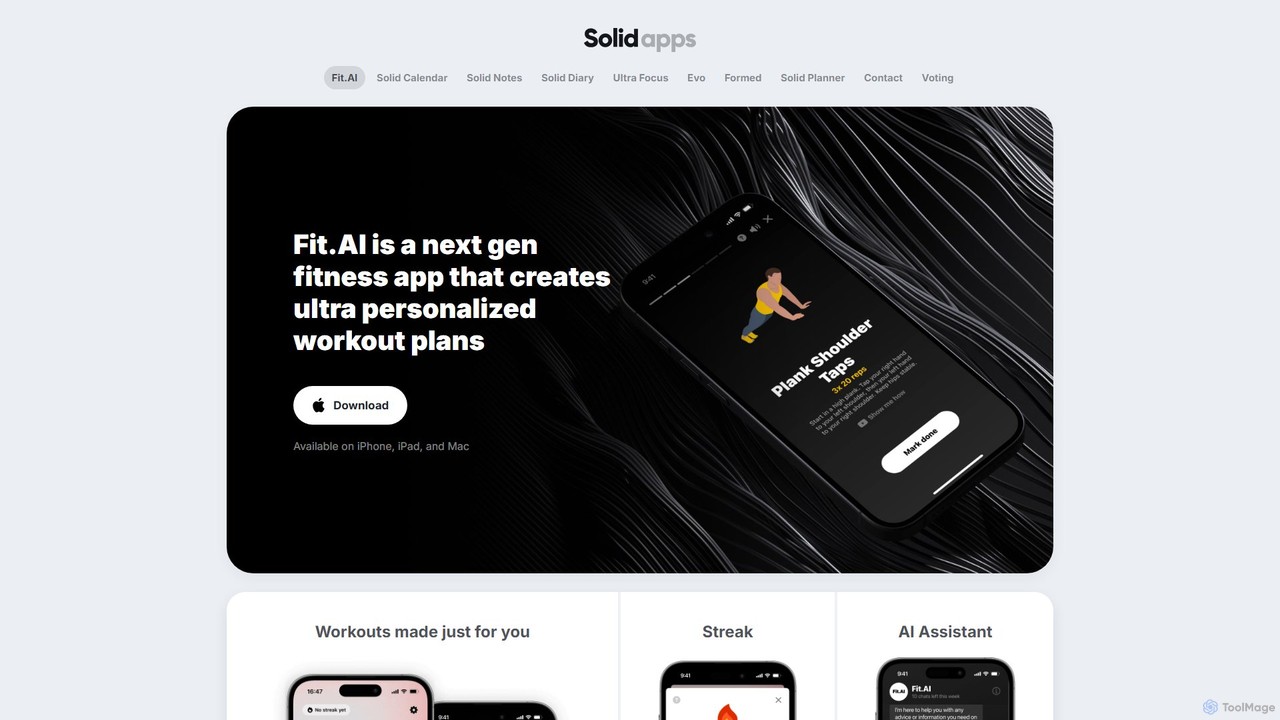
Solid Apps is a suite of AI-enhanced productivity and wellness applications for Apple devices. Featuring minimalist design and a one-time purchase model, it offers specialized tools for fitness (Fit.AI), scheduling (Solid Calendar), journaling (Solid Diary), and goal setting (Ultra Focus). The suite prioritizes user privacy and provides an intuitive, ad-free experience across iPhone, iPad, and Mac, with an all-in-one option called Evo for comprehensive management.

Workout Planning
Visits 4.9KFavorites 122Likes 106
TimeTailor
Freemium

TimeTailor

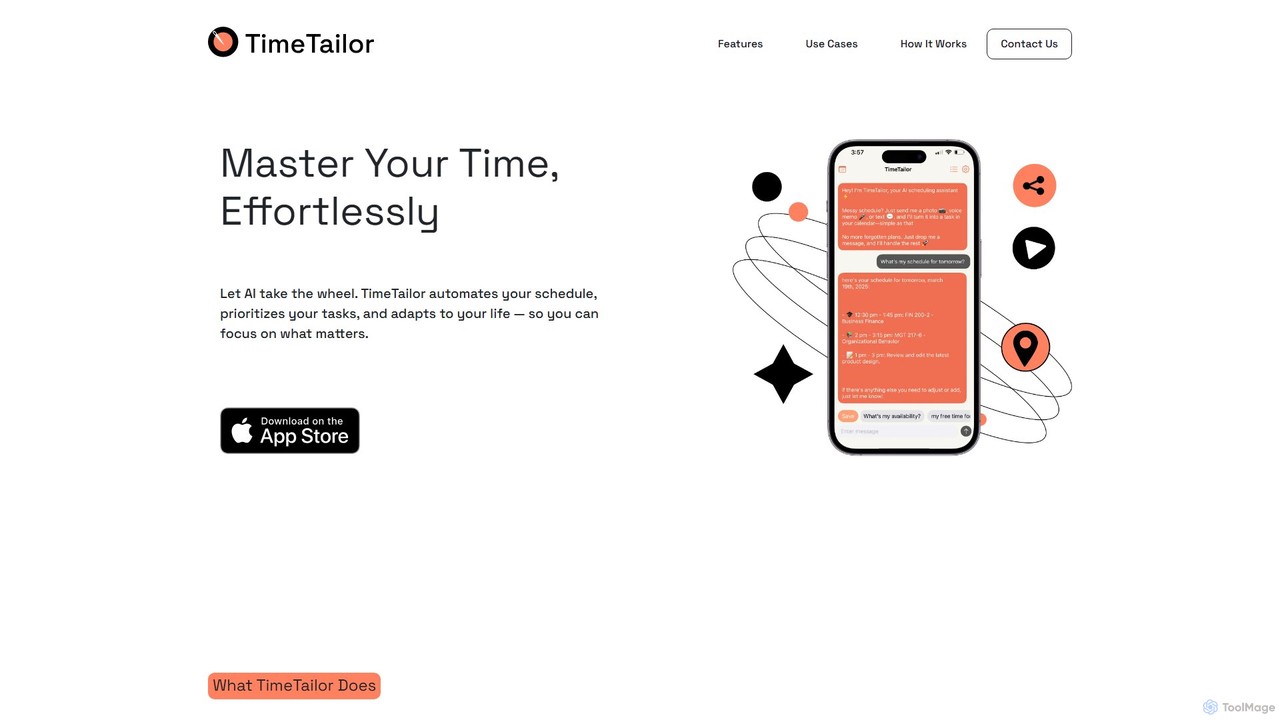
TimeTailor is an AI-powered scheduling assistant that automates your calendar, prioritizes tasks, and adapts to your life. Simply send your schedule via text, voice, or image, and let the AI organize your day, sync with your calendars, and send smart reminders so you can focus on what truly matters.

Calendar
Visits 5.7KFavorites 121Likes 107
Mayday

Mayday

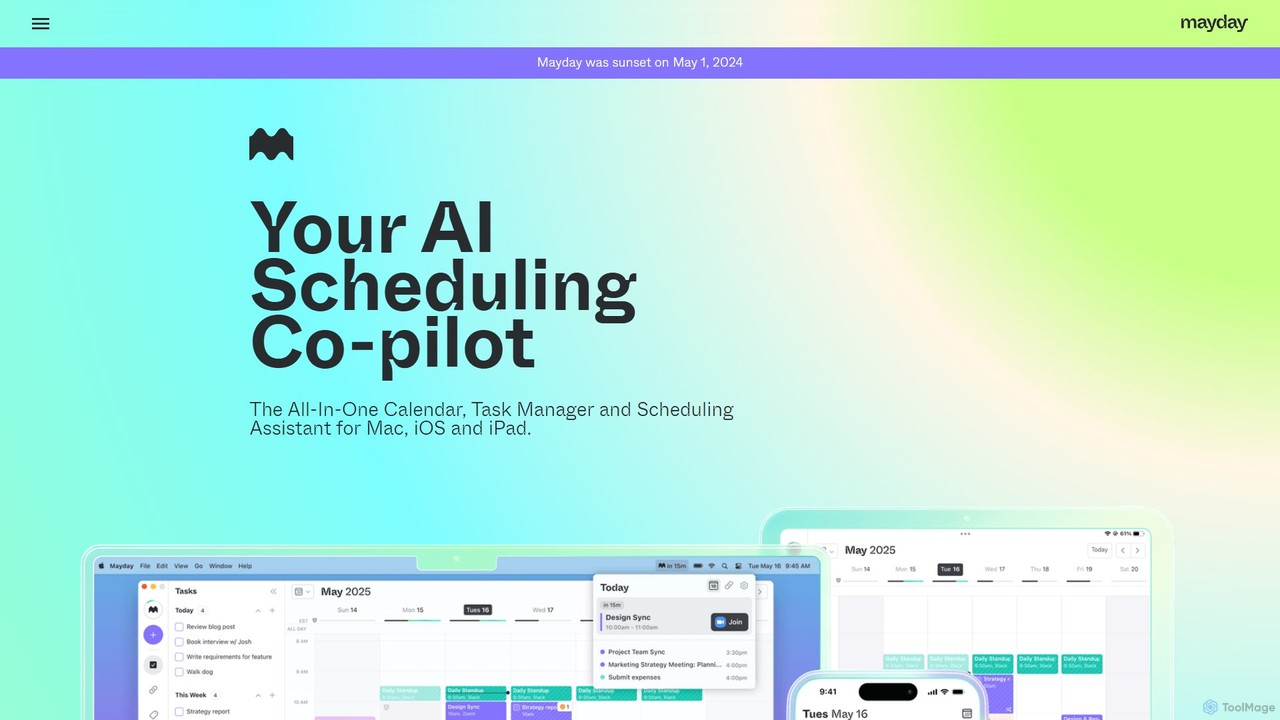
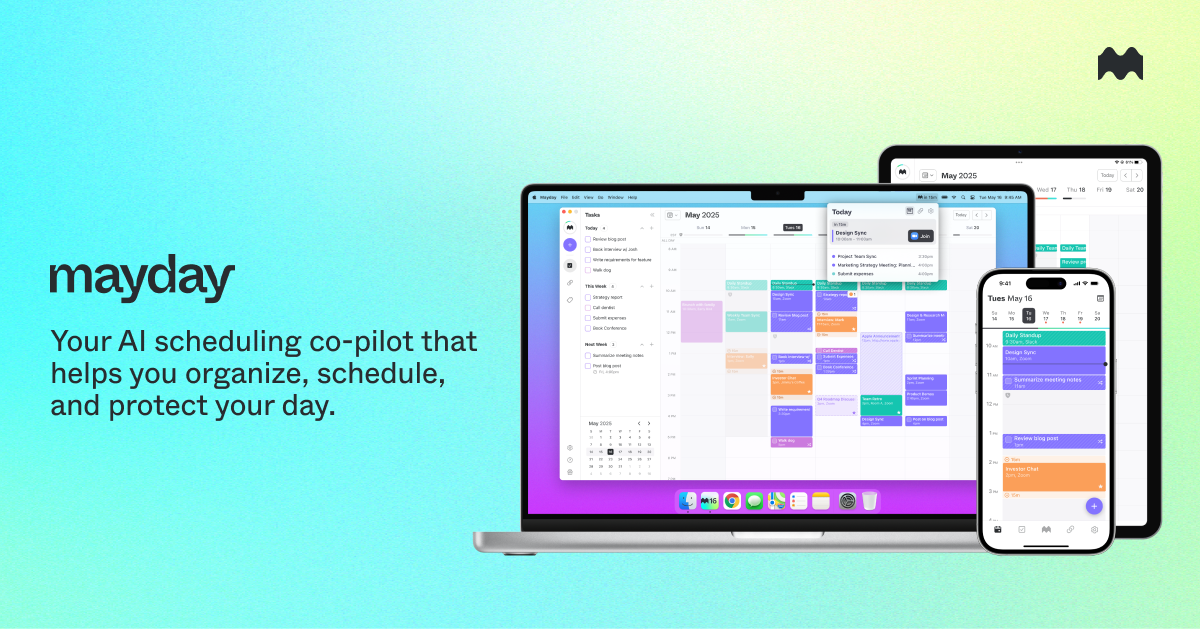
Mayday was an AI-assisted calendar designed to protect your time and automate scheduling. It unified multiple calendars, intelligently scheduled tasks, and used features like buffer time and smart tags to create a more manageable schedule. Please note: Mayday was discontinued on May 1, 2024.

Calendar
Visits 7.9KFavorites 139Likes 143
Actimate
Freemium

Actimate

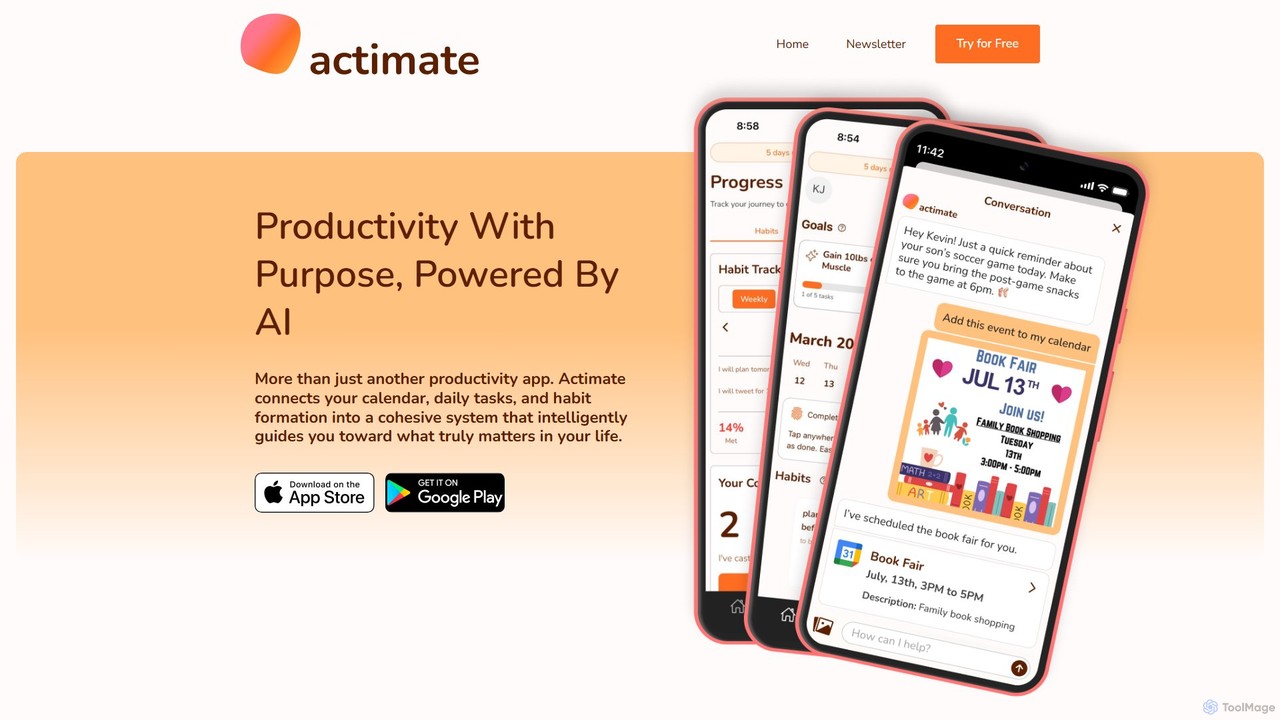
Actimate is an AI-powered productivity partner designed to unify your calendar, daily tasks, and habit formation. It intelligently guides you to focus on what truly matters, reducing overwhelm and digital distractions. By acting as a proactive accountability coach, Actimate helps you manage your schedule, achieve your goals, and regain control over your time and energy.

Ai Assistant
Visits 5KFavorites 119Likes 119
Chronify
Freemium

Chronify

Chronify is an AI-powered scheduling assistant that automates time management. It integrates with your calendar to handle meeting scheduling, task organization, and proactive adjustments, learning your preferences to optimize your day and free you up to focus on what matters.

Calendar
Visits 5KFavorites 124Likes 125
Elephouse
Free

Elephouse

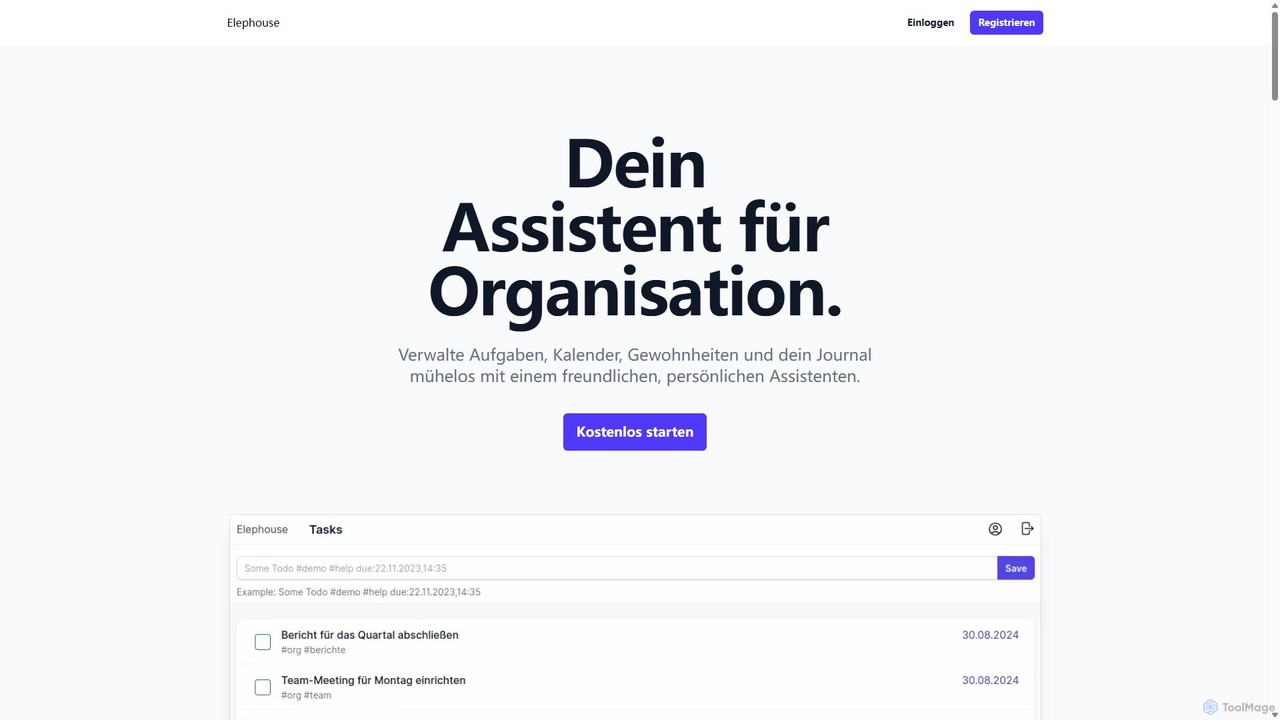
Elephouse is an all-in-one personal assistant designed to simplify your life. It helps you effortlessly manage tasks, calendars, habits, and a journal through a friendly, minimalist, and intuitive interface. With upcoming AI features, it aims to make organization as simple as thinking.

Calendar
Visits 4.9KFavorites 111Likes 112
heydola
Freemium

heydola

Heydola, now known as Toki AI, is an intelligent calendar assistant that simplifies your scheduling. It allows you to manage your calendar using natural language via messaging apps like WhatsApp or its dedicated iOS app. Simply text, speak, or send an image to create events, set smart reminders, and sync all your calendars in one place, making time management effortless and intuitive.

Calendar
Visits 72.5KFavorites 131Likes 113
Lifestack
Freemium

Lifestack

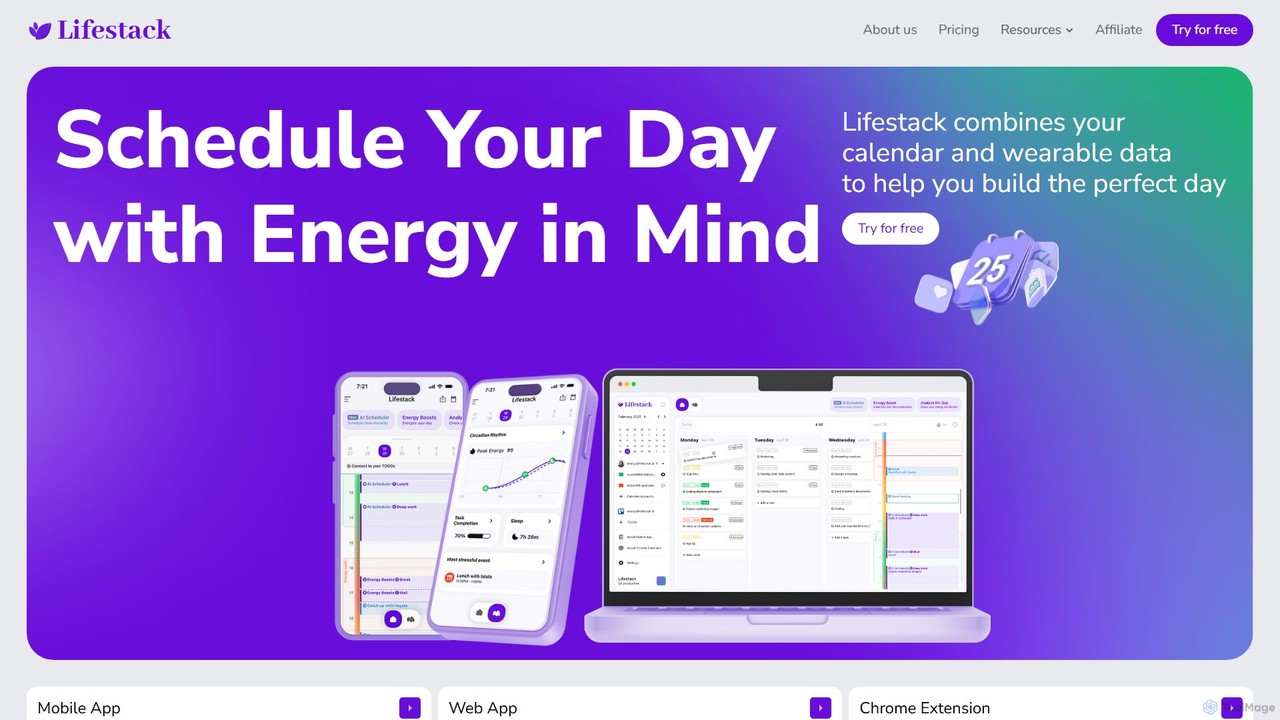
Lifestack is an intelligent calendar app that integrates with your health wearables to optimize your schedule based on your energy levels. By analyzing data like sleep and circadian rhythm, it helps you schedule demanding tasks during your peak energy periods, boosting productivity and preventing burnout.

Wellness
Visits 22.6KFavorites 124Likes 109
Akiflow
Paid

Akiflow

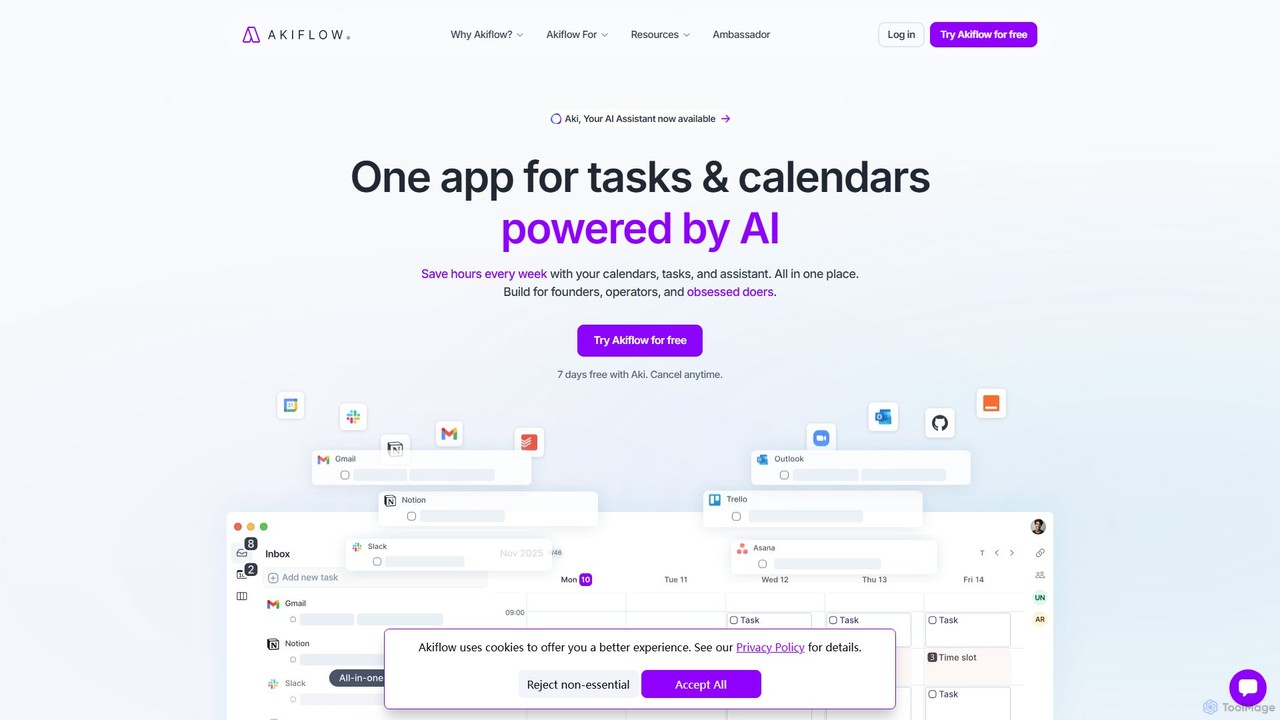
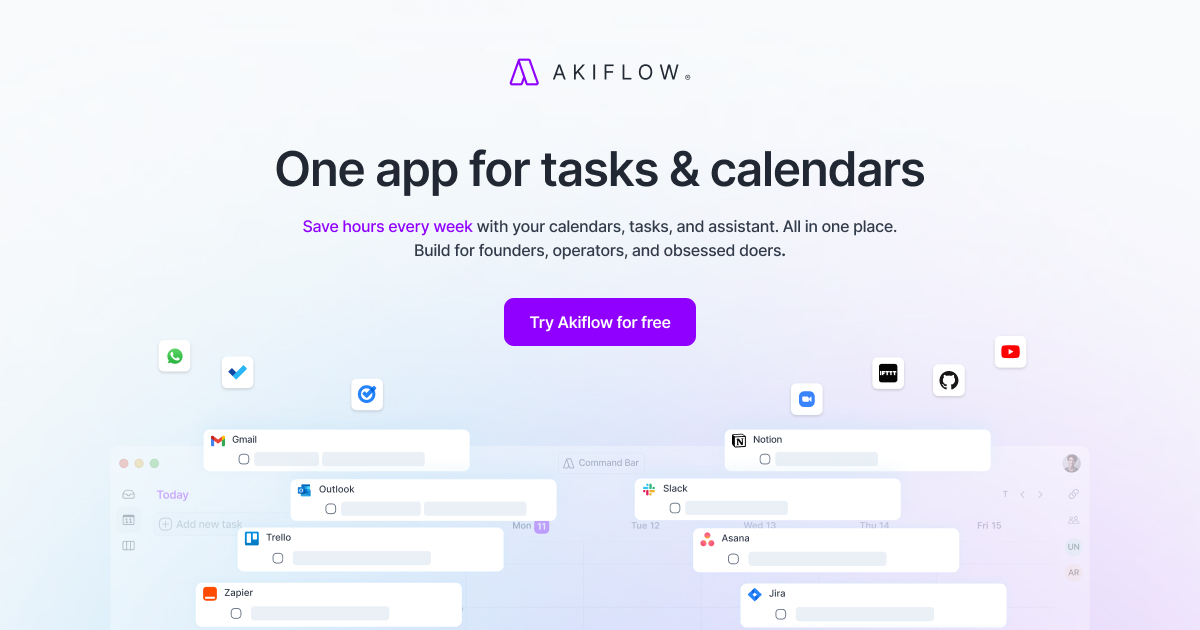
Akiflow is an AI-powered time-blocking and task management platform that unifies all your calendars and tasks from various tools into a single, streamlined workspace. Featuring an AI assistant named Aki, it helps high-performing professionals organize their day, automate routines, and save hours every week.

Calendar
Visits 259.7KFavorites 89Likes 89
BeforeSunset
Freemium

BeforeSunset

BeforeSunset is an AI-powered daily planner that transforms your thoughts into organized tasks, creates an optimized schedule, and helps you focus. It automatically prioritizes your to-dos, offers various planning styles, and provides a distraction-free environment to boost productivity and achieve a better work-life balance.

Calendar
Visits 36.3KFavorites 119Likes 112
SkedPal
Freemium

SkedPal

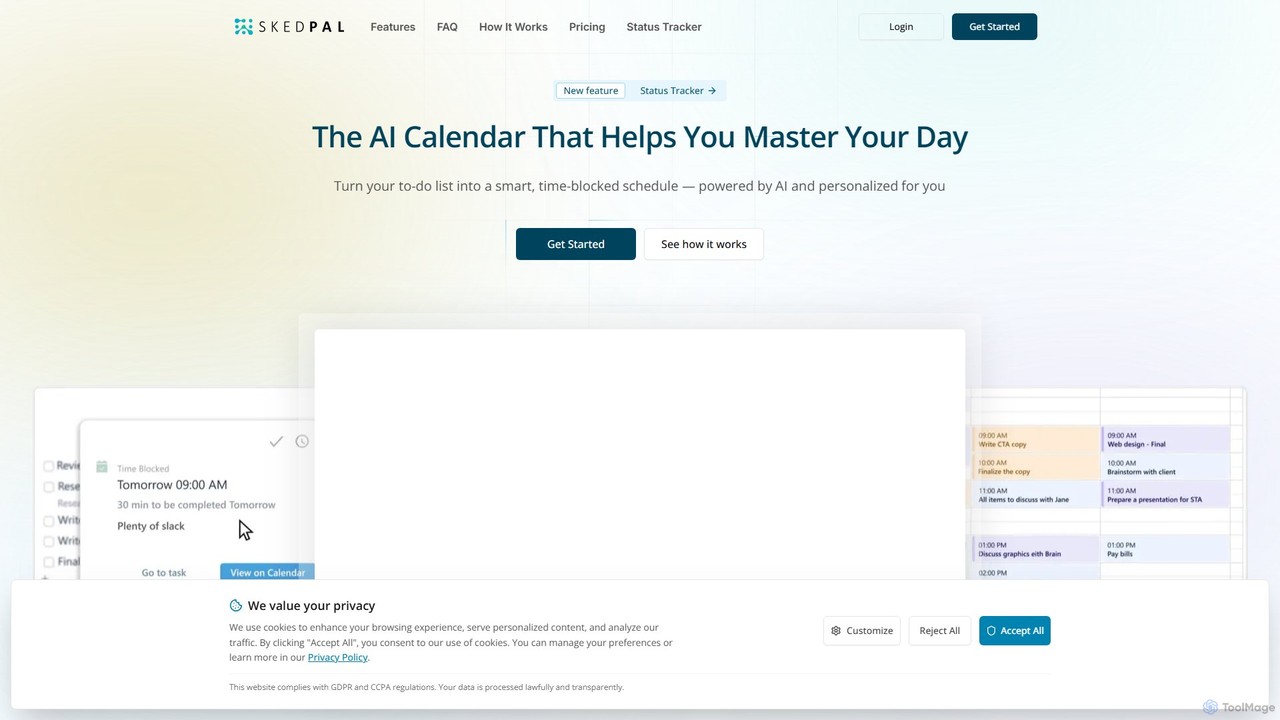
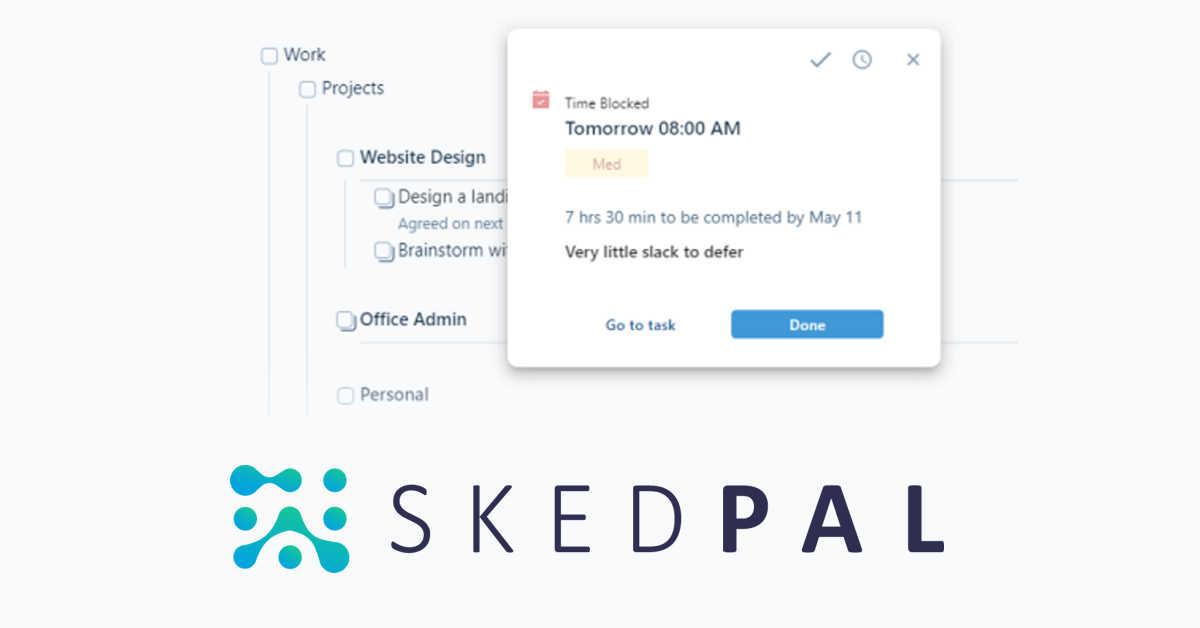
SkedPal is an AI-powered calendar that intelligently transforms your to-do list into a dynamic, time-blocked schedule. It automatically plans your tasks based on your priorities and availability, adapting in real-time to changes. This smart assistant helps you protect time for deep work, build habits, and master your day without the manual effort of calendar management.

Calendar
Visits 75.4KFavorites 112Likes 133
NotePlan
Paid

NotePlan

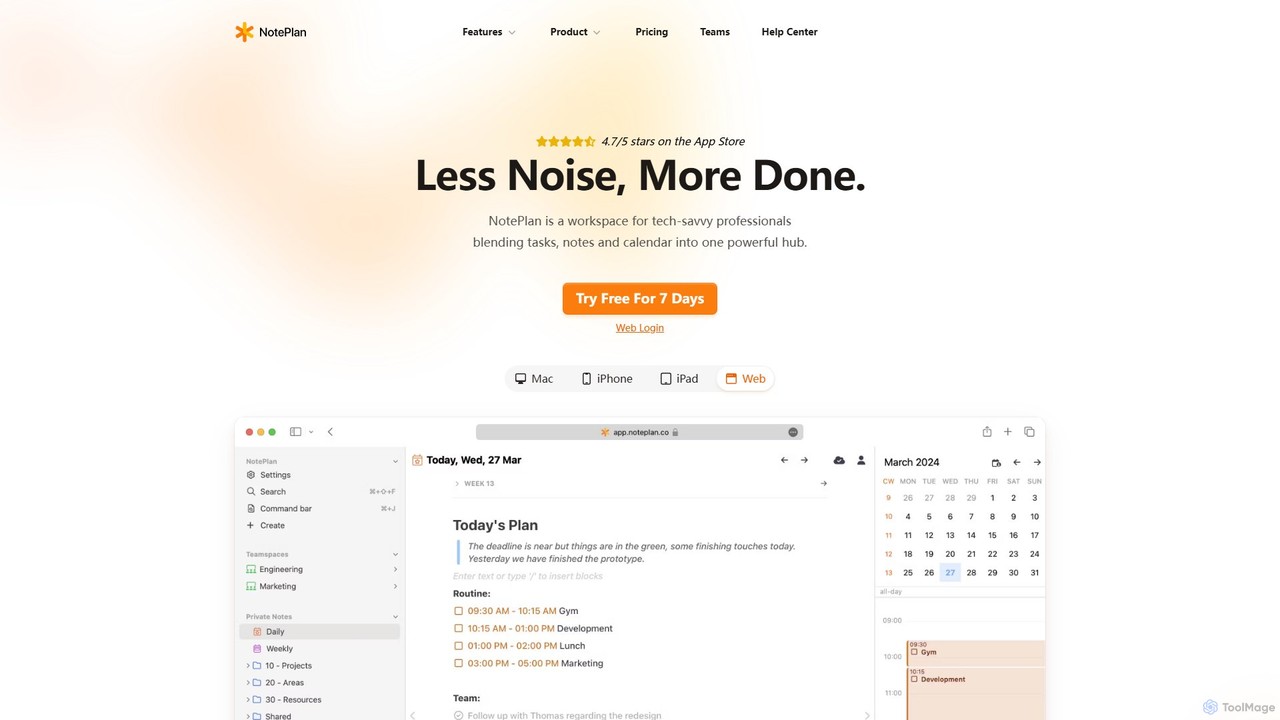
NotePlan is an all-in-one productivity workspace for professionals, blending tasks, notes, and calendar into a single, powerful hub. It supports Markdown, personal knowledge management (PKM) with bi-directional links, and features integrated AI for summarizing, rewriting, and transcribing. Available on Mac, iOS, and Web, it keeps you organized and focused.

Calendar
Visits 89.6KFavorites 130Likes 129
Morgen
Freemium

Morgen

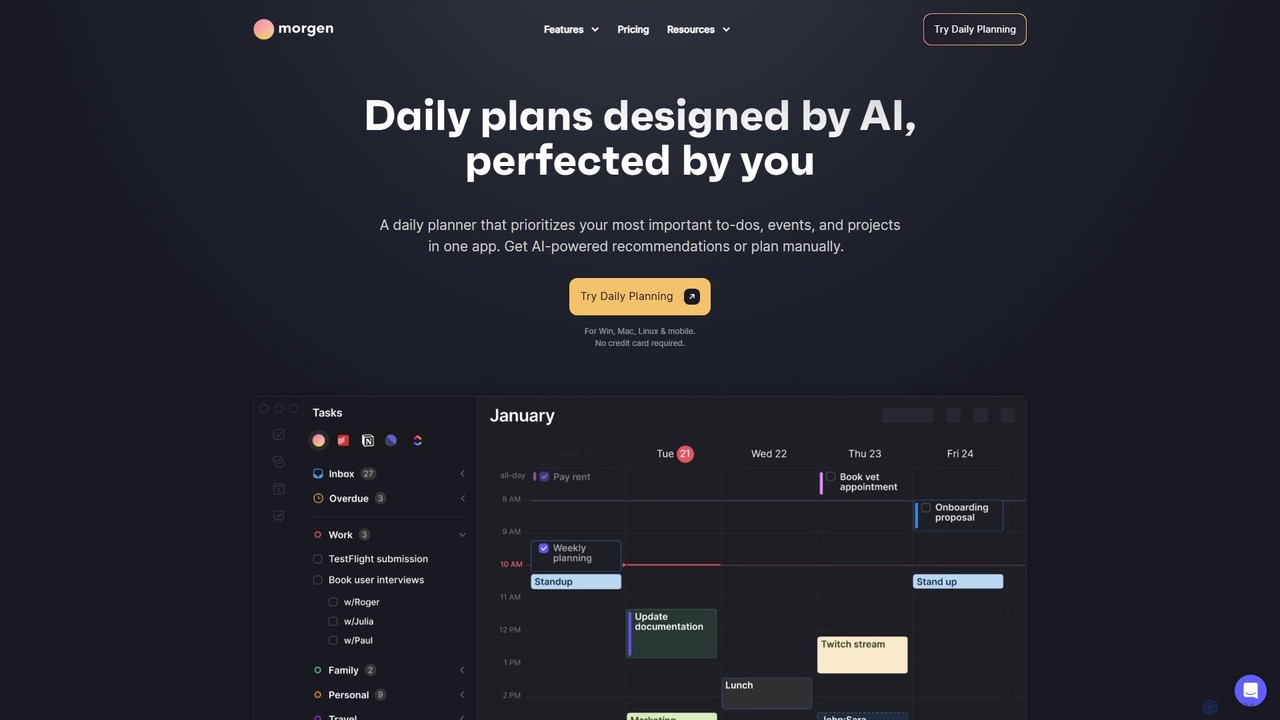
Morgen is an AI-powered daily planner and calendar application designed to unify your tasks, events, and projects. It integrates with multiple calendars (Google, Outlook) and task managers (Notion, Todoist) to help you prioritize work, time block effectively, and adapt to schedule changes. With features like an AI Planner, smart workflows, and cross-platform availability, Morgen helps you take control of your time and boost productivity.

Calendar
Visits 329.6KFavorites 108Likes 100
Reclaim
Freemium

Reclaim

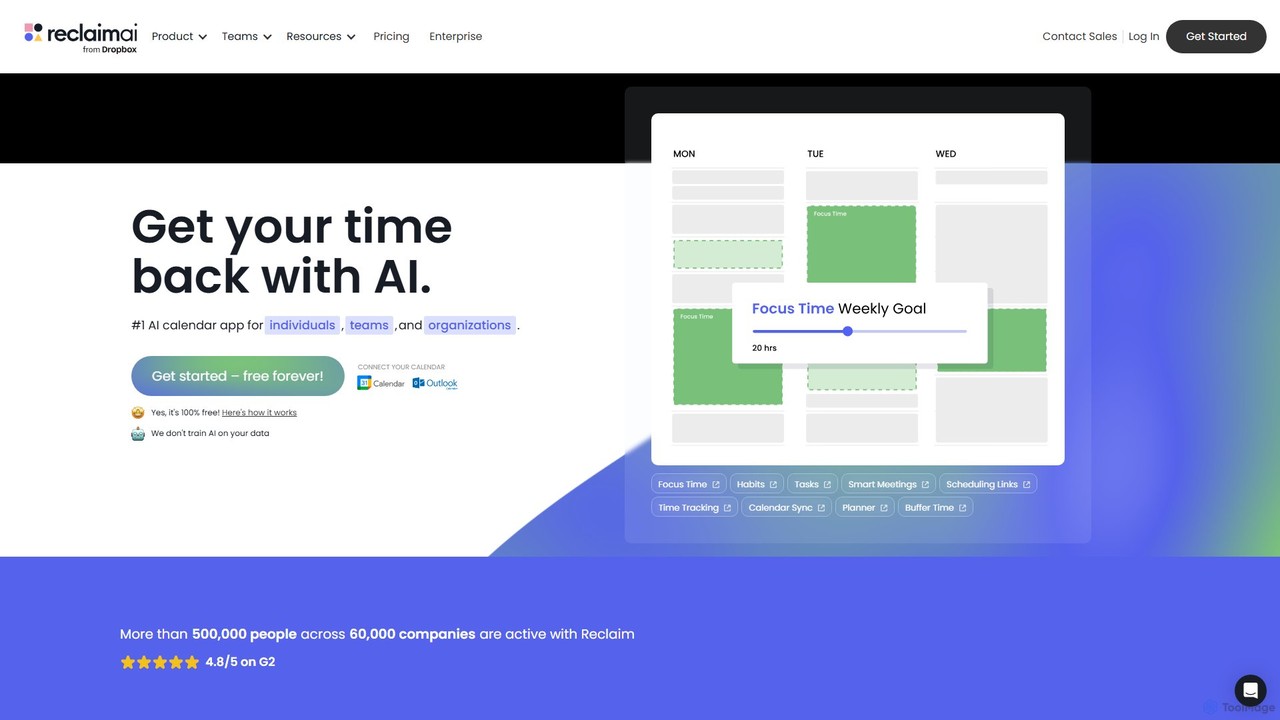
Reclaim is an AI-powered smart calendar assistant that automatically manages your schedule to optimize for productivity and work-life balance. It intelligently finds the best time for your tasks, habits, and meetings, defending your focus time and ensuring you never get overbooked.

Calendar
Visits 953.2KFavorites 111Likes 129
Arrange
Freemium

Arrange

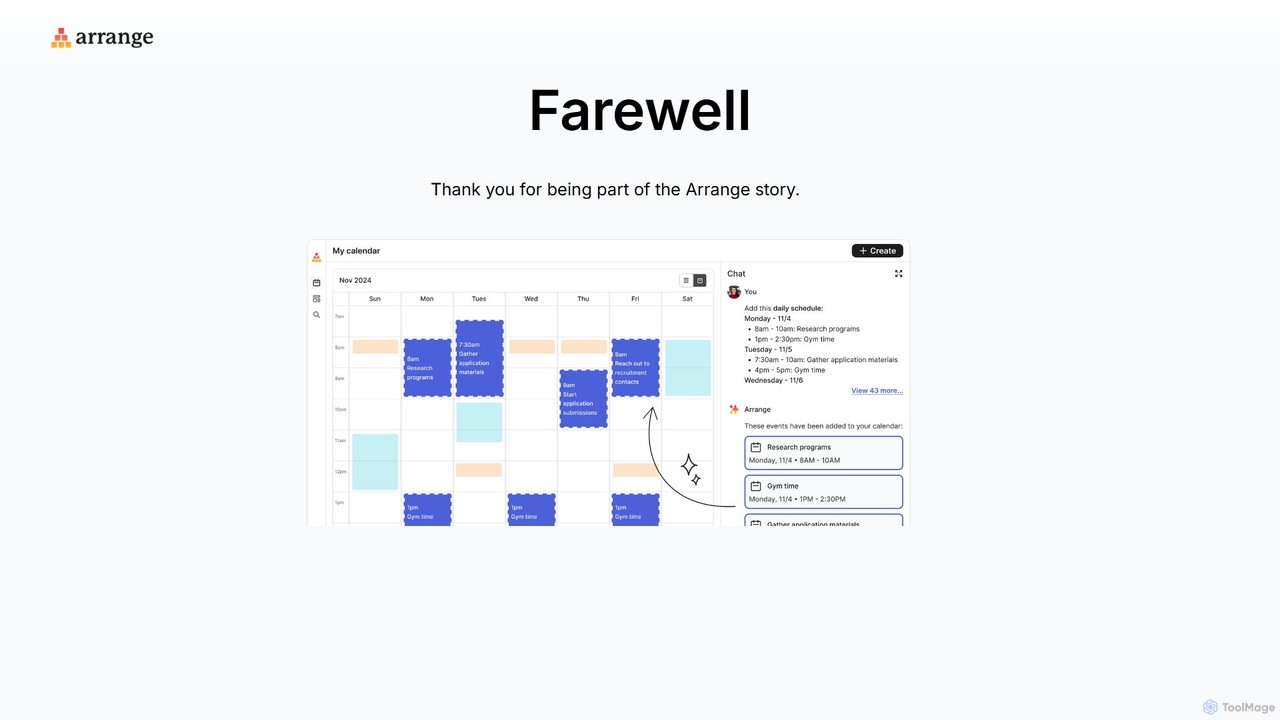
Arrange is an AI-powered scheduling assistant that intelligently converts your text-based plans, emails, and messages into organized calendar events. It uses natural language processing to understand dates, times, and participants, automating the entire scheduling process to save you time and effort.

Task Management
Visits 6.9KFavorites 104Likes 95
Trevor AI
Freemium

Trevor AI

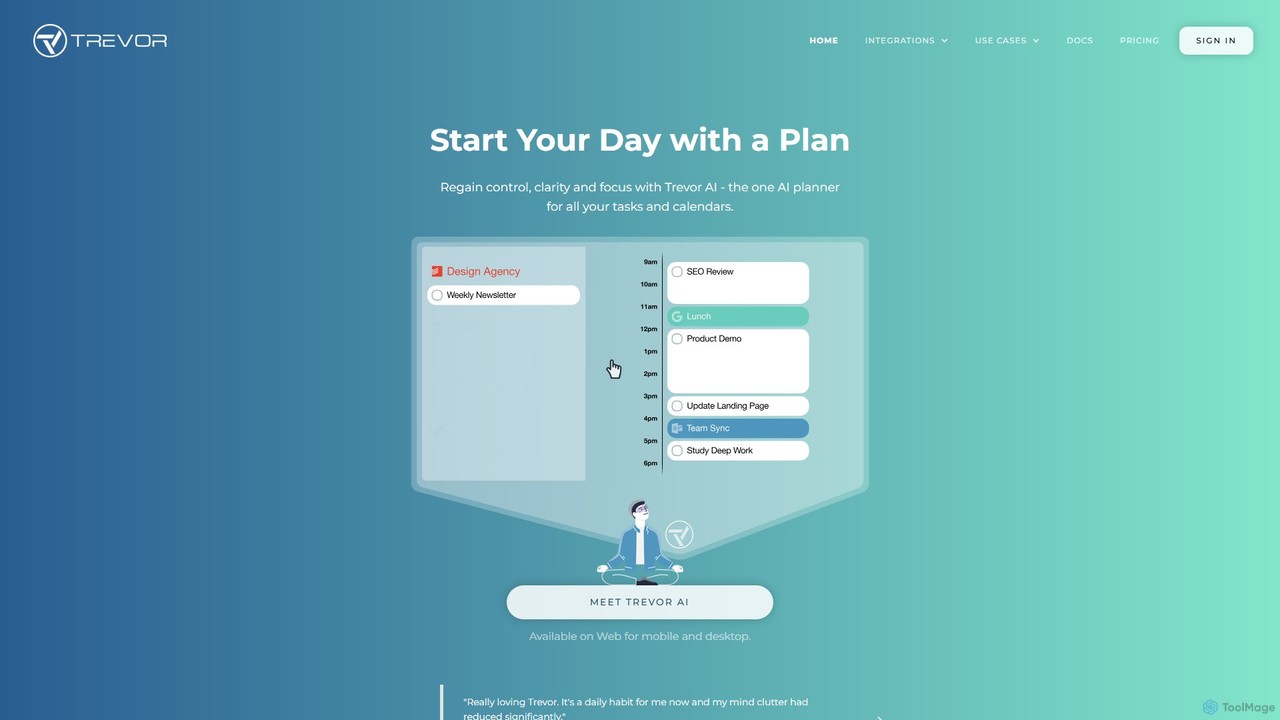
Trevor AI is an intelligent daily planning assistant that uses AI-powered time-blocking to connect your to-do lists and calendars. It helps you visualize, organize, and schedule all your tasks from services like Todoist, Google Tasks, and Microsoft To Do directly into your Google or Outlook Calendar, turning scattered lists into a focused, actionable plan.

Calendar
Visits 63.9KFavorites 112Likes 107
Mind Your Now
Freemium

Mind Your Now

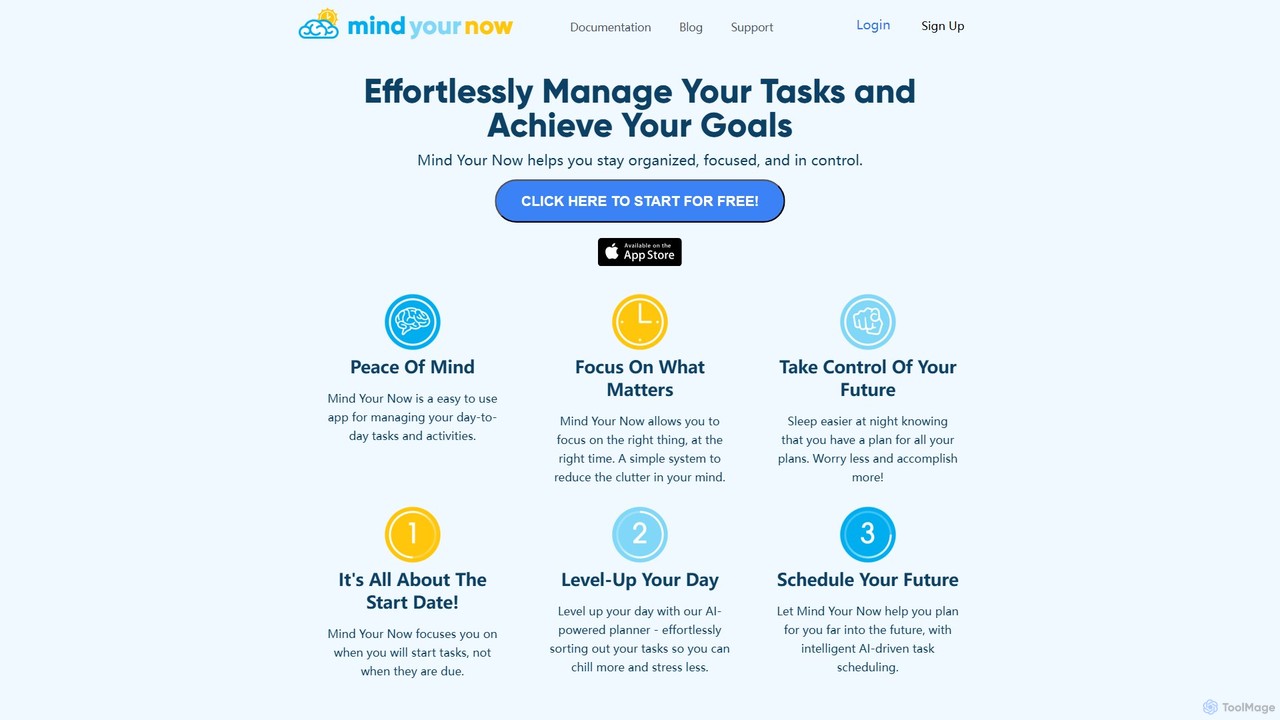
Mind Your Now is an AI-powered task and productivity manager designed to reduce overwhelm and increase focus. By prioritizing tasks based on their start dates, not due dates, and integrating proven methodologies like GTD and Time Blocking, it helps you manage daily activities, achieve long-term goals, and maintain a healthy work-life balance with its smart AI assistant, Kaia.

Calendar
Visits 6.7KFavorites 118Likes 121
FlowSavvy
Freemium

FlowSavvy

FlowSavvy is an AI-powered schedule planner that automatically organizes your to-do list into a time-blocked calendar. It intelligently plans your week, dynamically reschedules tasks when plans change, and helps you build habits. Sync with your existing calendars and access it on web, iOS, and Android to boost productivity and reduce mental load.

Calendar
Visits 91.2KFavorites 145Likes 135

About Calendar

AI Calendar tools are intelligent applications designed to automate and optimize scheduling and time management. They utilize Natural Language Processing (NLP) and machine learning to interpret scheduling requests, identify optimal meeting times for multiple participants, and automatically resolve conflicts. This significantly reduces the administrative burden of coordinating schedules, allowing users to focus on more strategic tasks. Beyond simple booking, these tools can learn user preferences, proactively block focus time, and even provide analytics on time usage.

Core Features

  • Natural Language Scheduling: Schedule meetings by writing plain text commands, such as "Book a 30-minute call with Jane next week."
  • Automated Group Polling: Automatically finds and suggests the best meeting times for groups by analyzing all participants' availability.
  • Intelligent Conflict Resolution: Proactively identifies scheduling conflicts and suggests alternative slots without manual intervention.
  • Smart Time Blocking: Automatically reserves blocks of focus time in your calendar based on your priorities and workload.
  • Cross-Timezone Coordination: Seamlessly handles scheduling for global teams by automatically converting and displaying time zones.

Use Cases

AI Calendar tools are widely used by professionals in client-facing roles like sales, recruiting, and consulting to streamline appointment booking. Project managers and team leads use them to coordinate complex multi-stakeholder meetings efficiently. Executives and their assistants leverage these tools to manage dynamic and demanding schedules, while freelancers and entrepreneurs use them to present a professional scheduling interface to clients.

How to Choose

When selecting an AI Calendar tool, first consider its integration capabilities with your existing calendar (Google, Outlook), email client, and video conferencing software. Evaluate the sophistication of its NLP for understanding complex requests. Also, assess the level of customization for setting scheduling preferences, buffer times, and availability. Finally, review the platform's security policies to ensure your data is handled responsibly.

Featured tool rankings

Calendar use cases

1

Automated Client Demo Scheduling for Sales Teams

A sales development representative (SDR) needs to book dozens of product demos weekly with potential clients across various time zones. Instead of manually emailing back and forth, the SDR simply CCs their AI calendar assistant in the initial outreach email. The AI takes over the conversation, offers available slots from the SDR's calendar based on pre-set rules, and confirms the meeting once the prospect chooses a time. This reduces the scheduling time per demo from over 10 minutes to less than one, significantly increasing booking volume and accelerating the sales pipeline.

2

Streamlining Multi-Stakeholder Project Meetings

A project manager needs to organize a critical kick-off meeting involving ten team members from different departments, including engineering, marketing, and leadership. Manually checking each person's availability would be time-consuming. Instead, the manager uses an AI calendar tool and types a command like, "Find a 60-minute slot for the 'Project Phoenix' kick-off with the core team next Tuesday." The AI analyzes all linked calendars, identifies the optimal time slots where everyone is free, and sends out the invitation automatically upon the manager's approval.

3

Efficient Candidate Interview Coordination

A corporate recruiter is scheduling a final round of interviews for a software engineer position. This involves coordinating the candidate's availability with that of three different interviewers: a hiring manager, a lead engineer, and a product manager. Using an AI calendar, the recruiter defines the interview sequence (e.g., 45 mins with manager, 60 mins technical, 30 mins product). The tool then automatically finds a block of time that works for everyone, books the separate meeting slots, and sends customized confirmation emails to the candidate and each interviewer, drastically reducing administrative overhead.

4

Dynamic Time Blocking for Deep Work

A content writer needs long, uninterrupted blocks of time to focus on research and writing. However, their calendar is often fragmented by incoming meeting requests. They configure their AI calendar to automatically block out two 90-minute 'Focus Time' sessions each day. When a new meeting request arrives that conflicts with these blocks, the AI automatically responds, explaining that the time is reserved and suggests the next available slots. This proactively defends the writer's most productive hours without them needing to manually decline or reschedule invitations.

5

Managing a Freelancer's Diverse Client Portfolio

A freelance consultant works with multiple clients, each requiring different types of meetings (e.g., 15-min check-ins, 60-min strategy sessions). To manage this, they create unique scheduling links for each meeting type using their AI calendar tool. Each link has custom rules, such as minimum notice for booking and specific days of the week for availability. When a client needs to book a meeting, the freelancer sends the appropriate link, allowing the client to self-serve and find a time that works for them. This automates scheduling and prevents double-booking across their entire client base.

6

Executive Assistant Automation for C-Level Support

An executive assistant (EA) manages the packed schedule of a CEO. Instead of manually processing every incoming meeting request via email, the EA forwards these requests to the AI calendar assistant. The AI, trained on the CEO's preferences (e.g., no meetings before 10 AM, prefer video calls, 15-min buffers between meetings), handles the entire scheduling process. It communicates with the requester, finds a suitable time, and adds the event to the calendar. This frees up the EA from logistical tasks to focus on higher-value activities like preparing meeting agendas and strategic planning.

Calendar FAQ

What are AI Calendar tools?

AI Calendar tools are intelligent software that act as personal scheduling assistants, automating the process of finding and booking meeting times. Unlike traditional calendars where you manually manage events, AI calendars use technologies like Natural Language Processing (NLP) to understand requests written in plain language. They can analyze the availability of multiple people, suggest optimal times, handle rescheduling, and even learn your scheduling preferences over time to make smarter suggestions.

How do AI Calendars differ from standard digital calendars like Google Calendar?

Standard digital calendars are passive tools for manually inputting and viewing your schedule. AI calendars are proactive assistants that actively manage your time. The key differences are:

  • Automation: AI calendars automate the back-and-forth of scheduling, while standard calendars require you to do it manually.
  • Intelligence: AI tools use NLP to understand commands like "find a time next week," whereas standard calendars only understand structured data (date, time, title).
  • Conflict Resolution: AI calendars can automatically find new times when conflicts arise, a task that is entirely manual with standard calendars.
  • Personalization: Many AI tools learn your preferences (e.g., you prefer morning meetings) and apply them to future scheduling.
How to choose the right AI Calendar tool?

Choosing the right AI Calendar tool depends on your specific needs. Consider these key factors:

  • Integration: Ensure it seamlessly connects with your primary calendar (Google, Outlook 365), email client, and other essential tools like video conferencing platforms (Zoom, Teams) and CRMs.
  • Scheduling Method: Do you prefer scheduling via a shareable link, by CC'ing an assistant in an email, or through a browser extension? Choose a tool that fits your workflow.
  • Intelligence and Customization: Evaluate how well it understands complex, multi-part requests and how much you can customize its behavior (e.g., setting buffer times, preferred meeting hours, and custom availability).
  • Pricing Model: Compare free and paid plans. Consider limitations on the number of meetings you can schedule or advanced features like team scheduling and analytics.
Who can benefit most from using an AI Calendar?

While anyone who schedules meetings can benefit, certain roles see a particularly high return on investment. This includes:

  • Sales Professionals: To quickly book demos and follow-ups, reducing lead response time and accelerating sales cycles.
  • Recruiters: To streamline the complex process of coordinating interviews between candidates and multiple internal stakeholders.
  • Consultants and Freelancers: To manage bookings with various clients efficiently and project a professional image.
  • Executives and Managers: To offload the administrative burden of managing a dense and dynamic meeting schedule.

Essentially, if a significant part of your day is spent on the logistics of scheduling, an AI calendar can provide substantial value.

Is my data safe with AI Calendar tools?

Data security is a critical consideration for any tool that accesses your calendar and email. Reputable AI calendar providers prioritize security and privacy. When evaluating a tool, look for the following:

  • Data Encryption: Ensure they use strong encryption for data both in transit (while it's being sent over the internet) and at rest (while it's stored on their servers).
  • Privacy Policies: Read their privacy policy to understand exactly what data they access, how they use it, and if they share it with third parties.
  • Compliance: Check for compliance with major data protection regulations like GDPR (for Europe) and CCPA (for California).
  • Access Controls: The tool should only request the minimum permissions necessary to perform its function.

Always choose established providers who are transparent about their security practices.