

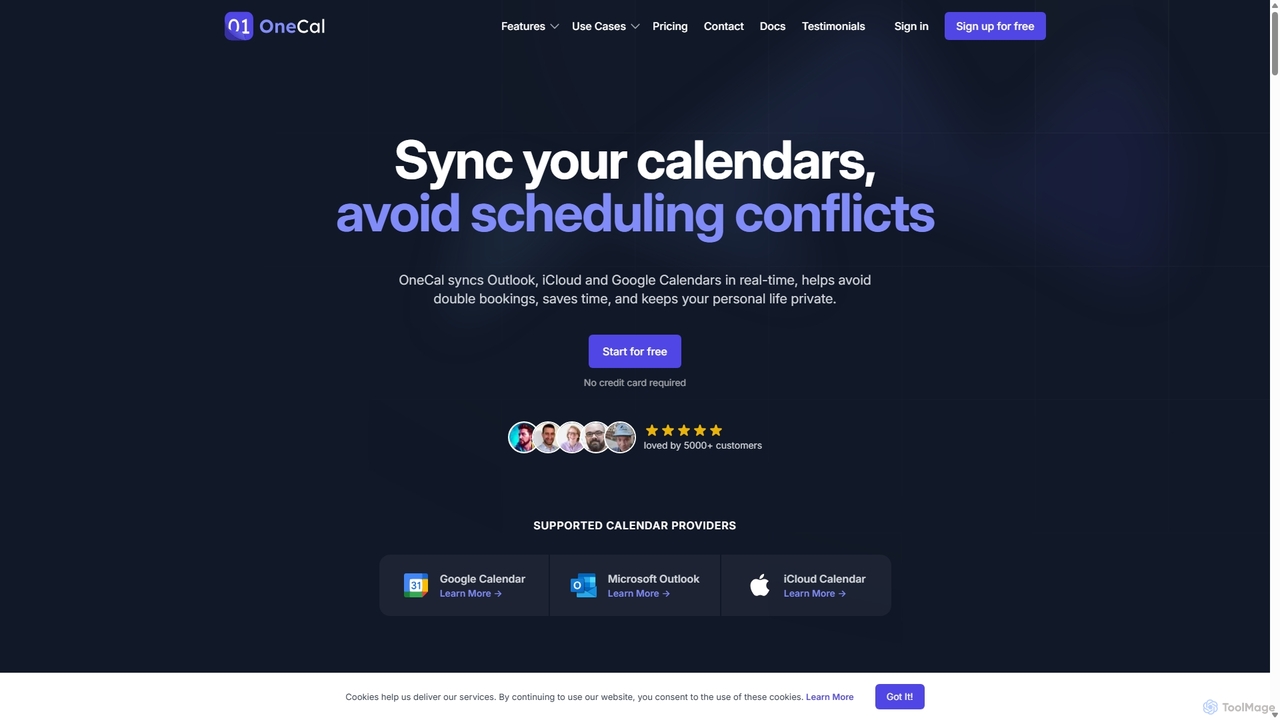
OneCal Overview
OneCal is a comprehensive calendar automation and synchronization platform designed to eliminate scheduling conflicts and streamline time management for individuals and teams. By seamlessly syncing multiple calendars from Google, Outlook, and iCloud in real-time, OneCal ensures your availability is always accurate and up-to-date across all your personal and professional accounts. This prevents the common issue of double bookings that arises from managing disparate schedules. The platform is built with a strong focus on privacy and security, allowing users to control exactly what event information is shared, from full details to simply showing a 'Busy' block.
Beyond synchronization, OneCal offers powerful scheduling features. Users can create and share customizable booking links for one-on-one or team meetings, eliminating the tedious back-and-forth emails typically required to find a suitable time. The unified Calendar View provides a single, consolidated interface to see all your commitments at a glance, further simplifying schedule management. Trusted by thousands of professionals from companies like Product Hunt, OneCal is praised for its intuitive user interface, robust performance, and exceptional customer support.
How to use OneCal
Getting started with OneCal is a straightforward process designed to have you syncing calendars in minutes:
- Sign Up for a Free Trial: Visit the OneCal website and sign up for a 14-day free trial. No credit card is required to start.
- Connect Your Calendars: Securely connect your Google, Outlook, and iCloud accounts using the official OAuth2 authentication. OneCal never sees or stores your passwords.
- Create a Sync Configuration: From the dashboard, click to start a new sync. You can choose a one-way sync (from a source calendar to a target) or a multi-way sync to keep two or more calendars perfectly aligned.
- Customize Sync Settings: Select the source and destination calendars. Crucially, configure the privacy settings. You can choose to sync all event details (title, description, participants) or mask them to only show 'Busy'. You can also assign custom colors to synced events for easy identification.
- Automated Syncing: Once configured, OneCal works in the background, automatically syncing new events and updates in real-time. There's no need to keep the app open.
- Create Scheduling Links (Optional): Navigate to the Scheduling Links section to create personalized booking pages for individuals or teams. Customize your availability, meeting duration, and branding.
- Use the Calendar View: Access the Calendar View to see all your connected calendars in one consolidated, easy-to-read interface.
Core Features of OneCal
- Real-Time Calendar Sync: Automatically syncs events across multiple Google, Outlook, and iCloud calendars. Updates happen instantly, preventing scheduling conflicts.
- Multi-Way Syncing: Set up one-way or multi-way syncs between two or more calendars with a single configuration.
- Privacy-Focused Controls: You decide what information gets synced. Choose to display full event details or just block off the time as 'Busy' to protect sensitive information.
- Scheduling Links: Create and share customizable booking links for individuals or teams, streamlining the process of scheduling meetings with external parties.
- Unified Calendar View: Consolidate all your calendars into a single view to get a complete picture of your schedule without switching between apps.
- Team Management: Team plans allow organizations to manage user accounts, billing, and calendar synchronization for all members centrally.
- High Security Standards: Utilizes secure OAuth2 connections, encrypts all data in transit and at rest, and is hosted on a secure AWS infrastructure. OneCal does not store, analyze, or sell any event data.
Use Cases for OneCal
OneCal is ideal for anyone juggling multiple calendars:
- Consultants and Freelancers: Manage separate calendars for each client (e.g., a client's Google Workspace and another's Office 365) and consolidate them into a master calendar to avoid conflicts.
- Professionals with Multiple Roles: Keep a work calendar, a personal calendar, and a side-project calendar in sync without manually duplicating events or sharing private details.
- Sales and Business Development Teams: Use collective scheduling links to show the combined availability of a team, making it easy for prospects to book demos or calls.
- Executives and Managers: Provide a clear view of their true availability to assistants and team members, even when schedules are spread across different platforms.
- Anyone Seeking Work-Life Balance: Automatically block off personal appointments in work calendars (and vice-versa) privately, ensuring personal time is respected without revealing details.
Advantages of OneCal
OneCal stands out from other solutions with several key advantages:
- True Synchronization: Unlike native 'subscribe' features which can take over 24 hours to update, OneCal syncs in real-time, creating actual event clones that block off time and are visible to others for scheduling.
- All-in-One Solution: It combines powerful calendar syncing with robust scheduling link features, eliminating the need for separate tools like Calendly.
- Superior Privacy: Granular control over event details ensures you can share your availability without compromising confidentiality.
- User-Friendly Interface: The platform is consistently praised for its clean, intuitive, and well-designed UI, making it easy to set up and manage.
- Cost-Effective: Offers competitive pricing that provides significant value, especially considering its dual functionality of syncing and scheduling.
- Reliable and Secure: Built on a scalable and secure AWS infrastructure, ensuring high uptime and data protection.
Pricing and Plans
OneCal offers a 14-day free trial on all plans, with no credit card required. Pricing is per user, per month, with a 20% discount for annual billing.
- Starter Plan: $5/user/month (billed annually at $60). Includes syncing for up to 2 calendars, unlimited calendar syncs, and unlimited one-on-one and collective scheduling links.
- Essential Plan (Most Popular): $10/user/month (billed annually at $120). Includes everything in Starter, but for up to 5 calendars.
- Premium Plan: $25/user/month (billed annually at $300). Includes everything in Essential, but for up to 50 calendars, and adds dedicated support.
All plans include features like Calendar View, branding for scheduling links, and access to the User Provisioning API.
Traffic
Latest traffic
Status
Monthly traffic trend
- 2025-9: 202.7K
- 2026-1: 202.4K
- 2026-2: 148.5K
- 2026-3: 112.5K
- 2026-4: 104.5K
- 2026-5: 96.0K
Geography
Top 5 countries / regions
- 🇺🇸United States59.9%
- 🇯🇵Japan12.5%
- 🇩🇪Germany11.8%
- 🇲🇽Mexico7.9%
- 🇫🇷France7.8%
Traffic sources
| Source type | Percentage |
|---|---|
Direct | 76.4% |
Referral | 14.7% |
Email | 8.9% |
Top keywords
| Keyword | Cost per click |
|---|---|
| google calender feiertage in nrw | $0.00 |
| how to find a google calendar link for subscription | $0.00 |
| iphoneとoutlookカレンダーの同期 | $0.00 |
| one cal | $2.02 |
| onecal | $2.08 |
OneCal Alternatives
Vimcal
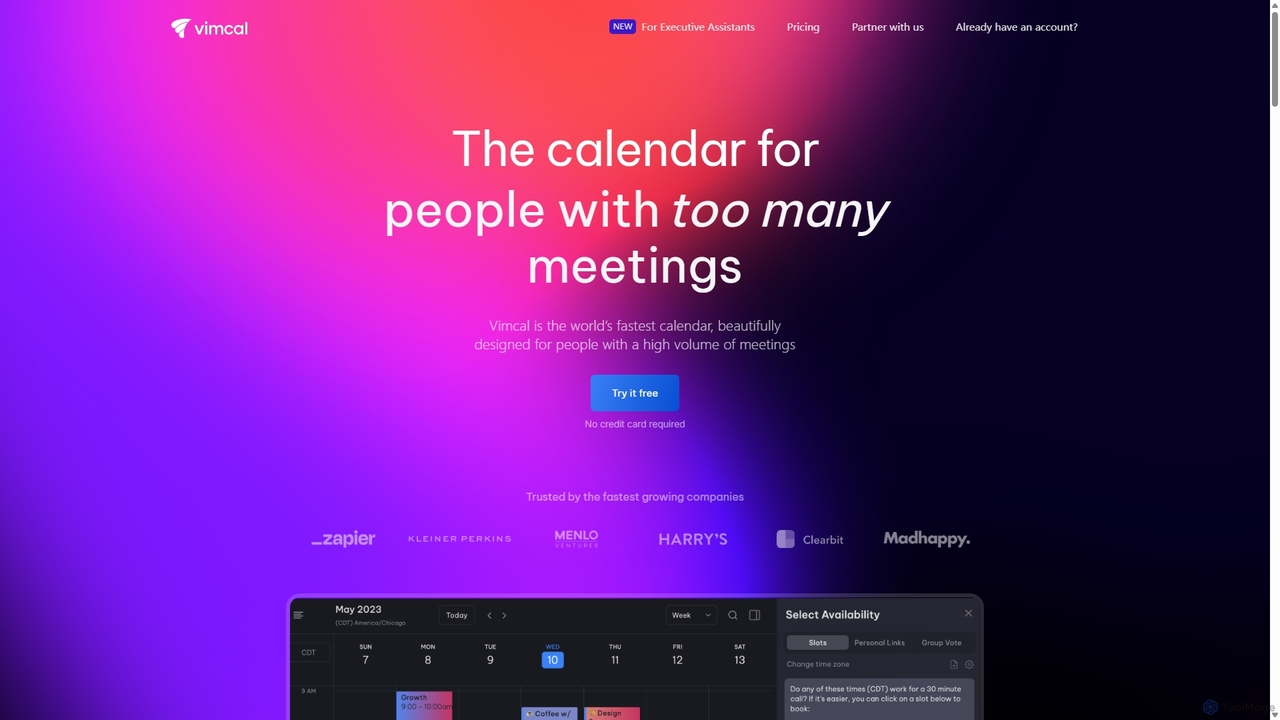
Vimcal is an AI-powered calendar designed for speed and efficiency. Dubbed the "Superhuman for calendar," it helps busy professionals and teams schedule meetings effortlessly. Features include an AI scheduling assistant, GPT-powered dossiers on attendees, and a unified view for all your calendars. It streamlines coordination, eliminates back-and-forth emails, and ensures you're always prepared for your next meeting.
Personal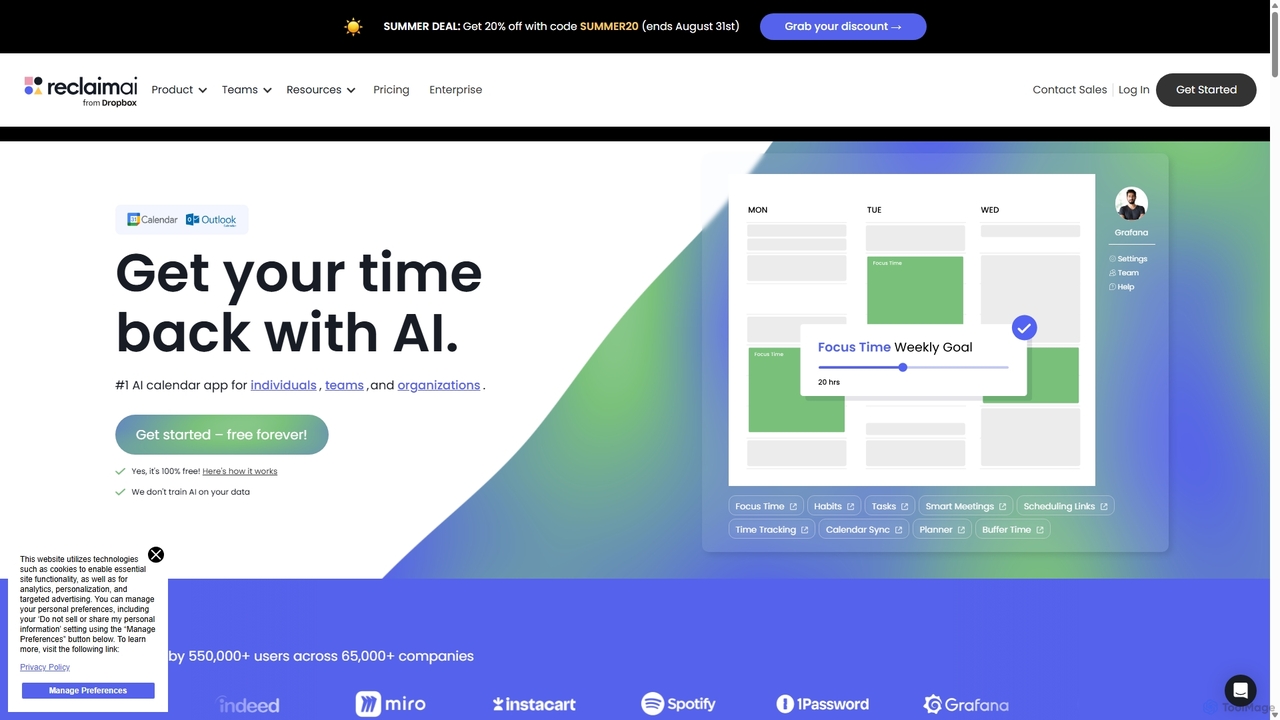
Reclaim.ai
Reclaim.ai is an intelligent AI calendar assistant that automates your schedule for optimal productivity and work-life balance. It intelligently blocks time for tasks, habits, and focus work, finds the best times for meetings, and syncs all your calendars. By defending your time and creating a flexible plan, Reclaim helps you focus on what matters most.
Calendar
MyTask AI
MyTask AI is a productivity tool that uses AI to instantly create, edit, and delete Google Calendar events through natural language commands. Streamline your scheduling and save time without ever leaving your current browser tab.
Scheduling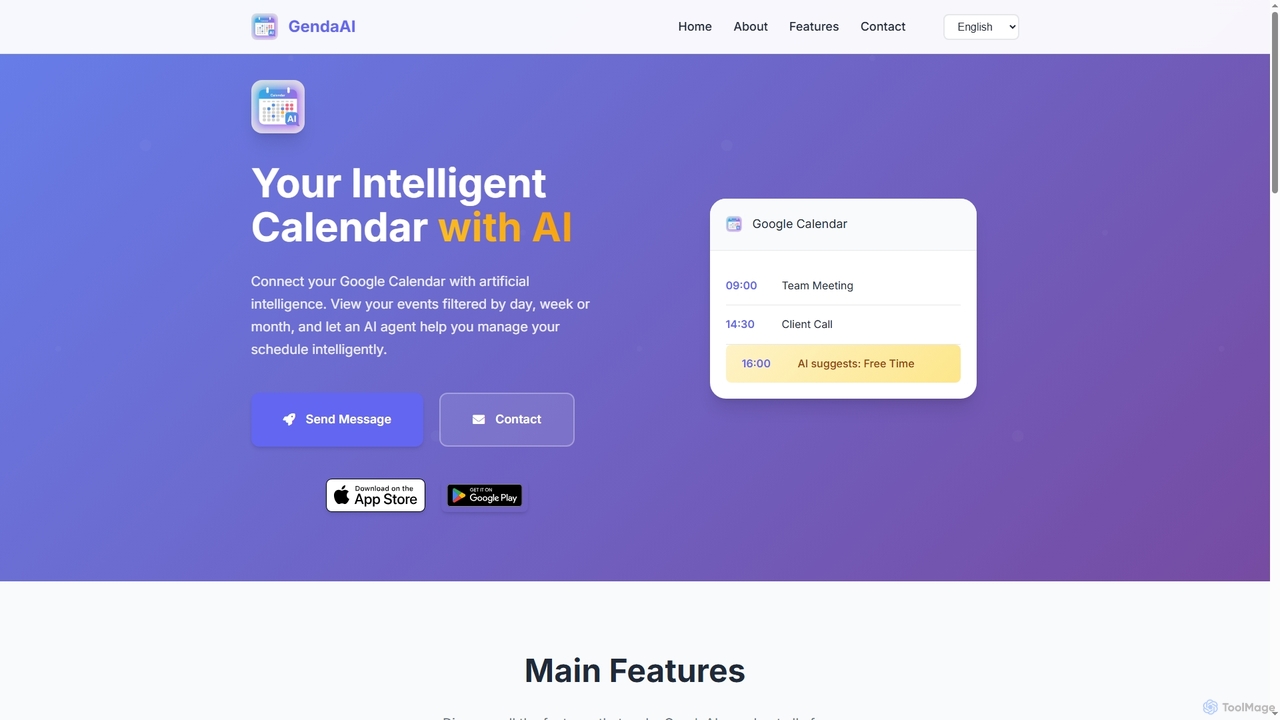
GendaAI
GendaAI is an intelligent calendar assistant designed to streamline your schedule management. It securely connects with your Google Calendar, allowing you to view, create, and modify events using natural language commands. This smart tool enhances productivity by offering personalized recommendations and efficient time organization.
Scheduling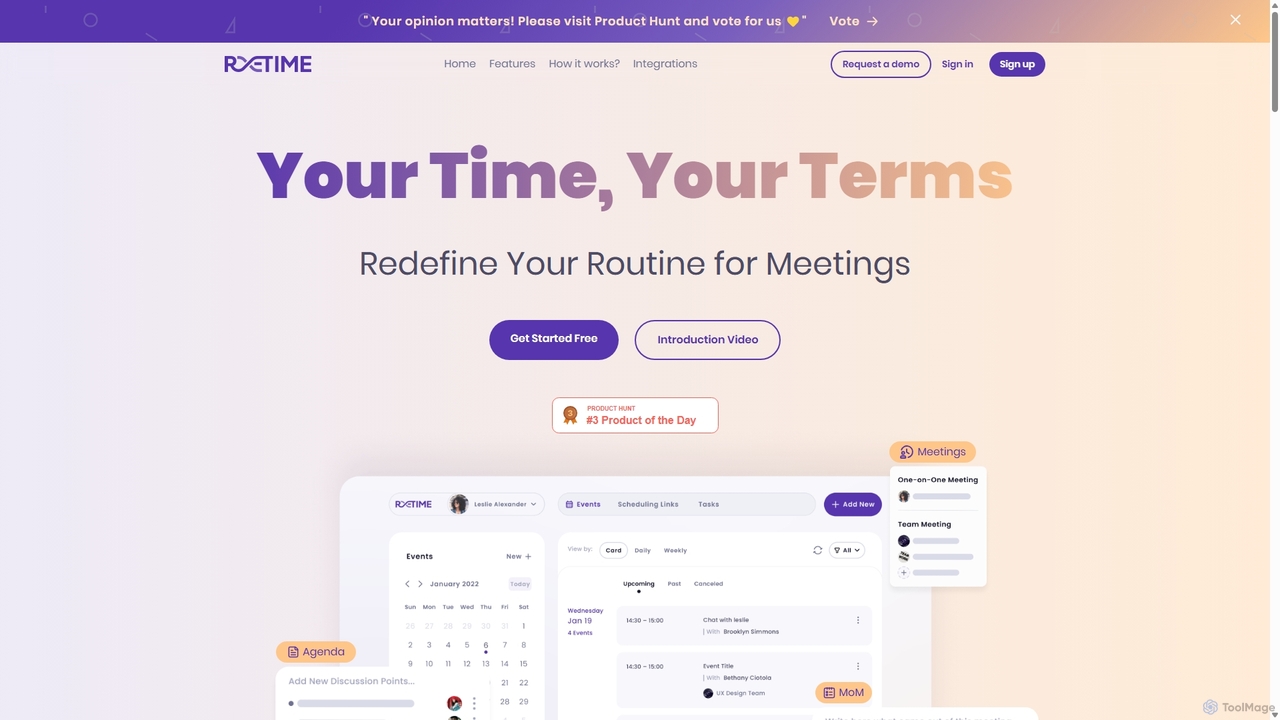
Retime
Retime is an intelligent meeting scheduling and management platform designed to streamline your workflow. It goes beyond simple booking by integrating agenda creation, action item tracking, and seamless calendar synchronization to make every meeting productive and outcome-oriented.
Calendar ManagementOneCal Categories
OneCal Jobs
OneCal Embed Widget
Copy this embed code to place the badge on your blog, article, or product site and send readers directly to this ToolMage detail page.

Related AI tools
MyTask AI
MyTask AI is a productivity tool that uses AI to instantly create, edit, and delete Google Calendar events through natural language commands. Streamline your scheduling and save time without ever leaving your current browser tab.
SchedulingGendaAI
GendaAI is an intelligent calendar assistant designed to streamline your schedule management. It securely connects with your Google Calendar, allowing you to view, create, and modify events using natural language commands. This smart tool enhances productivity by offering personalized recommendations and efficient time organization.
SchedulingRetime
Retime is an intelligent meeting scheduling and management platform designed to streamline your workflow. It goes beyond simple booking by integrating agenda creation, action item tracking, and seamless calendar synchronization to make every meeting productive and outcome-oriented.
Calendar ManagementVimcal
Vimcal is an AI-powered calendar designed for speed and efficiency. Dubbed the "Superhuman for calendar," it helps busy professionals and teams schedule meetings effortlessly. Features include an AI scheduling assistant, GPT-powered dossiers on attendees, and a unified view for all your calendars. It streamlines coordination, eliminates back-and-forth emails, and ensures you're always prepared for your next meeting.
Personal
Jyek
Jyek is an AI agent platform that understands objectives, creates execution plans, uses tools, and delivers verifiable results for complex, multi-step tasks.
AutomationReclaim.ai
Reclaim.ai is an intelligent AI calendar assistant that automates your schedule for optimal productivity and work-life balance. It intelligently blocks time for tasks, habits, and focus work, finds the best times for meetings, and syncs all your calendars. By defending your time and creating a flexible plan, Reclaim helps you focus on what matters most.
Calendar
Akiflow
Akiflow is an AI-powered time blocking and task management platform that consolidates all your tasks and calendars into a single, unified workspace. Featuring Aki, an AI executive assistant, it helps you automate scheduling, manage routines, and organize your day with unparalleled speed and efficiency, eliminating the need to switch between multiple apps.
Automation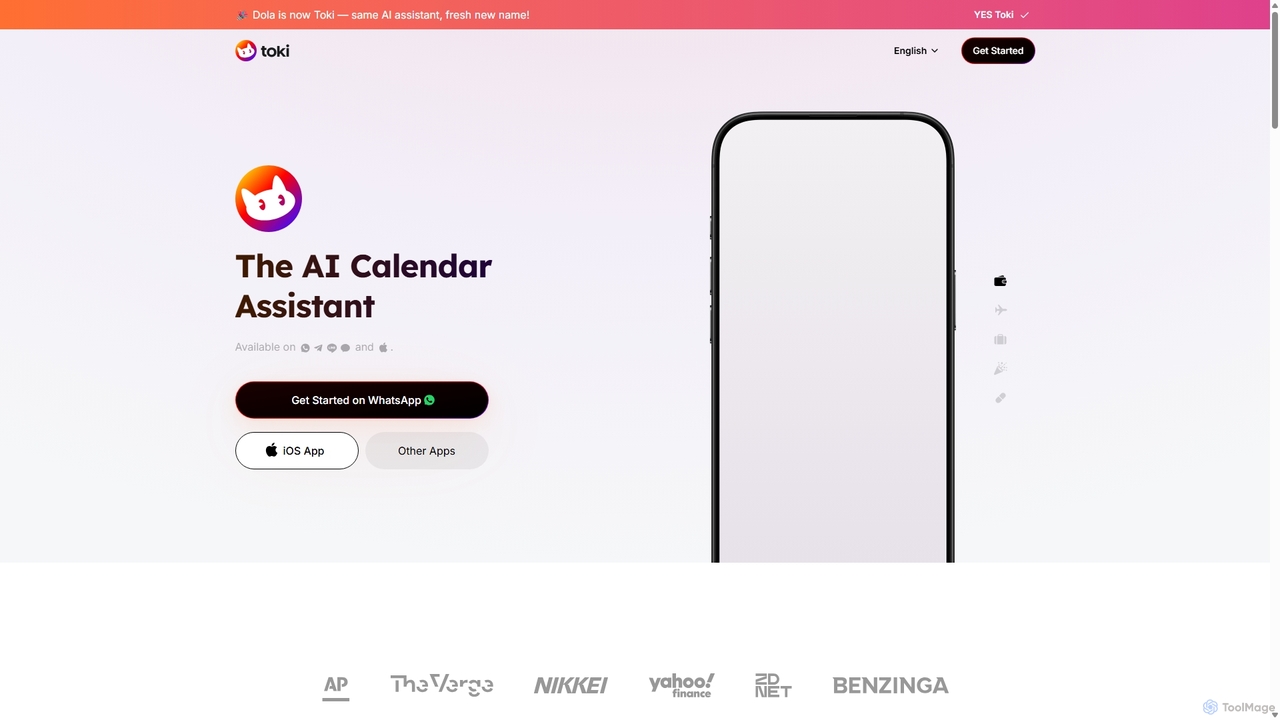
Toki
Toki (formerly Heydola) is an intelligent AI calendar assistant that simplifies your scheduling. Using natural language, you can create events, set reminders, and manage your entire schedule via text, voice, or even images on your favorite messaging apps like WhatsApp, Telegram, and a dedicated iOS app. It syncs all your calendars into one centralized hub, ensuring you never miss an important event.
Scheduling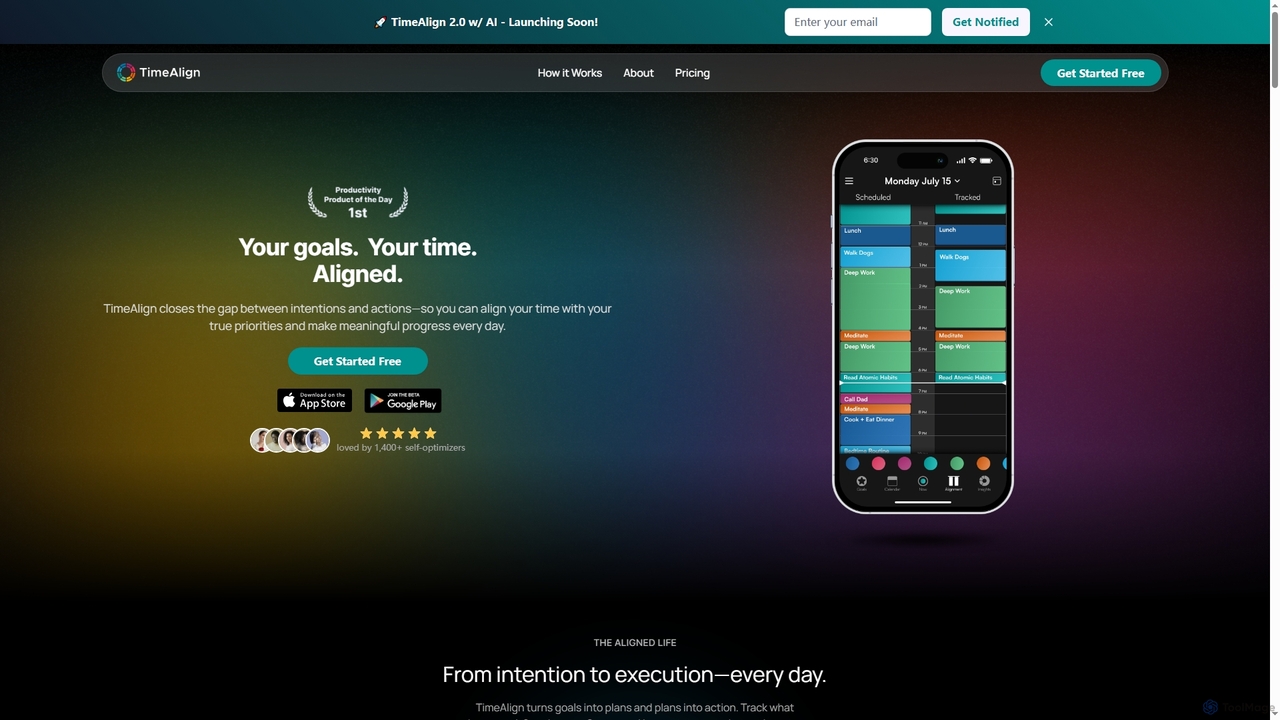
TimeAlign
TimeAlign is an AI-powered time optimization app designed to help you align your actions with your goals. Through intelligent goal setting, time-blocking, and activity tracking, TimeAlign provides an "Alignment Score" and actionable insights to help you master your schedule, improve productivity, and achieve a balanced life.
Personal Development
Jarvis
Jarvis is an intelligent AI assistant designed to automate tasks, manage schedules, and streamline communication for busy professionals and teams. It acts as a central command hub, integrating with your existing tools to boost productivity and reclaim your time.
Workflow
carlos_app
carlos_app is an intelligent AI personal assistant designed to streamline your workflow, manage tasks, automate scheduling, and enhance communication. It acts as your proactive partner, helping you focus on what truly matters by handling the administrative details.
Task Management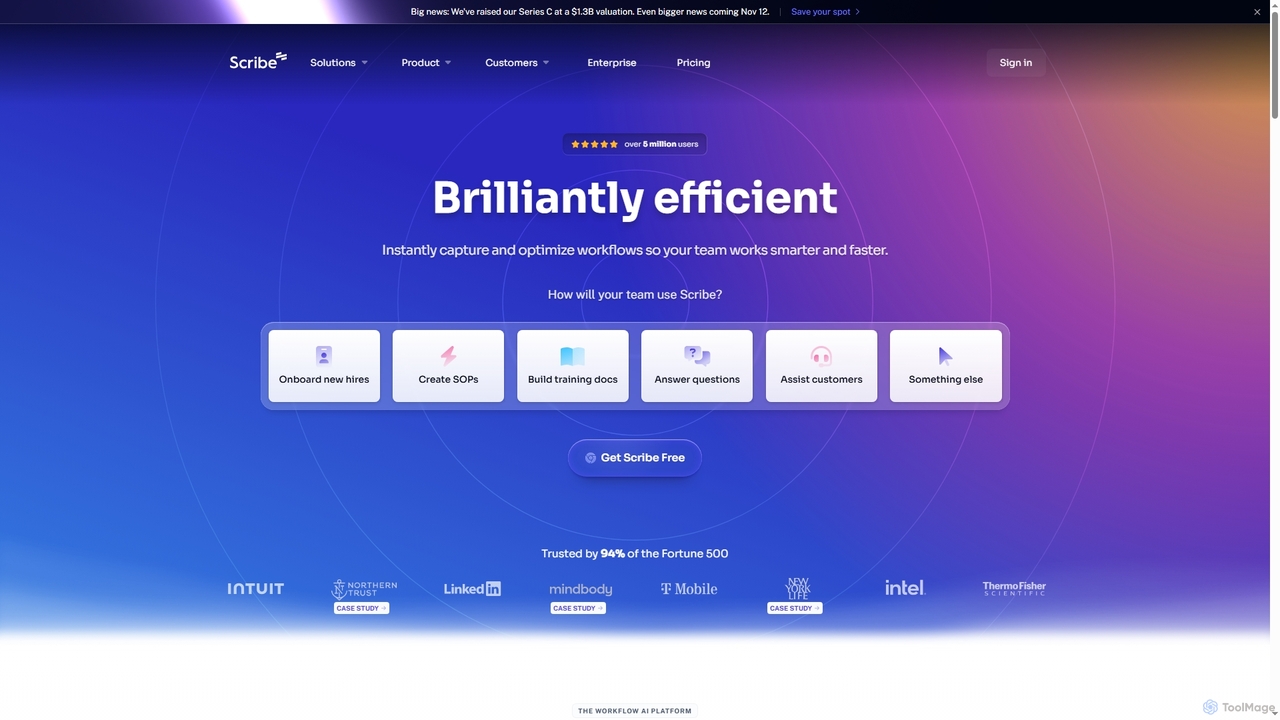
Scribe
Scribe is an AI-powered workflow documentation tool that automatically captures any process—web, desktop, or mobile—and instantly transforms it into a step-by-step guide. It helps teams create SOPs, training materials, and customer support guides faster, enhancing efficiency and knowledge sharing across organizations.
Training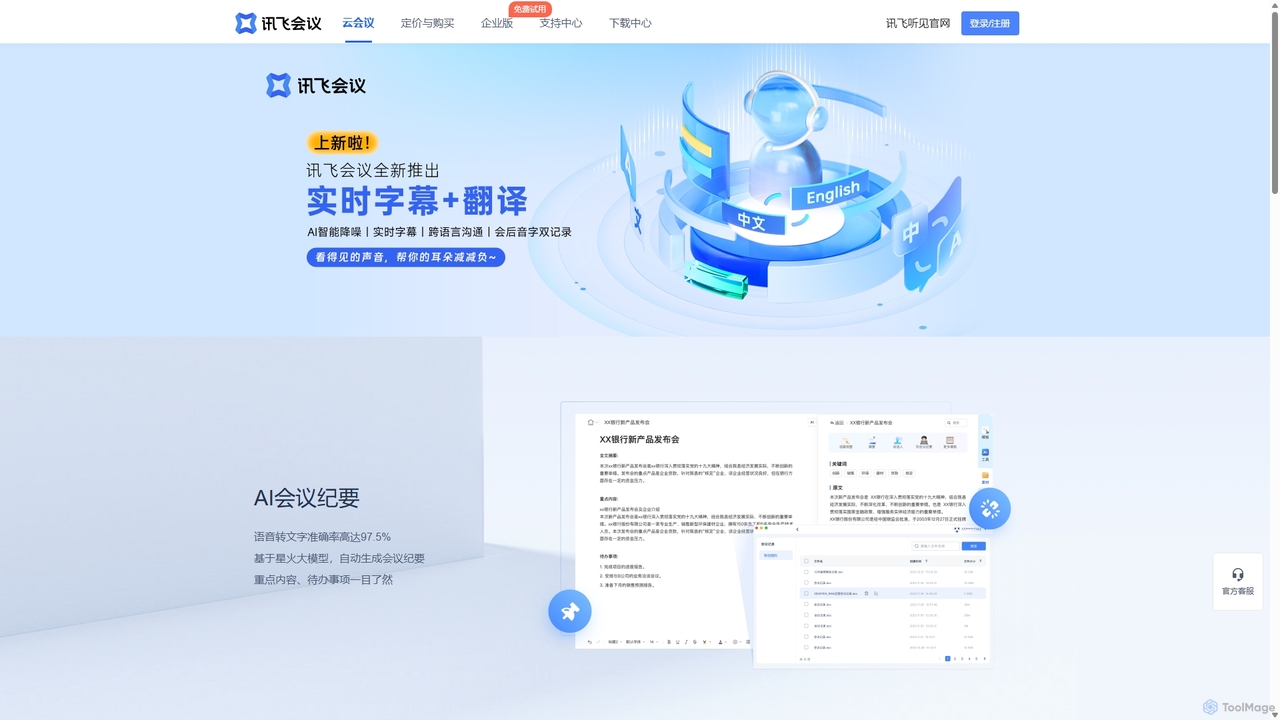
IFlytek Meeting
iFlytek Meeting is an AI-powered HD video conferencing platform. It offers high-accuracy real-time transcription, automatic meeting summaries, and to-do list generation. With features like stable HD video, cross-platform support, and robust security, it enhances meeting efficiency for individuals, teams, and large enterprises, providing a seamless remote collaboration experience.
Communication
Ambient
Ambient is an AI-powered meeting assistant that automatically joins your calls, records, transcribes, and generates intelligent summaries. It captures action items, key decisions, and important topics from your meetings on platforms like Zoom, Google Meet, and Microsoft Teams, saving you hours on manual note-taking and ensuring no detail is missed.
Transcription Services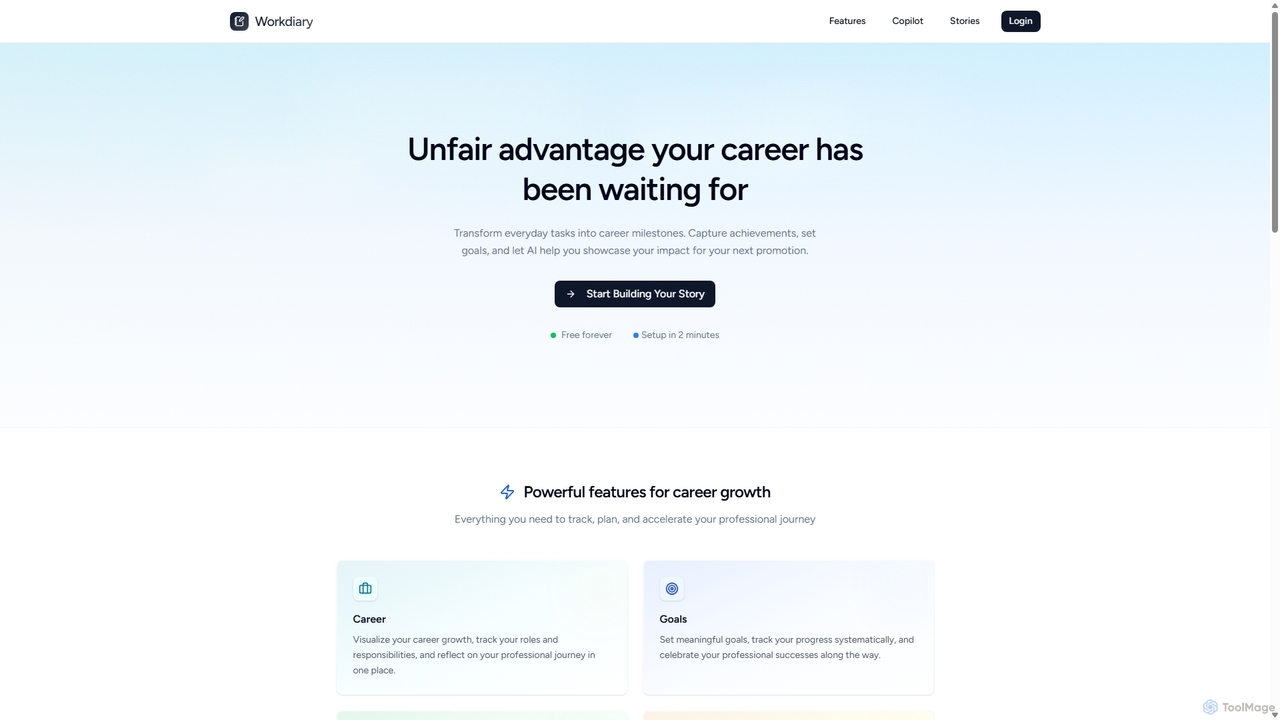
Workdiary
Workdiary is an AI-powered career companion that helps you track goals, projects, and achievements. It transforms your daily work into compelling narratives for performance reviews, promotions, and interviews, ensuring you can effectively showcase your professional impact.
Career Planning
OneCal Comments (0)
Sign in to comment.
Sign inNo comments yet.