ToolMage
Sign in

Best 4 Time Management AI tools for Business

Popular Time Management AI tools in Business include OneCal, Harmony, GendaAI, and Rizemail, helping you work more efficiently.

Harmony
Freemium

Harmony

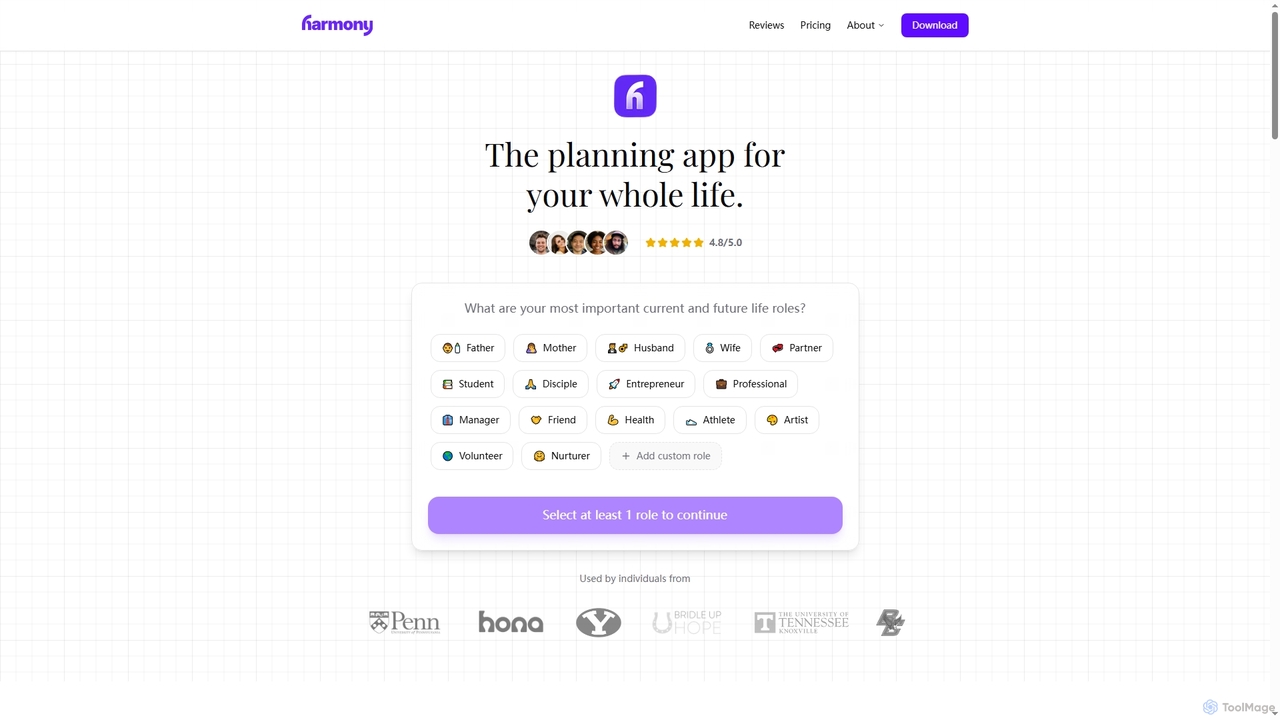
Harmony is an AI-powered personal planning application designed to help individuals define their life's mission, set role-based weekly goals, and achieve work-life harmony. It provides intelligent guidance, time-blocking assistance, and smart reminders to ensure consistent execution and a purposeful life.

Goal Setting
Visits 12.4KFavorites 73Likes 76
GendaAI

GendaAI

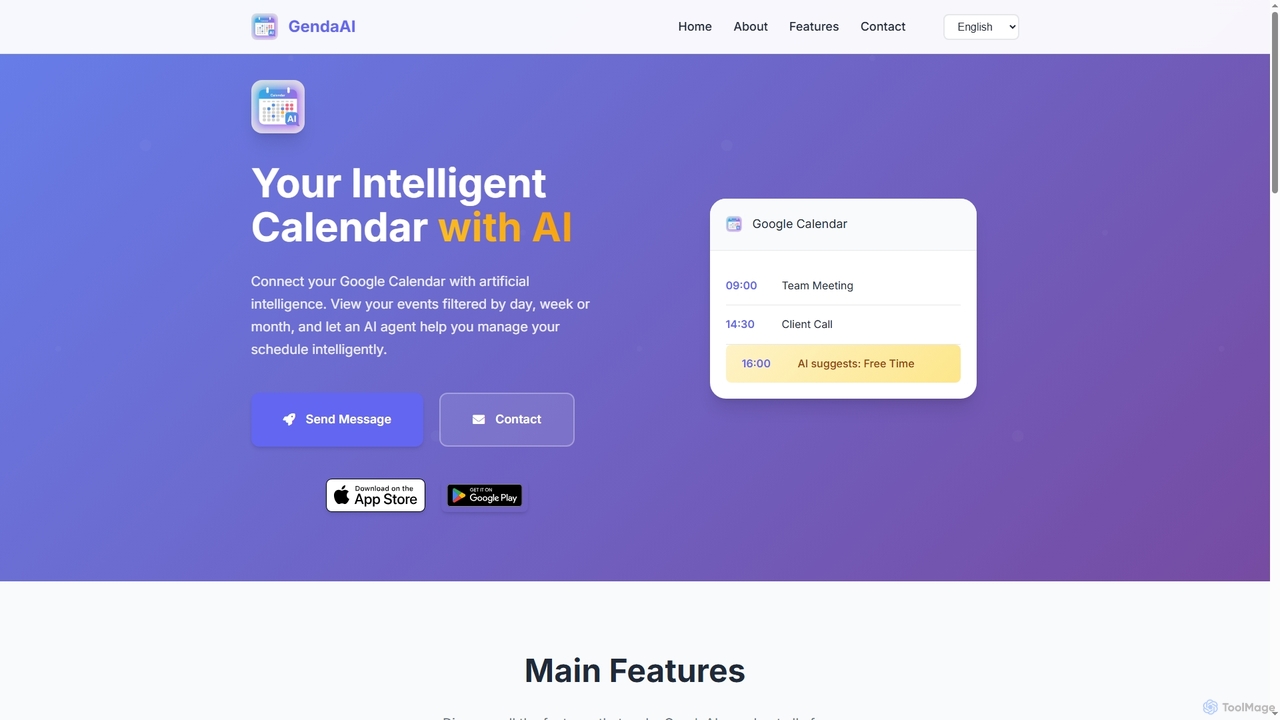
GendaAI is an intelligent calendar assistant designed to streamline your schedule management. It securely connects with your Google Calendar, allowing you to view, create, and modify events using natural language commands. This smart tool enhances productivity by offering personalized recommendations and efficient time organization.

Scheduling
Visits 5.5KFavorites 122Likes 128
OneCal
Freemium

OneCal

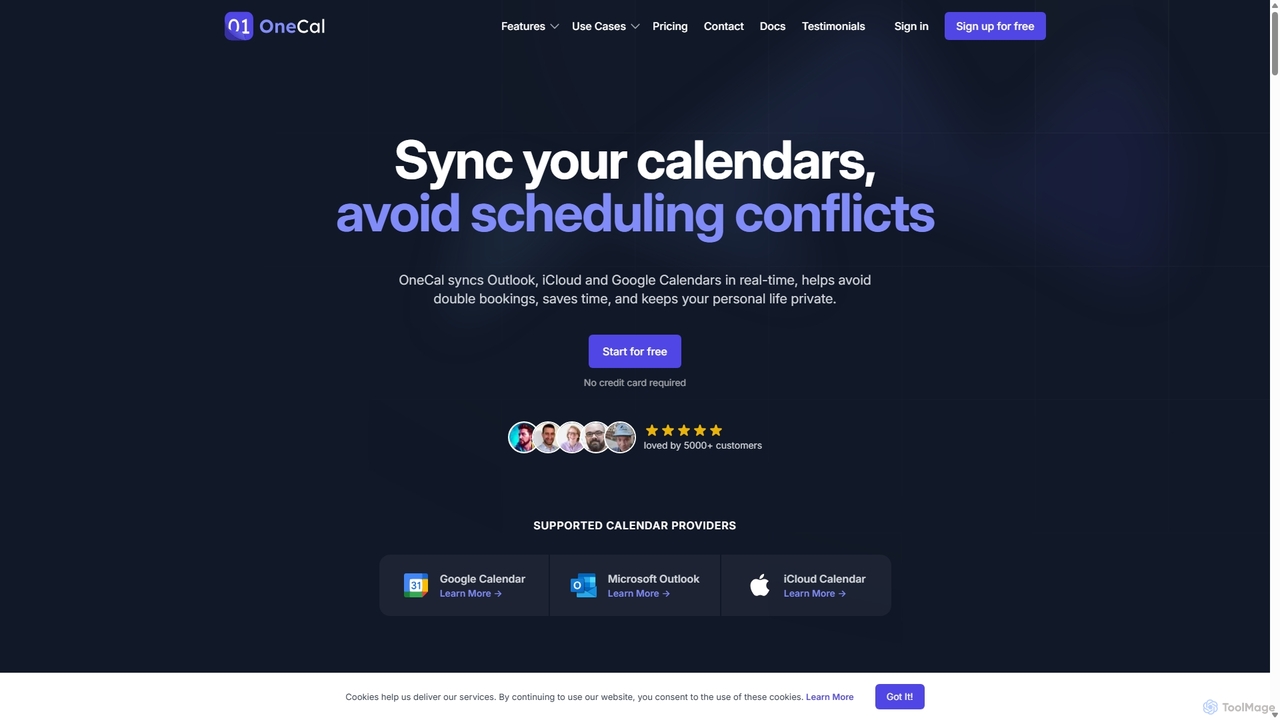
OneCal is a powerful calendar automation tool that syncs Outlook, Google, and iCloud calendars in real-time. It helps professionals and teams avoid double bookings, save time on scheduling, and maintain privacy by consolidating all events into a unified view and providing customizable scheduling links.

Time Management
Visits 101.6KFavorites 138Likes 142
Rizemail
Freemium

Rizemail

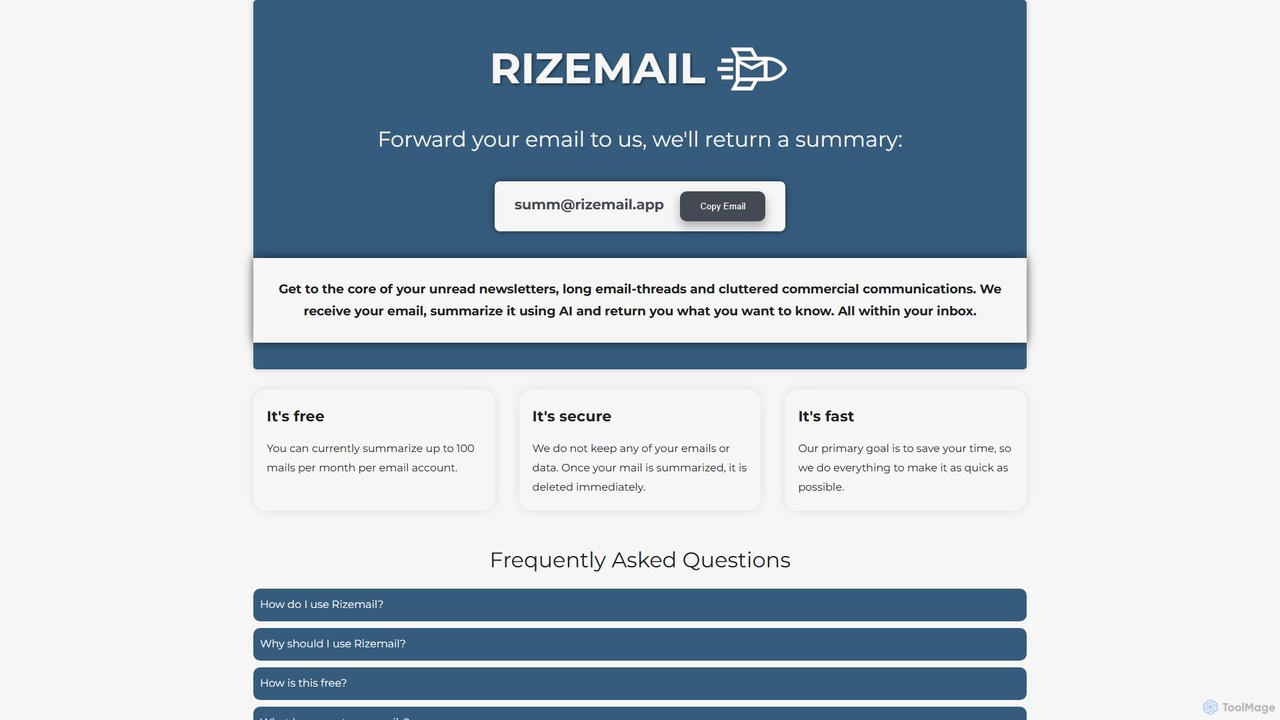
Rizemail is an AI-powered email summarization tool that helps you save time by instantly condensing long emails and threads. Simply forward your emails to a specific address, and receive a concise, easy-to-read summary in your inbox. It's fast, secure, and free for up to 100 summaries per month, prioritizing your privacy by deleting all data immediately after processing.

Time Management
Visits 5.4KFavorites 154Likes 159

About Time Management

AI Time Management tools are applications that leverage artificial intelligence to help users organize, track, and optimize their time. These tools analyze work patterns, automate scheduling, and predict task durations to provide intelligent recommendations. Their primary value lies in reducing the manual effort of planning and providing data-driven insights to improve personal and team productivity. As a key component of modern business software, they transform time from a passive resource into an actively managed asset.

Core Features

  • Intelligent Scheduling: Automatically finds optimal times for meetings and tasks based on priorities, availability, and energy levels.
  • Automated Time Tracking: Passively records time spent on different applications and projects without manual input.
  • Task Prioritization Engine: Uses AI to rank tasks based on deadlines, importance, and dependencies, suggesting what to work on next.
  • Productivity Analytics: Generates reports and visualizations on how time is spent, identifying inefficiencies and focus patterns.
  • Focus Assistance: Proactively blocks distractions or suggests breaks to help users maintain deep work states.

Use Cases

These tools are widely used by busy professionals, remote teams, freelancers, and managers. For instance, a project manager can use them to automatically balance team workload, while a freelancer can optimize their schedule across multiple clients. They are particularly effective in dynamic environments where priorities frequently change.

How to Choose

When selecting an AI Time Management tool, consider its integration capabilities with your existing calendar and project management software. Evaluate the depth of its analytics and the level of automation it provides. Also, consider whether you need a solution for individual use or one with team collaboration features, and review the platform's data privacy policies.

Time Management use cases

1

Automated Meeting Scheduling for Sales Teams

A sales manager for a global software company needs to coordinate product demos with prospects across multiple time zones. Instead of sending countless back-and-forth emails to find a suitable time, the team uses an AI time management tool. The tool integrates with their calendars, identifies mutual availability, and automatically sends out invitations with pre-set meeting buffers. This reduces the scheduling time per meeting from an average of 15 minutes to under a minute, freeing up the sales team to focus on preparation and follow-ups.

2

Dynamic Task Prioritization for Freelancers

A freelance graphic designer juggles projects from five different clients, each with varying deadlines and importance. To avoid feeling overwhelmed and missing deadlines, they use an AI time management app. The app analyzes project deadlines, client communication urgency (by integrating with email), and the designer's own energy patterns. Each morning, it generates a prioritized task list, suggesting which project to tackle first for maximum impact and even scheduling 'deep work' blocks for creative tasks. This helps the designer stay on track and deliver high-quality work consistently.

3

Team Productivity Analysis for Project Managers

A project manager overseeing a remote development team notices that sprints are consistently finishing behind schedule. To understand why, she implements an AI time management tool that integrates with their project management platform and communication channels. The tool automatically tracks time spent on coding, meetings, and code reviews without manual logging. After two weeks, the AI generates a report highlighting that the team spends over 30% of its time in unplanned, internal meetings. Armed with this data, the manager can implement 'no-meeting Wednesdays' and streamline communication, leading to a 15% improvement in sprint completion rates.

4

Personal Focus Management for Knowledge Workers

A data scientist needs long, uninterrupted blocks of time for complex modeling tasks but is constantly distracted by notifications from chat apps and email. They use an AI focus assistant that learns their work patterns. The tool automatically detects when they start a 'deep work' task based on the application they are using. It then silences non-critical notifications, blocks distracting websites, and even updates their status on communication apps to 'In a focus session'. The AI also suggests optimal times for breaks based on Pomodoro principles, helping the scientist maintain high cognitive performance throughout the day and complete models faster.

5

Optimizing Work-Life Balance for Remote Employees

A fully remote company wants to prevent employee burnout. They provide their team with an AI time management tool that helps define boundaries between work and personal life. The tool automatically tracks work hours and alerts employees when they are consistently working late. It analyzes their calendar and suggests scheduling personal appointments or breaks to ensure they disconnect. The AI can also identify 'meeting fatigue' by flagging days with too many back-to-back calls, prompting managers to reconsider the meeting culture. This proactive approach helps maintain employee well-being and long-term productivity.

6

Intelligent Resource Allocation for Agencies

An operations manager at a creative agency needs to assign new projects to designers and writers without overloading anyone. They use an AI time management platform that provides a holistic view of team capacity. The AI analyzes each team member's current workload, scheduled time off, and historical data on how long similar tasks have taken them. When a new project comes in, the system suggests the best-suited team members with available capacity, predicting potential bottlenecks before they occur. This data-driven approach replaces manual guesswork, ensuring fair workload distribution and improving project delivery timelines.

Time Management FAQ

What are AI Time Management tools?

AI Time Management tools are software applications that use artificial intelligence to automate and optimize how you schedule, track, and use your time. Unlike traditional calendars, they proactively analyze your tasks, priorities, and work habits to suggest optimal schedules, identify productivity drains, and automate administrative tasks like booking meetings. Their goal is to help you make smarter decisions about your time with minimal manual effort.

How do AI time management tools differ from traditional calendars?

Traditional calendars are passive tools requiring manual input for every event. AI time management tools are active and intelligent assistants. Key differences include:

  • Automation: AI tools can automatically schedule meetings, block focus time, and track activities, whereas calendars require you to do this manually.
  • Intelligence: AI tools analyze your data to provide insights, such as identifying your most productive hours or flagging over-scheduled days. Calendars simply display what you've entered.
  • Prioritization: Many AI tools can help you prioritize tasks based on urgency and importance, acting more like a smart to-do list integrated with your schedule.
In essence, a calendar tells you where you need to be, while an AI time management tool helps you decide how to best use your time to get there.

How to choose the right AI Time Management tool?

Choosing the right tool depends on your specific needs. Consider these factors:

  • Individual vs. Team Use: Do you need a personal productivity booster or a tool to coordinate a team's schedule and workload?
  • Integration Capability: Ensure the tool connects seamlessly with your existing ecosystem, such as Google Calendar, Outlook, Slack, or project management software like Asana or Jira.
  • Key Features: Identify your main pain point. Is it scheduling meetings, tracking time, or prioritizing tasks? Choose a tool that excels in that area.
  • Privacy and Security: Since these tools access sensitive calendar and communication data, review their privacy policy and security measures carefully.
  • User Interface: A good tool should be intuitive and easy to use, reducing friction rather than adding another complex system to manage.

Who can benefit from using AI Time Management tools?

A wide range of individuals and teams can benefit. This includes:

  • Busy Professionals & Executives: To automate scheduling, protect focus time, and make data-driven decisions about time allocation.
  • Project Managers: To analyze team productivity, balance workloads, and forecast project timelines more accurately.
  • Sales Teams: To streamline the process of booking meetings with leads and clients across different time zones.
  • Freelancers & Consultants: To manage multiple projects, prioritize tasks effectively, and ensure they are billing time accurately.
  • Students & Researchers: To structure study time, manage deadlines, and build better habits for deep work and learning.
Essentially, anyone looking to reduce administrative overhead and gain a clearer, more strategic view of their time can find value in these tools.

Can AI tools really improve my productivity?

Yes, AI time management tools can significantly improve productivity, but they do so by addressing specific bottlenecks. Their effectiveness comes from:

  • Reducing Cognitive Load: By automating scheduling and prioritization, they free up your mental energy to focus on actual work rather than planning the work.
  • Providing Objective Data: They replace guesswork with data. You can see exactly where your time goes, helping you identify and eliminate time-wasting activities.
  • Enabling Deep Work: Features like focus assistance actively create and protect the uninterrupted time needed for complex, high-value tasks.
However, they are not magic solutions. Their success depends on your willingness to trust their recommendations and adapt your habits based on the insights they provide. They are powerful enablers, but the user must still be engaged in the process.