
Scribe Overview
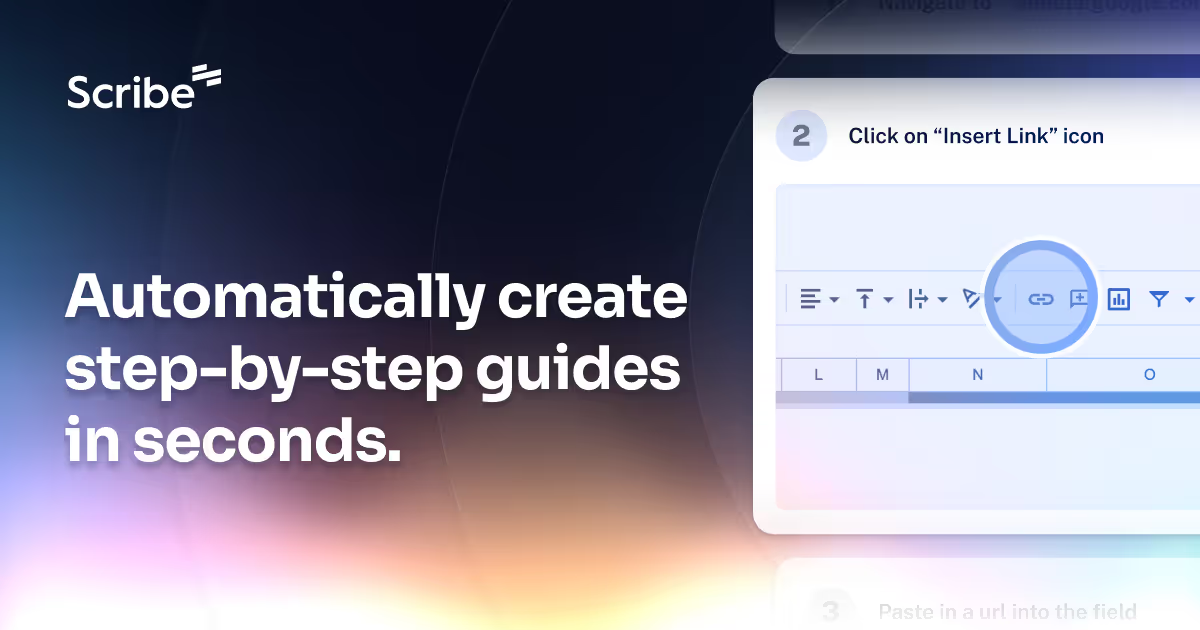
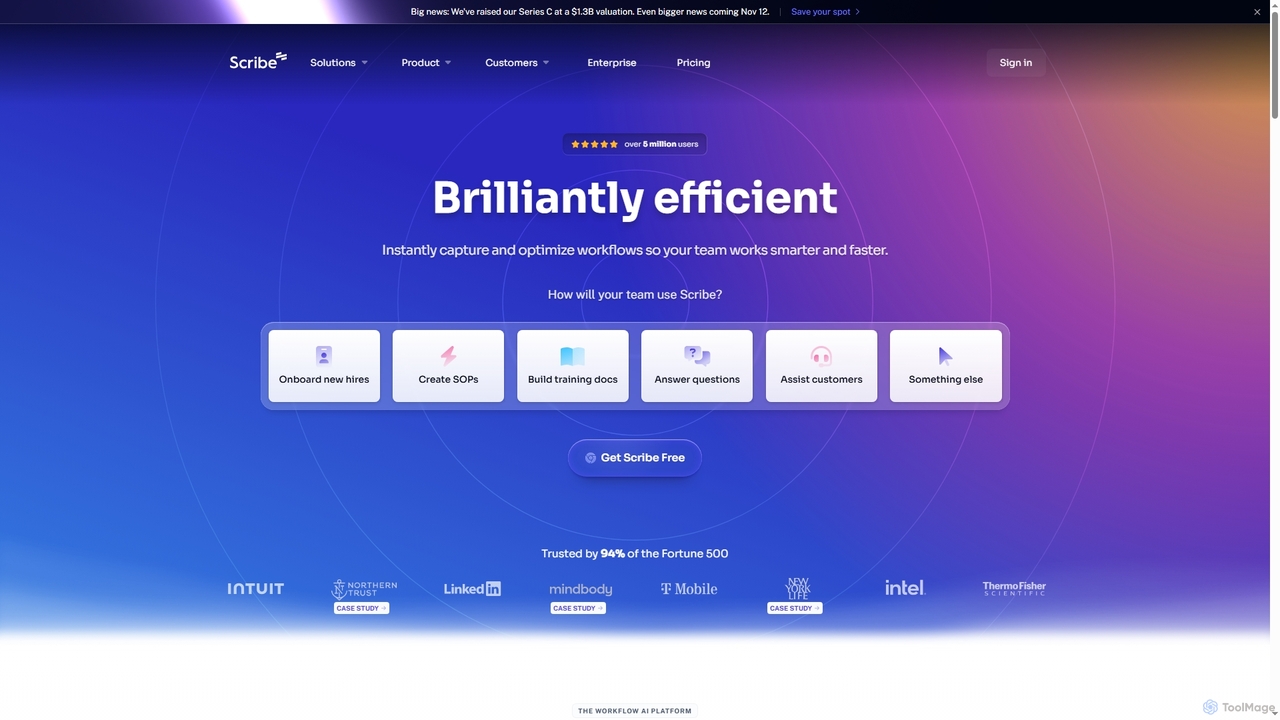
Scribe is a leading AI-powered workflow platform designed to streamline documentation and knowledge sharing within organizations. It automates the creation of step-by-step guides by observing user actions across any web, desktop, or mobile application, eliminating the need for manual screenshots and written instructions. With Scribe, teams can quickly capture complex processes, customize them with rich media and branding, and share them effortlessly across various platforms, ensuring consistent execution and reducing training time.
How to use Scribe
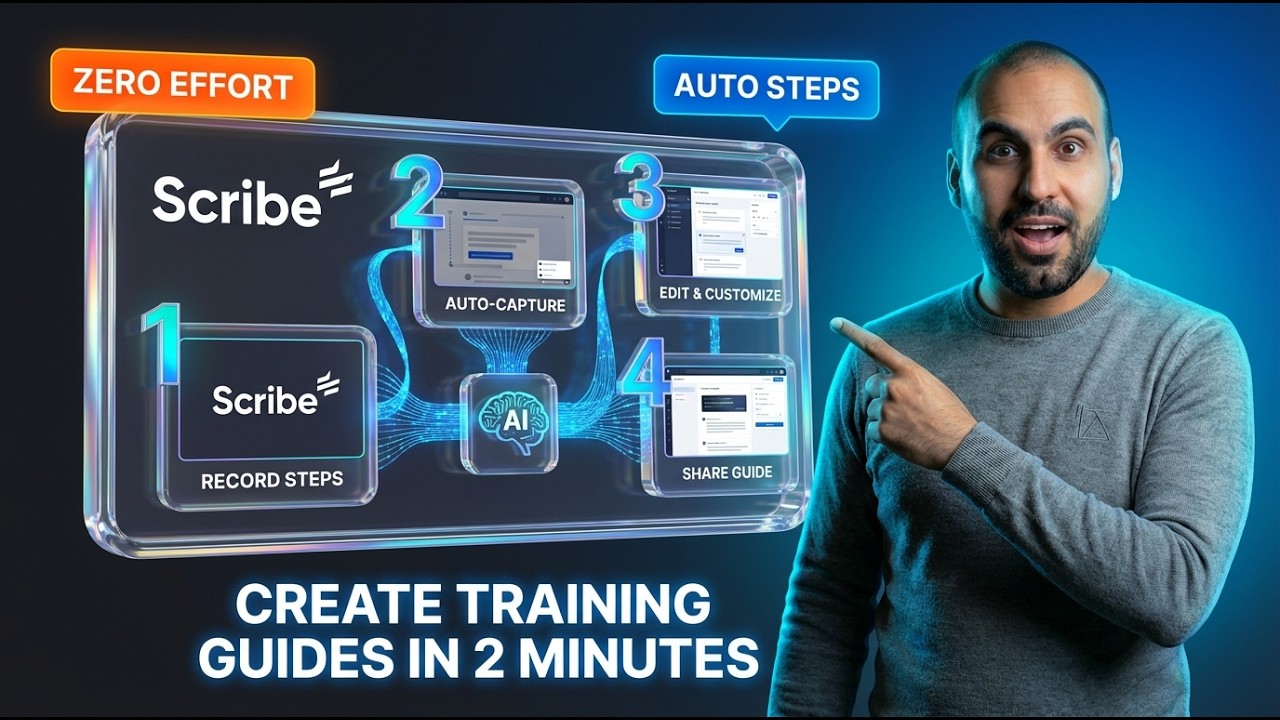
Using Scribe is straightforward. First, install the Scribe browser extension (Chrome or Edge) or the desktop application (Windows or Mac). Once installed, activate Scribe and perform the workflow you wish to document. Scribe automatically captures each step, including screenshots and text descriptions. After capturing, you can edit the guide, add AI-generated titles and descriptions, incorporate company branding, redact sensitive information, and organize multiple guides into comprehensive "Pages." Finally, share your guide via a link, email, embed it in wikis or knowledge bases, or export it as a PDF, HTML, or Markdown file.
Core Features of Scribe
- Auto-capture Workflows: Instantly records any web, desktop, or mobile process into a step-by-step guide.
- AI-Powered Optimization: Generates titles and descriptions, and provides AI-powered suggestions to improve workflows.
- Customization & Editing: Allows users to add company branding, create GIFs, format text, add tips/alerts, and edit screenshots.
- Sensitive Data Redaction: Offers automatic Smart Blur, manual redaction, and admin-enforced redaction for sensitive information like PII and PHI.
- Multi-format Sharing: Guides can be shared via link, email, embedded, or exported to PDF, HTML, and Markdown, including direct integration with Confluence.
- Performance Insights: Provides detailed analytics on guide views, completions, viewer engagement, and feedback to ensure content relevance.
- Pages for Comprehensive Documentation: Organizes multiple guides, text, videos, and links into single, beautiful process documents.
- Scribe Sidekick: Enables on-demand access to how-to guides for employees and clients, reducing repetitive questions.
- Enterprise-Grade Security & Compliance: Meets SOC 2 Type II, HIPAA, and CCPA standards, with features like SSO, data governance, and central user management.
Use Cases for Scribe
Scribe is versatile and can be applied across numerous business functions. It's ideal for onboarding new hires by providing clear, interactive training materials. Operations teams use it to create and standardize Standard Operating Procedures (SOPs) and compliance documentation. Customer support teams leverage Scribe to build comprehensive help guides and answer common customer questions efficiently. It also assists in implementing new software, training colleagues on new tools, and preserving institutional knowledge by documenting best practices across the organization.
Advantages of Scribe
Scribe offers significant advantages in productivity and knowledge management. Users report saving an average of 41.6 hours per month, a 50% reduction in new hire training time, and a 90% decrease in documentation creation time. Its automated capture ensures accuracy and consistency, leading to 98% procedure compliance. The ability to easily share and update guides means knowledge is always current and accessible. Furthermore, Scribe's enterprise-grade security and compliance features make it a trusted solution for large organizations, enabling them to scale workflows efficiently while protecting sensitive data.
Pricing and Plans
Scribe offers several plans to suit different needs, with annual billing providing a 20% saving:
- Basic (Free): Includes web app compatibility, quick customization, and shareable links/embeds.
- Pro Personal ($23 user/month, billed annually): Designed for solo consultants, it includes all Basic features plus compatibility with web, mobile, and desktop apps, company branding, screenshot editing/redaction, and export options (PDF, HTML, Markdown).
- Pro Team ($59/month for 5 users, $12 per additional user, billed annually): Ideal for teams of 3+, includes all Pro Personal features plus team collaboration with comments.
- Enterprise (Custom Pricing): Offers advanced security, compliance, and multi-team management. Features include auto-redaction of PII & PHI, SSO for authentication, Creator/Viewer/Admin roles, enterprise data governance, central user and document management, and language translations. A demo can be scheduled for this plan.
Scribe FAQ
Traffic
Latest traffic
Status
Monthly traffic trend
- 2026-1: 874.7K
- 2026-2: 949.3K
- 2026-3: 1.0M
- 2026-4: 989.7K
- 2026-5: 741.6K
Geography
Top 5 countries / regions
- 🇺🇸United States80.6%
- 🇮🇳India6.4%
- 🇦🇺Australia5.0%
- 🇨🇦Canada4.0%
- 🇬🇧United Kingdom4.0%
Traffic sources
| Source type | Percentage |
|---|---|
Direct | 85.4% |
Referral | 11.3% |
Email | 3.3% |
Top keywords
| Keyword | Cost per click |
|---|---|
| loom | $1.17 |
| screen recorder | $0.68 |
| scribe | $2.78 |
| scribe ai | $7.76 |
| scribehow | $3.37 |
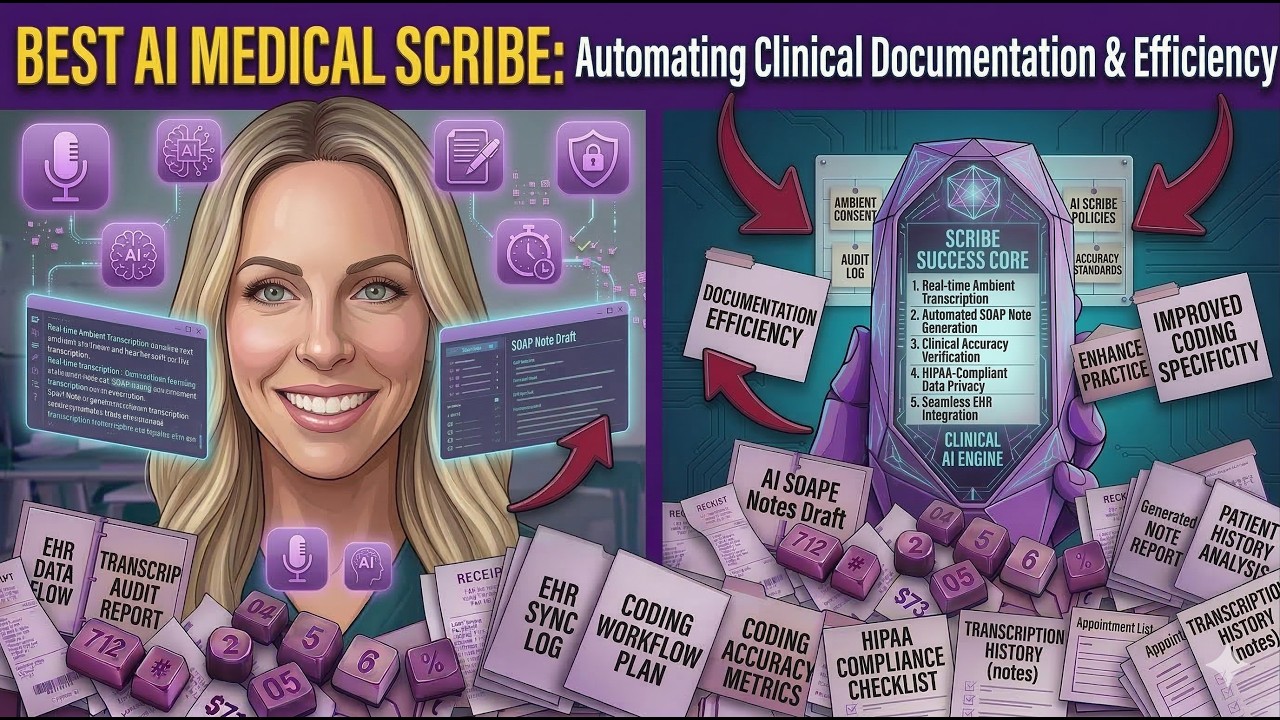
Scribe Videos on YouTube



eClinicalWorks

Dan - Smart Tutorials

Daniel | Tech & Data
Scribe Alternatives

Tingo.ai
Tingo.ai is an AI-powered productivity and workflow automation platform designed for modern teams. It integrates with your existing tools like Slack and Jira to automate meeting summaries, task management, and knowledge base creation, helping your team stay aligned and focus on what matters most.
Project Management
Lula
Lula is an AI-powered workflow automation platform designed to enhance team productivity. It integrates seamlessly with your existing tools to automate repetitive tasks, summarize meetings and communications, generate content, and provide actionable insights, acting as a central intelligence hub for your team.
Team Collaboration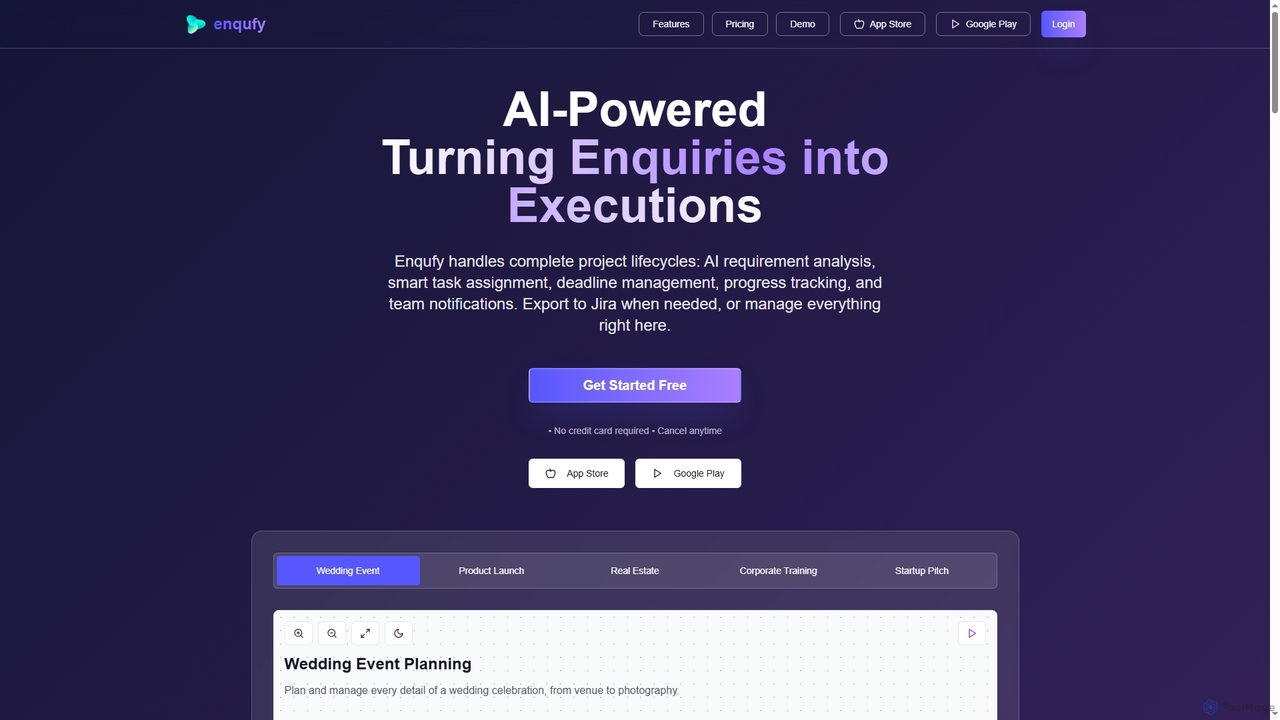
Enqufy
Enqufy is an AI-powered workflow automation platform designed to transform enquiries into structured, actionable project lifecycles. It streamlines task assignment, deadline management, and team collaboration, offering real-time progress tracking and performance analytics for businesses of all sizes. Available on web and mobile, it enhances efficiency and productivity across diverse industries.
Planning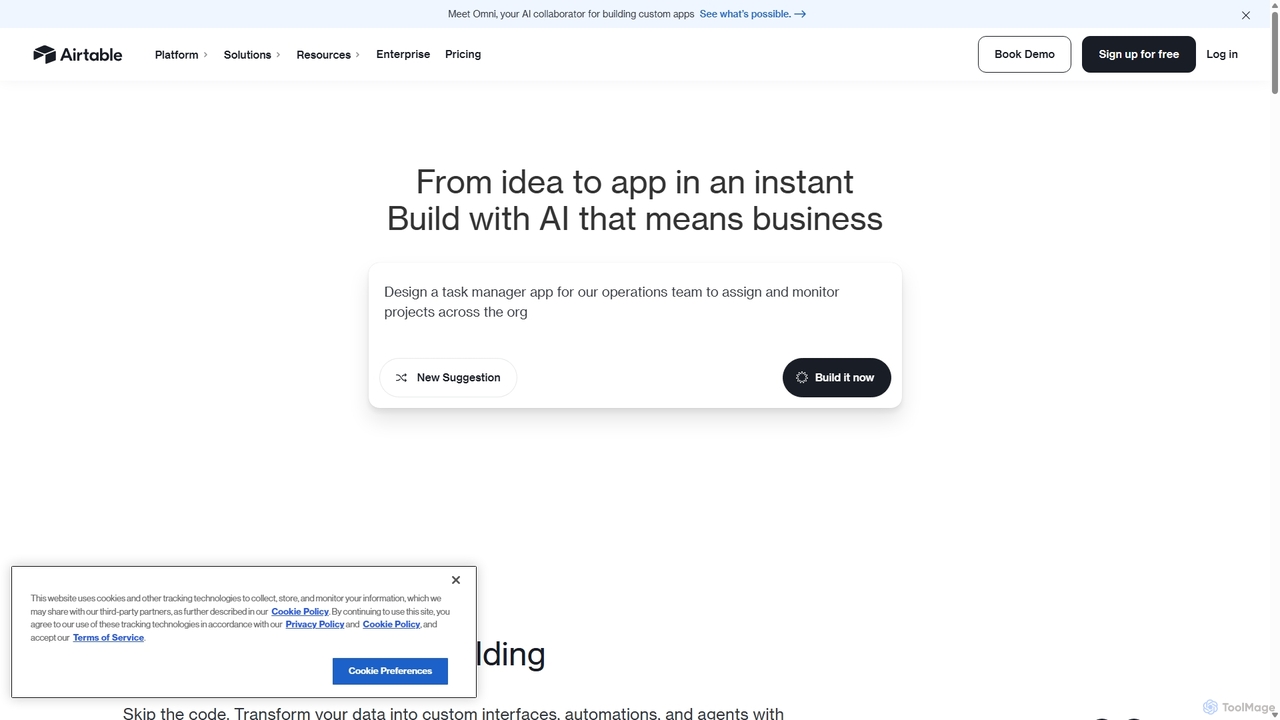
Airtable
Airtable is an AI-native app building platform for enterprises, combining the flexibility of a spreadsheet with the power of a database. It enables teams to create custom applications, automate complex workflows, and deploy intelligent AI agents without writing code, transforming critical data into actionable insights and streamlined operations.
Project Management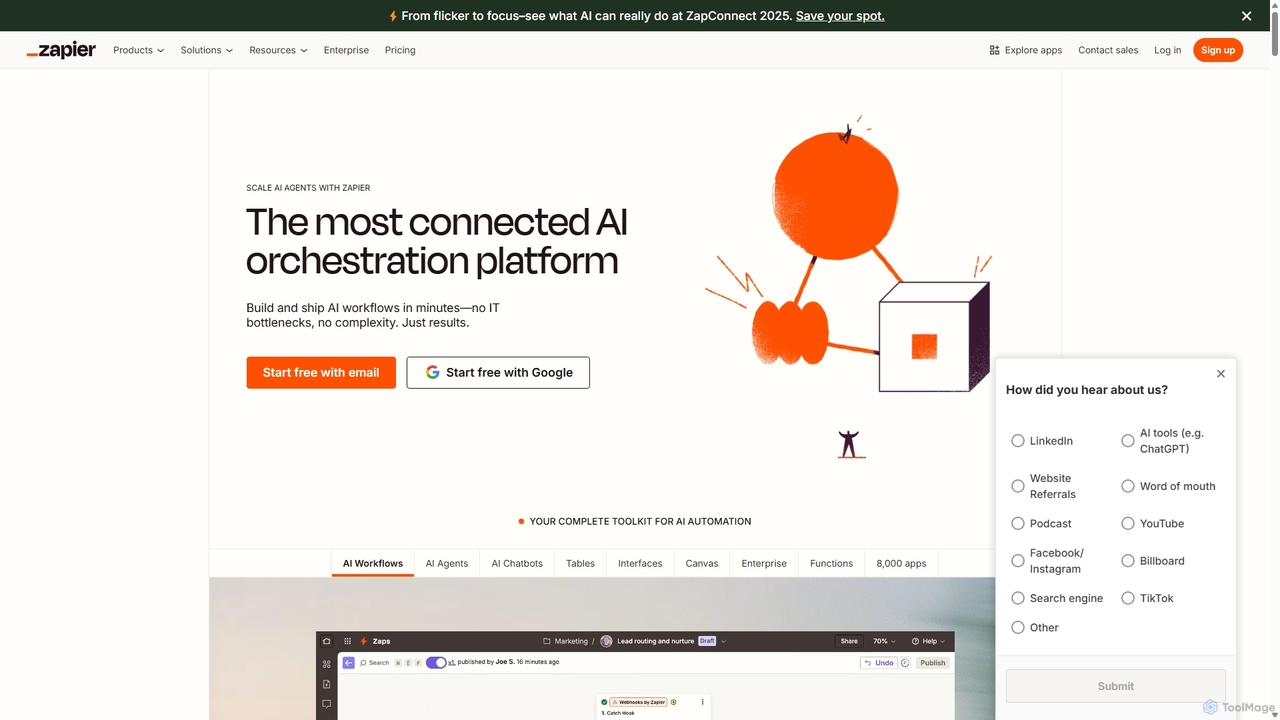
Zapier
Zapier is a leading no-code automation platform that empowers you to connect over 8,000 web apps. It now features a powerful AI toolkit, allowing you to build custom AI workflows, agents, and chatbots to automate tasks, streamline processes, and scale your business operations without writing a single line of code. From simple two-step integrations to complex, multi-step AI-powered workflows, Zapier makes automation accessible to everyone.
Ai Agent BuilderScribe Categories
Scribe Jobs
Scribe Embed Widget
Copy this embed code to place the badge on your blog, article, or product site and send readers directly to this ToolMage detail page.

Related AI tools
Enqufy
Enqufy is an AI-powered workflow automation platform designed to transform enquiries into structured, actionable project lifecycles. It streamlines task assignment, deadline management, and team collaboration, offering real-time progress tracking and performance analytics for businesses of all sizes. Available on web and mobile, it enhances efficiency and productivity across diverse industries.
PlanningTingo.ai
Tingo.ai is an AI-powered productivity and workflow automation platform designed for modern teams. It integrates with your existing tools like Slack and Jira to automate meeting summaries, task management, and knowledge base creation, helping your team stay aligned and focus on what matters most.
Project Management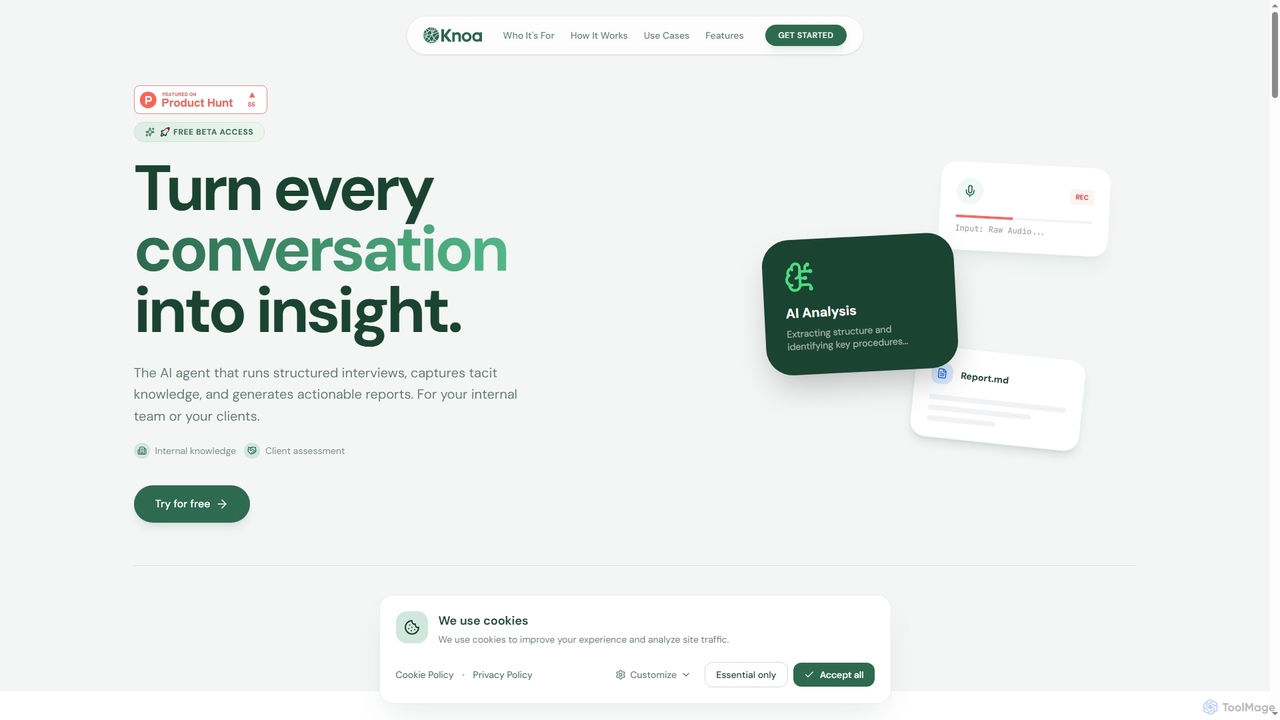
Knoa
Knoa is an advanced AI agent designed to transform conversations into actionable insights. It conducts structured interviews, captures tacit knowledge from internal teams or clients, and automatically generates comprehensive, actionable reports, streamlining knowledge management and scaling expert services.
Client Assessment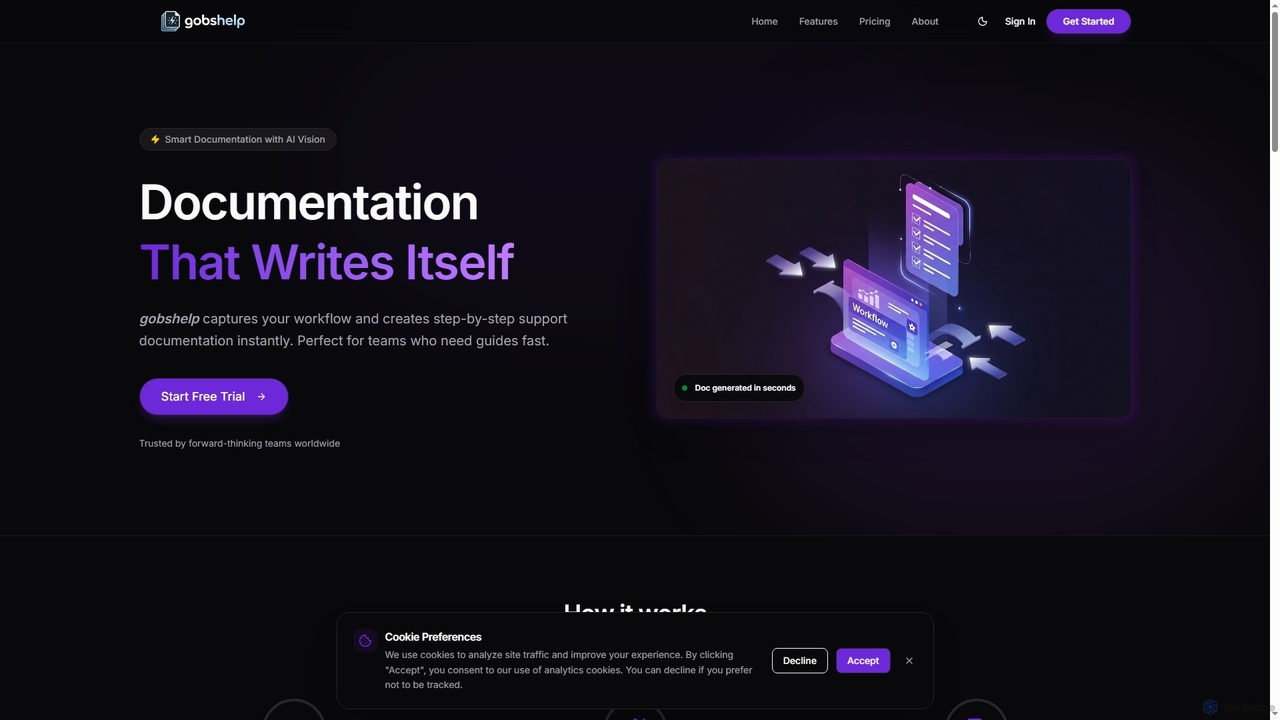
Gobshelp
Gobshelp is an AI-powered smart documentation tool that instantly captures your workflows and transforms them into step-by-step support guides. It's designed to automate the creation of help articles, SOPs, and training materials, saving teams significant time and effort.
Technical WritingLula
Lula is an AI-powered workflow automation platform designed to enhance team productivity. It integrates seamlessly with your existing tools to automate repetitive tasks, summarize meetings and communications, generate content, and provide actionable insights, acting as a central intelligence hub for your team.
Team Collaboration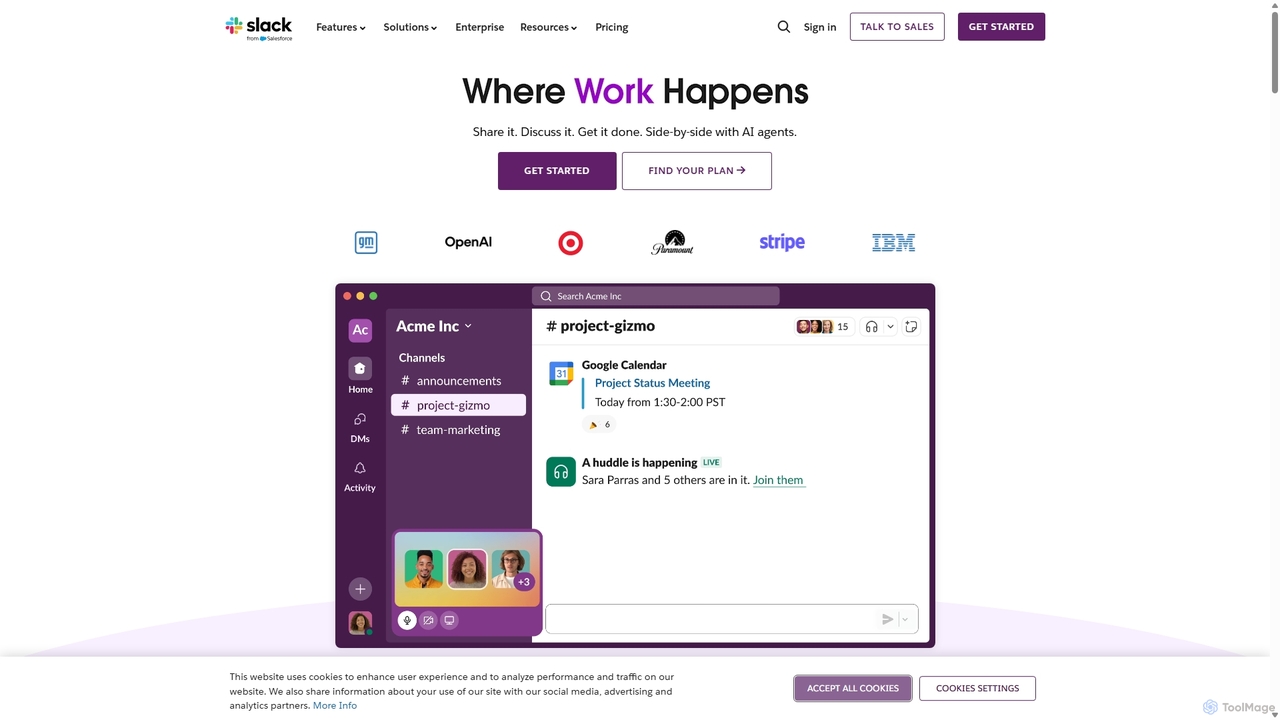
Slack
Slack is an AI-powered collaboration hub that connects your people, partners, and tools. It replaces email with faster, better-organized communication through channels. With integrated AI, workflow automation, and thousands of apps, Slack centralizes your work to boost productivity and streamline project management.
Project Management
Aify
Aify is a no-code AI platform that empowers users to build custom AI-powered applications and automate complex workflows. Integrate top AI models through a visual drag-and-drop interface to create tools for content generation, data analysis, and process automation without writing any code.
Workflow Management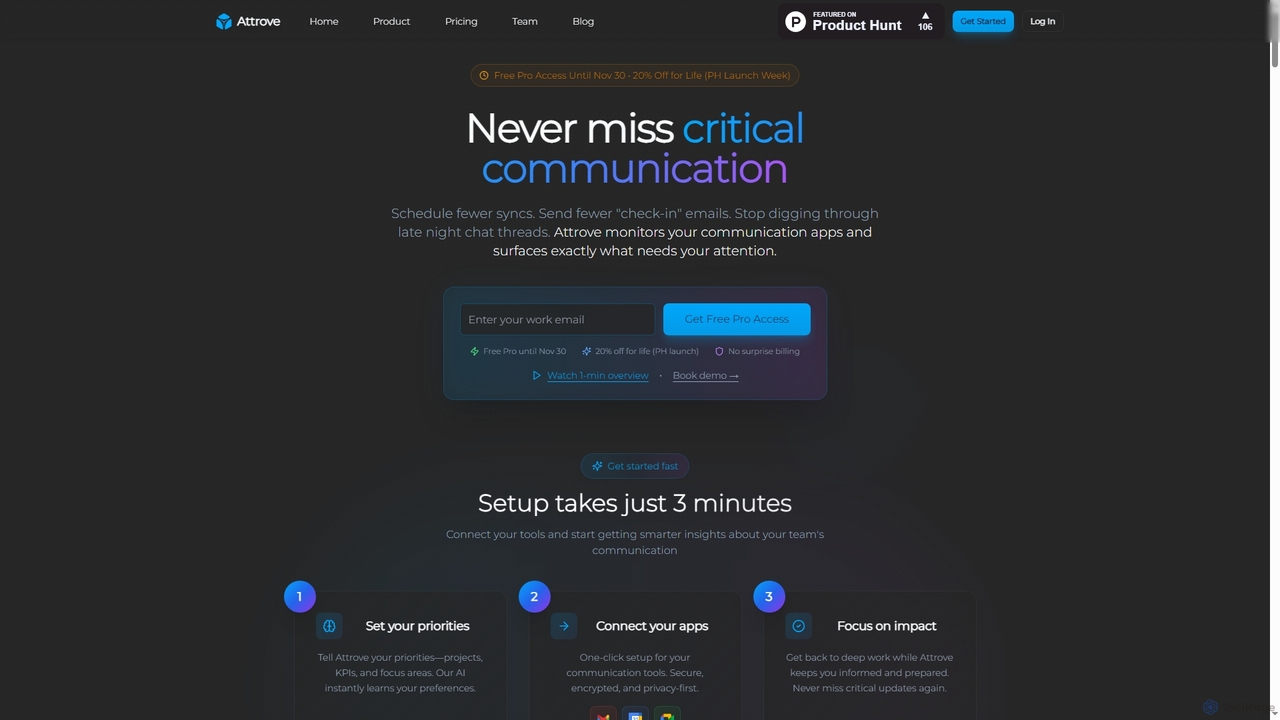
Attrove
Attrove is an AI-powered communication intelligence platform designed to eliminate noise from work communication. It monitors apps like Slack, Gmail, and Calendar to surface critical updates, reduce meetings, and provide real-time insights, enabling teams to focus on high-impact work.
Workplace Insights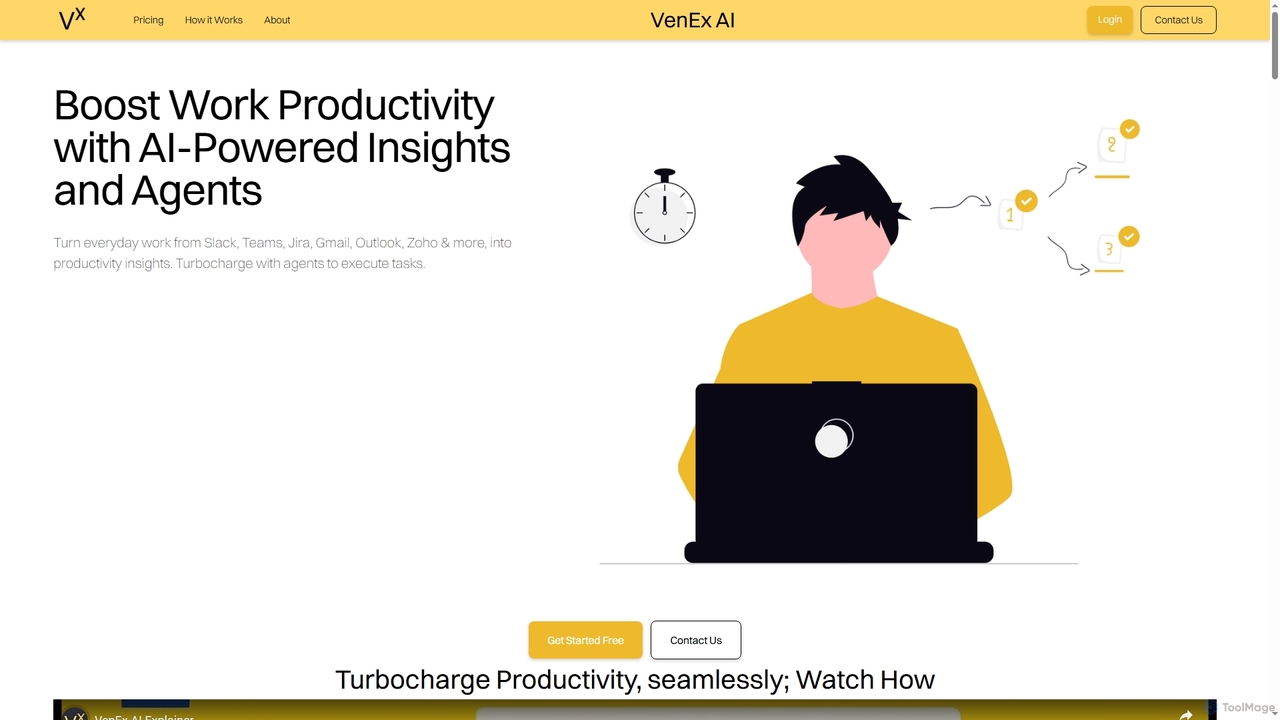
VenEx AI
VenEx AI is an advanced AI-powered platform designed to significantly boost workplace productivity and performance. It integrates seamlessly with popular work tools like Slack, Teams, Jira, and Gmail to generate real-time, data-backed insights, automate routine tasks, and provide objective performance assessments for individuals, managers, and organizations.
Performance Tracking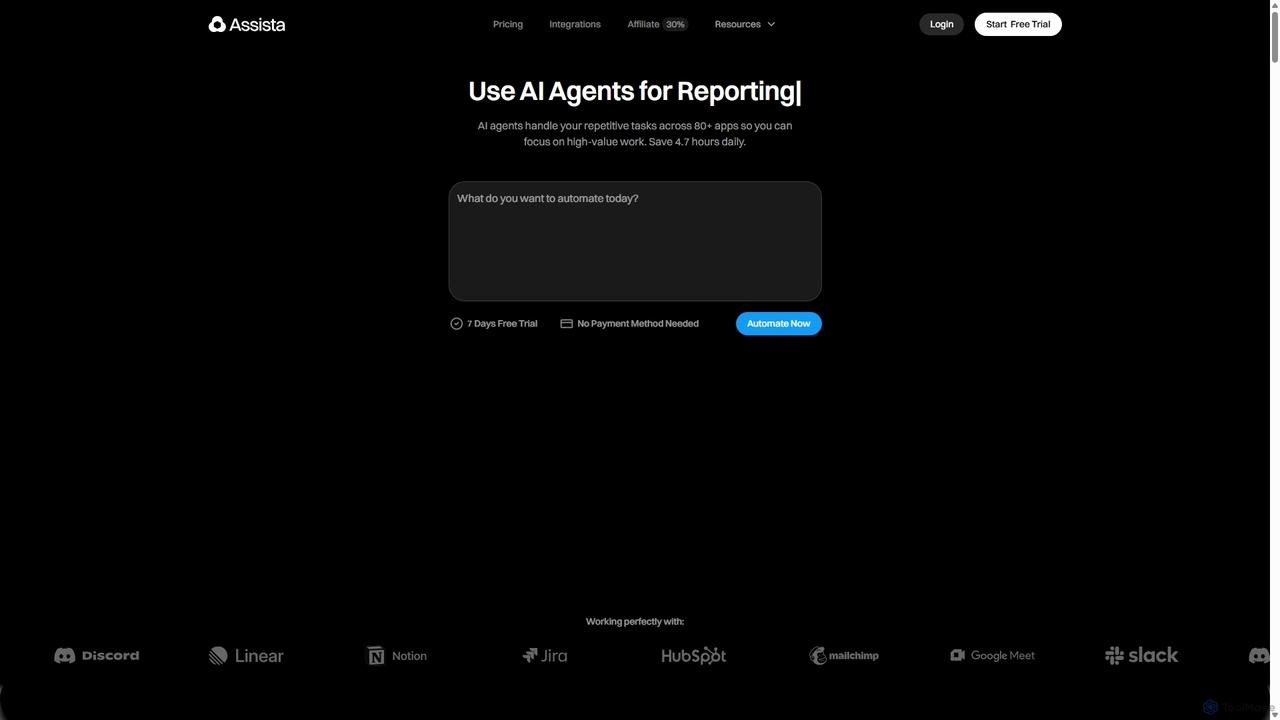
Assista
Assista is an AI agent platform that automates repetitive tasks and complex workflows across 80+ applications using simple, natural language commands. It acts as a complete AI workforce, allowing users to delegate tasks without any coding, saving hours of manual work daily and boosting overall productivity.
Workflow Management
Qatalog
Qatalog is an intelligent work hub that unifies your teams, tools, and knowledge. It uses AI to create a central source of truth, enabling seamless search across all applications, clear visibility into projects and goals, and contextual understanding of who is working on what. By connecting disparate systems like Slack, Jira, and Google Drive, Qatalog reduces context switching and boosts productivity.
Enterprise Search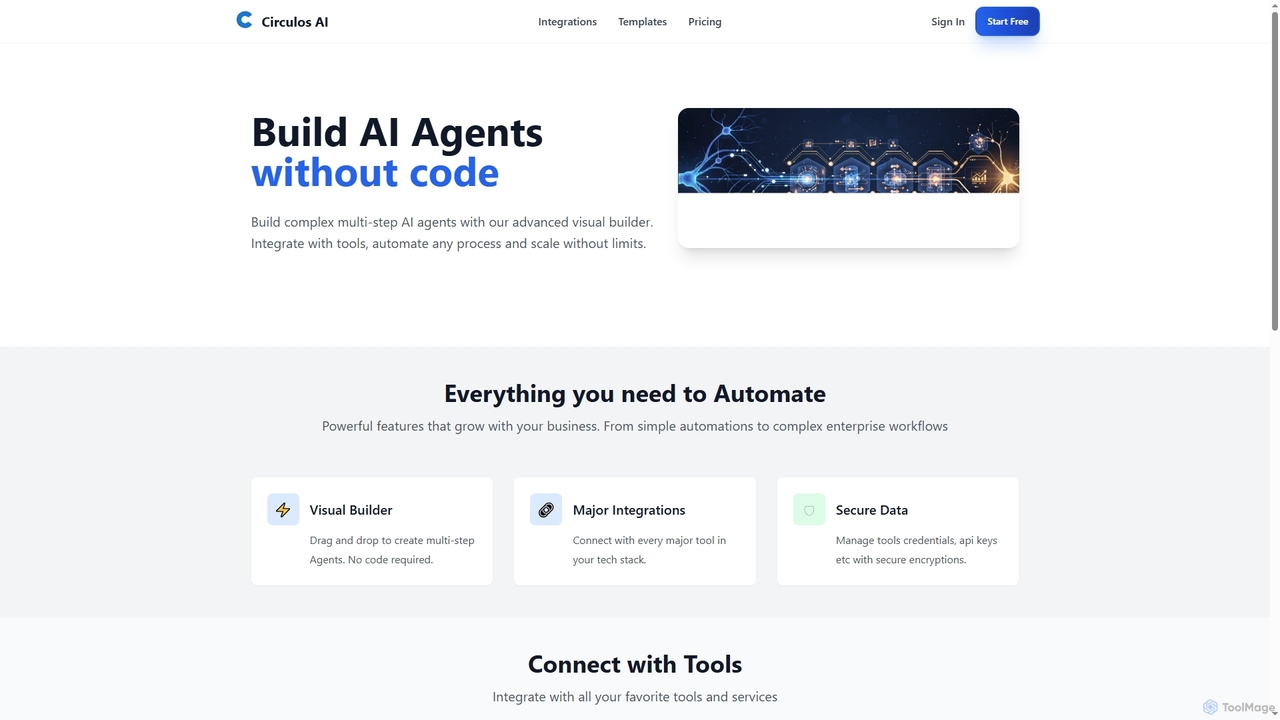
Circulos
Circulos is a no-code AI automation platform that empowers businesses to build complex, multi-step AI agents using an intuitive visual builder. It integrates with over 100 popular tools, automates diverse workflows, and offers scalable solutions for various business needs, from lead qualification to social media publishing.
Ai Automation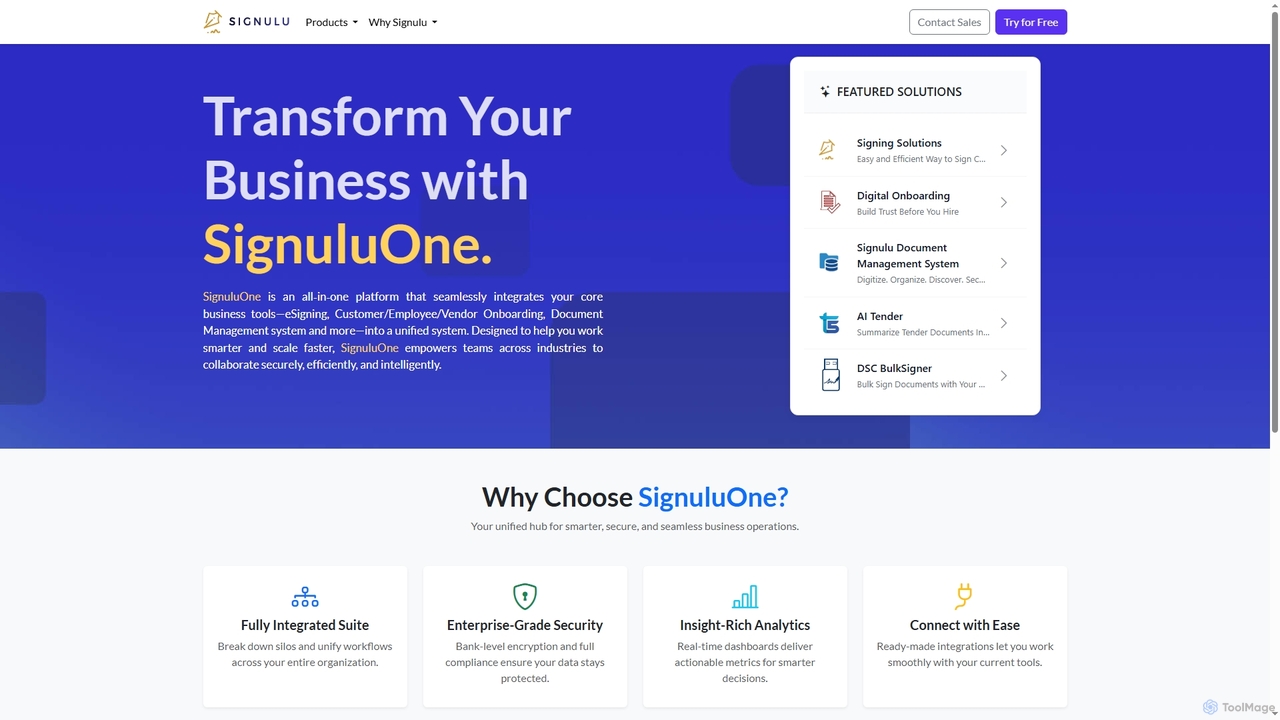
SignuluOne
SignuluOne is an all-in-one platform designed to transform business operations by integrating core tools like eSigning, customer/employee/vendor onboarding, and document management into a unified system. It empowers teams across various industries to collaborate securely, efficiently, and intelligently, helping businesses work smarter and scale faster.
Text SummarizationZapier
Zapier is a leading no-code automation platform that empowers you to connect over 8,000 web apps. It now features a powerful AI toolkit, allowing you to build custom AI workflows, agents, and chatbots to automate tasks, streamline processes, and scale your business operations without writing a single line of code. From simple two-step integrations to complex, multi-step AI-powered workflows, Zapier makes automation accessible to everyone.
Ai Agent Builder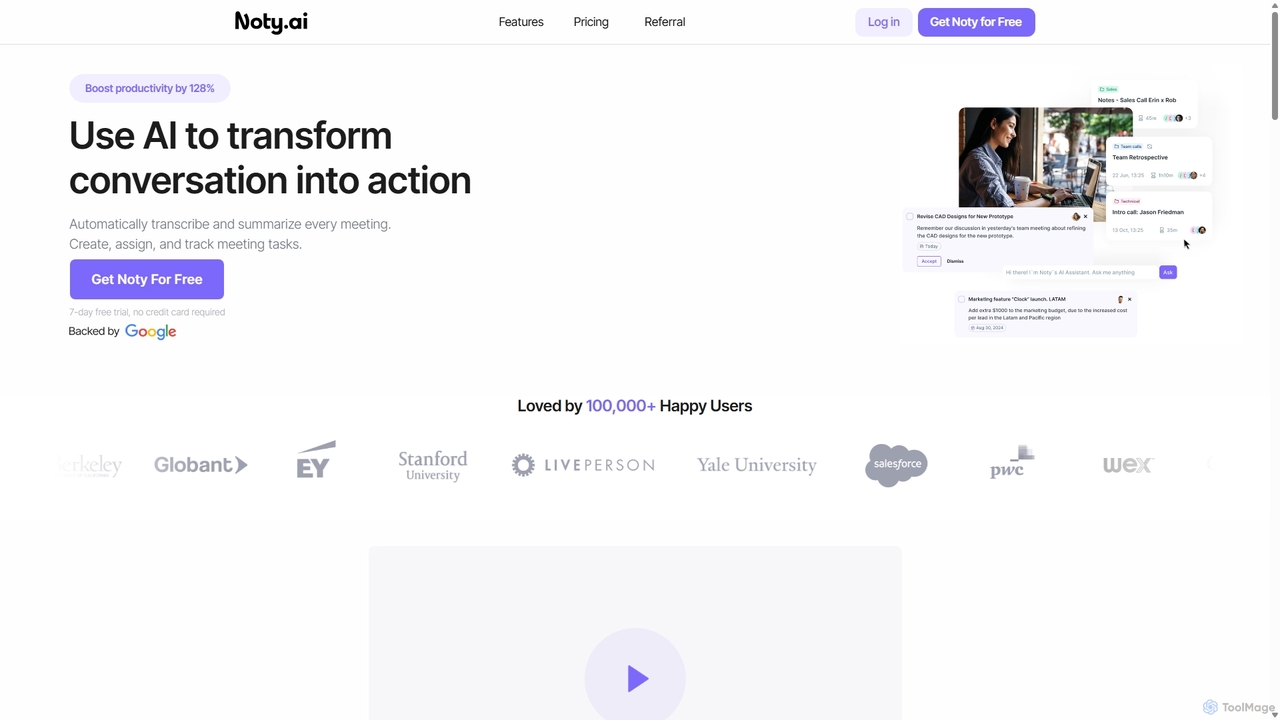
Noty.ai
Noty.ai is an AI meeting assistant that automatically transcribes, summarizes, and generates action items from your conversations. It helps you focus during meetings, ensures no detail is missed, and transforms discussions into trackable tasks, boosting team productivity and accountability.
Task Management
Scribe Comments (0)
Sign in to comment.
Sign inNo comments yet.