ToolMage
Sign in

Best 2 Technical Documentation AI tools for Software Development

Popular Technical Documentation AI tools in Software Development include Scribe and POCsheet, helping you work more efficiently.

Freemium

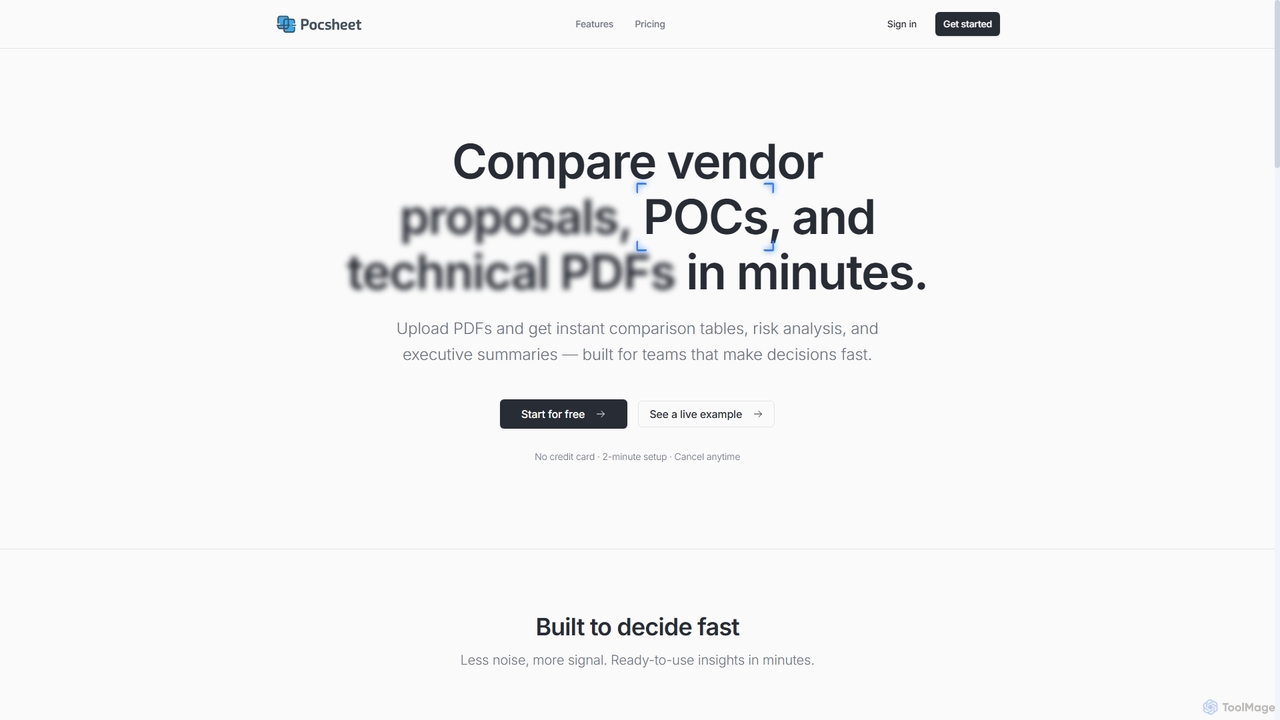
POCsheet

POCsheet is an AI-powered document comparison tool designed for teams to quickly analyze vendor proposals, technical specifications, and contracts. It automates the extraction of key features, risk identification, and generates instant comparison tables and executive summaries, saving significant time in decision-making processes.

Rfp Management
Visits 3.5KFavorites 75Likes 70
Freemium

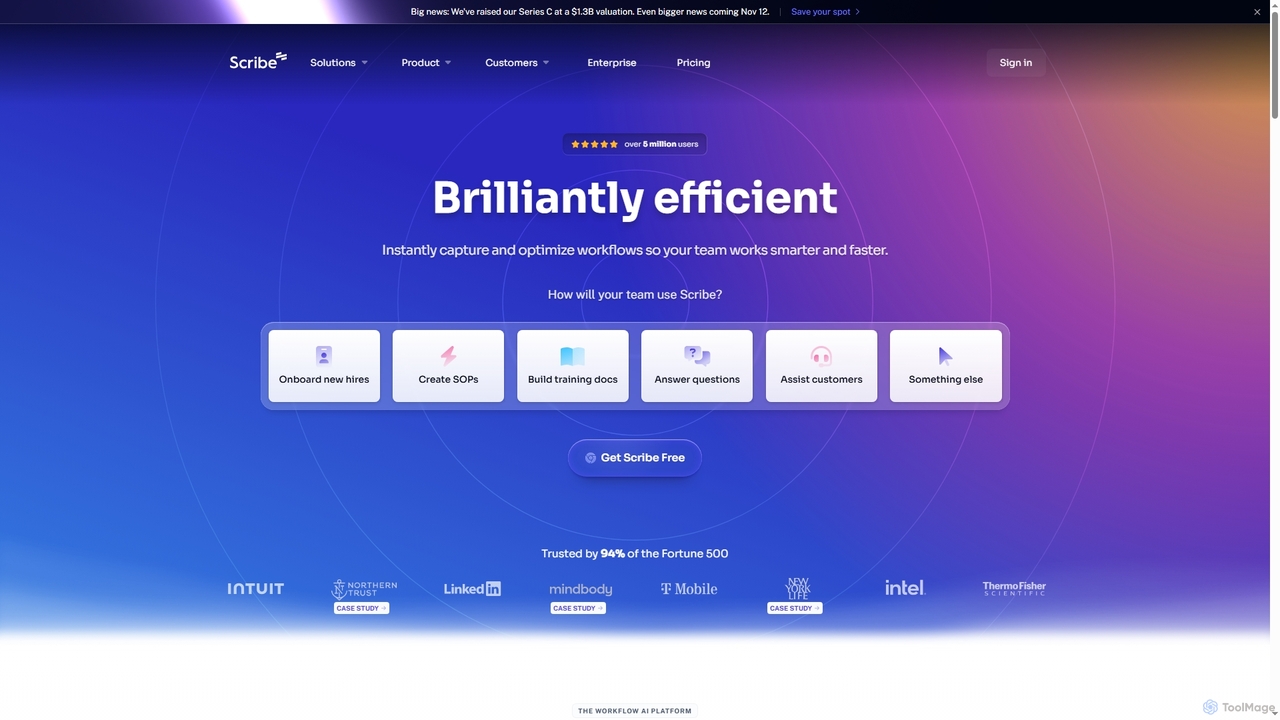
Scribe

Scribe is an AI-powered workflow documentation tool that automatically captures any process—web, desktop, or mobile—and instantly transforms it into a step-by-step guide. It helps teams create SOPs, training materials, and customer support guides faster, enhancing efficiency and knowledge sharing across organizations.

Training
Visits 745.1KFavorites 111Likes 115

About Technical Documentation

Technical Documentation AI tools are specialized software solutions that leverage artificial intelligence to streamline and enhance the creation, management, and maintenance of technical documents. These tools employ natural language processing (NLP), machine learning, and generative AI to automate content generation, ensure consistency, and improve clarity. They are crucial for software development teams, hardware manufacturers, and IT departments to produce high-quality, accurate, and up-to-date user manuals, API documentation, and system guides. By integrating with existing development workflows, they significantly reduce the manual effort and time traditionally associated with documentation.

Core Features

  • Automated Content Generation: Automatically drafts sections, code examples, or entire documents from specifications, codebases, or existing data.
  • Consistency & Style Enforcement: Ensures uniform terminology, branding, and writing style across all documentation, identifying and correcting discrepancies.
  • Intelligent Search & Retrieval: Provides advanced search capabilities within documentation, allowing users to quickly find relevant information using natural language queries.
  • Multilingual Translation & Localization: Translates technical content accurately into multiple languages, adapting it for cultural nuances and specific regional requirements.
  • Content Summarization & Simplification: Condenses lengthy documents into concise summaries or simplifies complex technical jargon for non-technical audiences.

Applicable Scenarios

Software development teams use these tools to automatically generate API documentation from source code, ensuring it's always current with code changes. Hardware manufacturers leverage them to create user manuals and troubleshooting guides for new products, accelerating time-to-market. IT departments utilize AI for maintaining internal knowledge bases, making complex system configurations accessible to support staff.

How to Choose

When selecting Technical Documentation AI tools, evaluate their integration capabilities with existing development environments (IDEs, version control systems) and content management systems. Consider the accuracy and quality of AI-generated content, especially for code examples and complex technical concepts. Assess the customization options for style guides and terminology, and the support for multiple languages if global audiences are targeted. Finally, review the security features for handling sensitive technical information.

Featured tool rankings

Technical Documentation use cases

1

Automate API Documentation Generation

Software developers can use AI tools to automatically parse source code, extract function signatures, parameters, and comments, and then generate comprehensive, up-to-date API documentation. This eliminates manual writing, reduces errors, and ensures documentation reflects the latest code changes, saving significant development time.

2

Create User Manuals for New Products

Product managers and technical writers can input product specifications, feature lists, and design documents into AI tools to generate initial drafts of user manuals, installation guides, and quick-start guides. The AI can structure content, suggest explanations, and even incorporate visual placeholders, drastically accelerating the documentation process for new product launches.

3

Maintain Consistent Internal Knowledge Bases

IT support teams and system administrators utilize AI-powered tools to continuously monitor and update internal knowledge bases. The AI can identify outdated information, suggest improvements for clarity, enforce consistent terminology across articles, and automatically summarize complex technical procedures, making the knowledge base more reliable and easier for employees to navigate.

4

Localize Technical Content for Global Markets

Global enterprises employ these tools to translate technical specifications, product datasheets, and compliance documents into multiple languages. AI ensures not only linguistic accuracy but also adapts technical jargon and cultural nuances, providing localized documentation that resonates with international users and meets regional regulatory requirements without extensive manual translation efforts.

5

Generate Code Explanations and Tutorials

Developers and educators can leverage AI to generate clear, step-by-step explanations for complex code snippets or entire software modules. The AI can analyze the code, identify its purpose, and produce tutorials or comments that simplify understanding for new team members or students, fostering better code comprehension and onboarding.

6

Simplify Complex System Architecture Descriptions

Solution architects and technical leads use AI tools to transform intricate system architecture diagrams and design documents into simplified, high-level overviews for non-technical stakeholders. The AI can extract key components, relationships, and functionalities, then rephrase them into easily digestible summaries, facilitating better communication and decision-making across departments.

Technical Documentation FAQ

What are Technical Documentation AI tools?

Technical Documentation AI tools are software solutions that use artificial intelligence, including NLP and generative AI, to automate and assist in the creation, management, and maintenance of technical documents. They aim to improve efficiency, consistency, and quality in producing materials like user manuals, API docs, and system guides.

How do AI tools enhance technical documentation?

AI tools enhance technical documentation by automating repetitive tasks like content generation from code or specifications, enforcing style and terminology consistency, and providing intelligent search capabilities. They also facilitate accurate multilingual translation and can simplify complex information for diverse audiences, significantly reducing manual effort and improving document quality.

What's the difference between traditional documentation and AI-powered documentation?

Traditional documentation relies heavily on manual writing, editing, and updating, which can be time-consuming and prone to inconsistencies. AI-powered documentation, in contrast, leverages algorithms to automate content generation, ensure consistency, and offer intelligent assistance throughout the lifecycle. This leads to faster creation, higher accuracy, and easier maintenance, especially for dynamic content like API docs.

What are the key features to look for in Technical Documentation AI tools?

Key features include automated content generation (from code, specs), consistency checking and style enforcement, intelligent search, and multilingual translation. Also important are integration capabilities with existing development and content management systems, customization options for specific style guides, and robust security measures for sensitive information.

Who benefits most from using Technical Documentation AI tools?

Software development teams benefit from automated API documentation and code explanations. Product managers and technical writers gain efficiency in creating user manuals. IT departments improve knowledge base maintenance. Global enterprises achieve faster and more accurate localization. Anyone involved in producing or consuming complex technical information can benefit from improved clarity, consistency, and accessibility.