ToolMage
Sign in

Best 47 Documentation AI tools for Productivity

Popular Documentation AI tools in Productivity include Scribe, DeepWiki, Eraser, Helpjuice, Trupeer, Lyrebird Health, Scalar, Glass, Mermaid Online, and Clueso, helping you work more efficiently.

SpecSnap
Freemium

SpecSnap

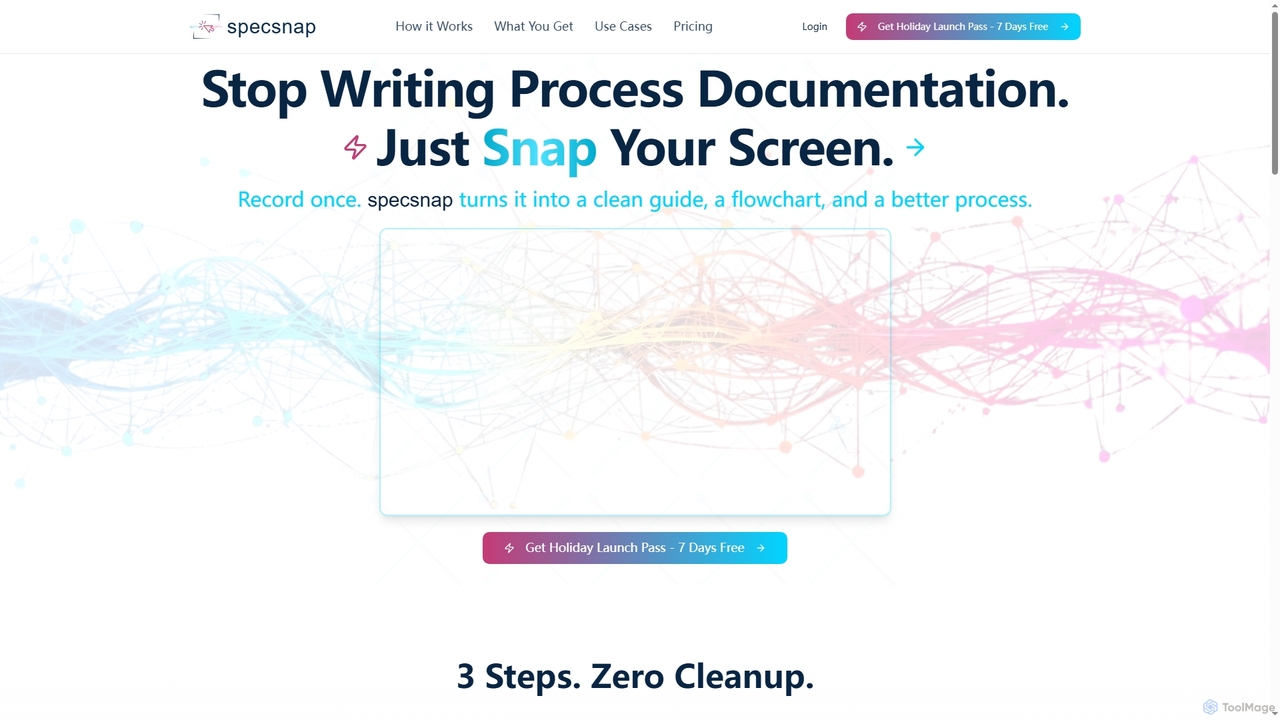
SpecSnap is an AI-powered tool that transforms screen recordings of any workflow into comprehensive process documentation. It automatically generates step-by-step guides, visual flowcharts, and identifies optimization opportunities, saving teams significant time and effort in creating standard operating procedures and training materials.

Process Management
Visits 3.5KFavorites 18Likes 16
Mermaid Online
Paid

Mermaid Online

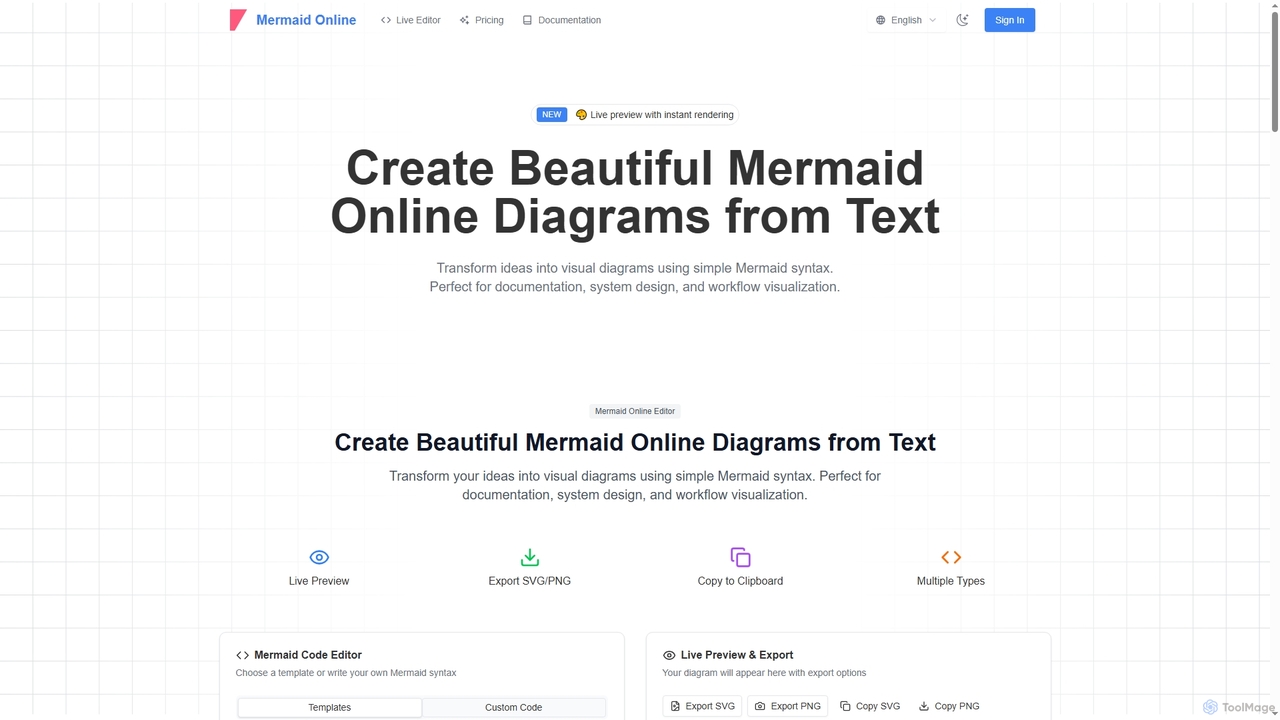
Mermaid Online is an advanced web-based editor and AI-powered diagram generator that transforms text descriptions and Mermaid syntax into professional visual diagrams. It supports various diagram types, offers real-time preview, and flexible export options, streamlining documentation and system design workflows for individuals and teams.

Text To Diagram
Visits 177.1KFavorites 99Likes 99
8n Docs

8n Docs

8n Docs is a Chrome Extension that instantly transforms n8n workflows into clear, AI-generated documentation. Simply upload your workflow JSON to get comprehensive and easy-to-understand documentation, streamlining your development and knowledge sharing processes.

Technical Writing
Visits 3.4KFavorites 96Likes 100
Claribi
Paid

Claribi

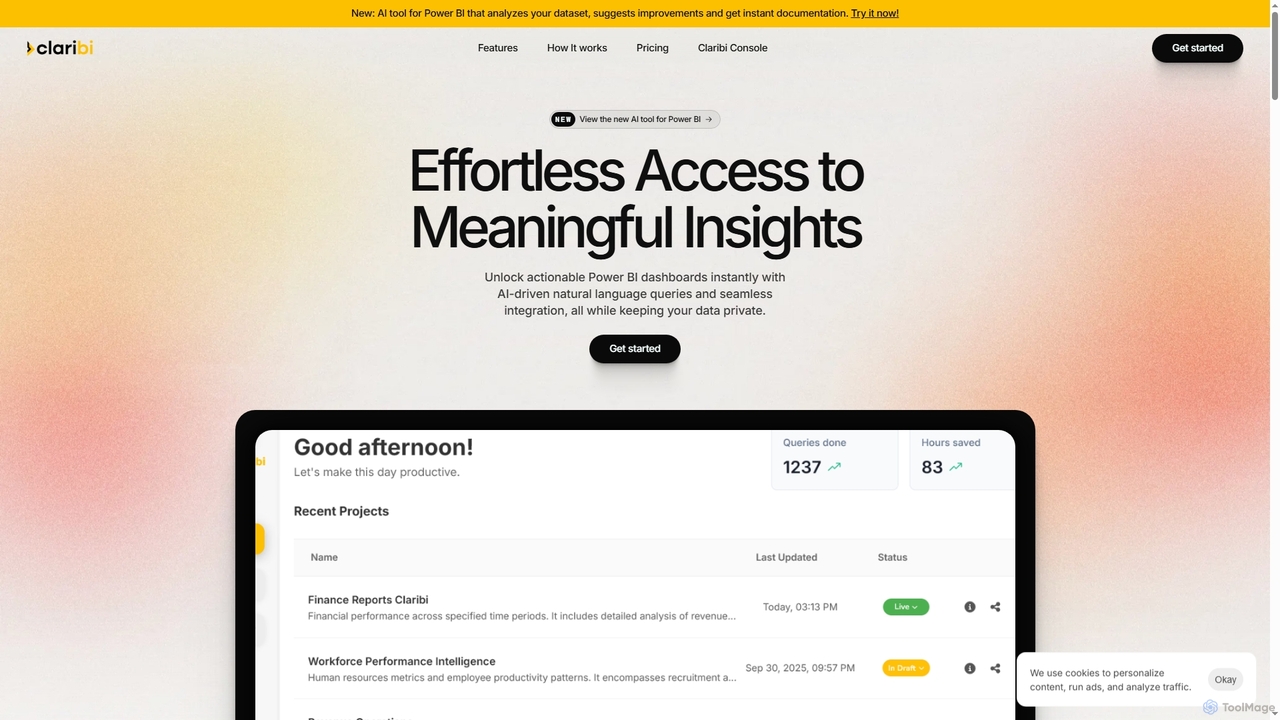
Claribi is an AI-powered tool that transforms Power BI usage by enabling natural language queries, automating documentation, and providing intelligent assistance for report creation and debugging. It offers effortless access to meaningful insights, cross-report discovery, and ensures enterprise-grade data security by working exclusively with metadata.

3D
Visits 3.5KFavorites 107Likes 95
Kibu
Paid

Kibu

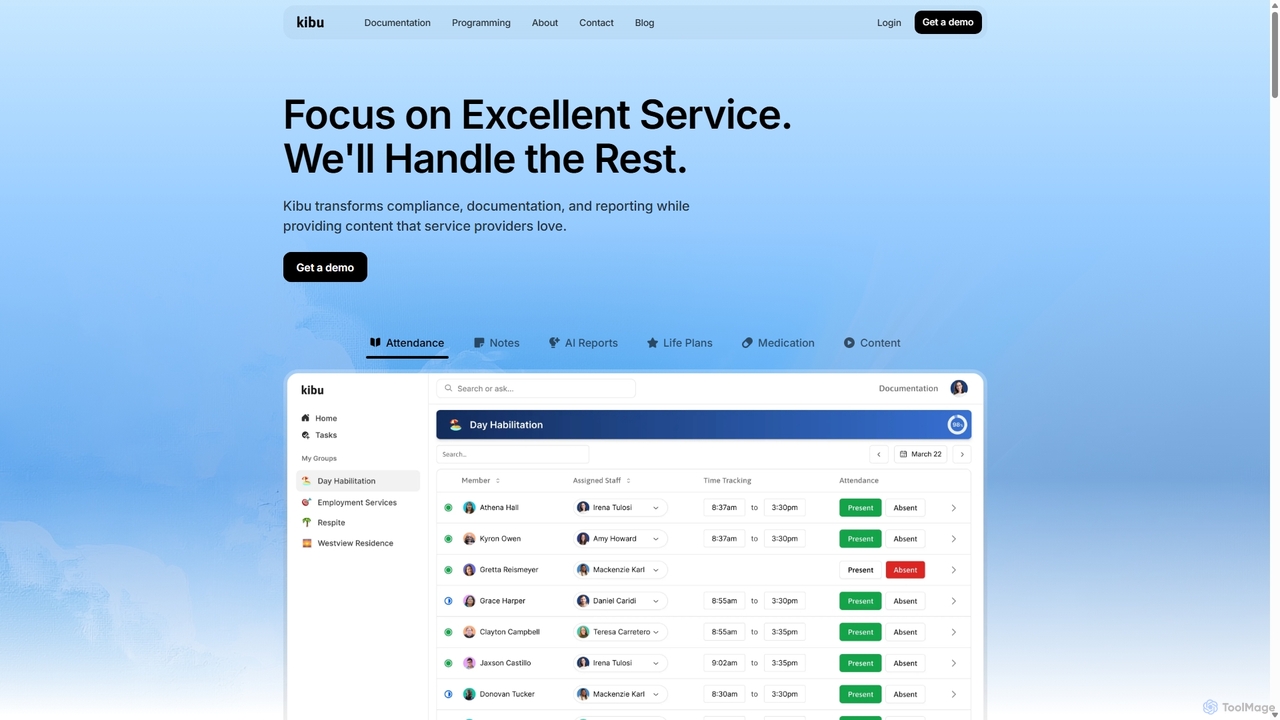
Kibu is an AI-powered platform for disability service providers, designed to streamline operations, ensure compliance, and empower staff. It simplifies documentation with AI-assisted service notes, manages member records, tracks tasks and goals, and provides instant compliance reporting. The platform is mobile-ready, HIPAA compliant, and built to help Direct Support Professionals (DSPs) focus on delivering exceptional care.

Compliance Management
Visits 6KFavorites 111Likes 116
Dubble
Freemium

Dubble

Dubble is an AI-powered Chrome extension that automatically creates step-by-step guides, tutorials, and documentation. It records your on-screen actions, instantly generating written instructions, annotated screenshots, and videos. This tool is designed to eliminate the tedious process of manual documentation, saving teams significant time on employee onboarding, customer support, and process training.

Knowledge Base
Visits 33.5KFavorites 139Likes 123
Adrenaline
Paid

Adrenaline

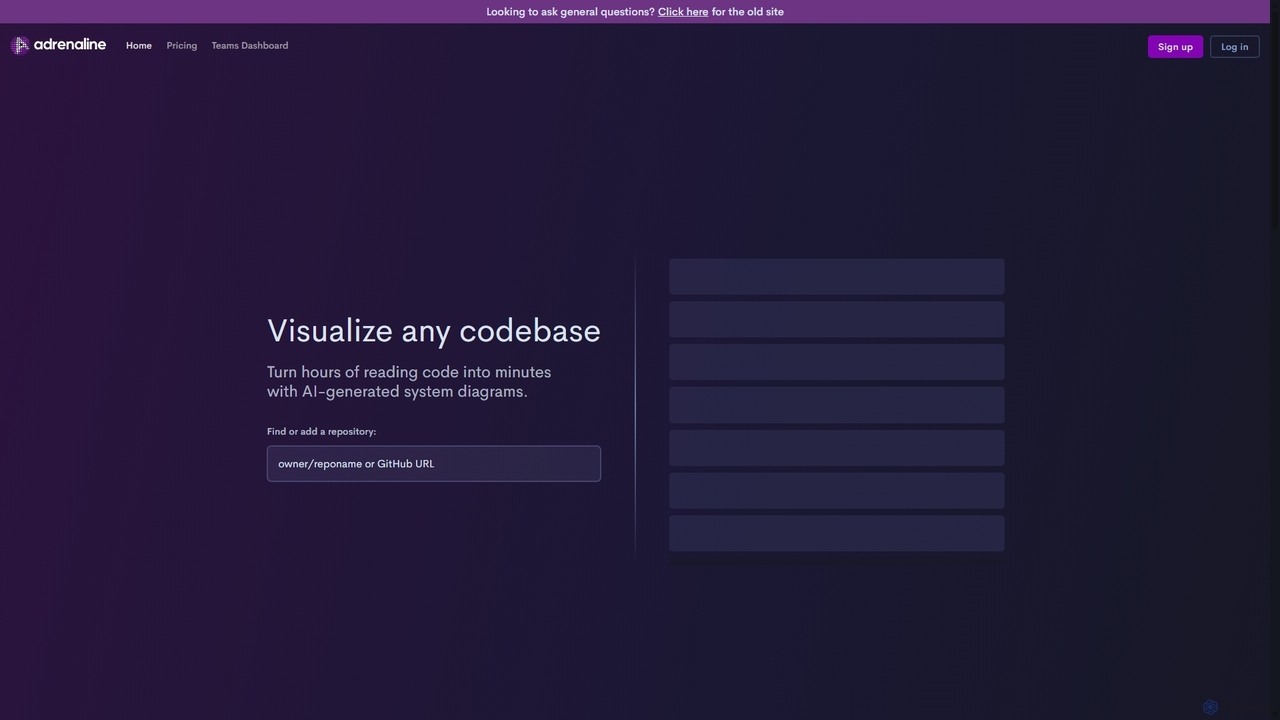
Adrenaline is an AI-powered tool that transforms complex codebases into interactive, visual system diagrams. It automatically generates UML, sequence diagrams, and flowcharts, helping developers understand, document, and navigate any repository in minutes instead of hours.

Code Visualization
Visits 6.4KFavorites 92Likes 85
HelpLook
Freemium

HelpLook

HelpLook is an all-in-one, no-code AI platform for building intelligent knowledge bases, help centers, and product documentation. It integrates a powerful AI chatbot to automate customer support, reduce service costs, and enhance user self-service experiences, trusted by over 10,000 companies worldwide.

Chatbot Builder
Visits 3.4KFavorites 96Likes 103
Eraser
Freemium

Eraser

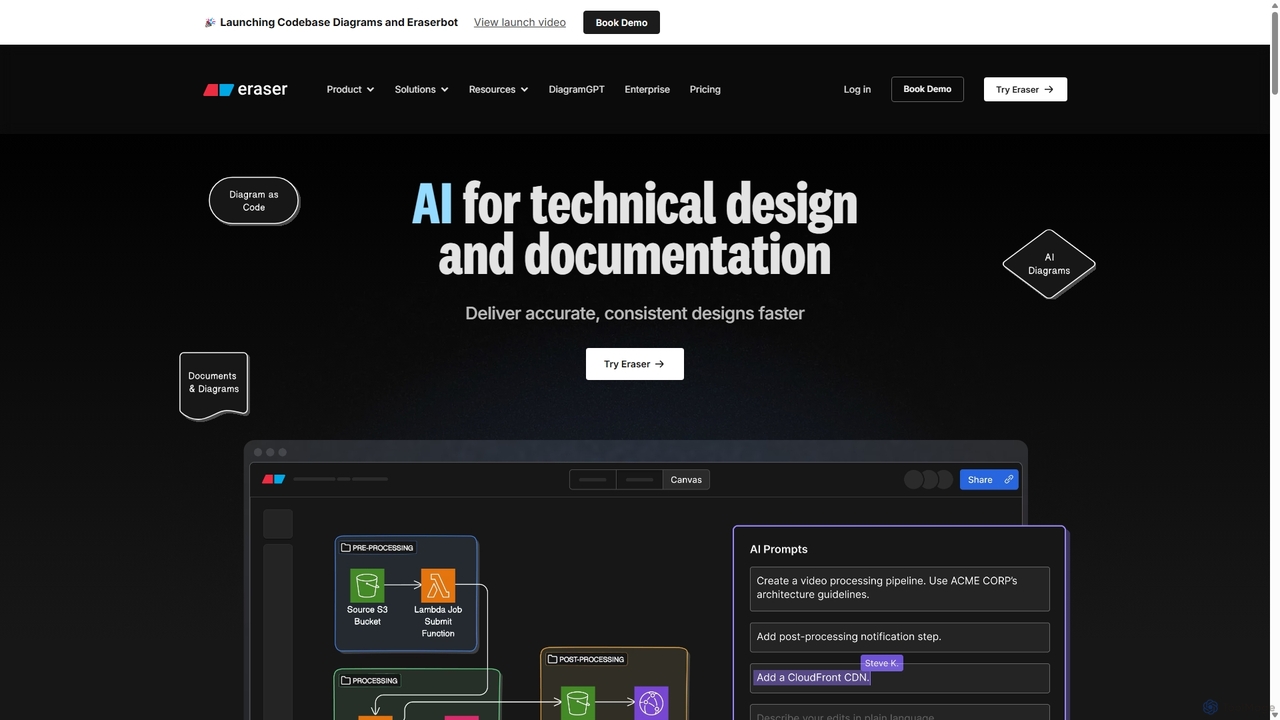
Eraser is an AI-powered co-pilot for technical design and documentation, built for engineering teams. It enables users to generate and edit diagrams like architecture, flowcharts, and ERDs using natural language prompts. It combines a collaborative canvas with a markdown editor and diagram-as-code functionality to streamline the entire design process, from brainstorming to documentation.

Whiteboard
Visits 876.6KFavorites 93Likes 107
trainn
Paid

trainn

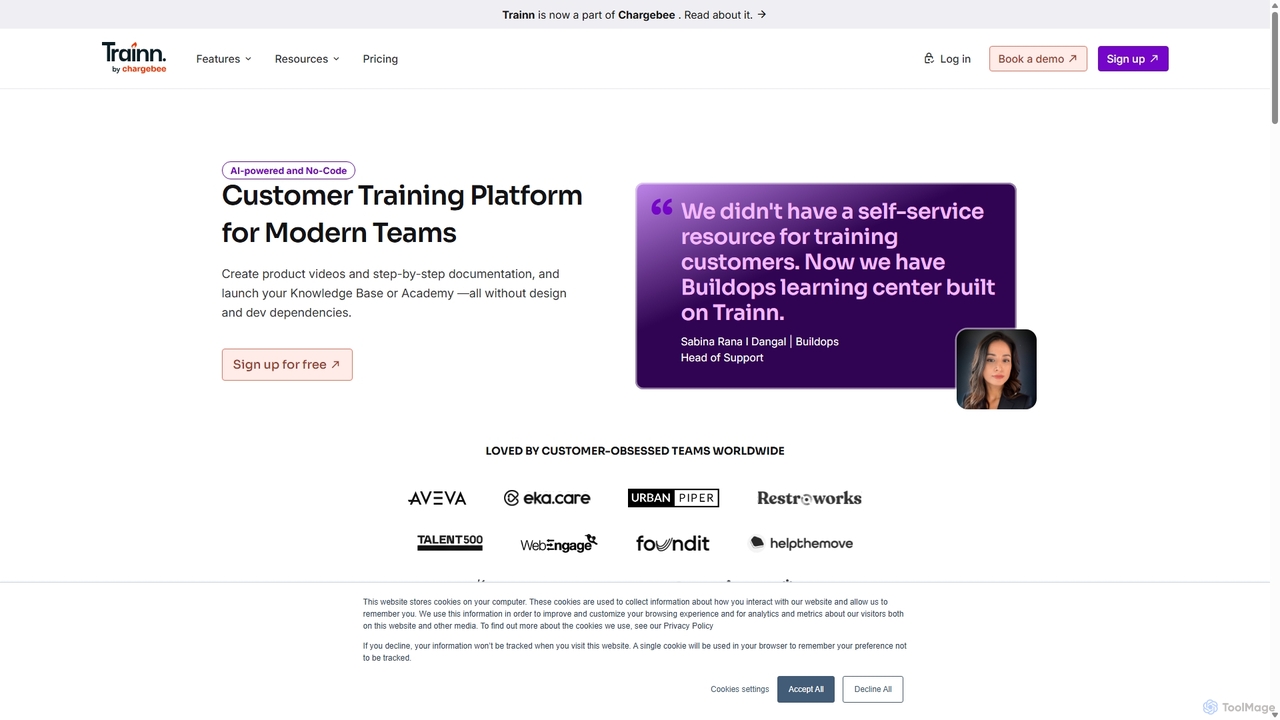
Trainn is an AI-powered, no-code customer education platform for SaaS businesses. It enables teams to effortlessly create professional product videos, interactive guides, knowledge bases, and customer academies from simple screen recordings, accelerating onboarding and boosting user adoption.

Customer Success
Visits 104KFavorites 105Likes 116
Guide Gleam
Freemium

Guide Gleam

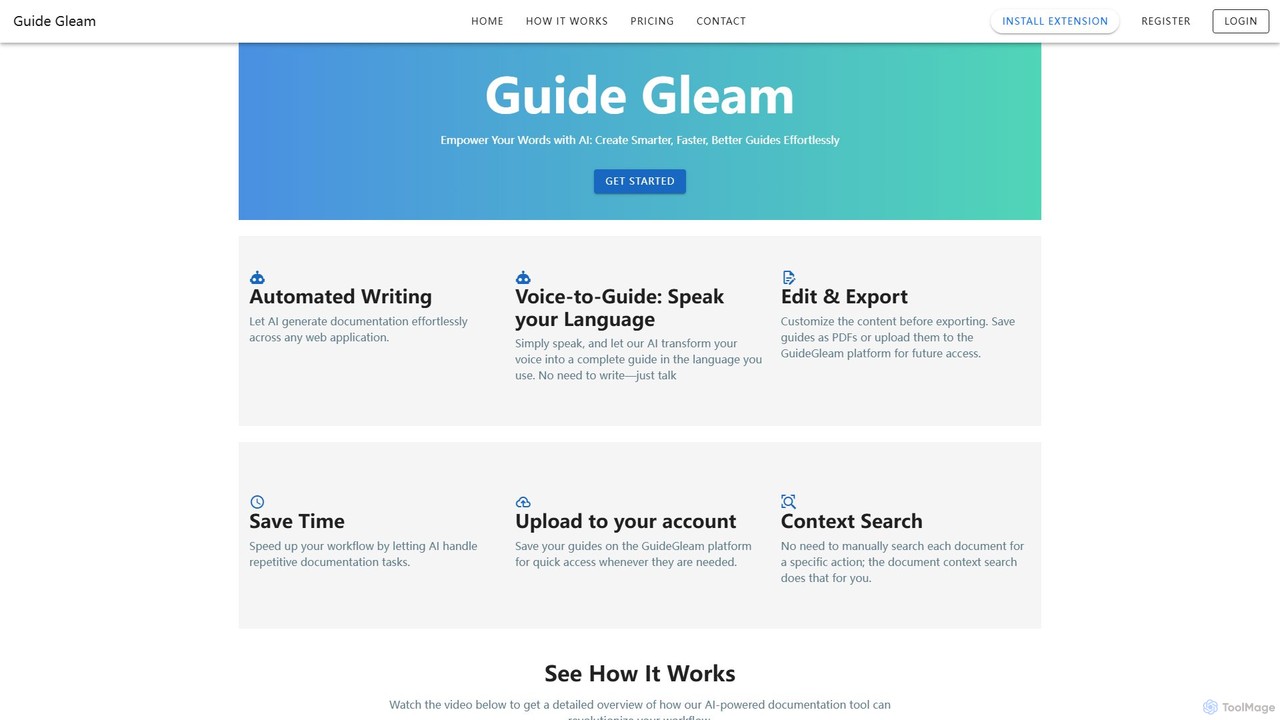
Guide Gleam is an AI-powered platform that automates the creation of step-by-step guides and documentation. It transforms user actions and voice commands into clear, editable, and shareable guides, complete with screenshots and text. This tool is designed to streamline workflows for technical writers, support teams, and trainers, significantly reducing the time spent on manual documentation.

Knowledge Management
Visits 3.4KFavorites 124Likes 106
sammylabs
Paid

sammylabs

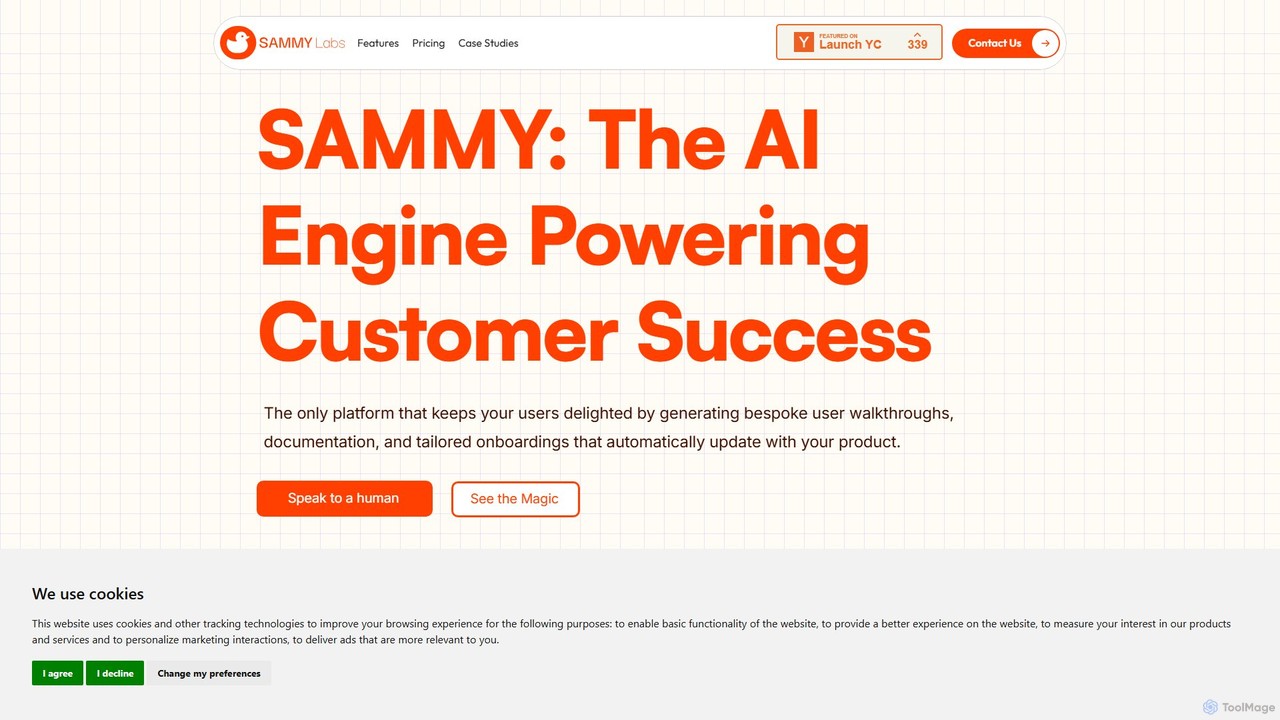
sammylabs is an AI-powered customer success platform that automates user onboarding, documentation, and testing. It explores your app like a real user to generate video tutorials, interactive guides, and up-to-date documentation, ensuring your content always syncs with your product.

Automation
Visits 5.5KFavorites 117Likes 98
Delibr
Freemium

Delibr

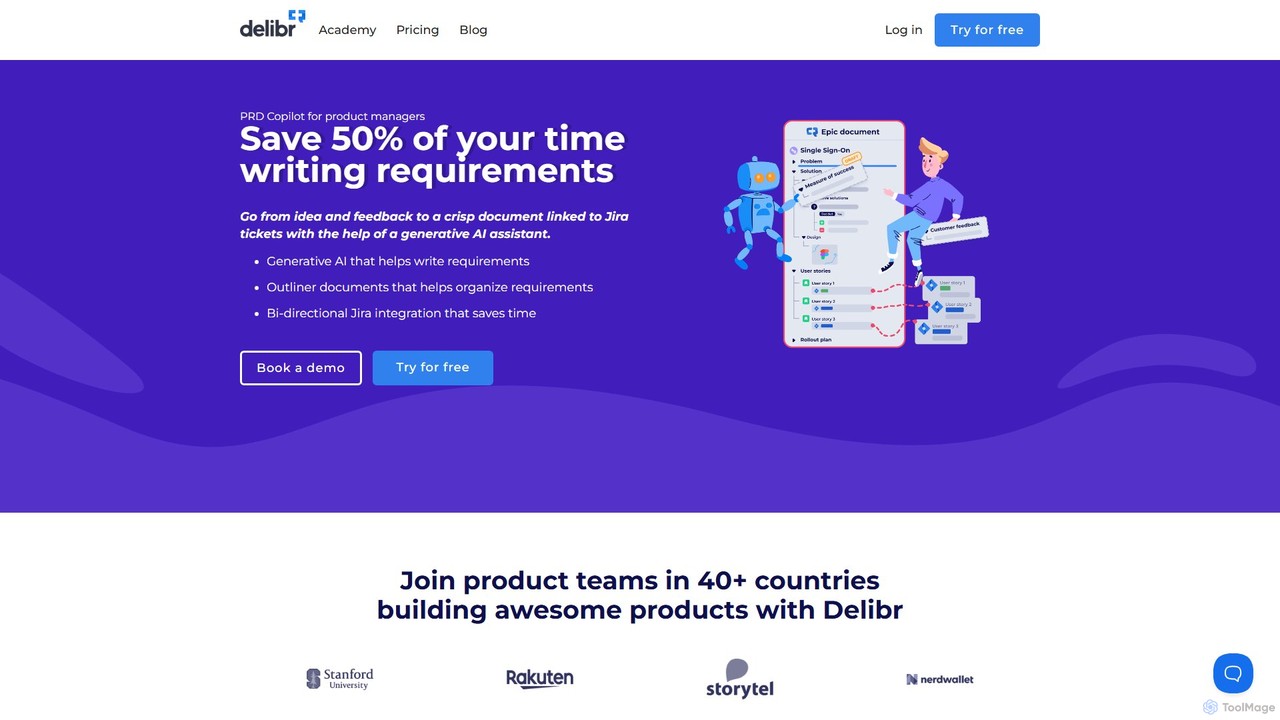
Delibr is an AI-powered platform for product teams to create clear, collaborative, and structured product requirement documents. It streamlines the process from ideation to Jira, helping teams define features, user stories, and acceptance criteria with AI assistance, ensuring alignment and consistency.

Product Management
Visits 5.4KFavorites 121Likes 99
airshot
Freemium

airshot

Airshot is an AI-powered platform that transforms screen recordings into interactive step-by-step guides and product demos. Effortlessly capture your workflow, and let AI automatically generate annotated screenshots and descriptive text, saving you hours on documentation.

Guide Creation
Visits 4.6KFavorites 122Likes 109
Glitter AI
Freemium

Glitter AI

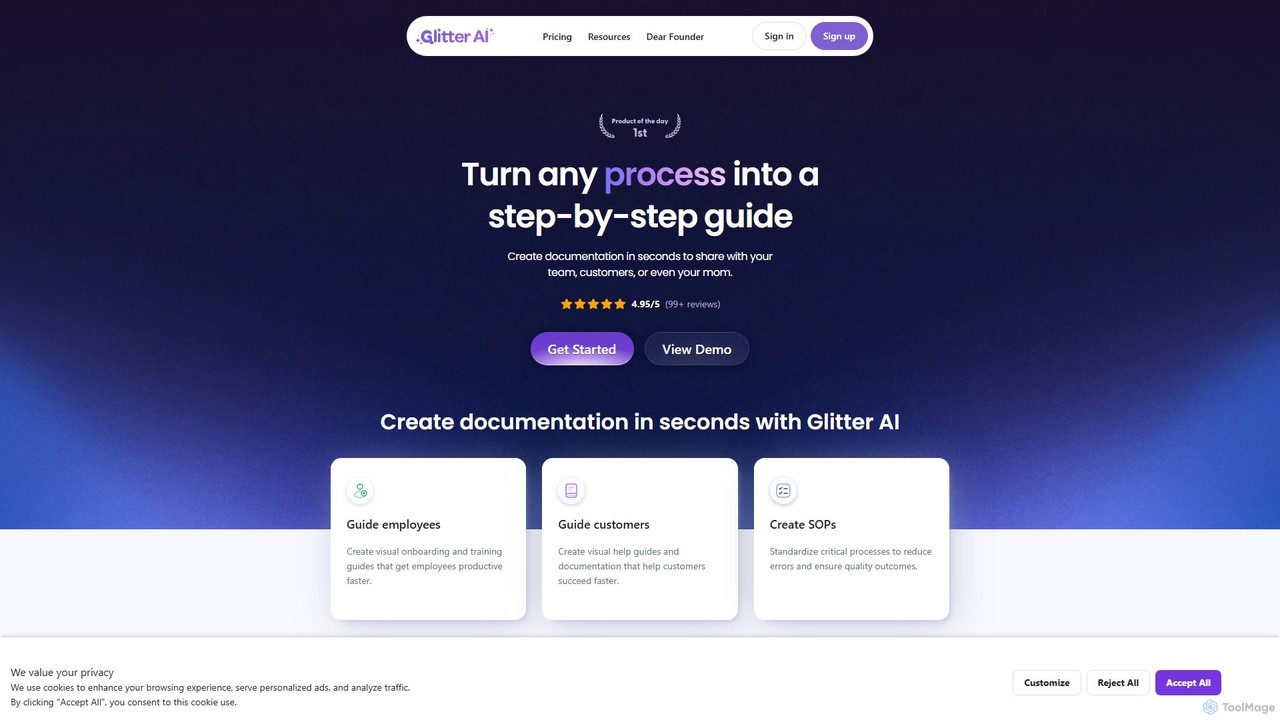
Glitter AI is an AI-powered tool that automatically transforms screen recordings, meetings, and existing videos into step-by-step guides. By capturing your actions and transcribing your voice, it creates professional documentation, SOPs, and training materials in seconds. It supports desktop and web capture, works in 99 languages, and offers easy editing and sharing options, significantly reducing the time spent on creating instructional content.

Customer Support
Visits 92.8KFavorites 109Likes 102
Code2.ai
Paid

Code2.ai

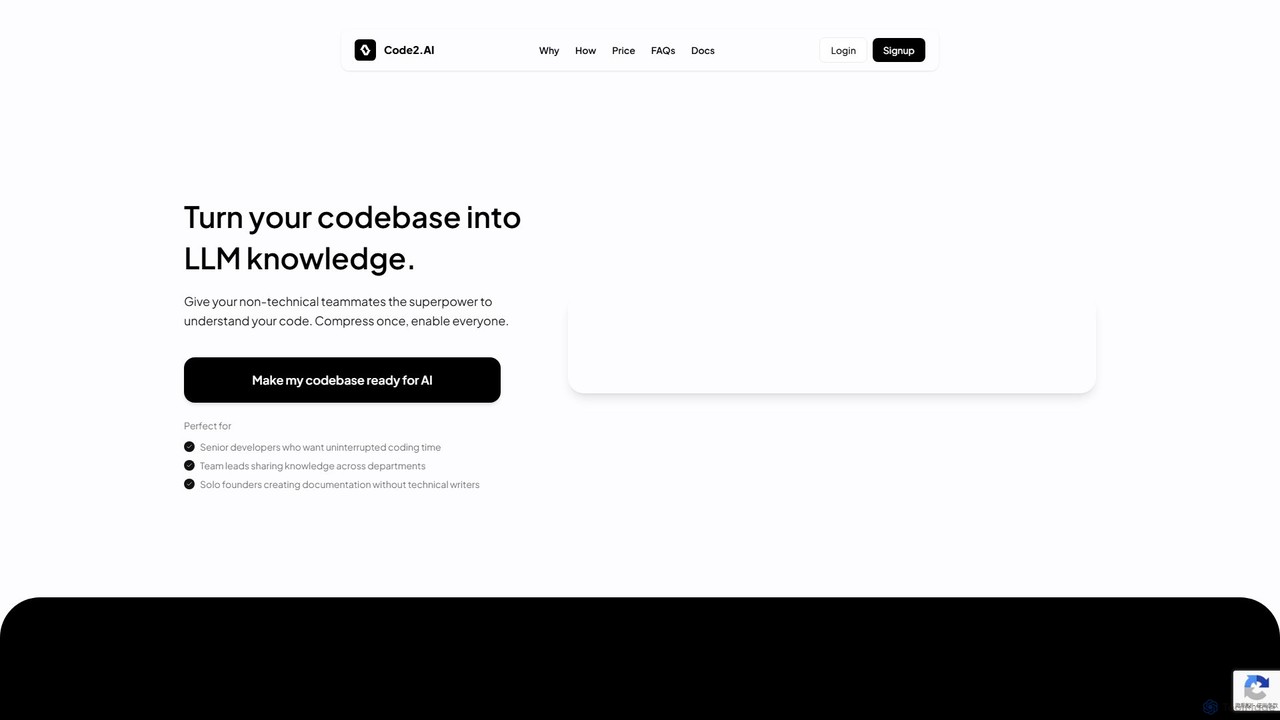
Code2.ai is a developer tool that transforms entire codebases into a compressed, AI-ready format. It enables both technical and non-technical team members to query the code using any LLM, receiving context-aware answers. By generating structured summaries and removing noise, it helps accelerate developer onboarding, reduce interruptions for senior engineers, and create accurate documentation, bridging the gap between complex code and team-wide understanding.

Code Assistant
Visits 3.4KFavorites 119Likes 115
MakeTheDocs
Freemium

MakeTheDocs

MakeTheDocs is an AI-powered tool that transforms videos into comprehensive documentation pages in seconds. Simply upload a video, and the AI will generate clear, well-structured text, saving you countless hours of manual writing. It's designed for developers, educators, HR departments, and content creators who need to produce high-quality tutorials, guides, and training materials efficiently.

Documentation
Visits 3.3KFavorites 89Likes 94
itva
Paid

itva

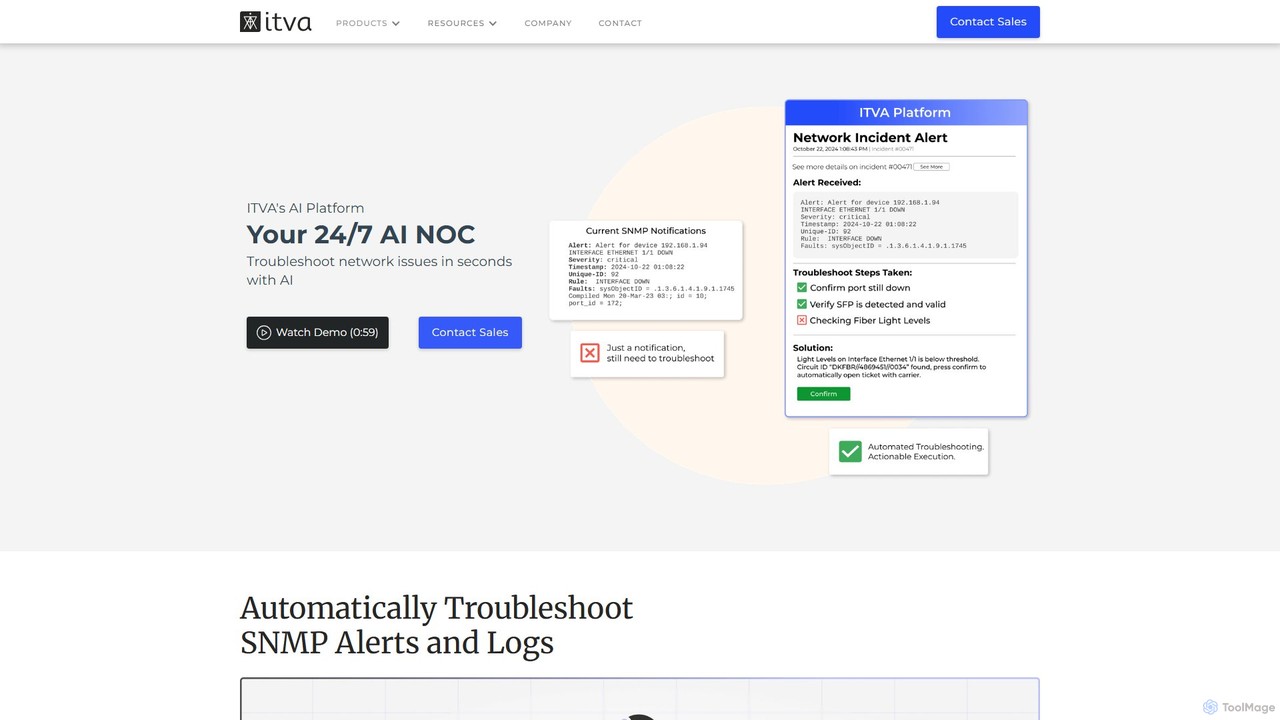
itva is a 24/7 AI Network Operations Center (NOC) that leverages generative AI to automate network configuration, management, and documentation. It enables users to perform complex network tasks using natural language, significantly reducing configuration time and improving operational efficiency and accuracy.

Automation
Visits 4KFavorites 130Likes 113
Siedesk
Freemium

Siedesk

Siedesk is an AI-powered platform for creating and managing knowledge bases, FAQ pages, and help centers. It utilizes GPT technology to assist in writing clear and concise articles, improving both customer satisfaction and internal team efficiency. The tool allows for extensive customization, custom domain integration, and performance tracking to optimize support content. It's designed for businesses of all sizes to streamline their customer and internal support processes, reducing repetitive inquiries and providing instant, high-quality answers.

Knowledge Base
Visits 4.1KFavorites 115Likes 97
DigestDiff
Freemium

DigestDiff

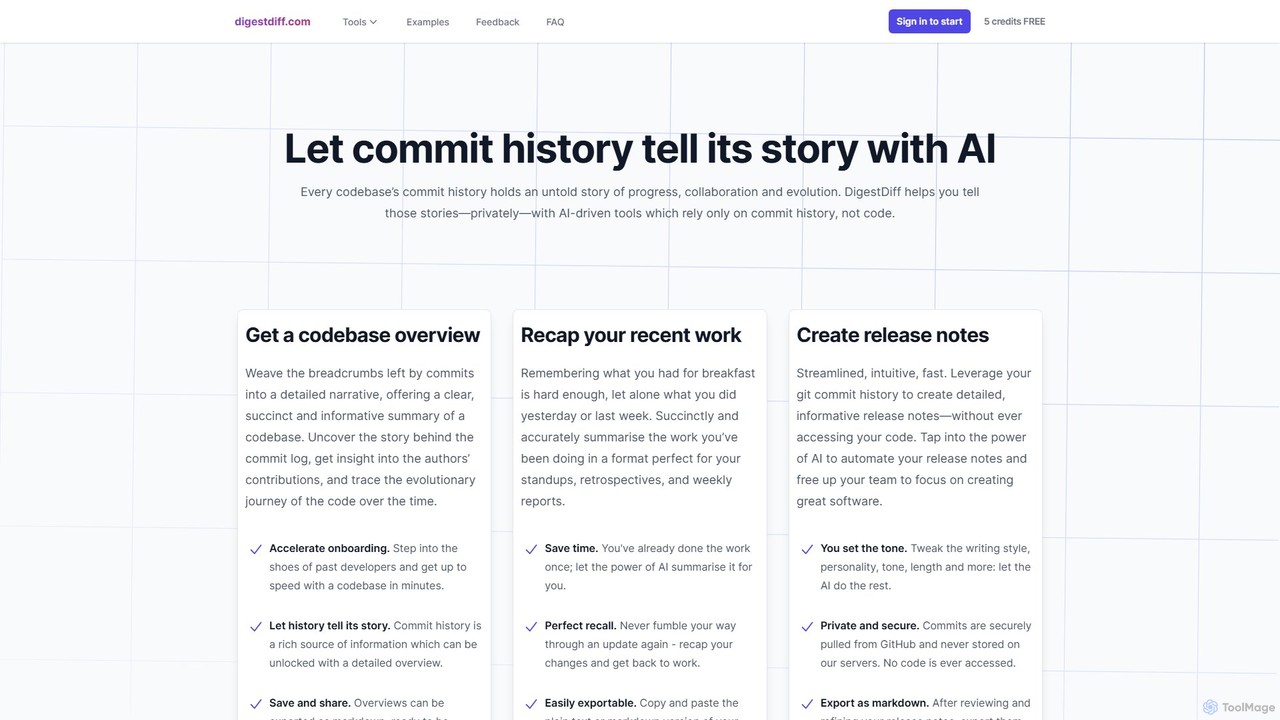
DigestDiff is an AI-powered tool for developers that analyzes Git commit history to automatically generate codebase overviews, daily stand-up recaps, and detailed release notes. It enhances productivity and accelerates onboarding by transforming commit logs into insightful narratives, all without ever accessing your source code.

Version Control
Visits 3.5KFavorites 99Likes 111
ReleasesNotes
Freemium

ReleasesNotes

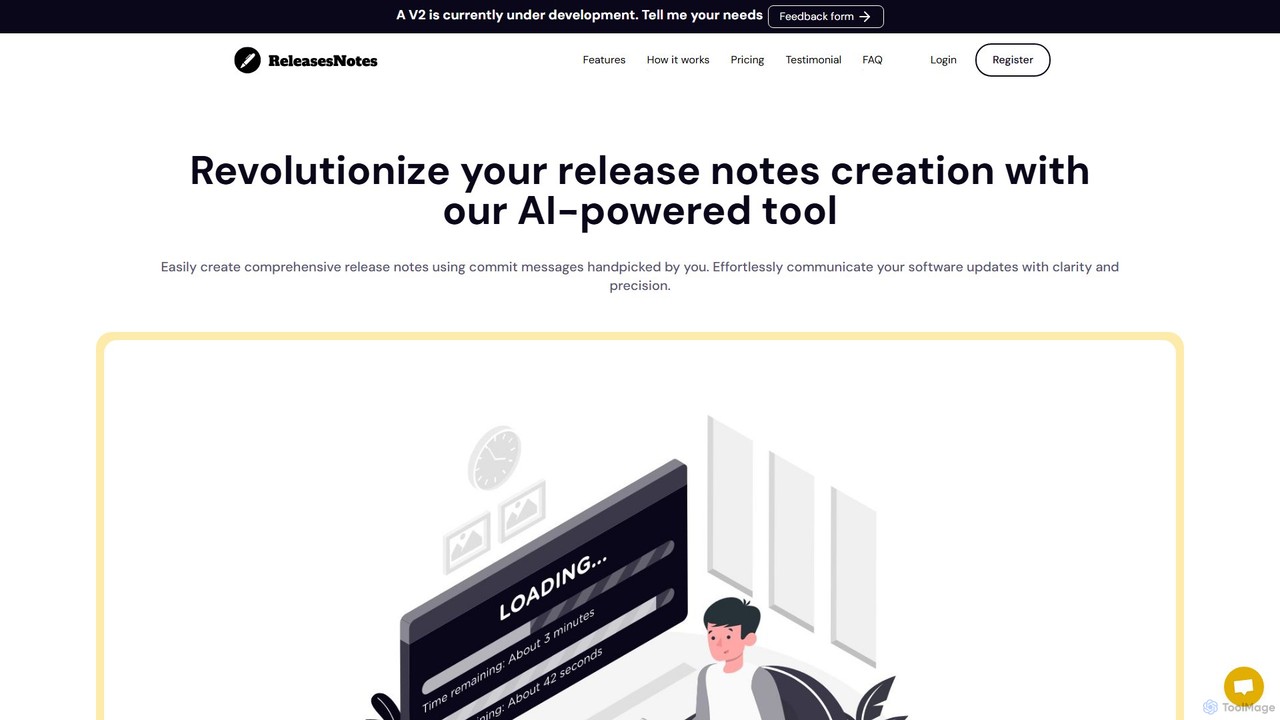
ReleasesNotes is an AI-powered tool that automates the creation of comprehensive release notes from your GitHub or GitLab commit messages. It streamlines the documentation process, saving developers valuable time and improving communication with users and stakeholders.

Code Assistant
Visits 3.9KFavorites 104Likes 108
Wizardshot
Freemium

Wizardshot

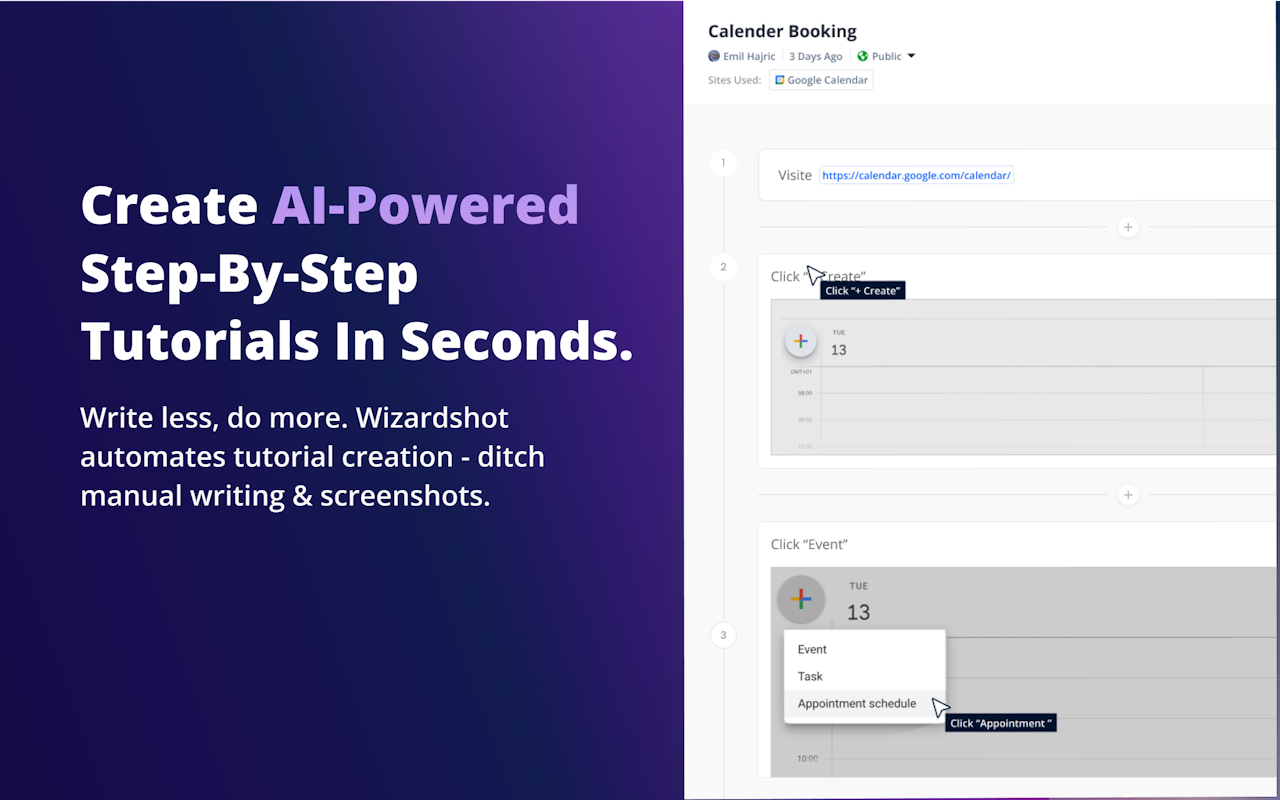
Wizardshot is a free AI-powered tool that instantly creates step-by-step tutorials and guides from your screen recordings. As a Chrome extension and web app, it automates the process of documentation, allowing teams to generate how-to guides, SOPs, and training materials in seconds, not hours.

Onboarding
Visits 9.1KFavorites 158Likes 136
Sully.ai
Paid

Sully.ai

Sully.ai provides enterprise-grade AI agentic teams for healthcare organizations. It automates clinical operations, including medical documentation, patient scheduling, and billing codes, by integrating with existing EMR systems. This helps reduce clinician burnout, improve operational efficiency, and enhance patient care.

Virtual Assistant
Visits 44KFavorites 93Likes 81
Scribe
Freemium

Scribe

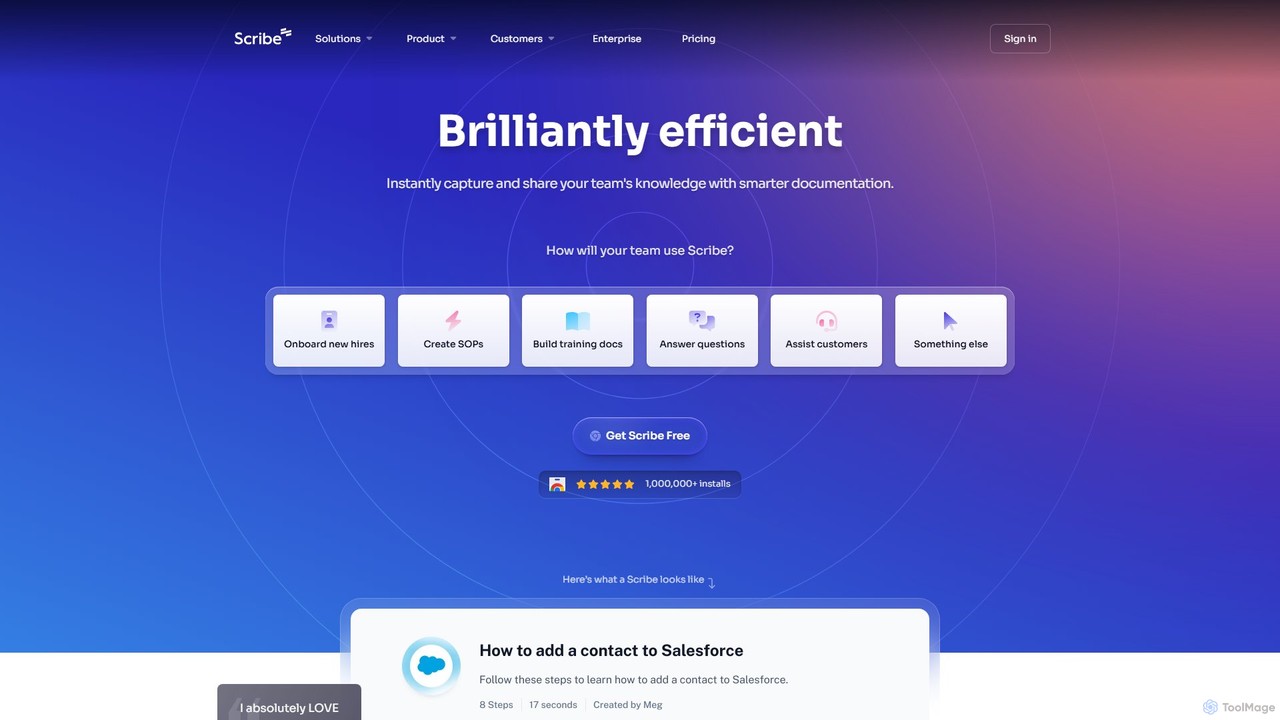
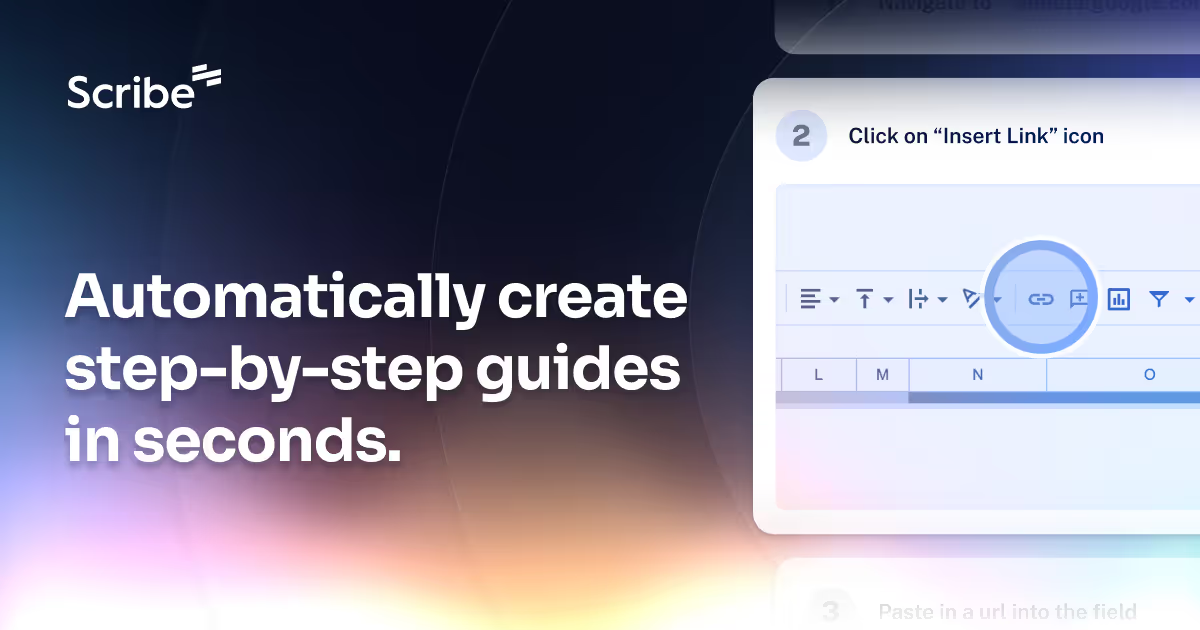
Scribe is an AI-powered platform that automatically captures your workflow and instantly creates step-by-step visual guides. It eliminates manual documentation by recording your clicks and keystrokes, generating shareable tutorials with annotated screenshots. Ideal for team training, customer support, and creating SOPs.

Training
Visits 3MFavorites 109Likes 125

About Documentation

AI Documentation tools are a specialized category within productivity software, leveraging artificial intelligence to streamline the creation, management, and dissemination of various forms of documentation. These tools utilize natural language processing (NLP) and machine learning to automate content generation, organize information intelligently, and enhance searchability. Ultimately, they improve knowledge accessibility and operational efficiency for teams and individuals.

Core Features

  • Automated Content Generation: Drafts technical manuals, user guides, FAQs, or reports from raw data or prompts, significantly reducing manual writing effort.
  • Intelligent Organization & Tagging: Automatically categorizes, tags, and links related documents for easier navigation and improved information retrieval.
  • Semantic Search & Q&A: Enables users to find information quickly through natural language queries, even answering specific questions directly from document content.
  • Version Control & Collaboration: Manages document revisions, tracks changes, and facilitates real-time collaborative editing with AI assistance.
  • Content Optimization & Readability: Analyzes text for clarity, conciseness, and SEO, suggesting improvements to enhance document quality and user comprehension.

Applicable Scenarios

These tools are vital for organizations that produce extensive knowledge bases, software documentation, or internal wikis. They assist technical writers, customer support teams, and product managers in maintaining up-to-date and accessible information across various platforms and audiences.

How to Choose

When selecting an AI documentation tool, consider its content generation capabilities, integration with existing platforms (e.g., CRM, project management), the accuracy of its semantic search, and its support for collaborative workflows. Scalability, security features, and multilingual support are also crucial for enterprise-level deployment.

Featured tool rankings

Documentation use cases

1

Automating Software User Manuals

Technical writers leverage AI documentation tools to generate initial drafts of comprehensive user manuals. By inputting code comments, feature specifications, and existing knowledge base articles, the AI can quickly assemble structured content, ensuring consistency in terminology and style. This significantly reduces the manual writing time, allowing writers to focus on refining clarity and accuracy rather than starting from scratch.

2

Creating Dynamic FAQ Sections

Customer support teams deploy AI documentation tools to automatically create and update FAQ sections. By analyzing common customer queries from support tickets, chat logs, and search data, the AI identifies recurring questions and generates concise answers. This ensures the FAQ is always current, providing instant answers to users and significantly reducing the workload on support agents.

3

Generating Internal Knowledge Bases

HR departments or internal communications teams utilize AI documentation tools to build comprehensive internal wikis. The AI can automatically extract and synthesize information from company policies, meeting notes, training materials, and internal reports. This creates a centralized, easily searchable knowledge base, making internal knowledge readily accessible to all employees and improving onboarding and information sharing.

4

Streamlining API Documentation

Developers utilize AI documentation platforms to automatically generate and maintain up-to-date API documentation directly from source code. The AI can parse code, identify endpoints, parameters, and return types, then format this information into clear, consistent API references. This ensures accuracy and significantly reduces the effort required to keep documentation synchronized with code changes, preventing discrepancies.

5

Personalizing Learning & Training Materials

Educational institutions or corporate training departments use AI documentation tools to adapt and personalize learning materials. By analyzing learner profiles, progress, and specific knowledge gaps, the AI can generate tailored summaries, quizzes, or expanded explanations. This creates a more engaging and effective learning experience, catering to individual needs and accelerating skill acquisition.

6

Optimizing Regulatory Compliance Documents

Legal and compliance teams employ AI documentation tools to analyze and draft regulatory documents. The AI can identify relevant clauses, cross-reference legal standards, and suggest compliant phrasing, ensuring adherence to complex legal requirements. This minimizes legal risks, accelerates the review process, and maintains consistency across various compliance documents, crucial for regulated industries.

Documentation FAQ

What are AI Documentation tools?

AI Documentation tools are software applications that use artificial intelligence to automate and enhance the entire lifecycle of creating, managing, and accessing documents. They leverage natural language processing (NLP) and machine learning to generate content, organize information, improve search, and maintain document quality, making knowledge more accessible and efficient for users and teams.

How do AI Documentation tools differ from traditional documentation software?

Traditional documentation software primarily provides templates and organizational structures for manual content creation and storage. AI Documentation tools, however, go further by actively assisting in content generation, performing semantic searches, suggesting improvements for clarity and SEO, and automating updates. They significantly reduce manual effort and enhance the intelligence and dynamism of your documentation.

Who benefits most from using AI Documentation tools?

Technical writers, customer support teams, product managers, developers, and any organization that produces or manages large volumes of information benefit significantly. These tools help them create, maintain, and retrieve accurate, up-to-date, and easily accessible documentation more efficiently, leading to improved productivity, better customer satisfaction, and faster knowledge sharing.

What are the key features to look for in an AI Documentation tool?

Essential features include robust automated content generation (from various sources like code, data, or prompts), intelligent organization and tagging, and powerful semantic search capabilities. Additionally, look for advanced version control, collaborative editing features, content optimization suggestions for readability and SEO, and seamless integration with your existing workflows and platforms. Multilingual support is also a significant advantage.

Can AI Documentation tools help with content localization?

Yes, many advanced AI Documentation tools offer robust features for content localization. They can assist in automated translation, adapt content for different cultural contexts, and ensure consistency across various language versions. This is a significant advantage for global teams and businesses, streamlining the process of making documentation accessible and relevant to diverse international audiences while maintaining accuracy.