ToolMage
Sign in

Best 75 Automation AI tools for Customer Support

Popular Automation AI tools in Customer Support include Manychat, Botpress, Postscript, Chatfuel, FlowHunt, 19pine, REVER, CustomGPT.ai, Replient.ai, and CommentGuard, helping you work more efficiently.

Help Grid
Freemium

Help Grid

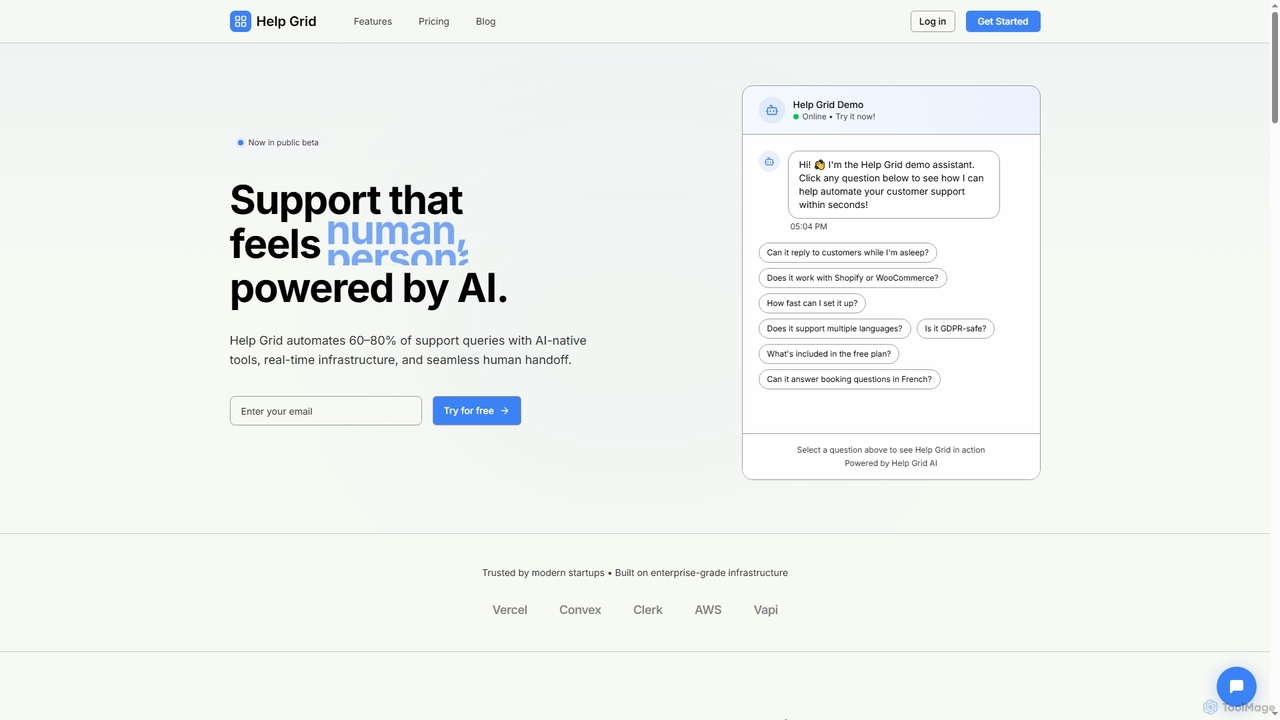
Help Grid is an AI-powered customer support automation platform designed to handle 60-80% of common support queries. It offers AI-native tools, real-time infrastructure, and seamless human escalation, enabling businesses to provide instant, personalized support 24/7. It integrates with existing knowledge bases and is built for various industries like eCommerce, hospitality, and healthcare.

Ecommerce
Visits 6.4KFavorites 45Likes 37
Custraxx
Freemium

Custraxx

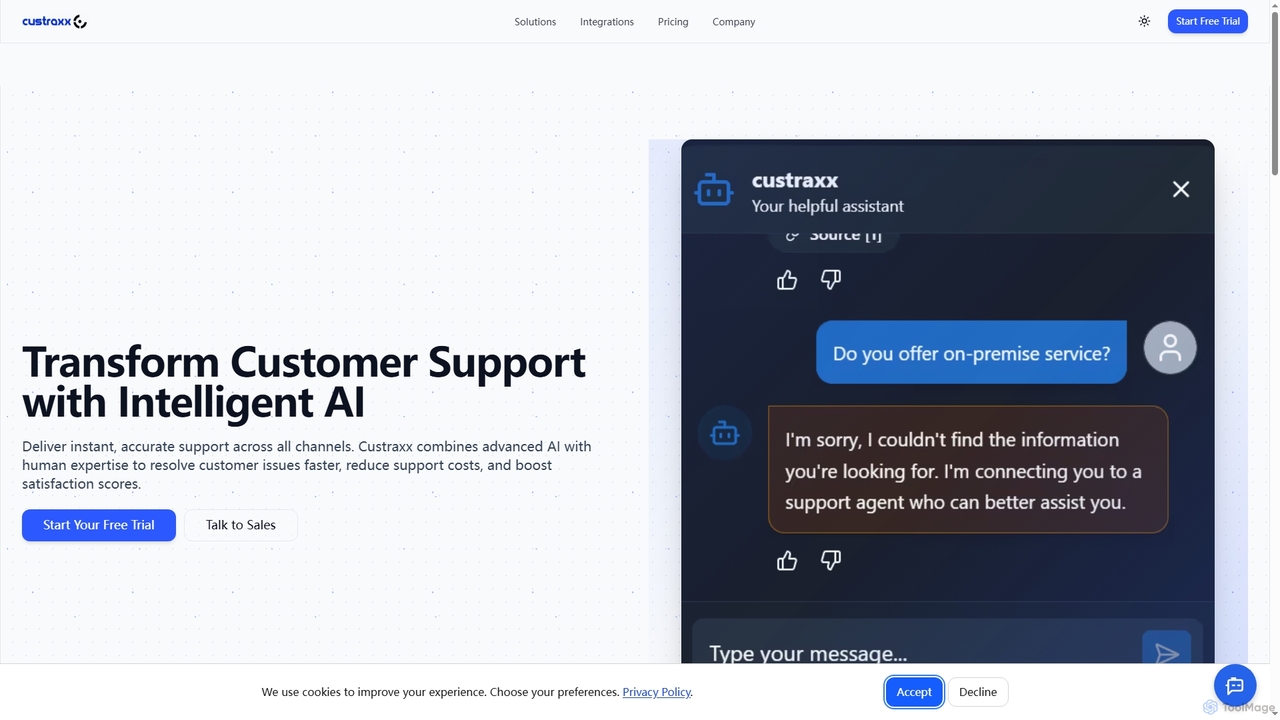
Custraxx is an AI-powered customer support platform designed to transform customer experience by delivering instant, accurate support across all channels. It combines advanced AI with human expertise to resolve issues faster, reduce support costs, and significantly boost customer satisfaction.

Multichannel
Visits 7.1KFavorites 148Likes 150
Aide
Paid

Aide

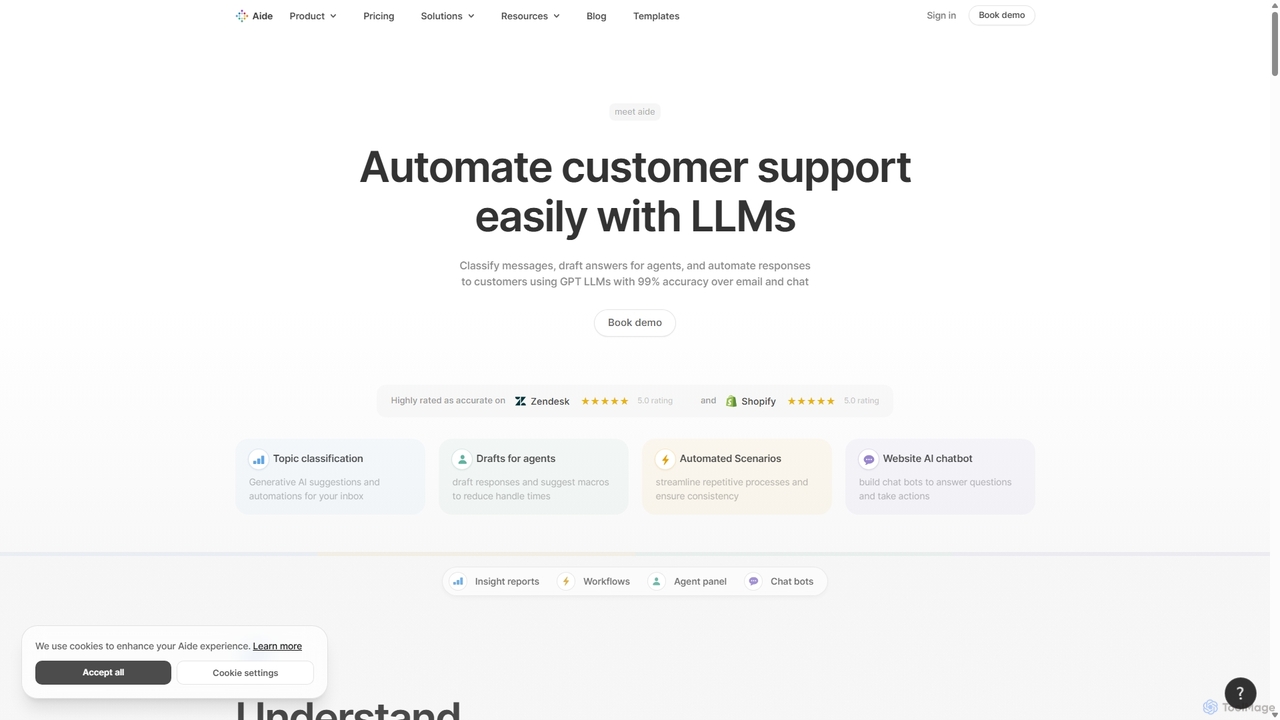
Aide is an intelligent customer service platform that uses LLMs to automate support workflows, classify conversations, assist agents with AI-drafted responses, and deploy smart chatbots. It integrates with platforms like Zendesk and Shopify to enhance efficiency and provide deep customer insights.

Automation
Visits 17.1KFavorites 114Likes 118
Next.js Chatbot Template
Free

Next.js Chatbot Template

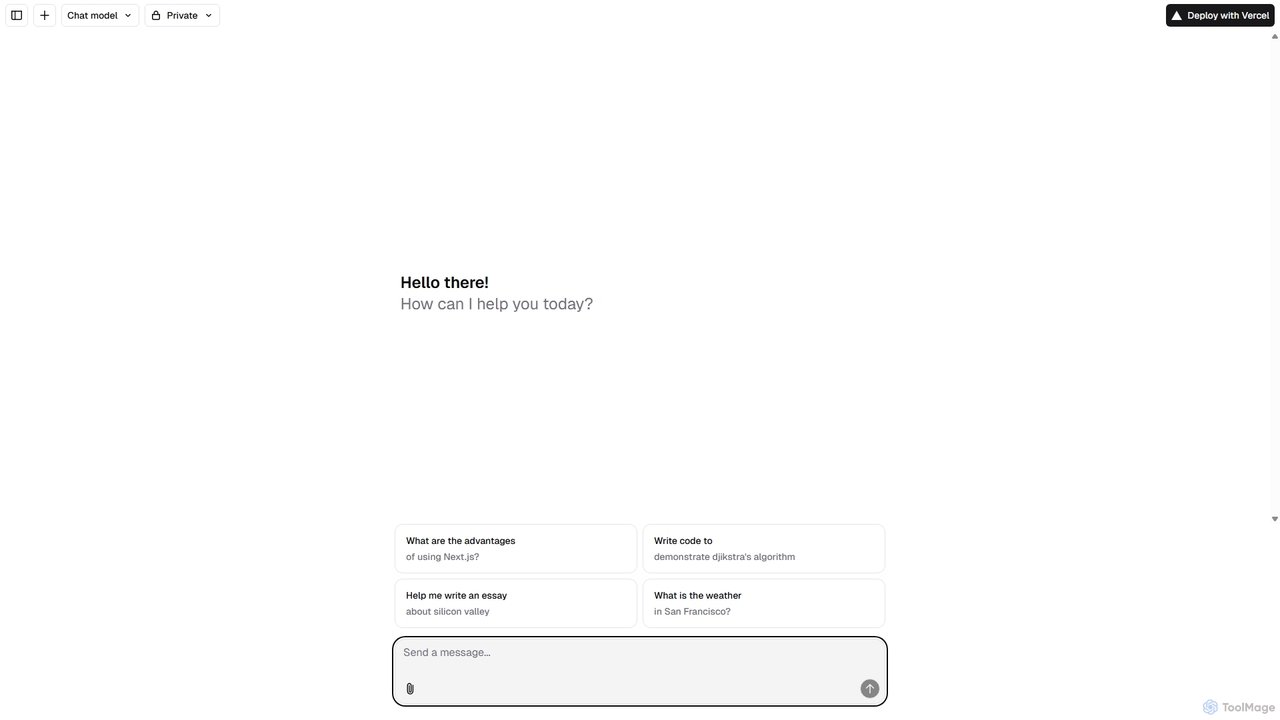
An open-source, Vercel-native chatbot template built with Next.js. It provides developers with a high-performance, customizable foundation to quickly build and deploy AI-powered chat interfaces. Ideal for creating customer support bots, AI assistants, and interactive Q&A systems.

Automation
Visits 6.3KFavorites 122Likes 127
PacifisAI
Freemium

PacifisAI

PacifisAI is an advanced AI-powered content moderation platform designed to help businesses and online communities foster safe, healthy, and engaging digital environments. It automatically detects and filters toxicity, hate speech, spam, and other harmful content in real-time, reducing the burden on human moderators and protecting brand reputation.

Moderation
Visits 6.6KFavorites 129Likes 140
Fullpilot
Freemium

Fullpilot

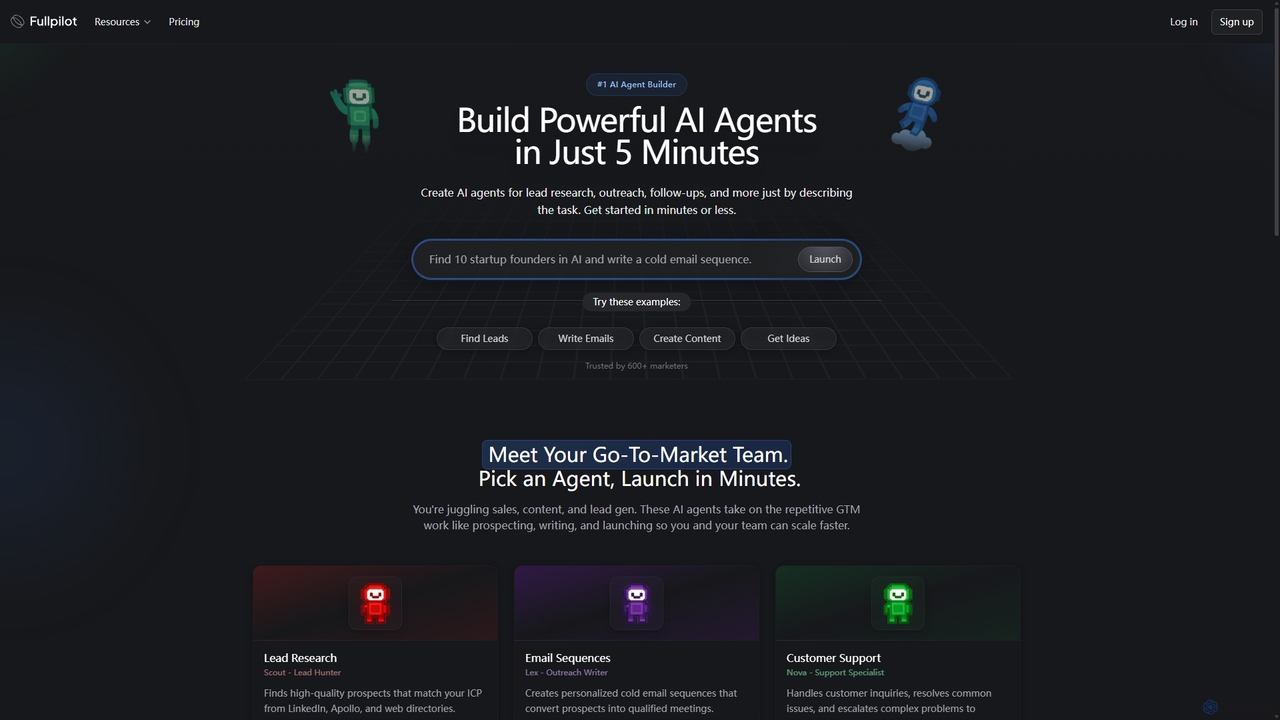
Fullpilot is an AI agent builder that allows you to create powerful AI agents for Go-To-Market (GTM) tasks in minutes. Automate lead research, email outreach, content creation, and CRM updates simply by describing the task in natural language.

Automation
Visits 7KFavorites 142Likes 167
Super
Paid

Super

Super is an AI platform that transforms your company's scattered data into a unified, searchable knowledge base. It connects with tools like Slack, Google Drive, and Notion to provide instant answers, automate workflows, and deploy ready-to-use AI assistants, boosting team productivity and efficiency.

Enterprise Search
Visits 29.3KFavorites 130Likes 106
Steno.ai
Paid

Steno.ai

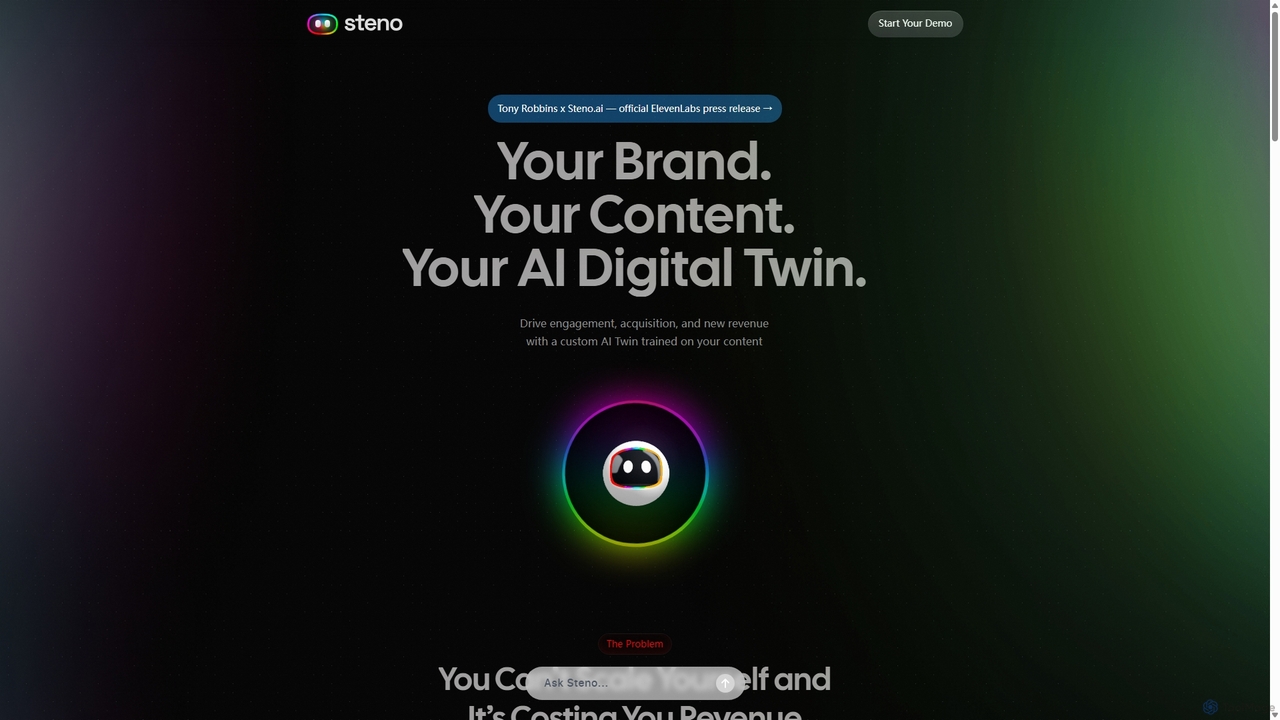
Steno.ai creates a custom AI Digital Twin of you or your brand, trained on your unique content. This AI twin engages users 24/7 through voice and chat, answering questions, capturing leads, and driving revenue. Easily embeddable on any website, it scales your presence and multiplies human connection, allowing you to have personalized conversations with your audience at scale.

Ai Assistants
Visits 15.7KFavorites 104Likes 119
AnsweriQ

AnsweriQ

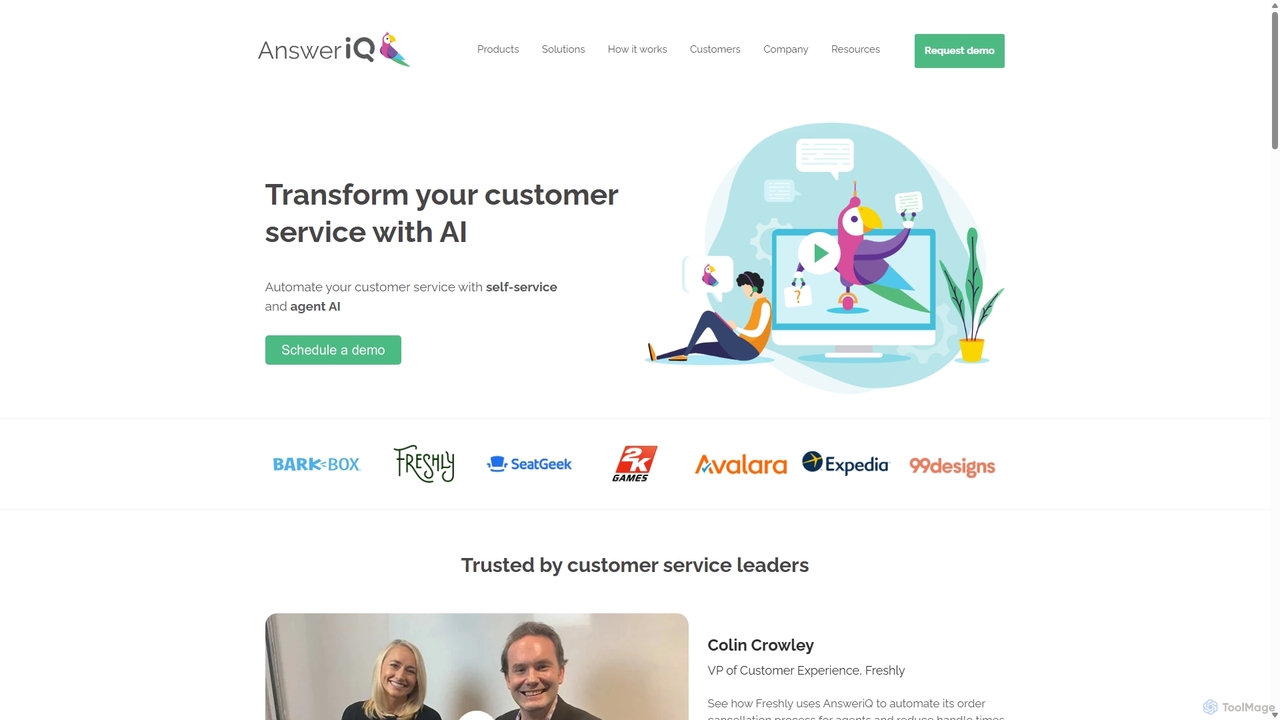
AnsweriQ is an intelligent automation platform for customer service, leveraging AI and RPA to automate repetitive tasks, assist agents, and provide self-service solutions. It aims to reduce handle times, decrease case volume, and improve customer satisfaction.

Crm
Visits 8.4KFavorites 121Likes 131
Postscript
Freemium

Postscript

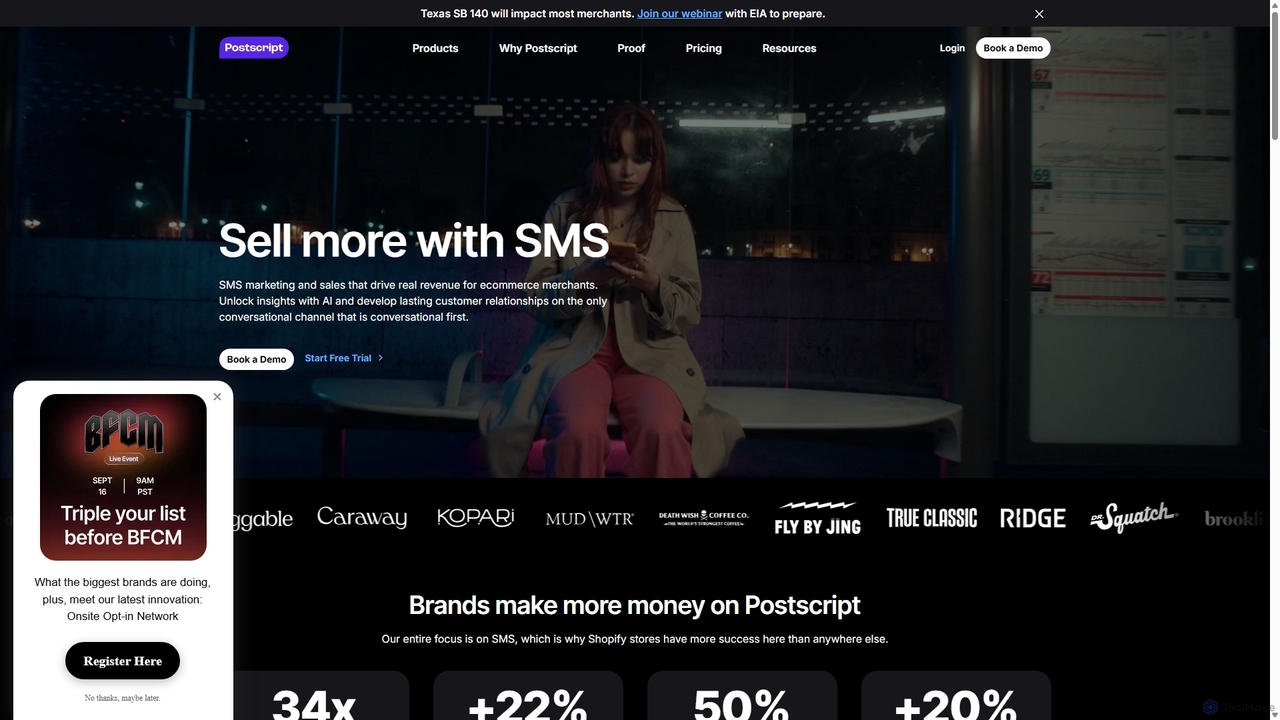
Postscript is a leading AI-powered SMS marketing and sales platform designed specifically for Shopify brands. It enables e-commerce merchants to drive significant revenue, grow subscriber lists, and build lasting customer relationships through conversational SMS, automated campaigns, and advanced AI optimization features.

Automation
Visits 304.6KFavorites 154Likes 146
JinaChat
Freemium

JinaChat

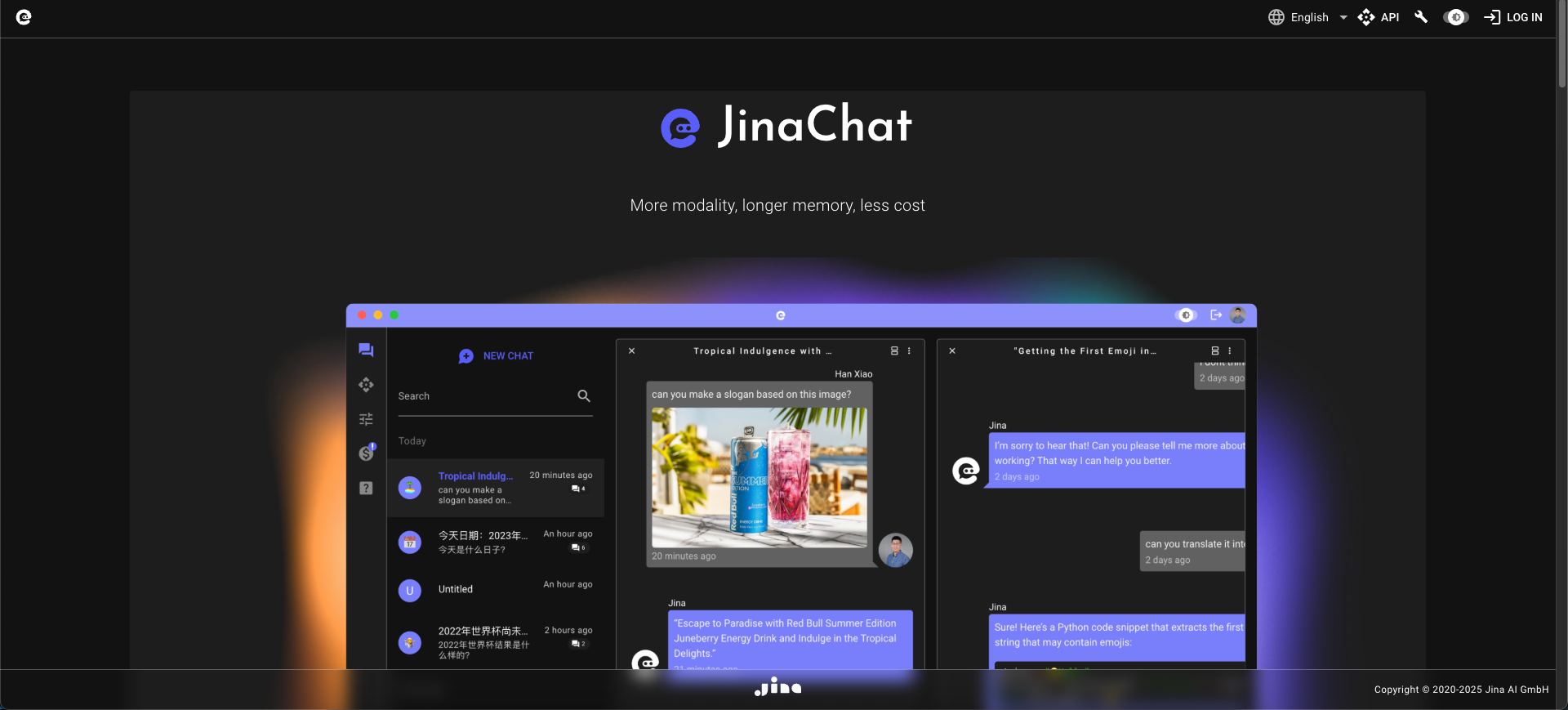
JinaChat is an advanced, cost-effective conversational AI platform specializing in multimodal understanding and long-context memory. It allows users and developers to build sophisticated applications that can process and interpret text, images, and more, making it a powerful alternative to other leading AI models.

Generative Ai
Visits 6.4KFavorites 134Likes 131
Replient.ai
Freemium

Replient.ai

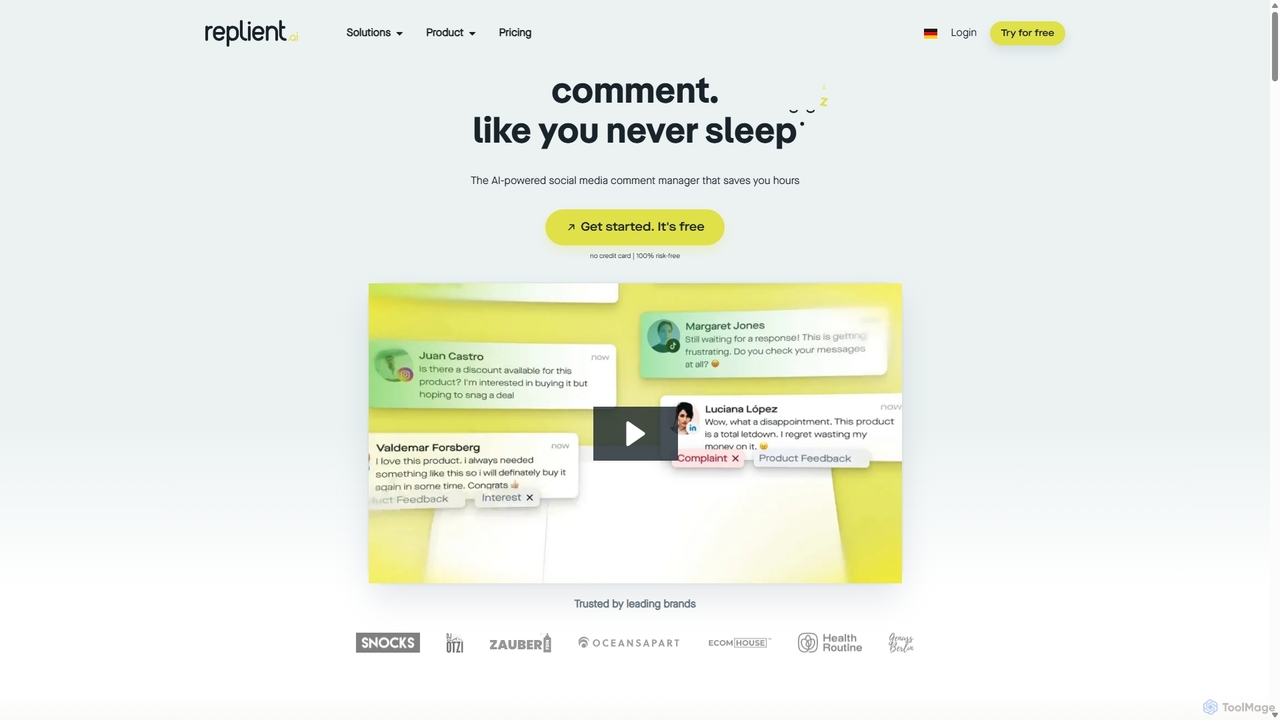
Replient.ai is an AI-powered social media comment manager that centralizes engagement from Facebook, Instagram, and TikTok. It automates replies, hides spam, and learns your brand voice to save up to 80% of your time on community management, boost sales, and protect your brand's reputation 24/7.

Automation
Visits 109KFavorites 163Likes 142
Cal.ai
Paid

Cal.ai

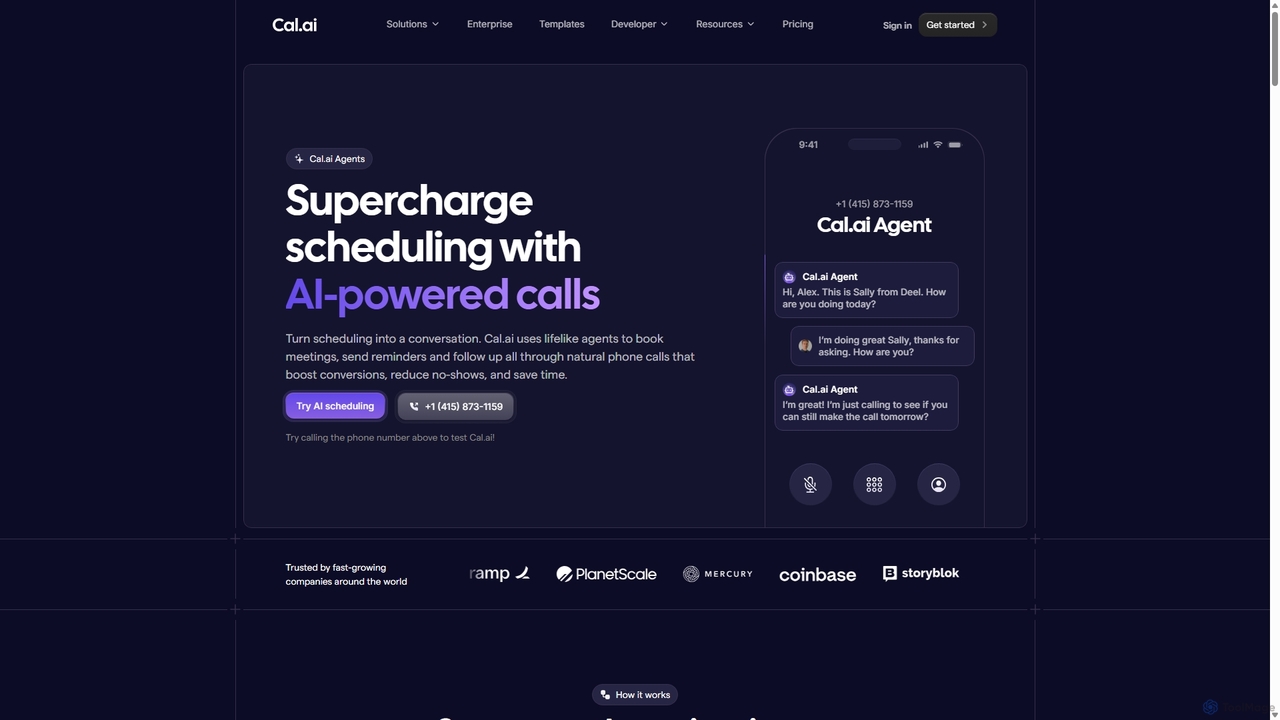
Cal.ai is an AI-powered agent that automates scheduling through natural, human-like phone calls. It handles meeting bookings, reminders, and follow-ups to increase conversions, reduce no-shows, and save valuable time for sales, support, and HR teams.

Automation
Visits 7.5KFavorites 155Likes 161
Vetdodo
Paid

Vetdodo

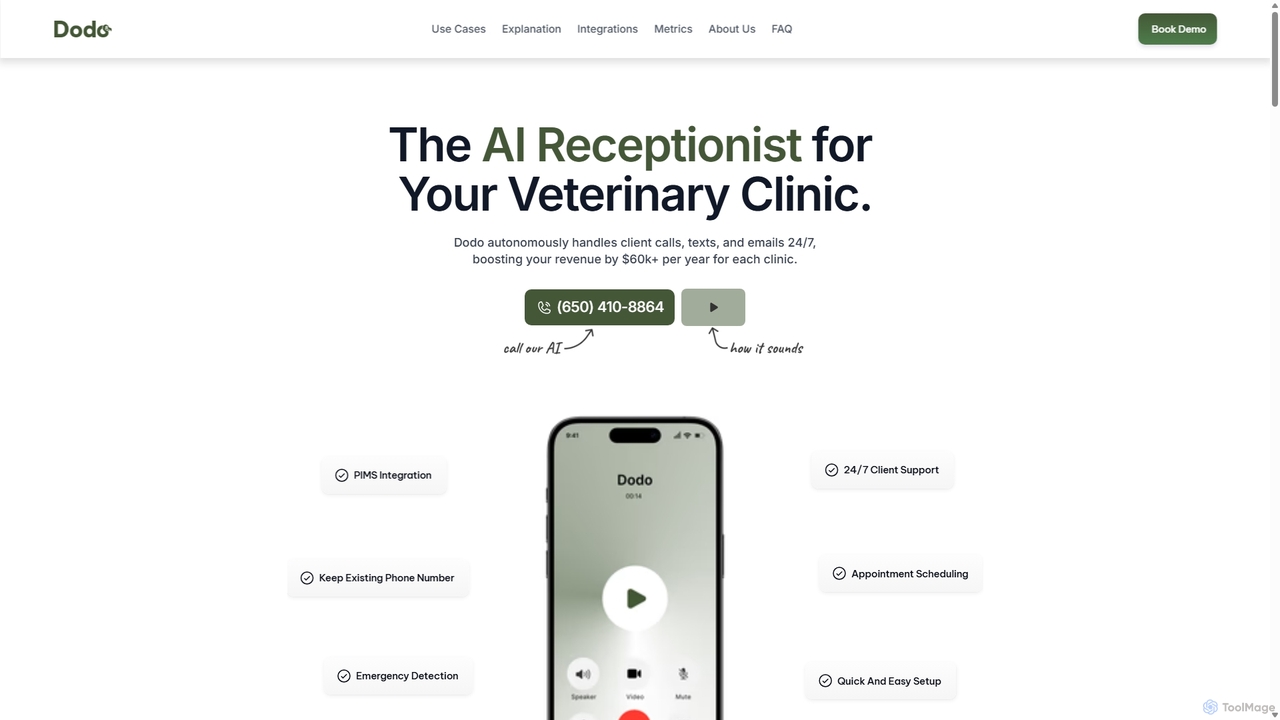
An AI-powered virtual receptionist designed specifically for veterinary clinics. Dodo autonomously handles client communications 24/7 via calls, texts, and emails. It manages appointment scheduling, answers FAQs, processes prescription refills, and intelligently routes emergencies. By integrating with existing phone systems and major PIMS, Dodo saves staff time, reduces missed calls, and increases clinic revenue.

Automation
Visits 8.9KFavorites 179Likes 171
sammylabs
Paid

sammylabs

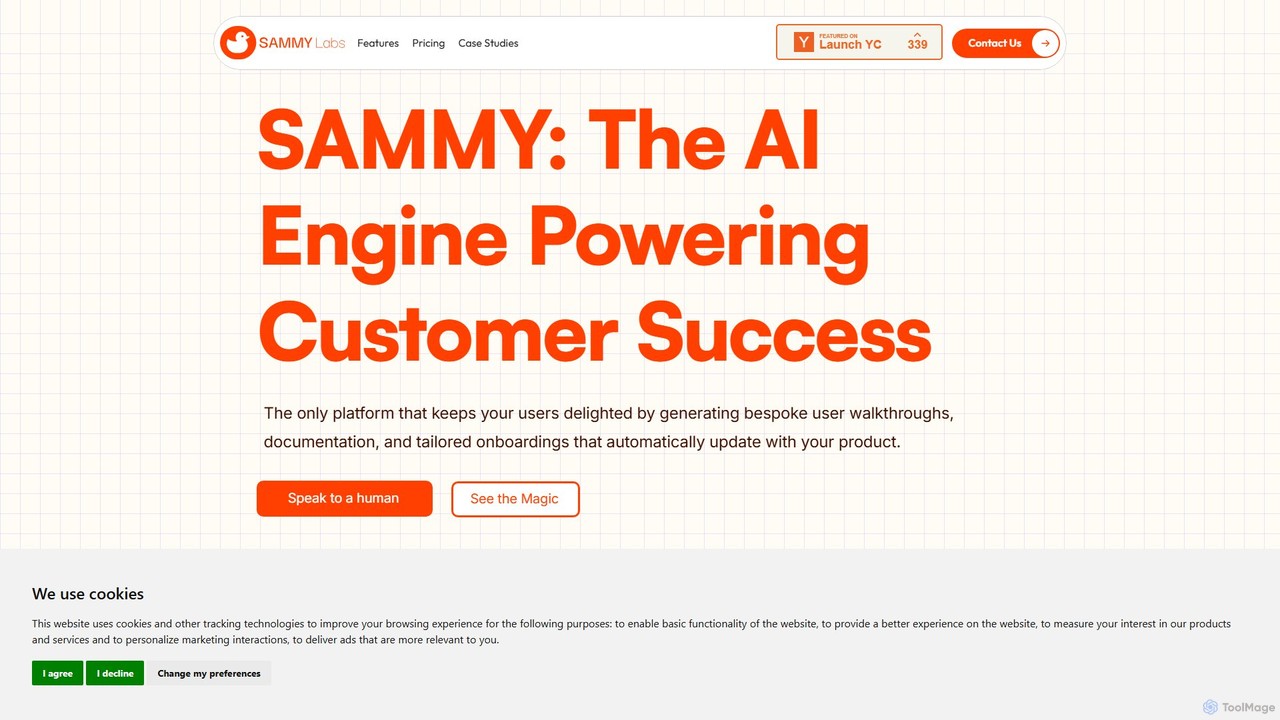
sammylabs is an AI-powered customer success platform that automates user onboarding, documentation, and testing. It explores your app like a real user to generate video tutorials, interactive guides, and up-to-date documentation, ensuring your content always syncs with your product.

Automation
Visits 8.3KFavorites 140Likes 125
SayData
Freemium

SayData

SayData provides a ready-to-use AI workforce for your business. Deploy specialized AI employees like Emma for sales, Mark for marketing, and Cal for customer support to automate tasks, scale operations, and boost efficiency. These AI agents integrate seamlessly with human teams to handle everything from lead generation and marketing campaigns to customer issue resolution.

Ai Workforce
Visits 6.4KFavorites 126Likes 123
Kodif
Paid

Kodif

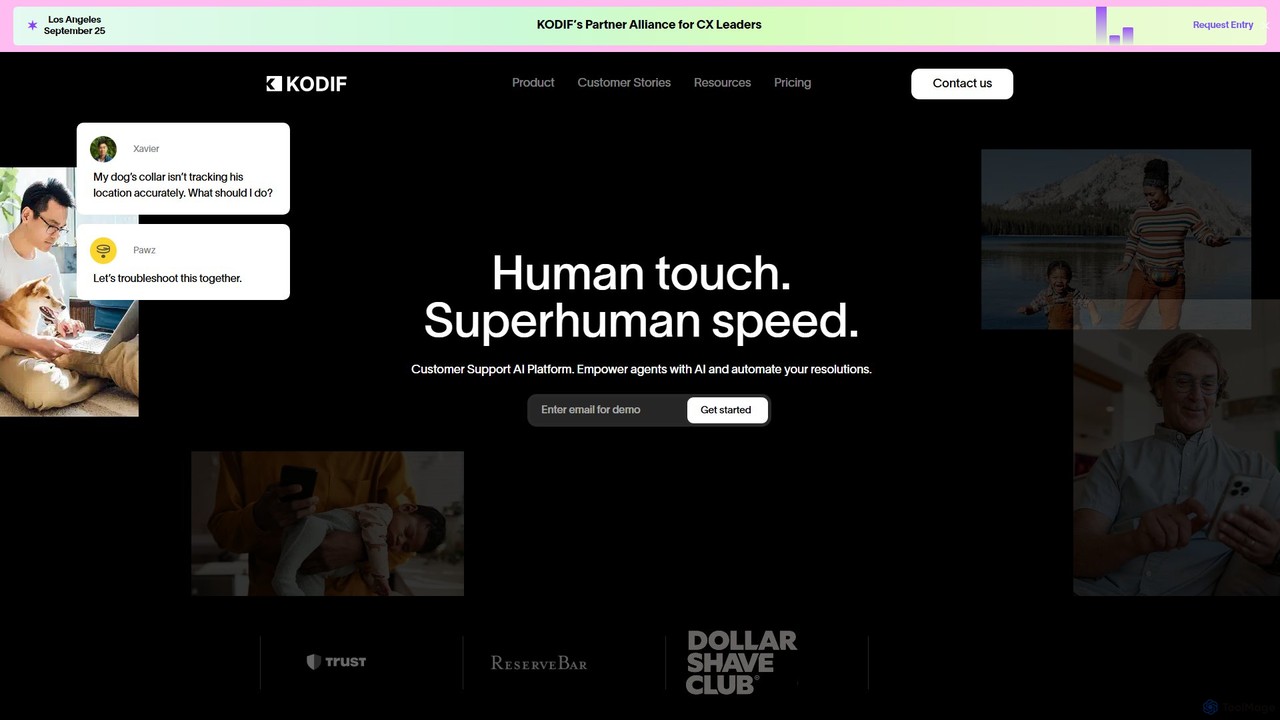
Kodif is an AI-powered customer support platform that automates resolutions and empowers agents. It combines superhuman speed with a human touch, analyzing customer intent, providing personalized context, and integrating seamlessly with existing helpdesks. This allows support teams to scale efficiently, reduce resolution times, and focus on high-value interactions.

Crm
Visits 20.4KFavorites 171Likes 152
Dashworks
Freemium

Dashworks

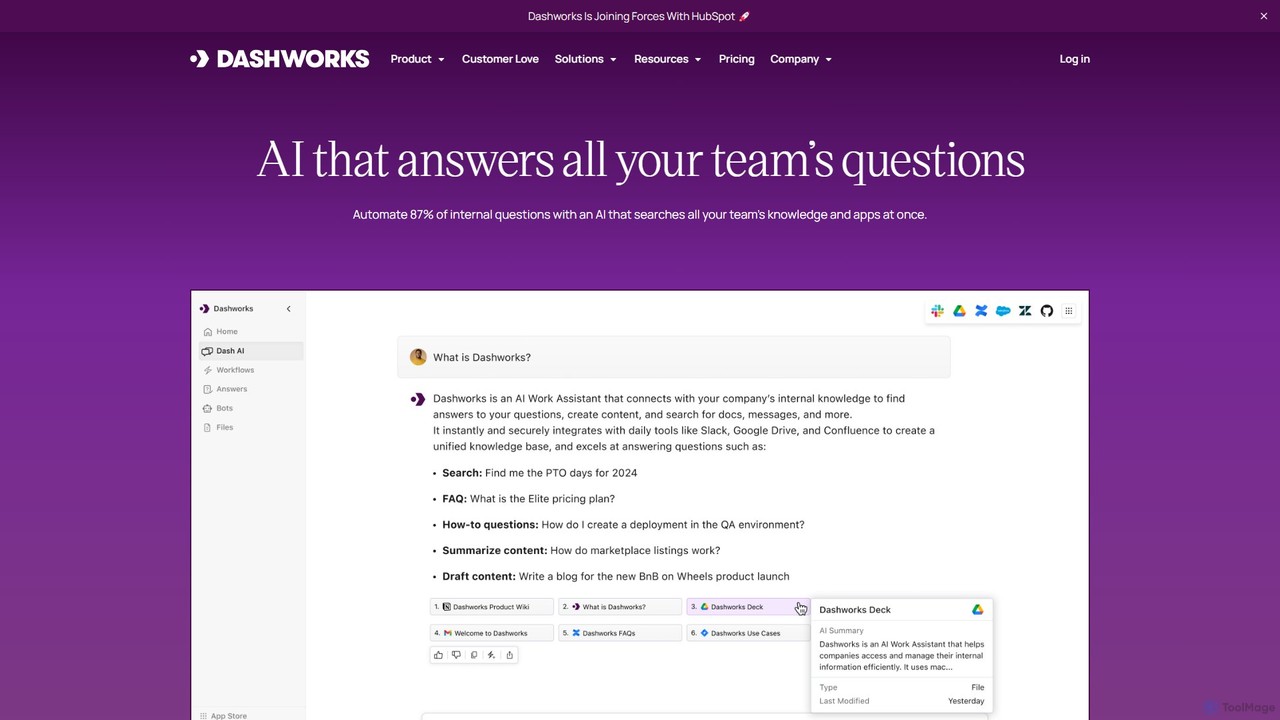
Dashworks is an AI-powered enterprise search assistant that unifies all your company's knowledge. It connects to your apps like Slack, Google Drive, and Jira to provide instant, accurate answers to workplace questions, automating internal support and boosting team productivity.

Enterprise Search
Visits 11.9KFavorites 152Likes 160
Dayzero.ai
Paid

Dayzero.ai

Dayzero.ai is a platform for building and deploying a team of autonomous AI employees. These AI agents are designed to understand your business processes, handle complex intellectual tasks, and integrate seamlessly into your workflows to boost productivity and drive growth.

Virtual Assistant
Visits 7.6KFavorites 147Likes 130
OpenSesame
Paid

OpenSesame

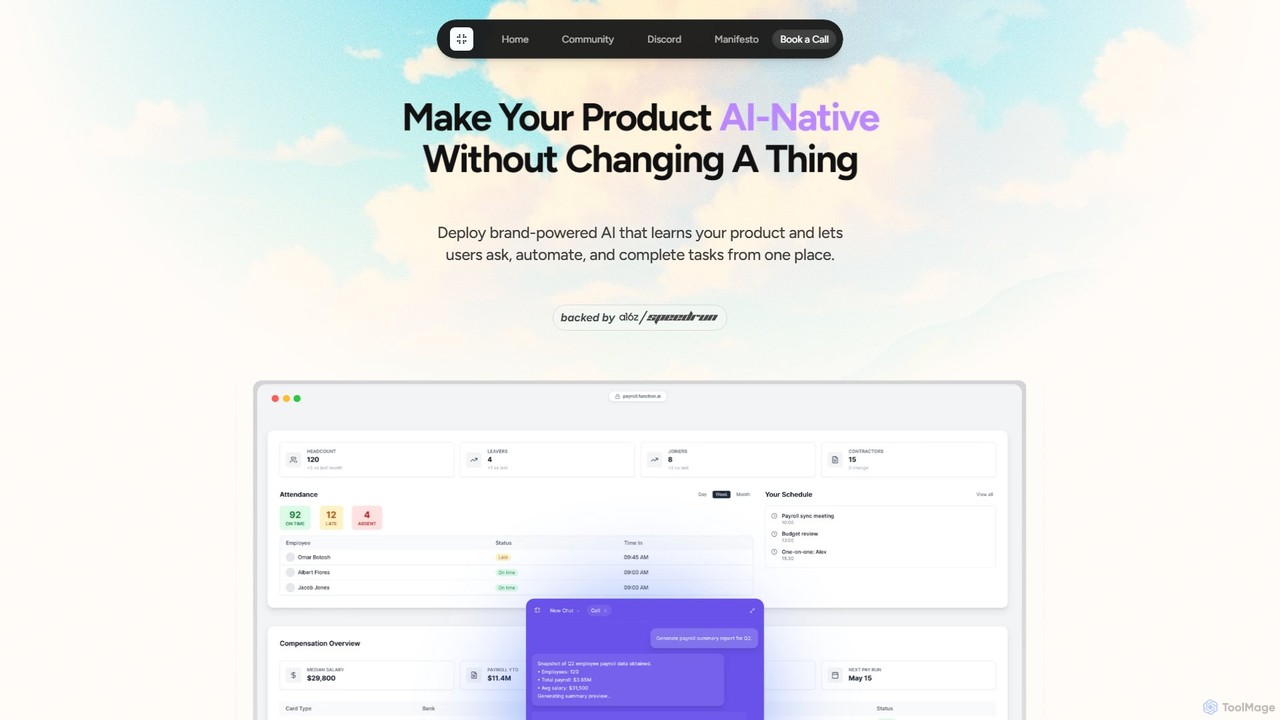
OpenSesame allows you to rapidly make your product AI-native by deploying a brand-powered AI agent called Cell. It connects to your existing APIs, enabling users to ask questions, automate workflows, and complete tasks using natural language directly within your application. This solution provides deep user analytics and helps create new revenue streams without extensive R&D.

Automation
Visits 6.5KFavorites 166Likes 154
Locusive
Freemium

Locusive

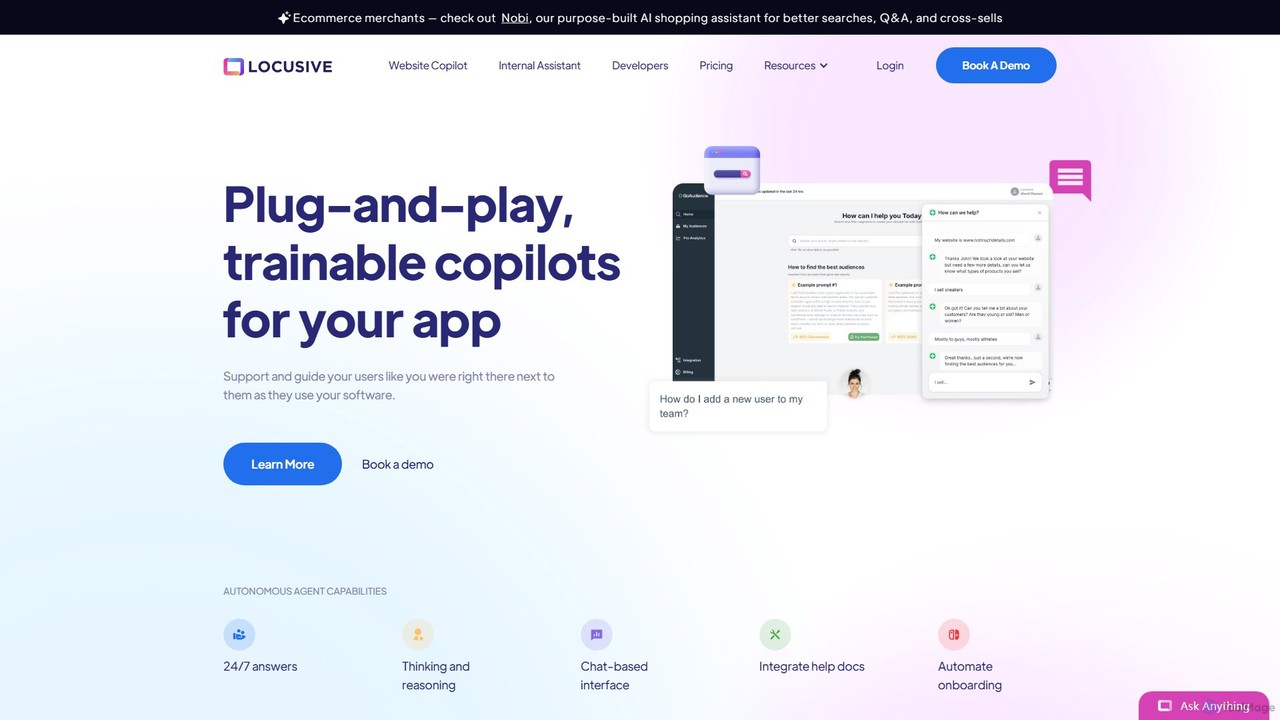
Locusive is a platform for building and deploying trainable AI copilots and autonomous agents. It connects to your internal data sources like databases and help docs, allowing users to get answers, analyze data, and automate tasks through natural language chat.

Automation
Visits 7.8KFavorites 145Likes 136
ExperAI
Freemium

ExperAI

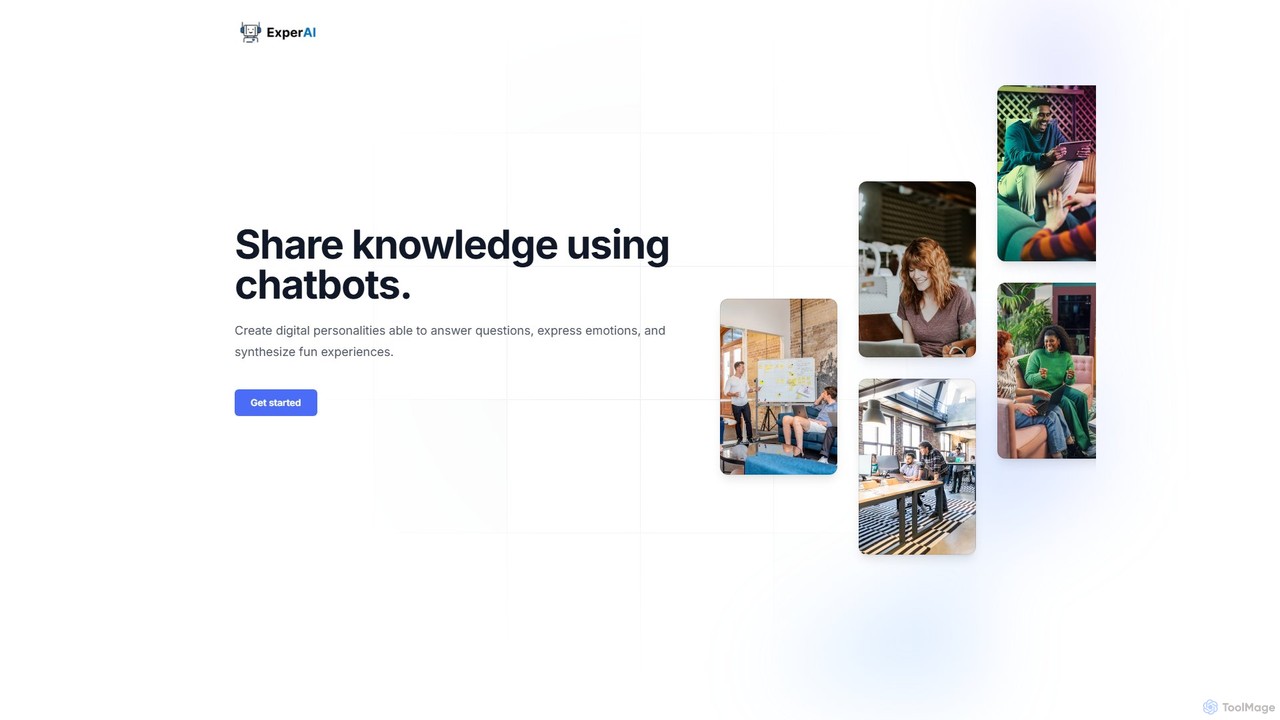
ExperAI is a no-code platform for creating and sharing personalized AI chatbots, known as "Experts." It allows you to build digital personalities that can answer questions, express emotions, and provide interactive experiences, transforming your knowledge into engaging conversations. Ideal for creators, coaches, and educators.

No Code Builder
Visits 6.3KFavorites 152Likes 174
scalerx
Freemium

scalerx

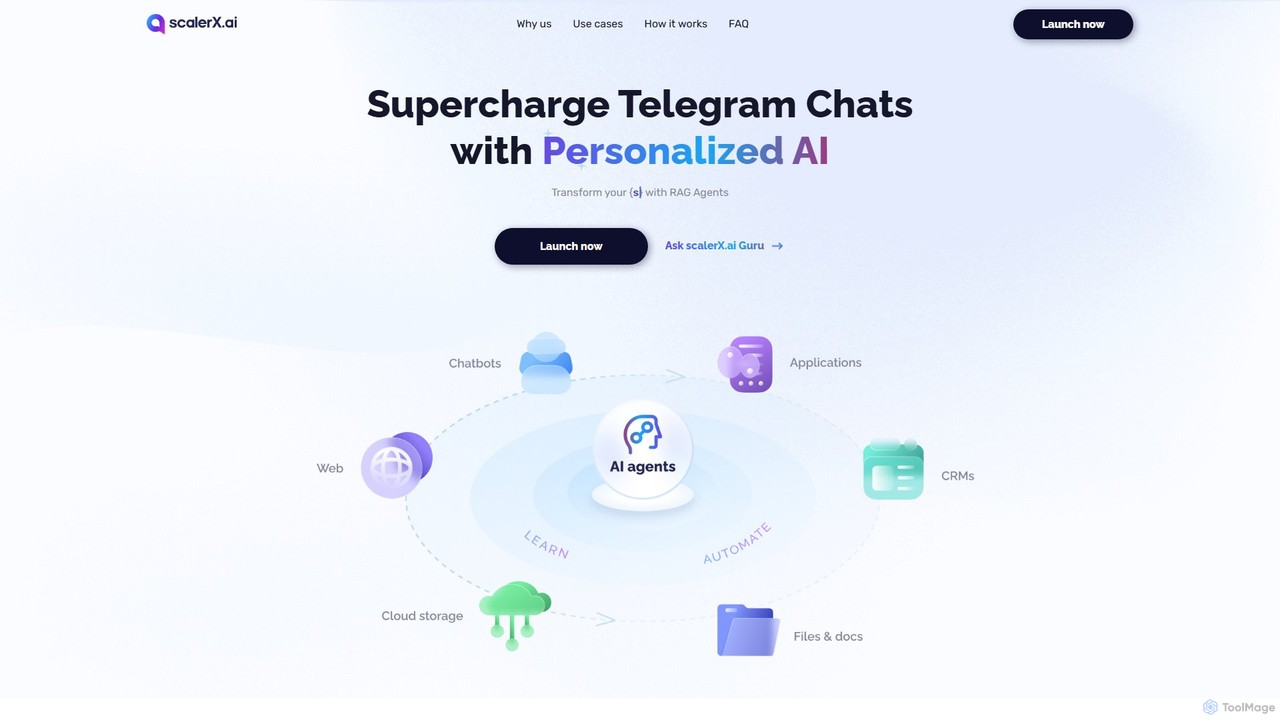
scalerx is a no-code platform for creating and deploying personalized Generative AI agents on Telegram. Utilizing RAG (Retrieval-Augmented Generation) technology, it allows you to train AI on your specific knowledge base—documents, websites, and more—to automate customer support, sales, community management, and research with 24/7 availability.

Automation
Visits 6.5KFavorites 142Likes 154
Intellecta
Freemium

Intellecta

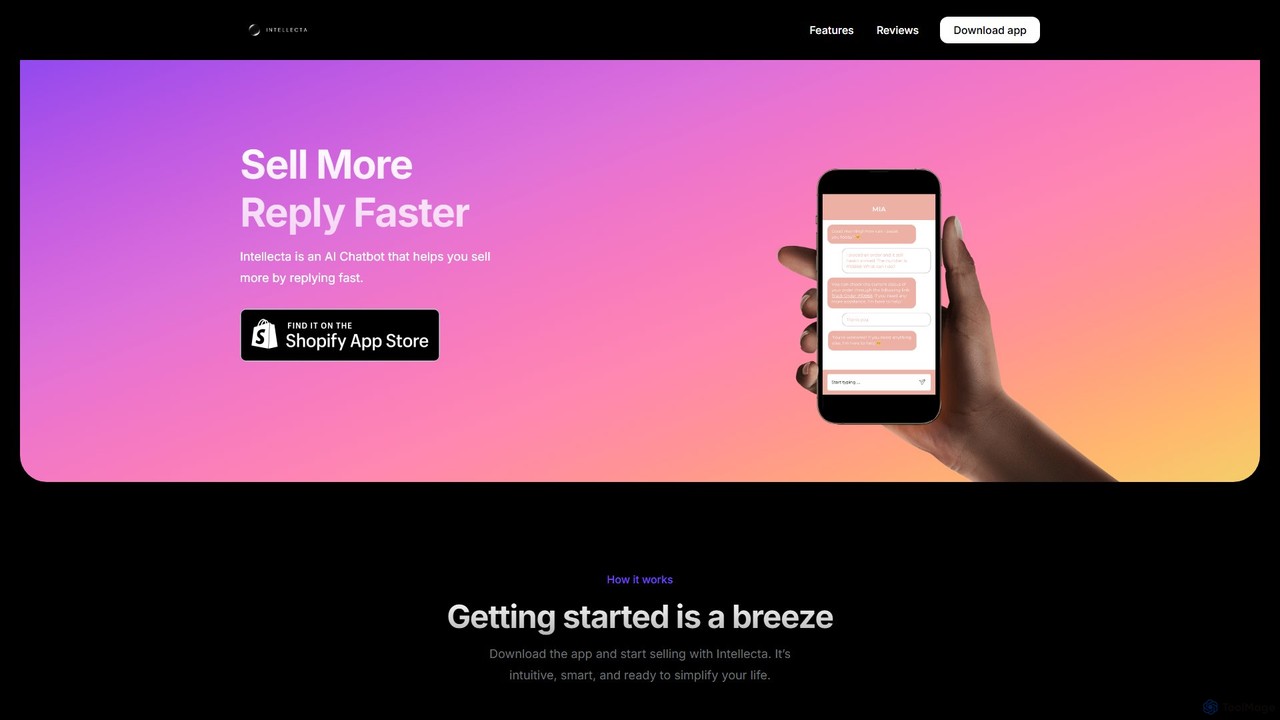
Intellecta is an AI-powered chatbot designed for Shopify stores to boost sales and enhance customer service. It engages visitors with instant, personalized responses 24/7, answers queries, recommends products, and captures leads. By automating conversations, Intellecta helps e-commerce businesses increase conversion rates, improve customer satisfaction, and gain valuable insights through real-time analytics and sentiment analysis.

Automation
Visits 6.4KFavorites 149Likes 156

About Automation

Customer Support Automation tools are AI-powered solutions designed to handle repetitive inquiries and tasks, reducing the need for manual agent intervention. These tools utilize rule-based logic, natural language processing (NLP), and integrations to automatically categorize tickets, provide instant answers, and manage workflows. The primary value lies in delivering faster, 24/7 support, freeing up human agents to focus on complex, high-value customer issues. This leads to increased efficiency, improved customer satisfaction, and better scalability for support teams.

Core Features

  • Automated Ticket Routing: Automatically categorizes and assigns incoming support tickets to the appropriate agent or department based on keywords, channel, or customer data.
  • Workflow Automation: Creates multi-step processes that trigger actions based on specific events, such as sending follow-up emails or escalating unresolved issues.
  • Canned Responses & Macros: Provides pre-written templates for common questions that can be deployed instantly by agents or automated systems.
  • Self-Service Portals: Powers knowledge bases and FAQ centers where customers can find answers on their own, deflecting common tickets.
  • Proactive Communication: Automatically sends notifications, updates, or surveys to customers at key moments in their journey, such as after a purchase or ticket resolution.

Use Cases

These tools are essential for businesses with high volumes of customer inquiries, such as e-commerce, SaaS, and telecommunications. For example, an online retailer can automate order status updates, while a software company can automate the initial response to bug reports, gathering necessary information before an agent takes over. They are ideal for scaling support operations without proportionally increasing headcount.

How to Choose

When selecting a support automation tool, consider its integration capabilities with your existing helpdesk (e.g., Zendesk, Salesforce). Evaluate the power and ease-of-use of its workflow builder—can non-technical staff create rules? Also, assess the channels it supports (email, chat, social media) and the quality of its reporting and analytics to measure performance and identify automation opportunities.

Featured tool rankings

Automation use cases

1

Automated Ticket Triage for E-commerce

An e-commerce support manager configures automation rules to scan incoming emails for keywords. For instance, emails containing 'refund,' 'return,' or 'damaged' are automatically tagged and assigned to the 'Returns' team. Queries with 'shipping' or 'track order' are routed to a workflow that pulls tracking data from an API and sends an automated reply. This process reduces manual sorting time by over 90% and ensures tickets reach the right specialists faster.

2

Proactive SaaS User Onboarding Workflow

A SaaS company's customer success team builds an automated onboarding sequence. When a new user signs up, a workflow is triggered. It sends a welcome email immediately, a 'getting started' guide after 24 hours, and a follow-up email with advanced tips on day three. If the user hasn't activated a key feature by day five, the system automatically creates a task for a success manager to reach out personally. This proactive approach reduces initial support tickets and improves user activation rates.

3

Automated CSAT Survey Distribution

A support team lead sets up an automation rule that triggers whenever a ticket's status is changed to 'Solved'. The rule waits for one hour and then sends an email to the customer with a link to a Customer Satisfaction (CSAT) survey. The results are automatically logged in the helpdesk and linked to the specific ticket and agent. This ensures consistent feedback collection without adding any manual work for the support agents, providing valuable data for performance reviews and service improvements.

4

Automated SLA Breach Alerts and Escalation

For a B2B tech company, meeting Service Level Agreements (SLAs) is critical. An automation workflow constantly monitors high-priority tickets. If a ticket is approaching its SLA deadline for a first response (e.g., within 15 minutes of the deadline), the system automatically sends a notification to the assigned agent and their manager via Slack. If the deadline is missed, the ticket's priority is automatically elevated and it is reassigned to an escalation queue, ensuring critical issues are never overlooked.

5

Automating Internal IT Support Requests

An IT department uses an automation tool integrated with their internal chat platform. When an employee requests a password reset, the automation recognizes the keyword and initiates a secure, automated reset process via email. For software access requests, it checks the employee's role in the HR system. If the role is eligible, access is granted automatically and the employee is notified. This frees up the IT helpdesk from handling dozens of repetitive, low-level requests each day.

6

Managing High-Volume Social Media Mentions

A large consumer brand's marketing team uses an automation tool to monitor brand mentions on social media. The tool automatically filters mentions by sentiment. Positive mentions are collected for reports. Neutral mentions (e.g., questions about store hours) receive an automated reply with a link to the FAQ page. Negative mentions are automatically converted into high-priority support tickets and assigned to a specialized social media support agent. This ensures no customer comment is missed and responses are timely and appropriate.

Automation FAQ

What is Customer Support Automation?

Customer Support Automation refers to using software to manage and resolve customer inquiries with minimal human intervention. It goes beyond simple chatbots by encompassing entire workflows, such as automatically routing tickets to the right department, sending follow-up emails, managing SLA alerts, and updating customer records. The goal is to handle repetitive, high-volume tasks efficiently, allowing human agents to focus on complex problem-solving and building customer relationships.

How to choose the right support automation tool?

Choosing the right tool depends on your specific needs. Consider these factors:

  • Integration: Does it connect seamlessly with your existing helpdesk, CRM, and communication channels (e.g., Slack, email)?
  • Workflow Builder: How easy is it to create, test, and modify automation rules? Can non-technical team members use it effectively?
  • Scalability: Can the tool handle your current ticket volume and grow with your business? Check its pricing tiers and feature limits.
  • Analytics: Does it provide clear reports on automation performance, such as tickets deflected, time saved, and CSAT scores on automated interactions?
What's the difference between a Chatbot and Customer Support Automation?

A chatbot is a component, while customer support automation is the entire system. A chatbot is a conversational interface (the 'front door') that interacts with users. Customer support automation is the 'engine room' that powers the chatbot and performs actions behind the scenes. For example, a chatbot might collect a user's issue, but the automation system is what analyzes the text, creates a ticket, assigns it to the correct team, and sends a confirmation email—all without an agent's involvement.

Can automation replace human support agents?

Automation is designed to augment, not replace, human agents. It excels at handling simple, repetitive, and predictable tasks, such as answering FAQs, routing tickets, or providing status updates. This frees up human agents to apply their skills—empathy, complex problem-solving, and critical thinking—to more challenging and high-value customer interactions. A successful strategy combines automation for efficiency with human expertise for quality and relationship-building.

What kind of tasks are best suited for support automation?

The best tasks for automation are those that are high-volume, repetitive, and follow a clear set of rules. Good examples include:

  • Initial Data Collection: Asking for order numbers, user IDs, or product versions before an agent joins.
  • Status Inquiries: Answering 'Where is my order?' or 'What is the status of my ticket?'.
  • Ticket Categorization: Tagging and routing tickets based on keywords in the subject line or body.
  • Post-Interaction Surveys: Sending CSAT or NPS surveys after a conversation is closed.