Chatbots Best in category 8 results No Code Builder AI Tool

Popular AI tools in the No Code Builder field of Chatbots include Runbear、GPT-4 Vision Chatbot、Sensay、Agenthost、Botmake.io、Personality Forge、BlockBot、ExperAI, etc., helping you quickly improve efficiency.

Botmake.io

Botmake.io

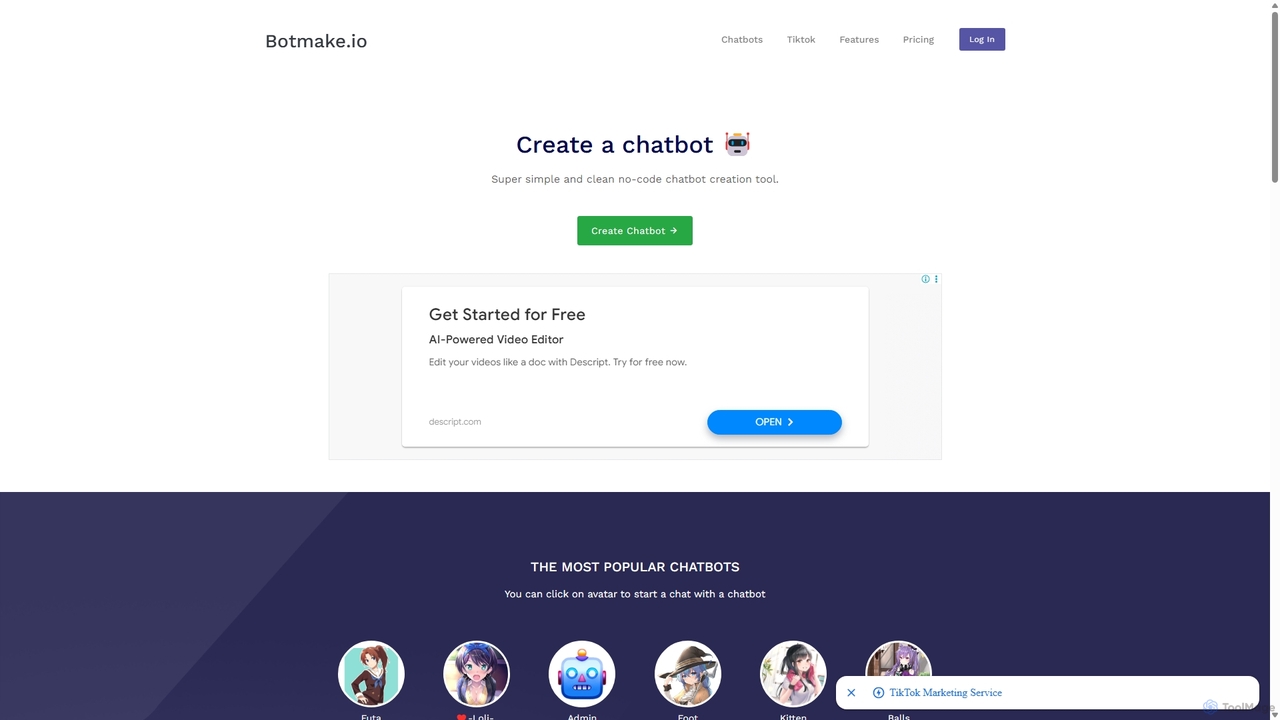
Botmake.io is a simple and intuitive no-code platform for creating and sharing conversational chatbots. Designed for creators, hobbyists, …

11.5K
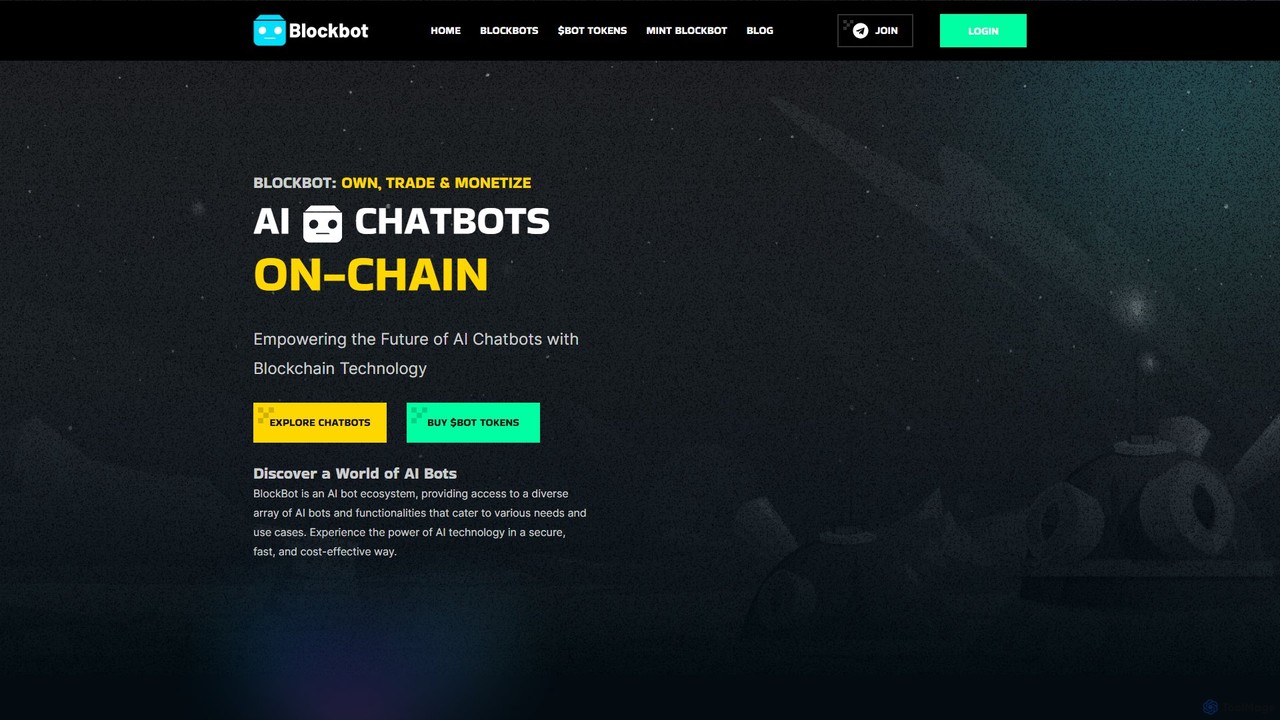
BlockBot

BlockBot

BlockBot is a revolutionary ecosystem merging AI with blockchain technology. It empowers users to create, own, trade, and …

4.7K
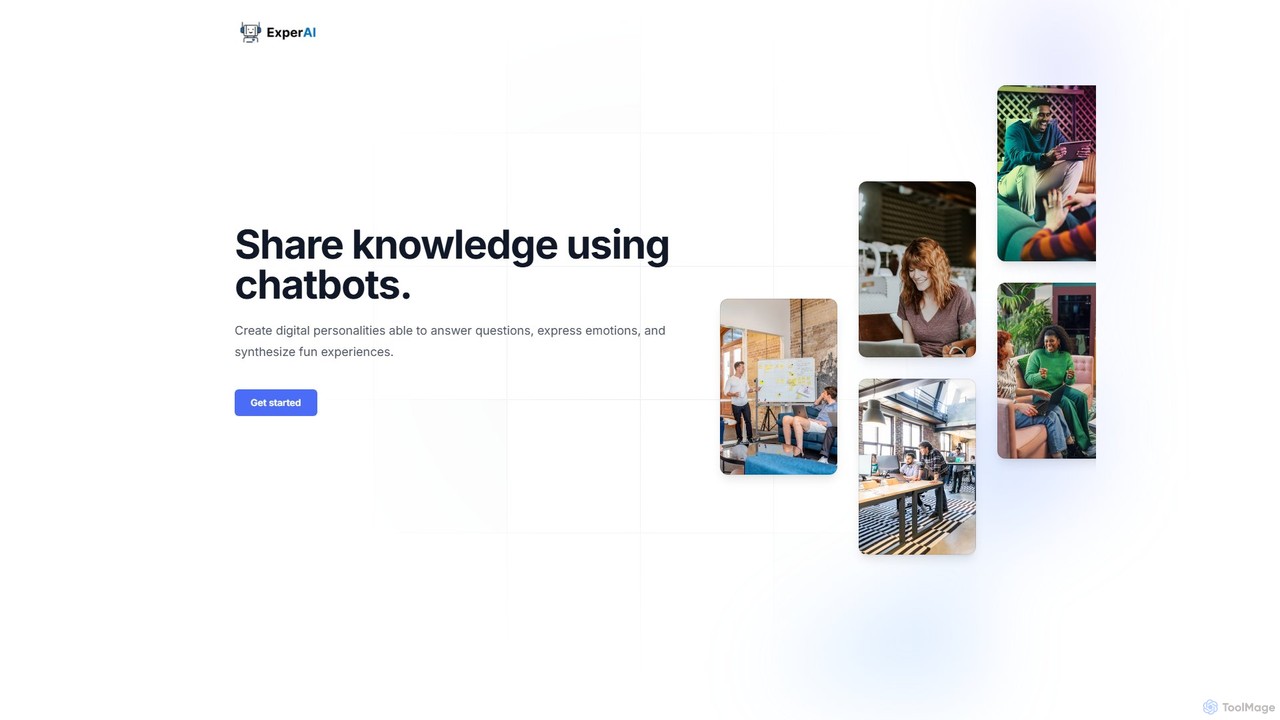
ExperAI

ExperAI

ExperAI is a no-code platform for creating and sharing personalized AI chatbots, known as "Experts." It allows you …

3.3K
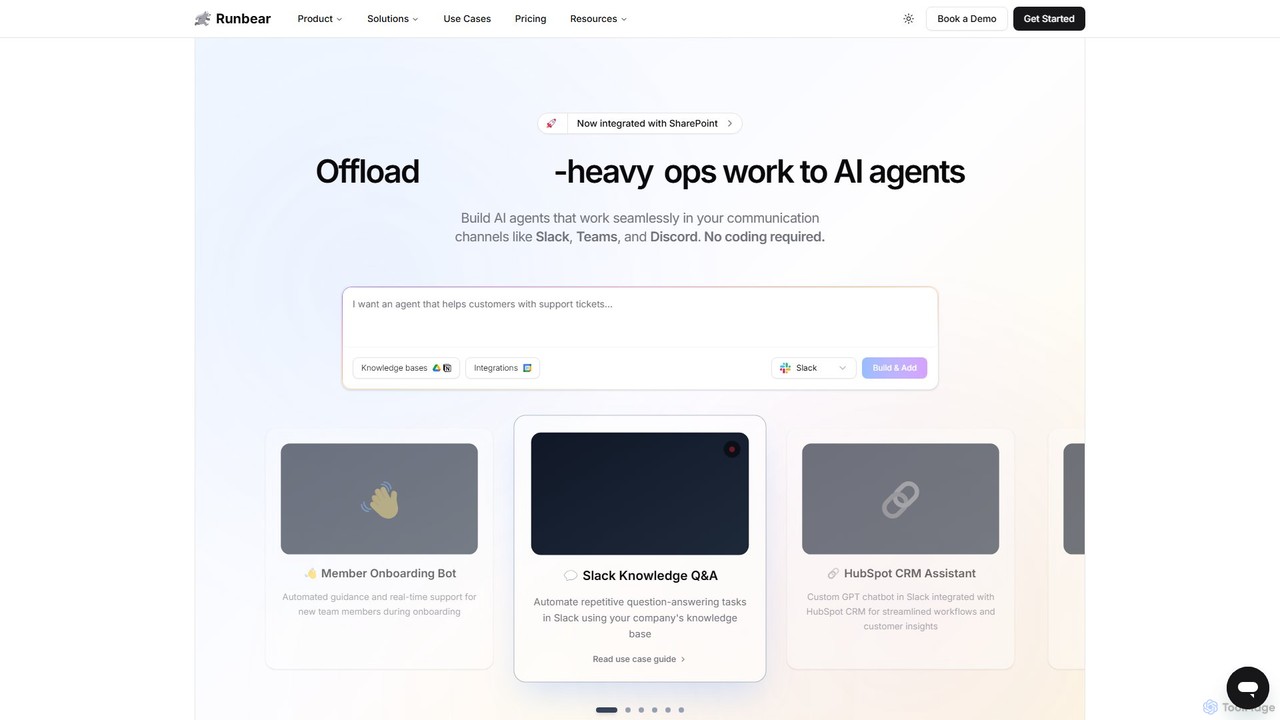
Runbear

Runbear

Runbear is a no-code platform for building and deploying custom AI agents directly into your team's communication tools …

38.0K
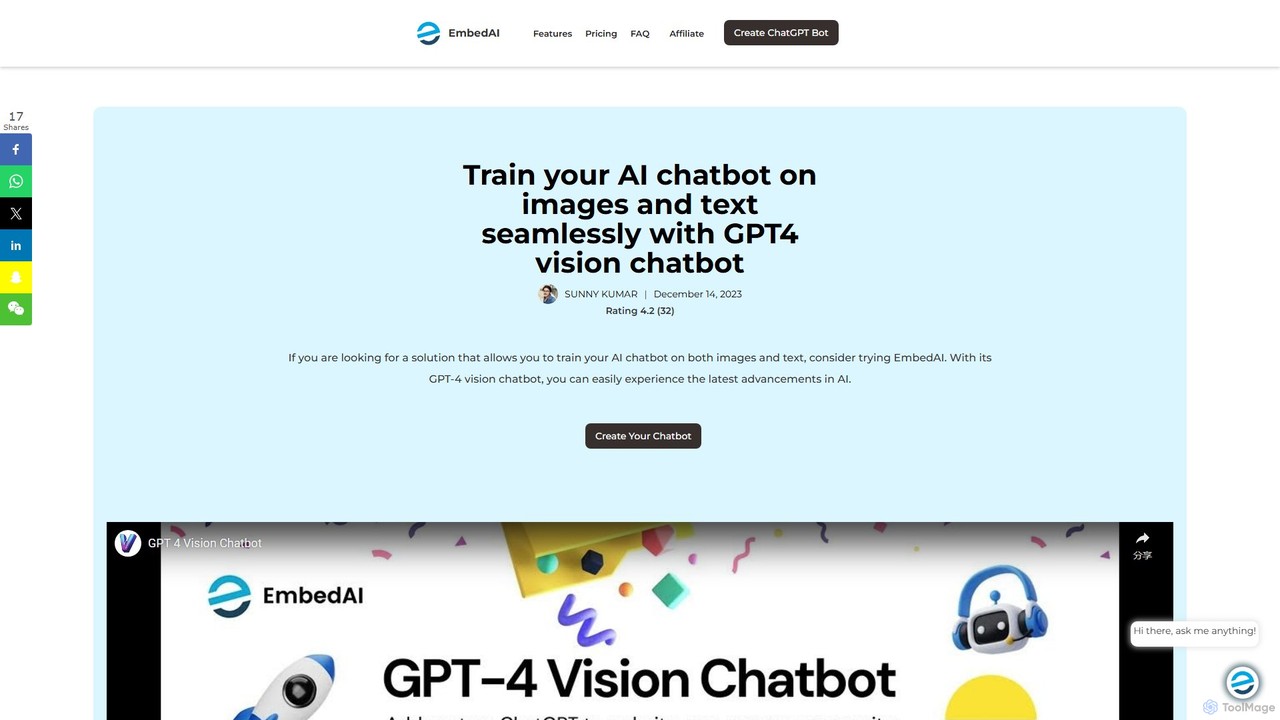
GPT-4 Vision Chatbot

GPT-4 Vision Chatbot

A no-code platform by EmbedAI for building advanced AI chatbots powered by GPT-4 with Vision. It allows users …

26.3K
Sensay

Sensay

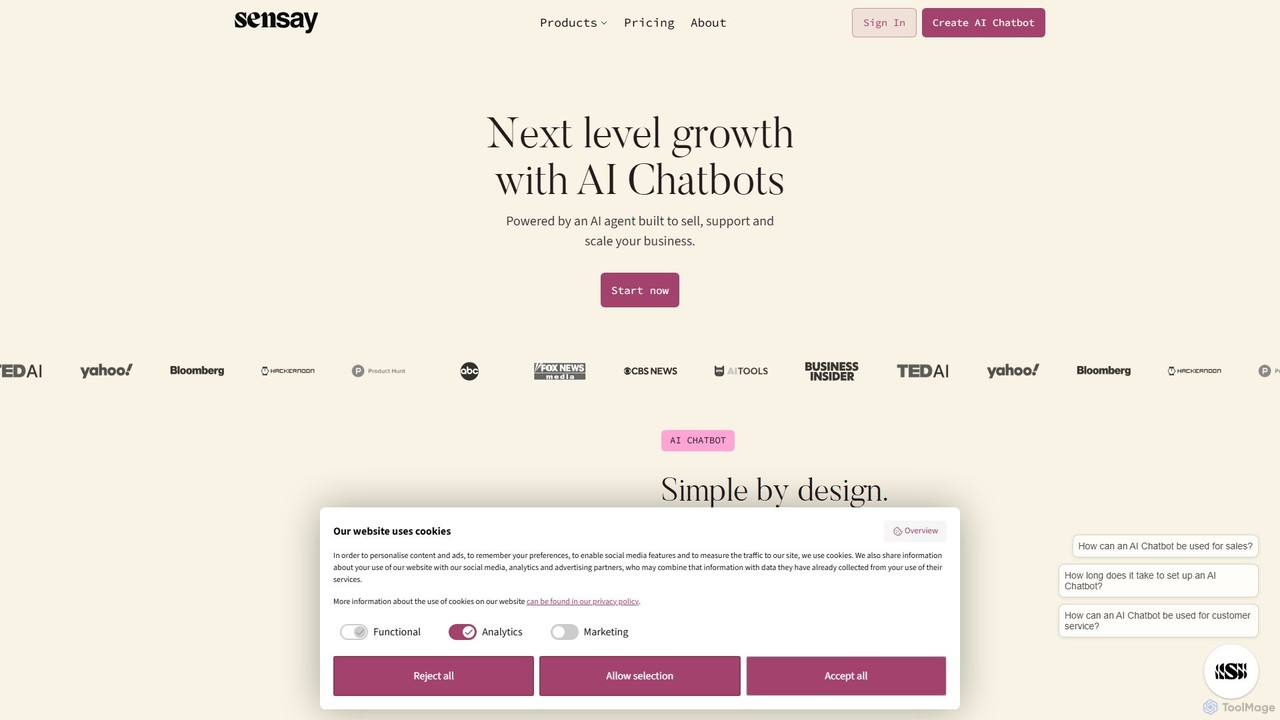
Sensay is an AI platform that allows you to create powerful, lifelike AI chatbots and digital replicas in …

13.1K
Personality Forge

Personality Forge

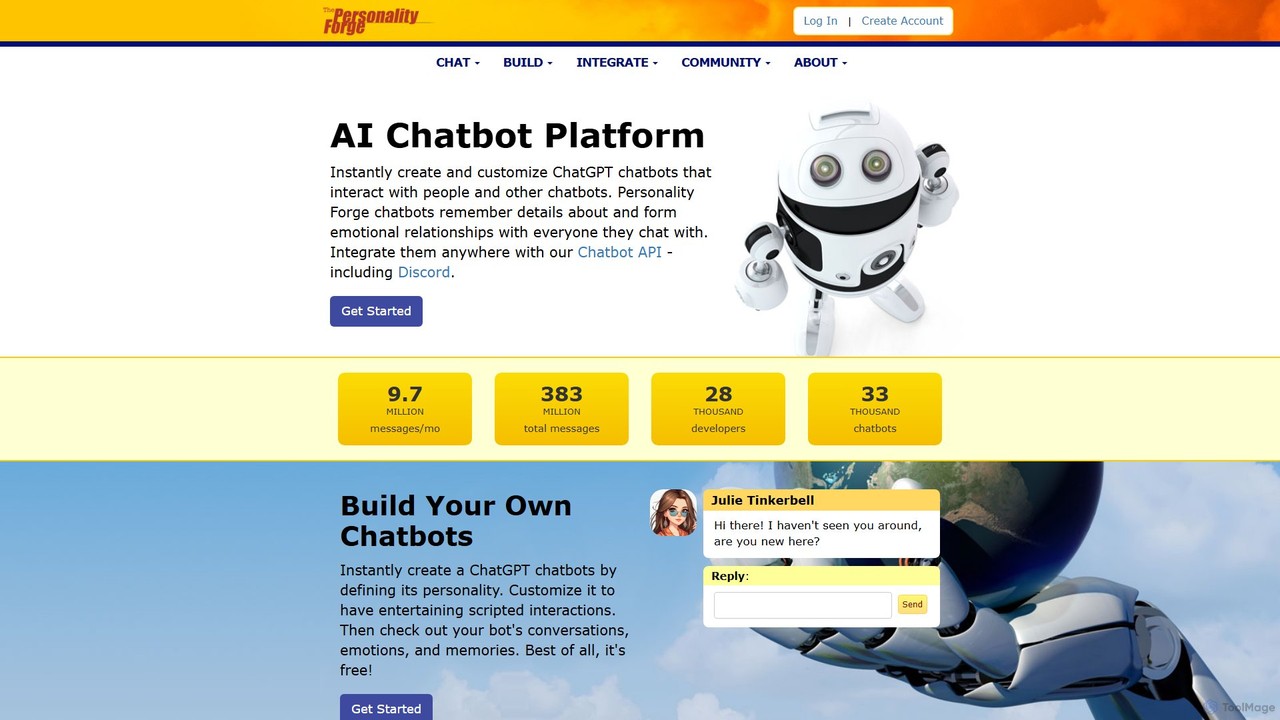
An advanced AI chatbot platform for creating and customizing chatbots with unique personalities, emotional memory, and conversational depth. …

4.9K
Agenthost

Agenthost

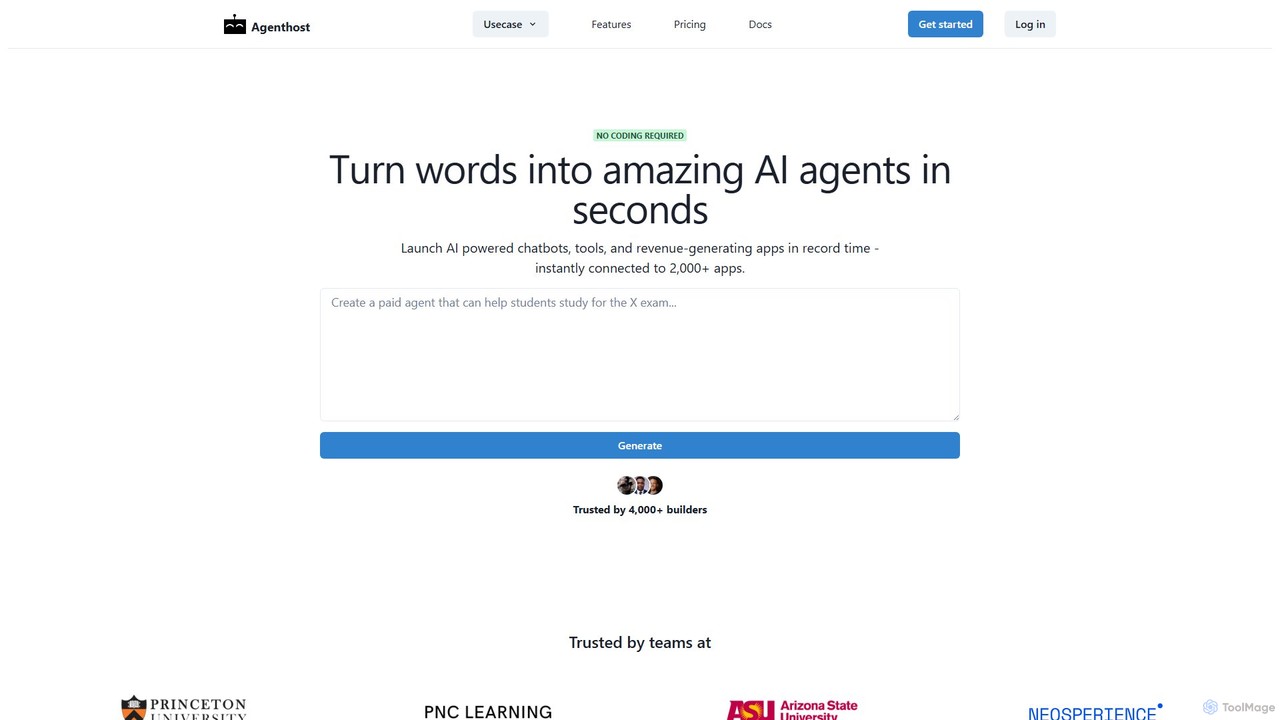
Agenthost is a no-code platform that allows you to create and launch powerful AI agents, chatbots, and revenue-generating …

12.3K

About No Code Builder

No Code Chatbot Builders are visual development platforms that enable users to create and deploy functional chatbots without writing a single line of code. These tools utilize intuitive drag-and-drop interfaces, pre-built templates, and visual flow editors to construct complex conversation logic. This approach democratizes chatbot creation, empowering marketers, sales teams, and customer support staff to build automated assistants for lead generation, customer service, and user engagement. By abstracting away the technical complexity, No Code Builders significantly reduce development time and cost compared to traditional programming methods.

Core Features

  • Visual Flow Editor: Design conversation paths by connecting nodes and triggers on a visual canvas, making it easy to map out user journeys.
  • Drag-and-Drop Interface: Build chatbot interactions by simply dragging elements like text boxes, buttons, images, and forms into the conversation flow.
  • Pre-built Templates: Start quickly with ready-to-use templates for common use cases such as lead generation, customer support FAQs, or appointment booking.
  • One-Click Integrations: Seamlessly connect your chatbot with websites, messaging apps (like Messenger, WhatsApp), CRMs, and other business software without needing an API developer.
  • Real-time Analytics: Monitor chatbot performance with built-in dashboards that track user interactions, conversion rates, and common queries.

Applicable Scenarios

These builders are ideal for small to medium-sized businesses and specific departments within larger enterprises. Marketing teams use them to create lead capture bots for campaigns, customer service departments deploy FAQ bots to reduce ticket volume, and e-commerce stores build product recommendation assistants to guide shoppers and increase sales.

Selection Criteria

When choosing a No Code Builder, evaluate the intuitiveness of its visual editor and the range of available integrations. Assess the quality and customizability of its templates, and review the pricing model to ensure it scales with your needs (e.g., based on conversations, subscribers, or features). Also, consider the platform's analytics and reporting capabilities to measure ROI.

No Code BuilderUse Cases

1

Automate Website Lead Generation

A marketing manager for a SaaS company needs to increase qualified leads from their website without relying on developers. Using a no-code chatbot builder, they design a conversational flow that engages visitors on the pricing page. The bot asks qualifying questions about company size and needs, collects contact information (name, email, phone number), and automatically syncs the new lead data into the company's CRM. This process runs 24/7, capturing leads outside of business hours and freeing up the sales team to focus on high-intent prospects.

2

Provide 24/7 Customer Support with an FAQ Bot

A customer support lead for an e-commerce brand is facing high ticket volumes for repetitive questions about shipping, returns, and order status. They use a no-code builder to create an FAQ bot. By connecting it to their knowledge base, the bot can instantly answer the top 80% of common customer inquiries. It is deployed on the website and Facebook Messenger, providing immediate assistance to customers around the clock. This reduces agent workload, improves customer satisfaction with instant answers, and lowers overall support costs.

3

Build an Interactive Product Recommendation Quiz

The owner of an online cosmetics store wants to provide a personalized shopping experience. Using a no-code builder, they create an interactive quiz bot. The bot asks customers about their skin type, concerns, and preferences through a series of engaging questions. Based on the answers, it recommends a curated list of products with links to purchase. This not only helps customers find the perfect items but also increases average order value and boosts conversion rates by creating a guided, personal shopping journey.

4

Streamline Appointment Scheduling for a Service Business

A consultant at a small financial advisory firm spends significant time emailing back and forth to schedule client meetings. They implement a no-code chatbot on their website's contact page. The bot integrates directly with their Google Calendar, shows available time slots to potential clients, and allows them to book a consultation instantly. It also sends automated confirmation and reminder emails. This eliminates administrative overhead, prevents double-bookings, and provides a professional, efficient booking experience for clients.

5

Create an Internal HR Helpdesk Bot

An HR coordinator in a mid-sized company is constantly fielding the same questions from employees about leave policies, benefits enrollment, and company holidays. They use a no-code builder to deploy a simple chatbot on the company's internal Slack or Teams channel. Employees can ask the bot questions in natural language, and it provides instant, accurate answers from the official HR handbook. This empowers employees with self-service information and frees up the HR team for more strategic tasks.

6

Gather Customer Feedback with Conversational Surveys

A product manager wants to collect in-depth feedback after a new software feature release. Instead of sending a static email survey with low response rates, they use a no-code builder to create a conversational survey bot. The bot initiates a friendly chat with users inside the app, asking open-ended questions and follow-ups based on their responses. This more engaging format leads to higher completion rates and richer, more qualitative feedback, providing valuable insights for the next development cycle.

No Code BuilderFrequently Asked Questions