

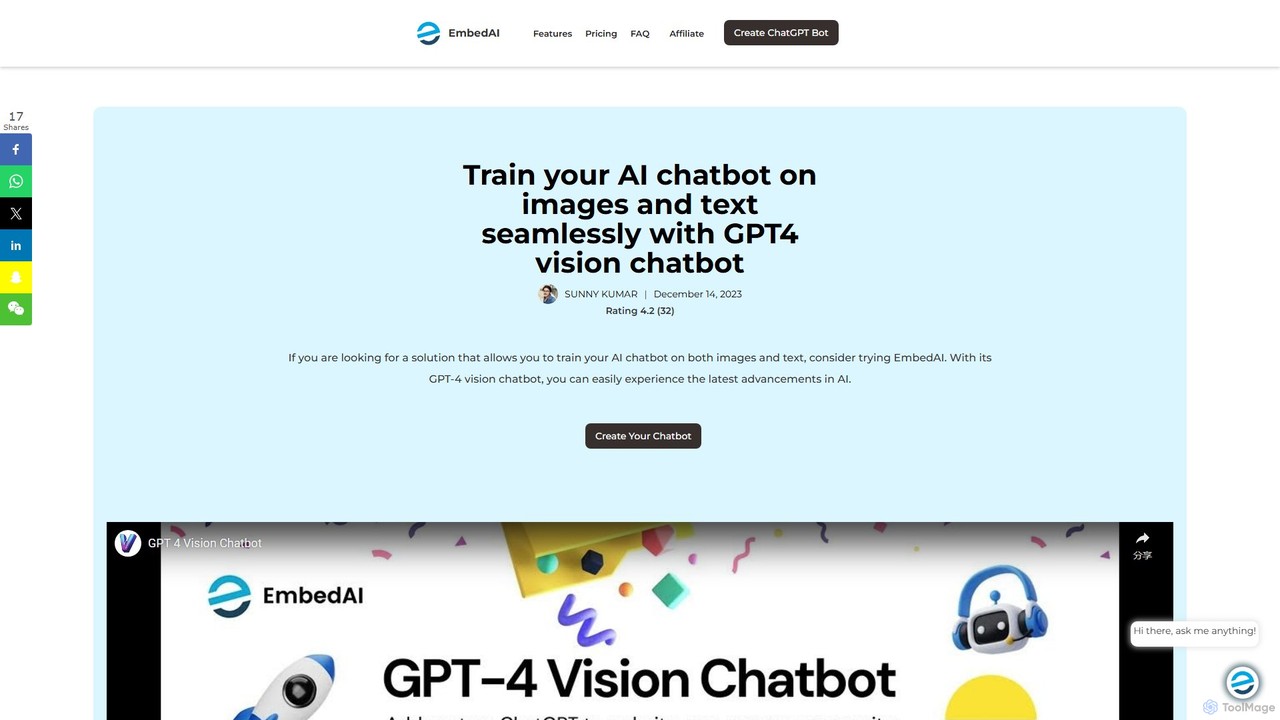
GPT-4 Vision Chatbot Overview
The GPT-4 Vision Chatbot, developed by EmbedAI, is a revolutionary no-code platform that empowers users to create sophisticated AI chatbots by integrating the advanced language capabilities of GPT-4 with cutting-edge image processing technology. This tool marks a significant leap from traditional text-only chatbots, enabling interactions that are richer, more contextual, and highly intuitive. By allowing chatbots to be trained on a diverse range of content, including text, documents, websites, and images, it opens up a new frontier for AI-driven communication.
At its core, the platform leverages a multimodal approach, understanding and responding to both textual and visual inputs. This dual capability allows the chatbot to perform tasks such as describing images, answering questions about visual content, and analyzing visual data, making conversations more comprehensive. The user-friendly, no-code interface democratizes AI development, making it accessible to individuals and businesses regardless of their technical expertise. You can build and customize a powerful chatbot tailored to your specific needs, enhancing user engagement and operational efficiency.
How to use GPT-4 Vision Chatbot
Getting started with the GPT-4 Vision Chatbot is a straightforward process designed for ease of use:
- Visit the Platform: Navigate to the official GPT-4 Vision Chatbot page on the EmbedAI website.
- Log In: Sign in to the platform using your existing Gmail or GitHub account for quick access.
- Create a Chatbot: Once logged in, select the option to create a new chatbot. Be sure to choose the "Create the Vision Chatbot" option to access its multimodal capabilities.
- Train with Content: Upload your training materials. This can include a wide variety of sources such as text files, PDFs, website links, knowledge base articles, and YouTube video links. For visual training, upload images directly.
- Upload an Image for Interaction: During a conversation, click the image icon to upload an image from your device. This allows the chatbot to analyze the visual content.
- Provide Text Prompts: Accompany the image with a text prompt to give the chatbot context. This helps guide the AI to provide accurate and relevant responses based on the combination of image and text.
- Deploy and Integrate: Once your chatbot is trained, you can easily embed it into your website or connect it to your backend via API for seamless integration.
Core Features of GPT-4 Vision Chatbot
- Multimodal Understanding: The chatbot can process and interpret both text and images simultaneously, providing comprehensive and context-aware responses.
- Advanced Image Analysis: It can describe, analyze, and answer specific questions about uploaded images, enriching user interactions.
- No-Code Builder: A fully intuitive, user-friendly interface that allows anyone to build, train, and deploy powerful AI chatbots without writing a single line of code.
- Diverse Data Sourcing: Train your chatbot on a wide array of content, including websites, PDFs, text files, Notion pages, and YouTube videos, ensuring comprehensive knowledge.
- API Integration: Seamlessly connect your chatbot to your dedicated backend API or any OpenAPI-compliant service to fetch real-time data and perform complex actions.
- High Customization: Tailor the chatbot's personality, responses, and appearance to match your brand and specific use case requirements.
- Enhanced Interactivity: By combining visual and textual inputs, the chatbot delivers a more engaging, interactive, and effective user experience.
Use Cases for GPT-4 Vision Chatbot
The versatility of the GPT-4 Vision Chatbot makes it suitable for a wide range of applications:
- Advanced Customer Support: Customers can upload images of a product issue, and the chatbot can identify the problem and provide step-by-step troubleshooting guides.
- E-commerce: Assist shoppers by allowing them to upload a picture of an item they are looking for, with the chatbot suggesting similar products from the store's inventory.
- Education and Training: Create interactive learning tools that can explain complex diagrams, historical images, or scientific charts to students.
- Accessibility: Help visually impaired users by describing the content of images, signs, or documents they upload.
- Real Estate: Allow potential buyers to upload images of home features they like, and the chatbot can find properties with similar characteristics.
Advantages of GPT-4 Vision Chatbot
The primary advantage of this tool is its ability to create a more natural and comprehensive communication bridge between humans and AI. By understanding visuals, the chatbot can grasp context that text alone cannot convey. Its no-code nature makes advanced AI technology accessible to a broader audience, fostering innovation across various sectors. The platform is designed for efficiency, delivering prompt and accurate information 24/7, which improves user satisfaction and reduces the workload on human agents. The flexibility in training and customization ensures that the chatbot can be a perfect fit for almost any business need.
Pricing and Plans
GPT-4 Vision Chatbot operates on a freemium model. Users can typically start with a free plan that includes a limited number of messages or features to test the platform's capabilities. For more advanced features, higher usage limits, and dedicated support, there are several paid subscription plans available. As pricing details can change, it is recommended to visit the official EmbedAI website for the most current and detailed information on their plans.
Traffic
Latest traffic
Status
Monthly traffic trend
- 2026-1: 43.7K
- 2026-2: 35.4K
- 2026-3: 28.0K
- 2026-4: 31.3K
- 2026-5: 22.9K
Geography
Top 5 countries / regions
- 🇮🇳India33.7%
- 🇧🇷Brazil25.5%
- 🇮🇹Italy15.2%
- 🇺🇸United States13.9%
- 🇷🇺Russia11.7%
Traffic sources
| Source type | Percentage |
|---|---|
Direct | 85.0% |
Referral | 15.0% |
GPT-4 Vision Chatbot Alternatives
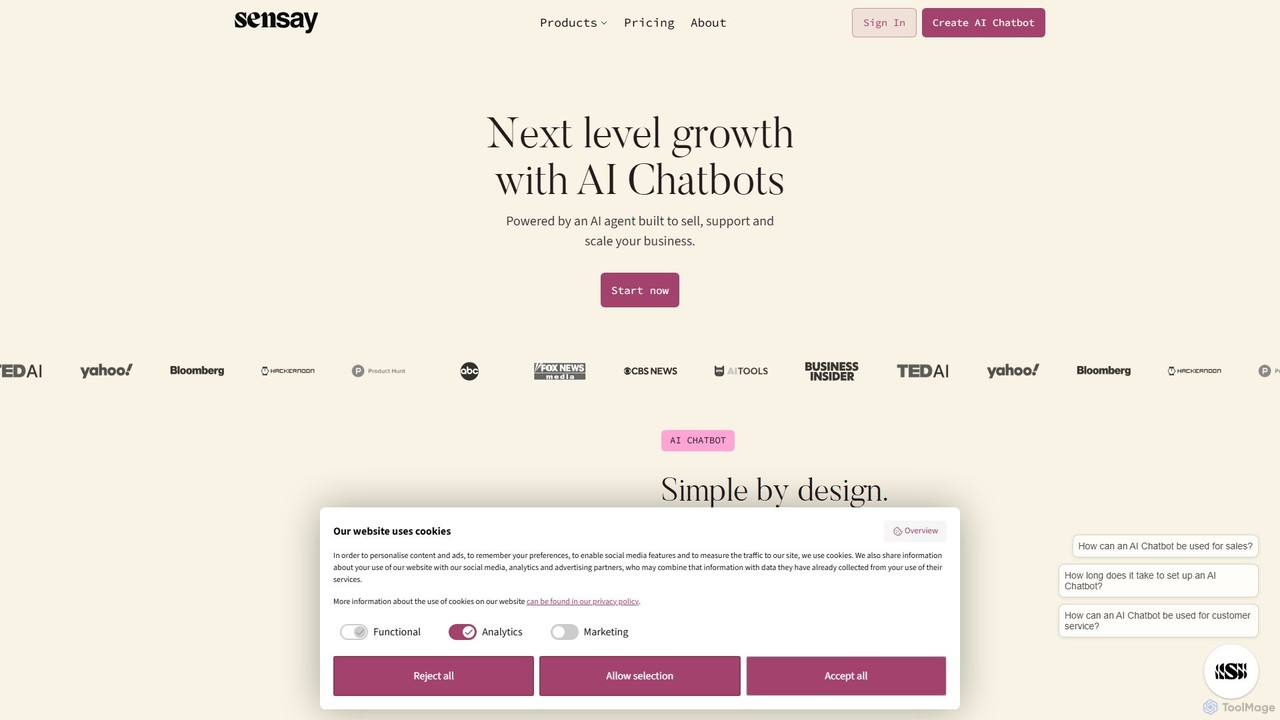
Sensay
Sensay is an AI platform that allows you to create powerful, lifelike AI chatbots and digital replicas in minutes. Train your AI with your knowledge from YouTube, files, and websites to scale your expertise, automate interactions, and engage your audience 24/7 across multiple platforms like websites, Discord, and Telegram.
No Code Builder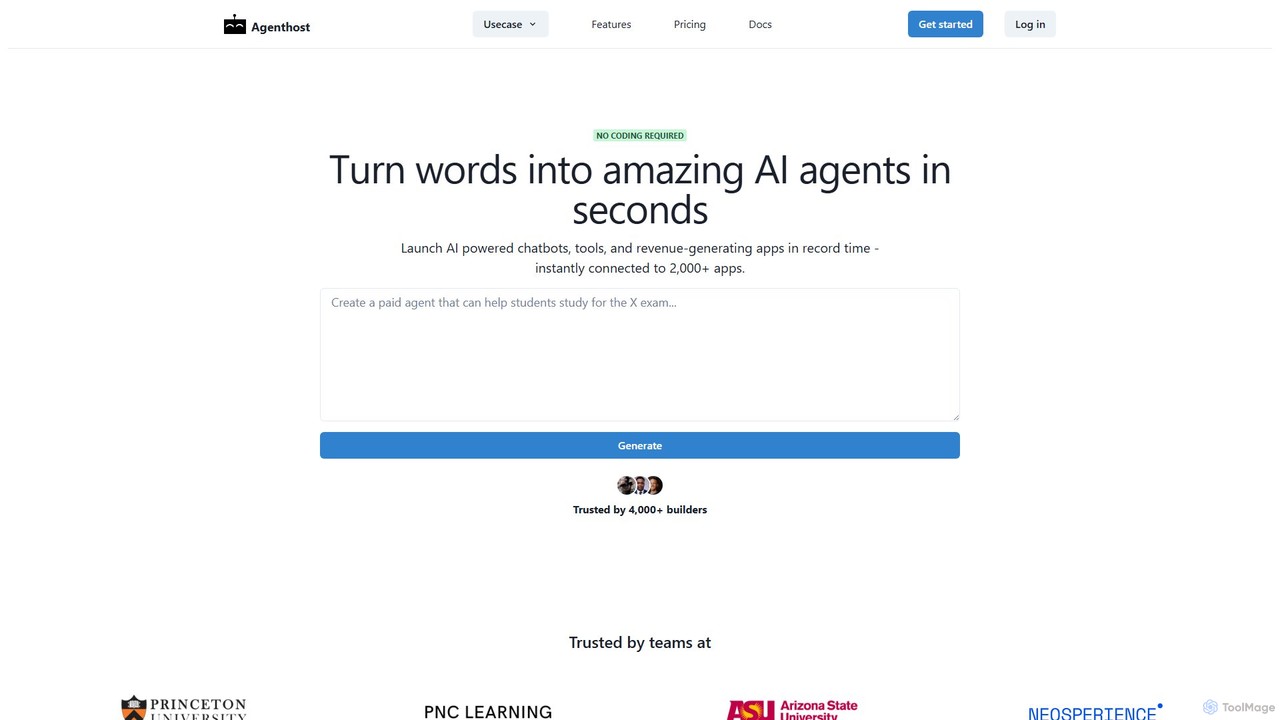
Agenthost
Agenthost is a no-code platform that allows you to create and launch powerful AI agents, chatbots, and revenue-generating apps in seconds. Instantly connect your agents to over 6,000+ apps, train them on your own data, customize their appearance, and monetize them with subscription plans. It's designed for builders, businesses, and creators to transform ideas into functional AI products without any coding.
No Code Builder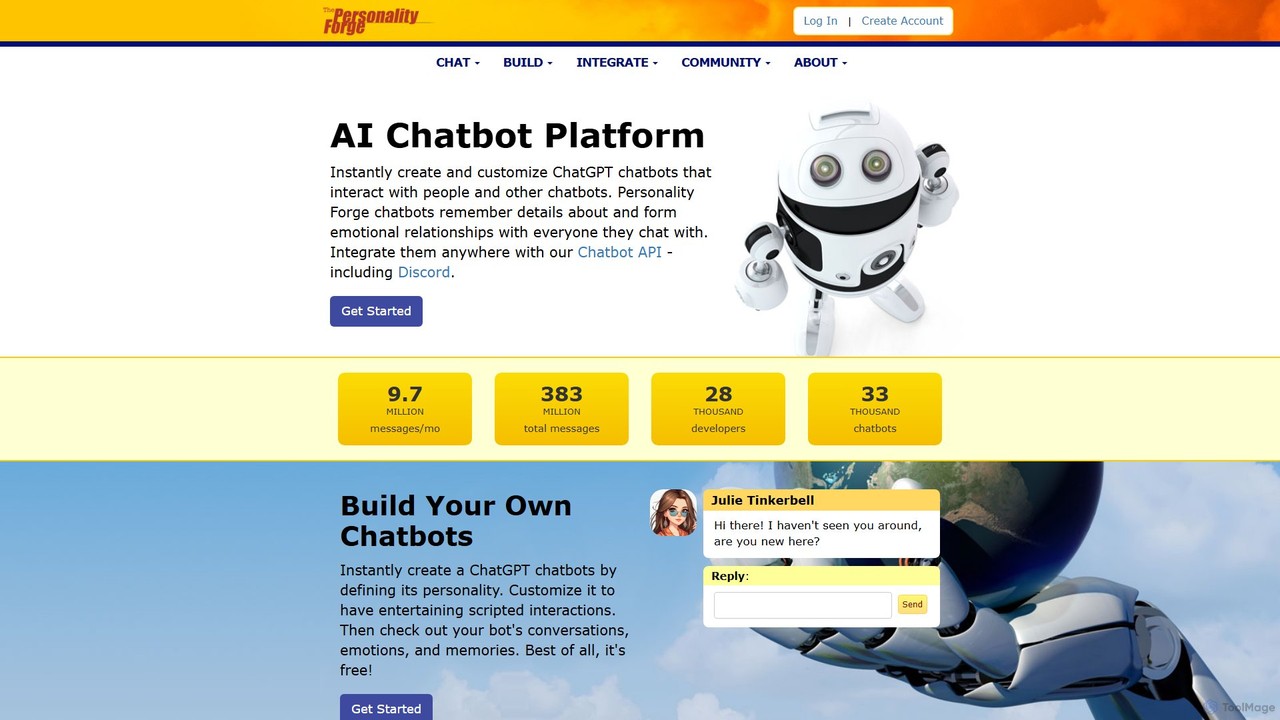
Personality Forge
An advanced AI chatbot platform for creating and customizing chatbots with unique personalities, emotional memory, and conversational depth. Integrate your creations anywhere via API, including a seamless connection to Discord, and leverage both a proprietary scripting language and ChatGPT for dynamic interactions.
No Code Builder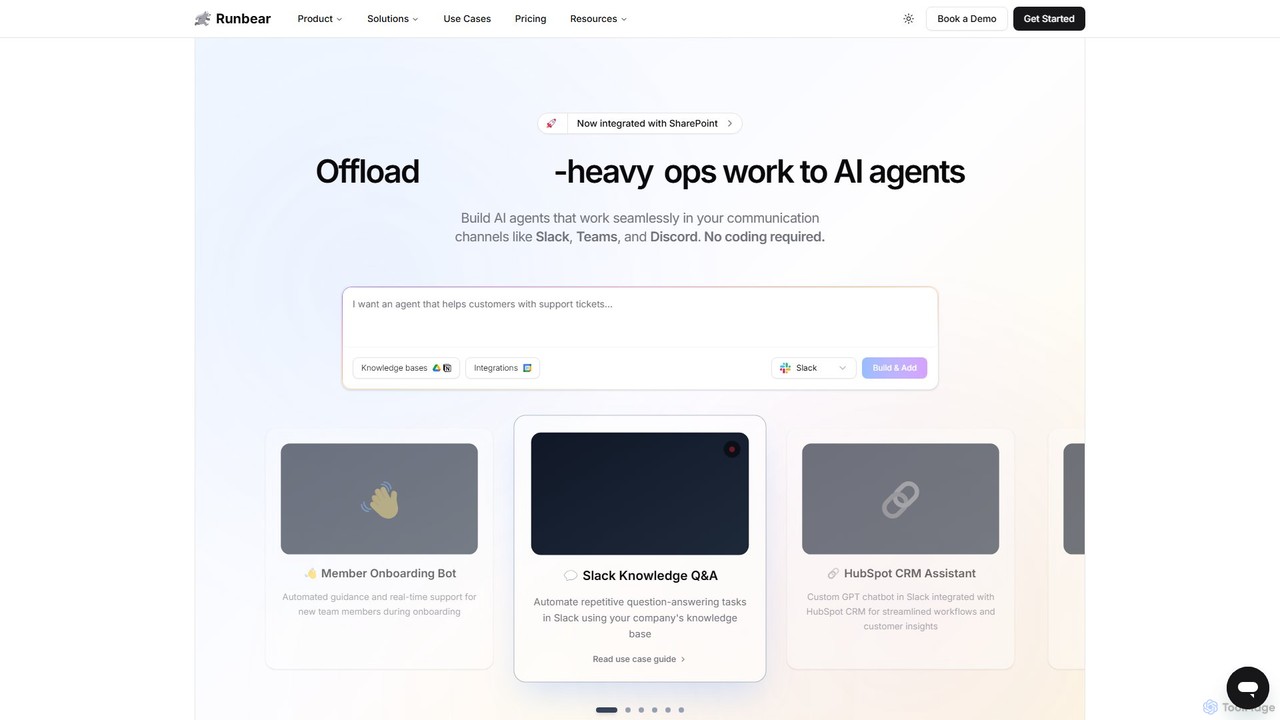
Runbear
Runbear is a no-code platform for building and deploying custom AI agents directly into your team's communication tools like Slack, Microsoft Teams, and Discord. Automate repetitive tasks, answer questions from your knowledge base, and streamline workflows by creating specialized AI teammates that integrate with thousands of apps, all without writing a single line of code.
No Code Builder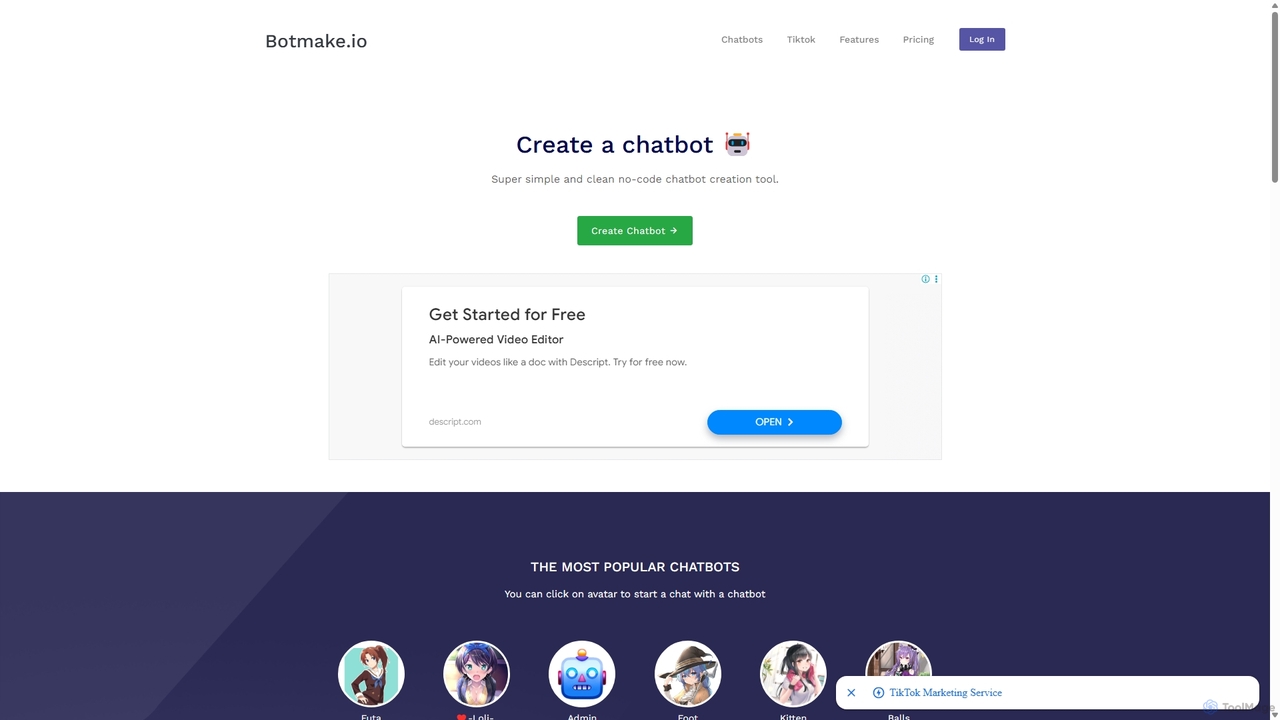
Botmake.io
Botmake.io is a simple and intuitive no-code platform for creating and sharing conversational chatbots. Designed for creators, hobbyists, and communities, it allows anyone to build an interactive AI character or a simple Q&A bot in minutes. The platform features a vibrant community gallery where users can discover, chat with, and get inspired by thousands of user-generated bots.
No Code BuilderGPT-4 Vision Chatbot Categories
GPT-4 Vision Chatbot Embed Widget
Copy this embed code to place the badge on your blog, article, or product site and send readers directly to this ToolMage detail page.

Related AI tools
GPT-4 Vision Chatbot
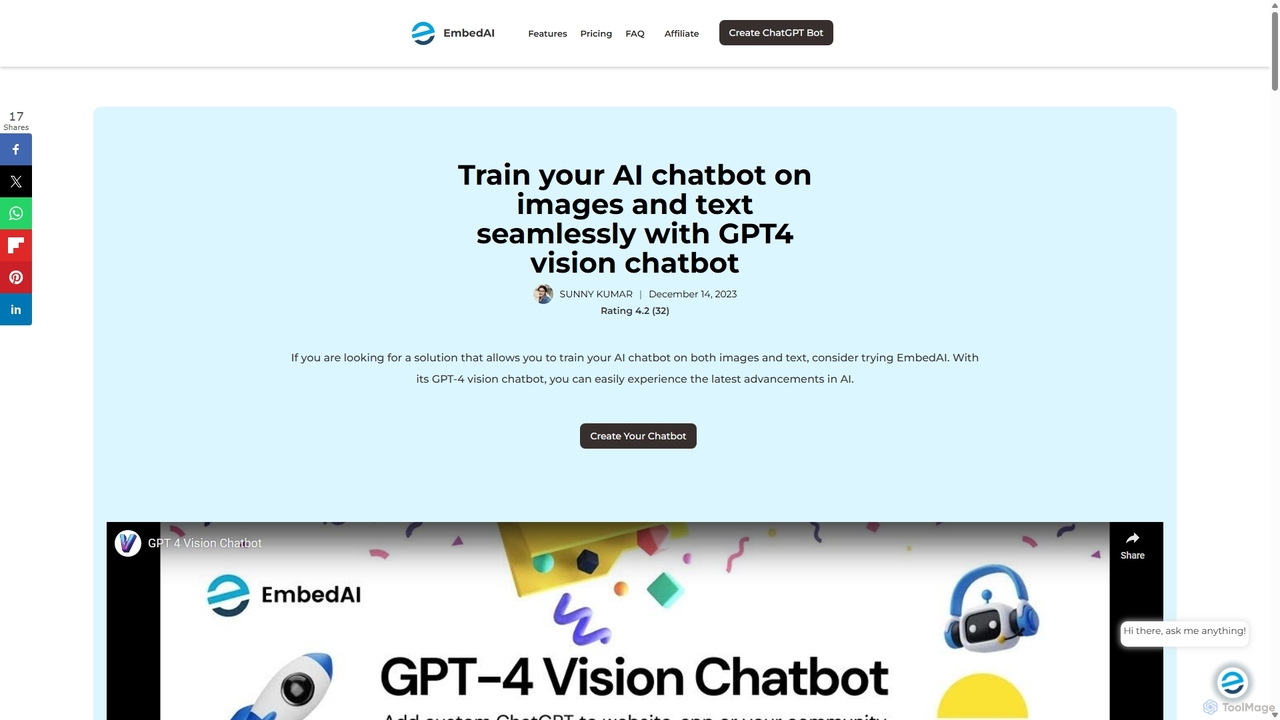
A no-code platform for building advanced AI chatbots powered by GPT-4 with Vision. Train your chatbot on text, documents, websites, and images to create a multimodal, interactive experience for users. Ideal for customer support, education, and enhanced user engagement.
Chatbot Builder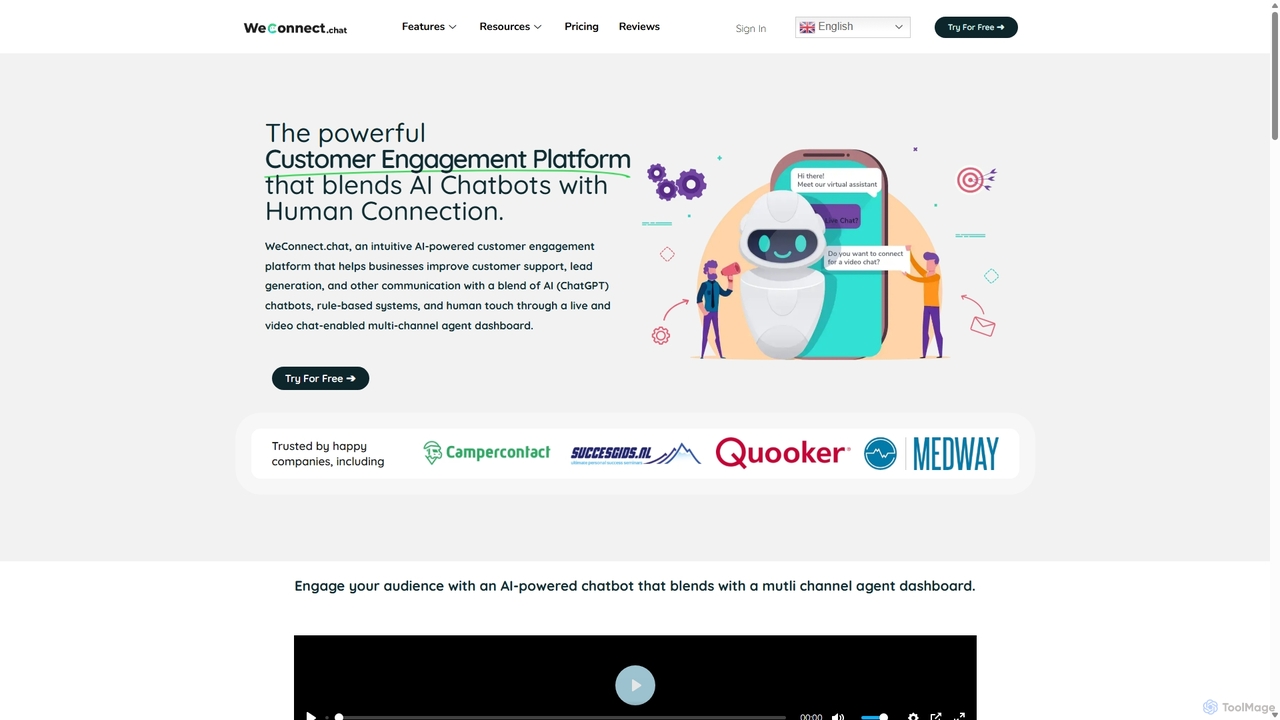
WeConnect.chat
WeConnect.chat is a powerful, no-code customer engagement platform that blends AI-powered chatbots with human connection. It enables businesses to build intelligent conversations, manage interactions across multiple channels like live chat, video chat, and WhatsApp, and optimize performance with advanced analytics. Train AI on your own data for personalized support and seamless lead generation.
Chatbot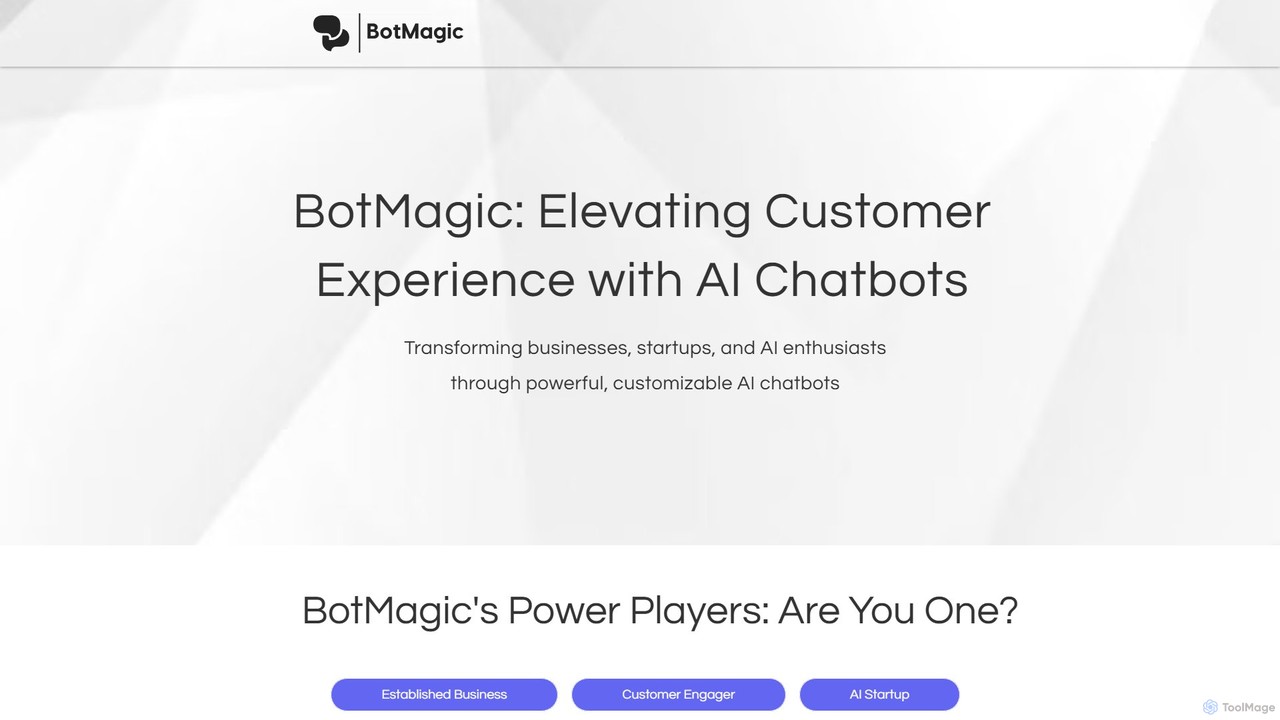
BotMagic
BotMagic is a powerful platform for creating customizable AI chatbots. It caters to businesses, startups, and AI enthusiasts, enabling them to build bots for internal productivity, customer engagement, and rapid AI application development. The platform features a comprehensive productivity suite, robust security, and advanced controls for a seamless bot creation experience.
Automation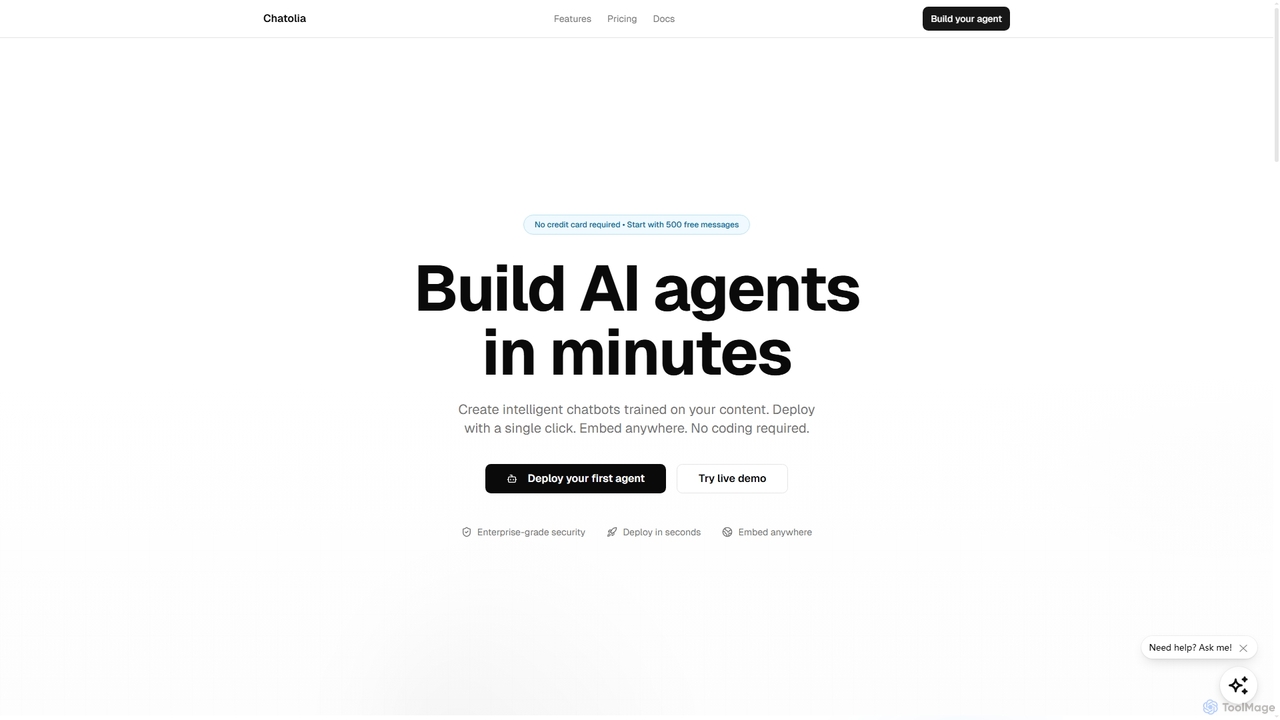
Chatolia
Chatolia is a no-code platform for building and deploying intelligent AI chatbots. Train agents on your own content, such as documents and URLs, and embed them on any website in minutes. It offers access to various AI models like GPT-4, Claude, and Gemini, with features for multi-agent workspaces and team collaboration. Ideal for creating AI-powered customer support agents.
Chatbot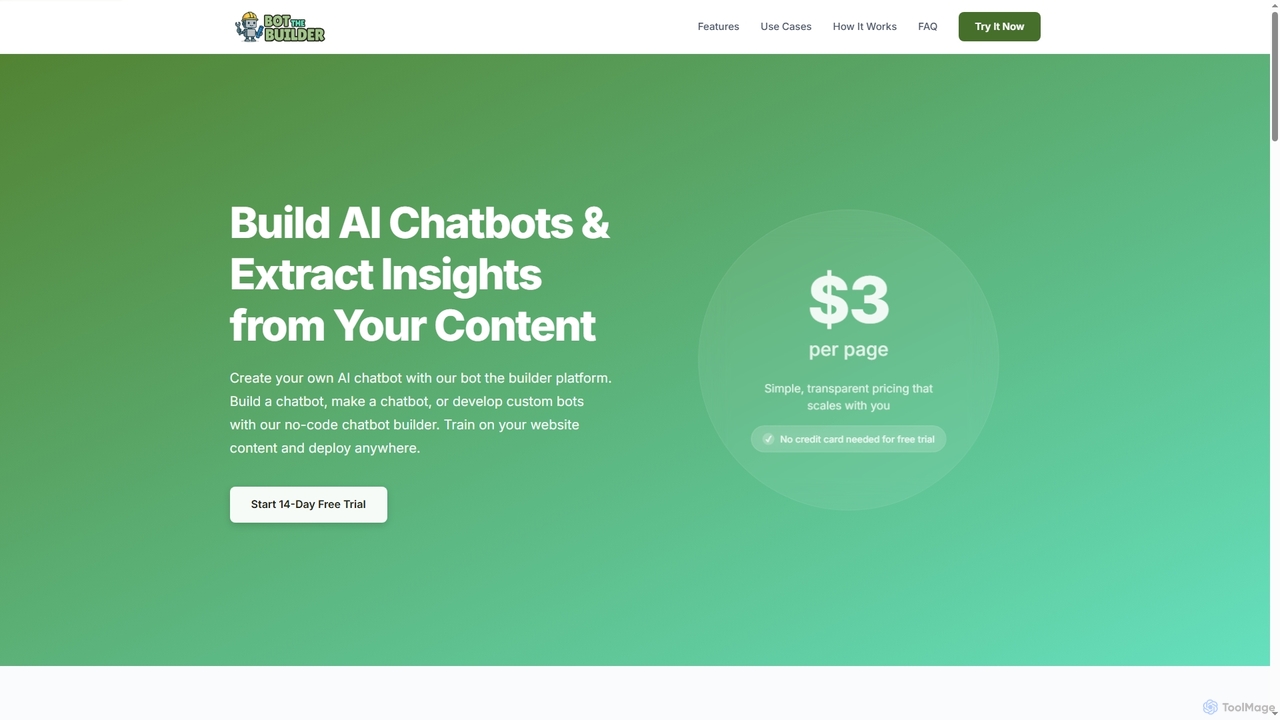
Bot The Builder
A no-code AI chatbot builder that allows businesses to create and deploy intelligent chatbots trained on their own website content in minutes. Automate customer support, generate leads, and gain insights without any coding skills.
ChatbotSensay
Sensay is an AI platform that allows you to create powerful, lifelike AI chatbots and digital replicas in minutes. Train your AI with your knowledge from YouTube, files, and websites to scale your expertise, automate interactions, and engage your audience 24/7 across multiple platforms like websites, Discord, and Telegram.
No Code BuilderAgenthost
Agenthost is a no-code platform that allows you to create and launch powerful AI agents, chatbots, and revenue-generating apps in seconds. Instantly connect your agents to over 6,000+ apps, train them on your own data, customize their appearance, and monetize them with subscription plans. It's designed for builders, businesses, and creators to transform ideas into functional AI products without any coding.
No Code BuilderPersonality Forge
An advanced AI chatbot platform for creating and customizing chatbots with unique personalities, emotional memory, and conversational depth. Integrate your creations anywhere via API, including a seamless connection to Discord, and leverage both a proprietary scripting language and ChatGPT for dynamic interactions.
No Code Builder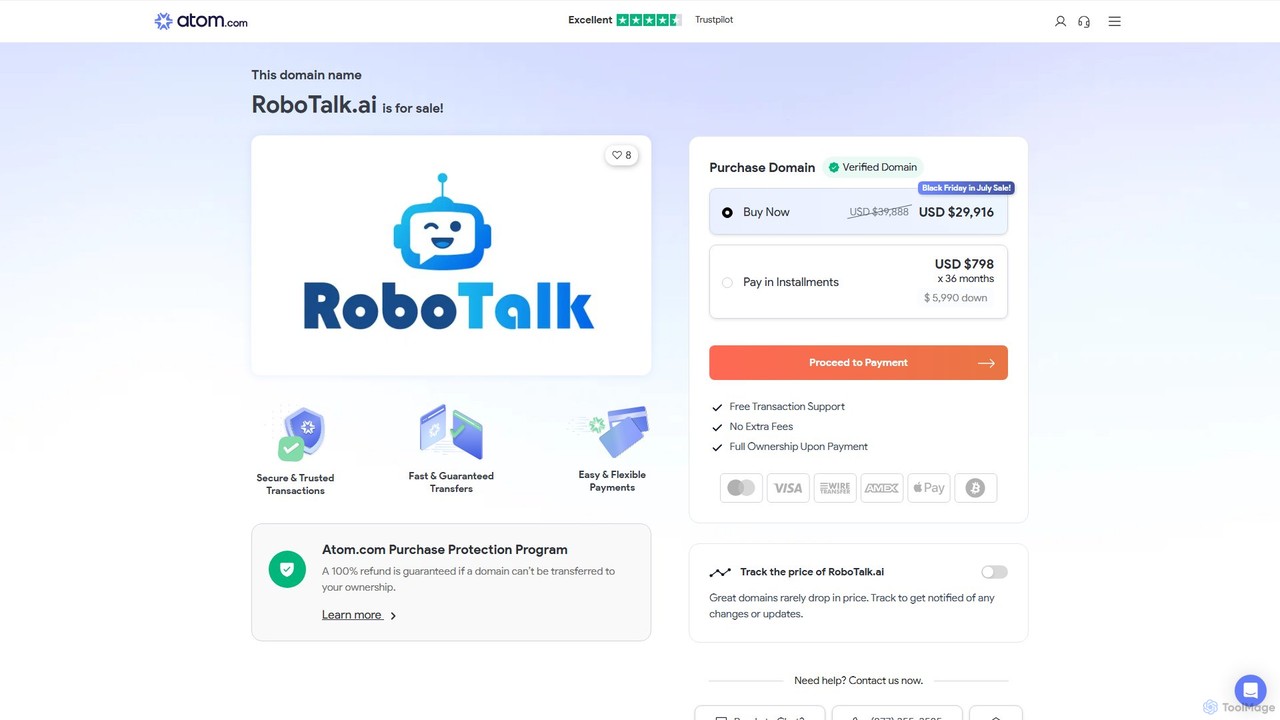
RoboTalk.ai
RoboTalk.ai is an advanced conversational AI platform for building intelligent, human-like chatbots and voice assistants. It empowers businesses to automate customer support, streamline sales processes, and enhance user engagement across multiple channels without needing to code.
Chatbot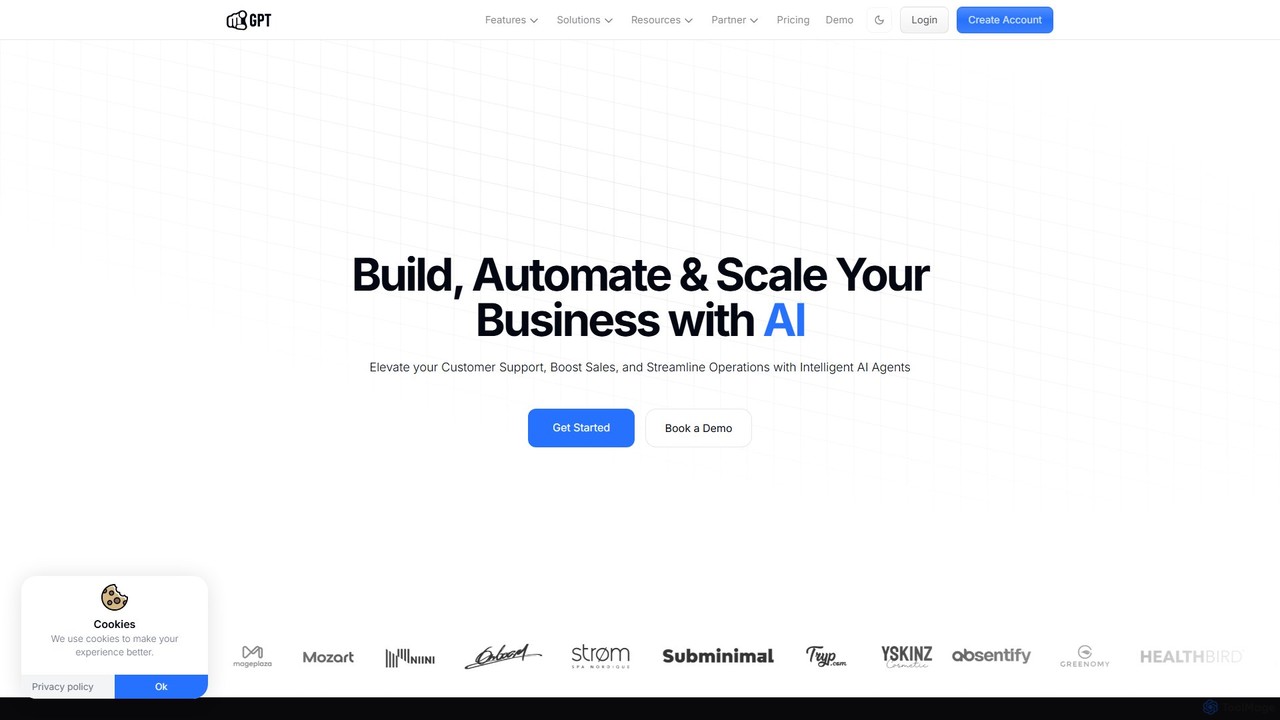
YourGPT
YourGPT is a comprehensive no-code AI platform designed for business automation. It enables users to build custom AI chatbots, deploy powerful AI agents, and create self-service helpdesks within minutes. Supporting over 100 languages and various data sources, it's a versatile solution for enhancing customer support, automating sales, and streamlining internal workflows without needing any coding expertise.
Chatbot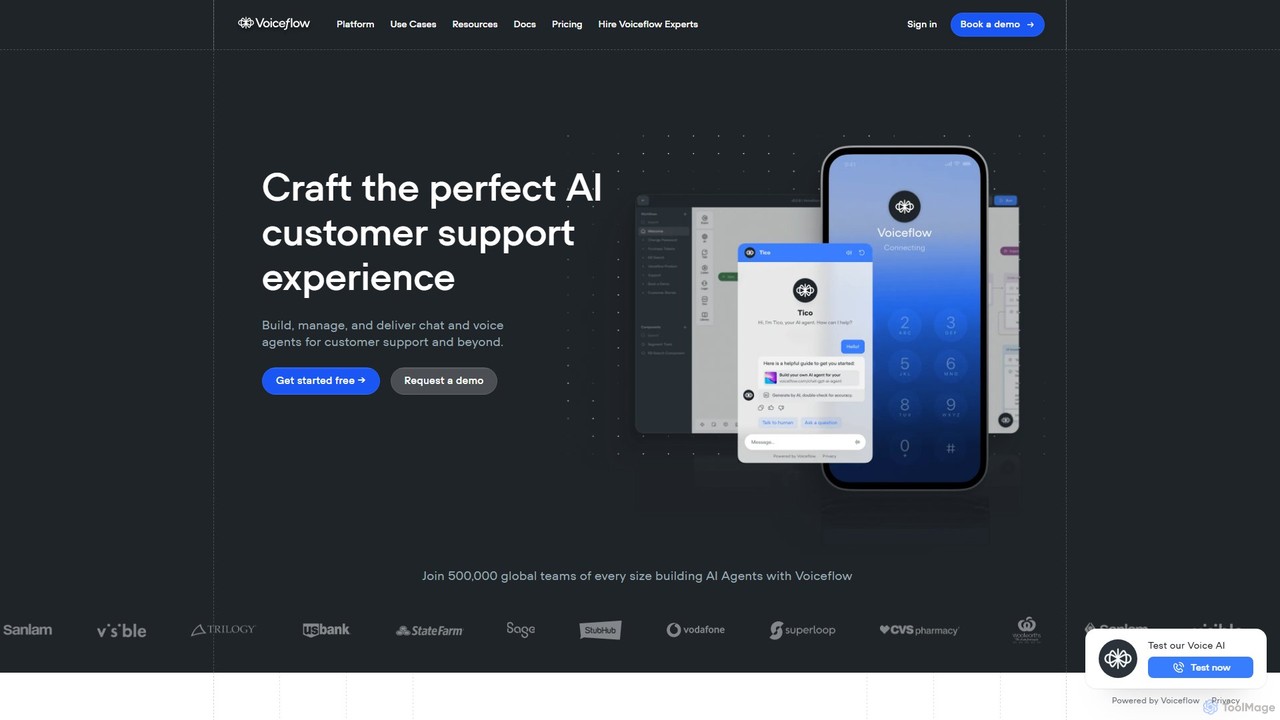
Voiceflow
Voiceflow is a collaborative platform for product teams to design, build, and deploy advanced AI agents. Create human-like voice and chat experiences for customer support and beyond, with full control, scalability, and integration capabilities, independent of any single LLM vendor.
Chatbot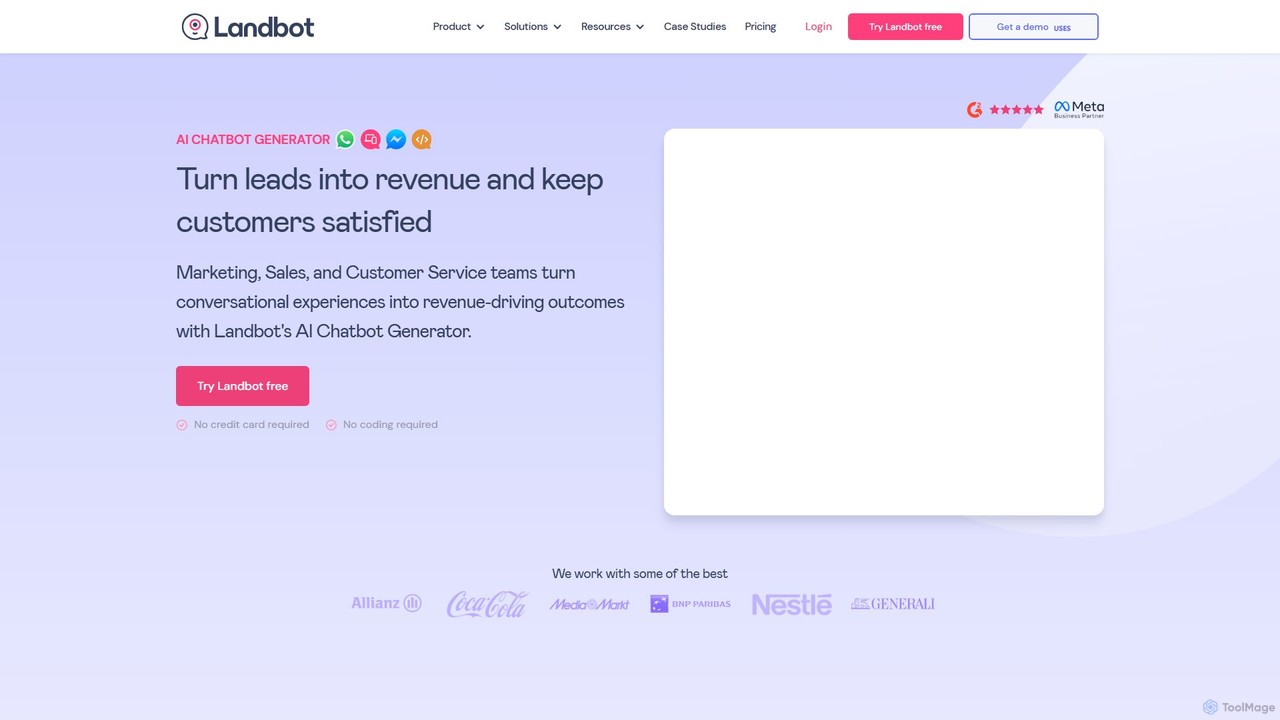
Landbot
Landbot is a no-code AI chatbot generator that empowers marketing, sales, and customer service teams to create engaging conversational experiences. It helps automate lead generation, qualify prospects, provide 24/7 support, and book appointments across multiple channels like websites, WhatsApp, and Facebook Messenger, ultimately driving revenue and improving customer satisfaction.
Chatbot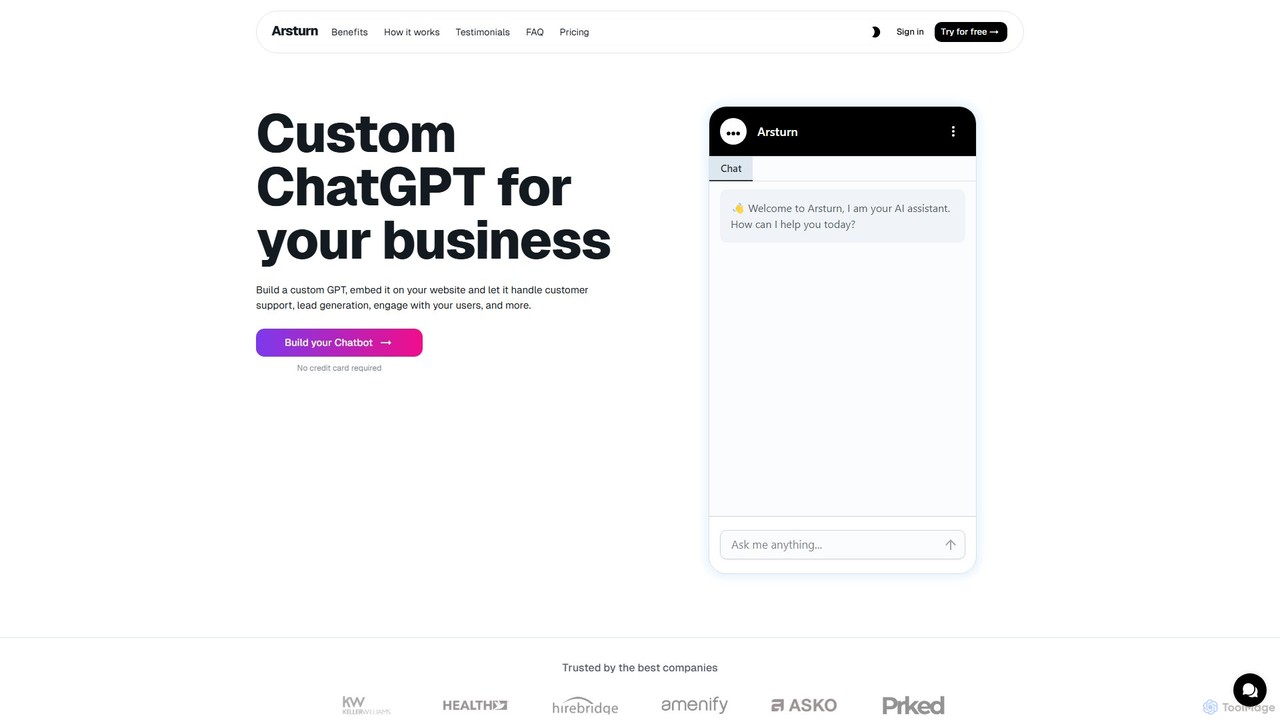
Arsturn
Arsturn is a no-code AI chatbot builder that lets you create custom ChatGPT-powered assistants for your website. Train the chatbot on your own data—files, text, or URLs—to provide instant, accurate answers to visitors. It's designed to boost audience engagement, automate customer support, and increase conversions without any coding skills required.
Chatbots
Arsturn
Arsturn is a no-code AI chatbot builder that allows you to create custom ChatGPT-powered chatbots for your website. Train the AI on your own data, including files, website content, and text, to provide instant, accurate answers to user questions, boost engagement, and increase conversions.
Chatbot
hellotars
hellotars is a no-code AI agent builder that empowers businesses to create intelligent conversational AI for both customer-facing interactions and internal team workflows. Streamline customer support, boost lead generation, and automate internal processes with an intuitive drag-and-drop interface, pre-built templates, and powerful integrations.
Chatbot
GPT-4 Vision Chatbot Comments (0)
Sign in to comment.
Sign inNo comments yet.