

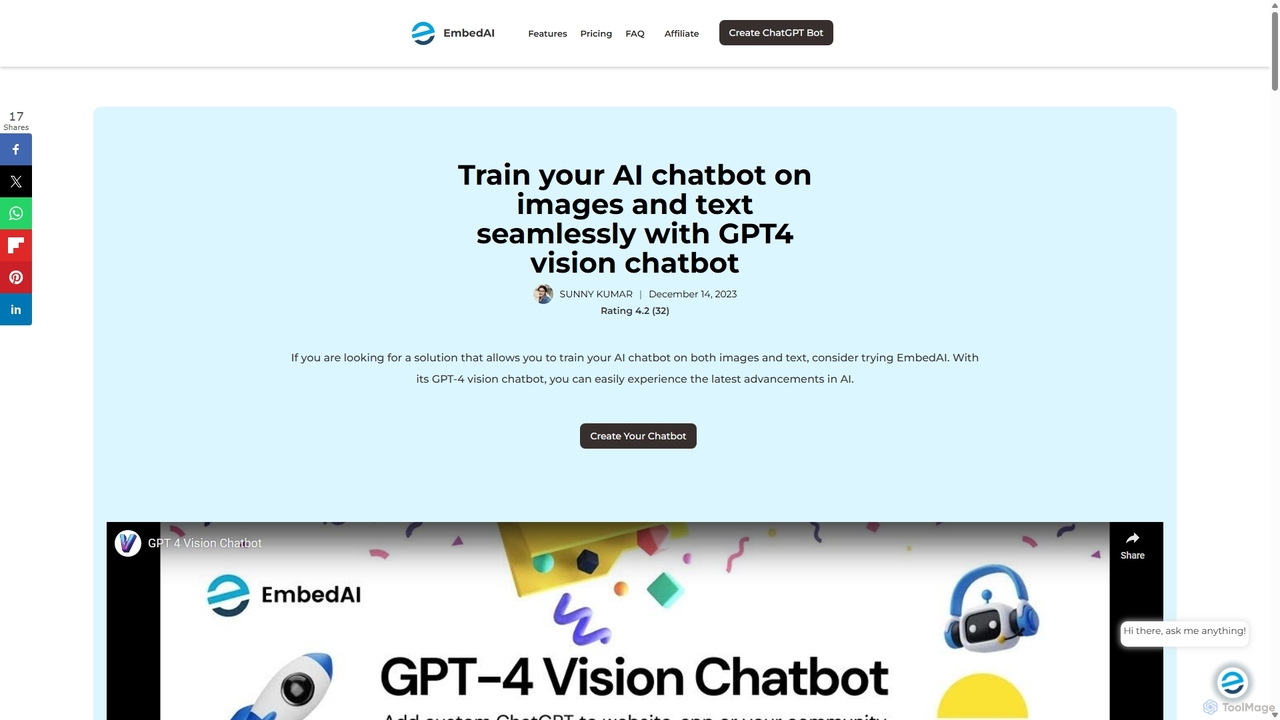
GPT-4 Vision Chatbot Overview
GPT-4 Vision Chatbot, a product by EmbedAI, represents a significant leap forward in conversational AI. It is a powerful no-code platform that allows anyone to build and deploy sophisticated chatbots that can understand and process both text and visual inputs. By integrating OpenAI's groundbreaking GPT-4 with Vision (GPT-4V) technology, this tool enables the creation of truly multimodal AI assistants. You can train your chatbot on a diverse array of data sources, including text files, PDFs, website content, YouTube videos, and now, images, ensuring comprehensive and contextually aware responses.
The platform is designed with user-friendliness at its core, democratizing access to cutting-edge AI technology. Businesses, educators, and developers can create highly customized chatbots without writing a single line of code. This opens up new possibilities for engaging with customers, students, and website visitors, offering them richer, more intuitive, and more effective interactions. Whether it's analyzing a product image uploaded by a customer or explaining a complex diagram in an educational context, the GPT-4 Vision Chatbot transforms static information into dynamic conversations.
How to use GPT-4 Vision Chatbot
Getting started with the GPT-4 Vision Chatbot is a straightforward process designed for users of all technical levels:
- Visit the Platform: Navigate to the GPT-4 Vision Chatbot page on the EmbedAI website.
- Log In: Sign in to your account using your Gmail or GitHub credentials to access the chatbot builder dashboard.
- Create a New Chatbot: Start a new project and select the 'Create the Vision Chatbot' option to enable multimodal capabilities.
- Train Your Chatbot: Upload your training data. This can include documents (PDFs, text files), links to websites, YouTube videos, and most importantly, images. The AI will process and learn from all provided content.
- Upload an Image for Interaction: During a conversation, users can click the image icon to upload a visual from their device.
- Provide a Text Prompt: Accompany the image with a text prompt to give the chatbot context about the query or the desired response. This ensures the AI's analysis is accurate and relevant to the user's needs.
- Deploy and Integrate: Once trained, you can embed the chatbot onto your website or connect it to your applications via API for seamless integration.
Core Features of GPT-4 Vision Chatbot
- Multimodal Understanding: The chatbot's core capability is its ability to interpret and analyze information from both text and images simultaneously, providing more comprehensive answers.
- No-Code Builder: An intuitive, user-friendly interface allows for the creation and customization of powerful AI chatbots without any programming knowledge.
- Diverse Data Training: Train your AI on a wide range of sources, including websites, knowledge bases, support documents, PDFs, YouTube videos, and images, to create a truly knowledgeable assistant.
- Image Analysis: The AI can describe, analyze, and answer specific questions about the content of an uploaded image, from identifying objects to transcribing text within the visual.
- API Integration: Seamlessly connect your chatbot to your backend API or any OpenAPI to fetch real-time data and perform complex actions, expanding its capabilities infinitely.
- High Customization: Tailor the chatbot's personality, responses, and appearance to match your brand identity and specific use case requirements.
- Enhanced Interactivity: By combining visual and textual inputs, the chatbot delivers a richer, more engaging, and more effective user experience compared to traditional text-only bots.
Use Cases for GPT-4 Vision Chatbot
The versatility of the GPT-4 Vision Chatbot makes it suitable for a wide range of applications across various industries:
- E-commerce & Customer Support: Customers can upload images of a product to ask questions, check for compatibility, or troubleshoot issues, leading to faster resolutions and higher satisfaction.
- Education and Training: Students can upload diagrams, charts, or historical photos and ask the chatbot to explain them, creating an interactive and personalized learning tool.
- Accessibility: The chatbot can serve as an accessibility aid for visually impaired users by describing the content of images, helping them navigate visual information online.
- Design and Creative: Designers can upload mockups or design drafts to get feedback, suggestions, or descriptions based on visual analysis.
- Data Analysis: Researchers and analysts can upload graphs and charts, asking the chatbot to interpret the data, identify trends, and summarize the findings.
Advantages of GPT-4 Vision Chatbot
This tool offers a competitive edge by revolutionizing user interaction. Its primary advantage is the creation of a more intuitive and comprehensive communication channel. By understanding visuals, it eliminates the ambiguity that often comes with text-only descriptions. The no-code approach makes advanced AI accessible to a broader audience, empowering small businesses and individuals to innovate. Furthermore, its ability to train on diverse content ensures that the chatbot is not just a generic assistant but a specialized expert in your specific domain, available 24/7 to provide accurate and timely information.
Pricing and Plans
Access to the GPT-4 Vision Chatbot's advanced multimodal features requires a subscription to one of the EmbedAI paid plans. While specific pricing details are not provided on the tool's landing page, it is positioned as a premium feature within the EmbedAI ecosystem. Prospective users should visit the main EmbedAI website for detailed information on the available subscription tiers and their respective features to choose the plan that best suits their needs.
GPT-4 Vision Chatbot Alternatives
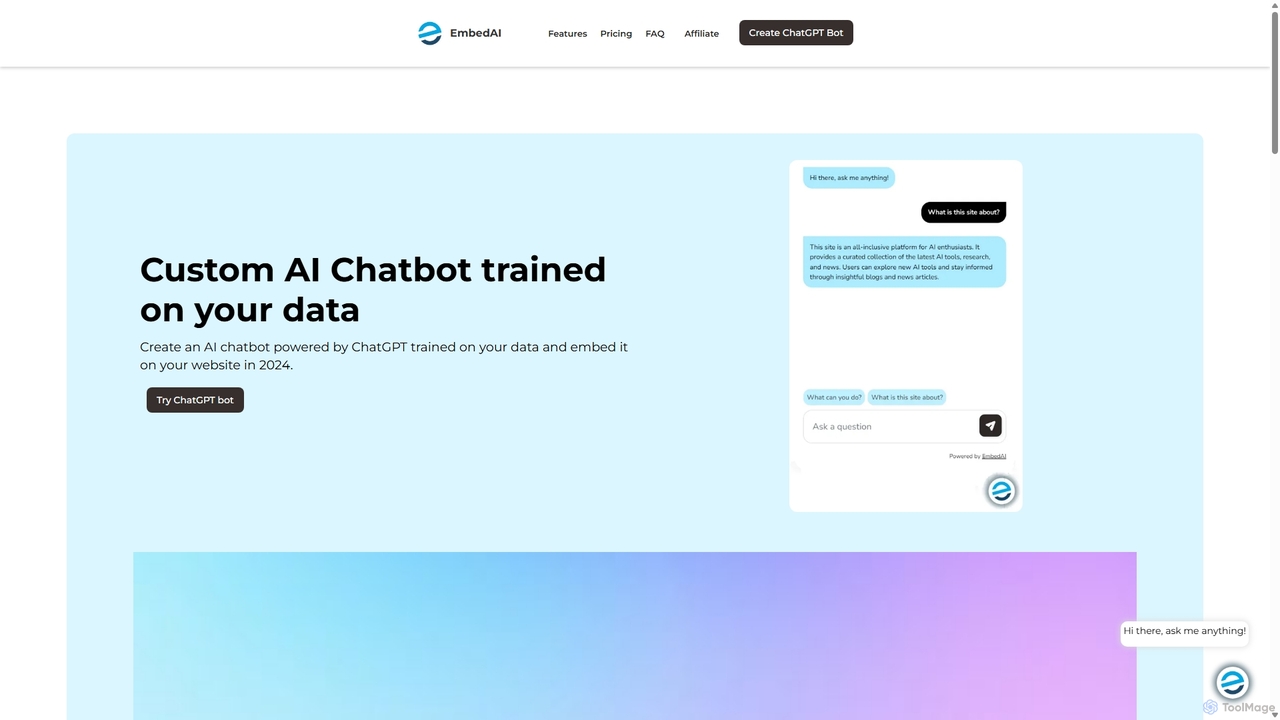
EmbedAI
EmbedAI is an AI chatbot builder that allows you to create custom ChatGPT & Gemini-powered chatbots trained on your own data. Easily upload files, link websites, or use YouTube videos to train your bot. Customize its appearance and embed it on your website to automate customer support, enhance user engagement, and provide instant answers in over 100 languages.
Chatbots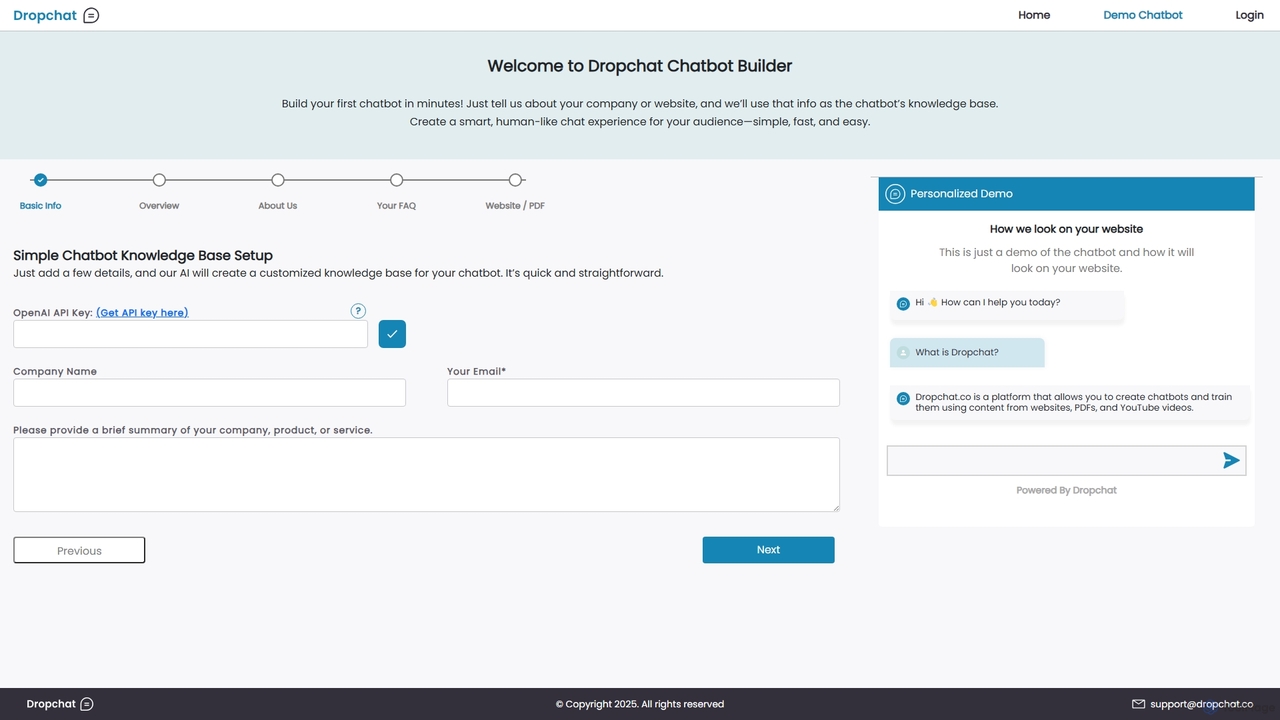
Dropchat
Dropchat is an AI-powered platform that allows you to build custom chatbots in minutes. Train your chatbot using your own data, such as websites, PDFs, and YouTube videos, to provide instant customer support, generate leads, and enhance user engagement without any coding knowledge.
Chatbots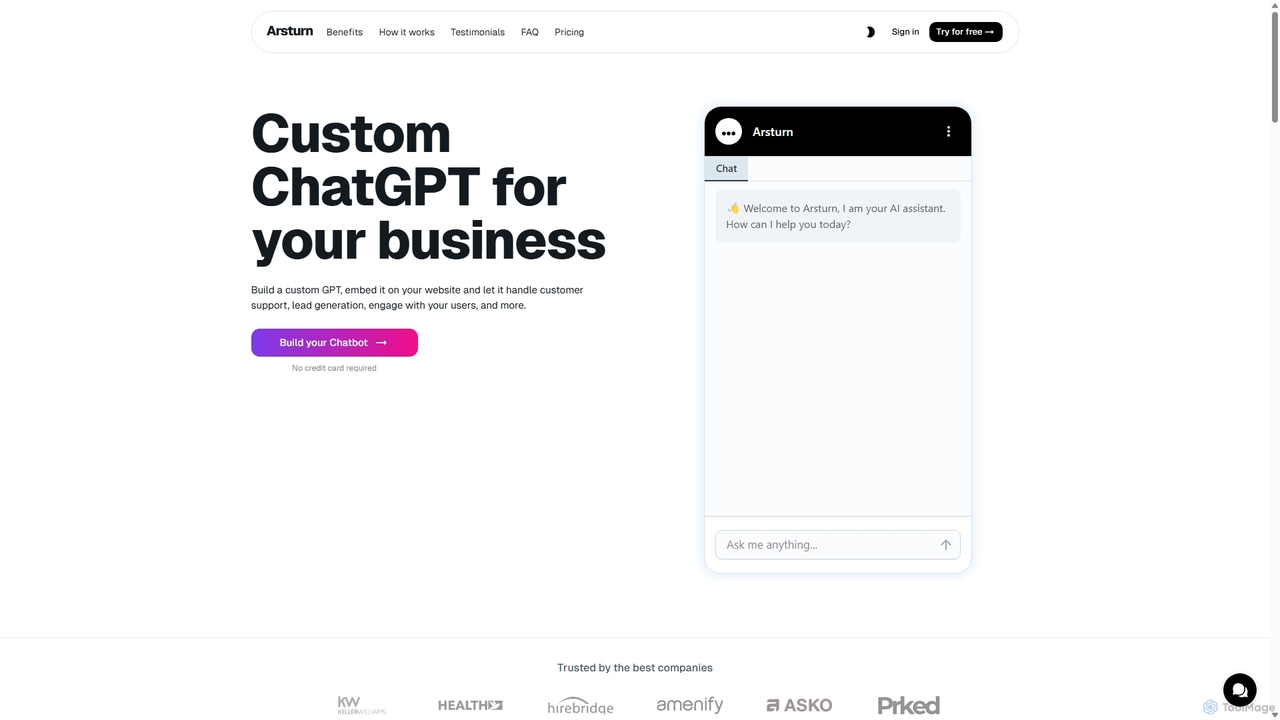
Arsturn
Arsturn is a no-code AI chatbot builder that allows you to create custom ChatGPT-powered chatbots for your website. Train the chatbot on your own data—files, URLs, or text—to provide instant, accurate answers, boost user engagement, and increase conversions. It offers full customization, insightful analytics, and seamless integration.
Chatbots
WebWhiz
WebWhiz is an AI-powered platform that transforms your website content into an intelligent, interactive chatbot in just a few clicks. It automatically crawls your site to build a custom knowledge base, allowing you to provide instant, accurate answers to visitor questions 24/7. This enhances user engagement, automates customer support, and helps convert visitors into customers without any coding required.
Chatbots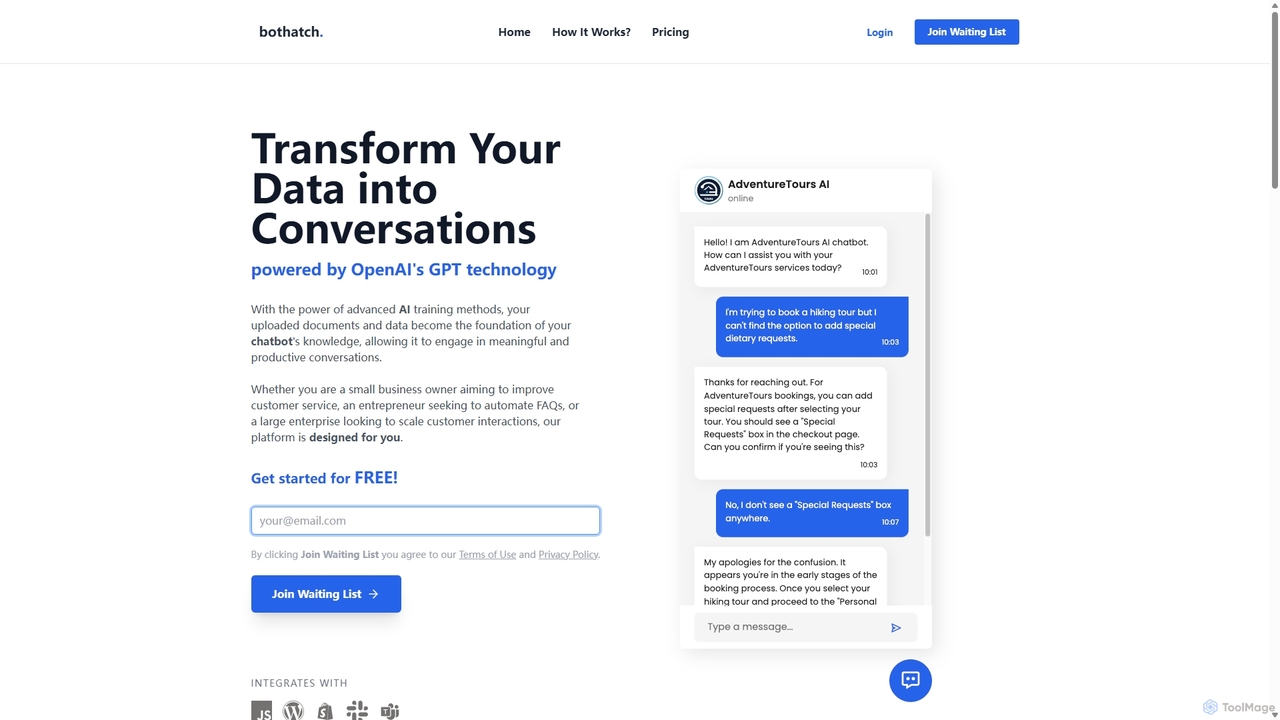
Bothatch
Bothatch is a no-code platform that allows users to create custom GPT-powered chatbots trained on their own data. By uploading documents like product manuals, FAQs, or blog posts, businesses can build intelligent AI assistants. These chatbots can be integrated into websites, Shopify stores, and other platforms to automate customer support, answer queries 24/7, and enhance user engagement, transforming static data into interactive conversations.
ChatbotsGPT-4 Vision Chatbot Categories
GPT-4 Vision Chatbot Jobs
GPT-4 Vision Chatbot Embed Widget
Copy this embed code to place the badge on your blog, article, or product site and send readers directly to this ToolMage detail page.

Related AI tools
Arsturn
Arsturn is a no-code AI chatbot builder that allows you to create custom ChatGPT-powered chatbots for your website. Train the chatbot on your own data—files, URLs, or text—to provide instant, accurate answers, boost user engagement, and increase conversions. It offers full customization, insightful analytics, and seamless integration.
ChatbotsEmbedAI
EmbedAI is an AI chatbot builder that allows you to create custom ChatGPT & Gemini-powered chatbots trained on your own data. Easily upload files, link websites, or use YouTube videos to train your bot. Customize its appearance and embed it on your website to automate customer support, enhance user engagement, and provide instant answers in over 100 languages.
ChatbotsDropchat
Dropchat is an AI-powered platform that allows you to build custom chatbots in minutes. Train your chatbot using your own data, such as websites, PDFs, and YouTube videos, to provide instant customer support, generate leads, and enhance user engagement without any coding knowledge.
Chatbots
NEXBot
NEXBot is a no-code platform that allows anyone to build, share, and embed custom GPT-4 powered chatbots for free. Users can easily customize bots with their own knowledge by uploading files, and then share them via a simple link without requiring recipients to have an account. It's designed to make creating specialized AI assistants accessible to everyone, with a generous free tier to get started.
No CodeBothatch
Bothatch is a no-code platform that allows users to create custom GPT-powered chatbots trained on their own data. By uploading documents like product manuals, FAQs, or blog posts, businesses can build intelligent AI assistants. These chatbots can be integrated into websites, Shopify stores, and other platforms to automate customer support, answer queries 24/7, and enhance user engagement, transforming static data into interactive conversations.
Chatbots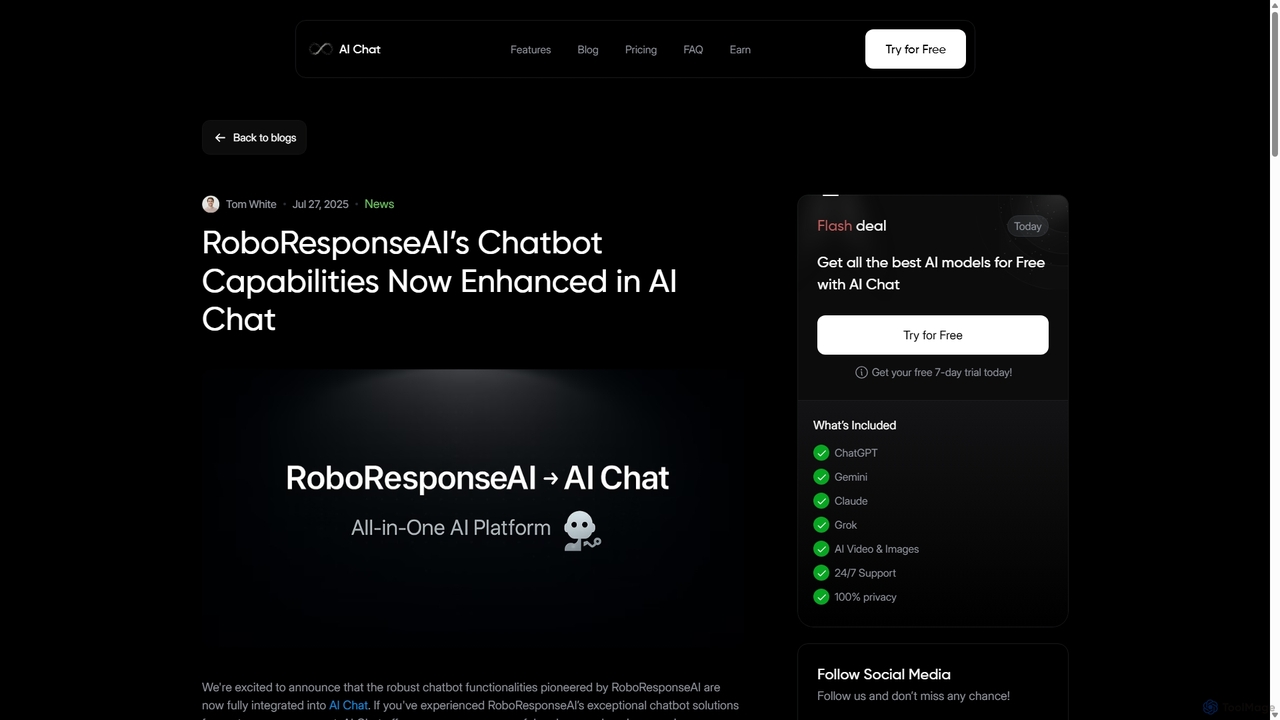
RoboResponseAI
RoboResponseAI is a no-code AI chatbot platform designed to enhance customer engagement and automate support. It enables businesses to create proactive, human-like chatbots that learn from website content. Its features are now integrated and enhanced within the AI Chat platform.
Chatbots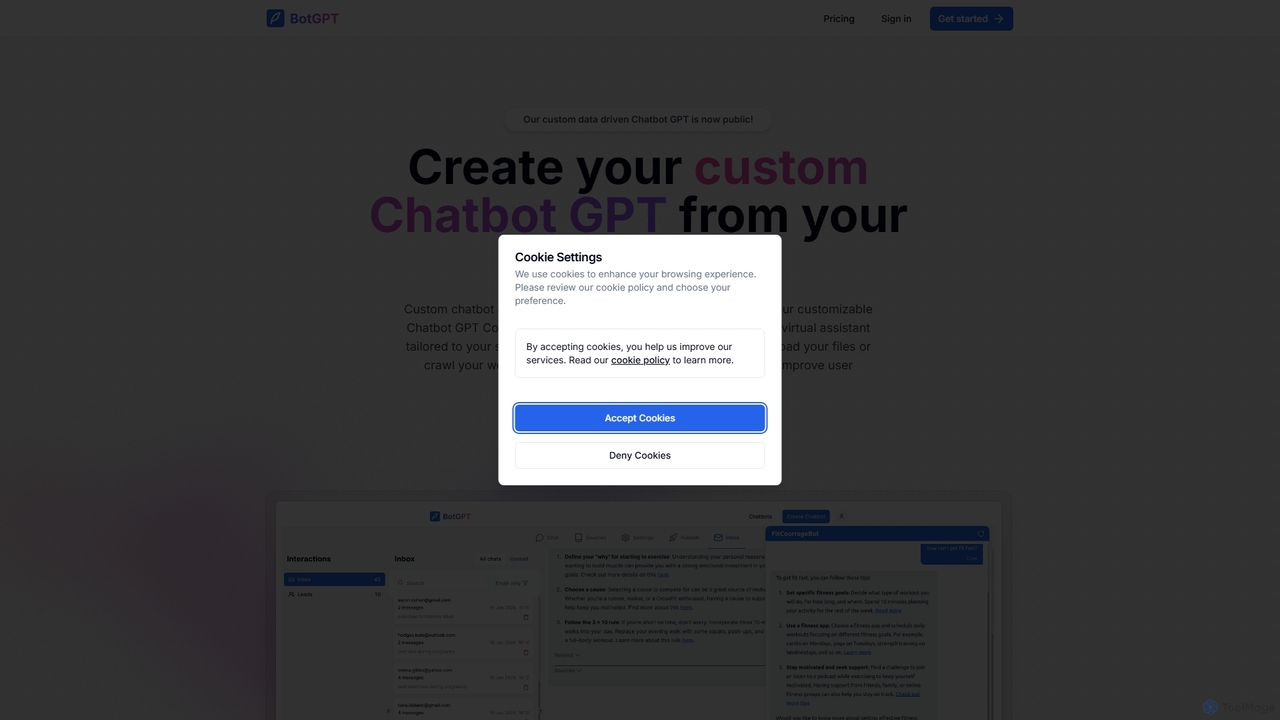
BotGPT
BotGPT is a powerful AI platform that allows you to create a custom ChatGPT-style chatbot trained on your own data. Easily upload files or crawl your website to build a virtual assistant in minutes. Embed the customizable widget on your site to enhance customer engagement, automate support, and capture leads 24/7. It offers multi-platform support and prioritizes data privacy, making it an ideal solution for businesses of all sizes.
Chatbot
Jyek
Jyek is an AI agent platform that understands objectives, creates execution plans, uses tools, and delivers verifiable results for complex, multi-step tasks.
Automation
Botmagic
Botmagic is a no-code AI platform for building and deploying intelligent chatbots. It enables businesses to automate customer support, generate leads, and enhance user engagement across websites and messaging apps without any coding knowledge. Train your bot on your own data for personalized, accurate conversations.
Chatbot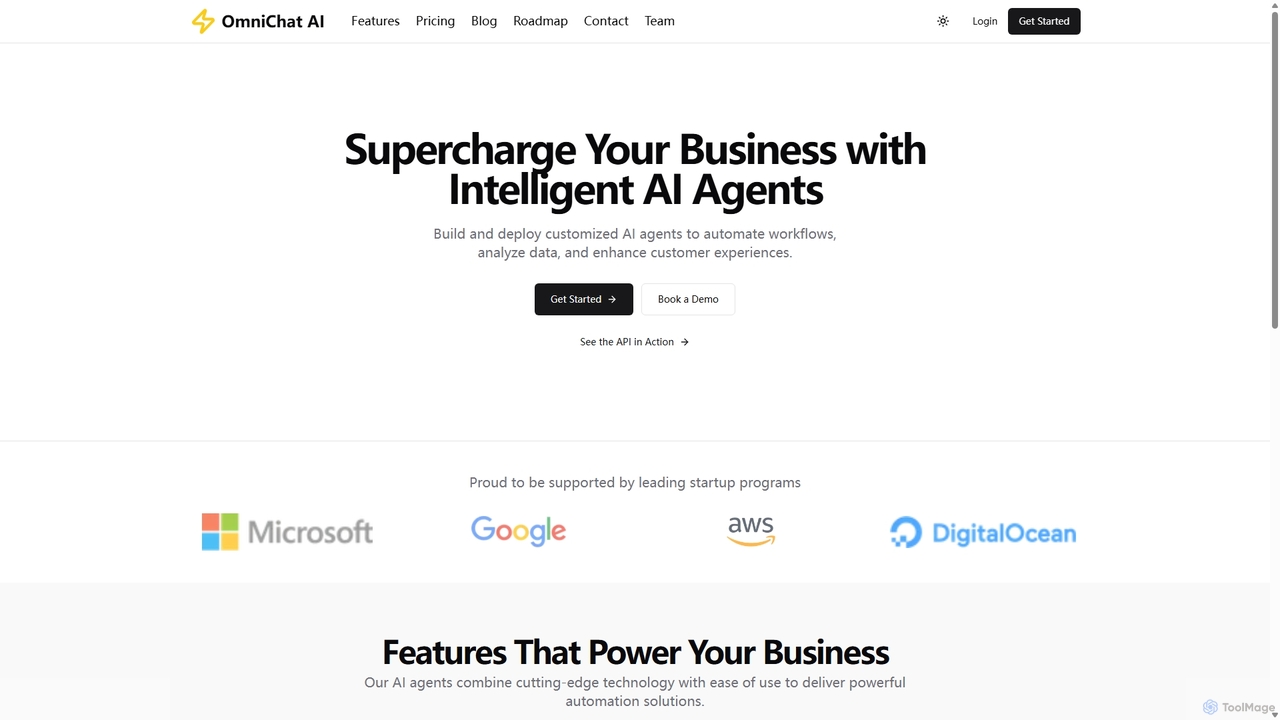
OmniChat AI
OmniChat AI is a powerful SaaS platform for building and deploying custom AI agents without coding. It enables businesses to automate workflows, analyze data, and enhance customer experiences through intelligent, API-integratable agents with advanced analytics and enterprise-grade security.
Chatbot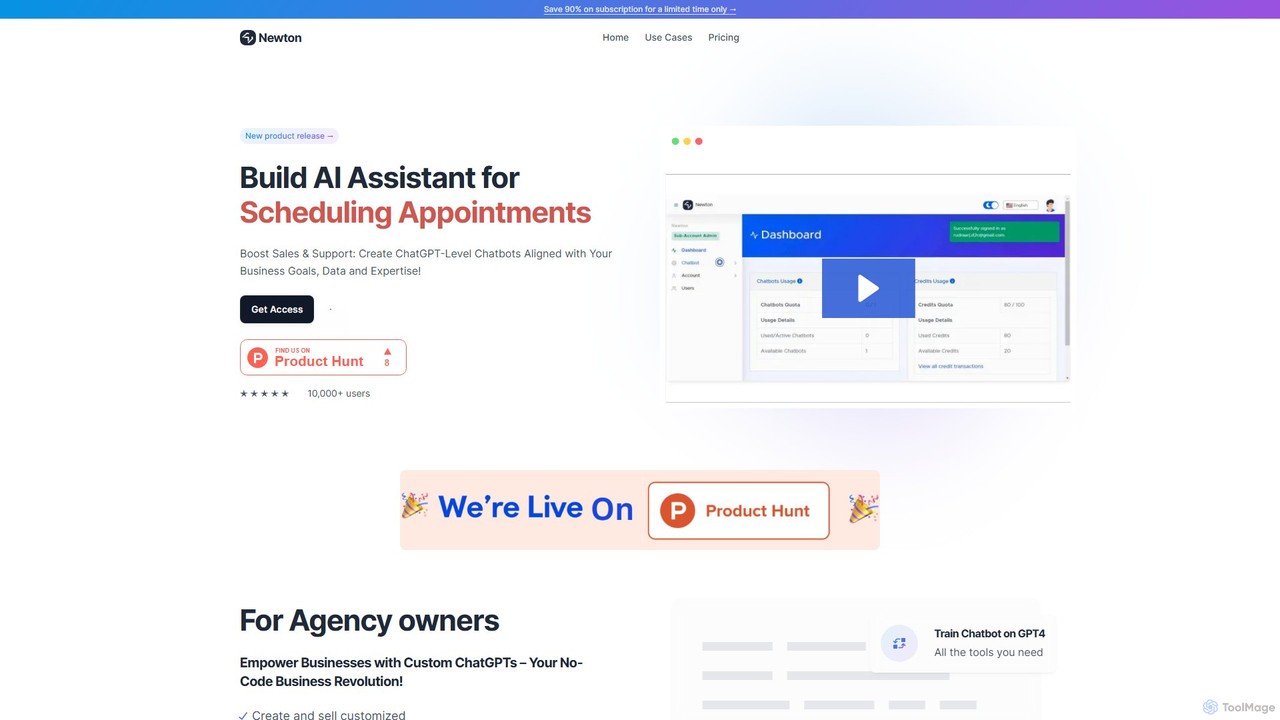
newtonslab
newtonslab is a no-code platform for building custom ChatGPT-level AI assistants. Train chatbots on your own business data, documents, or study materials to create tailored solutions for customer support, sales, internal operations, and personal learning without any coding.
Chatbots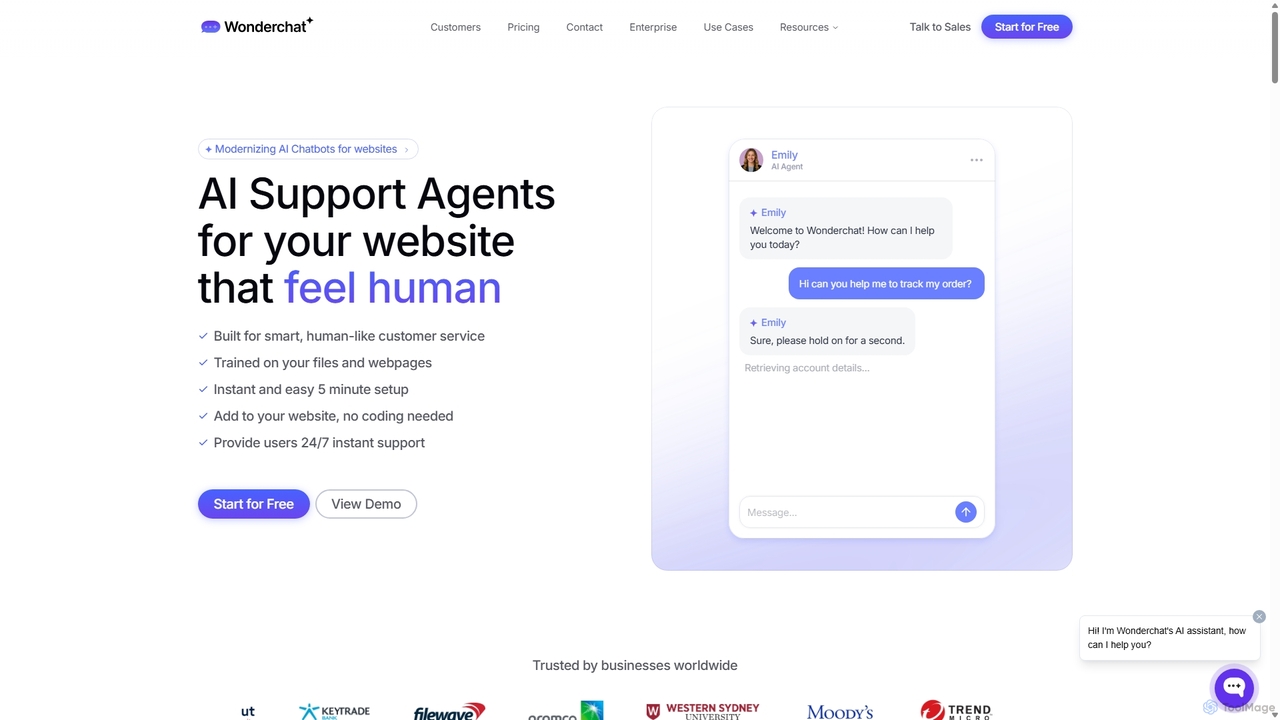
Wonderchat
Wonderchat is a no-code AI chatbot builder that allows businesses to create custom ChatGPT-like agents for their websites. Trained on your own data, such as files and webpages, it provides 24/7 instant, human-like customer support, automates complex workflows, and offers detailed analytics to improve user engagement and reduce support queries.
Chatbots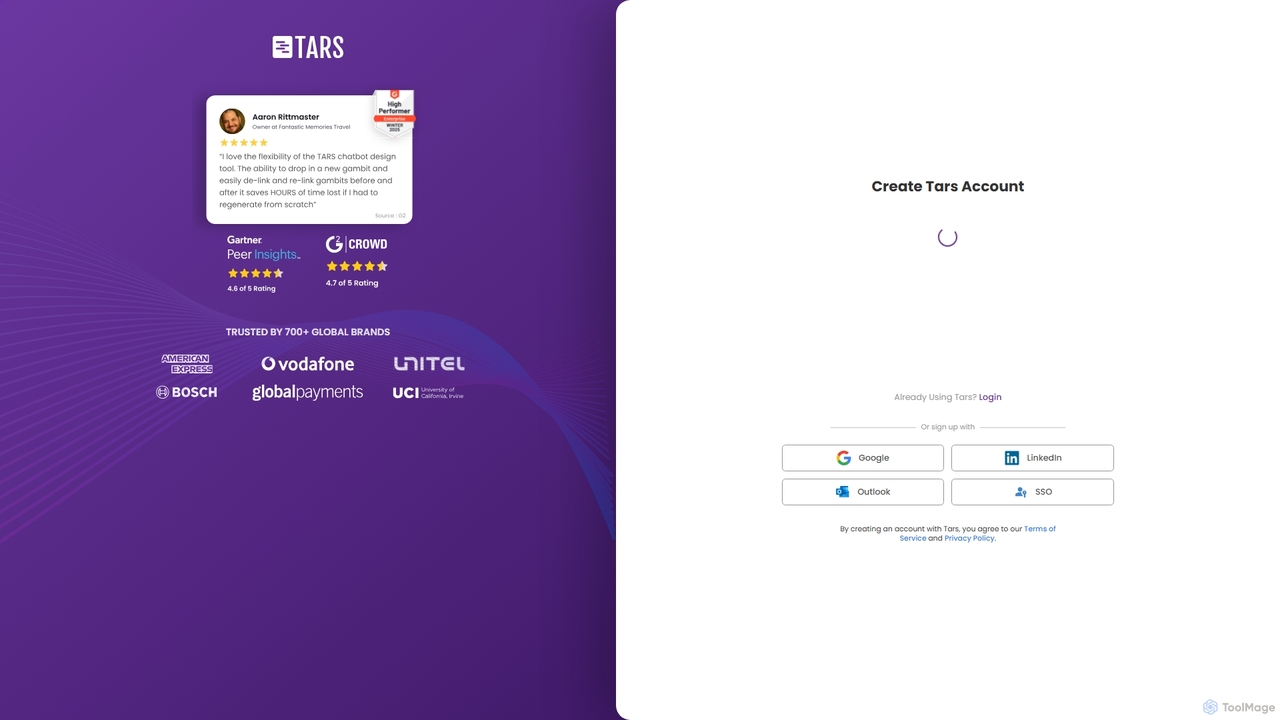
Tars
Tars is a powerful no-code chatbot builder that helps businesses create automated conversational workflows for websites and WhatsApp. It focuses on boosting lead generation, qualifying prospects, and enhancing customer engagement without needing any programming skills.
Chatbots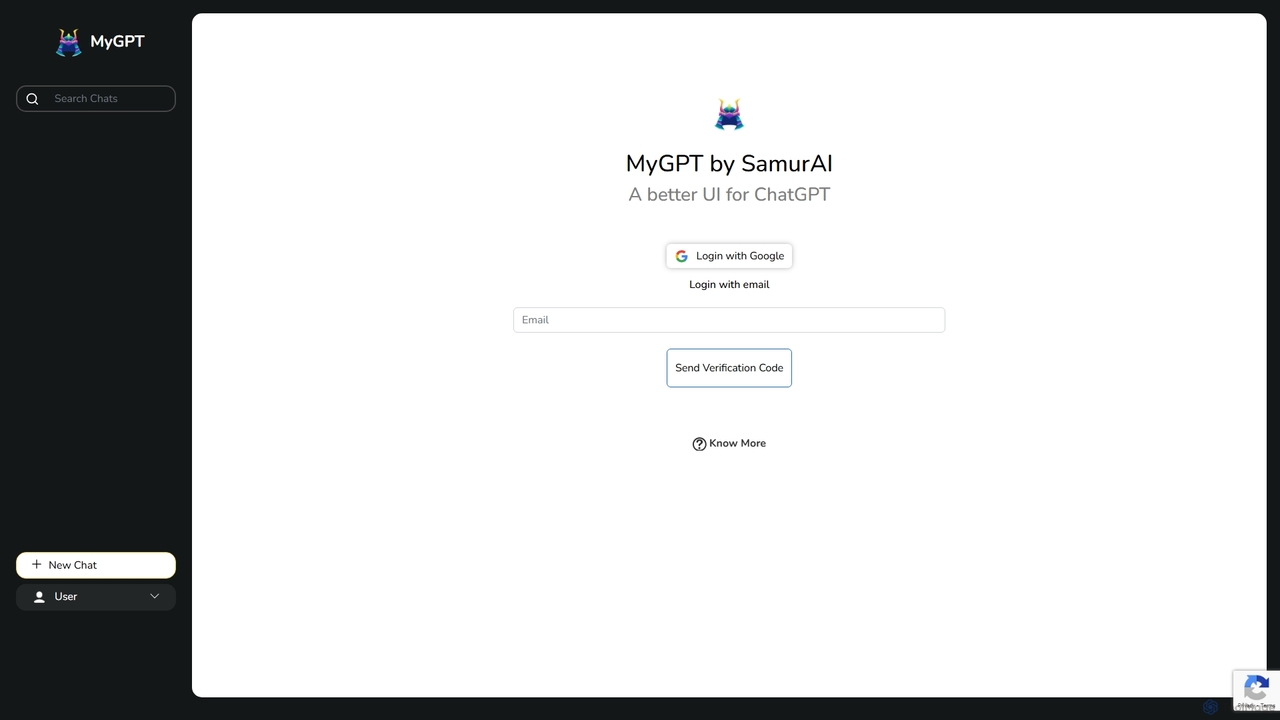
MyGPT
MyGPT is an advanced platform offering a superior UI for ChatGPT, enhanced with powerful features like AutoGPT for autonomous tasks, EmbedAI for custom website chatbots, and GPT Actions for real-world API integrations. Build, automate, and deploy AI with ease.
Chatbots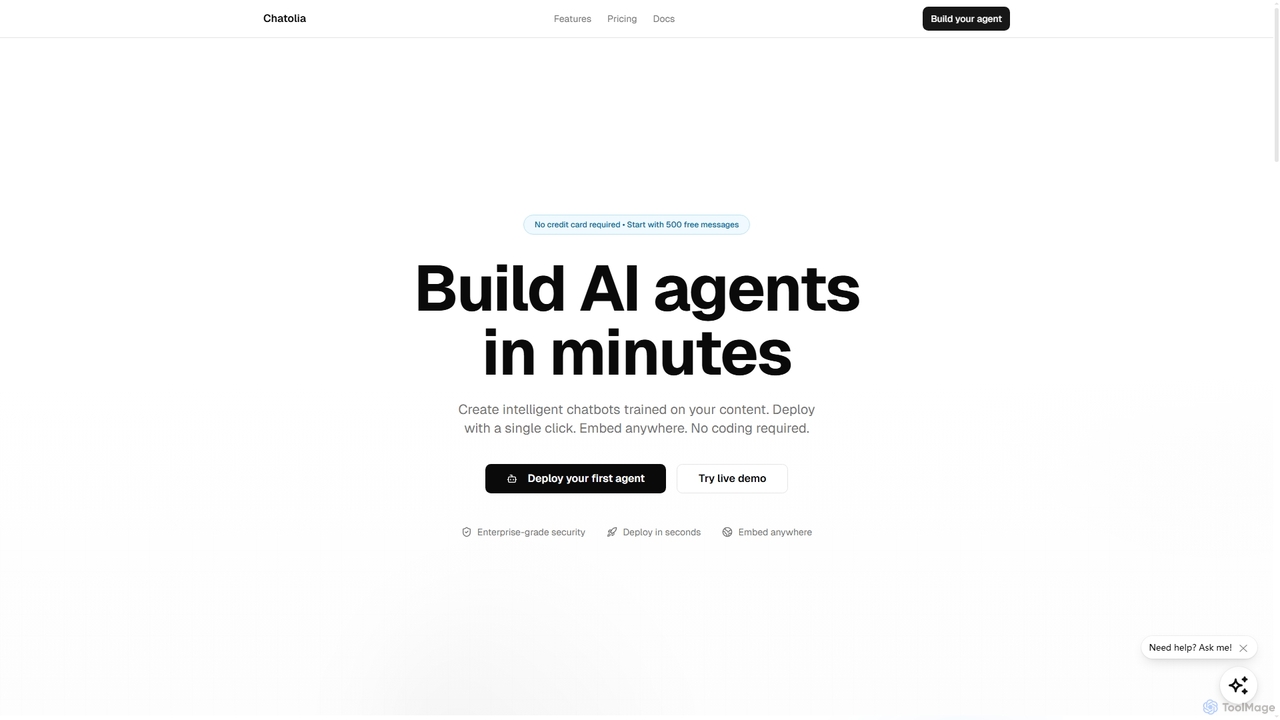
Chatolia
Chatolia is a no-code platform for building and deploying intelligent AI chatbots. Train agents on your own content, such as documents and URLs, and embed them on any website in minutes. It offers access to various AI models like GPT-4, Claude, and Gemini, with features for multi-agent workspaces and team collaboration. Ideal for creating AI-powered customer support agents.
Chatbot
GPT-4 Vision Chatbot Comments (0)
Sign in to comment.
Sign inNo comments yet.