

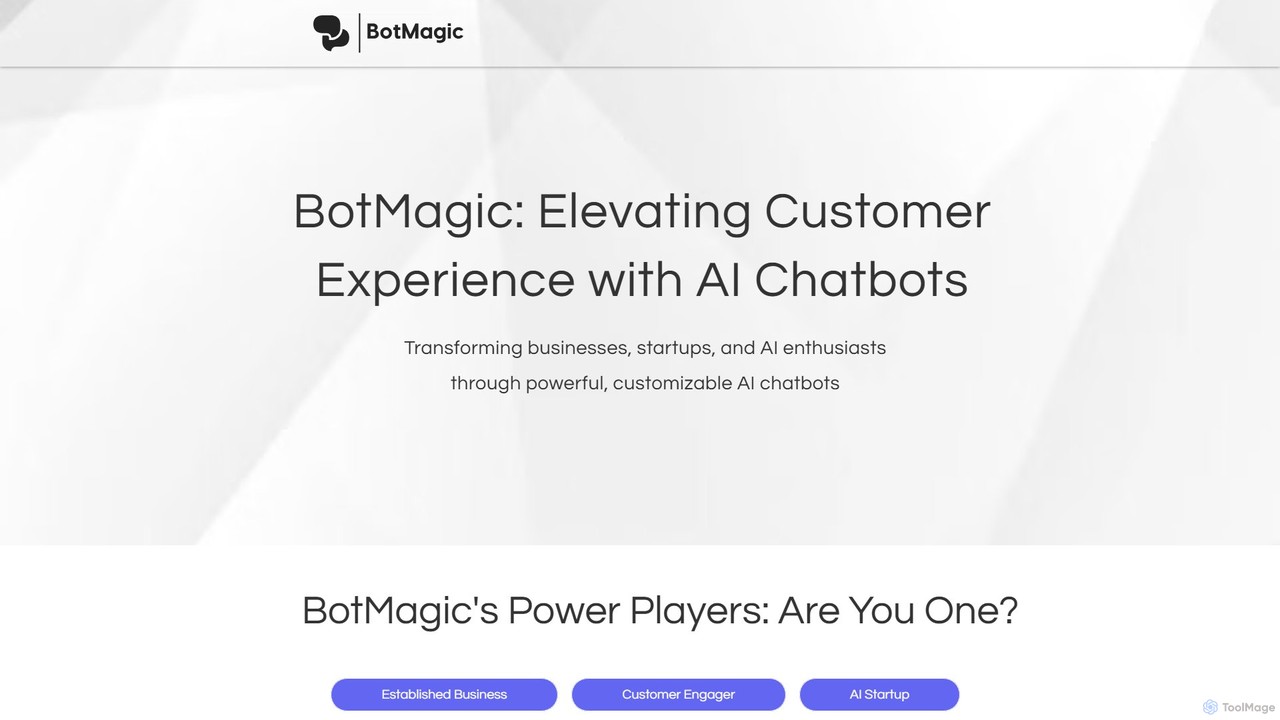
BotMagic Overview
BotMagic is a versatile and powerful AI chatbot platform designed to elevate customer experiences and streamline business operations. It empowers a wide range of users, from large enterprises and innovative startups to individual AI enthusiasts, to create highly customized and intelligent chatbots. By integrating with internal data sources, knowledge bases, and various language models, BotMagic transforms how organizations interact with customers and manage internal workflows.
The platform is built around a comprehensive Productivity Suite that provides all the necessary tools for efficient bot development, management, and deployment. Whether you're looking to build a simple no-code website widget or a complex, data-driven internal assistant, BotMagic offers the flexibility and control to meet your specific needs while prioritizing security and collaboration.
How to use BotMagic
Using BotMagic involves a straightforward process to take your chatbot from concept to deployment:
- Sign Up & Select Your Goal: Register on the BotMagic platform and identify your primary objective, whether it's for internal productivity, customer engagement, or AI application development.
- Create a New Bot: Start a new project and give your bot a name.
- Train Your Bot: Provide the necessary context for your bot. You can upload documents, connect to internal knowledge bases, or provide other data sources. BotMagic handles the complex process of creating embeddings and managing the vector database for you.
- Customize and Configure: Use the advanced prompt controls to define the bot's personality, behavior, and tasks. Create system prompts and shortcuts for frequently performed actions. You can also switch between different large language models (like GPT-3.5 and GPT-4) to test and optimize performance.
- Set Up Security & Collaboration: Configure user roles and permissions for your team. Leverage robust security features to protect your intellectual property and sensitive data.
- Design and Deploy: For customer-facing bots, customize the look and feel of the chat widget to match your brand. Deploy the bot on your website, intranet pages, or integrate it with ticketing systems.
- Iterate and Improve: Use the version control system to track changes, test new prompts, and revert to previous versions if needed. Monitor the bot's performance and token usage to continuously refine its efficiency.
Core Features of BotMagic
- BotMagic Productivity Suite: A comprehensive set of tools for efficient bot development, including version control, prompt management, and team collaboration.
- Robust Information Security: Features include options to run services on your own VPC, data privacy assurances (data is not used for training models), and granular user access controls.
- Collaborative Team Management: Assign roles and manage permissions to enable secure and effective teamwork on bot development projects.
- Version Control & Management: Track every iteration of your prompts, compare bot responses across versions, and easily restore to any previous state.
- Advanced Prompt Control: Fine-tune bot behavior with custom system prompts and create shortcuts to obscure complex prompts from end-users, protecting your IP.
- Efficient Token Management: Gain full control over token allocation for input, output, system messages, and chat history to optimize costs and performance.
- Seamless Embeddings and Vector Database Management: Effortlessly use documents or any contextual data as input. BotMagic automatically manages the embeddings and vector database, supporting multiple leading NLP models.
- Language Model Flexibility: Easily switch between different LLMs (e.g., GPT-3.5, GPT-4) to compare performance and decouple your bot's logic from a specific model.
Use Cases for BotMagic
BotMagic is adaptable for a variety of applications across different sectors:
- For Established Businesses: Create internal bots for HR, IT, and sales support. Deploy them on intranets or ticketing systems to answer employee queries, retrieve data from internal knowledge bases, and automate routine tasks, thereby boosting productivity.
- For Customer Engagement: Build website chatbots to act as 24/7 sales assistants, provide instant customer support, collect user feedback, and guide visitors through the sales funnel.
- For AI Startups: Accelerate the development of generative AI applications. Use BotMagic for rapid prototyping, IP protection by hiding system prompts, and flexible model management to get to market faster.
- For Hobbyists and AI Enthusiasts: A perfect playground to learn and experiment with AI. Tinker with fine-tuned controls, debug API calls, and explore the mechanics of advanced chatbot creation.
Advantages of BotMagic
BotMagic offers several key advantages:
- High Customization: Provides deep control over bot behavior, from system prompts to token management.
- Security-First Approach: Ensures your data and intellectual property are protected with enterprise-grade security features.
- Accelerated Development: The Productivity Suite and features like version control and team management streamline the entire bot creation lifecycle.
- Flexibility: Caters to both no-code users with simple widgets and advanced developers with complex integration needs.
- Cost-Effective: Efficient token management and model flexibility allow for optimization of operational costs.
Pricing and Plans
BotMagic likely operates on a freemium model, offering different tiers to suit various user needs. While specific pricing details should be confirmed on the official website, a typical structure would include:
- Free/Hobbyist Plan: A free or trial plan with limited features, perfect for individual developers and enthusiasts to explore the platform's capabilities.
- Professional/Startup Plan: A paid tier offering more advanced features, higher usage limits, and tools for small teams and startups.
- Business/Enterprise Plan: A premium plan designed for established businesses, featuring advanced security (like VPC deployment), unlimited collaboration, dedicated support, and custom integrations.
Please visit the official BotMagic website for the most current and detailed pricing information.
Traffic
Latest traffic
Status
Monthly traffic trend
- 2025-9: 908
- 2026-1: 0
- 2026-2: 0
- 2026-3: 315
- 2026-4: 1.0K
- 2026-5: 466
Geography
Top 5 countries / regions
- 🇺🇸United States100.0%
Top keywords
| Keyword | Cost per click |
|---|---|
| magic-bot | $0.00 |
BotMagic Alternatives
UpChatty
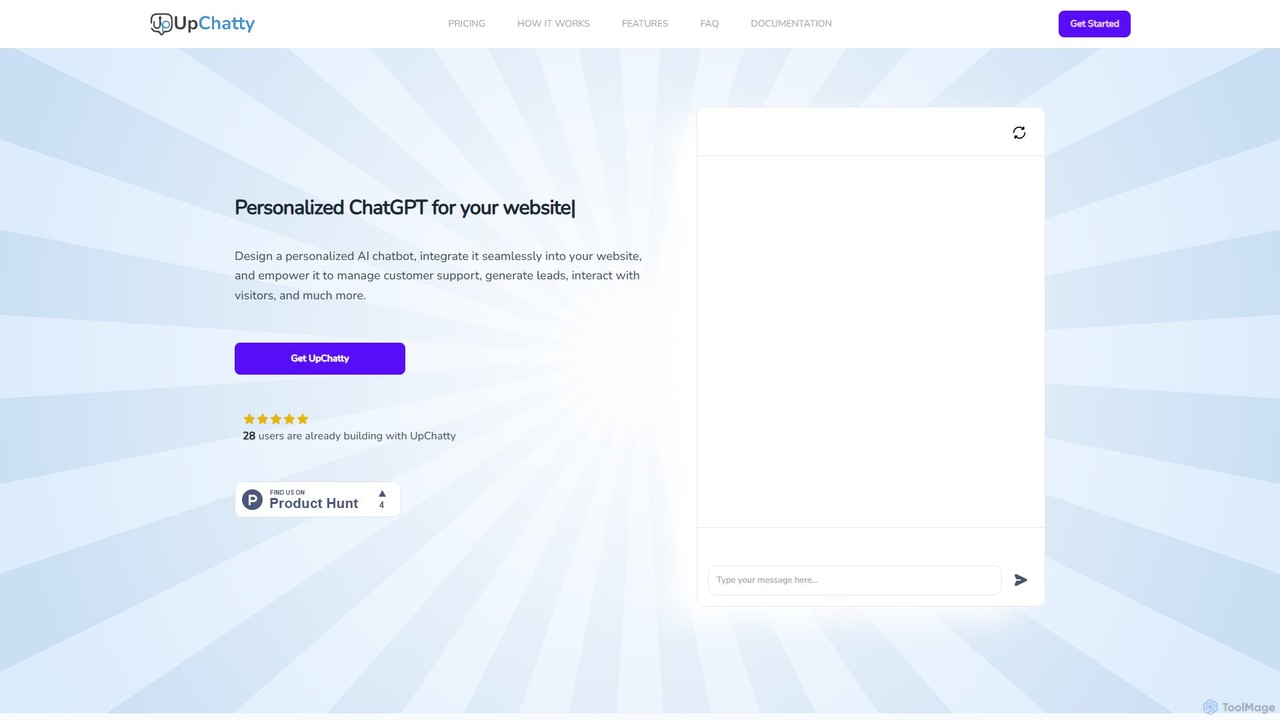
UpChatty is a no-code platform for creating and deploying personalized AI chatbots on your website. Train your chatbot with your own data, customize its appearance and personality, and integrate it seamlessly to handle customer support, generate leads, and engage visitors in over 80 languages. It offers advanced features like model cascading and a fully whitelabel solution.
Automation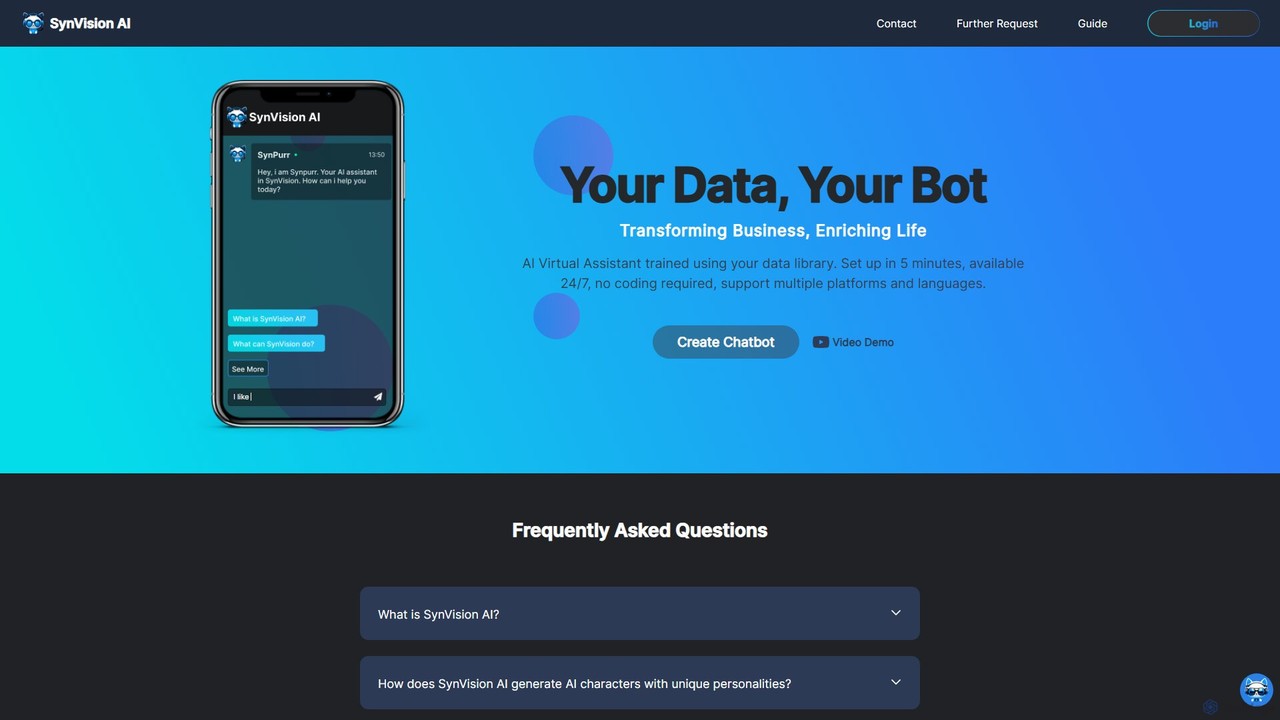
SynVision
SynVision is a no-code AI platform that allows you to create custom virtual assistants and chatbots trained on your own data. Build brand-aligned, multilingual AI characters for customer support, lead generation, and internal knowledge management in just 5 minutes, without any coding expertise.
Automation
Chat Thing
Chat Thing is a no-code platform for building custom AI chatbots trained on your own data. Connect sources like Notion, websites, and YouTube to create intelligent agents for customer support, lead generation, and internal documentation. Deploy bots across multiple channels including websites, Slack, and Discord, with advanced features like power-ups and analytics.
Automation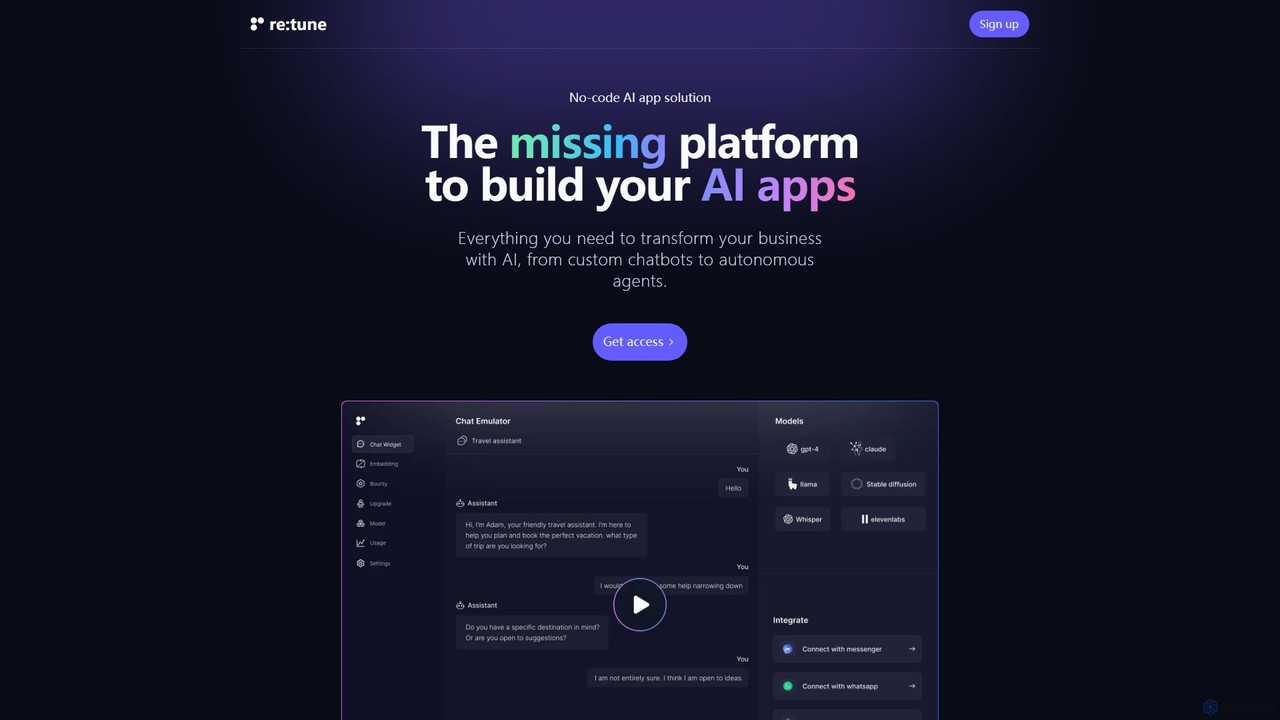
re:tune
re:tune is a no-code platform for building, training, and integrating custom AI applications. Create personalized AI chatbots and autonomous agents for customer support, sales, and more, using your own data and integrating with your favorite tools without writing a single line of code.
Automation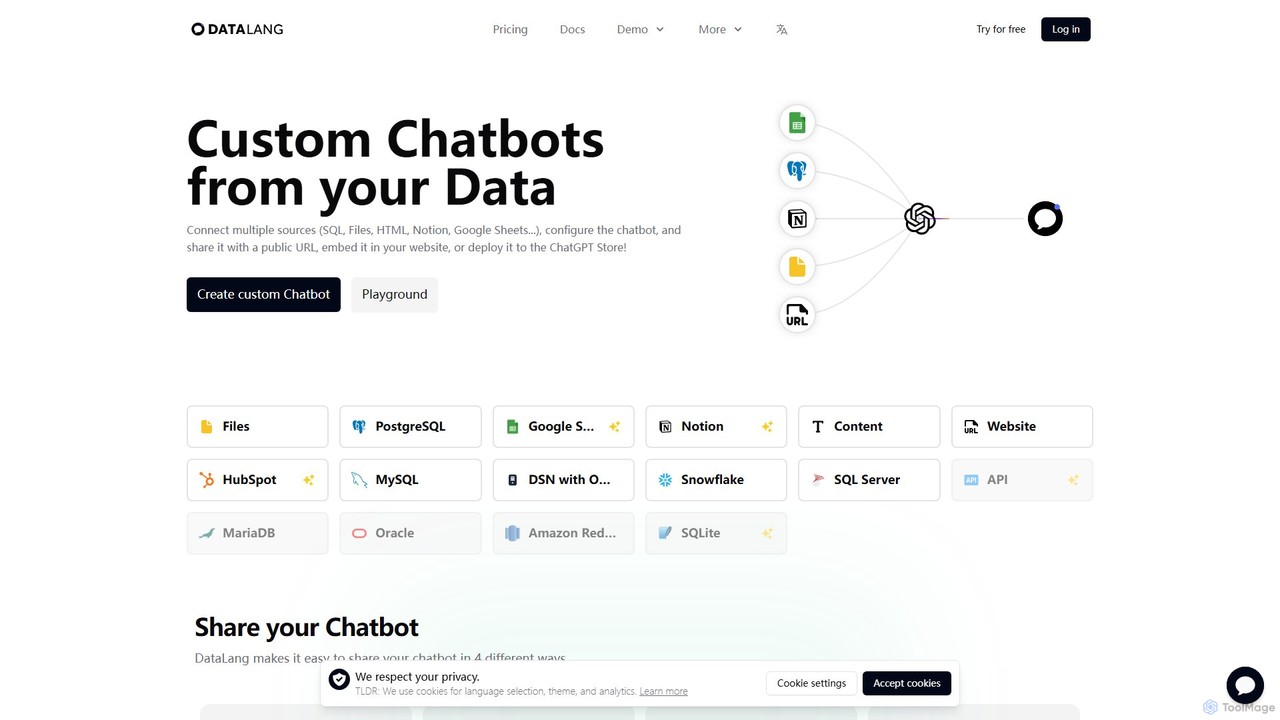
DataLang
DataLang is a powerful platform that enables you to create custom AI chatbots from your own data sources. Connect to SQL databases, files, Notion, Google Sheets, and more to build intelligent chatbots. Deploy them via a public URL, embed them on your website, or publish them to the ChatGPT Store to transform your data into interactive conversational experiences.
AutomationBotMagic Categories
BotMagic Embed Widget
Copy this embed code to place the badge on your blog, article, or product site and send readers directly to this ToolMage detail page.

Related AI tools
UpChatty
UpChatty is a no-code platform for creating and deploying personalized AI chatbots on your website. Train your chatbot with your own data, customize its appearance and personality, and integrate it seamlessly to handle customer support, generate leads, and engage visitors in over 80 languages. It offers advanced features like model cascading and a fully whitelabel solution.
Automation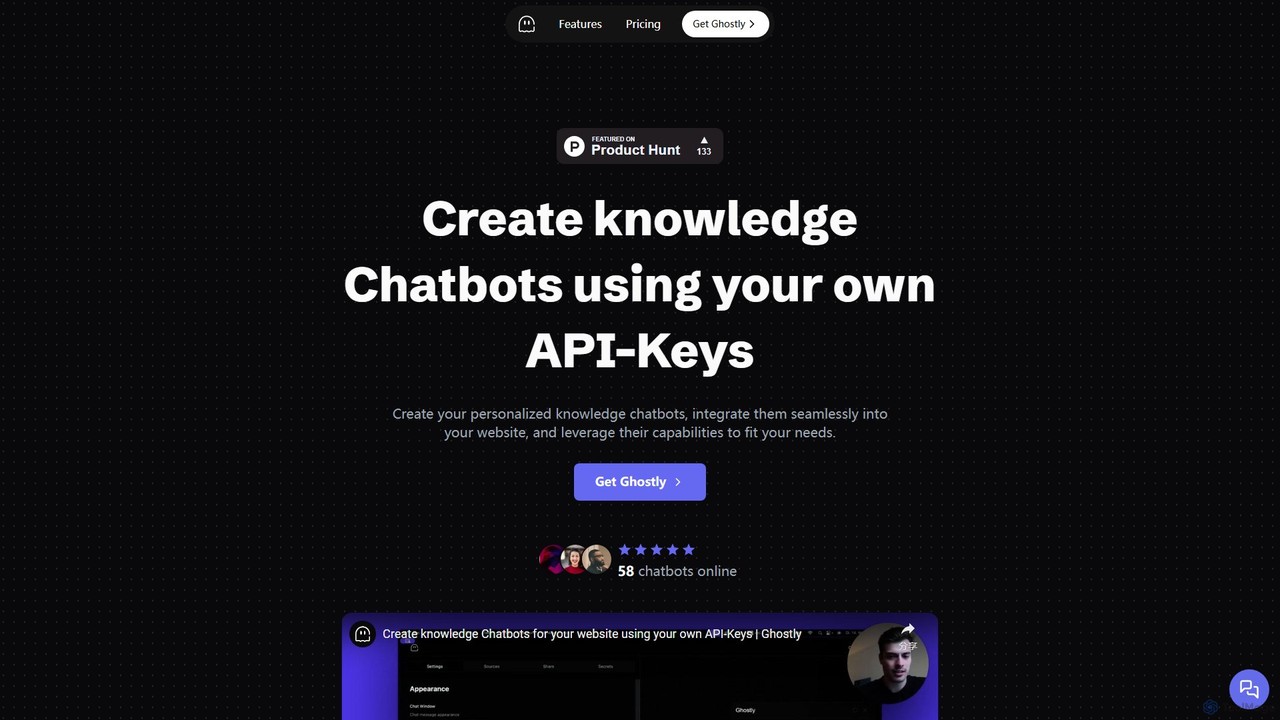
Ghostly
Ghostly is a platform for creating custom AI chatbots trained on your own data. It features a unique 'Bring Your Own API Key' model, allowing you to control AI usage costs directly. Easily build, customize, and embed a chatbot on your website in minutes by uploading files or adding URLs. It supports GPT-3.5, GPT-4, and GPT-4o, offering deep customization of behavior and appearance to match your brand.
Chatbot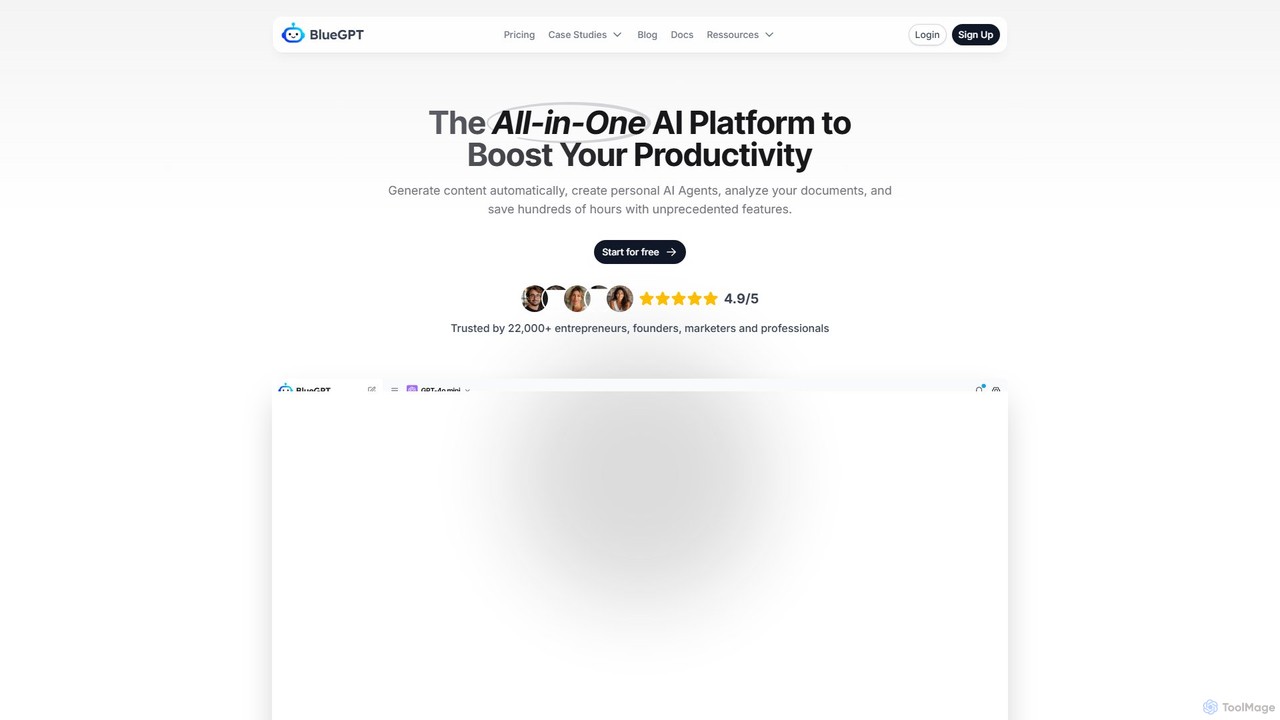
bluegpt
bluegpt is a no-code AI platform that allows you to build custom chatbots trained on your own data. Easily upload documents, scrape websites, and create a personalized AI assistant for customer support, lead generation, or internal knowledge management in minutes.
Automation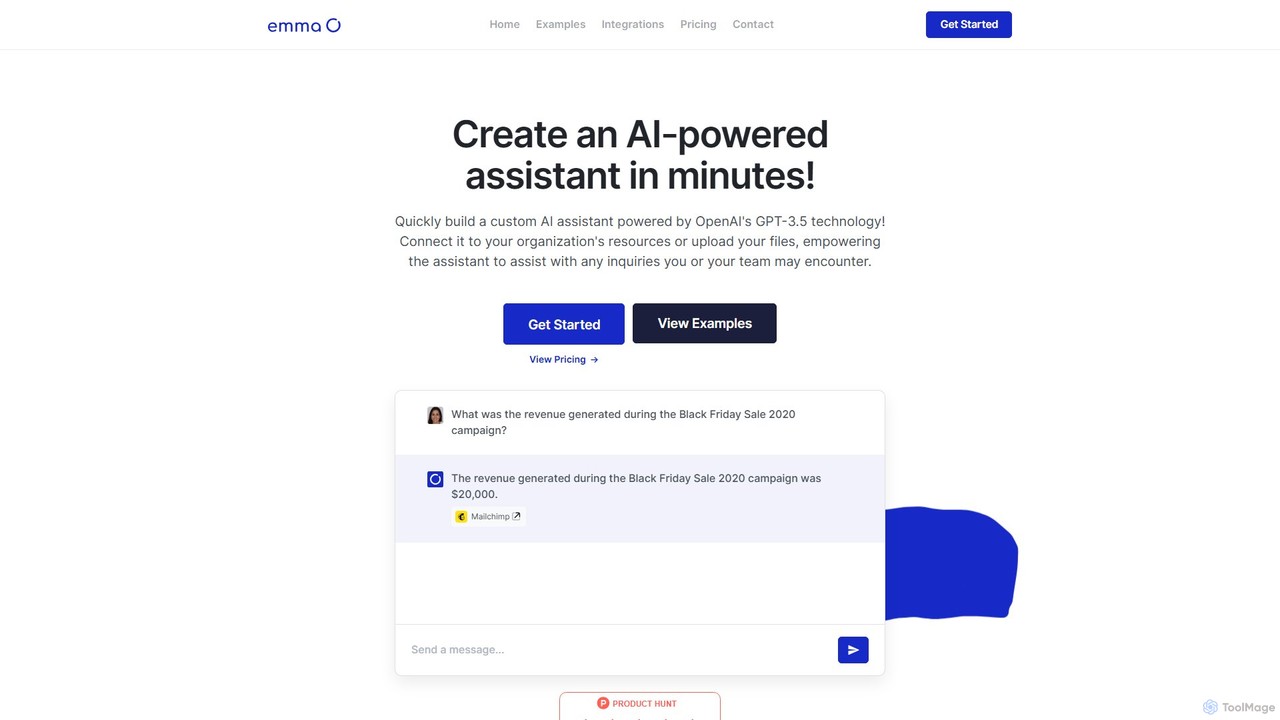
getemma
getemma is an AI platform that enables you to build a custom AI assistant powered by GPT-4 technology in minutes. Connect it to your business data, files, and integrations like Slack, Shopify, and Gmail to automate information retrieval, answer complex queries, and supercharge team productivity across departments such as sales, HR, and customer support.
Knowledge Management
elitegpt.ai
elitegpt.ai is an advanced no-code platform for building custom AI chatbots trained on your own data. Effortlessly create intelligent assistants for customer support, lead generation, and internal knowledge management, and deploy them on your website or other platforms.
Customer Support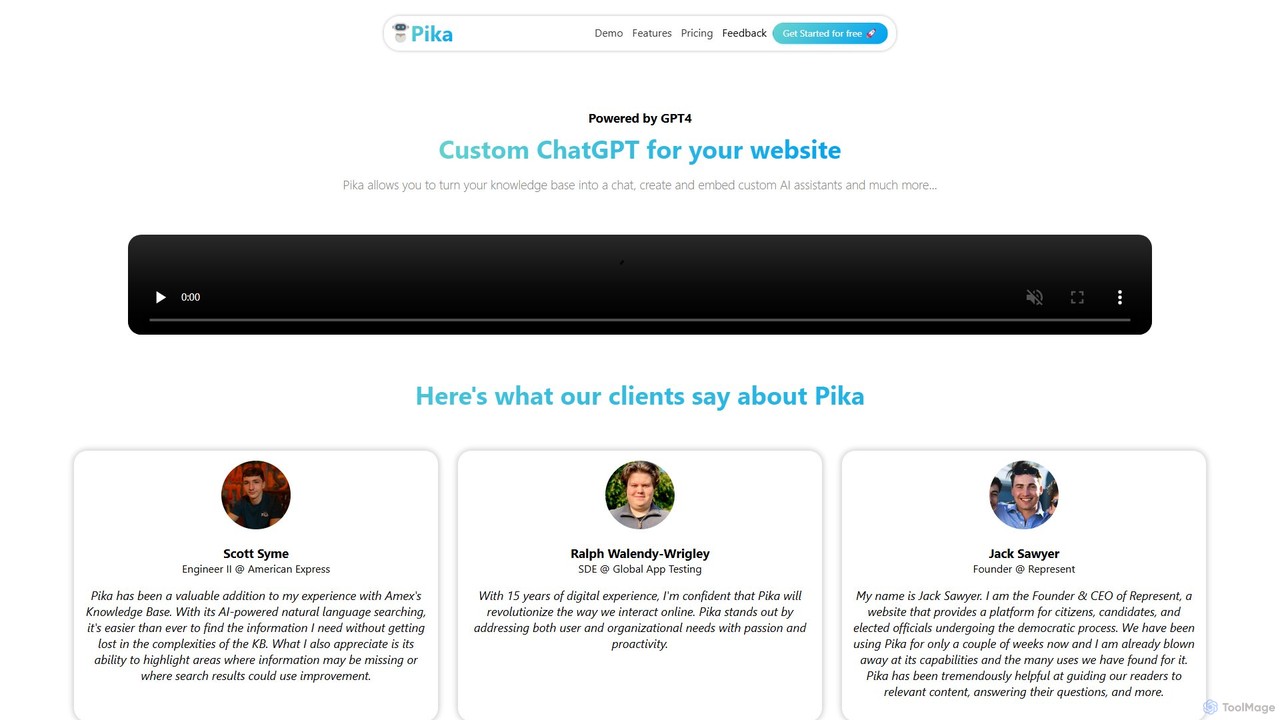
Pika
Pika is an AI platform that allows you to create custom GPT-4 powered chatbots for your website. Easily transform your knowledge base—including PDFs, DOCX files, and URLs—into an interactive AI assistant. Customize its appearance and behavior to match your brand, embed it on your site in minutes, and improve user engagement and support without any coding required.
ChatbotSynVision
SynVision is a no-code AI platform that allows you to create custom virtual assistants and chatbots trained on your own data. Build brand-aligned, multilingual AI characters for customer support, lead generation, and internal knowledge management in just 5 minutes, without any coding expertise.
Automation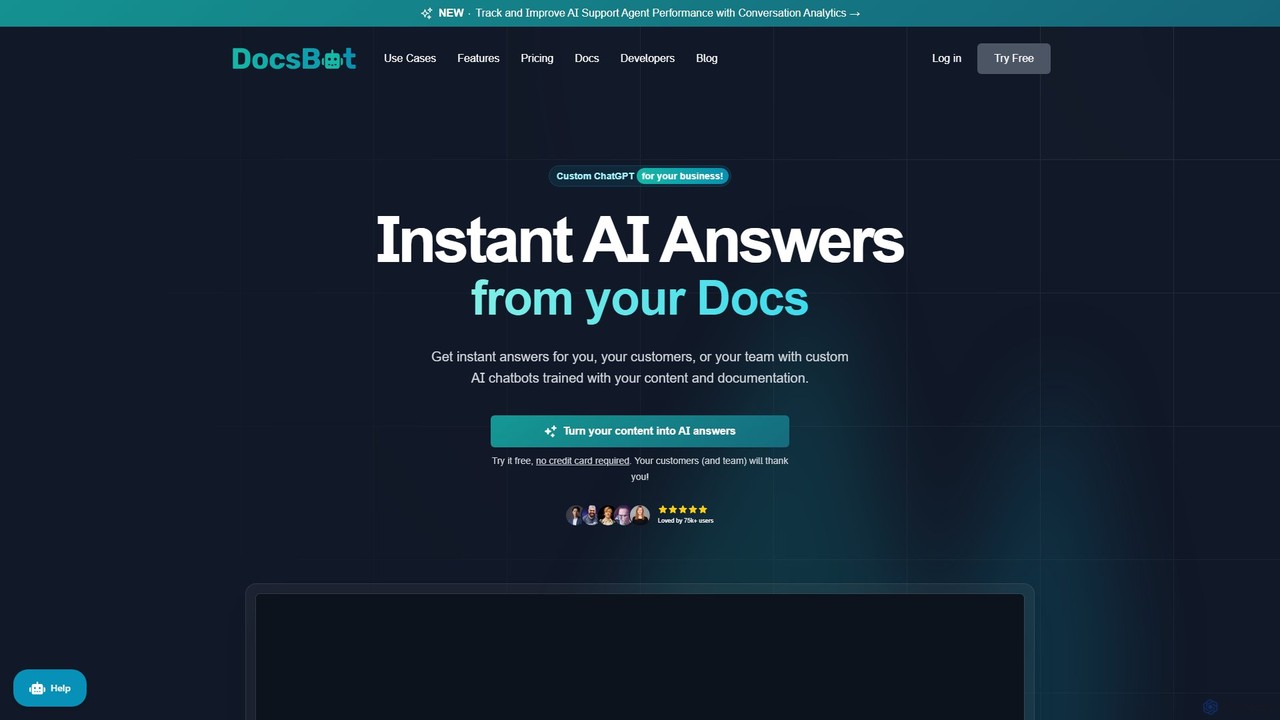
DocsBot
DocsBot is an AI-powered platform that allows businesses to create custom chatbots trained on their own documentation and content. It provides instant, accurate answers for customers and employees, automating support, improving internal knowledge access, and accelerating research without any coding.
Chatbot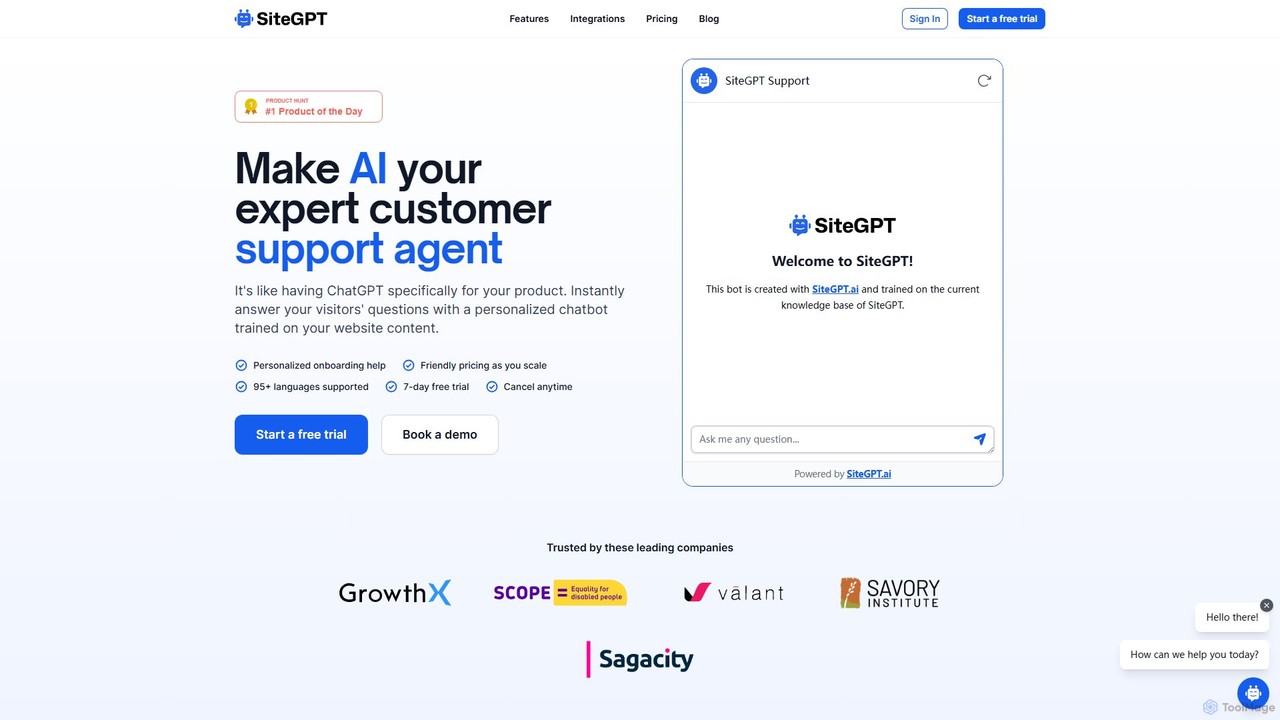
SiteGPT
SiteGPT is an AI-powered chatbot builder that creates a personalized customer support agent trained on your website content. It instantly answers visitor questions 24/7, automates support, generates leads, and integrates with your existing tools, supporting over 95 languages.
Chatbot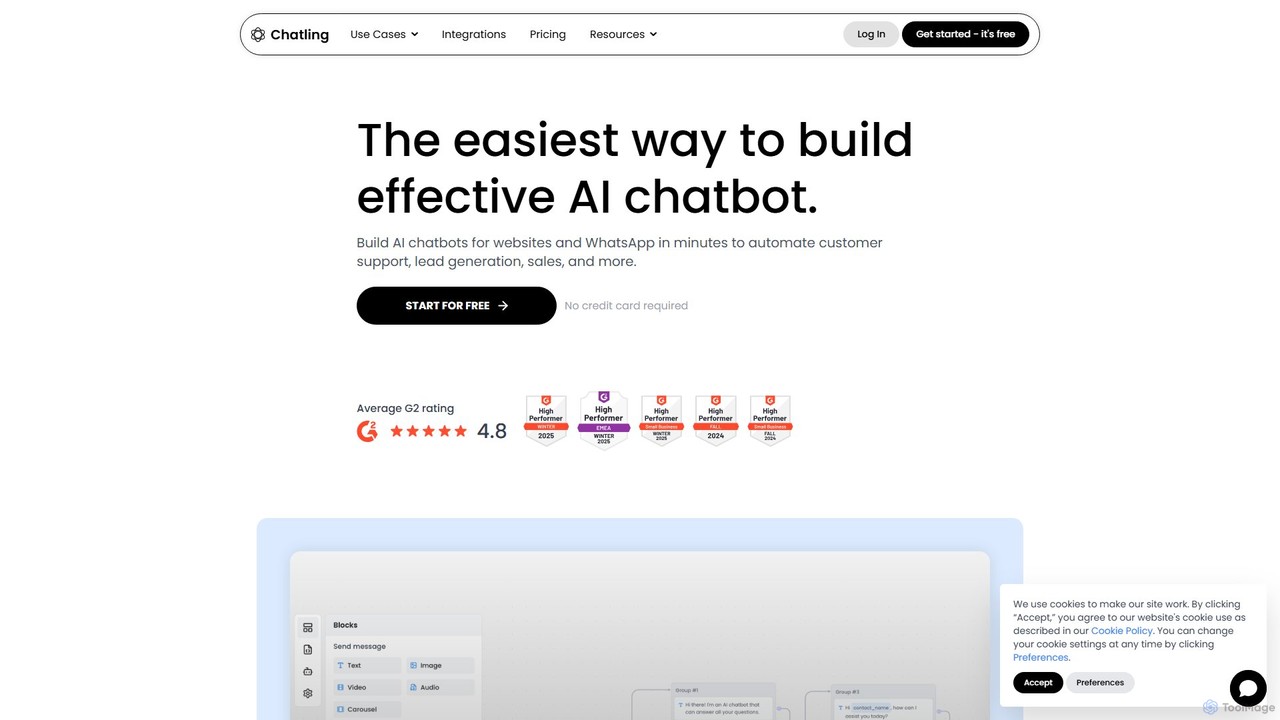
Chatling
Chatling is a no-code platform that allows you to build a custom AI chatbot trained on your own data. Instantly answer visitor questions, generate leads, and improve customer support 24/7. Simply provide a link to your website or upload files, and Chatling will create a ChatGPT-like chatbot that can be embedded on your site in minutes.
Chatbots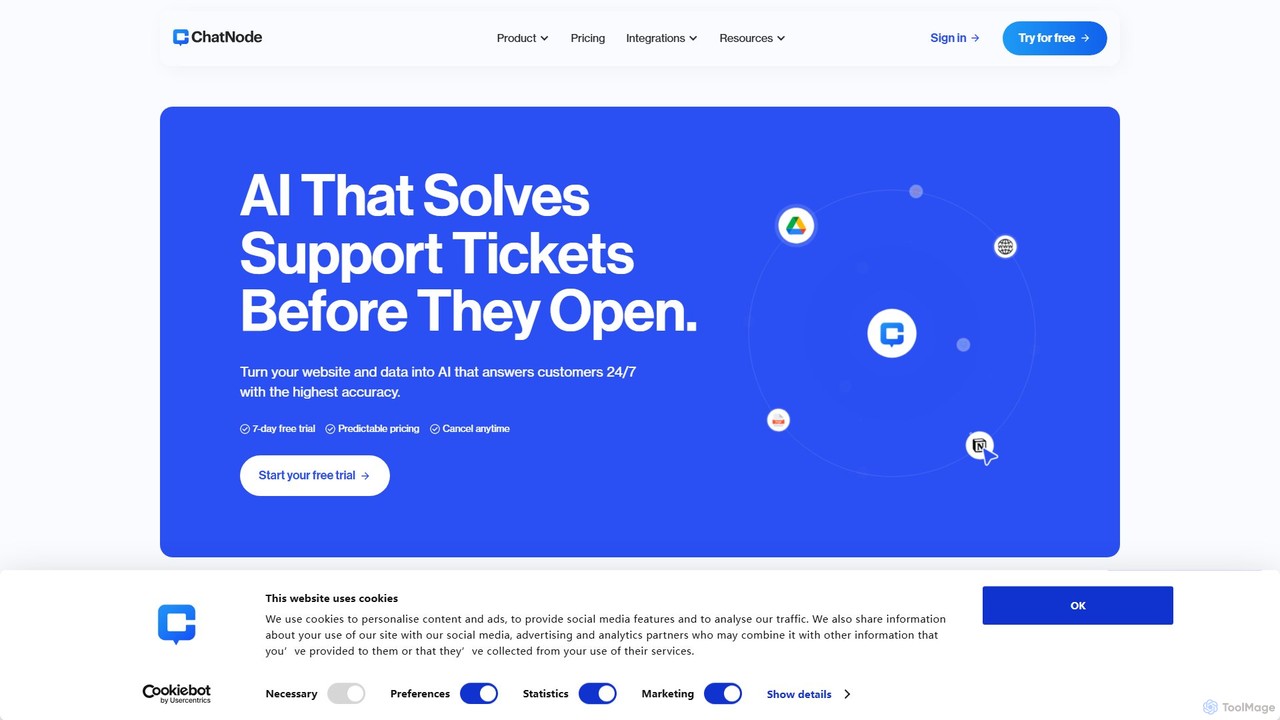
ChatNode
ChatNode is a no-code AI chatbot builder that allows you to create custom chatbots trained on your own data. Easily add a ChatGPT-like assistant to your website to automate customer support, answer questions 24/7, and generate leads, significantly reducing response times and improving user engagement.
Chatbot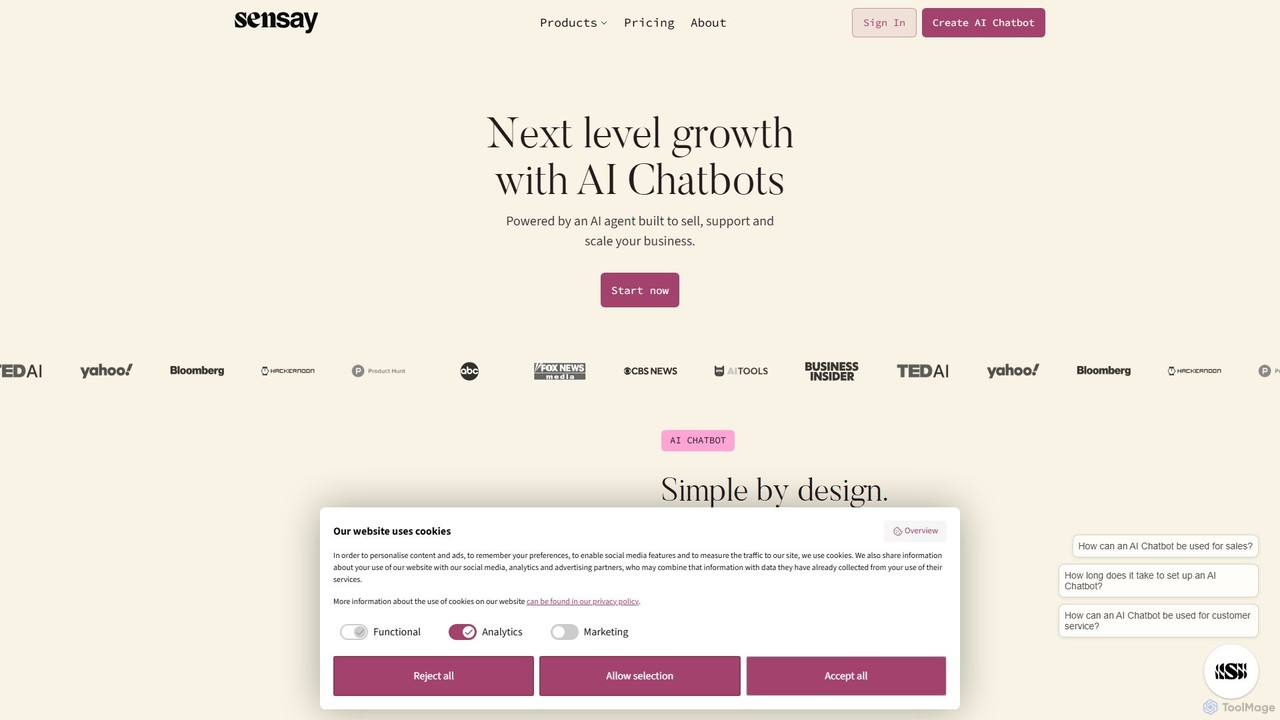
Sensay
Sensay is an AI platform that allows you to create powerful, lifelike AI chatbots and digital replicas in minutes. Train your AI with your knowledge from YouTube, files, and websites to scale your expertise, automate interactions, and engage your audience 24/7 across multiple platforms like websites, Discord, and Telegram.
No Code Builder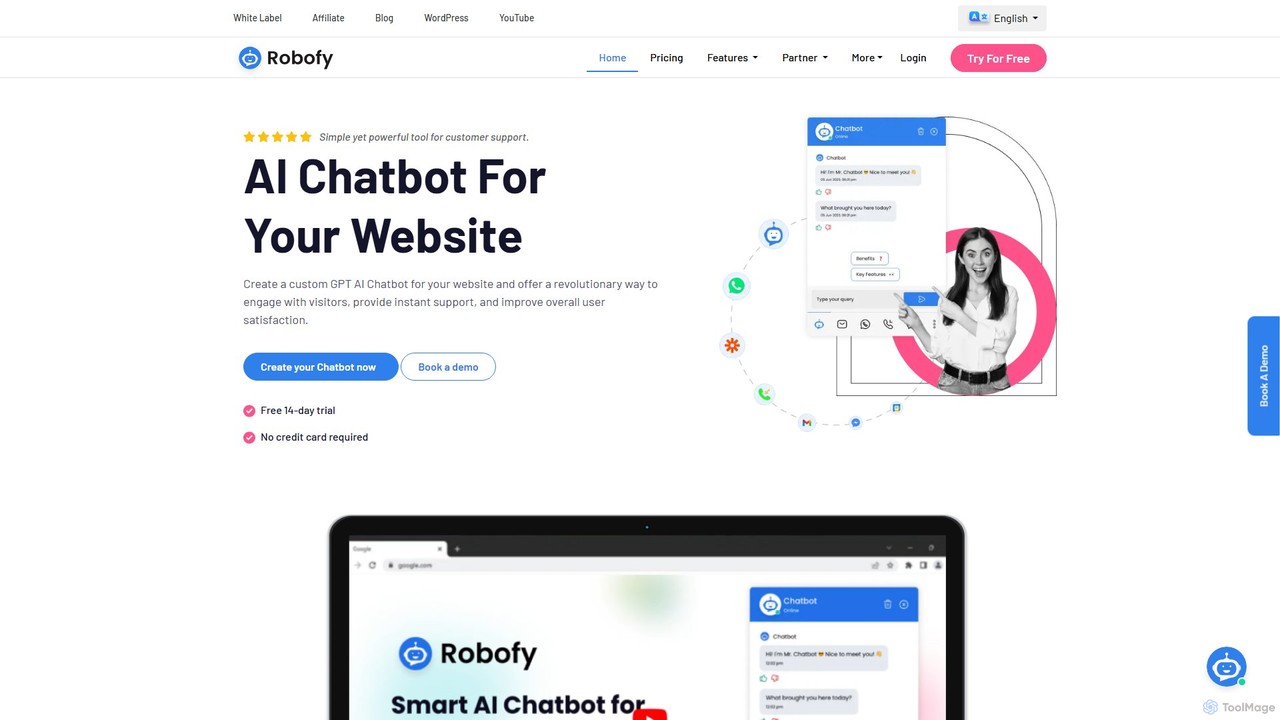
Robofy
Robofy is a custom AI chatbot builder powered by OpenAI's GPT-3.5 and GPT-4. It helps businesses enhance user engagement, provide instant support, and generate leads directly from their website. Key features include multilingual support, automated content updates, customizable tones, seamless human handover, and detailed analytics. Easily train your chatbot with documents, links, or chat history to create a personalized, intelligent assistant for your visitors.
Chatbot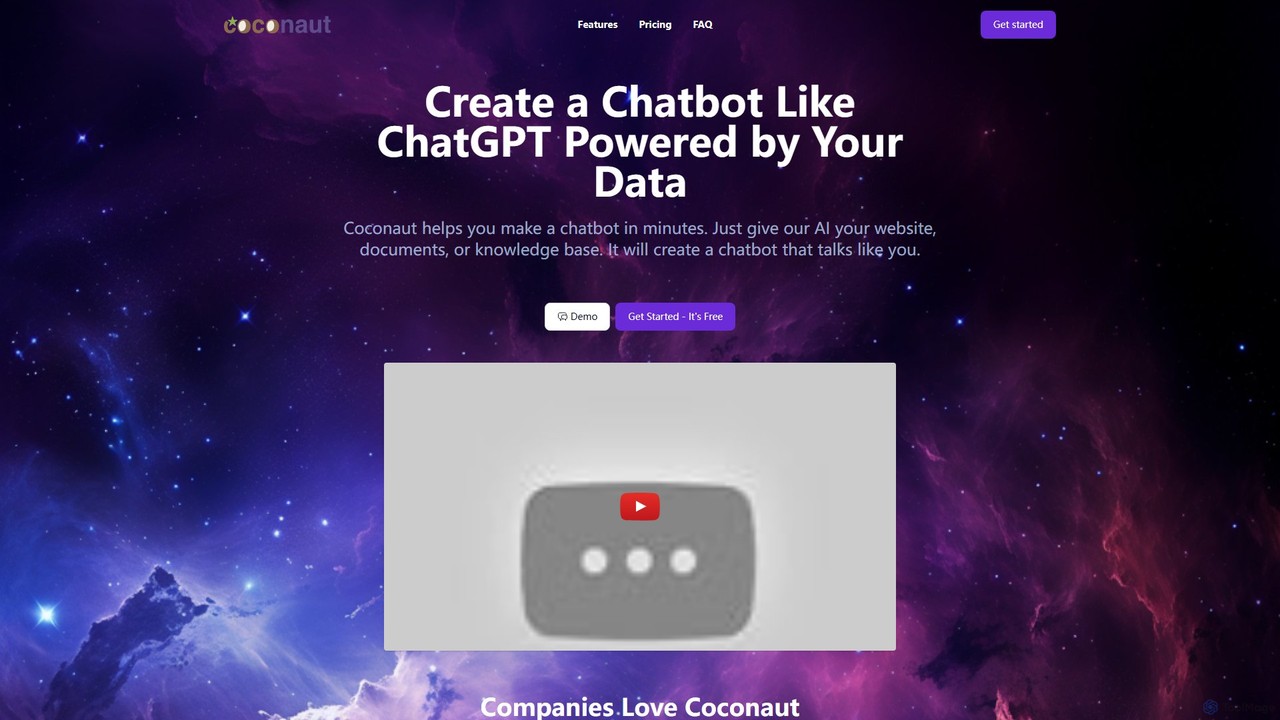
Coconaut.ai
Coconaut.ai is a no-code platform that allows you to create custom AI chatbots powered by your own data. Simply provide a website URL or upload documents, and Coconaut will build a ChatGPT-like bot that understands your content and can be easily embedded into your website to enhance customer engagement and automate support.
Chatbot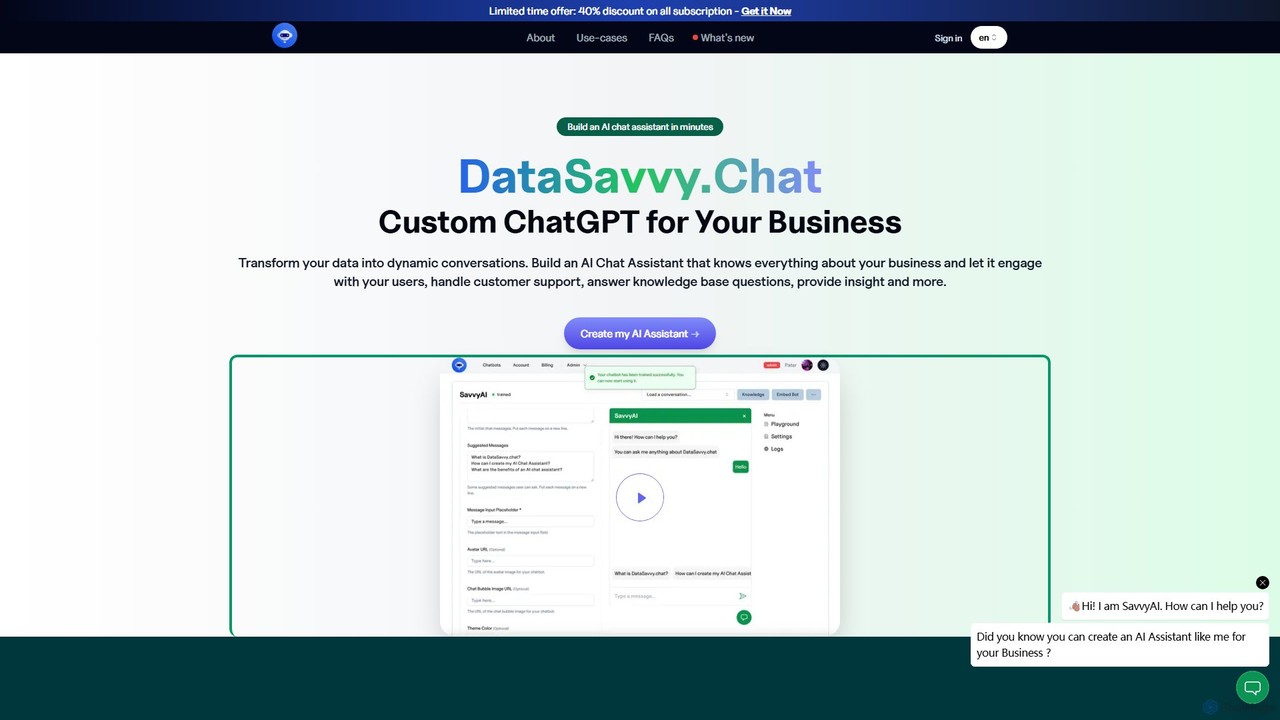
DataSavvy.chat
DataSavvy.chat is a no-code platform that allows businesses to create custom AI chat assistants in minutes. By training on your own data, such as documents, FAQs, and knowledge bases, you can build a chatbot that handles customer support, generates leads, provides data insights, and more. It offers multilingual support, 24/7 availability, and customizable appearances to seamlessly integrate with your website and enhance user engagement.
Chatbot
BotMagic Comments (0)
Sign in to comment.
Sign inNo comments yet.