

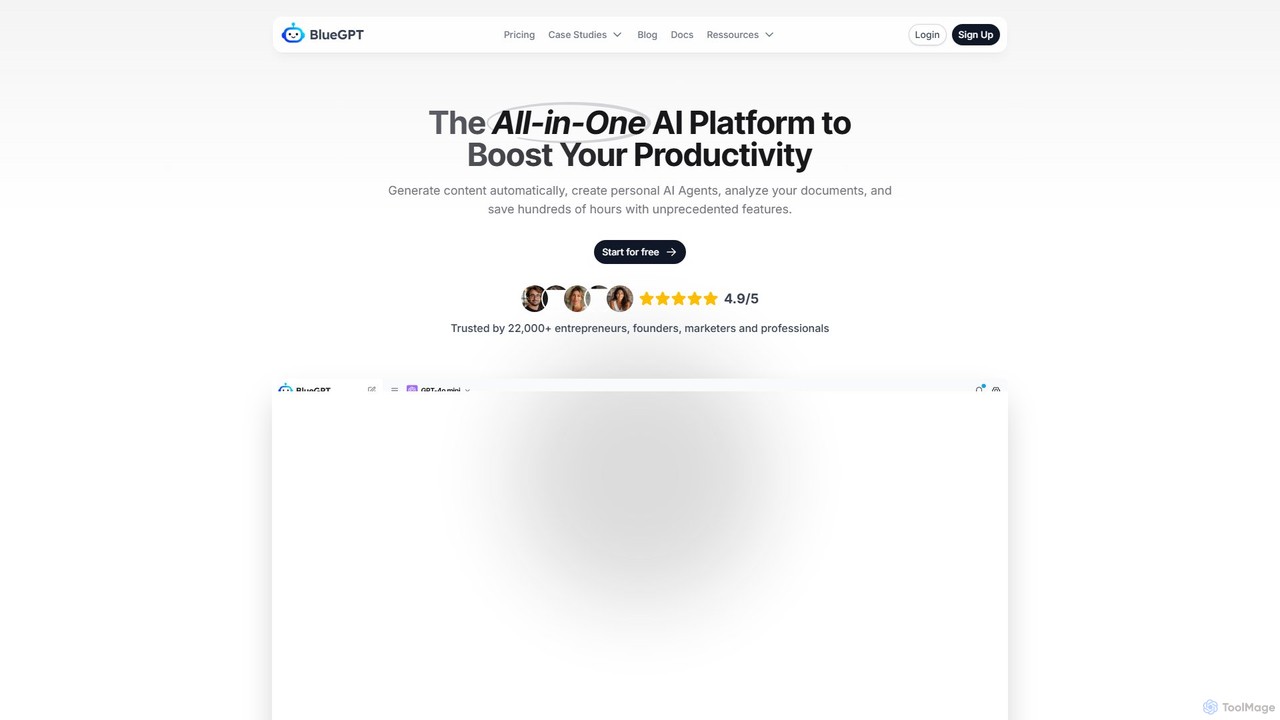
bluegpt Overview
bluegpt is a powerful and intuitive no-code platform designed to empower businesses and individuals to create their own custom AI chatbots. By leveraging the capabilities of advanced large language models like GPT-4, bluegpt transforms your static data—such as documents, website content, and knowledge bases—into interactive, intelligent conversational agents. This tool makes sophisticated AI technology accessible to everyone, regardless of their technical expertise, enabling them to enhance user engagement, automate support, and streamline information access.
With bluegpt, you can build a chatbot that understands the specific context of your business or project. It acts as a tireless expert, available 24/7 to answer questions from customers, onboard new employees, or generate leads by engaging website visitors. The platform is built for simplicity and speed, allowing you to go from data source to a fully functional, embeddable chatbot in just a few minutes.
How to use bluegpt
Getting started with bluegpt is a straightforward process designed for maximum efficiency:
- Sign Up: Create an account on the bluegpt platform to access your dashboard.
- Create a New Chatbot: Start a new project and give your AI assistant a name.
- Provide Data Sources: This is the core of the customization. You can upload various file types (PDF, DOCX, TXT), paste text directly, or simply enter a website URL for bluegpt to automatically scrape and index the content. You can combine multiple sources for a comprehensive knowledge base.
- Train the AI: With a single click, bluegpt processes, chunks, and indexes your data, making it ready for the AI to use for generating answers.
- Customize Your Chatbot: Tailor the chatbot's behavior and appearance. Write a custom system prompt to define its personality, tone, and rules (e.g., "You are a friendly support agent for [Company Name]"). Customize the colors, initial greeting, and suggested questions to match your brand.
- Test and Refine: Interact with your chatbot in a live preview window to test its accuracy and make adjustments to the data sources or prompts as needed.
- Embed or Integrate: Once you're satisfied, copy the provided JavaScript snippet and paste it into your website's HTML to make the chatbot live. For more advanced use cases, use the API key to integrate the chatbot into your own applications.
Core Features of bluegpt
- Custom Data Training: Supports various data sources including PDF, DOCX, TXT file uploads, website content scraping, and direct text input.
- No-Code Builder: An intuitive, user-friendly interface that requires no programming skills to build, manage, and deploy chatbots.
- Personalized AI Behavior: Use custom system prompts to fine-tune the chatbot's personality, role, and response style.
- Website Embedding: Effortlessly integrate the chatbot as a widget on any website with a simple copy-paste code snippet.
- API Access: Provides a developer-friendly API for seamless integration into custom applications and complex workflows.
- Conversation History: Access and review past conversations to understand user needs and monitor the chatbot's performance.
- Lead Generation Forms: Configure the chatbot to capture user information, such as name, email, and phone number, directly within the conversation.
- Multi-language Support: The underlying AI model can understand and respond to queries in numerous languages, making it suitable for a global audience.
Use Cases for bluegpt
bluegpt is versatile and can be adapted for a wide range of applications:
- 24/7 Customer Support: Embed on your website to provide instant answers to frequently asked questions about products, services, shipping, or policies, reducing support ticket volume.
- Internal Knowledge Management: Create an internal assistant for your team. Upload company handbooks, technical documentation, and internal policies so employees can get instant, accurate answers.
- Lead Generation & Sales: Engage website visitors proactively, answer their questions about pricing and features, qualify them as leads, and collect their contact information.
- Educational & Training Tool: Students and professionals can upload textbooks, research papers, and study notes to create a personal AI tutor that helps them review material and prepare for exams.
- Real Estate Assistant: Train a chatbot on property listings, neighborhood data, and financing options to assist potential buyers 24/7.
Advantages of bluegpt
Implementing bluegpt offers significant benefits:
- Enhanced Efficiency: Automates responses to repetitive questions, freeing up your human team to focus on high-value, complex interactions.
- Improved User Experience: Delivers immediate, 24/7 support to website visitors, increasing customer satisfaction and engagement.
- Cost Savings: Reduces operational costs by lowering the demand for a large human support staff.
- Scalability: Effortlessly handles a high volume of concurrent conversations without any degradation in performance.
- Actionable Insights: The chat history provides valuable data on what your customers are asking for, revealing pain points and areas for improvement in your products or documentation.
Pricing and Plans
bluegpt offers a flexible freemium pricing model to suit different needs:
- Free Plan: Ideal for individuals and small projects. Includes 1 chatbot, a limit of 50 messages per month, and basic data upload capabilities.
- Pro Plan: Designed for small businesses and professionals. Offers multiple chatbots, a higher message limit (e.g., 2,000 messages/month), larger data capacity, and the option to remove bluegpt branding.
- Business Plan: Suited for growing companies. Includes unlimited chatbots, very high message limits, API access, priority support, and advanced analytics.
- Enterprise Plan: A custom solution for large organizations with specific requirements for security, scalability, and dedicated support. Contact sales for a custom quote.
Traffic
Latest traffic
Status
Monthly traffic trend
- 2025-9: 36.5K
- 2026-1: 37.1K
- 2026-2: 22.9K
- 2026-3: 20.3K
- 2026-4: 7.5K
- 2026-5: 1.2K
Geography
Top 5 countries / regions
- 🇫🇷France88.6%
- 🇺🇸United States11.4%
Top keywords
| Keyword | Cost per click |
|---|---|
| ai gratuite | $0.67 |
| blue ai | $0.00 |
| bluegpt | $0.65 |
| bluezygpt | $0.00 |
| intelligence artificielle gratuite | $0.28 |
bluegpt Alternatives
kloud.chat
kloud.chat is a no-code AI platform that enables users to build custom chatbots trained on their own data. Upload documents, add website links, or connect to knowledge bases to create intelligent assistants for customer support, internal information retrieval, and user engagement without any programming skills.
Help Desk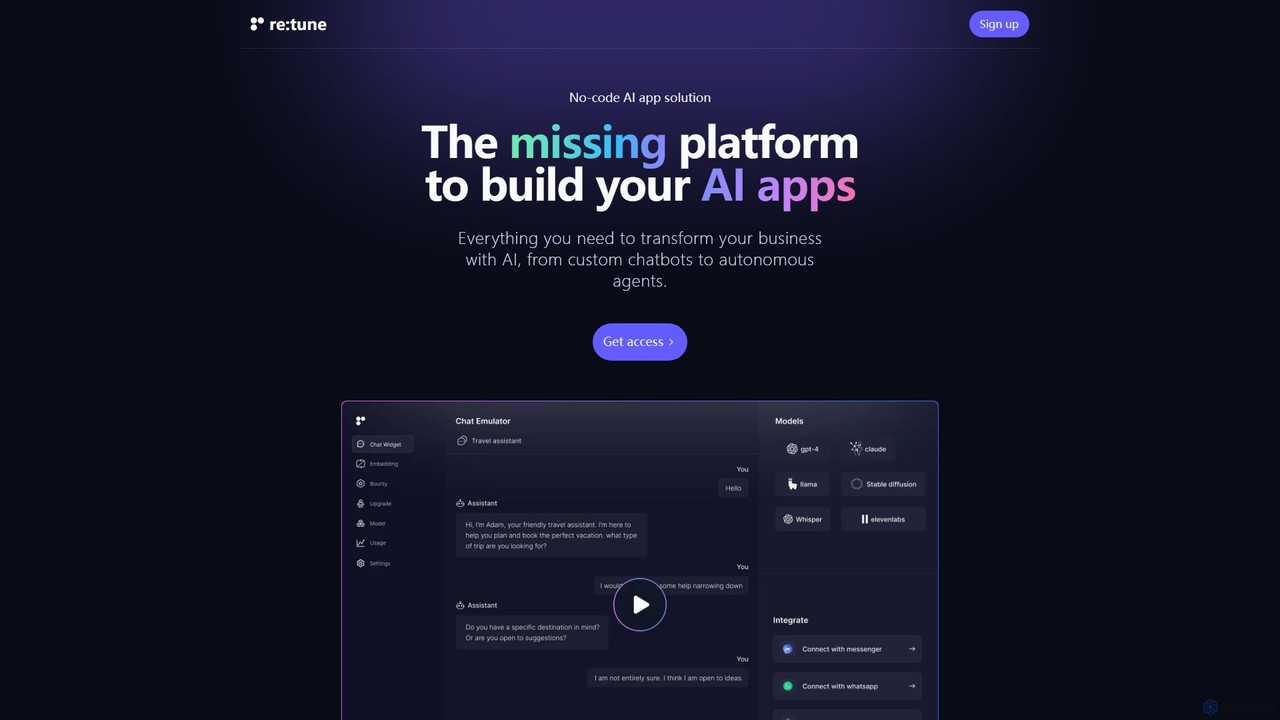
re:tune
re:tune is a no-code platform for building, training, and integrating custom AI applications. Create personalized AI chatbots and autonomous agents for customer support, sales, and more, using your own data and integrating with your favorite tools without writing a single line of code.
Automation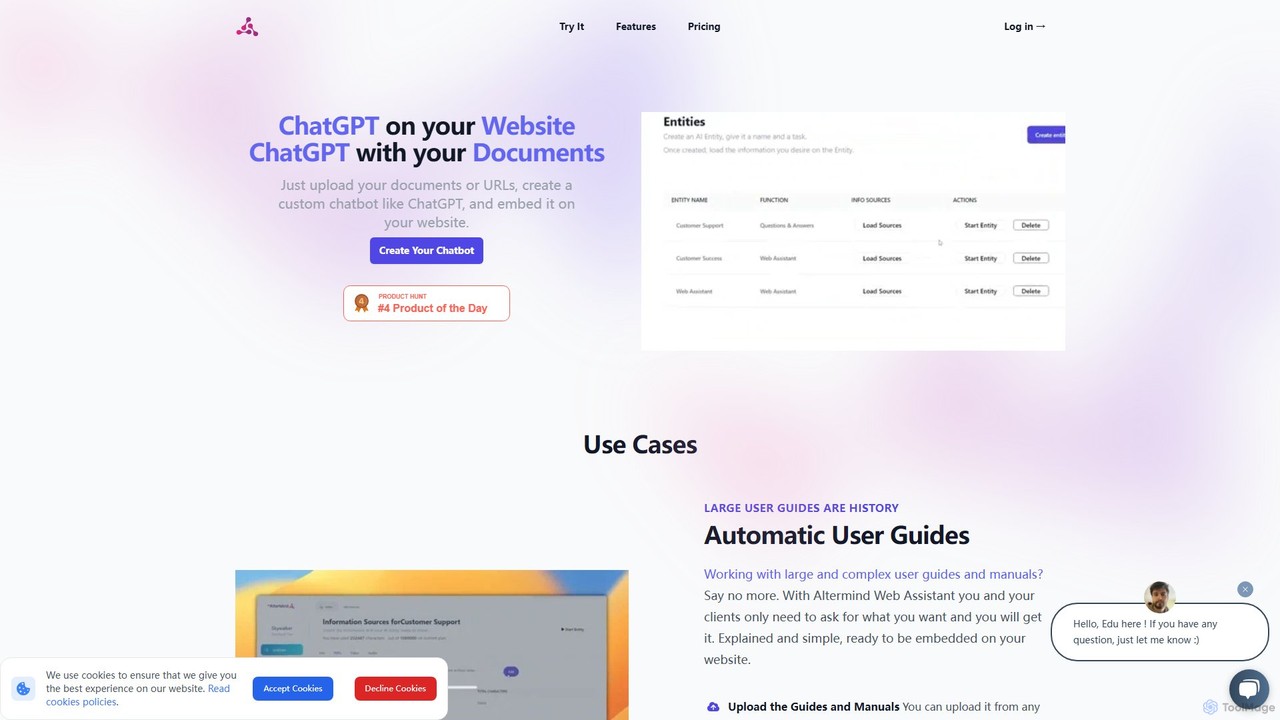
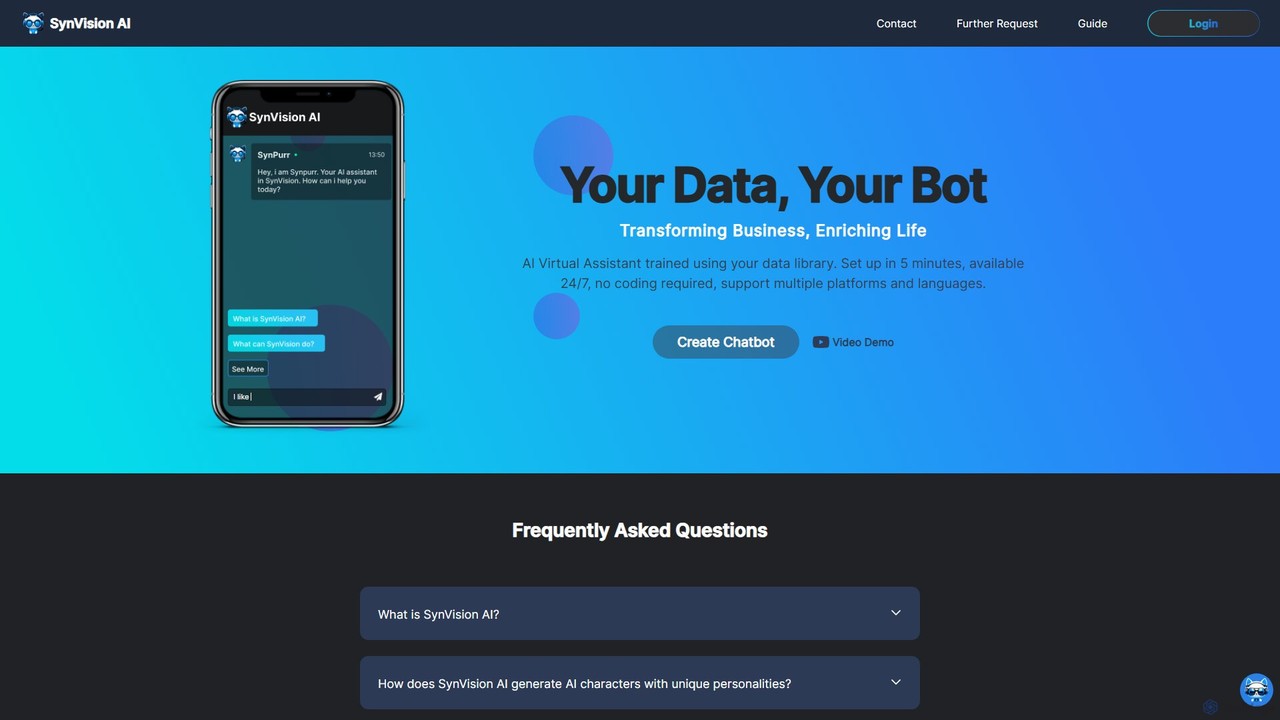
SynVision
SynVision is a no-code AI platform that allows you to create custom virtual assistants and chatbots trained on your own data. Build brand-aligned, multilingual AI characters for customer support, lead generation, and internal knowledge management in just 5 minutes, without any coding expertise.
Automation
yatiwang.chat
An advanced, no-code AI chatbot builder that allows businesses to create and deploy intelligent, multilingual chatbots for websites. Enhance customer support, generate leads, and boost user engagement effortlessly.
Automationbluegpt Categories
bluegpt Embed Widget
Copy this embed code to place the badge on your blog, article, or product site and send readers directly to this ToolMage detail page.

Related AI tools
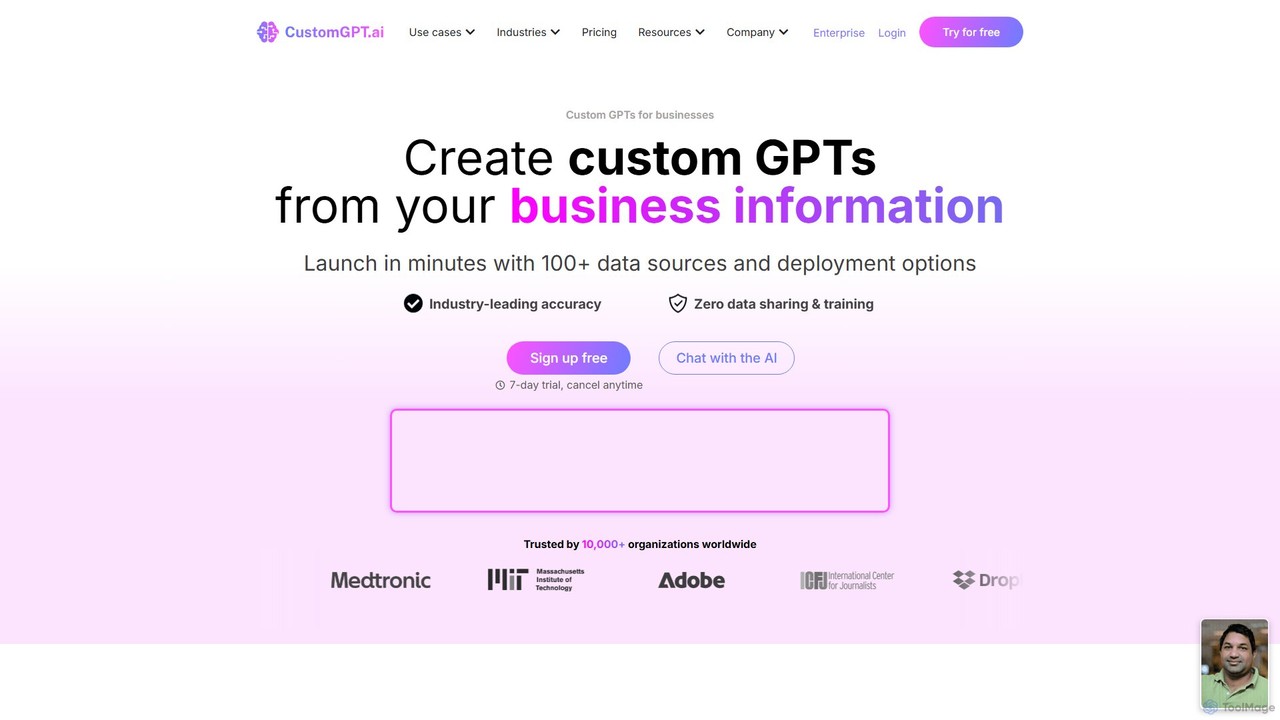
CustomGPT.ai
CustomGPT.ai is a no-code platform that enables businesses to create secure, custom AI chatbots trained exclusively on their own content. It supports over 100 data sources, ensures high accuracy by preventing hallucinations, and allows for easy deployment on websites or integration via API. Ideal for customer support, internal knowledge management, and sales enablement, it helps organizations automate processes and enhance user engagement without requiring technical expertise.
Custom Chatbot
ChatbotKit Chat
An advanced platform for building, training, and deploying AI chatbots. Connect your own data, choose from various large language models, and integrate conversational AI into your websites, apps, and services for customer support, lead generation, and more.
Chatbot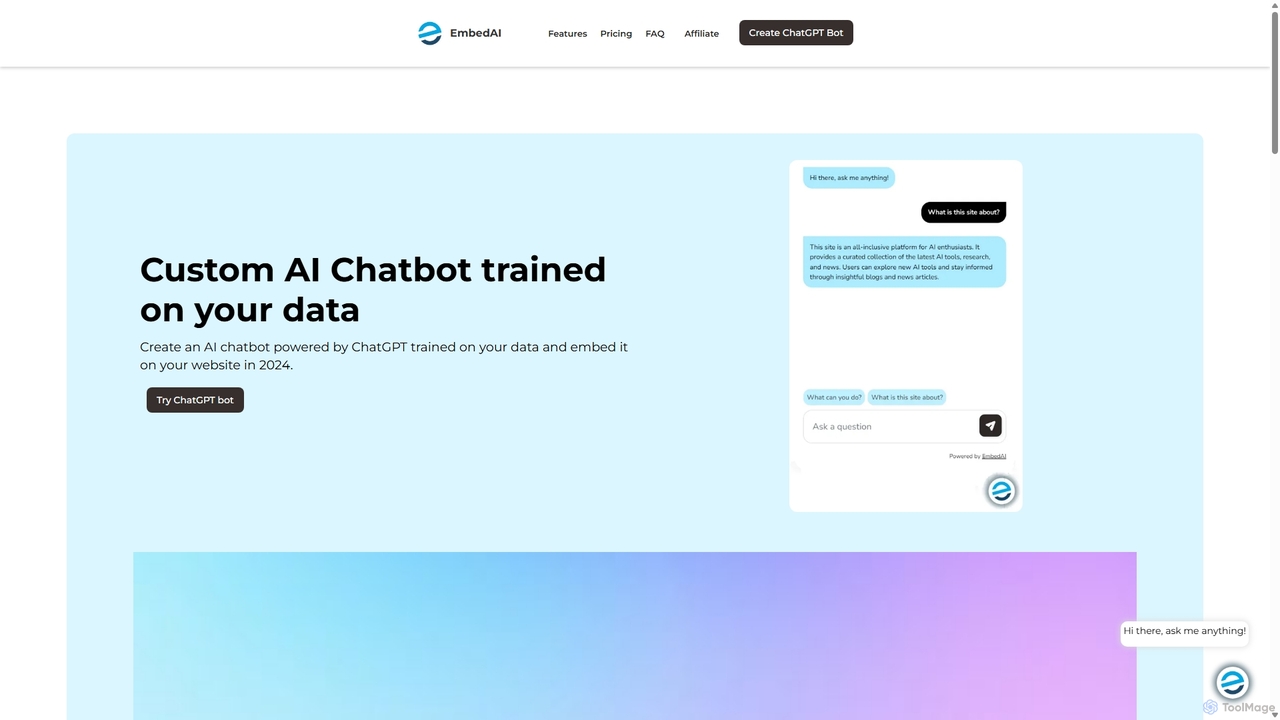
EmbedAI
EmbedAI is an AI chatbot builder that allows you to create custom ChatGPT & Gemini-powered chatbots trained on your own data. Easily upload files, link websites, or use YouTube videos to train your bot. Customize its appearance and embed it on your website to automate customer support, enhance user engagement, and provide instant answers in over 100 languages.
Chatbots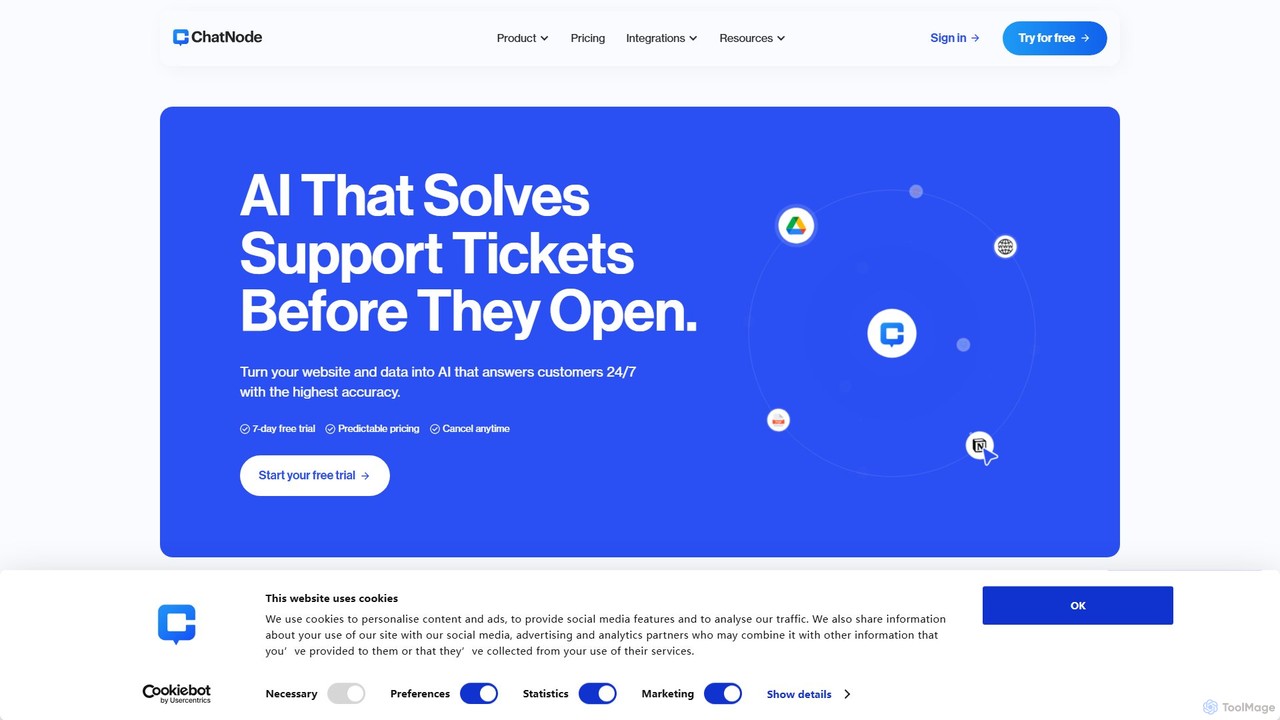
ChatNode
ChatNode is a no-code AI chatbot builder that allows you to create custom chatbots trained on your own data. Easily add a ChatGPT-like assistant to your website to automate customer support, answer questions 24/7, and generate leads, significantly reducing response times and improving user engagement.
Chatbot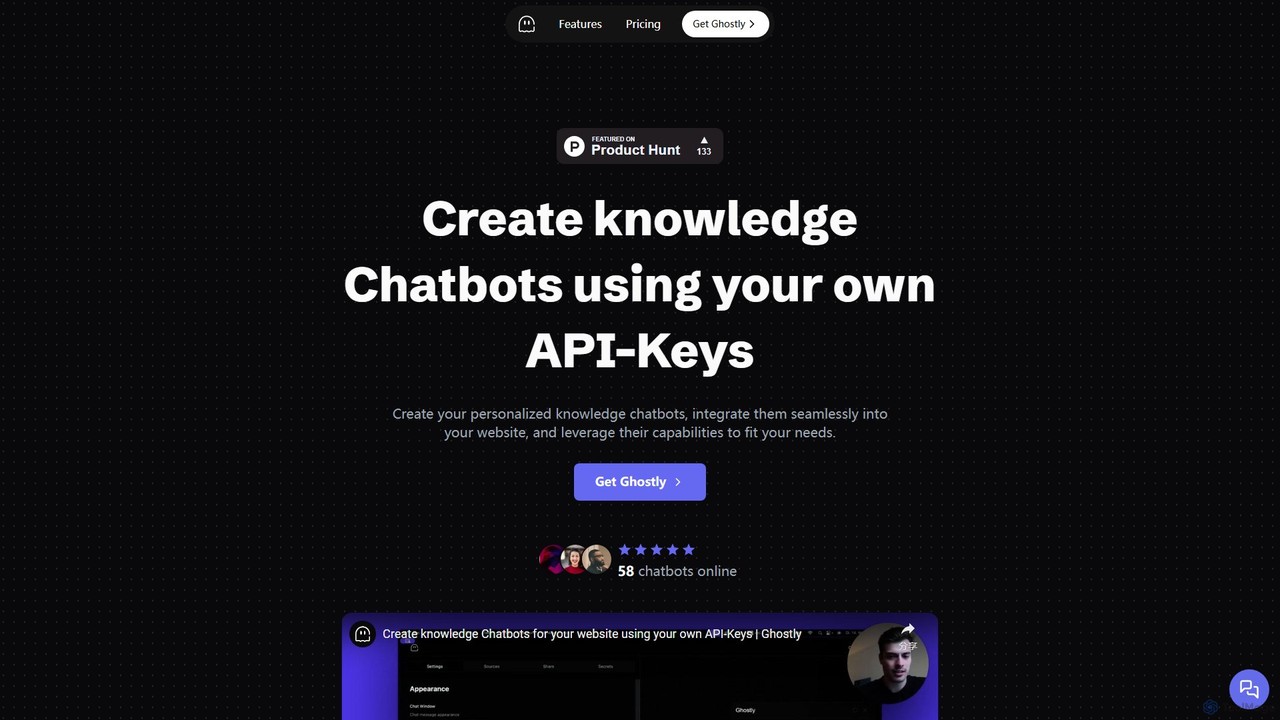
Ghostly
Ghostly is a platform for creating custom AI chatbots trained on your own data. It features a unique 'Bring Your Own API Key' model, allowing you to control AI usage costs directly. Easily build, customize, and embed a chatbot on your website in minutes by uploading files or adding URLs. It supports GPT-3.5, GPT-4, and GPT-4o, offering deep customization of behavior and appearance to match your brand.
Chatbot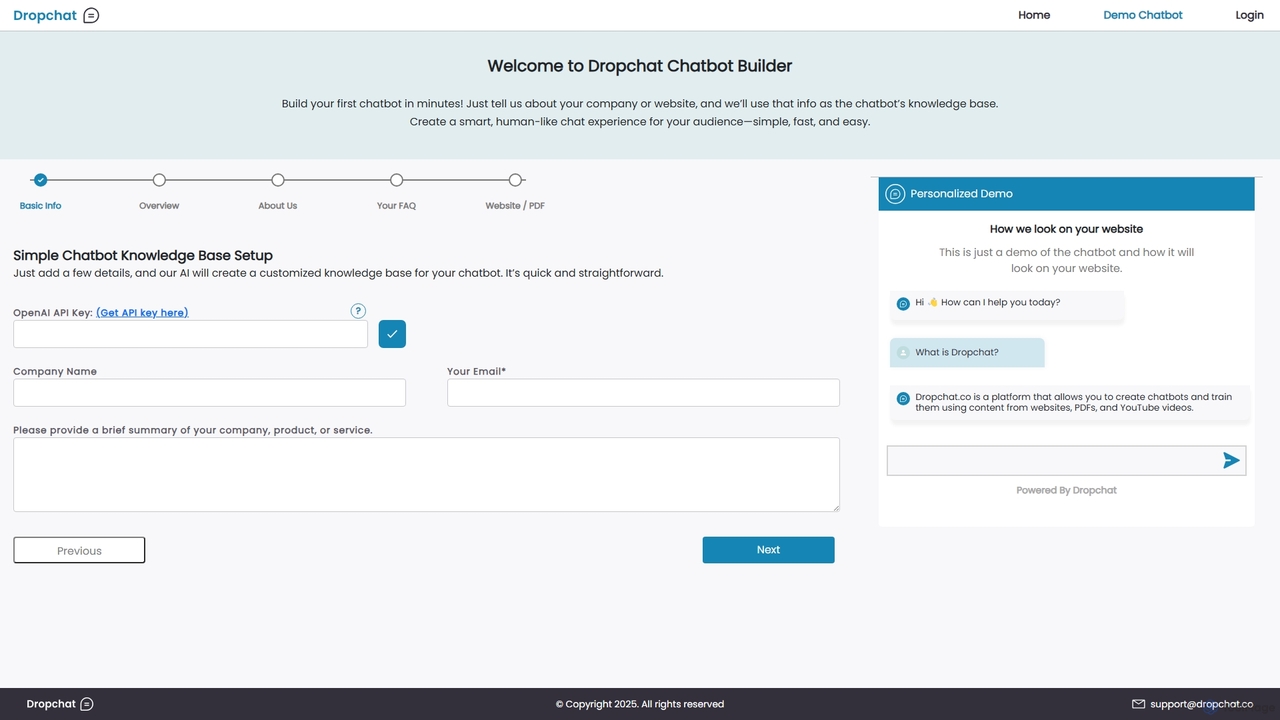
Dropchat
Dropchat is an AI-powered platform that allows you to build custom chatbots in minutes. Train your chatbot using your own data, such as websites, PDFs, and YouTube videos, to provide instant customer support, generate leads, and enhance user engagement without any coding knowledge.
Chatbots
knowledgebot.ai
knowledgebot.ai is an AI-powered platform that allows you to create custom chatbots from your own knowledge base. Simply upload documents, add website links, or provide text, and it builds an intelligent bot that can answer questions, provide support, and engage users based on your specific data.
Chatbot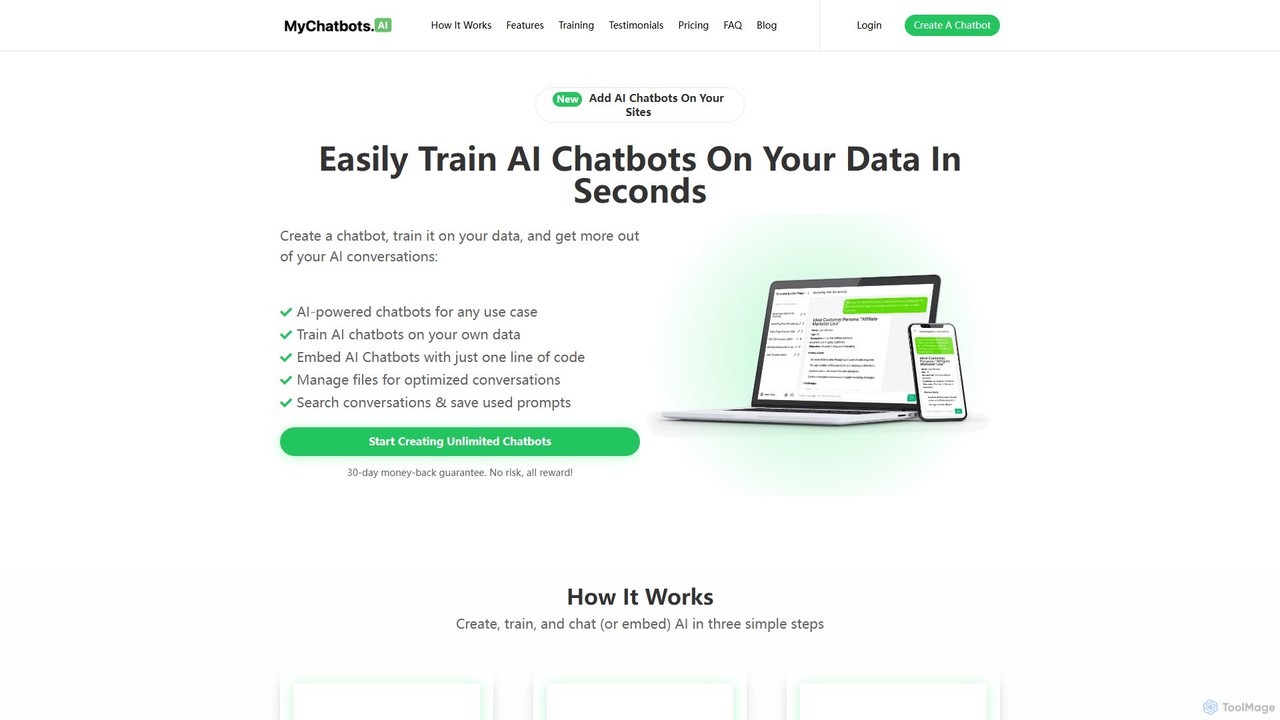
MyChatbots.AI
MyChatbots.AI is a no-code platform that allows you to create, train, and embed custom AI chatbots on your websites. Train your chatbot using your own data, such as PDFs and text files, to provide personalized, context-aware responses for customer support, lead generation, or internal knowledge management. It features a simple three-step setup and a 'Bring Your Own Key' model for flexible API usage.
Chatbotkloud.chat
kloud.chat is a no-code AI platform that enables users to build custom chatbots trained on their own data. Upload documents, add website links, or connect to knowledge bases to create intelligent assistants for customer support, internal information retrieval, and user engagement without any programming skills.
Help Desk
Jyek
Jyek is an AI agent platform that understands objectives, creates execution plans, uses tools, and delivers verifiable results for complex, multi-step tasks.
Automation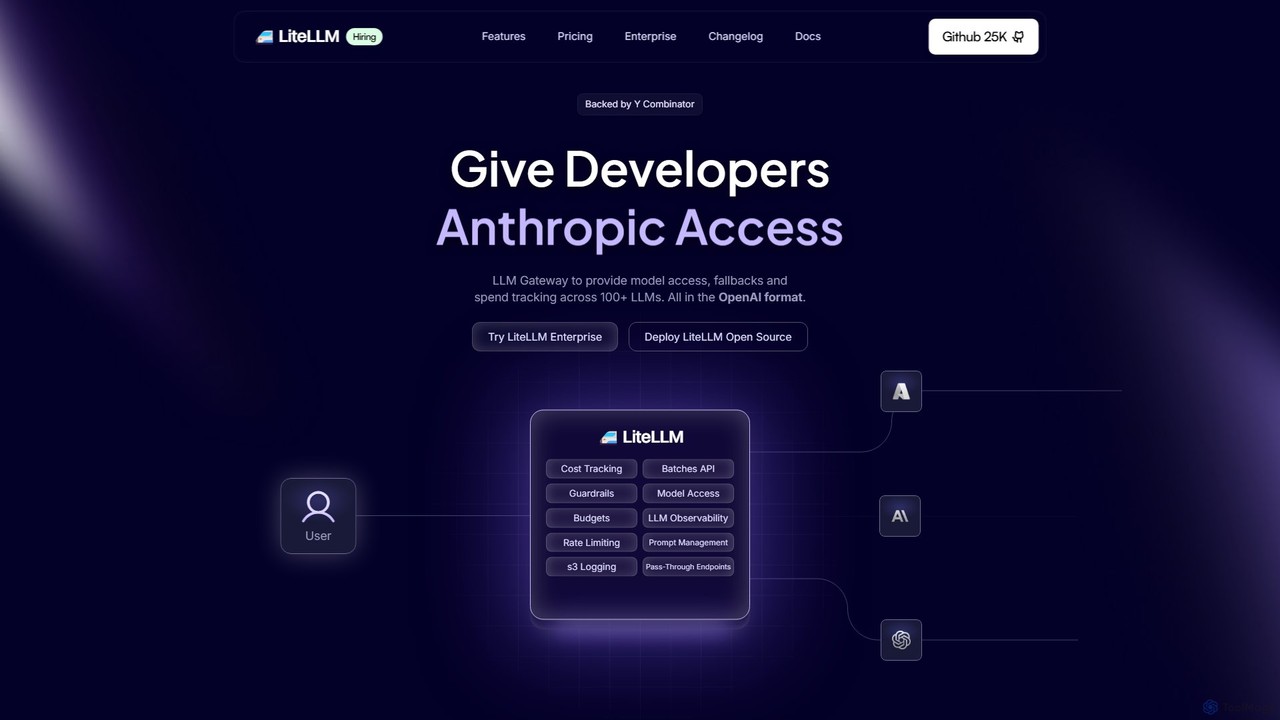
Berri
Berri is a no-code platform that allows you to build custom AI chatbots trained on your own data. Instantly transform your documents, websites, and knowledge bases into an interactive, conversational AI assistant to enhance customer support, generate leads, or streamline internal knowledge sharing.
Chatbot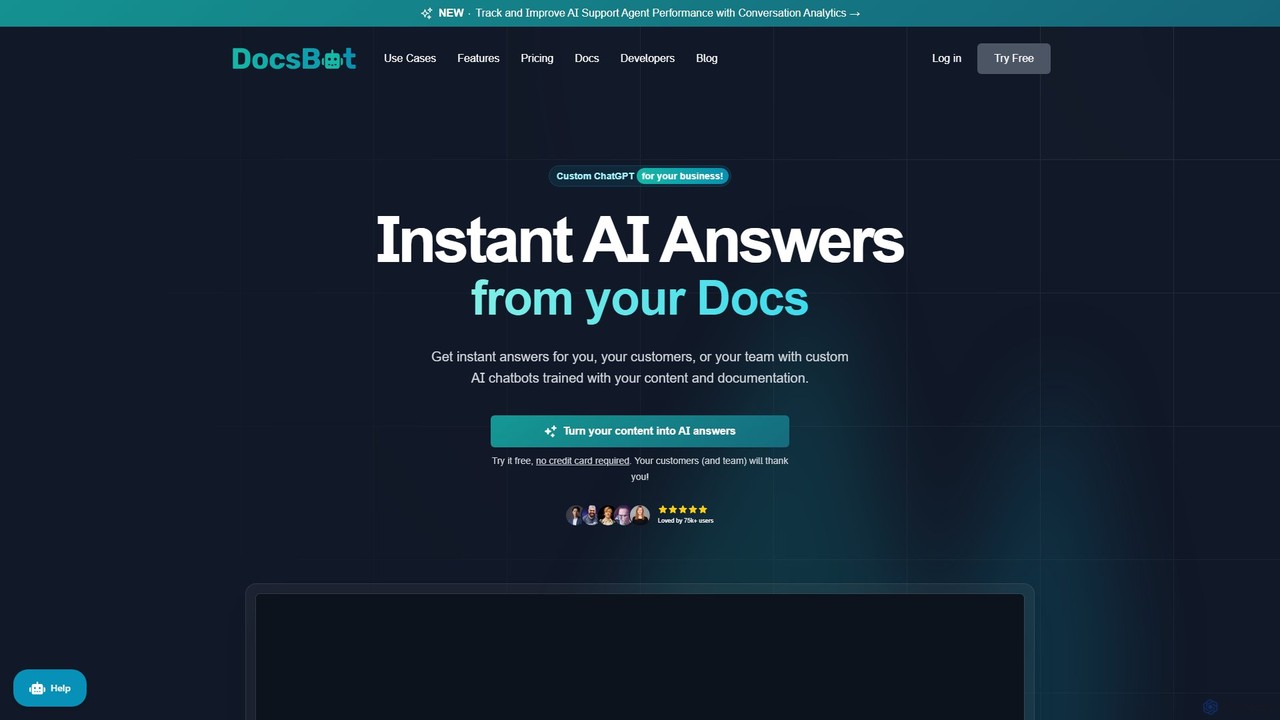
DocsBot
DocsBot is an AI-powered platform that allows businesses to create custom chatbots trained on their own documentation and content. It provides instant, accurate answers for customers and employees, automating support, improving internal knowledge access, and accelerating research without any coding.
Chatbot
Chatwith
Chatwith is a no-code platform for creating custom AI chatbots trained on your own data, such as websites, documents, and videos. It instantly answers customer queries 24/7, integrates with over 5000 apps to perform actions, and supports 95+ languages. Fully customizable and easy to embed, it helps businesses boost sales, improve support, and generate leads without any coding required.
Chatbot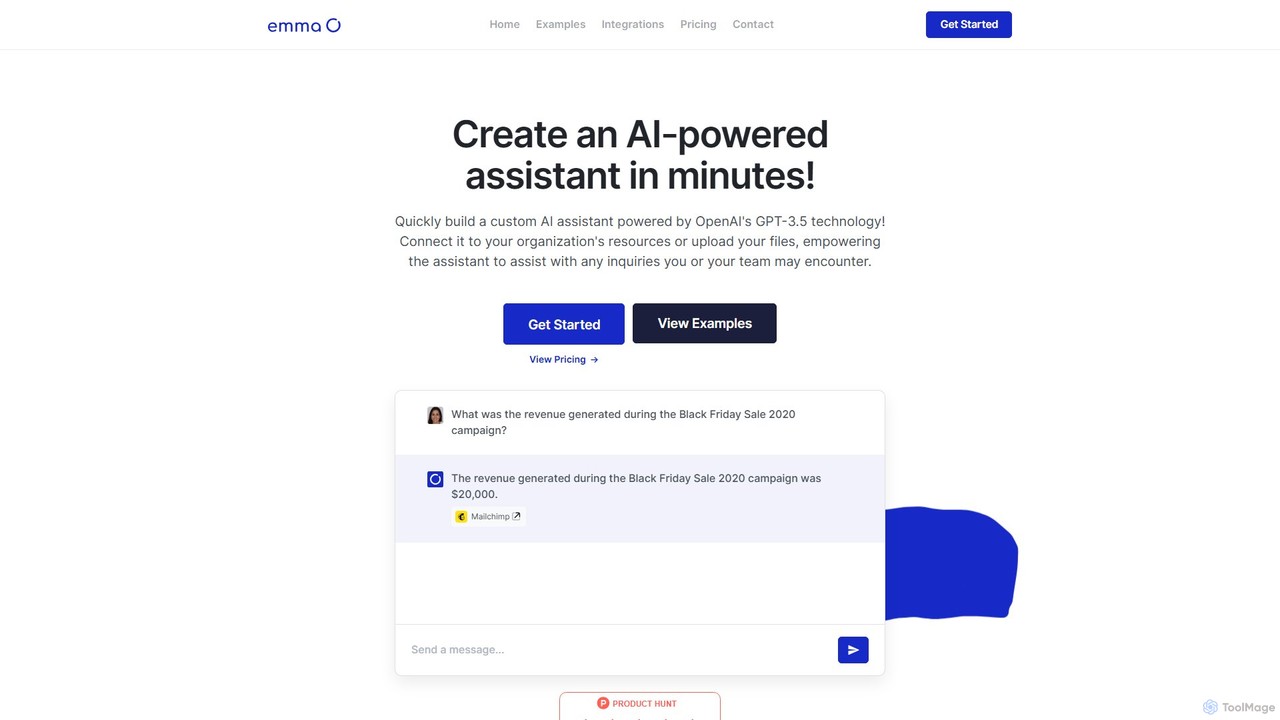
getemma
getemma is an AI platform that enables you to build a custom AI assistant powered by GPT-4 technology in minutes. Connect it to your business data, files, and integrations like Slack, Shopify, and Gmail to automate information retrieval, answer complex queries, and supercharge team productivity across departments such as sales, HR, and customer support.
Knowledge Management
bluegpt Comments (0)
Sign in to comment.
Sign inNo comments yet.