


ChatbotKit Chat Overview
ChatbotKit Chat is a comprehensive and developer-friendly platform designed to create sophisticated AI-powered chatbots. It empowers businesses and individuals to build conversational experiences that are deeply integrated with their own data and tailored to specific needs. By connecting to various data sources such as websites, documents, and other knowledge bases, ChatbotKit allows you to create chatbots that provide accurate, context-aware responses, moving beyond generic answers.
The platform is built for flexibility, offering support for multiple large language models (LLMs) including those from OpenAI, Anthropic, and Google. This allows users to select the best model for their use case and budget. The central interface at chat.chatbotkit.com serves as the command center for creating, managing, testing, and deploying your chatbots.
How to use ChatbotKit Chat
Using ChatbotKit is a straightforward process, designed for both technical and non-technical users:
- Sign Up: Create an account on the ChatbotKit platform.
- Create a Bot: Start a new project and give your chatbot a name and purpose.
- Connect Data Sources: This is the core of ChatbotKit. You can train your bot by syncing data from multiple sources, such as scraping a website, uploading documents (PDFs, TXT, DOCX), or connecting to a Notion database.
- Customize the Bot: Define the chatbot's personality, instructions, and behavior. You can set a custom prompt, choose the language model, and configure advanced settings like conversation memory and moderation.
- Test and Refine: Interact with your chatbot directly in the web interface to test its responses. Refine its knowledge base and instructions based on its performance.
- Deploy: Once you're satisfied, deploy your chatbot. You can easily embed a customizable chat widget on your website with a simple copy-paste snippet, or use the powerful API for custom integrations into your applications, Slack, Discord, or WhatsApp.
Core Features of ChatbotKit Chat
- Versatile Data Integration: Connect to websites, documents, Notion, and other data sources to create a comprehensive knowledge base.
- Multi-LLM Support: Freedom to choose from a variety of leading language models like GPT-4, Claude 3, and Gemini to power your bot.
- Advanced Conversation Control: Fine-tune your bot's behavior with custom instructions, Skillsets for specific tasks, and robust moderation tools.
- Seamless Deployment: Embed a sleek, customizable chat widget on any website or integrate via a full-featured REST API and SDKs.
- Multi-Platform Integrations: Natively connect your chatbot with platforms like Slack, Discord, and WhatsApp for wider reach.
- Conversation Analytics: Monitor chatbot interactions, track performance metrics, and gain insights from user conversations to continuously improve your bot.
- Developer-First: A rich API, SDKs, and comprehensive documentation empower developers to build highly custom solutions.
Use Cases for ChatbotKit Chat
ChatbotKit is versatile enough to be applied across various industries and functions:
- 24/7 Customer Support: Automate responses to frequently asked questions, guide users through troubleshooting, and escalate complex issues to human agents.
- Lead Generation & Sales: Engage website visitors, qualify leads by asking relevant questions, and schedule demos or appointments automatically.
- Internal Knowledge Management: Create an internal assistant for employees to quickly find information from company policies, technical documentation, and internal wikis.
- E-commerce Shopping Assistant: Help customers find products, provide personalized recommendations, and answer questions about orders and shipping.
- Educational & Training Tool: Build specialized tutors that can explain complex topics, quiz users, and provide learning support.
Advantages of ChatbotKit Chat
ChatbotKit stands out due to its focus on customization, data integration, and developer experience. Key advantages include:
- Deep Customization: Go beyond simple Q&A with advanced controls over the bot's knowledge, personality, and conversational abilities.
- Data-Centric Approach: Your chatbot's quality is directly tied to your data, ensuring relevant and accurate responses.
- Scalability: The infrastructure is designed to handle everything from small personal projects to large-scale enterprise deployments.
- Flexibility: The no-code builder makes it accessible for marketers and business owners, while the powerful API caters to developers' needs.
- Cost-Effectiveness: Automates repetitive conversational tasks, freeing up human resources for more strategic work.
Pricing and Plans
ChatbotKit offers a tiered pricing structure to accommodate different needs, typically including:
- Hobby Plan: A free tier with limited message credits and features, perfect for personal projects and testing.
- Plus Plan: A paid plan for individuals and small businesses, offering more messages, more chatbots, and access to standard integrations.
- Pro Plan: Aimed at growing businesses, this plan includes significantly more messages, API access, advanced features, and priority support.
- Enterprise Plan: A custom plan for large organizations with specific needs, offering custom message limits, dedicated support, advanced security, and bespoke integrations.
ChatbotKit Chat Alternatives
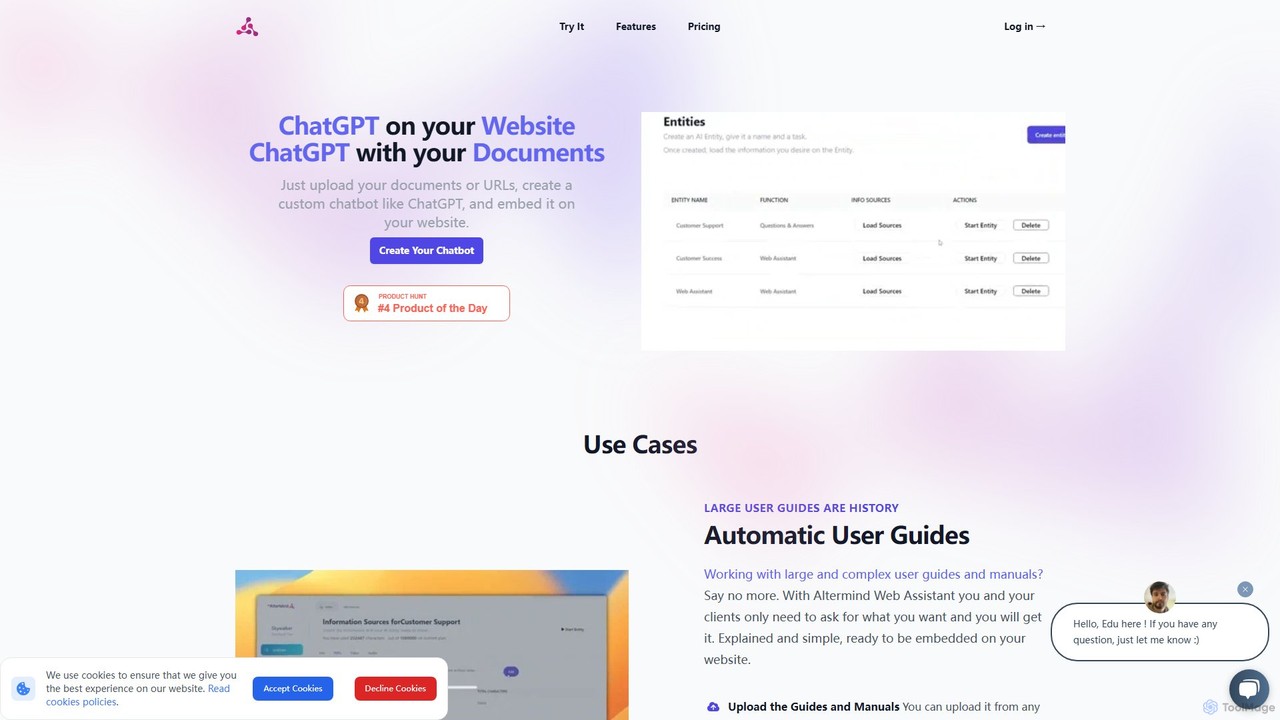

ChatWebpage
ChatWebpage is an AI-powered platform that allows businesses to create a custom chatbot in minutes. Simply by providing a website URL, the AI analyzes your content to build a knowledgeable chatbot capable of answering customer service questions 24/7. It supports multiple languages, file uploads for enhanced training, and offers seamless integration, making it an ideal solution for improving customer engagement and operational efficiency without any coding required.
Chatbot
Chatwith
Chatwith is a no-code platform for creating custom AI chatbots trained on your own data, such as websites, documents, and videos. It instantly answers customer queries 24/7, integrates with over 5000 apps to perform actions, and supports 95+ languages. Fully customizable and easy to embed, it helps businesses boost sales, improve support, and generate leads without any coding required.
Chatbot
EmbedAI
EmbedAI is a no-code platform that allows you to create custom AI chatbots trained on your own data. Easily build and embed a ChatGPT-like assistant on your website to automate customer support, generate leads, and provide instant answers to user questions 24/7.
Chatbot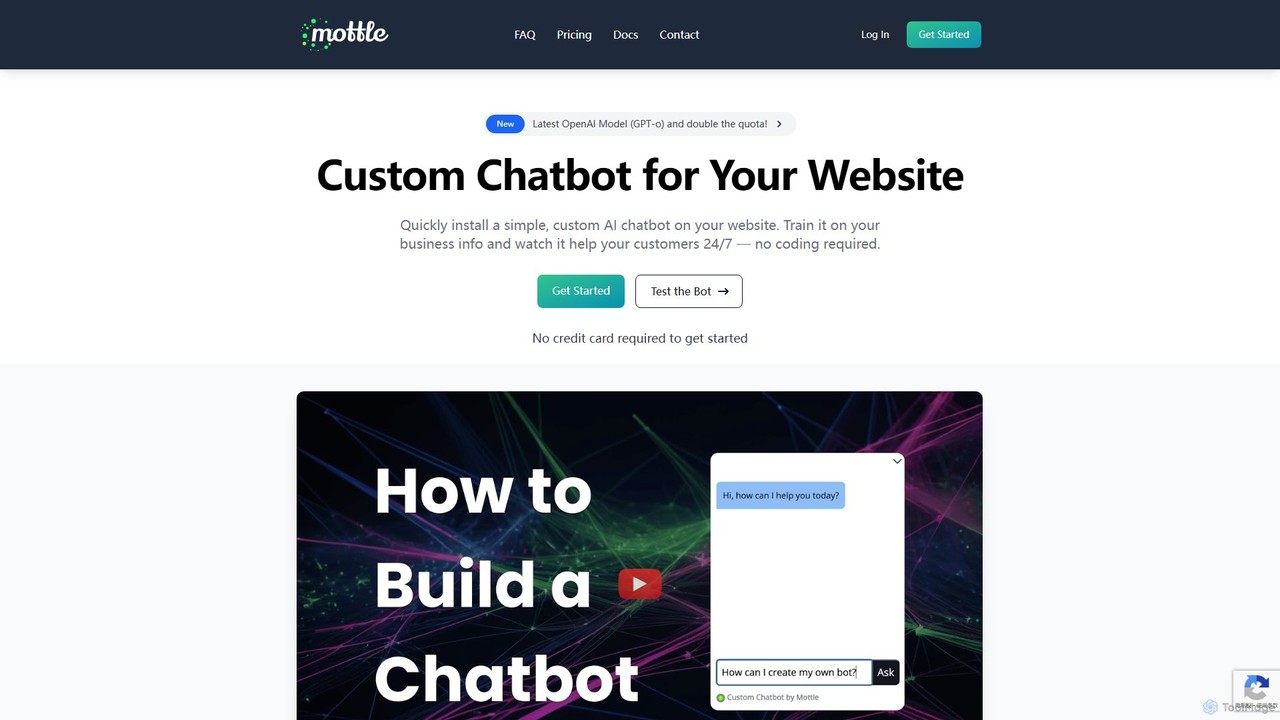
mottle
Mottle is a no-code platform that enables businesses to create and deploy custom AI chatbots on their websites. Powered by the latest OpenAI models like GPT-4o, it allows you to train a chatbot on your specific business information, documents, and FAQs. This provides instant, 24/7 customer support, answers user queries accurately, and enhances user engagement without any coding knowledge required. It's designed for quick setup, easy debugging, and seamless integration.
ChatbotChatbotKit Chat Categories
ChatbotKit Chat Embed Widget
Copy this embed code to place the badge on your blog, article, or product site and send readers directly to this ToolMage detail page.

Related AI tools
bluegpt
bluegpt is a no-code AI platform that allows you to build custom chatbots trained on your own data. Easily upload documents, scrape websites, and create a personalized AI assistant for customer support, lead generation, or internal knowledge management in minutes.
AutomationChatWebpage
ChatWebpage is an AI-powered platform that allows businesses to create a custom chatbot in minutes. Simply by providing a website URL, the AI analyzes your content to build a knowledgeable chatbot capable of answering customer service questions 24/7. It supports multiple languages, file uploads for enhanced training, and offers seamless integration, making it an ideal solution for improving customer engagement and operational efficiency without any coding required.
Chatbot
Jyek
Jyek is an AI agent platform that understands objectives, creates execution plans, uses tools, and delivers verifiable results for complex, multi-step tasks.
Automation
ChatNode
ChatNode is a no-code AI chatbot builder that allows you to create custom chatbots trained on your own data. Easily add a ChatGPT-like assistant to your website to automate customer support, answer questions 24/7, and generate leads, significantly reducing response times and improving user engagement.
Chatbot
ChatWizardAI
ChatWizardAI is a no-code platform that enables businesses to build custom ChatGPT-powered chatbots. Train your AI on website content, PDFs, and documents to create intelligent assistants for customer service, sales, and internal FAQs. Easily embed the customizable widget on any website to provide 24/7 support, enhance user engagement, and drive business growth. It supports over 30 languages, making global customer interaction seamless.
Chatbot
Ghostly
Ghostly is a platform for creating custom AI chatbots trained on your own data. It features a unique 'Bring Your Own API Key' model, allowing you to control AI usage costs directly. Easily build, customize, and embed a chatbot on your website in minutes by uploading files or adding URLs. It supports GPT-3.5, GPT-4, and GPT-4o, offering deep customization of behavior and appearance to match your brand.
Chatbot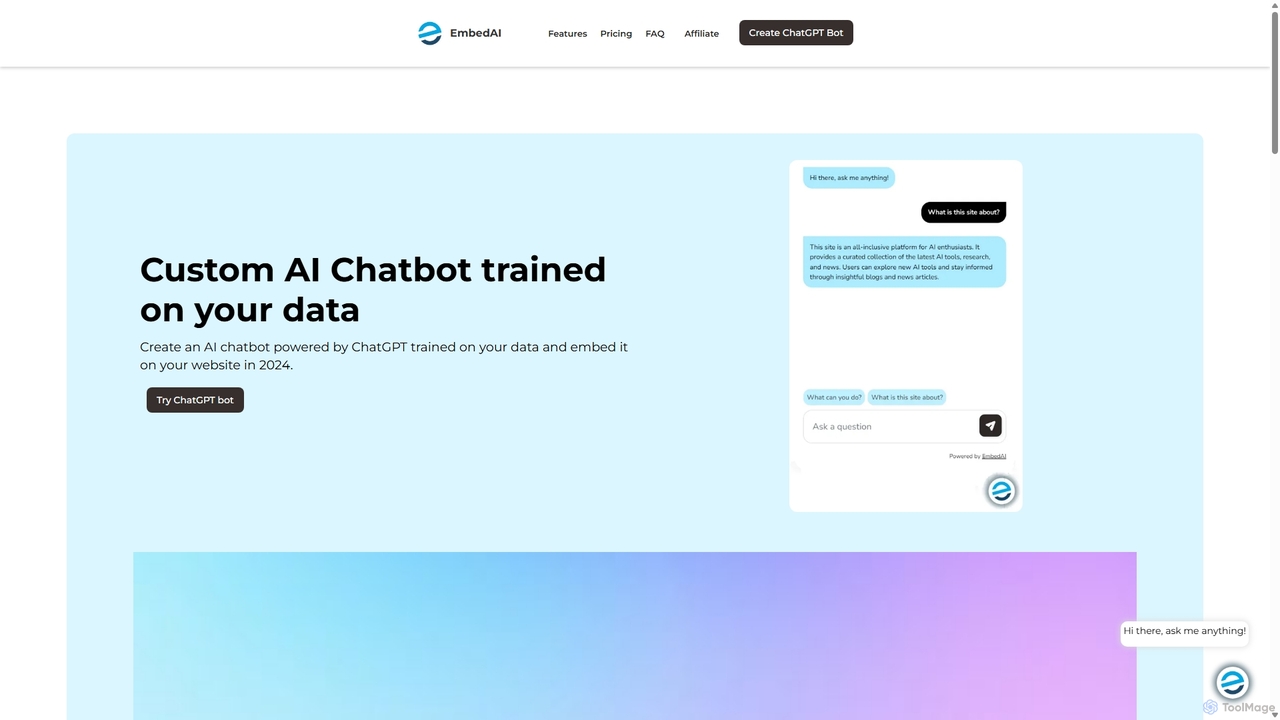
EmbedAI
EmbedAI is an AI chatbot builder that allows you to create custom ChatGPT & Gemini-powered chatbots trained on your own data. Easily upload files, link websites, or use YouTube videos to train your bot. Customize its appearance and embed it on your website to automate customer support, enhance user engagement, and provide instant answers in over 100 languages.
Chatbots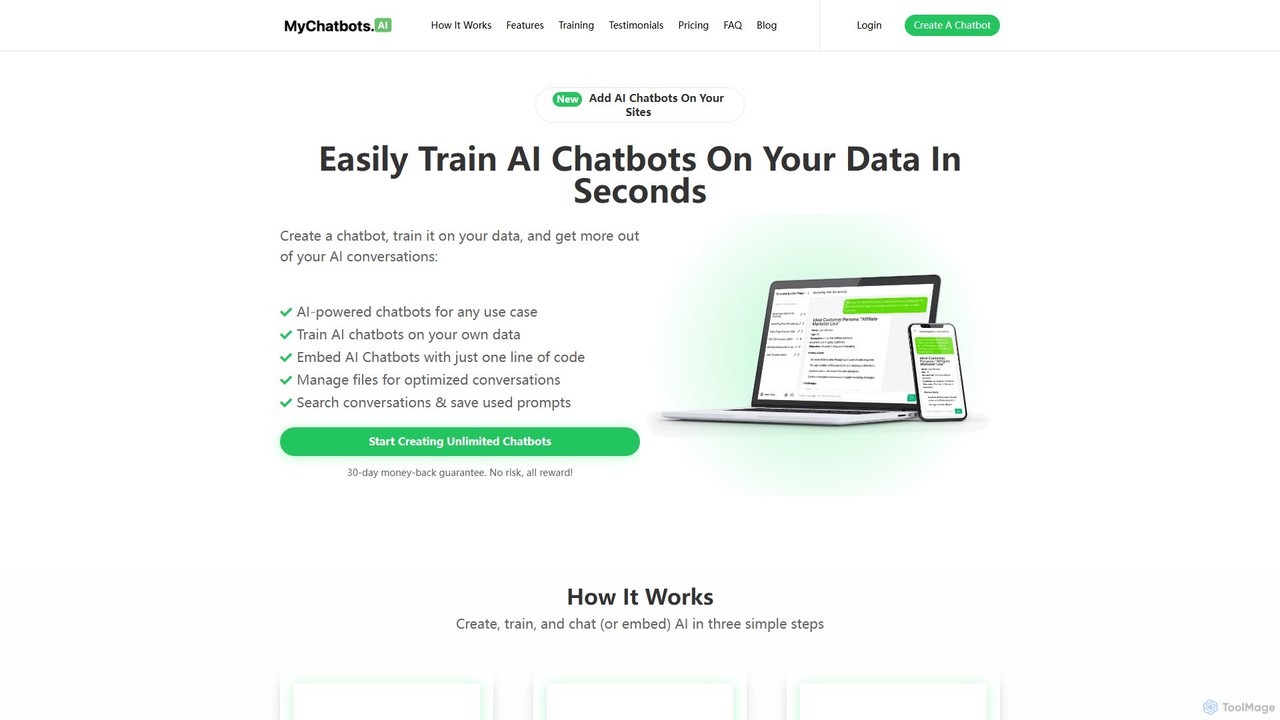
MyChatbots.AI
MyChatbots.AI is a no-code platform that allows you to create, train, and embed custom AI chatbots on your websites. Train your chatbot using your own data, such as PDFs and text files, to provide personalized, context-aware responses for customer support, lead generation, or internal knowledge management. It features a simple three-step setup and a 'Bring Your Own Key' model for flexible API usage.
ChatbotChatwith
Chatwith is a no-code platform for creating custom AI chatbots trained on your own data, such as websites, documents, and videos. It instantly answers customer queries 24/7, integrates with over 5000 apps to perform actions, and supports 95+ languages. Fully customizable and easy to embed, it helps businesses boost sales, improve support, and generate leads without any coding required.
ChatbotEmbedAI
EmbedAI is a no-code platform that allows you to create custom AI chatbots trained on your own data. Easily build and embed a ChatGPT-like assistant on your website to automate customer support, generate leads, and provide instant answers to user questions 24/7.
Chatbotmottle
Mottle is a no-code platform that enables businesses to create and deploy custom AI chatbots on their websites. Powered by the latest OpenAI models like GPT-4o, it allows you to train a chatbot on your specific business information, documents, and FAQs. This provides instant, 24/7 customer support, answers user queries accurately, and enhances user engagement without any coding knowledge required. It's designed for quick setup, easy debugging, and seamless integration.
Chatbot
Chatsome
Chatsome is a no-code AI chatbot platform that helps businesses automate customer service and boost sales. Train your own chatbot on your company's data to provide instant, 24/7 support, guide users to products, and handle inquiries like order status. It's fully customizable to match your brand and easy to install on any website.
Chatbot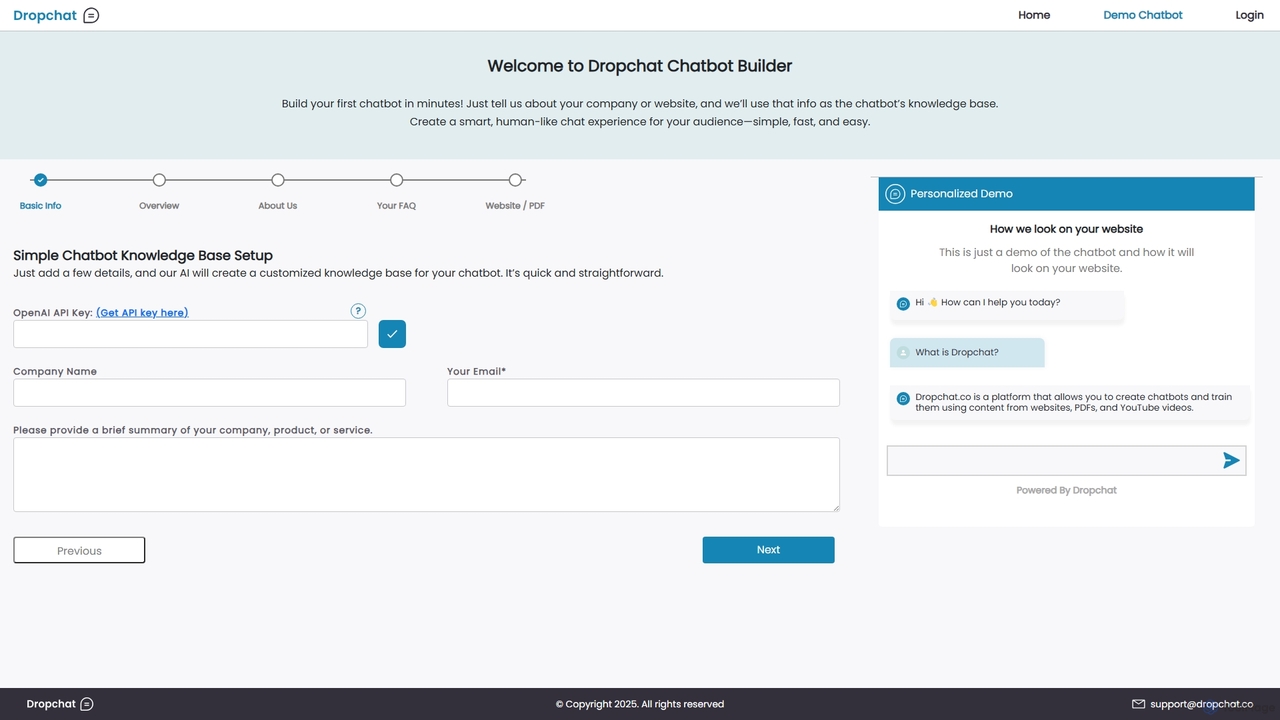
Dropchat
Dropchat is an AI-powered platform that allows you to build custom chatbots in minutes. Train your chatbot using your own data, such as websites, PDFs, and YouTube videos, to provide instant customer support, generate leads, and enhance user engagement without any coding knowledge.
Chatbots
ChatbotKit Chat Comments (0)
Sign in to comment.
Sign inNo comments yet.