


ChatWebpage Overview
ChatWebpage is an innovative AI platform designed to transform how businesses interact with their customers online. It enables the creation of intelligent, automated chatbots simply by using a website's URL as the primary data source. The platform's core technology analyzes the content of your website—including text, product information, and FAQs—to build a comprehensive knowledge base. This allows the chatbot to provide accurate, context-aware answers to user queries in real-time, functioning as a virtual expert on your business.
The goal of ChatWebpage is to automate customer support, enhance lead generation, and provide instant, accessible information to website visitors, thereby improving the overall user experience. It eliminates the need for complex programming or manual rule-setting, offering a true no-code solution for businesses of all sizes.
How to use ChatWebpage
Getting started with ChatWebpage is designed to be incredibly simple and fast. The entire process can be completed in just a few steps:
- Input Your Website URL: Begin by navigating to the ChatWebpage platform and entering the URL of the website you want to create a chatbot for.
- AI-Powered Analysis: The system's AI will automatically crawl and analyze the content across your website pages to understand your business, products, and services. You can also upload additional files like PDFs or documents to enrich its knowledge base.
- Customize Your Chatbot: Tailor the chatbot's appearance, welcome message, and behavior to match your brand's identity and tone of voice. You can set up prompts and default questions to guide users.
- Integrate and Deploy: Once you are satisfied with the setup, ChatWebpage provides a simple JavaScript snippet. Copy and paste this code into your website's HTML to embed the chatbot and make it live for your visitors.
Core Features of ChatWebpage
- Instant Chatbot Creation from URL: The primary feature that allows for rapid deployment by using existing website content as the foundation.
- Multi-Source Knowledge Base: Train your chatbot not only with website pages but also by uploading files (PDFs, DOCX, etc.) to provide more comprehensive and detailed answers.
- 24/7 Automated Support: The chatbot is available around the clock to answer customer questions, handle inquiries, and provide assistance, reducing the workload on human agents.
- Multilingual Capabilities: Engage a global audience by having the chatbot converse fluently in multiple languages, automatically detecting the user's language or allowing them to choose.
- Seamless Website Integration: Effortlessly embed the chatbot on any website with a simple copy-paste code snippet, requiring no technical expertise.
- API Access & Webhooks: For advanced users, API access allows for deeper integration with other business systems, while webhooks can trigger actions in external applications based on chat events (available on higher-tier plans).
- White-Labeling and Customization: Higher-tier plans offer the ability to use a custom domain for the embed script and remove ChatWebpage branding for a fully integrated brand experience.
- Team Collaboration: Allow multiple team members to access the dashboard, manage chatbots, and review conversation logs.
Use Cases for ChatWebpage
ChatWebpage is a versatile tool suitable for a wide range of applications:
- Automated Customer Service: Instantly answer frequently asked questions about shipping, returns, pricing, business hours, and services.
- E-commerce Assistance: Guide shoppers to find products, compare features, and answer product-specific questions, improving conversion rates.
- Lead Generation: Proactively engage website visitors, qualify leads by asking relevant questions, and capture contact information for sales follow-up.
- B2B Support & Sales: Provide detailed technical information and specifications to business clients, streamlining the B2B inquiry process.
- Internal Knowledge Management: Create an internal-facing chatbot for employees to quickly find information from company policies, handbooks, and internal documentation.
Advantages of ChatWebpage
Implementing ChatWebpage offers significant benefits:
- Ease of Use: The no-code platform ensures that anyone can build and deploy a powerful AI chatbot in minutes.
- Cost-Effectiveness: Drastically reduces customer support costs by automating responses to repetitive queries, freeing up human agents for more complex issues.
- Enhanced Customer Experience: Provides instant, accurate, and 24/7 support, leading to higher customer satisfaction and loyalty.
- Scalability: The platform can handle a virtually unlimited number of conversations simultaneously and scales with your business needs, from startups to large enterprises.
- Data-Driven Insights: Gain valuable insights from customer questions to understand their needs, identify gaps in your website content, and improve your products or services.
Pricing and Plans
ChatWebpage offers a freemium model with several paid tiers to suit different business needs:
- Free Plan: A limited free version is available for users to try the basic functionality.
- STARTER Plan: $49/month. Includes 1 chatbot, up to 4,000 messages/month, training on up to 200 web pages, and 10 file uploads.
- CHATWEBPAGE Plan: $99/month. Includes 2 chatbots, up to 10,000 messages/month, training on up to 2,000 web pages, 100 file uploads, unlimited integrations, 4 team members, and API access.
- SCALE Plan: $399/month. Offers unlimited chatbots and messages, training on up to 100,000 web pages, 1,000 file uploads, unlimited members, API access, webhook support, custom domain for embed scripts, and priority support.
ChatWebpage Alternatives
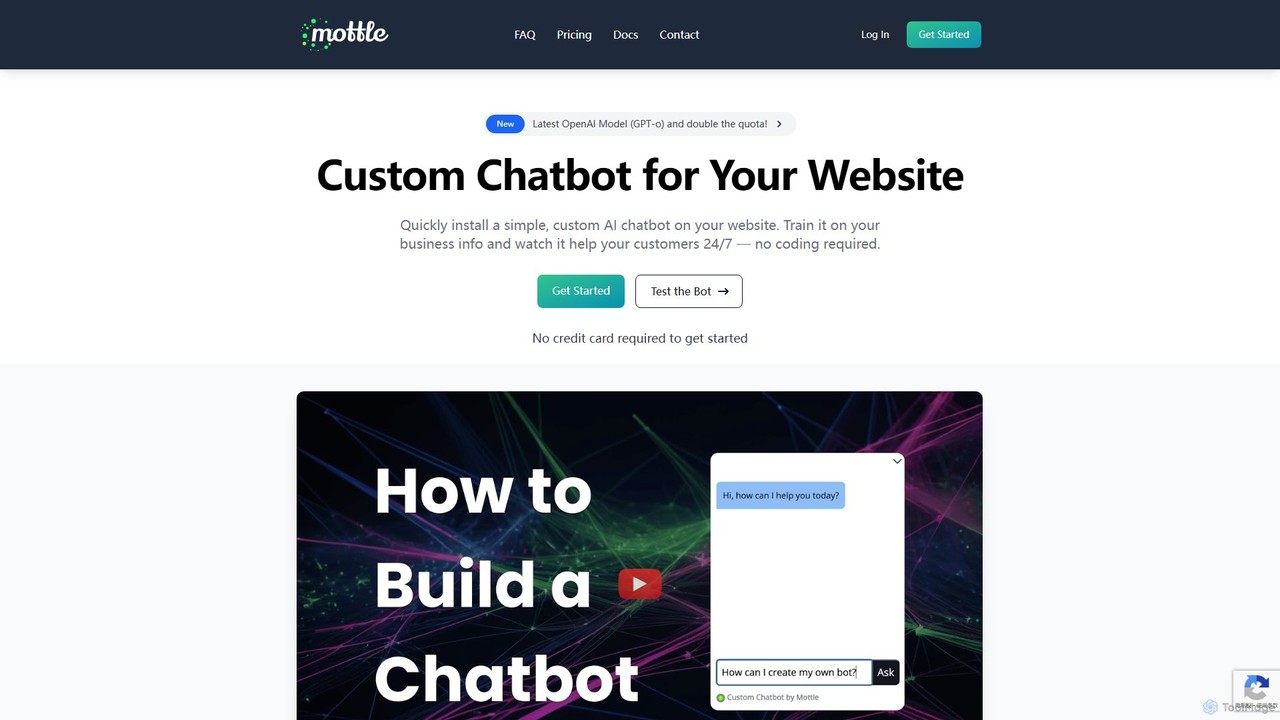
mottle
Mottle is a no-code platform that enables businesses to create and deploy custom AI chatbots on their websites. Powered by the latest OpenAI models like GPT-4o, it allows you to train a chatbot on your specific business information, documents, and FAQs. This provides instant, 24/7 customer support, answers user queries accurately, and enhances user engagement without any coding knowledge required. It's designed for quick setup, easy debugging, and seamless integration.
Chatbot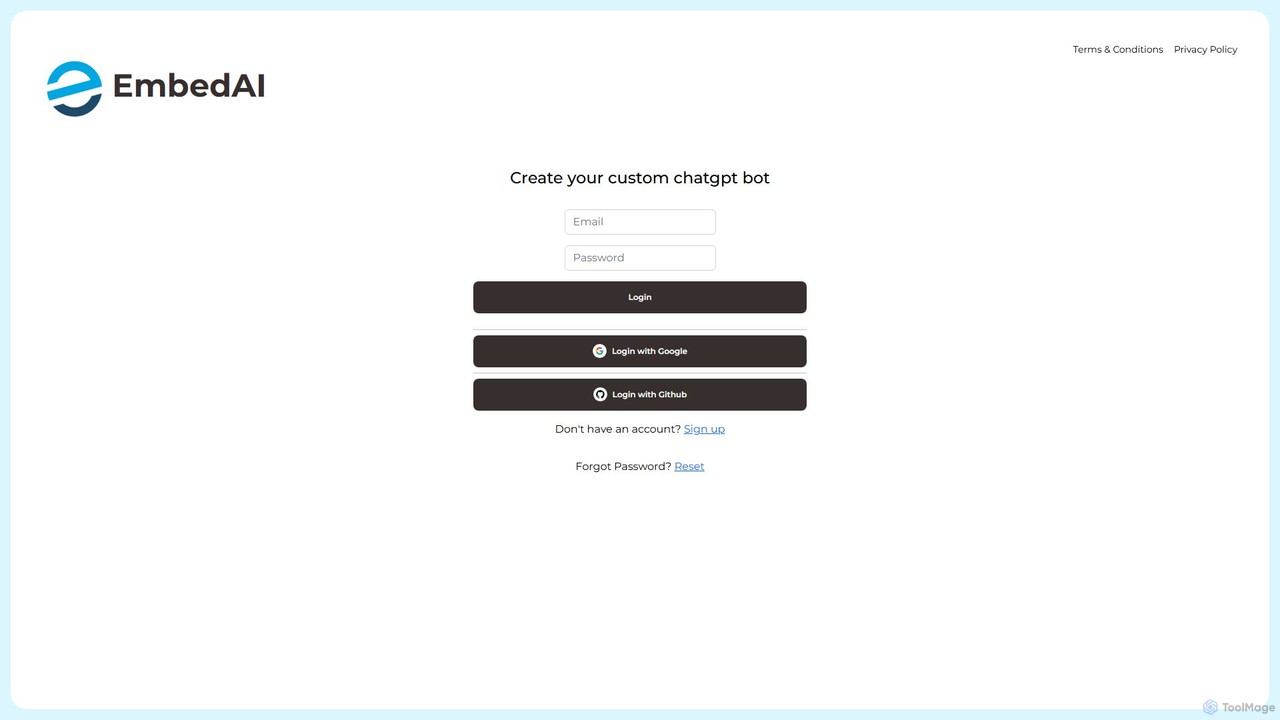
EmbedAI
EmbedAI is a no-code platform that allows you to create custom AI chatbots trained on your own data. Easily build and embed a ChatGPT-like assistant on your website to automate customer support, generate leads, and provide instant answers to user questions 24/7.
Chatbot
ChatbotKit Chat
An advanced platform for building, training, and deploying AI chatbots. Connect your own data, choose from various large language models, and integrate conversational AI into your websites, apps, and services for customer support, lead generation, and more.
Chatbot
Chatwith
Chatwith is a no-code platform for creating custom AI chatbots trained on your own data, such as websites, documents, and videos. It instantly answers customer queries 24/7, integrates with over 5000 apps to perform actions, and supports 95+ languages. Fully customizable and easy to embed, it helps businesses boost sales, improve support, and generate leads without any coding required.
Chatbot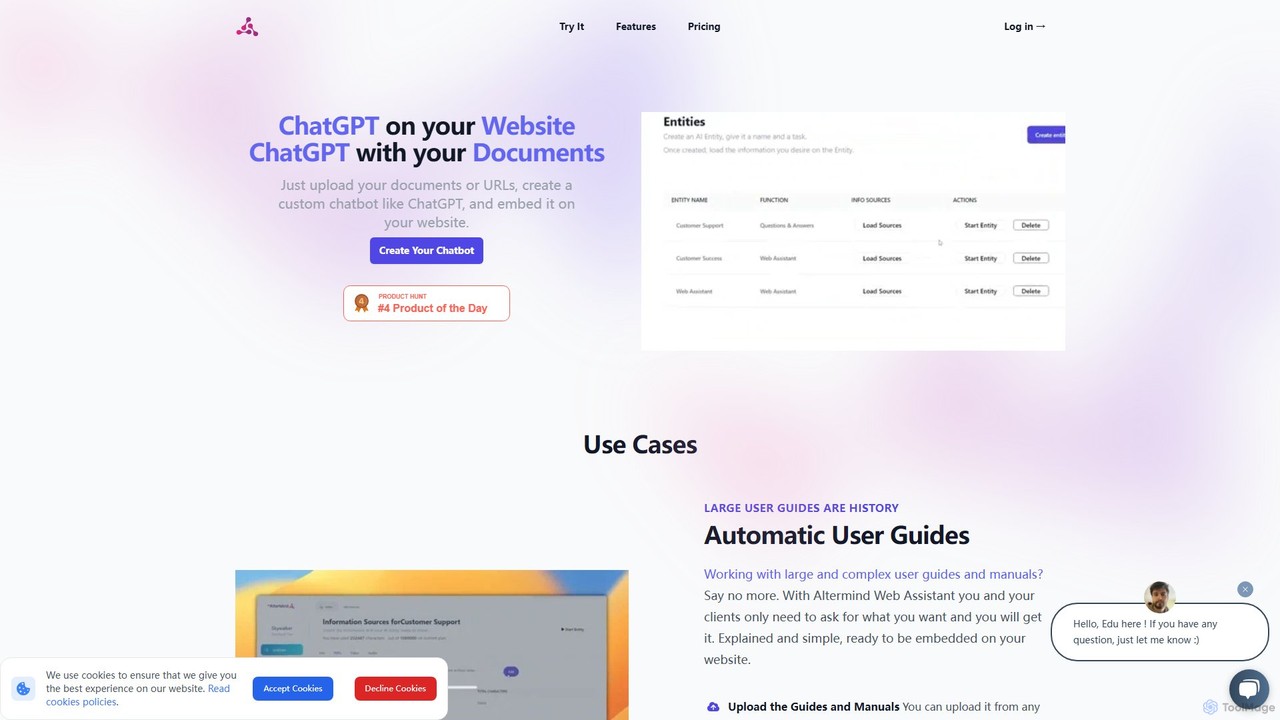
ChatWebpage Categories
ChatWebpage Embed Widget
Copy this embed code to place the badge on your blog, article, or product site and send readers directly to this ToolMage detail page.

Related AI tools

Owlbot
Owlbot is an advanced AI chatbot platform that allows you to create custom chatbots trained on your own data. It supports 95 languages, integrates with multiple data sources like documents and websites, and offers features like lead generation, API access, and a choice of 12+ LLM models to automate customer support and internal queries.
Chatbotmottle
Mottle is a no-code platform that enables businesses to create and deploy custom AI chatbots on their websites. Powered by the latest OpenAI models like GPT-4o, it allows you to train a chatbot on your specific business information, documents, and FAQs. This provides instant, 24/7 customer support, answers user queries accurately, and enhances user engagement without any coding knowledge required. It's designed for quick setup, easy debugging, and seamless integration.
ChatbotEmbedAI
EmbedAI is a no-code platform that allows you to create custom AI chatbots trained on your own data. Easily build and embed a ChatGPT-like assistant on your website to automate customer support, generate leads, and provide instant answers to user questions 24/7.
ChatbotChatbotKit Chat
An advanced platform for building, training, and deploying AI chatbots. Connect your own data, choose from various large language models, and integrate conversational AI into your websites, apps, and services for customer support, lead generation, and more.
Chatbot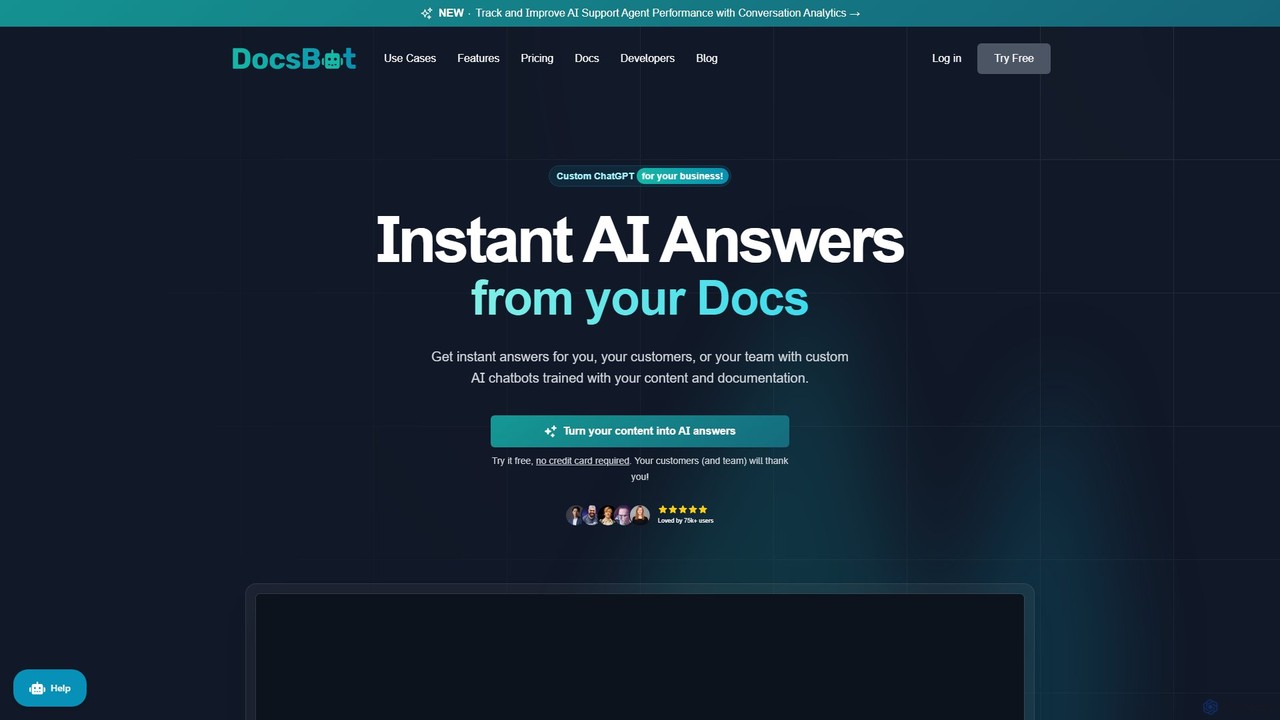
DocsBot
DocsBot is an AI-powered platform that allows businesses to create custom chatbots trained on their own documentation and content. It provides instant, accurate answers for customers and employees, automating support, improving internal knowledge access, and accelerating research without any coding.
Chatbot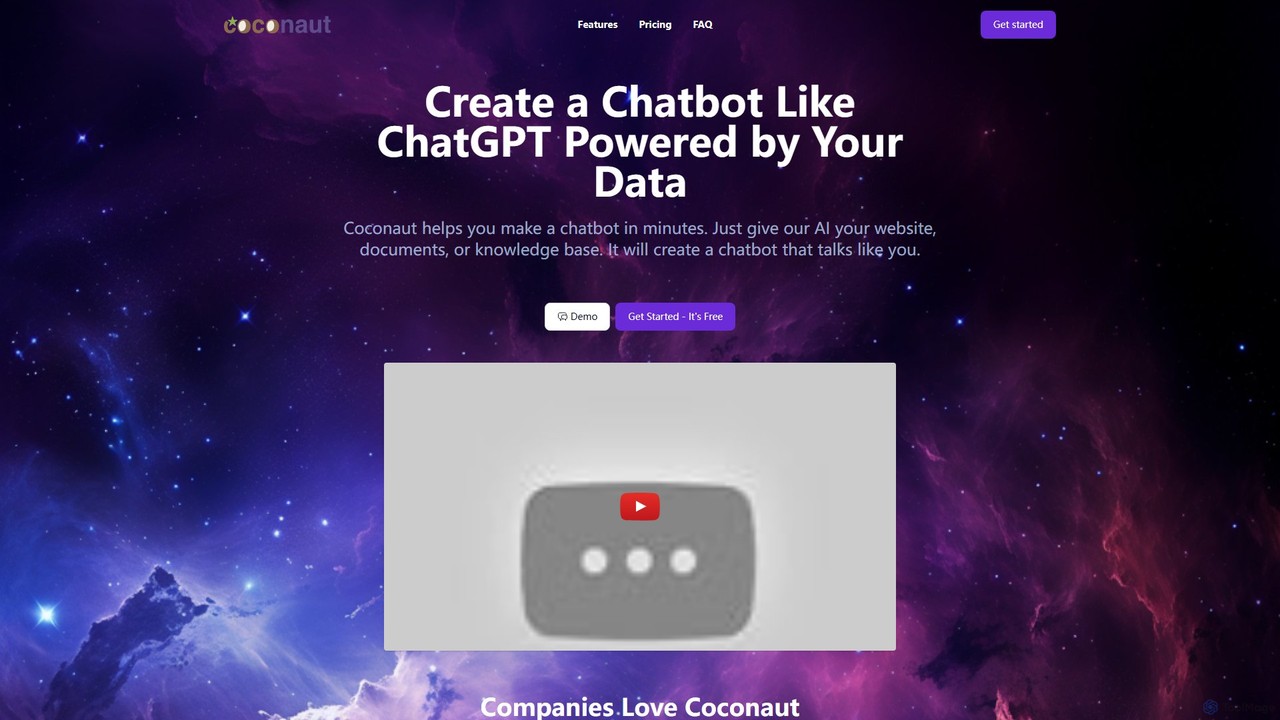
Coconaut.ai
Coconaut.ai is a no-code platform that allows you to create custom AI chatbots powered by your own data. Simply provide a website URL or upload documents, and Coconaut will build a ChatGPT-like bot that understands your content and can be easily embedded into your website to enhance customer engagement and automate support.
Chatbot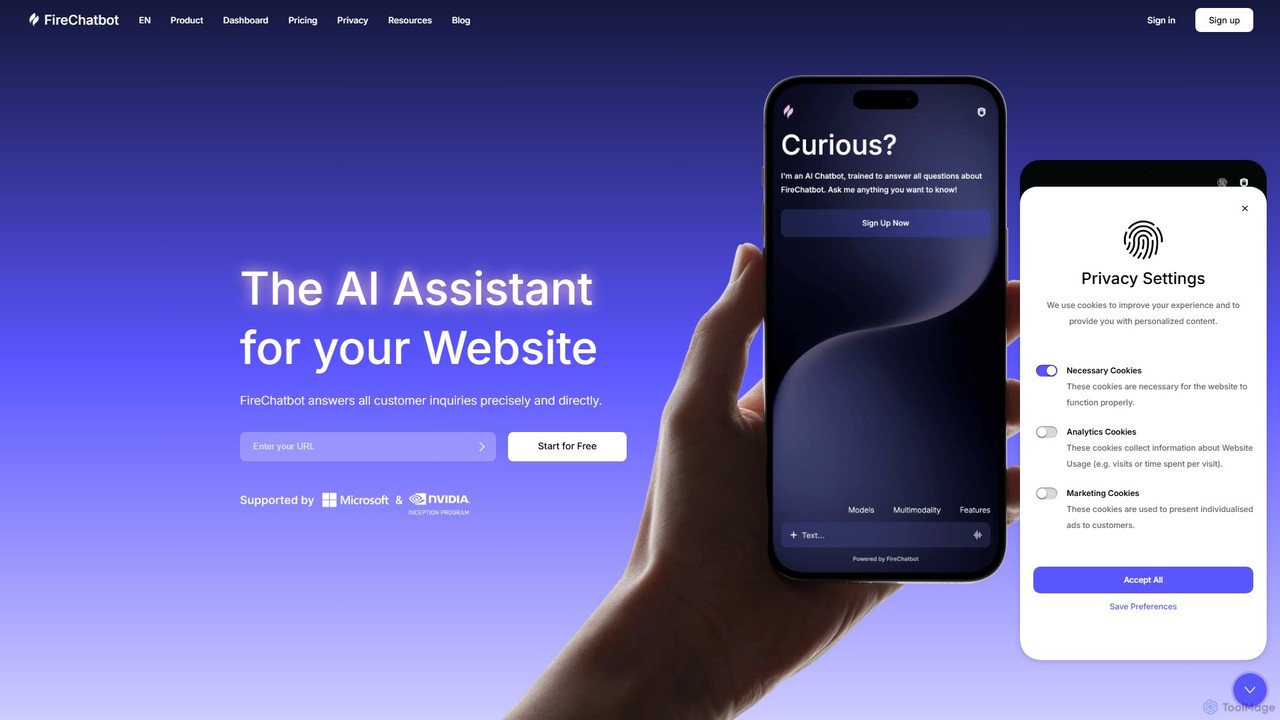
FireChatbot
FireChatbot is a no-code AI chatbot that automatically trains on your website content to provide instant, 24/7 customer support. It features easy copy-paste installation, automatic updates, and multimodal communication (text, audio, image) in any language, all while being fully GDPR compliant.
Chatbot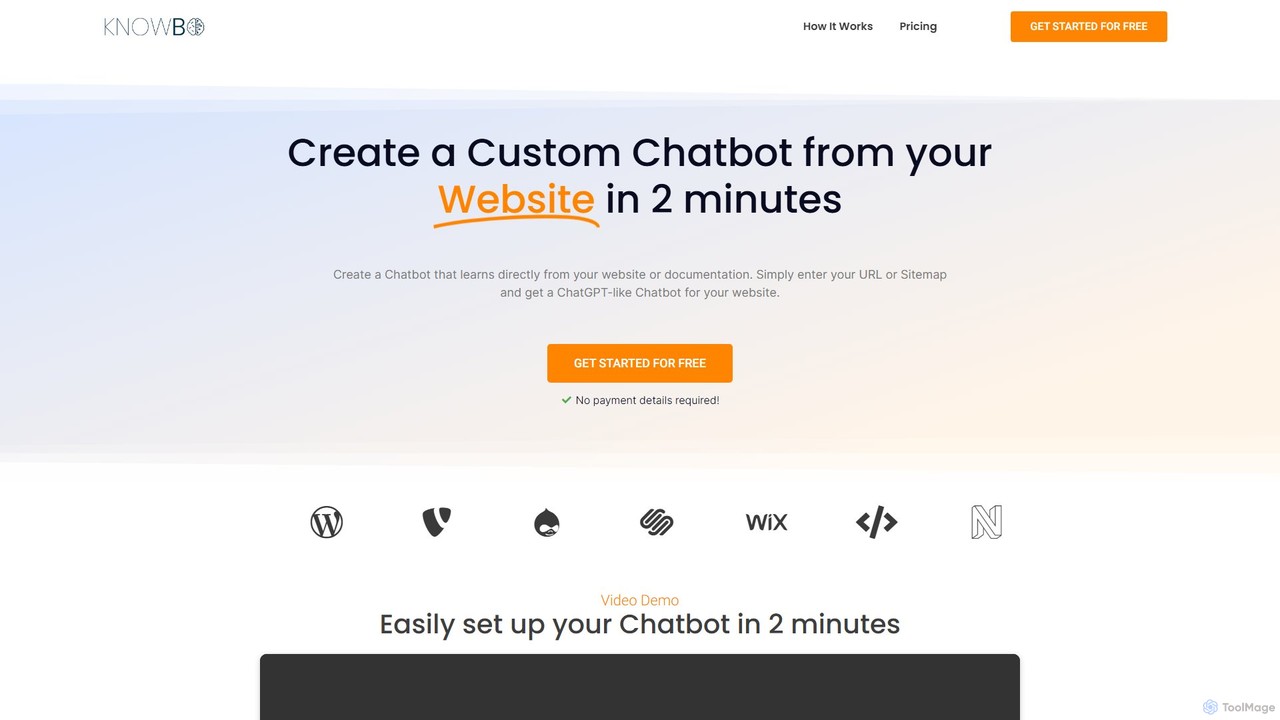
Knowbo
Knowbo is an AI-powered platform that allows you to create a custom chatbot for your website in minutes. By simply providing a URL or sitemap, Knowbo's AI learns directly from your content to answer customer questions accurately. It's a no-code solution designed to enhance user experience, reduce support load, and integrate seamlessly with any website.
Chatbot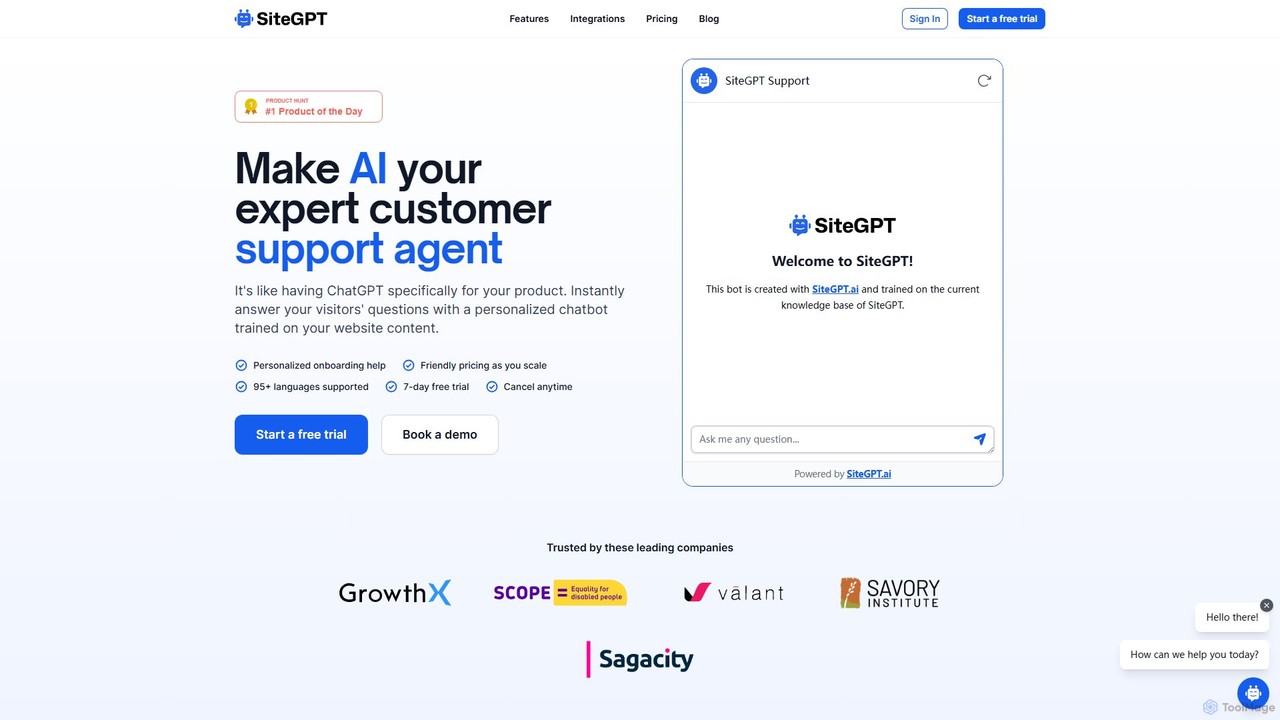
SiteGPT
SiteGPT is an AI-powered chatbot builder that creates a personalized customer support agent trained on your website content. It instantly answers visitor questions 24/7, automates support, generates leads, and integrates with your existing tools, supporting over 95 languages.
Chatbot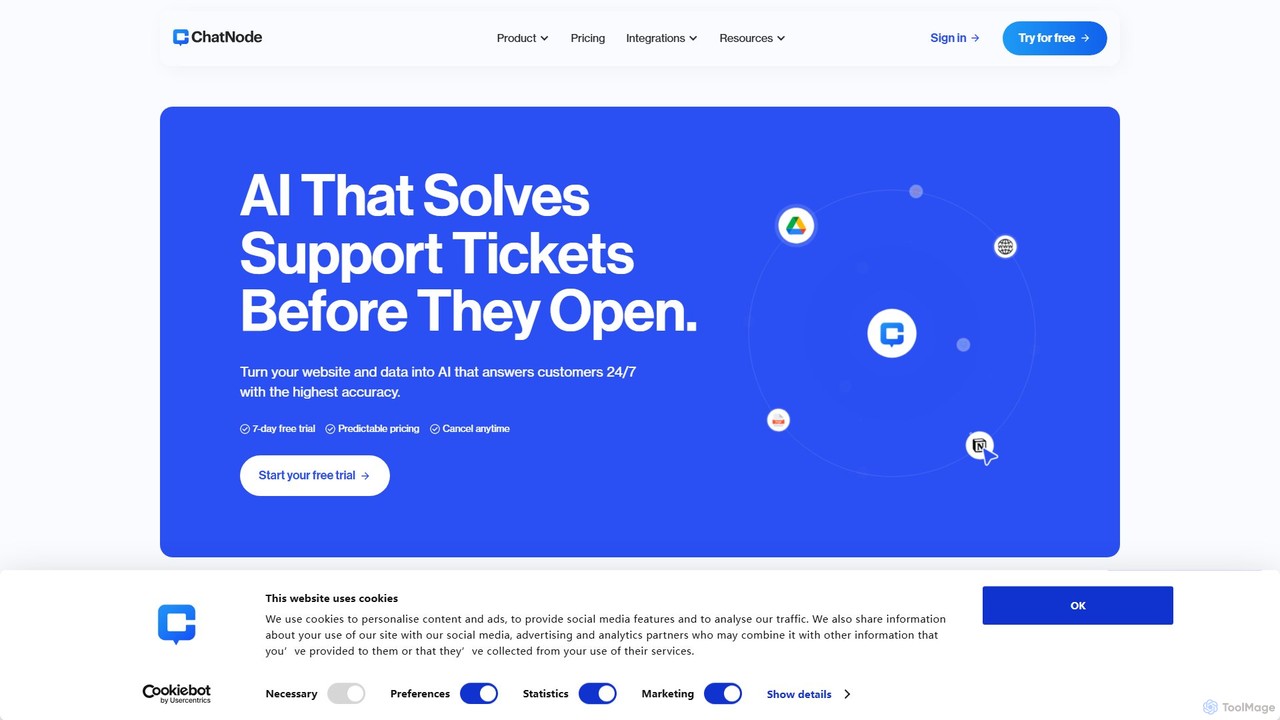
ChatNode
ChatNode is a no-code AI chatbot builder that allows you to create custom chatbots trained on your own data. Easily add a ChatGPT-like assistant to your website to automate customer support, answer questions 24/7, and generate leads, significantly reducing response times and improving user engagement.
Chatbot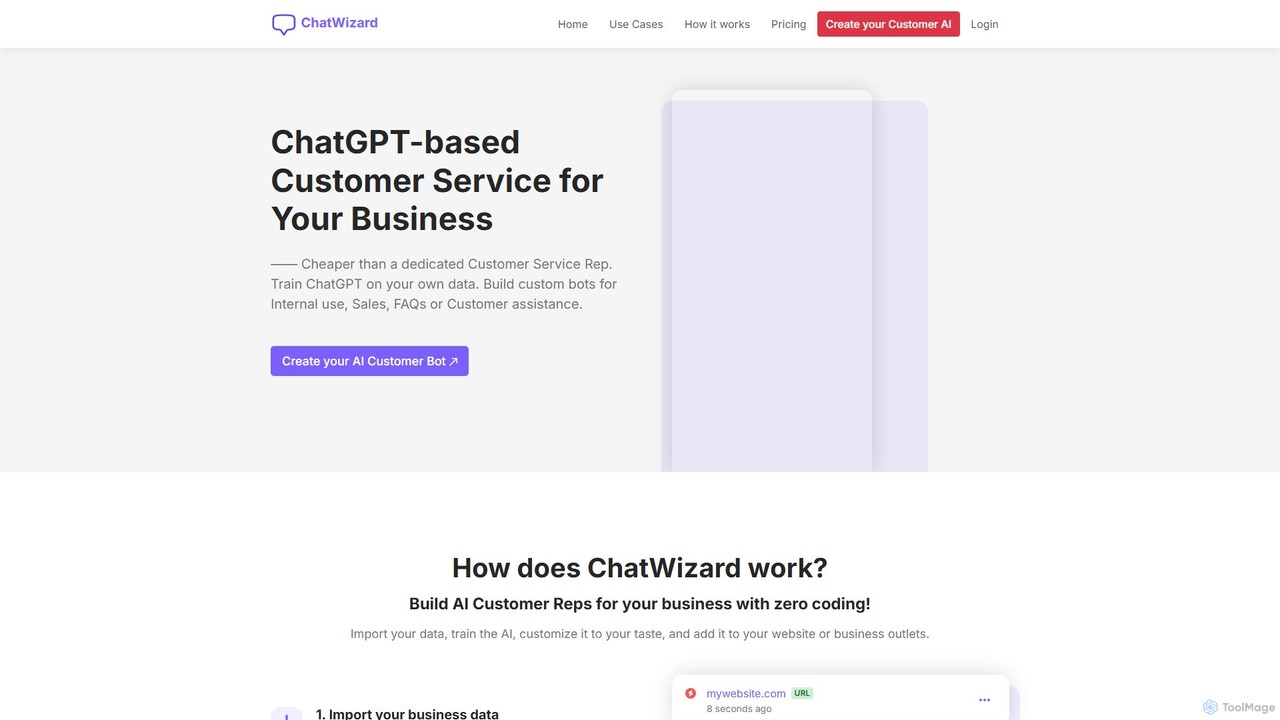
ChatWizardAI
ChatWizardAI is a no-code platform that enables businesses to build custom ChatGPT-powered chatbots. Train your AI on website content, PDFs, and documents to create intelligent assistants for customer service, sales, and internal FAQs. Easily embed the customizable widget on any website to provide 24/7 support, enhance user engagement, and drive business growth. It supports over 30 languages, making global customer interaction seamless.
Chatbot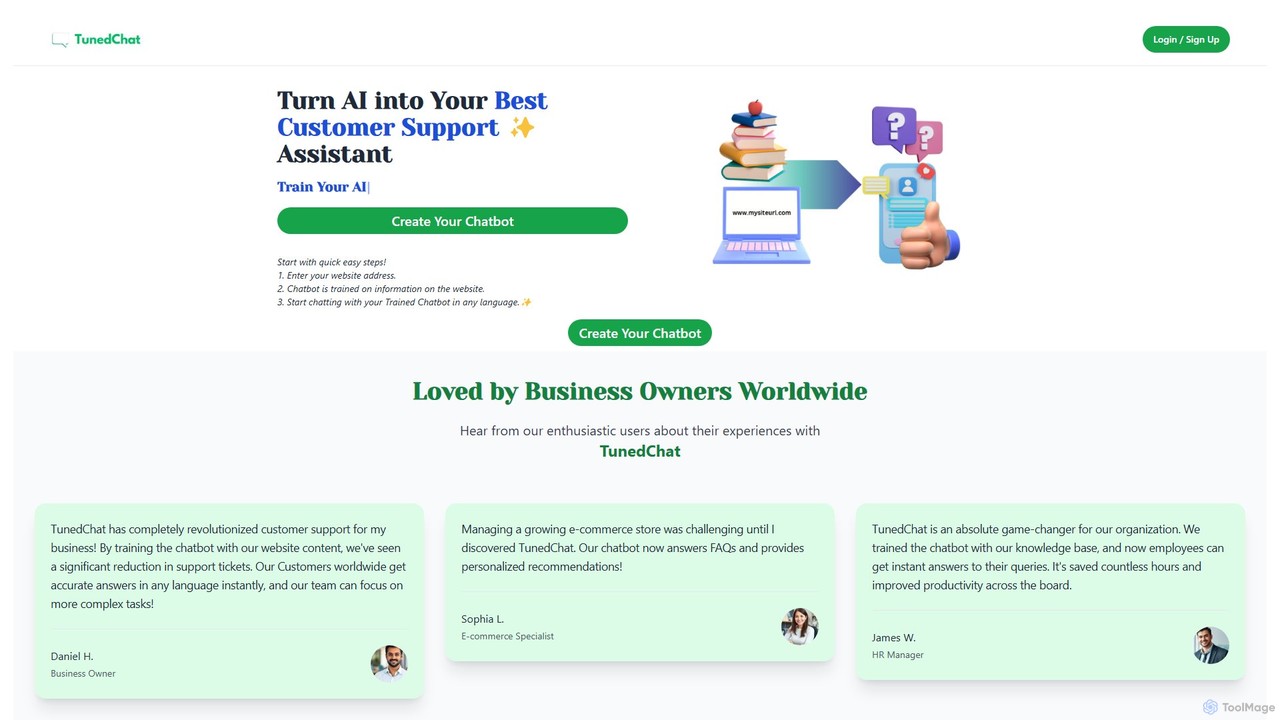
TunedChat
TunedChat is a no-code AI platform that allows you to create a custom chatbot trained on your own data. Simply provide a website URL or upload documents, and TunedChat will build an intelligent assistant to handle customer support, answer FAQs, and manage internal knowledge. It supports over 90 languages, making it ideal for global businesses.
Chatbot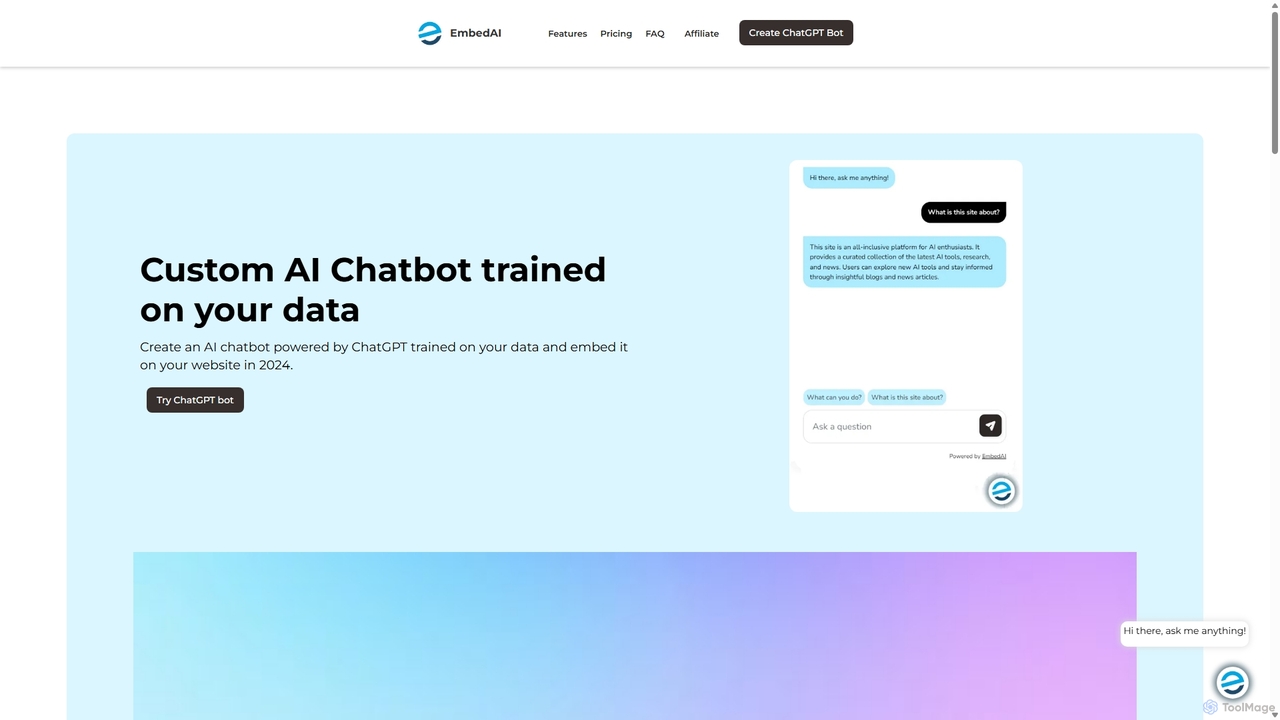
EmbedAI
EmbedAI is an AI chatbot builder that allows you to create custom ChatGPT & Gemini-powered chatbots trained on your own data. Easily upload files, link websites, or use YouTube videos to train your bot. Customize its appearance and embed it on your website to automate customer support, enhance user engagement, and provide instant answers in over 100 languages.
Chatbots
Jyek
Jyek is an AI agent platform that understands objectives, creates execution plans, uses tools, and delivers verifiable results for complex, multi-step tasks.
Automation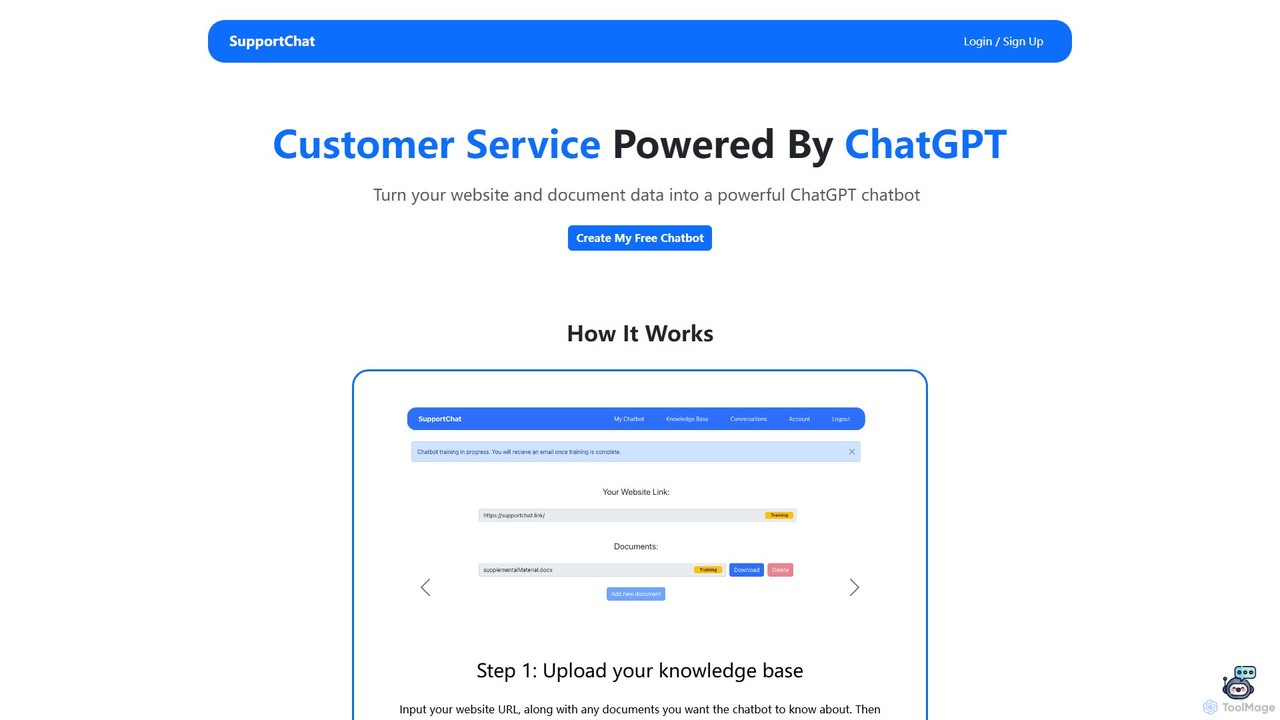
SupportChat
SupportChat is an AI-powered tool that transforms your website content and documents into an intelligent ChatGPT chatbot. It provides instant, 24/7 customer service, automates responses, and helps you understand and engage with your customers more effectively. No coding required.
Chatbot
ChatWebpage Comments (0)
Sign in to comment.
Sign inNo comments yet.