


Owlbot Overview
Owlbot is a powerful and user-friendly AI chatbot platform designed to empower businesses of all sizes. It enables you to build and deploy sophisticated AI chatbots in seconds, trained specifically on your company's data. By integrating information from various sources such as documents (PDF, Word), markdown files, and entire websites, Owlbot creates a centralized knowledge base that can provide instant, accurate, and context-aware answers to questions from customers, clients, or internal team members. The platform is engineered to handle up to 90% of incoming queries, significantly reducing the workload on human support agents and improving operational efficiency.
With a strong focus on customization and flexibility, Owlbot allows you to tailor the chatbot's appearance to perfectly match your brand's identity. You can also define its personality and response instructions through a base prompt, ensuring every interaction is on-brand. The platform's multilingual capability is a standout feature, automatically detecting the user's language and responding in one of the 95 supported languages, making it an ideal solution for global businesses.
How to use Owlbot
Getting started with Owlbot is a straightforward process designed for users of all technical levels:
- Sign Up and Create a Chatbot: Begin by signing up for a free or paid plan. Once in the dashboard, you can start creating your first chatbot.
- Import Your Data: This is the core step. You can upload multiple files (like PDFs, DOCs) or simply provide a website URL. Owlbot will automatically scrape, process, and index the content to build the chatbot's knowledge base.
- Customize Your Chatbot: Navigate to the settings to customize the chatbot. You can change its name, edit the base prompt to give it a specific personality (e.g., 'You are a friendly and helpful support assistant'), and set instructions on how it should answer questions. You can also customize the visual design of the chat bubble to match your website.
- Embed on Your Website: Once you're satisfied with the setup, click on "Embed on website". You can choose to embed the chatbot as an iframe or add a chat bubble to the corner of your site by copying and pasting a small code snippet.
- Integrate via API (Optional): For more advanced use cases, you can use the Owlbot API to integrate the chatbot's capabilities into your own applications, enabling communication from anywhere.
- Monitor and Supervise: Use the dashboard to track usage statistics, gain insights into your chatbot's performance, and supervise conversations to understand user needs and improve your data sources.
Core Features of Owlbot
- Multi-source Data Integration: Ingest content from various sources including documents (PDF, Word), markdown files, and website scraping to create a comprehensive knowledge base.
- Multilingual Support: Automatically detects and responds in 95 different languages, providing seamless global customer support.
- Customizable Chatbot Interface: Tailor the chatbot's design, colors, and logo to align perfectly with your brand identity.
- Advanced LLM Selection: Choose from over 12 different Large Language Models (LLMs), including options from OpenAI, Anthropic, and Mistral, to find the best fit for your performance and cost needs.
- Function Calling: Connect your chatbot to external tools and systems. This allows it to perform actions like fetching real-time data, generating images, or executing calculations, extending its capabilities beyond text responses.
- Lead Generation: Configure the chatbot to capture user information such as names, emails, and phone numbers, turning support interactions into valuable business leads.
- API Access & White Label: Offers API access for custom integrations and a white-label solution for agencies or businesses wanting to offer the service under their own brand.
- Usage Analytics & Conversation Supervision: Get detailed statistics on chatbot usage and review conversations to gain insights and ensure quality.
Use Cases for Owlbot
Owlbot is versatile and can be applied in various scenarios:
- 24/7 Automated Customer Service: Deploy on your website to provide instant answers to common customer questions about products, services, shipping, or policies, at any time of day.
- Internal Knowledge Base for Teams: Create an internal chatbot for your employees to quickly find information from HR policies, technical documentation, or training materials, boosting productivity.
- Website Lead Generation: Engage website visitors proactively, answer their questions, and prompt them to provide contact details, effectively converting traffic into leads.
- Interactive FAQ & Documentation: Replace static FAQ pages with an interactive chatbot that allows users to ask questions in natural language and get immediate, precise answers from your documentation.
Advantages of Owlbot
Implementing Owlbot provides several key advantages:
- Enhanced Efficiency: Automates up to 90% of repetitive queries, freeing up your team to focus on more complex issues.
- Improved Customer Satisfaction: Delivers instant, 24/7 support in the customer's preferred language, eliminating wait times.
- Cost-Effective: Reduces the need for a large support team, leading to significant cost savings in staffing and operations.
- Ease of Use: The intuitive, no-code platform allows anyone to build and deploy a powerful AI chatbot without technical expertise.
- Scalability: Can handle multiple conversations simultaneously, effortlessly scaling with your business growth.
- Data Security: Committed to data privacy with state-of-the-art encryption and GDPR compliance, ensuring your data is secure.
Pricing and Plans
Owlbot offers a flexible pricing structure to suit different business needs, with options for monthly or annual billing.
- Free Trial: A free plan is available to get started and test the service.
- Starter Plan: $19/month. Includes 1 chatbot, 2,000 messages/month, and a 500k word database. Ideal for small businesses or individuals just getting started.
- Small Business Plan: $39/month. Includes up to 5 chatbots, 5,000 messages/month, a 2.5M word database, API access, white-label options, and a choice of various LLM models.
- Enterprise Plan: $59/month. Includes up to 10 chatbots, 10,000 messages/month, a 2.5M word database, and all features including advanced Function Calling.
You can cancel your subscription at any time. The platform encourages users to utilize the free trial to ensure it meets their needs before committing to a paid plan.
Traffic
Latest traffic
Status
Monthly traffic trend
- 2025-7: 793
- 2025-8: 0
- 2025-9: 483
- 2026-3: 0
- 2026-4: 0
- 2026-5: 1.1K
Geography
Top 5 countries / regions
- 🇮🇳India100.0%
Top keywords
| Keyword | Cost per click |
|---|---|
| ai owl | $2.88 |
| owl ai | $2.24 |
| owl alpha | $0.00 |
| owl alpha ai | $0.00 |
| owlbot | $0.00 |
Owlbot Alternatives
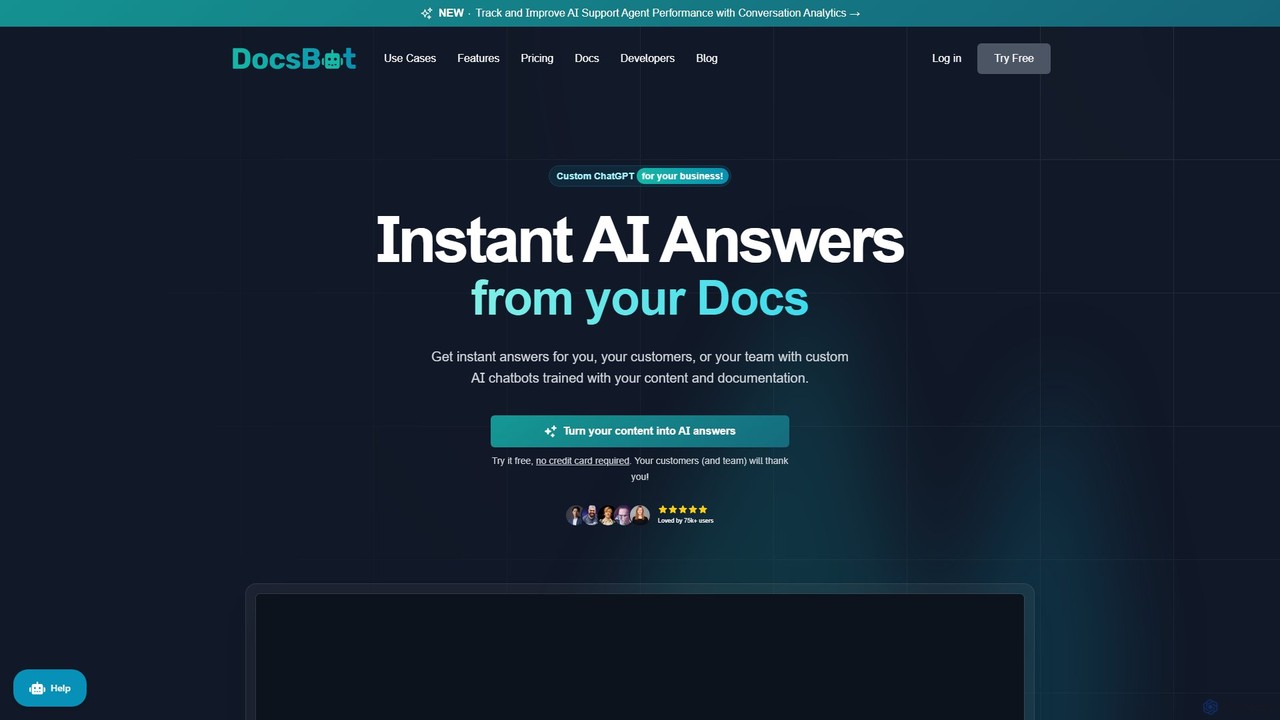
DocsBot
DocsBot is an AI-powered platform that allows businesses to create custom chatbots trained on their own documentation and content. It provides instant, accurate answers for customers and employees, automating support, improving internal knowledge access, and accelerating research without any coding.
Chatbot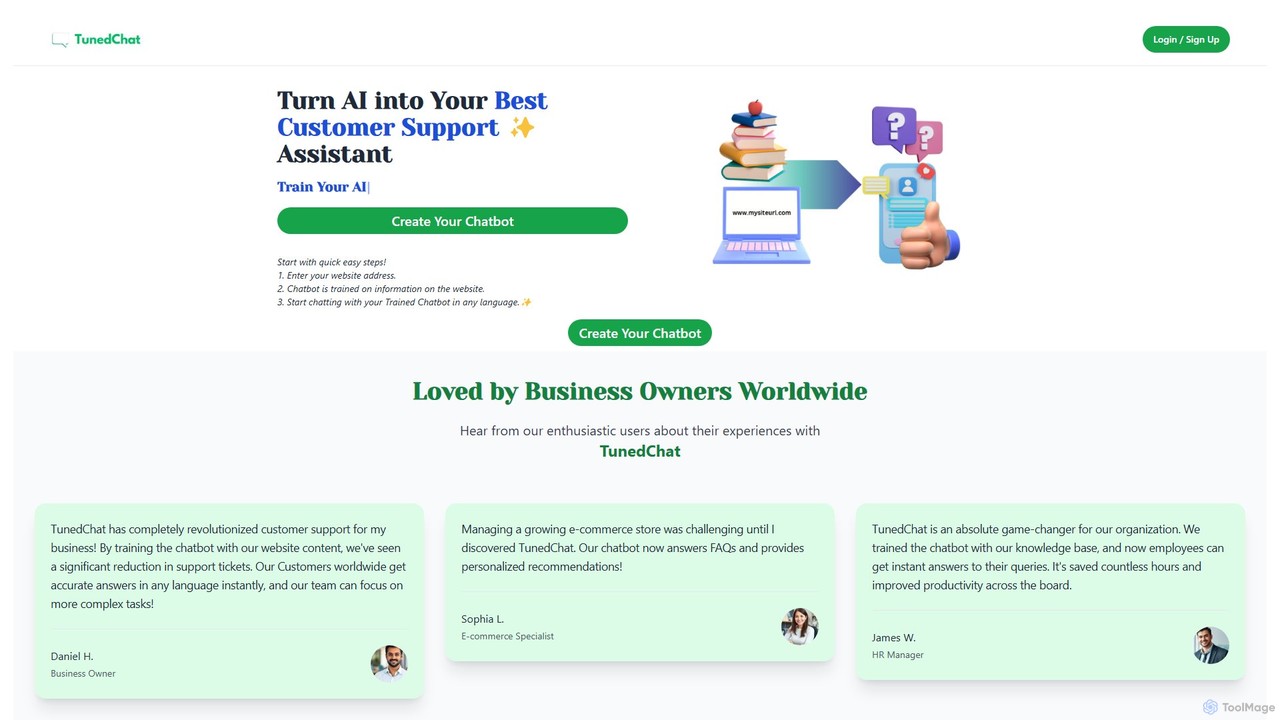
TunedChat
TunedChat is a no-code AI platform that allows you to create a custom chatbot trained on your own data. Simply provide a website URL or upload documents, and TunedChat will build an intelligent assistant to handle customer support, answer FAQs, and manage internal knowledge. It supports over 90 languages, making it ideal for global businesses.
Chatbot
Berri
Berri is a no-code platform that allows you to build custom AI chatbots trained on your own data. Instantly transform your documents, websites, and knowledge bases into an interactive, conversational AI assistant to enhance customer support, generate leads, or streamline internal knowledge sharing.
Chatbot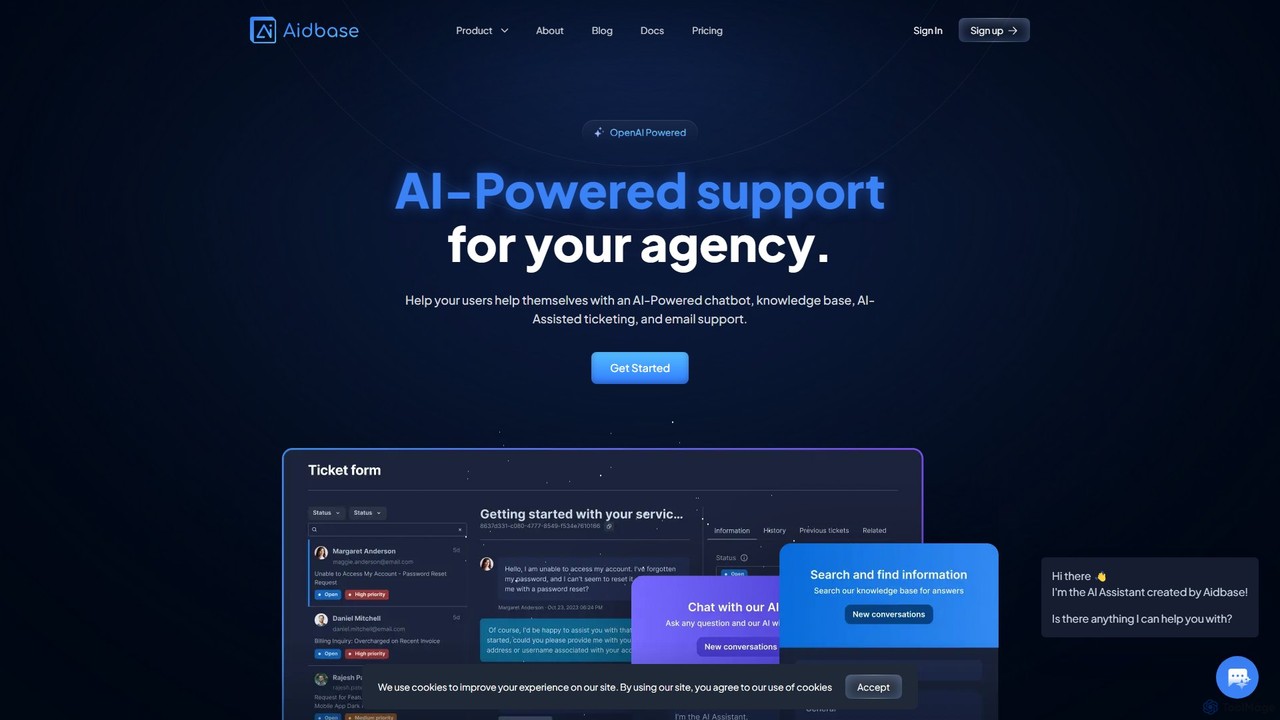
Aidbase
Aidbase is an all-in-one AI-powered support ecosystem for SaaS and eCommerce businesses. It provides an AI chatbot, knowledge base, AI-assisted ticketing, and a unified email inbox to automate customer service, reduce response times, and help users self-serve around the clock.
Chatbot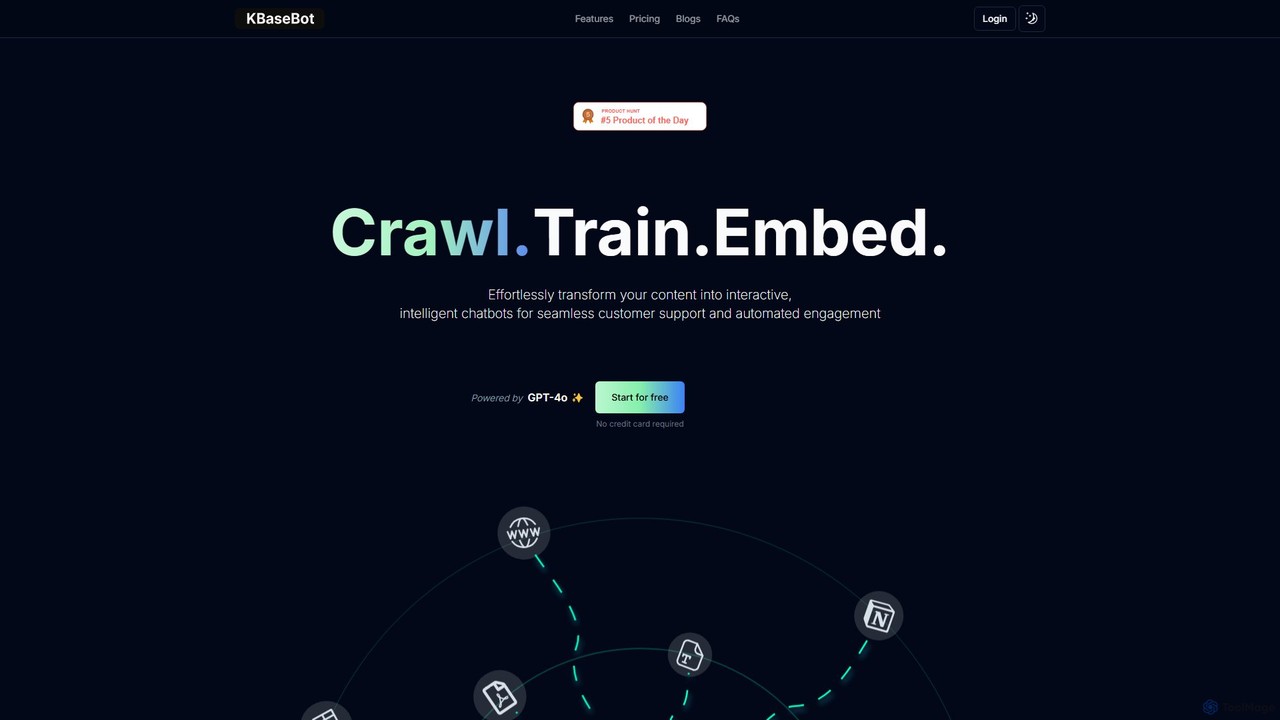
KBaseBot
KBaseBot is an AI-powered platform that effortlessly transforms your existing content—such as websites, documents, and text—into intelligent, interactive chatbots. Powered by GPT-4o, it automates customer support, generates leads, and streamlines internal documentation without any coding required. Easily embeddable and customizable, it helps businesses enhance user engagement and save valuable time.
ChatbotOwlbot Categories
Owlbot Embed Widget
Copy this embed code to place the badge on your blog, article, or product site and send readers directly to this ToolMage detail page.

Related AI tools
mottle
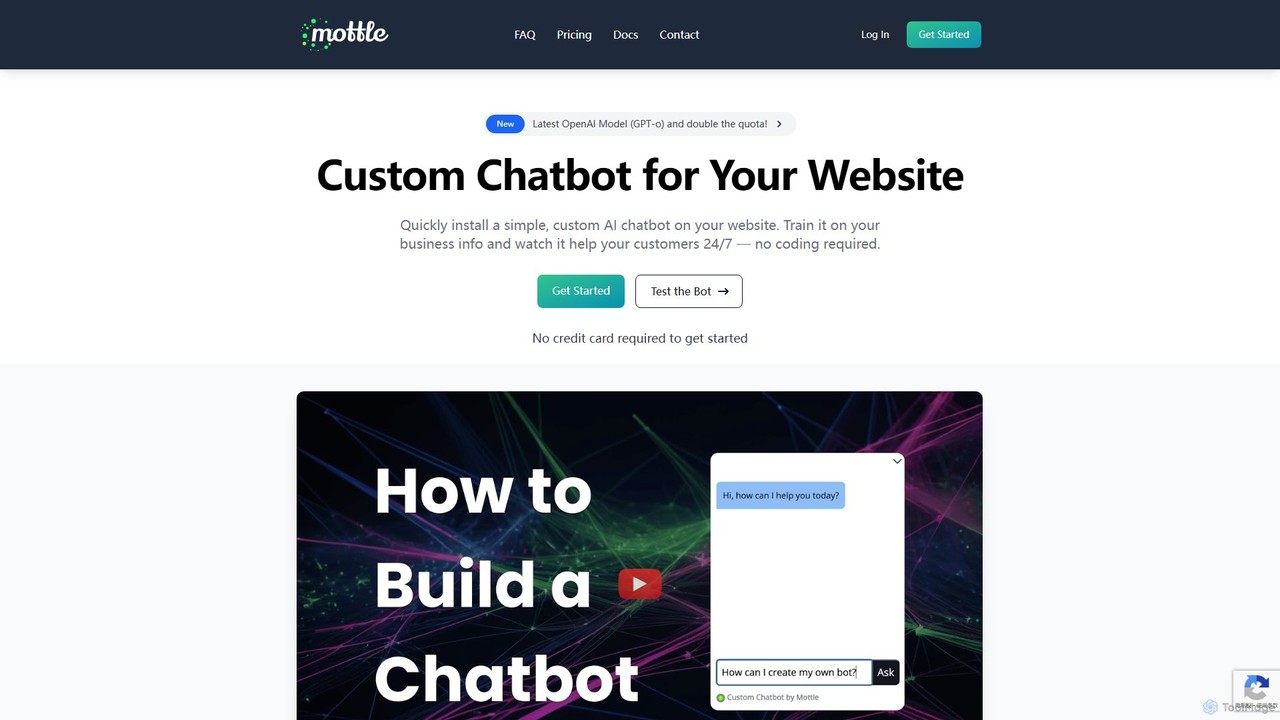
Mottle is a no-code platform that enables businesses to create and deploy custom AI chatbots on their websites. Powered by the latest OpenAI models like GPT-4o, it allows you to train a chatbot on your specific business information, documents, and FAQs. This provides instant, 24/7 customer support, answers user queries accurately, and enhances user engagement without any coding knowledge required. It's designed for quick setup, easy debugging, and seamless integration.
Chatbot
ChatWebpage
ChatWebpage is an AI-powered platform that allows businesses to create a custom chatbot in minutes. Simply by providing a website URL, the AI analyzes your content to build a knowledgeable chatbot capable of answering customer service questions 24/7. It supports multiple languages, file uploads for enhanced training, and offers seamless integration, making it an ideal solution for improving customer engagement and operational efficiency without any coding required.
ChatbotDocsBot
DocsBot is an AI-powered platform that allows businesses to create custom chatbots trained on their own documentation and content. It provides instant, accurate answers for customers and employees, automating support, improving internal knowledge access, and accelerating research without any coding.
ChatbotTunedChat
TunedChat is a no-code AI platform that allows you to create a custom chatbot trained on your own data. Simply provide a website URL or upload documents, and TunedChat will build an intelligent assistant to handle customer support, answer FAQs, and manage internal knowledge. It supports over 90 languages, making it ideal for global businesses.
Chatbot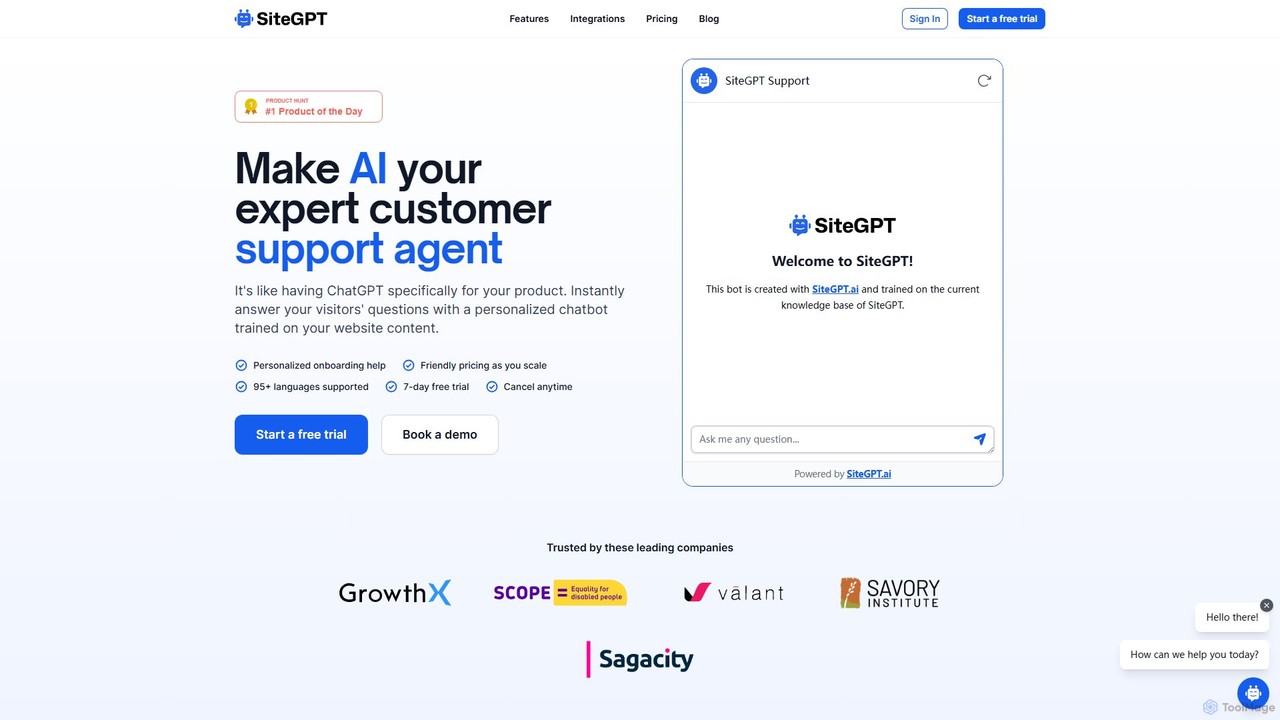
SiteGPT
SiteGPT is an AI-powered chatbot builder that creates a personalized customer support agent trained on your website content. It instantly answers visitor questions 24/7, automates support, generates leads, and integrates with your existing tools, supporting over 95 languages.
Chatbot
EmbedAI
EmbedAI is a no-code platform that allows you to create custom AI chatbots trained on your own data. Easily build and embed a ChatGPT-like assistant on your website to automate customer support, generate leads, and provide instant answers to user questions 24/7.
Chatbot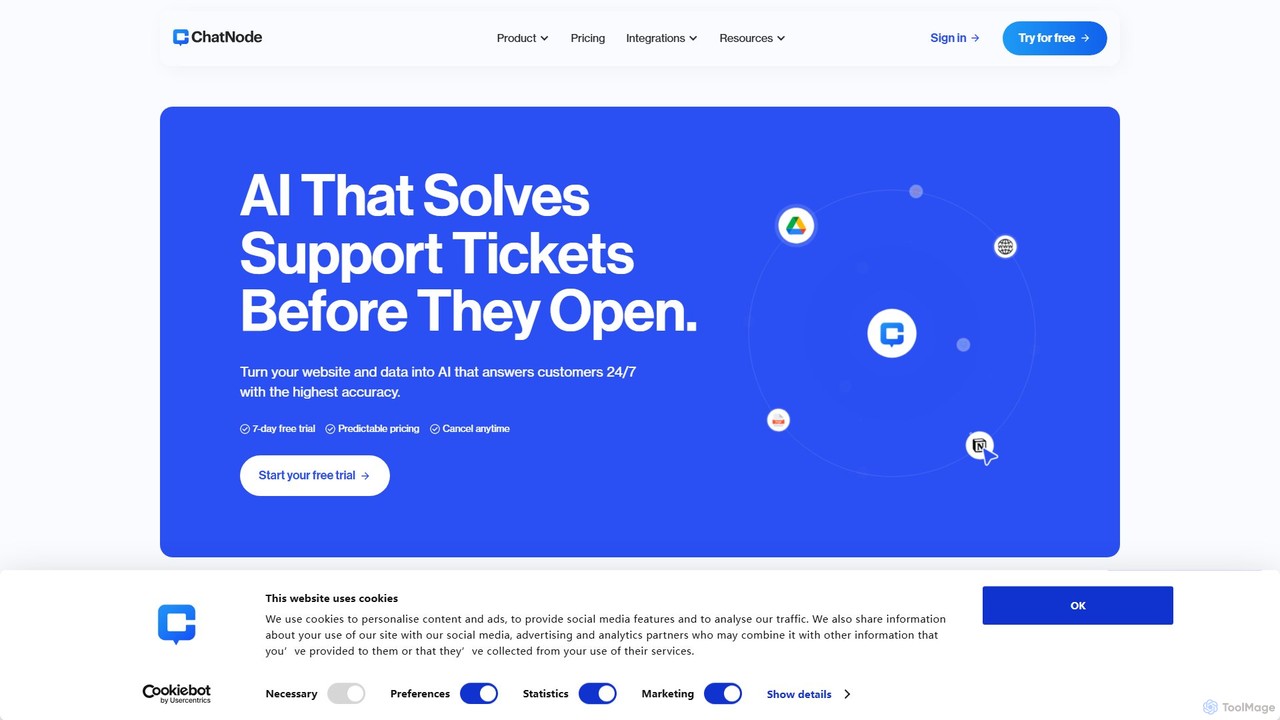
ChatNode
ChatNode is a no-code AI chatbot builder that allows you to create custom chatbots trained on your own data. Easily add a ChatGPT-like assistant to your website to automate customer support, answer questions 24/7, and generate leads, significantly reducing response times and improving user engagement.
Chatbot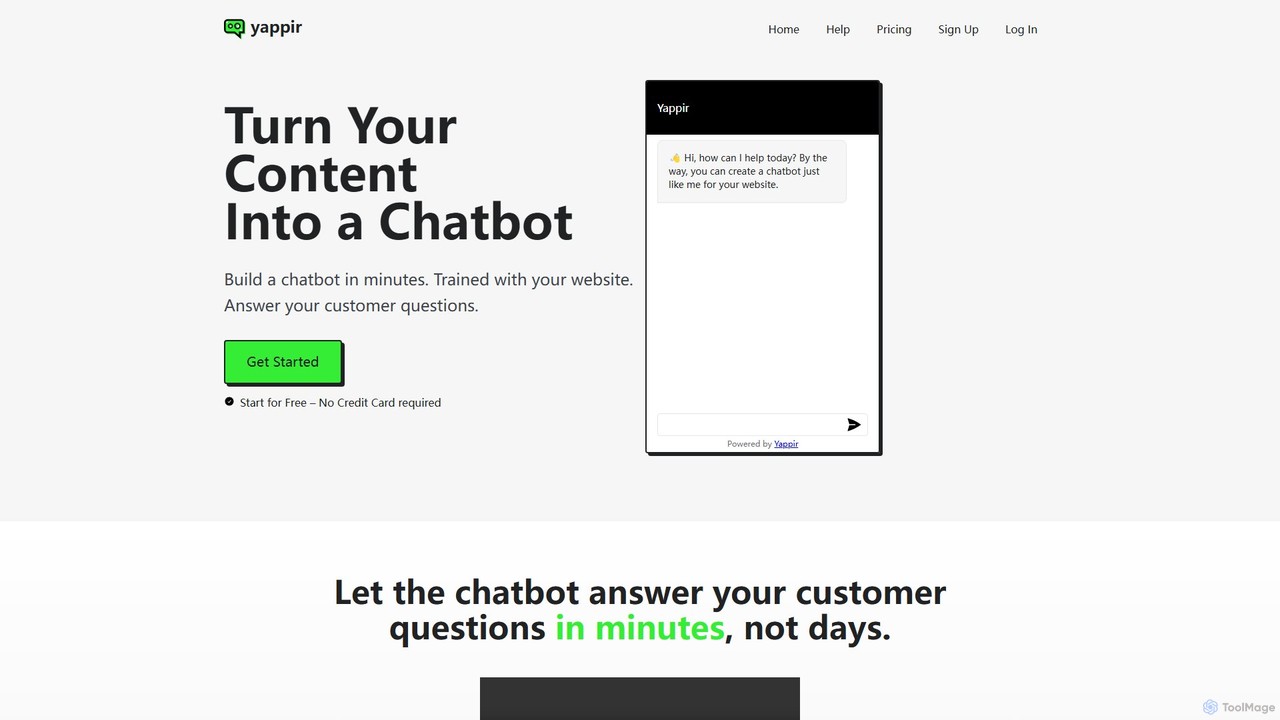
Yappir
Yappir is an AI-powered platform that allows you to build a custom chatbot in minutes using your existing website content. It automatically scans your site to create a knowledge base, enabling the chatbot to answer customer questions 24/7, improve user engagement, and reduce support workload. It supports 95 languages and offers extensive customization options.
Chatbot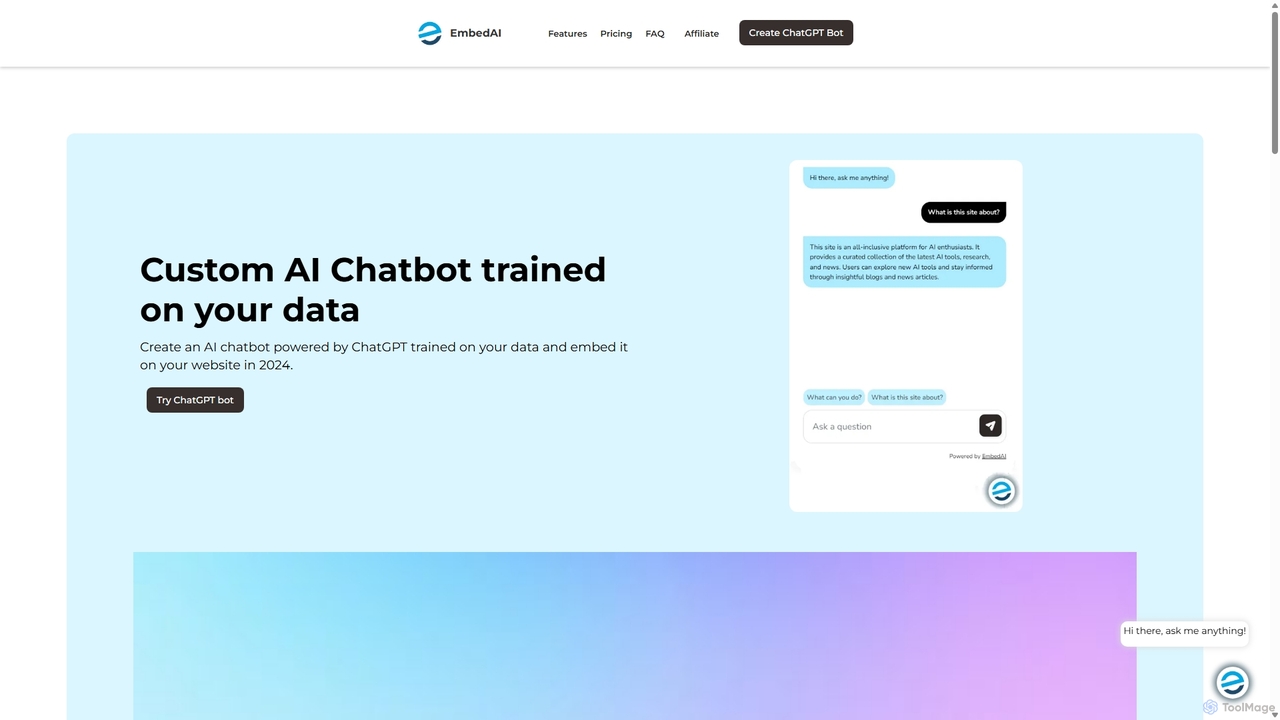
EmbedAI
EmbedAI is an AI chatbot builder that allows you to create custom ChatGPT & Gemini-powered chatbots trained on your own data. Easily upload files, link websites, or use YouTube videos to train your bot. Customize its appearance and embed it on your website to automate customer support, enhance user engagement, and provide instant answers in over 100 languages.
ChatbotsBerri
Berri is a no-code platform that allows you to build custom AI chatbots trained on your own data. Instantly transform your documents, websites, and knowledge bases into an interactive, conversational AI assistant to enhance customer support, generate leads, or streamline internal knowledge sharing.
ChatbotAidbase
Aidbase is an all-in-one AI-powered support ecosystem for SaaS and eCommerce businesses. It provides an AI chatbot, knowledge base, AI-assisted ticketing, and a unified email inbox to automate customer service, reduce response times, and help users self-serve around the clock.
ChatbotKBaseBot
KBaseBot is an AI-powered platform that effortlessly transforms your existing content—such as websites, documents, and text—into intelligent, interactive chatbots. Powered by GPT-4o, it automates customer support, generates leads, and streamlines internal documentation without any coding required. Easily embeddable and customizable, it helps businesses enhance user engagement and save valuable time.
Chatbot
Jyek
Jyek is an AI agent platform that understands objectives, creates execution plans, uses tools, and delivers verifiable results for complex, multi-step tasks.
Automation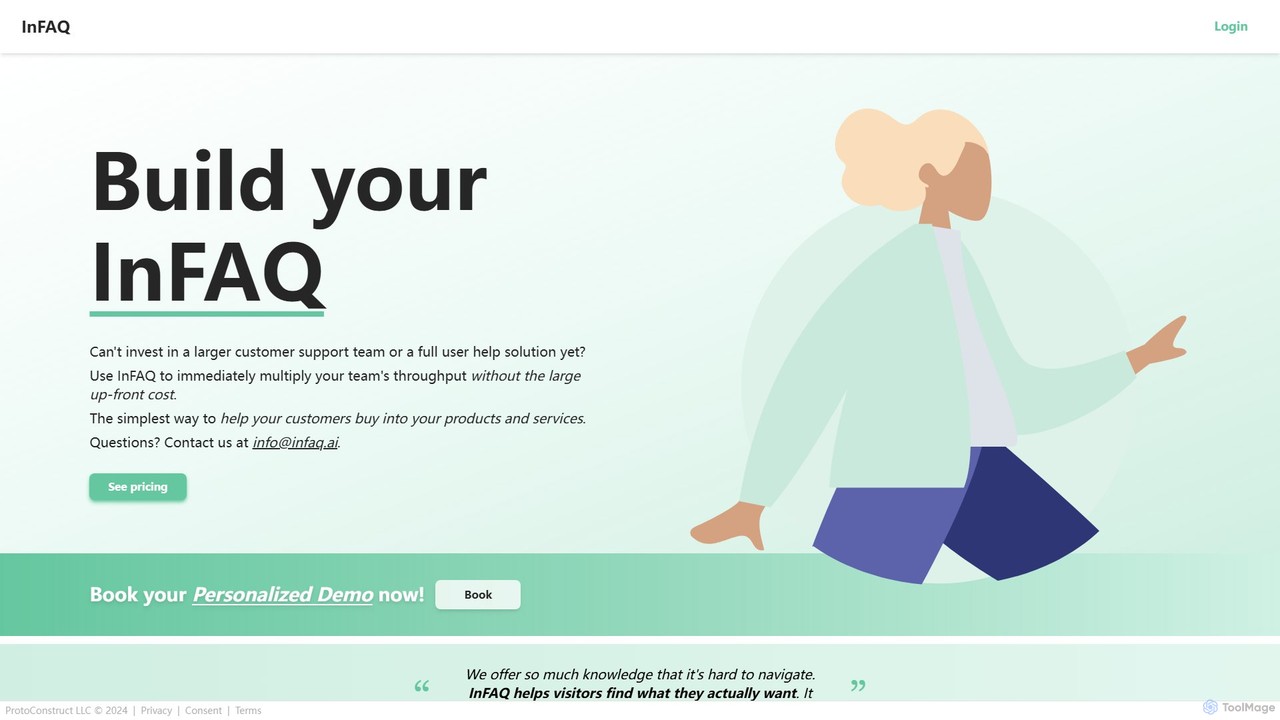
InFAQ
InFAQ is an AI-powered platform that automatically creates intelligent FAQ chatbots and knowledge bases from your existing content. It helps businesses reduce support tickets, provide 24/7 customer assistance, and improve user engagement by instantly answering questions based on documents, websites, or other data sources.
Chatbot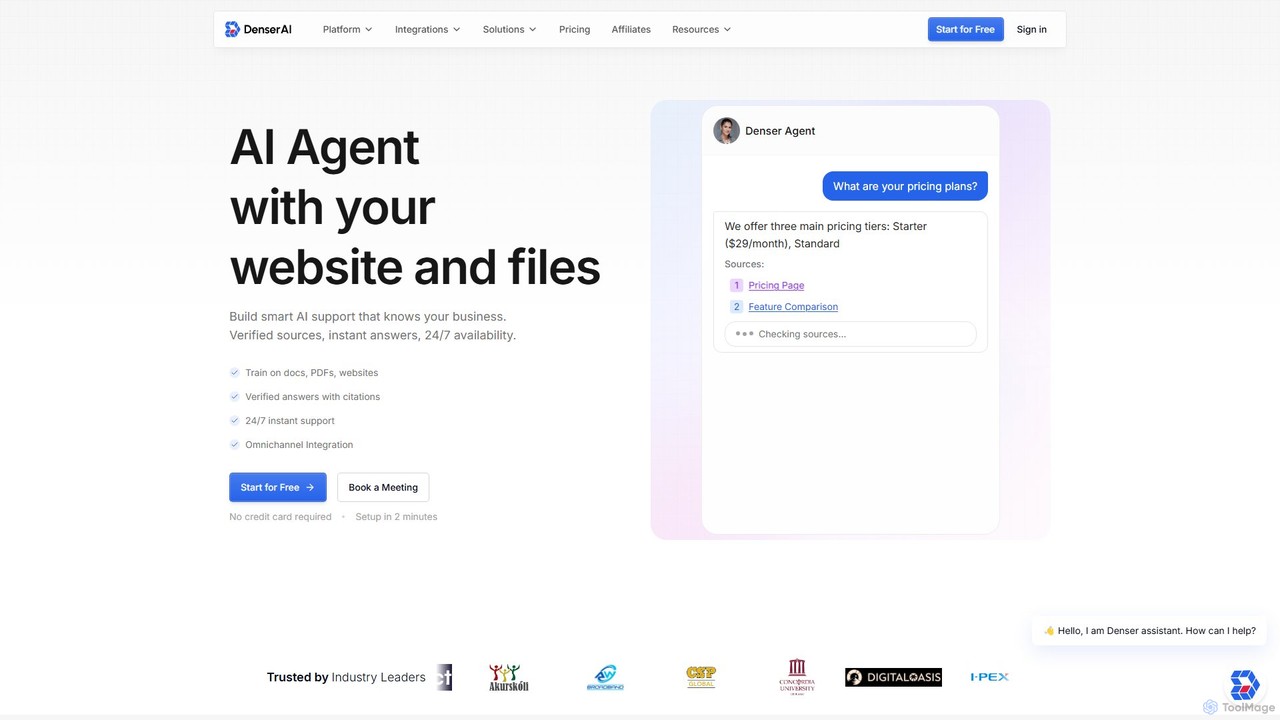
Denser
Denser is a no-code AI platform for building enterprise-grade AI agents and chatbots. Train AI on your website content, documents, and files to provide instant, verified answers for customer support, lead generation, and internal automation, complete with source citations.
Chatbot
Owlbot Comments (0)
Sign in to comment.
Sign inNo comments yet.