ToolMage
Sign in

Best 360 Knowledge Management AI tools for Productivity

Popular Knowledge Management AI tools in Productivity include Notion, Feishu, Britannica, Glean, Wikiwand, Glasp, FlowUs, Zhida, YouMind, and CSDN SO, helping you work more efficiently.

ChatEngram
Freemium

ChatEngram

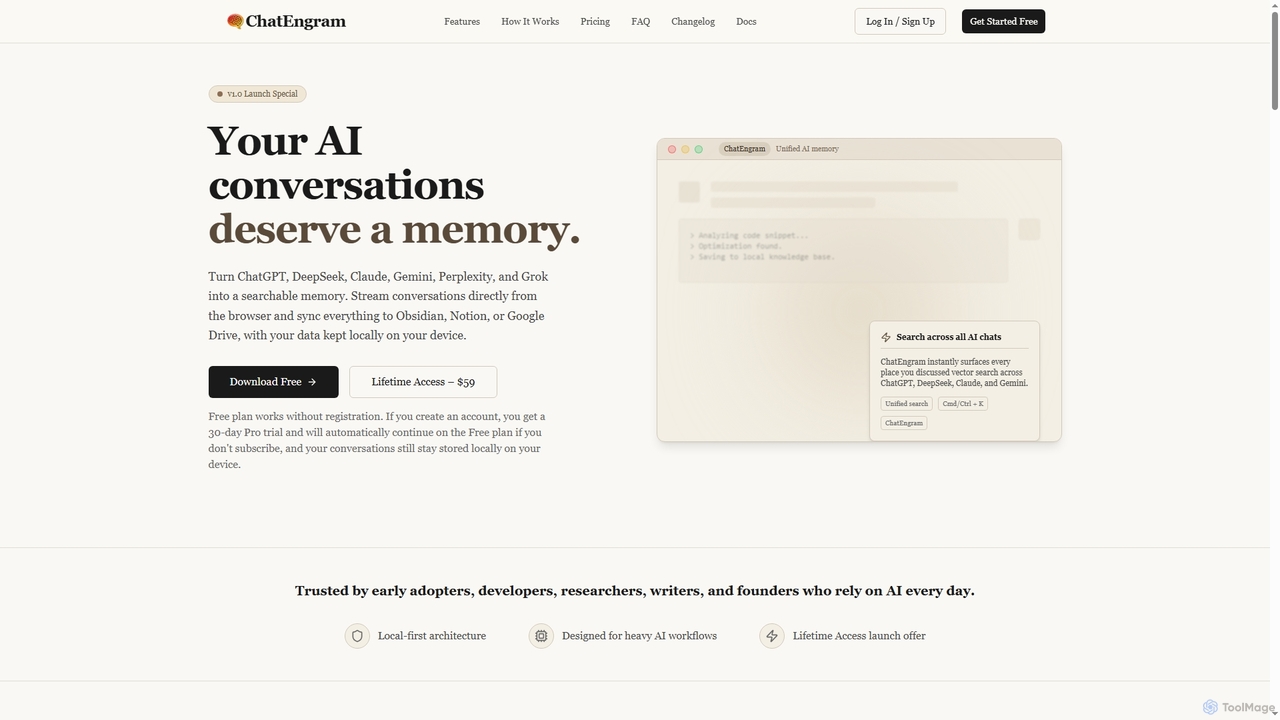
ChatEngram is an AI second brain that captures, stores, and organizes your AI conversations from platforms like ChatGPT, DeepSeek, Claude, Gemini, Perplexity, and Grok. It creates a local, searchable, permanent knowledge base, ensuring you never lose valuable insights or code snippets.

Memory
Visits 4KFavorites 70Likes 72
Duckhub
Freemium

Duckhub

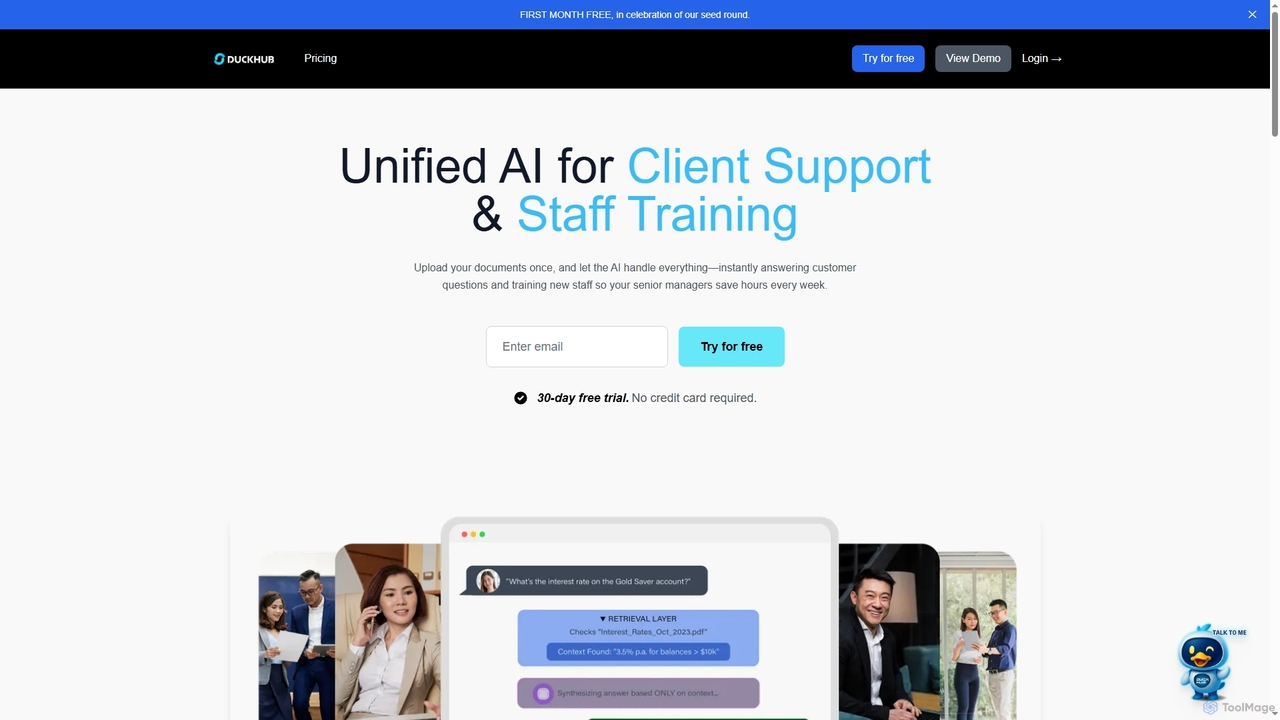
Duckhub is an AI-powered platform specifically designed for the financial sector, unifying client support and staff training. It transforms your documents into an intelligent knowledge base, providing instant, accurate, and compliance-safe answers to customer queries and accelerating new staff onboarding.

Chatbot
Visits 4.1KFavorites 93Likes 97
Shinrag
Freemium

Shinrag

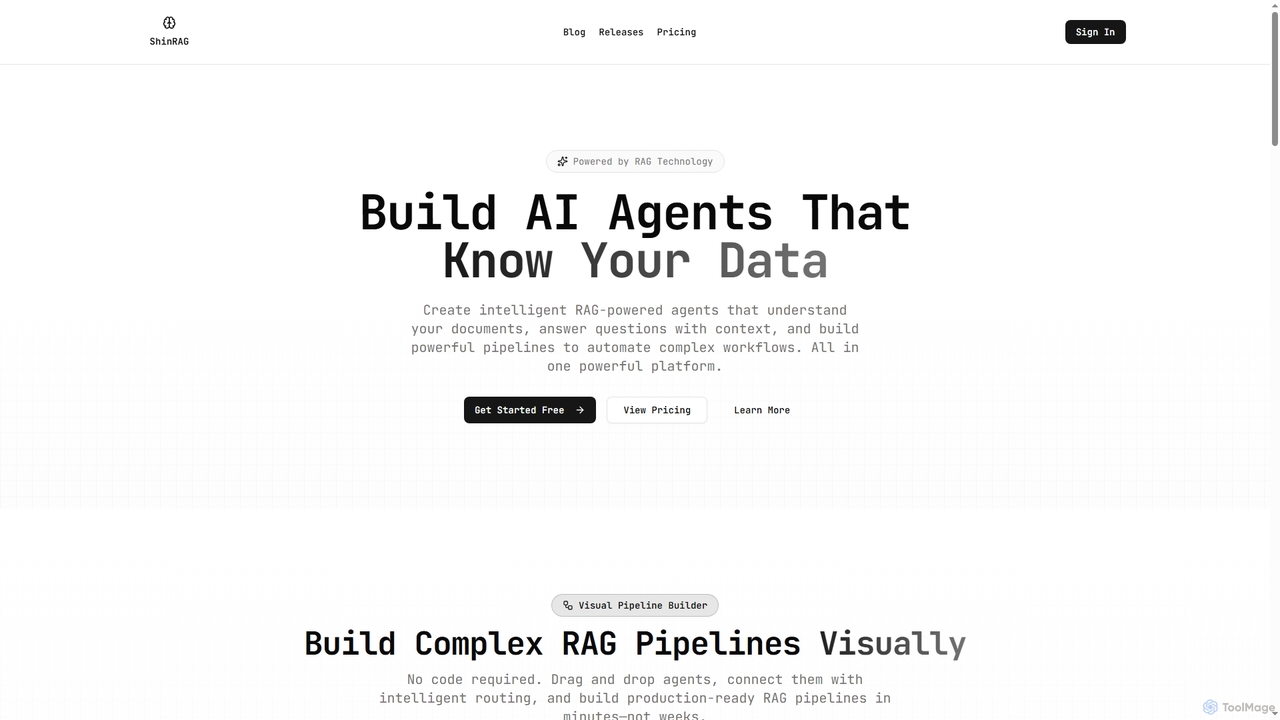
Shinrag is an all-in-one RAG (Retrieval-Augmented Generation) platform that enables users to build intelligent AI agents and complex data pipelines visually. It features a no-code, drag-and-drop interface for creating multi-agent workflows, managing datasets, and deploying production-ready AI solutions that understand your private data.

Chatbot Builders
Visits 7.4KFavorites 73Likes 88
Docuyond
Freemium

Docuyond

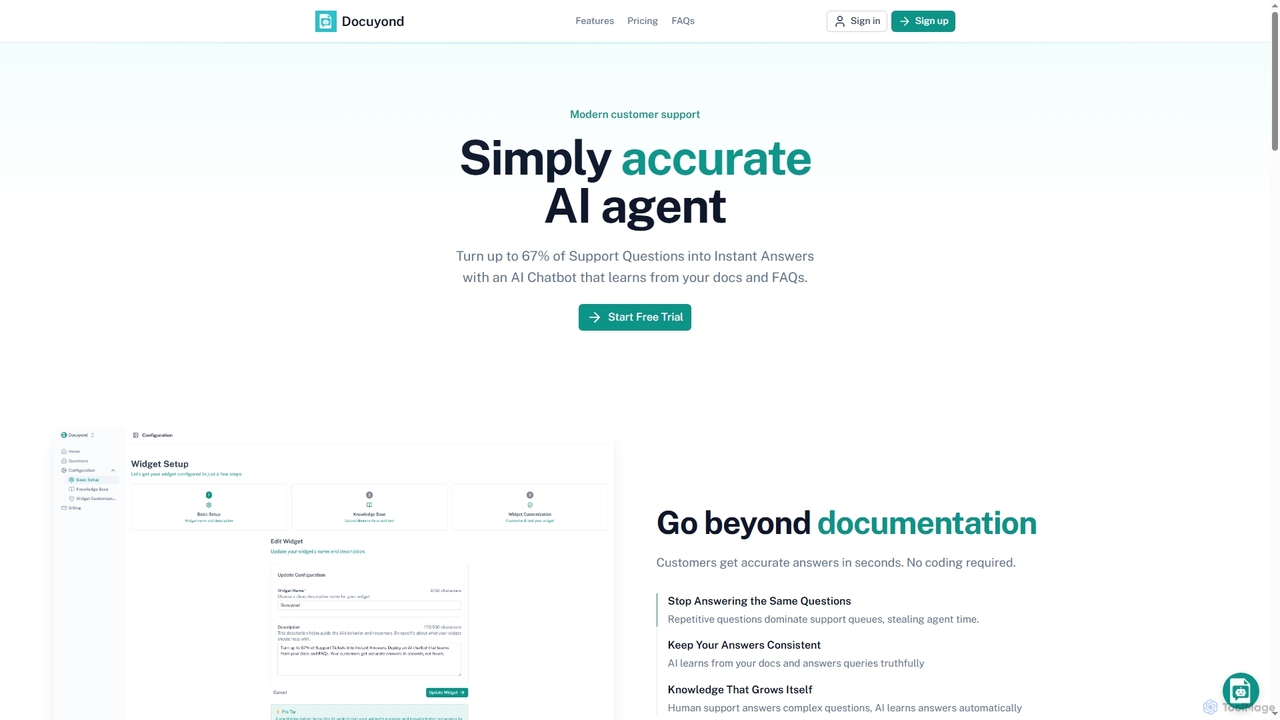
Docuyond is an AI agent designed to revolutionize customer support by transforming documentation and FAQs into instant, accurate answers. It helps businesses reduce support costs by up to 67% by automating routine queries, allowing human agents to focus on complex issues. With no coding required, it offers a customizable, always-learning chatbot that integrates seamlessly into any website.

Automation
Visits 4.1KFavorites 102Likes 99
Claude-Mem

Claude-Mem

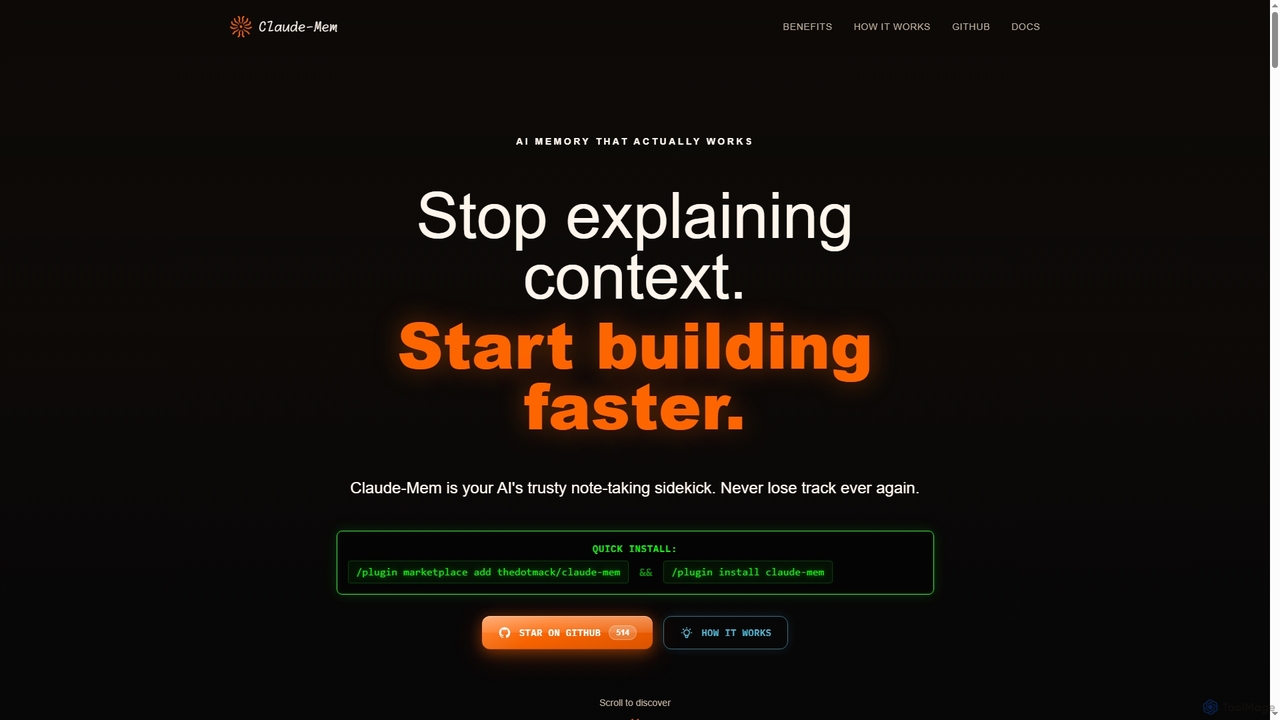
Claude-Mem is an AI memory archive designed for coding assistants. It acts as a note-taking sidekick, automatically observing and recording development context like decisions, bug fixes, and architectural choices in real-time. This provides your AI with a persistent memory across sessions, enhancing productivity and eliminating repetitive explanations.

Ai Assistant
Visits 311.1KFavorites 119Likes 115
Code Wiki
Free

Code Wiki

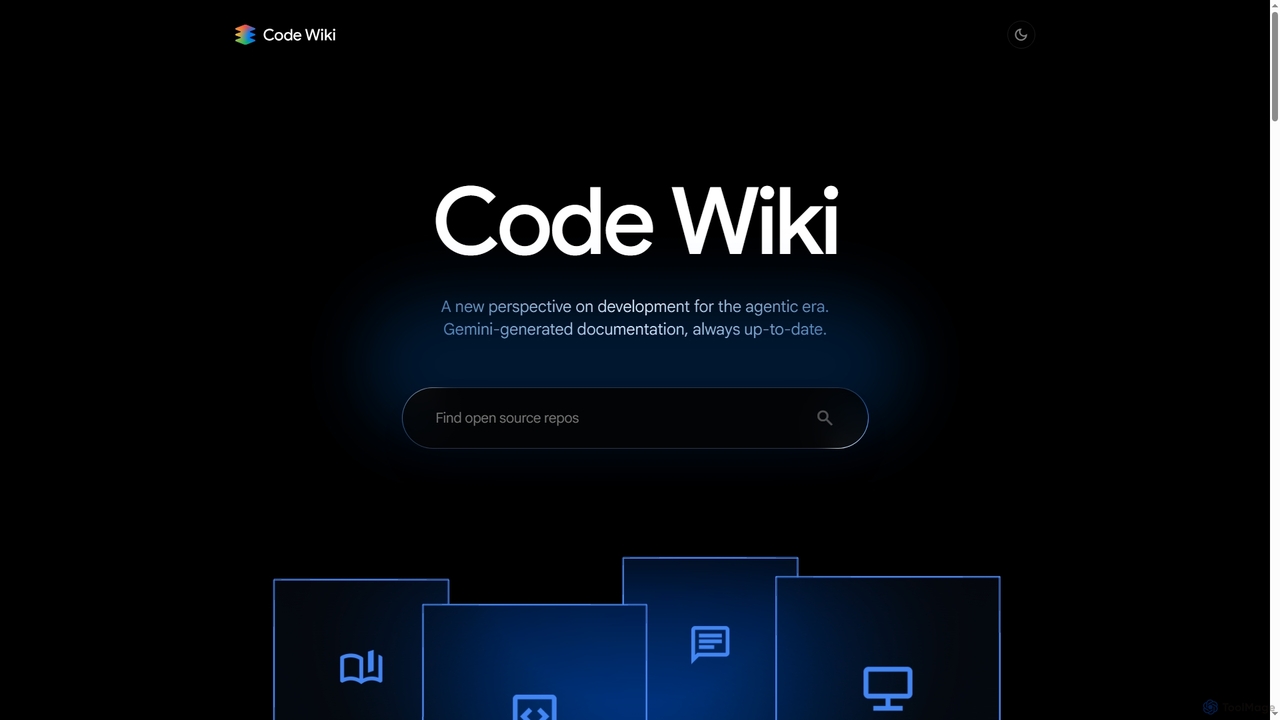
Code Wiki is an AI-powered documentation hub by Google, built on Gemini models. It automatically analyzes code repositories to generate up-to-date documentation, interactive architectural diagrams, and a conversational chat interface, helping developers understand complex codebases faster.

Code Analysis
Visits 342.1KFavorites 78Likes 82
Waylight

Waylight

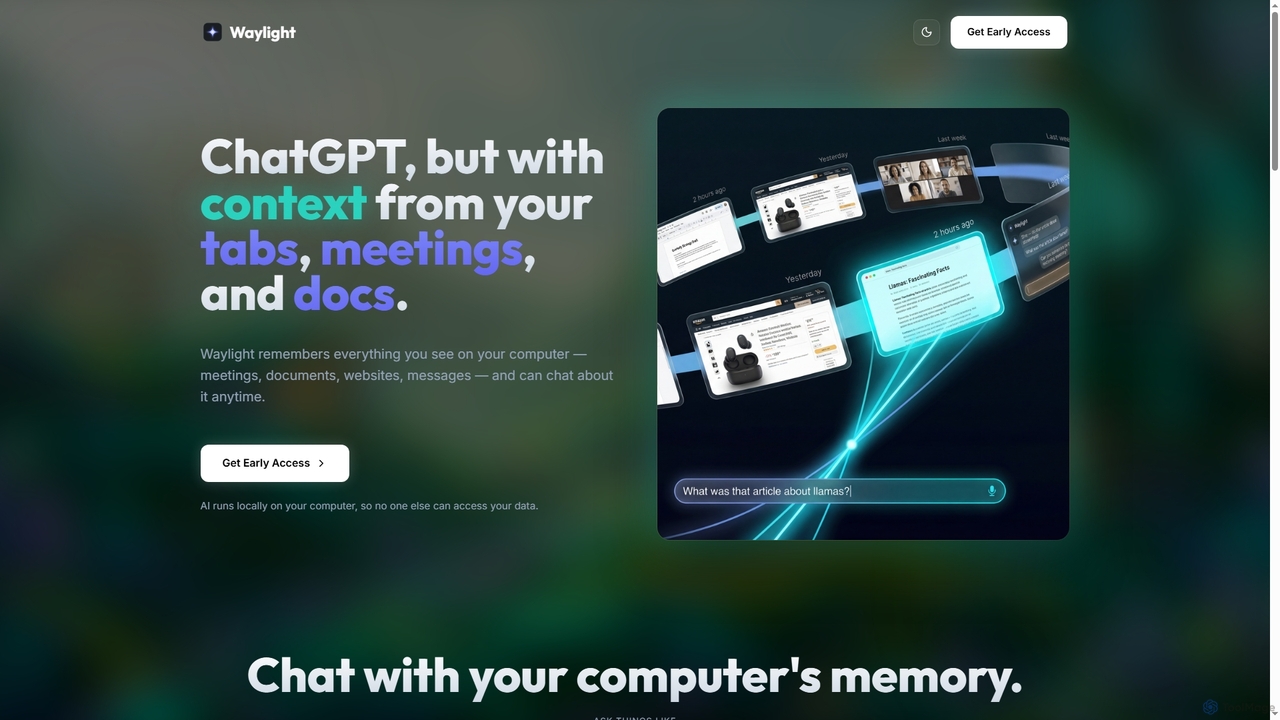
Waylight is a privacy-first AI assistant that runs locally on your computer. It remembers everything you see—meetings, documents, and websites—creating a searchable memory you can chat with, without ever uploading your data to the cloud.

Desktop Assistant
Visits 4.5KFavorites 79Likes 72
Open Muse Chat
Freemium

Open Muse Chat

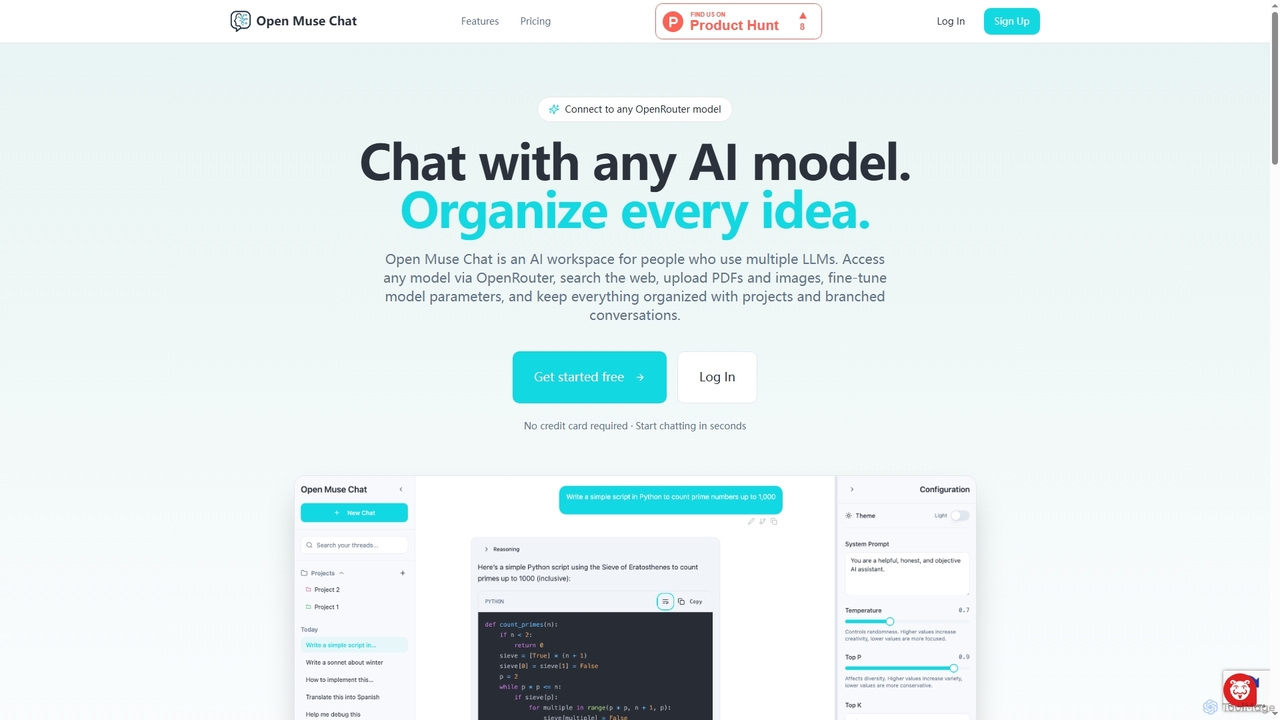
Open Muse Chat is an advanced multi-model AI chat interface designed for users who leverage various large language models. It connects to any OpenRouter model, offers web search, file uploads (PDFs, images) for context, and provides fine-grained control over model parameters, all within an organized workspace featuring projects and branched conversations.

Multi Model
Visits 4KFavorites 123Likes 124
Dim

Dim

Dim is an innovative app designed as a digital sanctuary for your mind, helping you effortlessly capture, connect, house, and celebrate your thoughts. It simplifies idea organization through intuitive tagging and free-form writing, fostering mental clarity and structured thinking.

Mindfulness
Visits 7.6KFavorites 107Likes 111
Nexus
Freemium

Nexus

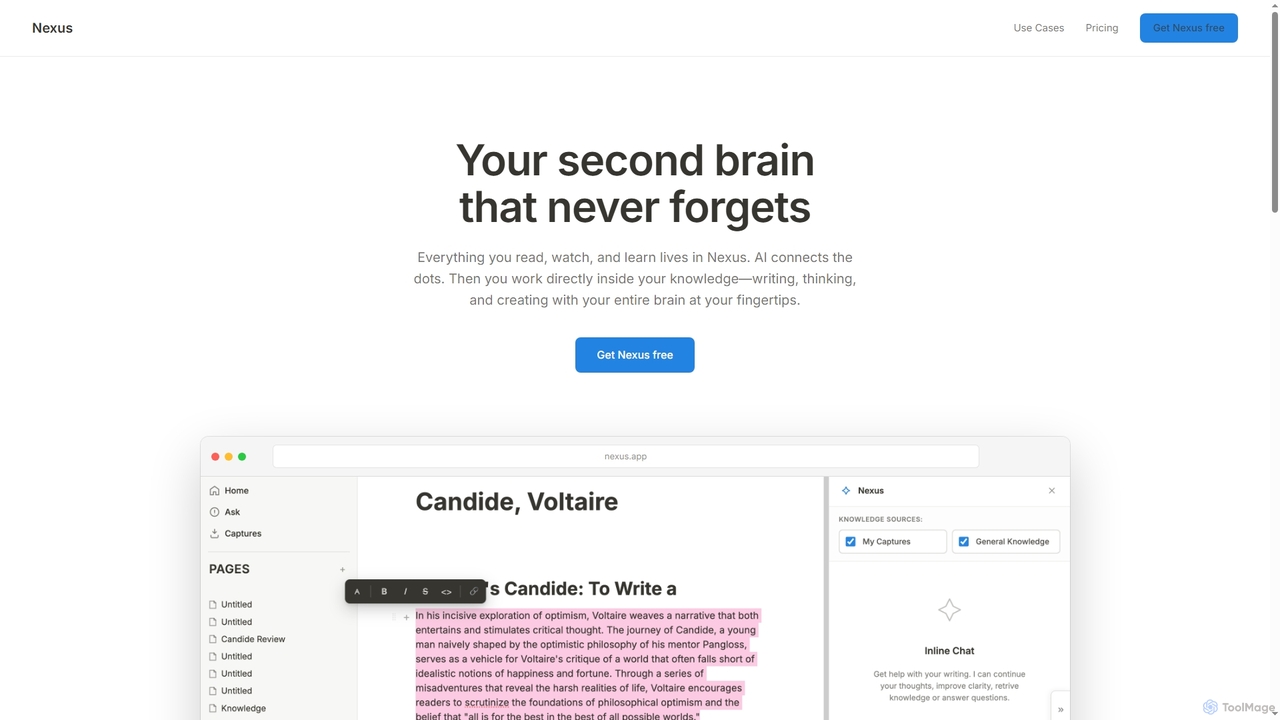
Nexus is an AI-powered second brain designed to capture, connect, and create knowledge. It helps users remember everything they read, watch, and learn, using AI to link concepts and provide a comprehensive context for writing, thinking, and creating.

Research
Visits 4.2KFavorites 103Likes 97
Curiopal
Freemium

Curiopal

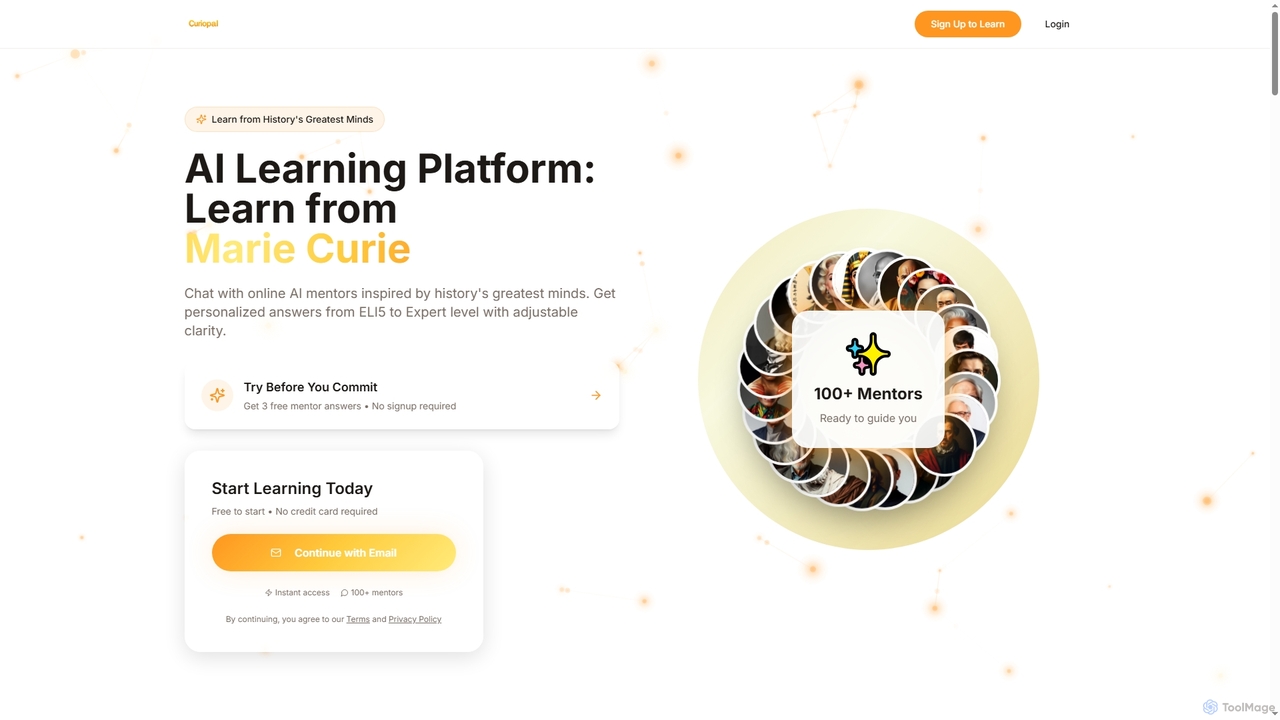
Curiopal is an innovative AI learning platform that connects users with virtual mentors inspired by history's greatest minds. It offers personalized, adaptive learning experiences, allowing users to chat with AI versions of figures like Einstein or Marie Curie and receive answers tailored to their understanding level, from ELI5 to Expert.

Personalized Learning
Visits 4.1KFavorites 122Likes 121
Pensive
Freemium

Pensive

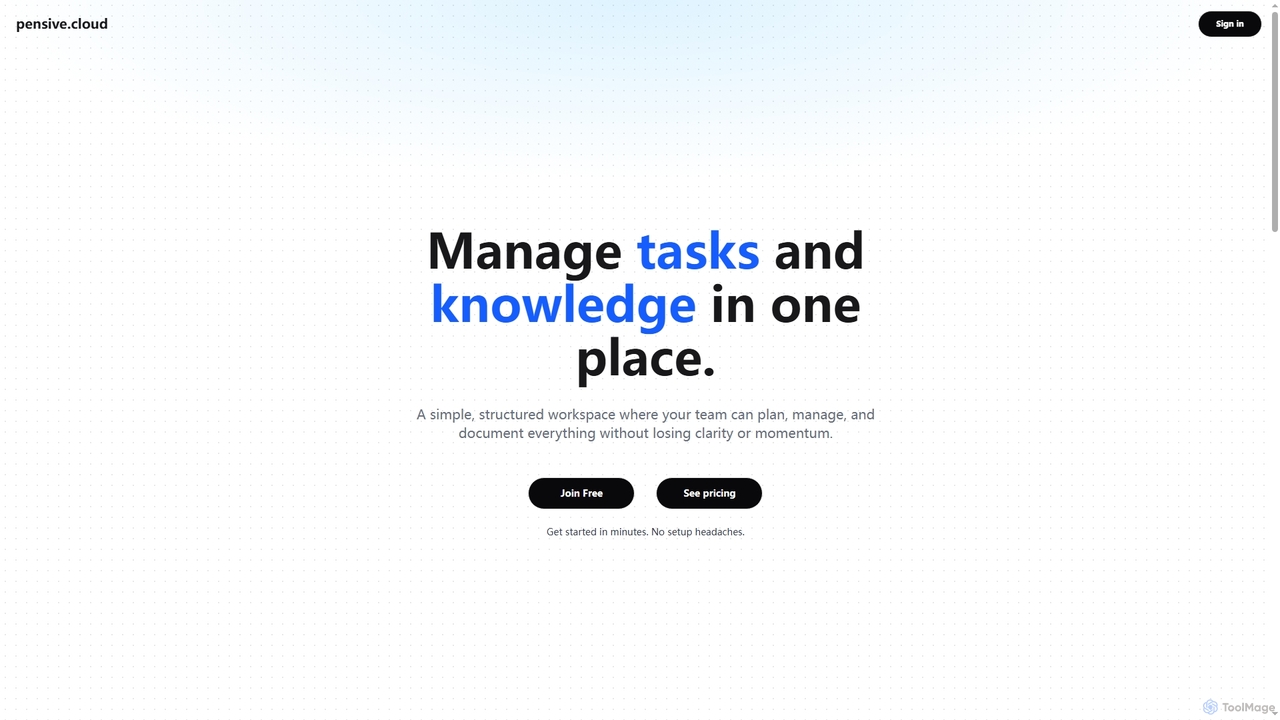
Pensive is a unified workspace designed for teams to manage tasks, knowledge, and collaboration in one place. It offers simple task management, a centralized knowledge hub, and seamless team communication to keep projects organized and moving forward without complexity.

Collaboration
Visits 5.4KFavorites 142Likes 137
Evidah
Paid

Evidah

Evidah provides a team of specialized AI Employees to automate customer support and business operations 24/7. It integrates a knowledge base, help desk, live chat, and training insights into a single platform, allowing businesses to hire AI agents for specific tasks or bundle them for a complete solution.

Help Desk
Visits 4KFavorites 120Likes 116
Asimov
Freemium

Asimov

Asimov provides a foundational AI search API for developers to build intelligent agents and applications. It features built-in semantic search and re-ranking for high accuracy, simple content ingestion, and robust source management. The platform is designed with enterprise-grade security and offers detailed usage tracking, making it a comprehensive solution for creating custom search experiences.

Data Management
Visits 4.1KFavorites 129Likes 128
Context Link
Paid

Context Link

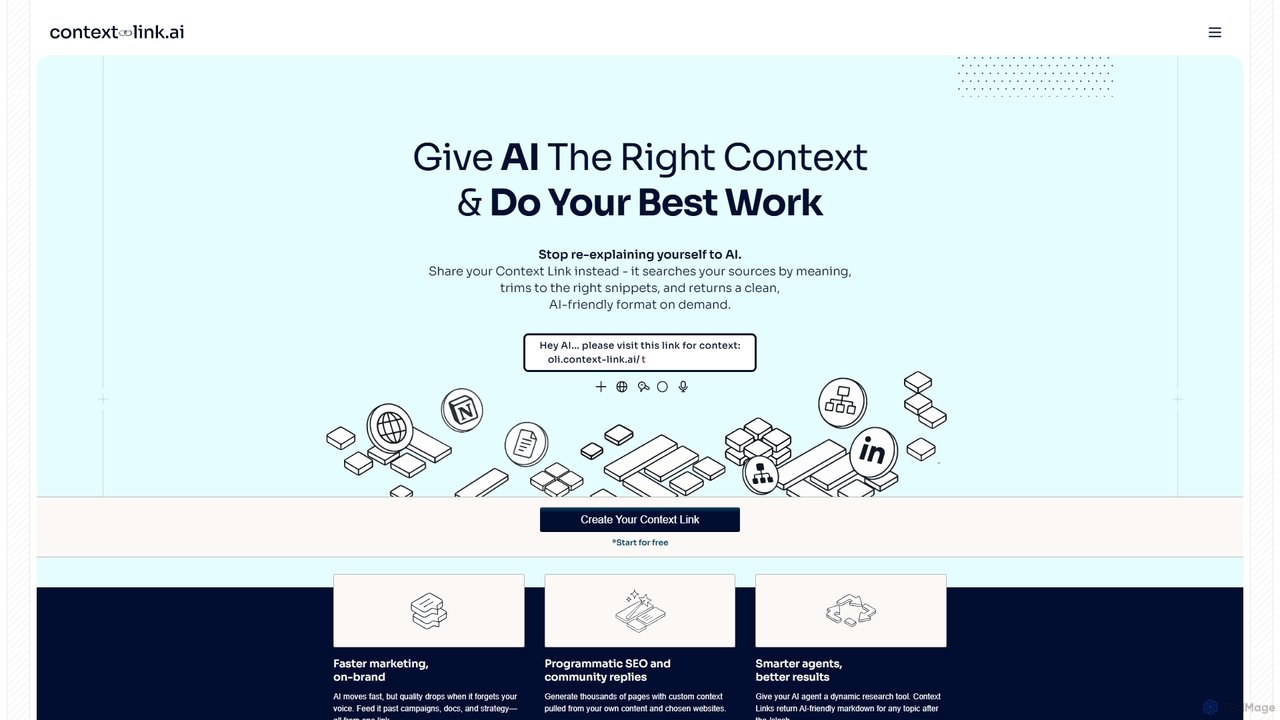
Context Link provides AI tools with persistent context from your sources like Google Docs, Notion, and websites. Share a single link to stop re-explaining yourself and ensure AI-generated content is accurate, on-brand, and based on your own knowledge base. It uses semantic search to deliver relevant snippets in an AI-friendly format.

Api
Visits 23.2KFavorites 139Likes 134
Nexdocs
Freemium

Nexdocs

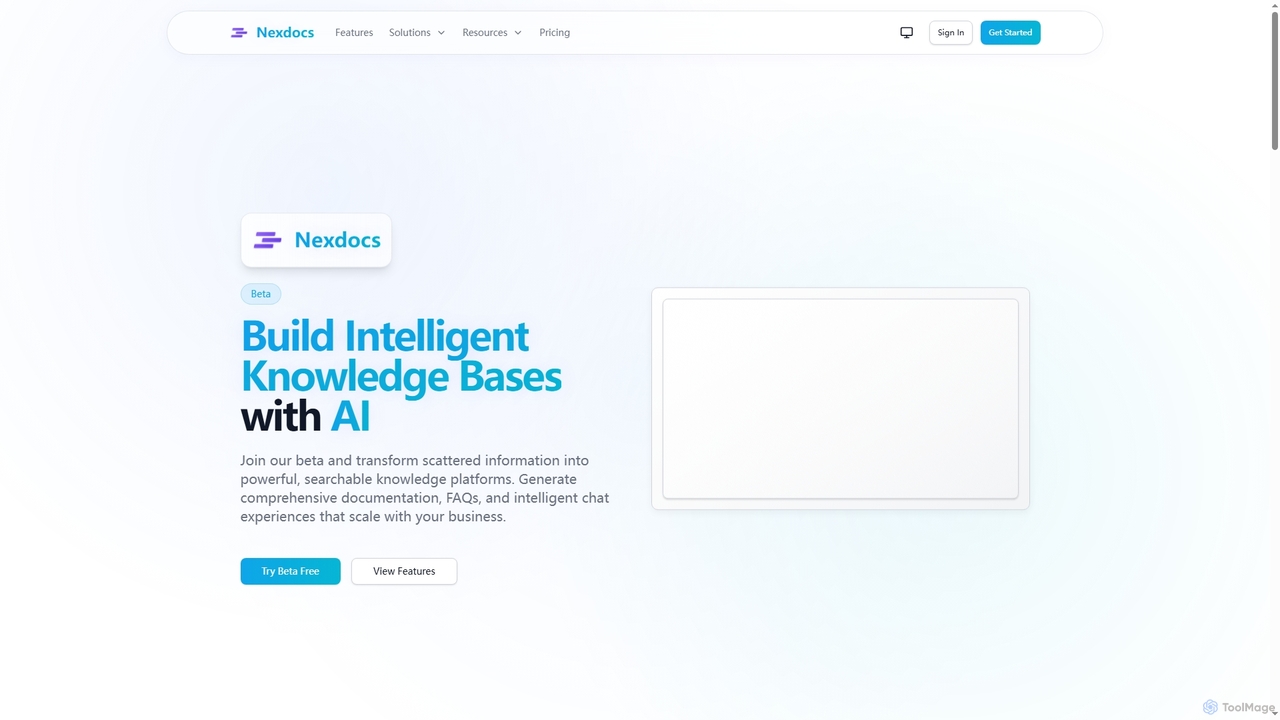
Nexdocs is an AI-powered platform that transforms scattered information into intelligent, searchable knowledge bases. It generates comprehensive documentation, FAQs, and chat experiences from documents or URLs, designed for SaaS companies, customer support, and internal teams.

Help Center
Visits 4.2KFavorites 115Likes 126
Apprendo
Freemium

Apprendo

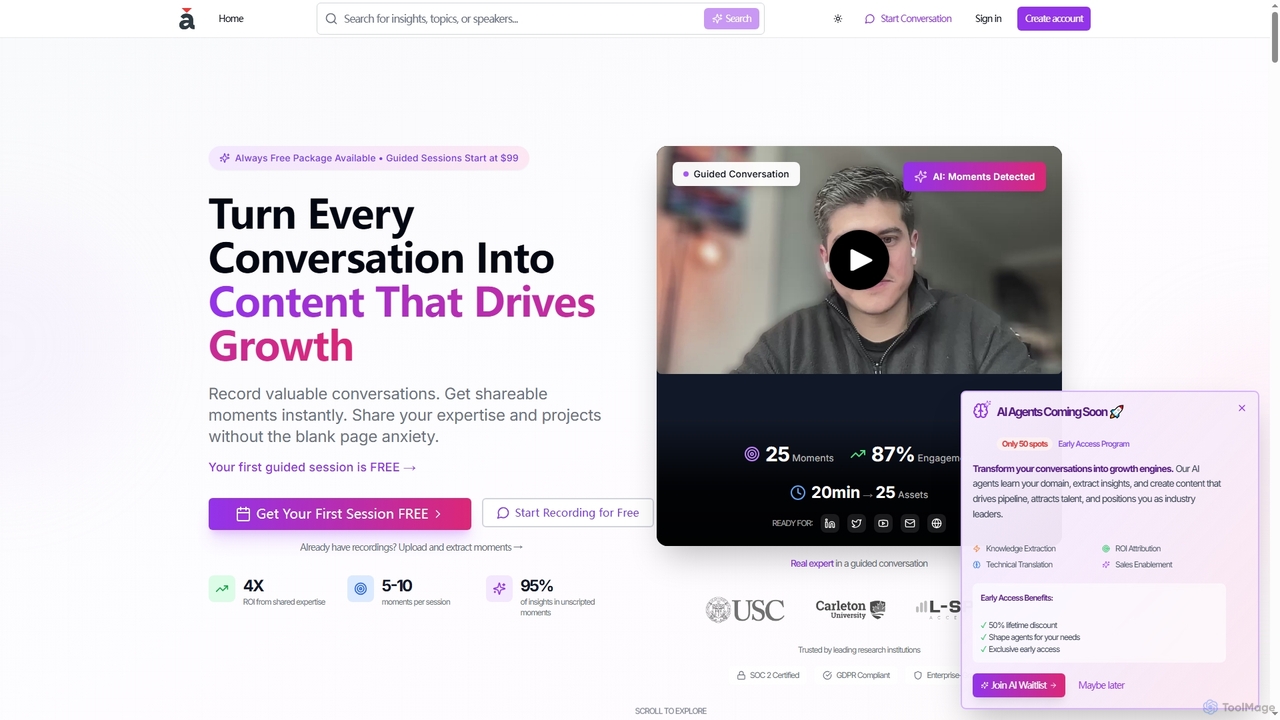
Apprendo is an AI-powered platform that transforms team conversations, meetings, and existing recordings into high-impact content. Designed for R&D teams and experts, it captures valuable insights, extracts shareable moments, and helps disseminate expertise across various platforms to drive growth, talent acquisition, and thought leadership, all while ensuring enterprise-grade security and compliance.

Recording & Editing
Visits 5.5KFavorites 128Likes 120
Uansa
Freemium

Uansa

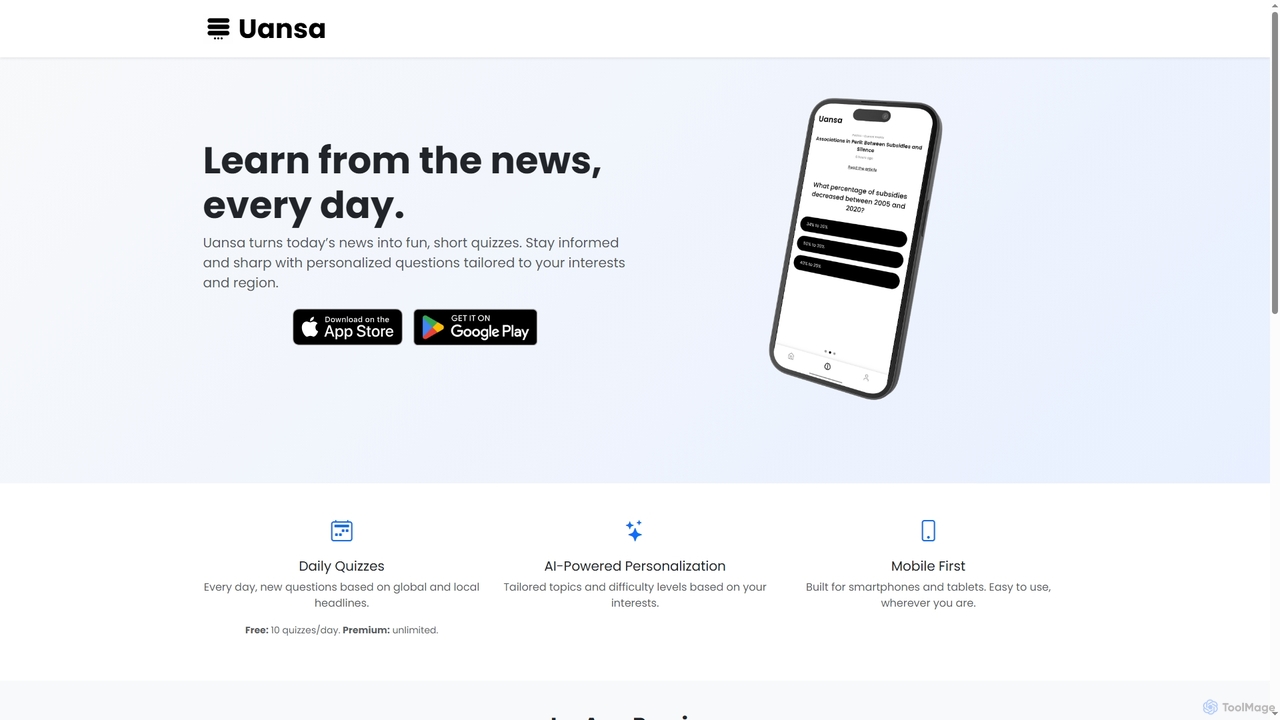
Uansa is an AI-powered mobile application offering daily smart news quizzes based on global and local headlines. It provides personalized learning experiences by tailoring topics and difficulty levels to user interests, helping individuals stay informed and sharpen their knowledge on the go.

Learning
Visits 4KFavorites 104Likes 97
Lookio
Freemium

Lookio

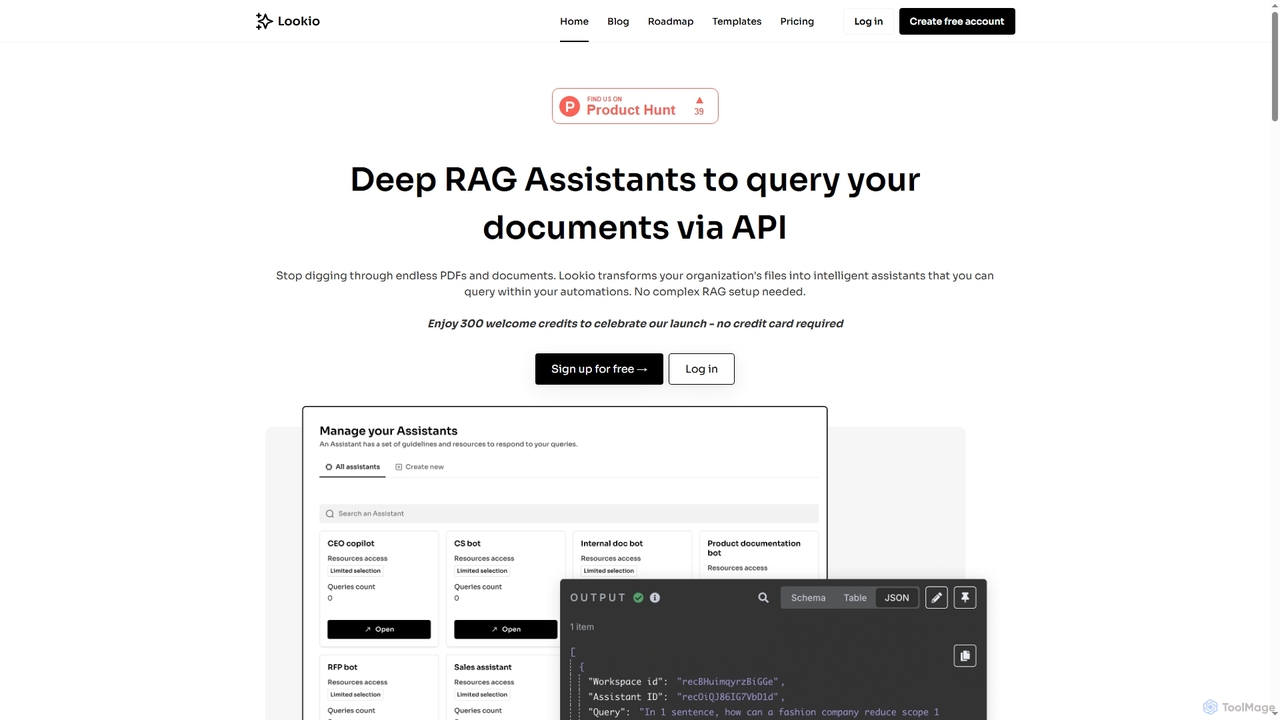
Lookio is an API-first platform that transforms your company documents into intelligent Deep RAG (Retrieval-Augmented Generation) assistants. Securely upload your knowledge base and use the API to automate workflows, power customer support, and generate expert content.

Chatbots
Visits 9.4KFavorites 95Likes 112
Churo
Freemium

Churo

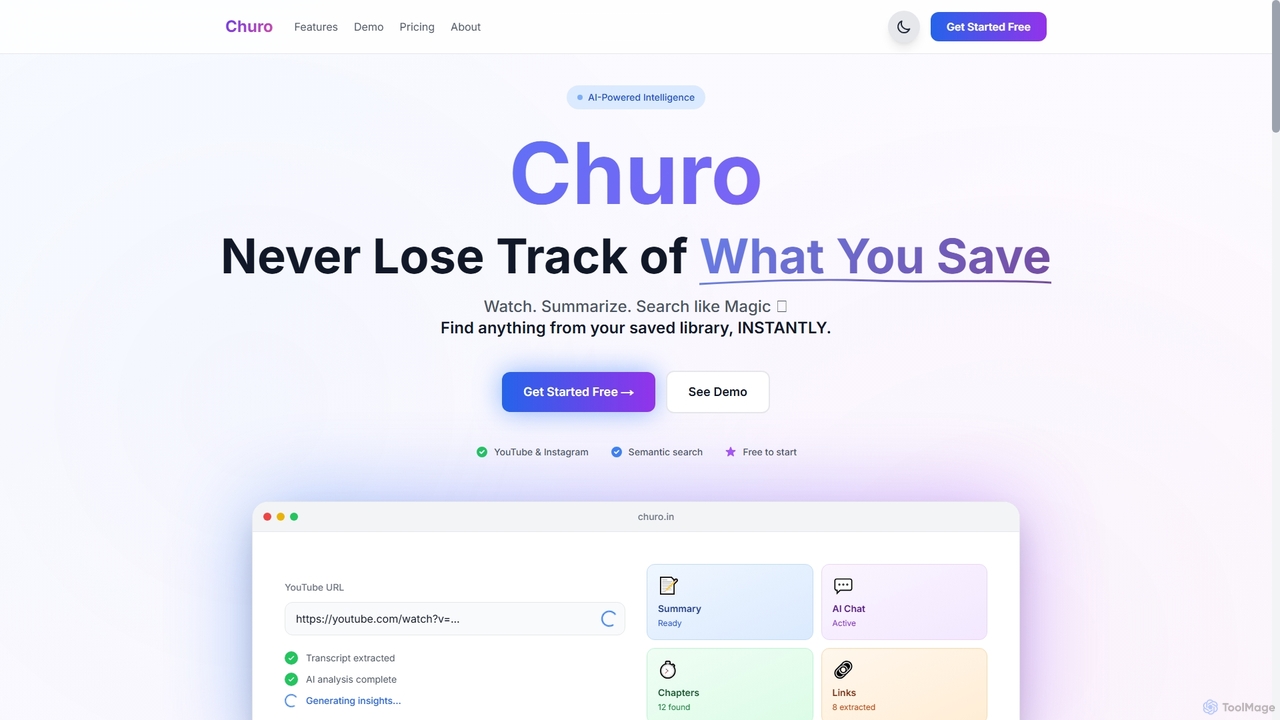
Churo is an AI-powered video summarizer and knowledge management tool that helps users save, search, and recall information from YouTube videos and Instagram reels. It provides instant AI summaries, semantic search capabilities, and a unified library to transform saved content into an organized, searchable knowledge base.

Learning
Visits 8.4KFavorites 115Likes 128
Prismatic Forge
Freemium

Prismatic Forge

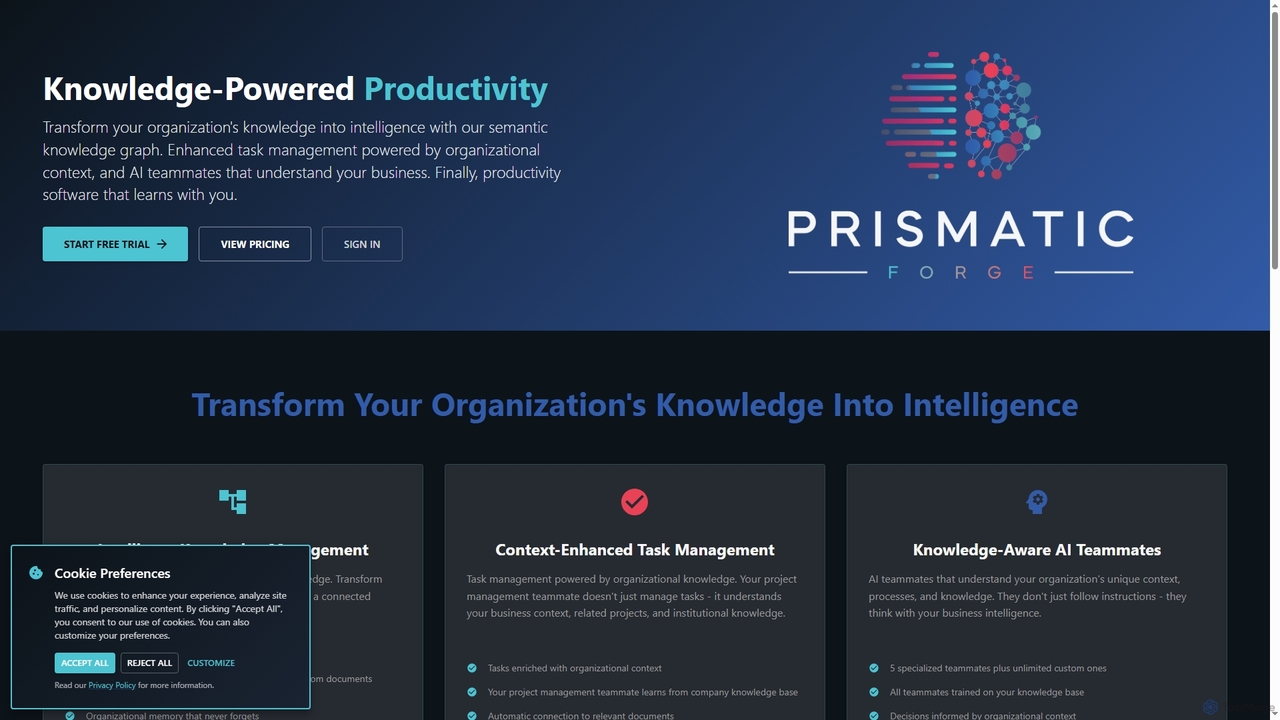
Prismatic Forge is a knowledge-powered productivity platform that transforms an organization's scattered information into connected intelligence. It leverages a semantic knowledge graph and AI teammates to enhance task management, provide organizational context, and enable smarter decision-making for modern knowledge workers.

Ai Assistant
Visits 4.2KFavorites 116Likes 99

Ozgar

Ozgar

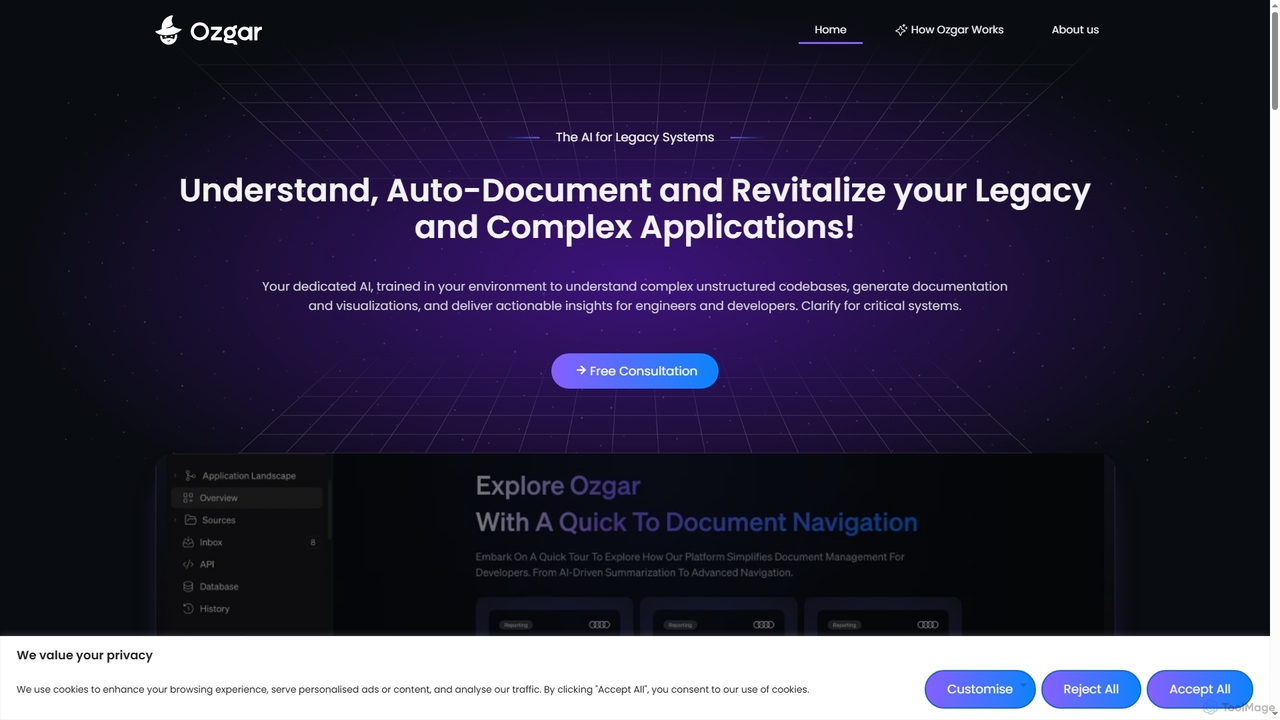
Ozgar is an enterprise code intelligence platform designed to understand, auto-document, and revitalize legacy and complex software systems. It leverages advanced AI to transform unstructured codebases into a smart, searchable knowledge hub, providing developers and teams with instant insights, automated documentation, and enhanced code navigation. Ozgar aims to reduce technical debt, accelerate onboarding, and streamline maintenance without disrupting existing operations.

Code Analysis
Visits 8.2KFavorites 96Likes 94
Abook
Freemium

Abook

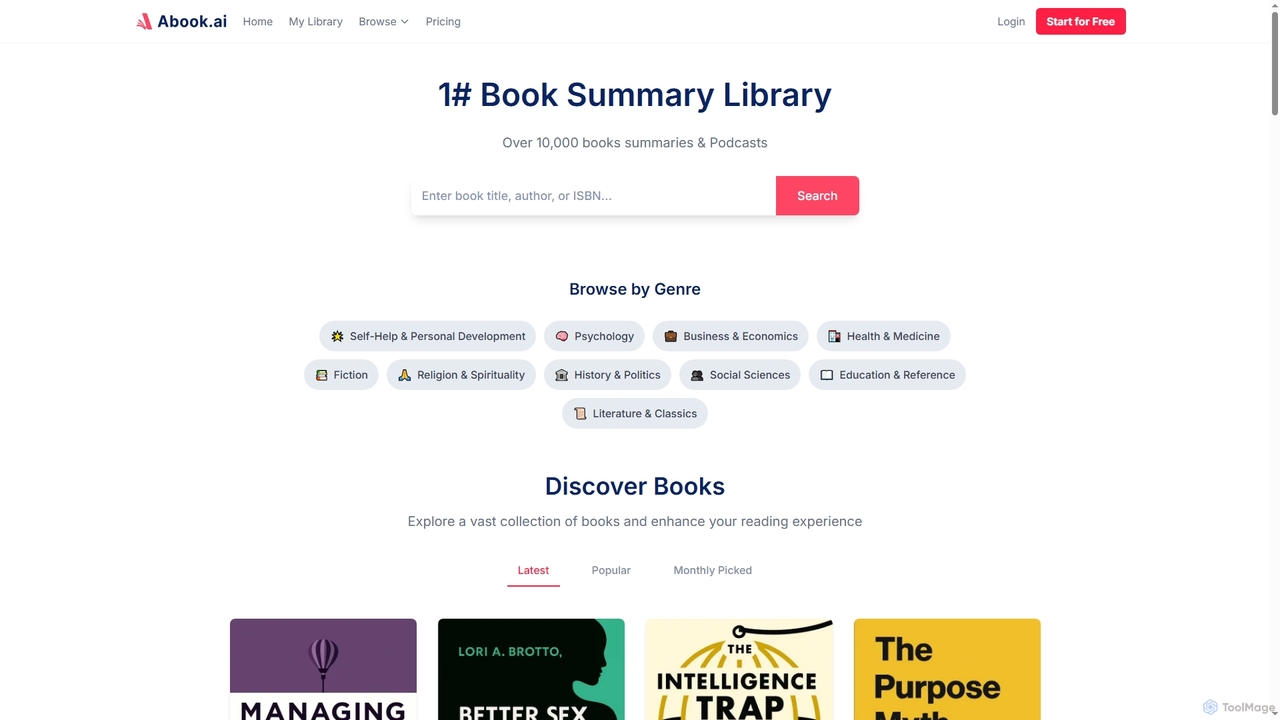
Abook is an AI-powered platform offering concise summaries, podcasts, and downloadable PDFs of over 10,000 non-fiction books. It helps users maximize learning and personal growth in just 15 minutes, combining AI models with expert curation for actionable insights and efficient knowledge acquisition.

Text To Audio
Visits 5.3KFavorites 92Likes 115
ContextStrata
Freemium

ContextStrata

ContextStrata is an LLM rules and knowledge base platform designed to empower AI assistants with comprehensive context. It centralizes LLM rules and creates a searchable knowledge base from GitHub repositories, ensuring real-time updates and secure encryption for sensitive information.

Llm Management
Visits 4KFavorites 81Likes 92

About Knowledge Management

AI Knowledge Management tools are a specialized category of productivity software that uses artificial intelligence to capture, organize, and retrieve information. These tools leverage technologies like Natural Language Processing (NLP) and semantic search to understand the context and meaning within documents, notes, and conversations. They transform scattered company data into a centralized, intelligent, and queryable 'second brain'. This allows teams to find accurate answers quickly, uncover hidden insights, and make better-informed decisions without manually sifting through countless files.

Core Features

  • Semantic Search: Find information based on conceptual meaning and intent, not just exact keywords.
  • Automated Content Organization: AI automatically tags, categorizes, and links related pieces of information from various sources.
  • Information Synthesis: Generate summaries, key takeaways, or answers from multiple documents in response to a query.
  • Conversational Q&A: Ask questions in natural language and receive direct answers sourced from the knowledge base.
  • Knowledge Graph Visualization: Map out and display the relationships between different concepts, people, and projects.

Use Cases

These tools are particularly valuable for medium to large enterprises, research teams, customer support departments, and product development groups. For instance, a support team can instantly find solutions to complex customer issues, while an R&D team can accelerate innovation by synthesizing findings from numerous research papers and internal reports.

How to Choose

When selecting an AI Knowledge Management tool, consider its integration capabilities with your existing platforms (like Slack, Google Drive, Notion). Evaluate the security protocols and access control features to protect sensitive data. Assess the quality and speed of its search and synthesis engine, and consider the user interface's ease of use for non-technical team members.

Featured tool rankings

Knowledge Management use cases

1

Building a Corporate 'Second Brain'

An operations manager at a fast-growing tech company centralizes all internal documentation, including project plans from Notion, meeting notes from Google Docs, and key discussions from Slack channels. The AI knowledge management tool ingests and indexes all this unstructured data. Now, any employee can ask questions like, 'What were the key decisions from the Q3 product sync?' and receive a synthesized answer with links to the source documents. This reduces repetitive questions by 70% and ensures a single source of truth across the organization.

2

Accelerating New Employee Onboarding

A human resources department uses an AI knowledge base to streamline the onboarding process. They upload all training materials, company policies, and departmental guides. New hires are encouraged to ask the system questions like 'How do I request PTO?' or 'What is our process for code reviews?'. The system provides instant, accurate answers, freeing up HR staff and team mentors from answering basic queries. This approach helps new employees become productive 30% faster and feel more self-sufficient from day one.

3

Streamlining Customer Support Resolutions

A customer support team for a SaaS product connects their knowledge management tool to their help desk articles, technical documentation, and past support tickets. When a complex customer query arrives, an agent types the issue into the knowledge base. The AI instantly surfaces relevant troubleshooting steps, links to specific API documentation, and even finds similar resolved tickets from the past. This allows agents to resolve complex issues in under 5 minutes, a task that previously took over 20 minutes of manual searching, improving customer satisfaction scores by 15%.

4

Enhancing Market Research and Analysis

A market research analyst uploads dozens of industry reports, competitor analyses, and customer survey results into their AI knowledge hub. Instead of reading hundreds of pages, they can ask high-level questions like, 'What are the top three trends in the renewable energy sector according to these reports?' The tool synthesizes information from all documents to provide a concise, evidence-backed summary. This allows the analyst to produce comprehensive competitive landscape reports in a single day, a process that used to take a full week.

5

Personal Knowledge Management for Researchers

A PhD student uses an AI knowledge tool to manage hundreds of academic papers, lecture notes, and research data. The tool automatically identifies key themes and connections between different papers. The student can ask, 'Which authors discuss the theory of cognitive dissonance in relation to social media?' and instantly get a list of relevant sources and summaries. The knowledge graph feature helps visualize the evolution of research in their field, sparking new ideas for their thesis and saving countless hours of manual organization.

6

Preserving Institutional Knowledge

A large engineering firm faces the challenge of experienced engineers retiring and taking valuable knowledge with them. They implement an AI knowledge management system where senior engineers document their project experiences, design rationales, and lessons learned. The system structures this information, making it easily searchable for junior engineers. When a new project faces a familiar challenge, a young engineer can query the system for 'best practices for seismic retrofitting in concrete structures' and access decades of institutional wisdom, preventing costly mistakes and preserving the firm's competitive edge.

Knowledge Management FAQ

What are AI Knowledge Management tools?

AI Knowledge Management tools are advanced software systems that use artificial intelligence to help organizations and individuals capture, organize, and access information more effectively. Unlike traditional storage systems like folders or basic wikis, they use technologies like semantic search and NLP to understand the content's meaning. This allows users to ask questions in natural language and get synthesized answers from across all connected data sources, turning scattered information into an accessible and intelligent knowledge base.

How do AI Knowledge Management tools differ from note-taking apps like Notion or Evernote?

While note-taking apps are excellent for capturing and structuring personal or team information, AI Knowledge Management tools go a step further. The key difference lies in intelligence and retrieval.

  • Intelligence: AI tools actively analyze and connect information automatically, creating knowledge graphs and surfacing insights you might miss. Note-taking apps rely on manual organization (folders, tags).
  • Retrieval: AI tools use semantic search to find answers based on meaning, not just keywords. You can ask complex questions, and they synthesize answers from multiple sources. Note-taking apps offer basic keyword search within pages.
In essence, note-taking apps are for storage and organization, while AI knowledge tools are for discovery and synthesis.

How to choose the right AI Knowledge Management tool?

Selecting the right tool depends on your specific needs. Consider these key factors:

  • Integrations: Does it connect seamlessly with the tools your team already uses, such as Google Drive, Slack, Notion, or Jira?
  • Security and Permissions: Does it offer robust access controls to ensure that sensitive information is only visible to authorized personnel?
  • Search Quality: Test the tool with your own documents. How relevant and accurate are the search results and synthesized answers?
  • User Experience: Is the interface intuitive for all team members, not just technical users? A tool is only effective if people use it.
  • Scalability: Can the tool handle your current volume of data and scale as your organization grows?

Who can benefit from using AI Knowledge Management tools?

A wide range of users can benefit. For businesses, it's invaluable for customer support teams, R&D departments, HR for onboarding, and any team that relies on a large body of shared information. It helps preserve institutional knowledge when employees leave. For individuals, researchers, writers, and students can use these tools to manage vast amounts of information, connect ideas, and accelerate their research and writing processes. Essentially, anyone looking to turn information overload into actionable insights can find value in these tools.

Is my data secure with AI Knowledge Management tools?

Security is a critical consideration for reputable AI Knowledge Management providers. Most leading tools offer robust security features, including:

  • End-to-end encryption: Data is encrypted both in transit and at rest.
  • Access controls: Administrators can define granular permissions, ensuring users only see the information they are authorized to access.
  • Compliance certifications: Many providers comply with industry standards like SOC 2 and GDPR, demonstrating their commitment to data security and privacy.
However, it is always essential to review the specific security policies and compliance certifications of any tool you are considering to ensure they meet your organization's requirements.