

Notion Overview
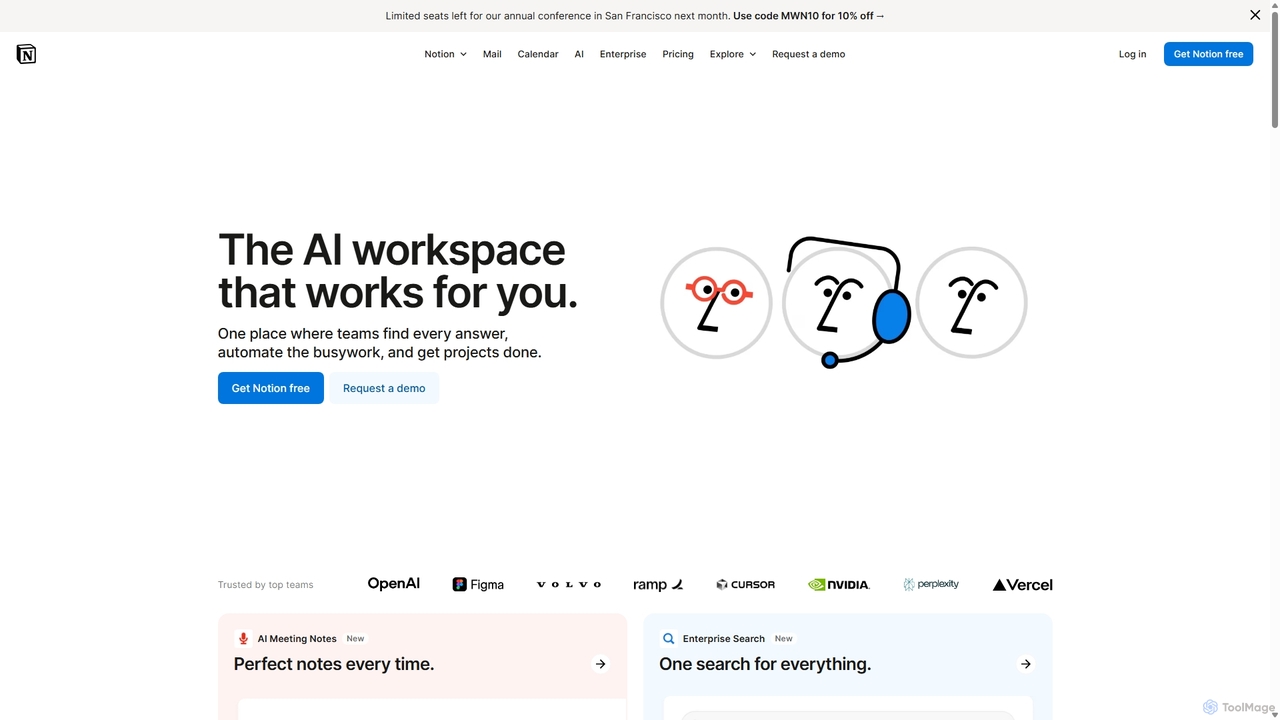
Notion positions itself as the ultimate AI-powered workspace designed to consolidate your digital tools and streamline workflows for both individuals and teams. It's a singular platform where you can write, plan, collaborate, and organize everything. By blending everyday work apps into one, Notion eliminates the need to switch between multiple tools like Google Docs, Asana, and Trello, creating a more cohesive and productive environment. Its core philosophy is built on the idea of using modular 'blocks'—like text, to-do lists, images, databases, and embeds—that can be arranged and customized to build any page, system, or workflow you can imagine. This flexibility makes it suitable for a vast range of applications, from a simple personal notebook to a complex corporate wiki or project management dashboard.
The integration of Notion AI transforms the platform into an intelligent partner. It assists with tasks like summarizing long documents, brainstorming ideas, improving writing, translating text, and automatically filling database entries. This AI functionality is woven directly into the workspace, allowing users to access it seamlessly without disrupting their flow. Trusted by millions, including a majority of Fortune 100 companies, Notion has become a central hub for knowledge management and operational efficiency.
How to use Notion
Getting started with Notion is intuitive. You begin with a blank page and start adding 'blocks' of content. You can type text, create checklists, embed images, or insert more complex blocks like tables and databases. For a quicker start, Notion offers a vast library of templates for various use cases, such as meeting notes, project roadmaps, content calendars, and design system documentation. To manage projects, you can create databases and visualize them as tables, Kanban boards, calendars, or timelines. Collaboration is central to Notion; you can invite team members to your workspace, assign tasks, leave comments, and set reminders to keep everyone in sync. To leverage its AI power, simply press the spacebar on a new line to summon Notion AI, which can help you draft content, summarize notes, or automate repetitive tasks.
Core Features of Notion
- Notion AI: An integrated AI assistant that can write, edit, summarize, translate, brainstorm, and autofill database properties. It also features enterprise search across connected apps and a research mode for creating detailed reports.
- Connected Workspace: A unified platform for notes, documents, wikis, and project management, reducing tool fragmentation.
- Building Blocks: A highly flexible, block-based editor that allows users to build custom pages and workflows with text, images, to-do lists, databases, and over 50 other block types.
- Powerful Databases: Create and customize databases to track projects, manage tasks, or organize any kind of information. View data in multiple formats including tables, boards, lists, calendars, galleries, and timelines.
- Templates: A rich library of pre-built templates for thousands of use cases, helping users get started quickly.
- Integrations: Seamlessly connects with tools like Slack, Google Drive, GitHub, Jira, Figma, and more, allowing you to embed live content and create a central source of truth.
- Collaboration Tools: Real-time editing, comments, mentions, and permission controls make it easy for teams to work together effectively.
- Web Publishing: Instantly turn any Notion page into a live website, complete with customization options and search engine indexing.
Use Cases for Notion
Notion's versatility allows it to be adapted for countless scenarios. For product teams, it serves as a central hub for roadmaps, product requirement documents (PRDs), and sprint planning. Engineering teams use it for technical documentation, bug tracking, and knowledge sharing. Marketing teams build content calendars, manage campaigns, and create brand asset libraries. HR departments use it for employee onboarding, creating company wikis, and managing internal policies. Startups and small businesses often run their entire operations on Notion, from project management to CRM. Individuals use it for personal task management, note-taking, journaling, and planning personal projects.
Advantages of Notion
The primary advantage of Notion is its all-in-one nature, which significantly reduces context switching and subscription costs for multiple applications. Its unparalleled flexibility allows users to tailor the tool to their exact needs, rather than adapting their workflow to a rigid tool. The deep integration of AI enhances productivity by automating mundane tasks and assisting in content creation. Furthermore, its strong emphasis on collaboration and knowledge sharing fosters transparency and alignment within teams, creating a single source of truth that is easily accessible to everyone.
Pricing and Plans
Notion offers a freemium model with several tiers:
- Free Plan: Ideal for individuals. Offers unlimited blocks for single users, but has a block limit for teams. Includes a trial of Notion AI.
- Plus Plan ($10 per seat/month): For small teams. Includes unlimited blocks, unlimited file uploads, and a 30-day page history.
- Business Plan ($20 per seat/month): For companies. Adds SAML SSO, private teamspaces, advanced security controls, and includes core Notion AI features.
- Enterprise Plan (Custom Pricing): For large organizations. Provides advanced security & controls, user provisioning (SCIM), an audit log, a dedicated customer success manager, and zero data retention with LLM providers for enhanced privacy.
Notion AI is available as an add-on for paid plans or is included in the Business and Enterprise tiers.
Traffic
Latest traffic
Status
Monthly traffic trend
- 2025-9: 176.4M
- 2026-1: 178.3M
- 2026-2: 162.5M
- 2026-3: 183.9M
- 2026-4: 174.5M
- 2026-5: 152.1M
Geography
Top 5 countries / regions
- 🇺🇸United States31.8%
- 🇰🇷South Korea23.4%
- 🇯🇵Japan19.1%
- 🇧🇷Brazil16.3%
- 🇬🇧United Kingdom9.4%
Traffic sources
| Source type | Percentage |
|---|---|
Direct | 90.5% |
Referral | 7.0% |
Email | 2.5% |
Top keywords
| Keyword | Cost per click |
|---|---|
| notion | $2.07 |
| notion log in | $2.27 |
| notion login | $2.19 |
| notion.so | $3.15 |
| notion ログイン | $1.98 |
Notion Alternatives
Notion
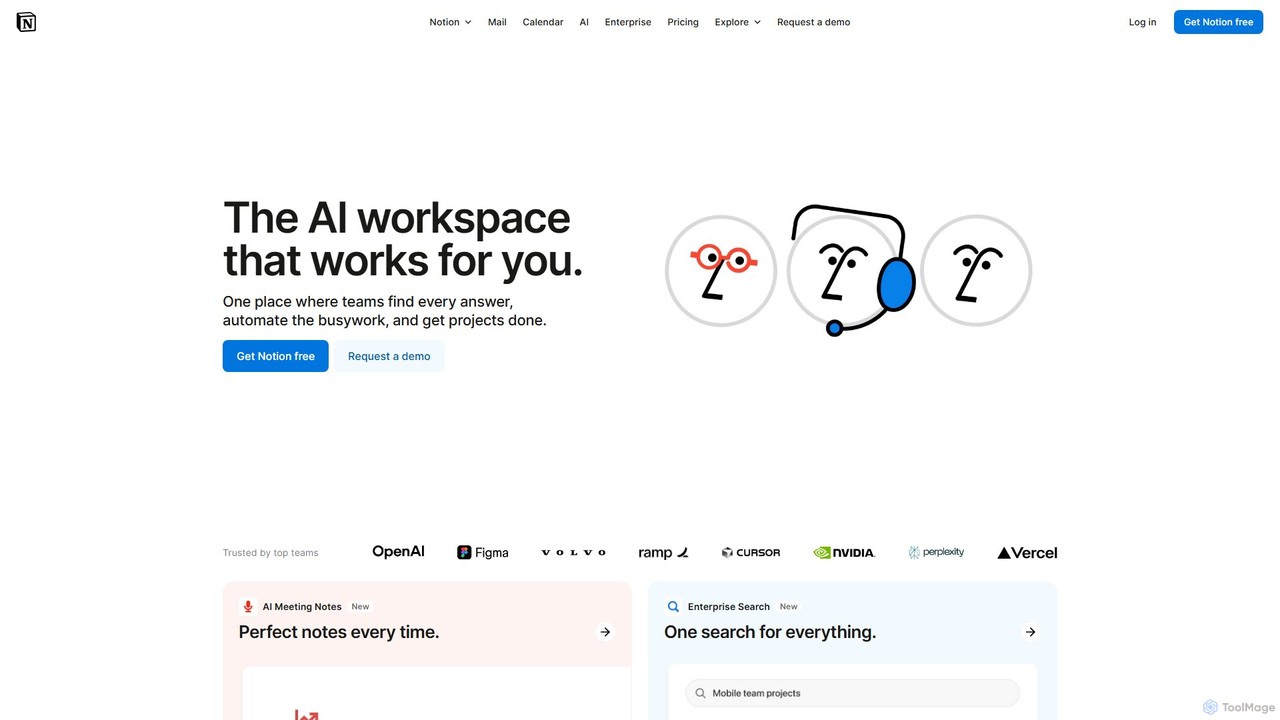
Notion is the all-in-one AI workspace that combines notes, documents, project management, and wikis. It provides a flexible, customizable platform where individuals and teams can organize work, collaborate in real-time, and build custom workflows. With integrated AI features, Notion helps automate tasks, summarize content, and generate ideas, consolidating multiple tools into a single, powerful space for enhanced productivity.
Knowledge Management
Omniverse
Omniverse is an all-in-one AI-powered productivity platform designed to centralize your workflow. It integrates a powerful writing assistant, task management, knowledge base, and data analysis into a single, intuitive workspace. Streamline your projects, automate repetitive tasks, and unlock new levels of efficiency by leveraging a unified AI that understands the full context of your work.
All In One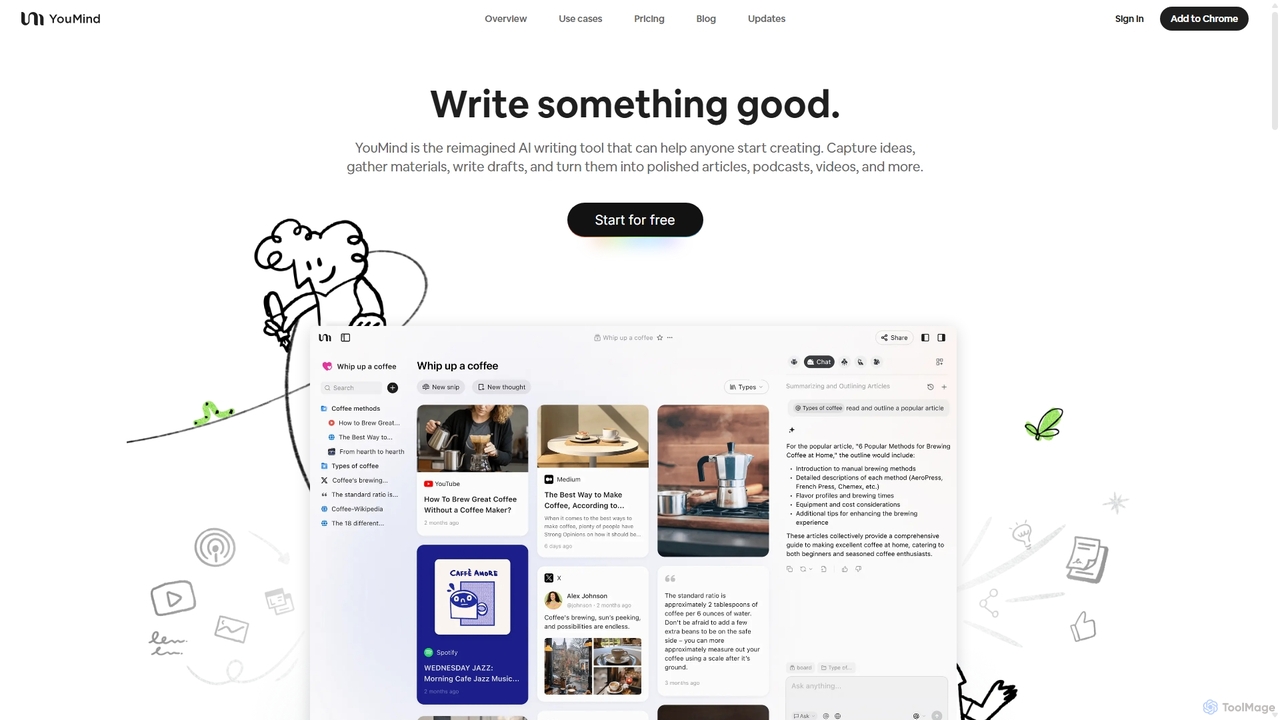
YouMind
YouMind is an AI-powered creation studio designed to streamline the entire content creation workflow. It integrates material collection from various sources like YouTube, podcasts, and articles into a unified workspace. Users can research, organize, and collaborate with top AI models to transform their ideas into polished articles, videos, and more, all within a single, project-based environment.
Knowledge Management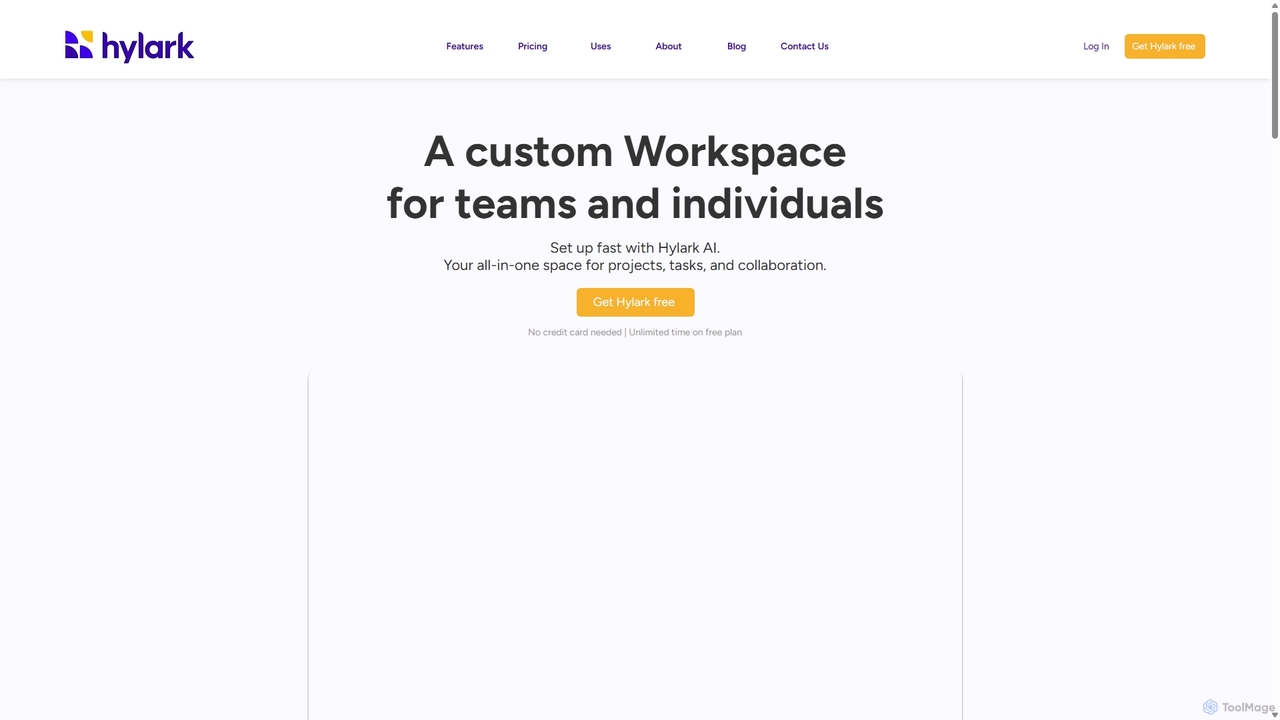
Hylark
Hylark is an AI-powered, all-in-one workspace for teams and individuals to manage projects, tasks, and collaboration. Instantly set up and customize your workspace by describing your needs to Hylark AI. It integrates seamlessly with Google and Microsoft, centralizing your emails, calendars, and to-dos into a single, flexible platform.
Crm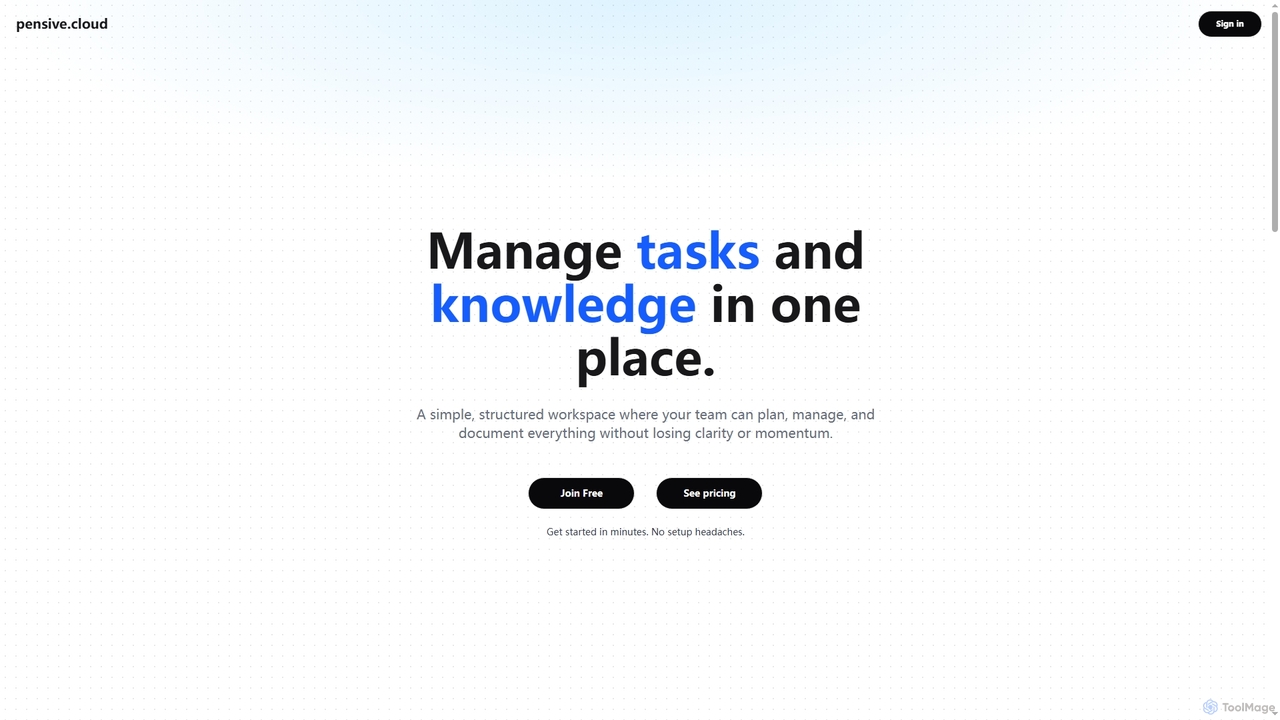
Pensive
Pensive is a unified workspace designed for teams to manage tasks, knowledge, and collaboration in one place. It offers simple task management, a centralized knowledge hub, and seamless team communication to keep projects organized and moving forward without complexity.
CollaborationNotion Categories
Notion Jobs
Notion Embed Widget
Copy this embed code to place the badge on your blog, article, or product site and send readers directly to this ToolMage detail page.

Related AI tools
Omniverse
Omniverse is an all-in-one AI-powered productivity platform designed to centralize your workflow. It integrates a powerful writing assistant, task management, knowledge base, and data analysis into a single, intuitive workspace. Streamline your projects, automate repetitive tasks, and unlock new levels of efficiency by leveraging a unified AI that understands the full context of your work.
All In OneHylark
Hylark is an AI-powered, all-in-one workspace for teams and individuals to manage projects, tasks, and collaboration. Instantly set up and customize your workspace by describing your needs to Hylark AI. It integrates seamlessly with Google and Microsoft, centralizing your emails, calendars, and to-dos into a single, flexible platform.
Crm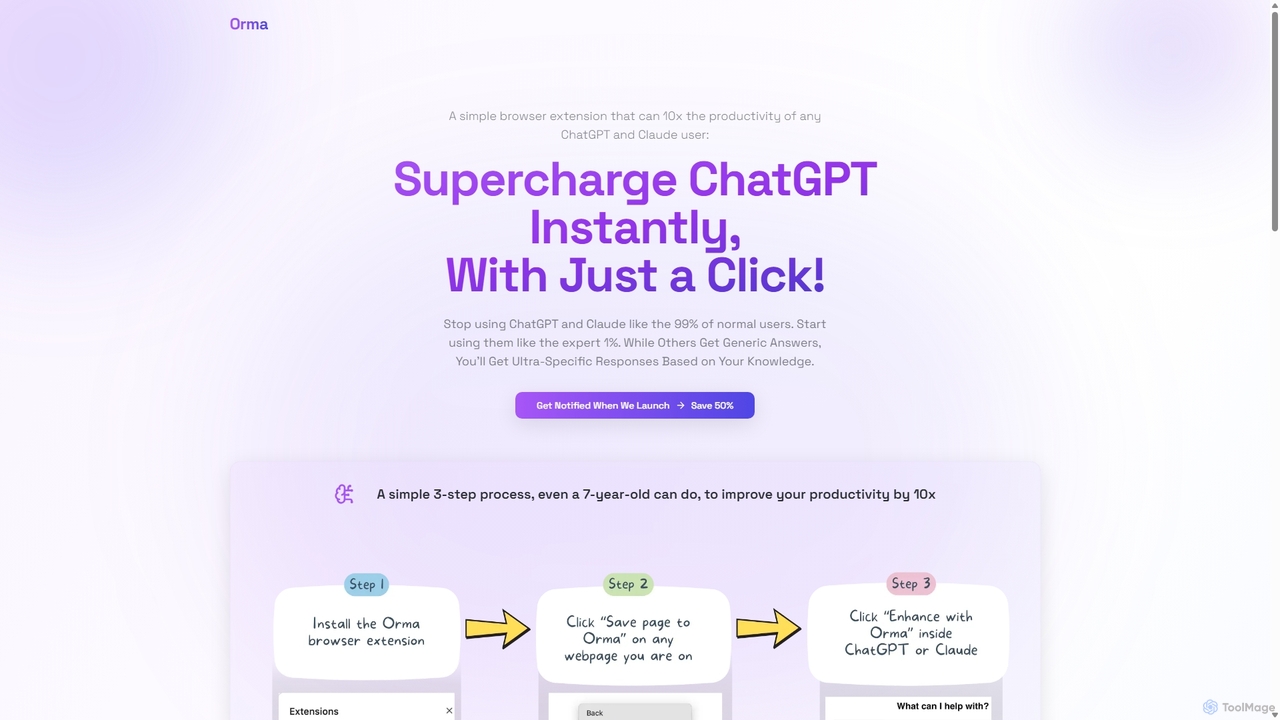
Orma
Orma is a browser extension that transforms your web browsing into a personal knowledge base, or 'digital memory layer'. It allows you to intelligently capture web content and seamlessly integrate it with AI models like ChatGPT and Claude. This turns generic AI responses into highly specific, personalized insights based on your own curated knowledge, boosting productivity by up to 10x.
Search Tools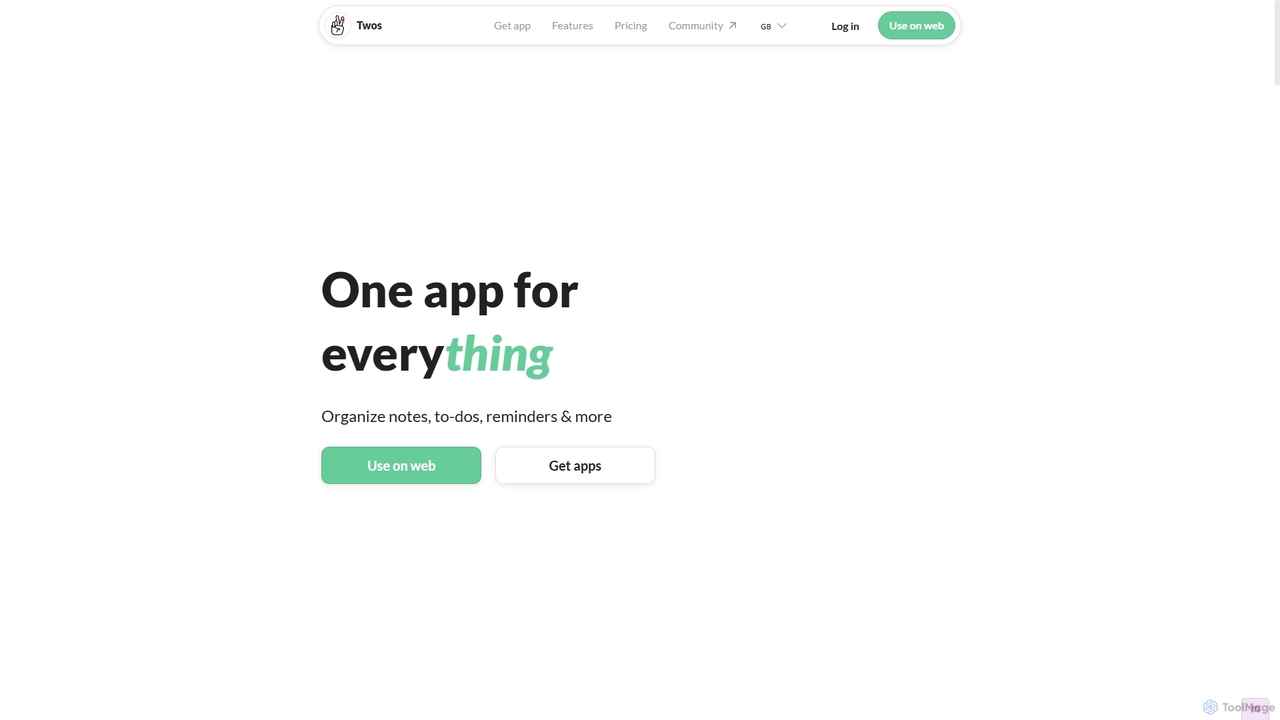
Twos
Twos is an all-in-one productivity app powered by AI that helps you organize notes, to-dos, reminders, lists, and calendar events in one simple place. Capture thoughts quickly as "things" and let the AI assistant, PALs, provide smart suggestions to help you stay organized and productive across all your devices.
Note Taking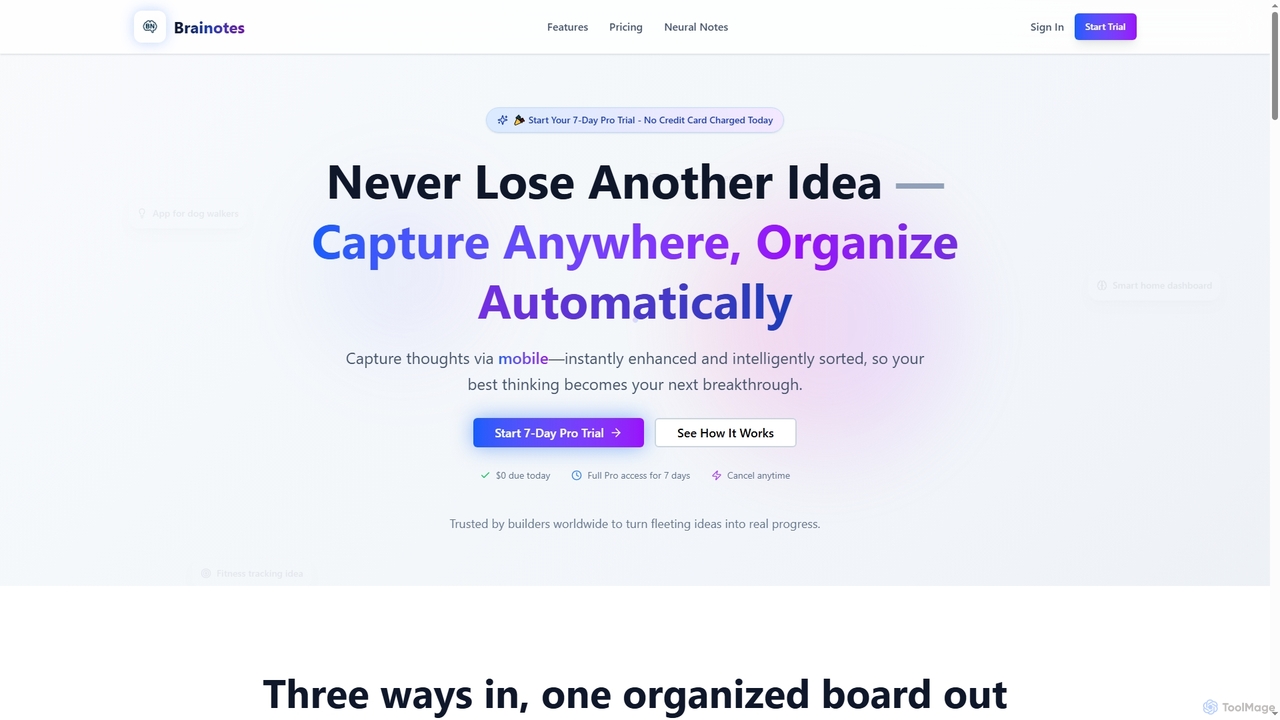
Brainotes
Brainotes is an AI-powered idea inbox designed for builders to capture, organize, and enrich their thoughts effortlessly. It offers instant mobile voice recording, email capture, and intelligent AI features like smart tagging, market insights, and MVP suggestions, transforming fleeting ideas into actionable plans. With automatic organization and a unified idea board, Brainotes helps users save time and accelerate progress.
Speech To Text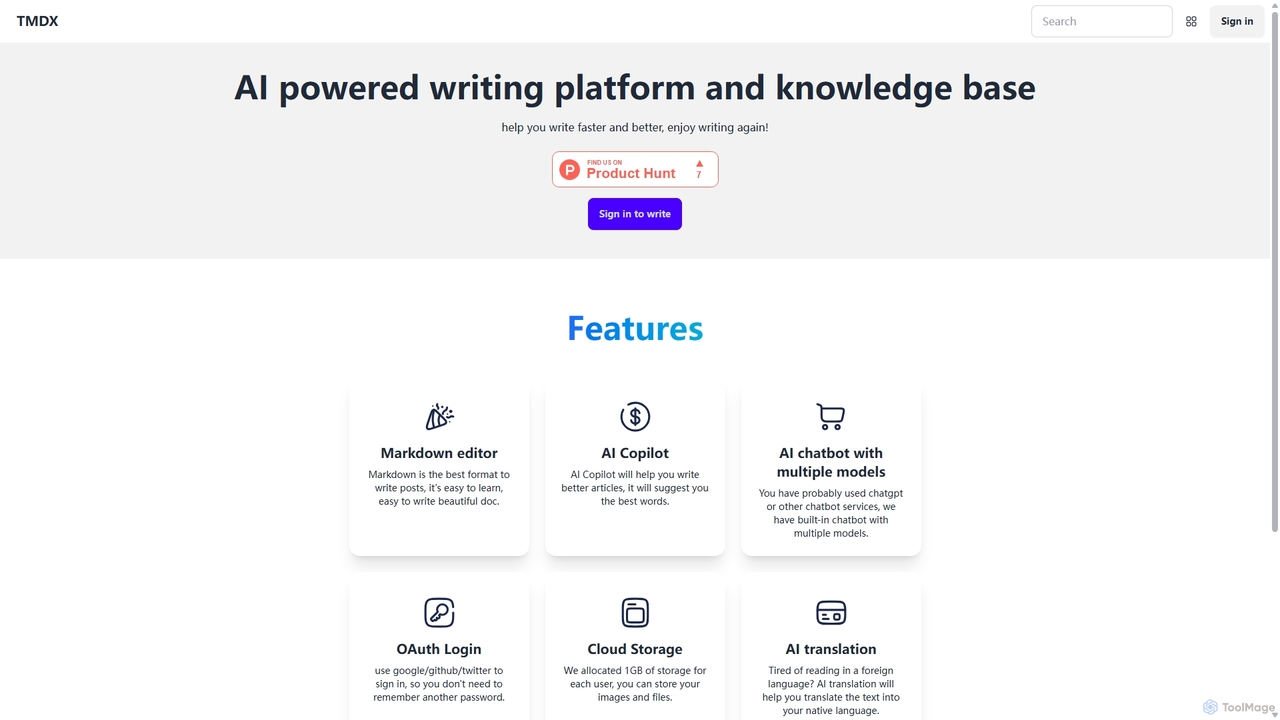
TMDX
TMDX is an AI-powered writing platform and personal knowledge base designed to enhance your writing process. It combines a clean Markdown editor with an AI Copilot for content generation, a multi-model AI chatbot for research, and built-in AI translation. With a focus on privacy, data ownership, and an ad-free experience, TMDX helps you write faster, better, and more enjoyably.
Blogging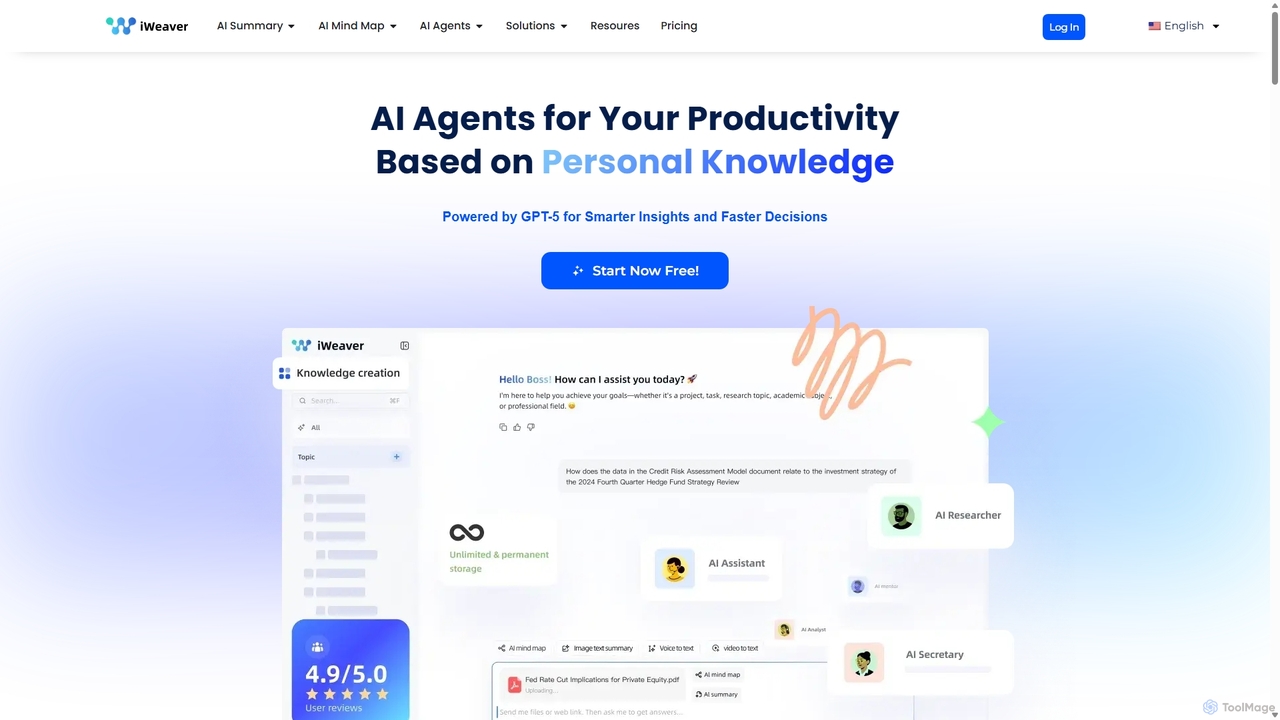
Iweaver
Iweaver is an AI-powered personal knowledge management platform that transforms your documents, images, and videos into an intelligent knowledge base. Utilize over 200 specialized AI agents to automate tasks, generate summaries, create mind maps, and get precise answers from your data. It learns your work habits to provide personalized, context-aware assistance, streamlining workflows for professionals in finance, research, law, and content creation.
Study Tools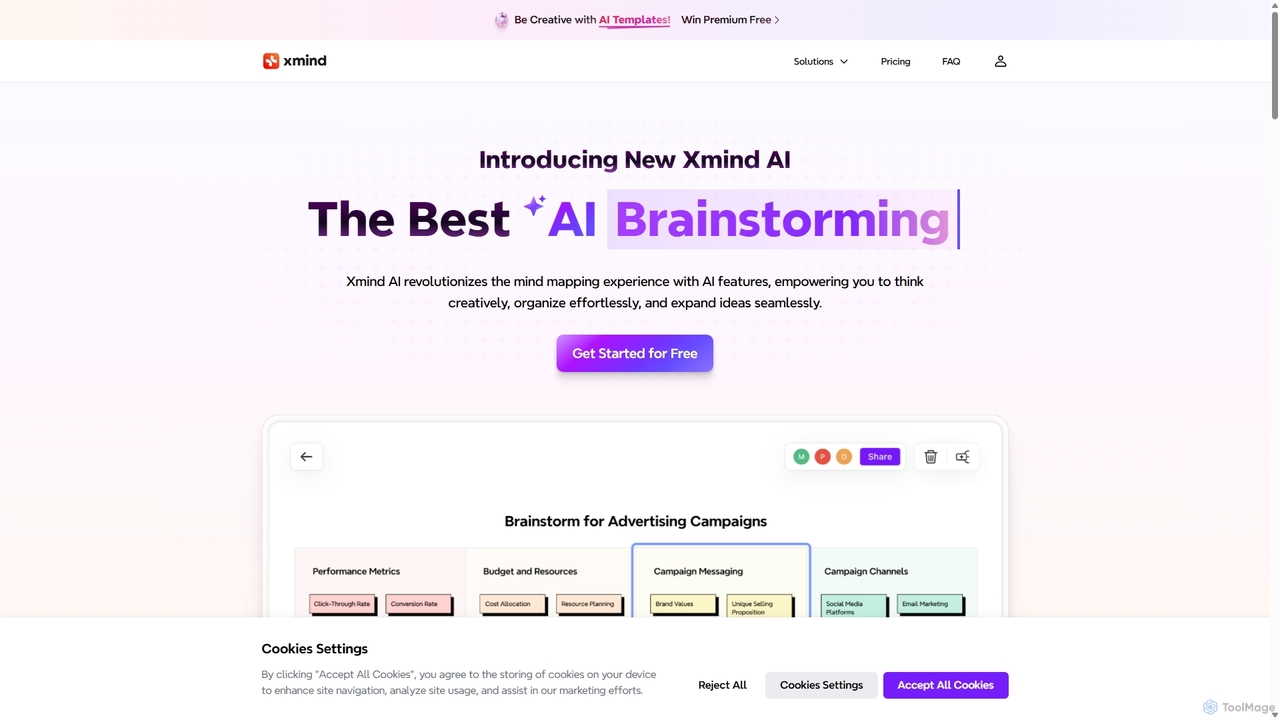
Xmind AI
Xmind AI is an advanced AI-powered mind mapping and brainstorming tool designed to enhance creativity and productivity. It helps users visualize thoughts, organize complex information, and collaborate with teams in real-time. With features like AI-driven idea generation, content summarization, and automated to-do lists, Xmind AI transforms abstract concepts into structured, actionable plans.
Teamwork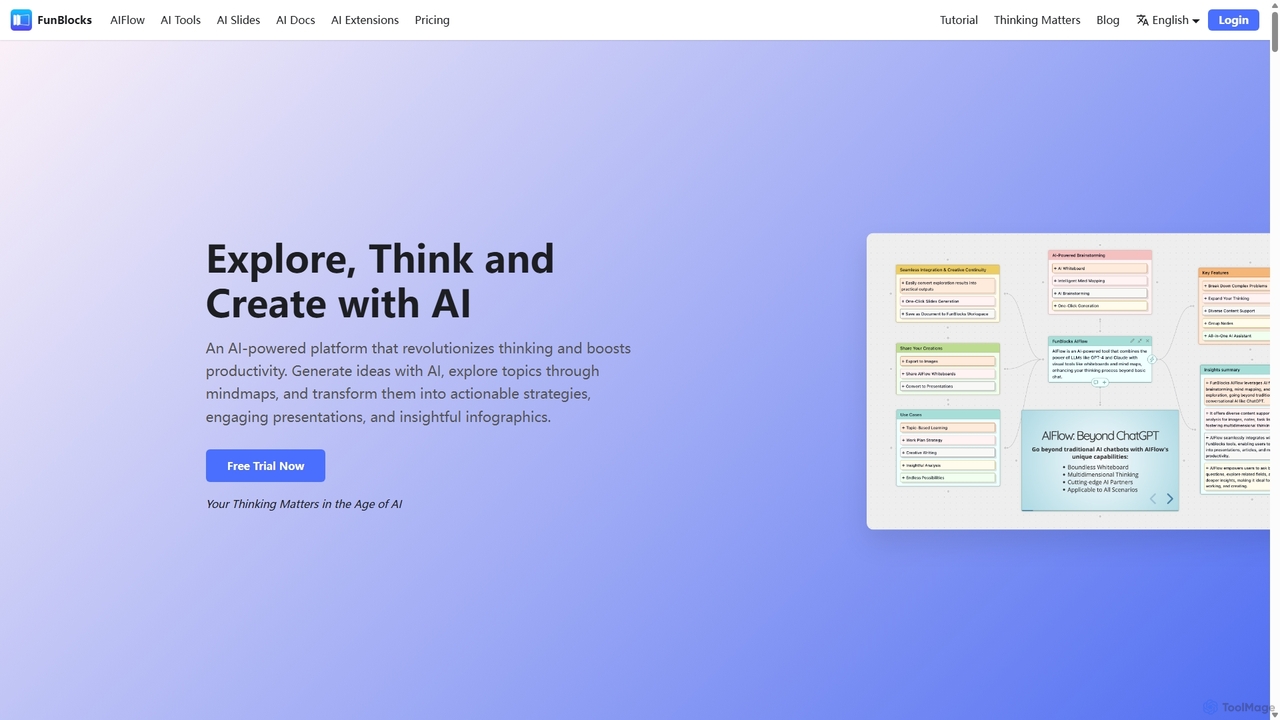
FunBlocks
FunBlocks is an all-in-one AI workspace designed to revolutionize thinking and boost productivity. It seamlessly integrates AI-powered tools for mind mapping (AIFlow), document creation (AI Docs), slide generation (AI Slides), and web research (Browser Extension). From brainstorming complex ideas visually to producing polished documents and presentations with a single click, FunBlocks supports the entire knowledge workflow, enhancing creativity and critical thinking for students, professionals, and teams.
Presentations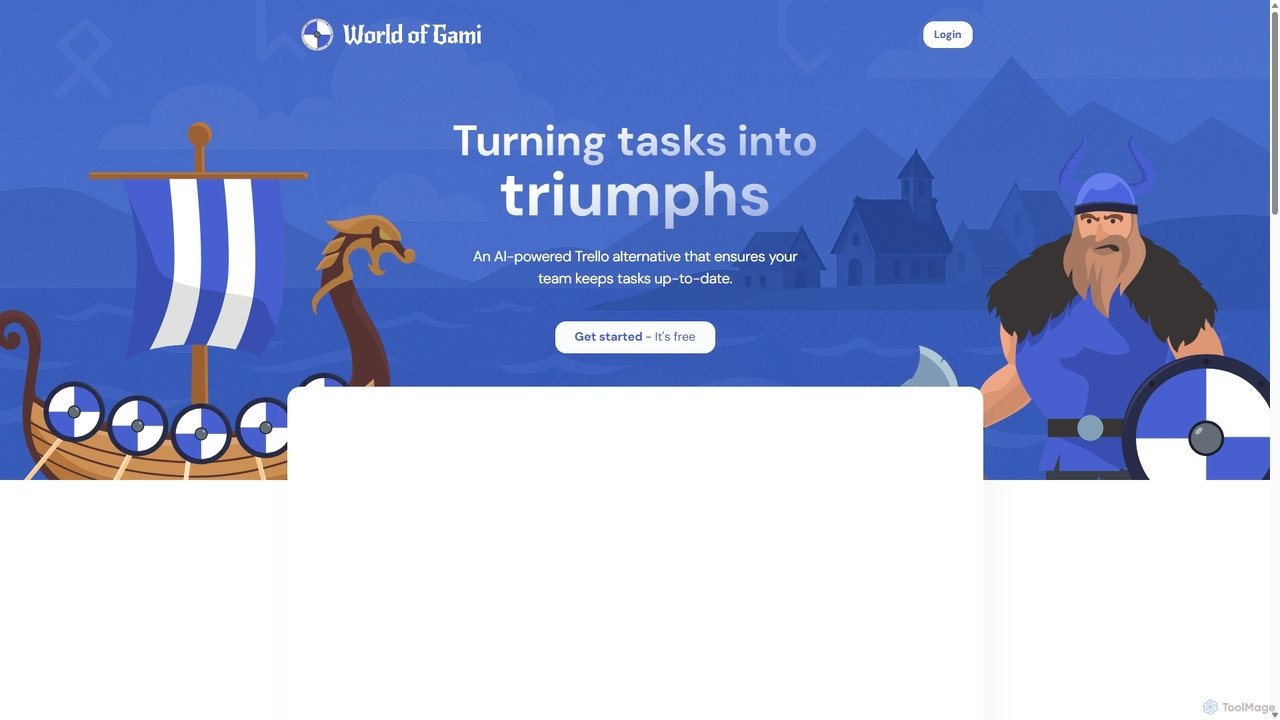
Worldofgami
World of Gami is an AI-powered project management tool and a Trello alternative that gamifies task management. It transforms workflows into an engaging game, encouraging teams to keep tasks updated through competitive sprints. Features include AI task generation, Kanban boards, and Notion-like documentation, all designed to boost motivation, collaboration, and productivity in a fun, interactive environment.
Project ManagementPensive
Pensive is a unified workspace designed for teams to manage tasks, knowledge, and collaboration in one place. It offers simple task management, a centralized knowledge hub, and seamless team communication to keep projects organized and moving forward without complexity.
Collaboration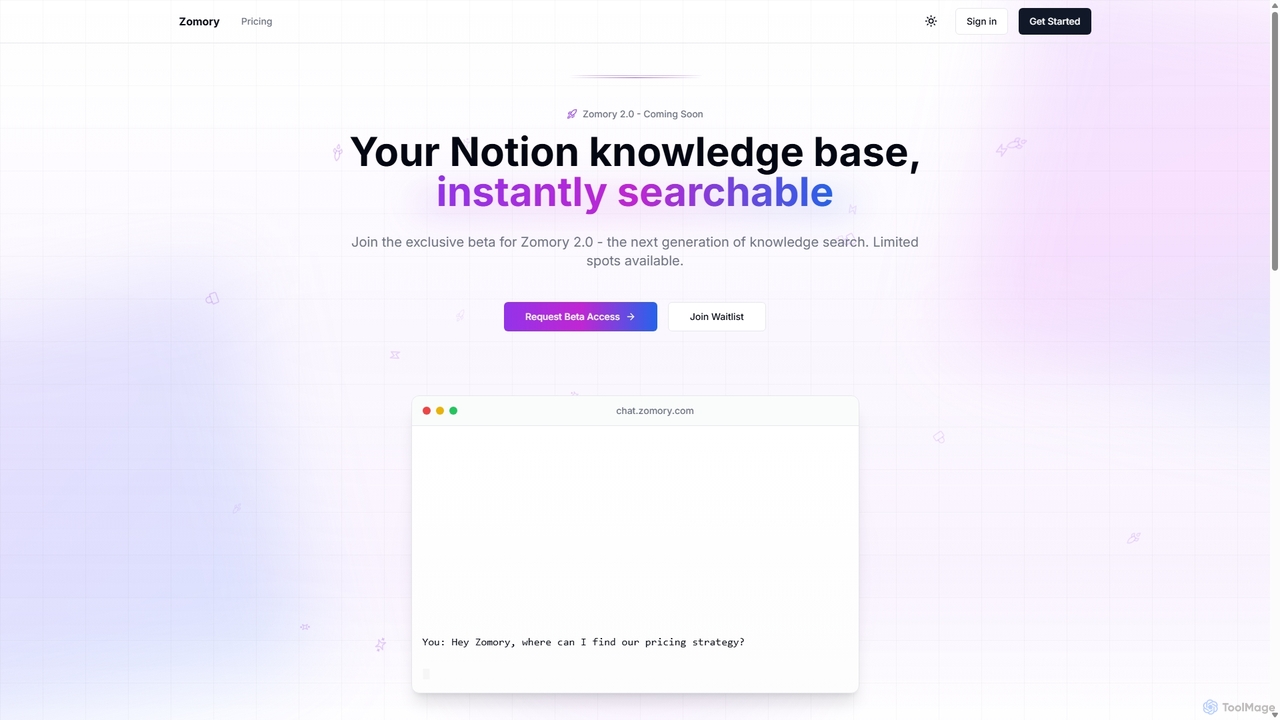
Zomory
Zomory is an AI-powered search tool that transforms your Notion knowledge base into an instantly searchable resource. Integrated directly with Slack, it allows teams to find information using natural language, ask follow-up questions, and get answers in milliseconds without switching context.
Collaboration
Slite
Slite is an AI-powered knowledge base and team collaboration tool. It serves as a single source of truth, helping teams organize their documents, share knowledge, and make decisions asynchronously. Its core AI feature, 'Ask', allows users to find answers from across the entire workspace using natural language questions, making information instantly accessible.
Internal Communication
Jyek
Jyek is an AI agent platform that understands objectives, creates execution plans, uses tools, and delivers verifiable results for complex, multi-step tasks.
Automation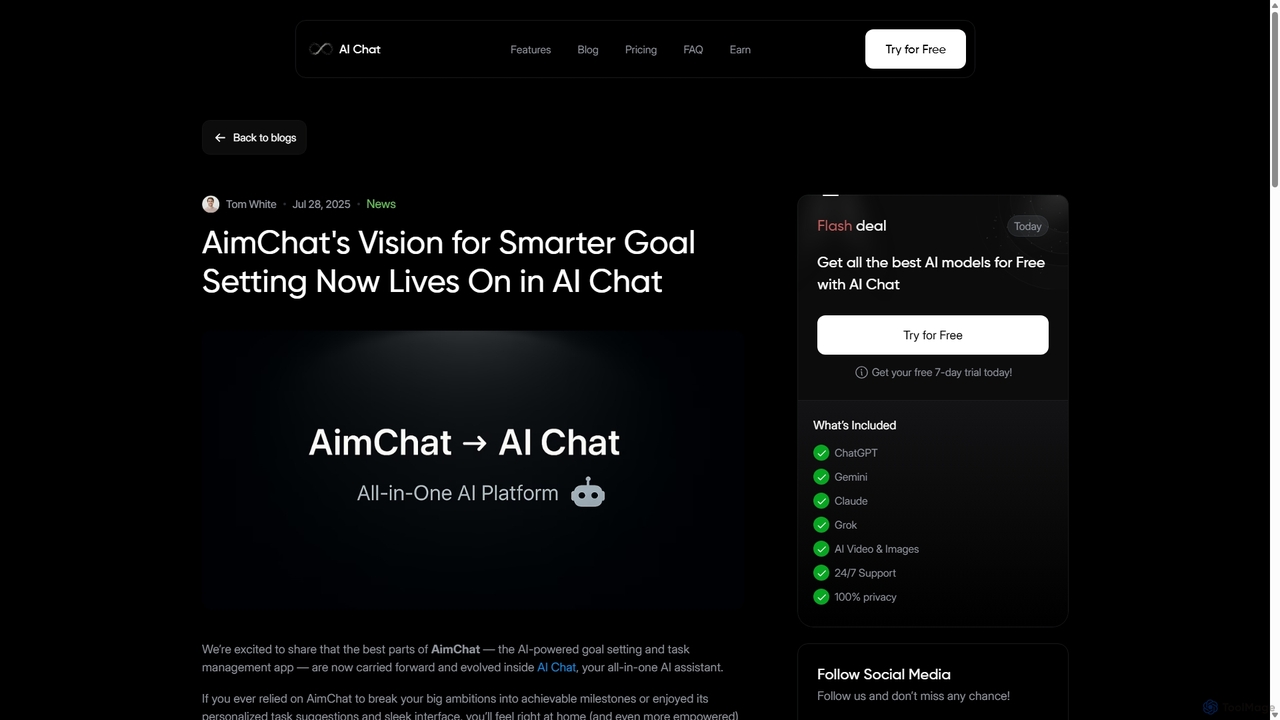
AI Chat
AI Chat is an all-in-one AI assistant that integrates top models like ChatGPT, Claude, and Gemini into a single platform. Evolving from the goal-setting app AimChat, it combines advanced conversational AI with powerful task management, research, and content creation tools to streamline your workflow and help you achieve your ambitions.
Assistant
Notion Comments (0)
Sign in to comment.
Sign inNo comments yet.