

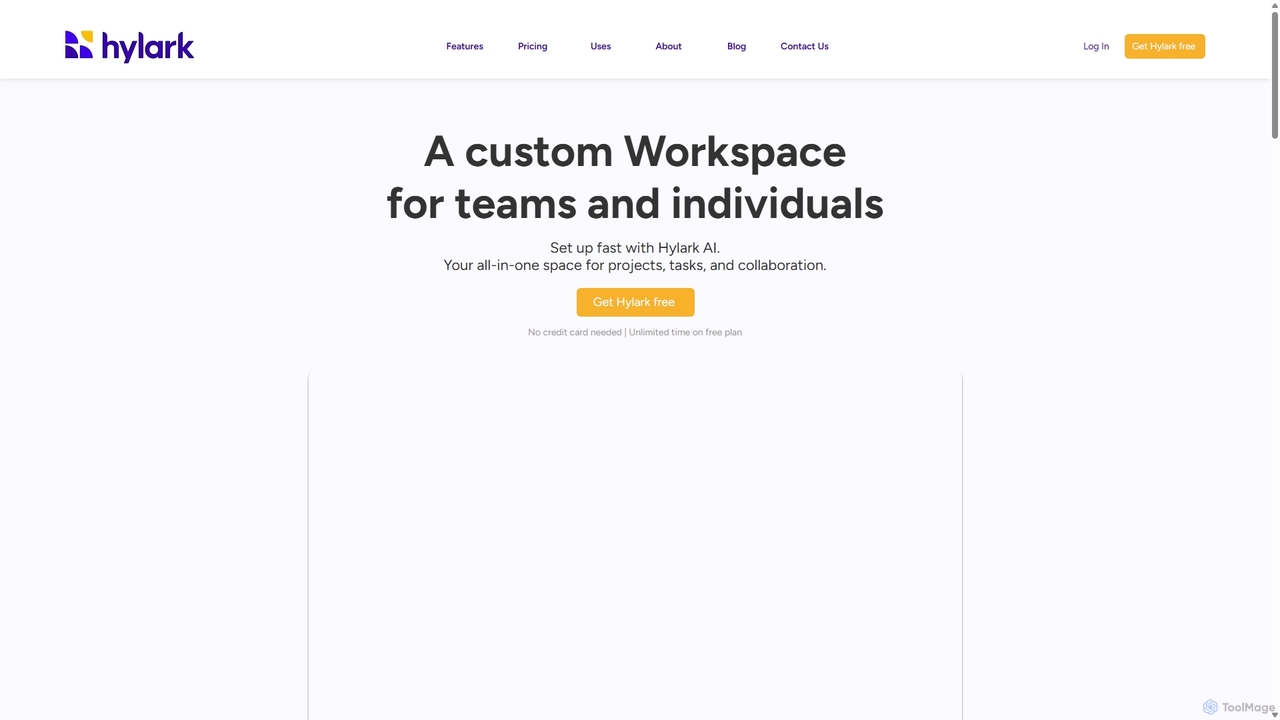
Hylark Overview
Hylark is a versatile and intuitive platform designed to be a custom workspace for both teams and individuals. It stands out by leveraging AI to simplify and accelerate the setup process, creating a tailored environment for managing projects, tasks, and collaborative efforts. This all-in-one solution aims to bring together the disparate parts of your work and personal life into a single, organized hub, eliminating the need to switch between multiple applications.
How to use Hylark
Getting started with Hylark is remarkably simple thanks to its AI-driven setup. Users begin by interacting with Hylark AI in a chat interface, describing their goals and what they want to use the workspace for—be it managing a marketing campaign, planning an event, or creating a team wiki. The AI then automatically builds and configures a relevant workspace with the necessary pages, fields, and layouts in minutes. After the initial setup, you can continue to use the AI to modify and expand your workspace as your needs evolve. Users can then populate their custom pages with data, create tasks, sync their calendars, and invite team members to collaborate.
Core Features of Hylark
- Hylark AI: Instantly build and customize your workspace using natural language commands. The AI interprets your needs and sets up pages, databases, and workflows automatically.
- Custom Pages & Subspaces: Create highly customizable pages to manage any type of information, from project timelines and client databases to team knowledge bases. Organize these pages into distinct Subspaces for different areas of your life or business.
- Task & Project Management: A full suite of tools including to-do lists, calendars, and a timekeeper to track deadlines. Use markers like custom tags, statuses, and pipelines (Kanban views) to organize workflows and monitor progress.
- Seamless Collaboration: Invite team members to your workspace, assign them to specific tasks or records, and track all changes with a comprehensive history log. Set custom permission levels (owner, admin, member) to control access.
- Integrations: Natively connect with Google and Microsoft accounts. Sync your Google/Outlook calendars, to-dos, and emails, allowing you to view and manage them directly within Hylark.
- Versatile Data Management: Store and organize various types of content, including documents, notes, links, and images on a pinboard. The platform supports over 40 custom field types for detailed data customization.
- Security & Privacy: Protect your account with two-factor authentication (2FA) and new device verification, ensuring your data remains safe and secure (ISO 27001 certified).
Use Cases for Hylark
Hylark's flexibility makes it suitable for a wide range of applications:
- Marketing Teams: Build a dedicated workspace to manage social media planning, track backlinks, analyze competitors, and maintain an influencer CRM.
- Event Planning: Organize every detail of an event, from initial inspiration and venue booking to feedback collection and task delegation.
- Team Wiki & Knowledge Base: Centralize important company information like standard operating procedures (SOPs), employee roles (People and Roles), OKRs, and competitor databases.
- Business Management: Act as a central hub for managing business contacts, contractors, vendors, and clients. Track applicants and manage personnel information.
- Personal Productivity: Organize personal goals, manage hobbies like language learning, plan travel, and keep track of daily schedules and to-dos.
Advantages of Hylark
Hylark offers a unique combination of power and simplicity. Its primary advantage is the AI-powered setup, which dramatically lowers the barrier to entry for creating a sophisticated, custom workspace. Unlike other tools that require a steep learning curve, Hylark builds the foundation for you. Its all-in-one nature consolidates tools, reducing context switching and improving focus. The deep integration with Google and Microsoft ecosystems makes it a central hub for all your activities. Finally, its philosophy of 'Your data, your goals, done your way' ensures a highly personalized and flexible experience that adapts to the user, not the other way around.
Pricing and Plans
Hylark operates on a freemium model, ensuring all core features are available to every user from the start.
- Core (Free): Designed for individuals. Includes 1GB file storage, 2 Subspaces, 12 Pages, up to 500 records, single-user access, and a 30-day activity log.
- Ascend (Paid): A plan for power solo users. Offers increased limits, such as 8GB storage, 5 Subspaces, 50 Pages, up to 10,000 records, and unlimited activity log.
- Soar (Paid): Designed for teams. Includes the same increased limits as Ascend but supports multiple users, collaborative features like member invites, task assignments, and permission levels, along with priority support.
Traffic
Latest traffic
Status
Monthly traffic trend
- 2025-9: 1.1K
- 2026-1: 6.8K
- 2026-2: 6.9K
- 2026-3: 27.1K
- 2026-4: 21.8K
- 2026-5: 13.7K
Geography
Top 5 countries / regions
- 🇺🇸United States93.7%
- 🇬🇧United Kingdom6.3%
Traffic sources
| Source type | Percentage |
|---|---|
Direct | 100.0% |
Top keywords
| Keyword | Cost per click |
|---|---|
| hirarcs how to change from dark mode to light mode | $0.00 |
| how to importv excel file to lark docs | $0.00 |
| how to organize digital clutter | $0.00 |
| lark aily | $0.00 |
Hylark Alternatives
Worldofgami
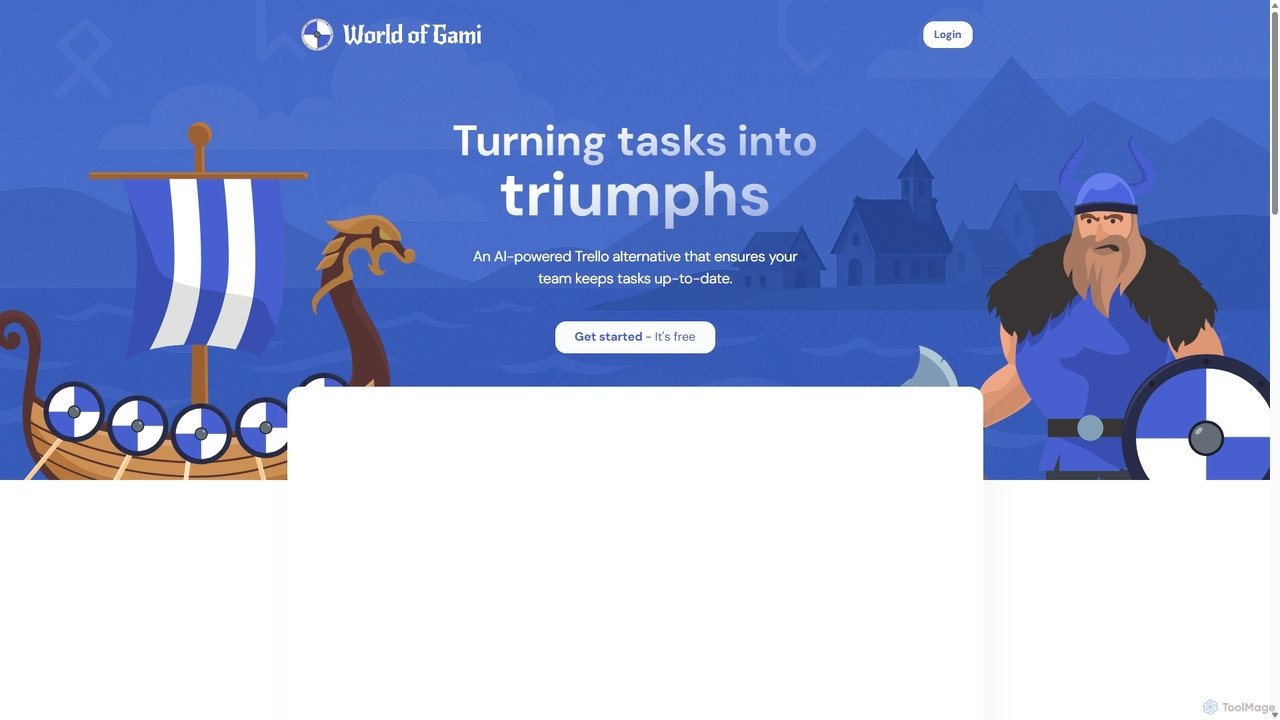
World of Gami is an AI-powered project management tool and a Trello alternative that gamifies task management. It transforms workflows into an engaging game, encouraging teams to keep tasks updated through competitive sprints. Features include AI task generation, Kanban boards, and Notion-like documentation, all designed to boost motivation, collaboration, and productivity in a fun, interactive environment.
Project Management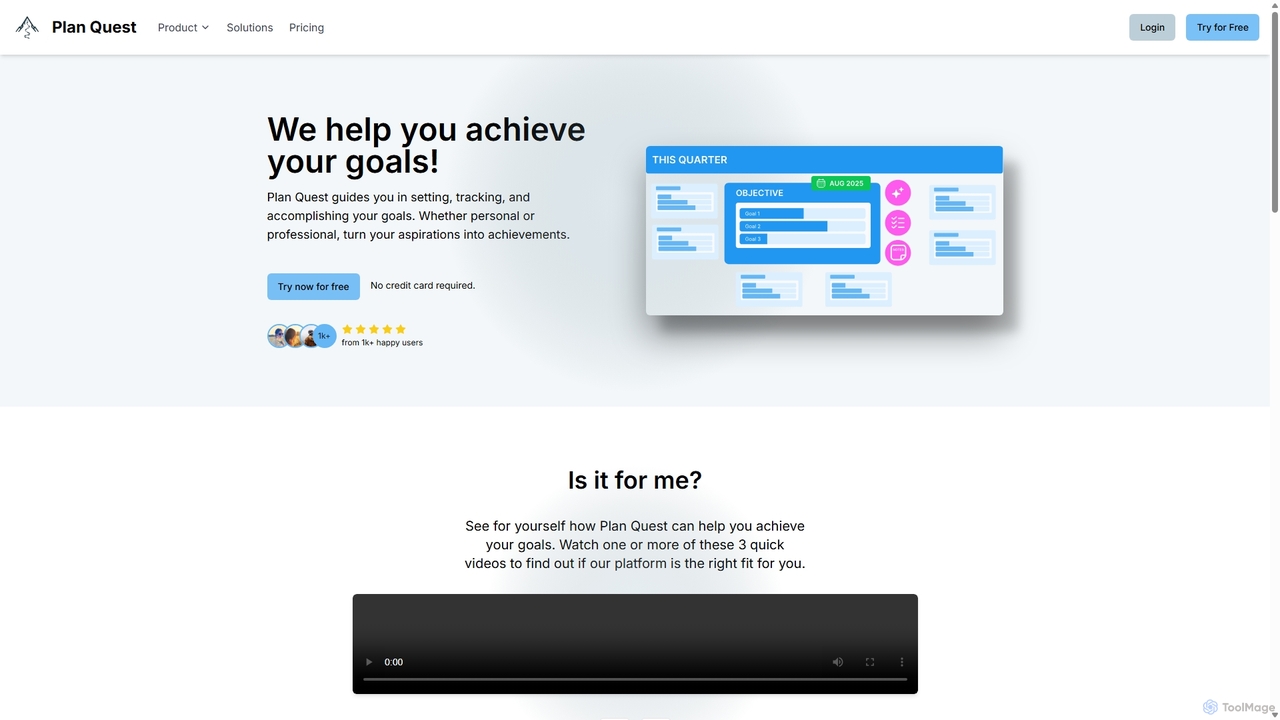
Plan Quest
Plan Quest is an AI-powered platform designed to help you set, track, and achieve your goals. By describing your objectives in your own words, the AI generates a detailed, actionable plan visualized on an interactive timeline. It's suitable for personal aspirations, professional projects, and everything in between, offering tools for prioritization, progress tracking, and reflection to turn your dreams into reality.
Self Improvement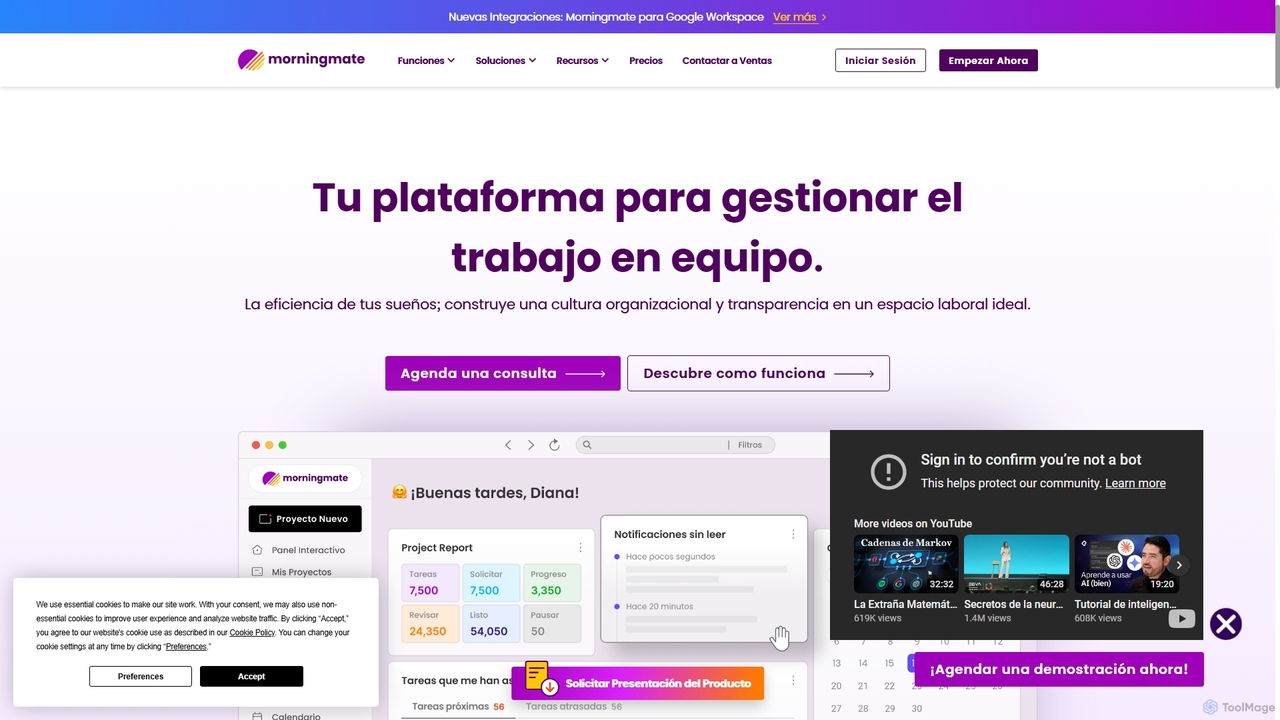
Morningmate
Morningmate is an all-in-one work management platform designed to enhance team collaboration, transparency, and efficiency. It provides a flexible virtual workspace with tools for project planning, task tracking, seamless communication, and workflow automation. Suitable for diverse industries, it helps teams centralize their work, standardize processes, and achieve their goals with greater synergy.
Collaboration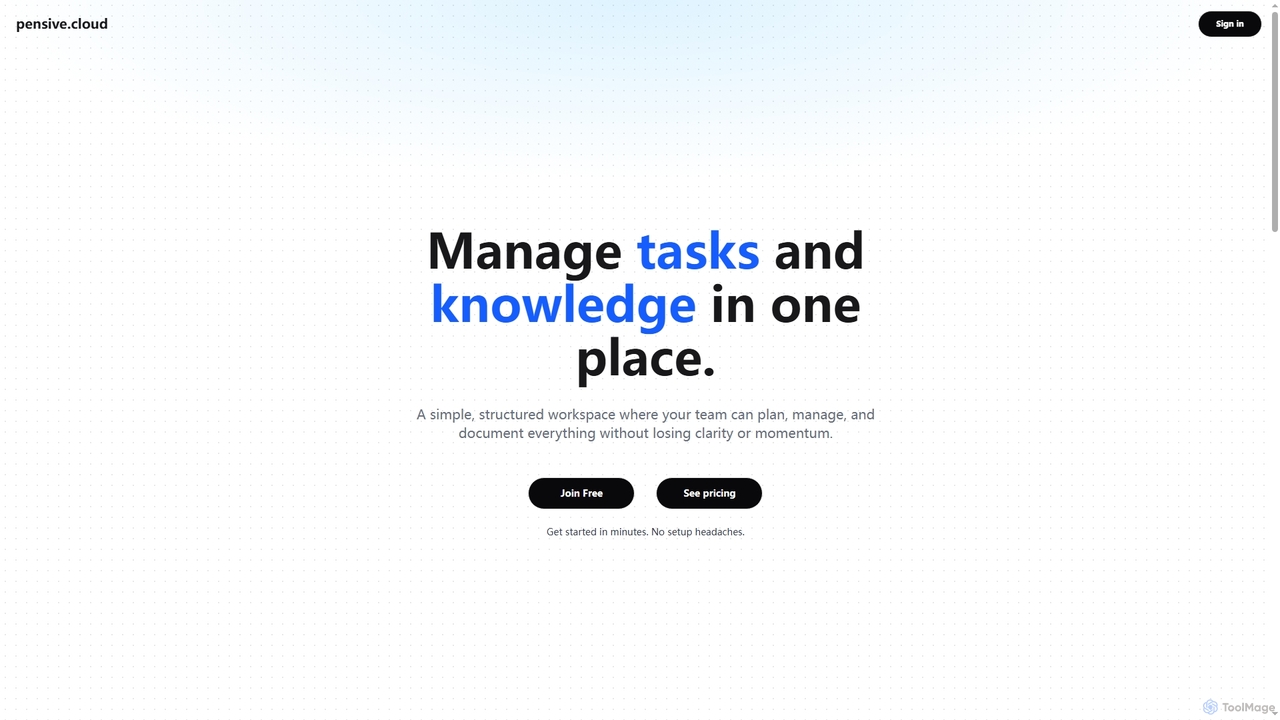
Pensive
Pensive is a unified workspace designed for teams to manage tasks, knowledge, and collaboration in one place. It offers simple task management, a centralized knowledge hub, and seamless team communication to keep projects organized and moving forward without complexity.
Collaboration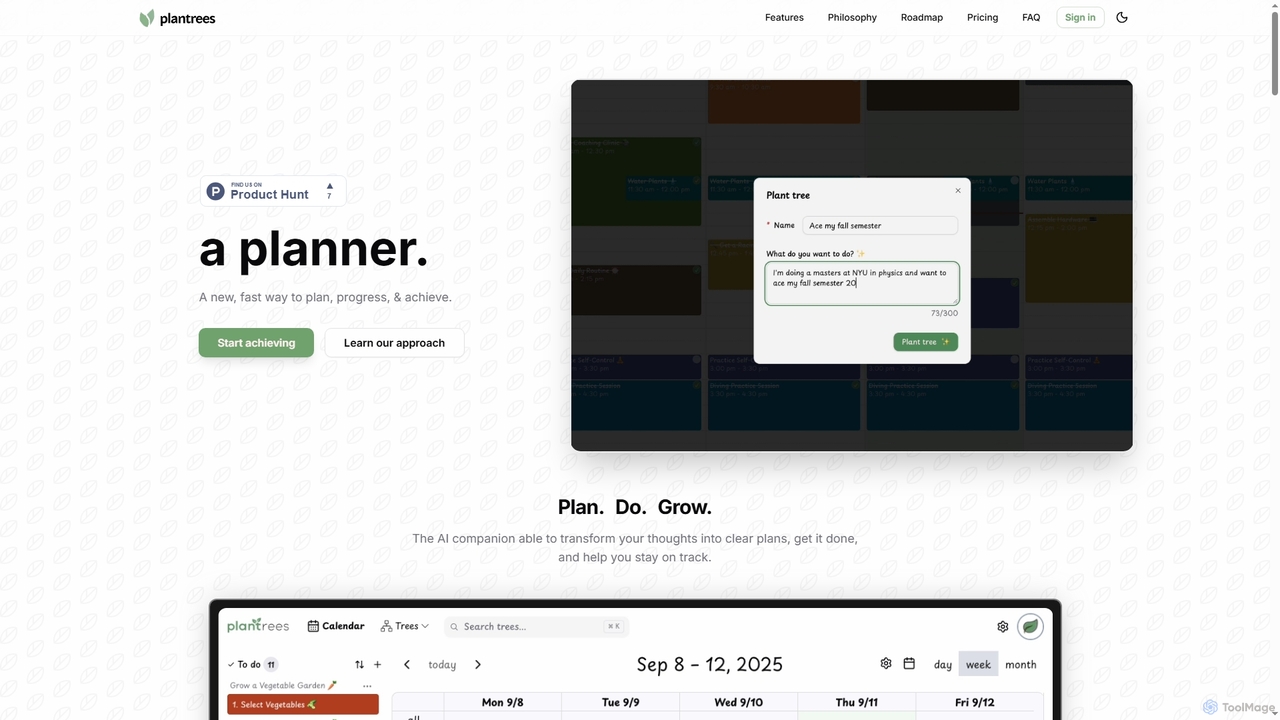
Plantrees
An AI-powered planner that transforms your thoughts and goals into actionable plans using a visual tree structure. It helps you strategize with natural language, manage tasks on a calendar, and track progress with analytics to ensure continuous growth and achievement.
Goal SettingHylark Categories
Hylark Jobs
Hylark Embed Widget
Copy this embed code to place the badge on your blog, article, or product site and send readers directly to this ToolMage detail page.

Related AI tools
Notion
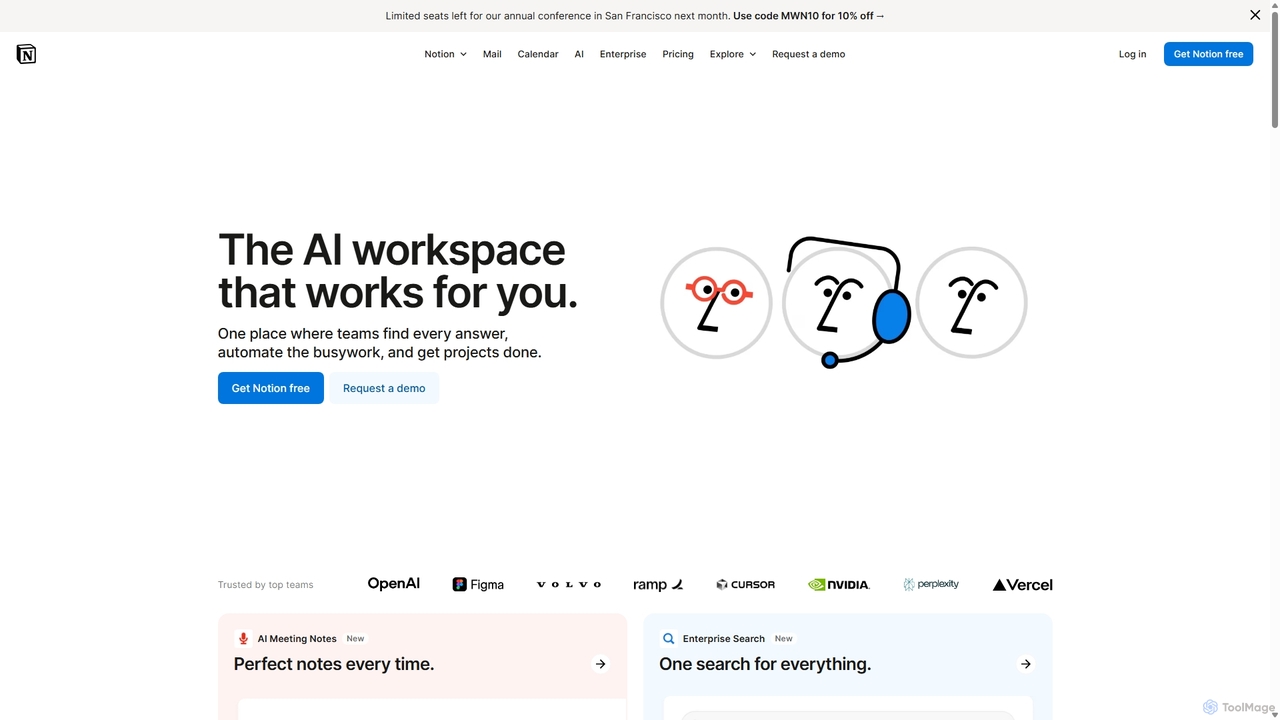
Notion is an all-in-one AI workspace that combines notes, docs, project management, and wikis into a single, highly customizable platform. It empowers teams and individuals to organize information, manage projects, and collaborate more effectively, all within a flexible, block-based editor enhanced with powerful AI capabilities.
Knowledge ManagementWorldofgami
World of Gami is an AI-powered project management tool and a Trello alternative that gamifies task management. It transforms workflows into an engaging game, encouraging teams to keep tasks updated through competitive sprints. Features include AI task generation, Kanban boards, and Notion-like documentation, all designed to boost motivation, collaboration, and productivity in a fun, interactive environment.
Project ManagementPlan Quest
Plan Quest is an AI-powered platform designed to help you set, track, and achieve your goals. By describing your objectives in your own words, the AI generates a detailed, actionable plan visualized on an interactive timeline. It's suitable for personal aspirations, professional projects, and everything in between, offering tools for prioritization, progress tracking, and reflection to turn your dreams into reality.
Self Improvement
Omniverse
Omniverse is an all-in-one AI-powered productivity platform designed to centralize your workflow. It integrates a powerful writing assistant, task management, knowledge base, and data analysis into a single, intuitive workspace. Streamline your projects, automate repetitive tasks, and unlock new levels of efficiency by leveraging a unified AI that understands the full context of your work.
All In OnePensive
Pensive is a unified workspace designed for teams to manage tasks, knowledge, and collaboration in one place. It offers simple task management, a centralized knowledge hub, and seamless team communication to keep projects organized and moving forward without complexity.
Collaboration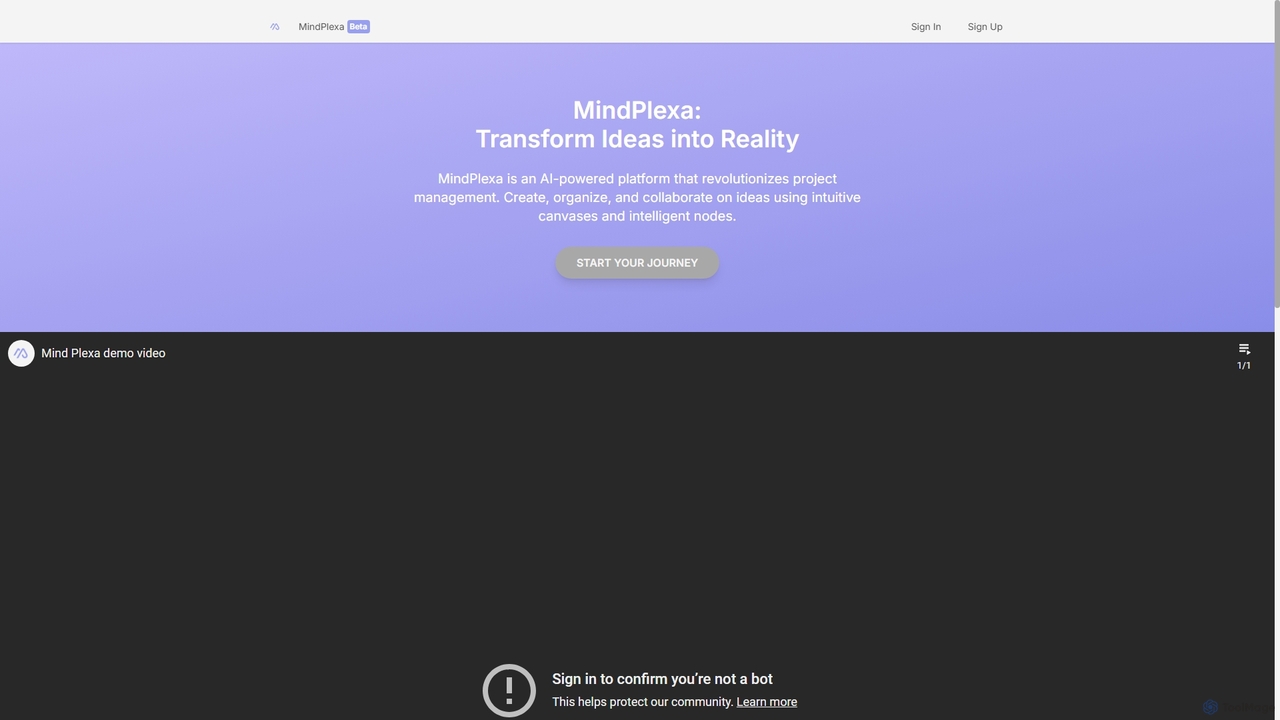
MindPlexa
MindPlexa is an AI-powered productivity platform that transforms ideas into actionable projects. It combines visual mind mapping with intelligent project management, allowing users to create, organize, and collaborate on ideas using intuitive canvases and smart nodes. The AI assistant helps generate project layouts, suggest tasks, and streamline workflows, making it an ideal tool for teams and individuals looking to boost creativity and efficiency.
Teamwork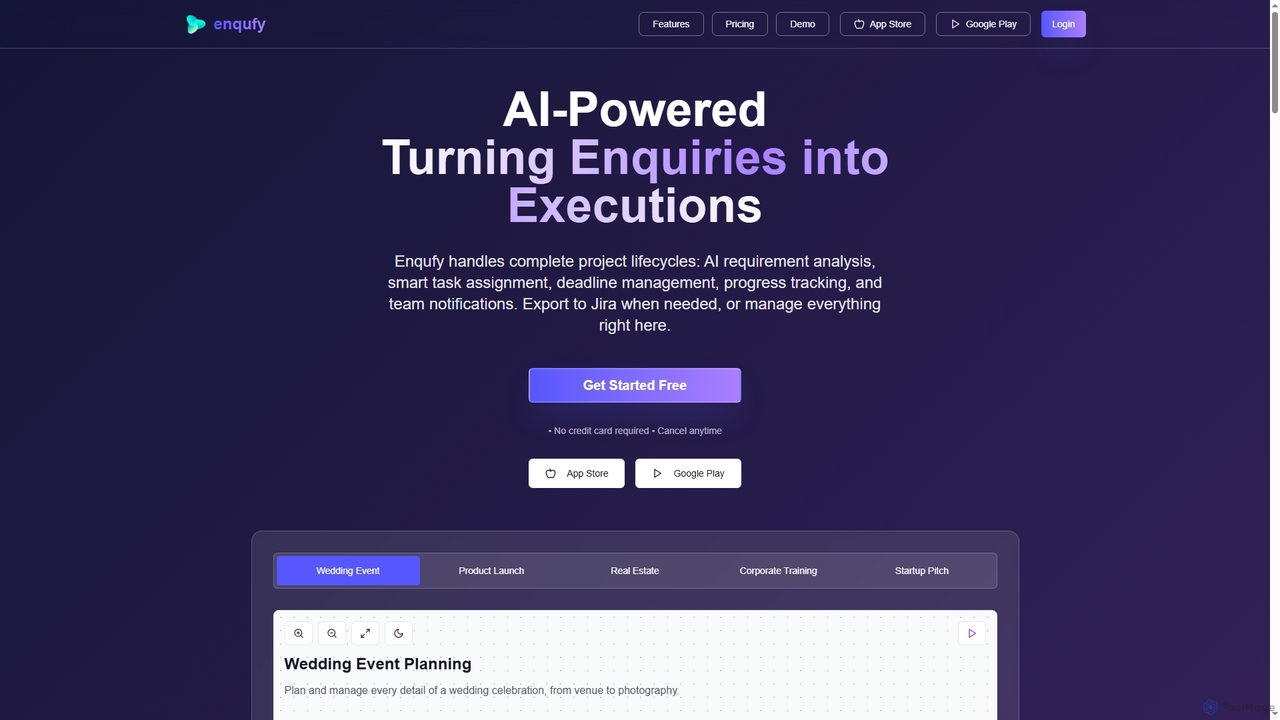
Enqufy
Enqufy is an AI-powered workflow automation platform designed to transform enquiries into structured, actionable project lifecycles. It streamlines task assignment, deadline management, and team collaboration, offering real-time progress tracking and performance analytics for businesses of all sizes. Available on web and mobile, it enhances efficiency and productivity across diverse industries.
PlanningMorningmate
Morningmate is an all-in-one work management platform designed to enhance team collaboration, transparency, and efficiency. It provides a flexible virtual workspace with tools for project planning, task tracking, seamless communication, and workflow automation. Suitable for diverse industries, it helps teams centralize their work, standardize processes, and achieve their goals with greater synergy.
CollaborationPlantrees
An AI-powered planner that transforms your thoughts and goals into actionable plans using a visual tree structure. It helps you strategize with natural language, manage tasks on a calendar, and track progress with analytics to ensure continuous growth and achievement.
Goal Setting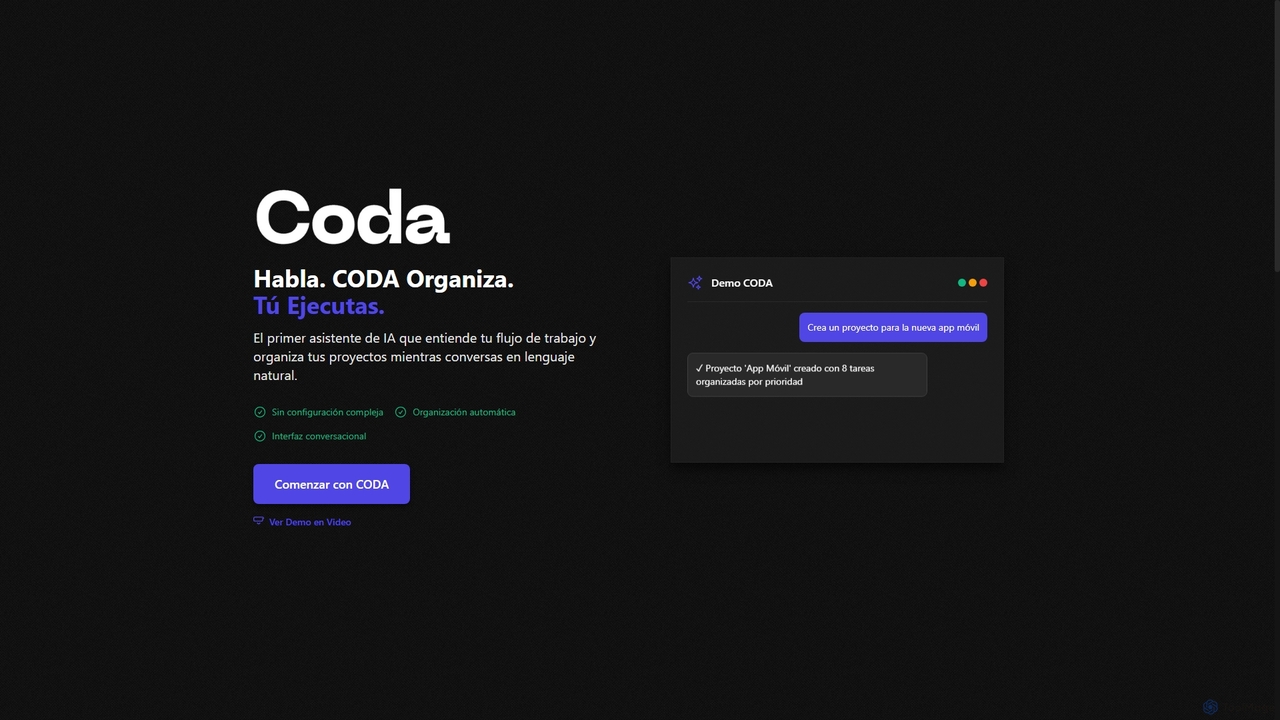
Coda
Coda is an intelligent AI assistant designed to streamline project management and task organization. It understands natural language commands, automatically structuring your projects and tasks without complex setups, allowing you to focus on execution rather than organization.
Natural Language Processing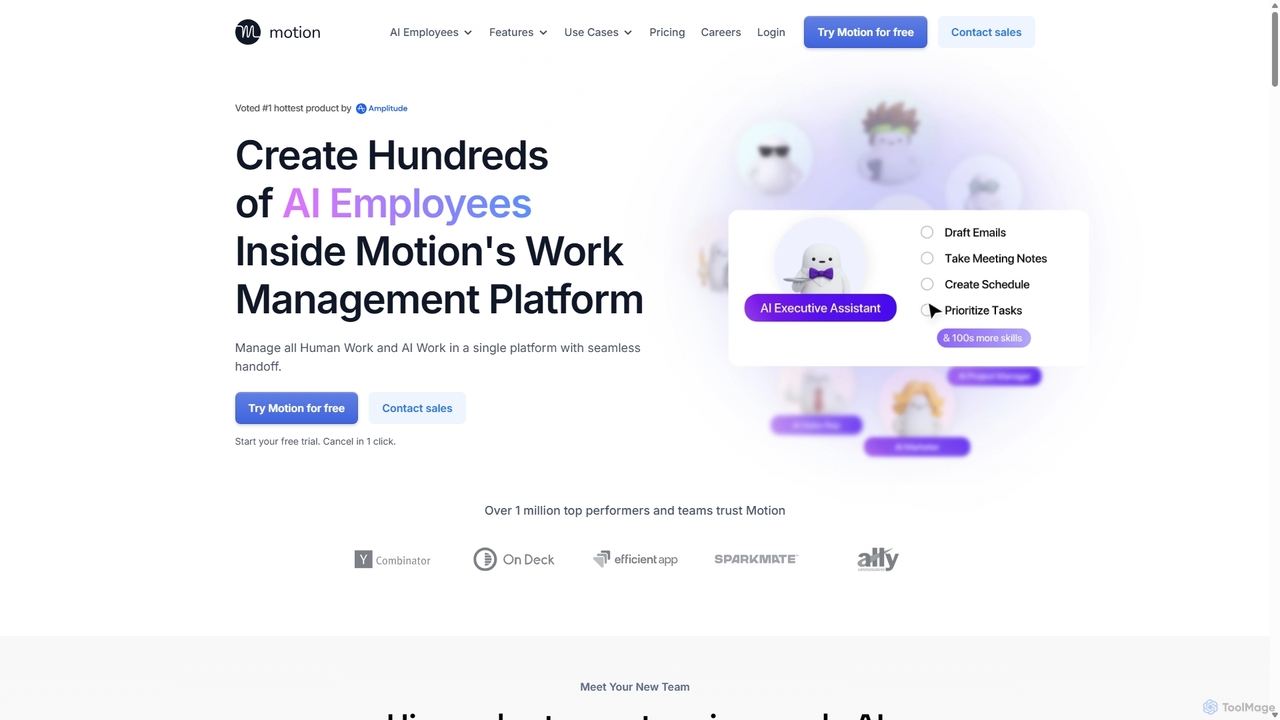
Motion
Motion is an AI-powered platform that provides a suite of AI Employees and productivity tools to automate tasks, manage projects, and organize schedules. It's designed to 10x your team's output by handling everything from calendar management and email replies to sales outreach and customer support, all within a single integrated workspace.
Virtual Assistant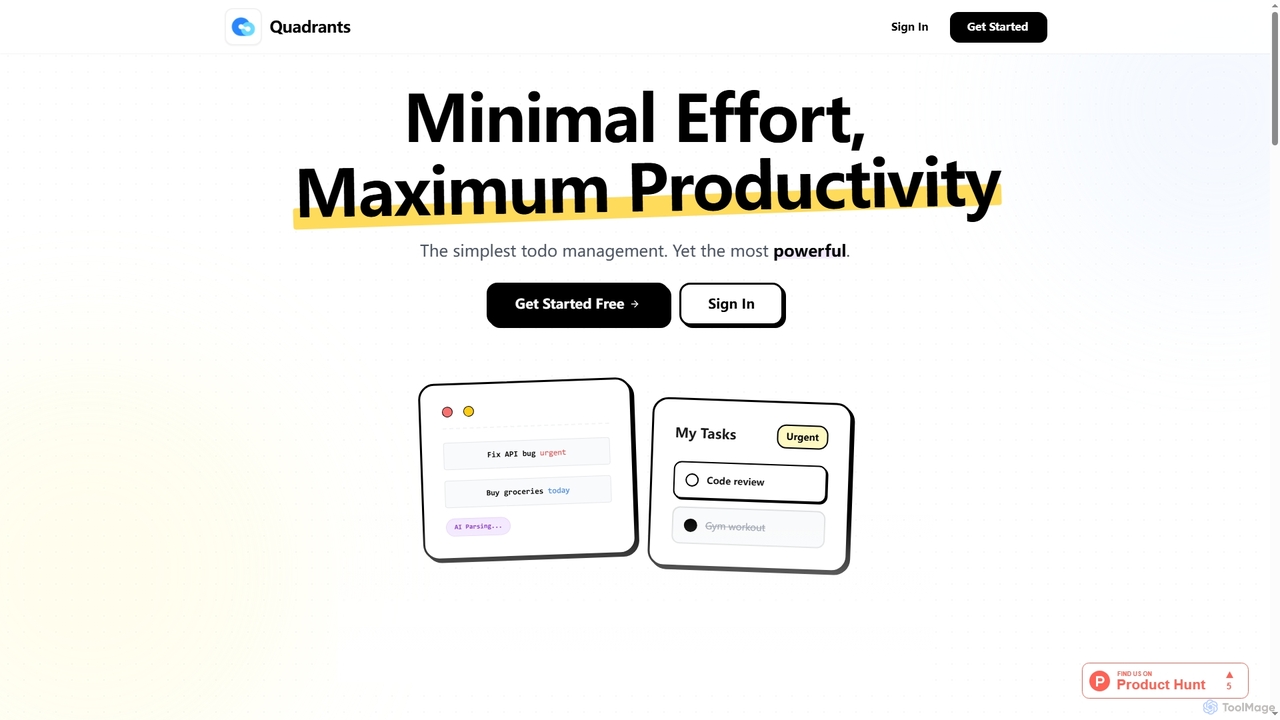
Quadrants
Quadrants is an AI-powered task manager designed for maximum productivity with minimal effort. It uses the Eisenhower Matrix to intelligently organize and prioritize your tasks, offering a clear visual overview and real-time collaboration features for both individuals and teams.
Prioritization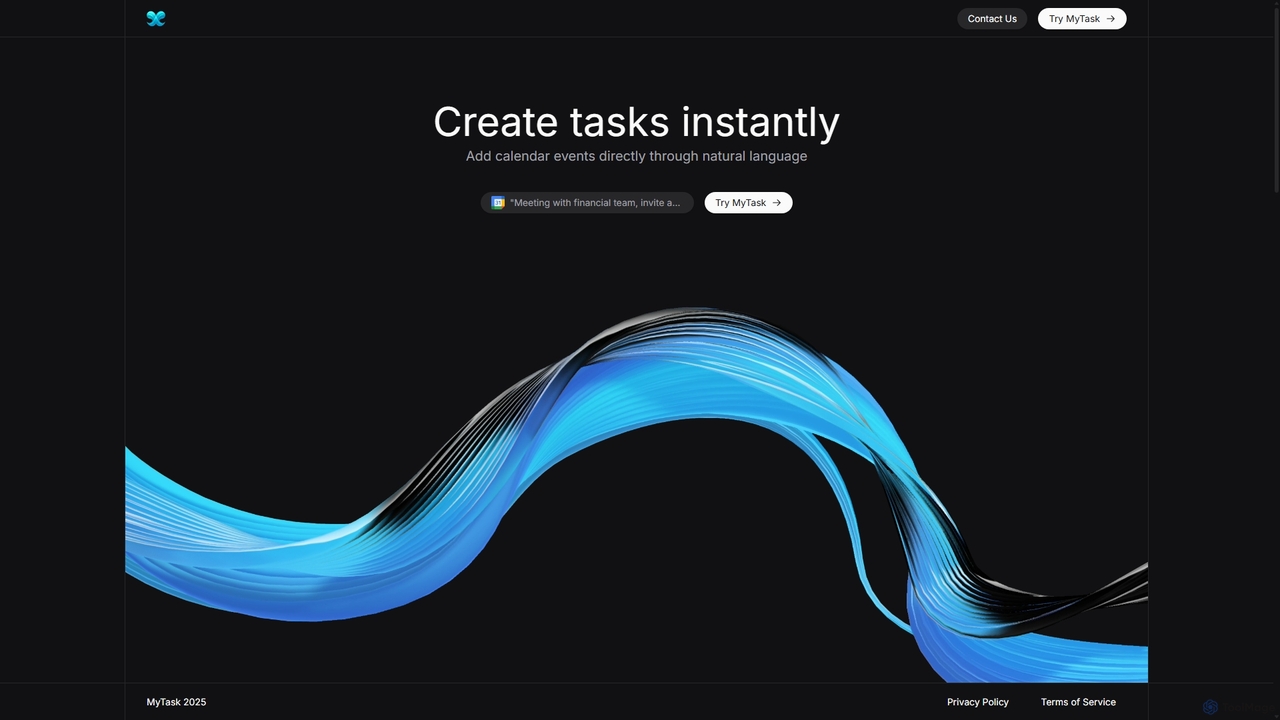
MyTask AI
MyTask AI is a productivity tool that uses AI to instantly create, edit, and delete Google Calendar events through natural language commands. Streamline your scheduling and save time without ever leaving your current browser tab.
Scheduling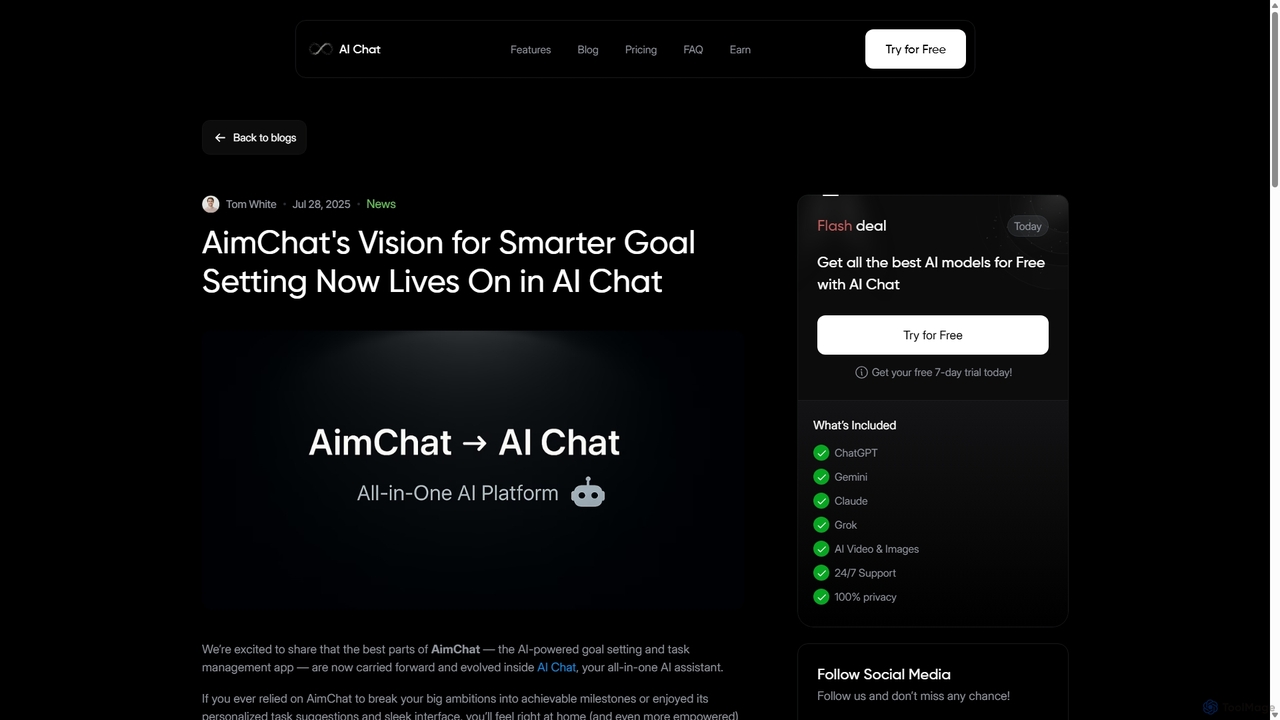
AI Chat
AI Chat is an all-in-one AI assistant that integrates top models like ChatGPT, Claude, and Gemini into a single platform. Evolving from the goal-setting app AimChat, it combines advanced conversational AI with powerful task management, research, and content creation tools to streamline your workflow and help you achieve your ambitions.
Assistant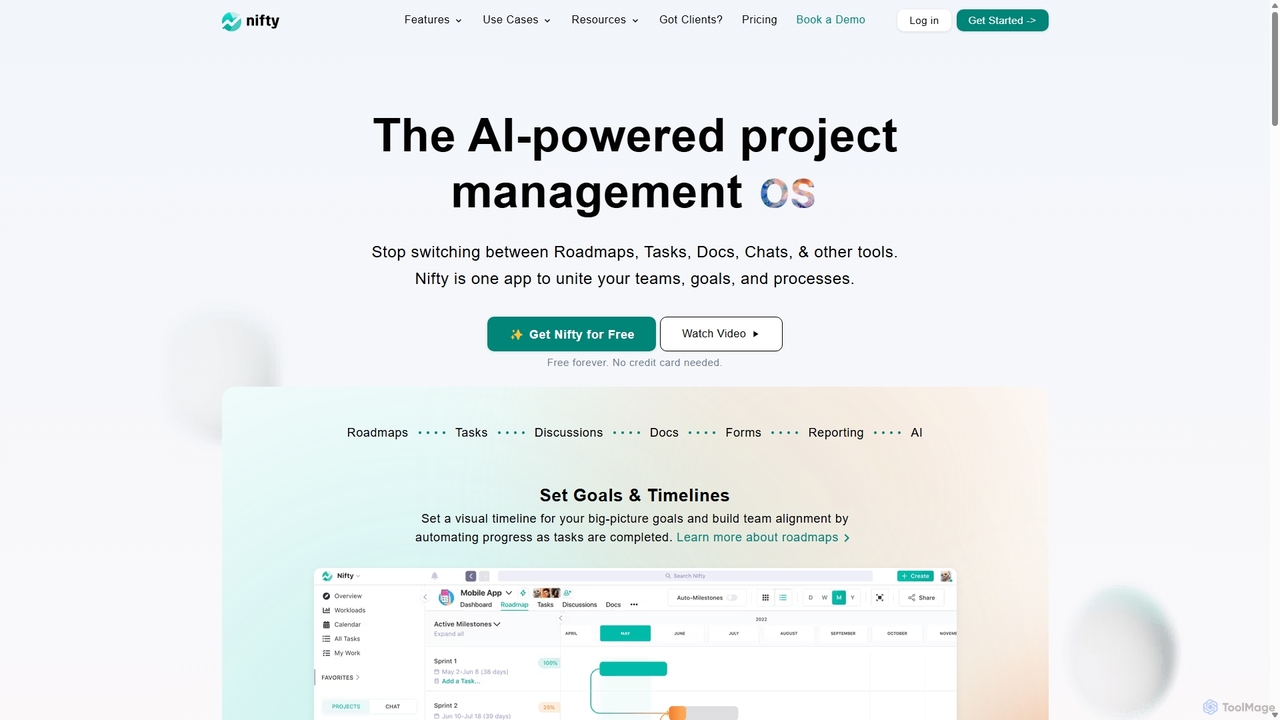
NiftyPM
NiftyPM is an AI-powered, all-in-one project management operating system designed to unite teams, goals, and processes. It consolidates roadmaps, tasks, documents, and team chat into a single collaborative workspace, eliminating the need to switch between multiple tools. With its Orbit AI, NiftyPM streamlines workflows, automates reporting, and enhances overall productivity for various teams, including engineering, marketing, and sales.
Collaboration
Hylark Comments (0)
Sign in to comment.
Sign inNo comments yet.