

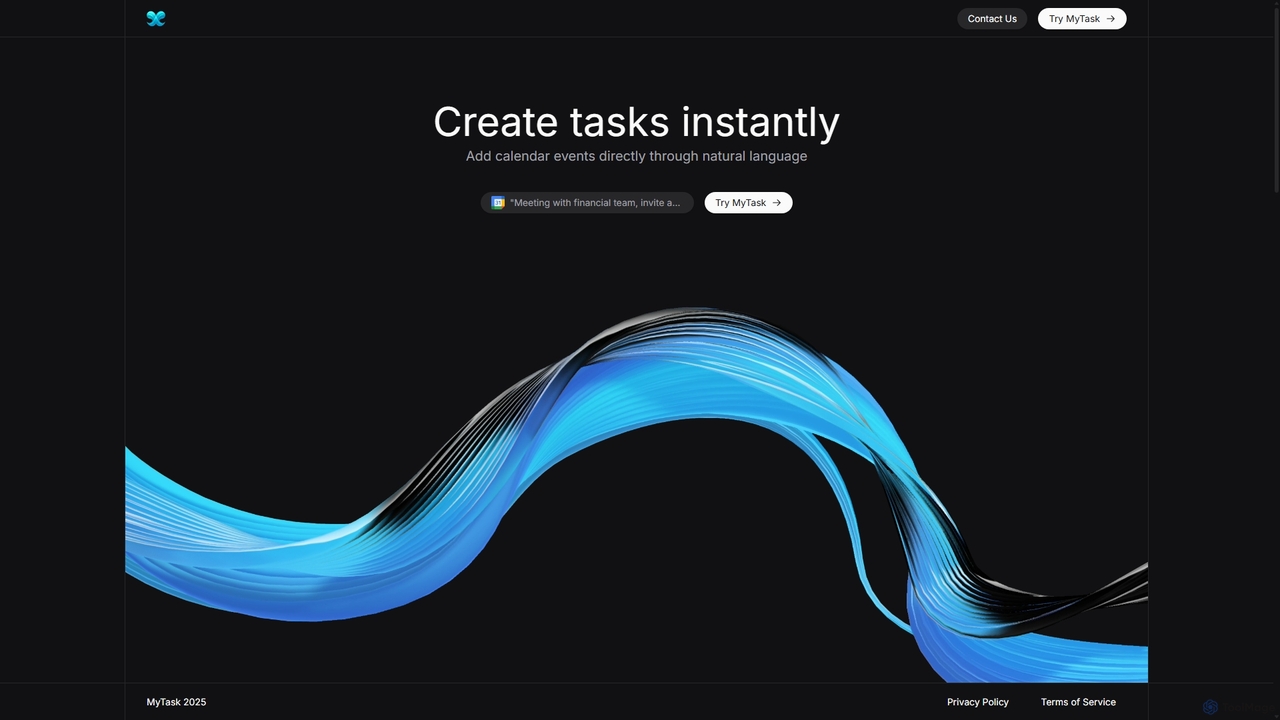
MyTask AI Overview
MyTask AI is a powerful productivity tool designed to revolutionize how you manage your schedule. By leveraging advanced artificial intelligence, this browser extension allows you to create, edit, and delete Google Calendar events using simple, natural language commands. Forget the tedious process of manually filling out event details; with MyTask AI, you can simply type what you want, such as "Schedule a team meeting for tomorrow at 2 PM with [email protected]," and watch it appear on your calendar instantly. It's built for speed and efficiency, helping busy professionals, students, and anyone looking to optimize their time save up to an hour a day.
How to use MyTask AI
Getting started with MyTask AI is incredibly simple and takes just a few moments. Follow these three easy steps to streamline your scheduling:
- Connect your Google Calendar: Begin by signing in to MyTask AI using your Google account. The system will securely and automatically sync with your Google Calendar, granting it permission to manage your events.
- Describe your event: Open the MyTask AI extension from your browser. In the input window, type the details of your event in plain English. You can include the title, date, time, location, and even invitees. For example: "Lunch with David at The Corner Cafe on Friday at 1 PM, invite [email protected]".
- See the magic happen: Press submit, and within seconds, MyTask AI's intelligent system will parse your request, understand the context, and automatically add the fully detailed event to your selected Google Calendar. You can then edit or delete the event directly from the extension if needed.
Core Features of MyTask AI
- AI-Assisted Creation: Utilizes sophisticated Natural Language Processing (NLP) to understand your commands and accurately create calendar entries, including generating summaries and identifying participants.
- Instant Processing: The system is optimized to process your request and add the event to your calendar in under a second, ensuring a seamless and interruption-free workflow.
- Direct Event Management: No need to open your Google Calendar tab. You can edit event details or delete events entirely directly through the MyTask AI extension interface.
- Multiple Calendar Support: Easily select which specific calendar within your Google account you want to add an event to, perfect for managing personal, work, and shared calendars.
- User-Friendly Interface: A clean, simple, and intuitive design makes the tool accessible to everyone, regardless of their technical expertise.
Use Cases for MyTask AI
MyTask AI is a versatile tool that benefits a wide range of users:
- Professionals and Executives: Quickly schedule back-to-back meetings, client calls, and project deadlines without breaking focus from their current task.
- Students and Faculty: Effortlessly add class schedules, assignment due dates, study group sessions, and office hours to their academic calendar.
- Project Managers: Set up project milestones, sprint planning sessions, and team check-ins on the fly while reviewing project documents.
- Sales Representatives: Schedule follow-up calls, product demos, and client meetings immediately after a conversation.
- Freelancers and Entrepreneurs: Manage a dynamic schedule of client work, networking events, and personal appointments with maximum efficiency.
Advantages of MyTask AI
The primary advantage of MyTask AI is its ability to save significant time and reduce cognitive load. By converting natural language into structured calendar events, it eliminates multiple clicks and context switching. This streamlined process enhances productivity, reduces the chance of scheduling errors, and allows users to stay focused on their primary tasks. The direct integration with Google Calendar ensures reliability and a single source of truth for your schedule.
Pricing and Plans
MyTask AI offers a flexible pricing structure to suit different needs:
- Free Plan: $0/month. Perfect for casual users, this plan includes up to three daily event creations, basic support, and limited access to future features.
- Monthly Pro Plan: $2.49/month. Ideal for power users, this plan offers unlimited daily event creations, priority support, and full access to all current and future features.
- Yearly Pro Plan: $7.49/year. Get the best value with all the benefits of the Pro plan at a significant discount, billed annually.
MyTask AI Alternatives
Toki
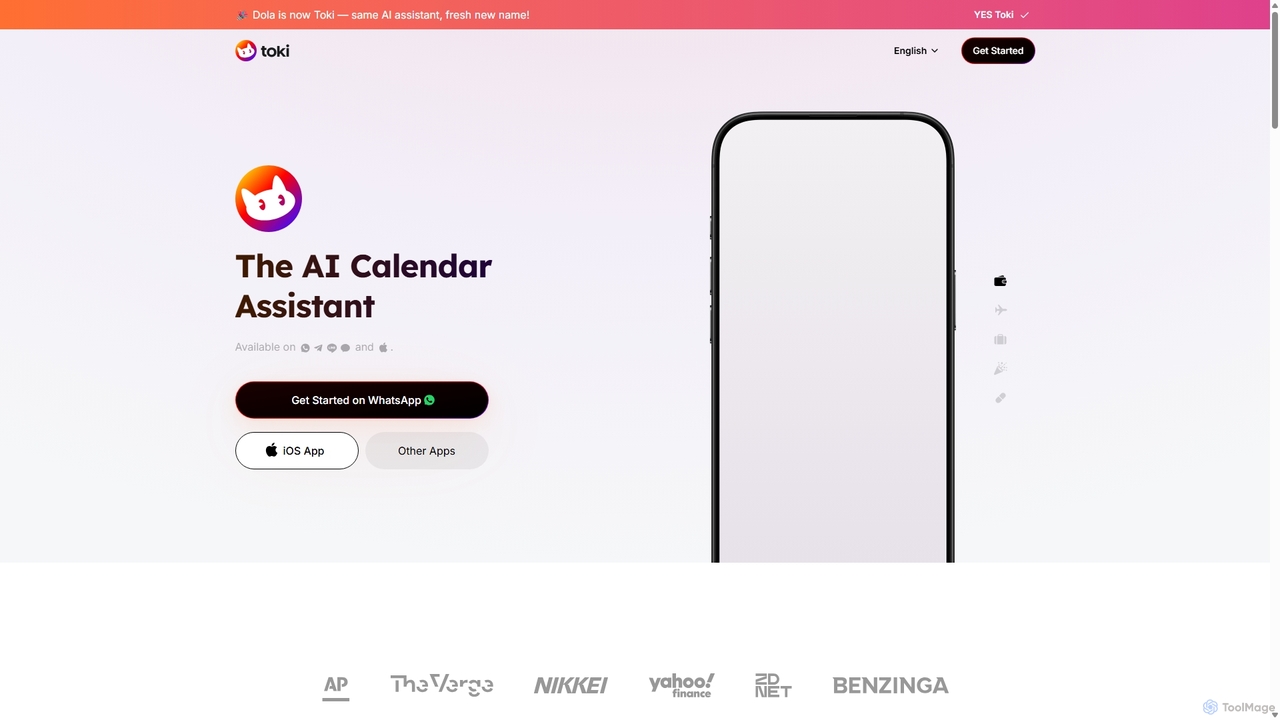
Toki (formerly Heydola) is an intelligent AI calendar assistant that simplifies your scheduling. Using natural language, you can create events, set reminders, and manage your entire schedule via text, voice, or even images on your favorite messaging apps like WhatsApp, Telegram, and a dedicated iOS app. It syncs all your calendars into one centralized hub, ensuring you never miss an important event.
Scheduling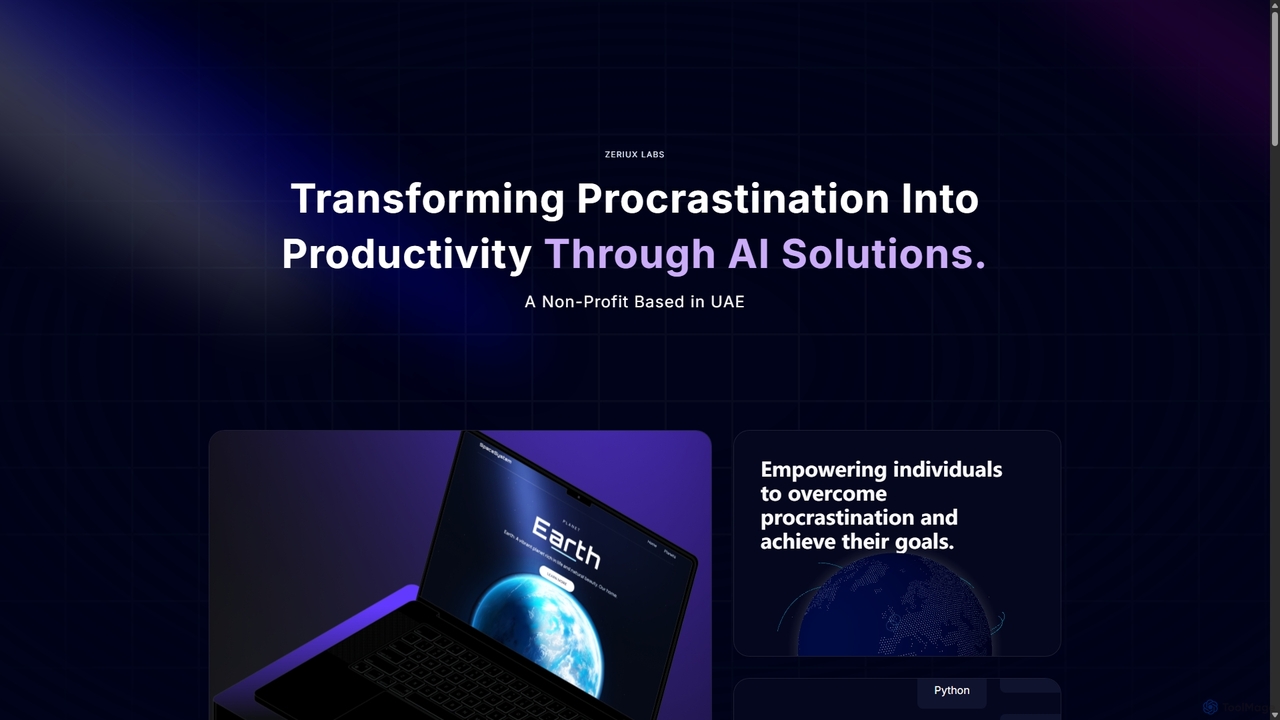
Zeriux Labs
Zeriux Labs is a non-profit organization developing a suite of AI-powered productivity tools designed to combat procrastination. Their solutions, including ProAct+, ProSync+, and Focus Forge, help users manage tasks, optimize schedules, and maintain focus. By leveraging AI, Zeriux Labs aims to make productivity accessible to everyone, transforming daunting goals into achievable daily actions.
Habit Formation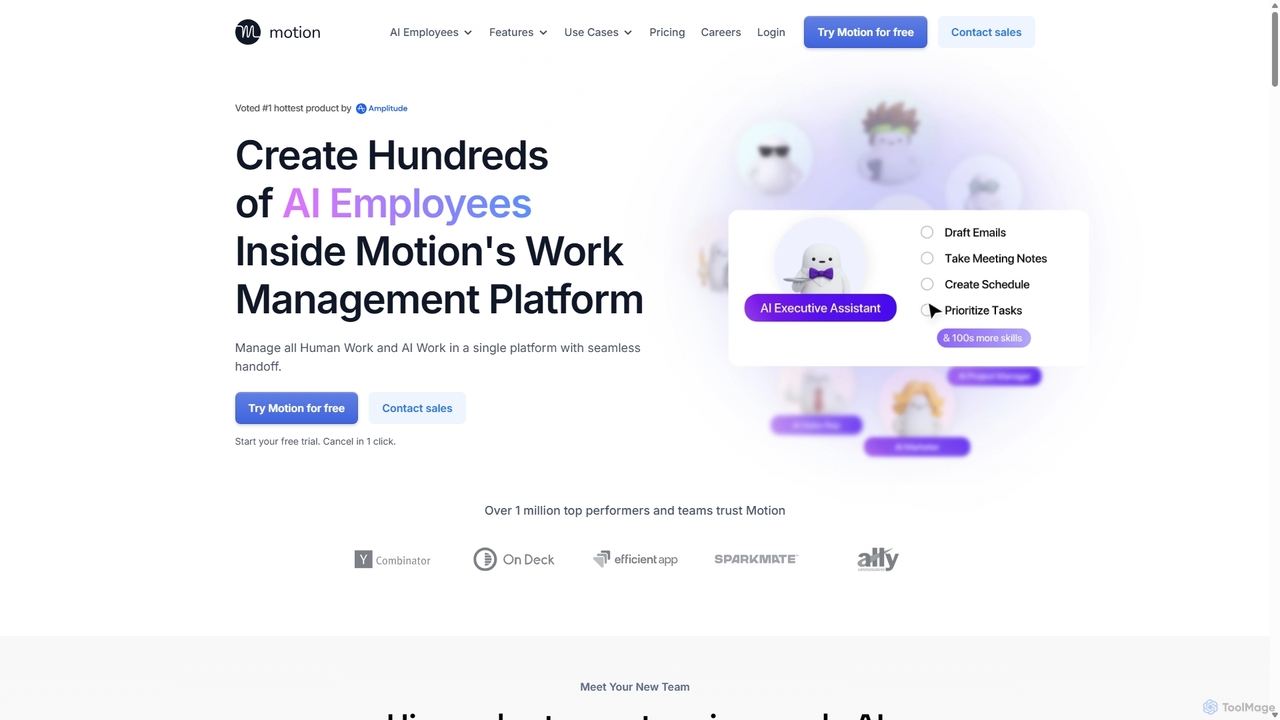
Motion
Motion is an AI-powered platform that provides a suite of AI Employees and productivity tools to automate tasks, manage projects, and organize schedules. It's designed to 10x your team's output by handling everything from calendar management and email replies to sales outreach and customer support, all within a single integrated workspace.
Virtual Assistant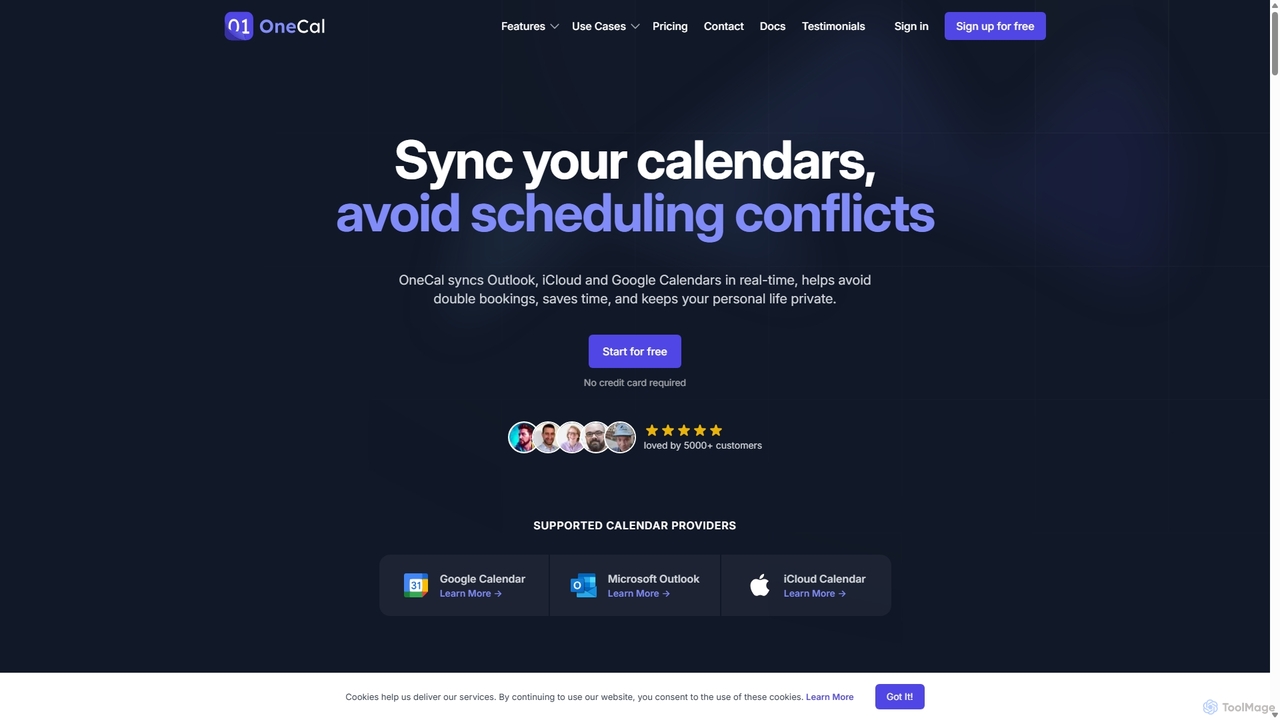
OneCal
OneCal is a powerful calendar automation tool that syncs Outlook, Google, and iCloud calendars in real-time. It helps professionals and teams avoid double bookings, save time on scheduling, and maintain privacy by consolidating all events into a unified view and providing customizable scheduling links.
Time Management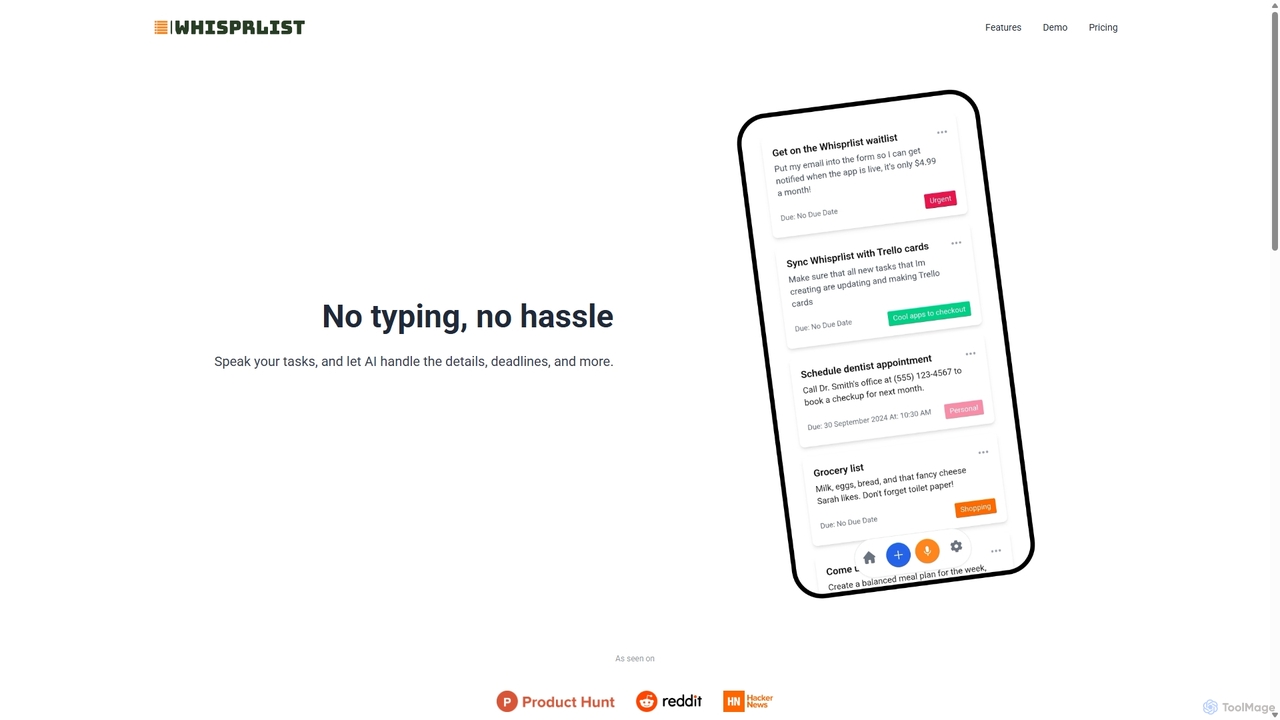
Whisprlist
Whisprlist is an AI-powered task management tool that lets you create and organize your to-do list simply by speaking. It eliminates typing, using advanced voice recognition and AI to parse details, set deadlines, and structure your tasks. Receive a daily summary email to stay on track effortlessly.
Voice RecognitionMyTask AI Categories
MyTask AI Jobs
MyTask AI Embed Widget
Copy this embed code to place the badge on your blog, article, or product site and send readers directly to this ToolMage detail page.

Related AI tools
Motion
Motion is an AI-powered platform that provides a suite of AI Employees and productivity tools to automate tasks, manage projects, and organize schedules. It's designed to 10x your team's output by handling everything from calendar management and email replies to sales outreach and customer support, all within a single integrated workspace.
Virtual AssistantOneCal
OneCal is a powerful calendar automation tool that syncs Outlook, Google, and iCloud calendars in real-time. It helps professionals and teams avoid double bookings, save time on scheduling, and maintain privacy by consolidating all events into a unified view and providing customizable scheduling links.
Time Management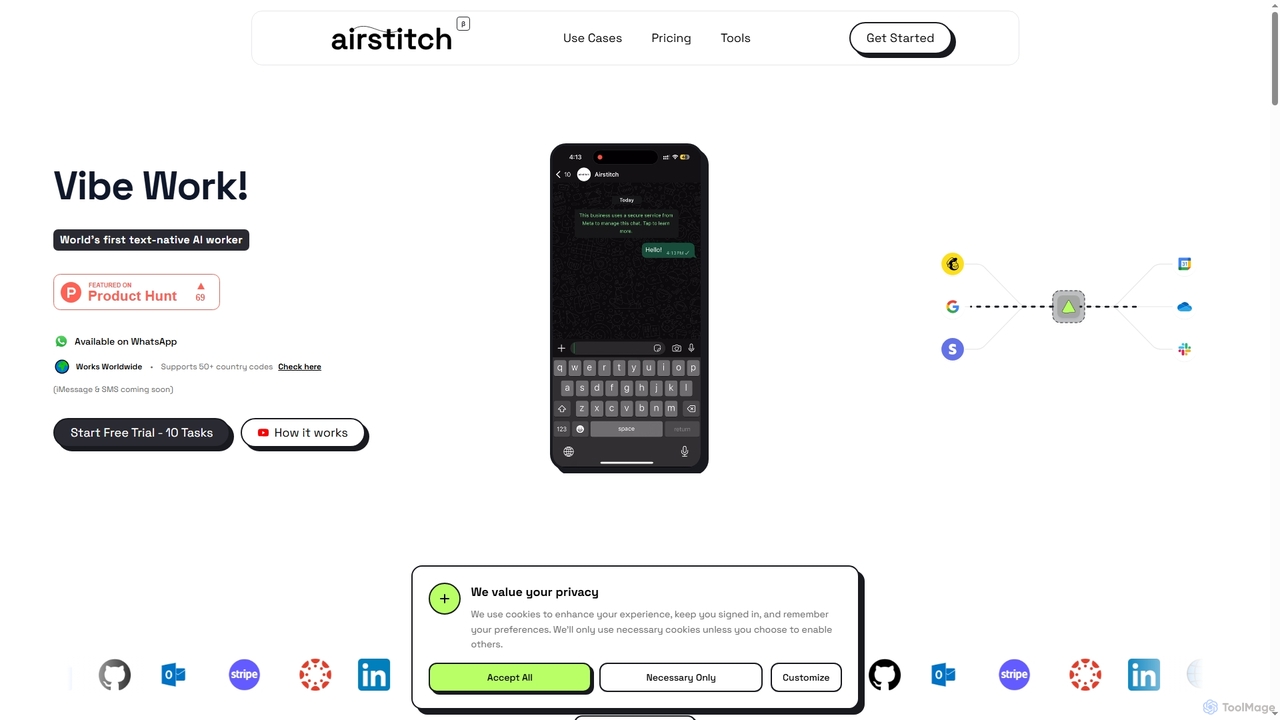
Airstitch
Airstitch is an AI-powered work assistant that automates over 40 hours of operational tasks weekly using natural language commands. It works 24/7, integrating with various apps to streamline workflows, manage communications, analyze data, and handle administrative duties, freeing up human resources for strategic work.
Operations Management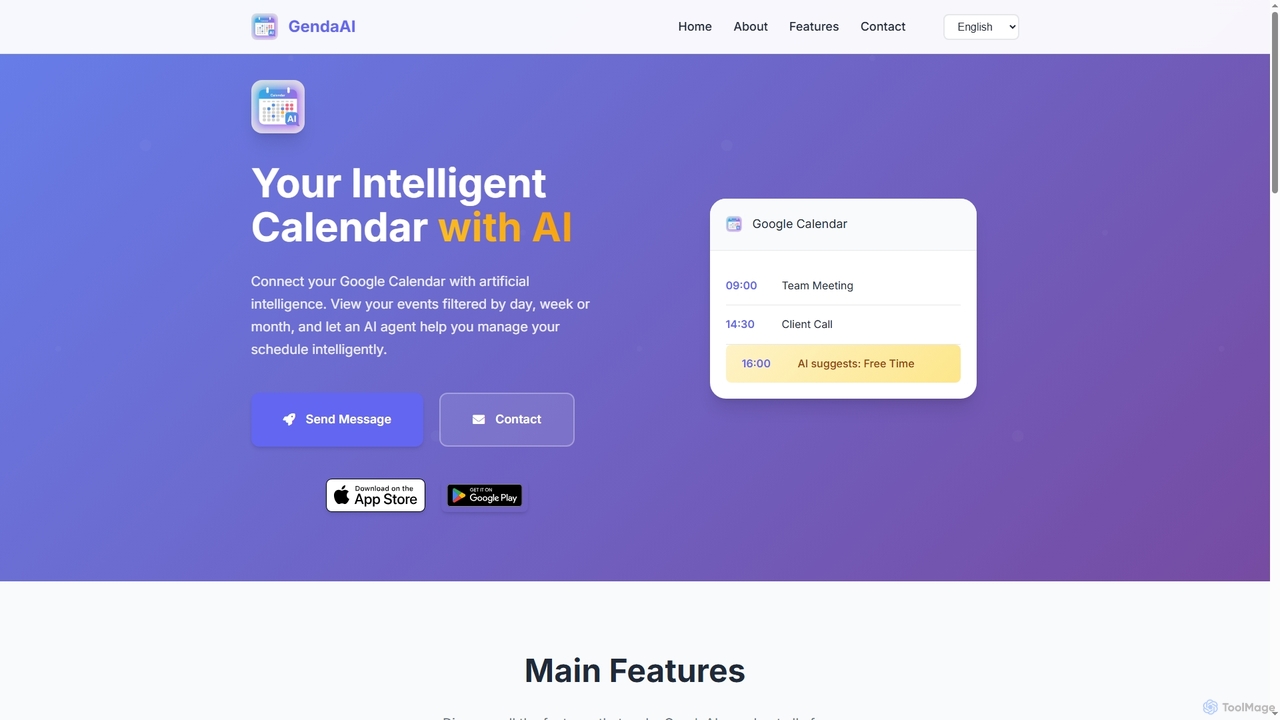
GendaAI
GendaAI is an intelligent calendar assistant designed to streamline your schedule management. It securely connects with your Google Calendar, allowing you to view, create, and modify events using natural language commands. This smart tool enhances productivity by offering personalized recommendations and efficient time organization.
Scheduling
carlos_app
carlos_app is an intelligent AI personal assistant designed to streamline your workflow, manage tasks, automate scheduling, and enhance communication. It acts as your proactive partner, helping you focus on what truly matters by handling the administrative details.
Task ManagementToki
Toki (formerly Heydola) is an intelligent AI calendar assistant that simplifies your scheduling. Using natural language, you can create events, set reminders, and manage your entire schedule via text, voice, or even images on your favorite messaging apps like WhatsApp, Telegram, and a dedicated iOS app. It syncs all your calendars into one centralized hub, ensuring you never miss an important event.
Scheduling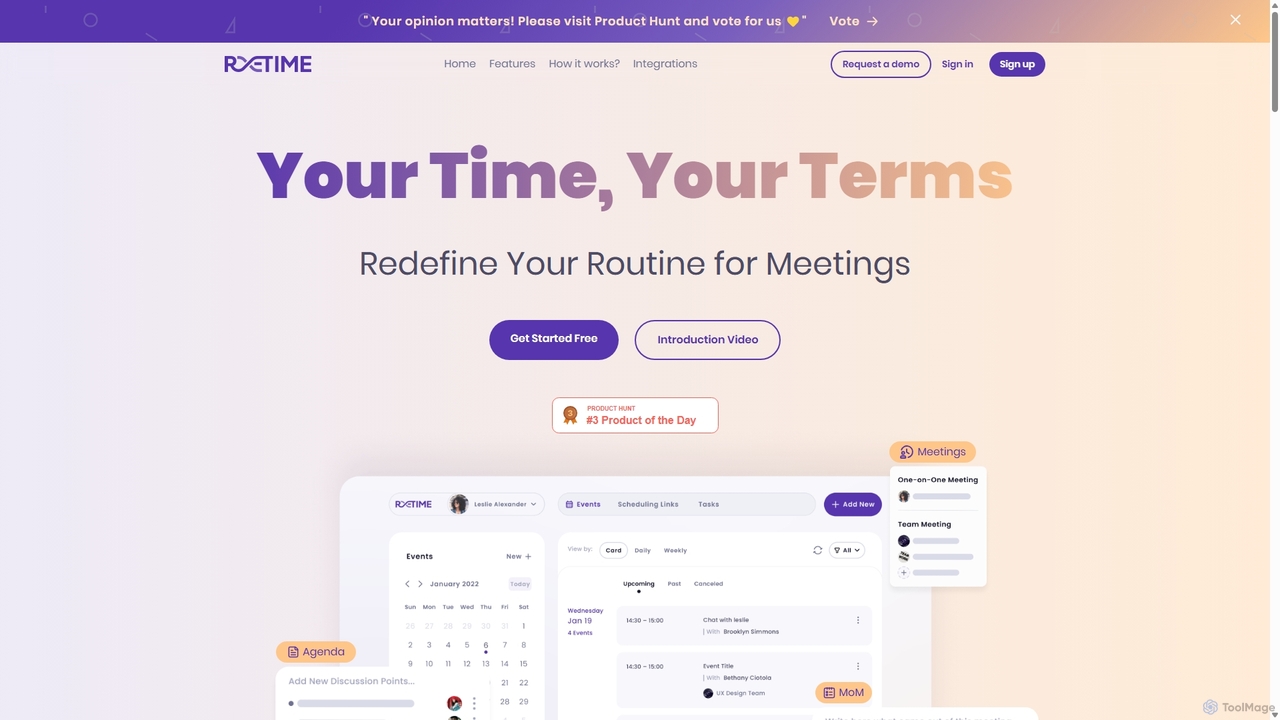
Retime
Retime is an intelligent meeting scheduling and management platform designed to streamline your workflow. It goes beyond simple booking by integrating agenda creation, action item tracking, and seamless calendar synchronization to make every meeting productive and outcome-oriented.
Calendar ManagementWhisprlist
Whisprlist is an AI-powered task management tool that lets you create and organize your to-do list simply by speaking. It eliminates typing, using advanced voice recognition and AI to parse details, set deadlines, and structure your tasks. Receive a daily summary email to stay on track effortlessly.
Voice RecognitionZeriux Labs
Zeriux Labs is a non-profit organization developing a suite of AI-powered productivity tools designed to combat procrastination. Their solutions, including ProAct+, ProSync+, and Focus Forge, help users manage tasks, optimize schedules, and maintain focus. By leveraging AI, Zeriux Labs aims to make productivity accessible to everyone, transforming daunting goals into achievable daily actions.
Habit Formation
Jarvis
Jarvis is an intelligent AI assistant designed to automate tasks, manage schedules, and streamline communication for busy professionals and teams. It acts as a central command hub, integrating with your existing tools to boost productivity and reclaim your time.
Workflow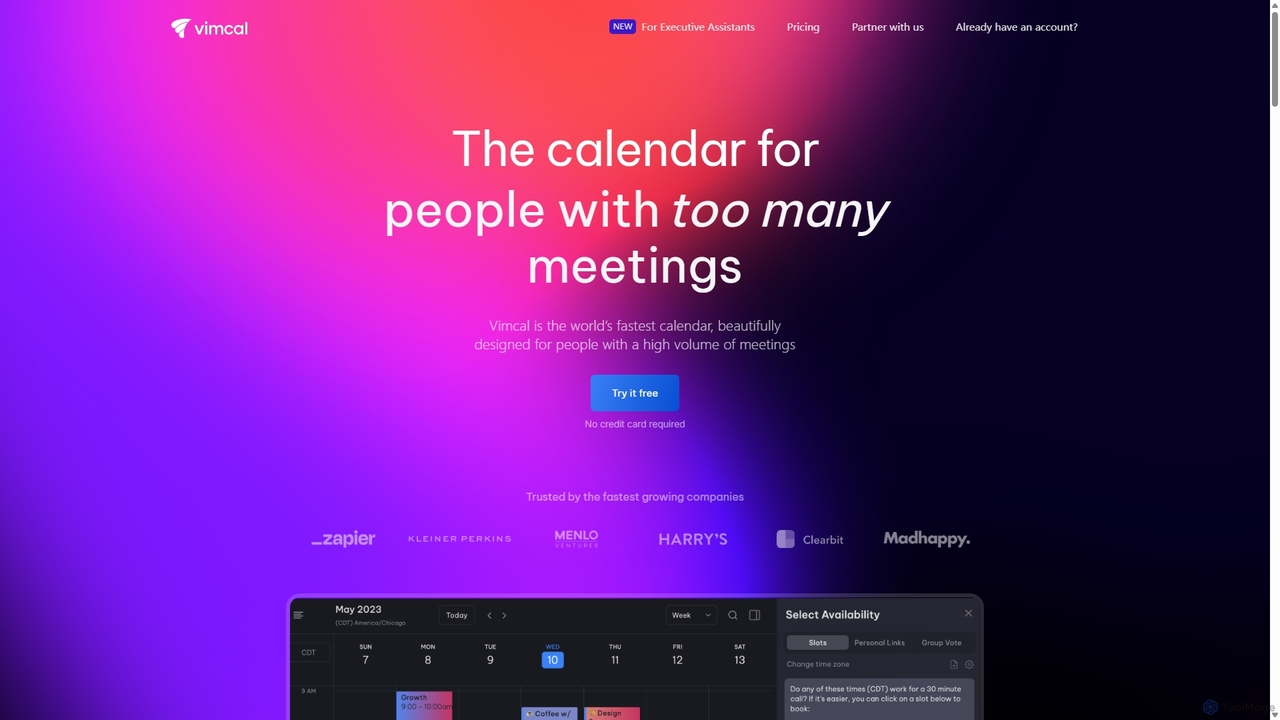
Vimcal
Vimcal is an AI-powered calendar designed for speed and efficiency. Dubbed the "Superhuman for calendar," it helps busy professionals and teams schedule meetings effortlessly. Features include an AI scheduling assistant, GPT-powered dossiers on attendees, and a unified view for all your calendars. It streamlines coordination, eliminates back-and-forth emails, and ensures you're always prepared for your next meeting.
Personal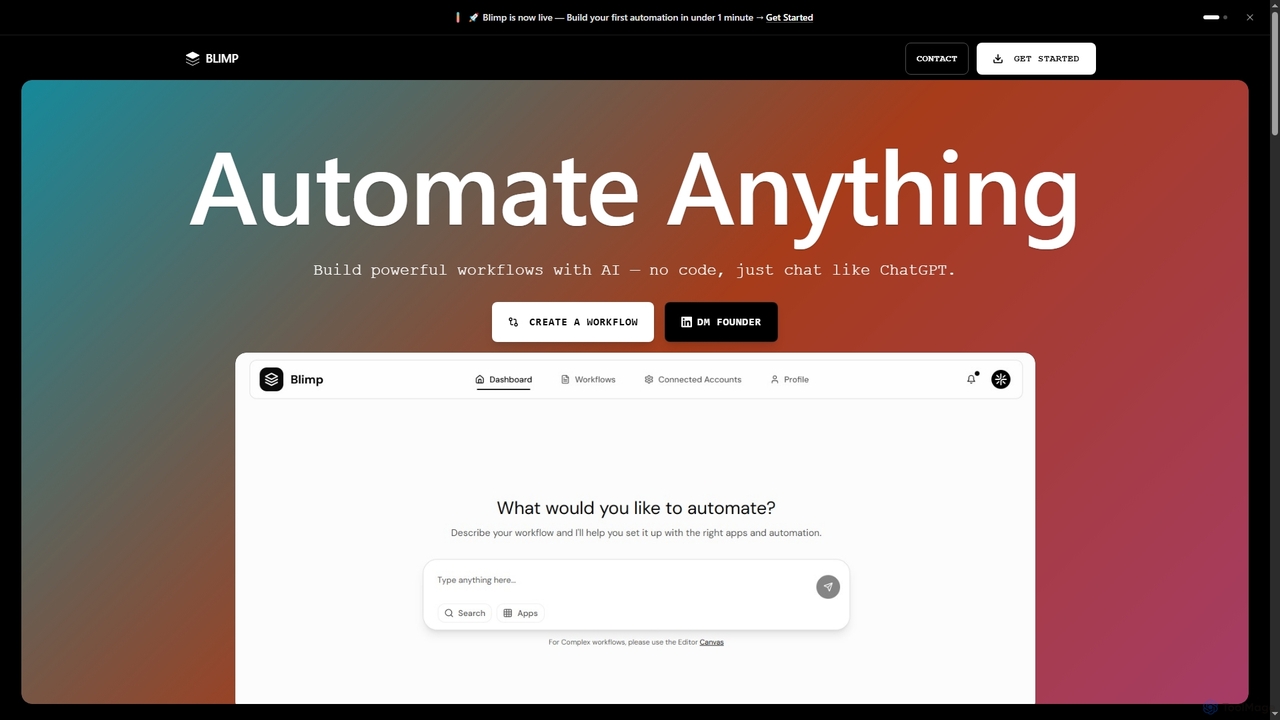
Blimp
Blimp is an AI-powered, no-code workflow automation platform designed for everyone. It allows users to build powerful automations by simply describing their desired tasks in natural language, connecting seamlessly with popular applications to streamline daily operations.
Task Automation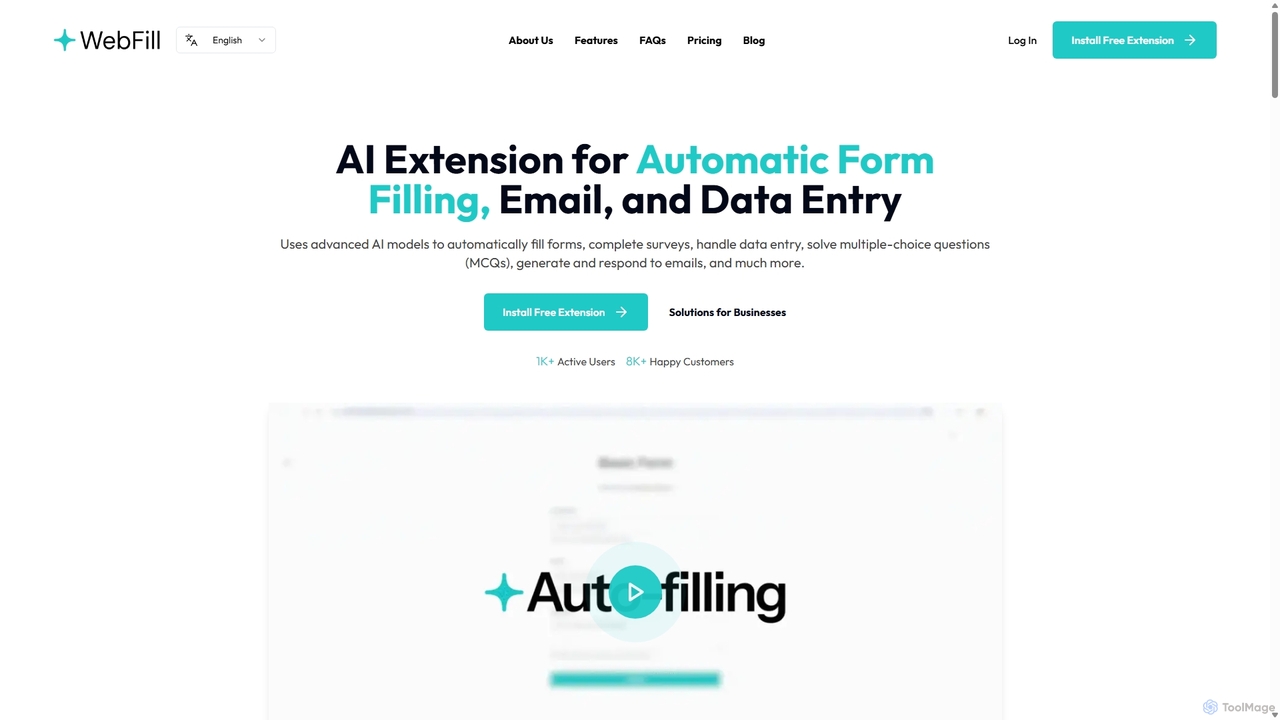
WebFill
WebFill is an AI-powered browser extension designed to automate daily digital tasks. It excels at automatically filling forms, completing surveys, handling data entry, and solving multiple-choice questions. It also features an AI assistant for generating and responding to emails, and a unique 'Vision' tool for instant answers from screen captures.
Assistant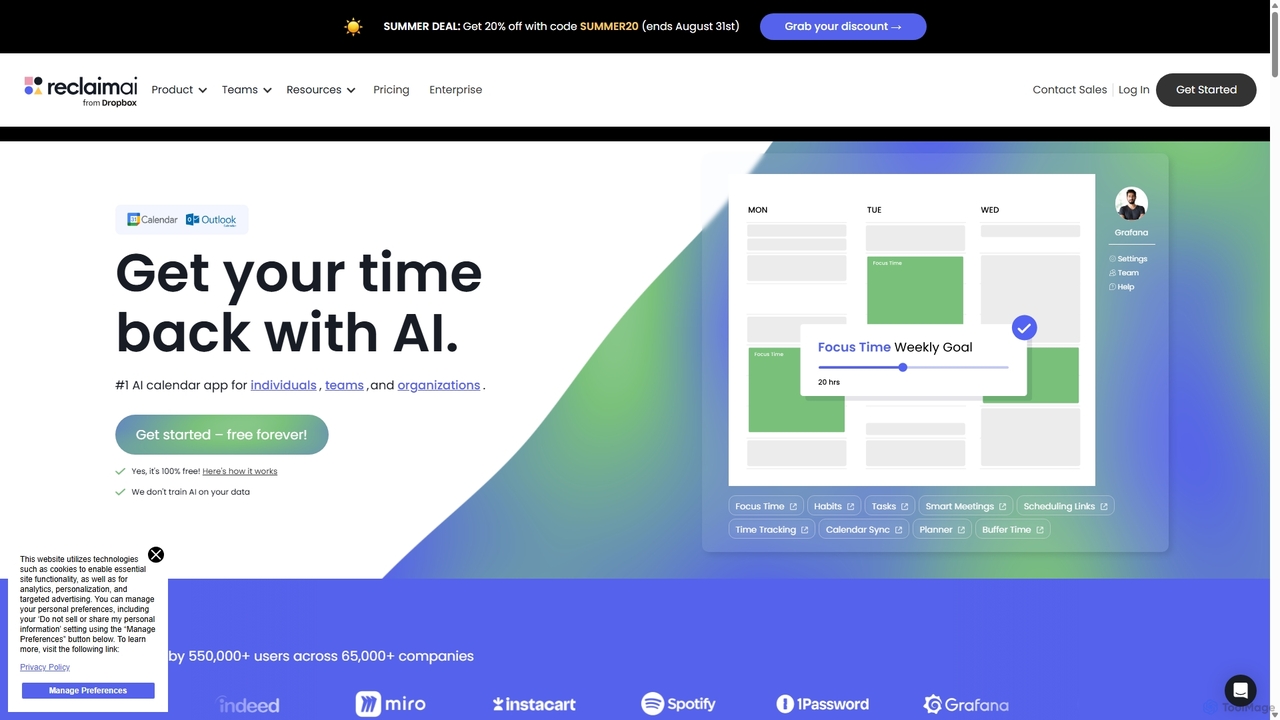
Reclaim.ai
Reclaim.ai is an intelligent AI calendar assistant that automates your schedule for optimal productivity and work-life balance. It intelligently blocks time for tasks, habits, and focus work, finds the best times for meetings, and syncs all your calendars. By defending your time and creating a flexible plan, Reclaim helps you focus on what matters most.
Calendar
Inbox Zero
Inbox Zero is an AI-powered email organizer designed to help you clean and manage your inbox effortlessly. It intelligently sorts emails, deletes spam, and facilitates one-click unsubscribing from newsletters, allowing you to achieve a clean, organized inbox in seconds. With a strong focus on security and user privacy, it's the ultimate tool for boosting email productivity for both individuals and businesses.
Email Management
MyTask AI Comments (0)
Sign in to comment.
Sign inNo comments yet.