ToolMage
Sign in

Best 1 Browser Extensions AI tools for Utilities

Popular Browser Extensions AI tools in Utilities include MyTask AI, helping you work more efficiently.

MyTask AI
Freemium

MyTask AI

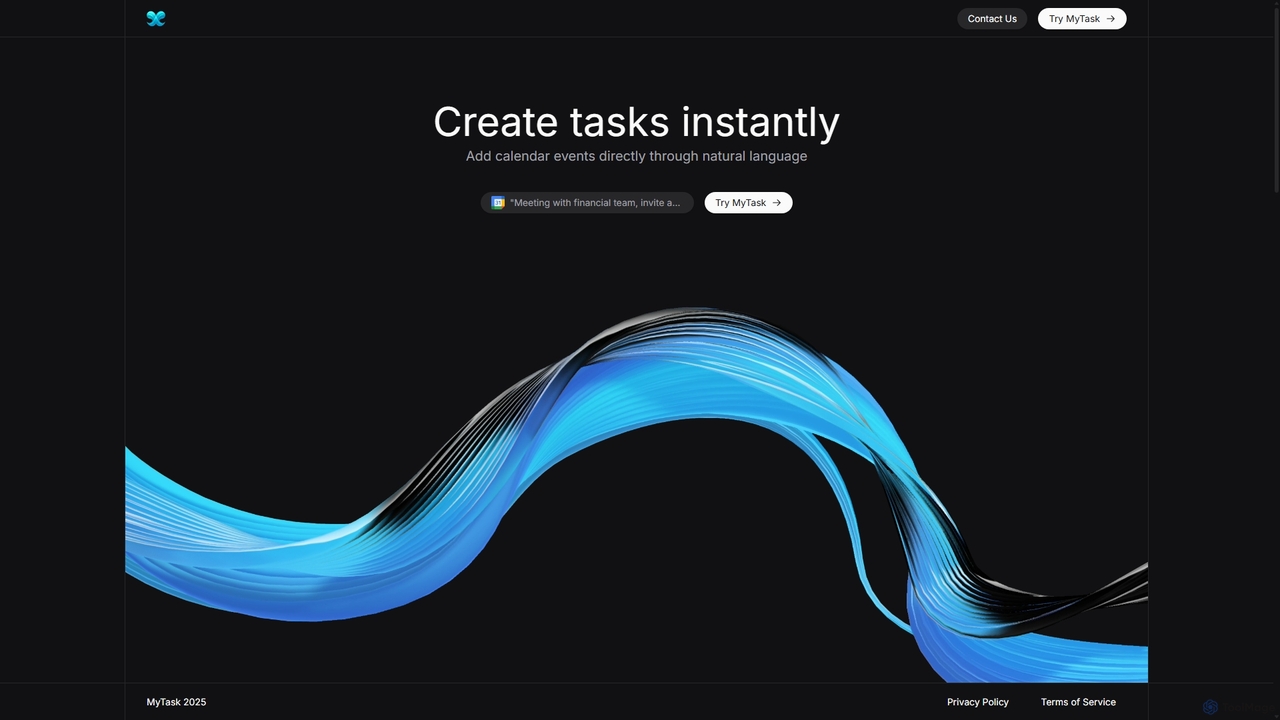
MyTask AI is a productivity tool that uses AI to instantly create, edit, and delete Google Calendar events through natural language commands. Streamline your scheduling and save time without ever leaving your current browser tab.

Scheduling
Visits 3.6KFavorites 155Likes 148

About Browser Extensions

Browser Extensions are AI-powered tools that integrate directly into web browsers to enhance online activities. These extensions leverage artificial intelligence to provide real-time assistance, automate tasks, and augment user capabilities directly within the browsing environment. They offer immediate access to AI functionalities, transforming how users interact with web content, manage information, and boost productivity without switching applications, serving as a specialized segment within broader utility tools.

Core Features

  • Real-time Content Analysis: Summarize articles, extract key information, or analyze sentiment on web pages instantly.
  • AI Writing Assistance: Generate text, rephrase sentences, or check grammar and style in online editors and forms.
  • Intelligent Search & Data Extraction: Enhance search results, find related content, or extract specific data points from websites.
  • Automated Translation & Localization: Instantly translate web pages or selected text, adapting content for different languages.
  • Visual Content Generation: Create images or enhance existing visuals directly from browser-based interfaces using AI prompts.

Applicable Scenarios

Content creators use them for instant writing suggestions and grammar checks. Researchers benefit from quick summarization of academic papers and data extraction. Marketing professionals leverage them for competitive analysis and content localization, while everyday users can improve their browsing experience with smart search and productivity enhancements directly within their browser.

How to Choose

When selecting an AI browser extension, consider its compatibility with your browser, the specific AI functionalities it offers (e.g., writing, summarization, image generation), its data privacy policies, and its performance impact on your browsing speed. Also, evaluate user reviews and the developer's reputation for reliability and ongoing support to ensure it meets your specific utility needs.

Featured tool rankings

Browser Extensions use cases

1

Summarizing Long Articles for Research

A student or researcher installs an AI browser extension to quickly get the gist of lengthy academic papers or news articles. They activate the extension on a web page, and it provides a concise summary, highlighting key points and saving hours of reading time. This helps them identify relevant information faster and efficiently manage their research workload.

2

Generating Social Media Captions

A social media manager uses an AI writing extension to draft engaging captions for posts directly within their social media platform's interface. By providing a few keywords or a brief description of the content, the extension generates several creative and optimized options, significantly speeding up content creation and ensuring consistent brand voice across platforms.

3

Real-time Language Translation for Global Browsing

An international business professional browsing foreign-language websites uses an AI translation extension. It automatically detects and translates text on web pages, enabling seamless comprehension of global news, market reports, and competitor websites without manual copy-pasting. This facilitates efficient cross-border communication and market intelligence gathering.

4

Enhancing Online Writing and Email Composition

A content creator or professional writer utilizes an AI grammar and style checker extension while drafting emails, blog posts, or reports in their browser. The extension offers real-time suggestions for grammar, spelling, clarity, and tone, ensuring polished and effective communication. This significantly reduces editing time and improves the overall quality of written content.

5

Extracting Key Data from E-commerce Sites

An e-commerce analyst employs an AI data extraction extension to quickly gather product specifications, pricing, and customer reviews from competitor websites. This automates the tedious process of manual data collection, providing valuable insights for market analysis, pricing strategies, and product development. The extracted data is often structured for easy export and analysis.

6

Creating Visuals for Presentations Directly in Browser

A marketing specialist needs quick visuals for an online presentation or social media campaign. They use an AI image generation extension that allows them to input text prompts and generate relevant images or icons directly within their presentation software's web version or content management system. This streamlines their workflow, eliminating the need for external graphic design tools.

Browser Extensions FAQ

What are AI Browser Extensions?

AI Browser Extensions are software add-ons that integrate artificial intelligence capabilities directly into your web browser. They enhance browsing by offering features like content summarization, AI writing assistance, intelligent search, and real-time translation, all accessible within the browser interface to streamline online tasks and improve productivity. They act as smart utility tools, bringing AI power to your daily web interactions.

How do AI Browser Extensions work?

AI browser extensions typically work by sending selected web content (text, images, data) to cloud-based AI models for processing. The AI then performs tasks like natural language processing, text generation, or image analysis, and returns the results directly to the user's browser, often in real-time. Some extensions may also use local, on-device AI for faster processing of simpler tasks, minimizing data transfer.

What are the main benefits of using AI Browser Extensions?

The main benefits include increased productivity through automation of repetitive tasks, enhanced content comprehension via summarization and translation, improved writing quality with AI assistance, and more efficient data gathering. They provide immediate access to powerful AI tools without requiring users to leave their current web page or switch applications, making online work more seamless and intelligent.

How do I choose the best AI Browser Extension for my needs?

To choose the best AI browser extension, consider your primary use case (e.g., writing, research, translation), check its compatibility with your browser (Chrome, Firefox, Edge), evaluate its features and accuracy, and review its data privacy policy. Also, look at user ratings, pricing models (free vs. premium), and the developer's reputation for updates and support to ensure it aligns with your specific utility requirements.

Are AI Browser Extensions secure and private?

The security and privacy of AI browser extensions vary significantly by developer. It's crucial to only install extensions from reputable sources, read their privacy policies to understand how your data is collected and used, and check for necessary permissions. Be cautious of extensions requesting excessive permissions, as they might pose a security risk or compromise your data privacy. Always prioritize extensions with strong privacy safeguards.