
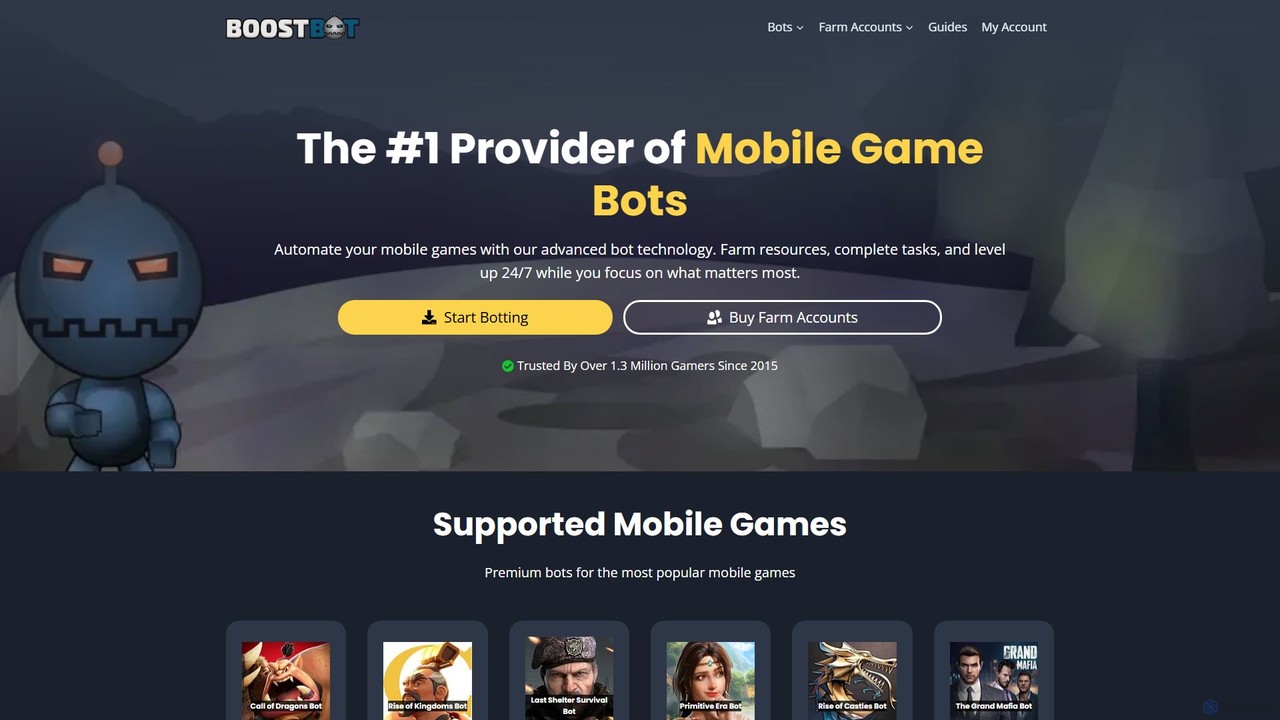
BoostBot
BoostBot is a leading mobile game automation tool providing advanced bot technology since 2015. It helps gamers automate …
BoostBot is a leading mobile game automation tool providing advanced bot technology since 2015. It helps gamers automate repetitive tasks like resource farming, building upgrades, and daily quests across a wide range of popular mobile strategy games, allowing them to level up 24/7 and manage multiple accounts effortlessly.
About Bots
Bots are automated software programs designed to perform specific, repetitive tasks. Operating based on predefined rules or artificial intelligence, they interact with systems, data, or users without requiring direct human intervention. Their primary value lies in automating workflows, such as customer service, data aggregation, and content management, which significantly enhances operational efficiency and scalability. As a key type of utility tool, bots excel at executing tasks at a speed and volume unattainable by humans.
Core Features
- Task Automation: Executes predefined sequences of actions automatically, from simple data entry to complex workflow management.
- 24/7 Operation: Capable of running continuously without breaks, ensuring constant availability for tasks like monitoring or customer support.
- Data Interaction: Gathers, processes, and organizes information from various sources, such as websites, APIs, or databases.
- Platform Integration: Connects with various platforms like websites, messaging apps (Slack, Discord), and social media to perform tasks within those ecosystems.
- Conditional Logic: Follows rule-based (if-then) logic or uses AI to make decisions and adapt its actions based on specific triggers or inputs.
Use Cases
Bots are widely used across various industries. In e-commerce, they power customer support chatbots and monitor competitor pricing. For digital marketing, they automate social media posting and report generation. IT departments use them for system monitoring and automating helpdesk responses. Content creators and community managers rely on bots for content moderation and user engagement on platforms like Discord and Telegram.
How to Choose
When selecting a bot, first define the specific task you need to automate. Consider whether a simple rule-based bot is sufficient or if you require an AI-powered one with natural language processing capabilities. Evaluate its integration options with your existing software stack. Also, assess its scalability to handle growing workloads and review its security features to ensure data protection.
BotsUse Cases
Automate Customer Support with Chatbots
An e-commerce store manager uses a chatbot to provide 24/7 customer support. The bot is configured with answers to frequently asked questions about shipping, returns, and product details. When a visitor asks a question on the website, the bot instantly provides a relevant answer. If the query is too complex, it automatically creates a support ticket and notifies a human agent. This reduces response times, frees up support staff to handle complex issues, and improves customer satisfaction.
Monitor Social Media Mentions
A marketing team uses a bot to track brand mentions across social media platforms like Twitter and Reddit. The bot is set to continuously scan for keywords related to the brand, products, and key competitors. Whenever a new mention is found, the bot sends a real-time notification to a dedicated Slack channel, including a link to the post. This allows the team to quickly engage with positive feedback, address customer complaints, and stay informed about competitor activities without manually searching each platform.
Automate Internal IT Helpdesk Requests
An IT administrator deploys a bot within the company's Slack workspace to handle common employee requests. When an employee needs to reset a password or request access to a software application, they can message the bot directly. The bot guides them through a series of questions, creates a ticket in the IT service management system (e.g., Jira), and in some cases, automatically resolves the issue by triggering a password reset workflow. This reduces the manual workload on the IT team and provides employees with instant support for routine problems.
Scrape Website Data for Market Research
A business analyst needs to gather pricing information from dozens of competitor websites. Instead of manually visiting each site, they use a web scraping bot. The analyst configures the bot to navigate to specific product pages on a list of URLs, extract the product name, price, and stock availability, and save the data into a structured CSV file. The bot can run this task daily, providing up-to-date competitive intelligence and saving the analyst hours of tedious manual data collection each week.
Moderate a Discord Community Server
A community manager for a large gaming Discord server uses a moderation bot to maintain a healthy environment. The bot is configured to automatically delete messages containing spam links or prohibited language. It can also assign roles to new members upon joining and manage a warning system for users who violate server rules. By handling these routine moderation tasks, the bot allows human moderators to focus on more nuanced issues like resolving disputes and organizing community events.
Qualify Leads on a Company Website
A B2B software company implements a proactive chatbot on its pricing page. When a visitor spends more than 30 seconds on the page, the bot initiates a conversation, asking questions about their company size, role, and specific needs. Based on the visitor's answers, the bot can determine if they are a qualified lead. For qualified leads, it offers to book a demo directly into a sales representative's calendar. For others, it provides links to relevant case studies or whitepapers. This automates the initial lead qualification process, ensuring the sales team only spends time on high-potential prospects.