Utilities Best in category 1 results Ad Blocker AI Tool

Popular AI tools in the Ad Blocker field of Utilities include Quetta, etc., helping you quickly improve efficiency.

Free
Quetta

Quetta

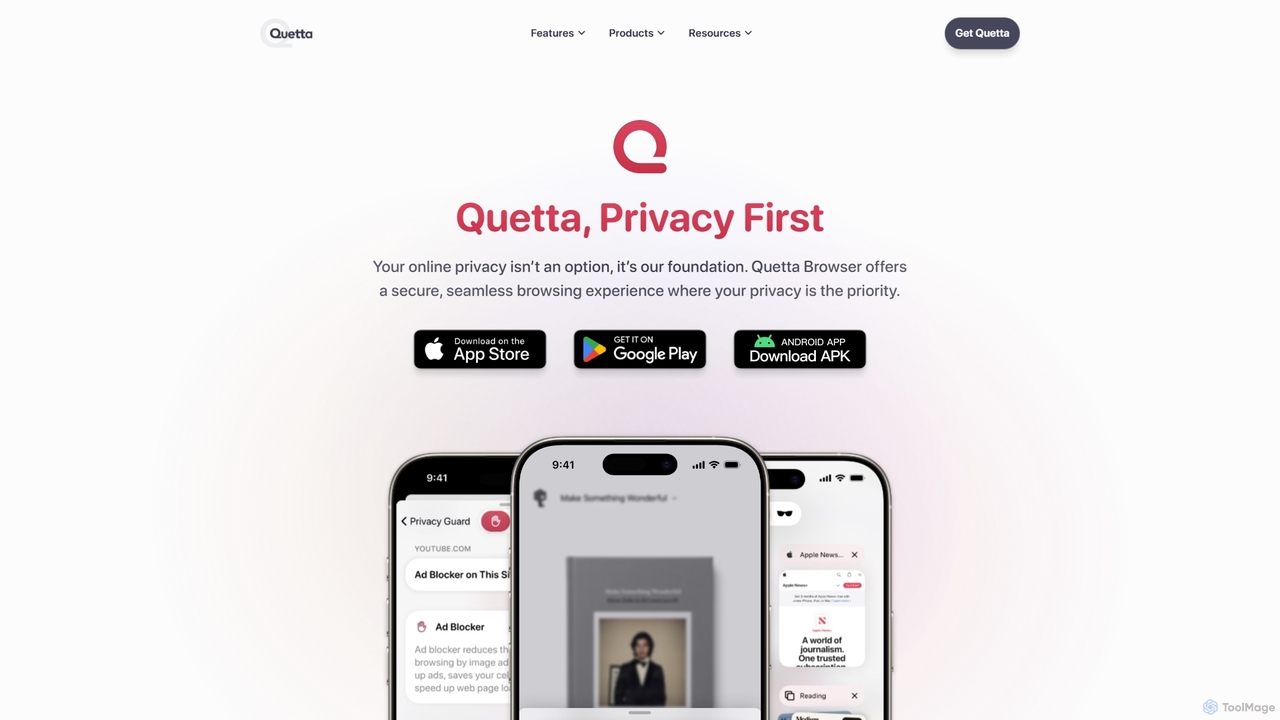
Quetta is a private mobile browser featuring a powerful AI-powered ad blocker, full extension support, and advanced privacy …

102.2K

About Ad Blocker

Ad Blockers are utility tools designed to identify and remove advertising content from web pages and applications. By leveraging filter lists and, in advanced cases, AI algorithms, they analyze page elements to block intrusive banners, pop-ups, video ads, and tracking scripts. This process results in a cleaner, faster, and more private browsing experience. AI-powered ad blockers are particularly adept at recognizing and neutralizing new or disguised ad formats that traditional methods might miss.

Core Features

  • Ad Filtering: Employs community-maintained and proprietary lists to block known ad-serving domains and scripts.
  • Tracker Blocking: Prevents third-party tracking cookies and scripts from monitoring your online activity across different sites.
  • Malvertising Protection: Adds a layer of security by blocking malicious ads that can distribute malware or lead to phishing sites.
  • Element Hiding: Removes the empty spaces and cosmetic elements left behind after an ad is blocked, ensuring a clean page layout.
  • Customization and Whitelisting: Allows users to permit ads on specific websites to support creators or to ensure site functionality is not broken.

Use Cases

Ad Blockers are widely used by individuals seeking a less intrusive and faster internet experience. They are essential for privacy-conscious users aiming to minimize their digital footprint. In professional settings, developers and researchers use them to create a clean environment for testing and analysis, free from the interference of dynamic ad content.

How to Choose

When selecting an Ad Blocker, consider its effectiveness against various ad types, including video and native ads. Evaluate its performance impact; a good blocker should be lightweight and not slow down your browser. Review its privacy policy to ensure it doesn't collect or sell your data. Finally, look for robust customization options, such as the ability to easily whitelist sites and manage filter lists.

Ad BlockerUse Cases

1

Enhancing Daily Web Browsing Speed

For general users, students, or remote workers, slow-loading websites cluttered with ads are a common frustration. By installing an ad blocker, the tool automatically prevents heavy ad scripts, auto-playing videos, and large banner images from loading. This significantly improves page load times, often making sites 2-4 times faster. The result is a smoother, more efficient browsing experience that enhances focus and productivity during work, research, or leisure activities.

2

Protecting Personal Privacy from Trackers

For privacy-conscious individuals, the invisible tracking that occurs across the web is a major concern. Ad blockers with anti-tracking capabilities are crucial for this user group. They specifically target and block third-party cookies, fingerprinting scripts, and social media pixels that companies use to build detailed user profiles. By preventing this data collection, the tool helps maintain user anonymity, reduces the number of eerily specific targeted ads, and gives users more control over their personal data.

3

Securing Devices Against Malvertising

IT administrators and security-conscious users leverage ad blockers as a first line of defense against 'malvertising'—malicious ads that deliver malware. These ads can infect a device even without a user click. An ad blocker, by design, prevents the ad content from ever loading in the browser. This effectively closes a common attack vector used by cybercriminals. Deploying ad blockers across an organization can significantly reduce the risk of malware infections and phishing attacks originating from compromised ad networks.

4

Creating a Distraction-Free Reading Environment

For researchers, students, and avid readers, online articles and blogs are often filled with distracting visual clutter like animated banners and in-text video ads. An ad blocker transforms this experience by stripping away all non-essential promotional content. This creates a clean, minimalist reading view that is similar to a dedicated e-reader. The result is improved concentration, better reading comprehension, and a more enjoyable and immersive experience when consuming long-form content online.

5

Reducing Mobile Data Consumption

Mobile users, especially those with limited data plans, can find a significant portion of their data allowance consumed by ads. Video ads are particularly data-intensive. By installing an ad blocker on a smartphone, users can prevent these data-heavy elements from ever being downloaded. This directly translates to lower data usage, which can lead to cost savings on mobile bills and help users stay within their data limits for longer. It also speeds up browsing on slower mobile networks.

6

Improving Video Streaming Experience

For users who frequently watch content on platforms like YouTube or Twitch, intrusive pre-roll and mid-roll video ads can severely disrupt the viewing experience. A capable ad blocker can identify and block these ads, allowing for seamless, uninterrupted playback. This is particularly valuable for viewers watching long videos, tutorials, or live streams where ad breaks can break concentration or immersion. The result is a more enjoyable and fluid entertainment experience, much closer to a premium, ad-free subscription service.

Ad BlockerFrequently Asked Questions