

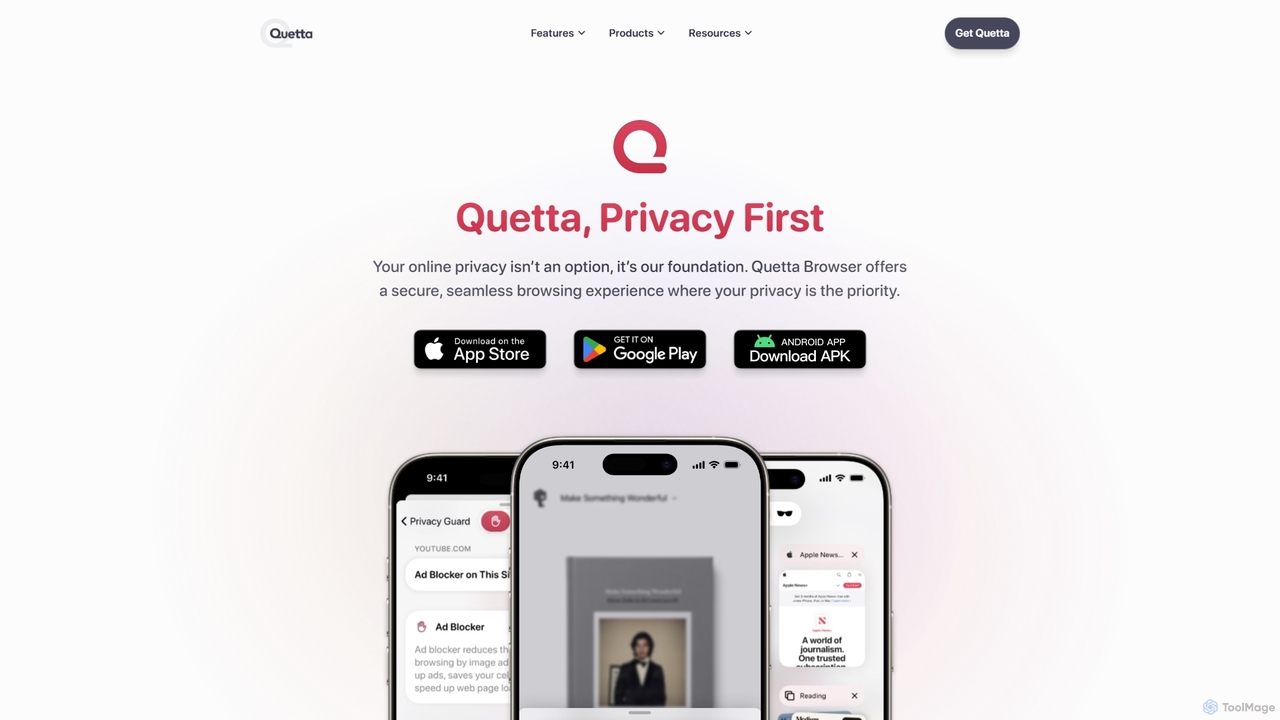
Quetta Overview
Quetta is a next-generation mobile browser designed from the ground up with privacy, simplicity, and power as its core principles. It redefines the mobile browsing experience by integrating a sophisticated AI-powered ad blocker that ensures a clean, fast, and uninterrupted journey across the web. Unlike other browsers, Quetta's commitment to privacy is absolute, with a strict zero data collection policy, advanced tracker blocking, and fingerprinting prevention to keep your online activities completely anonymous and secure.
At its heart, Quetta aims to bring desktop-level functionality to your mobile device. It is one of the few mobile browsers that offers extensive extension support, allowing users to install and manage add-ons from the Chrome Web Store and Microsoft Edge Add-ons. This opens up a world of customization and productivity, enabling you to tailor your browser to your specific workflow. Whether you need project management tools, grammar checkers, or advanced privacy guards, Quetta integrates them seamlessly.
How to use Quetta
Getting started with Quetta is simple and intuitive. First, download the application from the Google Play Store for your Android device (with support for iOS, macOS, and Windows coming soon). Once installed, you can set it as your default browser to handle all web links. You can immediately enjoy a faster, ad-free experience thanks to the pre-enabled AI⁺ Ad Blocker. To customize your experience further, you can explore the settings to manage privacy features, such as enabling the Data Vault with biometric lock for secure storage. To add powerful new features, simply browse the Chrome Web Store or Microsoft Edge Add-ons library directly within Quetta and install your favorite extensions just as you would on a desktop browser. For media consumption, when you are on a page with a video, Quetta's downloader will allow you to save it for offline viewing with a single tap and add it to your private playlist.
Core Features of Quetta
- AI⁺ Ad Blocker: Employs artificial intelligence to block all forms of intrusive ads, pop-ups, and banners, including those on video platforms, resulting in significantly faster page load times.
- Advanced Privacy Protection: Features include robust tracker blocking, prevention of cross-site tracking, removal of tracking fingerprints, and a strict zero-data collection policy. It also includes a secure Data Vault with biometric lock for private downloads.
- Extensive Extension Support: Unlock desktop-class functionality on mobile by installing and managing a wide range of extensions from the Chrome Web Store and Microsoft Edge Add-ons.
- Enhanced Video Experience: A built-in video downloader allows for one-tap saving of videos for offline viewing. Users can create and manage playlists and enjoy videos with an enhanced player that supports picture-in-picture, background audio playback, and speed control.
- Smart Utility Tools: Includes a magazine-style reader mode for a clean, distraction-free reading experience, a tool to save entire webpages as PDFs, and an advanced screenshot utility. A side-by-side translation feature is also in development.
- Minimalist & User-Friendly Design: A clean, intuitive interface with a reimagined navigation bar maximizes screen real estate and ensures a serene, clutter-free browsing experience.
Use Cases for Quetta
Quetta is ideal for a wide range of users. For the privacy-conscious individual, it offers a secure sanctuary from the pervasive tracking and data harvesting of the modern web. For power users and professionals, its support for desktop extensions on mobile transforms a phone into a portable workstation, allowing for seamless integration with tools like Asana, Grammarly, or Toggl. Students and researchers can benefit from the webpage-to-PDF feature and distraction-free reader mode for academic work. Finally, any user who is tired of slow, ad-cluttered mobile browsing will find Quetta's speed and cleanliness to be a revolutionary improvement for daily web navigation and media consumption.
Advantages of Quetta
Quetta's primary advantage lies in its unique combination of robust privacy, AI-driven ad blocking, and full mobile extension support—a trifecta rarely found in a single mobile browser. Compared to mainstream browsers like Chrome, Safari, and Edge, Quetta offers vastly superior privacy features, blocking trackers and fingerprints that others allow. Its ad blocker is more aggressive and effective, refusing to participate in "acceptable ads" programs. The ability to use desktop extensions on Android puts it in a class of its own, far ahead of competitors in terms of customizability and power. Furthermore, its suite of built-in smart utilities, such as the video downloader and offline playlist, provides significant value that would otherwise require multiple separate apps.
Pricing and Plans
Quetta is a completely free browser. The developers are committed to providing a private and powerful browsing experience without cost to the user. There are no subscription fees, hidden charges, or premium versions. Its features, including the AI⁺ Ad Blocker and extension support, are available to all users for free.
Traffic
Latest traffic
Status
Monthly traffic trend
- 2025-9: 54.1K
- 2026-1: 83.6K
- 2026-2: 90.3K
- 2026-3: 103.8K
- 2026-4: 99.4K
- 2026-5: 131.5K
Geography
Top 5 countries / regions
- 🇨🇳China35.6%
- 🇺🇸United States30.4%
- 🇮🇳India16.1%
- 🇮🇩Indonesia9.3%
- 🇹🇷Türkiye8.6%
Traffic sources
| Source type | Percentage |
|---|---|
Direct | 55.8% |
Referral | 42.1% |
Email | 2.1% |
Top keywords
| Keyword | Cost per click |
|---|---|
| quetta | $0.22 |
| quetta browser | $0.26 |
| quetta browser para pc | $0.00 |
| quetta browser pc | $0.00 |
| quetta浏览器 | $0.00 |
Quetta Alternatives
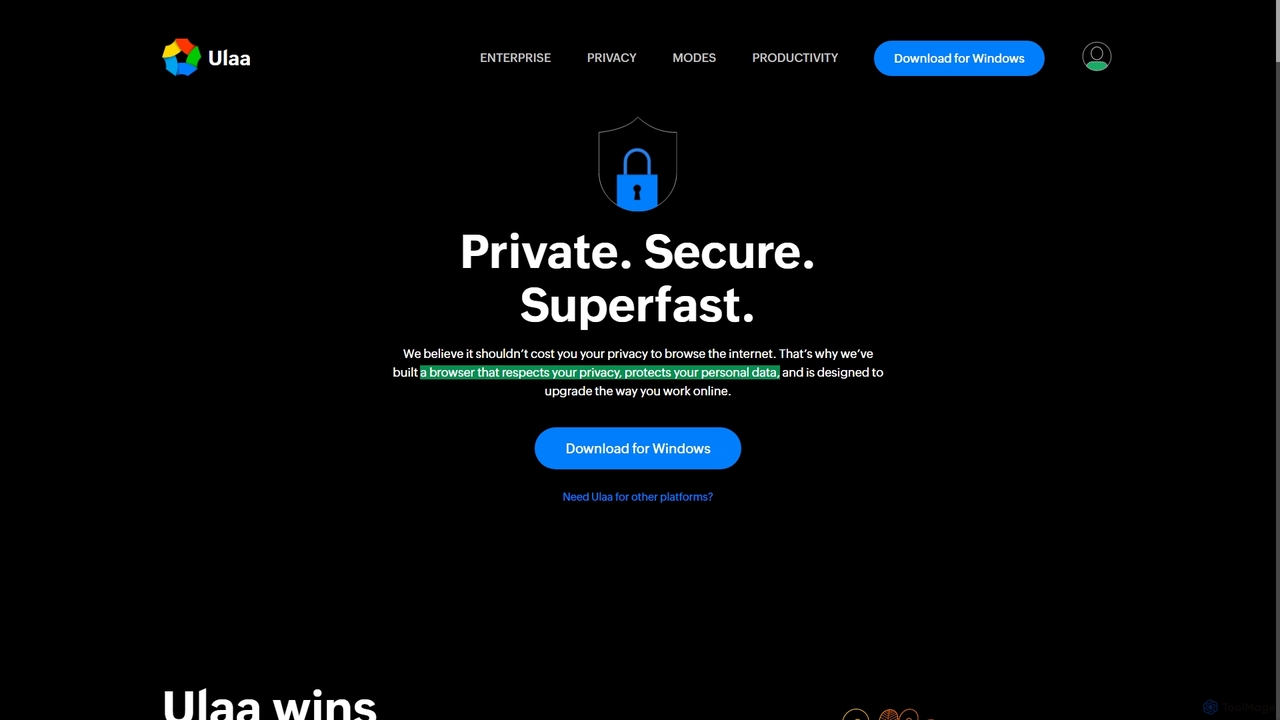
Ulaa Browser
Ulaa Browser, by Zoho, is a privacy-first, Chromium-based web browser designed for individuals and enterprises. It champions security with a built-in ad blocker, phishing protection, and unique browsing "Modes" to isolate work, personal, and other contexts. For businesses, Ulaa Enterprise offers advanced data loss prevention, centralized management, and AI-powered intelligence by Zia to create a secure and productive browsing environment.
Enterprise Software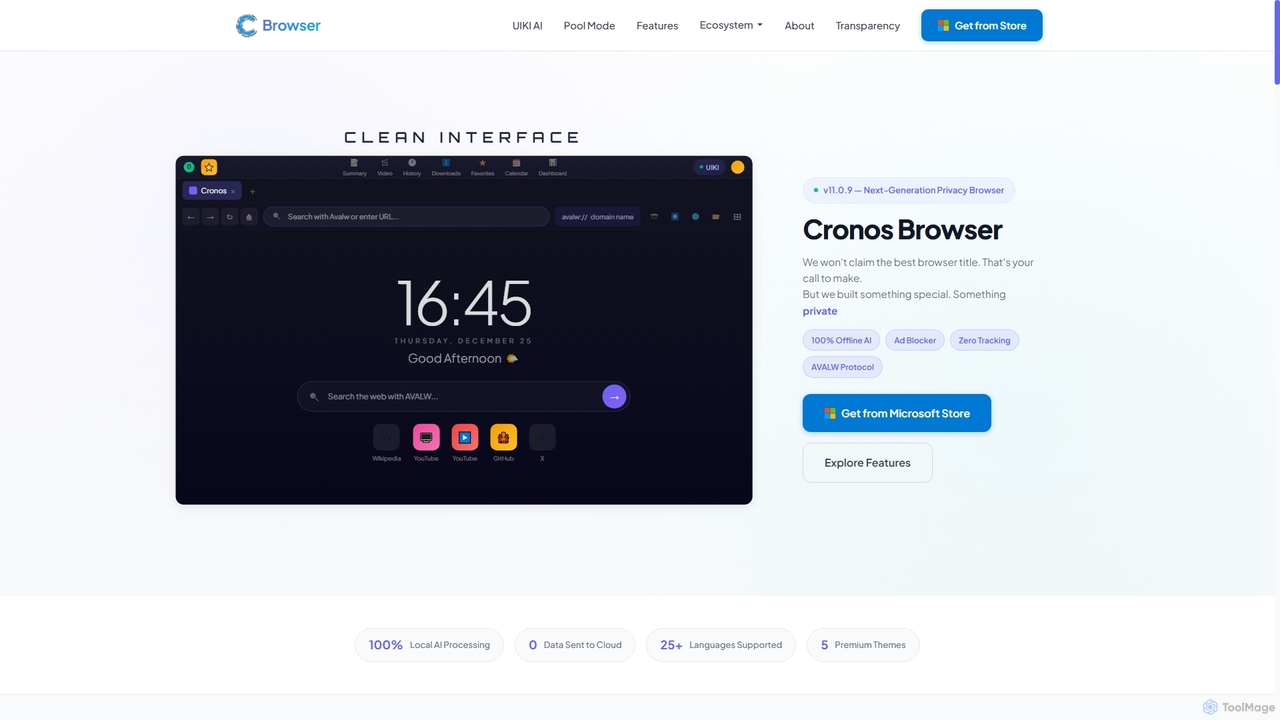
Cronos
Cronos is a privacy-first web browser integrating 100% local AI, offering unparalleled data protection and enhanced performance. It features an offline AI assistant, a decentralized network, built-in ad blocking, and advanced security protocols, ensuring your browsing experience is fast, secure, and completely private without cloud data transmission.
Privacy Browser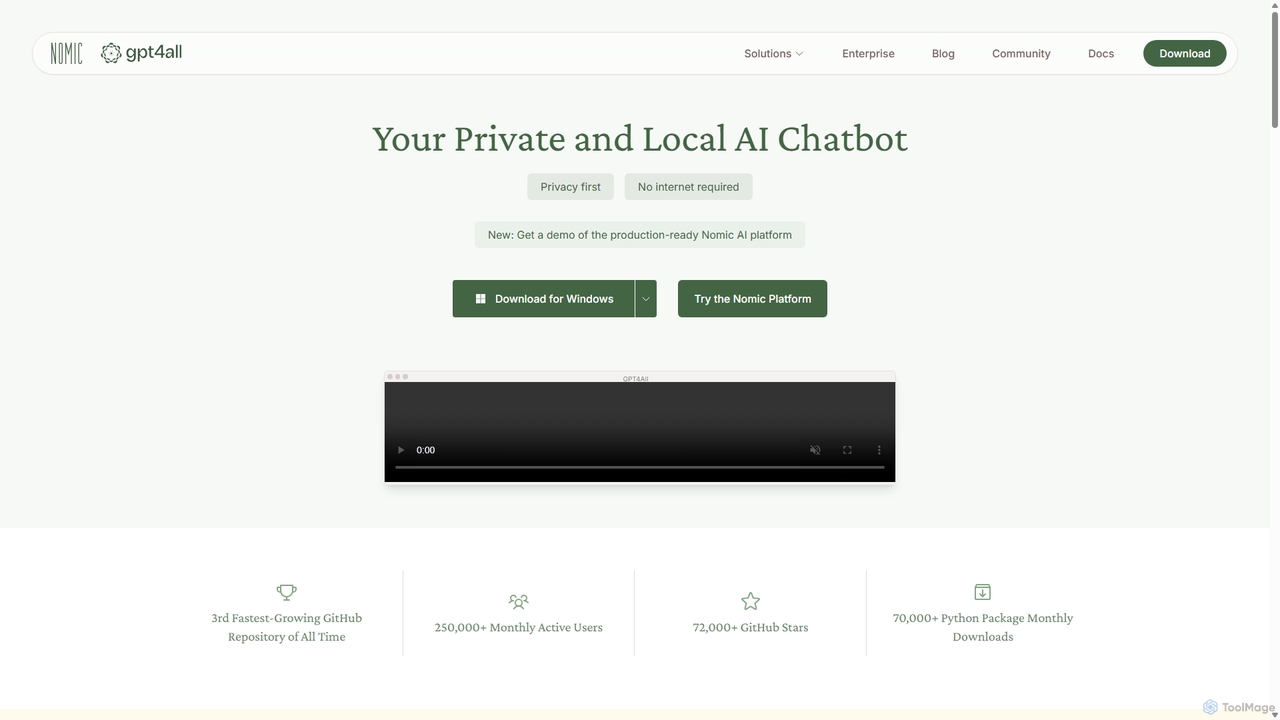
GPT4All
GPT4All is a free, open-source, and privacy-focused AI chatbot that runs powerful language models locally on your desktop. It works offline, ensuring your data never leaves your device, and allows you to chat with your own documents securely.
Machine Learning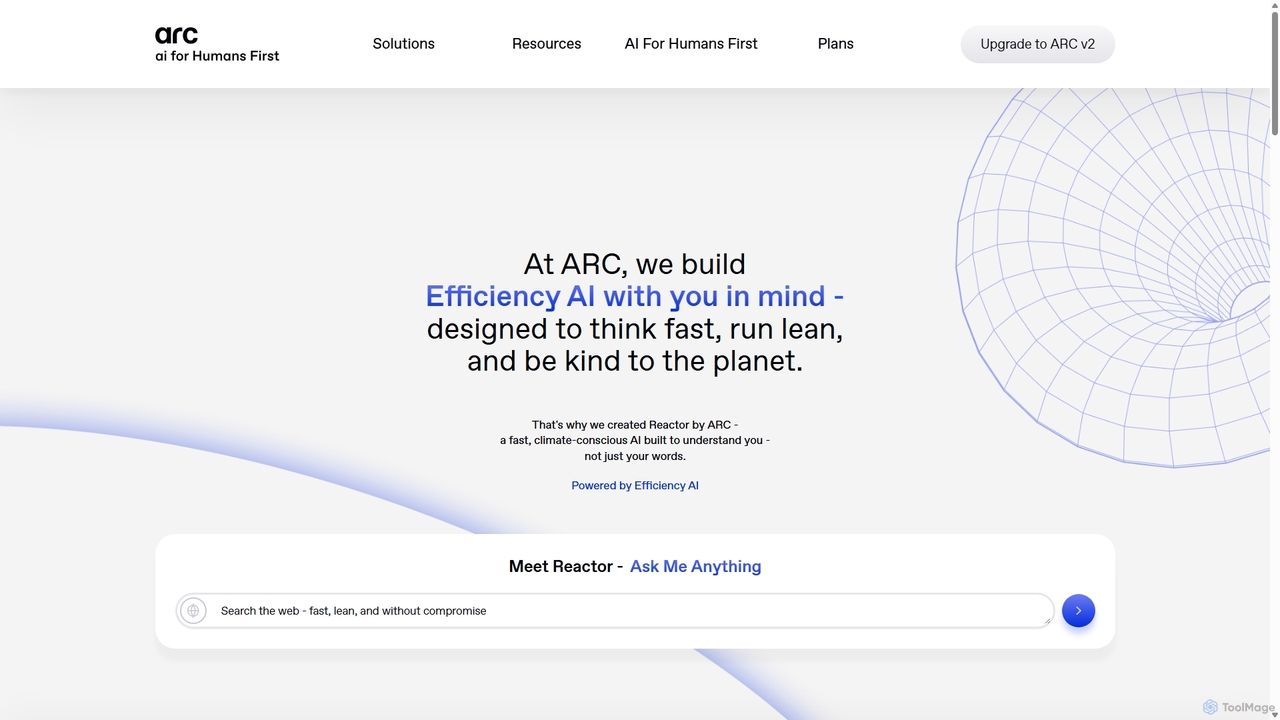
ARC
ARC is an "Efficiency AI" ecosystem focused on speed, privacy, and sustainability. It features Reactor, a fast AI assistant for search and creation; Matrix, an encryption shield for enterprise AI workflows; and Protocol, a real-time crypto auditing tool. ARC delivers high-performance AI with a minimal environmental footprint, prioritizing user data control and security.
Api
Neeva
Neeva was a pioneering private, ad-free search engine powered by AI. It offered a user-centric search experience with no ads or trackers, providing unbiased results and AI-generated summaries. The consumer search product was discontinued in June 2023 after Neeva was acquired by Snowflake.
Generative AiQuetta Categories
Quetta Jobs
Quetta Embed Widget
Copy this embed code to place the badge on your blog, article, or product site and send readers directly to this ToolMage detail page.

Related AI tools
Cronos
Cronos is a privacy-first web browser integrating 100% local AI, offering unparalleled data protection and enhanced performance. It features an offline AI assistant, a decentralized network, built-in ad blocking, and advanced security protocols, ensuring your browsing experience is fast, secure, and completely private without cloud data transmission.
Privacy Browser
Jyek
Jyek is an AI agent platform that understands objectives, creates execution plans, uses tools, and delivers verifiable results for complex, multi-step tasks.
Automation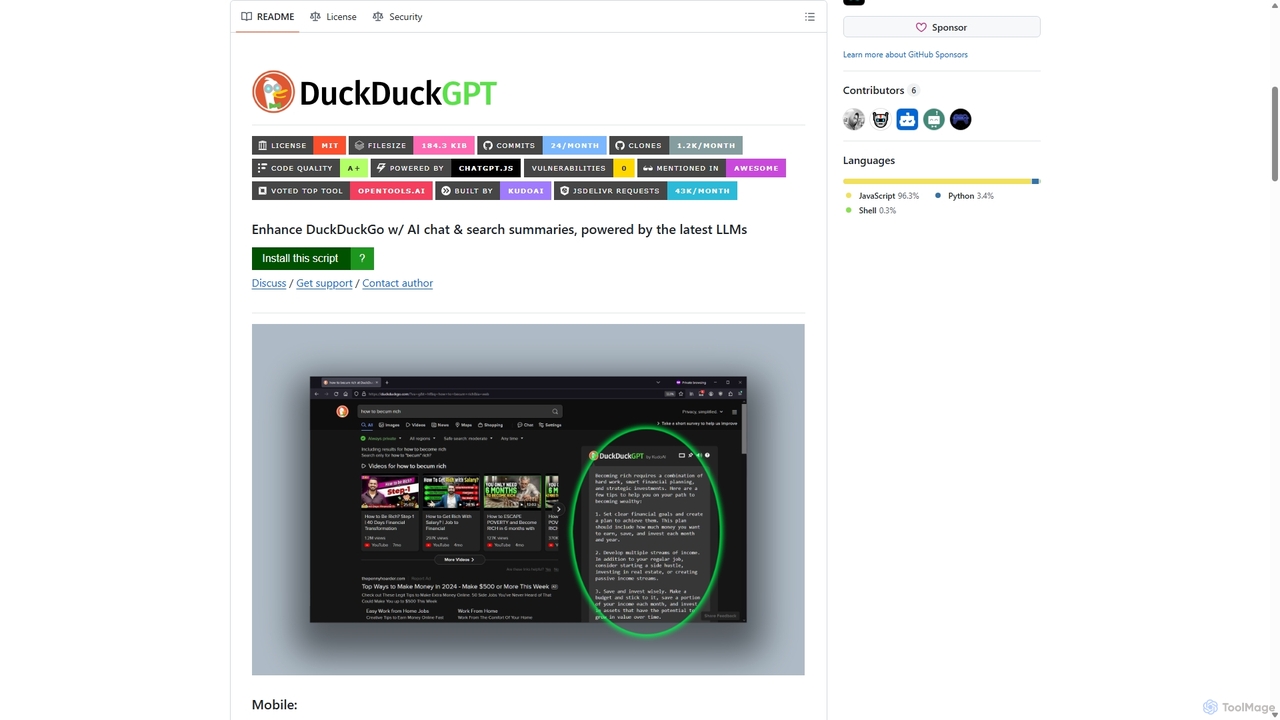
Duckduckgpt
A powerful browser extension that supercharges the DuckDuckGo search engine with AI chat and search summaries. It seamlessly integrates responses from the latest LLMs like GPT-4o directly into your search results, providing instant, intelligent answers while maintaining your privacy.
Browser ExtensionsUlaa Browser
Ulaa Browser, by Zoho, is a privacy-first, Chromium-based web browser designed for individuals and enterprises. It champions security with a built-in ad blocker, phishing protection, and unique browsing "Modes" to isolate work, personal, and other contexts. For businesses, Ulaa Enterprise offers advanced data loss prevention, centralized management, and AI-powered intelligence by Zia to create a secure and productive browsing environment.
Enterprise SoftwareNeeva
Neeva was a pioneering private, ad-free search engine powered by AI. It offered a user-centric search experience with no ads or trackers, providing unbiased results and AI-generated summaries. The consumer search product was discontinued in June 2023 after Neeva was acquired by Snowflake.
Generative Ai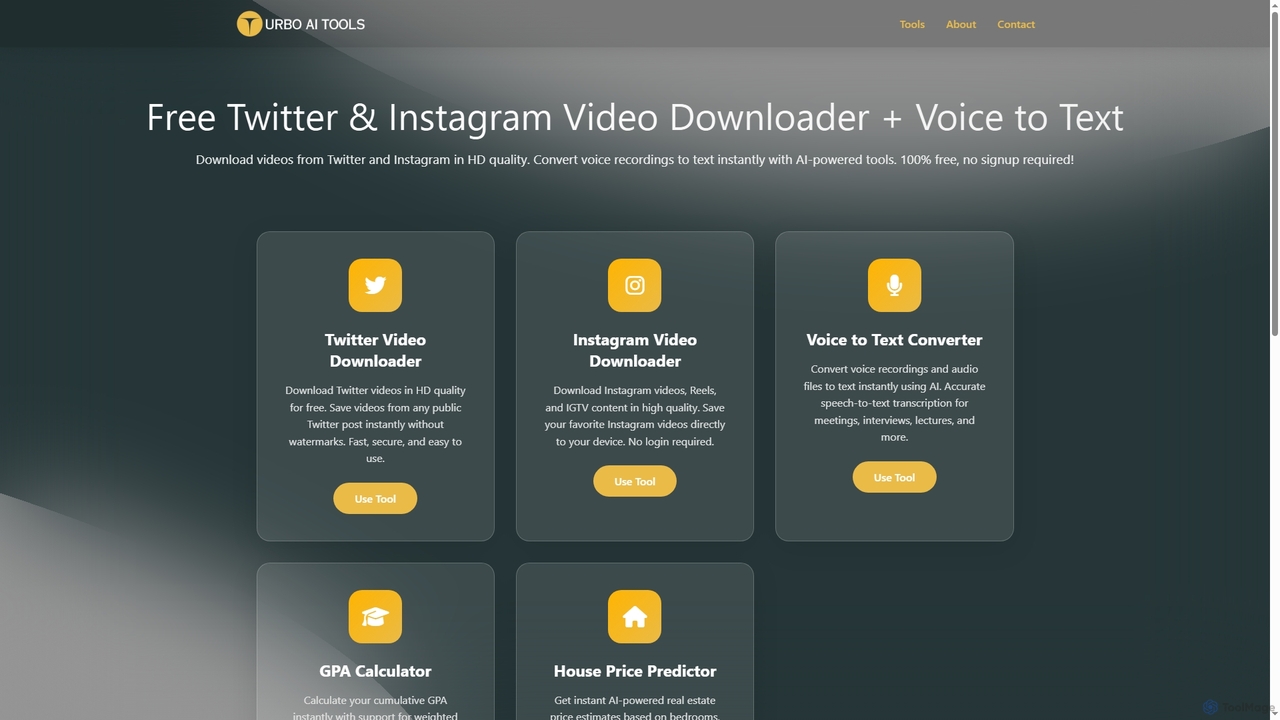
TurboAITools
TurboAITools offers a comprehensive suite of free, AI-powered online utilities designed to simplify digital tasks. It includes tools like Twitter and Instagram video downloaders, an accurate voice-to-text converter, a versatile GPA calculator, and an intelligent house price predictor. Prioritizing user privacy and ease of use, TurboAITools provides fast, registration-free solutions for content creators, students, and real estate enthusiasts alike.
Academic Planning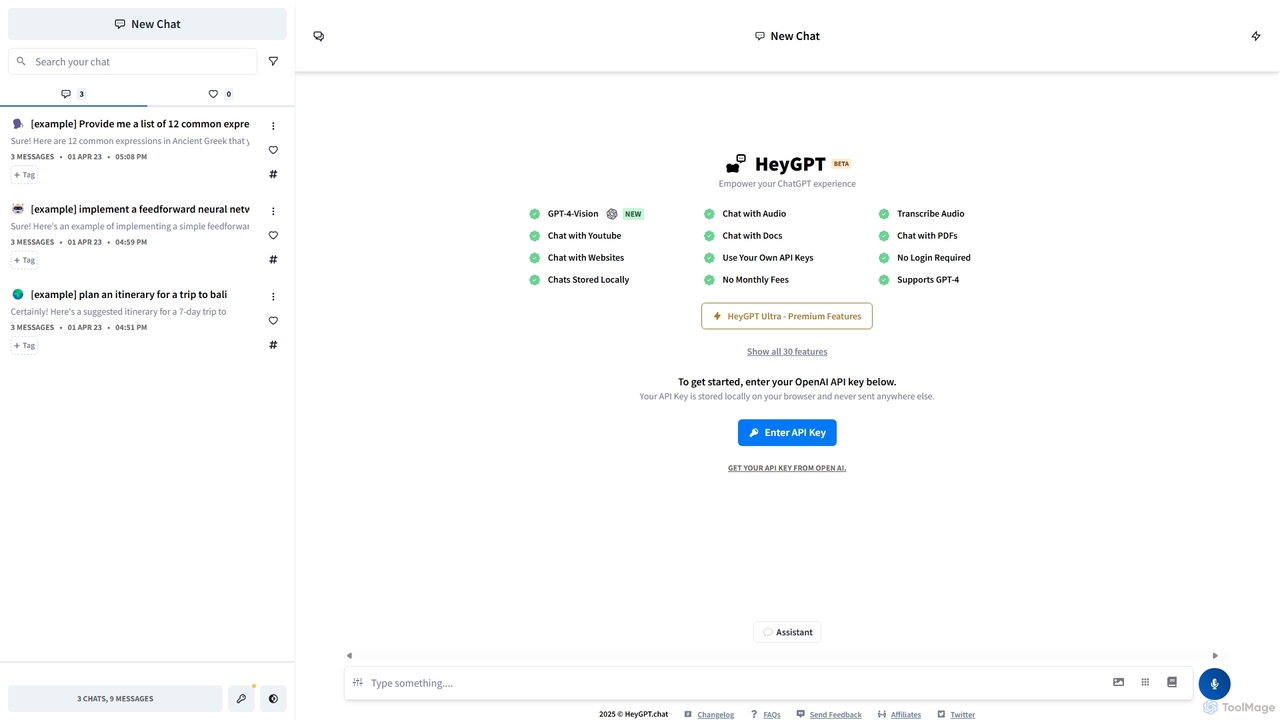
HeyGPT
HeyGPT is an advanced, privacy-focused web client for ChatGPT. It allows you to use your own OpenAI API key, keeping your conversations and data stored locally on your browser. It enhances the standard experience with features like chatting with PDFs, websites, YouTube videos, and audio files, all without requiring a login or a monthly subscription.
Api
ChatGPT Phantom
ChatGPT Phantom is a free, privacy-focused browser extension that integrates ChatGPT, Google Bard, and Bing Chat into a single powerful copilot. It enables users to generate real-time, data-driven content like news articles, YouTube scripts, and code, enhancing productivity for creators, writers, and developers.
Productivity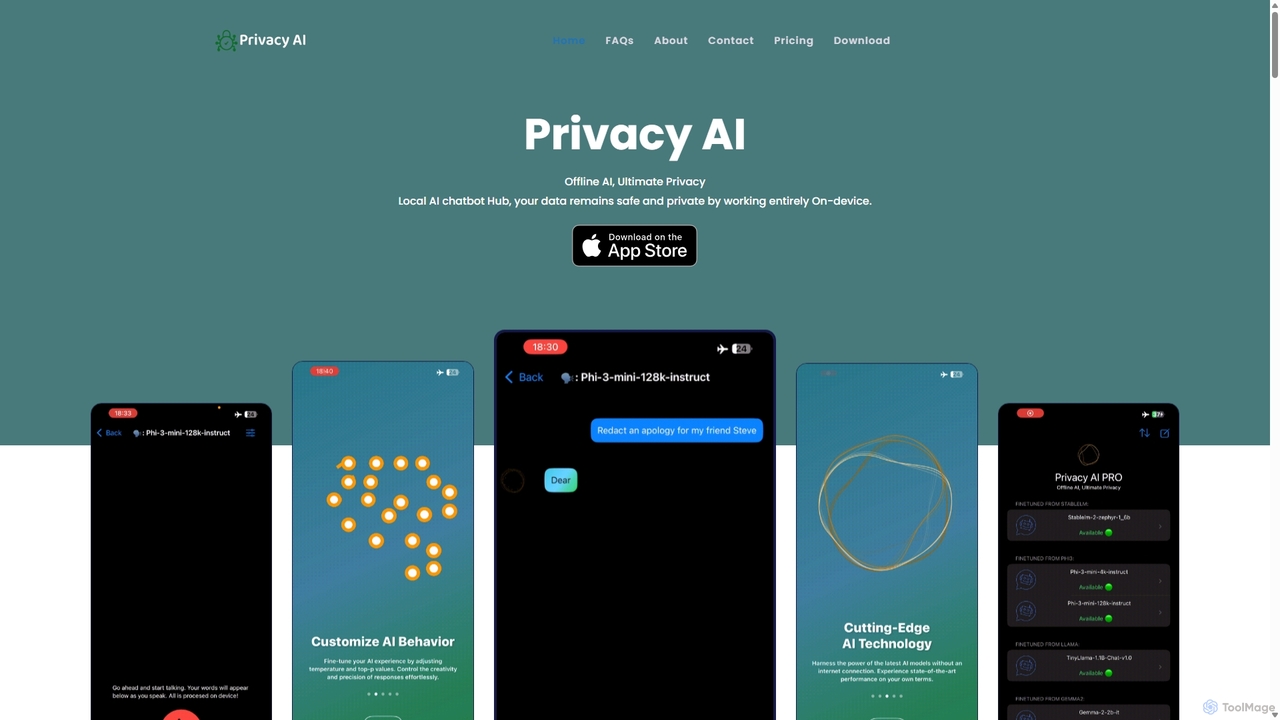
Privacy AI
Privacy AI is a native application for iPhone, iPad, and Mac that allows you to run powerful open-source large language models (LLMs) entirely offline. It ensures absolute privacy by processing all data on your device, with no data collection or internet connection required. Access models like LLaMA, Mistral, and Phi3 securely, with advanced customization options for a tailored AI experience.
Local Development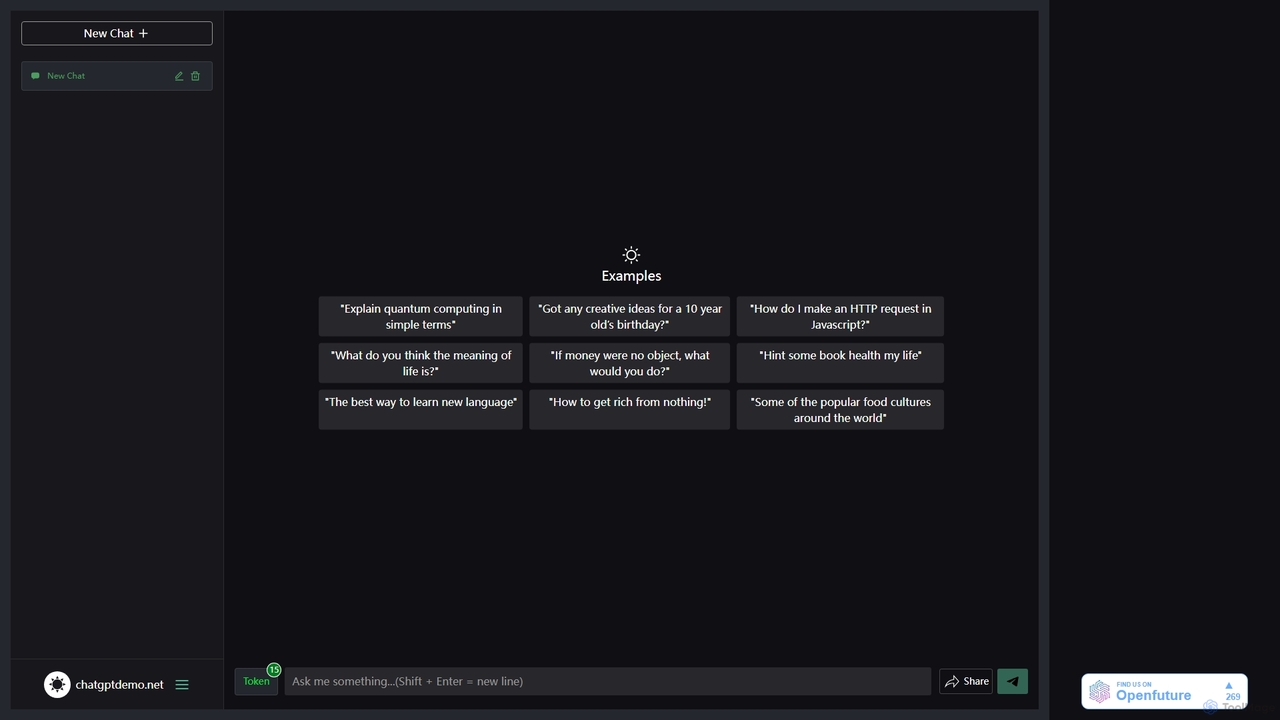
ChatGPT Demo Free
ChatGPT Demo Free is a web-based platform providing free, no-login access to a powerful conversational AI. Users can ask questions, generate text, write code, and brainstorm ideas within a simple chat interface. It operates on a daily limit model, offering a convenient way to experience advanced AI capabilities for quick tasks and exploration without any commitment or registration.
Code Assistant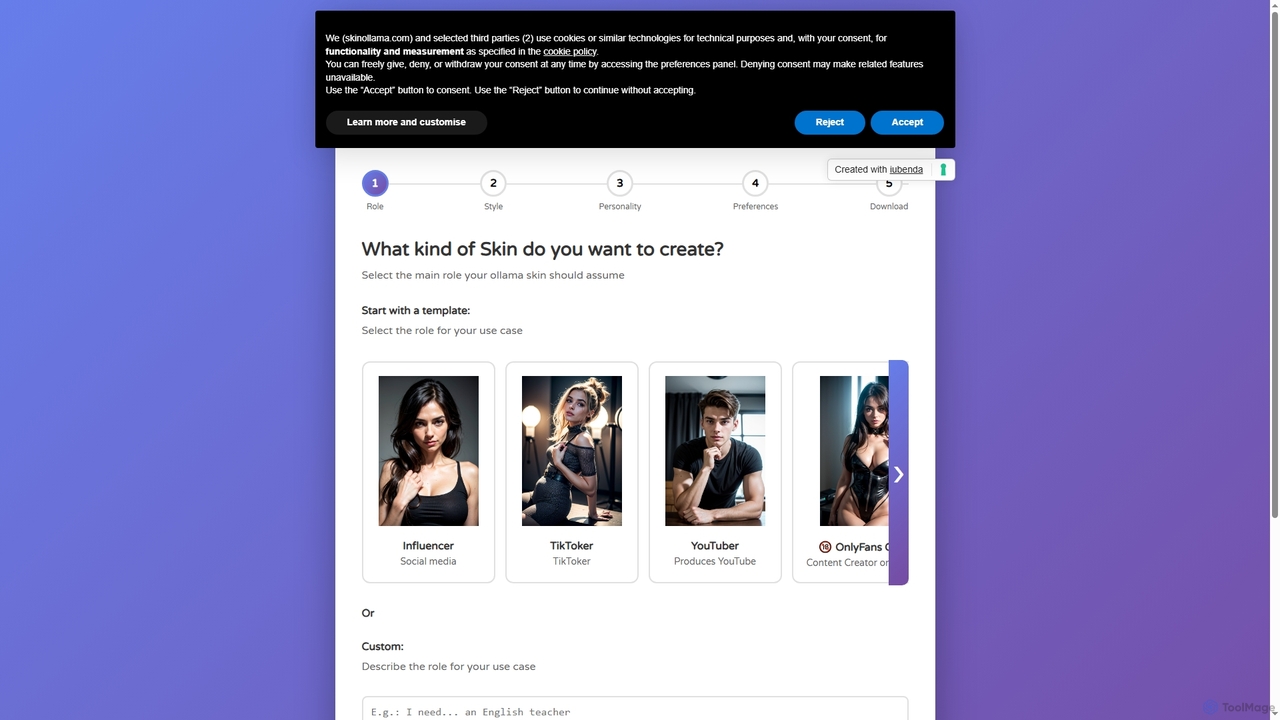
Skin Ollama
Skin Ollama is an intuitive online tool designed to customize Ollama AI models by building unique "skin files." Users can define their AI's role, communication style, personality, and advanced preferences, enabling highly personalized interactions and specialized AI behaviors for various applications.
Ai Persona Generation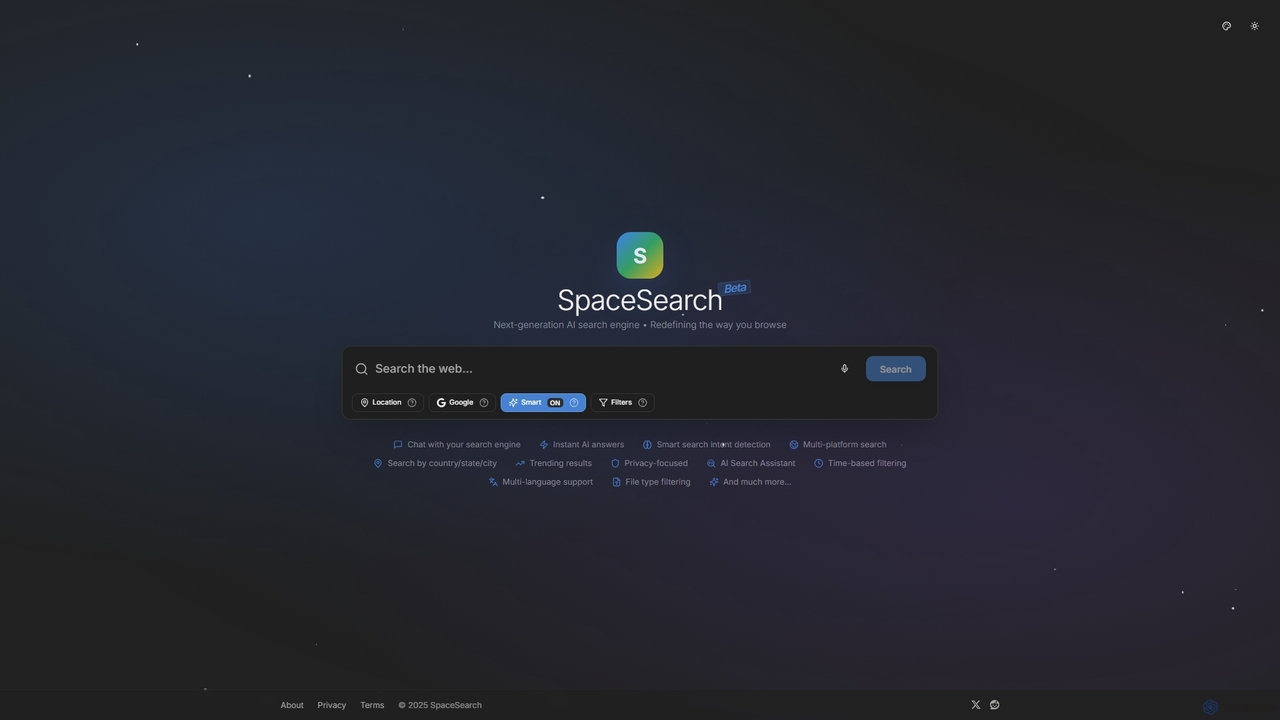
SpaceSearch
SpaceSearch is a next-generation, AI-powered search engine designed to redefine online browsing. It provides instant AI answers, understands search intent, and allows users to chat with the search engine for a more interactive and private experience.
Research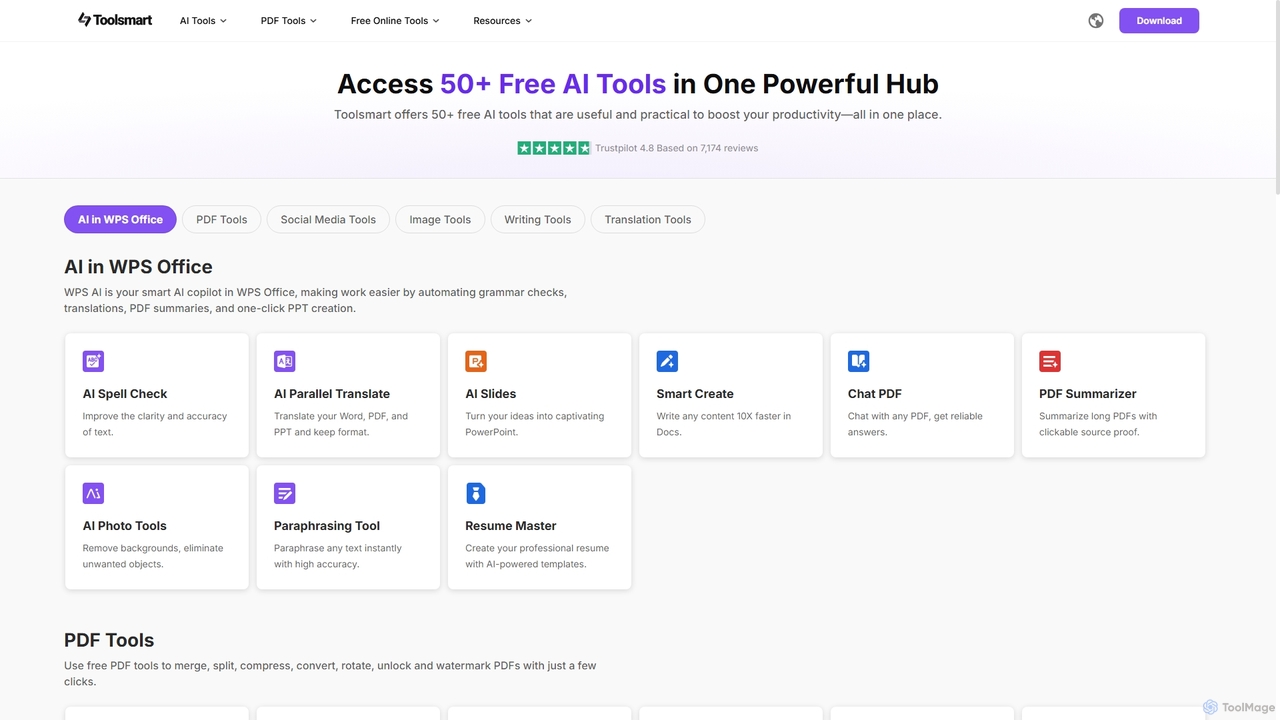
Toolsmart
Toolsmart is a comprehensive suite of over 50 free AI-powered tools designed to boost productivity. It offers a wide range of utilities in one convenient hub, including PDF converters and editors, social media video downloaders, advanced image editing tools like background and watermark removers, and a variety of AI writing assistants for paraphrasing, summarizing, and humanizing text. No sign-up is required for most tools, providing a fast, accessible, and ad-free user experience for creators, marketers, and professionals.
Pdf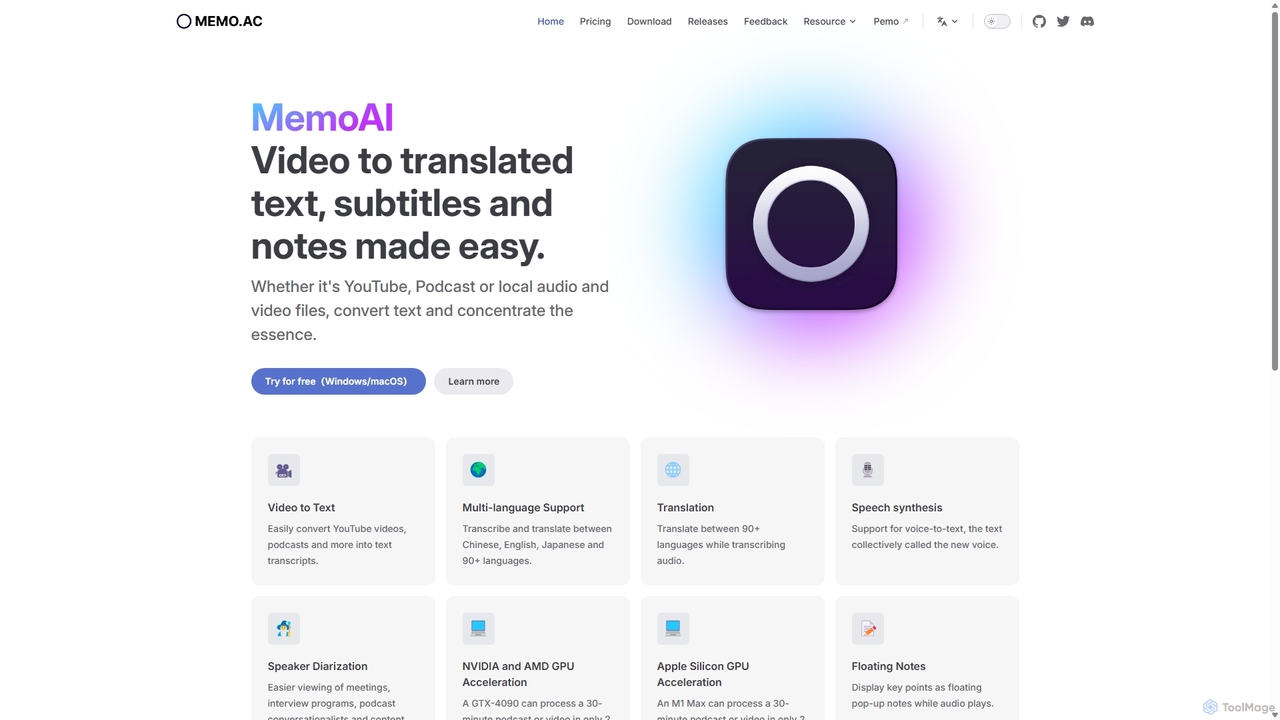
Memo AI
Memo AI is a privacy-focused desktop application for Windows and macOS that provides AI-powered transcription, translation, and summarization for audio and video files. It operates completely offline, leveraging GPU acceleration for fast processing of local files and online content from platforms like YouTube. It supports over 90 languages, speaker diarization, and various export formats.
Speech To Text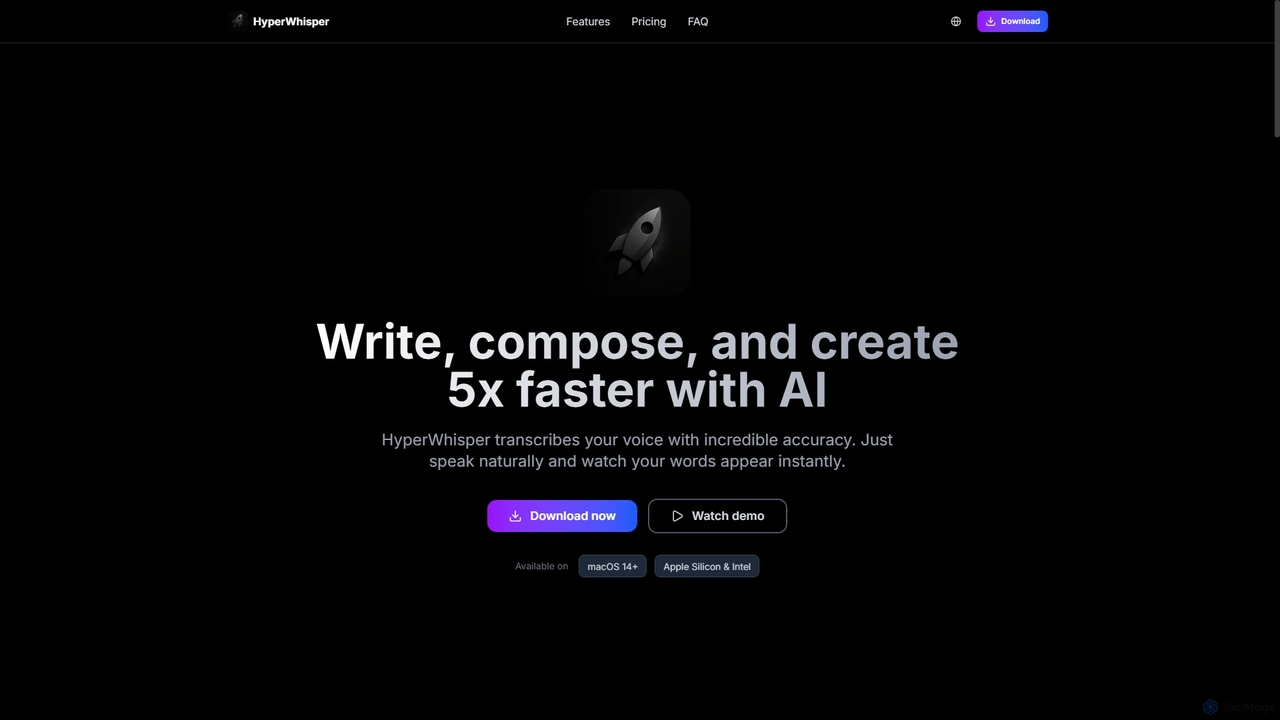
HyperWhisper
HyperWhisper is an AI-powered voice transcription application for macOS, designed to convert spoken words into text with exceptional accuracy and speed. It supports over 100 languages, offers robust offline capabilities, and prioritizes user privacy, making it ideal for professionals seeking efficient content creation and note-taking.
Coding Assistant
Quetta Comments (0)
Sign in to comment.
Sign inNo comments yet.