ToolMage
Sign in

Best 39 Browser Extensions AI tools for Productivity

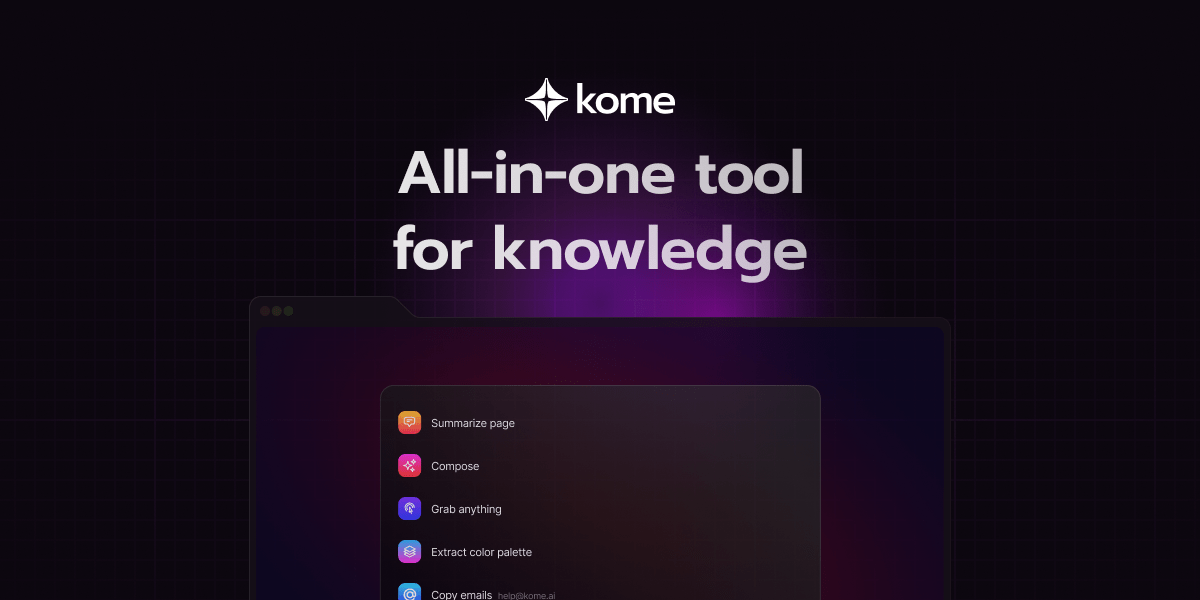
Popular Browser Extensions AI tools in Productivity include Language Reactor, Kome, Glarity, AdsLibrary, AIAI, InterSub, youtube_dubbing, ChatGPT EVO, ChatGPT Auto Refresh, and chatgpt-infinity, helping you work more efficiently.

Symplify
Freemium

Symplify

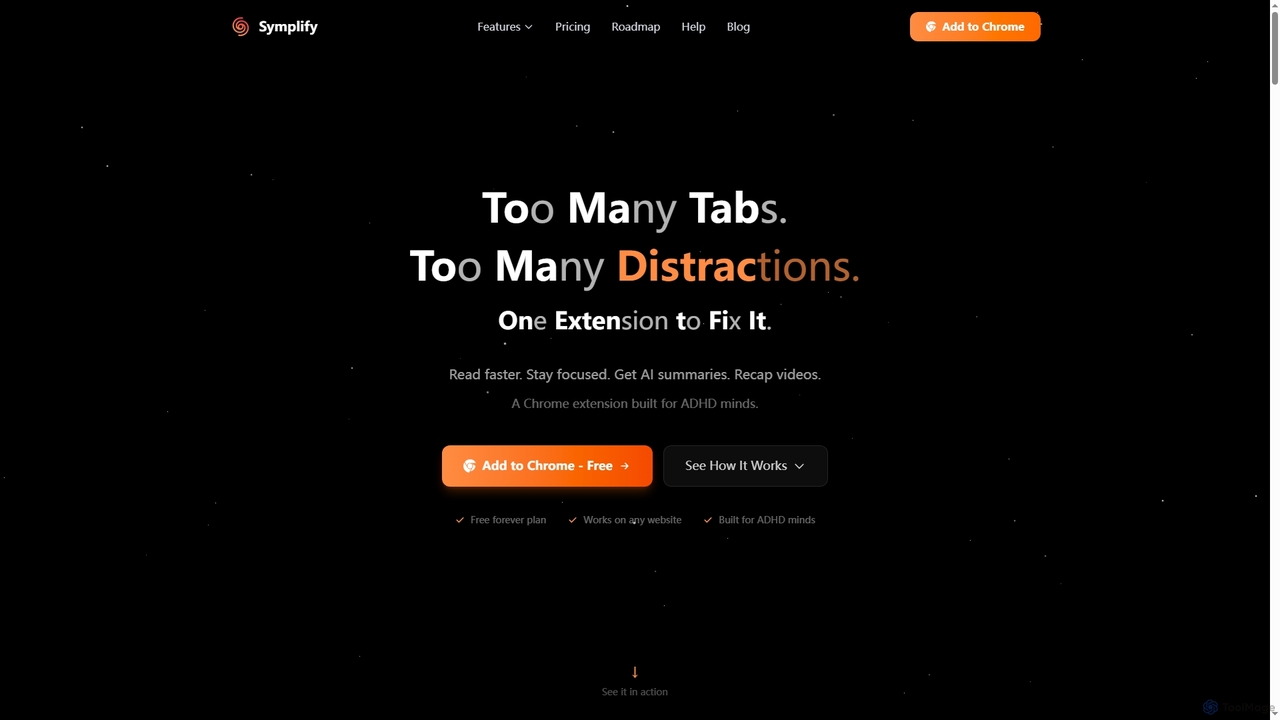
Symplify is an AI-powered Chrome extension designed to enhance focus and productivity by eliminating digital distractions. It offers features like AI summaries, video recaps, easy reading mode, and time tracking, specifically built to support individuals with attention differences.

Summarization
Visits 4KFavorites 21Likes 25
Veri
Freemium

Veri

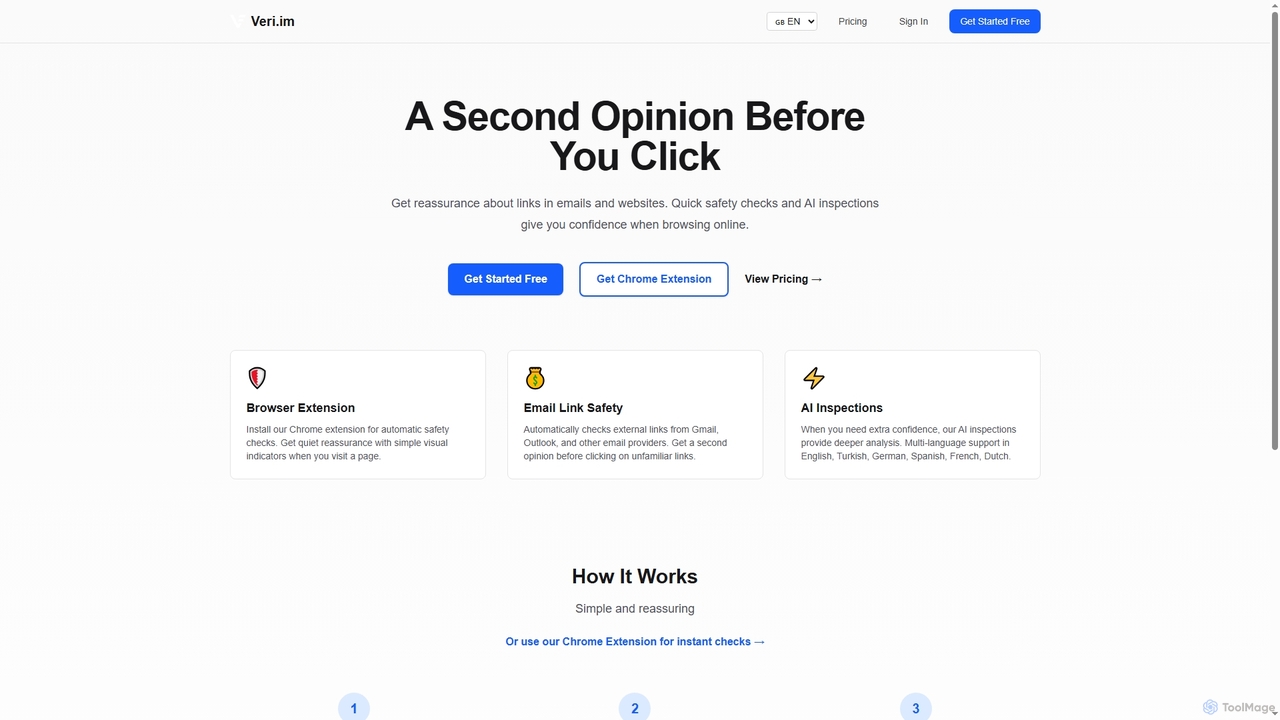
Veri is an AI-powered phishing and scam detection tool that provides a crucial second opinion before users click on suspicious links. It offers a browser extension for automatic safety checks and deep AI inspections for comprehensive online threat analysis, ensuring a safer browsing and email experience.

Phishing Detection
Visits 4.2KFavorites 30Likes 22
AIAI
Freemium

AIAI

AIAI is an all-in-one AI creative suite designed to transform ideas into stunning visuals and provide intelligent assistance. It offers powerful tools for generating images, videos, and text content, alongside specialized features like an AI Homework Helper and a productivity-boosting browser extension.

Homework Assistance
Visits 106.7KFavorites 120Likes 116
Duolingo Ninja
Freemium

Duolingo Ninja

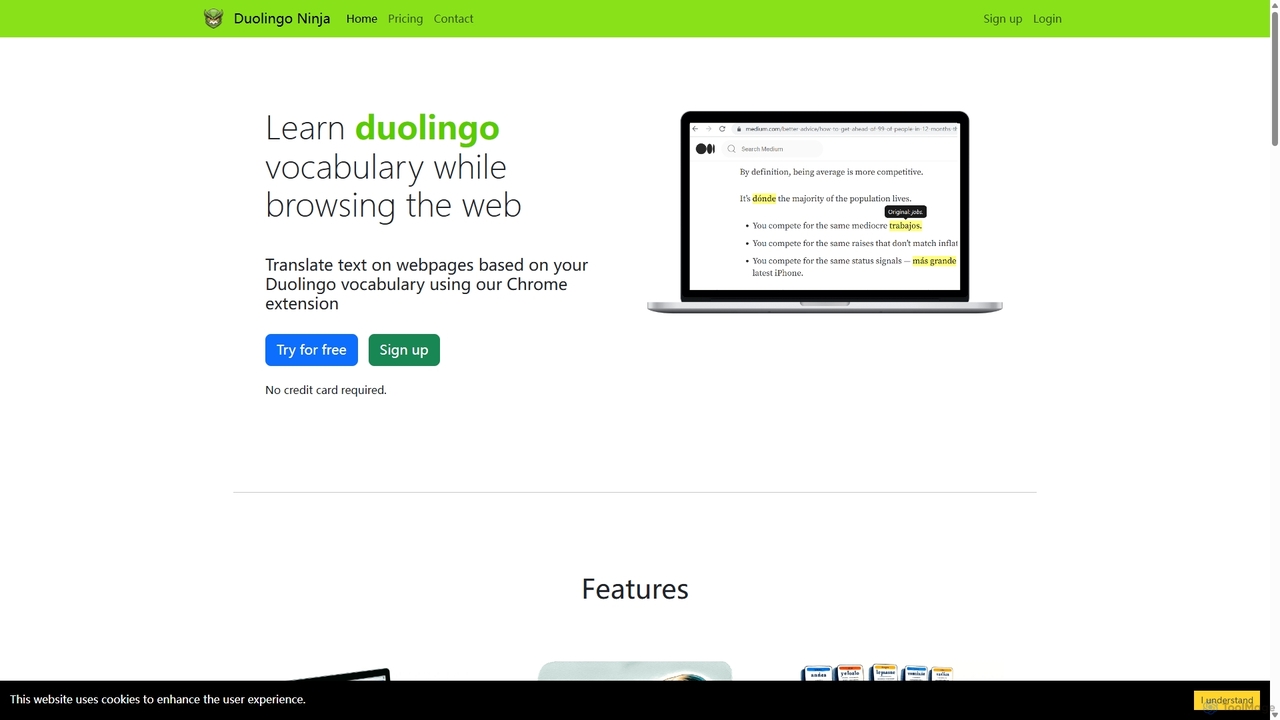
Duolingo Ninja is a Chrome extension designed for immersive language learning. It enhances your Duolingo experience by translating words and sentences on any webpage you browse, based on the vocabulary you've already learned. This allows you to encounter and learn words in real-world contexts, supplemented by features like spaced repetition flashcards with AI-generated sample sentences and customizable learning settings.

Language Learning
Visits 9KFavorites 155Likes 154
Duckduckgpt
Free

Duckduckgpt

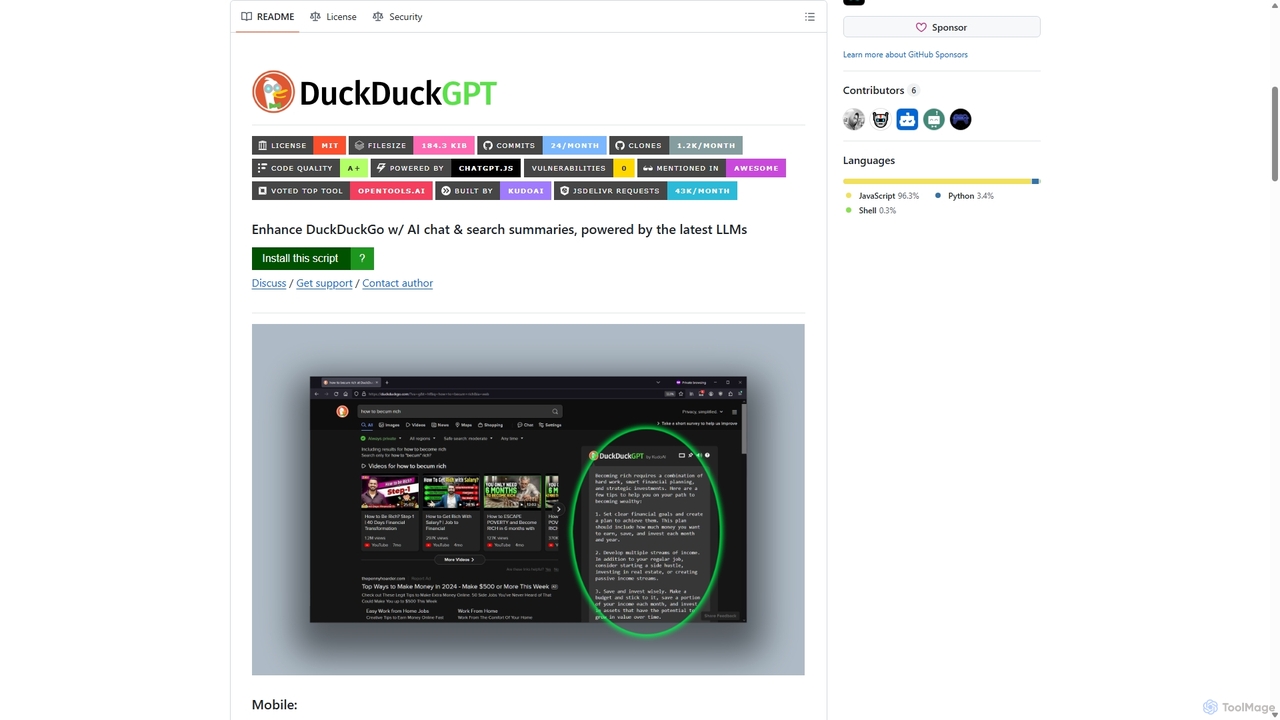
A powerful browser extension that supercharges the DuckDuckGo search engine with AI chat and search summaries. It seamlessly integrates responses from the latest LLMs like GPT-4o directly into your search results, providing instant, intelligent answers while maintaining your privacy.

Browser Extensions
Visits 4.1KFavorites 110Likes 115
AdsLibrary
Freemium

AdsLibrary

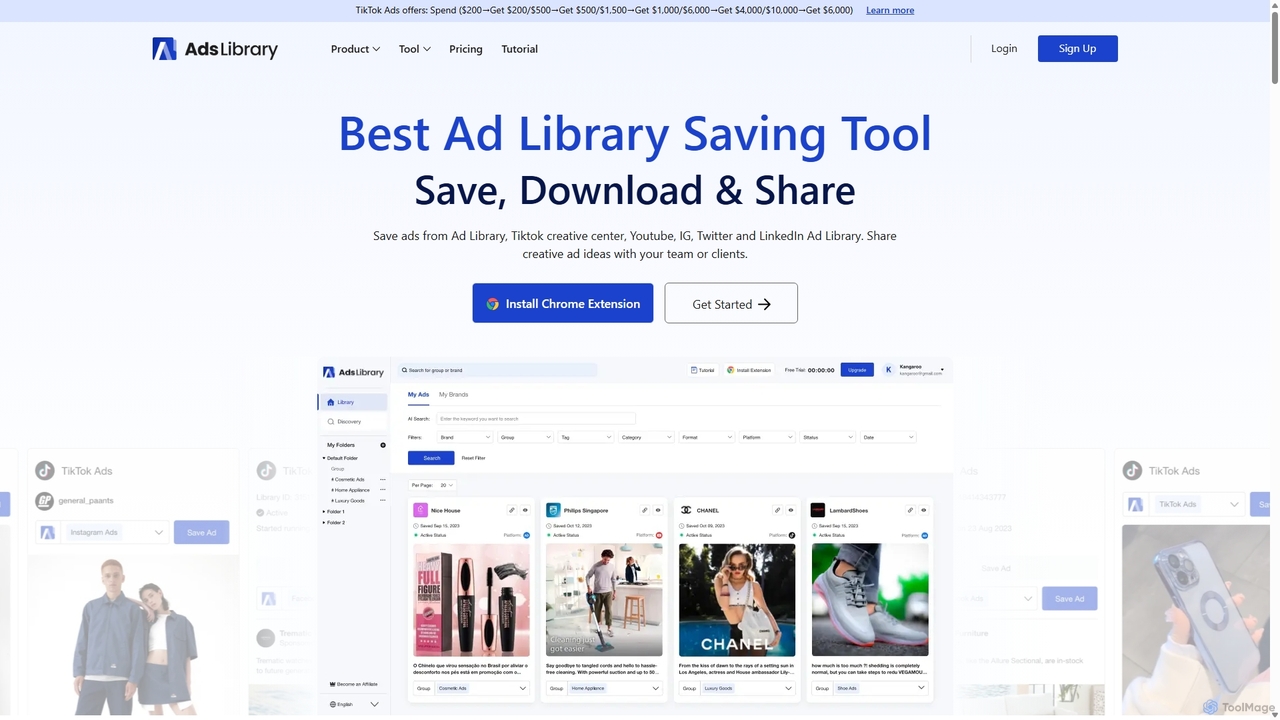
AdsLibrary is a powerful ad intelligence tool and Chrome extension for marketers and creative teams. It enables users to save, manage, and analyze ads from major platforms like Facebook Ad Library, TikTok, YouTube, and Instagram. With features for bulk downloading, team collaboration, and a vast discovery library of over 600,000 ads, it streamlines creative research and competitor analysis to inspire high-performing campaigns.

Advertising
Visits 344.5KFavorites 95Likes 96
Quick Text-to-Image
Free

Quick Text-to-Image

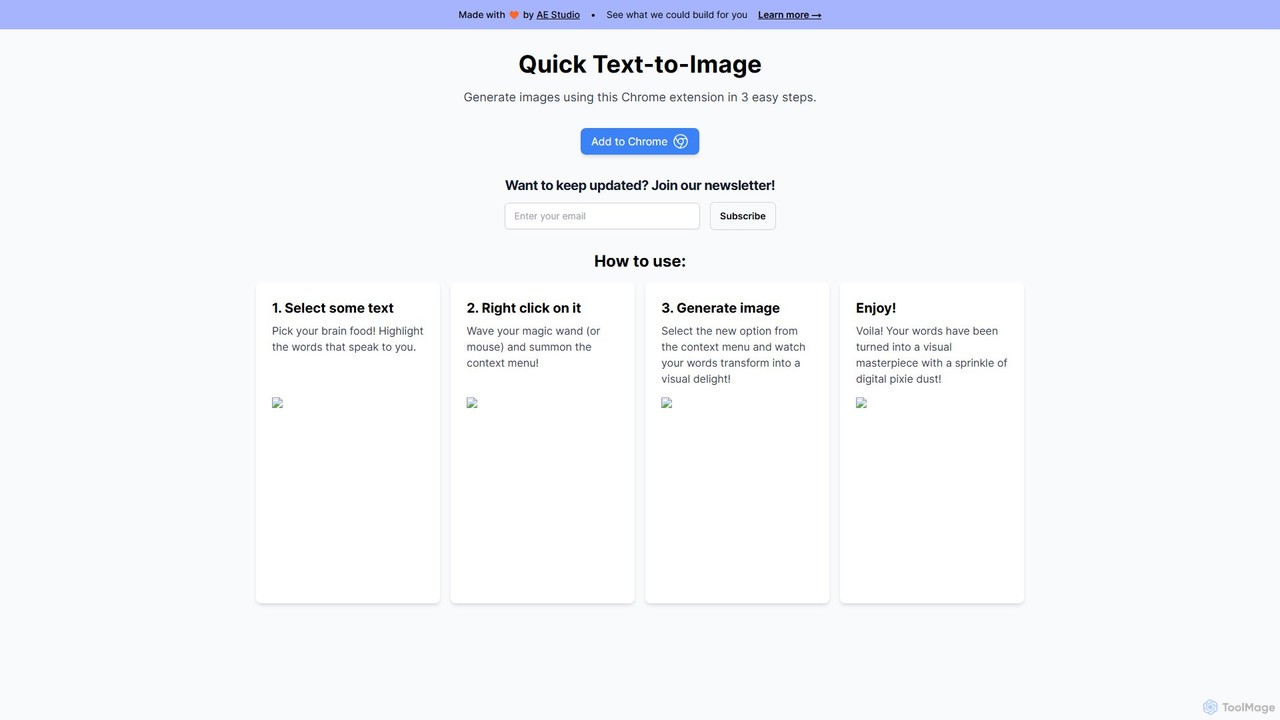
A free Chrome extension that instantly generates AI images from any selected text on a webpage. Simply highlight text, right-click, and create stunning visuals, streamlining your creative workflow for content creation, marketing, and design.

Creative Tools
Visits 4.1KFavorites 164Likes 181

LipSurf
Freemium

LipSurf

A powerful Chrome extension that provides complete voice control for your browser. Dictate text, navigate websites, click links, and create custom shortcuts hands-free. LipSurf enhances productivity and makes the web more accessible for users with motor disabilities, RSI, or dyslexia.

Voice Control
Visits 8.5KFavorites 105Likes 106
PhraseClip
Freemium

PhraseClip

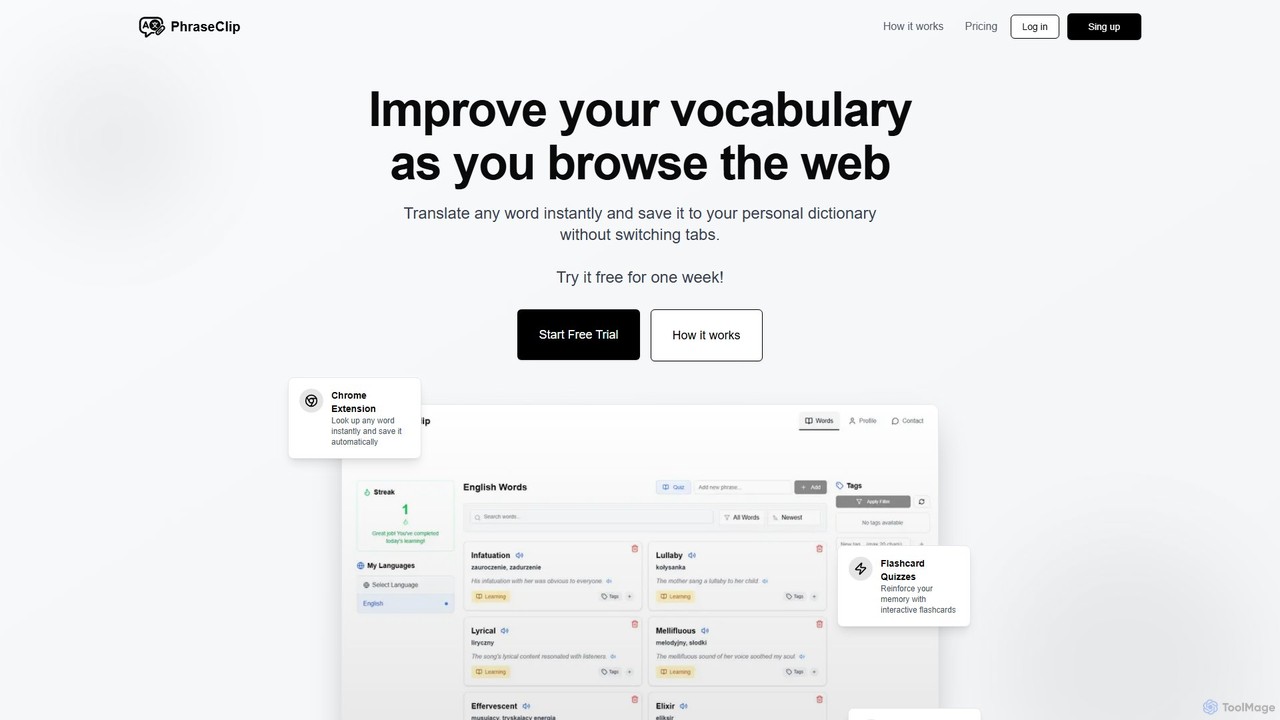
PhraseClip is a Chrome extension for language learners to expand their vocabulary while browsing. Instantly translate any word on any site with two clicks and save it to your personal dictionary. Each saved word includes AI-generated example sentences and pronunciation. Reinforce your learning with interactive flashcard quizzes and track your progress seamlessly, turning new words into long-term memory without interrupting your reading flow.

Language Learning
Visits 4.1KFavorites 110Likes 116
safeornot
Freemium

safeornot

safeornot is an AI-powered security scanner that instantly analyzes URLs, files, and smart contracts to detect phishing, malware, and vulnerabilities. It provides real-time threat intelligence to help individuals and businesses navigate the digital world securely.

Security
Visits 5.3KFavorites 121Likes 112
DeepTab
Freemium

DeepTab

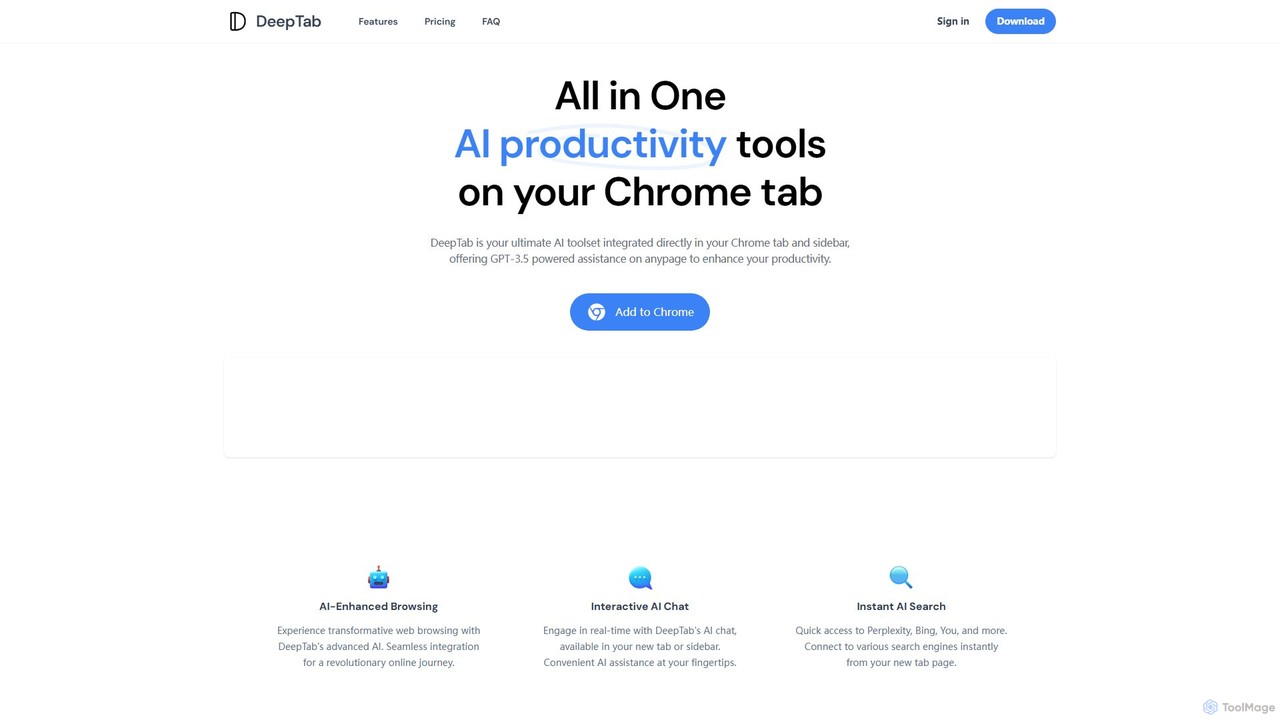
DeepTab is an all-in-one AI productivity toolkit integrated into your Chrome new tab and sidebar. It offers GPT-3.5/GPT-4 powered assistance, an interactive AI chat, instant access to multiple AI search engines, and a directory of AI websites to supercharge your browsing experience.

Chatbot
Visits 4.2KFavorites 138Likes 132
MaxFocus
Freemium

MaxFocus

MaxFocus is a powerful browser extension that enhances productivity by allowing users to preview links without opening new tabs. It offers customizable previews, a distraction-free reader mode, and a dedicated video mode. With its integrated AI assistant, users can get summaries, ask questions about page content, and dive deeper into subjects instantly. It prioritizes user privacy by not tracking browsing history and blocking trackers, providing a secure and focused browsing experience.

Browser Extensions
Visits 38.7KFavorites 107Likes 128
InterSub
Freemium

InterSub

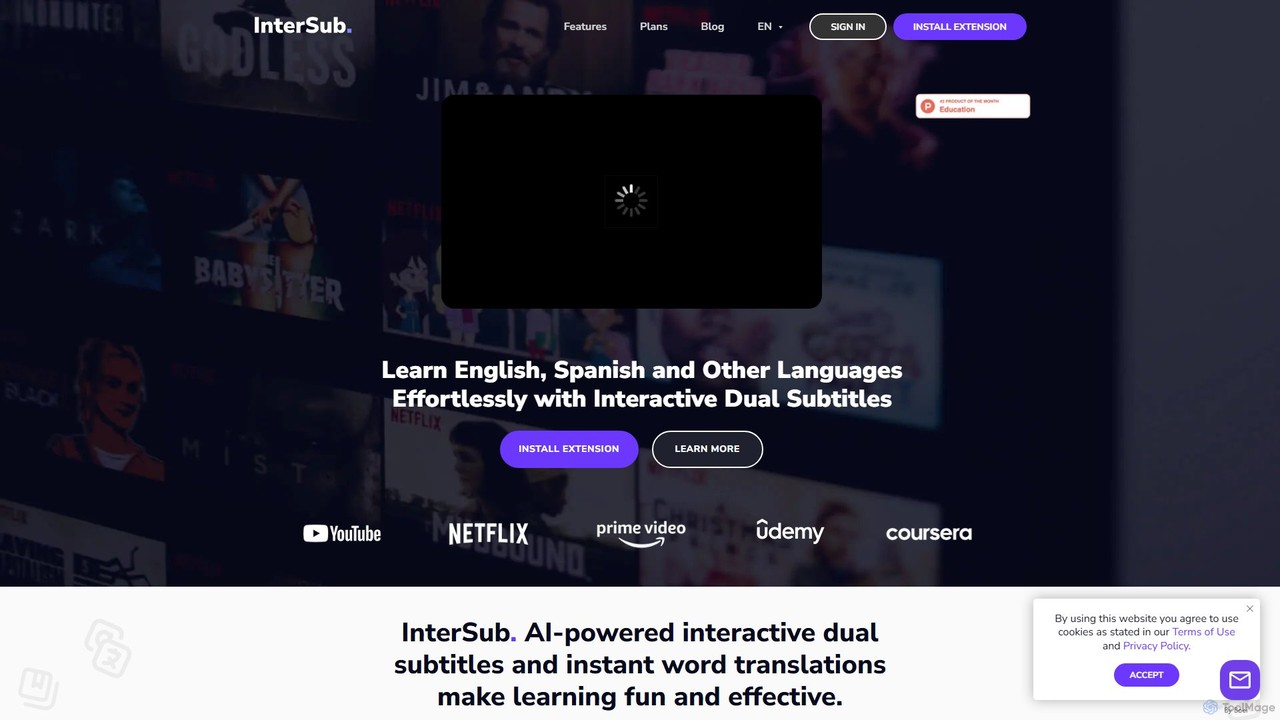
InterSub is an AI-powered browser extension that enhances language learning by providing interactive dual subtitles on popular streaming and educational platforms. It offers instant word translations, a personal vocabulary builder, and supports over 30 languages, turning your video-watching time into an effective and immersive learning session.

Language Learning
Visits 104.2KFavorites 110Likes 102
Glarity
Freemium

Glarity

Glarity is a powerful AI browser extension that summarizes YouTube videos, Google searches, webpages, and PDFs. It also offers immersive webpage translation, AI-powered reading and writing assistance, and direct chat with documents. Powered by leading models like ChatGPT, Claude 3.5, and Gemini, it's a comprehensive tool for enhancing productivity and overcoming language barriers.

Research
Visits 381.1KFavorites 112Likes 110
chatgpt-infinity
Free

chatgpt-infinity

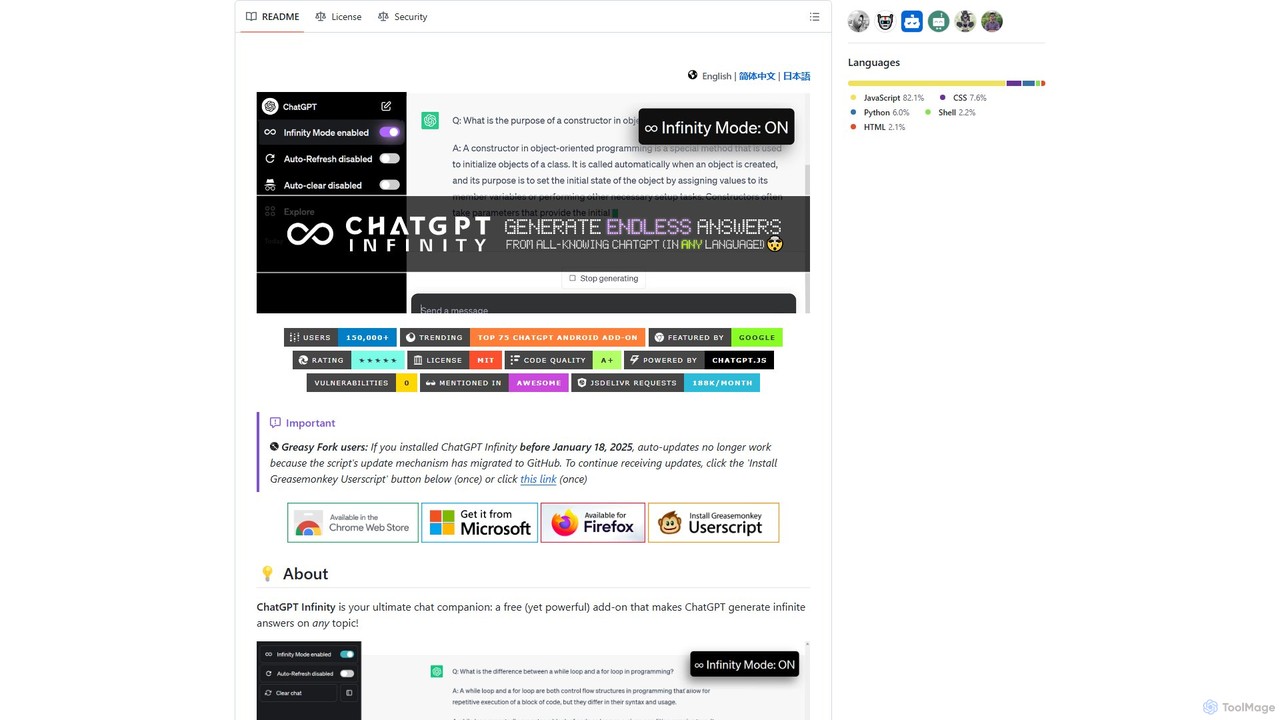
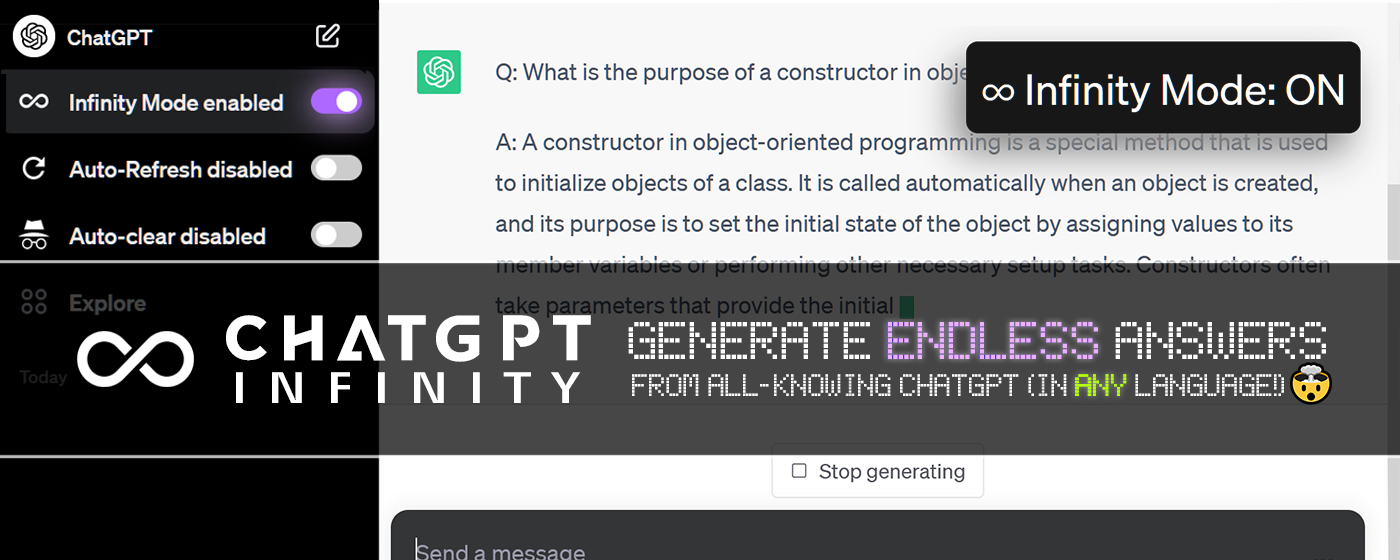
ChatGPT Infinity is a powerful browser extension that enables ChatGPT to generate endless, continuous answers on any topic you choose. It offers features like customizable topics, multilingual output, adjustable response speed, and auto-scrolling for a seamless, in-depth exploration experience. Ideal for researchers, writers, and learners.

Research
Visits 56.6KFavorites 125Likes 129
TabMate
Freemium

TabMate

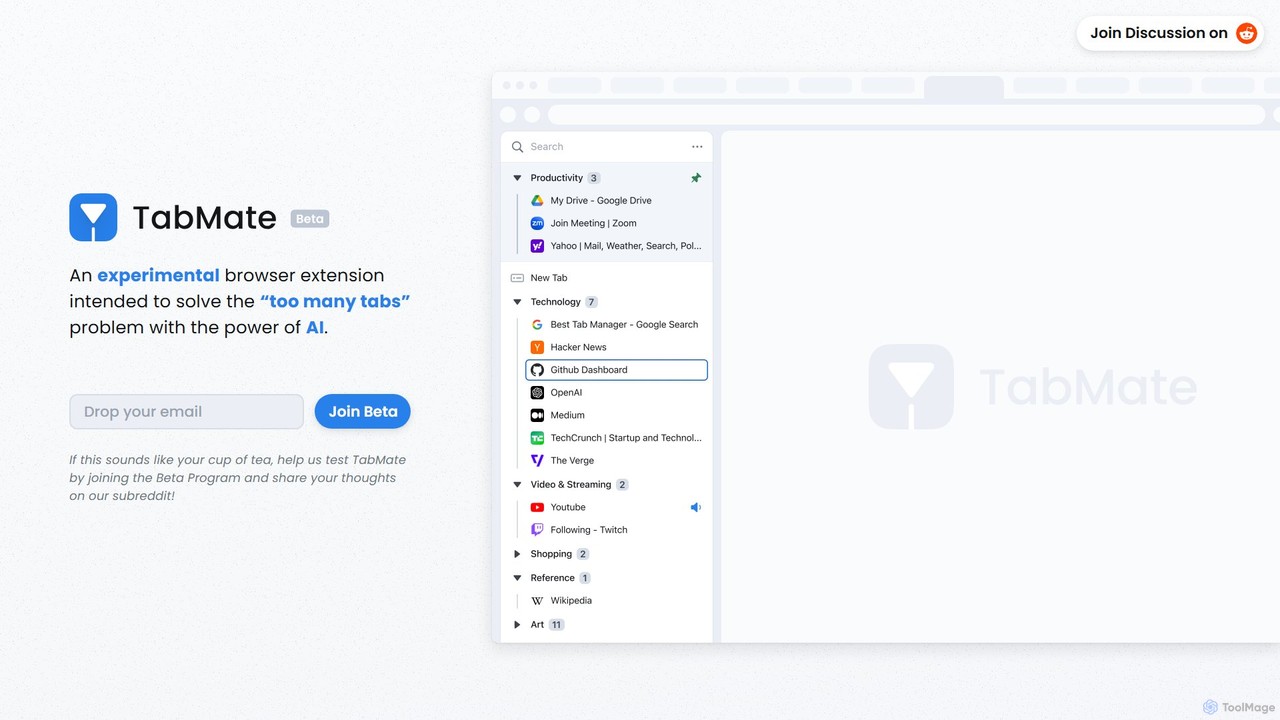
TabMate is an experimental browser extension that uses AI to automatically categorize and manage your browser tabs. It's designed to solve the "too many tabs" problem, helping you stay organized, focused, and productive by intelligently grouping your tabs without manual effort.

Browser Extensions
Visits 7.7KFavorites 90Likes 99
eyeballer
Free

eyeballer

eyeballer offers U-Eyes, a powerful and free Chrome extension for mobile device simulation. It enables developers and designers to test website responsiveness, create high-quality mockups, capture screenshots, and record screencasts directly in the browser, supporting a wide range of popular devices.

Mockup
Visits 20.3KFavorites 125Likes 126
Glimpse
Free

Glimpse

Glimpse is an intelligent AI browser extension designed to make web browsing smarter. It offers contextual chat with any website and an aggregated search engine for direct answers. Note: Glimpse has now evolved into Atlas, a free AI assistant specifically for students.

Research Assistant
Visits 4.1KFavorites 107Likes 124
ChatGPT Auto Refresh
Free

ChatGPT Auto Refresh

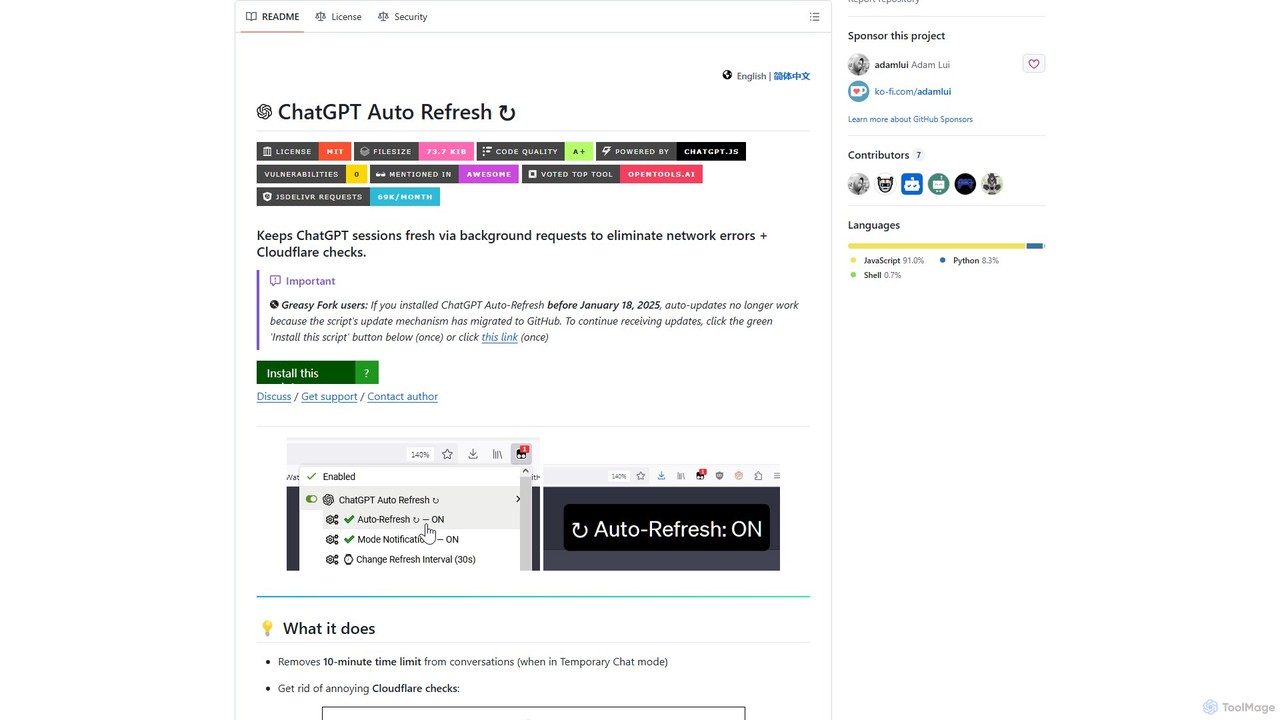
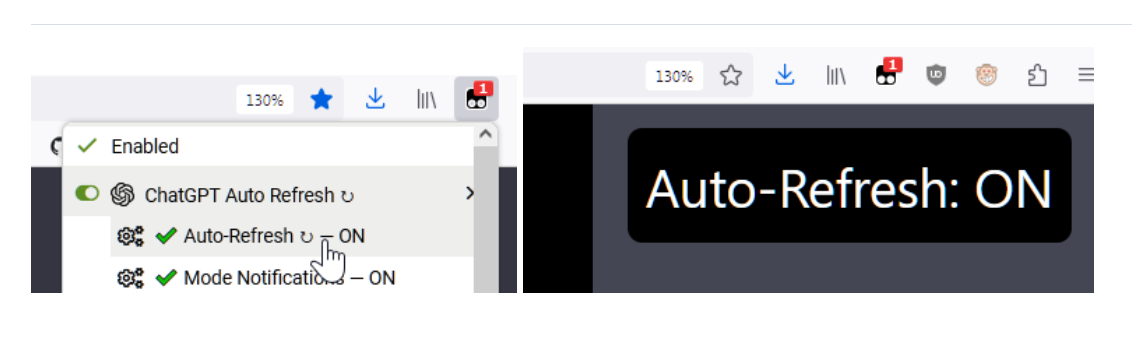
ChatGPT Auto Refresh is a free userscript that keeps your ChatGPT sessions active. It prevents timeouts, network errors, and annoying Cloudflare checks by automatically refreshing the session in the background, ensuring a smooth and uninterrupted chat experience.

Chat Assistant
Visits 56.8KFavorites 110Likes 114
nfdualsubtitles
Freemium

nfdualsubtitles

nfdualsubtitles is a browser extension that enhances your Netflix viewing experience by displaying bilingual subtitles simultaneously. It translates official Netflix subtitles into a wide range of languages, allowing users to learn new languages or better understand foreign films. The extension offers extensive customization for subtitle appearance and position, and allows for one-click subtitle downloads, making it a powerful tool for language learners and cinephiles.

Language Learning
Visits 15.6KFavorites 102Likes 118
TabCrunch
Freemium

TabCrunch

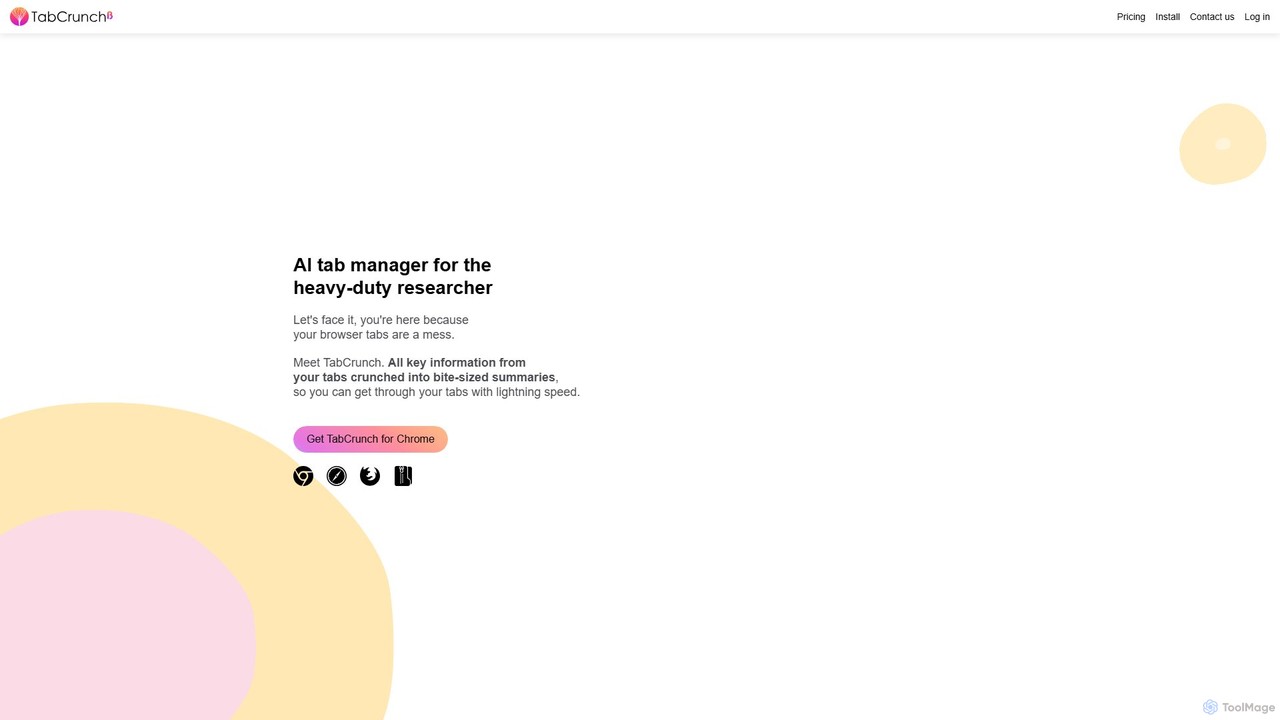
TabCrunch is an AI-powered browser extension designed for heavy-duty researchers and professionals. It automatically organizes messy browser tabs into relevant groups, provides concise summaries for each tab and group, extracts key information, and helps you navigate your research with lightning speed.

Browser Extensions
Visits 6.5KFavorites 97Likes 83
Sitescripter
Paid

Sitescripter

Sitescripter is an AI-powered Chrome extension designed to revolutionize your web browsing. It automates repetitive tasks, summarizes web pages instantly, enables chat with websites, and generates content for social media and professional communications. By creating a personalized AI model, it offers smart form autofill and context-aware assistance, saving you hours of work and boosting your online productivity and presence.

Browser Extensions
Visits 4KFavorites 113Likes 120
Elia
Freemium

Elia

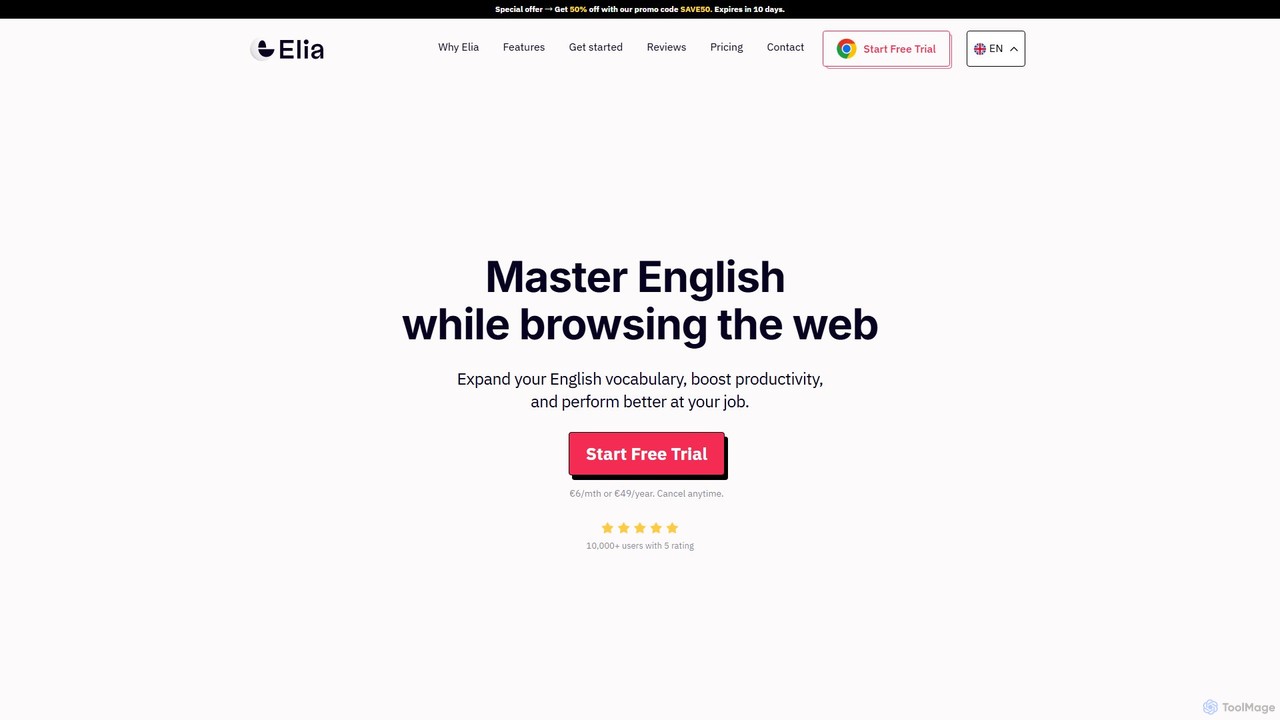
Elia is a Chrome extension designed to help you master English while browsing the web. Instantly translate unfamiliar words, save them to a personalized wordlist, and practice them through intelligent highlighting and review features. Boost your vocabulary and professional performance effortlessly.

Language Learning
Visits 4.1KFavorites 108Likes 115
GPTPLUS
Freemium

GPTPLUS

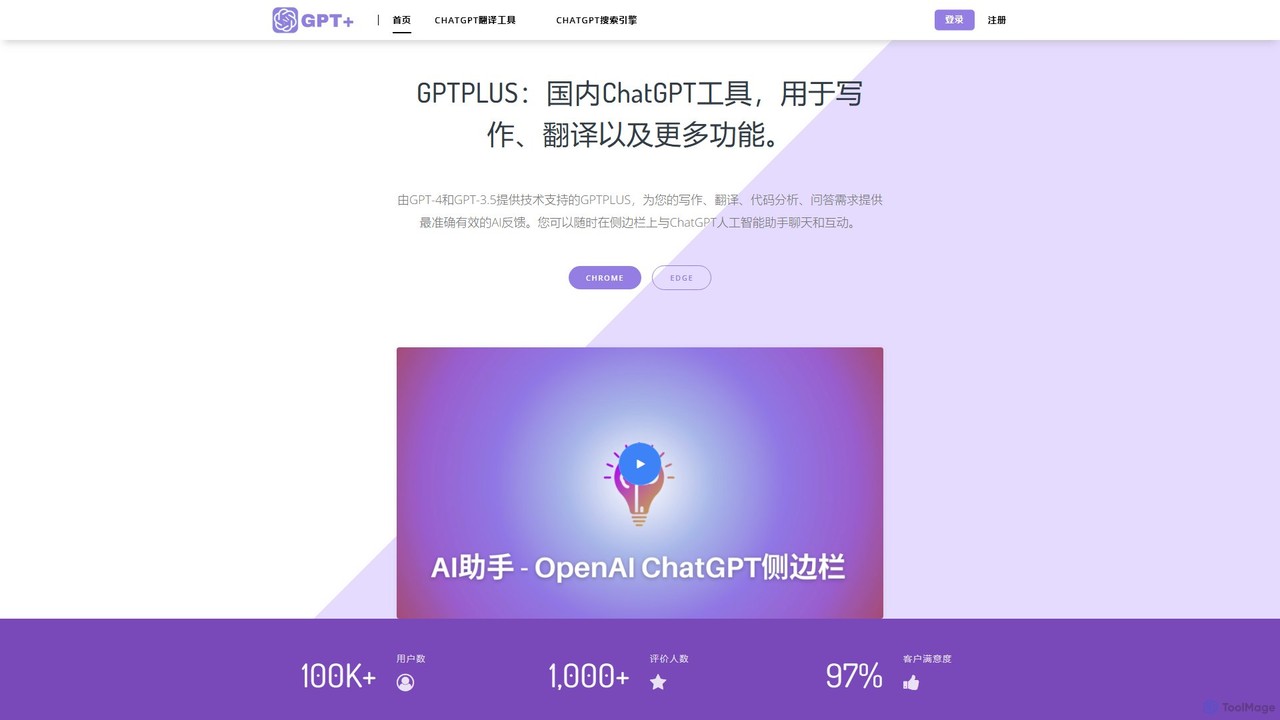
GPTPLUS is a powerful browser extension that integrates ChatGPT as a convenient sidebar. It offers one-click text processing, a rich library of prompt templates, and advanced AI assistance for writing, translation, and research directly within your browser, boosting productivity and streamlining your workflow.

Browser Extensions
Visits 9.7KFavorites 111Likes 111

About Browser Extensions

AI Browser Extensions are tools that integrate artificial intelligence directly into your web browser to enhance online tasks. They function as add-ons, providing contextual AI assistance on any webpage, allowing you to summarize articles, draft emails, or analyze data without switching tabs. This transforms your browser into an intelligent, interactive workspace, streamlining workflows and boosting productivity. These extensions leverage AI to understand the content you are viewing and offer relevant actions on the fly.

Core Features

  • Contextual Content Generation: Create text, emails, or social media posts based on the content of the current page.
  • On-the-Fly Summarization: Instantly condense long articles, reports, or video transcripts into key points.
  • Intelligent Web Automation: Automate repetitive tasks like data entry or information extraction directly within the browser.
  • Integrated Research Assistant: Look up terms, find related information, or ask questions about the page content without leaving your current tab.

Use Cases

These extensions are highly valuable for researchers, content creators, marketers, and students. For instance, a marketer can use an extension to instantly generate ad copy variations from a product page, while a student can summarize a lengthy academic paper for quick review, all within the same browser window.

How to Choose

When selecting an AI Browser Extension, consider its browser compatibility (Chrome, Firefox, etc.), the specific AI models it uses, and its core functionalities (writing, summarizing, search). Also, evaluate its user interface for ease of use and review its privacy policy to understand how your data is handled.

Featured tool rankings

Browser Extensions use cases

1

Accelerating Market Research and Data Collection

A market analyst uses an AI browser extension to streamline competitor analysis. While visiting a competitor's website, the extension automatically summarizes their key value propositions, extracts product features into a structured list, and analyzes on-page customer reviews for sentiment. This process eliminates hours of manual copy-pasting and data organization, providing the analyst with actionable insights directly within their research workflow and enabling faster, more informed strategic decisions.

2

Streamlining Content Creation and Social Media Management

A content creator browses an insightful article and uses their AI extension to instantly generate a concise summary. From that summary, they prompt the tool to draft several unique social media posts for different platforms like Twitter and LinkedIn, complete with relevant hashtags. This transforms passive content consumption into an active creation process, significantly reducing the time needed to develop and schedule engaging social media content based on external sources.

3

Enhancing Email and Communication Efficiency

A sales professional composing an email in a web-based client like Gmail uses an AI extension to improve their message. The tool can help draft a professional reply to a client's inquiry, adjust the tone to be more persuasive, correct grammar and spelling, and even summarize a long email thread for context. This ensures faster, more accurate, and context-aware communication, allowing the professional to handle more client interactions effectively without leaving their inbox.

4

Instant Summarization for Academic and News Reading

A student researching for a paper opens a dense academic journal online. Instead of spending an hour reading it fully, they use an AI browser extension to get a concise, bullet-point summary in seconds. The tool identifies the key arguments, methodology, and conclusions. This allows the student to quickly assess the relevance of dozens of papers, drastically reducing research time and improving their ability to synthesize information from multiple sources efficiently.

5

Optimizing E-commerce Product Descriptions

An e-commerce manager working on a product page in a platform like Shopify uses an AI extension to generate compelling, SEO-friendly product descriptions. The tool can analyze the product title and images on the page to create descriptive text. It can also be prompted to produce variations in different tones or to include specific keywords for better search visibility. This automates a time-consuming creative task, ensuring product listings are both engaging for customers and optimized for search engines.

6

Assisting Developers with Code and Documentation

A software developer browsing technical documentation or a forum like Stack Overflow uses an AI extension for quick assistance. The tool can explain a complex code snippet directly on the page, translate code from one programming language to another, or generate boilerplate code based on a simple prompt. This acts as an instant coding assistant integrated into their research process, reducing the need to switch contexts to a separate IDE or search engine for quick help and clarification.

Browser Extensions FAQ

What are AI Browser Extensions?

AI Browser Extensions are software add-ons that integrate artificial intelligence directly into your web browser. Unlike standard extensions for blocking ads or managing passwords, these tools use AI models to understand webpage content, generate text, summarize information, and automate tasks. They act as a context-aware AI assistant that works on any site you visit, enhancing your productivity without needing to switch to a separate application.

How to choose the right AI Browser Extension?

To choose the right extension, consider these key factors:

  • Primary Function: Identify your main need. Do you require assistance with writing, summarizing, research, or coding? Select an extension that specializes in that area.
  • Browser Compatibility: Ensure the tool is available for your preferred browser, such as Chrome, Firefox, Edge, or Safari.
  • Ease of Use: Look for an intuitive interface and simple activation, often via a keyboard shortcut or a right-click menu.
  • Privacy Policy: Since these extensions can access webpage content, carefully review their data handling and privacy policies.
  • Pricing Model: Compare the features offered in free versions versus paid subscription plans to find one that fits your usage and budget.
What's the difference between an AI Browser Extension and a standalone AI web app?

The main difference is integration and context. A standalone AI web app (like the ChatGPT website) requires you to open its specific tab, then copy and paste information into it. An AI Browser Extension works directly on top of any webpage you are currently viewing. It is context-aware, meaning it can 'read' the page and perform actions based on its content (e.g., 'summarize this article') without manual copy-pasting. Extensions are designed for in-context, immediate tasks, while web apps are better for more extensive, separate projects.

Are AI Browser Extensions safe to use?

Generally, AI browser extensions from reputable developers are safe. However, because they often require permission to read and modify webpage data, there is an inherent privacy consideration. It is crucial to only install extensions from official sources like the Chrome Web Store or Firefox Add-ons store. Before installing, always check the developer's reputation, read user reviews, and carefully review the extension's privacy policy to understand what data it collects and how that data is used.

Who can benefit most from using AI Browser Extensions?

A wide range of users can benefit significantly. Students and researchers use them to quickly summarize academic papers and articles. Content creators and marketers leverage them to draft social media posts, rewrite content, and generate ideas. Developers get instant help with code explanations and documentation. Sales and support teams use them to write emails faster and more professionally. Essentially, anyone who spends a substantial amount of time working within a web browser can improve their efficiency and streamline their tasks.