

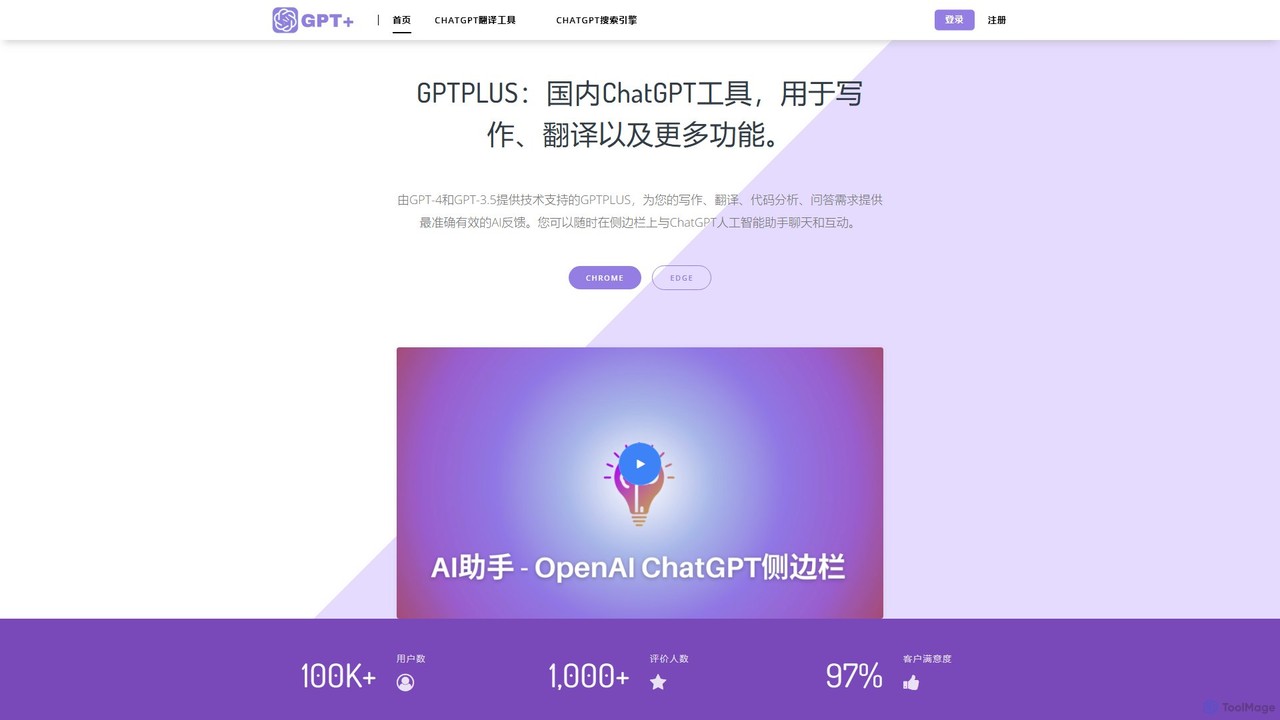
GPTPLUS Overview
GPTPLUS, also known as ChatsNow, is a versatile AI-powered browser extension designed to seamlessly integrate the capabilities of OpenAI's ChatGPT into your daily browsing activities. By adding a convenient sidebar to your browser (compatible with Chrome and Edge), GPTPLUS eliminates the need to switch between tabs, allowing you to access powerful AI assistance instantly. With a user base of over 100,000 and high customer satisfaction, it has established itself as a leading tool for enhancing productivity and efficiency.
The extension acts as a comprehensive AI assistant. Whether you're a writer, marketer, student, or professional, GPTPLUS provides the tools you need to excel. You can chat with the AI in the sidebar, just like on the official ChatGPT website, and even save your conversation history. The tool supports both GPT-3.5 and the more advanced GPT-4 model, ensuring high-quality and contextually aware responses.
How to use GPTPLUS
Getting started with GPTPLUS is a simple, multi-step process designed for immediate use:
- Add to Browser: Install the GPTPLUS extension from the Chrome Web Store or Microsoft Edge Add-ons.
- Access the Sidebar: Once installed, you can open the AI sidebar on any webpage. You can start a conversation with the AI directly.
- Use Prompt Templates: Choose from a library of over 20 popular, pre-built templates for specific tasks like SEO optimization, content summarization, or email drafting. You can also create and save your own custom prompts for recurring tasks.
- Process Text On-Page: Simply highlight any text on a webpage, and a GPTPLUS button will appear. Click it to instantly translate, summarize, explain, or rephrase the selected content without leaving the page.
Core Features of GPTPLUS
- Instant ChatGPT Sidebar: Access a full-featured AI chat interface on any website, allowing for continuous workflow without interruption.
- One-Click Text Processing: Highlight text to quickly perform actions like translation, summarization, grammar correction, and explanation.
- Rich Prompt Library: Comes equipped with over 20 professionally crafted prompt templates for various needs, including SEO, marketing, writing, and social media.
- Custom Prompts: Users can create, save, and manage their own custom prompts to tailor the AI's responses to their specific requirements.
- High-Quality Translation: Leverage the power of AI to translate text between numerous languages accurately while maintaining a natural tone.
- Advanced Writing Assistant: Get help with drafting and refining content, generating ideas, creating headlines and outlines, and optimizing articles for search engines.
- Model Selection: Supports both GPT-3.5 for fast responses and GPT-4 for more complex and nuanced tasks (available in premium plans).
- Chat History: Keeps a record of your conversations, allowing you to refer back to previous interactions at any time.
Use Cases for GPTPLUS
GPTPLUS is a versatile tool suitable for a wide range of users:
- Content Creators & Marketers: Quickly generate blog post ideas, write SEO-friendly titles and meta descriptions, draft social media updates, and create ad copy.
- Students & Researchers: Summarize lengthy articles and research papers, explain complex concepts, paraphrase text to avoid plagiarism, and get help with homework.
- Professionals & Business Users: Draft professional emails, enhance LinkedIn profiles and posts, prepare for meetings by summarizing documents, and get quick, reliable answers to industry-specific questions.
- Developers: Explain code snippets, debug, and write boilerplate code directly in the browser while viewing documentation or forums.
Advantages of GPTPLUS
The primary advantage of GPTPLUS is its seamless integration into the user's workflow, which significantly boosts productivity. By eliminating the need to constantly switch tabs, it saves valuable time and mental energy. The tool is user-friendly with a simple interface, making powerful AI accessible to everyone. The availability of a free plan makes it a no-risk option for new users, while the premium plans offer advanced capabilities for power users.
Pricing and Plans
GPTPLUS operates on a freemium model. It offers a Free Plan that provides a generous number of daily interactions (e.g., 30 searches per day), making it perfect for casual users. For those with more demanding needs, GPTPLUS offers Premium Plans. Subscribing to a premium plan unlocks higher usage limits, priority access, and advanced features, including the use of the more powerful GPT-4 model. This tiered structure ensures that both individuals and professionals can find a plan that fits their usage patterns and budget.
Traffic
Latest traffic
Status
Monthly traffic trend
- 2026-1: 28.9K
- 2026-2: 17.7K
- 2026-3: 18.7K
- 2026-4: 12.8K
- 2026-5: 5.6K
Geography
Top 5 countries / regions
- 🇺🇸United States34.5%
- 🇧🇷Brazil34.5%
- 🇮🇳India12.1%
- 🇩🇪Germany12.0%
- 🇳🇱Netherlands6.8%
Top keywords
| Keyword | Cost per click |
|---|---|
| best lingerie prompts chatgpt | $0.00 |
| gerador de texto 18 gratis | $0.00 |
| ia nsfw | $0.24 |
| nsfw prompt generator | $1.72 |
| nsfw story generator | $0.95 |
GPTPLUS Alternatives
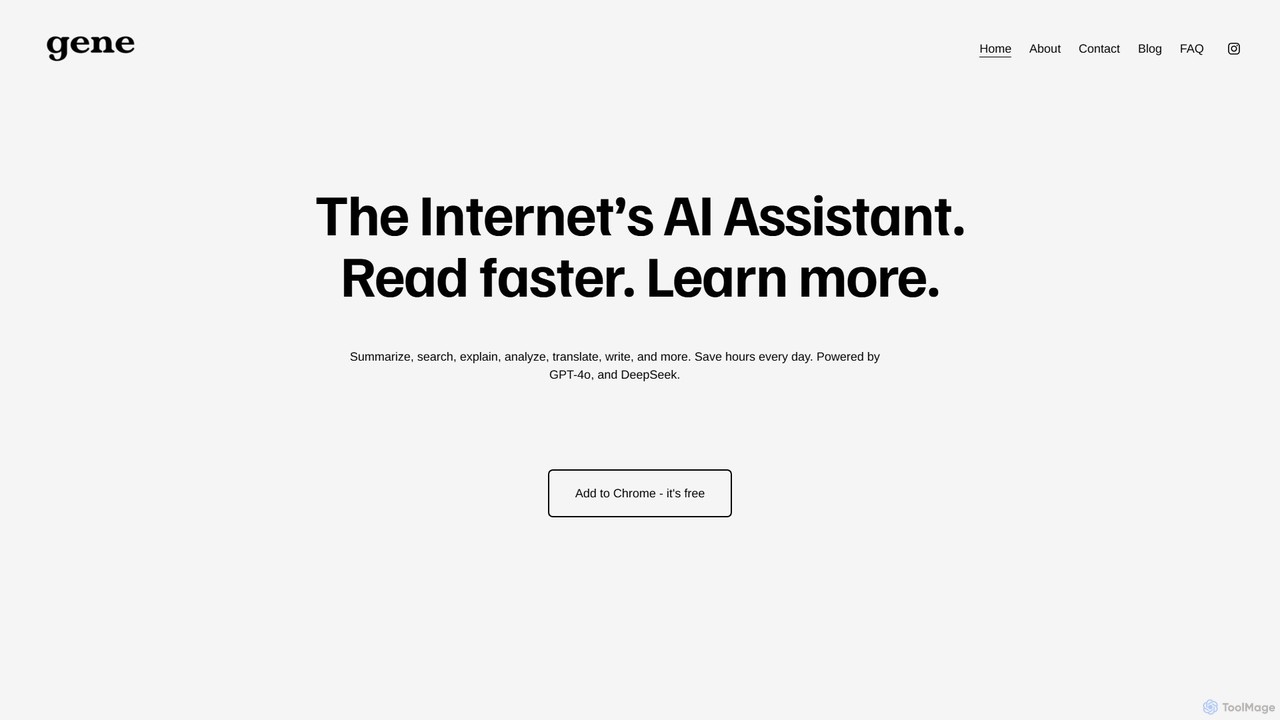
Ask Gene
Ask Gene is a free AI-powered Chrome extension that acts as your personal internet assistant. Powered by GPT-4o and DeepSeek, it allows you to summarize webpages and PDFs, chat with AI without leaving your tab, explain complex text, translate, and assist with writing, all seamlessly integrated into your browser.
Research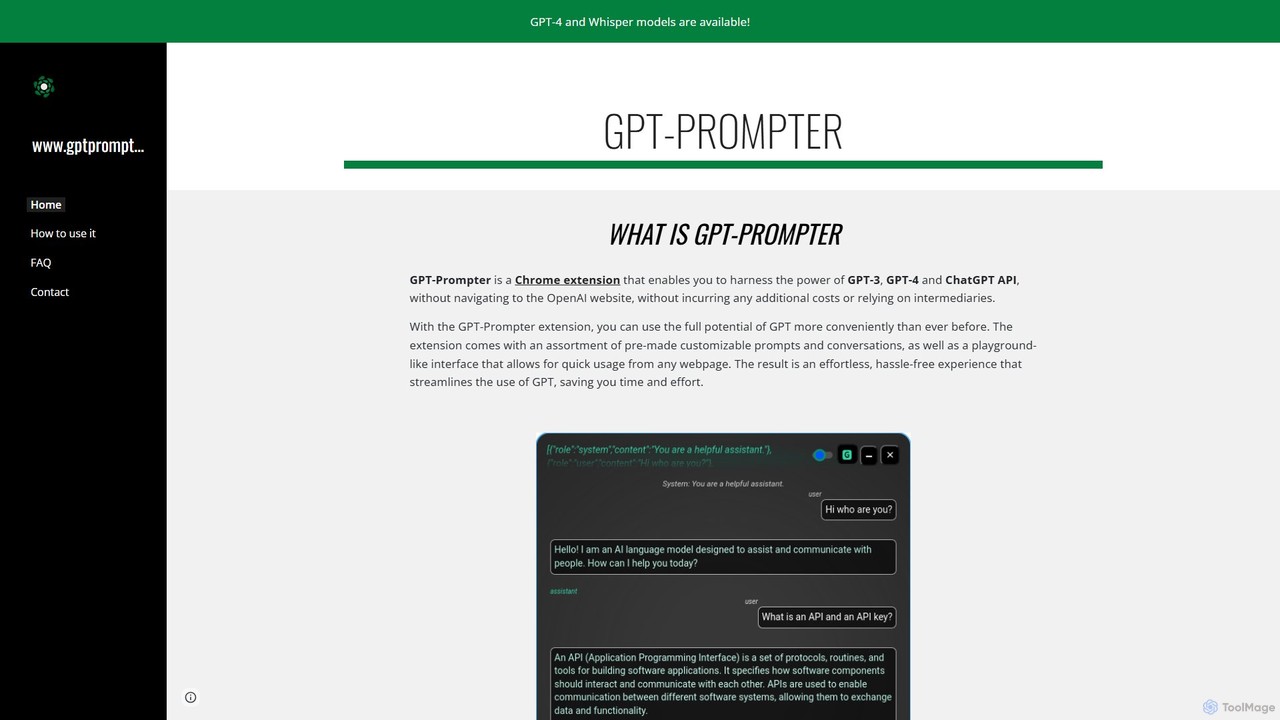
GPT-Prompter
GPT-Prompter is a powerful Chrome extension that integrates GPT-3, GPT-4, and ChatGPT directly into your browser. It allows you to use OpenAI's models on any webpage without visiting the OpenAI site. Create, manage, and execute custom prompts via a right-click context menu or a playground-style interface. It streamlines your workflow by bringing AI assistance to your fingertips, complete with features like Whisper API transcription and detailed usage history.
Api Management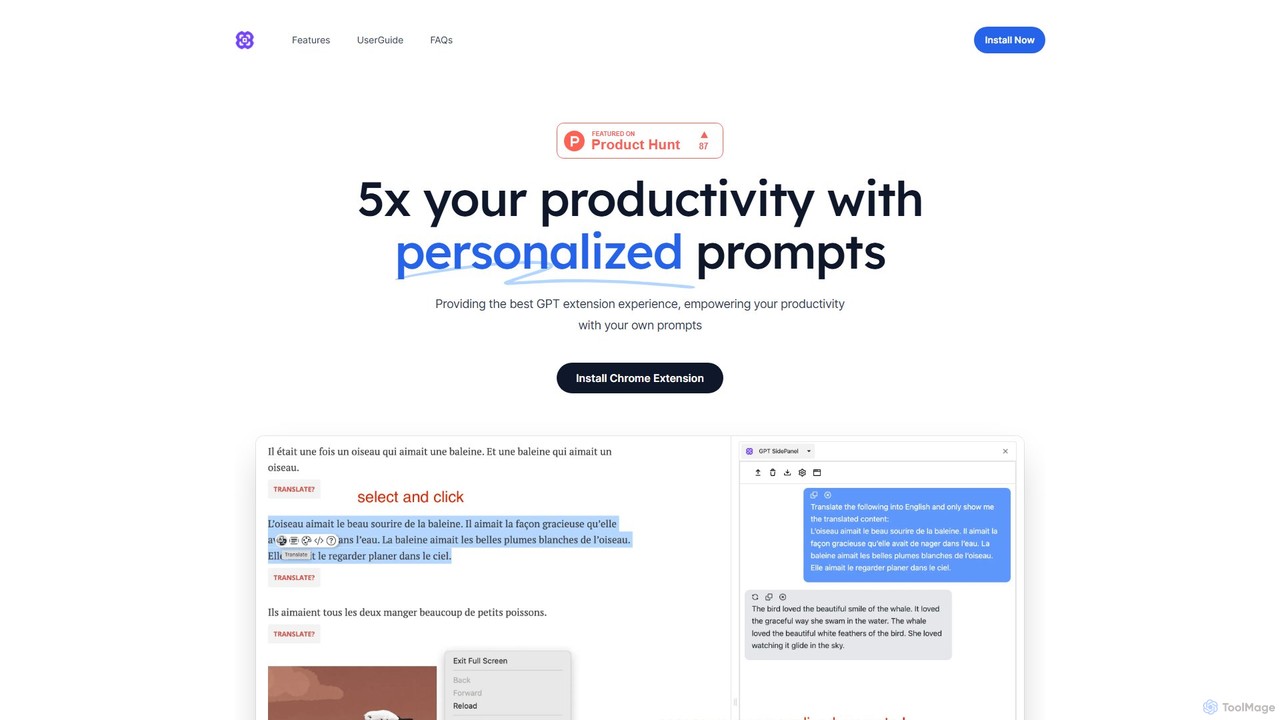
GPTSidePanel
GPTSidePanel is a powerful AI browser extension that integrates a GPT-powered sidebar into your browsing experience. Boost your productivity by summarizing articles, translating text, polishing writing, and using custom prompts directly on any webpage. Eliminate tab-switching and keep your workflow seamless with this intuitive AI assistant.
Browser Extension
chrome_ai
An all-in-one AI assistant integrated into your Chrome browser. Summarize web pages and YouTube videos, enhance your writing, explain complex topics, and chat with advanced AI models without leaving your current tab. Boost your productivity with seamless AI power.
Chrome Extensions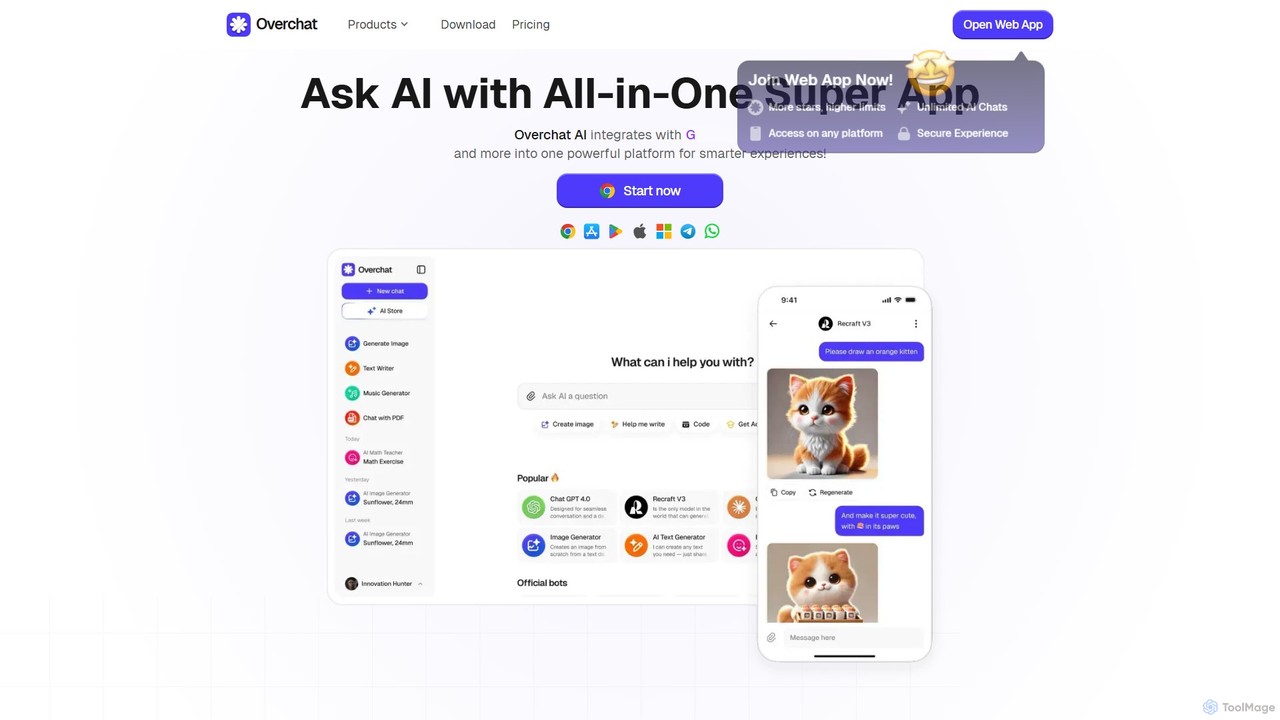
Overchat
Overchat is an all-in-one AI super app that integrates multiple leading language models like GPT-4 and Claude 3 into a single, intuitive interface. It functions as a versatile AI assistant for answering questions, completing tasks, writing content, and even advanced image editing, available across web and mobile platforms.
Image EditingGPTPLUS Categories
GPTPLUS Embed Widget
Copy this embed code to place the badge on your blog, article, or product site and send readers directly to this ToolMage detail page.

Related AI tools
GPTSidePanel
GPTSidePanel is a powerful AI browser extension that integrates a GPT-powered sidebar into your browsing experience. Boost your productivity by summarizing articles, translating text, polishing writing, and using custom prompts directly on any webpage. Eliminate tab-switching and keep your workflow seamless with this intuitive AI assistant.
Browser Extensionchrome_ai
An all-in-one AI assistant integrated into your Chrome browser. Summarize web pages and YouTube videos, enhance your writing, explain complex topics, and chat with advanced AI models without leaving your current tab. Boost your productivity with seamless AI power.
Chrome Extensions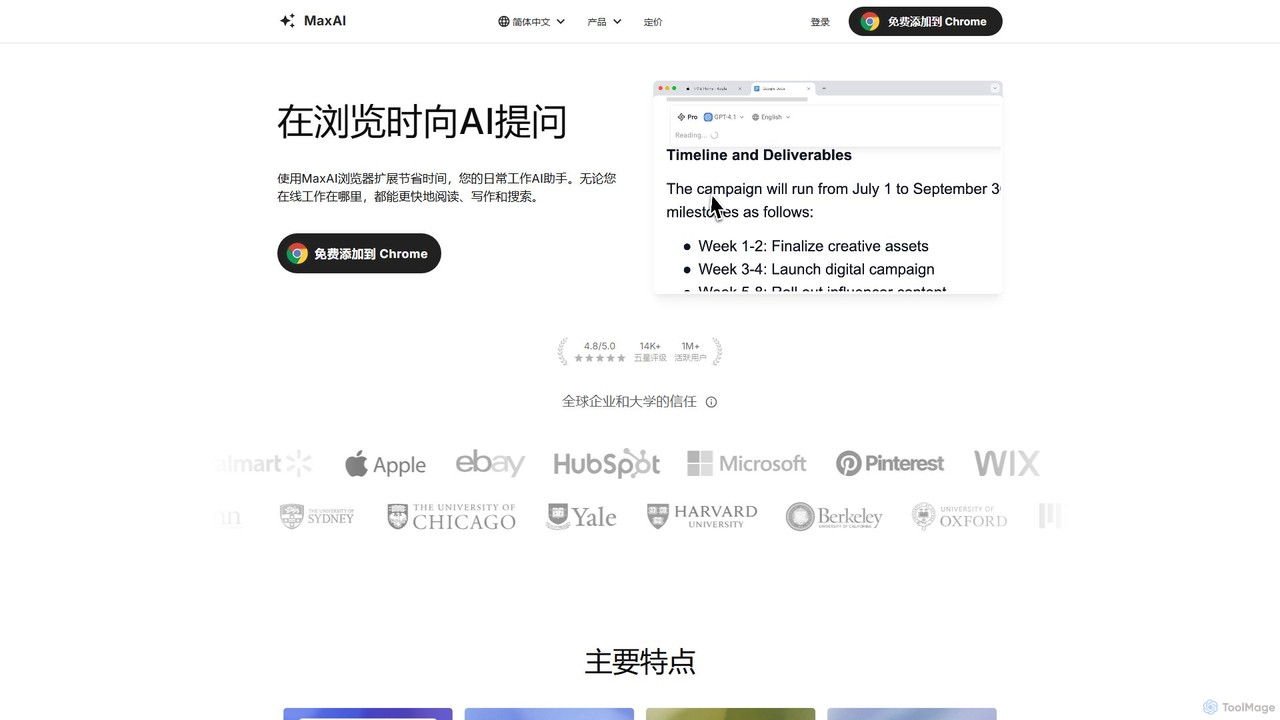
MaxAI
MaxAI is a powerful browser extension that acts as your all-in-one AI assistant. It integrates top AI models like GPT-4o and Claude 3.5 directly into your browser, allowing you to read, write, and research faster. Summarize web pages, improve your writing, translate text, and generate content with a single click, boosting your productivity across all your online activities.
Chrome Extensions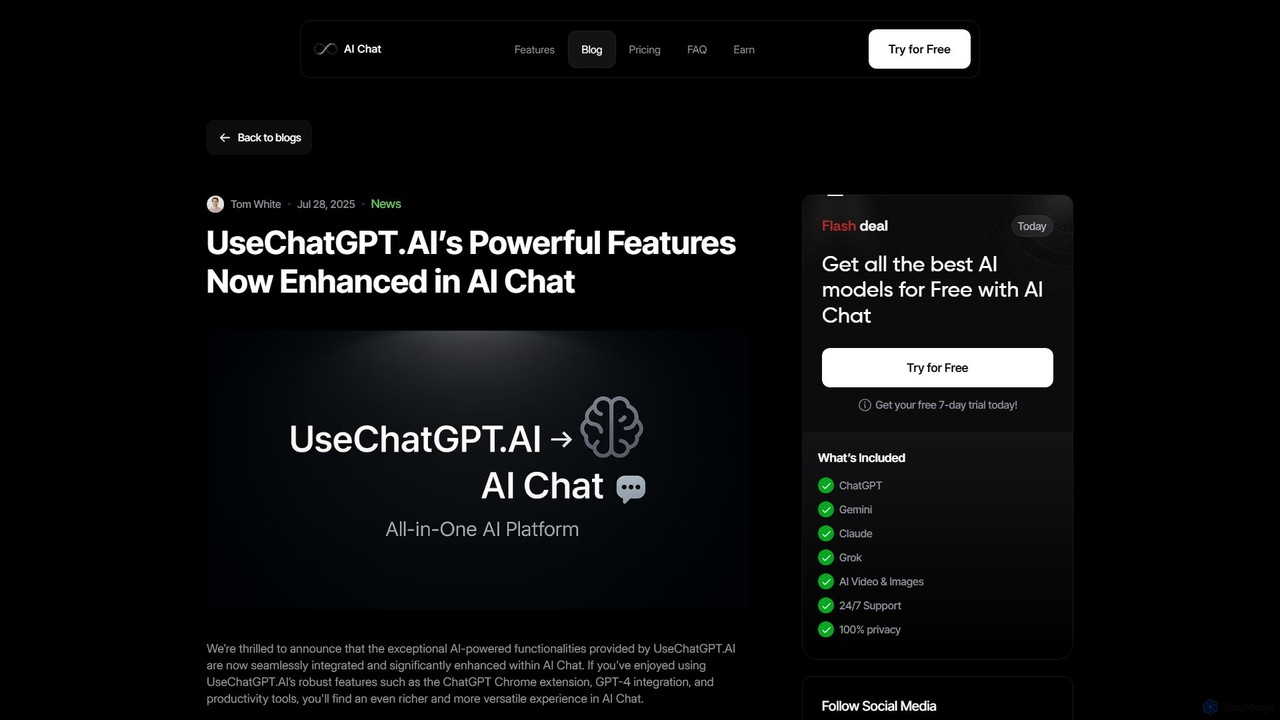
UseChatGPT.AI
UseChatGPT.AI is a powerful free Chrome extension that integrates GPT-4 into your browser. It boosts productivity by allowing you to instantly rewrite, summarize, translate, and explain text on any webpage. With seamless context menu integration and customizable shortcuts, it acts as your all-in-one AI assistant for reading and writing. Its features are now enhanced and integrated into the AI Chat platform.
Research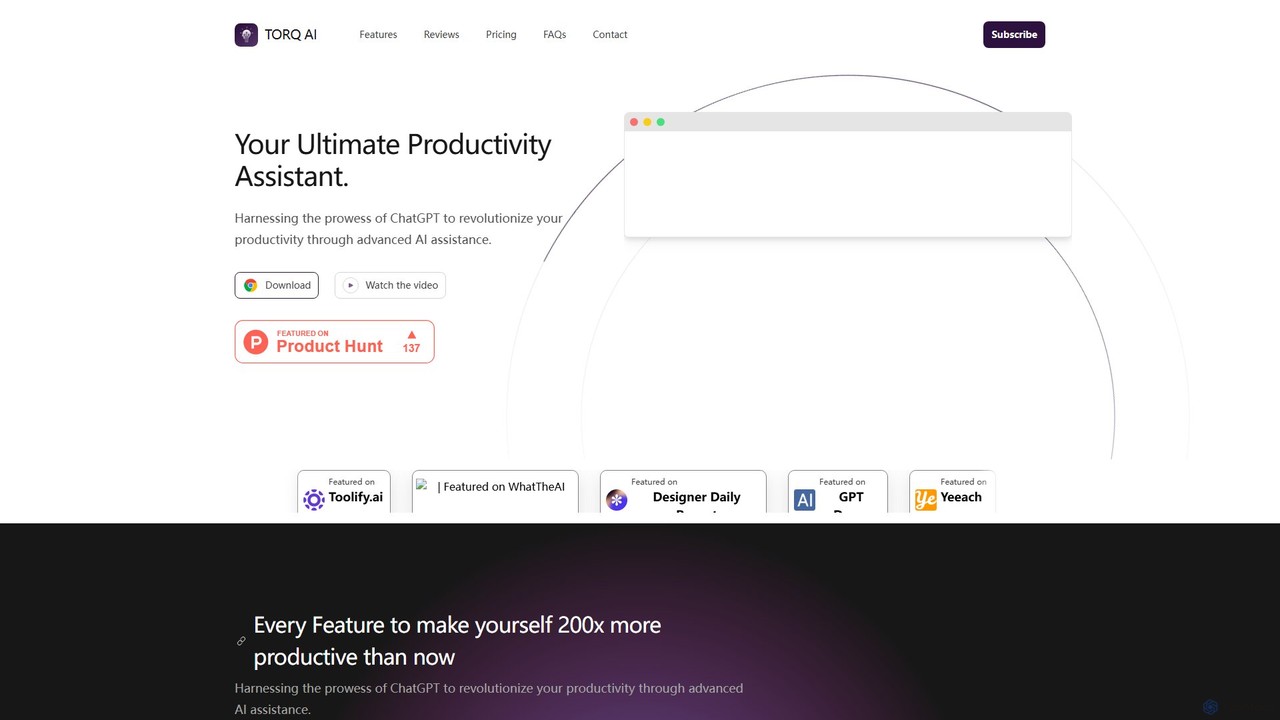
Torq
Torq is an AI-powered Chrome extension that supercharges your productivity. Leveraging ChatGPT, it offers one-click email generation, instant text summarization and translation, and integrates AI responses directly into your Google search results, streamlining your daily workflow.
Browser Extension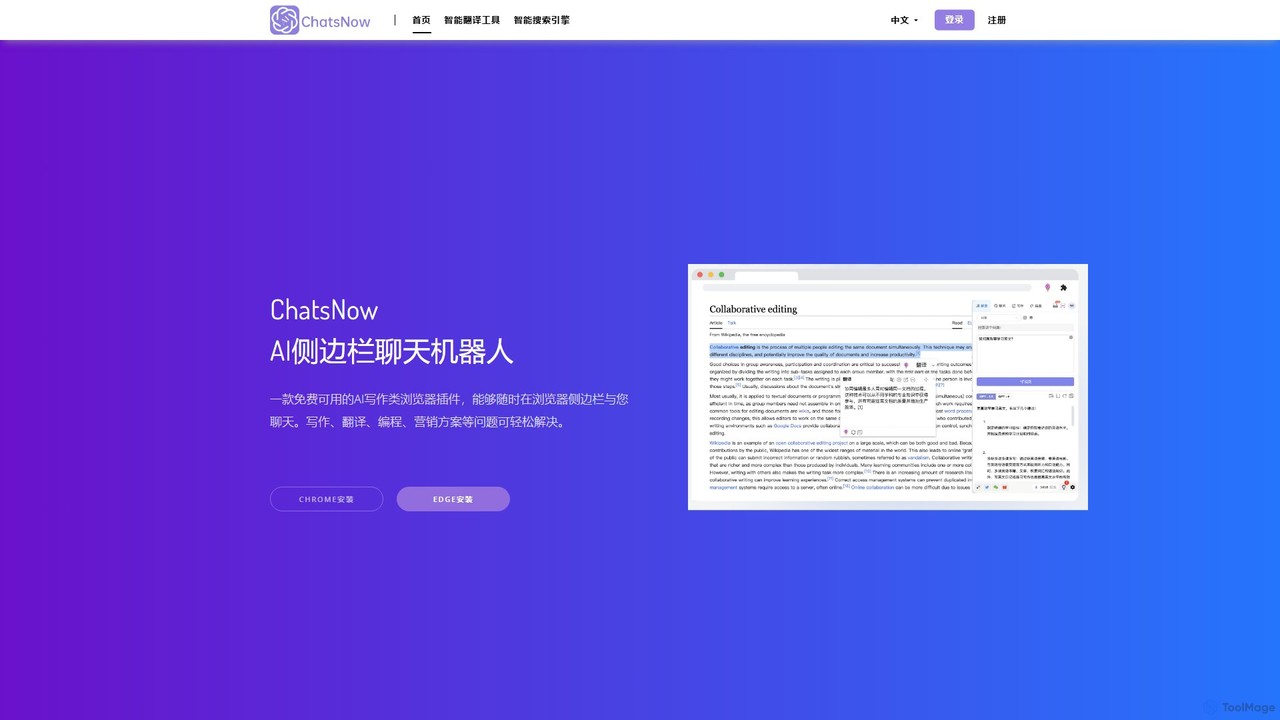
ChatsNow
ChatsNow is a versatile AI sidebar assistant for Chrome and Edge. It integrates a powerful chatbot, writer, and image generator directly into your browser. Instantly get answers, summarize web pages, draft emails, create marketing copy, or generate images from text prompts. With a library of prompt templates and the ability to work with selected text, ChatsNow streamlines your workflow for studying, working, and creative tasks, boosting your productivity across the web.
Ai Assistant
Checkget
Checkget is a smart assistant browser extension for ChatGPT, enabling users to access AI capabilities on any website with a simple keyboard shortcut (Cmd/Alt+K). It streamlines workflows by eliminating the need to switch tabs, offering context-aware assistance for tasks like writing, summarizing, translating, and code explanation.
Code Assistant
Sider
Sider is a powerful AI copilot integrated into your browser sidebar. It brings ChatGPT, GPT-4, Claude 3, and Gemini to any webpage, allowing you to seamlessly summarize content, enhance your writing, explain complex topics, and chat with documents or videos. It streamlines your workflow by eliminating the need to switch between tabs, boosting your overall productivity and creativity.
Learning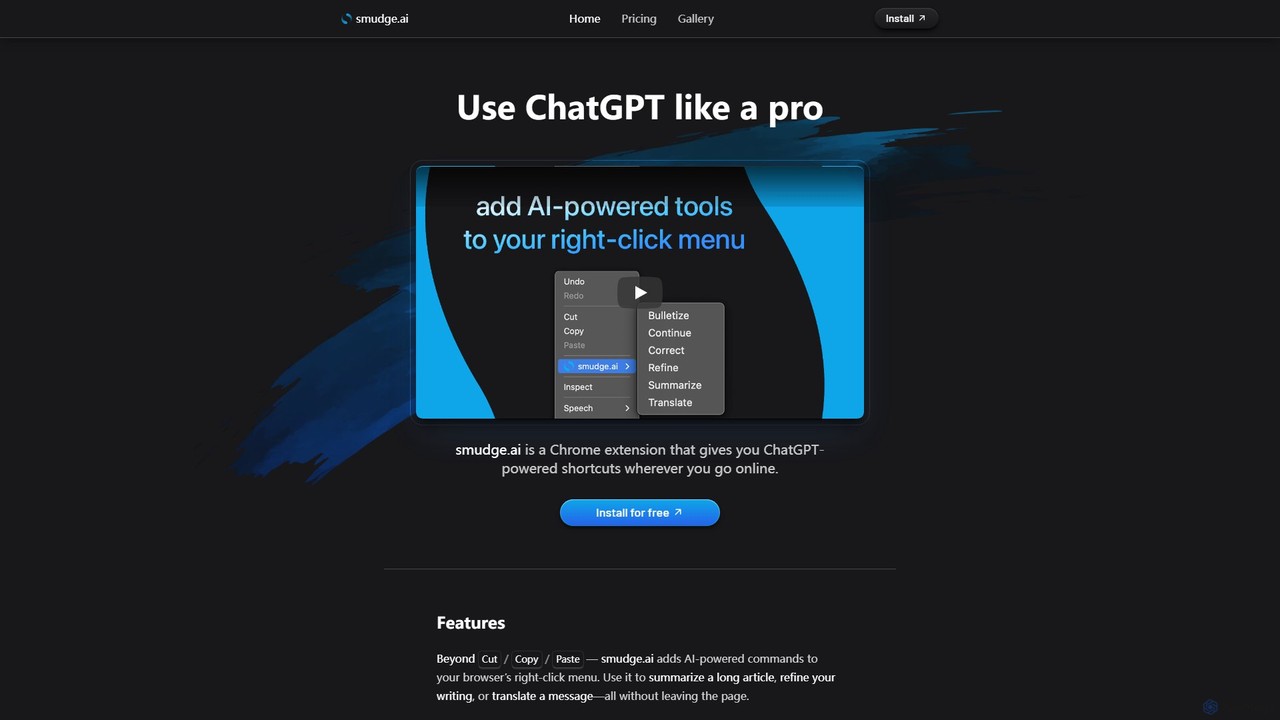
smudge.ai
smudge.ai is a powerful Chrome extension that integrates ChatGPT-powered shortcuts directly into your browser's right-click menu. Instantly summarize articles, refine your writing, translate text, and create custom commands without ever leaving your current page, streamlining your online workflow.
Chrome Extensions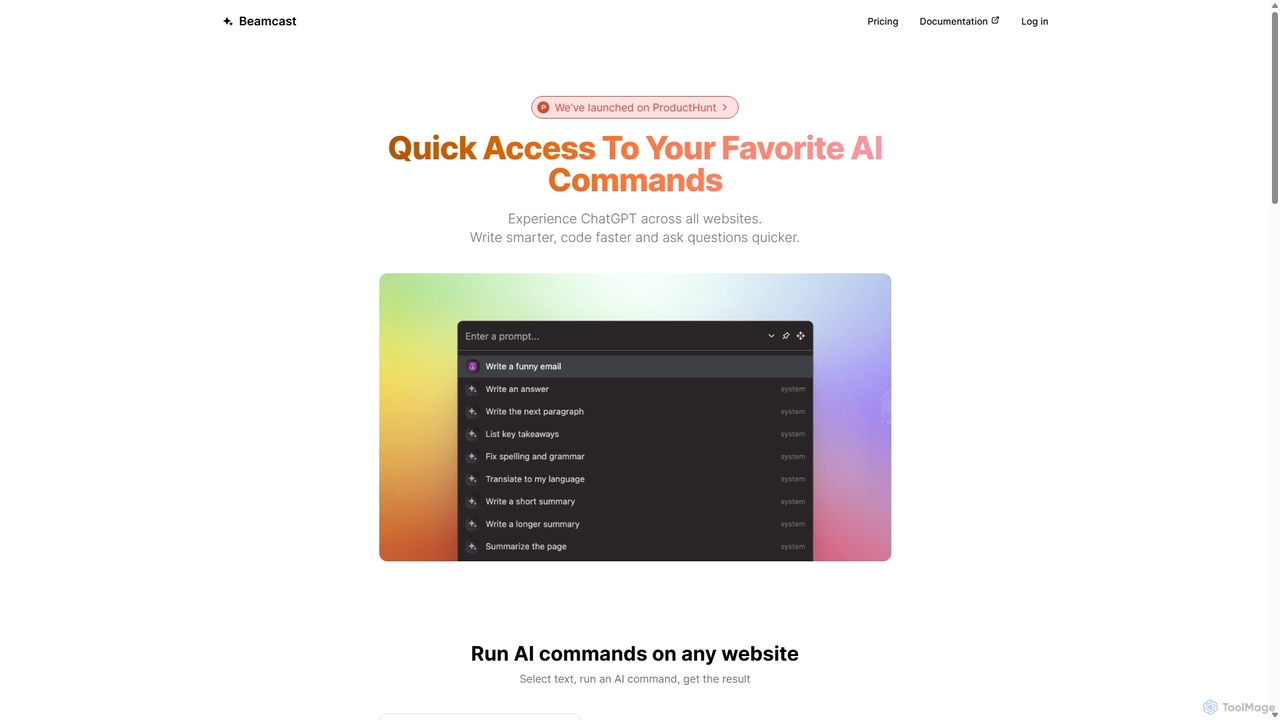
Beamcast
A browser extension that puts ChatGPT and Gemini at your fingertips. Select text on any website to run built-in or custom AI commands for writing, coding, and quick answers, streamlining your workflow and boosting productivity without ever leaving the page.
SearchAsk Gene
Ask Gene is a free AI-powered Chrome extension that acts as your personal internet assistant. Powered by GPT-4o and DeepSeek, it allows you to summarize webpages and PDFs, chat with AI without leaving your tab, explain complex text, translate, and assist with writing, all seamlessly integrated into your browser.
Research
getmerlin
getmerlin is a versatile AI assistant powered by top models like GPT-4o and Claude 3.5. Available as a browser extension and app, it integrates seamlessly into your workflow to summarize content, draft emails, generate text and images, and enhance research on any website. It acts as an all-in-one productivity tool, saving time and money by consolidating multiple AI services into a single subscription.
Chrome Extensions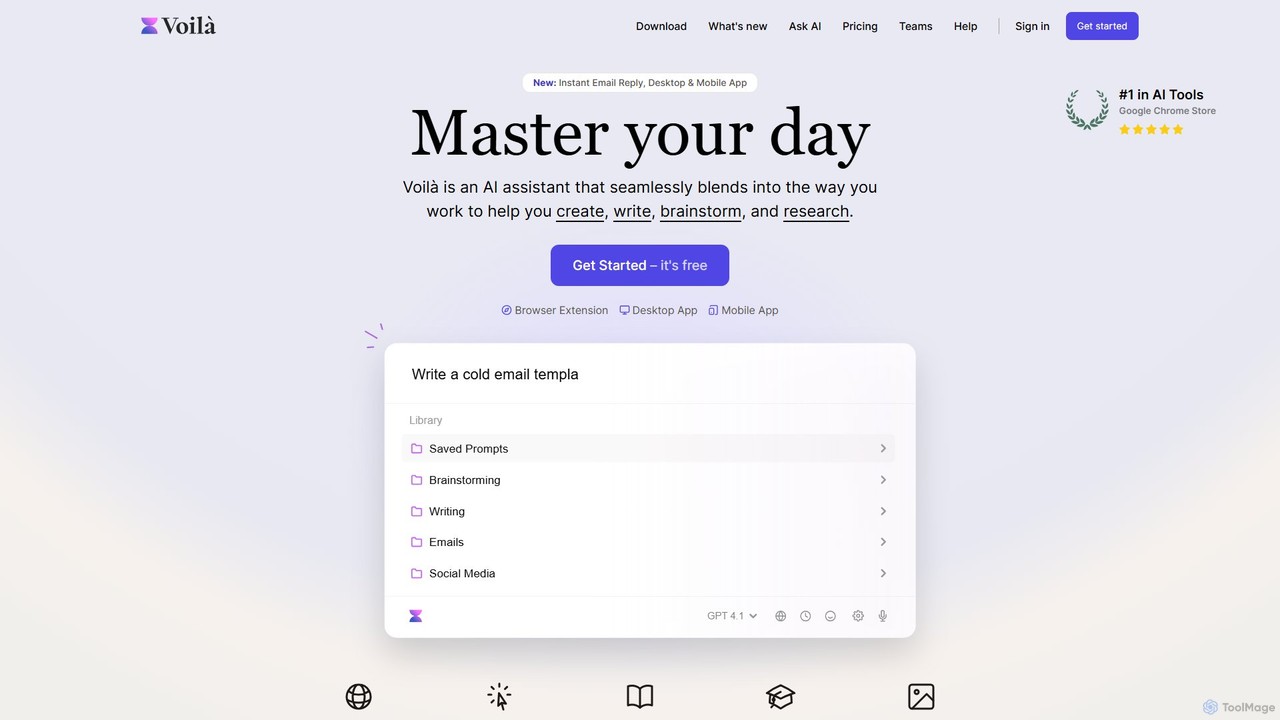
Voilà
Voilà is an all-in-one AI assistant designed to maximize productivity. It functions as a browser extension, desktop, and mobile app, seamlessly integrating into your workflow to help with writing, brainstorming, research, and content creation. It works on any website or app, understanding the context to provide relevant assistance.
Content Creation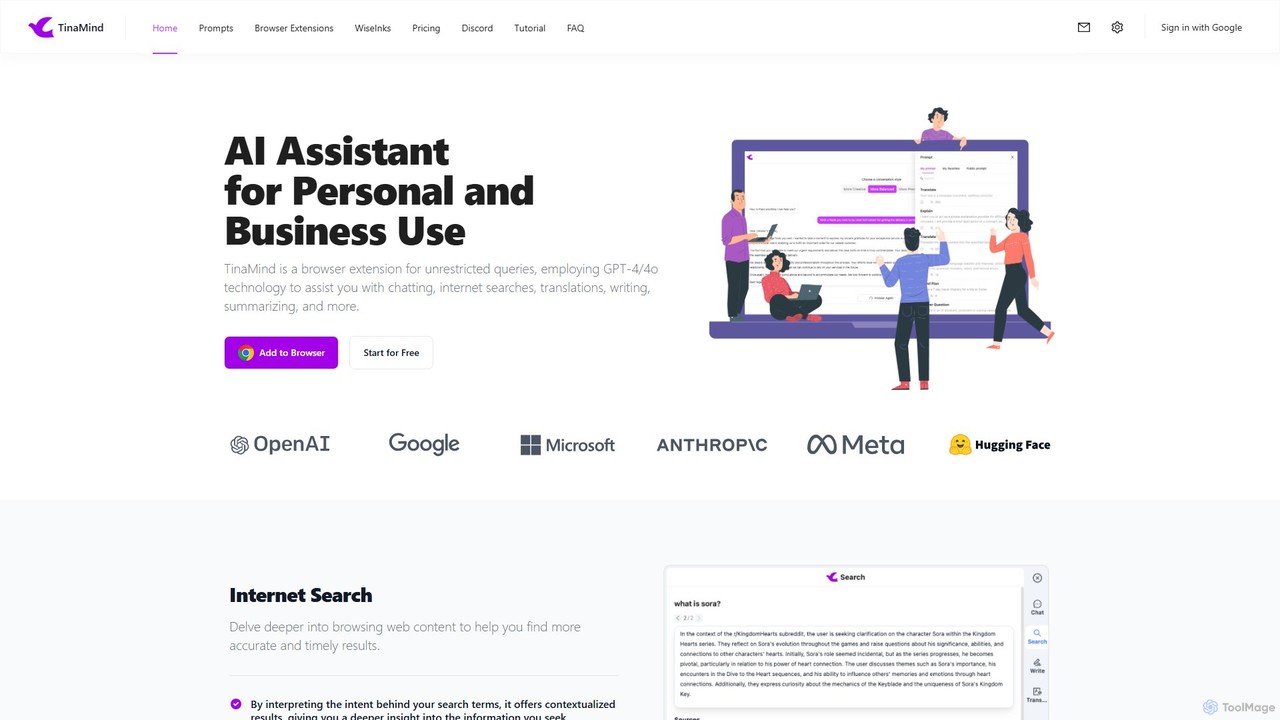
TinaMind
TinaMind is an AI-powered browser extension that enhances your productivity with GPT-4/4o. It acts as an all-in-one assistant for intelligent web search, document and YouTube summarization, content writing, high-quality translation, and efficient prompt management. Seamlessly integrated into your browser, it streamlines your workflow for both personal and business use.
Browser Extension
Nily AI
Nily AI is an all-in-one AI assistant designed to boost productivity. It integrates over 20 advanced AI tools into a single platform, accessible via a convenient Chrome sidebar. Key features include LLM comparison, AI writing, image generation, email assistance, and chatting with PDFs or YouTube videos, catering to a wide range of professionals.
Image Generation
GPTPLUS Comments (0)
Sign in to comment.
Sign inNo comments yet.