

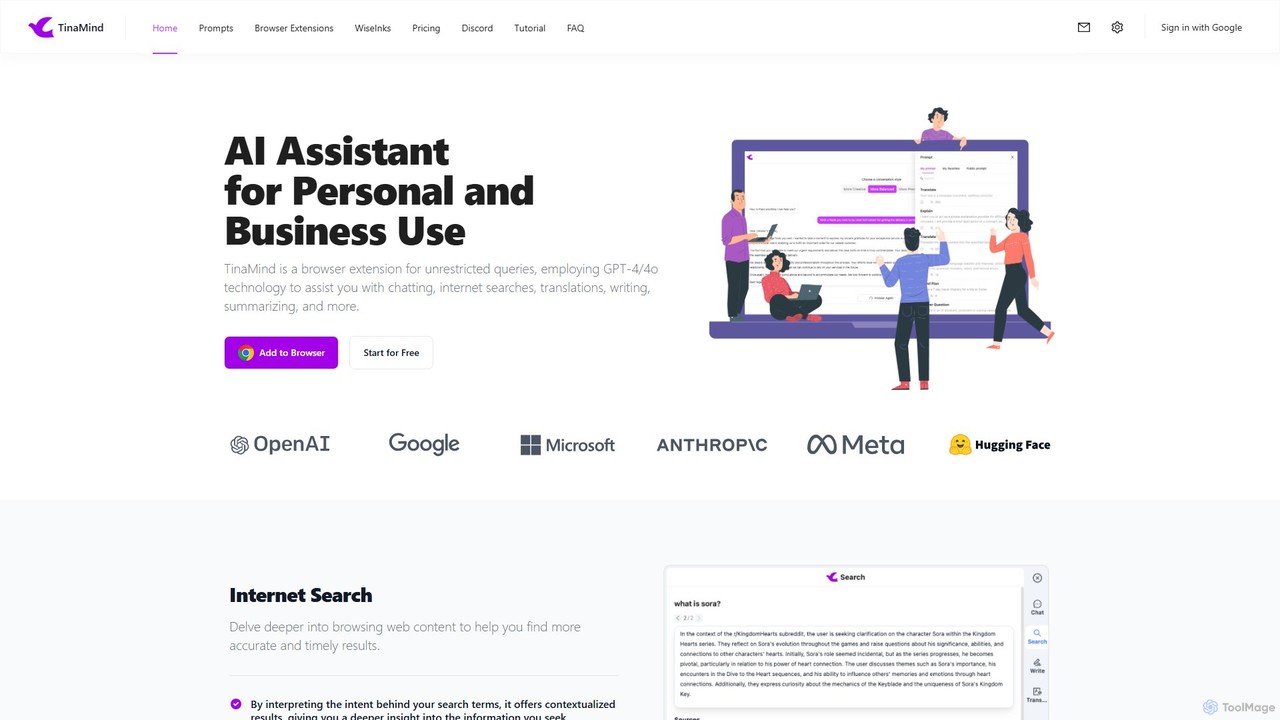
TinaMind Overview
TinaMind is a versatile AI-powered browser extension designed to be your ultimate assistant for both personal and professional tasks. By leveraging advanced models like GPT-4 and GPT-4o, TinaMind integrates a suite of powerful tools directly into your browsing experience, aiming to enhance creativity and boost work and learning efficiency. Trusted by over 100,000 users worldwide, it processes millions of tasks daily, offering a stable and responsive service.
How to use TinaMind
Getting started with TinaMind is a simple, three-step process designed for immediate productivity:
- Install the Browser Extension: Visit the official browser web store (e.g., Chrome Webstore) and add the TinaMind extension to your browser.
- Access TinaMind: Once installed, you can open the assistant in two ways: either by clicking the TinaMind icon in your browser's extension toolbar or by clicking the floating TinaMind icon that appears on the right side of any webpage.
- Log In and Explore: Sign in to your TinaMind account to unlock its full potential. You can immediately start using its features to interact with web content, documents, and more.
Core Features of TinaMind
- AI-Enhanced Internet Search: Goes beyond standard search by interpreting your intent to provide contextualized, accurate, and timely results. It also suggests related topics to deepen your research.
- Chat with Docs: Upload documents in various formats (.pdf, .docx, .pptx, .md, .txt, etc.) or use a webpage URL to let the AI summarize long texts, explain complex concepts, and answer your specific questions based on the content.
- YouTube Summarizer: Instantly generate concise summaries for any YouTube video. This feature helps you extract key information and even translate video subtitles without limits.
- AI Writer & Paraphraser: Create high-quality content from scratch, get AI-powered writing suggestions, or paraphrase existing text. It helps you refine your tone, format, and length while automatically correcting grammar and spelling.
- Customizable Shortcuts: Process any selected text on a webpage with a single click using predefined or custom-created shortcuts. You can manage and sort these shortcuts to fit your workflow perfectly.
- Personal Prompt Manager: Create, organize, and reuse your own prompts. TinaMind offers over 800 high-quality public prompts and allows you to create private ones for yourself or your team, with easy access points on platforms like ChatGPT, Gemini, and Claude.
- High-Quality Translation: Translate text with a single click, supporting multiple languages and tones. The feature focuses on semantic accuracy to ensure your ideas are conveyed clearly.
Use Cases for TinaMind
TinaMind is suitable for a wide range of users:
- Students and Researchers: Quickly summarize academic papers, research articles, and textbooks. Get clear explanations for complex theories and find key information for your studies.
- Content Creators and Marketers: Generate drafts for blog posts, social media updates, and marketing emails. Rephrase content to create unique versions and ensure grammatical perfection.
- Business Professionals: Draft professional emails, summarize business reports, and translate communications with international partners. Prepare for meetings by quickly analyzing long documents.
- Developers: Use the Personal Prompt Manager to store and quickly apply complex code-generation prompts, improving coding efficiency.
- Casual Users: Get quick summaries of long news articles or YouTube videos, translate foreign websites, and enhance daily web browsing with smarter search results.
Advantages of TinaMind
TinaMind stands out with several key benefits:
- All-in-One Solution: It consolidates multiple AI functionalities into a single, convenient browser extension, eliminating the need for multiple separate tools.
- Workflow Efficiency: Features like one-click shortcuts and an integrated prompt manager dramatically speed up repetitive tasks.
- Access to Premium AI Models: Utilizes top-tier AI models like GPT-4/4o and Claude to deliver high-quality, reliable, and nuanced outputs.
- Deep Customization: Allows users to tailor the tool to their specific needs by creating custom prompts and shortcuts.
- Broad Compatibility: The document analysis feature supports a wide array of popular file formats, making it a versatile research tool.
Pricing and Plans
TinaMind offers a free trial and several premium plans to suit different needs. All paid plans include unlimited access to core features like the document reader, web access, and AI search, along with faster response times and priority support.
- Free Trial: Try TinaMind for free without requiring a credit card.
- GPT4 Plan: $100/year. Includes 2000 GPT-4/4o queries and 500 Claude 4.0 Sonnet queries per month.
- Claude 4.0 Sonnet Plan: $100/year. Includes 2000 Claude 4.0 Sonnet queries and 500 GPT-4/4o queries per month.
- Premium Plan: $200/year. Offers a generous allowance of 2500 GPT-4/4o queries and 2500 Claude 4.0 Sonnet queries per month, plus customization feature support.
Payment can be made via credit card and PayPal.
Traffic
Latest traffic
Status
Monthly traffic trend
- 2025-9: 15.8K
- 2026-1: 17.1K
- 2026-2: 18.4K
- 2026-3: 34.9K
- 2026-4: 28.3K
- 2026-5: 33.0K
Geography
Top 5 countries / regions
- 🇹🇼Taiwan64.4%
- 🇺🇸United States15.3%
- 🇷🇺Russia8.9%
- 🇩🇪Germany6.1%
- 🇯🇵Japan5.3%
Traffic sources
| Source type | Percentage |
|---|---|
Direct | 75.2% |
Referral | 24.7% |
Email | 0.2% |
Top keywords
| Keyword | Cost per click |
|---|---|
| 104 康寧 光通訊 | $0.00 |
| @hzkj\nacos-mcp-server | $0.00 |
| tinamind | $0.00 |
| v2rayn 设置规则 | $0.00 |
| 教育愛是什麼 | $0.00 |
TinaMind Alternatives
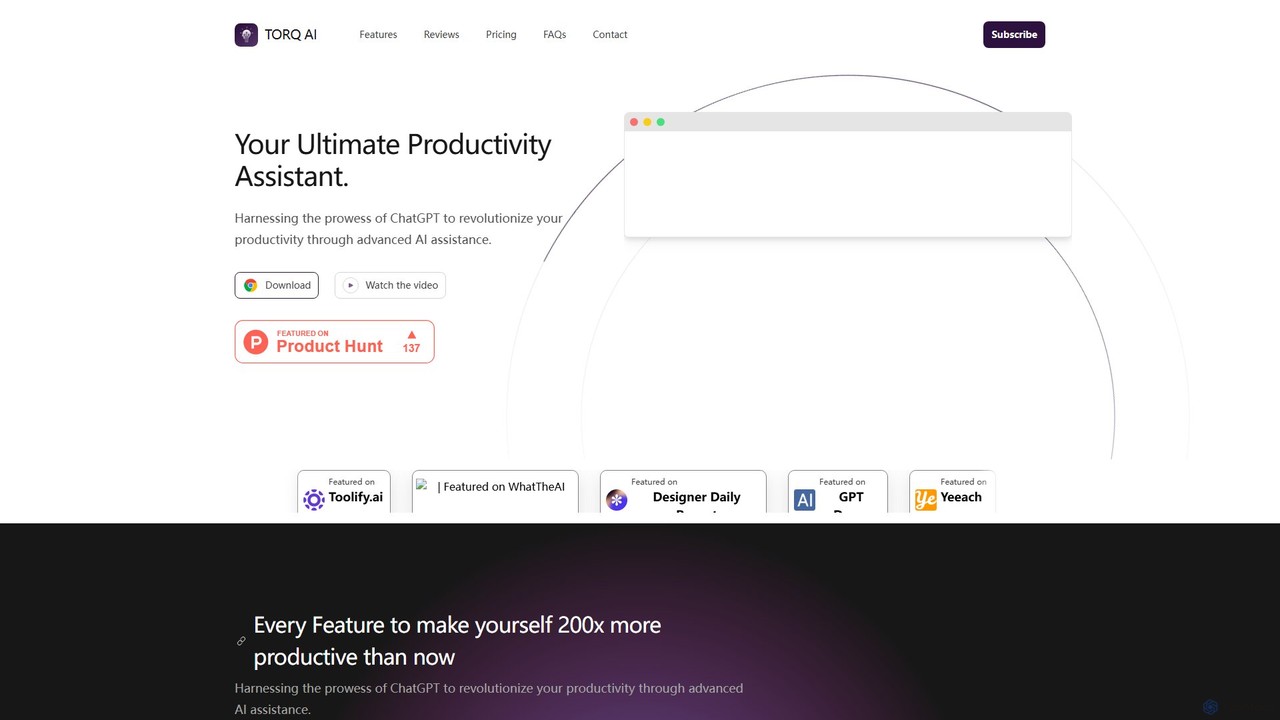
Torq
Torq is an AI-powered Chrome extension that supercharges your productivity. Leveraging ChatGPT, it offers one-click email generation, instant text summarization and translation, and integrates AI responses directly into your Google search results, streamlining your daily workflow.
Browser Extension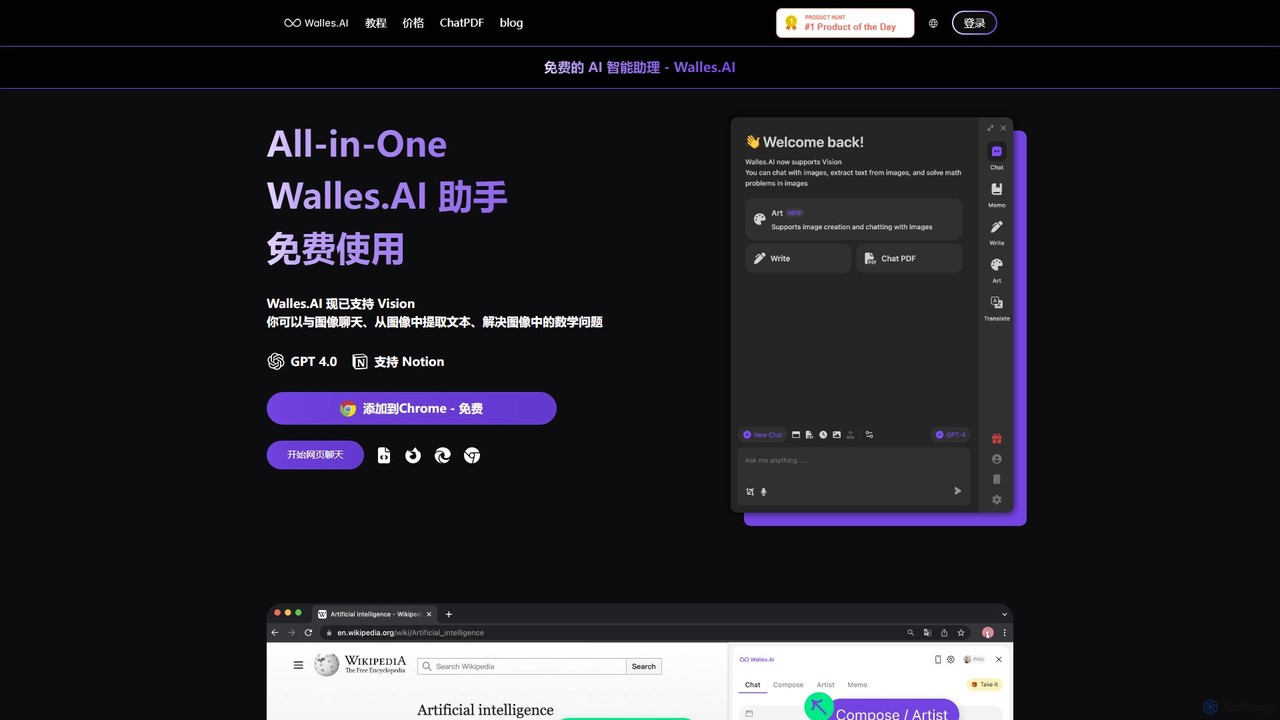
Walles.AI
Walles.AI is an all-in-one AI assistant integrated as a Chrome extension. Powered by GPT-4, it allows you to chat with webpages, PDFs, YouTube videos, and even images. Boost your productivity with instant summarization, translation, text analysis, and seamless integration with Notion.
Study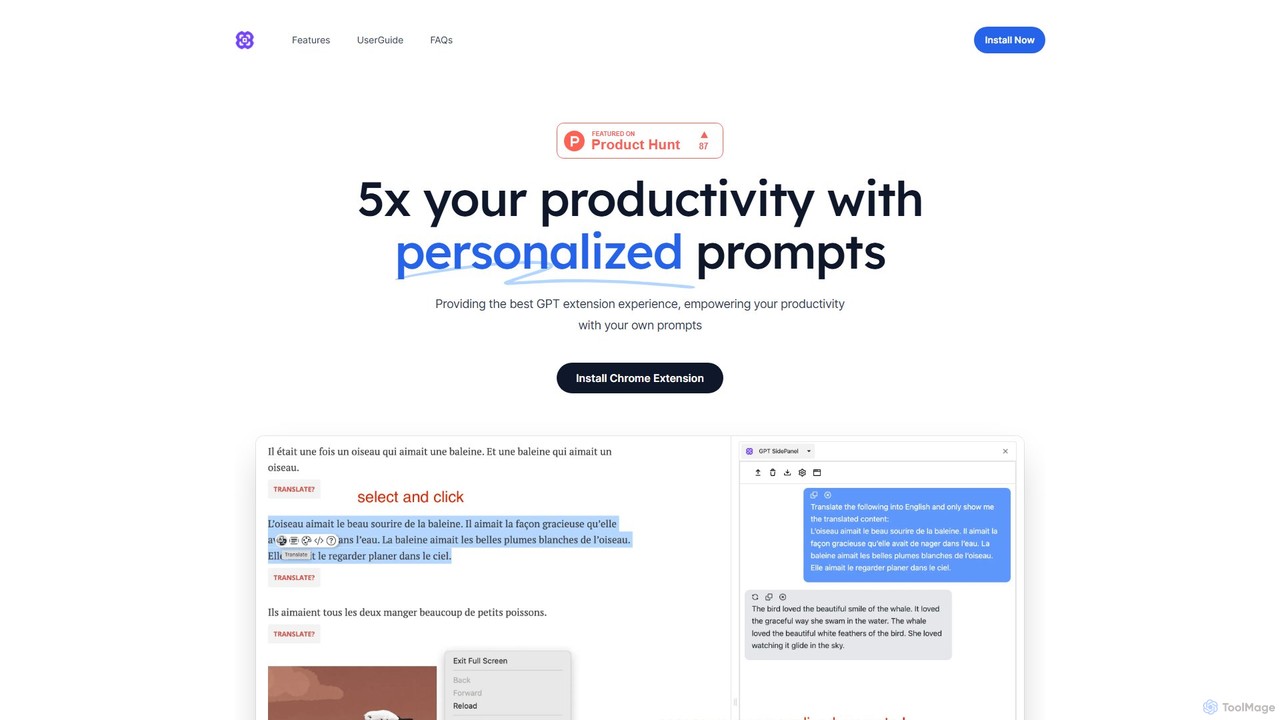
GPTSidePanel
GPTSidePanel is a powerful AI browser extension that integrates a GPT-powered sidebar into your browsing experience. Boost your productivity by summarizing articles, translating text, polishing writing, and using custom prompts directly on any webpage. Eliminate tab-switching and keep your workflow seamless with this intuitive AI assistant.
Browser Extension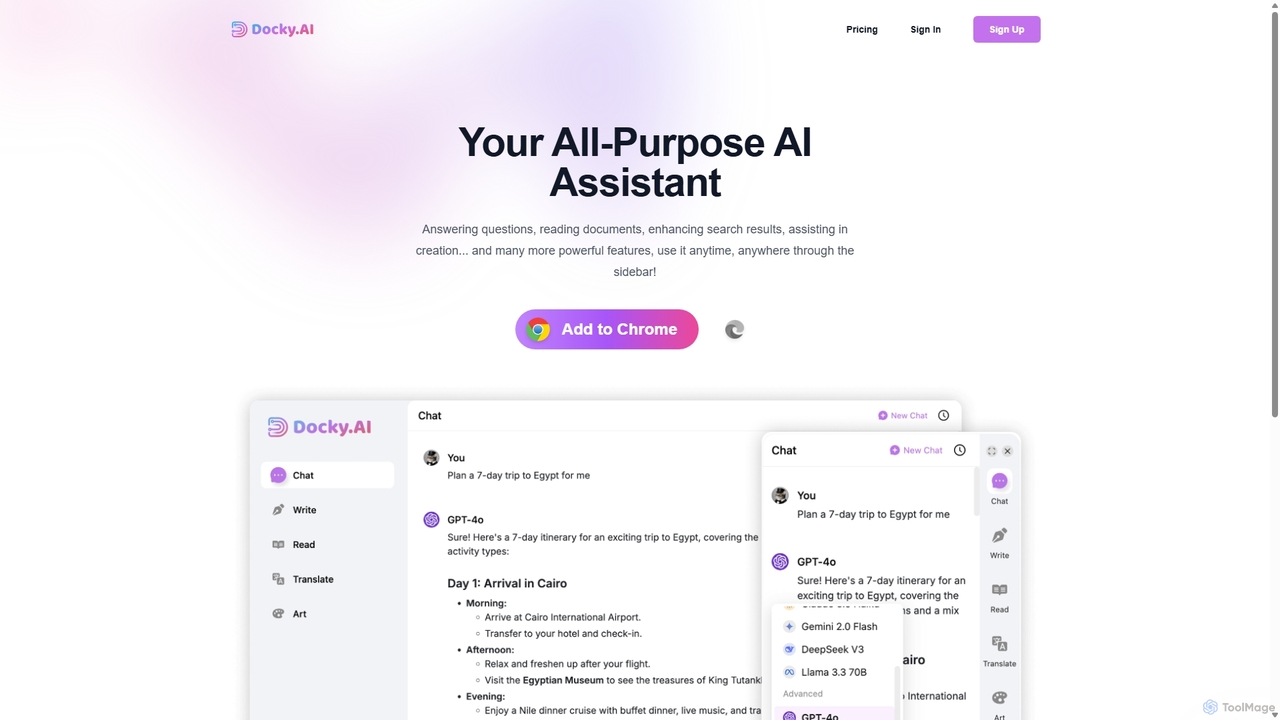
Docky.AI
Docky.AI is a powerful all-in-one AI sidebar for your browser. It integrates leading models like GPT-4, Claude, and DALL-E, allowing you to enhance search results, read documents, assist with writing, and generate content seamlessly on any webpage. Boost your productivity without ever switching tabs.
Search Assistant
Sider
Sider is a powerful AI copilot integrated into your browser sidebar. It brings ChatGPT, GPT-4, Claude 3, and Gemini to any webpage, allowing you to seamlessly summarize content, enhance your writing, explain complex topics, and chat with documents or videos. It streamlines your workflow by eliminating the need to switch between tabs, boosting your overall productivity and creativity.
LearningTinaMind Categories
TinaMind Embed Widget
Copy this embed code to place the badge on your blog, article, or product site and send readers directly to this ToolMage detail page.

Related AI tools
getmerlin
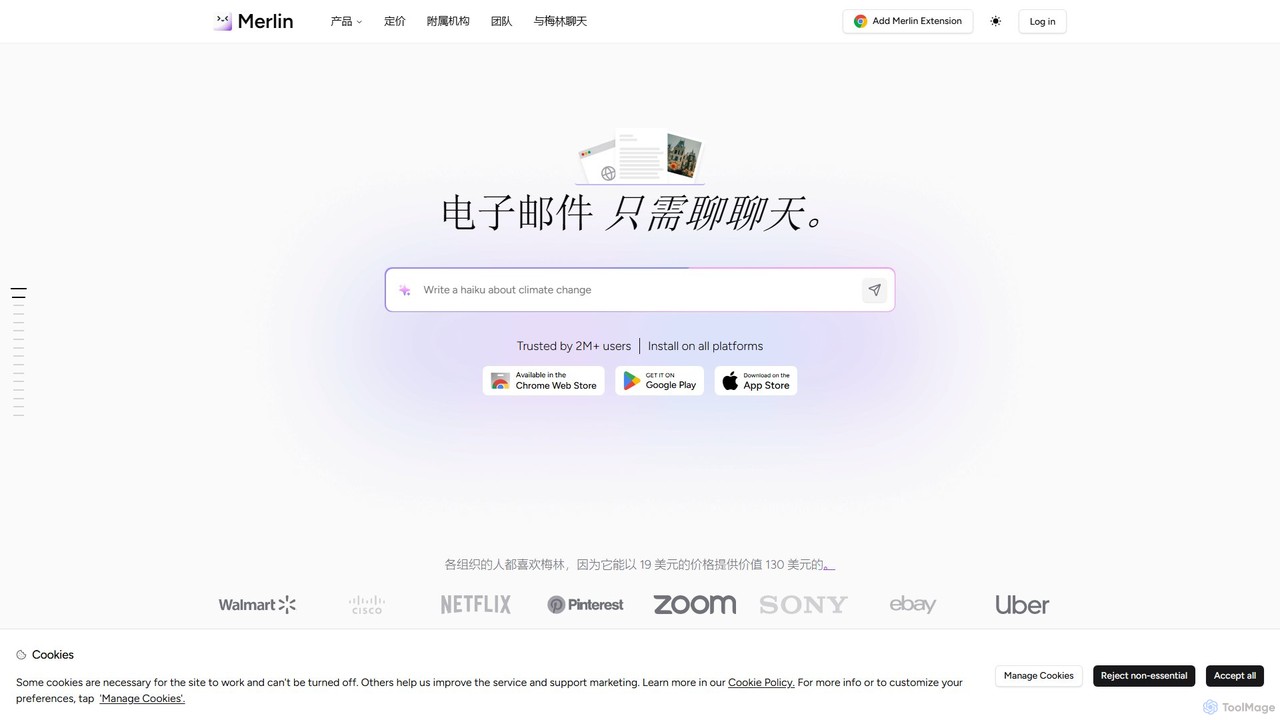
getmerlin is a versatile AI assistant powered by top models like GPT-4o and Claude 3.5. Available as a browser extension and app, it integrates seamlessly into your workflow to summarize content, draft emails, generate text and images, and enhance research on any website. It acts as an all-in-one productivity tool, saving time and money by consolidating multiple AI services into a single subscription.
Chrome Extensions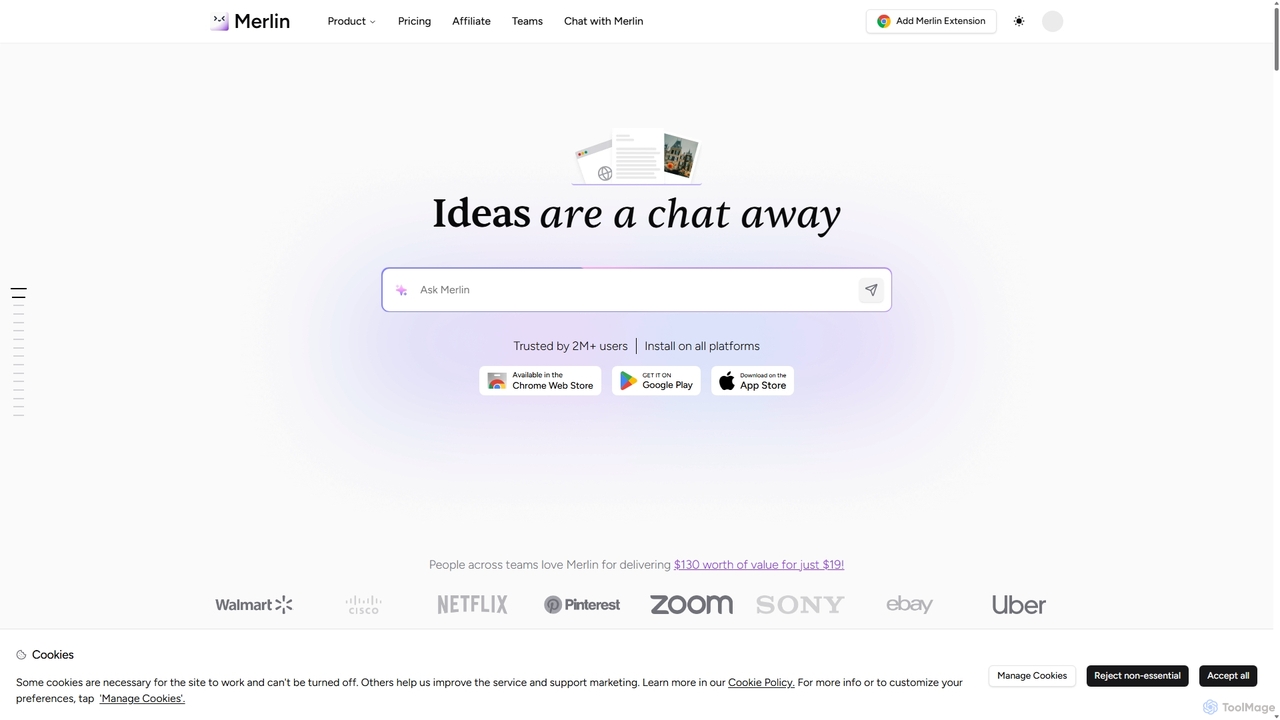
Merlin AI
Merlin is an all-in-one AI assistant, available as a browser extension and app, that integrates top AI models like GPT-4, Claude 3, and Gemini. It allows you to research, write, summarize content, generate images, and code with a single click on any website, streamlining your workflow and boosting productivity without switching tabs.
Chrome Extensions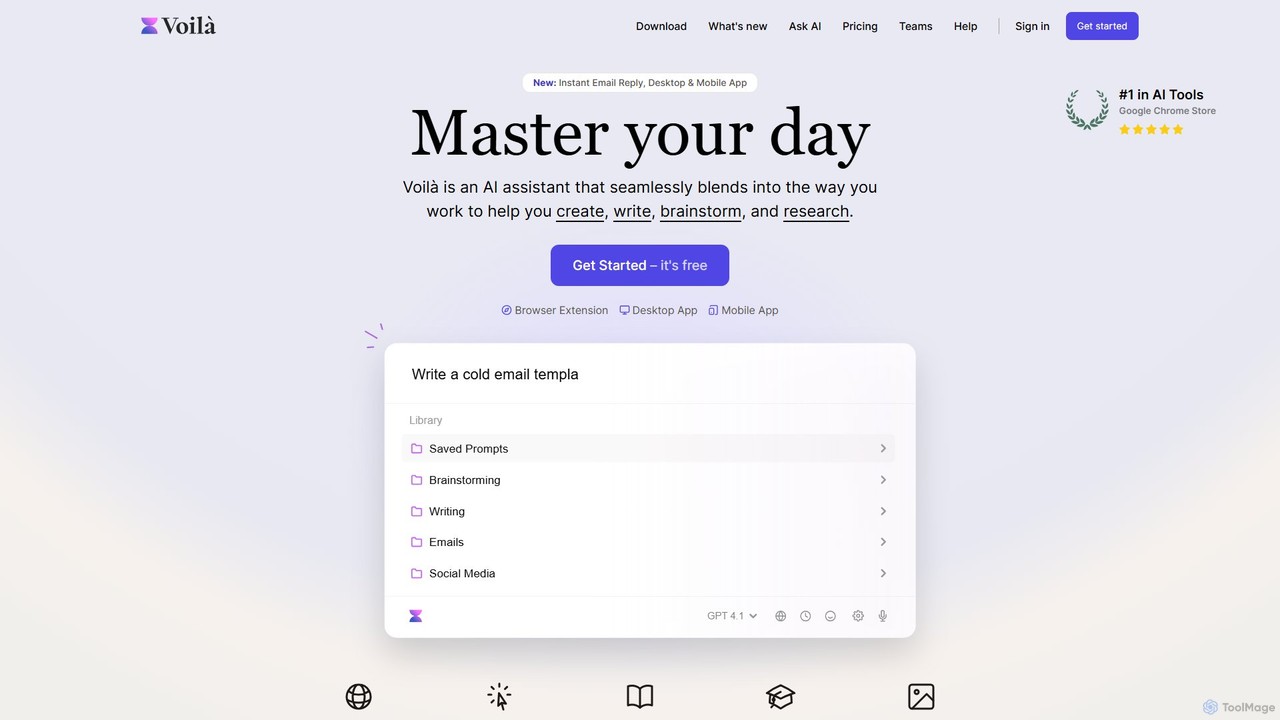
Voilà
Voilà is an all-in-one AI assistant designed to maximize productivity. It functions as a browser extension, desktop, and mobile app, seamlessly integrating into your workflow to help with writing, brainstorming, research, and content creation. It works on any website or app, understanding the context to provide relevant assistance.
Content Creation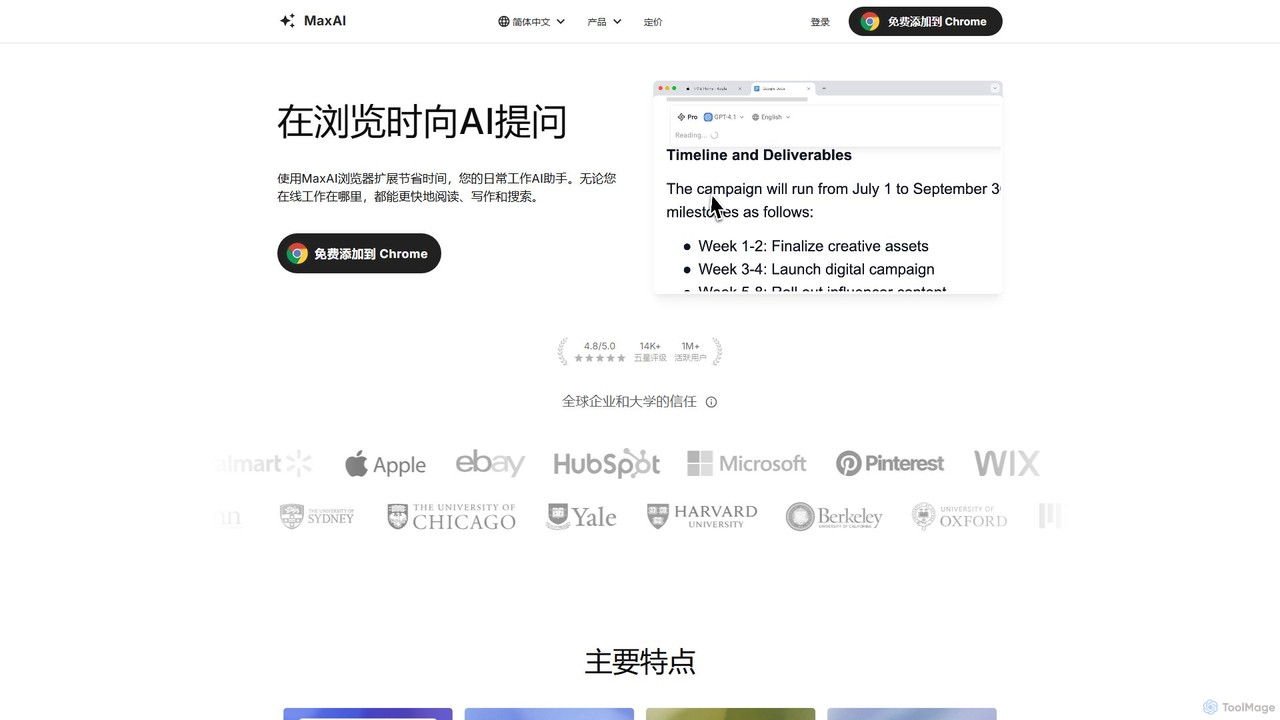
MaxAI
MaxAI is a powerful browser extension that acts as your all-in-one AI assistant. It integrates top AI models like GPT-4o and Claude 3.5 directly into your browser, allowing you to read, write, and research faster. Summarize web pages, improve your writing, translate text, and generate content with a single click, boosting your productivity across all your online activities.
Chrome Extensions
Viinyx
Viinyx is an all-in-one AI browser assistant designed to supercharge your productivity. Integrated directly into your browser, it helps you write faster, read smarter, and research more efficiently. Summarize articles and videos, compose emails, and get contextual AI help on any webpage.
Summarizer
Sider
Sider is an all-in-one AI assistant integrated as a browser sidebar and cross-platform app. It combines chat with models like GPT-4 and Claude 3.5, a powerful "Deep Research" agent, a personal knowledge base called "Wisebase," and a suite of tools for summarizing, translating, writing, and image editing to enhance productivity and learning.
AssistantWalles.AI
Walles.AI is an all-in-one AI assistant integrated as a Chrome extension. Powered by GPT-4, it allows you to chat with webpages, PDFs, YouTube videos, and even images. Boost your productivity with instant summarization, translation, text analysis, and seamless integration with Notion.
StudyGPTSidePanel
GPTSidePanel is a powerful AI browser extension that integrates a GPT-powered sidebar into your browsing experience. Boost your productivity by summarizing articles, translating text, polishing writing, and using custom prompts directly on any webpage. Eliminate tab-switching and keep your workflow seamless with this intuitive AI assistant.
Browser ExtensionDocky.AI
Docky.AI is a powerful all-in-one AI sidebar for your browser. It integrates leading models like GPT-4, Claude, and DALL-E, allowing you to enhance search results, read documents, assist with writing, and generate content seamlessly on any webpage. Boost your productivity without ever switching tabs.
Search AssistantSider
Sider is a powerful AI copilot integrated into your browser sidebar. It brings ChatGPT, GPT-4, Claude 3, and Gemini to any webpage, allowing you to seamlessly summarize content, enhance your writing, explain complex topics, and chat with documents or videos. It streamlines your workflow by eliminating the need to switch between tabs, boosting your overall productivity and creativity.
Learning
getmax.ai
getmax.ai is an AI-powered browser extension that acts as your copilot for the web. It seamlessly integrates into your workflow, allowing you to summarize content, write emails, generate articles, and get instant answers from advanced AI models like GPT-4 and Claude, all without leaving your current tab.
Research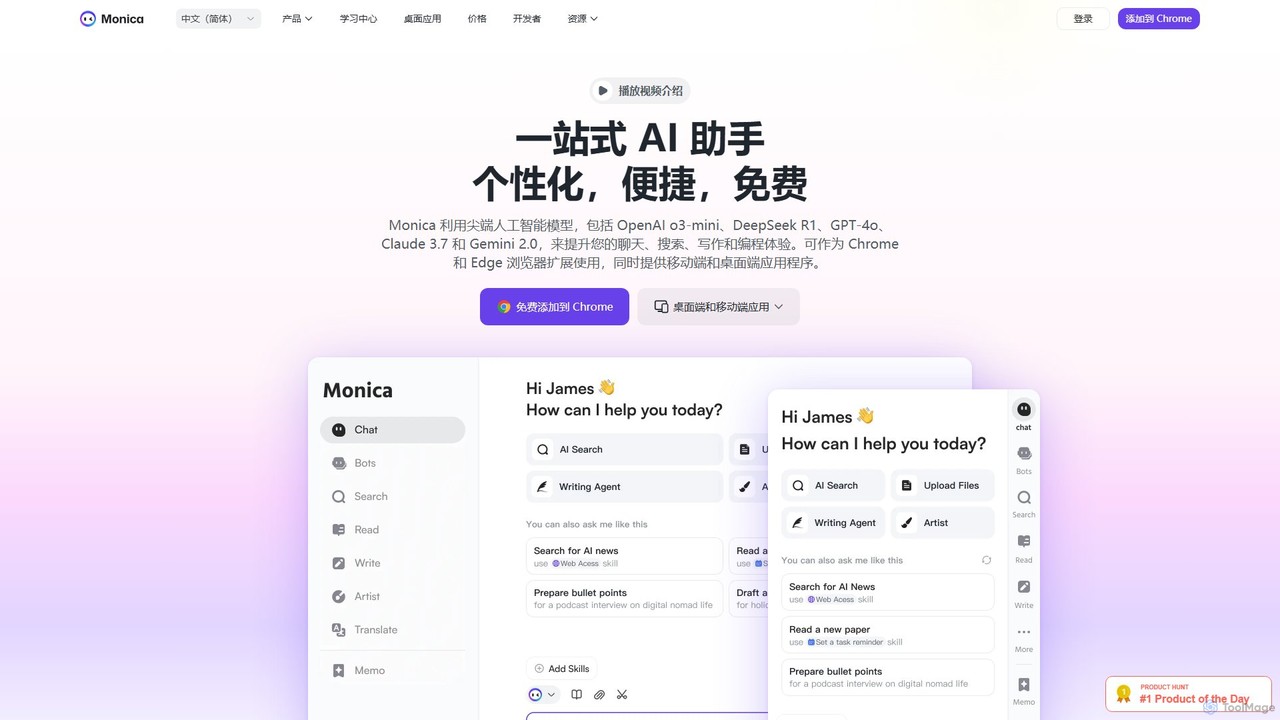
Monica
Monica is an all-in-one AI assistant powered by leading models like GPT-4o, Claude 3.7, and Gemini 1.5. It integrates seamlessly into your workflow as a browser extension, desktop, and mobile app, offering features for chat, search, writing, translation, and image creation to boost productivity.
Chrome Extensions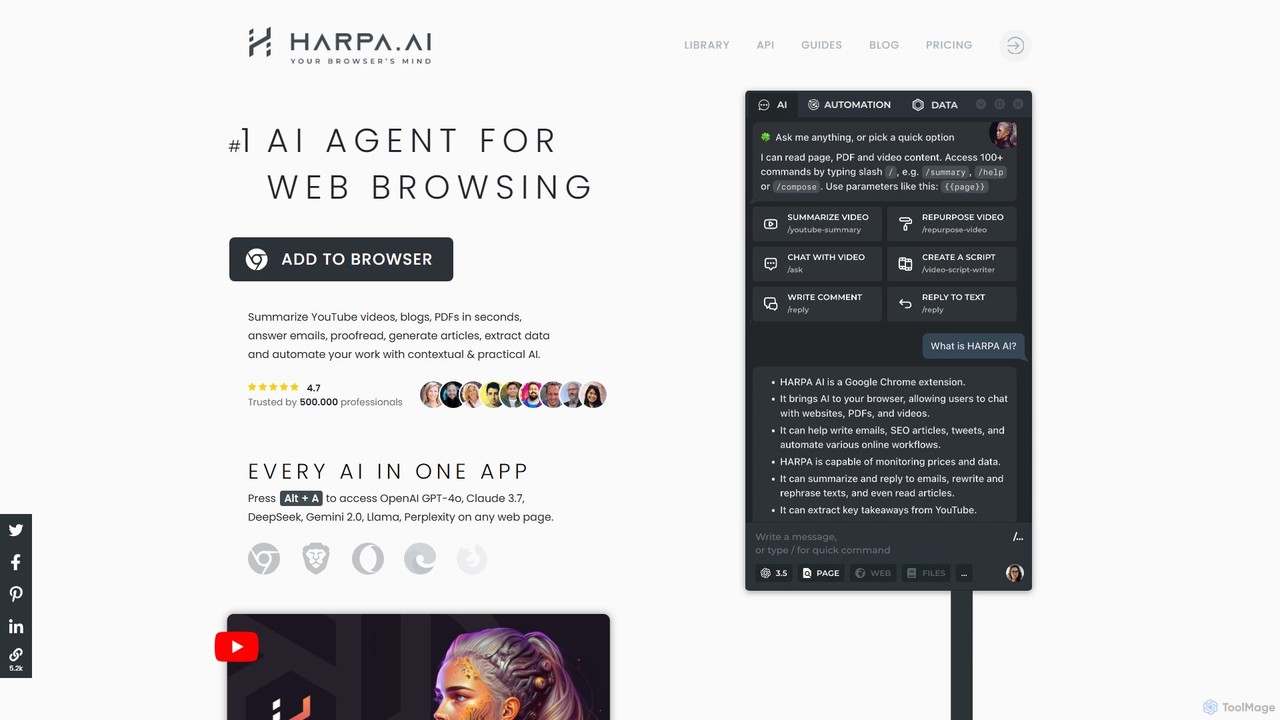
HARPA AI
HARPA AI is an all-in-one AI browser agent that integrates ChatGPT, Claude, Gemini, and more directly into your browser. It automates web tasks, summarizes content, drafts emails, extracts data, and enhances productivity with over 100 pre-built, page-aware commands. It functions as a versatile copilot for browsing, research, and automation.
Automation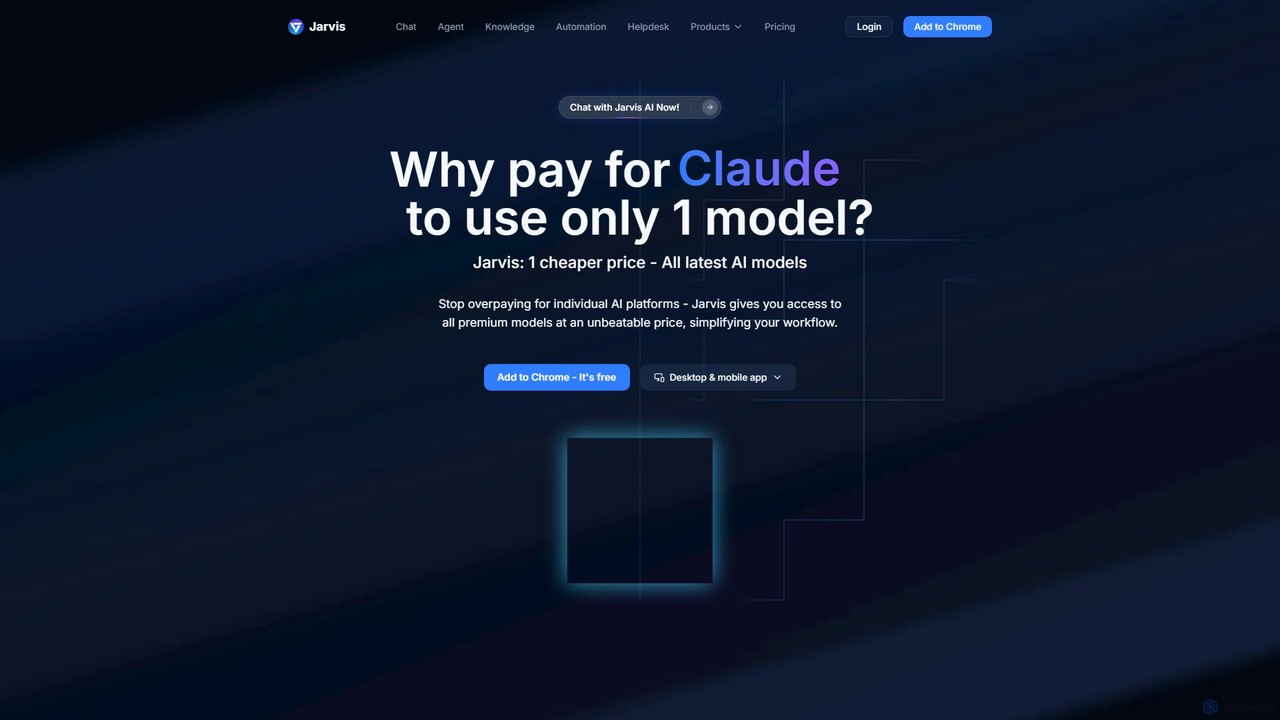
Jarvis AI
Jarvis AI is an all-in-one AI platform that integrates leading models like GPT-4o, Claude 3.5, and Gemini 2.0 into a single, cost-effective subscription. It functions as a cross-platform assistant, offering personalized knowledge bases, advanced writing tools, browser automation, and a dedicated AI helpdesk solution to streamline workflows across all your devices.
Chatbot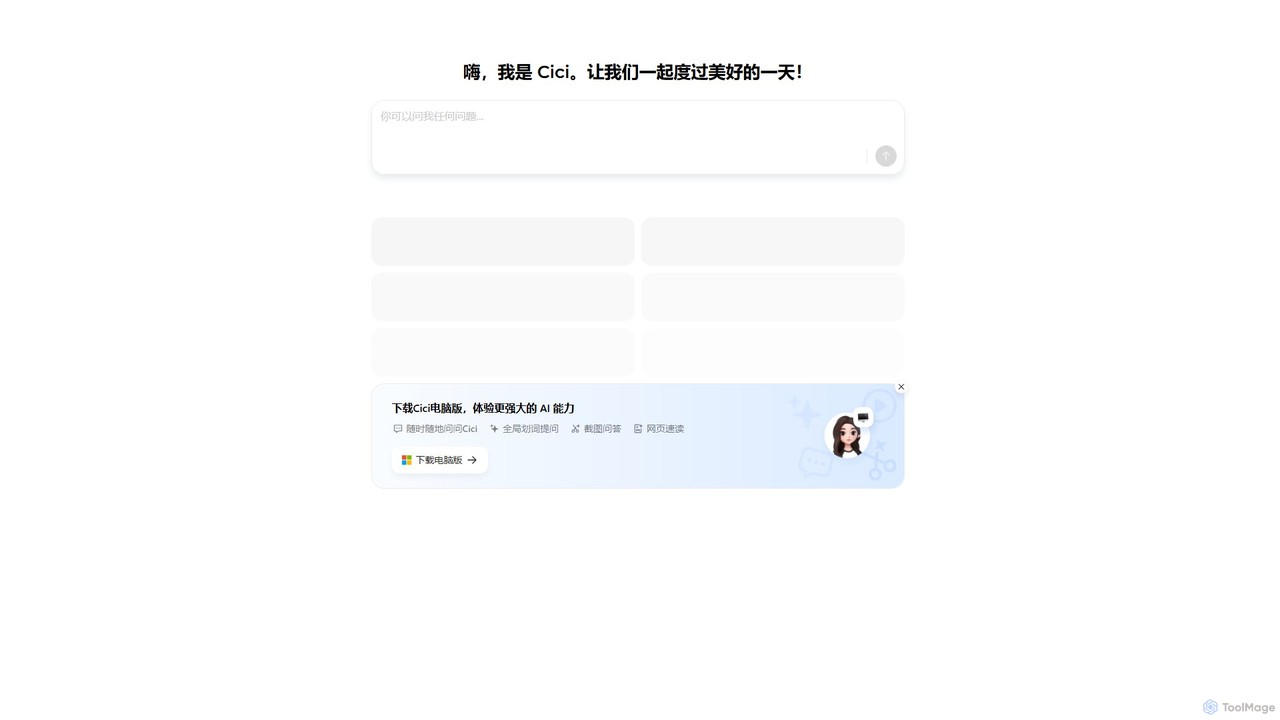
Cici
Cici is an intelligent AI assistant designed to enhance your productivity and creativity. It helps with writing, research, coding, and brainstorming through a versatile conversational interface. Seamlessly integrate Cici into your workflow to get instant answers, generate high-quality content, and automate repetitive tasks.
Code Assistant
TinaMind Comments (0)
Sign in to comment.
Sign inNo comments yet.