

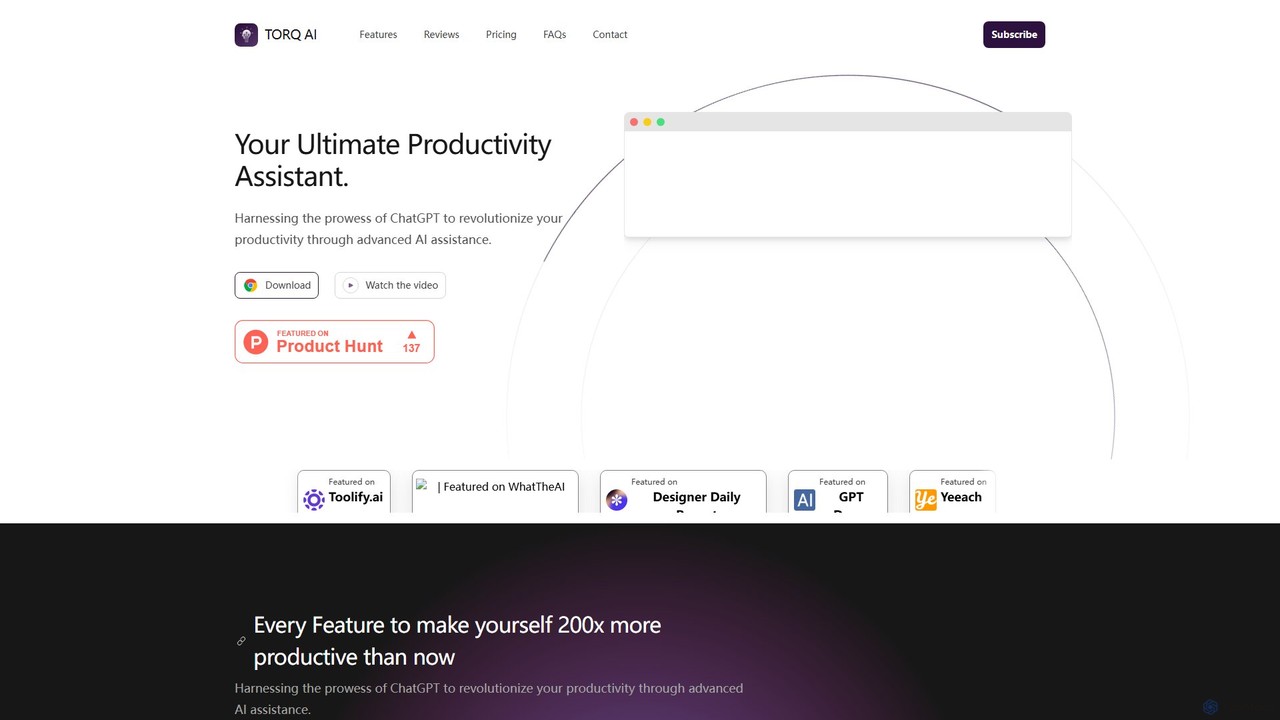
Torq Overview
Torq is your ultimate productivity assistant, designed to revolutionize your daily tasks by harnessing the power of ChatGPT. As a seamless Chrome extension, Torq integrates directly into your browser, aiming to make you significantly more productive. It acts as an intelligent co-pilot for your digital activities, from managing communications to conducting research, by automating and enhancing common online tasks.
The core philosophy behind Torq is to eliminate context switching and bring AI assistance directly to where you work. Instead of opening new tabs for translation, summarization, or AI chats, Torq provides these functionalities with a single click. Whether you are a professional trying to get ahead, a student aiming for efficiency, or a large organization seeking to optimize workflows, Torq provides the tools to achieve your goals faster.
How to use Torq
Getting started with Torq is incredibly simple and takes only a few seconds.
1. Installation: Visit the Chrome Web Store and search for the Torq extension. Click 'Add to Chrome' to install it.
2. Email Assistance: When you open your web-based email client (like Gmail), Torq's features will appear in the composition window. To draft an email, simply provide a brief prompt and click the generate button. To reply, open an incoming email and use the one-click reply generation to create a relevant and context-aware response.
3. Text Processing: On any webpage, highlight a piece of text you want to work with. A Torq pop-up or context menu option will appear. From there, you can choose to summarize the text for a quick overview, translate it into your preferred language, or rephrase it for better clarity.
4. Enhanced Search: Simply perform a search on Google as you normally would. Torq will automatically display a concise, AI-generated answer from ChatGPT alongside the standard search results, giving you direct information without needing to click through multiple links. You can also interact with the AI directly in the chat interface provided by the extension.
Core Features of Torq
- Efficient Email Communication: Drastically reduce the time spent on emails. Generate complete emails from short prompts or create automated, context-aware replies with a single click.
- Powerful Text Processing: Instantly analyze any selected text on a website. Get quick summaries of long articles, rephrase sentences, or check grammar without leaving the page.
- On-the-fly Language Translation: Select text on any website and translate it into your desired language, making it easy to browse and understand international content.
- Integrated ChatGPT and Google Searches: Combines the power of Google's search index with the conversational intelligence of ChatGPT. Get direct answers and insights right on the search results page.
- Seamless ChatGPT Integration: Enjoy interactive and dynamic conversations with ChatGPT through the extension's interface, accessible from any tab for quick questions and brainstorming.
- Flexible Search Management: Users can control how the AI integrates with search, choosing between automatic responses for every search or manual activation for specific queries.
Use Cases for Torq
Torq is a versatile tool beneficial for a wide range of users:
For Professionals and Marketers: Quickly draft outreach emails, follow-ups, and client communications. Summarize industry reports and competitor articles for quick insights. Generate marketing copy and social media post ideas.
For Students and Academics: Summarize lengthy research papers and articles for literature reviews. Translate foreign-language sources for comprehensive research. Get quick explanations of complex concepts without breaking study flow.
For Customer Support Teams: Generate fast, consistent, and polite replies to common customer inquiries, improving response times and customer satisfaction.
For Writers and Content Creators: Overcome writer's block by generating ideas and outlines. Rephrase sentences to improve flow and clarity. Conduct research more efficiently with integrated search results.
For Everyday Users: Manage personal emails more effectively. Quickly understand news articles or blog posts in other languages. Get faster, more direct answers to everyday questions.
Advantages of Torq
The primary advantage of Torq is its ability to dramatically boost productivity by embedding AI tools into your existing workflow. Its seamless integration as a Chrome extension means there's no learning curve and no need to juggle multiple apps. The tool is context-aware, providing relevant assistance exactly when and where you need it. By offering a robust set of features for free, Torq makes advanced AI accessible to everyone, empowering individuals and teams to work smarter, not harder.
Pricing and Plans
Torq is committed to making productivity accessible to everyone. The tool is currently available through a simple and generous free plan.
Free Plan - $0/month
This plan allows users to unlock the core power of Torq at no cost. It includes:
- Rapid text processing for efficient results.
- ChatGPT responses integrated with Google searches.
- Swift email generation for effective communication.
- Flexible search management with auto or manual control.
This free offering is ideal for individuals, students, and professionals looking to experience a significant productivity boost without any financial commitment.
Traffic
Latest traffic
Status
Monthly traffic trend
- 2025-9: 465
- 2026-1: 152
- 2026-2: 0
- 2026-3: 262
- 2026-4: 1.1K
- 2026-5: 3.6K
Geography
Top 5 countries / regions
- 🇻🇳Vietnam36.3%
- 🇺🇸United States32.5%
- 🇮🇳India22.3%
- 🇹🇭Thailand8.9%
Top keywords
| Keyword | Cost per click |
|---|---|
| altoriq | $0.00 |
| torq | $5.00 |
| torq ai | $0.00 |
| torq live logo | $0.00 |
Torq Alternatives
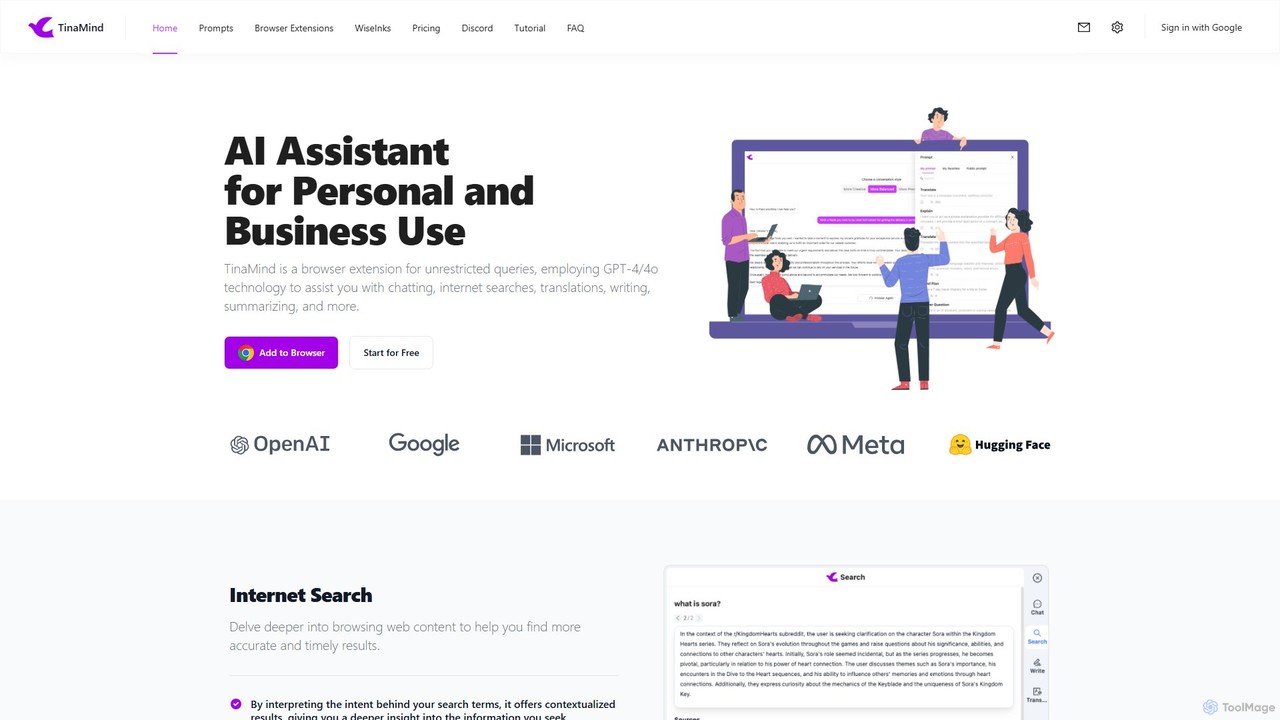
TinaMind
TinaMind is an AI-powered browser extension that enhances your productivity with GPT-4/4o. It acts as an all-in-one assistant for intelligent web search, document and YouTube summarization, content writing, high-quality translation, and efficient prompt management. Seamlessly integrated into your browser, it streamlines your workflow for both personal and business use.
Browser Extension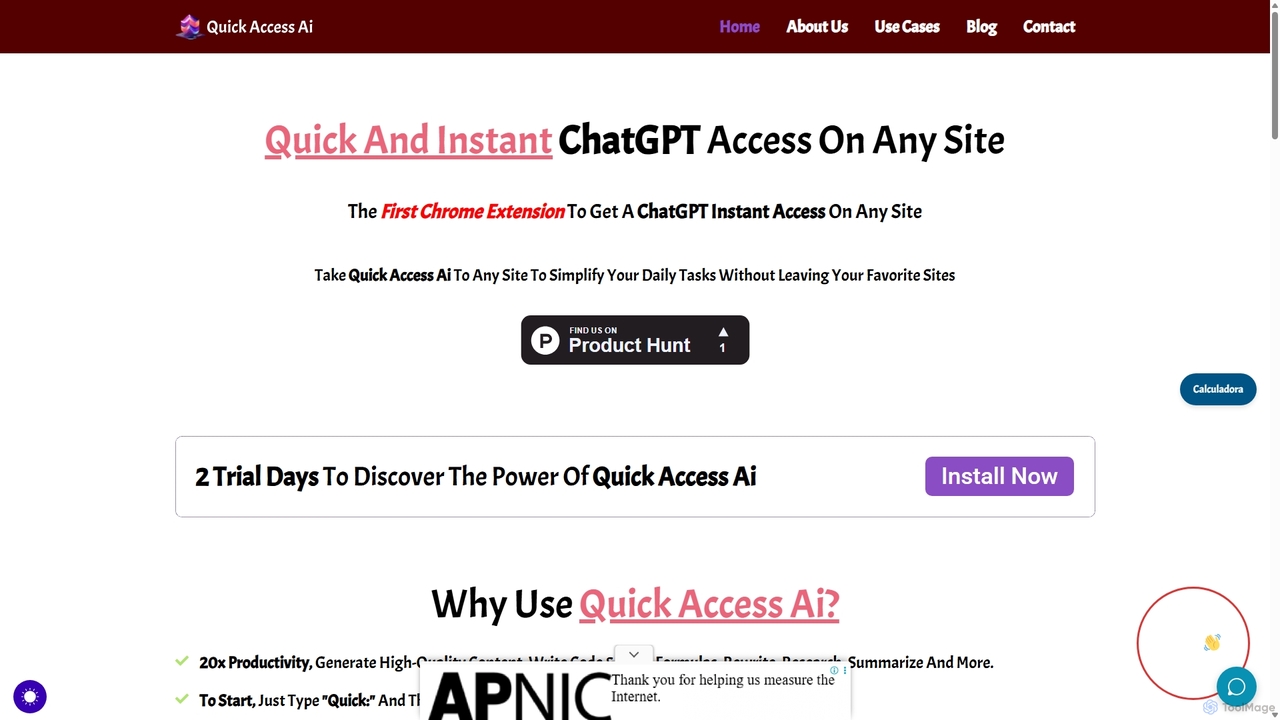
Quick Access Ai
Quick Access Ai is a Chrome extension that provides instant access to ChatGPT on any website. By simply typing a command, users can generate content, write code, summarize text, and perform research without switching tabs. It aims to boost productivity by integrating AI assistance directly into your existing workflow, making daily tasks faster and more efficient.
Code Assistant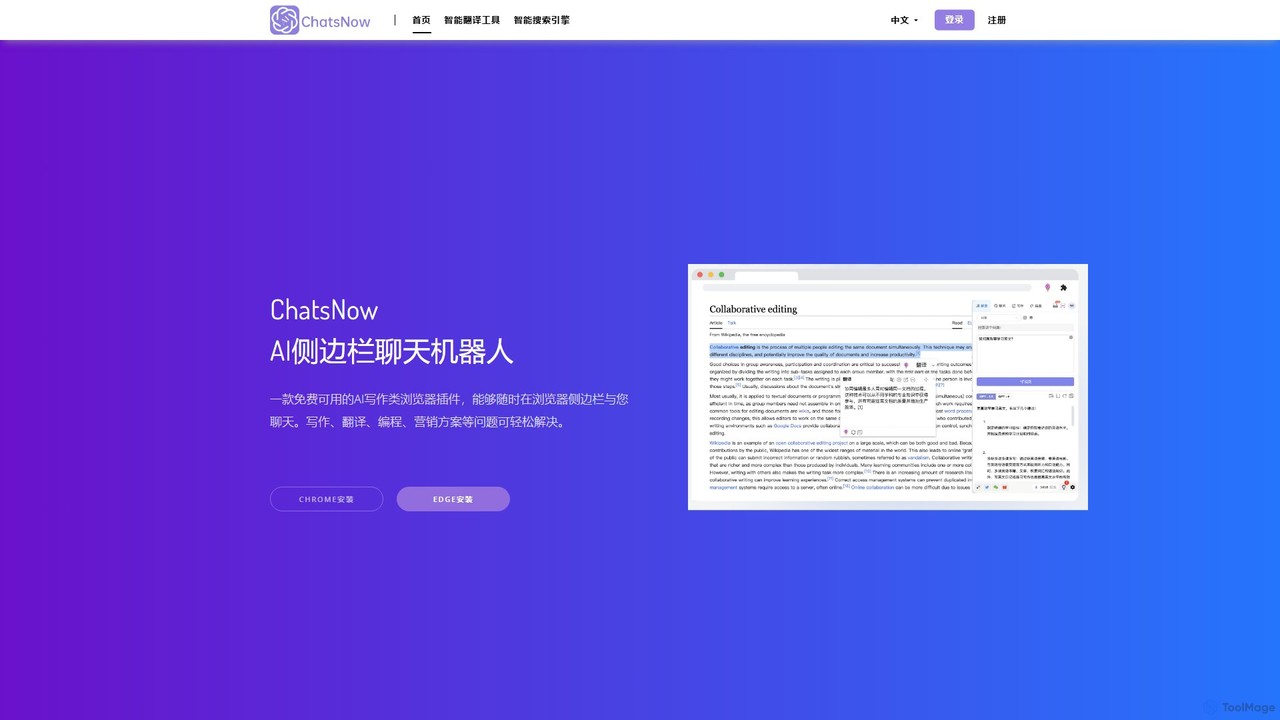
ChatsNow
ChatsNow is a versatile AI sidebar assistant for Chrome and Edge. It integrates a powerful chatbot, writer, and image generator directly into your browser. Instantly get answers, summarize web pages, draft emails, create marketing copy, or generate images from text prompts. With a library of prompt templates and the ability to work with selected text, ChatsNow streamlines your workflow for studying, working, and creative tasks, boosting your productivity across the web.
Ai Assistant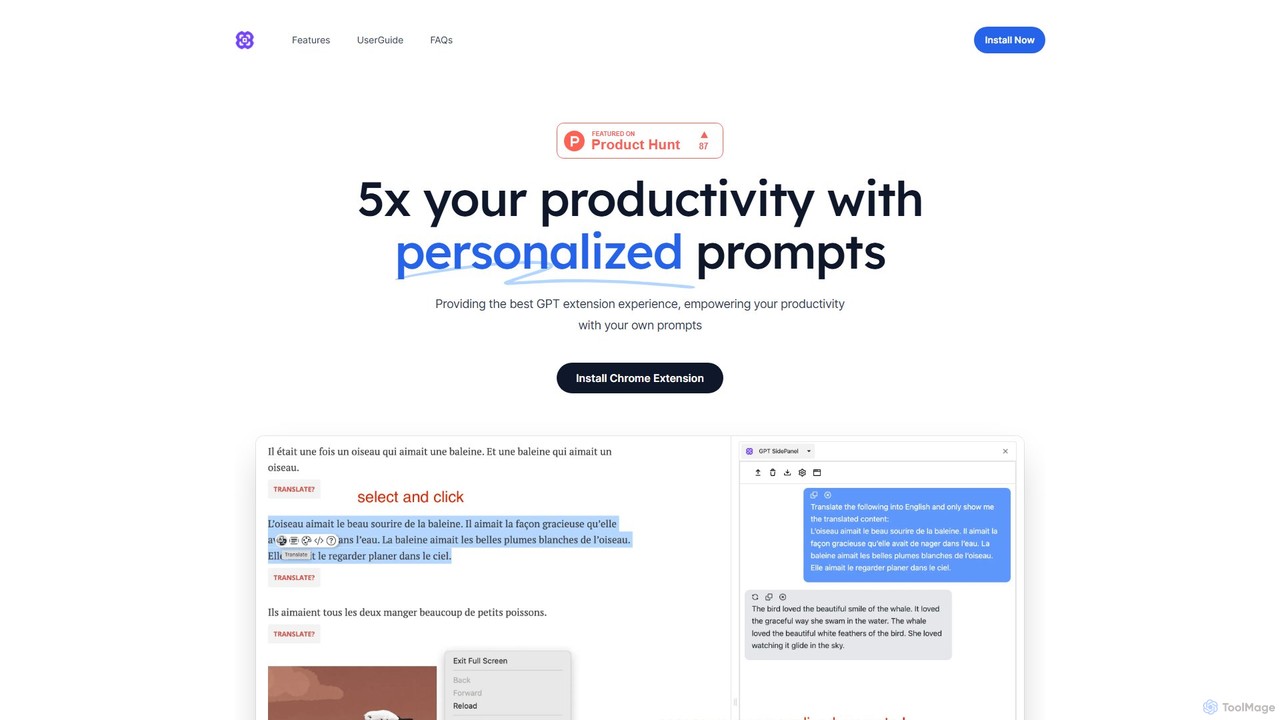
GPTSidePanel
GPTSidePanel is a powerful AI browser extension that integrates a GPT-powered sidebar into your browsing experience. Boost your productivity by summarizing articles, translating text, polishing writing, and using custom prompts directly on any webpage. Eliminate tab-switching and keep your workflow seamless with this intuitive AI assistant.
Browser Extension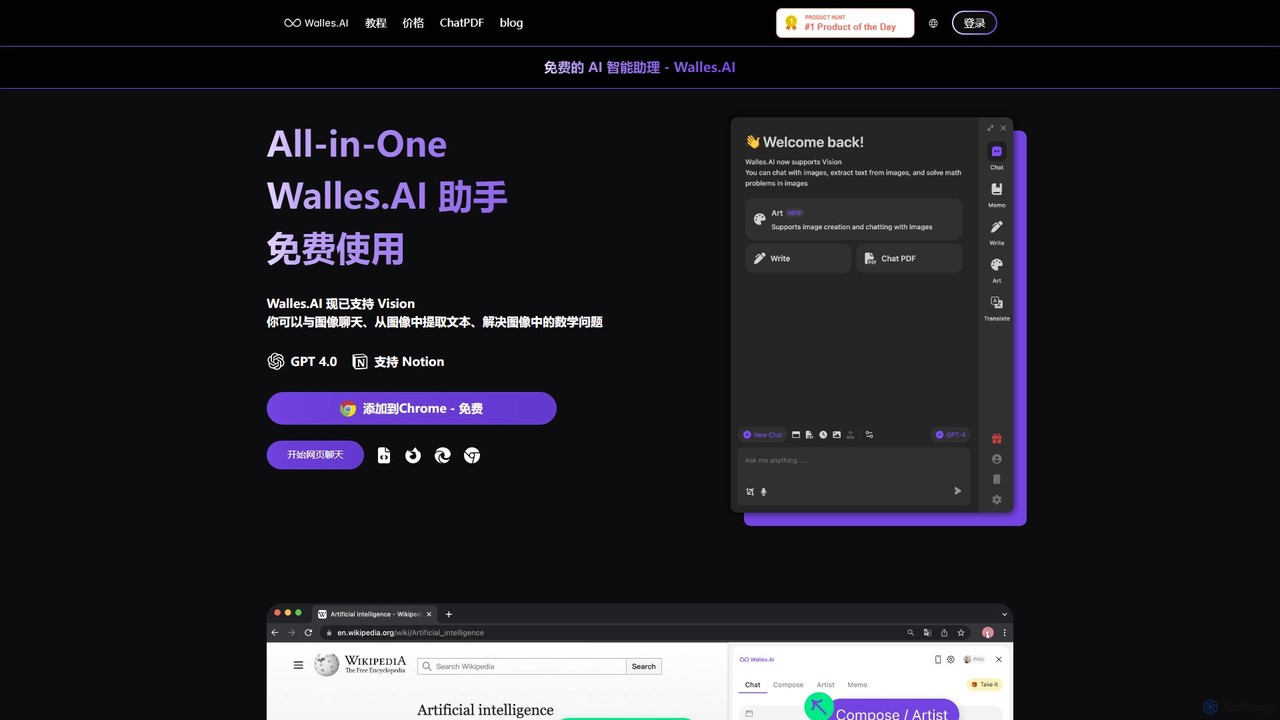
Walles.AI
Walles.AI is an all-in-one AI assistant integrated as a Chrome extension. Powered by GPT-4, it allows you to chat with webpages, PDFs, YouTube videos, and even images. Boost your productivity with instant summarization, translation, text analysis, and seamless integration with Notion.
StudyTorq Categories
Torq Embed Widget
Copy this embed code to place the badge on your blog, article, or product site and send readers directly to this ToolMage detail page.

Related AI tools
Chippy
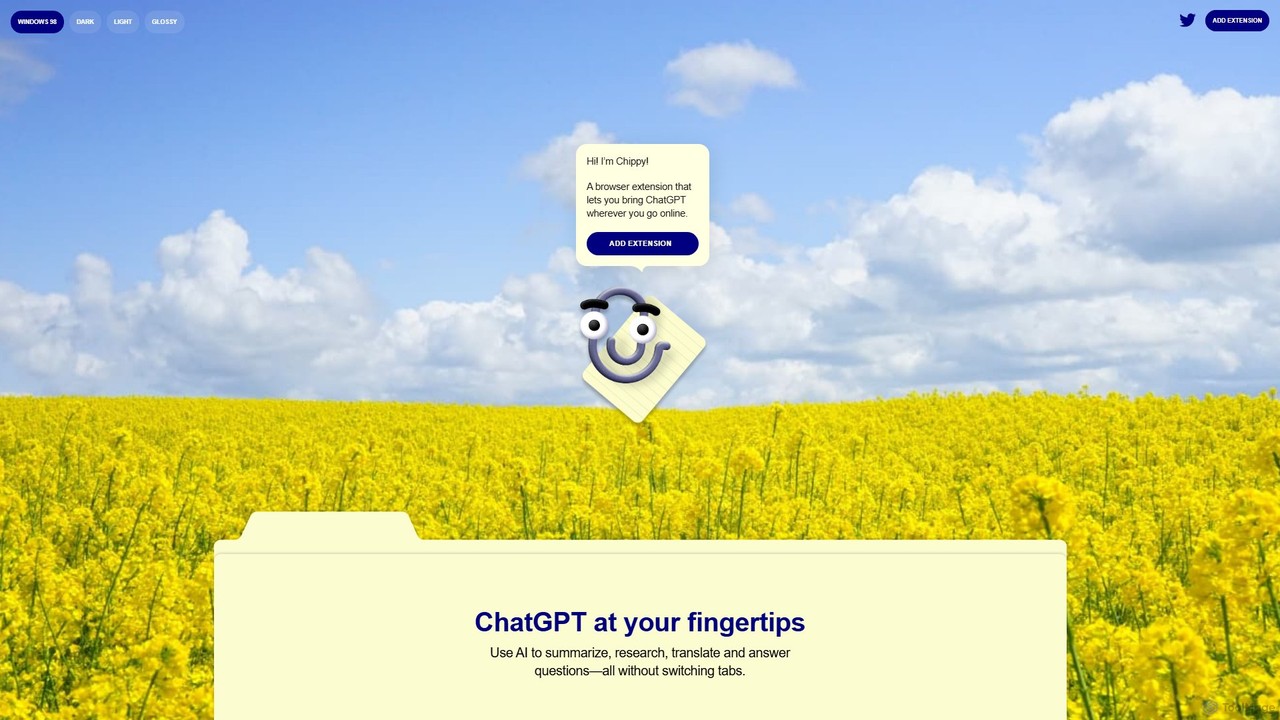
Chippy is a smart ChatGPT-powered Chrome extension that acts as your AI assistant across the web. Seamlessly summarize articles, translate text, research topics, and draft emails without ever leaving your current tab. It offers context-aware answers by focusing on the page you're viewing, overcoming ChatGPT's knowledge limitations. With a generous free tier and a focus on user privacy, Chippy enhances your browsing productivity by putting the power of AI at your fingertips.
Search AssistantQuick Access Ai
Quick Access Ai is a Chrome extension that provides instant access to ChatGPT on any website. By simply typing a command, users can generate content, write code, summarize text, and perform research without switching tabs. It aims to boost productivity by integrating AI assistance directly into your existing workflow, making daily tasks faster and more efficient.
Code AssistantChatsNow
ChatsNow is a versatile AI sidebar assistant for Chrome and Edge. It integrates a powerful chatbot, writer, and image generator directly into your browser. Instantly get answers, summarize web pages, draft emails, create marketing copy, or generate images from text prompts. With a library of prompt templates and the ability to work with selected text, ChatsNow streamlines your workflow for studying, working, and creative tasks, boosting your productivity across the web.
Ai AssistantGPTSidePanel
GPTSidePanel is a powerful AI browser extension that integrates a GPT-powered sidebar into your browsing experience. Boost your productivity by summarizing articles, translating text, polishing writing, and using custom prompts directly on any webpage. Eliminate tab-switching and keep your workflow seamless with this intuitive AI assistant.
Browser Extension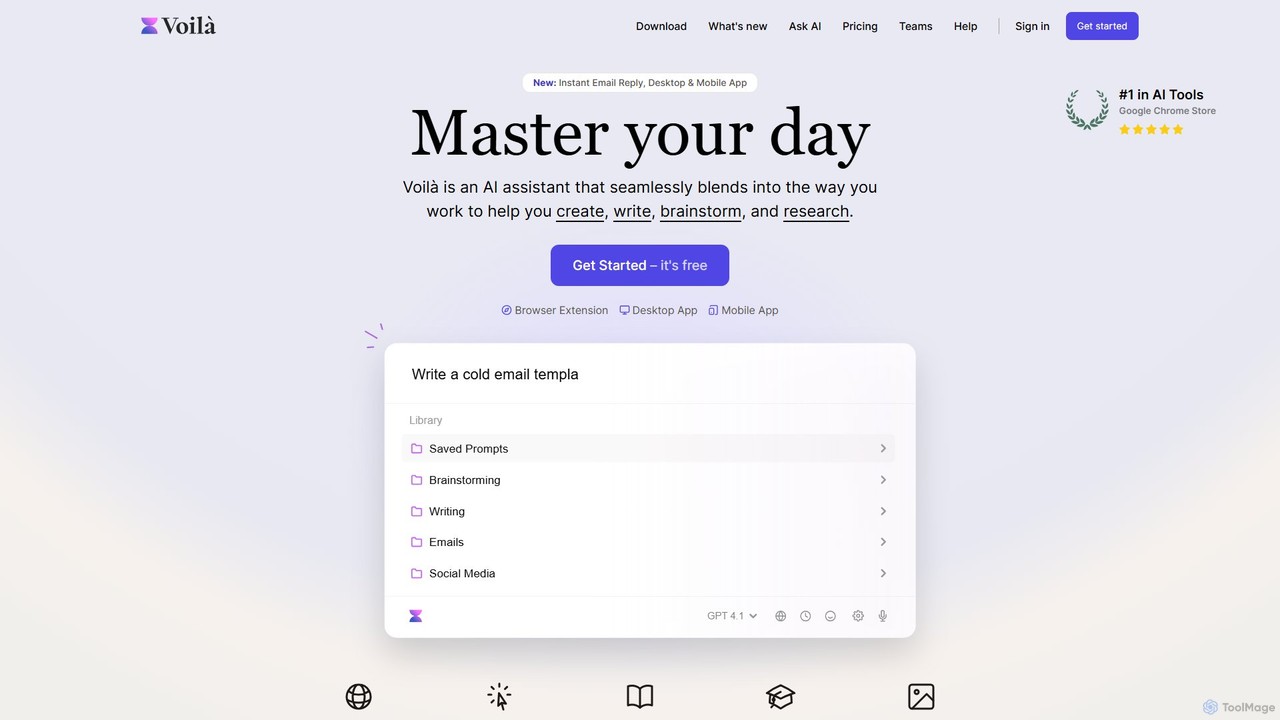
Voilà
Voilà is an all-in-one AI assistant designed to maximize productivity. It functions as a browser extension, desktop, and mobile app, seamlessly integrating into your workflow to help with writing, brainstorming, research, and content creation. It works on any website or app, understanding the context to provide relevant assistance.
Content Creation
Promptmatic
Promptmatic is a powerful Google Chrome extension for ChatGPT, designed to enhance your AI interactions. It features a massive library of over 2900 prompts, a smart prompt editor, a GPT bookmark manager, and extensive customization options for roles, styles, and tones. It streamlines your workflow, making you more productive and efficient when using ChatGPT for professional tasks.
Chrome Extensions
GPTPLUS
GPTPLUS is a powerful browser extension that integrates ChatGPT as a convenient sidebar. It offers one-click text processing, a rich library of prompt templates, and advanced AI assistance for writing, translation, and research directly within your browser, boosting productivity and streamlining your workflow.
Browser Extensions
Ask Gene
Ask Gene is a free AI-powered Chrome extension that acts as your personal internet assistant. Powered by GPT-4o and DeepSeek, it allows you to summarize webpages and PDFs, chat with AI without leaving your tab, explain complex text, translate, and assist with writing, all seamlessly integrated into your browser.
Research
AI Toolbar
AI Toolbar is a powerful Chrome extension that acts as your personal virtual assistant. It integrates AI directly into your browser, allowing you to respond to emails, summarize and translate text, generate content, and use voice commands on any webpage with a single click. Trusted by over 70,000 professionals, it's designed to dramatically boost your productivity and streamline your workflow.
Paraphraser
chrome_ai
An all-in-one AI assistant integrated into your Chrome browser. Summarize web pages and YouTube videos, enhance your writing, explain complex topics, and chat with advanced AI models without leaving your current tab. Boost your productivity with seamless AI power.
Chrome Extensions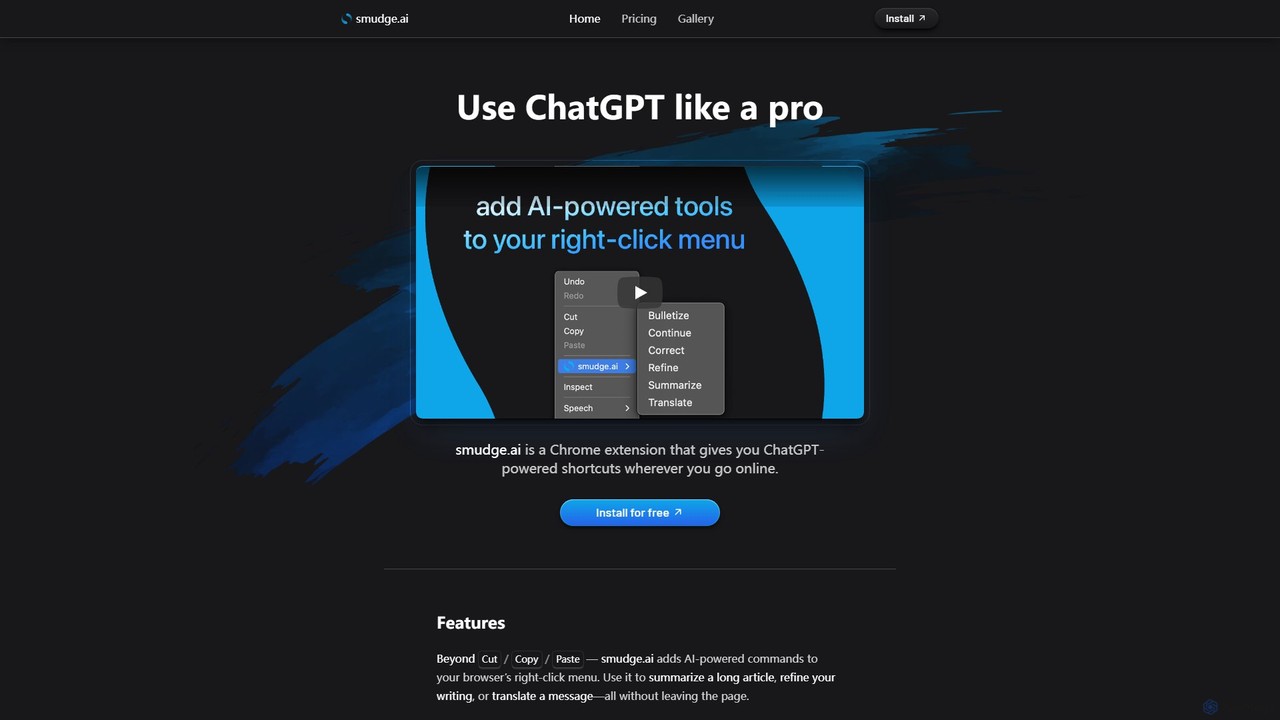
smudge.ai
smudge.ai is a powerful Chrome extension that integrates ChatGPT-powered shortcuts directly into your browser's right-click menu. Instantly summarize articles, refine your writing, translate text, and create custom commands without ever leaving your current page, streamlining your online workflow.
Chrome Extensions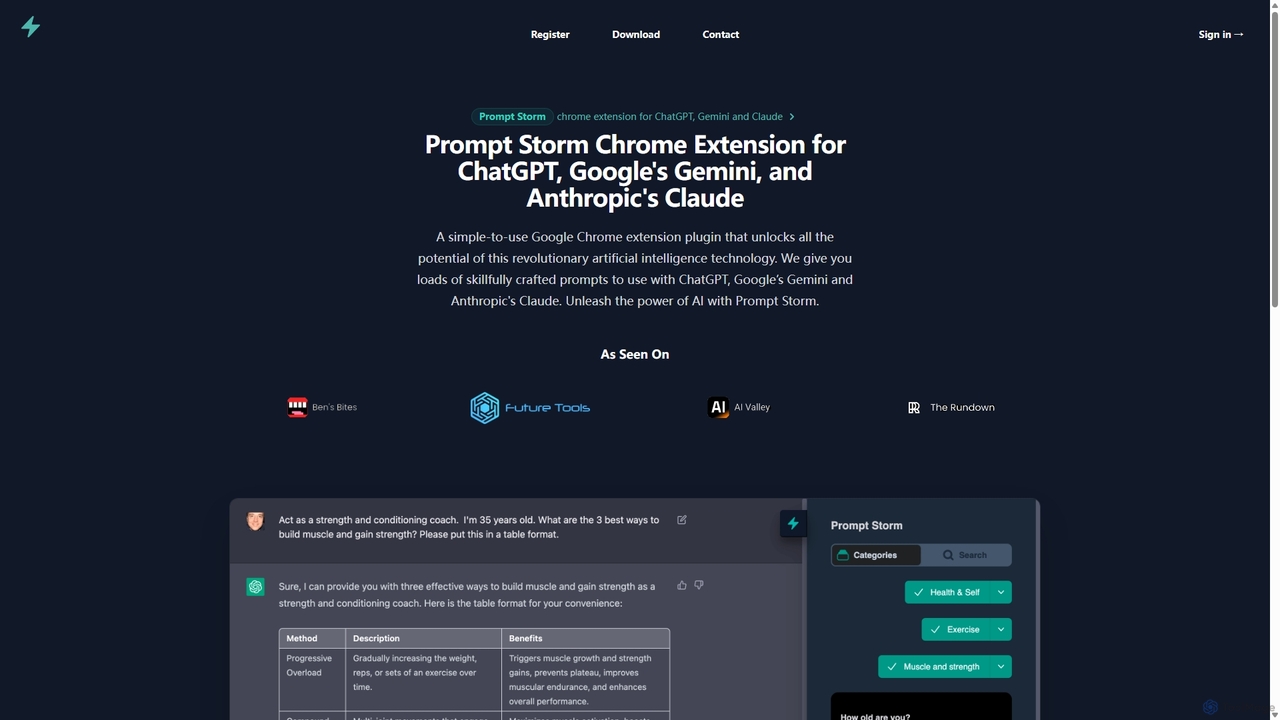
Prompt Storm
Prompt Storm is a powerful Chrome extension that enhances your interactions with ChatGPT, Google Gemini, and Anthropic's Claude. It provides a vast library of expertly crafted prompts, enabling users to unlock the full potential of AI for tasks like content creation, marketing, coding, and learning. Boost your productivity and get higher-quality AI responses with just a few clicks.
Code Generation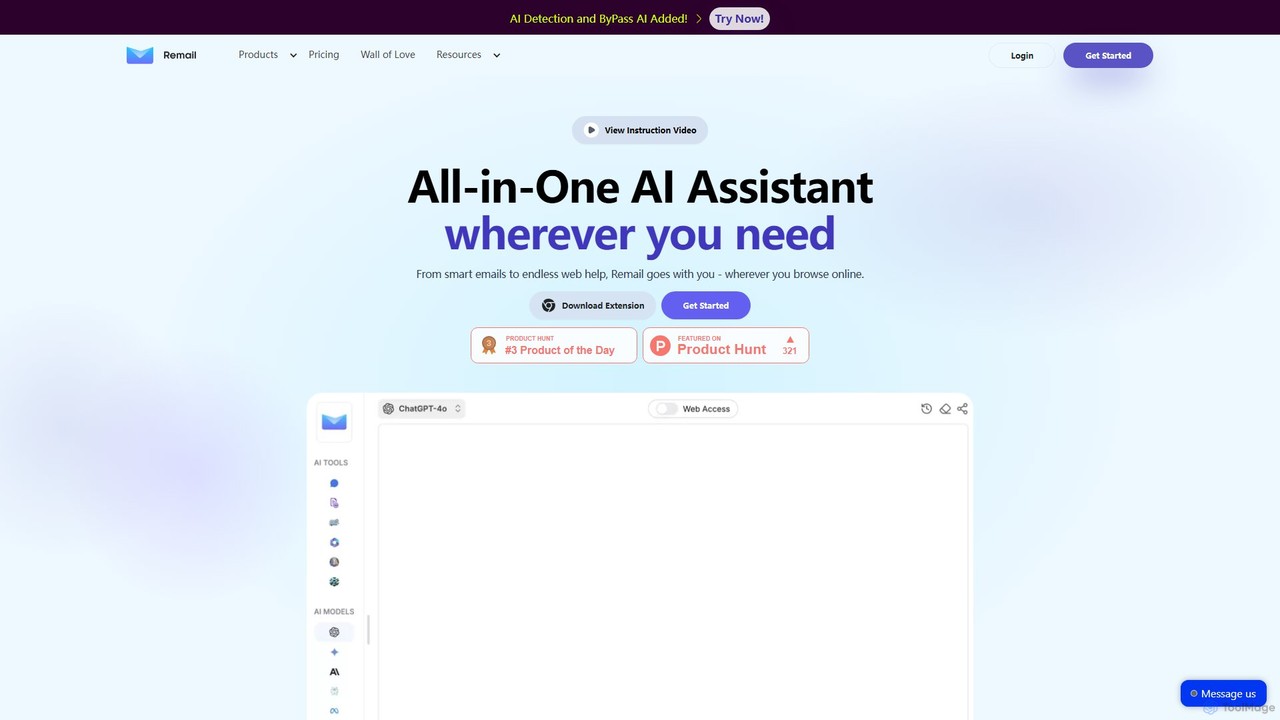
Remail
Remail is an all-in-one AI assistant and Chrome extension designed to boost productivity. It helps you write and reply to emails 10x faster, summarize web pages, chat with documents and YouTube videos, generate content, and much more, directly within your browser.
Chrome Extensions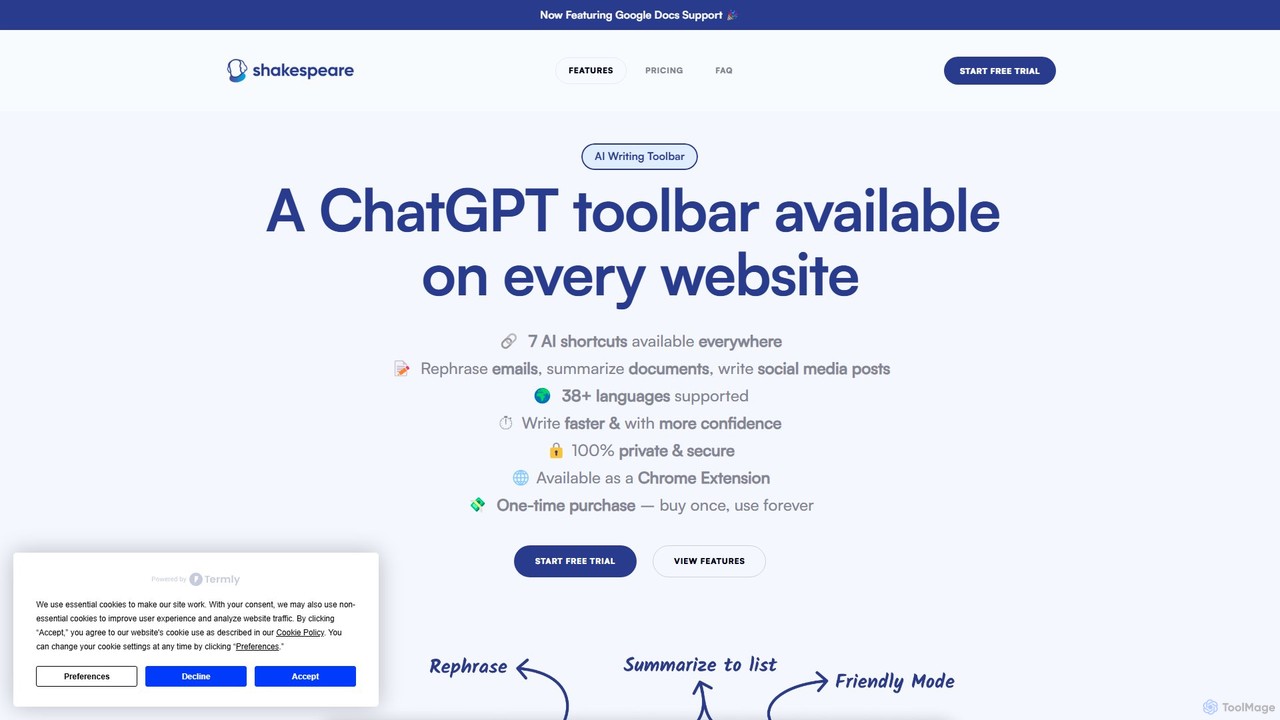
Shakespeare Toolbar
Shakespeare Toolbar is a ChatGPT-powered Chrome extension that integrates AI writing assistance directly into your browser. Work seamlessly on any website, including Google Docs, to rephrase, summarize, simplify text, and generate content without switching tabs. It's designed for writers, marketers, and professionals to enhance productivity and communication.
Chrome Extensions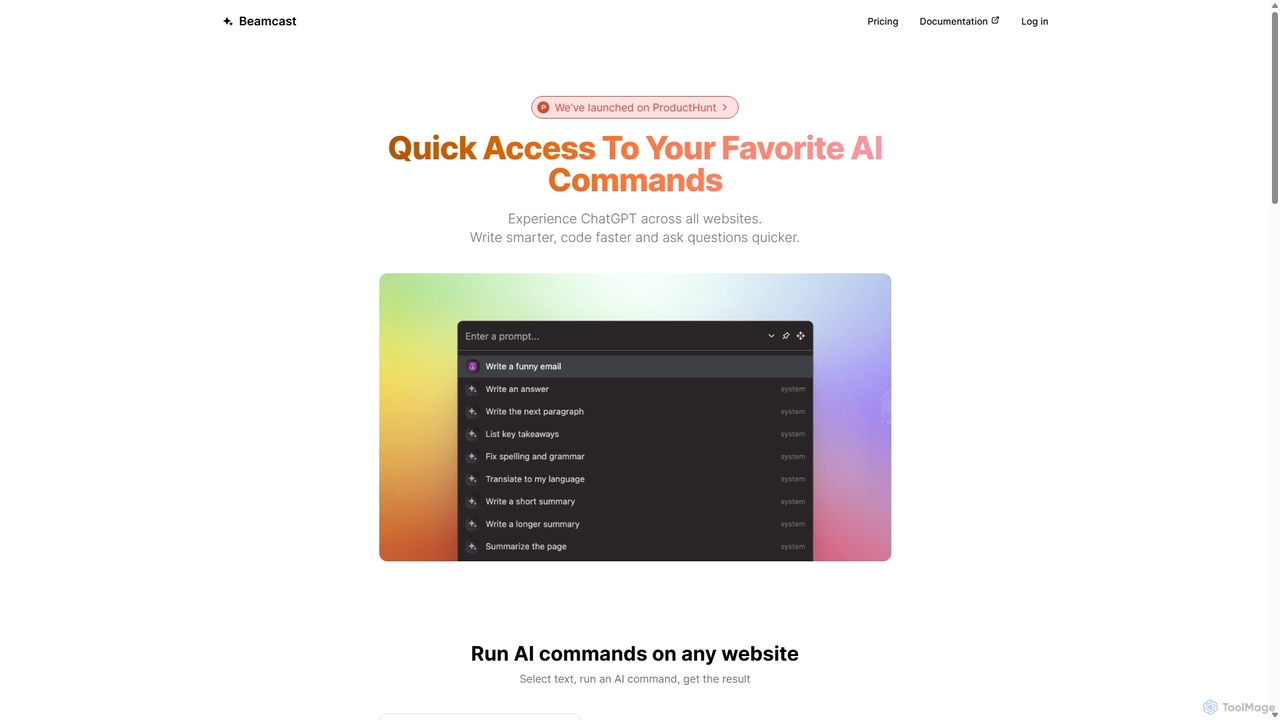
Beamcast
A browser extension that puts ChatGPT and Gemini at your fingertips. Select text on any website to run built-in or custom AI commands for writing, coding, and quick answers, streamlining your workflow and boosting productivity without ever leaving the page.
Search
Torq Comments (0)
Sign in to comment.
Sign inNo comments yet.