

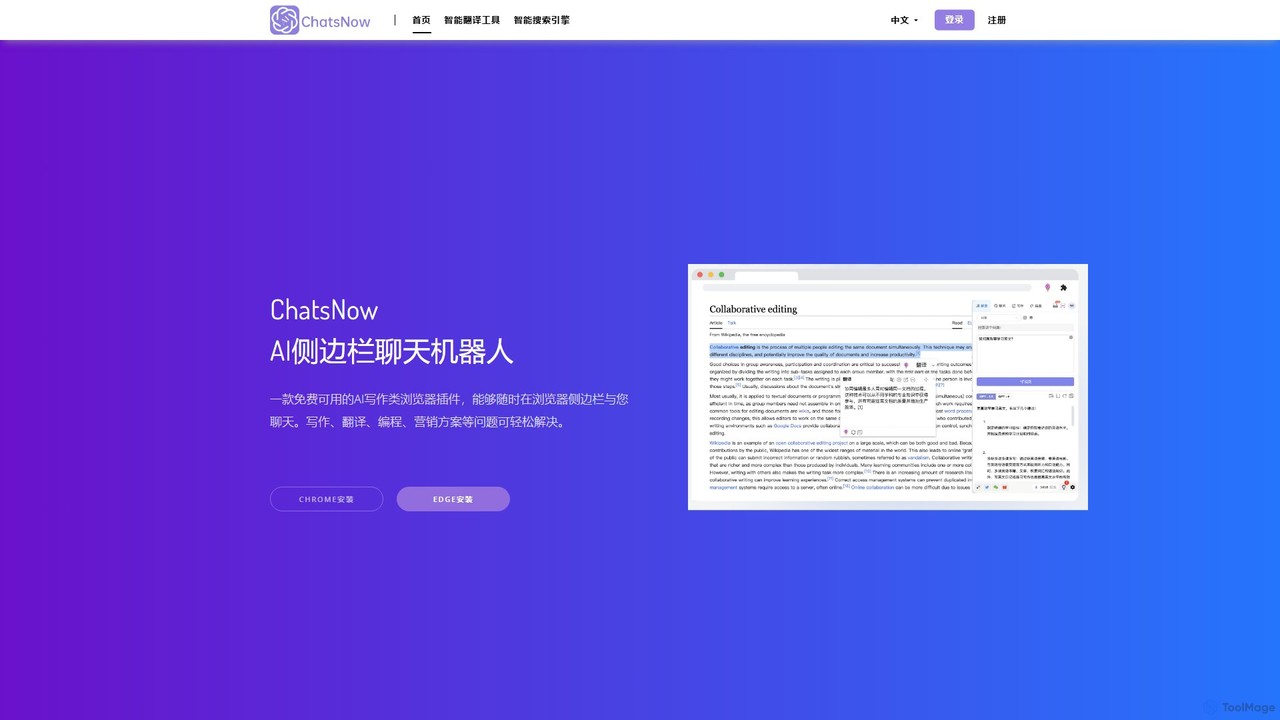
ChatsNow Overview
ChatsNow is an innovative, all-in-one AI sidebar that functions as a browser extension for both Google Chrome and Microsoft Edge. It's designed to be your constant companion while you browse, seamlessly integrating powerful AI capabilities into your daily online activities. By residing in your browser's sidebar, ChatsNow eliminates the need to switch between tabs or applications, providing instant access to a suite of tools that enhance productivity and creativity. The core of ChatsNow is built on four powerful pillars: an intelligent Q&A system, a conversational chatbot, a versatile writing assistant, and a creative AI image generator. This lightweight yet robust tool is engineered to assist a wide range of users, from students and researchers to marketers and developers, making advanced AI technology accessible and practical for everyone.
How to use ChatsNow
Getting started with ChatsNow is simple and intuitive. Follow these steps to integrate AI into your browsing experience:
- Installation: Visit the Chrome Web Store or Microsoft Edge Add-ons marketplace to find and install the ChatsNow extension.
- Accessing the Sidebar: Once installed, you can pin the ChatsNow icon (a small lightbulb) to your browser's toolbar for easy access. Simply click the icon to open or close the AI sidebar.
- Choosing a Function: The sidebar presents four main functions: Answer, Chat, Write, and Draw. Select the mode that best suits your current need.
- Interacting with AI: Type your query into the input box. For more structured results, you can leverage the extensive library of over 20 prompt templates designed for specific tasks like summarizing articles, writing blog posts, or debugging code.
- Using Contextual Tools: Highlight any text on a webpage to bring up a quick menu. From here, you can instantly ask ChatsNow to summarize, translate, rewrite, or expand the selected content without any copying and pasting.
Core Features of ChatsNow
- All-in-One AI Suite: ChatsNow combines four essential AI tools into a single, convenient browser extension: an answer engine, a general-purpose chatbot, a writing assistant, and an AI art generator.
- Contextual Text Interaction: A standout feature is the ability to work directly with text on any webpage. Select a paragraph to get a summary, translate a foreign language, rephrase a sentence for clarity, or expand on a brief idea.
- Rich Prompt Template Library: To help users unlock the full potential of AI, ChatsNow includes over 20 pre-built prompt templates. These cover a wide array of use cases, from academic writing and professional emails to marketing copy and programming solutions.
- AI Image Generation: Unleash your creativity with the integrated AI drawing function. Simply describe the image you envision, and ChatsNow will generate unique, high-quality visuals directly in your sidebar, perfect for presentations, blog posts, or social media.
- Seamless Browser Integration: As a sidebar extension for Chrome and Edge, it works on any website you visit, providing consistent AI assistance without disrupting your workflow.
Use Cases for ChatsNow
ChatsNow is a versatile tool that caters to various needs:
- For Students and Researchers: Quickly summarize long academic papers or news articles. Generate outlines for essays and presentations. Polish thesis content and check for clarity. Get quick explanations for complex topics without leaving the research page.
- For Marketers and Content Creators: Draft compelling blog posts, social media updates, and ad copy. Brainstorm content ideas and headlines. Write and refine professional emails to clients. Generate unique images to accompany articles and posts.
- For Professionals: Efficiently respond to emails by using the rewrite and expand features. Summarize meeting transcripts or lengthy reports to grasp key points quickly. Prepare presentation talking points and scripts.
- For Developers: Use the AI to explain complex code snippets, debug errors, write documentation, or translate code between programming languages.
Advantages of ChatsNow
ChatsNow offers significant benefits to its users:
- Massive Productivity Boost: By keeping AI tools within the browser sidebar, it saves valuable time and reduces the cognitive load of switching contexts.
- Versatility and Convenience: A single extension replaces the need for multiple separate AI websites or apps for writing, research, and image creation.
- User-Friendly and Accessible: The intuitive interface and prompt templates make it easy for AI novices to achieve expert-level results.
- Lightweight Performance: It's designed to be fast and responsive, providing powerful AI features without slowing down your browser.
Pricing and Plans
ChatsNow operates on a freemium model, making it accessible to everyone.
- Free Plan: Users can enjoy the core features of ChatsNow with a generous daily limit on queries for chat, writing, and other functions. This plan is ideal for casual users who need occasional AI assistance.
- Premium Plan: For power users and professionals, a premium subscription is available. This plan typically offers unlimited queries, faster response times, access to more advanced AI models (like GPT-4), higher resolution and more frequent image generations, and priority customer support.
Traffic
Latest traffic
Status
Monthly traffic trend
- 2026-1: 2.8K
- 2026-2: 1.9K
- 2026-3: 1.8K
- 2026-4: 1.5K
- 2026-5: 1.8K
Geography
Top 5 countries / regions
- 🇺🇸United States100.0%
Top keywords
| Keyword | Cost per click |
|---|---|
| chatnow | $0.91 |
| chat now ai | $0.00 |
| chatnow ai | $0.00 |
| chatnow login | $0.00 |
| remaker ai | $0.37 |
ChatsNow Alternatives
Docky.AI
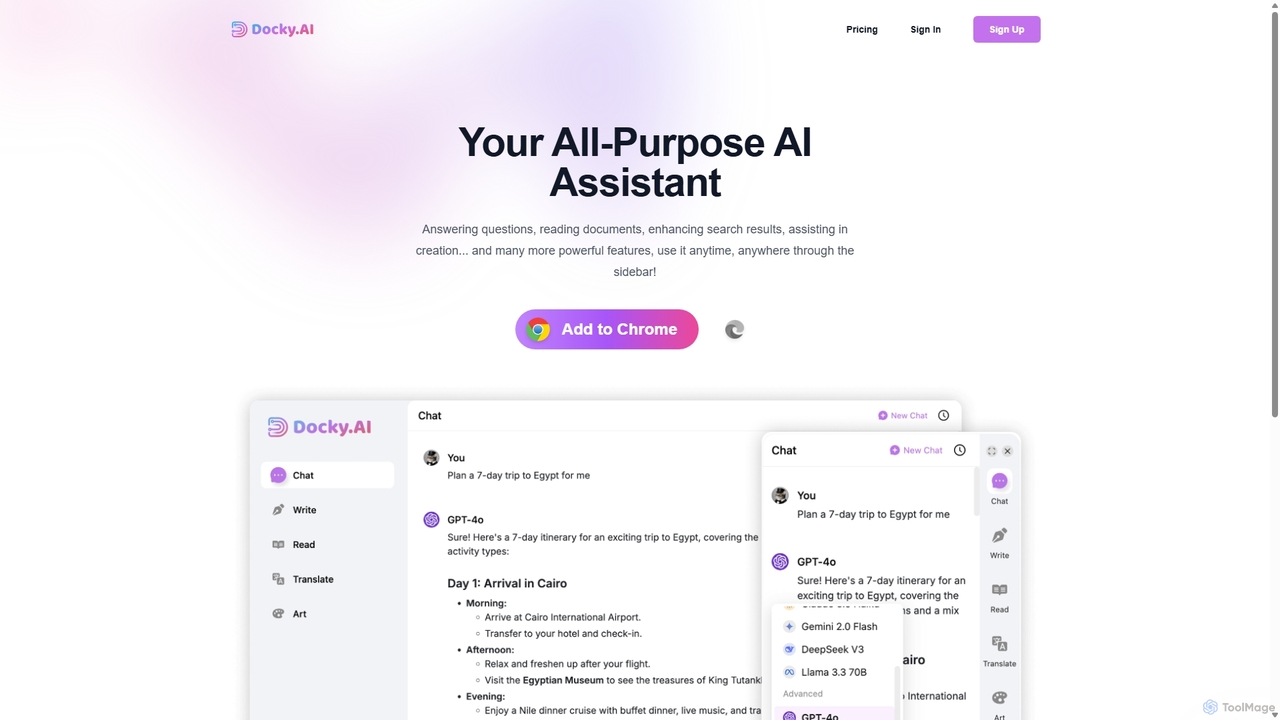
Docky.AI is a powerful all-in-one AI sidebar for your browser. It integrates leading models like GPT-4, Claude, and DALL-E, allowing you to enhance search results, read documents, assist with writing, and generate content seamlessly on any webpage. Boost your productivity without ever switching tabs.
Search Assistant
Torq
Torq is an AI-powered Chrome extension that supercharges your productivity. Leveraging ChatGPT, it offers one-click email generation, instant text summarization and translation, and integrates AI responses directly into your Google search results, streamlining your daily workflow.
Browser Extension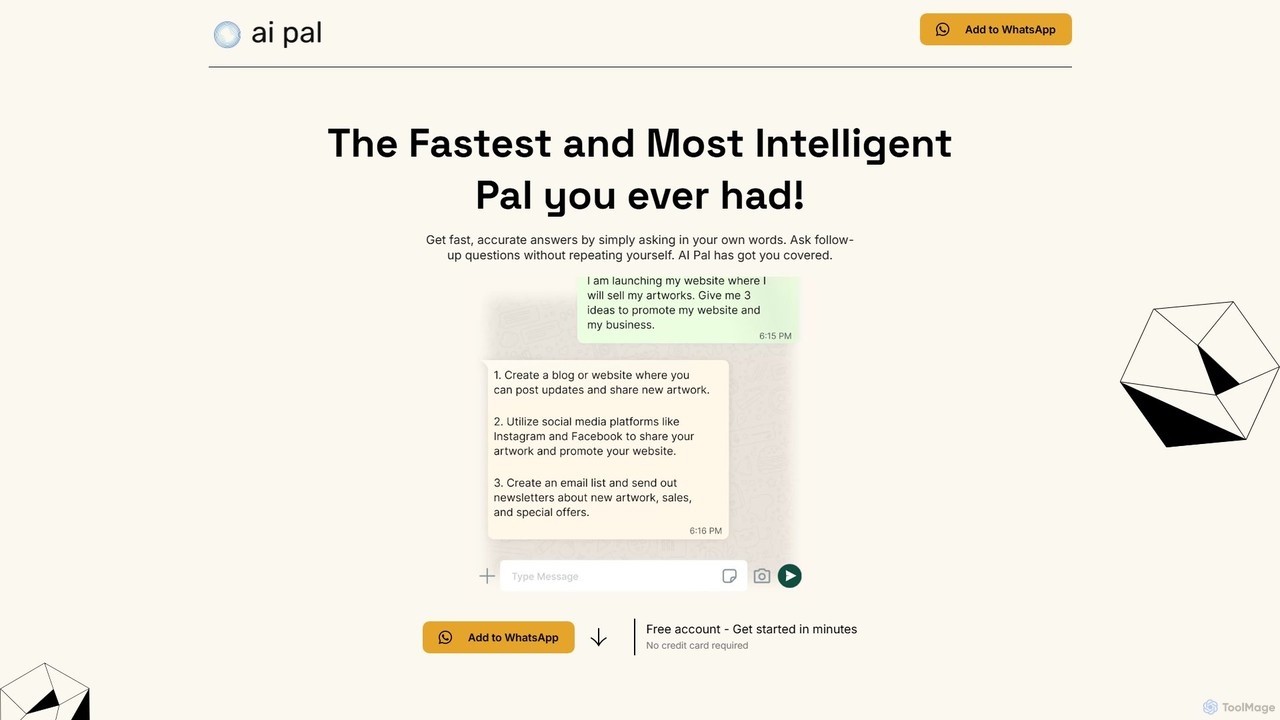
getaipal
getaipal is a powerful AI assistant integrated directly into your WhatsApp. Generate professional emails, captivating social media content, stunning images from text, and personalized travel itineraries without ever leaving your chat app. It's your personal AI companion for productivity, creativity, and daily tasks, available 24/7.
Image Generator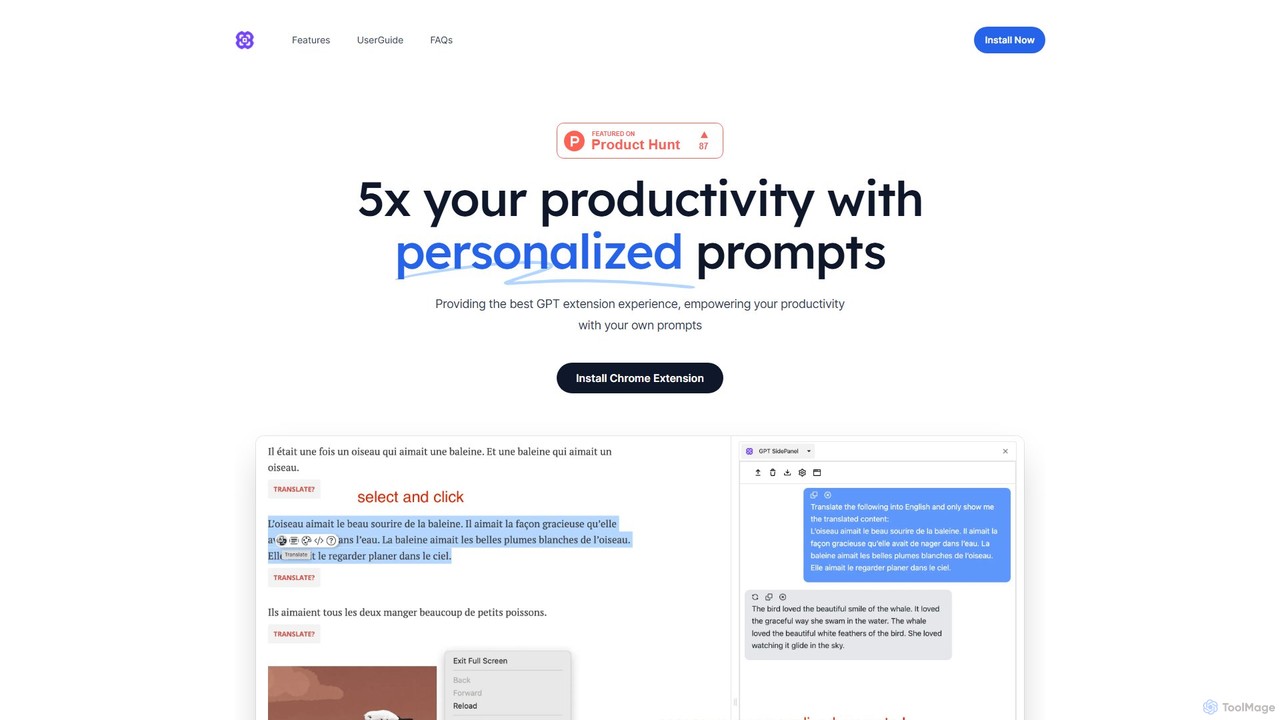
GPTSidePanel
GPTSidePanel is a powerful AI browser extension that integrates a GPT-powered sidebar into your browsing experience. Boost your productivity by summarizing articles, translating text, polishing writing, and using custom prompts directly on any webpage. Eliminate tab-switching and keep your workflow seamless with this intuitive AI assistant.
Browser Extension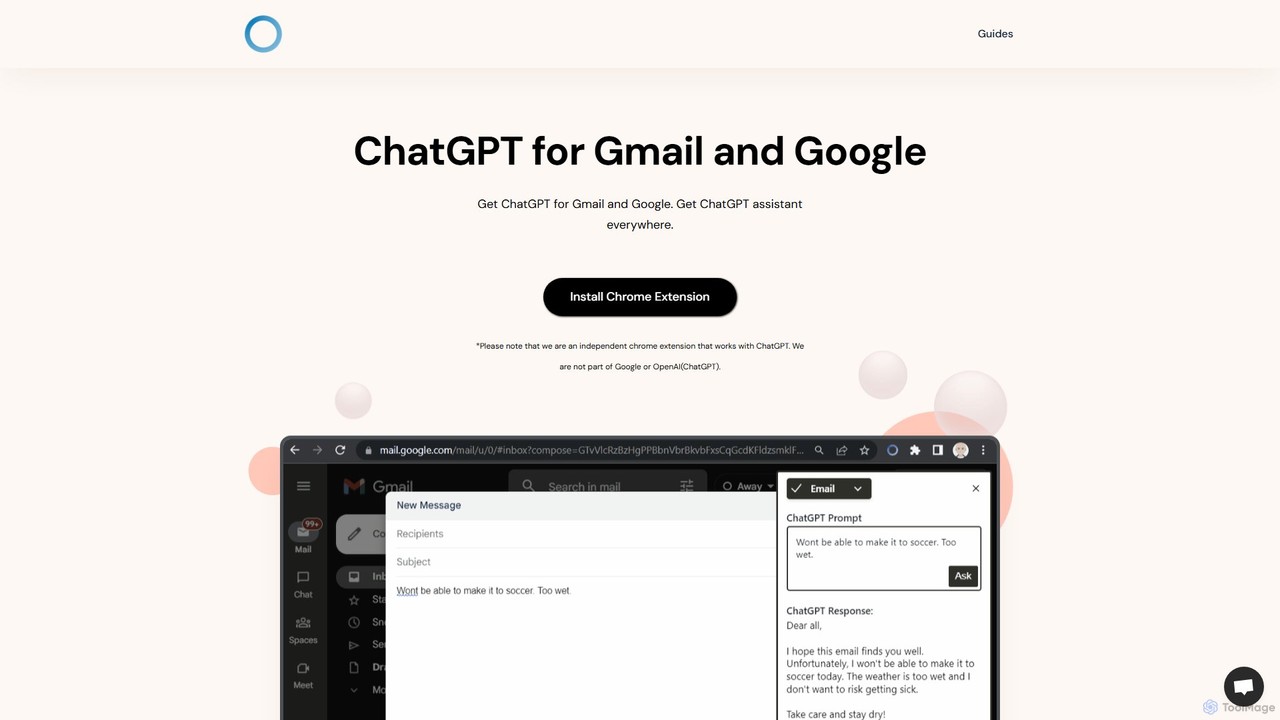
ChatGPT Everywhere
ChatGPT Everywhere is a powerful browser extension that integrates ChatGPT into your daily workflow. Get instant AI-powered answers alongside your Google search results, compose professional emails in Gmail, and access a versatile AI assistant via a sidebar on any website. Boost your productivity by summarizing text, generating content, and getting information without switching tabs.
Browser ExtensionChatsNow Categories
ChatsNow Embed Widget
Copy this embed code to place the badge on your blog, article, or product site and send readers directly to this ToolMage detail page.

Related AI tools
Torq
Torq is an AI-powered Chrome extension that supercharges your productivity. Leveraging ChatGPT, it offers one-click email generation, instant text summarization and translation, and integrates AI responses directly into your Google search results, streamlining your daily workflow.
Browser Extensiongetaipal
getaipal is a powerful AI assistant integrated directly into your WhatsApp. Generate professional emails, captivating social media content, stunning images from text, and personalized travel itineraries without ever leaving your chat app. It's your personal AI companion for productivity, creativity, and daily tasks, available 24/7.
Image GeneratorGPTSidePanel
GPTSidePanel is a powerful AI browser extension that integrates a GPT-powered sidebar into your browsing experience. Boost your productivity by summarizing articles, translating text, polishing writing, and using custom prompts directly on any webpage. Eliminate tab-switching and keep your workflow seamless with this intuitive AI assistant.
Browser ExtensionChatGPT Everywhere
ChatGPT Everywhere is a powerful browser extension that integrates ChatGPT into your daily workflow. Get instant AI-powered answers alongside your Google search results, compose professional emails in Gmail, and access a versatile AI assistant via a sidebar on any website. Boost your productivity by summarizing text, generating content, and getting information without switching tabs.
Browser Extension
Google Gemini
Google Gemini is a powerful, multimodal AI assistant designed to enhance creativity and productivity. It can understand and process text, code, images, and video to help you write, plan, learn, and create. Integrated with Google's ecosystem, it offers features like advanced content generation, deep research, and seamless collaboration within Google apps.
Image Generator
getmerlin
getmerlin is a versatile AI assistant powered by top models like GPT-4o and Claude 3.5. Available as a browser extension and app, it integrates seamlessly into your workflow to summarize content, draft emails, generate text and images, and enhance research on any website. It acts as an all-in-one productivity tool, saving time and money by consolidating multiple AI services into a single subscription.
Chrome Extensions
ilingban
ilingban is an all-in-one AI-powered assistant designed to boost productivity for work and study. It integrates translation, conversational AI, writing assistance, document analysis, a code helper, and a teaching assistant into a single, seamless platform available as a browser extension and desktop app.
Coding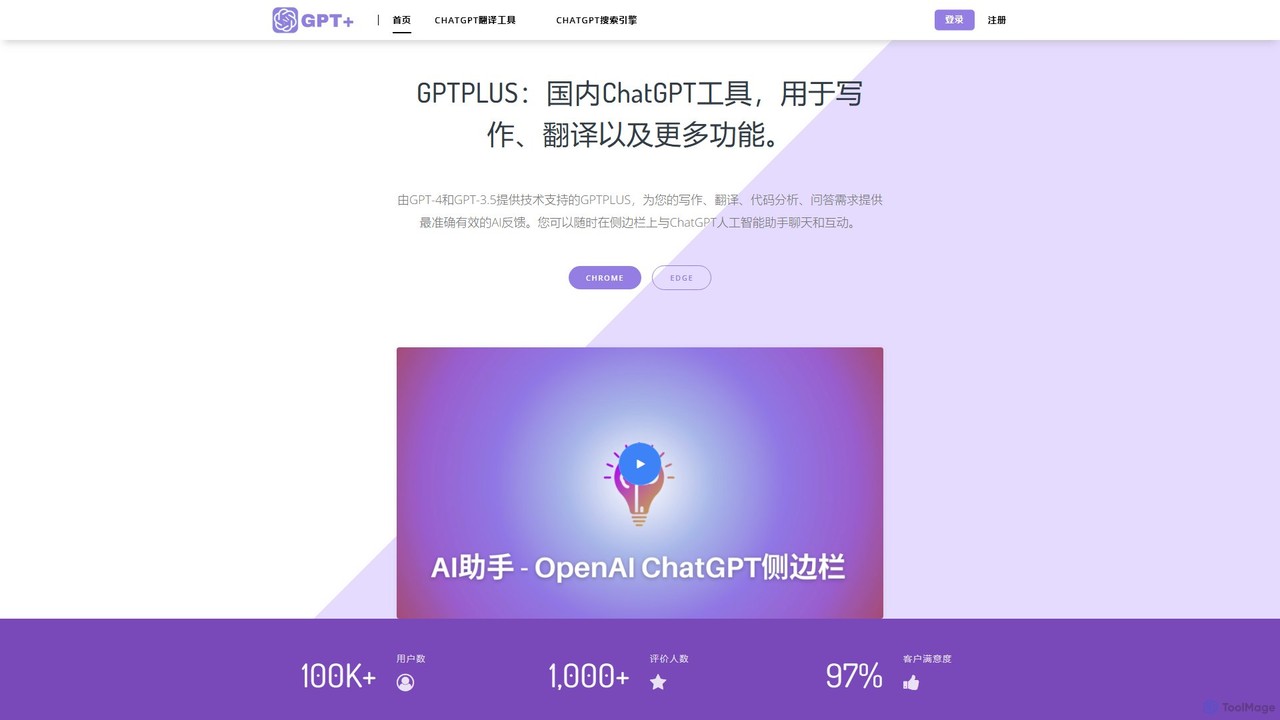
GPTPLUS
GPTPLUS is a powerful browser extension that integrates ChatGPT as a convenient sidebar. It offers one-click text processing, a rich library of prompt templates, and advanced AI assistance for writing, translation, and research directly within your browser, boosting productivity and streamlining your workflow.
Browser Extensions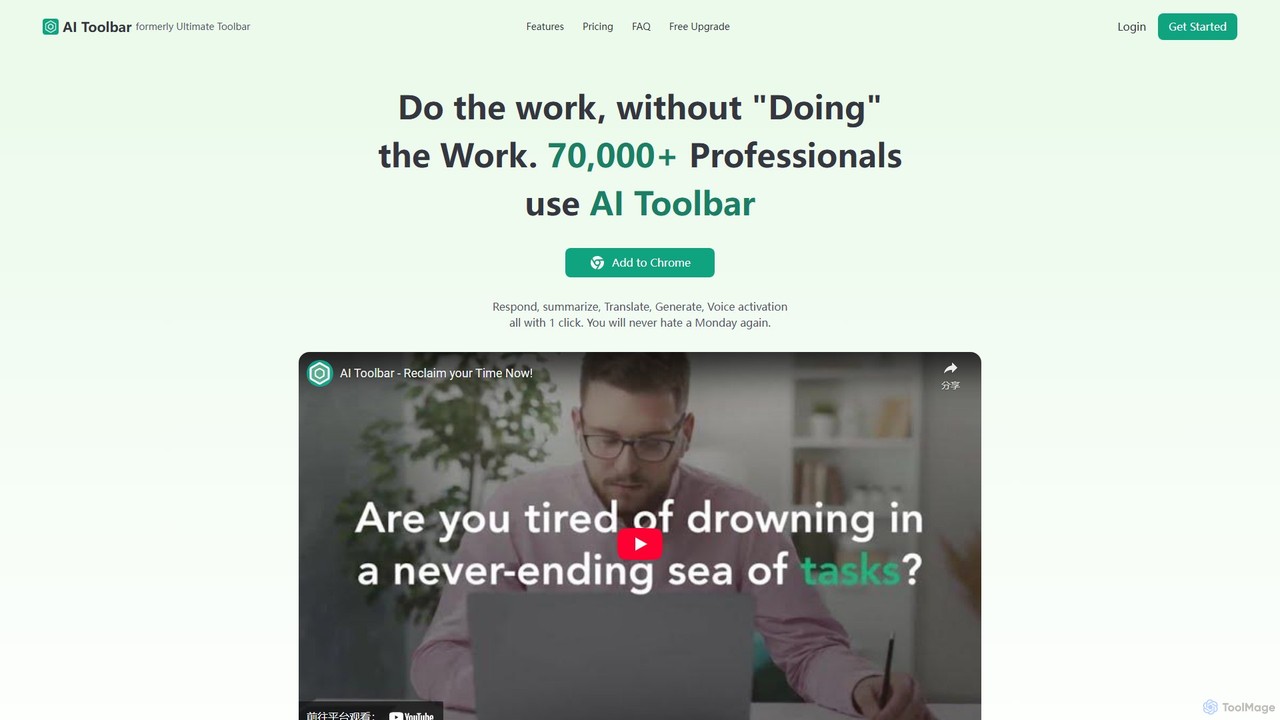
AI Toolbar
AI Toolbar is a powerful Chrome extension that acts as your personal virtual assistant. It integrates AI directly into your browser, allowing you to respond to emails, summarize and translate text, generate content, and use voice commands on any webpage with a single click. Trusted by over 70,000 professionals, it's designed to dramatically boost your productivity and streamline your workflow.
Paraphraser
Sider
Sider is an all-in-one AI assistant integrated as a browser sidebar and cross-platform app. It combines chat with models like GPT-4 and Claude 3.5, a powerful "Deep Research" agent, a personal knowledge base called "Wisebase," and a suite of tools for summarizing, translating, writing, and image editing to enhance productivity and learning.
Assistant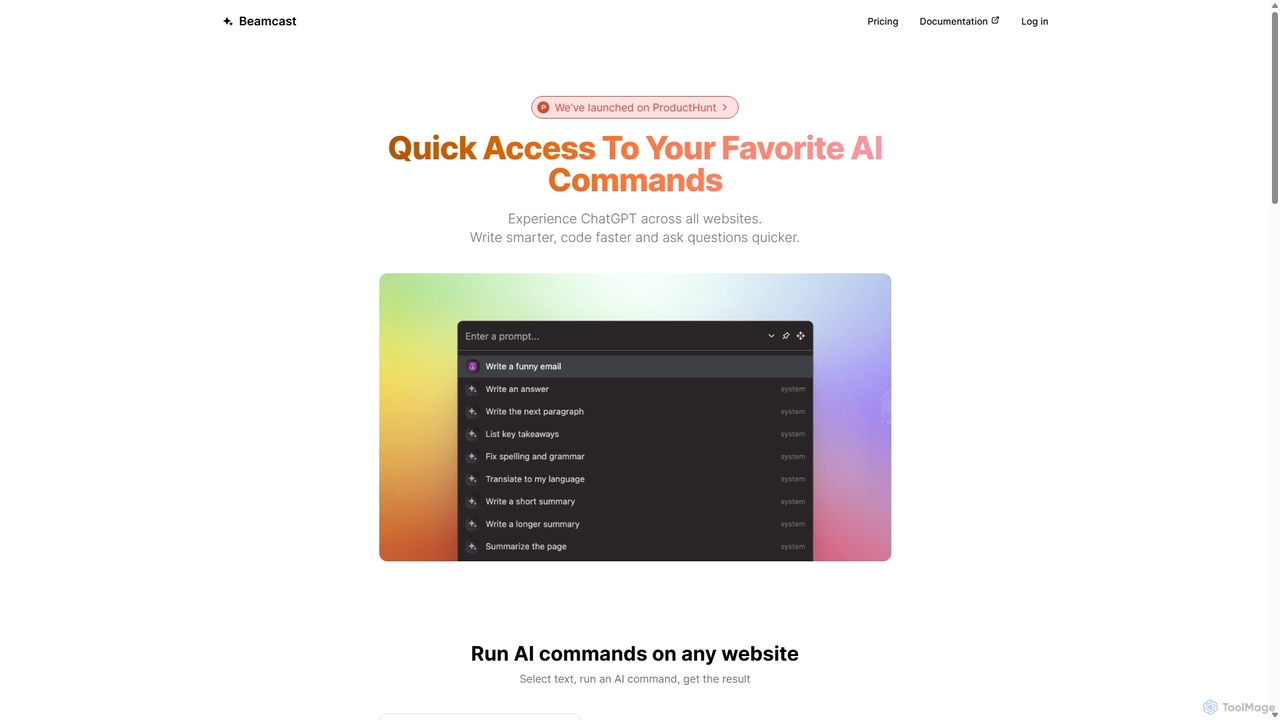
Beamcast
A browser extension that puts ChatGPT and Gemini at your fingertips. Select text on any website to run built-in or custom AI commands for writing, coding, and quick answers, streamlining your workflow and boosting productivity without ever leaving the page.
Search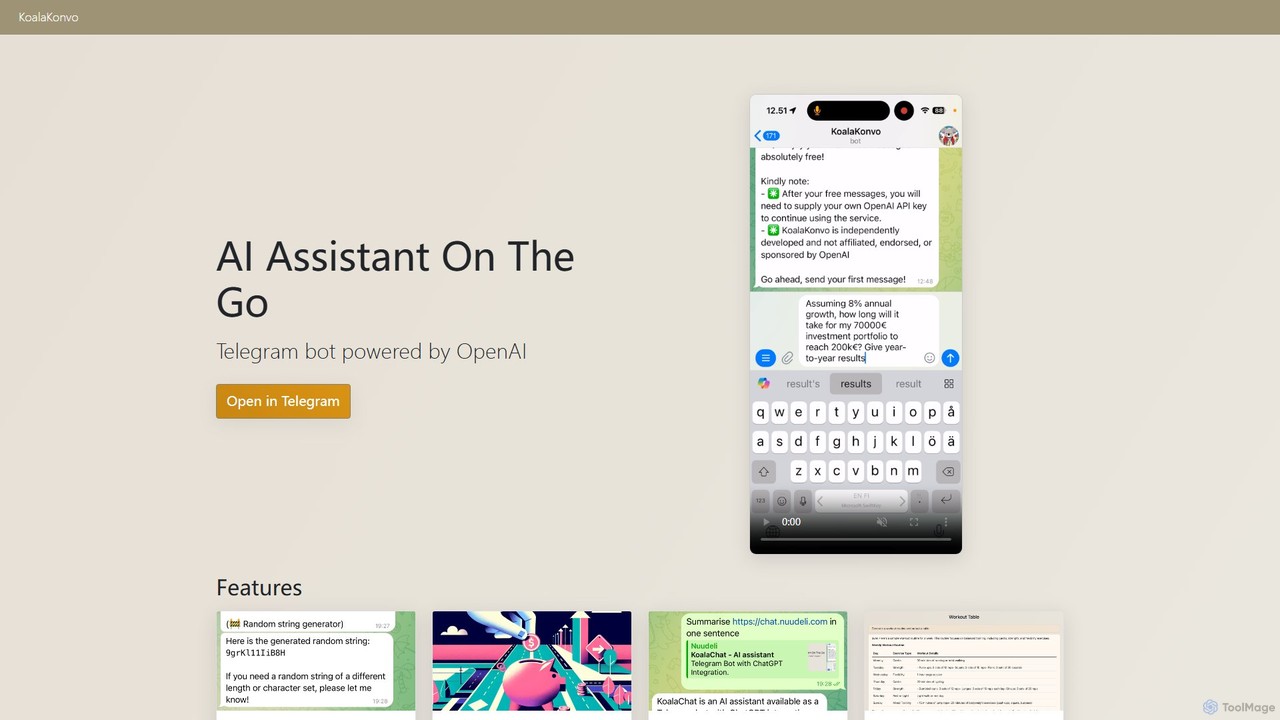
KoalaKonvo
KoalaKonvo is a powerful, multi-functional AI assistant for Telegram, powered by OpenAI. It integrates advanced features like code creation, web browsing, and image generation directly into your chat, operating on a transparent pay-as-you-go model using your own API key.
Writing Assistant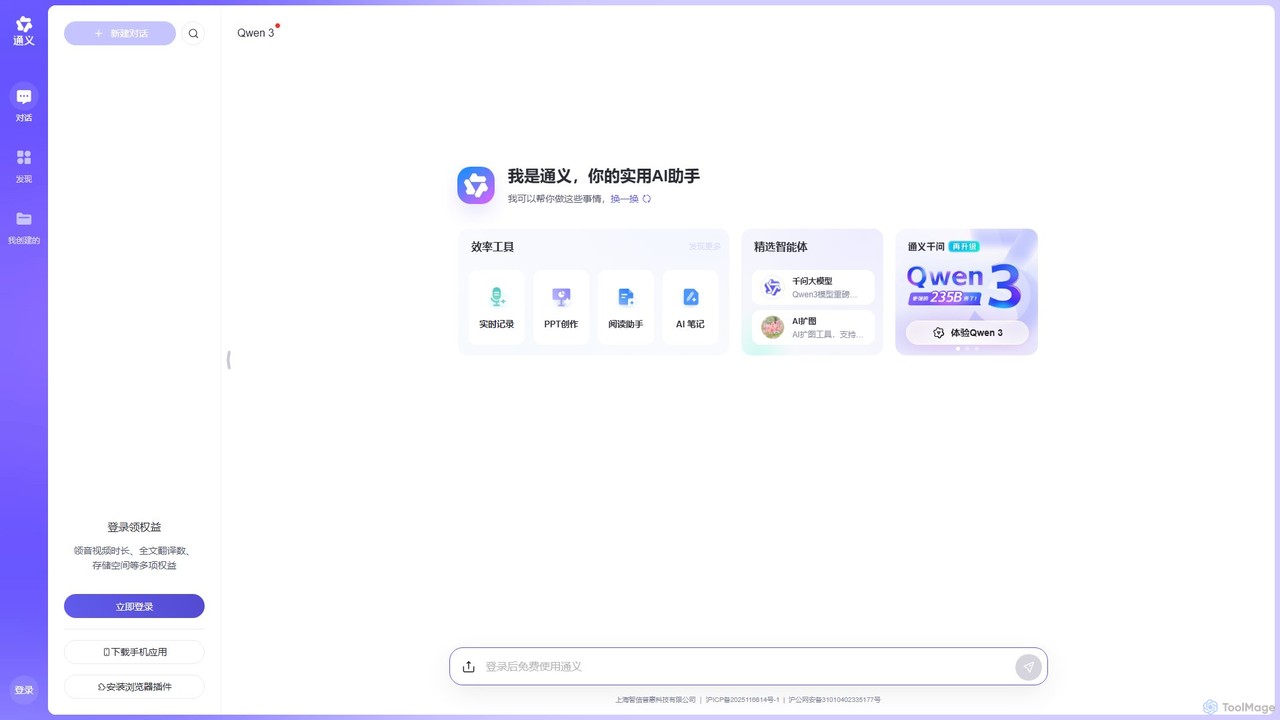
Tongyi
Tongyi is an all-in-one AI assistant from Alibaba, powered by the advanced Qwen model. It integrates conversational AI, content creation, document analysis, image generation, and audio/video transcription into a single platform to enhance productivity and creativity for various tasks.
Transcription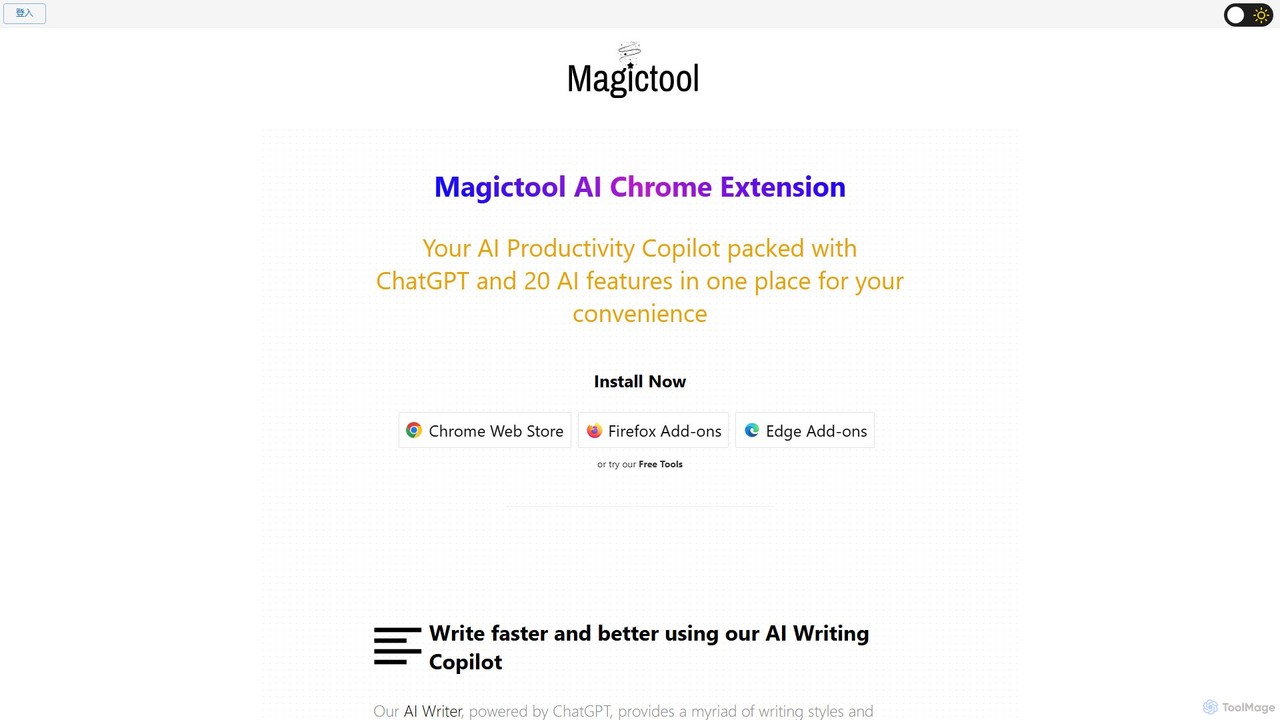
Magic Tool AI
Magic Tool AI is an all-in-one productivity browser extension that integrates ChatGPT and over 20 AI features. It acts as your personal copilot, helping you write better and faster, summarize YouTube videos and articles, chat with PDFs, scrape web data, generate images, and much more, all within your browser.
Browser Extension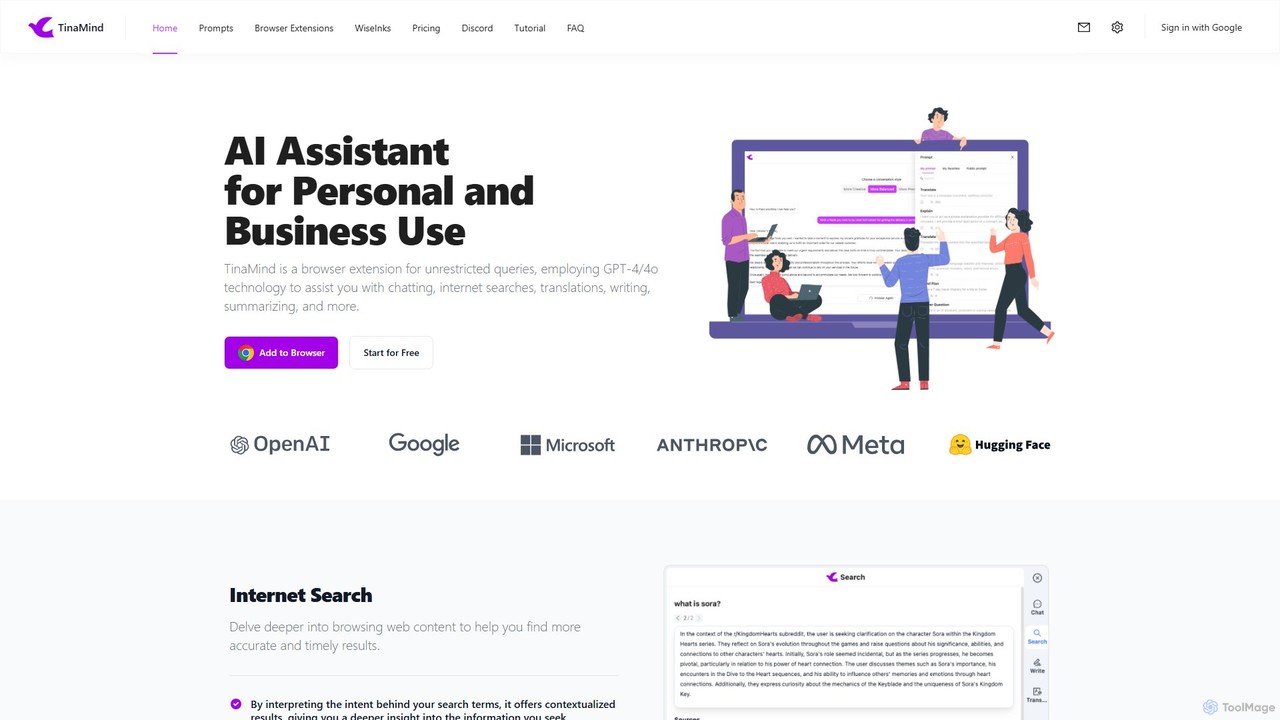
TinaMind
TinaMind is an AI-powered browser extension that enhances your productivity with GPT-4/4o. It acts as an all-in-one assistant for intelligent web search, document and YouTube summarization, content writing, high-quality translation, and efficient prompt management. Seamlessly integrated into your browser, it streamlines your workflow for both personal and business use.
Browser Extension
ChatsNow Comments (0)
Sign in to comment.
Sign inNo comments yet.