
ChatGPT Everywhere Overview
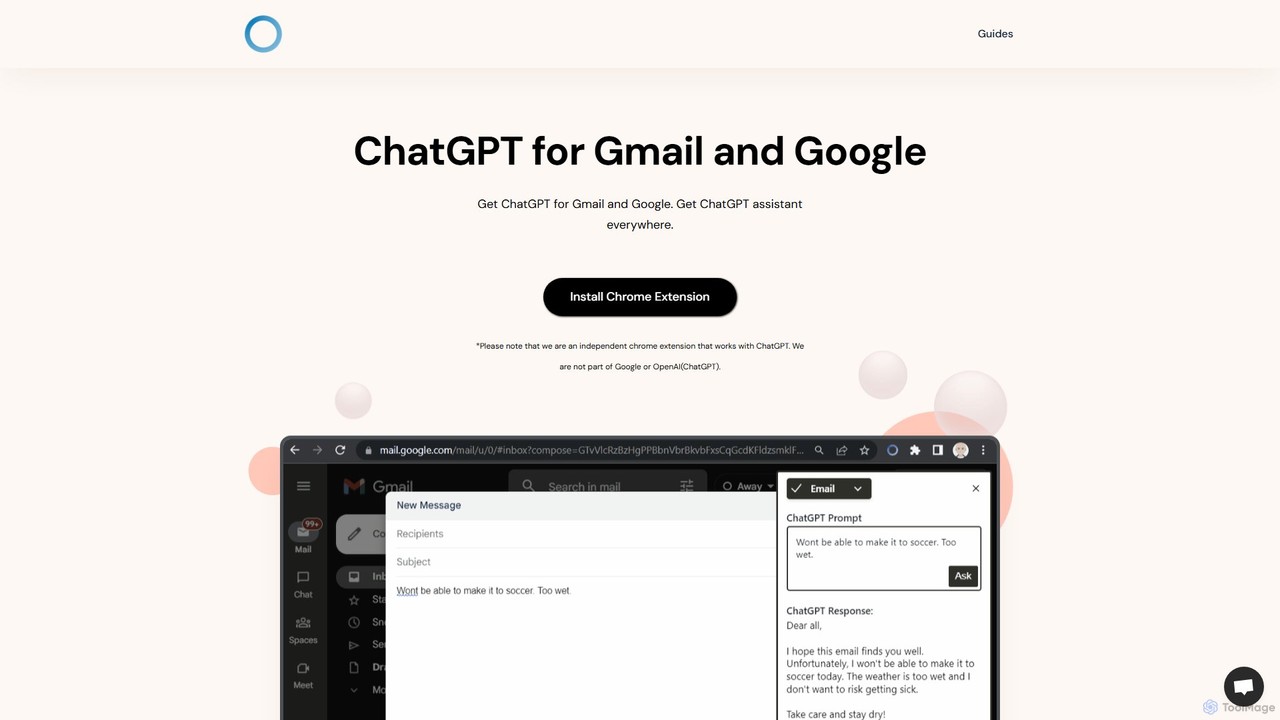
ChatGPT Everywhere is a transformative browser extension designed to seamlessly embed the power of OpenAI's ChatGPT into your most-used web services, such as Google Search and Gmail. It acts as an ever-present AI assistant, aiming to enhance productivity, streamline information gathering, and revolutionize how you interact with the web. By providing context-aware assistance directly within your workflow, it eliminates the need to constantly switch between tabs, allowing for a more focused and efficient online experience.
The extension's core philosophy is to make advanced AI accessible 'everywhere' you are on the web. Whether you're a student researching a topic, a professional drafting an important email, or a content creator looking for inspiration, ChatGPT Everywhere provides the tools you need, right when you need them. It integrates a smart sidebar, enhances search engine results, and supercharges your email client, making it an indispensable tool for anyone looking to leverage AI in their daily tasks.
How to use ChatGPT Everywhere
Getting started with ChatGPT Everywhere is simple and intuitive. First, you need to install the extension from your browser's official web store (e.g., Chrome Web Store). Once installed, the extension will automatically integrate into your browser. You can pin the extension's icon to your toolbar for easy access. To use the Google Search integration, simply perform a search on Google as you normally would. A new panel will appear alongside the standard search results, displaying a detailed, AI-generated answer to your query. For Gmail, a small ChatGPT Everywhere icon will appear in the compose window. Click it to get help with writing, rephrasing, summarizing, or replying to emails. The 'Sidebar Everywhere' feature can be activated by clicking the floating extension button or the icon in your toolbar. This opens a sidebar on any webpage, allowing you to ask questions, generate text, or summarize content without leaving the current page. You can also highlight text on any site, right-click, and send it to the sidebar for quick analysis.
Core Features of ChatGPT Everywhere
- Google Search Integration: Automatically displays a comprehensive ChatGPT response next to your Google search results, providing direct answers and saving you from clicking through multiple links.
- Gmail Assistant: Enhances your Gmail experience by helping you draft, reply to, summarize, and translate emails. It can adjust the tone, fix grammar, and shorten or lengthen text with a single click.
- Sidebar Everywhere: A persistent, one-click sidebar that gives you access to the full power of ChatGPT on any website. Use it to ask questions, brainstorm ideas, get code snippets, or translate text without interrupting your browsing.
- Contextual Text Actions: Simply select any text on a webpage to instantly summarize, explain, or rephrase it using the context menu or the sidebar. This is perfect for understanding complex articles or jargon quickly.
- Limitless Knowledge Access: Powered by ChatGPT, the extension provides access to a vast and constantly updated knowledge base, ensuring you receive accurate and comprehensive information on almost any topic.
Use Cases for ChatGPT Everywhere
For Professionals: Quickly draft professional and error-free emails in Gmail. Summarize long business reports or articles to grasp key points instantly. Use the sidebar to prepare for meetings by asking for talking points or industry data.
For Students and Researchers: Enhance research by getting direct, synthesized answers from Google Search. Use the sidebar to explain complex concepts, paraphrase text for notes, or generate citations. Summarize academic papers to speed up literature reviews.
For Content Creators and Marketers: Brainstorm blog post ideas, generate social media captions, and write ad copy directly from any webpage. Rephrase content to avoid plagiarism or to target different audiences. Use it to research competitors or market trends efficiently.
For Developers: Get code snippets, debug errors, and understand programming concepts without leaving documentation pages or platforms like Stack Overflow. The sidebar acts as an on-demand coding partner.
Advantages of ChatGPT Everywhere
The primary advantage of ChatGPT Everywhere is its seamless integration and the resulting boost in productivity. By bringing AI capabilities directly into your existing tools, it minimizes context switching and keeps you focused. It's more efficient than having a separate ChatGPT tab open. The tool is versatile, catering to a wide range of users and tasks, from simple queries to complex content creation. Its 'everywhere' accessibility via the sidebar is a significant benefit, turning the entire web into an interactive workspace.
Pricing and Plans
ChatGPT Everywhere typically operates on a freemium model. The free plan offers core functionalities with certain usage limits, such as a set number of queries per day. This is ideal for casual users. For heavy users and professionals who require uninterrupted access and more advanced features, a premium plan is usually available. The paid plan often includes unlimited queries, faster response times, and access to more powerful AI models (like GPT-4), ensuring a top-tier experience.
Traffic
Latest traffic
Status
Monthly traffic trend
- 2025-9: 1.9K
- 2026-1: 1.0K
- 2026-2: 1.3K
- 2026-3: 843
- 2026-4: 584
- 2026-5: 446
Geography
Top 5 countries / regions
- 🇻🇳Vietnam100.0%
Top keywords
| Keyword | Cost per click |
|---|---|
| how to use gpt extention in gmail | $0.00 |
ChatGPT Everywhere Alternatives
ChatsNow
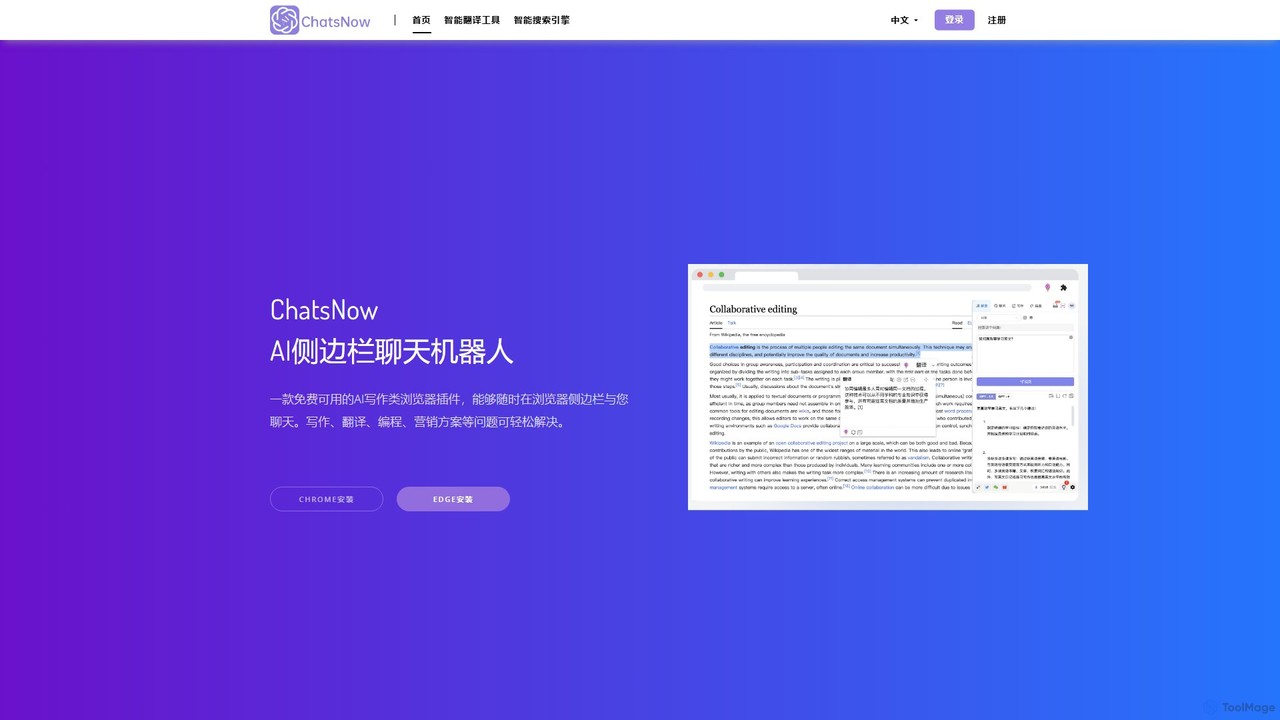
ChatsNow is a versatile AI sidebar assistant for Chrome and Edge. It integrates a powerful chatbot, writer, and image generator directly into your browser. Instantly get answers, summarize web pages, draft emails, create marketing copy, or generate images from text prompts. With a library of prompt templates and the ability to work with selected text, ChatsNow streamlines your workflow for studying, working, and creative tasks, boosting your productivity across the web.
Ai Assistant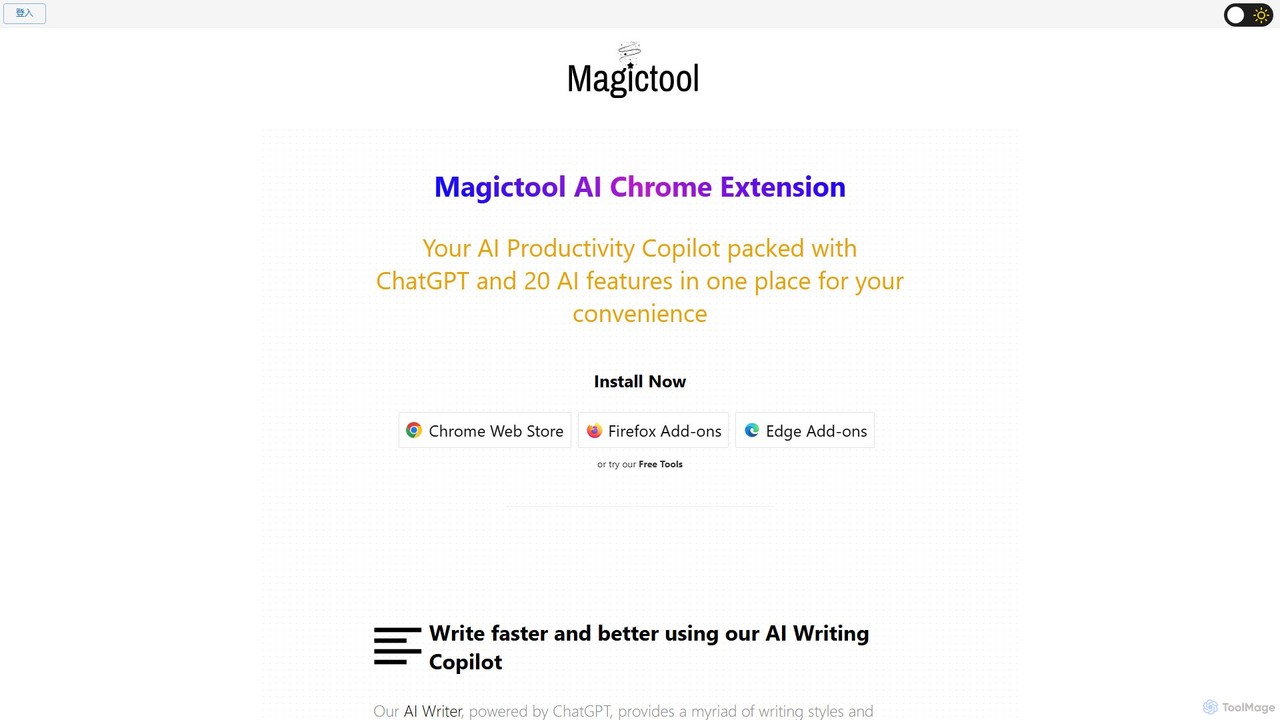
Magic Tool AI
Magic Tool AI is an all-in-one productivity browser extension that integrates ChatGPT and over 20 AI features. It acts as your personal copilot, helping you write better and faster, summarize YouTube videos and articles, chat with PDFs, scrape web data, generate images, and much more, all within your browser.
Browser Extension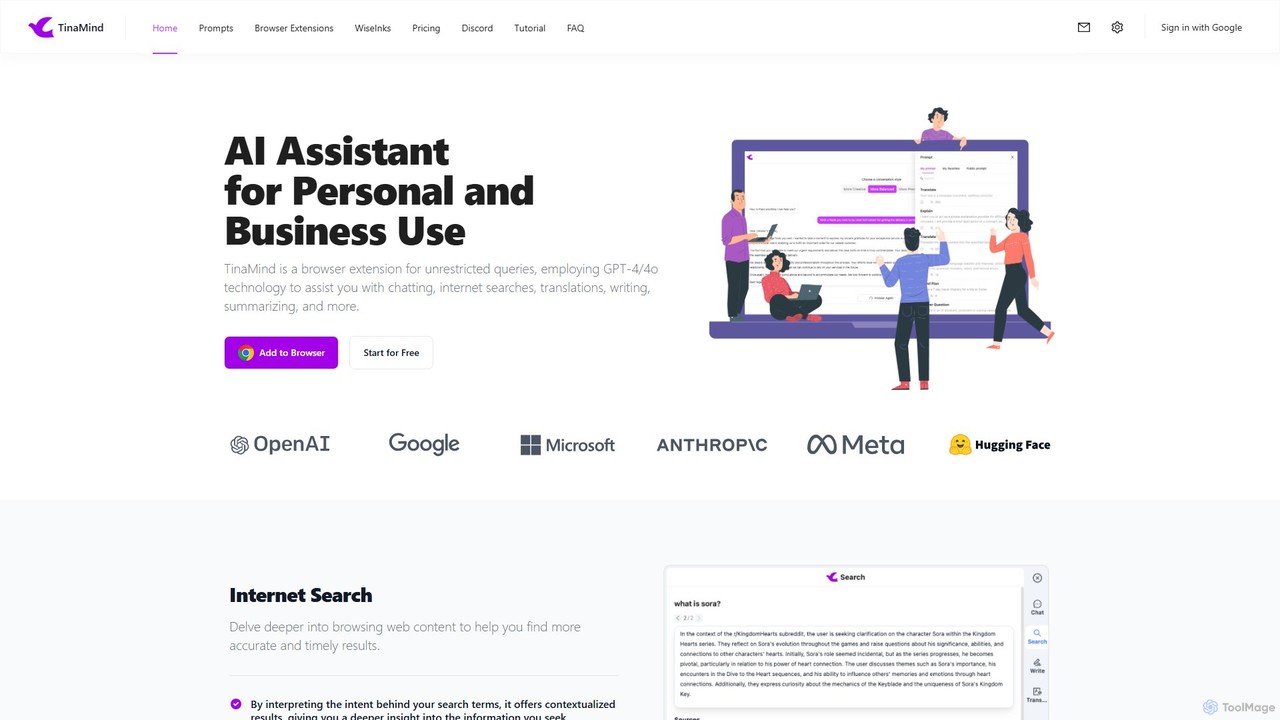
TinaMind
TinaMind is an AI-powered browser extension that enhances your productivity with GPT-4/4o. It acts as an all-in-one assistant for intelligent web search, document and YouTube summarization, content writing, high-quality translation, and efficient prompt management. Seamlessly integrated into your browser, it streamlines your workflow for both personal and business use.
Browser Extension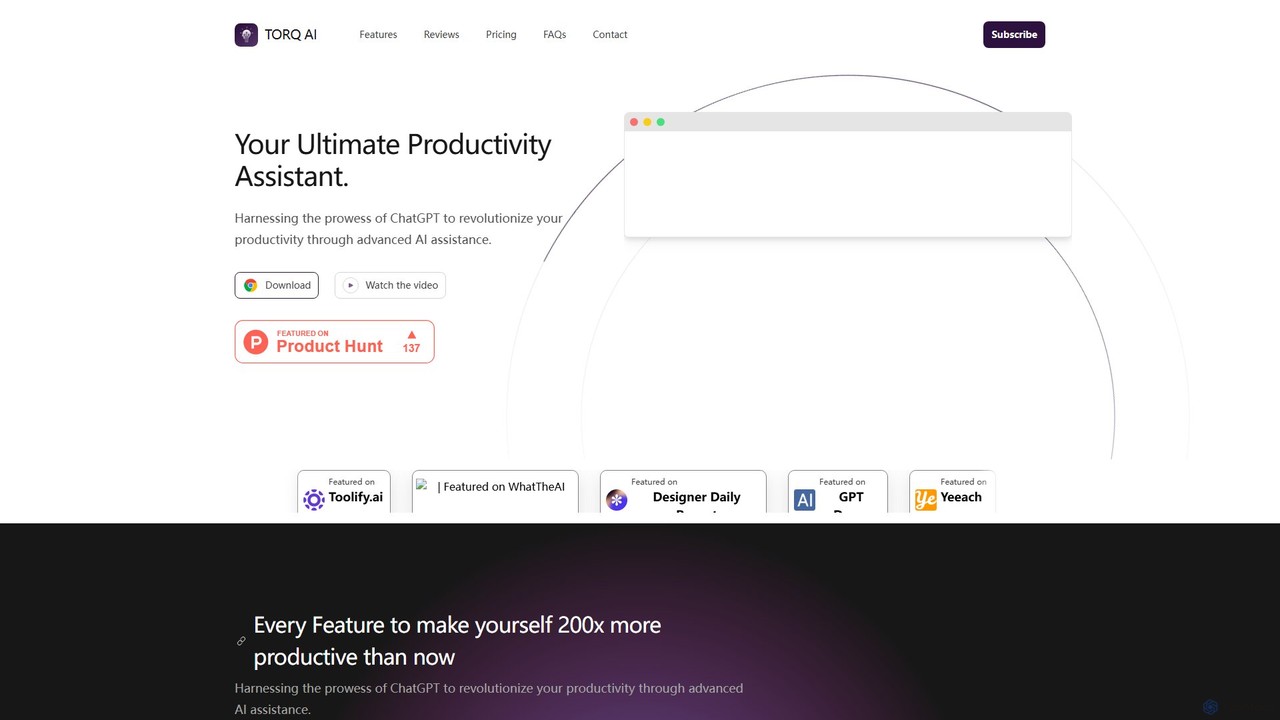
Torq
Torq is an AI-powered Chrome extension that supercharges your productivity. Leveraging ChatGPT, it offers one-click email generation, instant text summarization and translation, and integrates AI responses directly into your Google search results, streamlining your daily workflow.
Browser Extension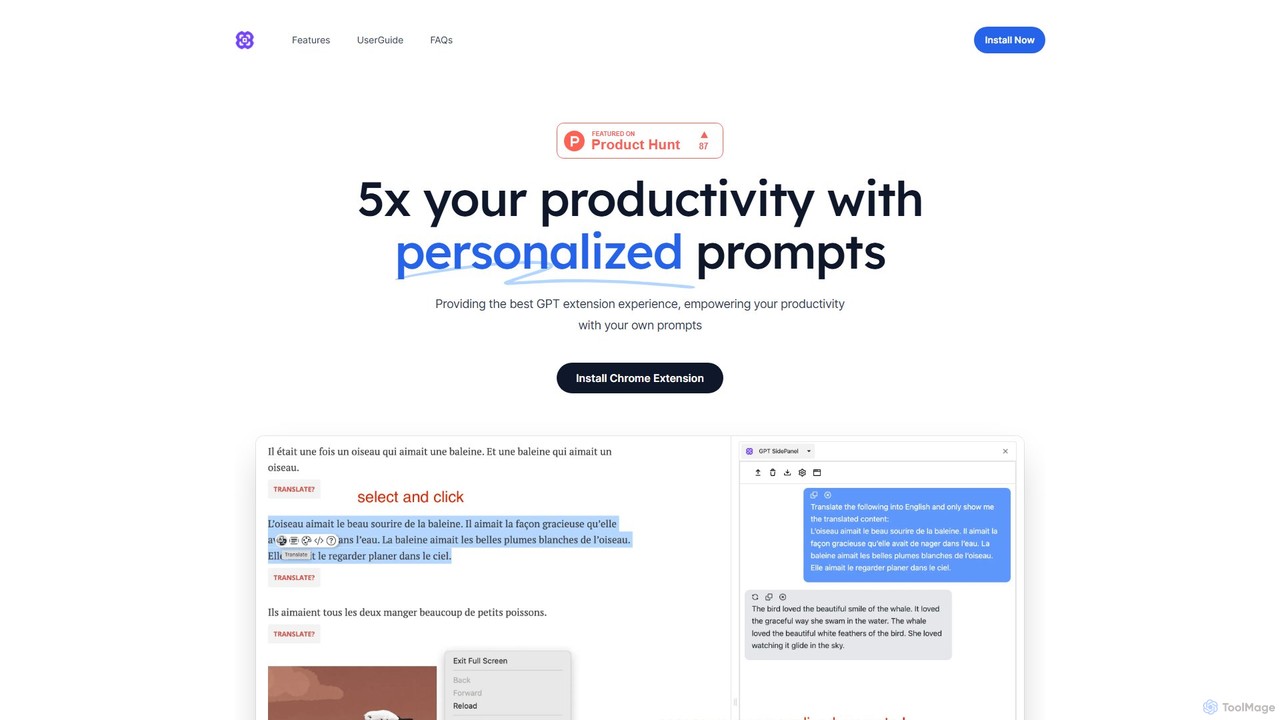
GPTSidePanel
GPTSidePanel is a powerful AI browser extension that integrates a GPT-powered sidebar into your browsing experience. Boost your productivity by summarizing articles, translating text, polishing writing, and using custom prompts directly on any webpage. Eliminate tab-switching and keep your workflow seamless with this intuitive AI assistant.
Browser ExtensionChatGPT Everywhere Categories
ChatGPT Everywhere Embed Widget
Copy this embed code to place the badge on your blog, article, or product site and send readers directly to this ToolMage detail page.

Related AI tools
ChatsNow
ChatsNow is a versatile AI sidebar assistant for Chrome and Edge. It integrates a powerful chatbot, writer, and image generator directly into your browser. Instantly get answers, summarize web pages, draft emails, create marketing copy, or generate images from text prompts. With a library of prompt templates and the ability to work with selected text, ChatsNow streamlines your workflow for studying, working, and creative tasks, boosting your productivity across the web.
Ai Assistant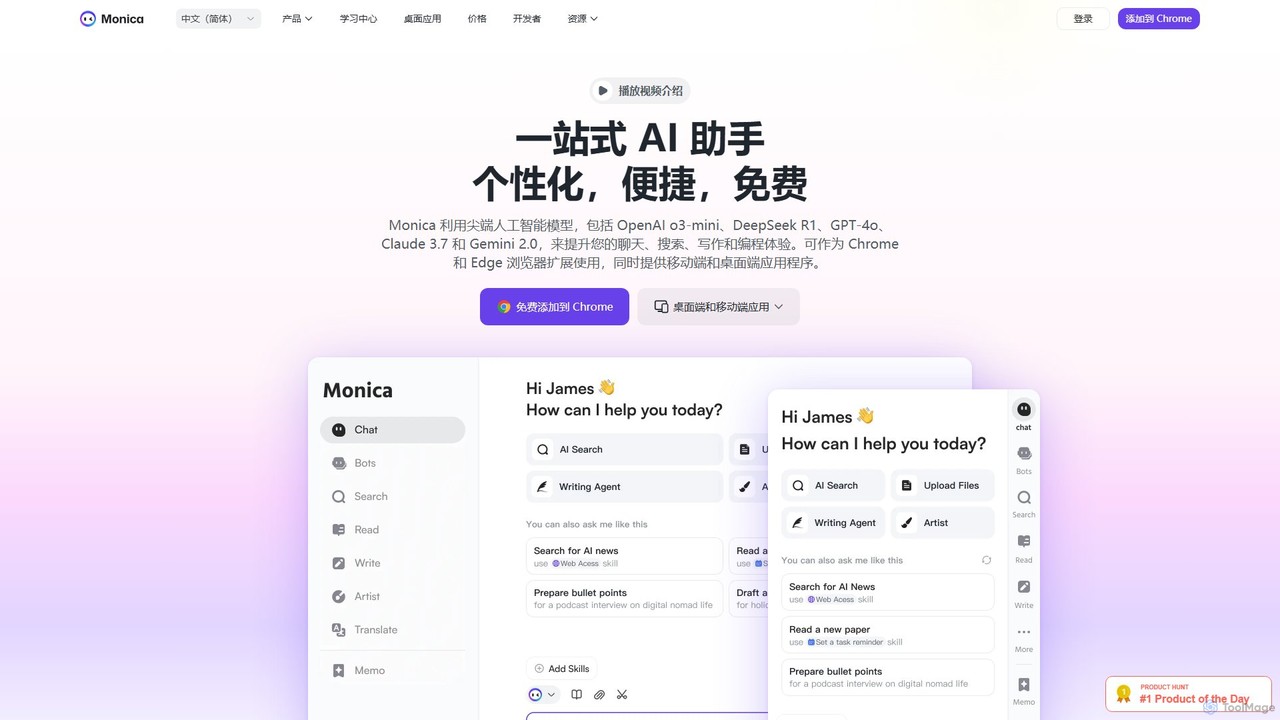
Monica
Monica is an all-in-one AI assistant powered by leading models like GPT-4o, Claude 3.7, and Gemini 1.5. It integrates seamlessly into your workflow as a browser extension, desktop, and mobile app, offering features for chat, search, writing, translation, and image creation to boost productivity.
Chrome Extensions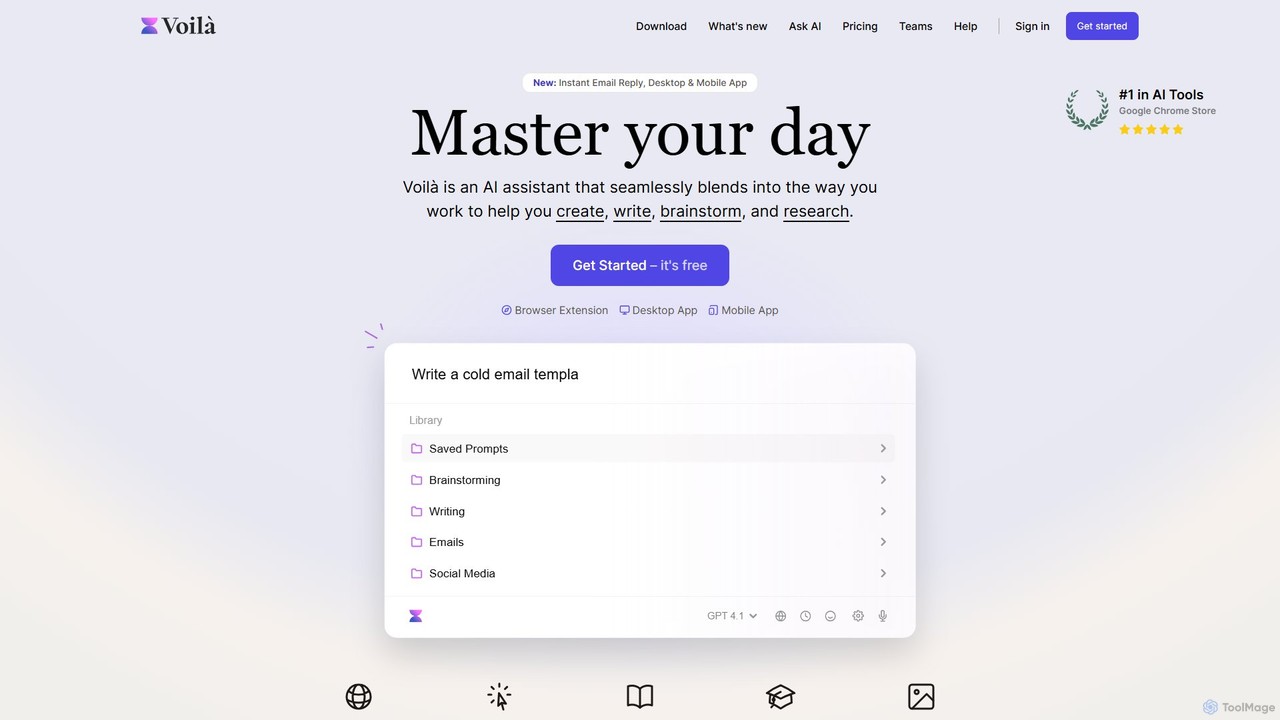
Voilà
Voilà is an all-in-one AI assistant designed to maximize productivity. It functions as a browser extension, desktop, and mobile app, seamlessly integrating into your workflow to help with writing, brainstorming, research, and content creation. It works on any website or app, understanding the context to provide relevant assistance.
Content Creation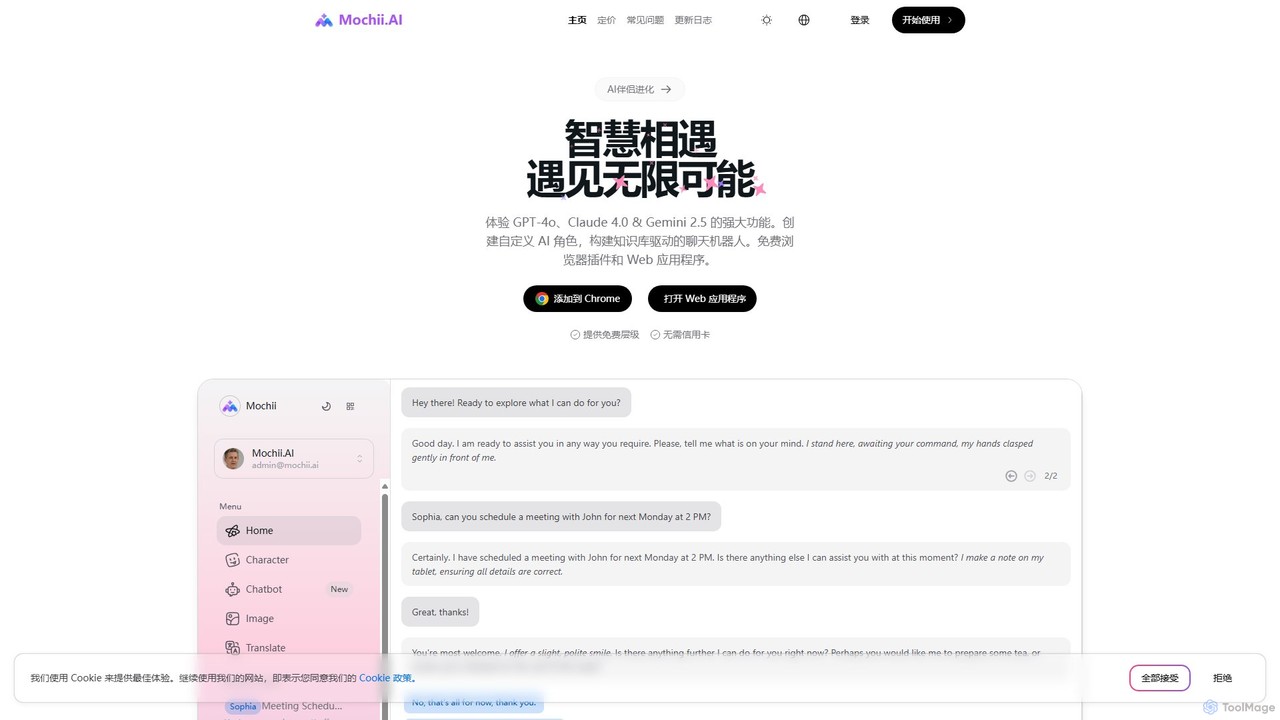
Mochii
Mochii is an all-in-one AI assistant that integrates leading models like GPT-4o, Claude, and Gemini into a seamless browser extension and web app. It enhances productivity by offering features like document analysis, web browsing, AI chatbot building, and customizable AI roles. A generous free tier provides access to advanced AI capabilities for everyone.
Productivity
Sider
Sider is an all-in-one AI assistant integrated as a browser sidebar and cross-platform app. It combines chat with models like GPT-4 and Claude 3.5, a powerful "Deep Research" agent, a personal knowledge base called "Wisebase," and a suite of tools for summarizing, translating, writing, and image editing to enhance productivity and learning.
Assistant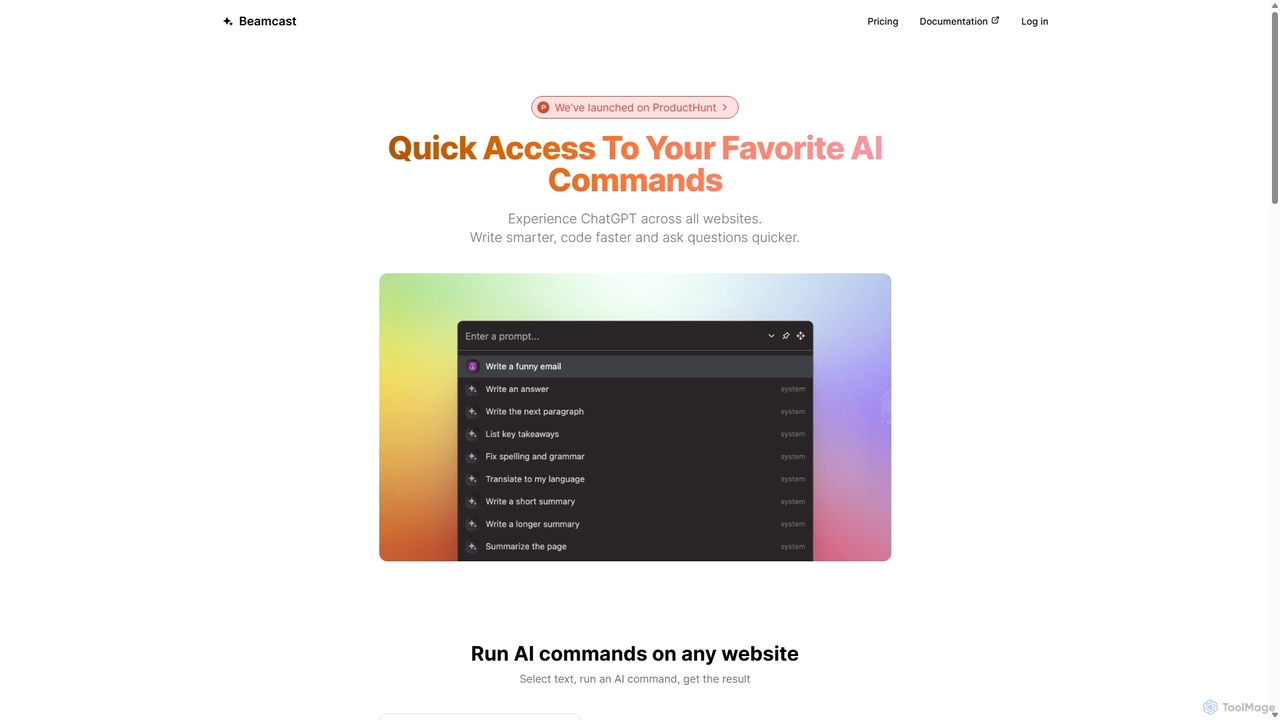
Beamcast
A browser extension that puts ChatGPT and Gemini at your fingertips. Select text on any website to run built-in or custom AI commands for writing, coding, and quick answers, streamlining your workflow and boosting productivity without ever leaving the page.
SearchMagic Tool AI
Magic Tool AI is an all-in-one productivity browser extension that integrates ChatGPT and over 20 AI features. It acts as your personal copilot, helping you write better and faster, summarize YouTube videos and articles, chat with PDFs, scrape web data, generate images, and much more, all within your browser.
Browser ExtensionTinaMind
TinaMind is an AI-powered browser extension that enhances your productivity with GPT-4/4o. It acts as an all-in-one assistant for intelligent web search, document and YouTube summarization, content writing, high-quality translation, and efficient prompt management. Seamlessly integrated into your browser, it streamlines your workflow for both personal and business use.
Browser ExtensionTorq
Torq is an AI-powered Chrome extension that supercharges your productivity. Leveraging ChatGPT, it offers one-click email generation, instant text summarization and translation, and integrates AI responses directly into your Google search results, streamlining your daily workflow.
Browser ExtensionGPTSidePanel
GPTSidePanel is a powerful AI browser extension that integrates a GPT-powered sidebar into your browsing experience. Boost your productivity by summarizing articles, translating text, polishing writing, and using custom prompts directly on any webpage. Eliminate tab-switching and keep your workflow seamless with this intuitive AI assistant.
Browser Extension
typegpt
typegpt is a lightweight browser extension that integrates ChatGPT into any text box on the internet. Use simple commands to generate, translate, or code directly in your workflow, using your own API key for maximum cost-efficiency and control.
Code Assistant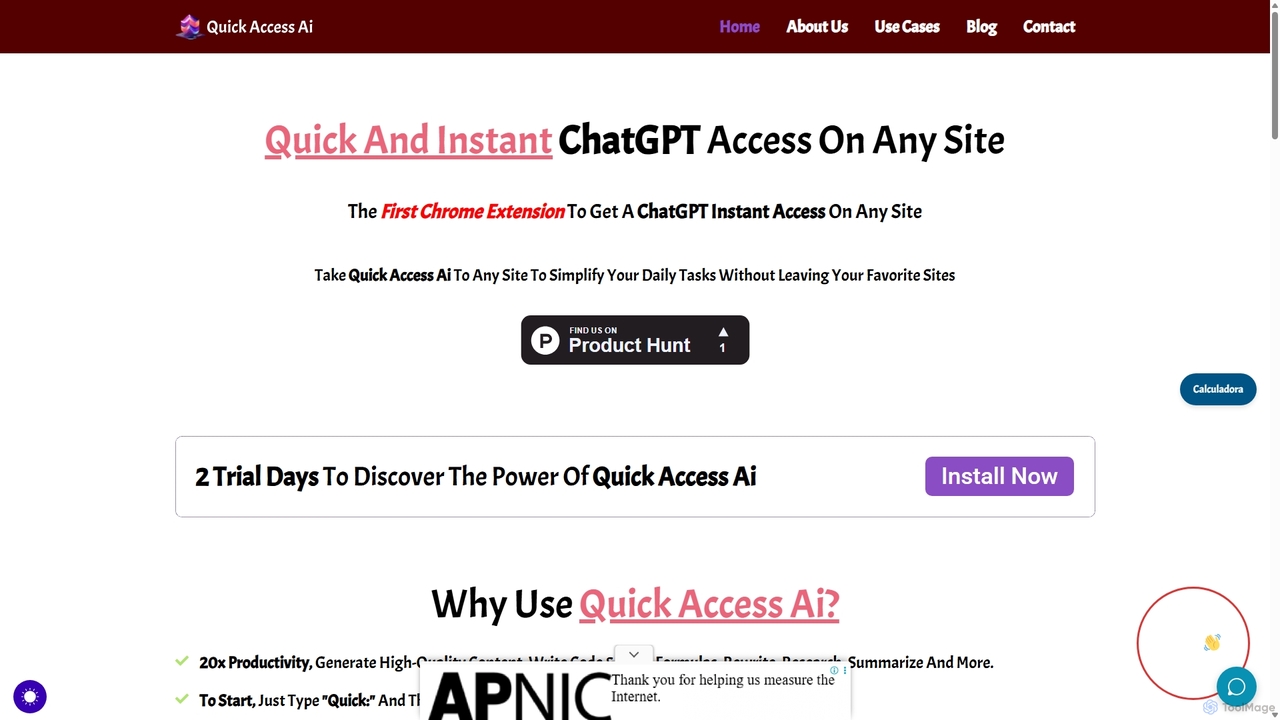
Quick Access Ai
Quick Access Ai is a Chrome extension that provides instant access to ChatGPT on any website. By simply typing a command, users can generate content, write code, summarize text, and perform research without switching tabs. It aims to boost productivity by integrating AI assistance directly into your existing workflow, making daily tasks faster and more efficient.
Code Assistant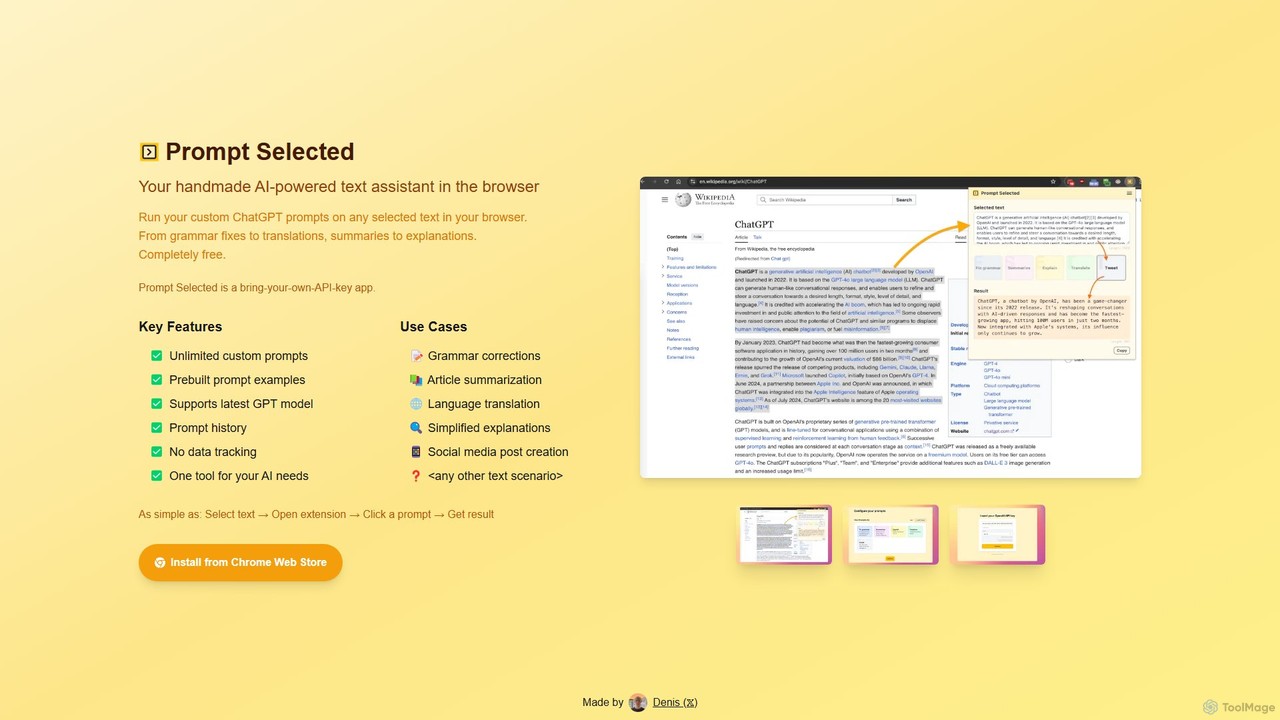
Prompt Selected
A free, privacy-focused Chrome extension that acts as your personal AI text assistant. Run unlimited custom ChatGPT prompts on any selected text directly in your browser for tasks like summarization, translation, and grammar correction using your own API key.
Prompt Engineering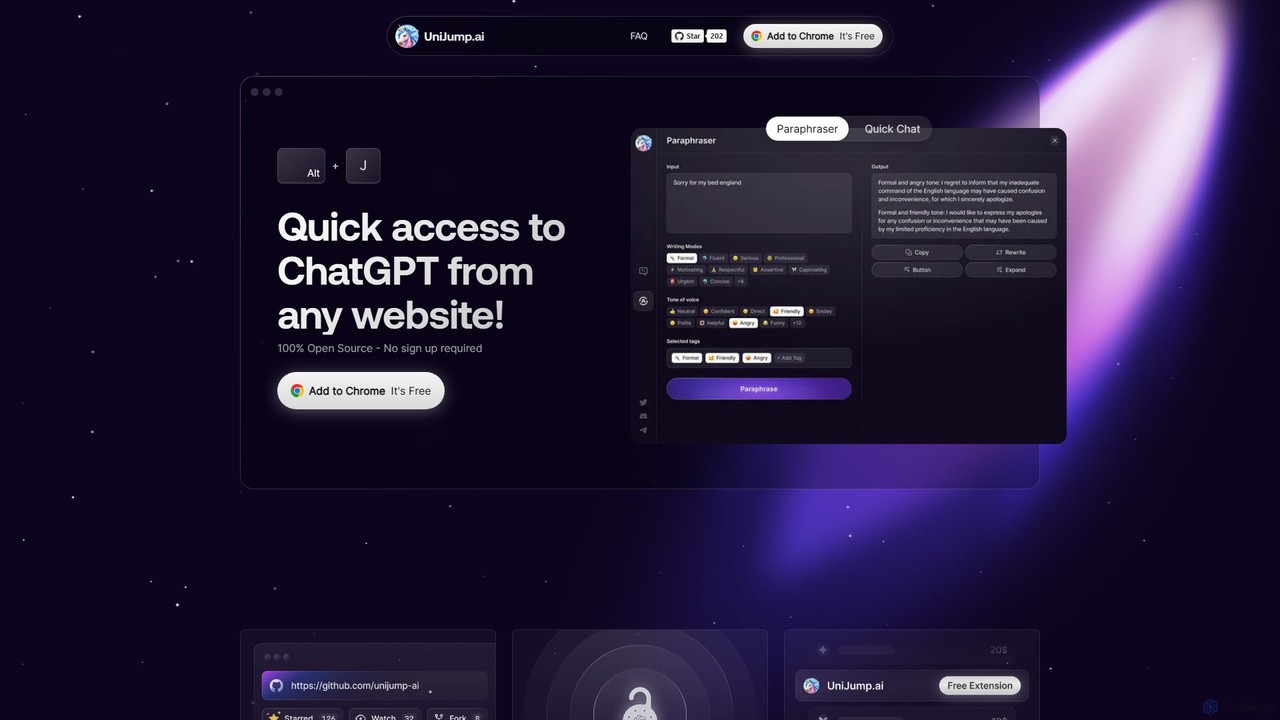
unijump
UniJump is a free, open-source browser extension that provides quick access to ChatGPT on any website. Improve your writing, get instant answers, and boost productivity without switching tabs. No sign-up required, ensuring a secure and seamless AI experience.
Research Assistant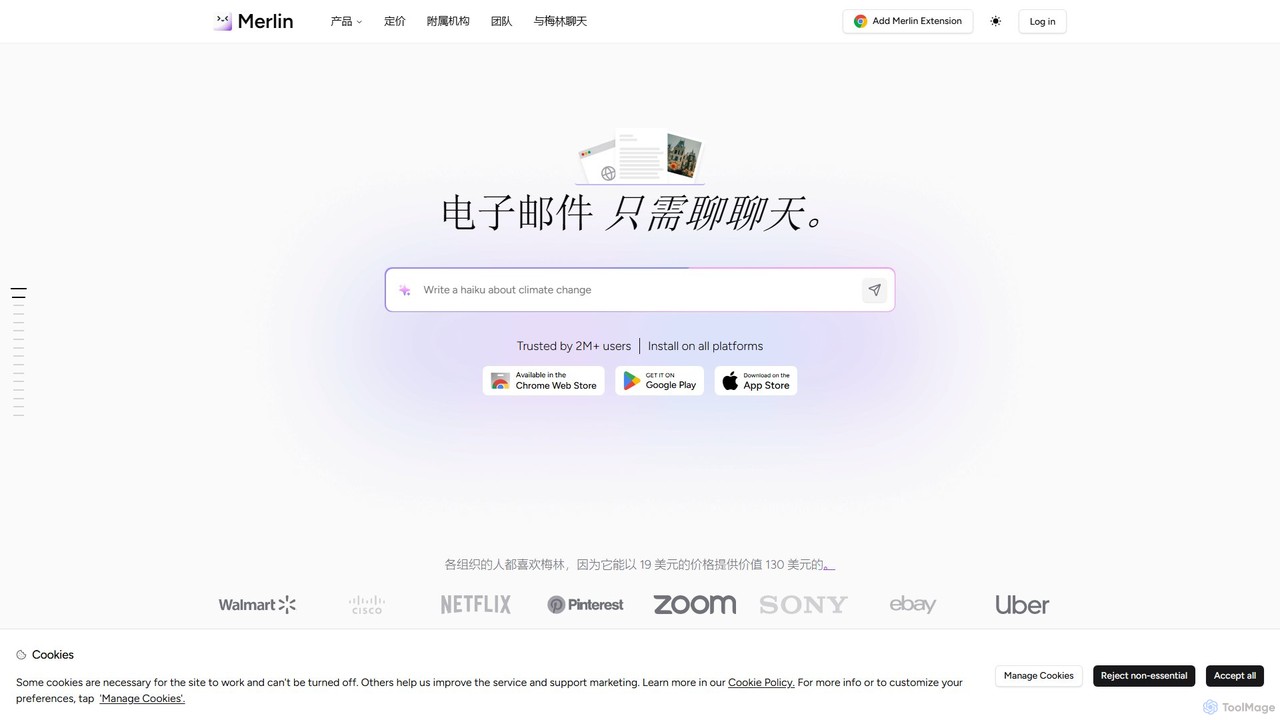
getmerlin
getmerlin is a versatile AI assistant powered by top models like GPT-4o and Claude 3.5. Available as a browser extension and app, it integrates seamlessly into your workflow to summarize content, draft emails, generate text and images, and enhance research on any website. It acts as an all-in-one productivity tool, saving time and money by consolidating multiple AI services into a single subscription.
Chrome Extensions
ChatGPT Everywhere Comments (0)
Sign in to comment.
Sign inNo comments yet.