

Prompt Selected Overview
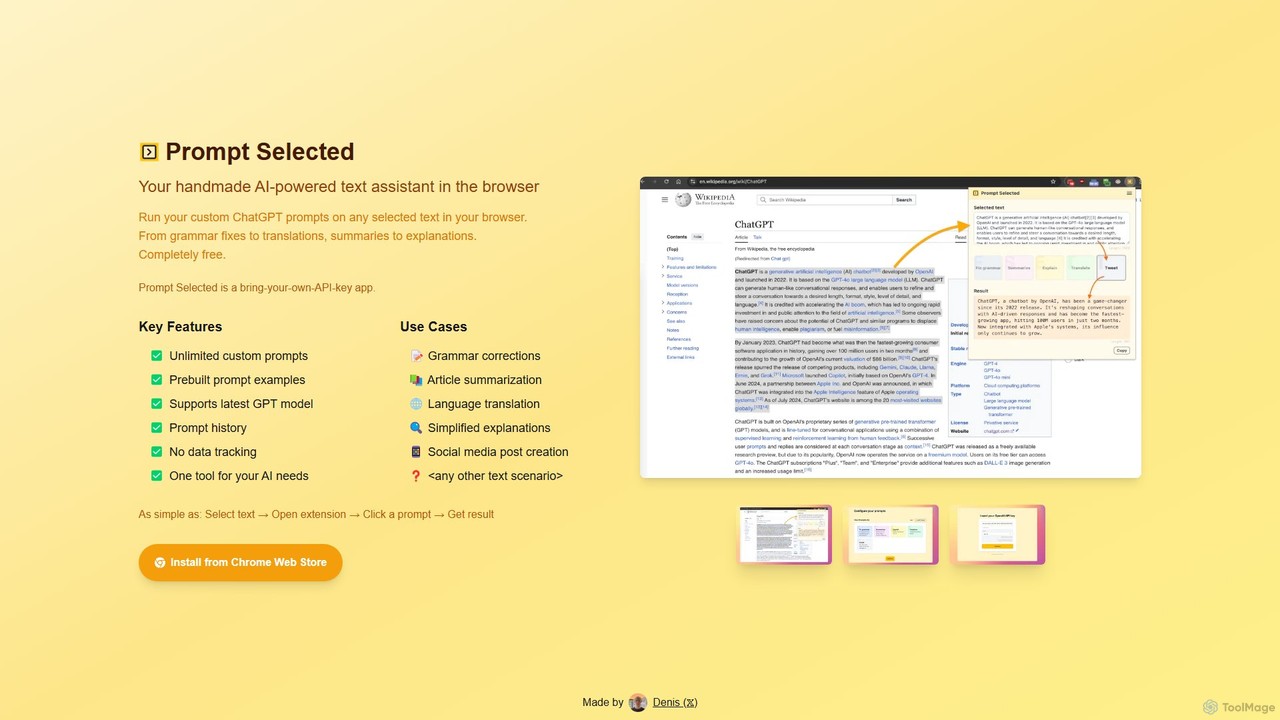
Prompt Selected is a versatile and powerful AI-powered text assistant designed as a browser extension. It seamlessly integrates into your daily workflow, allowing you to leverage the full potential of large language models like ChatGPT on any text you find online. By simply selecting a piece of text on a webpage, you can instantly apply custom or pre-built prompts to perform a wide range of actions, from simple grammar fixes to complex content generation. This tool is built for users who want ultimate control and flexibility over their AI interactions, all within the convenience of their browser.
The core philosophy of Prompt Selected is customization and privacy. It operates on a "Bring-Your-Own-API-Key" (BYOAK) model, which means you connect your own OpenAI API key. This approach ensures that your data and interactions are private, with no tracking from the extension's developers. It also gives you direct control over your usage costs, paying only for what you use through the API provider. The extension is designed to be your all-in-one tool for any text-based AI task, eliminating the need to switch between multiple tabs or applications.
How to use Prompt Selected
Getting started with Prompt Selected is incredibly straightforward and designed for immediate productivity. The process can be broken down into a few simple steps:
- Installation: First, install the Prompt Selected extension from the Chrome Web Store. It's a quick and easy one-click installation.
- API Key Setup: After installation, open the extension's settings. Here, you will need to enter your personal OpenAI API key. If you don't have one, the extension provides guidance on how to obtain it from the OpenAI platform. This one-time setup connects the extension to the power of GPT models.
- Select Text: Browse the web as you normally would. When you encounter any text you want to work with—be it a paragraph, a sentence, or a code snippet—simply highlight it with your mouse.
- Activate and Choose a Prompt: With the text selected, open the Prompt Selected extension. You will see a list of pre-built prompts (like 'Summarize', 'Translate to Spanish', 'Fix Grammar') and any custom prompts you have created.
- Get Instant Results: Click on the desired prompt. The extension will send the selected text and the prompt to the AI, and the generated result will appear directly in the extension's window almost instantly. You can then copy the result to your clipboard and use it wherever you need.
- Create Custom Prompts: To truly unlock its power, go to the settings and create your own prompts. You can define a prompt for any repetitive task, such as 'Rephrase this for a 5th-grade reading level', 'Generate 5 Twitter post ideas from this text', or 'Explain this code snippet'.
Core Features of Prompt Selected
- Unlimited Custom Prompts: Tailor the AI to your exact needs. There are no limits on the number of custom prompts you can create and save, making it a truly personalized tool.
- Prebuilt Prompt Examples: Comes with a set of useful, ready-to-use prompts for common tasks like summarization, translation, and simplification, allowing new users to be productive immediately.
- Latest GPT Model Support: The extension is designed to work with the latest and most powerful GPT models available through the OpenAI API, ensuring you get high-quality, coherent, and context-aware responses.
- Prompt History: Easily access a history of your recent prompts and results. This feature is perfect for reusing successful prompts or referencing past work without starting over.
- Privacy-Focused (No Data Tracking): Your privacy is paramount. The extension does not track, store, or analyze your selected text or prompt history. All processing happens between your browser and the OpenAI API.
- Bring-Your-Own-API-Key (BYOAK): You have full control over your API usage and costs. The extension itself is free, and you only pay for the API calls you make, directly to the API provider.
Use Cases for Prompt Selected
The flexibility of Prompt Selected makes it invaluable for a wide variety of users and scenarios:
- Students and Researchers: Quickly summarize lengthy articles or academic papers, explain complex scientific concepts in simple terms, rephrase sentences for essays, and translate research from other languages.
- Writers and Content Creators: Overcome writer's block by generating ideas, create social media posts from an article, check and improve grammar and style, rewrite content for different audiences, and draft email responses.
- Developers and Programmers: Select a block of code to have it explained, debugged, or optimized. Generate boilerplate code, translate code snippets between different programming languages, or write documentation.
- Marketers and SEO Specialists: Brainstorm ad copy, generate meta descriptions, create compelling product descriptions from a list of features, and rewrite text to include specific keywords.
- General Users: Translate foreign language text on the fly, simplify technical jargon, get quick explanations for unfamiliar terms, or draft personal communications.
Advantages of Prompt Selected
Prompt Selected stands out from other AI tools due to several key advantages. Its primary strength is the seamless integration into the user's existing workflow, eliminating context switching. The ability to create unlimited custom prompts provides unparalleled flexibility, turning a general AI into a specialized personal assistant. The BYOAK model is a significant benefit for privacy-conscious users and those who want to manage their expenses directly. Finally, by being a lightweight browser extension, it offers powerful functionality without consuming significant system resources.
Pricing and Plans
Prompt Selected is **completely free** to download and use from the Chrome Web Store. There are no subscription fees, hidden costs, or premium versions of the extension itself.
The tool operates on a Bring-Your-Own-API-Key (BYOAK) model. This means that users are responsible for the costs associated with the use of the OpenAI API. You connect your personal API key, and your usage is billed directly by OpenAI based on their pay-as-you-go pricing for the specific GPT models you use. This model provides full transparency and control over your spending, as you only pay for what you actually use.
Prompt Selected Alternatives
GPTSidePanel
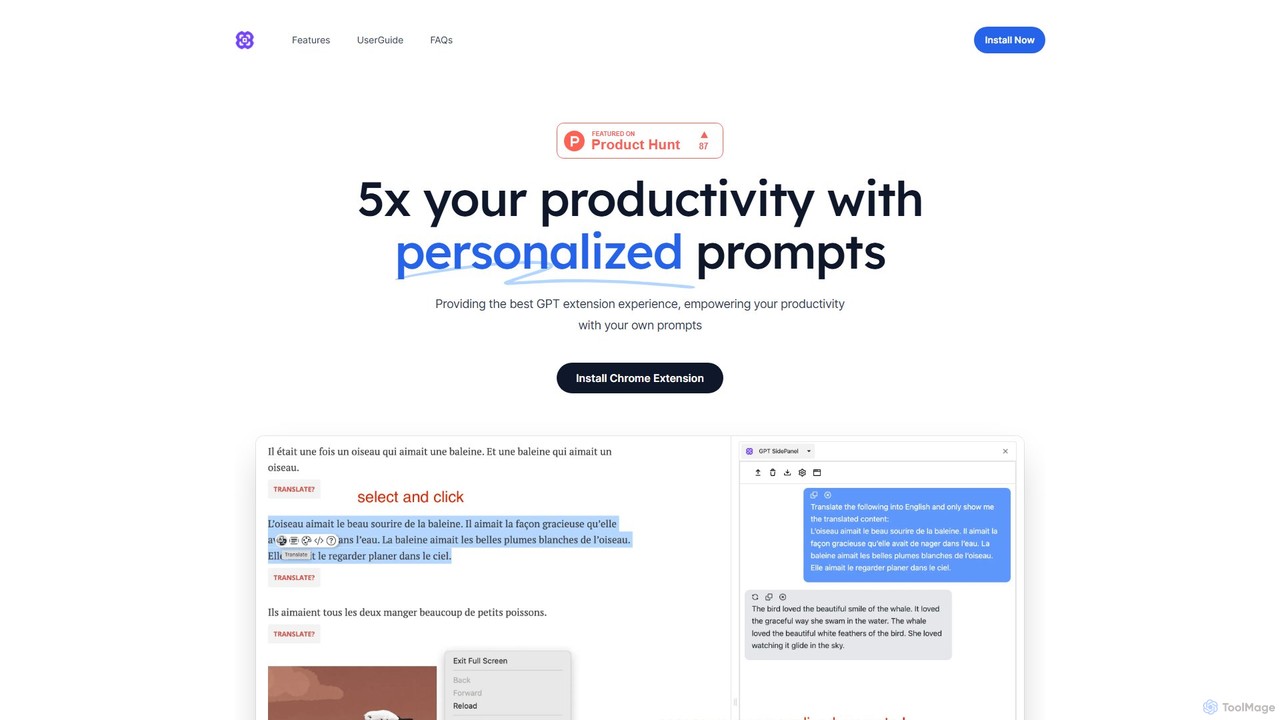
GPTSidePanel is a powerful AI browser extension that integrates a GPT-powered sidebar into your browsing experience. Boost your productivity by summarizing articles, translating text, polishing writing, and using custom prompts directly on any webpage. Eliminate tab-switching and keep your workflow seamless with this intuitive AI assistant.
Browser Extension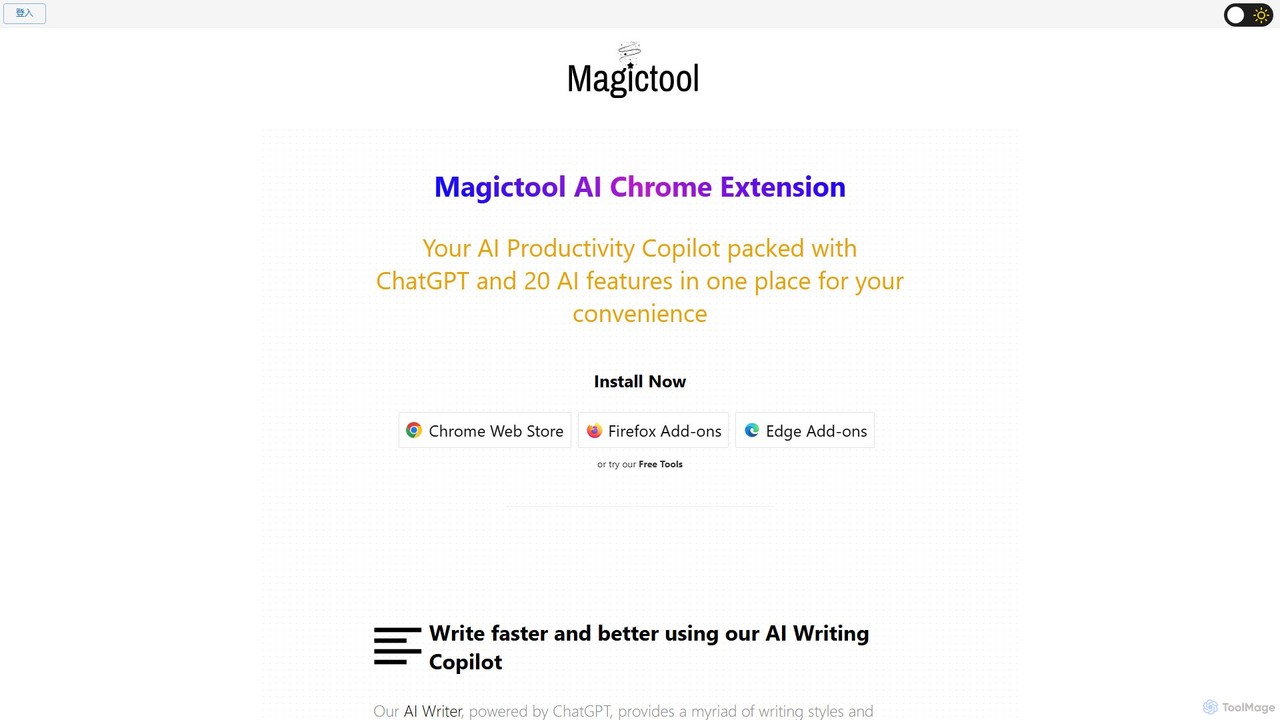
Magic Tool AI
Magic Tool AI is an all-in-one productivity browser extension that integrates ChatGPT and over 20 AI features. It acts as your personal copilot, helping you write better and faster, summarize YouTube videos and articles, chat with PDFs, scrape web data, generate images, and much more, all within your browser.
Browser Extension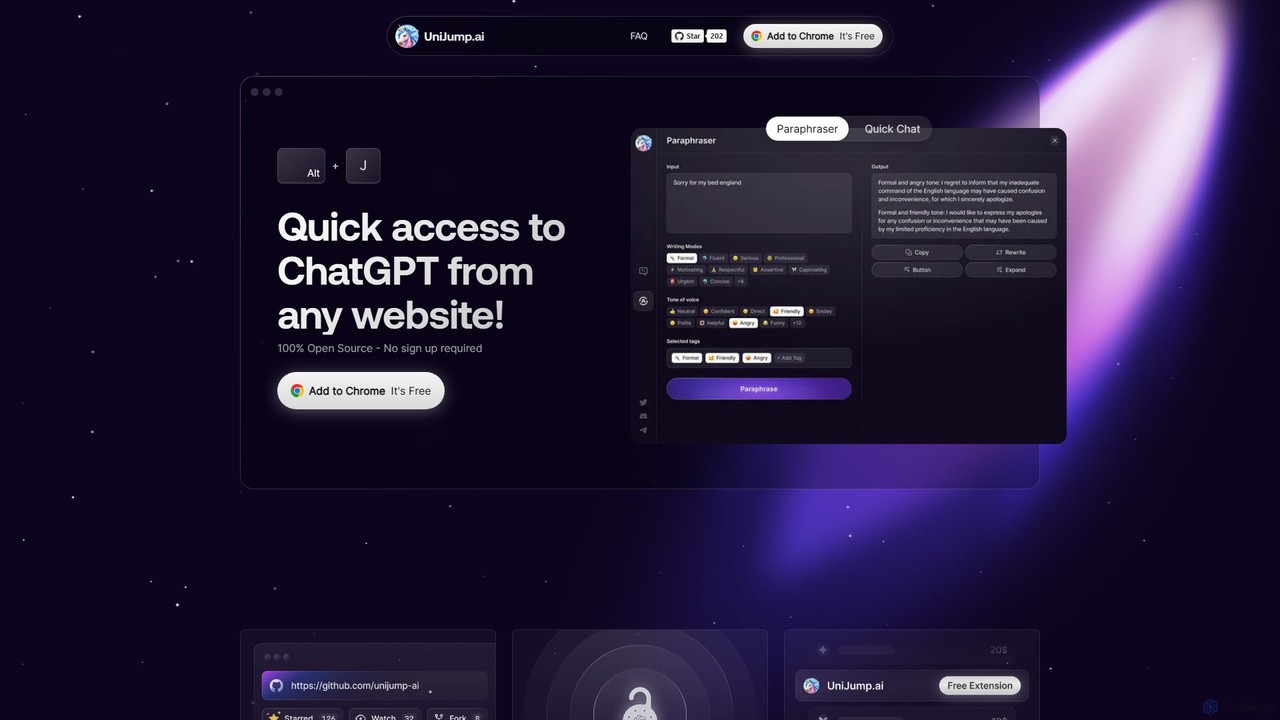
unijump
UniJump is a free, open-source browser extension that provides quick access to ChatGPT on any website. Improve your writing, get instant answers, and boost productivity without switching tabs. No sign-up required, ensuring a secure and seamless AI experience.
Research Assistant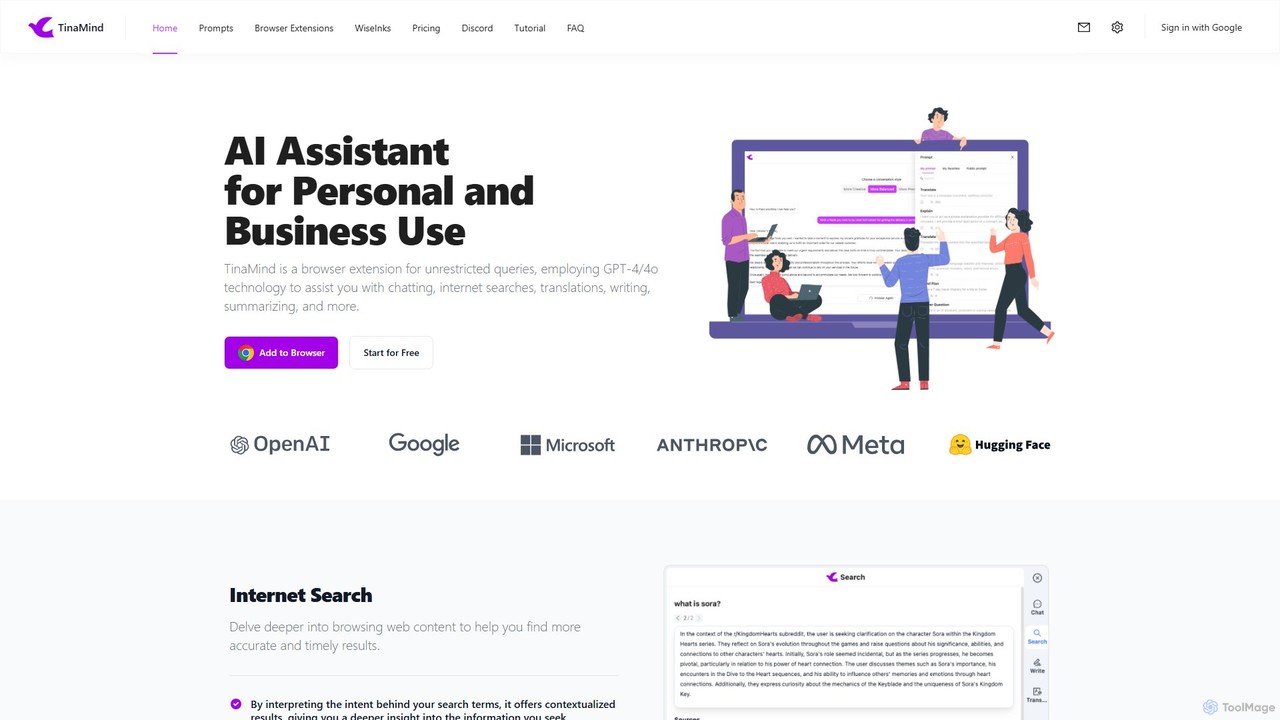
TinaMind
TinaMind is an AI-powered browser extension that enhances your productivity with GPT-4/4o. It acts as an all-in-one assistant for intelligent web search, document and YouTube summarization, content writing, high-quality translation, and efficient prompt management. Seamlessly integrated into your browser, it streamlines your workflow for both personal and business use.
Browser Extension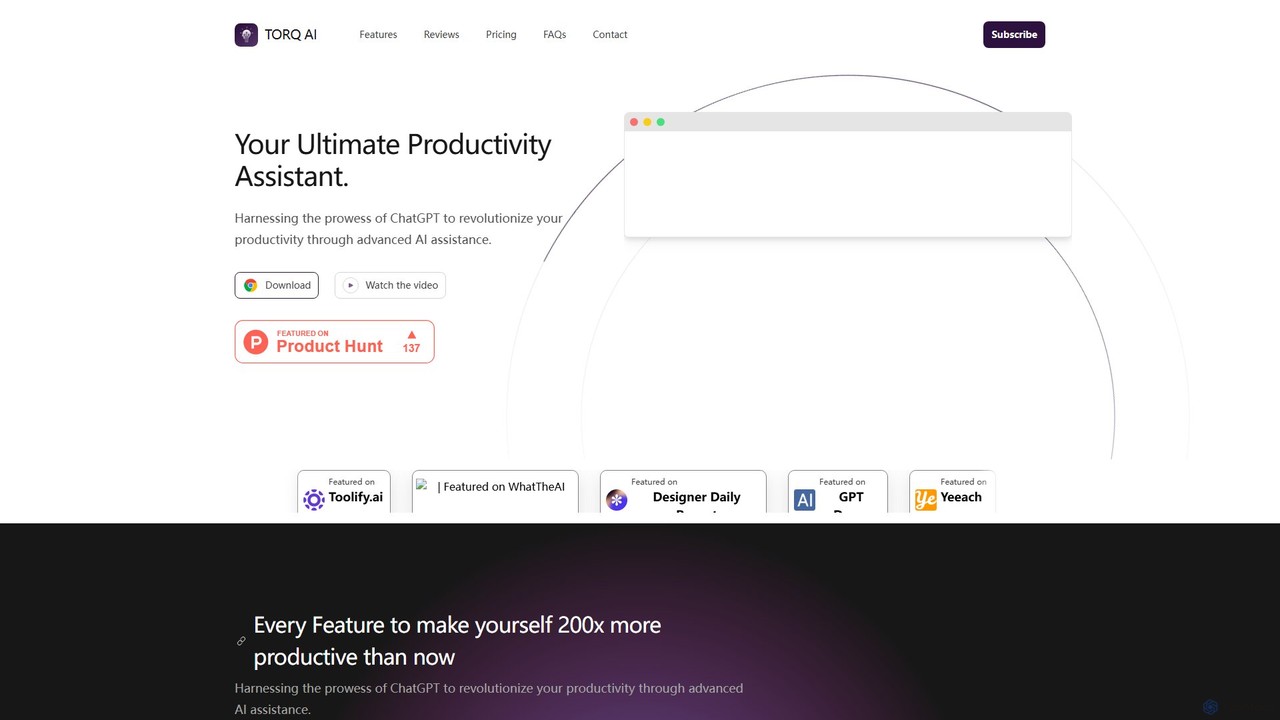
Torq
Torq is an AI-powered Chrome extension that supercharges your productivity. Leveraging ChatGPT, it offers one-click email generation, instant text summarization and translation, and integrates AI responses directly into your Google search results, streamlining your daily workflow.
Browser ExtensionPrompt Selected Categories
Prompt Selected Embed Widget
Copy this embed code to place the badge on your blog, article, or product site and send readers directly to this ToolMage detail page.

Related AI tools
GPTSidePanel
GPTSidePanel is a powerful AI browser extension that integrates a GPT-powered sidebar into your browsing experience. Boost your productivity by summarizing articles, translating text, polishing writing, and using custom prompts directly on any webpage. Eliminate tab-switching and keep your workflow seamless with this intuitive AI assistant.
Browser Extension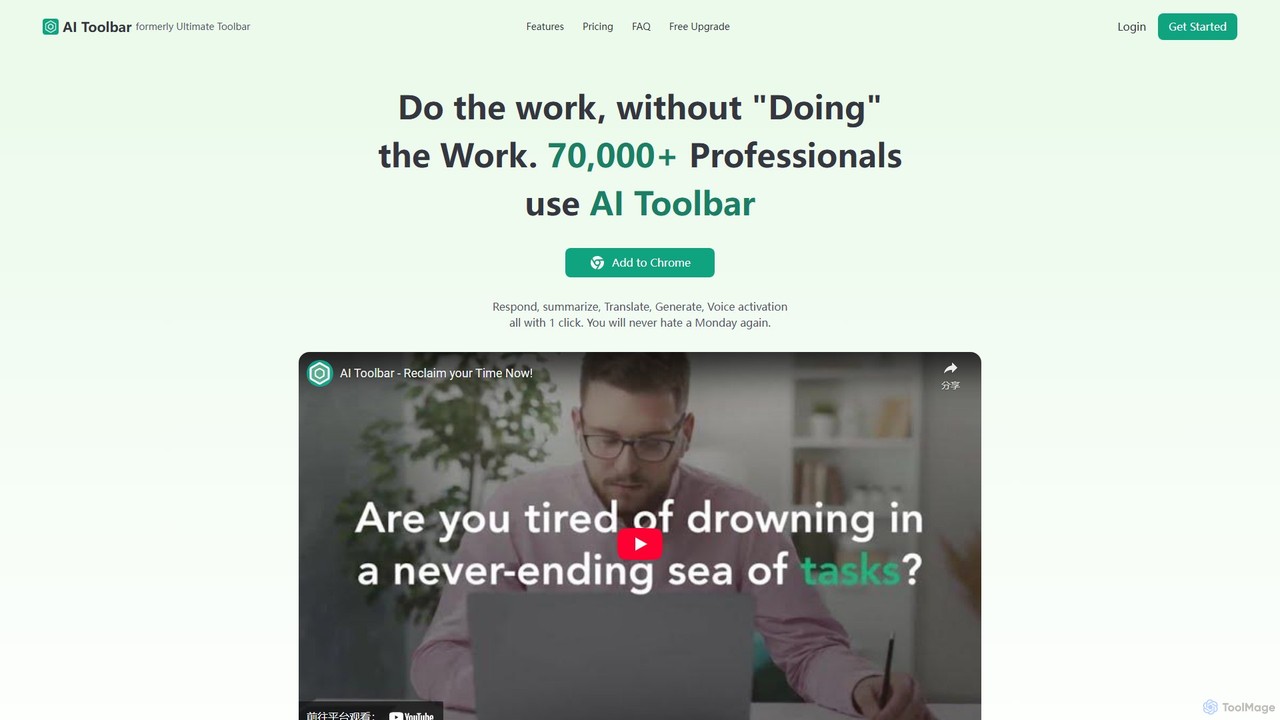
AI Toolbar
AI Toolbar is a powerful Chrome extension that acts as your personal virtual assistant. It integrates AI directly into your browser, allowing you to respond to emails, summarize and translate text, generate content, and use voice commands on any webpage with a single click. Trusted by over 70,000 professionals, it's designed to dramatically boost your productivity and streamline your workflow.
Paraphraser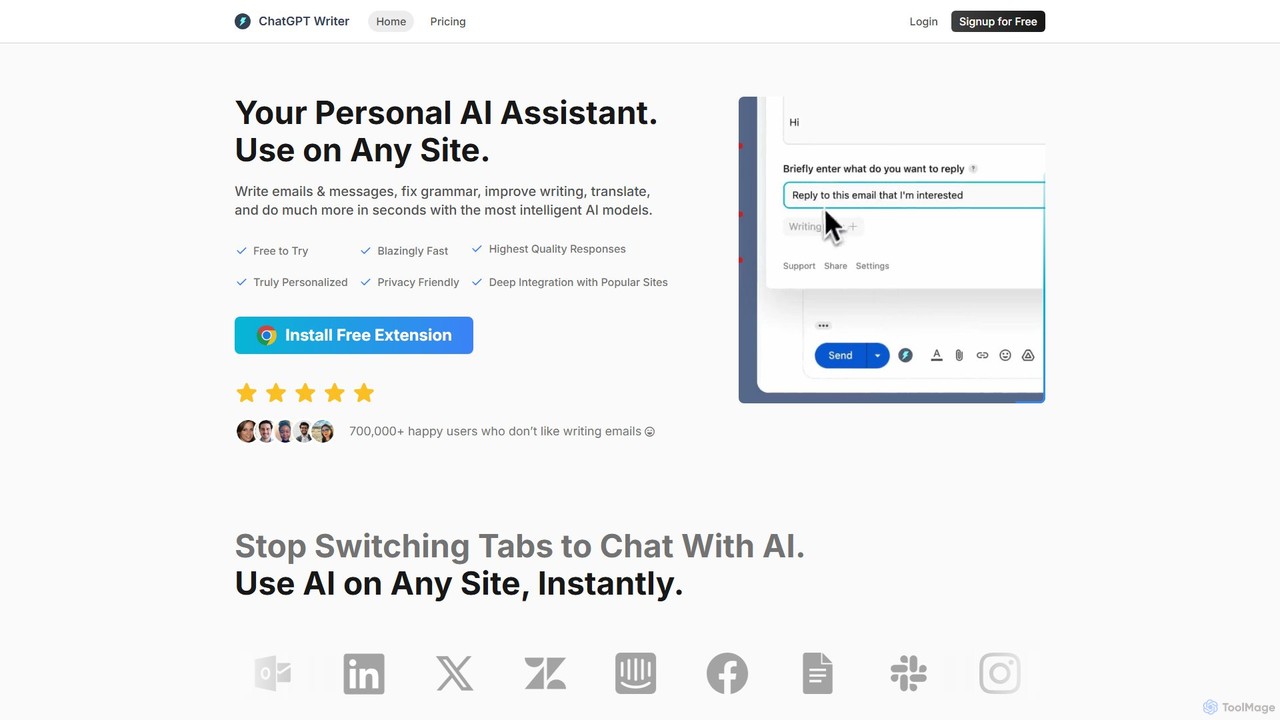
ChatGPT Writer
ChatGPT Writer is a powerful AI browser extension that integrates seamlessly into any website. Powered by models like GPT-4.1, Claude, and Gemini, it helps you write emails, fix grammar, translate text, summarize content, and more, directly within your workflow, eliminating the need to switch tabs.
Chrome Extensions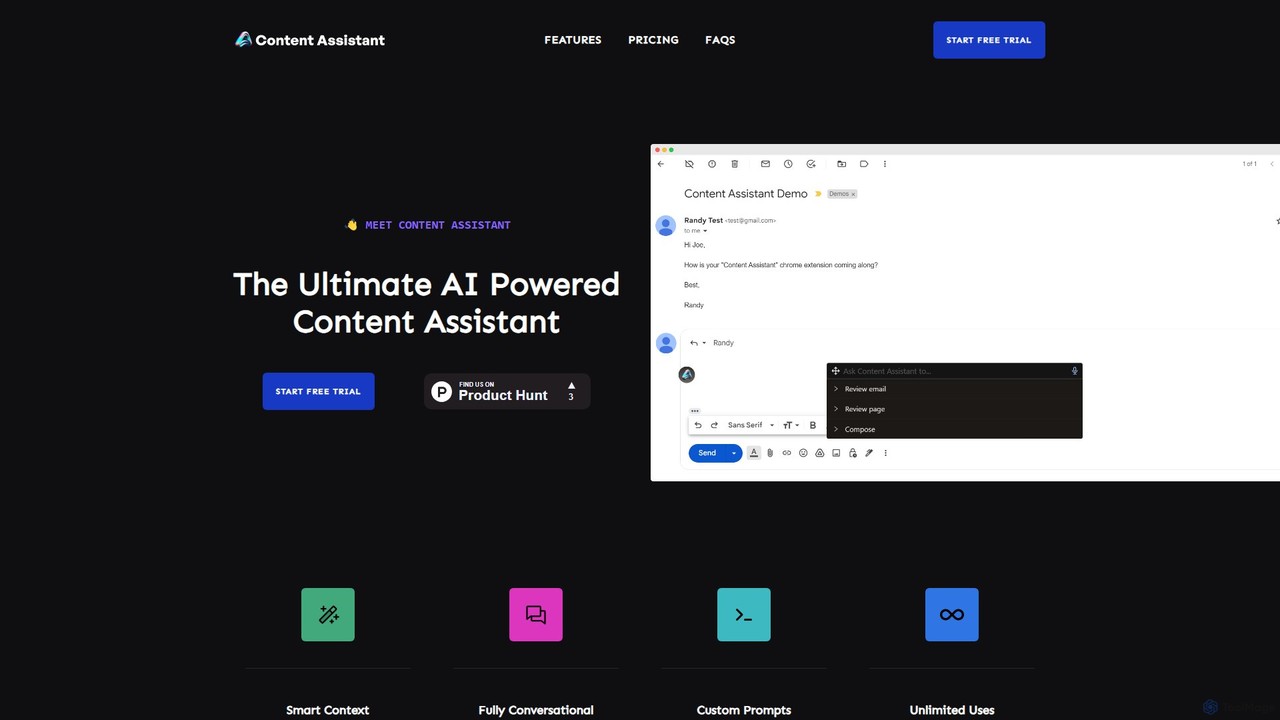
Content Assistant
A powerful AI browser extension that acts as your co-pilot for all content tasks. It intelligently uses page context to help you write, edit, summarize, translate, and reply to emails directly within your browser, boosting productivity and enhancing your workflow.
Chrome ExtensionsMagic Tool AI
Magic Tool AI is an all-in-one productivity browser extension that integrates ChatGPT and over 20 AI features. It acts as your personal copilot, helping you write better and faster, summarize YouTube videos and articles, chat with PDFs, scrape web data, generate images, and much more, all within your browser.
Browser Extensionunijump
UniJump is a free, open-source browser extension that provides quick access to ChatGPT on any website. Improve your writing, get instant answers, and boost productivity without switching tabs. No sign-up required, ensuring a secure and seamless AI experience.
Research Assistant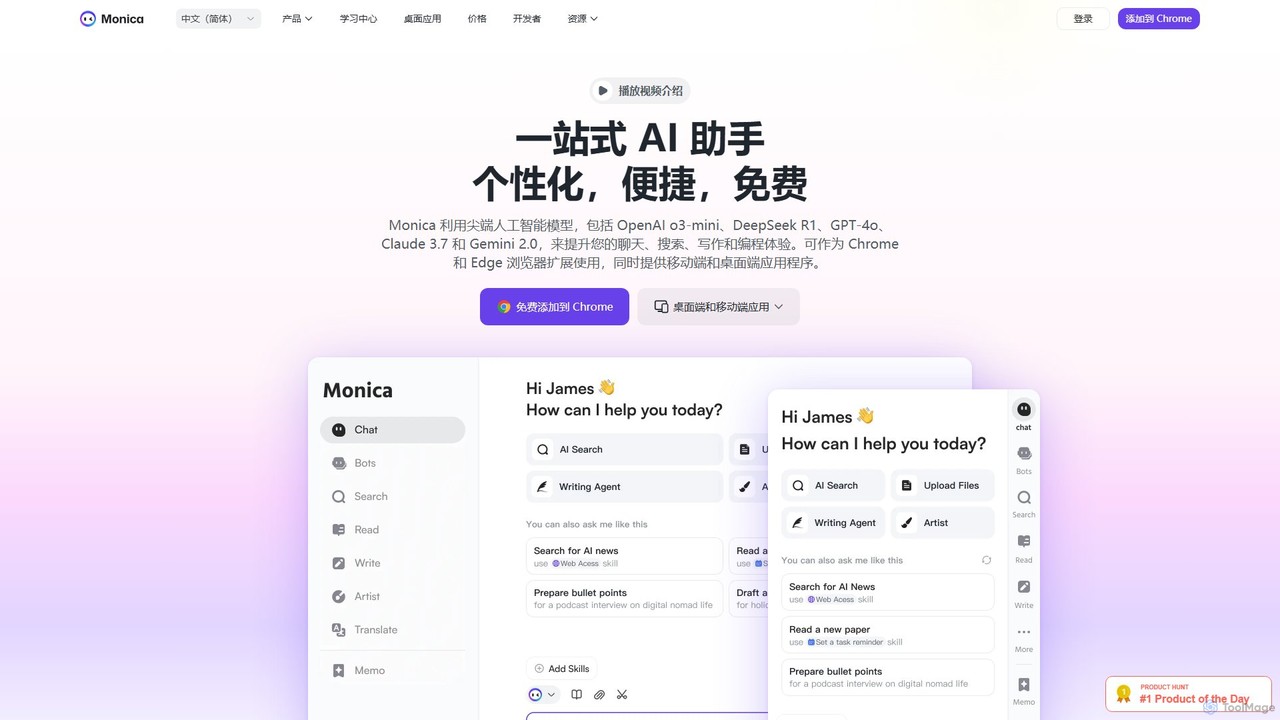
Monica
Monica is an all-in-one AI assistant powered by leading models like GPT-4o, Claude 3.7, and Gemini 1.5. It integrates seamlessly into your workflow as a browser extension, desktop, and mobile app, offering features for chat, search, writing, translation, and image creation to boost productivity.
Chrome Extensions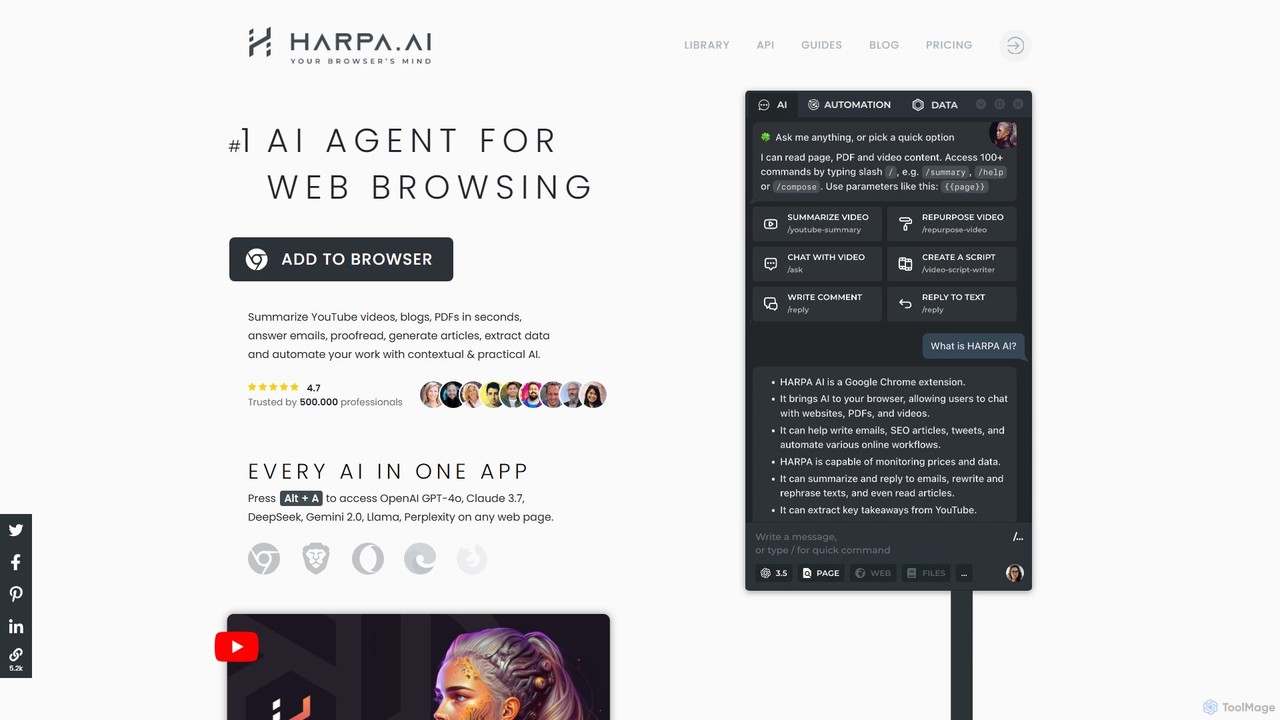
HARPA AI
HARPA AI is an all-in-one AI browser agent that integrates ChatGPT, Claude, Gemini, and more directly into your browser. It automates web tasks, summarizes content, drafts emails, extracts data, and enhances productivity with over 100 pre-built, page-aware commands. It functions as a versatile copilot for browsing, research, and automation.
Automation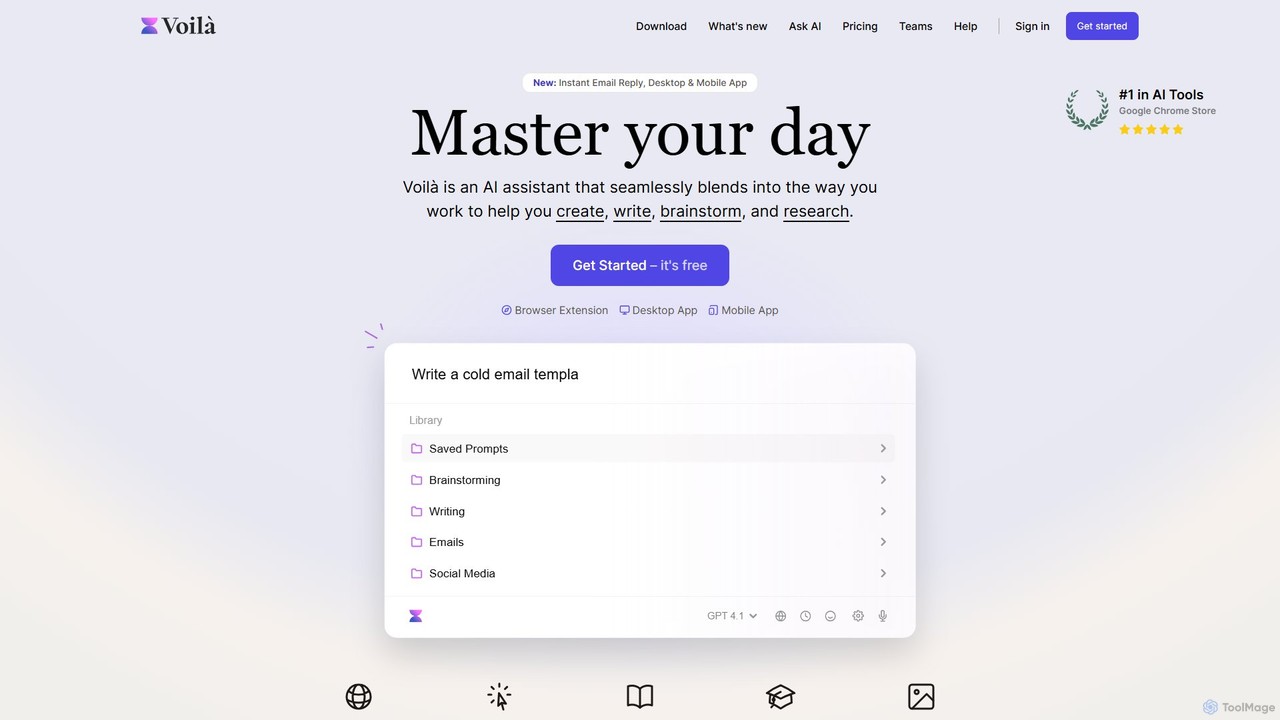
Voilà
Voilà is an all-in-one AI assistant designed to maximize productivity. It functions as a browser extension, desktop, and mobile app, seamlessly integrating into your workflow to help with writing, brainstorming, research, and content creation. It works on any website or app, understanding the context to provide relevant assistance.
Content Creation
RewriteBar
RewriteBar is a native macOS menu bar app that acts as your personal AI writing assistant. It works seamlessly across all applications, allowing you to instantly correct grammar, change tone, translate text, summarize content, and more with a simple keyboard shortcut. It supports over 12 AI providers, including local models for ultimate privacy, offering a powerful and flexible writing enhancement experience.
Code Assistant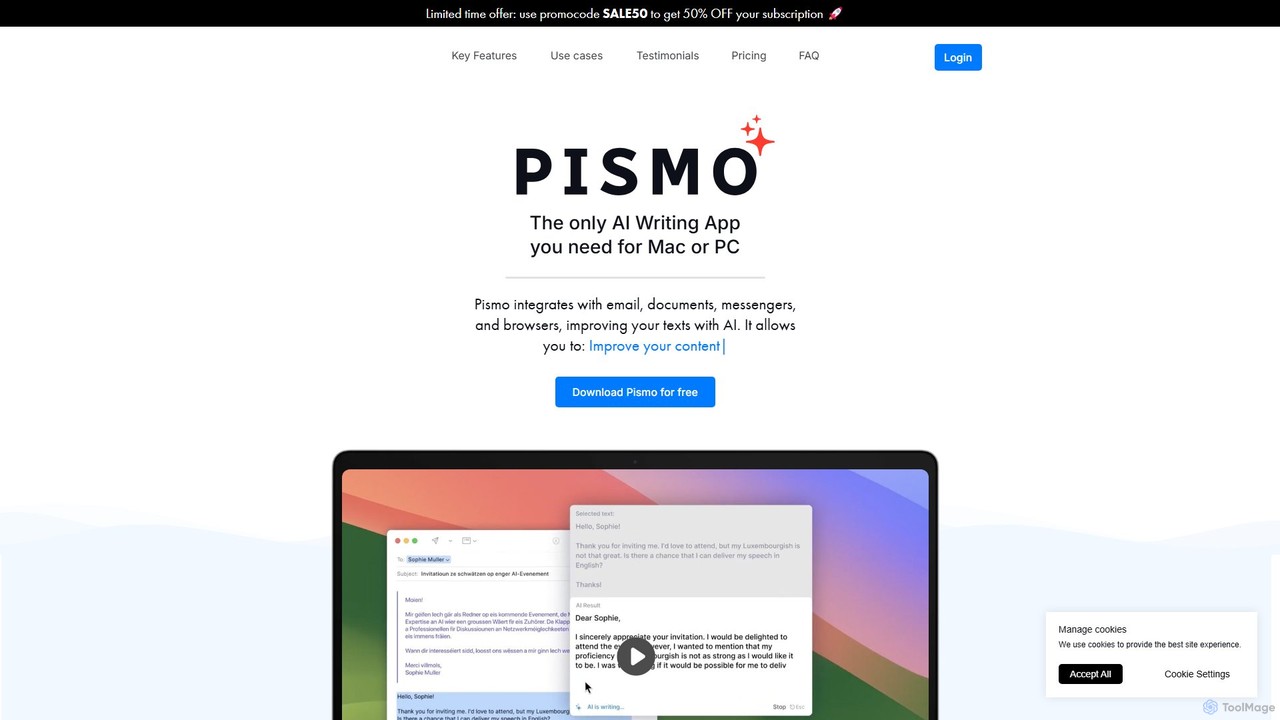
Pismo
Pismo is a native AI writing assistant for Mac and Windows. It integrates seamlessly into any application, allowing you to improve writing, fix grammar, translate text, change tone, and use custom prompts with hotkeys to boost your productivity.
Paraphraser
KAI
KAI is an AI-powered keyboard for iPhone that integrates ChatGPT-like capabilities directly into any app. It helps you upgrade your writing, brainstorm ideas, translate text, and get instant answers, boosting your productivity and creativity on the go.
Email Assistant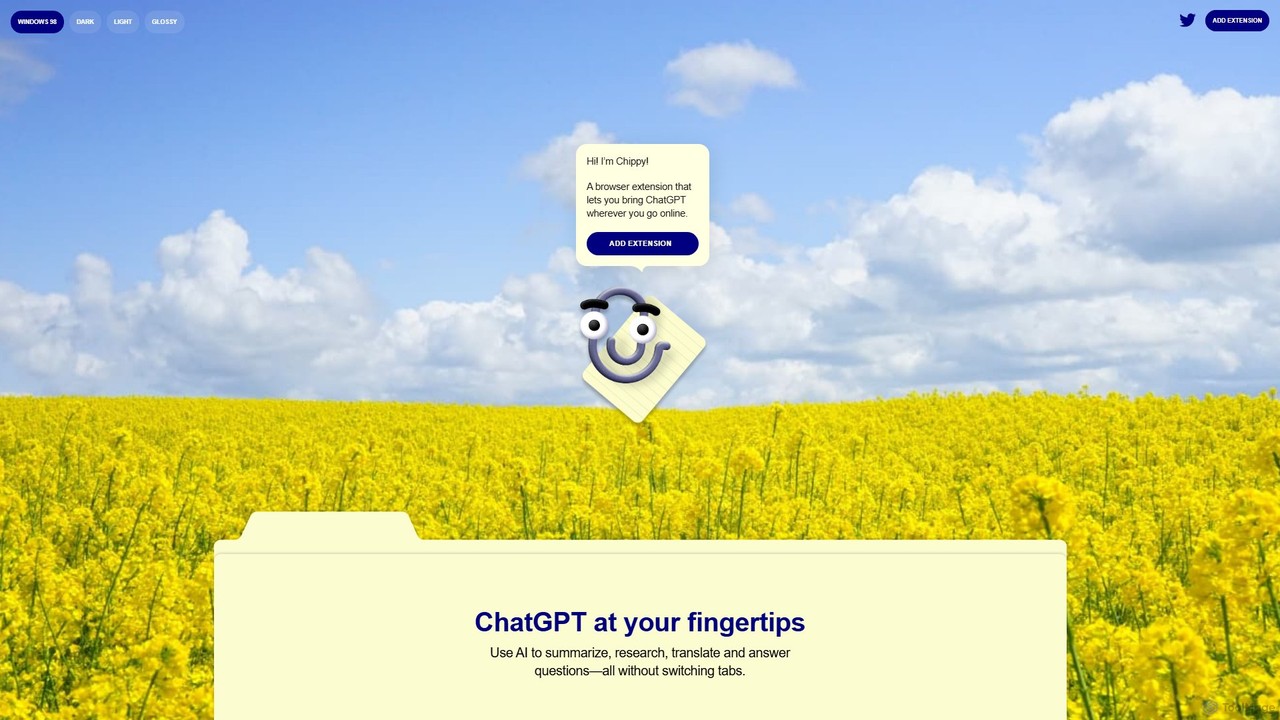
Chippy
Chippy is a smart ChatGPT-powered Chrome extension that acts as your AI assistant across the web. Seamlessly summarize articles, translate text, research topics, and draft emails without ever leaving your current tab. It offers context-aware answers by focusing on the page you're viewing, overcoming ChatGPT's knowledge limitations. With a generous free tier and a focus on user privacy, Chippy enhances your browsing productivity by putting the power of AI at your fingertips.
Search Assistant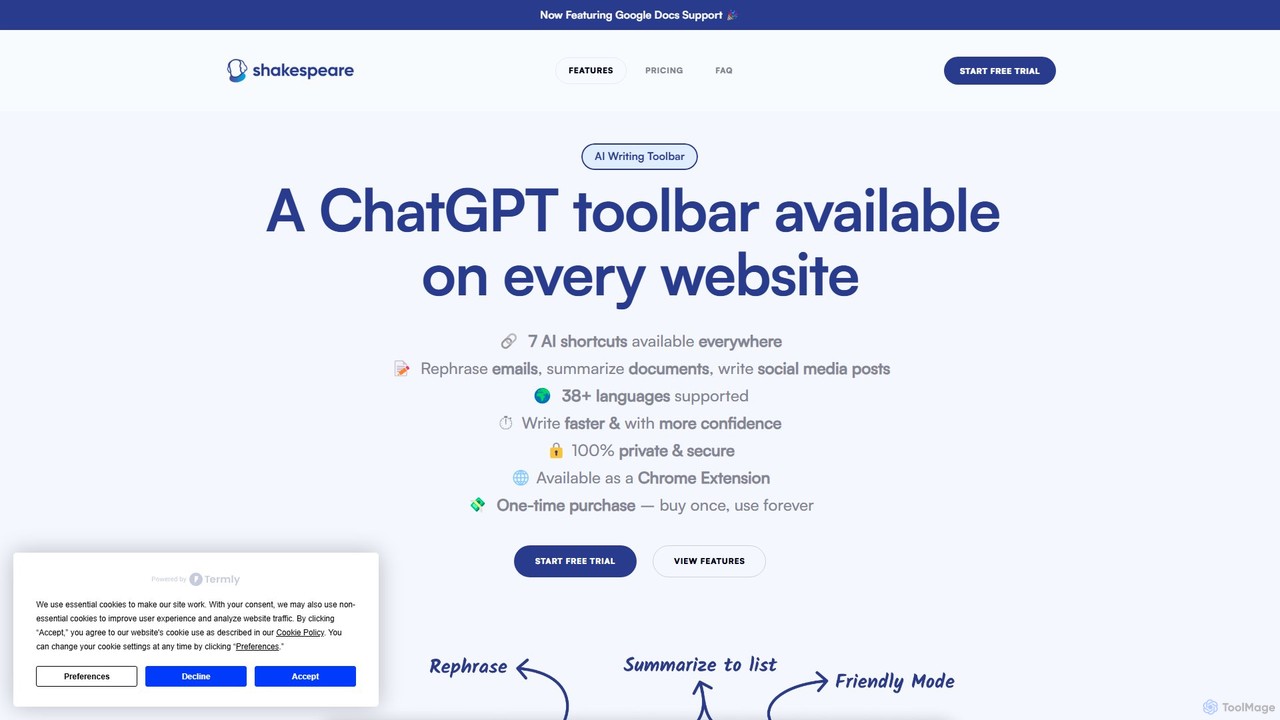
Shakespeare Toolbar
Shakespeare Toolbar is a ChatGPT-powered Chrome extension that integrates AI writing assistance directly into your browser. Work seamlessly on any website, including Google Docs, to rephrase, summarize, simplify text, and generate content without switching tabs. It's designed for writers, marketers, and professionals to enhance productivity and communication.
Chrome Extensions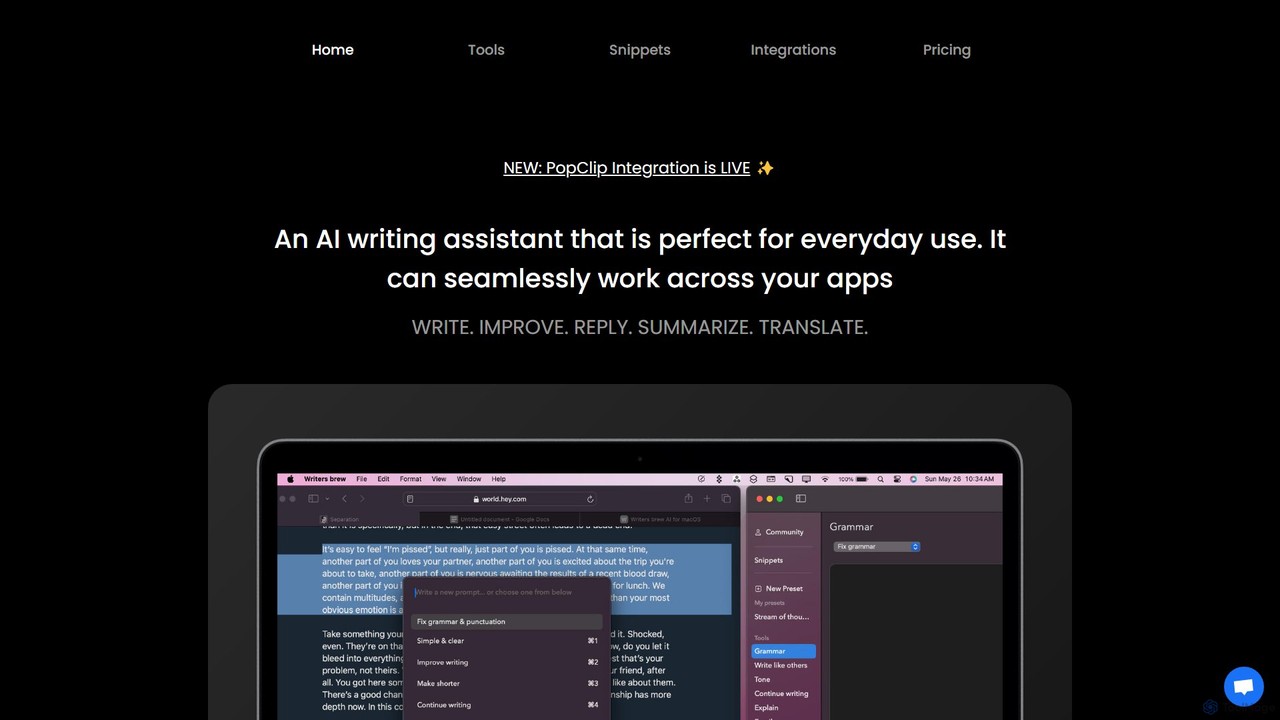
Writers brew
Writers brew is a native AI writing assistant for macOS that integrates seamlessly across all applications. It helps you write, improve, summarize, translate, and reply to text anywhere with a simple keyboard shortcut, also featuring text snippets, OCR, and other productivity utilities.
Macos
Prompt Selected Comments (0)
Sign in to comment.
Sign inNo comments yet.