

RewriteBar Overview
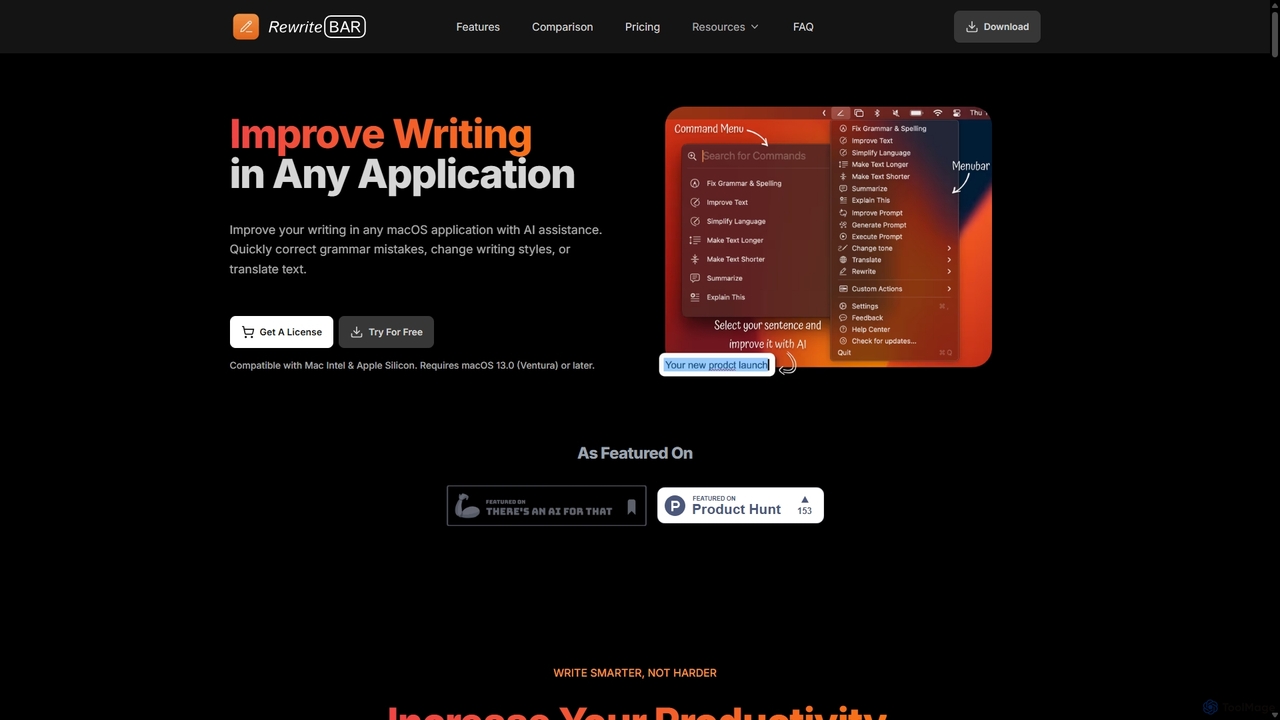
RewriteBar is a powerful and lightweight AI writing assistant designed exclusively for macOS. Integrated directly into your menu bar, it provides on-demand writing support within any application you use, from Slack and Notion to Xcode and your web browser. This tool is built to enhance productivity by allowing users to refine their writing without breaking their workflow. Whether you need to fix grammar, adjust the tone of an email, translate a sentence, or even improve a ChatGPT prompt, RewriteBar makes it possible with a simple keyboard shortcut.
The core philosophy of RewriteBar is to provide a seamless, distraction-free experience. Instead of copying and pasting text into a separate window or website, you simply select the text you want to modify, trigger RewriteBar, and choose from a list of predefined or custom actions. The AI processes your request and instantly replaces the selected text with the improved version. This efficiency makes it an indispensable tool for professionals, students, developers, and non-native speakers who want to communicate more clearly and effectively.
How to use RewriteBar
Getting started with RewriteBar is straightforward and designed for immediate productivity:
- Download and Install: Download the app from the official website. It's a lightweight application (around 20 MB). Drag it to your Applications folder to install.
- Grant Permissions: On the first launch, RewriteBar will ask for macOS Accessibility permissions. This is necessary for the app to read the text you've selected and paste the rewritten version back into your active application. Your data remains private and is not stored.
- Activate License: You can start with a free trial which offers up to 100 free actions. After that, you can purchase a subscription or a one-time license.
- Select and Rewrite: Highlight any text in any application (e.g., an email, a chat message, a line of code).
- Use the Shortcut: Press your custom keyboard shortcut to bring up the RewriteBar command menu.
- Choose an Action: Select an action from the menu, such as 'Fix Grammar & Spelling', 'Simplify Language', 'Translate', or any custom action you've created. The selected text will be instantly replaced with the AI-generated output.
Core Features of RewriteBar
- Universal Compatibility: Works in virtually any macOS application that supports text input, including browsers, email clients, IDEs, and note-taking apps.
- Comprehensive Writing Tools: Offers a full suite of functions including grammar and spelling correction, tone adjustment (formal, casual, etc.), text simplification, summarization, expansion, and translation into over 30 languages.
- Custom Actions & Templates: Users can create their own personalized rewrite actions and prompts to fit specific workflows, such as generating email templates, crafting social media posts, or formatting user stories for agile development.
- Multi-Provider Support: Choose from over 12 leading AI providers, including OpenAI (GPT-4o), Anthropic (Claude 3.5), Mistral, Google (Gemini), and Groq. This allows access to over 350 different AI models.
- Local AI Support: For maximum privacy, RewriteBar integrates with Ollama, allowing you to run AI models locally on your own machine. Your data never leaves your computer.
- Customizable Experience: Personalize keyboard shortcuts, enable or disable specific commands, and arrange the command menu to suit your workflow.
- Lightweight and Efficient: The app is only ~20 MB and is optimized for performance, ensuring it doesn't slow down your Mac.
- Privacy-Focused: With the option to use your own API keys or local models, your text is sent directly to the AI provider of your choice. RewriteBar's servers do not store or process your content.
Use Cases for RewriteBar
RewriteBar is versatile and benefits a wide range of users:
- Non-Native Speakers: Quickly correct grammatical errors and rephrase sentences to sound more natural and fluent in English or other languages.
- Developers: Write clear documentation, translate code comments, generate user story titles, or even improve prompts for coding assistants.
- Marketers and Content Creators: Adjust writing tone for different platforms, create punchy social media content, humanize AI-generated text, and generate tweets or emails from a simple topic.
- Students and Academics: Simplify complex topics, summarize long articles, check grammar in essays, and ensure writing is clear and concise.
- Business Professionals: Draft professional emails, transform informal notes into formal reports, and extract action items from meeting transcripts.
Advantages of RewriteBar
RewriteBar stands out from other AI writing tools with several key advantages:
- System-Wide Integration: Unlike tools confined to a browser or a specific app, RewriteBar is available everywhere on your Mac.
- Flexibility and Control: The ability to choose from numerous AI providers and even use local models gives users unparalleled control over performance, cost, and privacy.
- Affordable and Transparent Pricing: Offers both a flexible subscription and a one-time payment option, making it more accessible than many competitors. The one-time license is perfect for users who prefer to manage their own API costs.
- User-Centric Design: The focus on keyboard shortcuts and a minimal, distraction-free interface maximizes productivity and keeps you in your flow state.
- Powerful Customization: The ability to create custom prompts and actions turns RewriteBar from a simple writing tool into a personalized productivity powerhouse.
Pricing and Plans
RewriteBar offers several plans to suit different needs:
- Trial: Free. Includes up to 100 requests using the RewriteBar Cloud AI service with 19 models. No credit card required.
- Monthly Plan: $5/month. Provides access to the RewriteBar AI Cloud service (3 million words), with 29 models. Also allows you to use your own API key from 12+ providers.
- Annual Plan: $40/year (a 33% saving). Includes all the features of the monthly plan.
- One-Time License: $29 (one-time payment). This plan requires you to use your own API key from one of the supported providers (e.g., OpenAI, Ollama). You pay the AI provider directly for your usage. This license is per device.
Traffic
Latest traffic
Status
Monthly traffic trend
- 2025-9: 3.0K
- 2026-1: 8.9K
- 2026-2: 6.5K
- 2026-3: 5.0K
- 2026-4: 5.4K
- 2026-5: 15.5K
Geography
Top 5 countries / regions
- 🇺🇸United States48.5%
- 🇵🇰Pakistan14.5%
- 🇩🇪Germany13.4%
- 🇮🇳India12.1%
- 🇻🇳Vietnam11.4%
Top keywords
| Keyword | Cost per click |
|---|---|
| grammer chaker extension for popclip | $0.00 |
| how to change the number of popclip extensions | $0.00 |
| rewrite bar | $0.00 |
| rewritebar | $0.00 |
| simply the text in layman language | $0.00 |
RewriteBar Alternatives
Shift
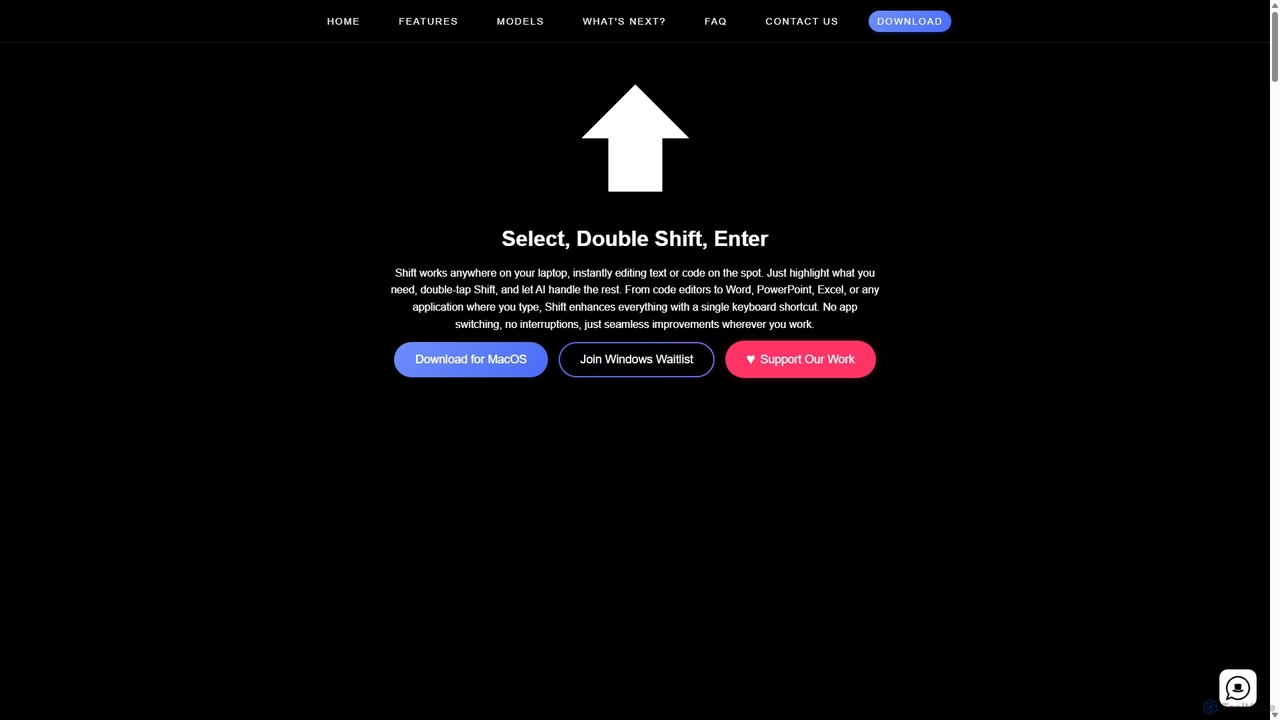
Shift is a system-wide AI assistant for macOS that enhances your workflow by allowing you to edit text and code anywhere with a simple keyboard shortcut. Just highlight text, double-tap Shift, and let the AI rewrite, debug, translate, or rephrase it instantly within any application.
Code Assistant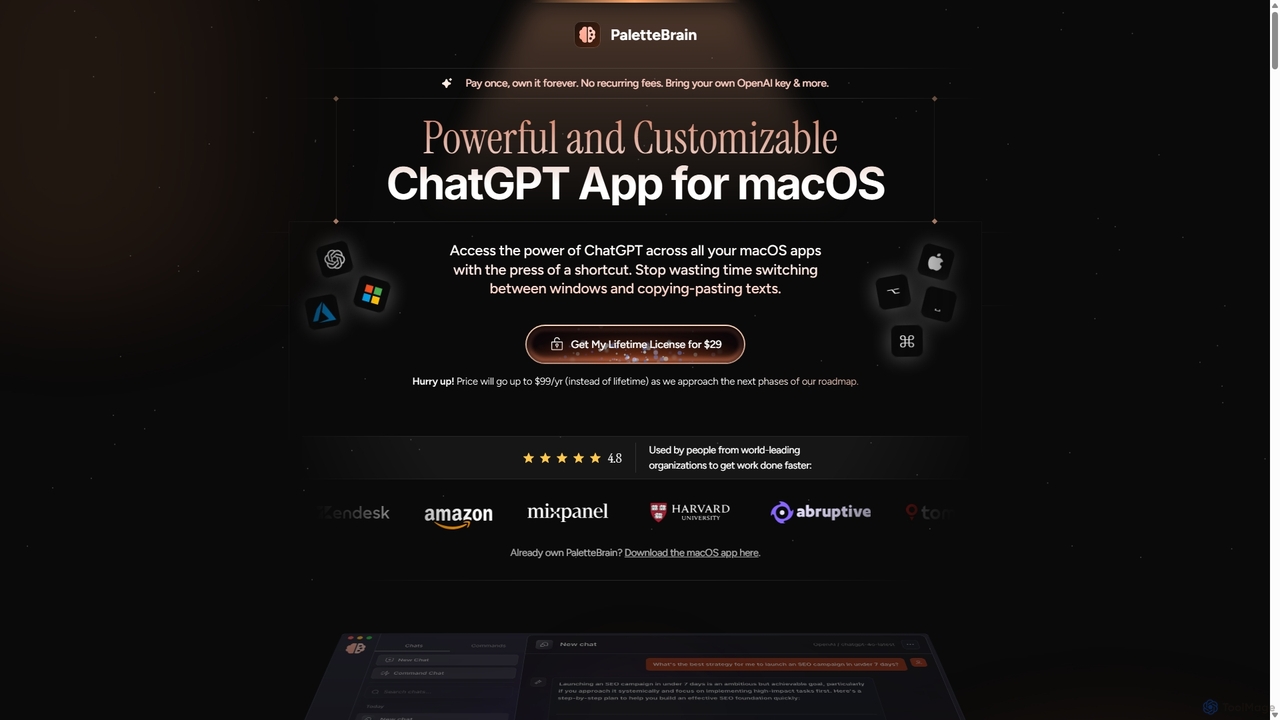
PaletteBrain
PaletteBrain is a native macOS application that integrates the power of ChatGPT directly into your workflow. With a simple keyboard shortcut, you can access AI commands on any selected text within any app, eliminating context switching. It offers customizable prompts, a one-time purchase model, and allows you to use your own OpenAI key for pay-as-you-go usage, making it a cost-effective and efficient productivity booster for writers, developers, and marketers.
Code Assistant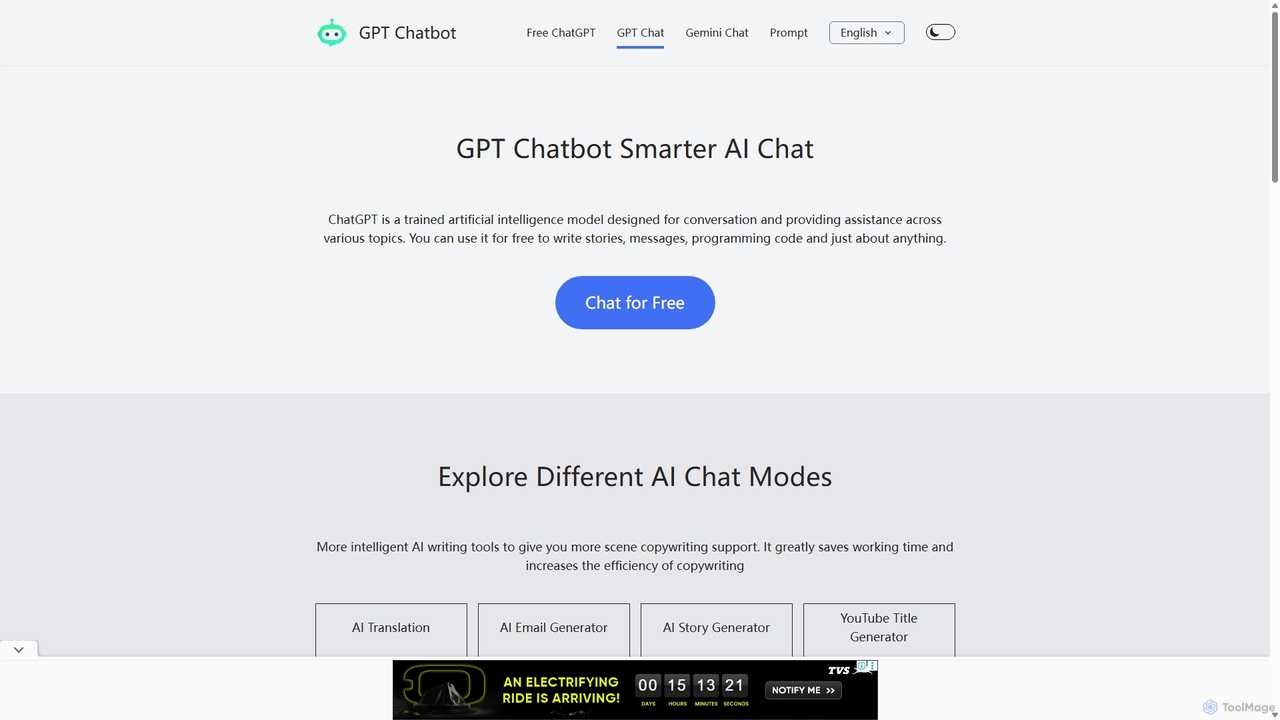
Chat GPT Online
Chat GPT Online is a free-to-use AI chatbot platform powered by advanced language models. It provides a seamless conversational experience for answering questions, generating text, writing code, and more. The platform includes specialized tools like an AI translator, email generator, story creator, and YouTube title generator, making it a versatile assistant for students, writers, developers, and marketers without any cost or registration.
Generative Ai
Writingmate
Writingmate is an all-in-one AI platform that provides access to over 200 of the best AI models, including GPT-5, Claude 4, and Grok 4, through a single subscription. It saves users money and time by eliminating the need to manage multiple AI tool subscriptions. Features include a model switcher, live web search, document chat, AI coding assistants, and multi-model image generation, catering to a wide range of professionals from developers to marketers.
Code Assistant
Side Space
Side Space is a powerful AI assistant that integrates seamlessly into your desktop workflow. It operates from a convenient sidebar, providing instant access to AI-powered tools for writing, coding, and general productivity without ever leaving your current application. Enhance your efficiency with contextual actions on selected text and customizable commands.
Code AssistantRewriteBar Categories
RewriteBar Jobs
RewriteBar Embed Widget
Copy this embed code to place the badge on your blog, article, or product site and send readers directly to this ToolMage detail page.

Related AI tools
Shift
Shift is a system-wide AI assistant for macOS that enhances your workflow by allowing you to edit text and code anywhere with a simple keyboard shortcut. Just highlight text, double-tap Shift, and let the AI rewrite, debug, translate, or rephrase it instantly within any application.
Code Assistant
Emojibu
emojibu is an advanced emoji picker for macOS, powered by GPT-4. It revolutionizes how you find and use emojis with AI-driven synonym search, creative emoji combinations, and personalized keywords. Its multi-tab search interface and one-time purchase model make it a powerful and cost-effective tool for anyone who communicates digitally, enhancing expression and productivity.
Writing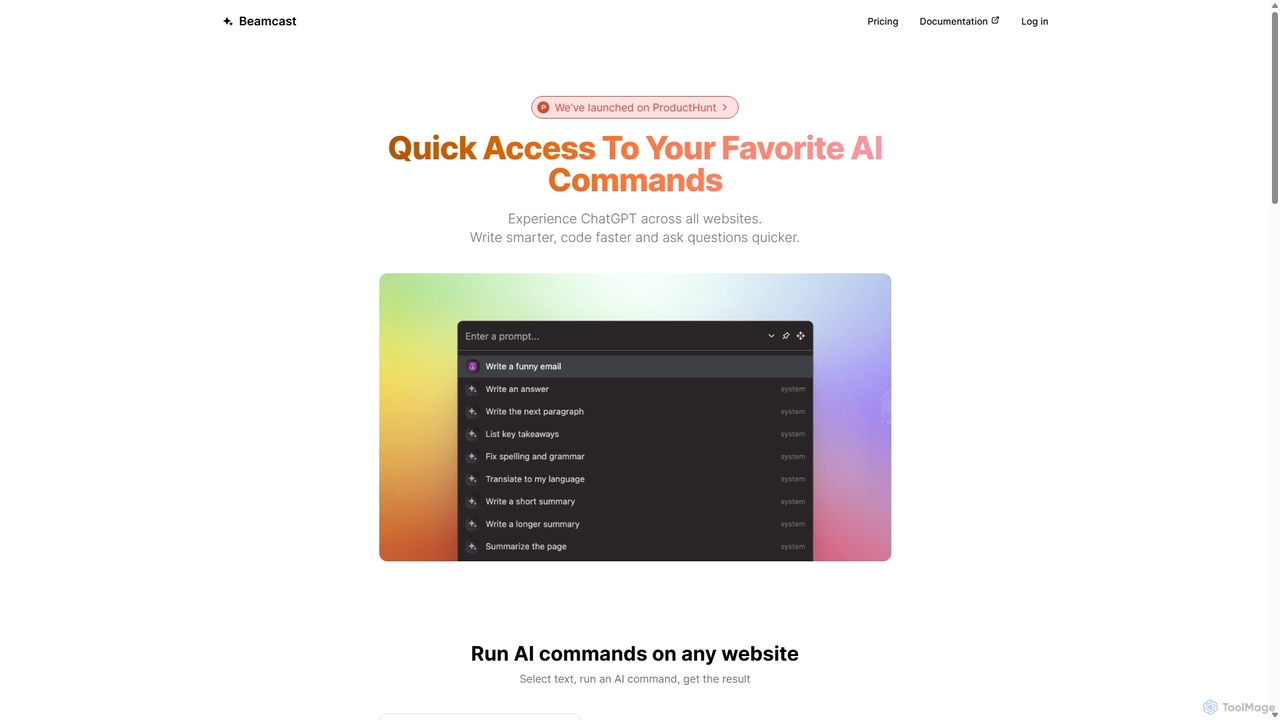
Beamcast
A browser extension that puts ChatGPT and Gemini at your fingertips. Select text on any website to run built-in or custom AI commands for writing, coding, and quick answers, streamlining your workflow and boosting productivity without ever leaving the page.
Search
Writers-Copilot
Writers-Copilot is a free, intuitive AI-powered writing assistant that helps you improve your text. It offers interactive feedback, suggests enhancements, and refines your writing style without requiring any registration. Simply paste your text and use the chat interface to edit and perfect your content.
Study Tools
Editair
Editair is an AI-powered writing assistant designed to elevate your text. It goes beyond basic grammar checks, offering suggestions for style, tone, and clarity. Perfect for professionals, students, and content creators, Editair helps you craft clear, compelling, and error-free content effortlessly, making your writing process smoother and more efficient.
Study ToolsSide Space
Side Space is a powerful AI assistant that integrates seamlessly into your desktop workflow. It operates from a convenient sidebar, providing instant access to AI-powered tools for writing, coding, and general productivity without ever leaving your current application. Enhance your efficiency with contextual actions on selected text and customizable commands.
Code Assistant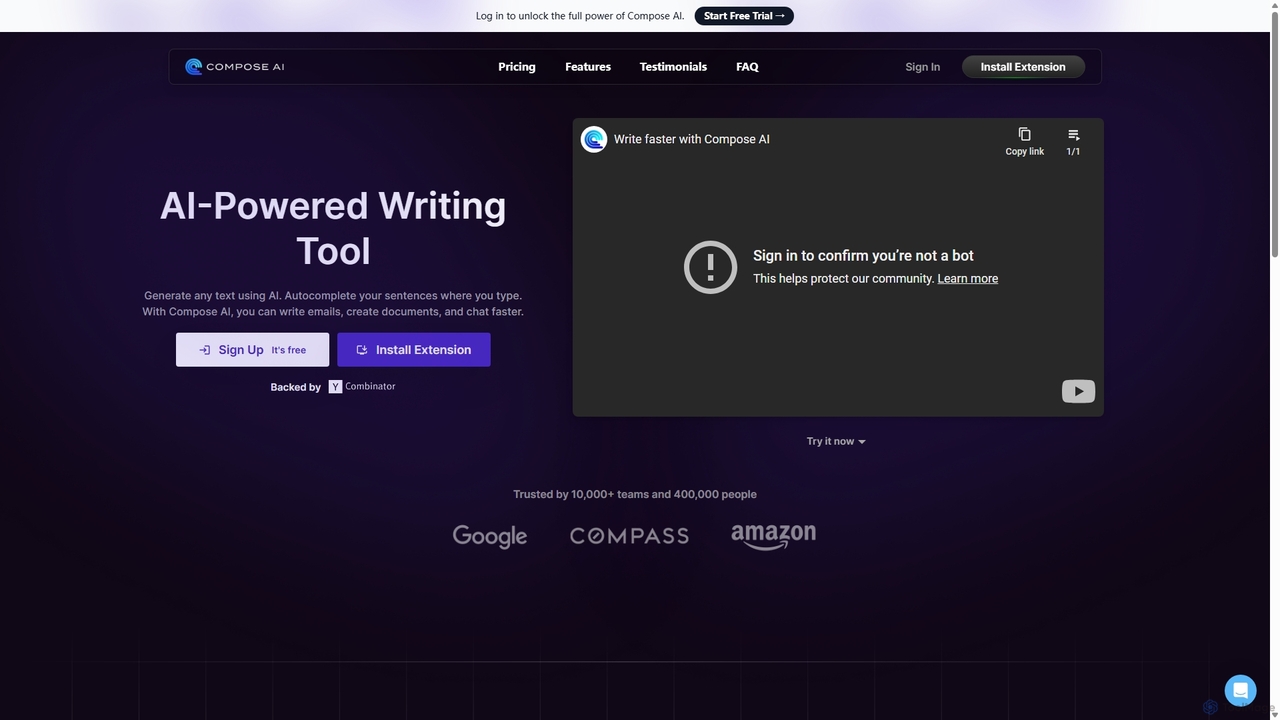
Compose AI
Compose AI is an AI-powered writing assistant and Chrome extension that accelerates your writing process. It offers intelligent autocompletion, text generation, and rephrasing capabilities across all your favorite sites, from emails to documents. By learning your personal writing style, it helps you write faster and more effectively, saving up to 40% of your time.
Chrome Extensions
Omnipilot
Omnipilot is a system-wide AI copilot for macOS, designed to integrate seamlessly into any application. It provides contextual assistance, allowing you to generate text, write code, and automate tasks in any text field, boosting productivity by eliminating the need to switch between apps. Note: Omnipilot has been acquired by and merged into Highlight AI.
Coding Assistant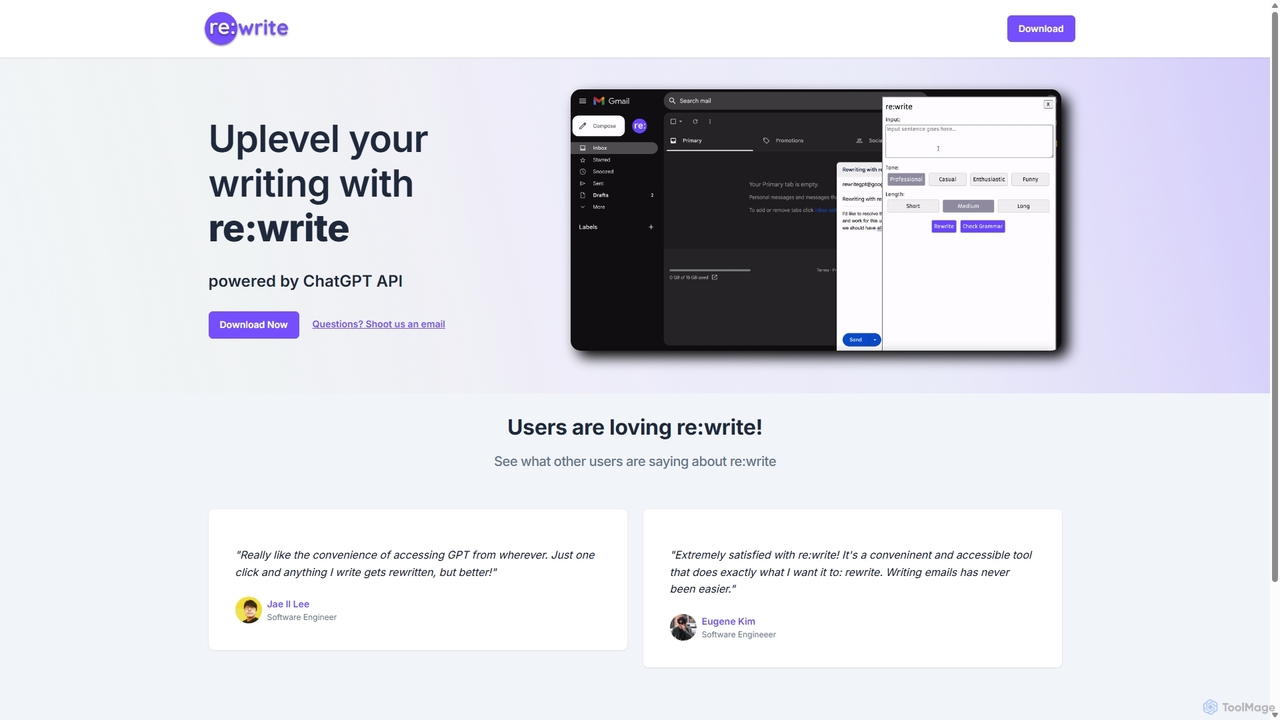
Rewritegpt
Rewritegpt is an AI-powered writing assistant and browser extension that helps you rewrite, paraphrase, and improve your text with a single click. It integrates seamlessly into your workflow, allowing you to enhance emails, reports, and social media posts directly on any website.
Study Tools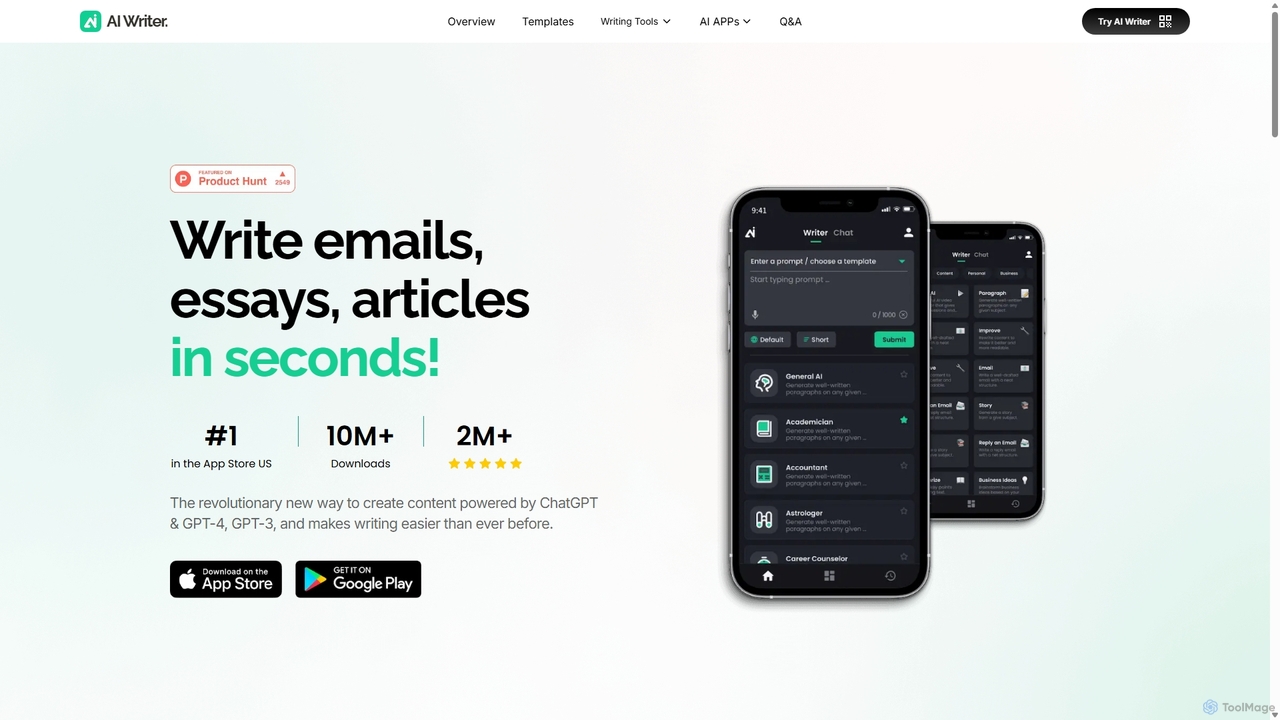
AI Writer
AI Writer is a versatile writing assistant powered by GPT-4, designed to generate high-quality content in seconds. It offers over 100 tools for creating essays, articles, emails, and social media posts. Key features include paraphrasing, grammar checking, text summarization, and content humanization, helping users overcome writer's block and enhance productivity across multiple devices.
Academic Writing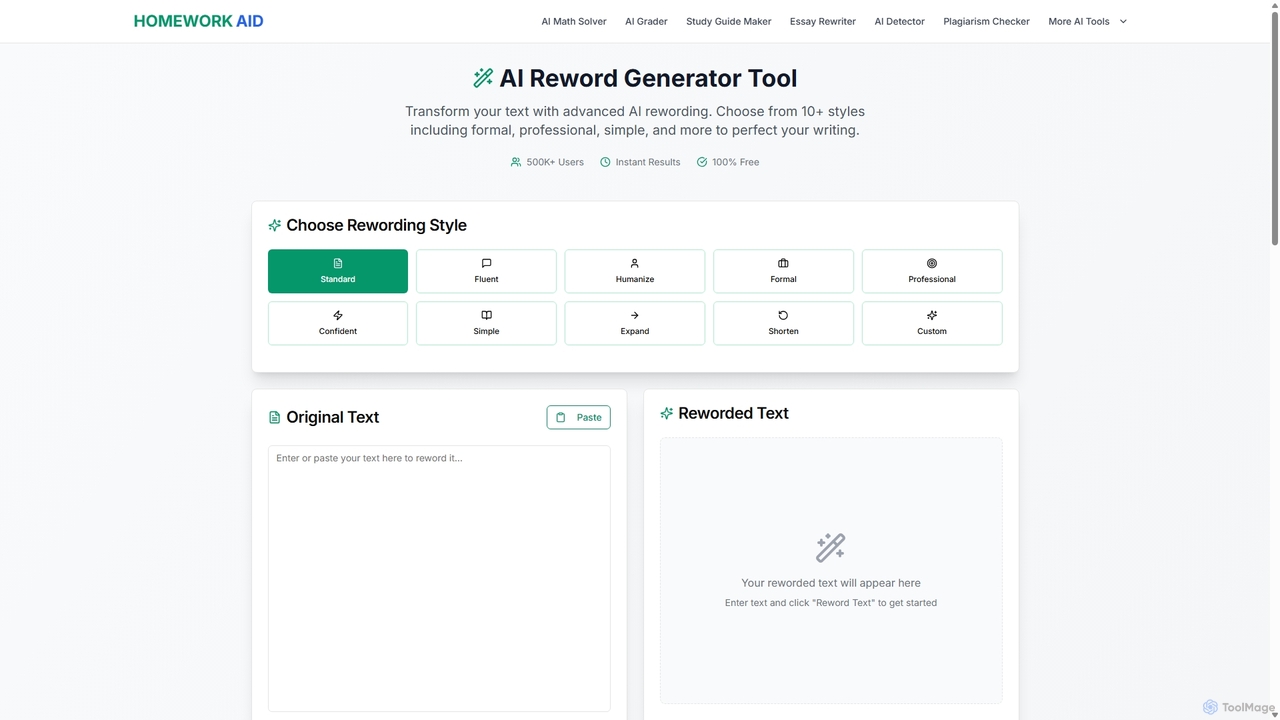
Reword Generator
Reword Generator is a free, AI-powered tool designed to transform your writing. It offers over 10 distinct styles—from formal to casual—to help you rephrase sentences, improve clarity, and enhance your tone. Ideal for students, writers, and professionals, it provides instant, high-quality results without any registration or limits, ensuring your original meaning is always preserved.
Paraphraser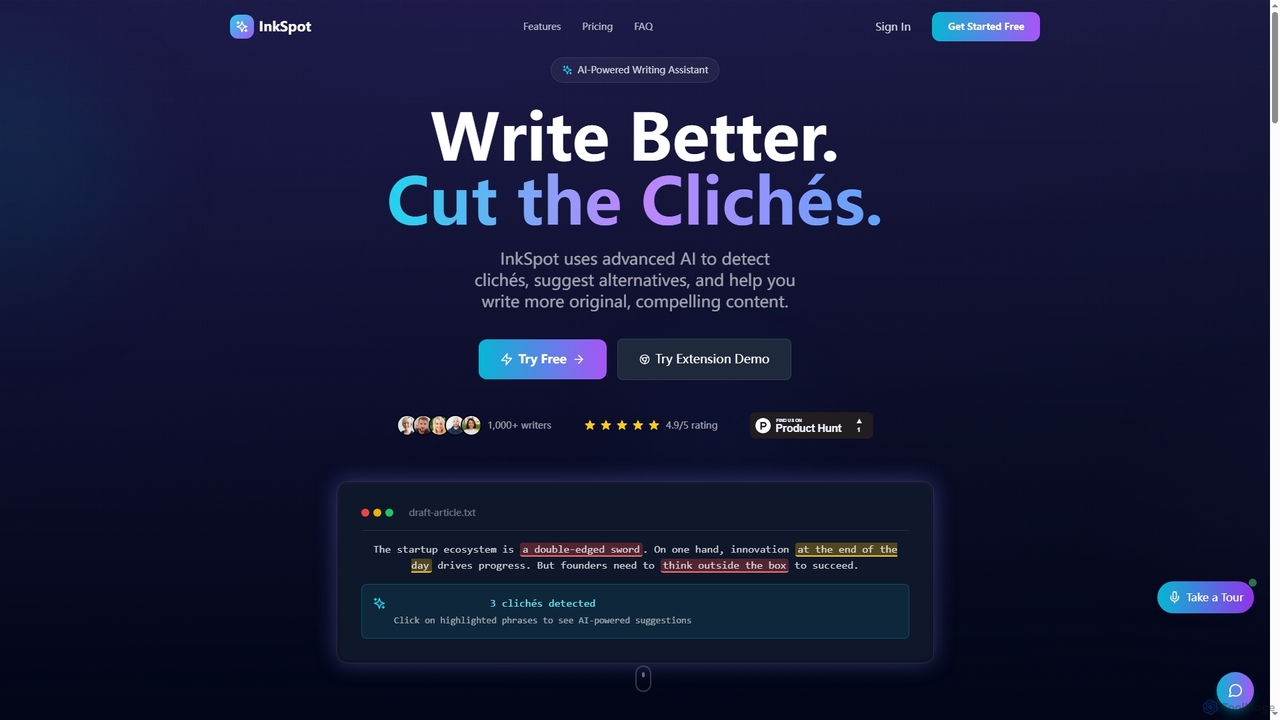
InkSpot
InkSpot is an AI-powered writing assistant that helps users eliminate clichés, improve clarity, and create more original, compelling content. It offers real-time detection, AI-powered suggestions, and multi-platform support to enhance writing efficiency and quality.
Editing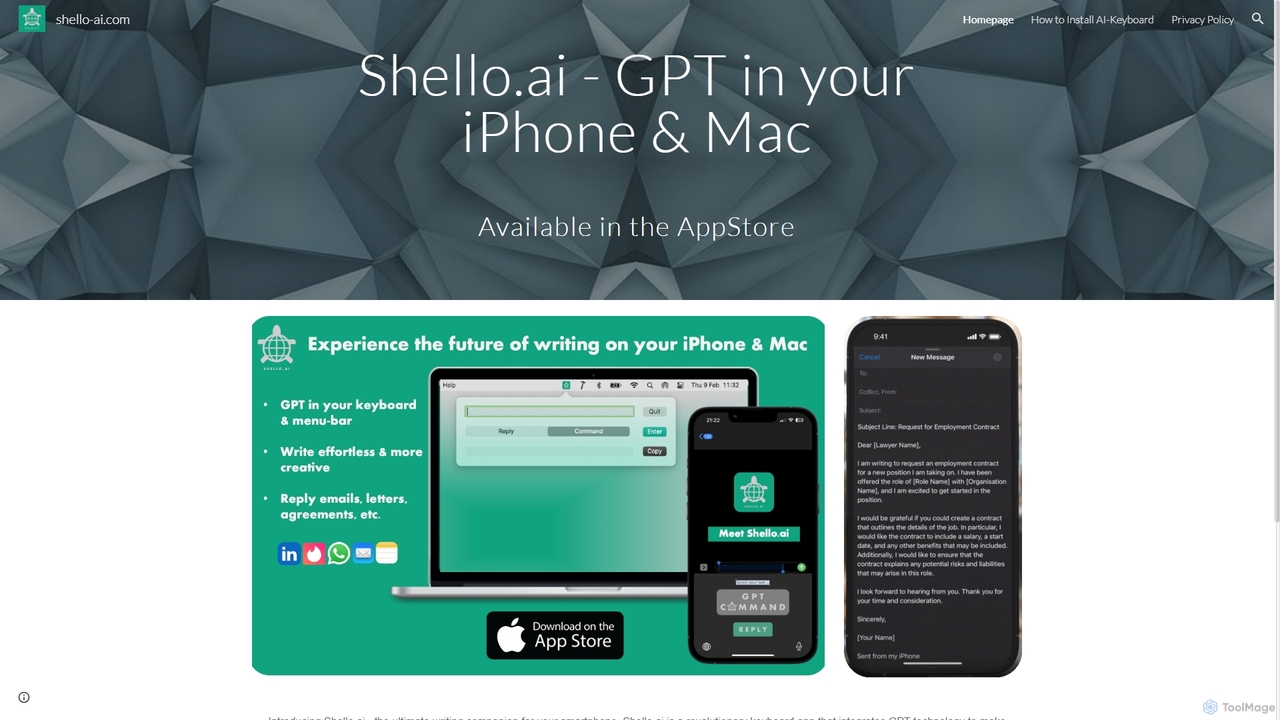
Shello Ai
Shello.ai is a revolutionary GPT-powered keyboard app for iPhone and Mac. It acts as an intelligent writing companion, integrating directly into your system to help you write faster, smarter, and more efficiently in any application. From autocompleting sentences to rephrasing text, Shello.ai enhances your productivity and writing quality.
Email Assistant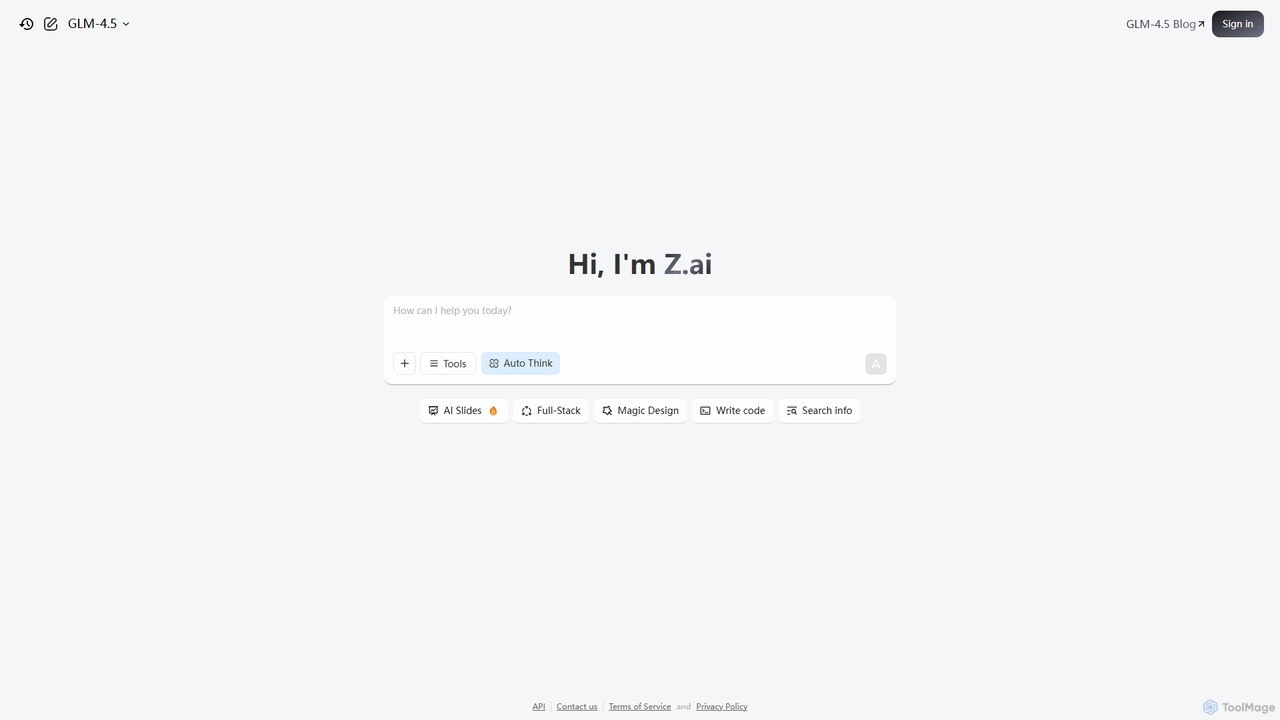
Z.ai
Z.ai is a powerful, free AI assistant powered by the advanced GLM-4.5 model. It's more than just a chatbot, offering a suite of integrated tools for coding, creating presentations, designing, and conducting research. Z.ai aims to be an all-in-one productivity platform, streamlining complex tasks through a simple conversational interface.
Code Assistant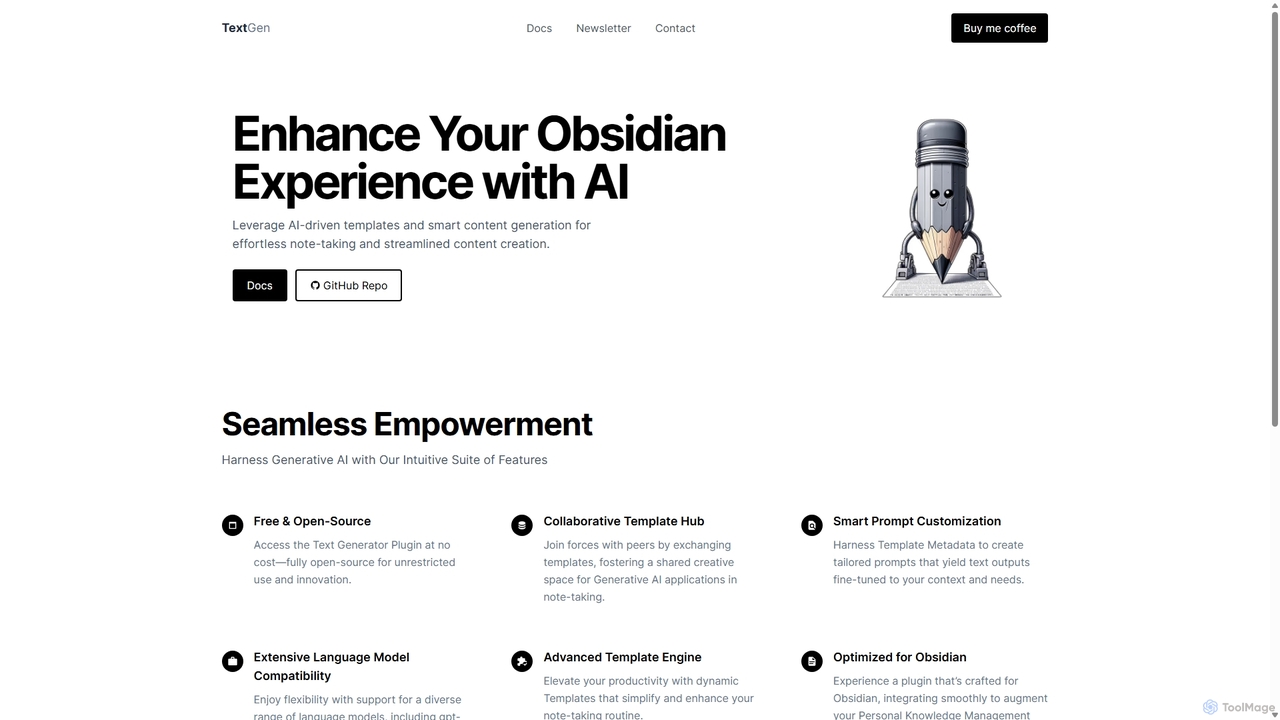
TextGen
TextGen is a free, open-source AI plugin for Obsidian that supercharges your note-taking and content creation. It integrates seamlessly with various large language models like GPT-4, Claude, and Llama, allowing you to generate, summarize, and transform text using customizable templates directly within your knowledge base.
Code Assistant
RewriteBar Comments (0)
Sign in to comment.
Sign inNo comments yet.